
Customizing a striking paper bag mockup is a breeze in Pacdora!
Take your branding to the next level with eye-catching paper bag mockups. Pacdora’s collection includes versatile coffee and shopping paper bag mockups, all available in white, black, and brown options. Pick your favorite, whether kraft, plastic, or paper, and customize it to create the design you need. It’s just a few clicks and your paper bag mockup design is ready for export as a JPG/PNG image or video. Waste no time—make your design shine with Pacdora now!
How to create a paper bag mockup on Pacdora?


Select a paper bag mockup
Select the best paper bag mockup from our special collection.


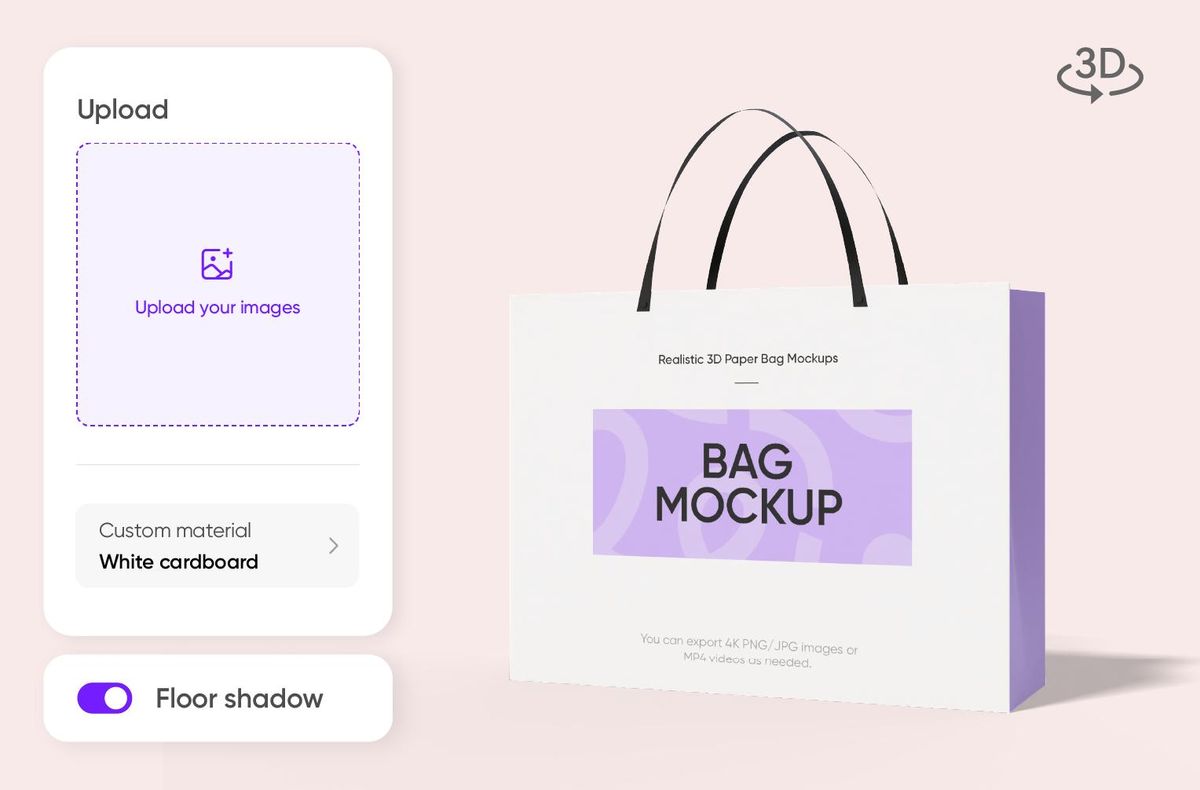
Upload your paper bag mockup design images
Upload your paper bag mockup and adjust the angle, background color, and lighting to suit your preferences.


Export your paper bag mockup
Export your paper bag mockup rendering in whichever format you prefer. Pacdora supports export in 4K high-resolution JPG/PNG images and MP4 videos.
Advantages of Pacdora's paper bag mockups
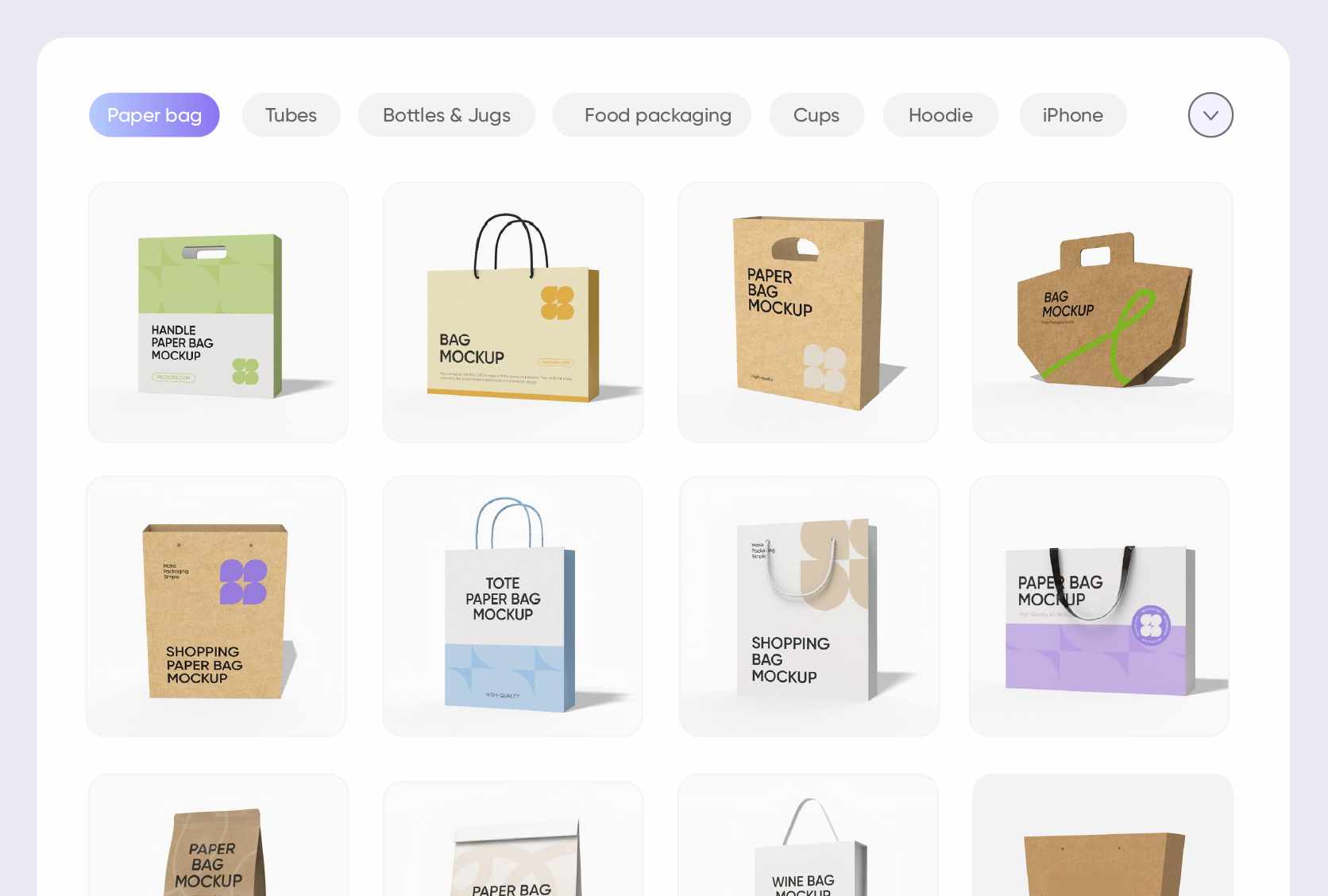
Explore a variety of paper bag mockups
Pacdora offers a variety of paper bag models in white, brown, and black, suitable for different projects.
For coffee, choose the kraft paper style to highlight aroma and quality; for shopping, opt for the sturdy white card style that balances appearance and durability; for fruits and vegetables, pick the breathable light‑brown recycled style to keep a fresh look.
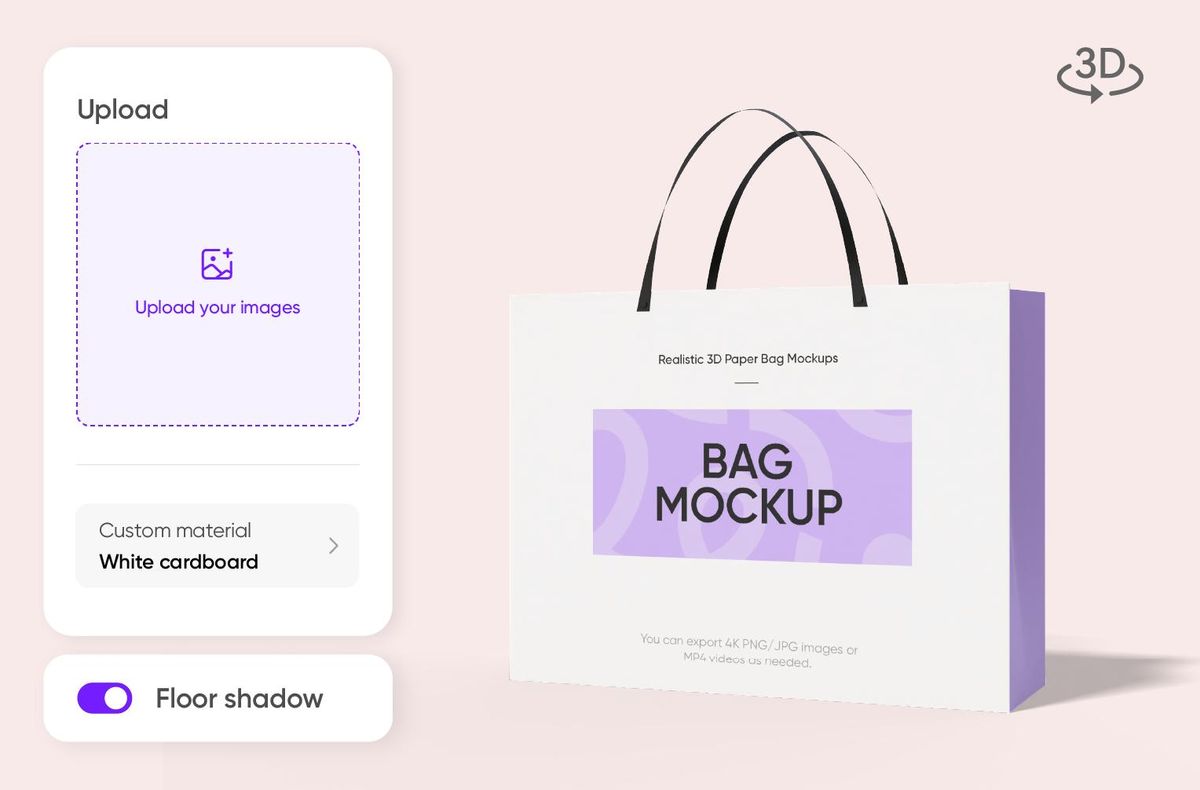
Upload your own unique artwork
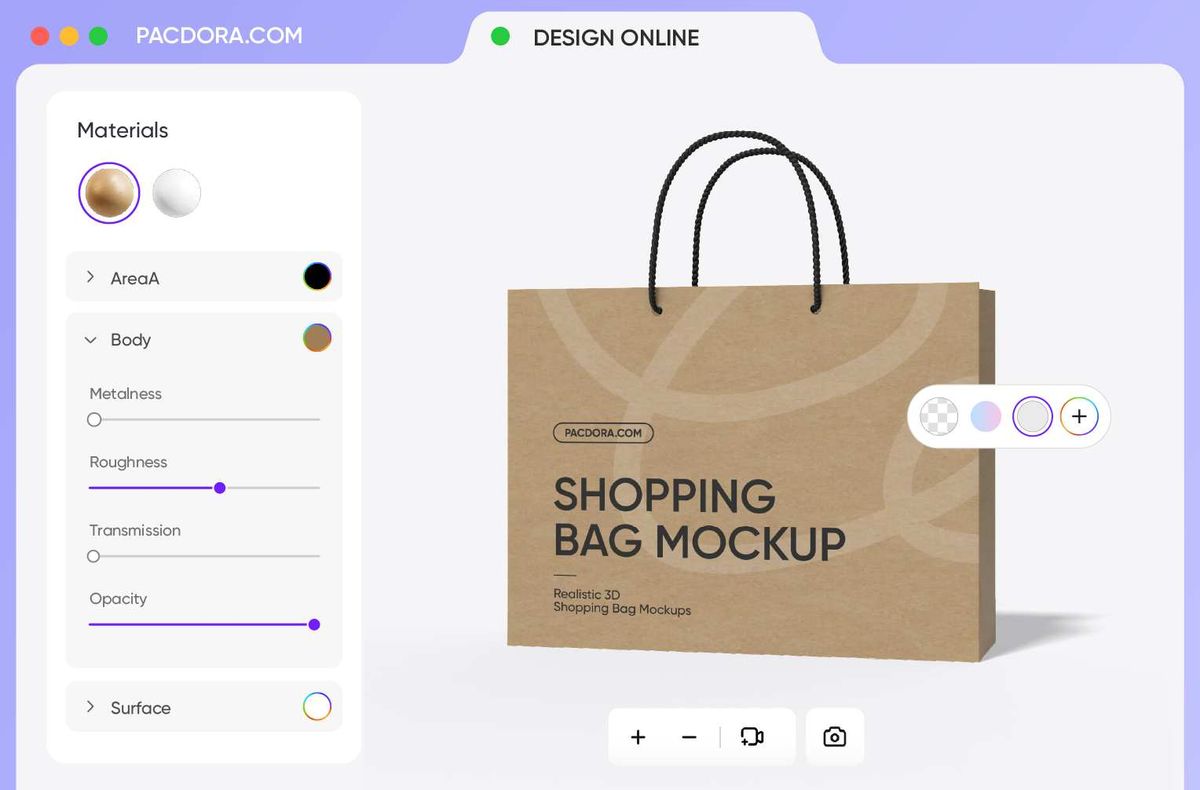
Create and edit paper bag mockups online for a more realistic look.
You can upload specific types of patterns such as botanical illustrations, hand-drawn doodles, ink wash effects, holiday-themed designs, and brand IP characters, and add text, gradients, and textures to quickly create a custom paper bag design.
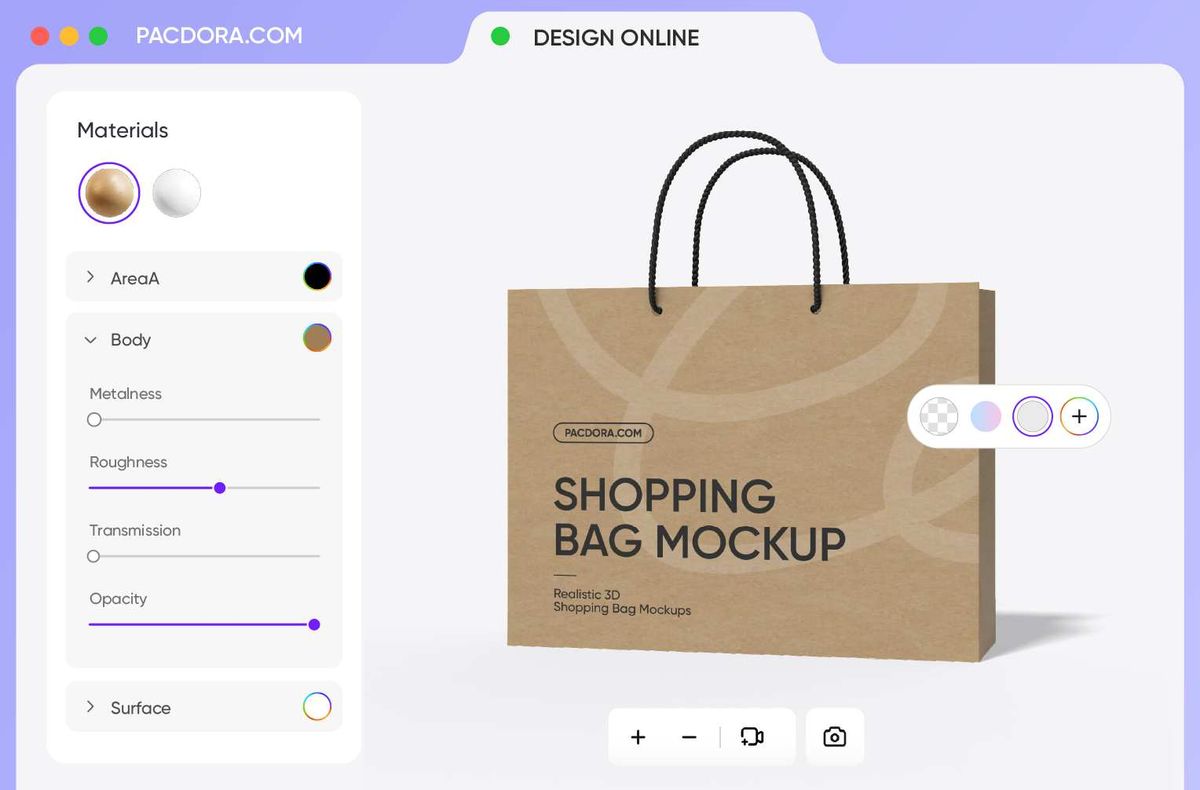
Pick the most suitable paper material
Choose the right material based on your brand positioning.
White cardboard bags suit fashion retail and premium gifts, offering a clean, crisp look that highlights elegance; kraft paper bags are ideal for coffee, organic products, and eco‑friendly themes, with a texture that conveys simplicity and sustainability.

Download the format that suits brand
You can easily export your paper bag mockup in the format you need.
Pacdora supports 4K PNG/JPG images and MP4 videos. You can also export an online link, making it easy to share and view instantly with clients or team members—no download required, just preview the model directly in your browser.
Explore a variety of paper bag mockups
Pacdora offers a variety of paper bag models in white, brown, and black, suitable for different projects.
For coffee, choose the kraft paper style to highlight aroma and quality; for shopping, opt for the sturdy white card style that balances appearance and durability; for fruits and vegetables, pick the breathable light‑brown recycled style to keep a fresh look.
Upload your own unique artwork
Create and edit paper bag mockups online for a more realistic look.
You can upload specific types of patterns such as botanical illustrations, hand-drawn doodles, ink wash effects, holiday-themed designs, and brand IP characters, and add text, gradients, and textures to quickly create a custom paper bag design.
Pick the most suitable paper material
Choose the right material based on your brand positioning.
White cardboard bags suit fashion retail and premium gifts, offering a clean, crisp look that highlights elegance; kraft paper bags are ideal for coffee, organic products, and eco‑friendly themes, with a texture that conveys simplicity and sustainability.
Download the format that suits brand
You can easily export your paper bag mockup in the format you need.
Pacdora supports 4K PNG/JPG images and MP4 videos. You can also export an online link, making it easy to share and view instantly with clients or team members—no download required, just preview the model directly in your browser.

FAQ
How do I design a brand-oriented paper bag mockup?
Designing a brand-oriented paper bag mockup is quite simple with these steps:
Step 1: Pick your desired mockup from the paper bag mockup library.
Step 2: Upload your design image and personalize details like scenes, angles, and lighting until it looks just right.
Step 3: Once you’re satisfied with the final look, export your mockup in 4K high-resolution render or MP4 video format.
It’s that simple, and you’ll have a lifelike, print-ready design.
What format should I export my paper bag mockups in?
Pacdora supports exporting in 4K HD PNG/JPG images, which is ideal for static content like social media posts and brand promotions. We also allow MP4 video exports to help you with presentations such as product launches, short clips, and client showcases.
We also support shareable links just in case you want to get instant feedback or gather design opinions. Dieline files are available as well for designs that require actual printing. Choose the format that fits your client's or project's requirements.
Why is Pacdora the best place to create a paper bag mockup?
Pacdora is the best place to create a paper bag mockup because it is easy to use and has many mockups and customizable options. You can quickly choose and make a high-quality mockup in your browser without needing extra software. Try creating a beautiful paper bag mockup in just a few minutes on Pacdora now!
Do I need to download PSD files to make a paper bag mockup?
No, you don't need to download PSD files to create a paper bag mockup on Pacdora. You can do everything directly in your browser, which makes the process faster and easier. Pacdora is an easy platform that allows you to create professional mockups without downloading or installing anything.
Can I make a paper bag mockup for free?
Yes! Creating a paper bag mockup in Pacdora is available for free. Premium services are also available for a more enhanced packaging design experience. For more information, visit our pricing page.
Explore more mockups

