

Create a striking sign mockup with just a few clicks on Pacdora!
Pacdora, with its huge library of sign mockups, including streets signs, yard signs, digital signage, and many other styles, helps you create standout designs that leave a great impression. Just pick a sign mockup that suits your brand style, customize it with your color, logo, images, text, and background. Instantly download your sign design as 8K images or video for an impactful presentation. Start your sign design today!
How to create a sign mockup online?
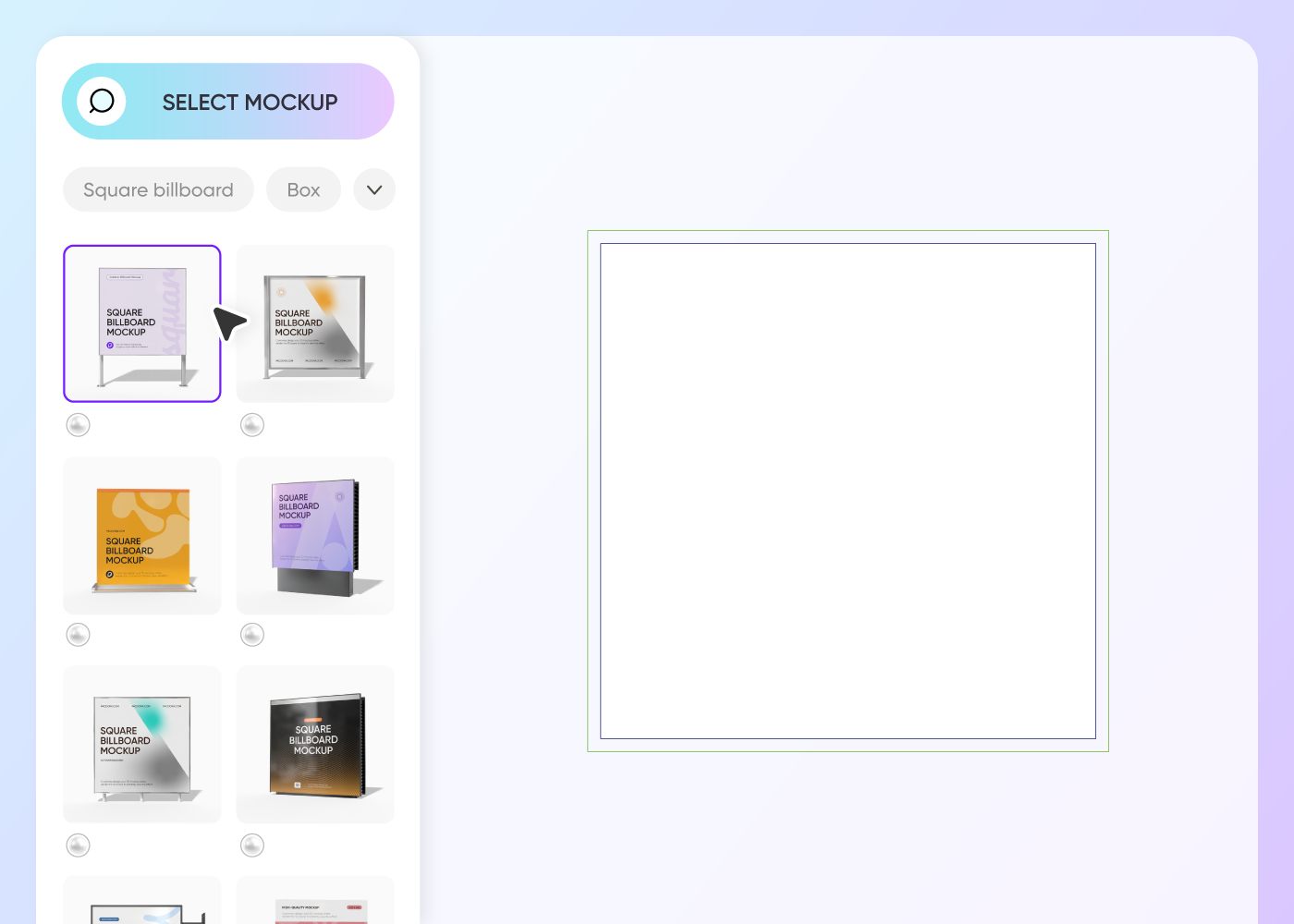

Select a sign mockup
Select a suitable sign style from our extensive mockups to start creating your design.
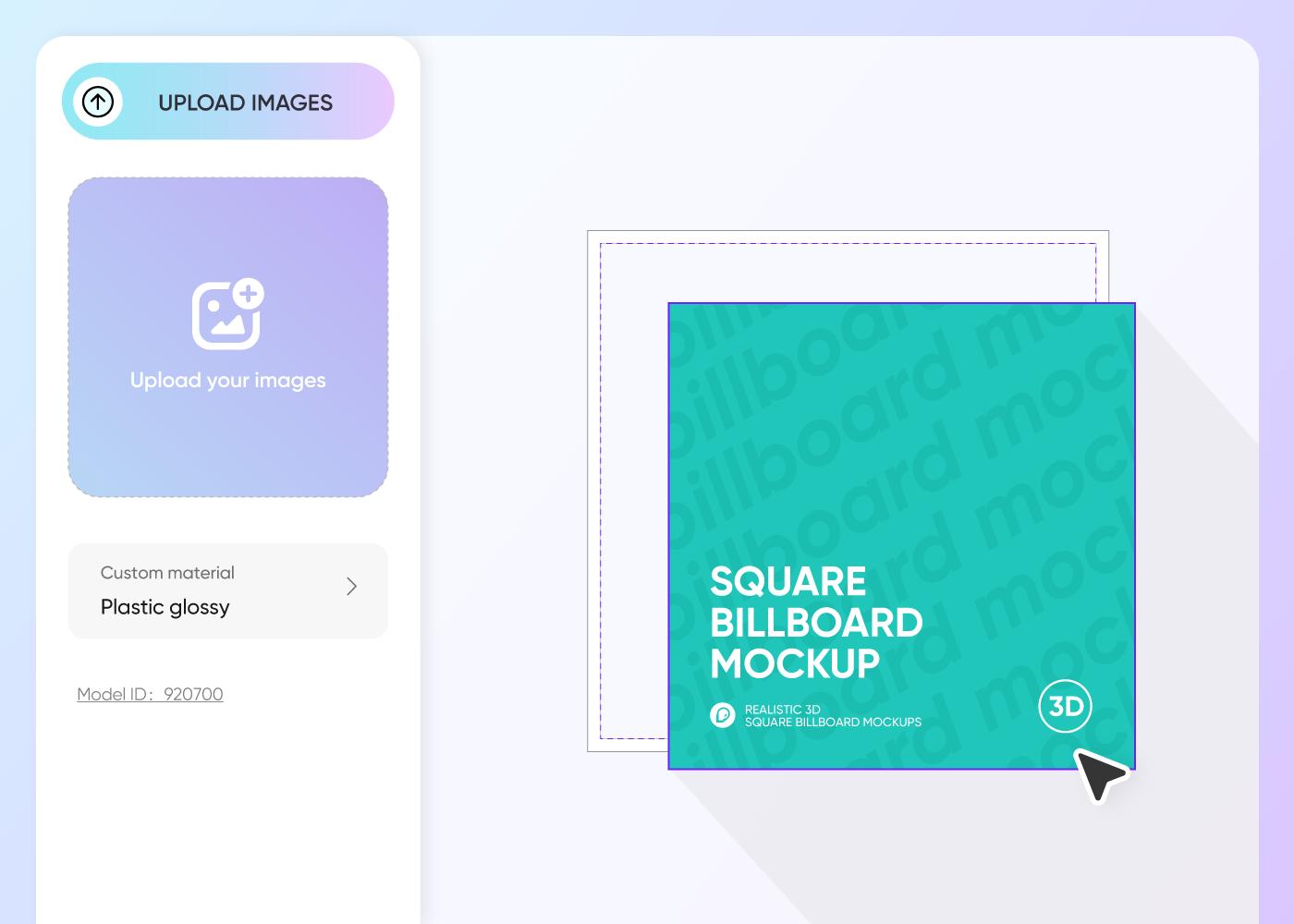

Upload your design and customize
Upload a high-quality image, change the color and font, add your brand logo, and other elements to effectively display your sign.
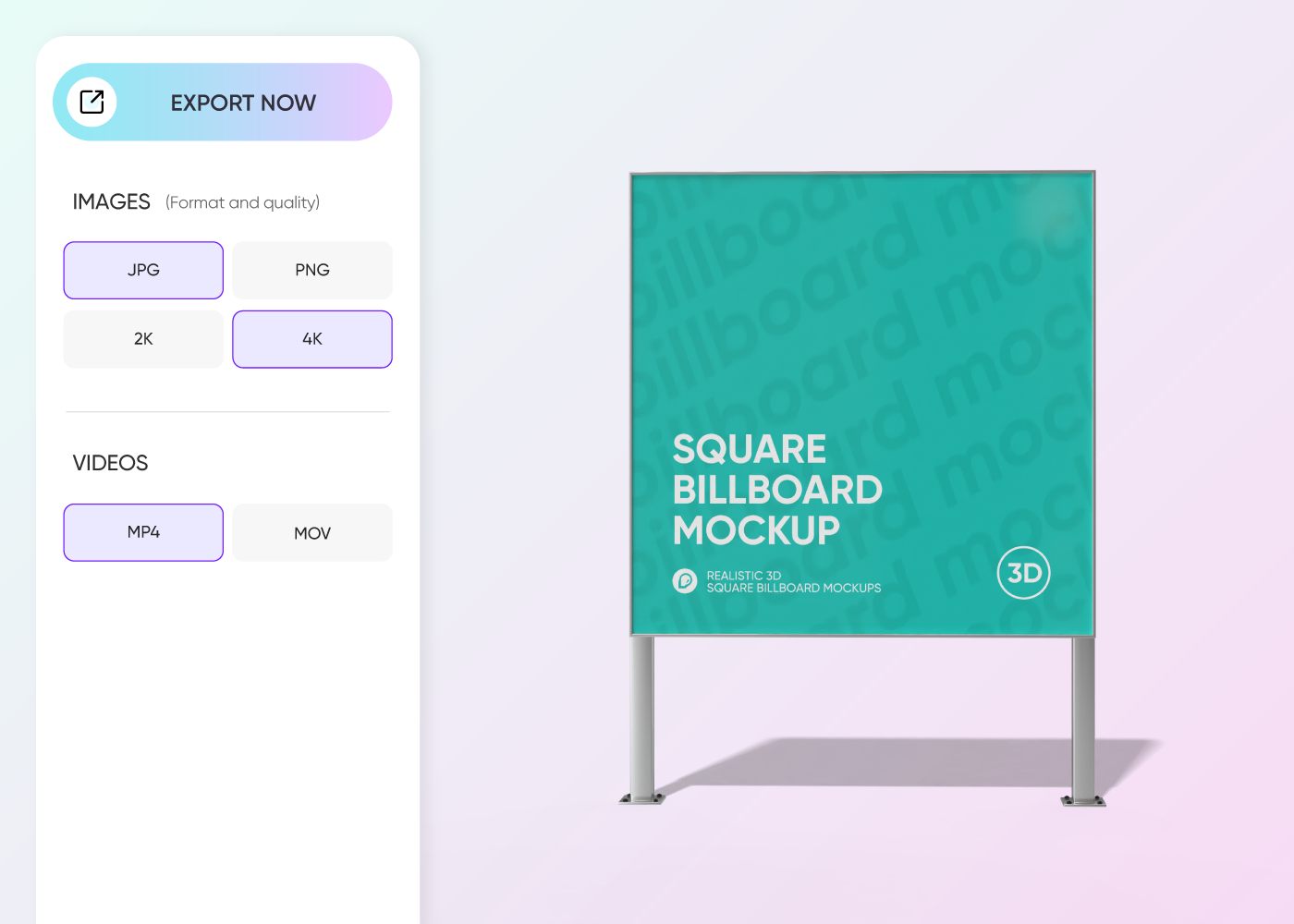

Export your sign design
Export your sign design as an 8K PNG/JPG image or video, whichever format suits your project. Pacdora also supports shareable links for collaboration.
What makes a perfectly designed sign mockup?
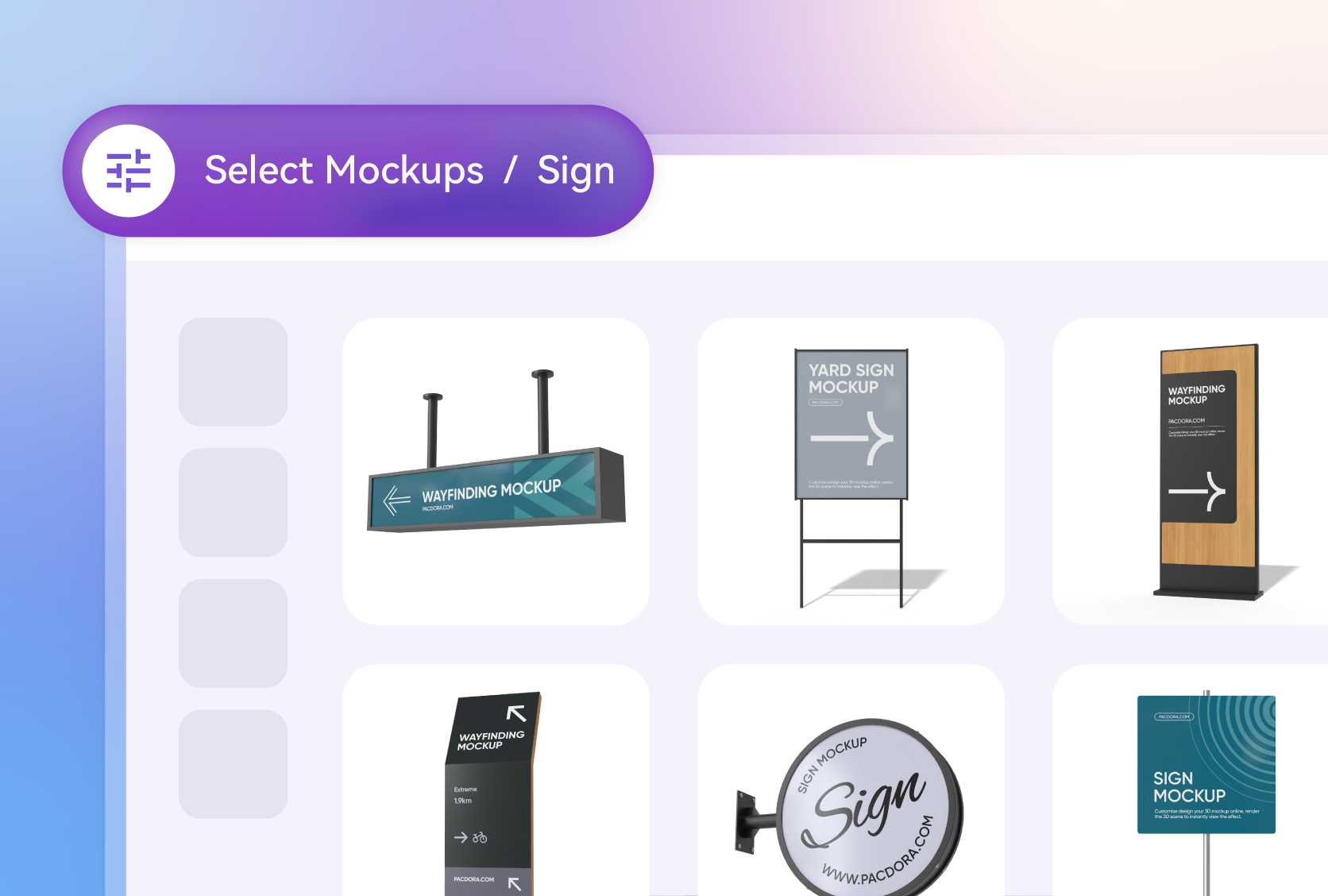
A style that captivates your audience
Some signs are better suited for specific audiences. Street and yard signs, for instance, are seen by pedestrians, drivers, and cyclists on the move, so they need bold colors and clear messaging to grab attention quickly.
Digital signage is designed to reach a wide audience, who expect bright colors, engaging animations, and dynamic visuals.
Ideal size that fits your space
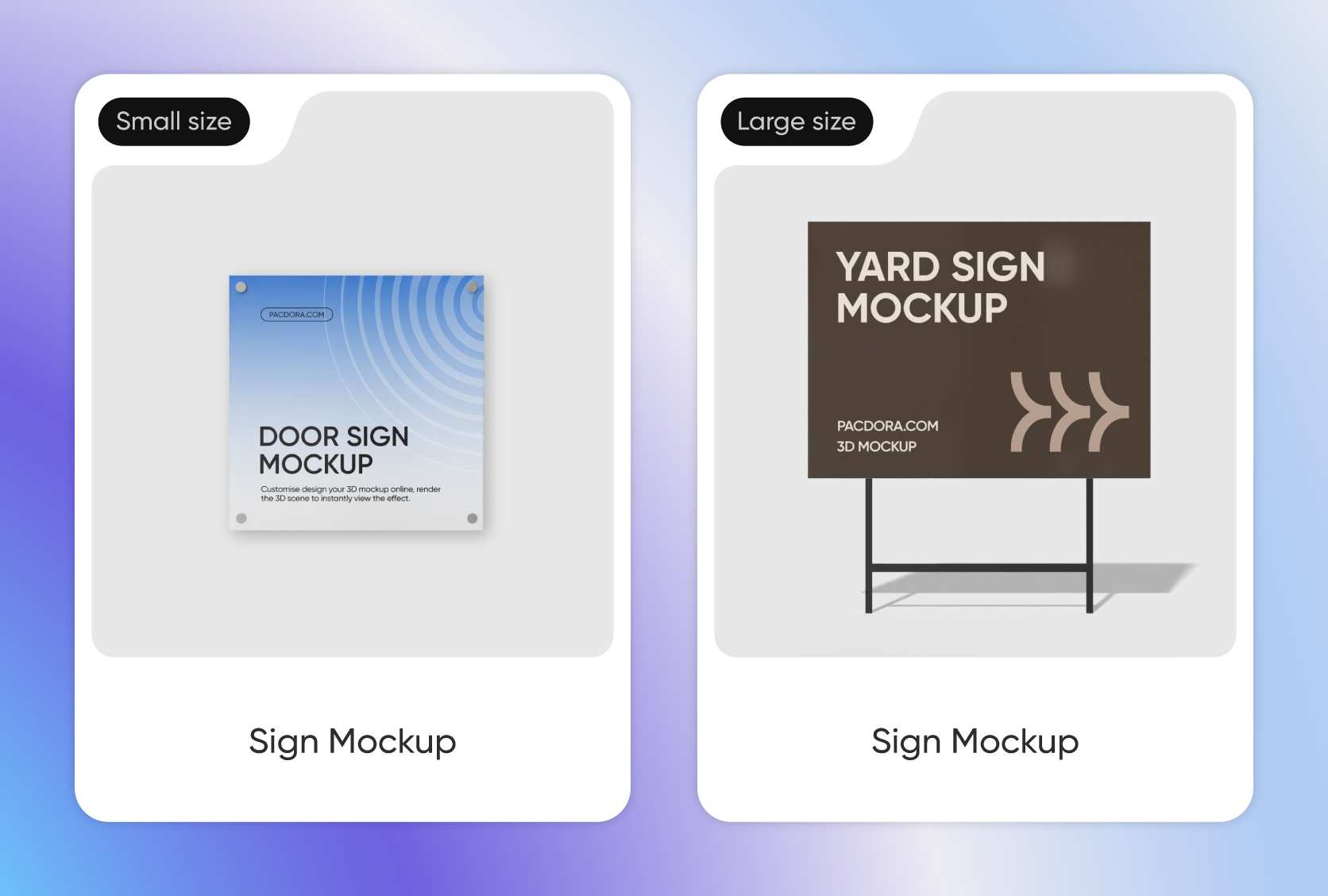
Signs come in a variety of shapes and sizes, ready to fit any space. Square signs, typically 24 × 24 inches, are compact and perfect for small storefronts or yard displays.
Rectangular shapes, usually 60 × 30 inches, are ideal for digital displays or wayfinding signs, designed to fit wide spaces. Round signs are fun and eye-catching, often used for decorative purposes.
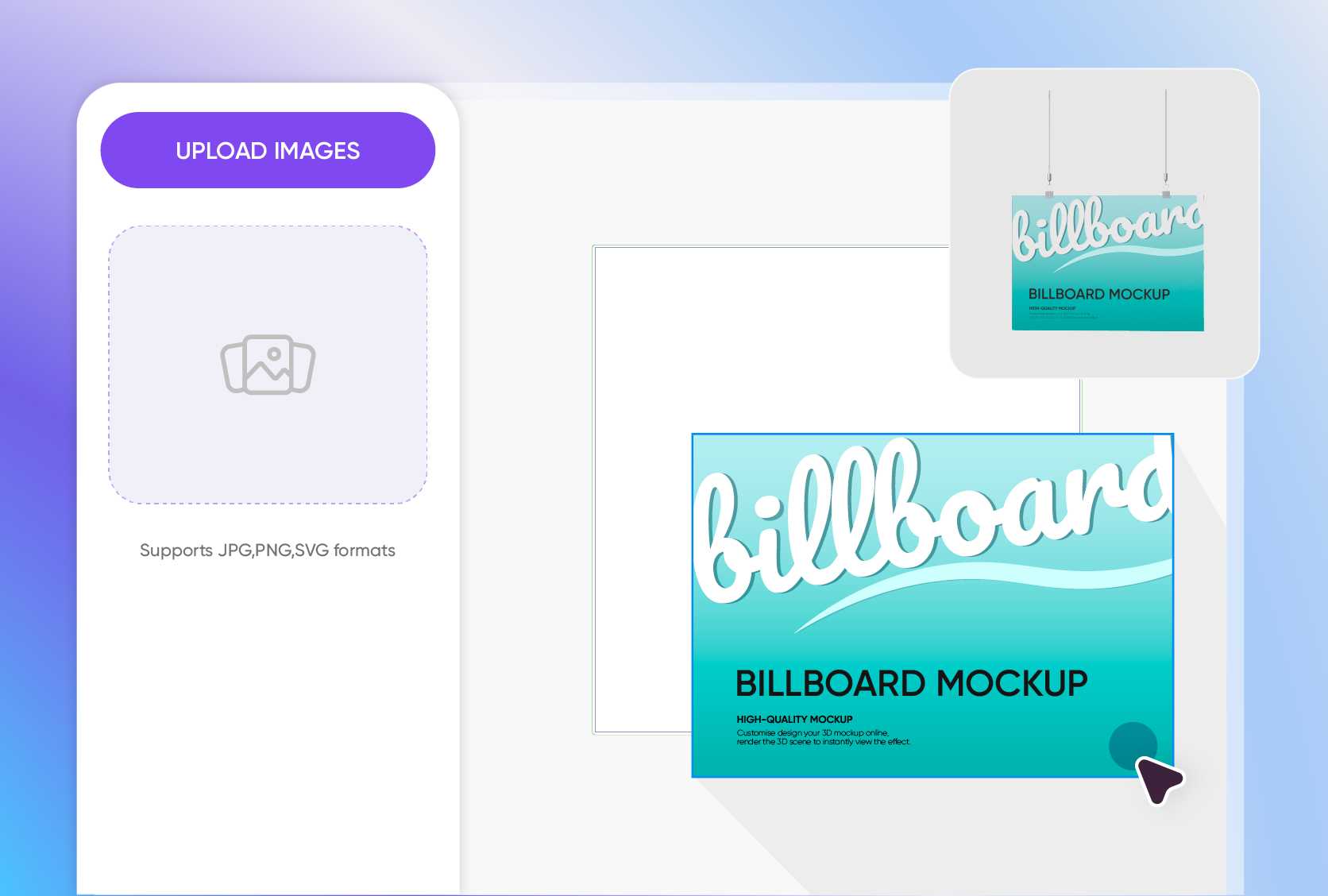
Image and text for visual appeal
When it comes to signs, images play a crucial role. So, combine text and complementary images to effectively engage viewers. Keep the message short and simple.
Add your brand logo and tagline, products or services, and a call-to-action statement in bold, easy-to-read fonts to encourage viewers to reach out as soon as they read your sign.
Scenes that captivate and engage viewers
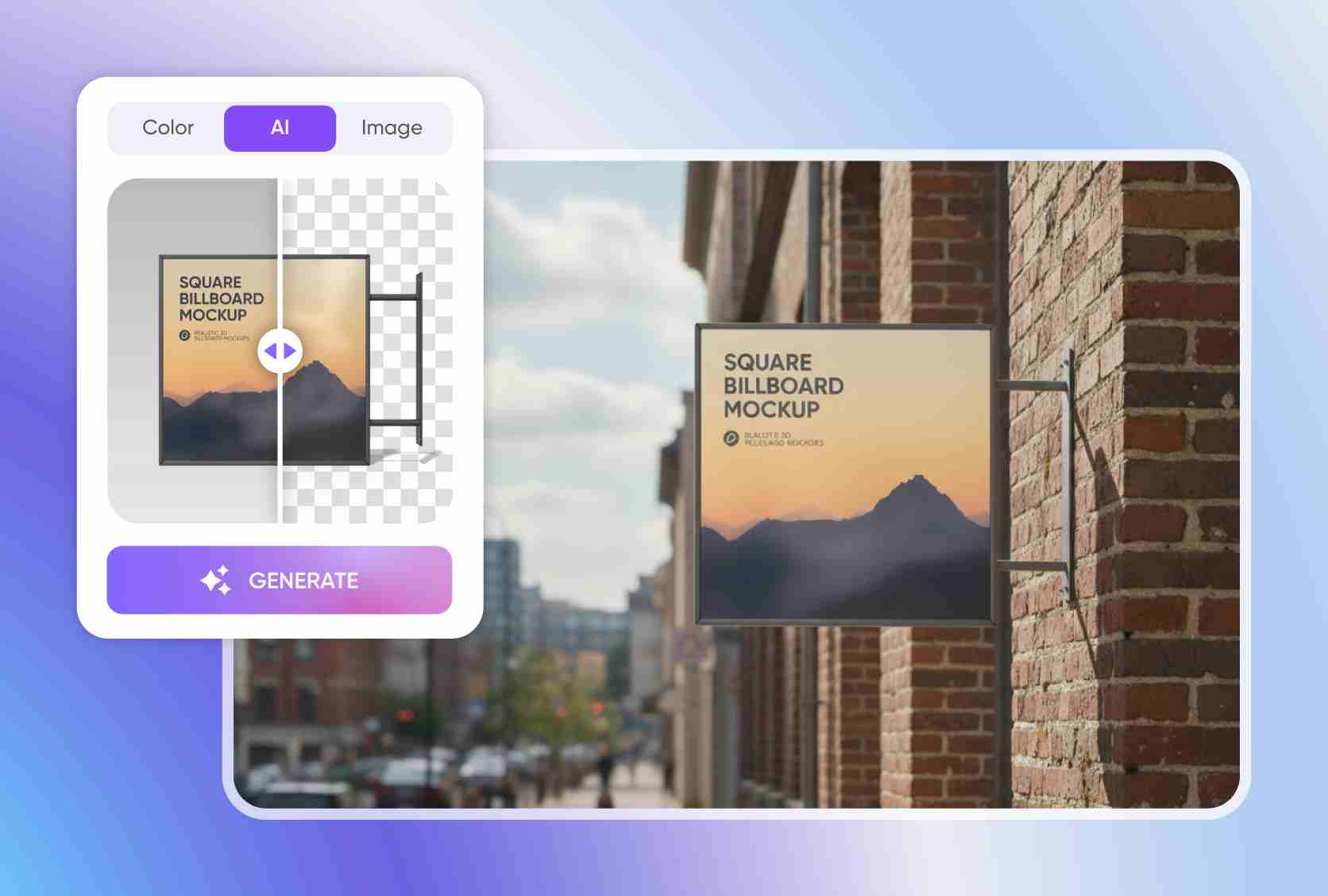
A realistic background is what makes your sign mockup feel relatable and engaging to your audience. So, match it to your brand color or themes for a cohesive look.
You can also place it in an outdoor scene, such as a street corner, gardens, retail stores, or shop entrance, to make it connect naturally with your audience.
A style that captivates your audience
Some signs are better suited for specific audiences. Street and yard signs, for instance, are seen by pedestrians, drivers, and cyclists on the move, so they need bold colors and clear messaging to grab attention quickly.
Digital signage is designed to reach a wide audience, who expect bright colors, engaging animations, and dynamic visuals.
Ideal size that fits your space
Signs come in a variety of shapes and sizes, ready to fit any space. Square signs, typically 24 × 24 inches, are compact and perfect for small storefronts or yard displays.
Rectangular shapes, usually 60 × 30 inches, are ideal for digital displays or wayfinding signs, designed to fit wide spaces. Round signs are fun and eye-catching, often used for decorative purposes.
Image and text for visual appeal
When it comes to signs, images play a crucial role. So, combine text and complementary images to effectively engage viewers. Keep the message short and simple.
Add your brand logo and tagline, products or services, and a call-to-action statement in bold, easy-to-read fonts to encourage viewers to reach out as soon as they read your sign.
Scenes that captivate and engage viewers
A realistic background is what makes your sign mockup feel relatable and engaging to your audience. So, match it to your brand color or themes for a cohesive look.
You can also place it in an outdoor scene, such as a street corner, gardens, retail stores, or shop entrance, to make it connect naturally with your audience.
FAQ
What is the purpose of a sign?
A sign is used primarily for advertising or marketing purposes. You can use a sign to display your brand name, logo, services, or products, or even for warnings or other important information. Its main purpose is to enhance brand visibility, especially when used for marketing. However, designers can also use it as a piece of art to showcase their creativity and sense of style.
Do I need to be an expert to create a sign mockup on Pacdora?
Not at all! The great thing about Pacdora is that you can easily create impressive sign mockups, even if you’re just starting out. The platform is very user-friendly and features dozens of professionally made mockups. Plus, it includes realistic 3D effects that you can use to design lifelike signs. It’s simple, fast, and straightforward. In just minutes, you can have your mockup ready for presentation.
How can I enhance the look of my sign mockup?
Simply match the color to your brand and ensure high contrast between your text and background to make it readable and help your sign stand out. You can choose a matte or glossy finish based on the look you desire. Pick the right size, ideally one that perfectly fits your display space. Lastly, use images and graphics that directly relate to your sign’s message to make it eye-catching and engaging.
What materials can I use for my sign mockup?
Depending on the look you’re aiming for and durability, you can use wood. This material offers a warm, natural, and rustic feel. It’s more suitable for indoor display and great for vintage-style branding. Metal is another option that’s durable, and offers a modern, polished look. It’s ideal for industrial branding. Acrylic and plastic are other materials you can explore as well, but only choose one that suits your brand aesthetic.
Can I make a sign mockup for free on Pacdora?
Absolutely! Pacdora is available for free. You can use it to create what you need, including sign mockups and more. We also offer premium features, which you can consider if you want to explore further. Check out full details on our pricing page.
Explore more mockups

