

AI supplement packaging design
For supplement founders: brief your formula and shelf — get a bottle and Supplement Facts panel.
Trusted by leading companies


From a formula brief to a printable bottle, in minutes
Supplement labels get redrawn when the Supplement Facts panel doesn't fit the first layout.
Pacdora's packaging-native AI gives you a draft where the panel, disclaimer area, and front-of-pack zones are already in proportion — so the next round is refining the look, not rebuilding the layout.
Why choose Pacdora AI for your supplement packaging?
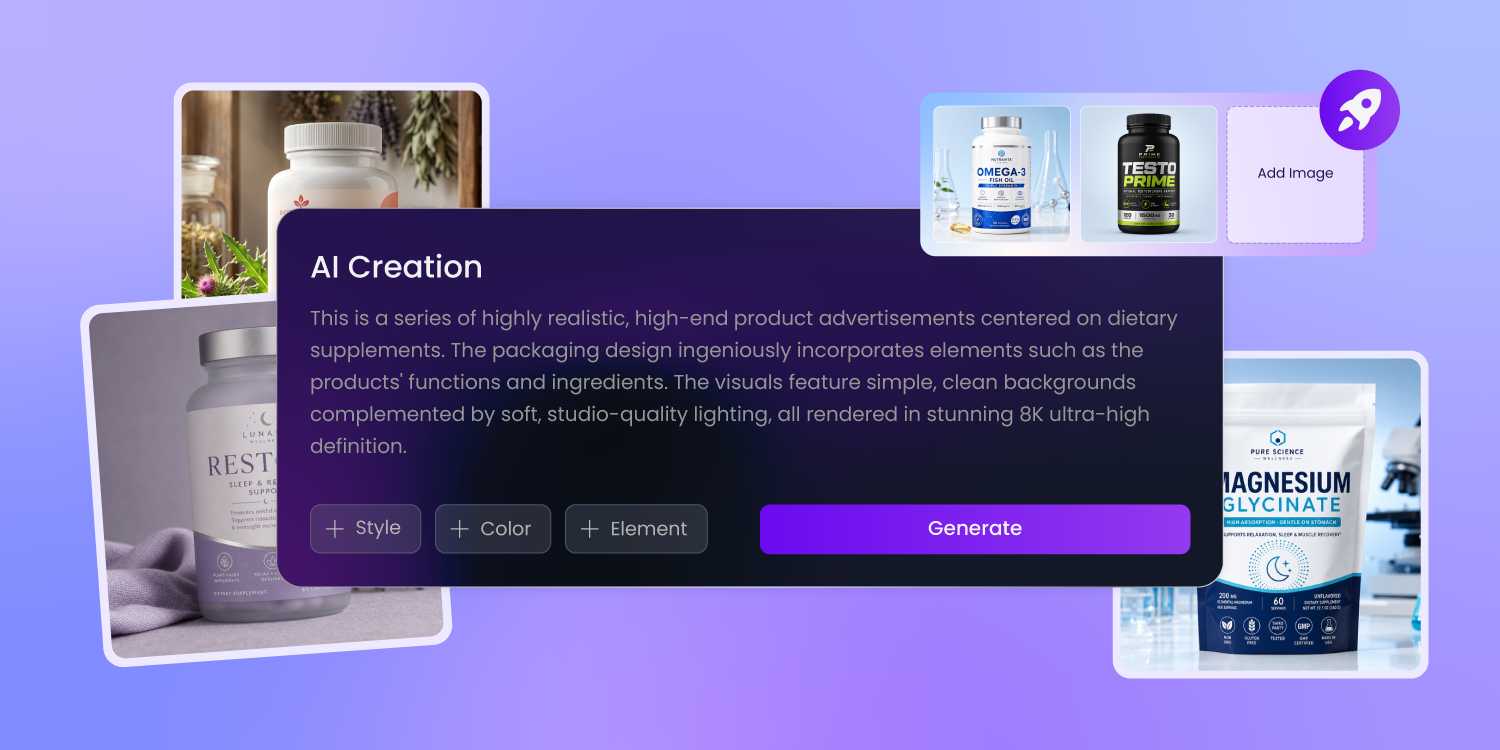
Supplement Facts panel planned from start
A Supplement Facts panel needs more vertical space than founders usually plan for, once serving size, ingredient list, and the DSHEA disclaimer are all sized properly.
Pacdora reserves that space from the first draft — so when your compliance reviewer marks it up, you adjust copy, not redesign the whole face.
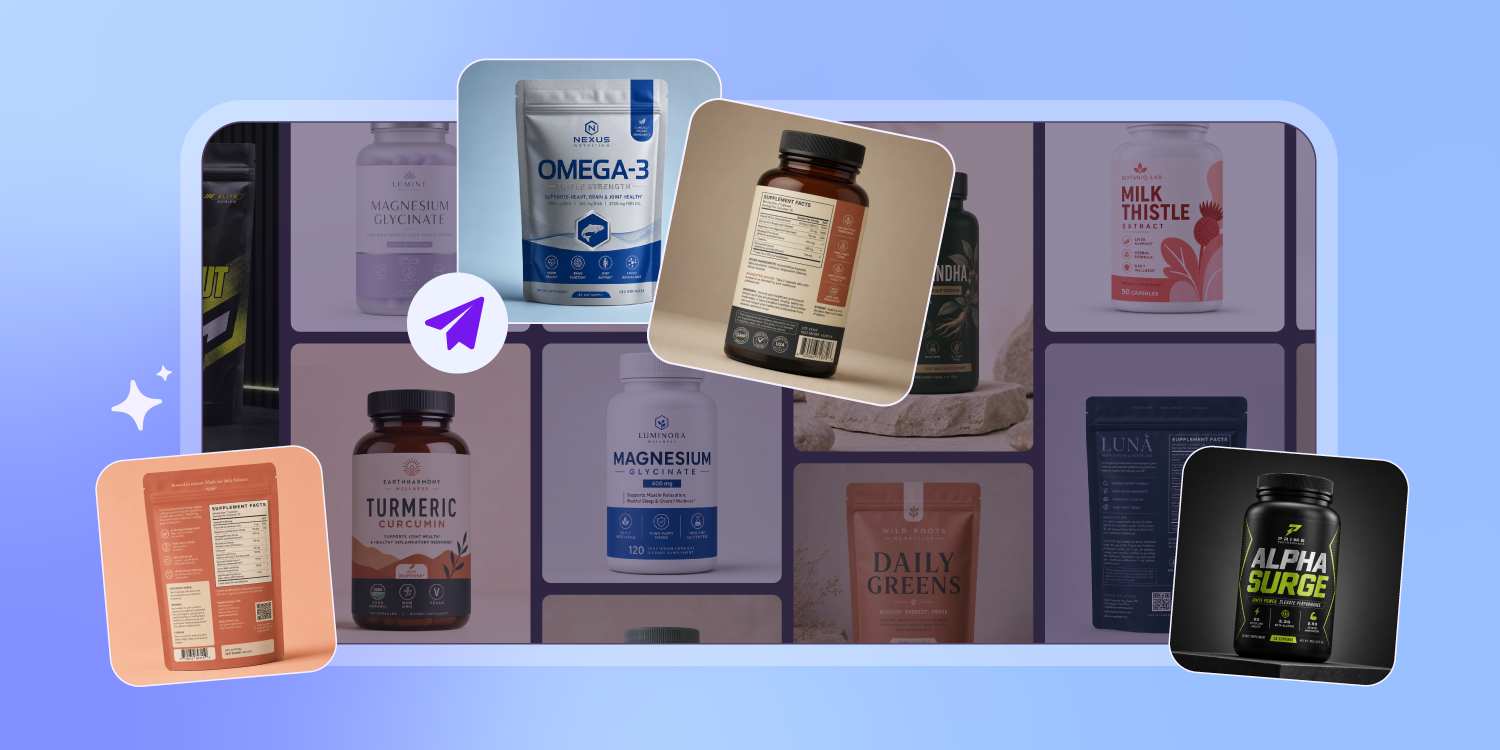
Tubes, capsule bottles, gummy pouches — covered
Pacdora knows the structural rules of every common supplement container — capsule bottle neck rings, scoop-jar lid heights, gummy pouch gussets, tube shoulder bleeds, stick pack seam zones.
Pick a container in step one, and the AI lays artwork on a dieline ready for your printer to review.
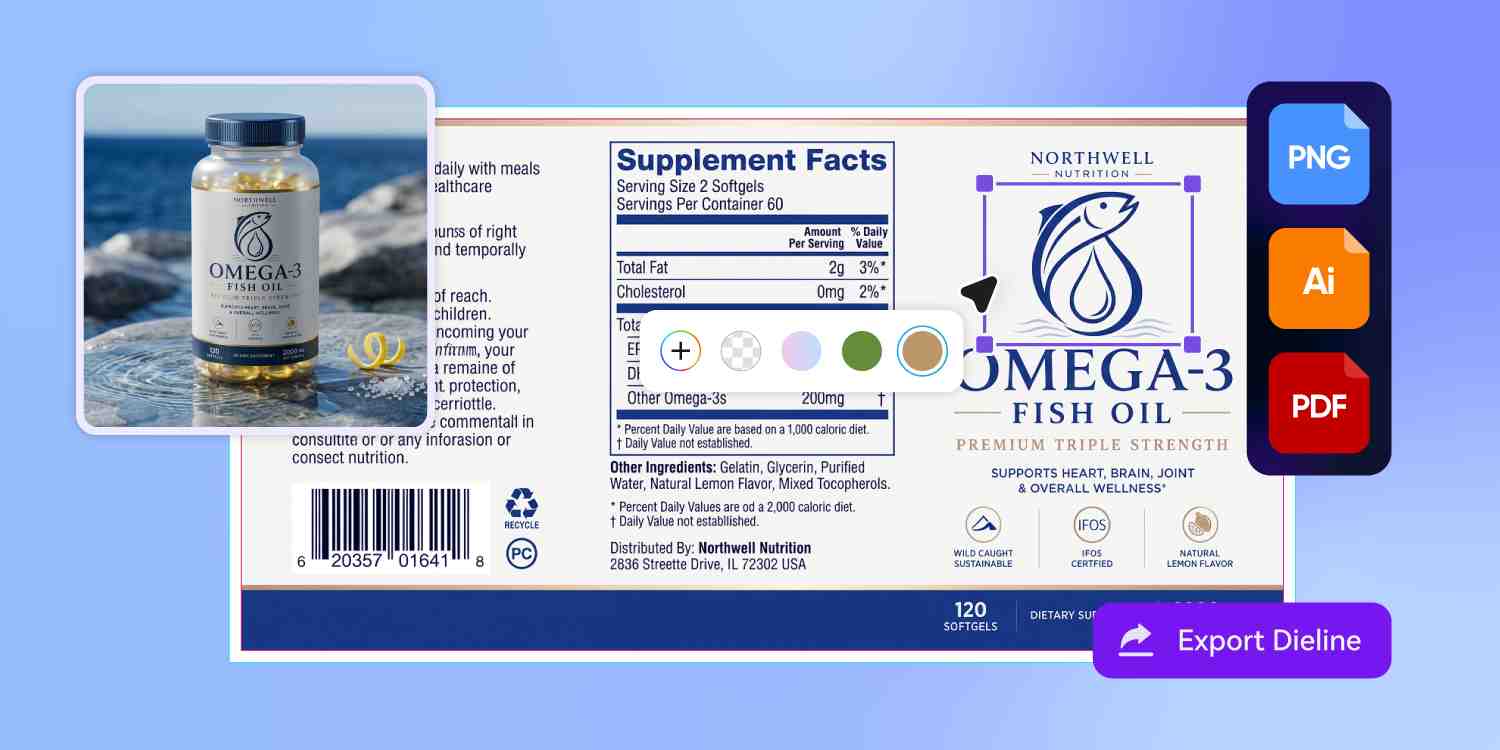
Eight SKUs feel like one brand
A supplement founder finishes the bottle artwork at 3 pm and emails the label printer the same evening. Pacdora exports the bottle label on a real dieline — bleed, safe area, and color profile already set — so the quote that comes back tomorrow is for printing, not for fixing your file.
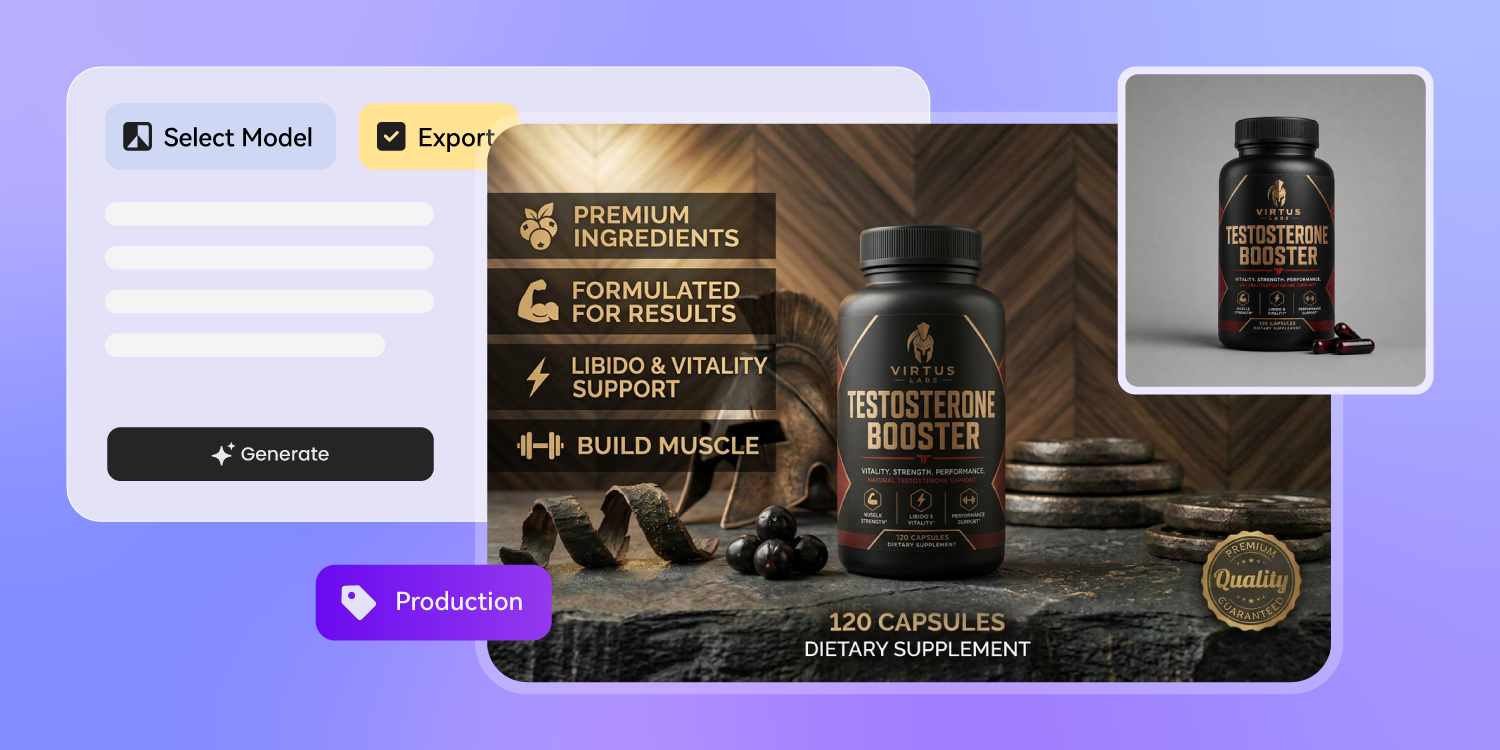
Show the bottle before it ships
Run a Meta ad test, pitch a GNC buyer, or open a Kickstarter campaign weeks before manufactured samples arrive.
Pacdora generates a 3D render of your bottle, tube, or pouch from the same artwork file. The first time anyone sees the SKU, it already has a face.
How to design supplement packaging with AI?
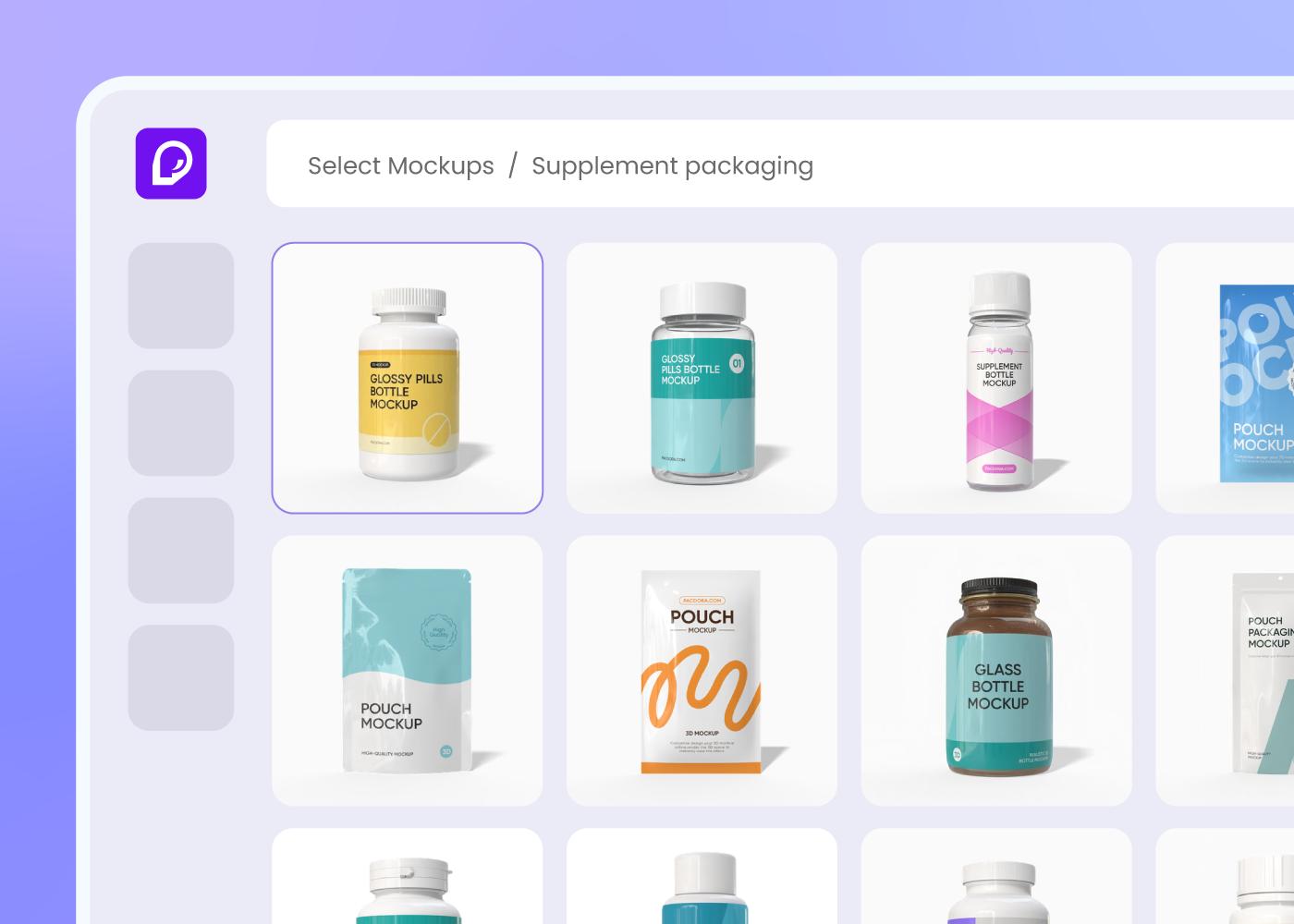
Step 1: Pick the bottle, tub, or tube
Choose from capsule bottles, powder tubs, gummy pouches, stick packs, sachets, tincture droppers, or squeeze tubes — Pacdora loads the dieline.
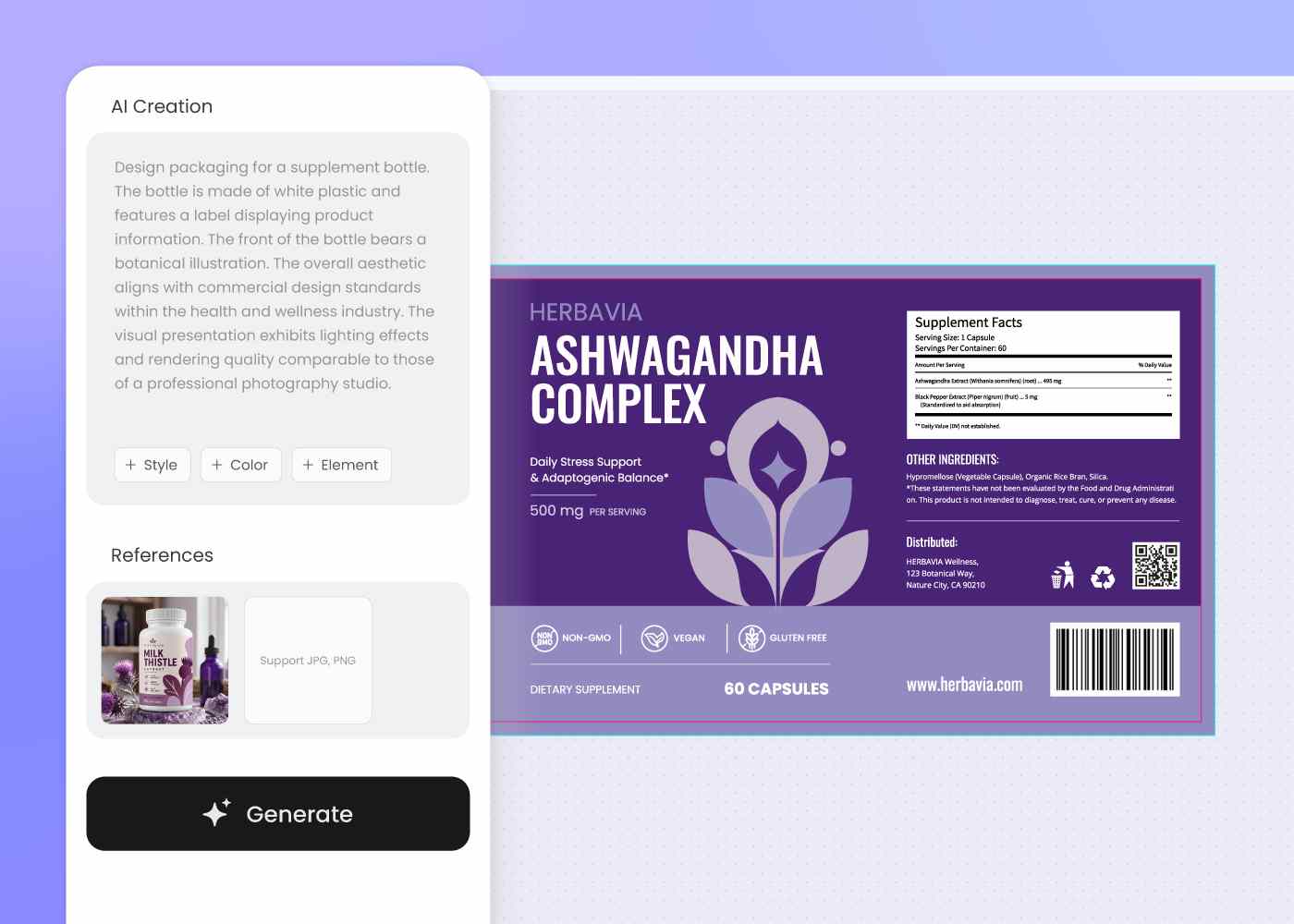
Step 2: Brief Pacdora and refine your draft
Tell Pacdora your active ingredients, dosage form, and shelf goal, then iterate until the Supplement Facts panel and brand block sit on the bottle.
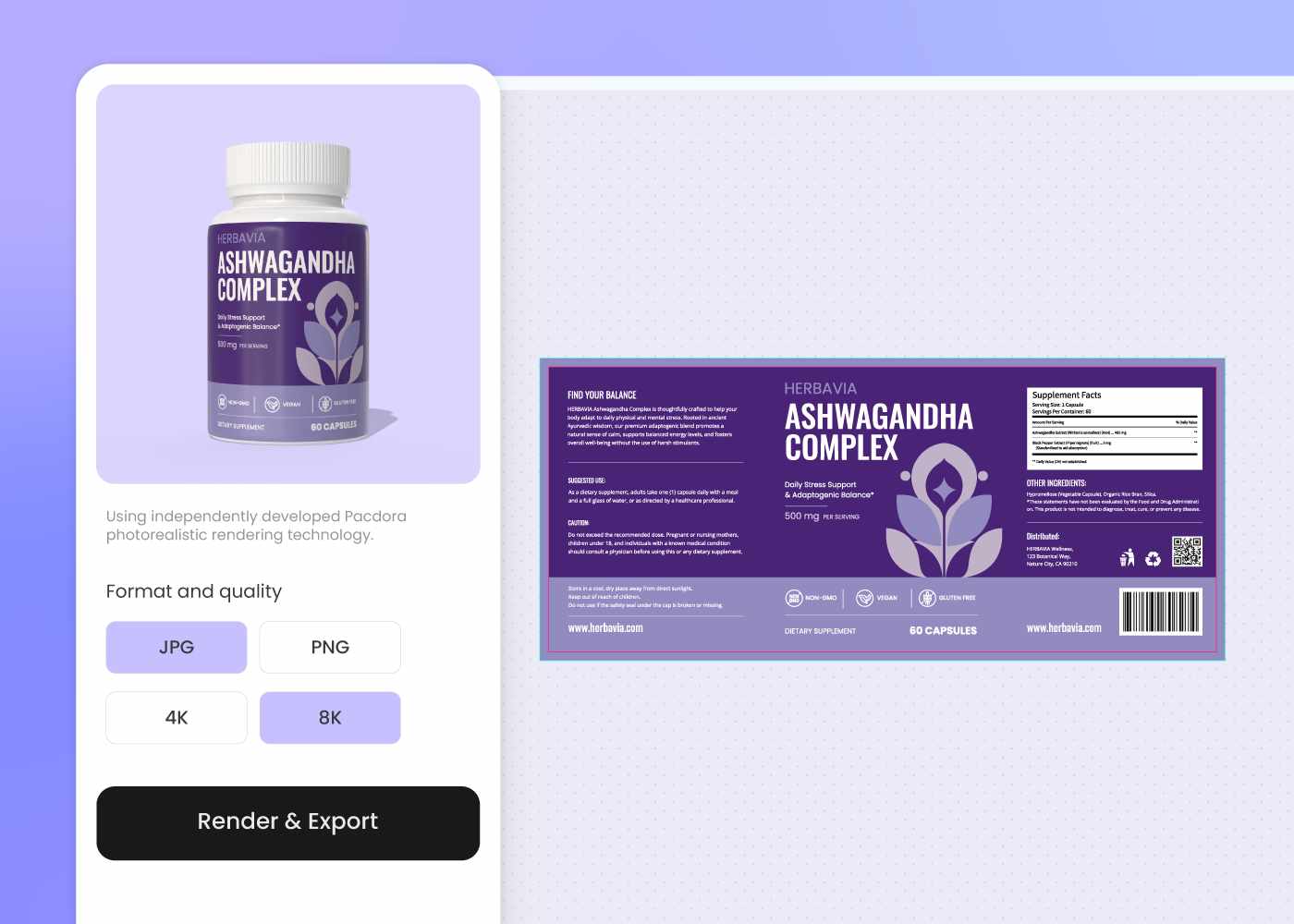
Step 3: Export dieline and 3D mockup
Download a print-ready dieline plus a 3D mockup of your bottle or pouch — ready for manufacturer prepress, an Amazon listing, or an investor deck.
Step 1: Pick the bottle, tub, or tube
Choose from capsule bottles, powder tubs, gummy pouches, stick packs, sachets, tincture droppers, or squeeze tubes — Pacdora loads the dieline.
Step 2: Brief Pacdora and refine your draft
Tell Pacdora your active ingredients, dosage form, and shelf goal, then iterate until the Supplement Facts panel and brand block sit on the bottle.
Step 3: Export dieline and 3D mockup
Download a print-ready dieline plus a 3D mockup of your bottle or pouch — ready for manufacturer prepress, an Amazon listing, or an investor deck.
FAQ
Frequently asked questions
Does this handle Supplement Facts panels and the FDA disclaimer?
Pacdora reserves space for the Supplement Facts panel, ingredient list, identity statement, and DSHEA disclaimer, and proposes a hierarchy that follows common FDA structure. Final claim wording, serving math, and state-level warnings still belong with your compliance reviewer — Pacdora gives you a layout that doesn't fight them.
Will my Vitamin D, magnesium glycinate, and protein SKUs look like one brand?
Yes. Generate a base SKU you're happy with, then describe the next ingredient and dosage form in a new prompt — Pacdora keeps the logo, typography, brand-mark color, and front-panel grid stable while swapping the accent palette and ingredient callout. Each new SKU adds to the line, doesn't restart it.
Does Pacdora cover tubes, stick packs, and tincture droppers?
Yes — capsule and pill bottles, powder jars and tubs, gummy pouches, sachets, stick packs, tincture droppers, and squeeze tubes are all in the library. More supplement and wellness formats are added over time. If your container isn't yet in the list, pick the closest structural match and refine from there.
Can I design packaging before my manufacturer sample arrives?
Yes. Many supplement founders draft packaging during formula development so they can pitch a retailer or run Meta ad tests before the first production run. Generate a finished bottle, tube, or pouch from your ingredient brief and use it for the pitch — then refine after samples arrive.
How much does AI supplement packaging design cost?
You can start designing for free. Credits are consumed based on how many designs you generate and download. Check your account balance before generating, or upgrade for more credits anytime. For full details on subscription plans and credit packages, see our Pricing Page.
Can I use the supplement packaging design commercially?
Yes. As long as you comply with our Terms of Service, AI-generated supplement packaging can be used commercially — including Amazon listings, retail shelves, Kickstarter campaigns, and pitch decks for buyers or investors.
Explore more free tools
Discover more about Pacdora
4M+
designers trust Pacdora
Supplement packaging, perfected by AI.
