

AI candy packaging design
Describe the gummy color and sugar claim — Pacdora drafts the candy pouch.
Trusted by leading companies


Skip the candy-aisle sameness — own the checkout pouch
Indie candy launches into a wall of Mars, Hershey, and Nestlé. Pacdora drafts the candy pouch from a flavor brief — designed to read distinct from the impulse rack at checkout, not blend into the candy aisle.
Why choose Pacdora AI for your candy packaging?
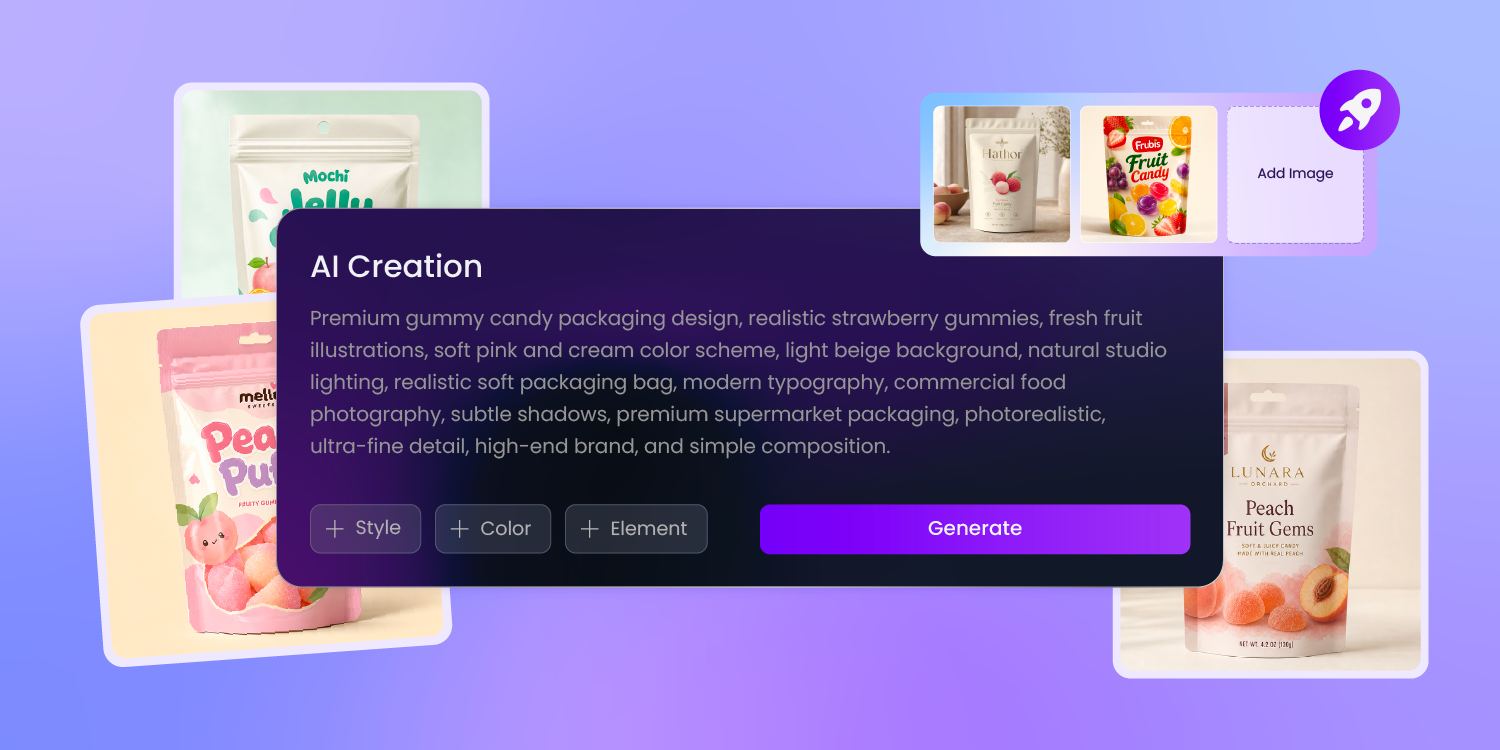
Window cuts reveal the candy
Candy is the one category where shoppers want to see the product before buying — gummy color, texture, chocolate piece count.
Pacdora cuts the window into the pouch dieline, then renders the see-through panel in 3D so you preview the gummies behind the film before the proof runs.
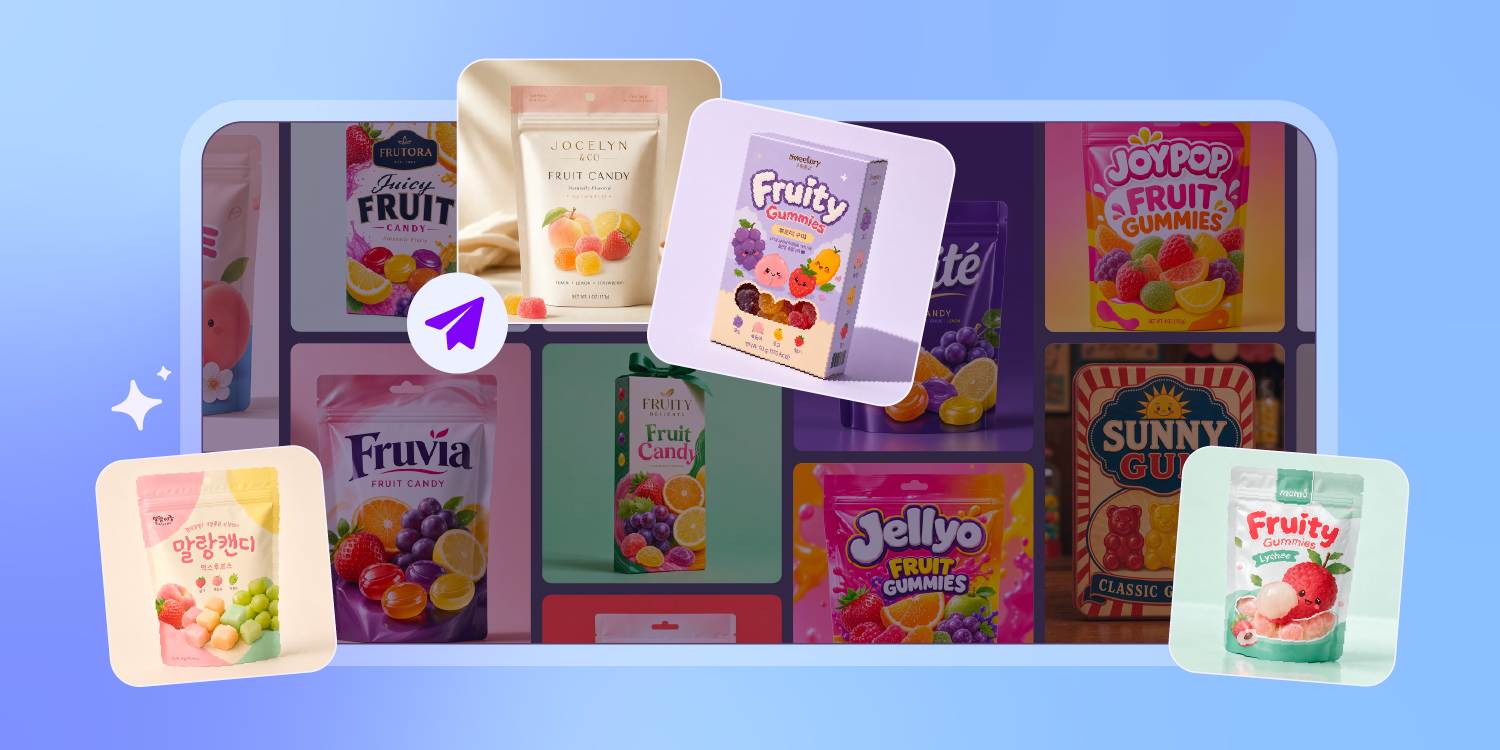
Halloween to Valentine, one brand
Indie candy lives off seasonal — Halloween mini packs, Valentine boxes, Easter baskets, Christmas advent.
Pacdora reads last season's hero render as your style reference and drafts the next season's hero in the same brand voice — so four seasons read as one brand without four design sprints.
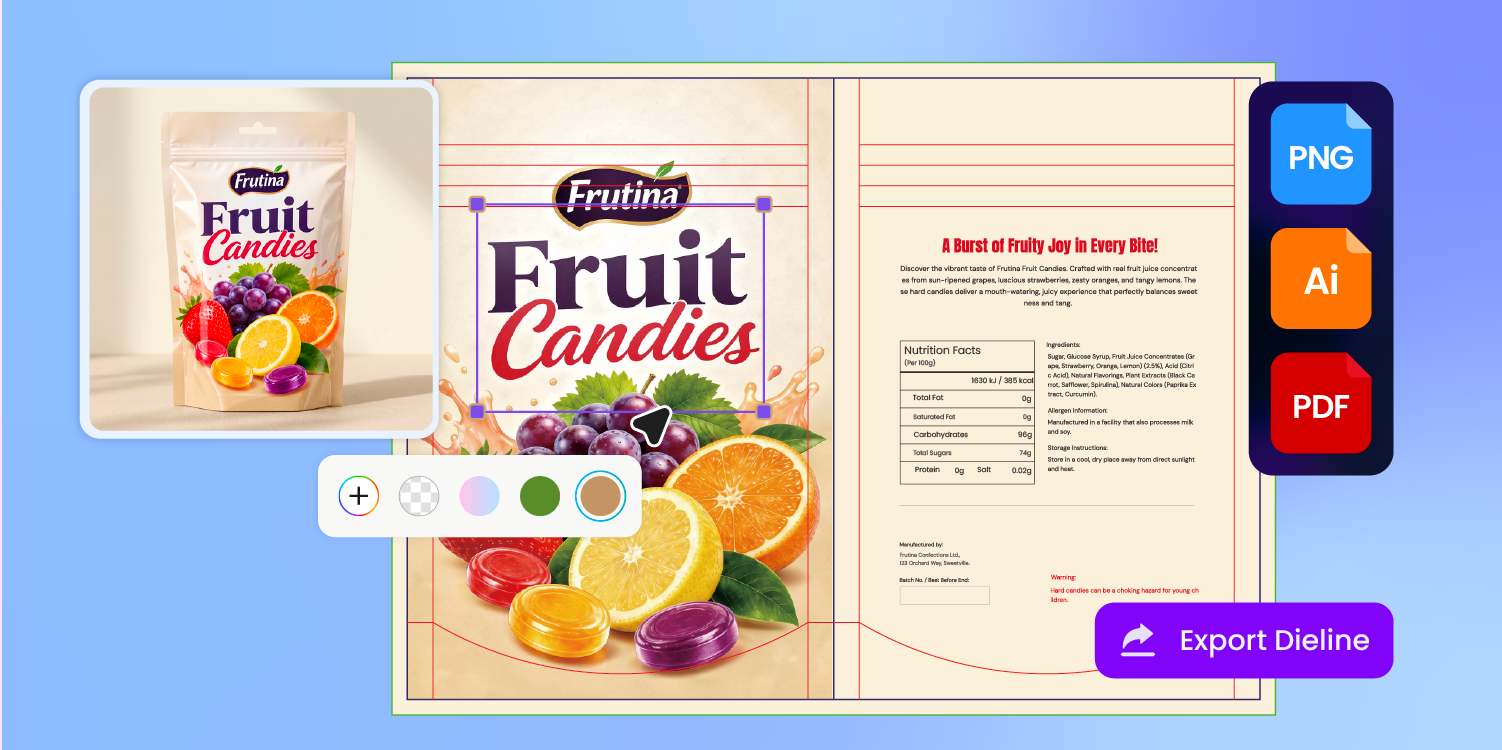
Three engineering zones on every pouch dieline
Three engineering zones live on every candy pouch dieline — top heat-seal, resealable zipper, and the window cut where the gummies show through.
Pacdora outputs all three with bleed and safe-area marks, so the printer plates exactly what you signed off on — no redraw, no reflow.
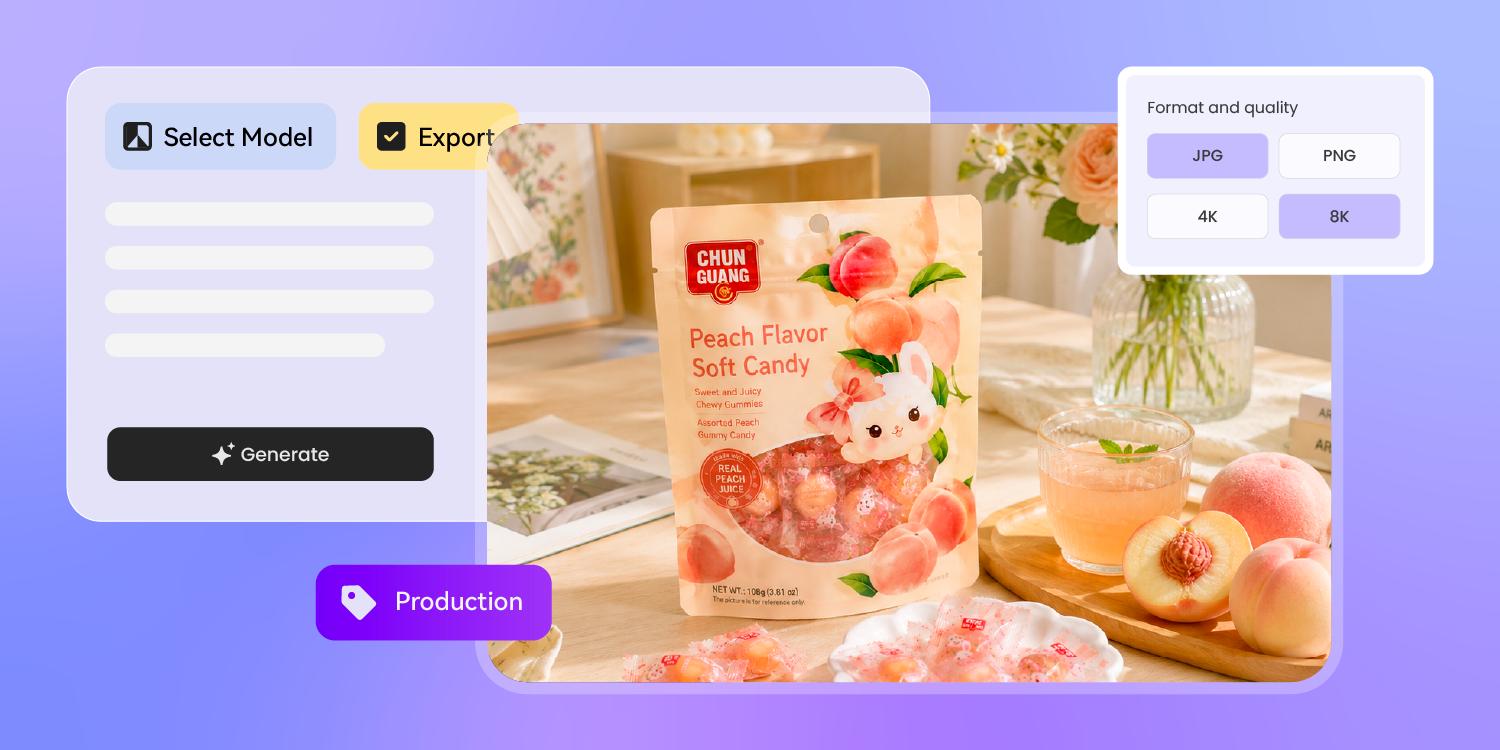
See the finish before the printer cuts
A pouch design renders four ways: kraft for artisan, metallic mylar for premium, matte for clean, gloss for impulse-shelf pop.
Pacdora previews each finish in 3D on the real pouch shape — so you pick the one that survives the candy aisle, not the one that looked good on flat artwork.
How to design candy packaging with AI?
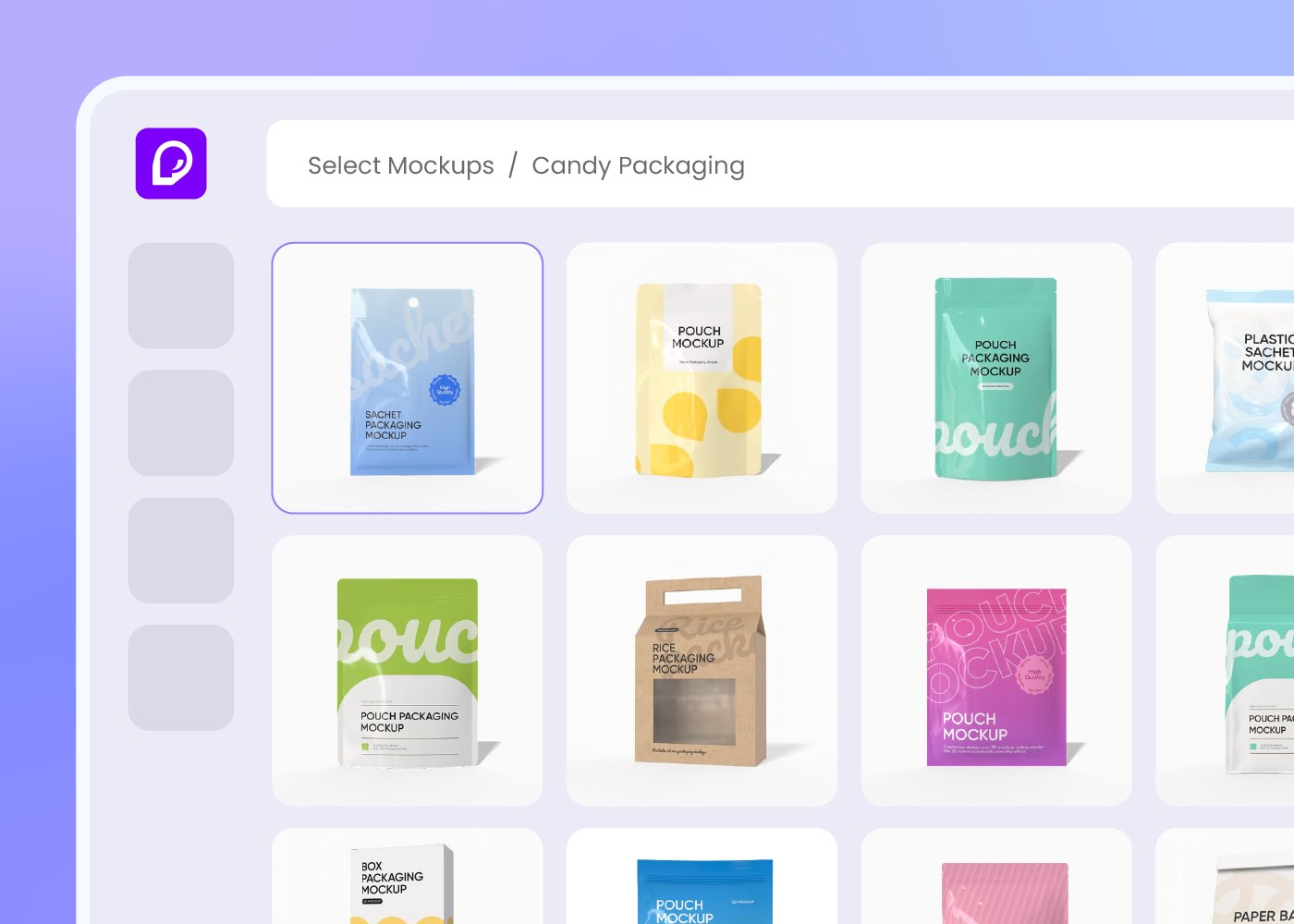
Step 1: Choose your candy pouch format
Choose a stand-up gummy pouch, candy bar wrap, variety pouch, or gift box — Pacdora loads the dieline and window-cut spec for each.
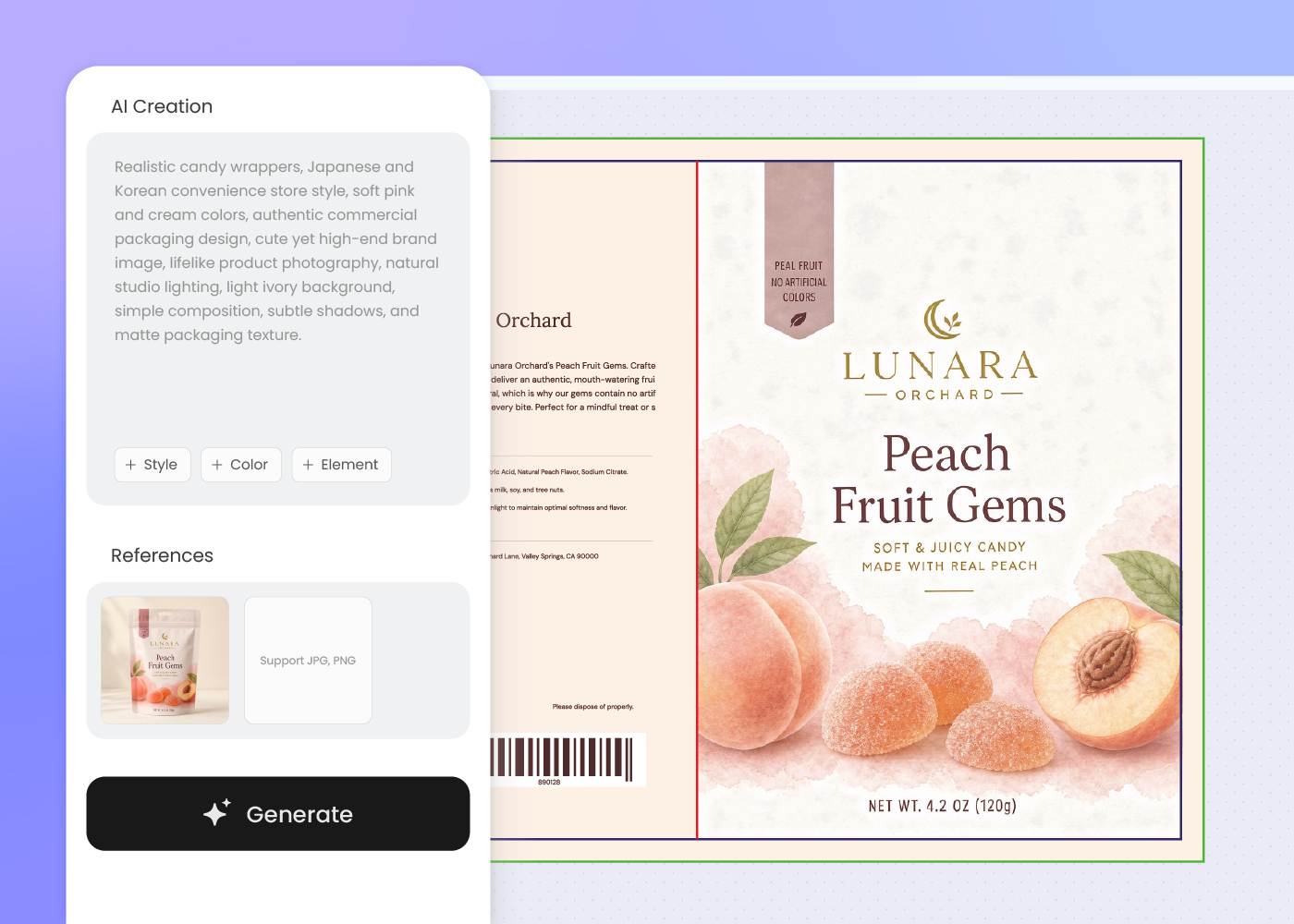
Step 2: Describe the flavor and brand
Describe the flavor, hero claim, and brand voice. Regenerate or upload a reference candy pouch until the lineup reads as one brand.
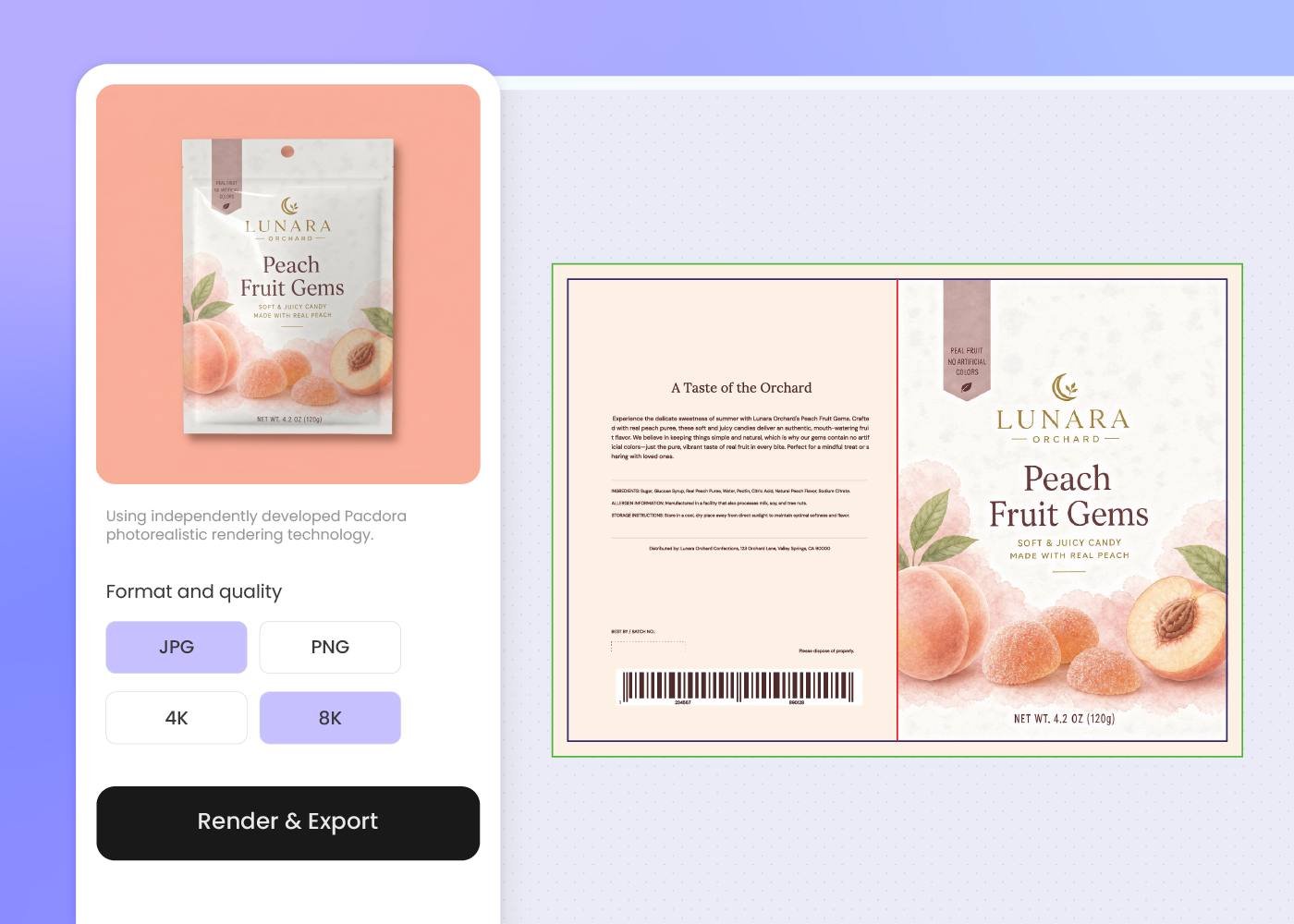
Step 3: Export dielines, 3D mockup, and shelf render
Download the dielines, 3D mockup with see-through window finish, and a shelf render or background-swap product photo — ready for printer, retailer, and DTC.
Step 1: Choose your candy pouch format
Choose a stand-up gummy pouch, candy bar wrap, variety pouch, or gift box — Pacdora loads the dieline and window-cut spec for each.
Step 2: Describe the flavor and brand
Describe the flavor, hero claim, and brand voice. Regenerate or upload a reference candy pouch until the lineup reads as one brand.
Step 3: Export dielines, 3D mockup, and shelf render
Download the dielines, 3D mockup with see-through window finish, and a shelf render or background-swap product photo — ready for printer, retailer, and DTC.
FAQ
Frequently asked questions
How do I keep a 5-flavor candy lineup looking like one brand?
Generate the hero flavor first, then describe each follow-on flavor in a new prompt using the same brand cues — shared logo zone, shared color story, shared back-panel layout. Or upload the hero render as your style reference so the AI carries the visual voice forward. The carry-through is in your prompt or your reference image, not automatic.
Can Pacdora design candy bar wrappers, not just pouches?
Yes. Pacdora supports stand-up pouches (gummy / chocolate chip), candy bar wrappers (flat heat-seal film), variety pouches with mini-pack inserts, and rigid gift boxes — pick the dieline in step one and the AI lays out the layout that fits the form factor.
How do I design a see-through window on the pouch?
Tell Pacdora where the window should sit (front center, side strip, or a custom shape) and the dieline cuts it directly into the pouch — no separate cellophane overlay. The 3D preview then renders the gummies or chocolate pieces behind the window, so you see what the shopper sees before the printer cuts.
Can the design support sustainable candy packaging?
Yes, at the design level. Pacdora leaves room on the visible panels for FSC, How2Recycle, or compostable certification marks, and exports the dieline so your co-packer can run it on recyclable mono-material pouch film, FSC paperboard, or compostable formats per your sustainability brief. The material choice itself stays with you and the printer.
How much does AI candy packaging design cost?
You can start designing for free. Credits are consumed based on how many designs you generate and download. Check your account balance before generating, or upgrade for more credits anytime. For full details on subscription plans and credit packages, see our Pricing Page.
Can I use the candy packaging design commercially?
Yes. As long as you comply with our Terms of Service, AI-generated candy packaging can be used commercially — including DTC product images, retailer pitch decks, Amazon and marketplace listings, social and creator campaigns, and investor decks.
Explore more free tools
Discover more about Pacdora
4M+
designers trust Pacdora
Candy packaging, perfected by AI.
