

AI packaging artwork creation & editing
Choose your ideal packaging style, type an idea or upload an image—AI instantly creates an editable dieline for quick & precise partial redesign!


Trusted by leading companies


Let AI creation shine your packaging
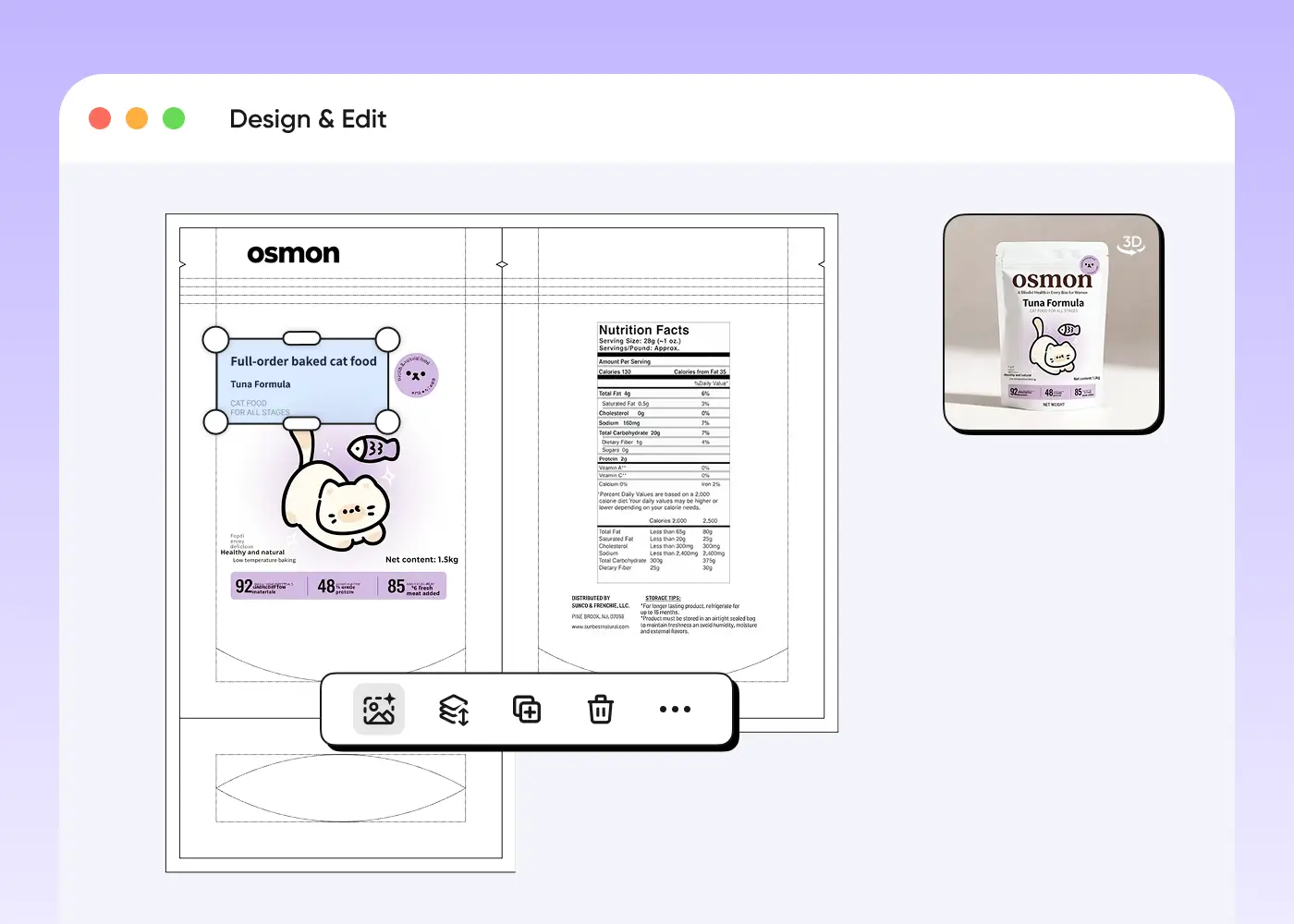
Our AI doesn’t just generate a flat 2D layout — it creates a complete, foldable dieline with an interactive 3D preview. Once the design is generated, every element can be edited: extract parts for individual adjustments, erase by simply selecting, or describe what you want changed and the AI updates it instantly.
This delivers a truly intuitive, time-saving workflow that makes professional packaging design creatively empowering.


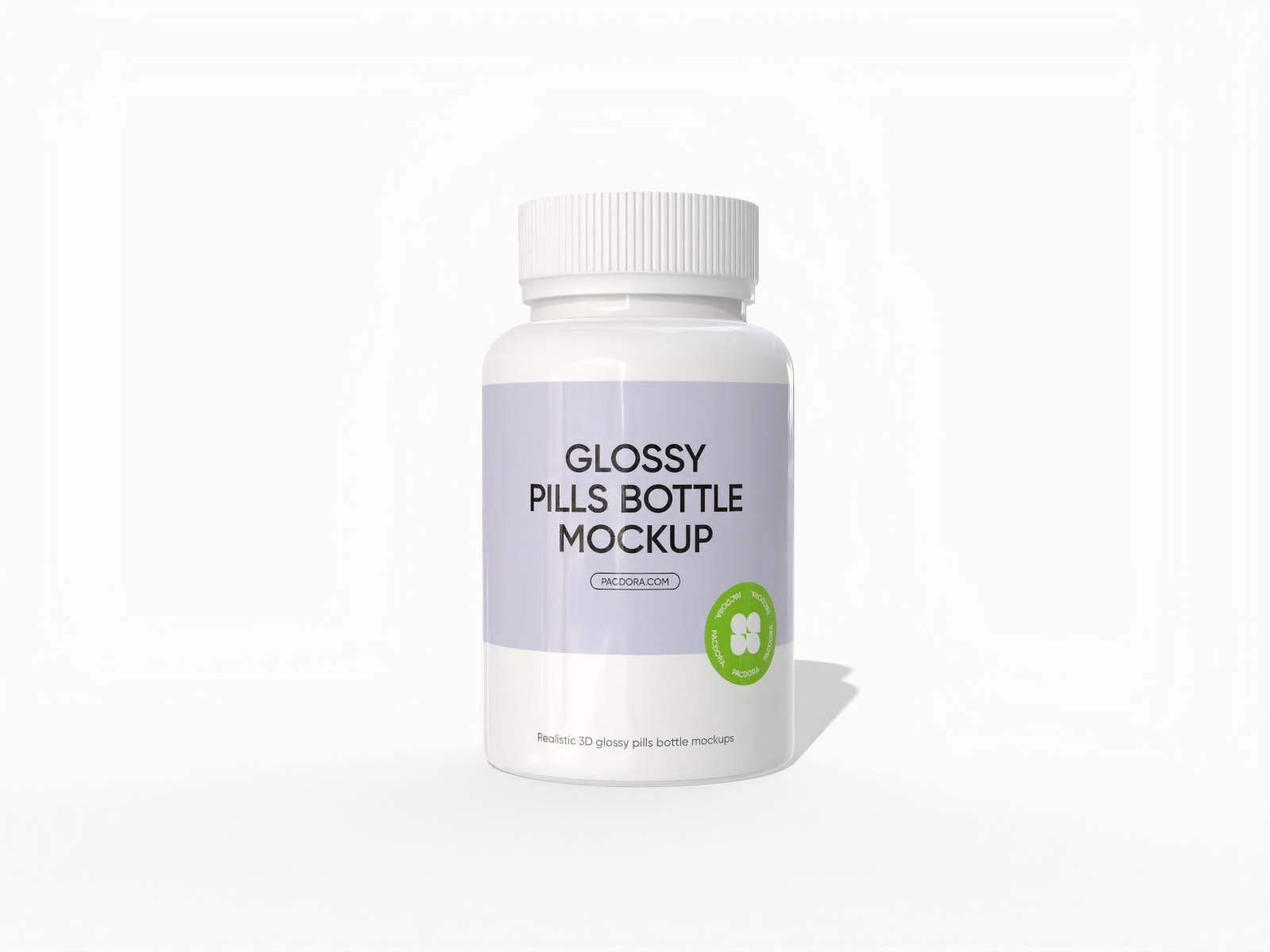
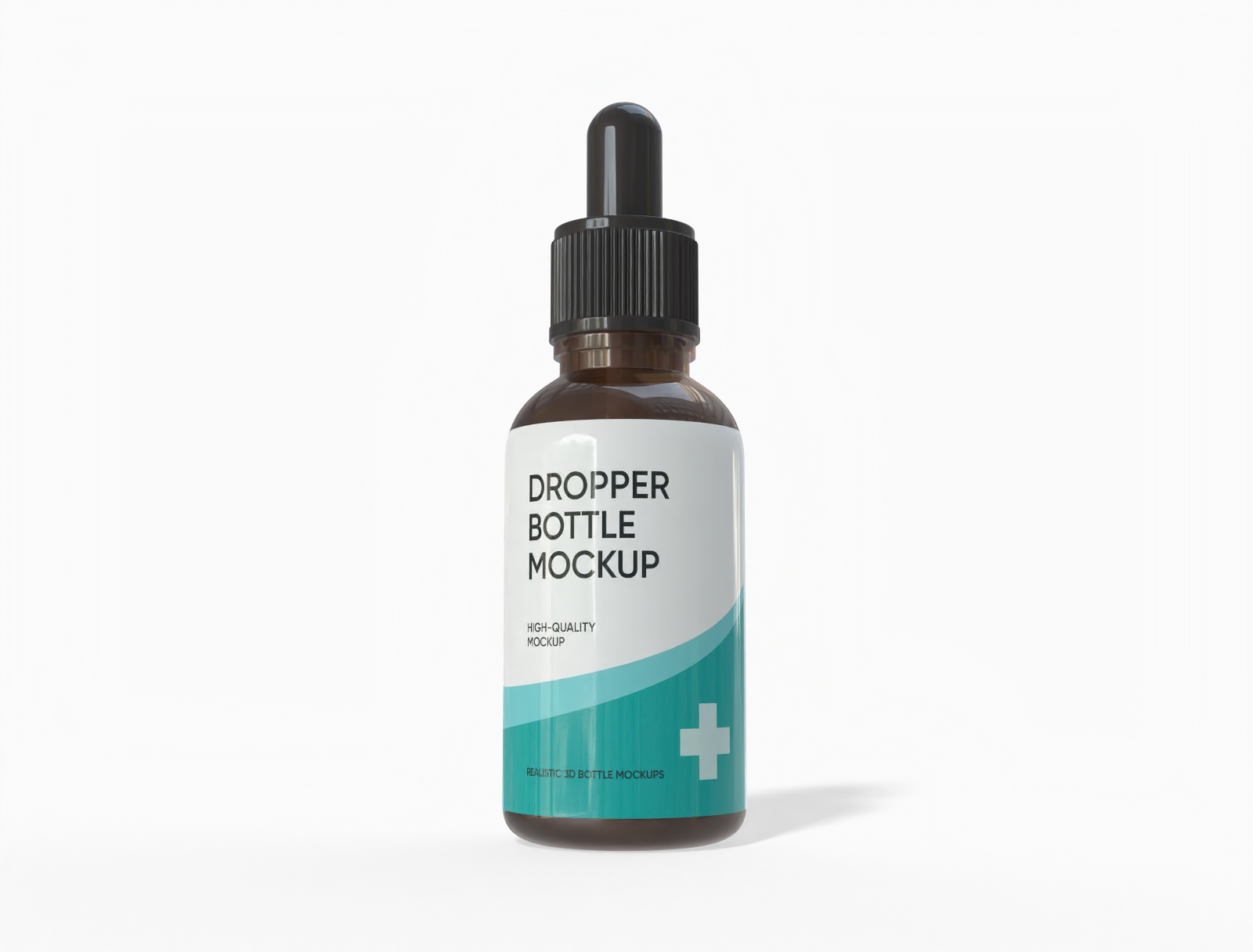

Why choose Pacdora AI for your packaging design?
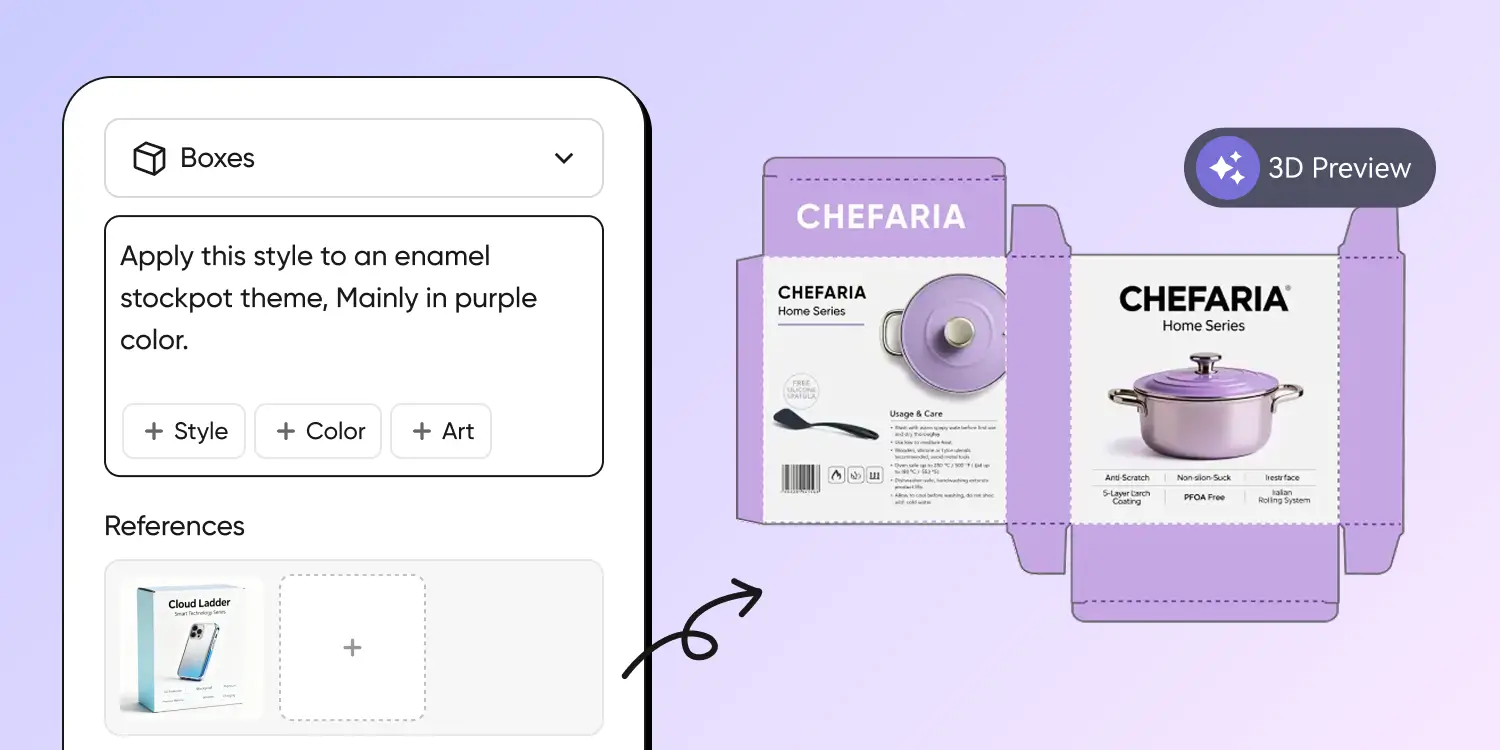
All-in-one AI package design
Upload an image or enter text, and Pacdora AI’s text-to-image will transform your ideas into a full multi-surface dieline design, keeping style and brand consistent.
No more designing each panel manually — generate the entire set with one click and preview it in 3D, unlocking faster, more efficient creativity.
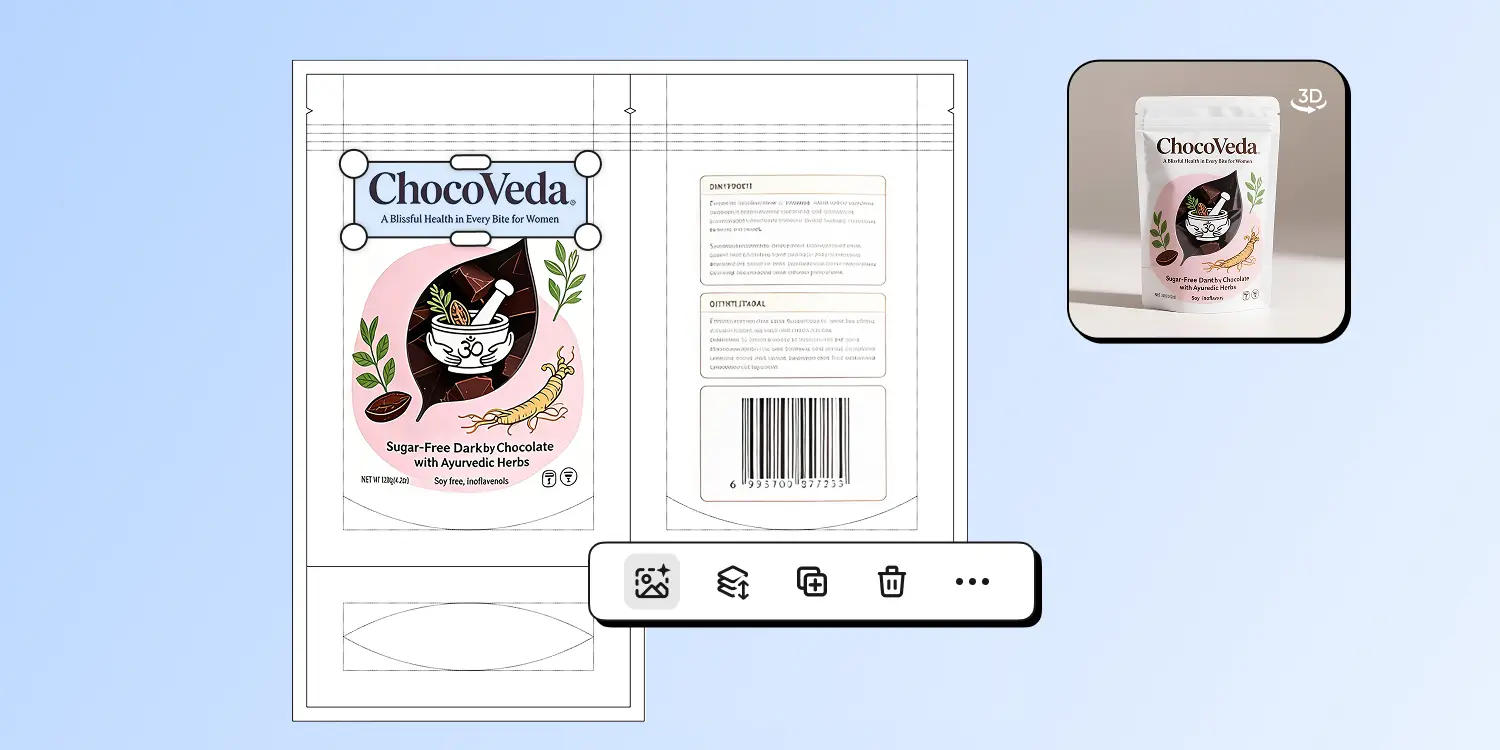
AI-generated editable dielines
Every element of your AI-generated packaging — logos, text, patterns — can be extracted, layered, and refined. Say goodbye to flat, uneditable images or long prompt revisions.
Edit details manually, erase or repaint specific areas, or simply select a region and describe your change — the AI updates the design instantly.
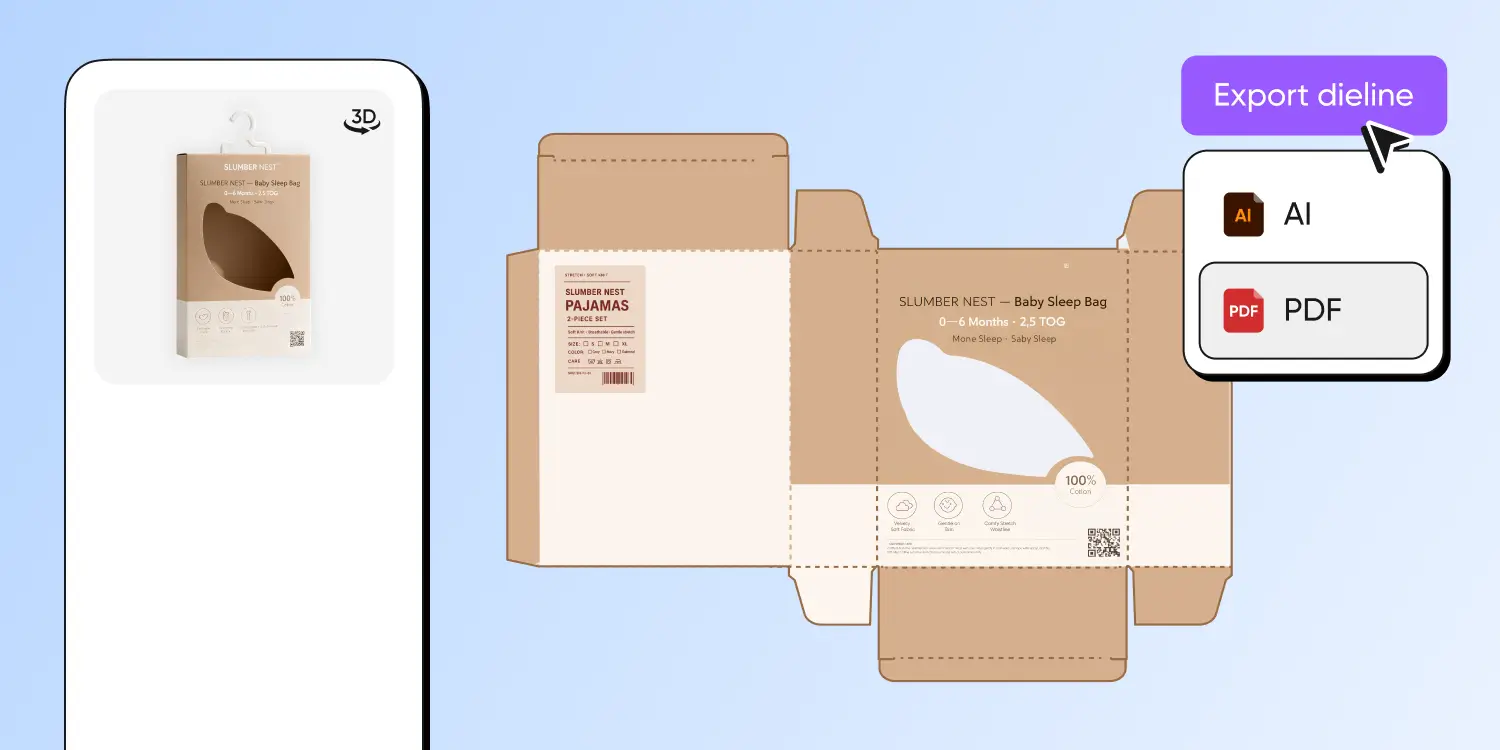
Ready-to-print dieline exports
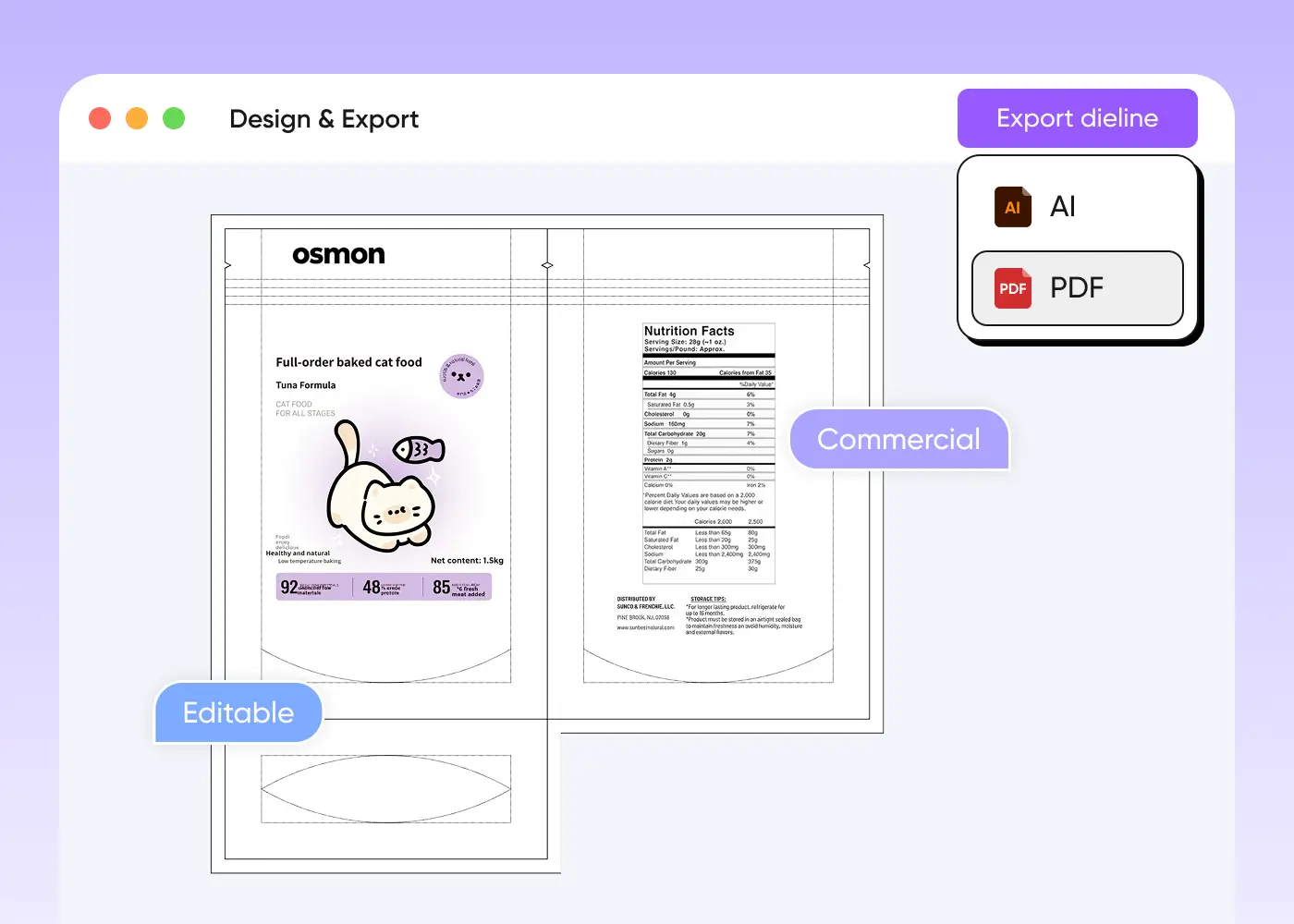
With Pacdora AI, your packaging designs can be exported as full dieline files, ready for direct use in printing and production. No more manually recreating layouts or adjusting panels for manufacturing — every fold, cut, and panel is included in the file.
The exported dieline preserves the design structure, ensuring your artwork translates perfectly from screen to physical packaging.
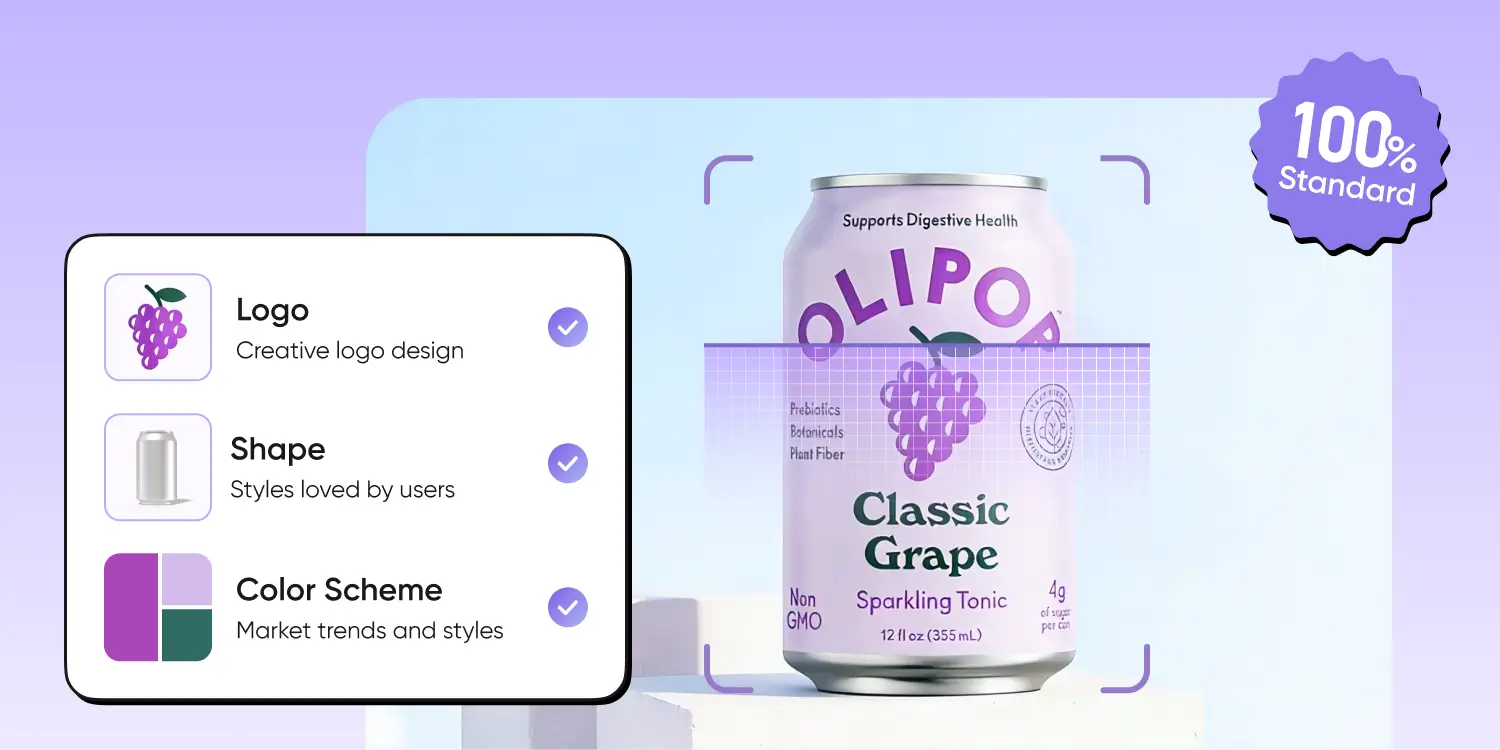
Tailored for AI packaging design
Pacdora AI is trained specifically for packaging design, producing more than just attractive images. Its designs balance aesthetic appeal with professional structural standards, ensuring that every packaging concept is both visually striking and production-ready.
The AI preserves your brand’s visual language, maintaining consistency across every detail of the design.
How to make a full packaging design with AI?
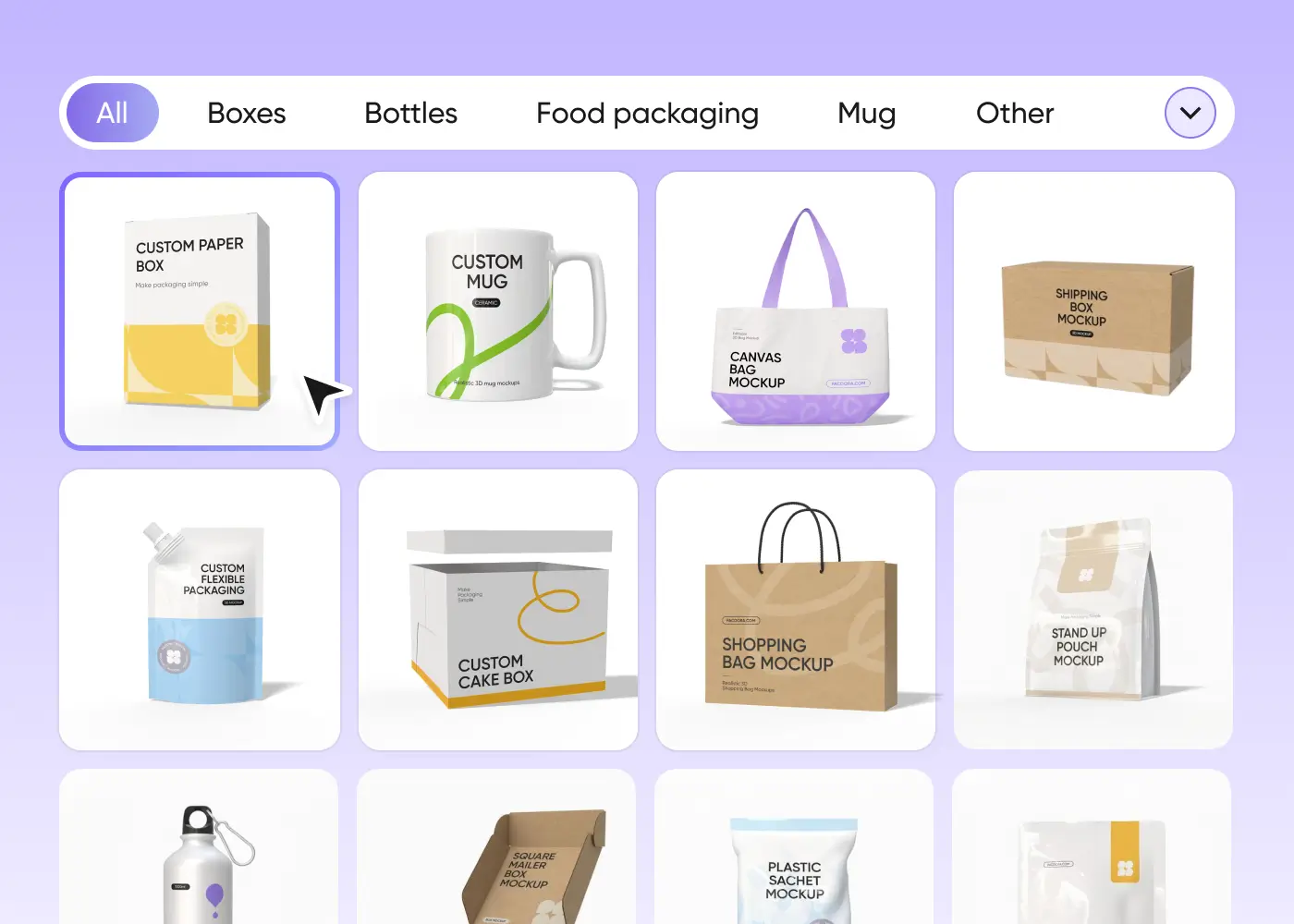
1. Choose a suitable mockup
Choose your favorite mockup style — whether it’s a gift box, a shopping bag, stand-up pouch, or other packaging type.
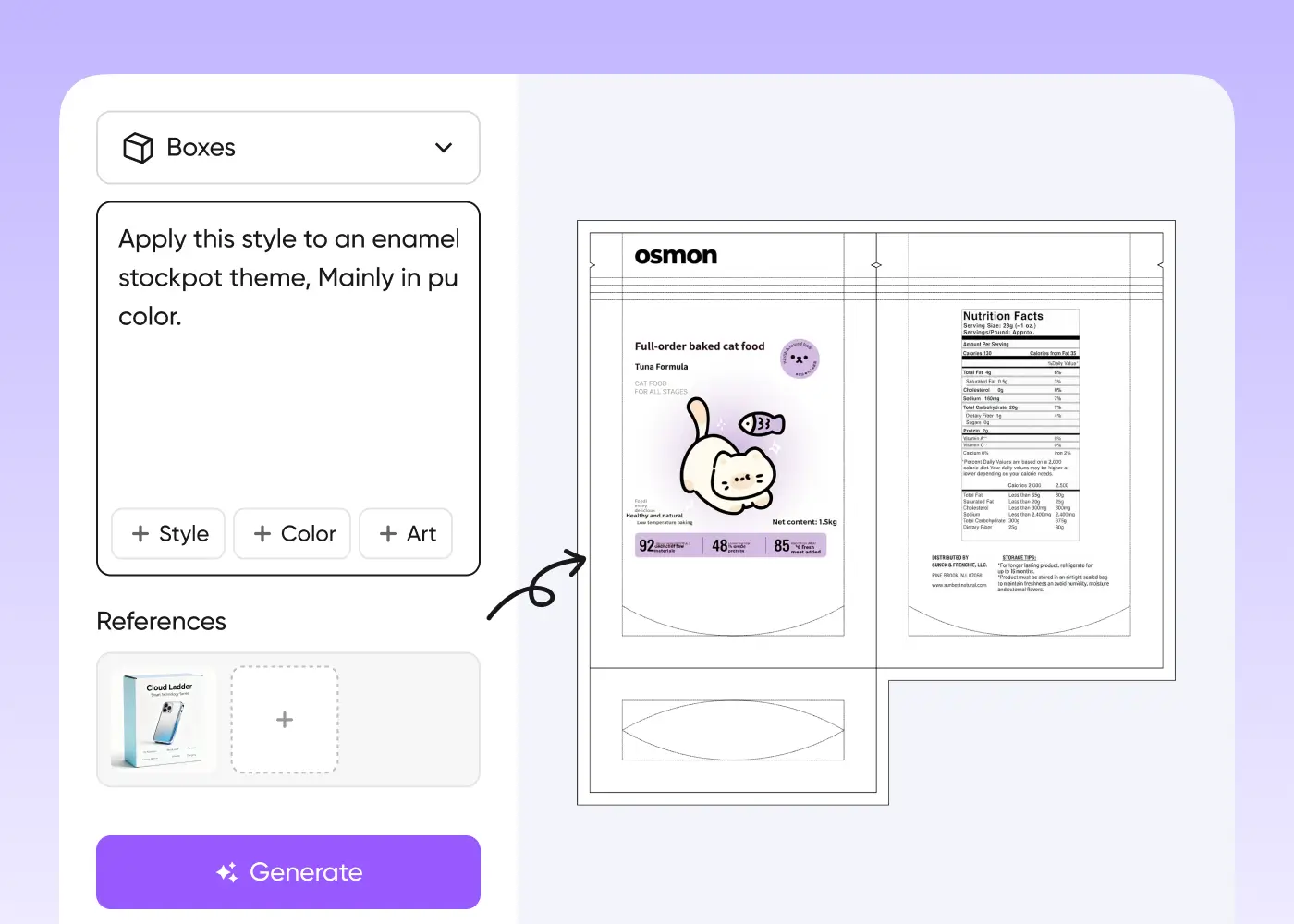
2.Add your design elements
Add the text you want, upload your brand logo, patterns, or your own artwork, and let the design fully reflect your creativity.
3. AI-Powered second edit
After the AI generates a complete dieline design, you can extract and edit individual elements, or erase and repaint them for precise, detailed adjustments.
4.Download your design
Download the high-quality dieline file, ready not only for printing and production but also for convenient edits, presentations, or project sharing.
1. Choose a suitable mockup
Choose your favorite mockup style — whether it’s a gift box, a shopping bag, stand-up pouch, or other packaging type.
2.Add your design elements
Add the text you want, upload your brand logo, patterns, or your own artwork, and let the design fully reflect your creativity.
3. AI-Powered second edit
After the AI generates a complete dieline design, you can extract and edit individual elements, or erase and repaint them for precise, detailed adjustments.
4. Download your design
Download the high-quality dieline file, ready not only for printing and production but also for convenient edits, presentations, or project sharing.
FAQ
Frequently asked questions
What types of packaging can I create with AI?
We now offer full support for 50 classic and widely used packaging mockups, covering a variety of forms such as the gift box, mailer box, food box, shopping bag, shipping bag, stand-up pouch, and more. Each mockup is finely crafted with precision modeling to ensure accurate structure and lifelike visuals, helping you quickly present professional-grade packaging designs.
Meanwhile, we will continue to expand our range with more packaging types, so that every creative idea can find its perfect fit.
How does AI generate a complete packaging dieline?
Just follow these 4 steps:
- Discover the perfect mockup that brings your vision to life — whether it’s sleek gift boxes, eye-catching shopping bags, stand-up pouches, or any packaging style you dream up.
- Simply type in your message, upload your logo, patterns, or artwork, and watch our AI transform them into a stunning, on-brand design that blends creativity with consistency at lightning speed.
- Once the AI delivers your full dieline, every detail stays fully customizable — adjust elements, remove what doesn’t fit, or reimagine sections, until your design is exactly how you imagined it.
- When inspiration meets perfection, download your complete dieline instantly — print-ready, presentation-worthy, and flexible enough to refine anytime without starting from scratch.
Can I upload my own image and let AI extend it into a full packaging layout?
Sure. Our AI can analyze the style, colors, patterns, fonts, and other elements from the images you upload, generating a complete packaging design. It ensures that the design remains consistent across all sides, maintaining a unified, professional look that reflects your brand identity and is ready for production or presentation.
Do I need design skills to use the Al packaging tools?
No. Our AI tool is designed with users in mind — even complete beginners can create impressive designs effortlessly. With a clean and intuitive interface, you can quickly find the features you need and move seamlessly through each step. From selecting a mockup and editing your design to downloading the final dieline, high-quality packaging is just a few clicks away.
Can I use the AI creation tool to design for free?
Yes. You can use our AI creation to design freely. Currently in beta, we’ve offered 50 high-quality mockups that support AI creation — the number and variety of mockups will increase gradually soon, so stay tuned!
Can AI-generated images be used for commercial purposes?
Yes. As long as you comply with our Terms of Service, AI-generated images can be used for any purpose, including commercial projects. However, please note that you may not have exclusive rights to these images.
Before using them commercially, ensure that your AI-generated designs do not infringe on any copyrights, such as trademarks, logos, or copyrighted artwork.
Discover more about Pacdora
4M+
designers trust Pacdora
Supercharge your packaging creation with Pacdora

Start with
Box
Pouch
Can
