

Candle label mockup

Add eye-catching images and text to your candle label mockups on Pacdora! Download high-quality PNGs for digital use!
Candle label mockup
Add eye-catching images and text to your candle label mockups on Pacdora! Download high-quality PNGs for digital use!
Trusted by leading companies


Design unique candle labels to elevate your product presentation with Pacdora!
Want to design stylish candle labels that leave a lasting impression on your target customers? Pacdora can help you create round, square, or rectangular labels in horizontal or vertical layouts online. Upload your images, logo, or patterns, and tweak the finish. Adjust the background and download your creations as high-definition PNG/JPG images, MP4 videos. Start designing today!
Browse more candle label mockups now
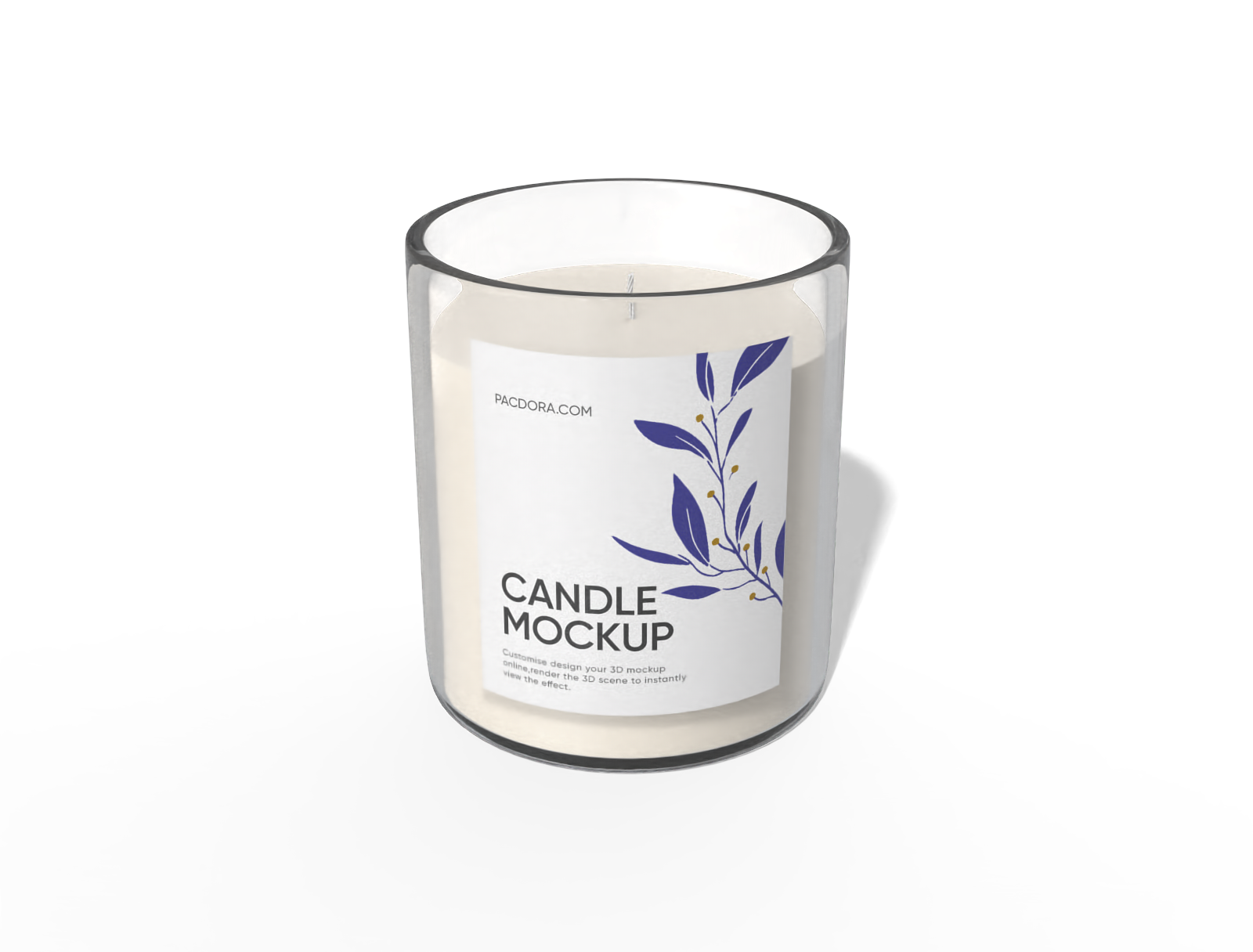
Candle mockup
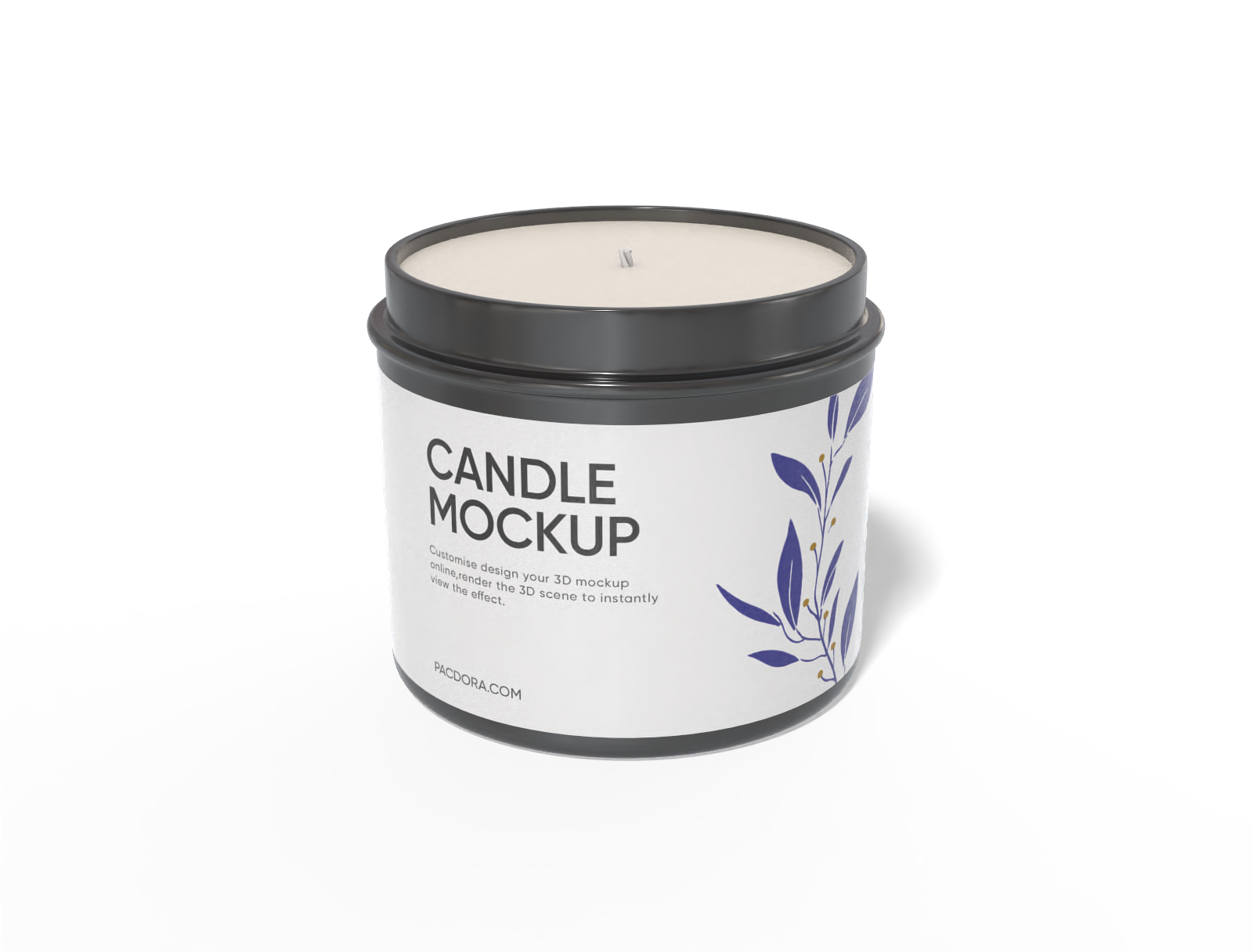
Candle mockup
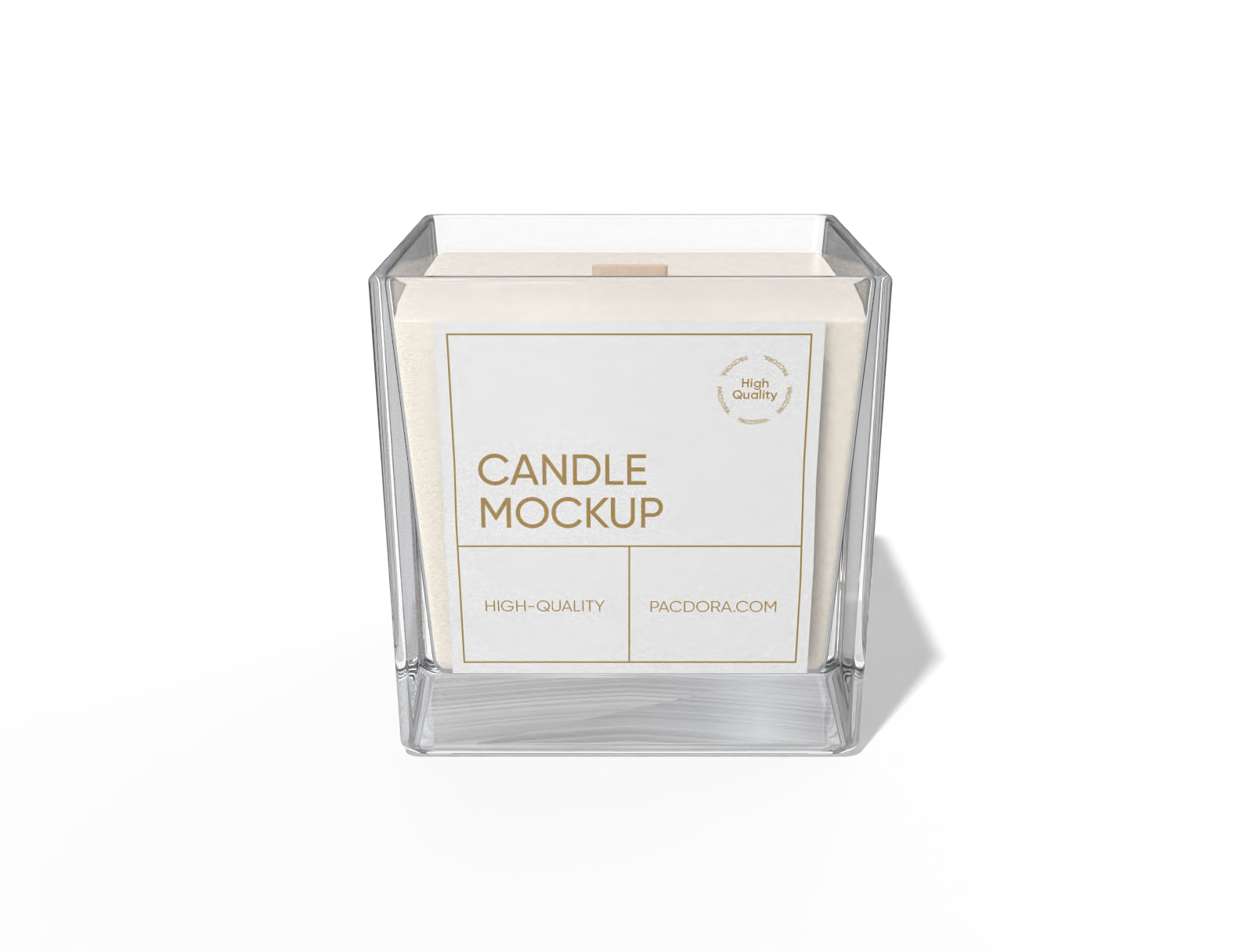
Square candle mockup
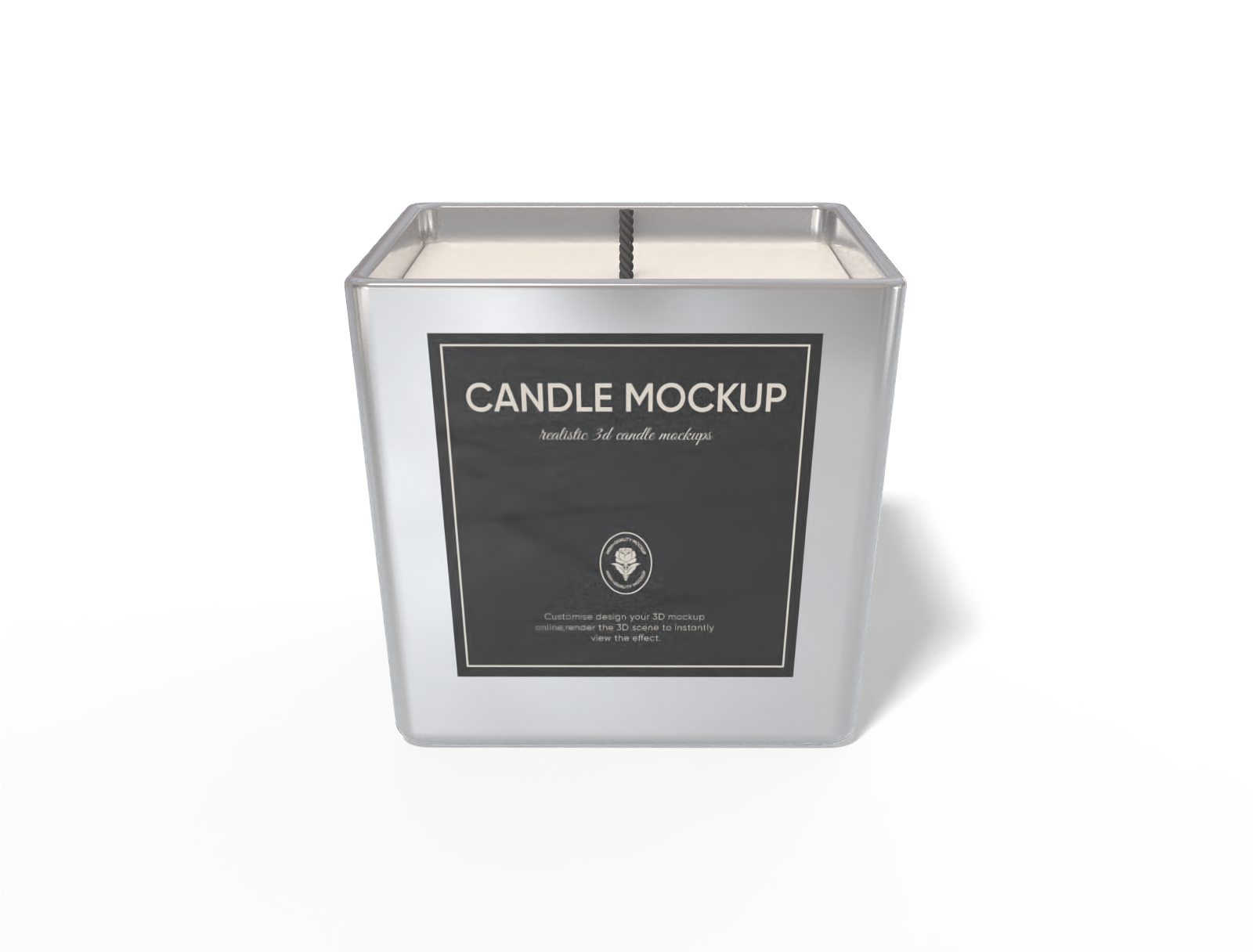
Candle mockup
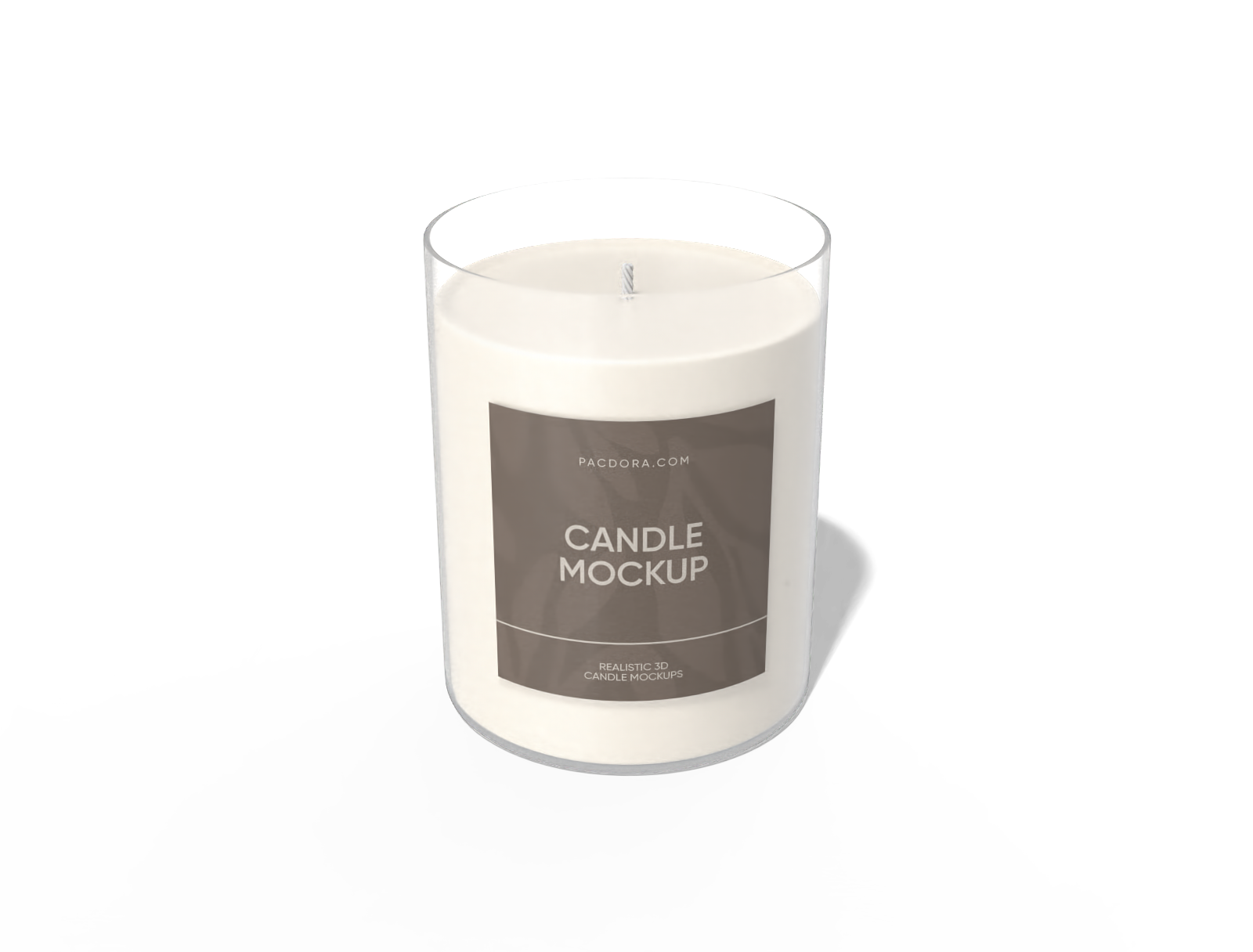
Candle mockup
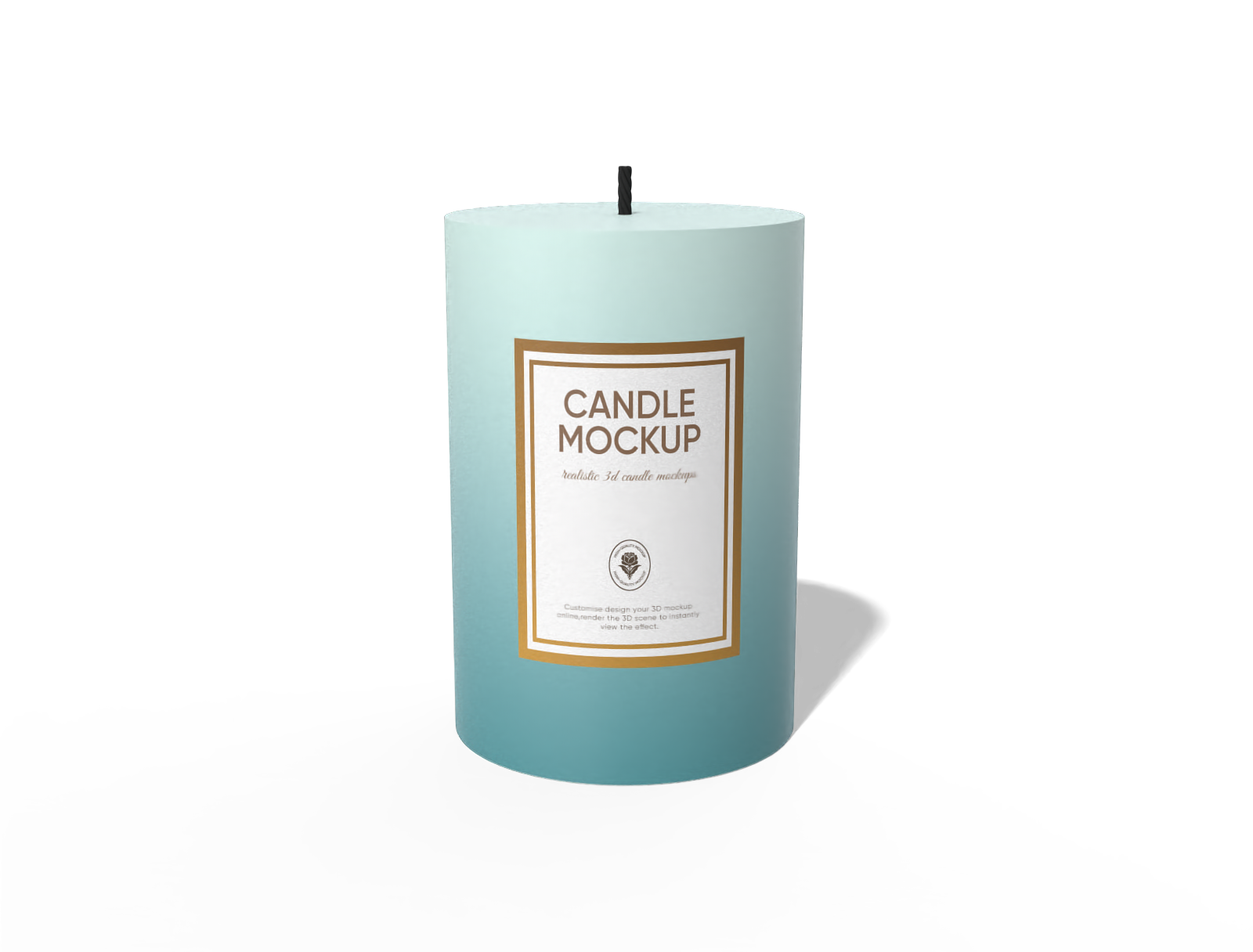
Candle mockup
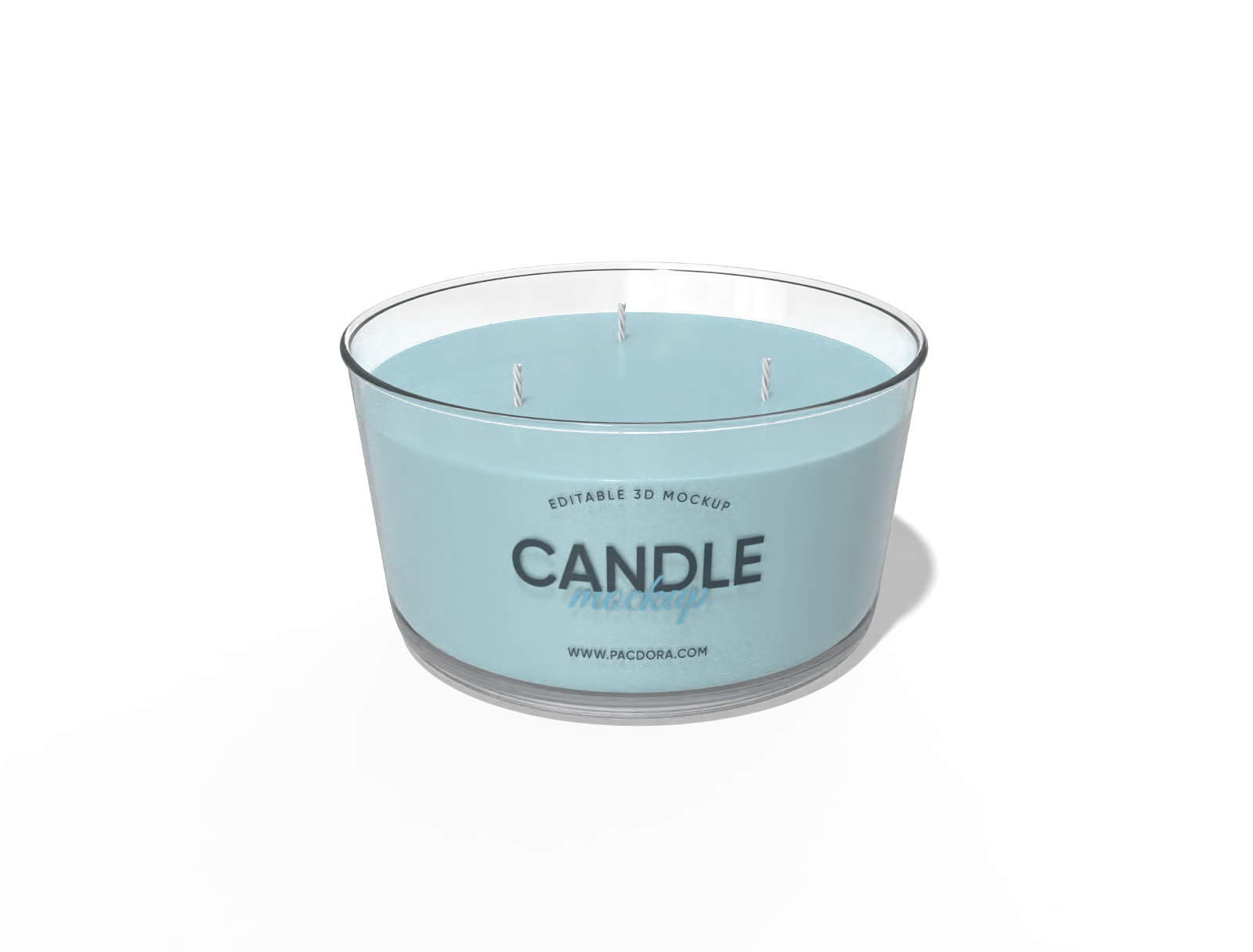
Candle mockup
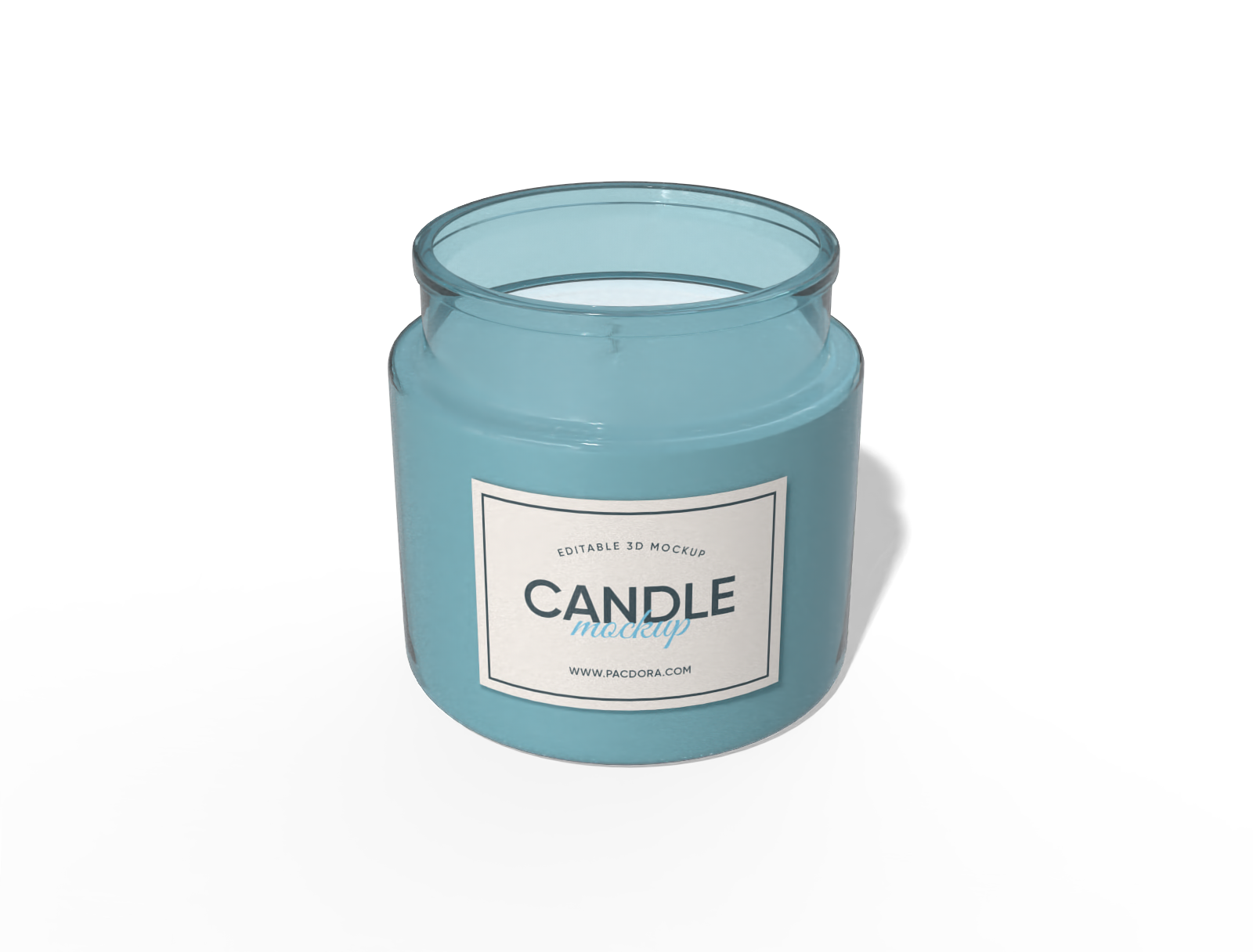
Candle mockup
How to make a candle label mockup on Pacdora?

Step 1: Select a candle label mockup
Select your candle label design from Pacdora’s wide collection, featuring layouts for weddings, gifts, or retail products.

Step 2: Add images and adjust
Add logo, brand name, and text to your candle label mockup. Adjust colors, fonts, and layout to get the perfect label size for your packaging.

Step 3: Export your candle label mockup
Export your candle label mockup in the form of a high-resolution PNG/JPG image or an MP4 video format.
Step 1: Select a candle label mockup
Select your candle label design from Pacdora’s wide collection, featuring layouts for weddings, gifts, or retail products.
Step 2: Add images and adjust
Add logo, brand name, and text to your candle label mockup. Adjust colors, fonts, and layout to get the perfect label size for your packaging.
Step 3: Export your candle label mockup
Export your candle label mockup in the form of a high-resolution PNG/JPG image or an MP4 video format.


What are the perks of making candle label mockups online?

Multiple candle label shapes for different containers
Different label shapes help you choose the right style for small jar candles or large pillar candles.
A round label fits perfectly on the top of a jar, offering a neat look for small candles. Alternatively, a full-wrap rectangular label completely covers the candle’s body, suitable for larger jars and designs with more elements.

Versatile color choices for every label design
Variety in candle label colors helps create a cohesive look for themed events or weddings.
Blush pink and mint green create an inviting look, suitable for candles used in family celebration. Similarly, gold and deep burgundy offer an elegant feel, ideal for evening event candles. Design with Pacdora now!

Easy placement of graphics and text content
Adding custom images and text is important to improve the candle’s visual appeal and draw buyers’ attention.
Including care instructions like “Keep away from flammable surfaces” in bold fonts makes the labels informative and ensures safe usage. Likewise, placing floral illustrations on candle labels adds charm and sets a festive mood.

Hassle-free download options in different formats
Different download format choices provide flexibility to use your mockups for social media posts or printing.
Saving candle label mockups as images or videos is useful for product listings on e-commerce sites or marketing and client presentations. Likewise, a PDF format preserves the design quality, making it perfect for printing purposes.

Multiple candle label shapes for different containers
Different label shapes help you choose the right style for small jar candles or large pillar candles.
A round label fits perfectly on the top of a jar, offering a neat look for small candles. Alternatively, a full-wrap rectangular label completely covers the candle’s body, suitable for larger jars and designs with more elements.
Versatile color choices for every label design
Variety in candle label colors helps create a cohesive look for themed events or weddings.
Blush pink and mint green create an inviting look, suitable for candles used in family celebration. Similarly, gold and deep burgundy offer an elegant feel, ideal for evening event candles. Design with Pacdora now!


Easy placement of graphics and text content
Adding custom images and text is important to improve the candle’s visual appeal and draw buyers’ attention.
Including care instructions like “Keep away from flammable surfaces” in bold fonts makes the labels informative and ensures safe usage. Likewise, placing floral illustrations on candle labels adds charm and sets a festive mood.
Hassle-free download options in different formats
Different download format choices provide flexibility to use your mockups for social media posts or printing.
Saving candle label mockups as images or videos is useful for product listings on e-commerce sites or marketing and client presentations. Likewise, a PDF format preserves the design quality, making it perfect for printing purposes.
Our customers love Pacdora’s mockup tools
Thousands before you have designed realistic mockups with Pacdora and loved it.

Great mock-ups and literally thousands of packaging designs to choose from. The 3d mock-up is so good, helps bring clarity to the client as well as the designers. Great product for packaging design professionals.


cosmiccorner
Move over, complicated design software! Pacdora is the superhero of packaging mockups. Creating 3D magic for my products is as easy as pie – no PhD in design required. It’s like the software looked at the clock and said, ‘Time to save users from design nightmares!’ It’s so user-friendly, even my coffee mug wants to try its hand at packaging design.
FAQ
What is the best size for a candle label?
The best size for a candle label depends on the shape and dimensions of the container. Square labels of 1.5 × 1.5 inch suit a 100ml jar, and a 200ml container fits a 2 × 2 inch label. A rectangular 3 × 2 inch label fits a 300ml jar. You can adjust the size based on how much text or design you want to include.
Can I add a background to my candle label mockups on Pacdora?
Yes, you can add backgrounds to your candle label mockups on Pacdora. Upload custom images like floral patterns, textured surfaces, or elegant illustrations to create a unique background for your labels. You can also use Pacdora’s AI background generator to create personalized backdrops within our beginner-friendly platform.
Can I add a QR code to my candle label mockup on Pacdora?
Yes, you can add a QR code to your candle label mockups in Pacdora. QR codes allow customers to quickly access product details, sales deals, or care instructions for the candle. They can also link straight to your brand website or social media site, which helps build community.
Do I need PSD files to design candle label mockups on Pacdora?
No, you don’t need PSD files to create candle label mockups on Pacdora. You can access the platform directly through any browser and customize your labels with simple drag-and-drop features. Choose a label style, add text, images, or colors, and download your design as a high-quality image or video.
Can I make candle label mockups free of cost on Pacdora?
Yes, Pacdora helps you make your desired shapes and styles of candle label mockups for free. You can also visit our pricing page to access our advanced editing features.
Explore more mockup tools
Discover more about Pacdora


