

Candle tin mockup

Add custom images or labelling text to make elegant candle tin mockups for branding or gifting! Download HD PNGs for free!
Candle tin mockup
Add custom images or labelling text to make elegant candle tin mockups for branding or gifting! Download HD PNGs for free!
Trusted by leading companies


Designing personalized candle tin mockups is now hassle-free with Pacdora!
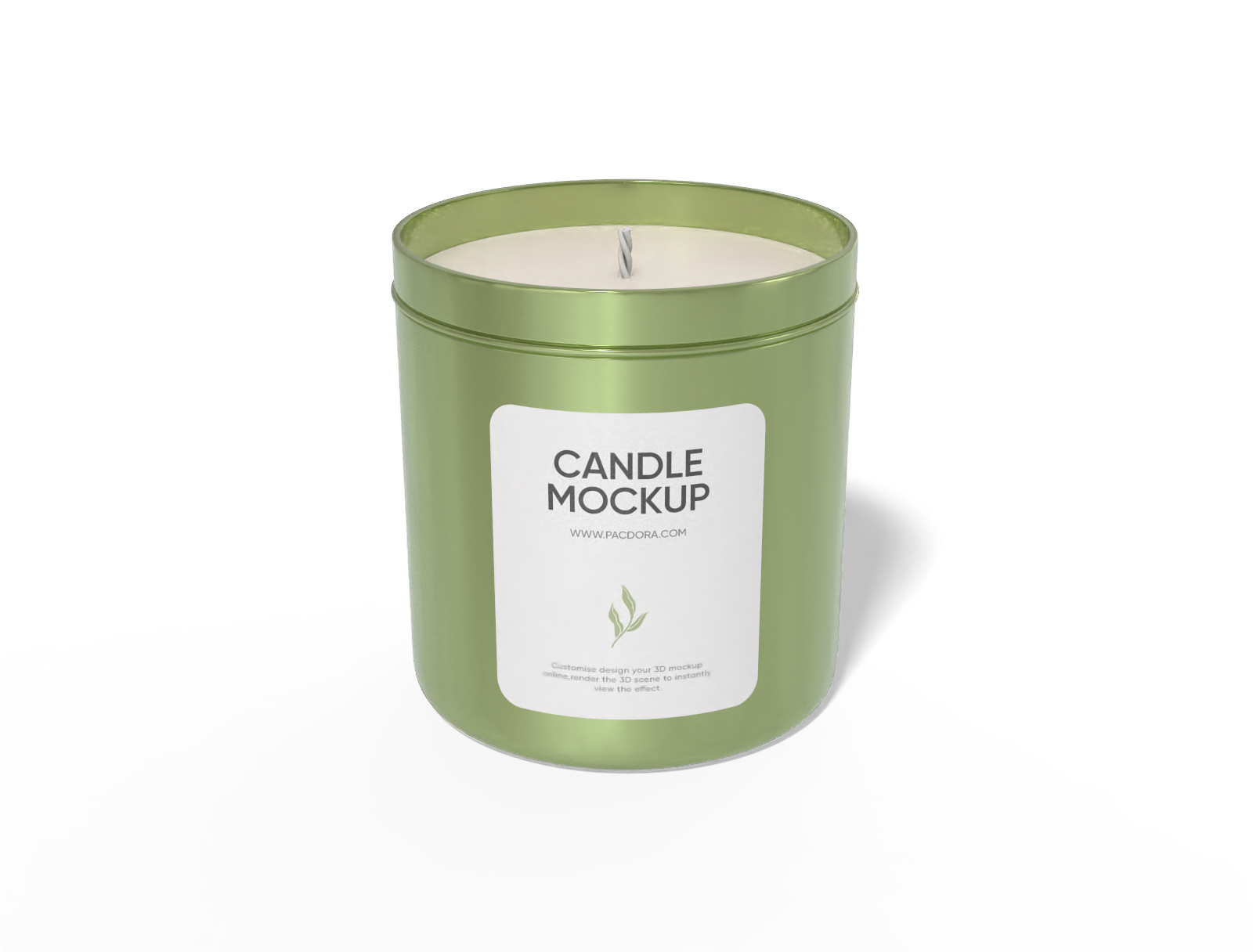
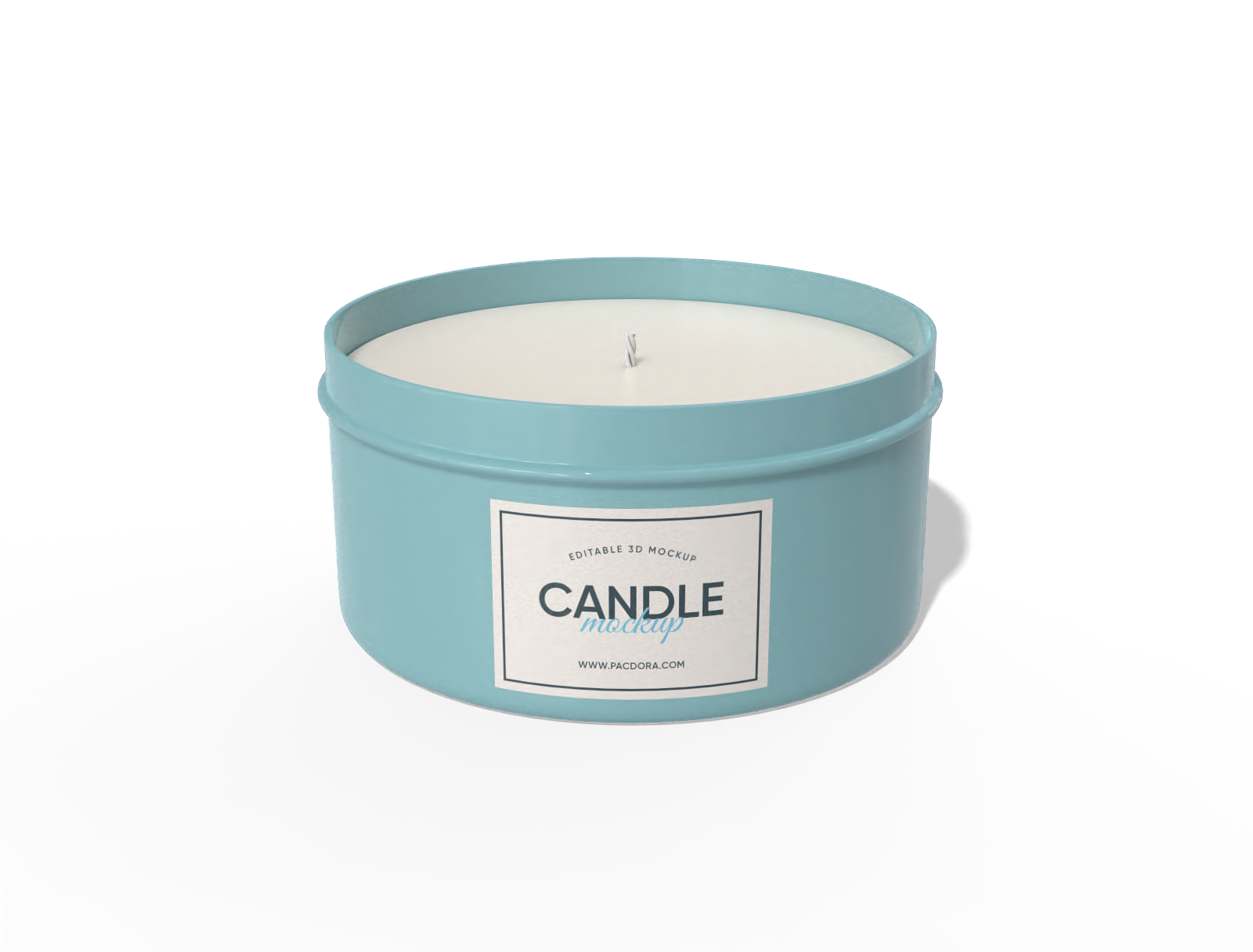
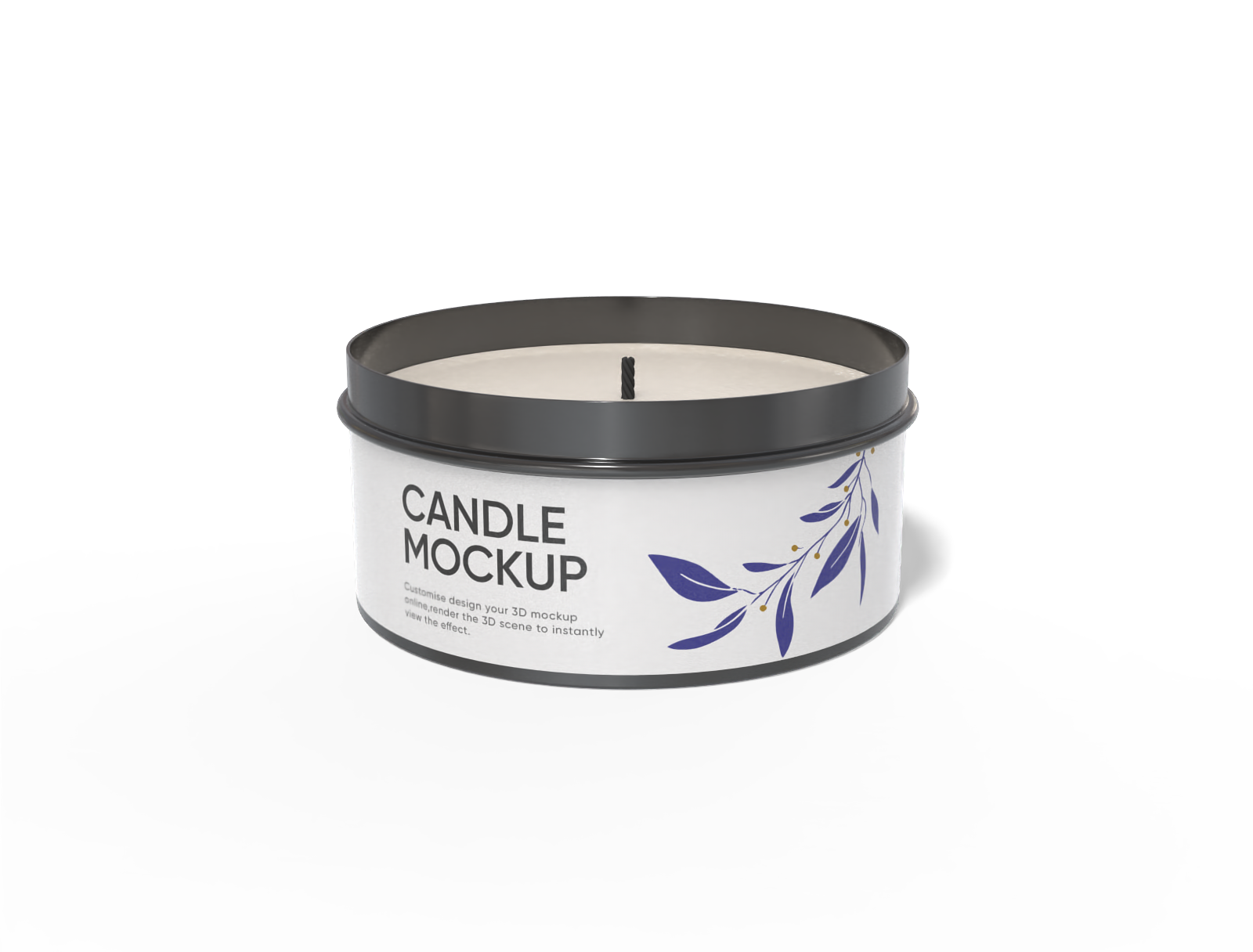
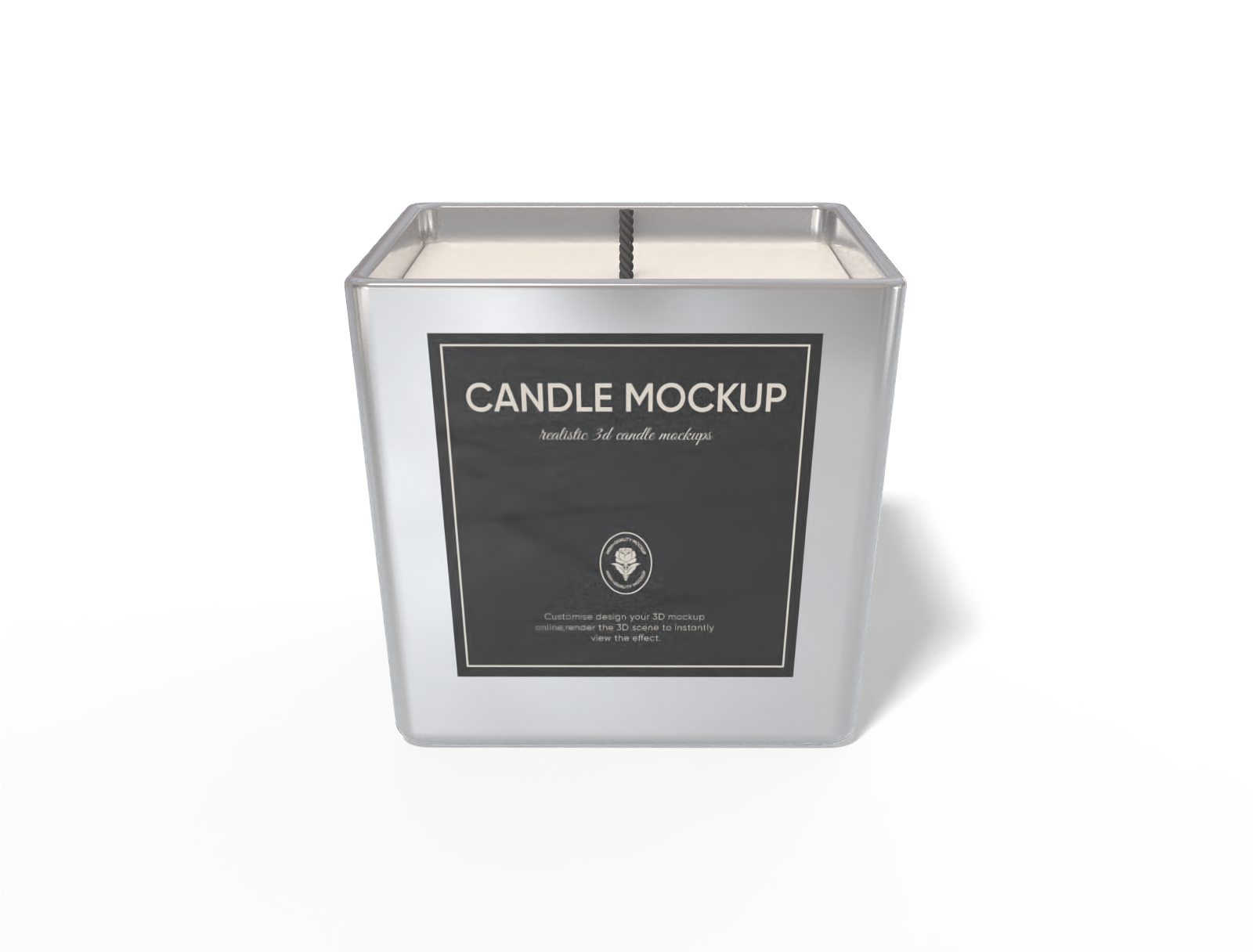
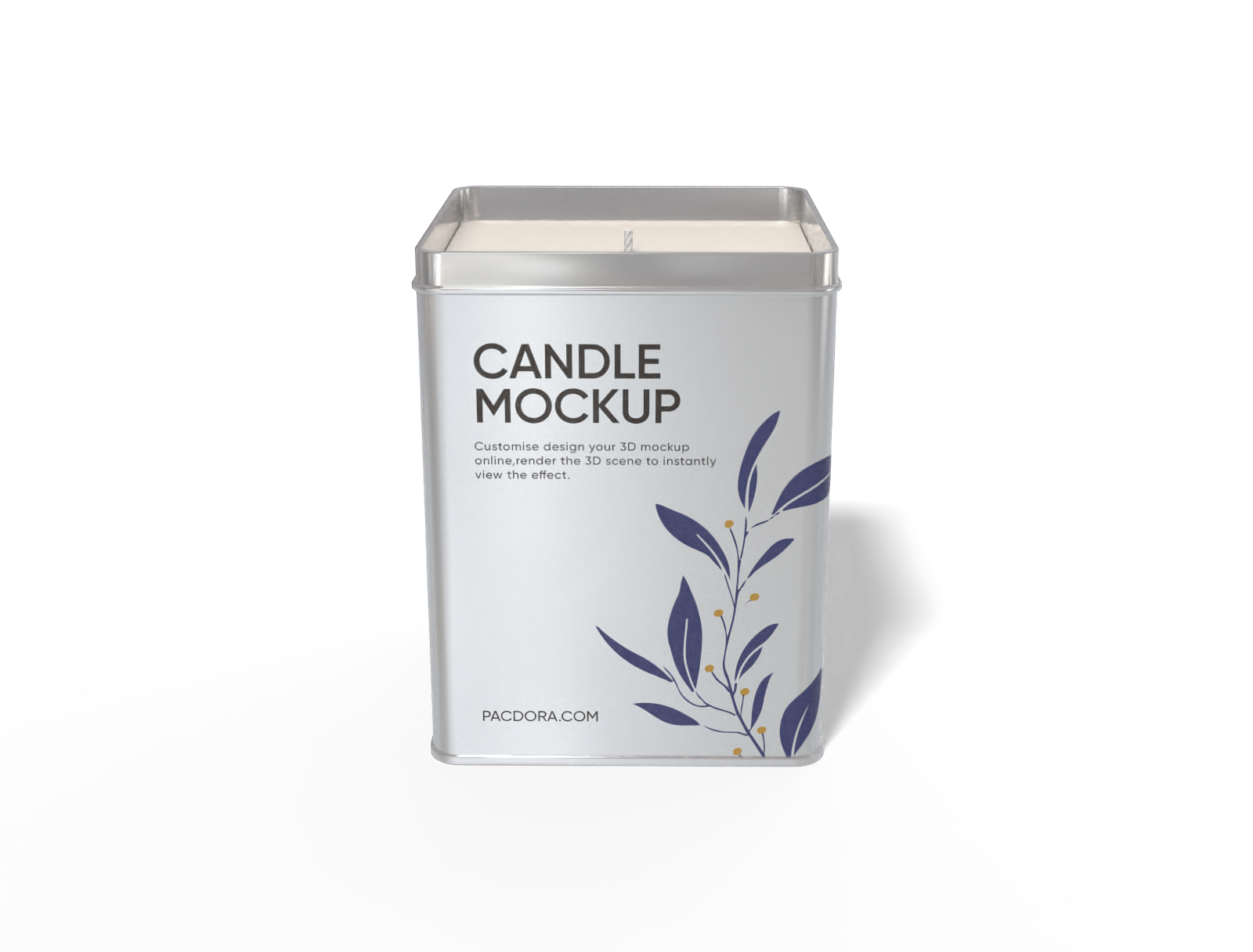
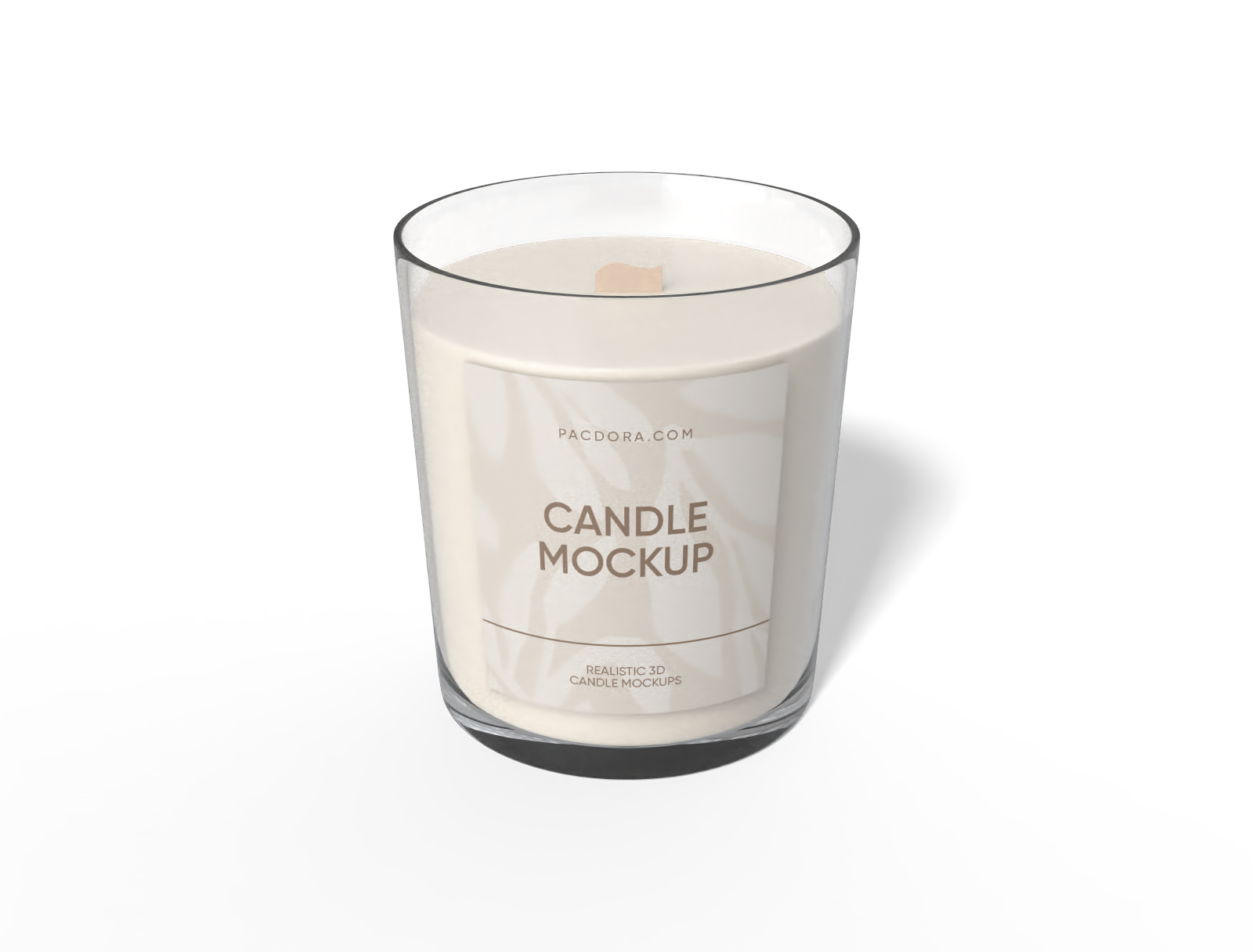
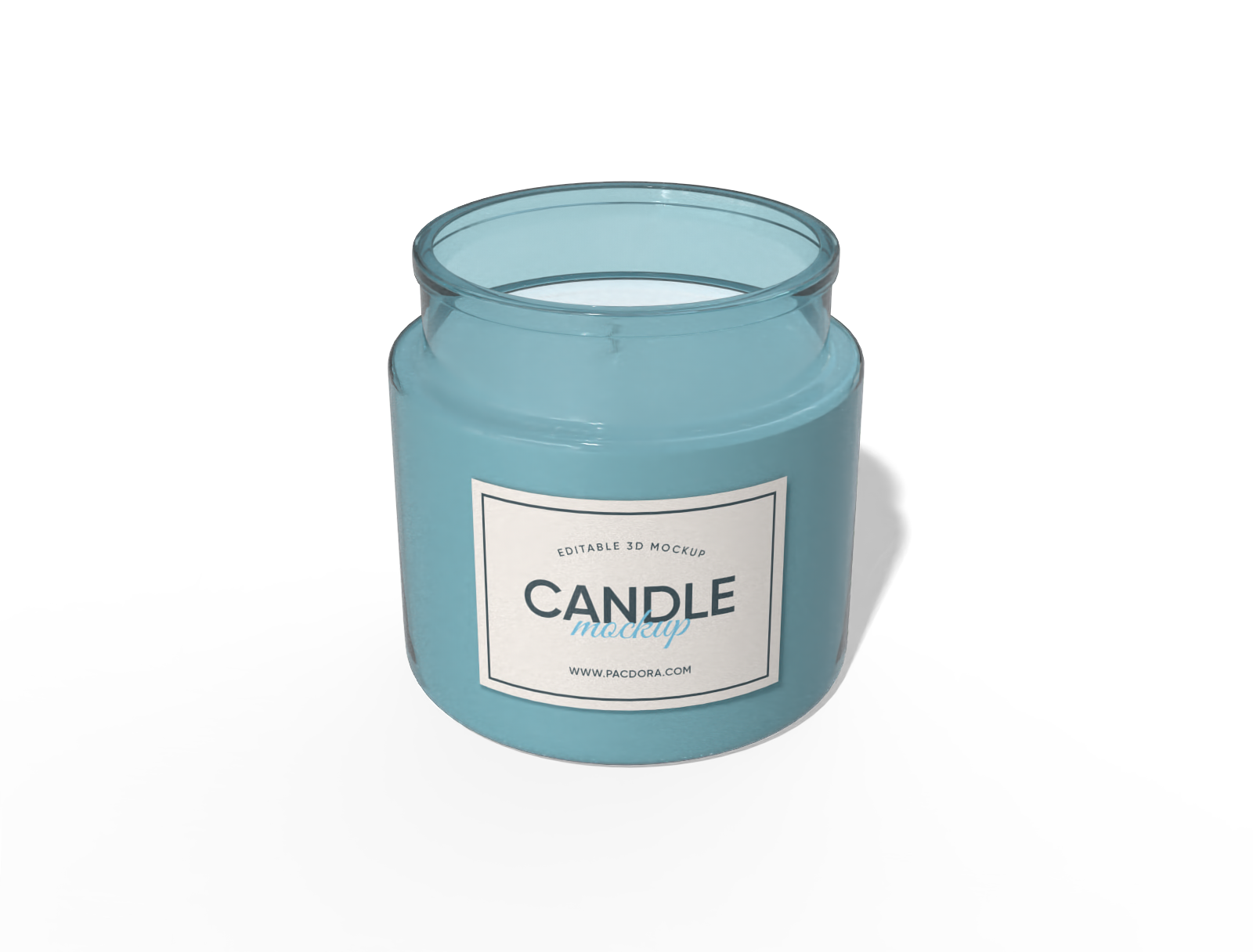
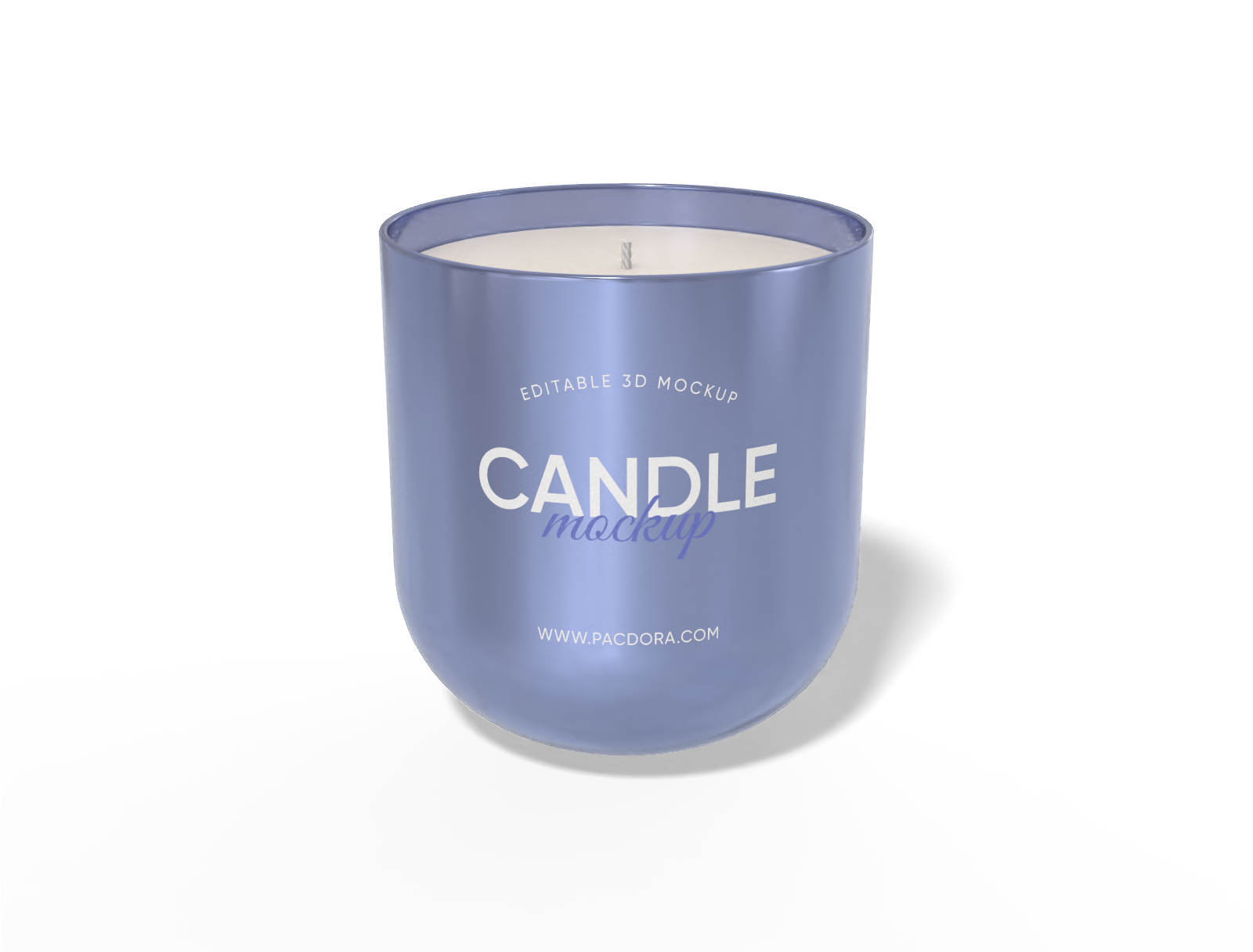
Want to design top-notch candle tin mockups that turn heads? Pacdora’s user-friendly platform helps you create stylish candle tins for brands, gifts, or personal collections. You can make round, square, or tall candle tin mockups in metal matte or glossy finish. Customize tin labels with brand images, logos, or text, and apply colors for free. Download them as high-definition PNG, JPG, or MP4 files. Try our tool now!
How to create a candle tin mockup with Pacdora?

Step 1: Select a candle tin mockup
Select your preferred candle tin design from Pacdora’s wide collection of mockups, featuring round, square, or tall tin styles.

Step 2: Add images and adjust
Add graphics, patterns, logos, or text, and change the colors of your candle tin. Customize the material finish and adjust the background.

Step 3: Download your candle tin mockup
Download your candle tin mockup in the supported PNG/JPG image or an MP4 video format.
Step 1: Select a candle tin mockup
Select your preferred candle tin design from Pacdora’s wide collection of mockups, featuring round, square, or tall tin styles.
Step 2: Add images and adjust
Add graphics, patterns, logos, or text, and change the colors of your candle tin. Customize the material finish and adjust the background.
Step 3: Download your candle tin mockup
Download your candle tin mockup in the supported PNG/JPG image or an MP4 video format.


Design elegant candle tins online for your brand

Various tin shapes for all candle types
Offering multiple candle tin shapes gives flexibility for different scents, sizes, and uses.
A square candle tin features a structured design suited for store shelves or branded collections. Alternatively, a short round candle tin has a compact style, perfect for travel candles or small home displays. Start designing now!

Custom label designs for candle tins
Personalized labels and graphics make your candle tins stand out and feel more professional.
A family photo can be added to a candle tin label for personal celebrations or gifting purposes. Similarly, placing a brand name or logo in a prominent spot on the tin helps your product get noticed in stores or online listings.

Adjustable surface texture for a unique look
Selecting the right material finishes is crucial to create personalized candle tin packaging that suits your product and brand style.
A glossy metal texture provides a shiny, reflective surface, perfect for decorative or luxury candle tins. Alternatively, a matte metal texture offers a smooth look, suitable for scented candle tins.

Background adjustment for realistic results
Choosing a suitable background makes your candle tin mockups perfect for websites, ads, or social media.
Marble counters and textured linen surfaces pair nicely with candle tins for a stylish and modern setup. Pacdora’s AI background generator can create unique backdrops that highlight the finish and color of each candle tin.

Various tin shapes for all candle types
Offering multiple candle tin shapes gives flexibility for different scents, sizes, and uses.
A square candle tin features a structured design suited for store shelves or branded collections. Alternatively, a short round candle tin has a compact style, perfect for travel candles or small home displays. Start designing now!
Custom label designs for candle tins
Personalized labels and graphics make your candle tins stand out and feel more professional.
A family photo can be added to a candle tin label for personal celebrations or gifting purposes. Similarly, placing a brand name or logo in a prominent spot on the tin helps your product get noticed in stores or online listings.


Adjustable surface texture for a unique look
Selecting the right material finishes is crucial to create personalized candle tin packaging that suits your product and brand style.
A glossy metal texture provides a shiny, reflective surface, perfect for decorative or luxury candle tins. Alternatively, a matte metal texture offers a smooth look, suitable for scented candle tins.
Background adjustment for realistic results
Choosing a suitable background makes your candle tin mockups perfect for websites, ads, or social media.
Marble counters and textured linen surfaces pair nicely with candle tins for a stylish and modern setup. Pacdora’s AI background generator can create unique backdrops that highlight the finish and color of each candle tin.

Our customers love Pacdora’s mockup tools
Thousands before you have designed realistic mockups with Pacdora and loved it.

Great mock-ups and literally thousands of packaging designs to choose from. The 3d mock-up is so good, helps bring clarity to the client as well as the designers. Great product for packaging design professionals.


cosmiccorner
Move over, complicated design software! Pacdora is the superhero of packaging mockups. Creating 3D magic for my products is as easy as pie – no PhD in design required. It’s like the software looked at the clock and said, ‘Time to save users from design nightmares!’ It’s so user-friendly, even my coffee mug wants to try its hand at packaging design.
FAQ
What metal is used in making candle tins?
Candle tins are commonly made from tin-plated steel or aluminum. These metals are light, durable, and resist dents or scratches during use. They are great for holding gel, soy, or aromatherapy candles. Their opaque surface hides wax marks and frosting inside, leaving the outer sides neat and uniform.
Can I change the finish of my candle tin mockups on Pacdora?
Yes, Pacdora enables you to change the finish of your candle tin mockups. You can choose a glossy metal finish for a shiny, modern appearance that suits retail displays or festive collections. A matte metal finish gives a smooth, understated look, perfect for home decor or simple branding.
How can I use my candle tin mockups to win clients?
Showcasing images and videos of your candle tin mockups can allow your clients to evaluate logos, colors, and labeling placement. Share high-quality visuals on your website, online store, or social media platforms to draw attention. Posting short video clips of your candle tin mockups on Instagram or during trade shows can also build interest.
Do I have to download PSD files to make candle tin mockups on Pacdora?
No. Pacdora allows you to create candle tin mockups directly in your browser using simple drag-and-drop tools. You do not have to download PSD files or use complex design software. Upload your artwork, adjust details, and preview your candle tin instantly. Even first-time users can design professional-quality mockups and download them in high-resolution formats.
Can I design candle tin mockups for free on Pacdora?
Yes, you can design various shapes and styles of candle tin mockups for free with Pacdora. For premium editing options, head to our pricing page.
Explore more mockup tools
Discover more about Pacdora


