

Custom boxes with logo

Choose a size, insert your logo, and other branding, then download your custom box with logo as a HD PNG image for free.
Custom boxes with logo
Choose a size, insert your logo, and other branding, then download your custom box with logo as a HD PNG image for free.
Trusted by leading companies


Easily create custom boxes with your company logo in minutes on Pacdora!
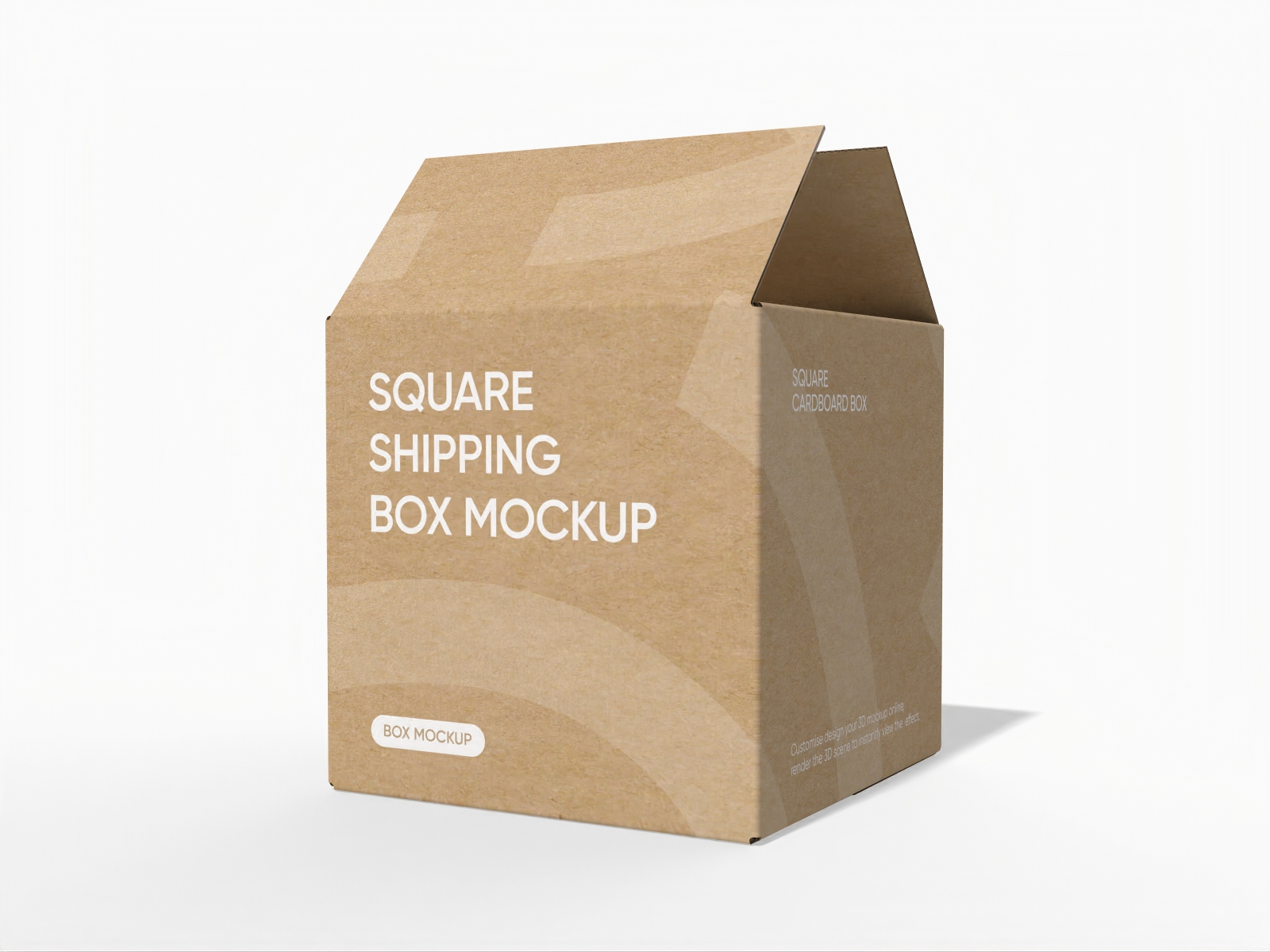
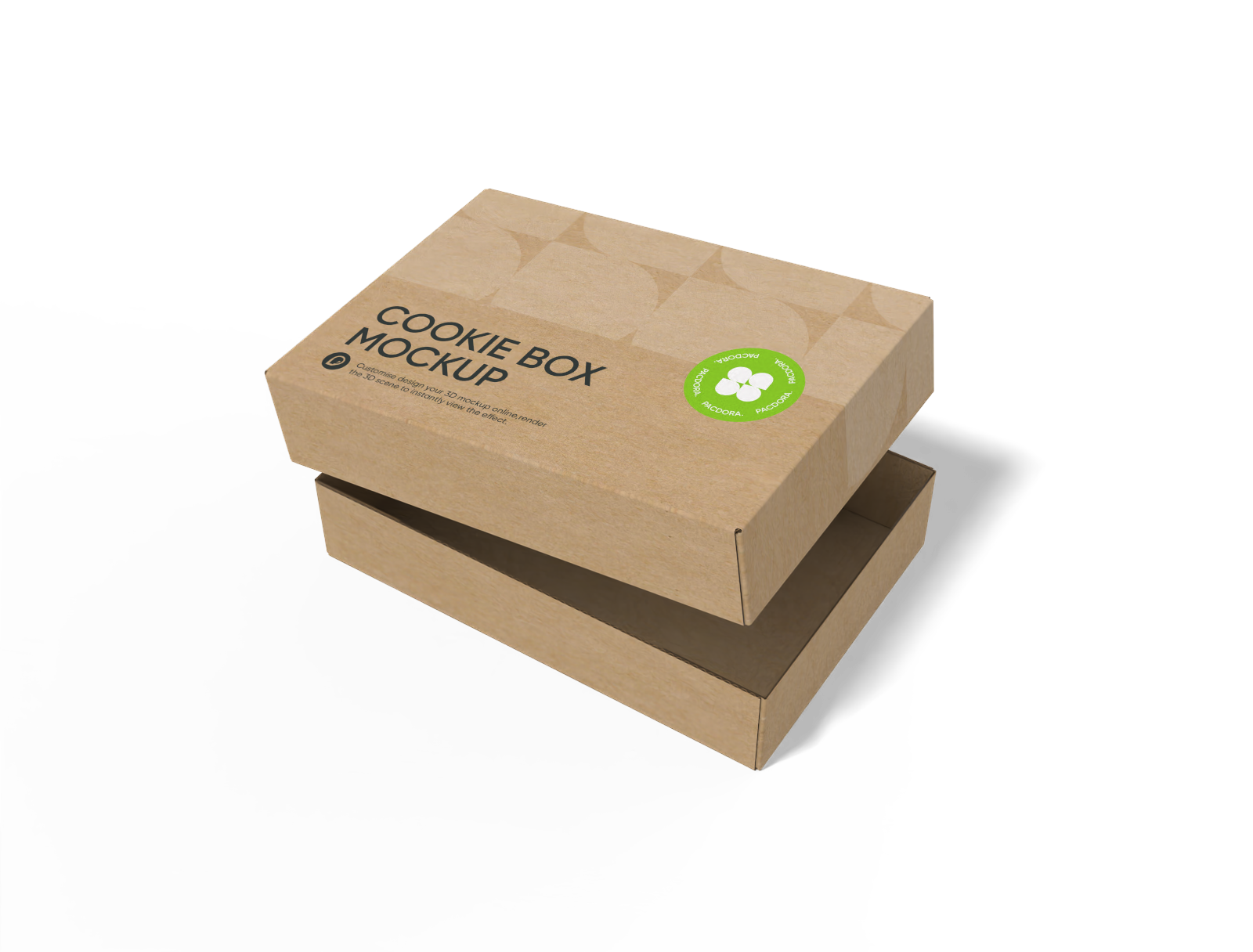
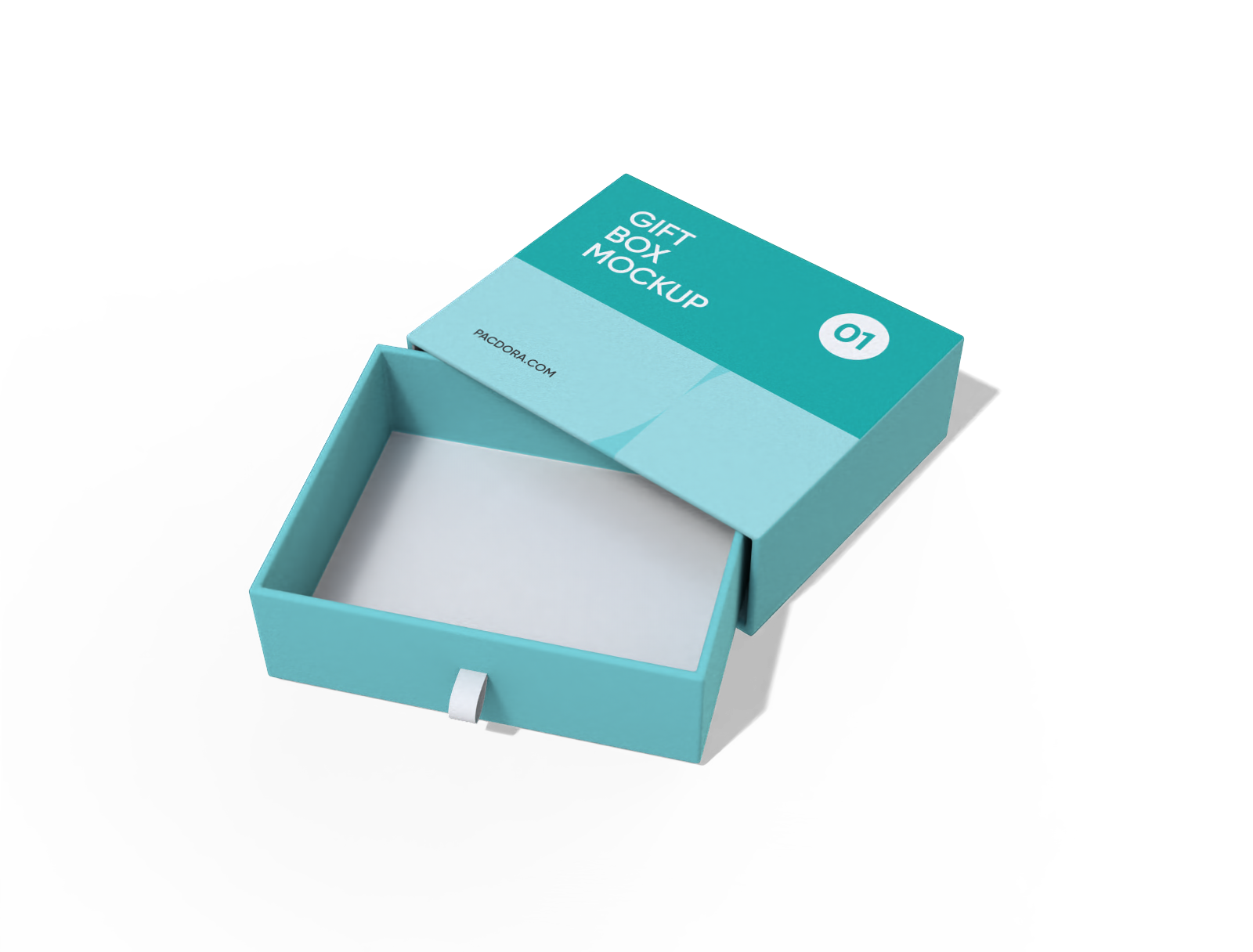
Looking to make a good impression on your customer with custom boxes with logo? Simply choose your preferred style from Pacdora’s windowed mailer boxes, display boxes, tuck-end boxes, and many other options. Make adjustments to the box dimensions, material, and add your brand logo or your own custom designs. Preview your design in 3D, and when everything looks right, download dieline files to print your box or PNG/JPG images and videos to present it to your viewers. Get started today!





How to create custom boxes with logo online?
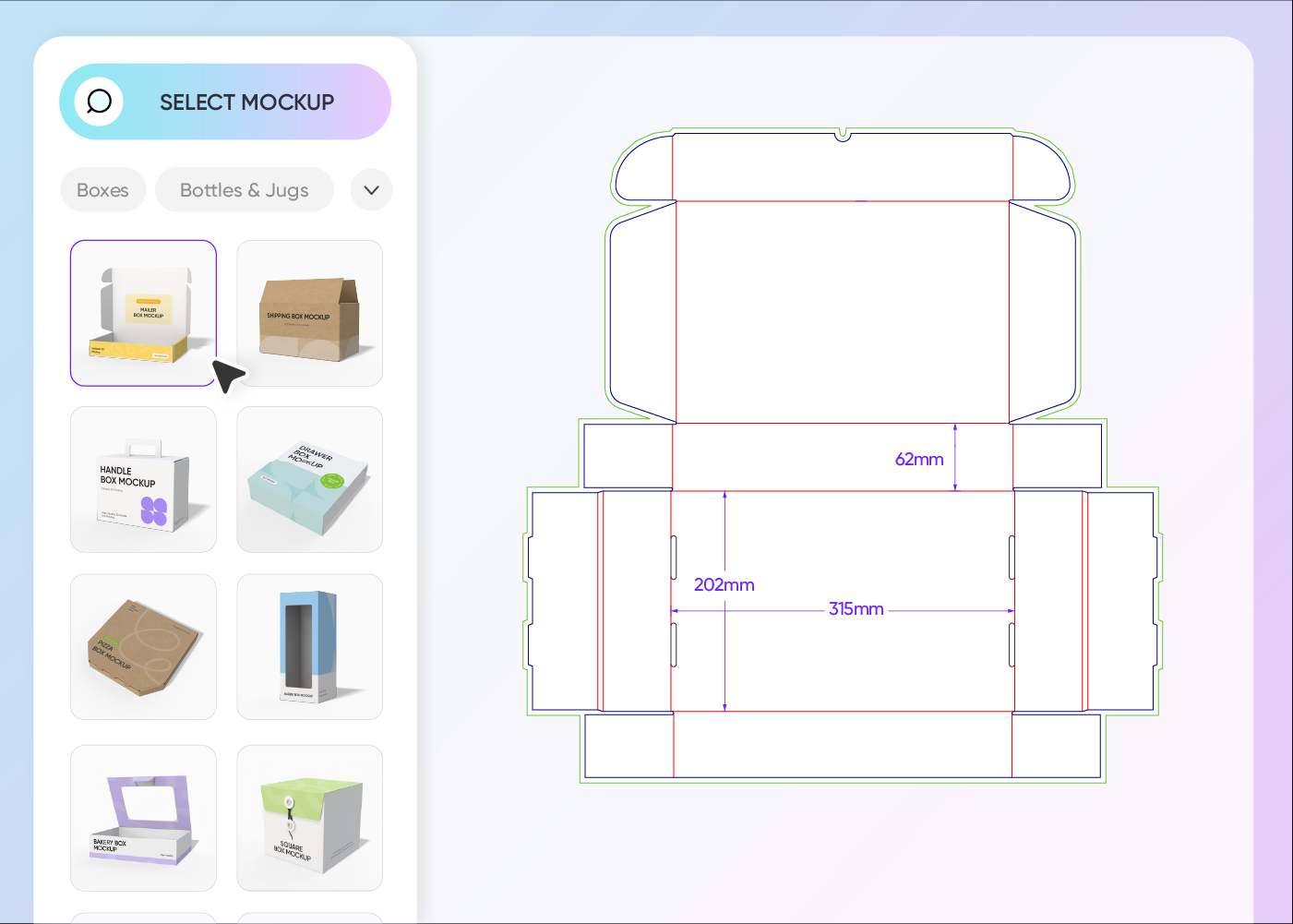
Step 1: Select a box mockup
Select your favorite box style or one that suits your brand and product from our wide range of mockups.
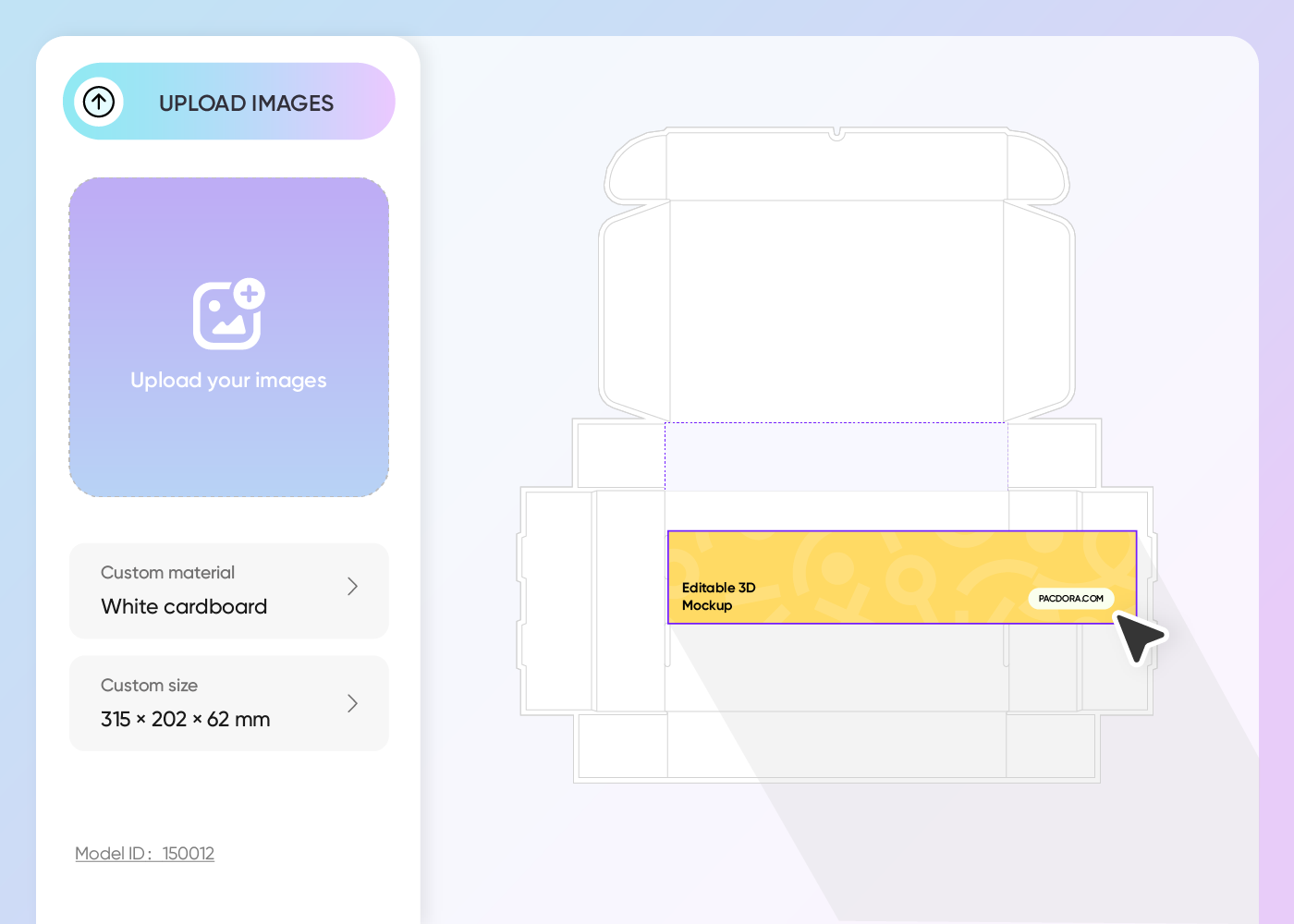
Step 2: Upload design and customize
Customize the box size, upload your logo or design image, pick the color, font type, and other details to match your unique style.
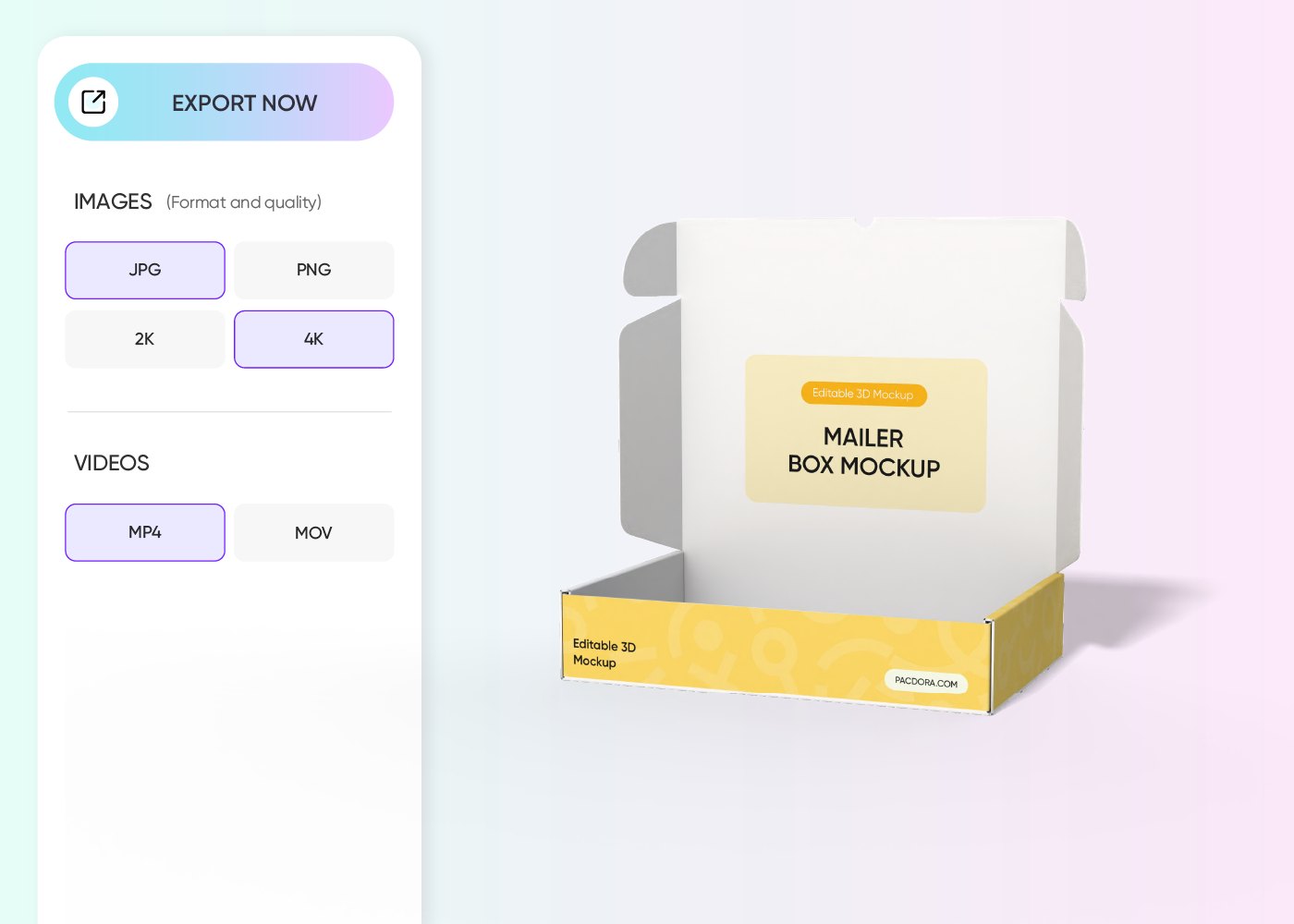
Step 3: Download your custom boxes with logo
Download your custom box design as a printable file for production or export high-res PNG/JPG and 4K MP4 videos to digital use.
Step 1: Select a box mockup
Select your favorite box style or one that suits your brand and product from our wide range of mockups.
Step 2: Upload design and customize
Customize the box size, upload your logo or design image, pick the color, font type, and other details to match your unique style.
Step 3: Download your custom boxes with logo
Download your custom box design as a printable file for production or export high-res PNG/JPG and 4K MP4 videos to digital use.
Tips for designing custom boxes with logo online
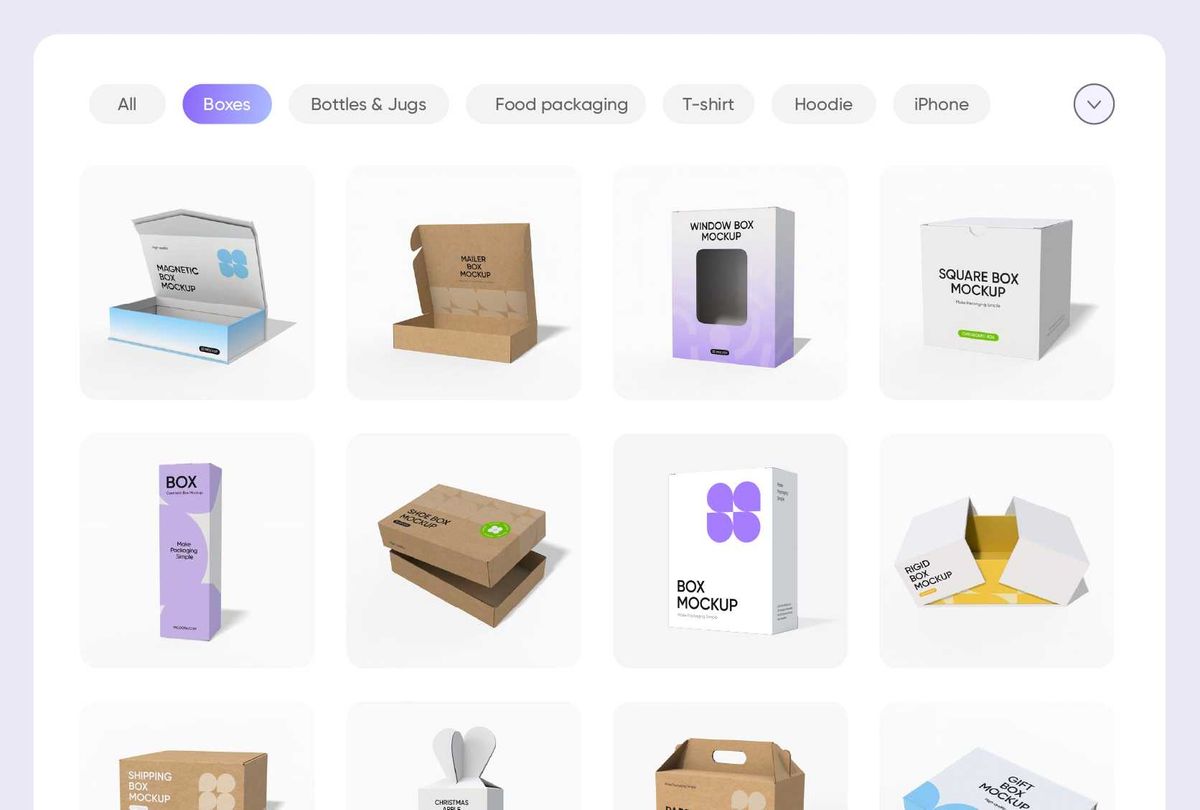
A unique box style for premium packaging
Choose a box style that gives your product a unique edge. Book sleeve boxes feel luxurious and are perfect for beauty sets or high-end items.
Windowed mailer boxes keep products secure while letting customers peek inside. Tuck-end, gable, display, and flip-top boxes also offer creative ways to present your products.
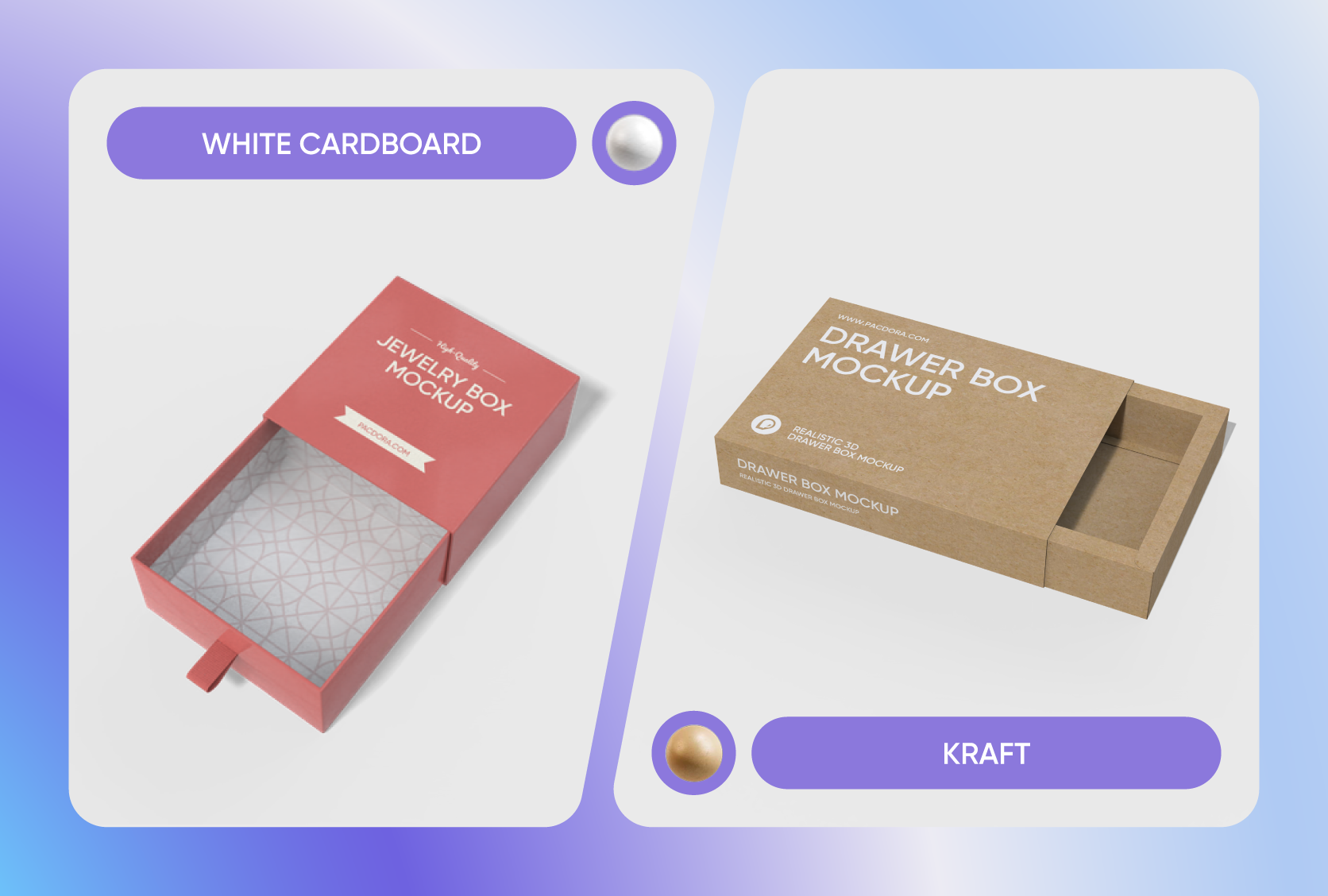
Material that makes your logo look crisp
Material choice affects not just how your box functions but also how your custom designs, like your logo, appear. White cardboard is smooth, giving your branding a polished look.
Kraft paper has a slightly textured brown surface that’s perfect for minimalist logos, while corrugated cardboard is sturdy and goes well with bold, simple logos.
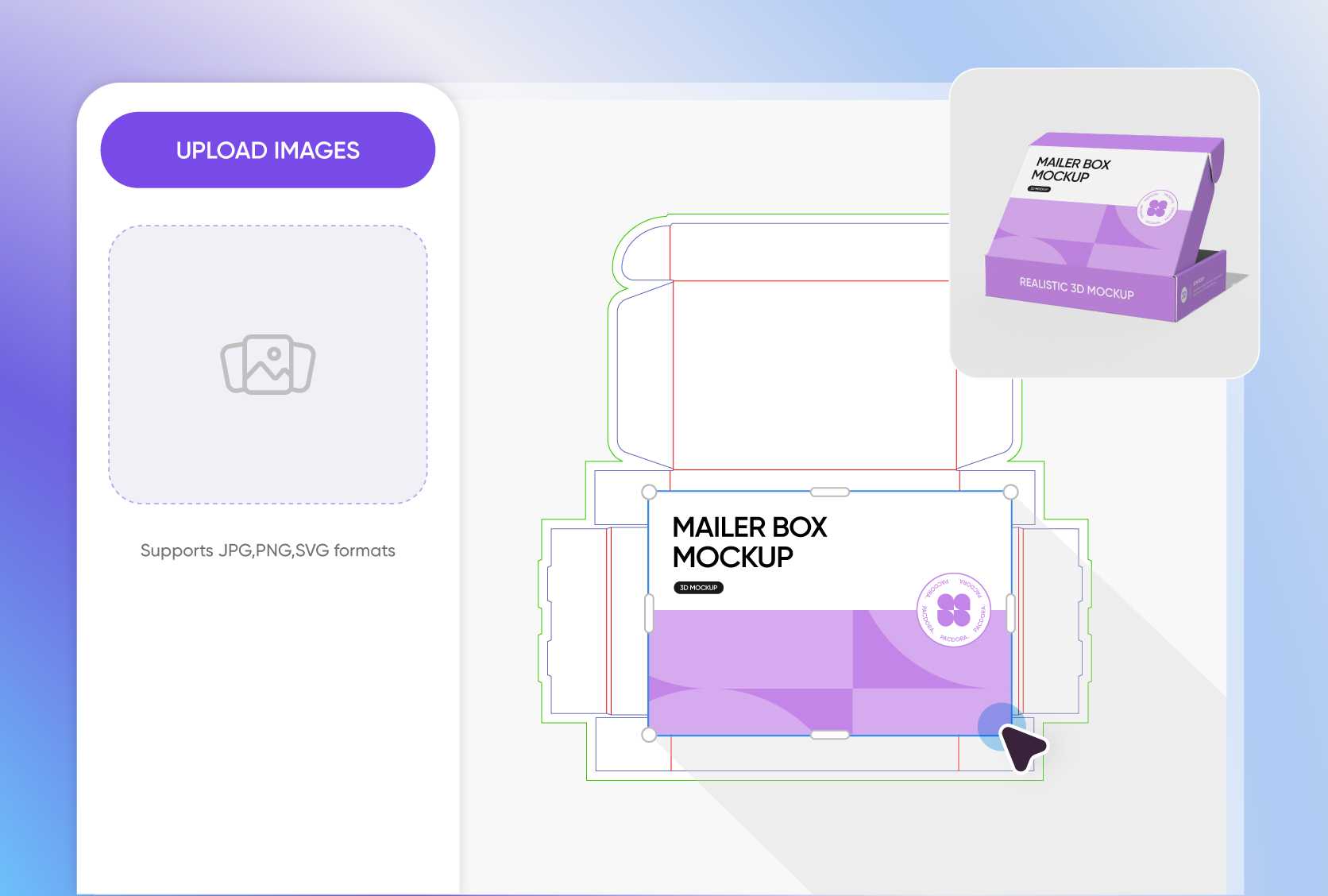
Add patterns and texts for personal touch
Complement your logo with geometric shapes or repeating motifs to make your box feel cohesive and memorable. Add a short message to share what your brand stands for.
Make your box design even more exciting by using bold colors like red on the inside or try a mix of a white front panel, soft pastel sides, and a brown interior.
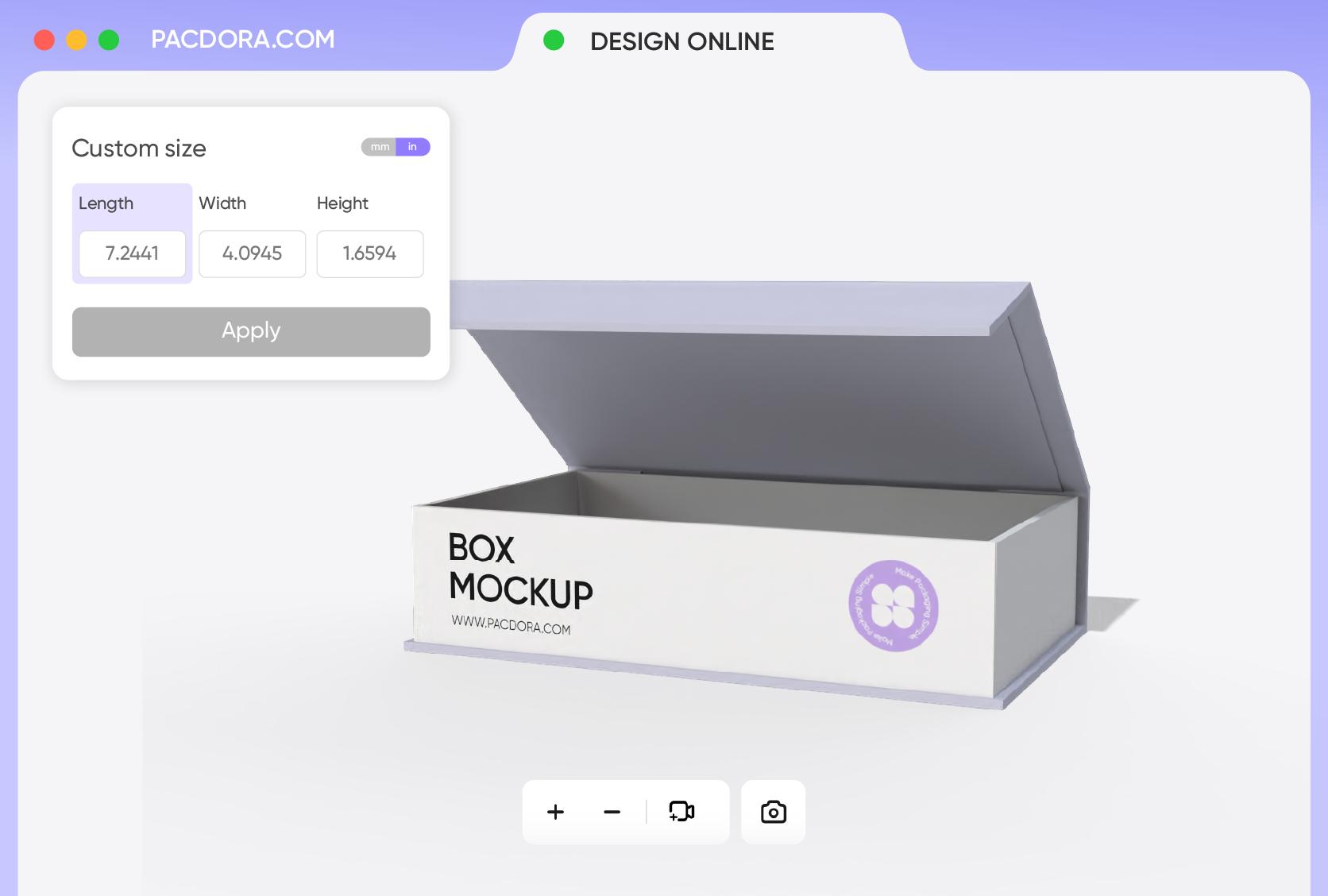
Customize the box size to save materials
Ensure proper box sizing to save material and shipping costs. Smaller products like jewelry fit nicely in a 6 × 4 × 2-inch box with no extra fillers, just clean, elegant packaging.
A larger 9 × 6 × 3-inch box holds gift sets or bundled products neatly without wasting space. At Pacdora, you can adjust the box size for snug-fit packaging.
A unique box style for premium packaging
Choose a box style that gives your product a unique edge. Book sleeve boxes feel luxurious and are perfect for beauty sets or high-end items.
Windowed mailer boxes keep products secure while letting customers peek inside. Tuck-end, gable, display, and flip-top boxes also offer creative ways to present your products.
Material that makes your logo look crisp
Material choice affects not just how your box functions but also how your custom designs, like your logo, appear. White cardboard is smooth, giving your branding a polished look.
Kraft paper has a slightly textured brown surface that’s perfect for minimalist logos, while corrugated cardboard is sturdy and goes well with bold, simple logos.
Add patterns and texts for personal touch
Complement your logo with geometric shapes or repeating motifs to make your box feel cohesive and memorable. Add a short message to share what your brand stands for.
Make your box design even more exciting by using bold colors like red on the inside or try a mix of a white front panel, soft pastel sides, and a brown interior.
Customize the box size to save materials
Ensure proper box sizing to save material and shipping costs. Smaller products like jewelry fit nicely in a 6 × 4 × 2-inch box with no extra fillers, just clean, elegant packaging.
A larger 9 × 6 × 3-inch box holds gift sets or bundled products neatly without wasting space. At Pacdora, you can adjust the box size for snug-fit packaging.
Our customers love Pacdora’s mockup tools
Thousands before you have designed realistic mockups with Pacdora and loved it.

Great mock-ups and literally thousands of packaging designs to choose from. The 3d mock-up is so good, helps bring clarity to the client as well as the designers. Great product for packaging design professionals.


cosmiccorner
Move over, complicated design software! Pacdora is the superhero of packaging mockups. Creating 3D magic for my products is as easy as pie – no PhD in design required. It’s like the software looked at the clock and said, ‘Time to save users from design nightmares!’ It’s so user-friendly, even my coffee mug wants to try its hand at packaging design.
FAQ
Why should businesses adopt custom boxes with logo?
Customized boxes give your customers a memorable experience. Customers are so happy to see your logo when they’re buying your product. This makes your brand so popular and trustworthy among your audience. Besides, customers remember details of visual elements more than what they read. So, by including your logo on every box, you emphasize your brand and leave a lasting impression to your customers.
Can I add more than just my logo on custom boxes?
Sure! You can use your brand’s primary color to complement the logo for a more consistent look. Product details and short messages are among the elements you can include on your custom boxes with a logo, using a bold, stylish, and easy-to-read font. Also, you can add product-related images or creative patterns to make your box more exciting and engaging for your viewers.
Do I need an expert to create my custom boxes with logo?
Not really! Pacdora is a more straightforward and simple online design platform that enables even beginners to create impressive custom boxes with logo. No external software is required to design on our platform. It offers a wide variety of pre-made box mockups and is user-friendly. All you need to do is select a box type, customize it from start to finish, preview it in 3D, and download it in your preferred format.
What file format does Pacdora support?
Pacdora supports dieline files that show exact folds and cut lines for precise box printing. You can download high-resolution 8K PNG/JPG images to use for product listings, online stores, and social media posts. Our platform also supports 4K MP4 videos, a more suitable format for showcasing the unboxing experience or for client pitches and digital ads.
Can I create custom boxes with logo for free on Pacdora?
Yes! You can create custom boxes with logo on Pacdora using our free features. For more advanced options, check out our premium services on the pricing page.
Explore more mockup tools
Discover more about Pacdora


