

Custom event bands

Upload bold logos or artwork to design custom event bands at no cost! Pacdora supports down loading as high-quality PNG images!
Custom event bands
Upload bold logos or artwork to design custom event bands at no cost! Pacdora supports down loading as high-quality PNG images!
Trusted by leading companies


Designing stylish event bands is now hassle-free with Pacdora!
Want to create stylish bands online for all kinds of events? Pacdora’s beginner-friendly platform helps you design custom event bands for entry control, promotions, or team identification. Select from plastic, rubber, or nylon bands with adjustment features such as snap holes, buckles, or hook closures. Upload design components, modify colors, and tweak backgrounds for free. Download in high-resolution PNG/JPG images or MP4 video formats. Try today!
How to design custom event bands using Pacdora?

Step 1: Select an event band design
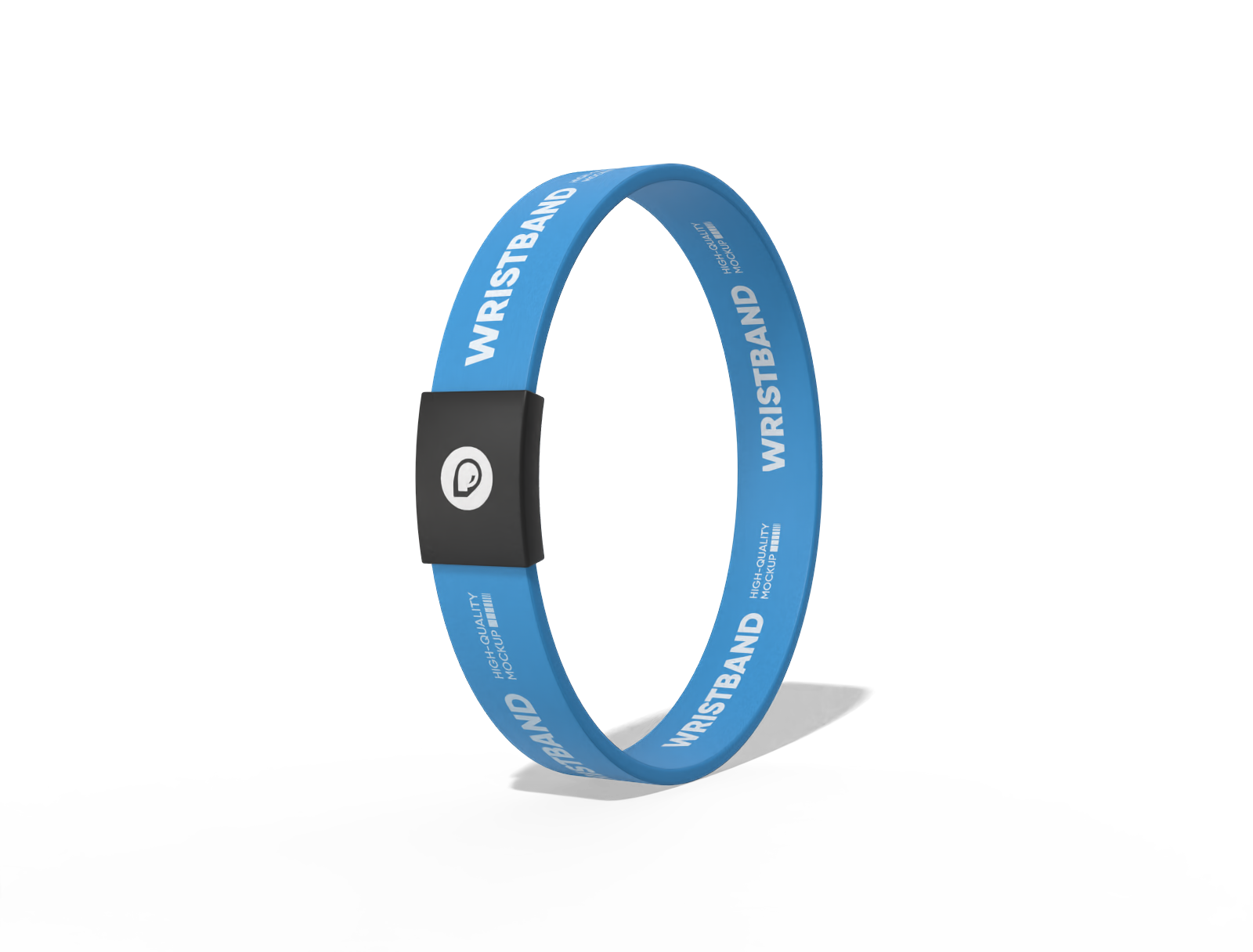
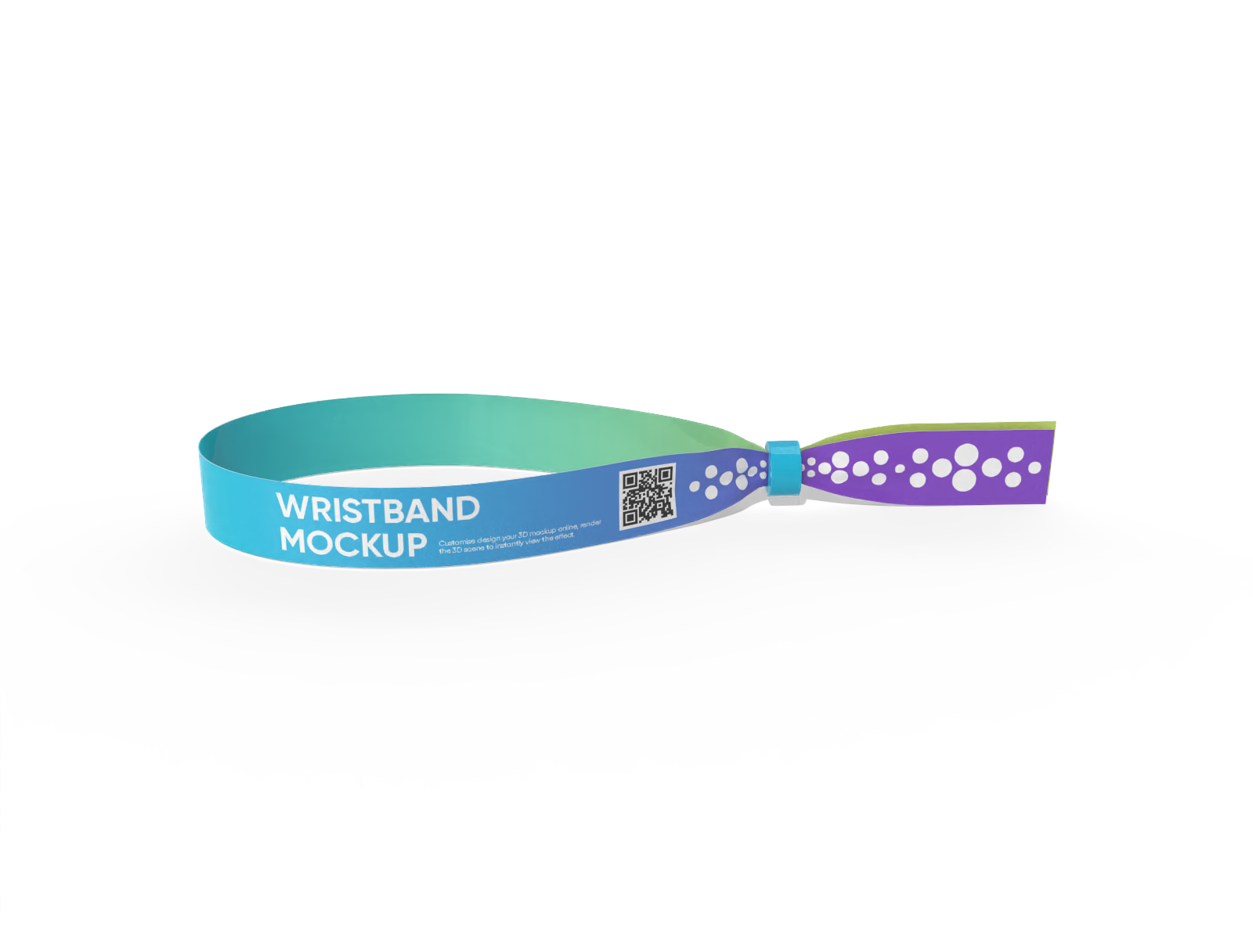
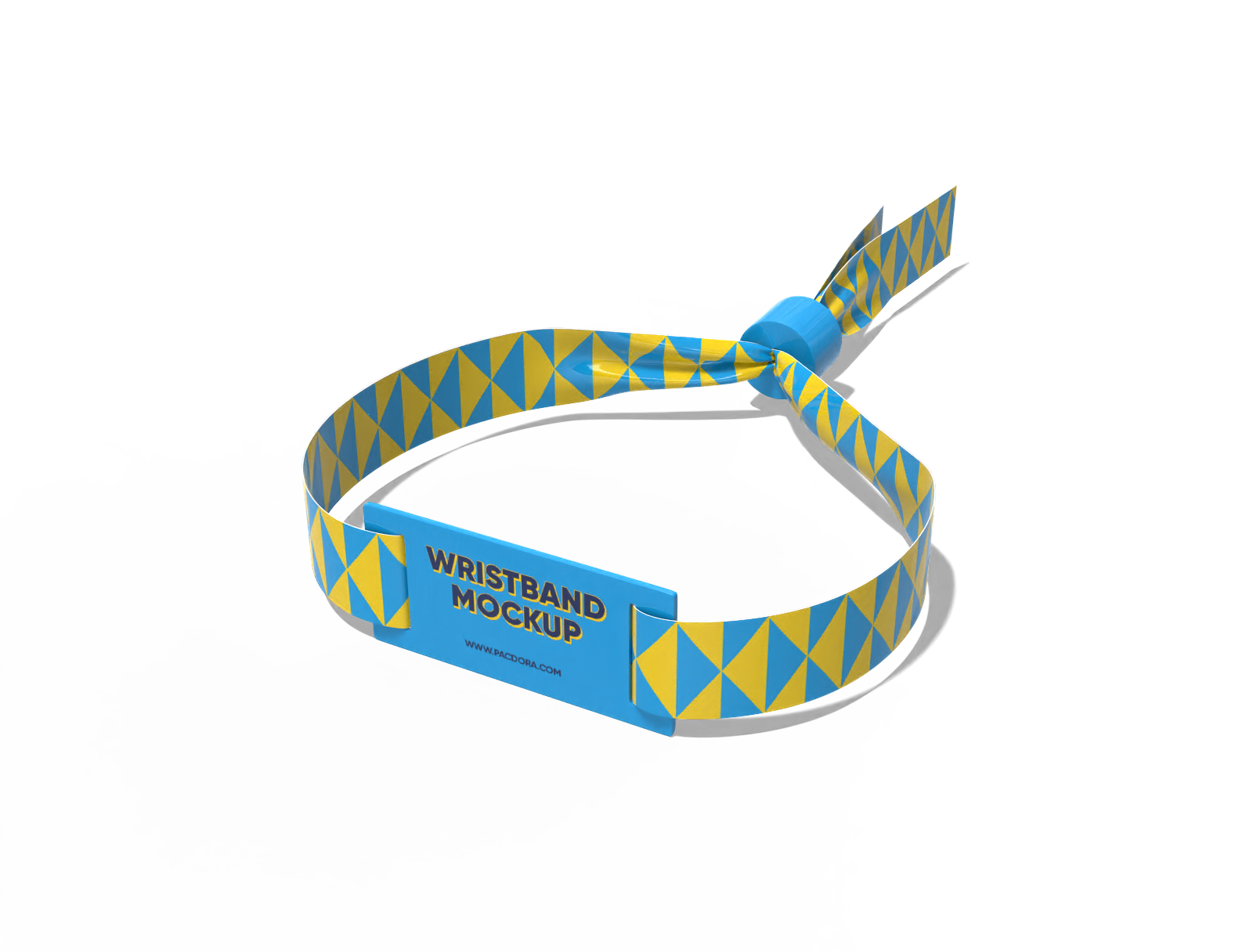
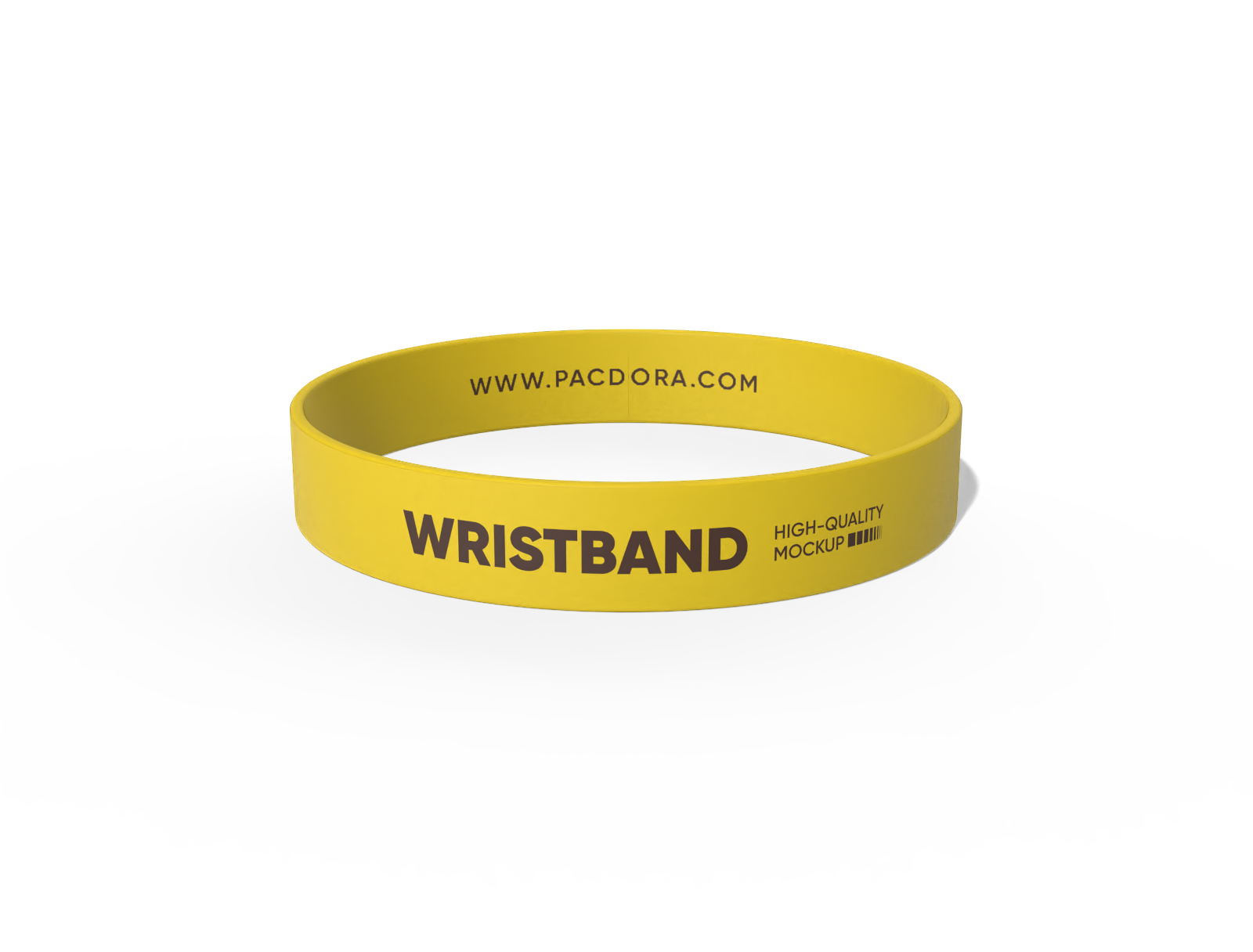
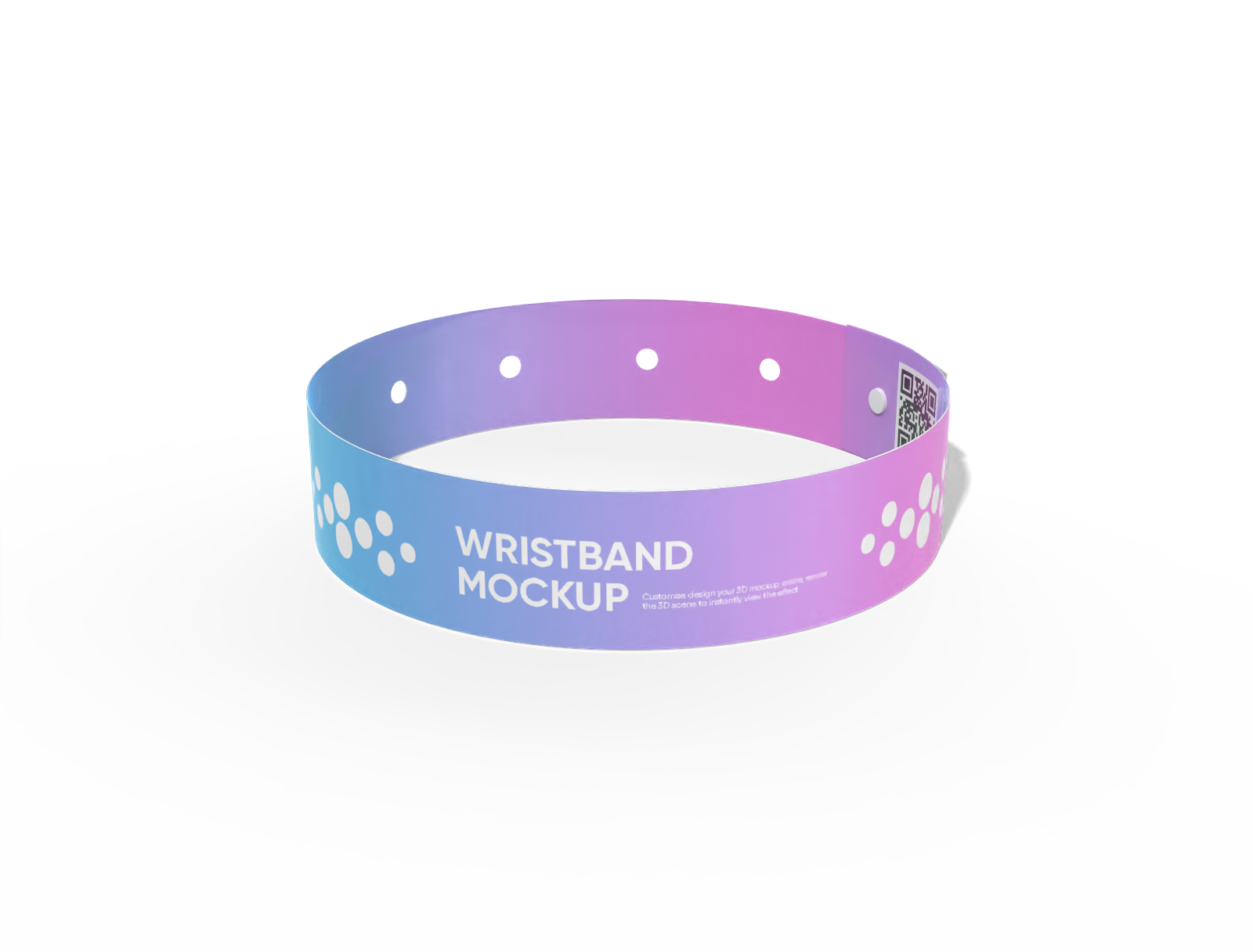
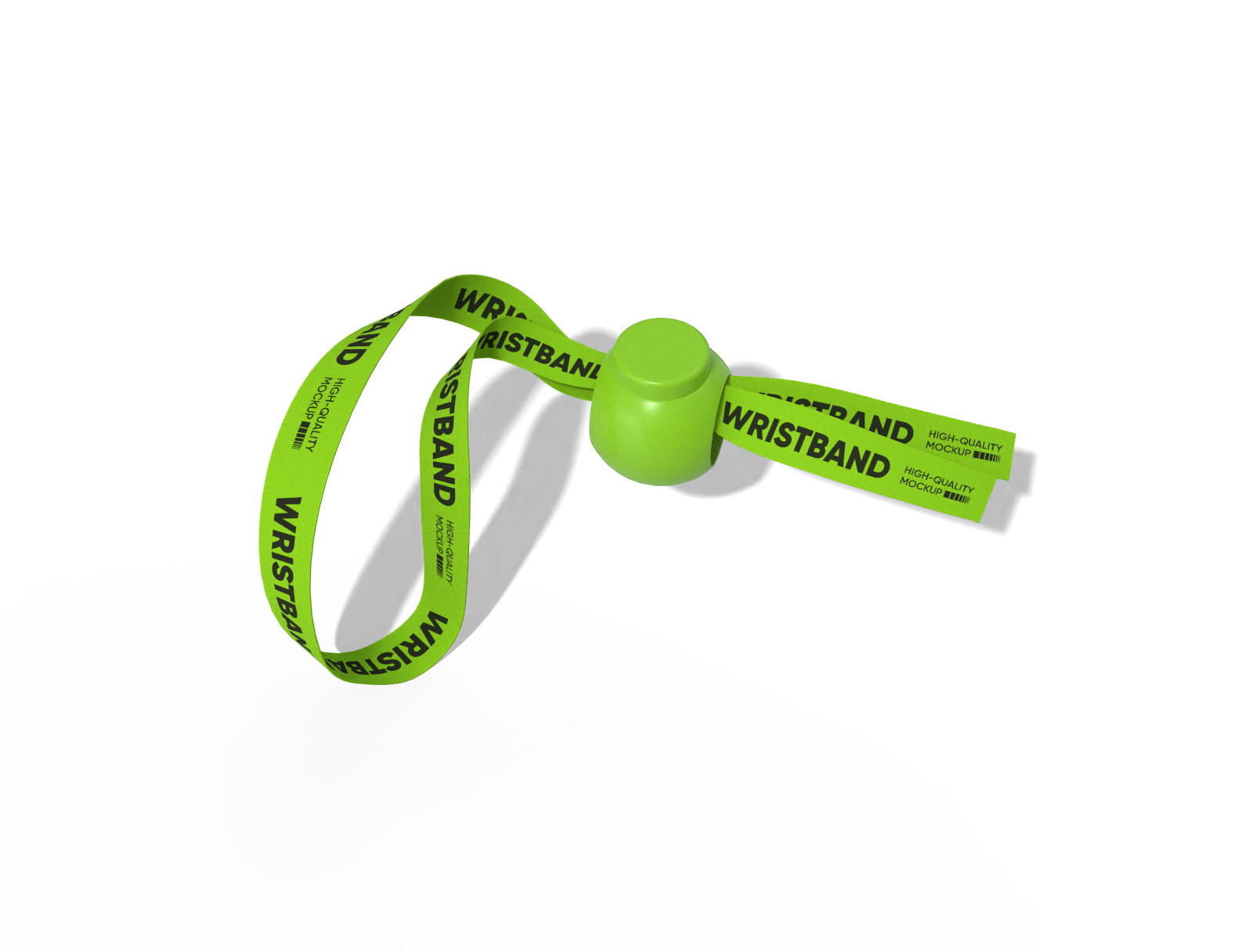
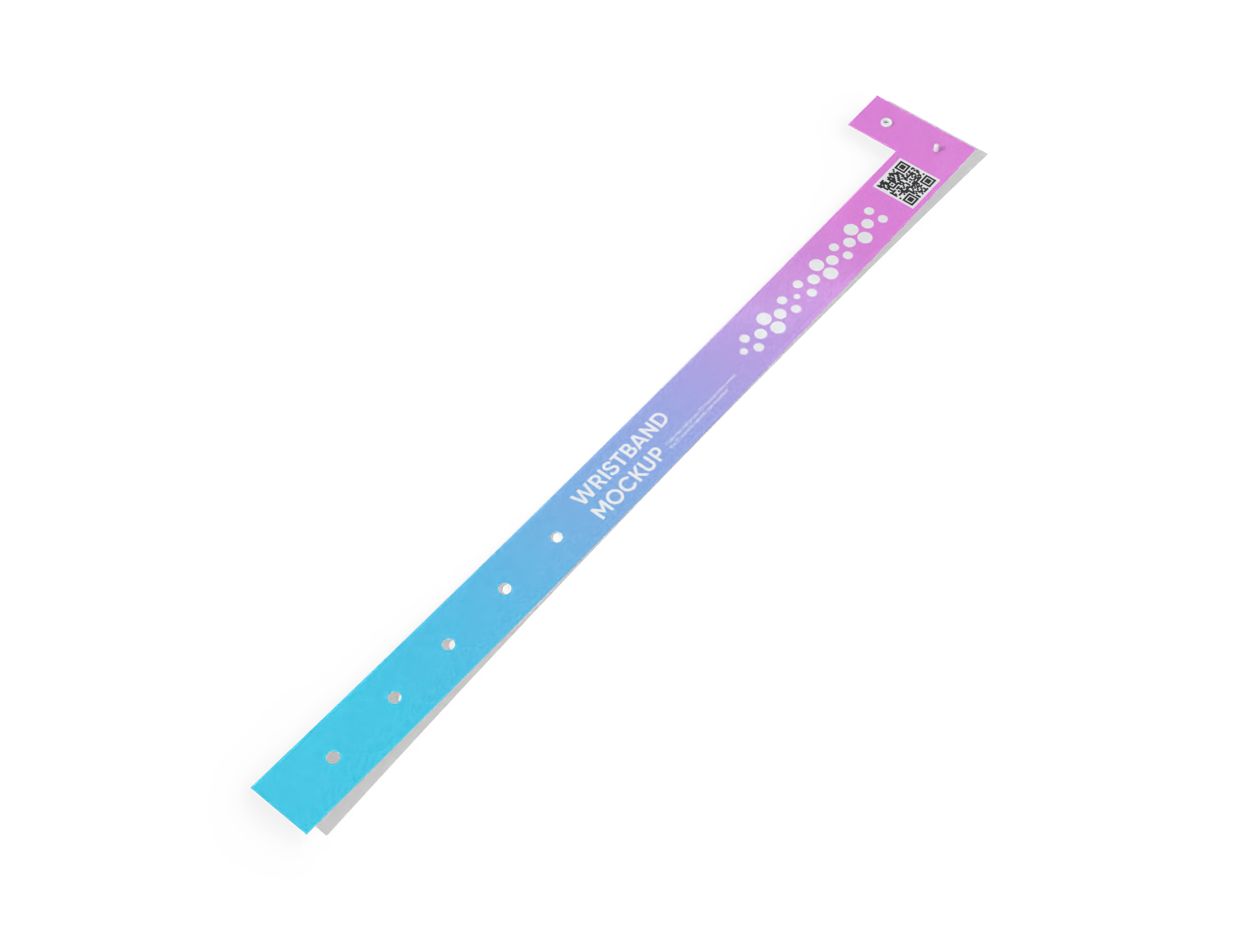
Select an event band design from Pacdora’s versatile collection, featuring bands made from plastic, rubber, or nylon in various styles.

Step 2: Upload images and adjust
Upload your branding elements to customize event bands. Apply colors and refine the band surface finish to match your event style.

Step 3: Download your event band design
Download your custom event band design as a high-definition PNG, JPG, or MP4 file.
Step 1: Select an event band design
Select an event band design from Pacdora’s versatile collection, featuring bands made from plastic, rubber, or nylon in various styles.
Step 2: Upload images and adjust
Upload your branding elements to customize event bands. Apply colors and refine the band surface finish to match your event style.
Step 3: Download your event band design
Download your custom event band design as a high-definition PNG, JPG, or MP4 file.


Why use an online platform for customizing event bands?

Multiple styles of bands for every event
Offering various event band designs helps engage attendees and suits different event themes.
A wristband with a hook closure holds the band firmly on the wrist during events. Alternatively, an event band with adjustable holes allows a comfortable fit for different wrist sizes. Use Pacdora now!

Hassle-free positioning of design elements
Custom placement of logos and text is important to give your event bands a professional look.
Custom logos or brand icons can be added to event bands to promote companies and improve brand recognition. Likewise, participant names, team colors, or festival themes can be featured for concerts, fundraisers, or sports events.

Flexible materials for lasting event bands
Selecting strong materials helps prevent event bands from snapping or fraying.
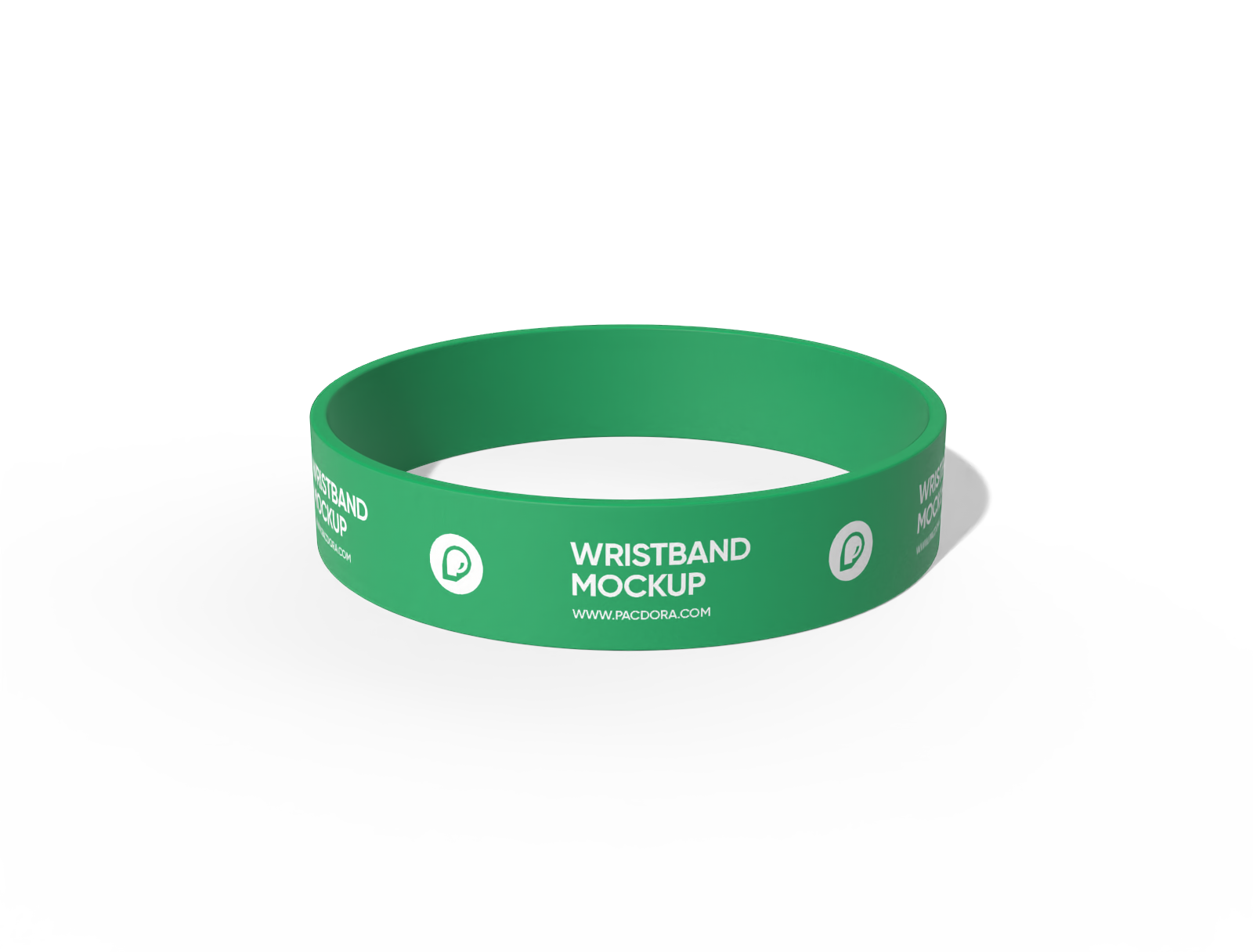
Plastic event bands offer a smooth finish that makes printed colors, logos, and patterns more prominent to the audience. Similarly, rubber bands provide flexible durability that stretches comfortably and resists regular use. Start designing today!

Background design support for event bands
Changing the background helps your event band designs capture customer interest.
Concert stages or festival entrances are the perfect backdrops to showcase custom event bands for online images or videos. You can also use Pacdora’s AI background generator to create themed backgrounds for your designs.

Multiple styles of bands for every event
Offering various event band designs helps engage attendees and suits different event themes.
A wristband with a hook closure holds the band firmly on the wrist during events. Alternatively, an event band with adjustable holes allows a comfortable fit for different wrist sizes. Use Pacdora now!
Hassle-free positioning of design elements
Custom placement of logos and text is important to give your event bands a professional look.
Custom logos or brand icons can be added to event bands to promote companies and improve brand recognition. Likewise, participant names, team colors, or festival themes can be featured for concerts, fundraisers, or sports events.


Flexible materials for lasting event bands
Selecting strong materials helps prevent event bands from snapping or fraying.
Plastic event bands offer a smooth finish that makes printed colors, logos, and patterns more prominent to the audience. Similarly, rubber bands provide flexible durability that stretches comfortably and resists regular use. Start designing today!
Background design support for event bands
Changing the background helps your event band designs capture customer interest.
Concert stages or festival entrances are the perfect backdrops to showcase custom event bands for online images or videos. You can also use Pacdora’s AI background generator to create themed backgrounds for your designs.

Our customers love Pacdora’s mockup tools
Thousands before you have designed realistic mockups with Pacdora and loved it.

Great mock-ups and literally thousands of packaging designs to choose from. The 3d mock-up is so good, helps bring clarity to the client as well as the designers. Great product for packaging design professionals.


cosmiccorner
Move over, complicated design software! Pacdora is the superhero of packaging mockups. Creating 3D magic for my products is as easy as pie – no PhD in design required. It’s like the software looked at the clock and said, ‘Time to save users from design nightmares!’ It’s so user-friendly, even my coffee mug wants to try its hand at packaging design.
FAQ
Can I use SVG format for uploading graphics to event bands?
Yes, Pacdora supports SVG uploads for custom event bands. This format is best for adding logos, icons, or simple illustrations. You can also upload PNG files for detailed graphics or designs that need a transparent background. JPG files are perfect for photos or designs that don’t require transparency.
How can I make my event band designs look realistic with Pacdora?
You can upload high-resolution logos, text, or graphics to your event band design for a realistic look. Adjust surface settings like glossiness, texture, and transparency. Glossiness adds shine, texture creates a tactile feel, and transparency controls see-through areas. Adjusting these settings is essential to give your event bands a visually appealing appearance.
Can I adjust the material finish of event bands with Pacdora?
Yes, Pacdora allows you to customize the material finish of plastic event bands. Adjusting the finish helps the bands complement the event style and appeal to attendees. You can select a glossy finish for a shiny look and a matte finish for a smooth, modern feel.
Can I create custom event bands without downloading PSD files?
Pacdora allows you to design custom event bands using easy drag-and-drop tools. Users are not required to download PSD files or use extra software. Open our platform in any web browser, select a band style, and use the editor to add logos, text, or other designs right away. You can also preview your final design for assessment.
Can I design event bands for free using Pacdora?
Yes, Pacdora lets you customize various styles of event bands free of cost. We also offer some premium tools that you can access on our pricing page.
Explore more mockup tools
Discover more about Pacdora


