

Custom plastic bottle

Upload your branding assets, adjust the layout, and download your plastic bottle design as an HD PNG image for free.
Custom plastic bottle
Upload your branding assets, adjust the layout, and download your plastic bottle design as an HD PNG image for free.
Trusted by leading companies


Showcase products with a versatile custom plastic bottle!
Each liquid formula requires packaging that balances structural integrity with visual allure. Pacdora enables you to design a unique custom plastic bottle for various sectors, ranging from ribbed mineral water bottles to robust household cleaning containers. Select a bottle mockup that aligns with your brand, apply your graphics, and witness the change in immersive 3D. Once perfected, export a high-definition JPG/PNG or a dynamic MP4 video to captivate your business partners.
Browse more plastic bottles now
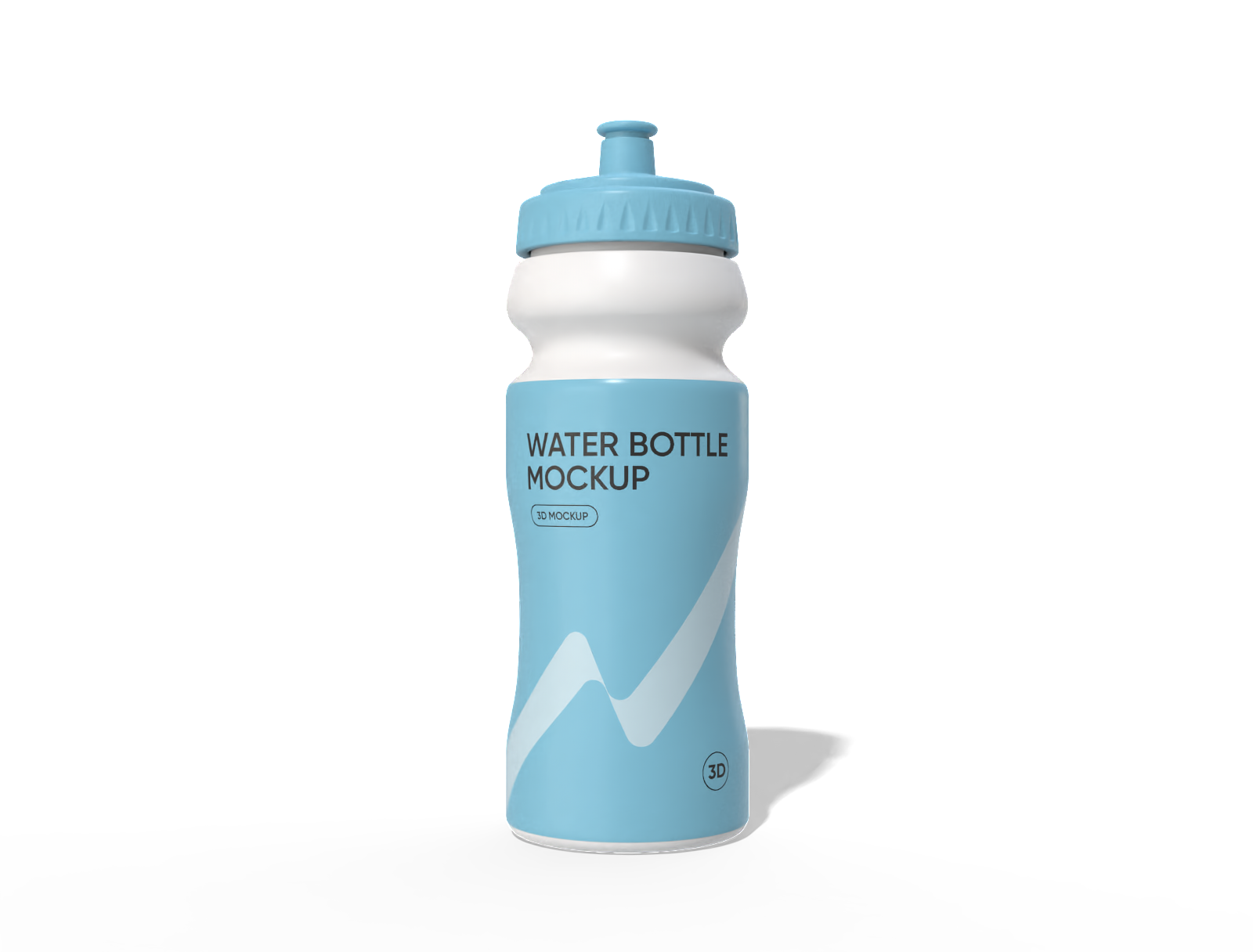
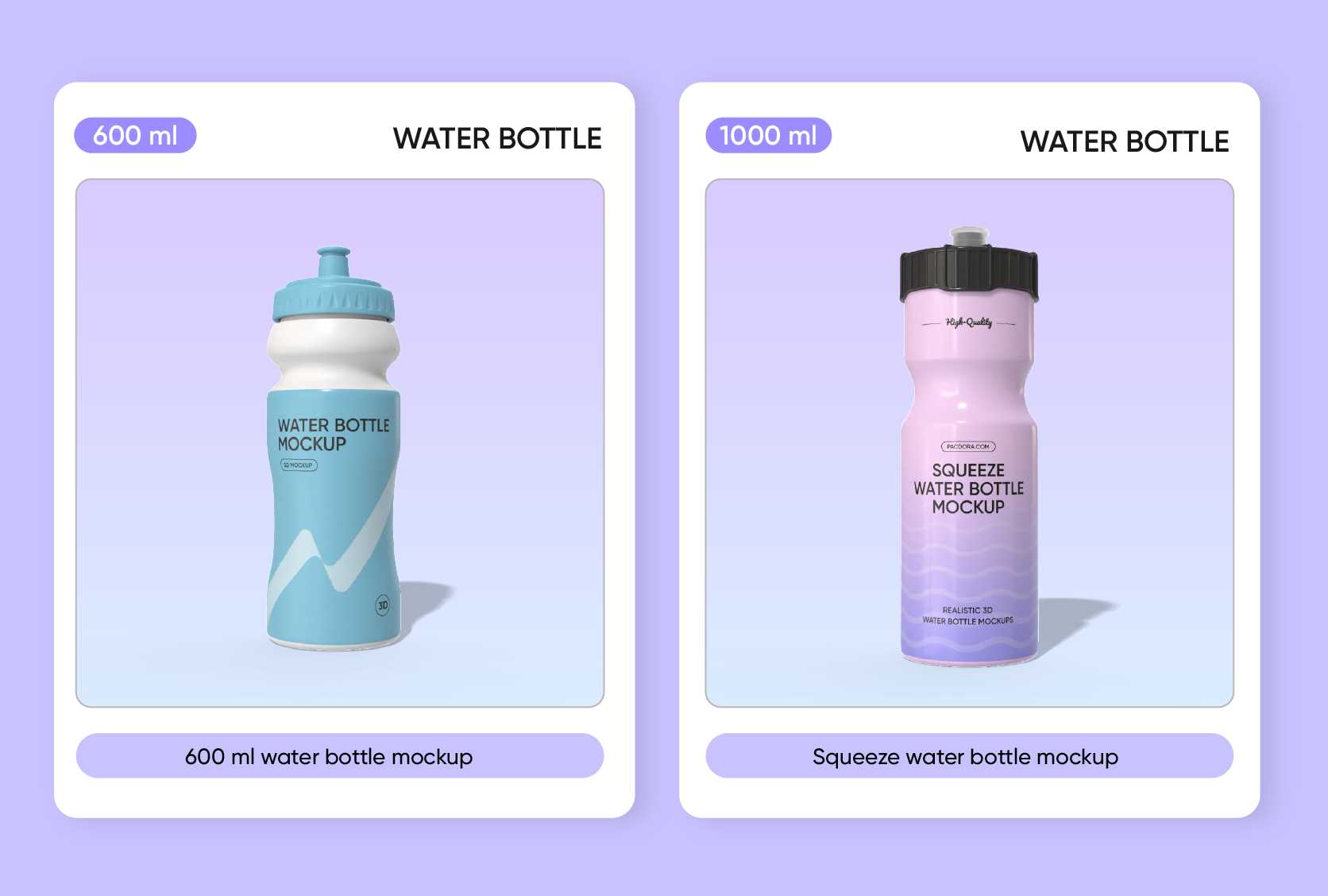
600 ml water bottle mockup
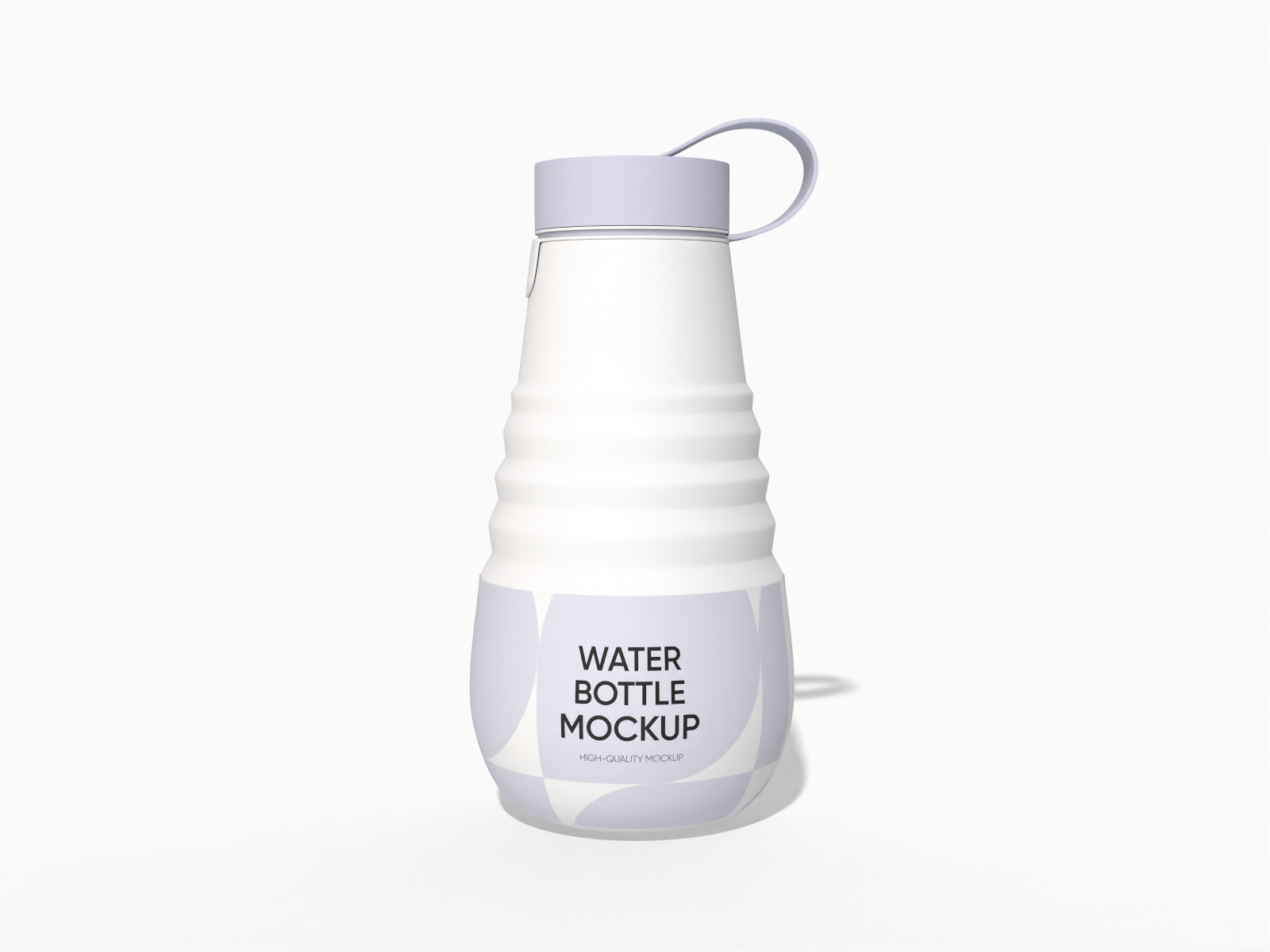
Silicone foldable water bottle mockup

Flip top seal lid squeeze bottle mockup

Flip top seal lid squeeze folding sipper bottle mockup
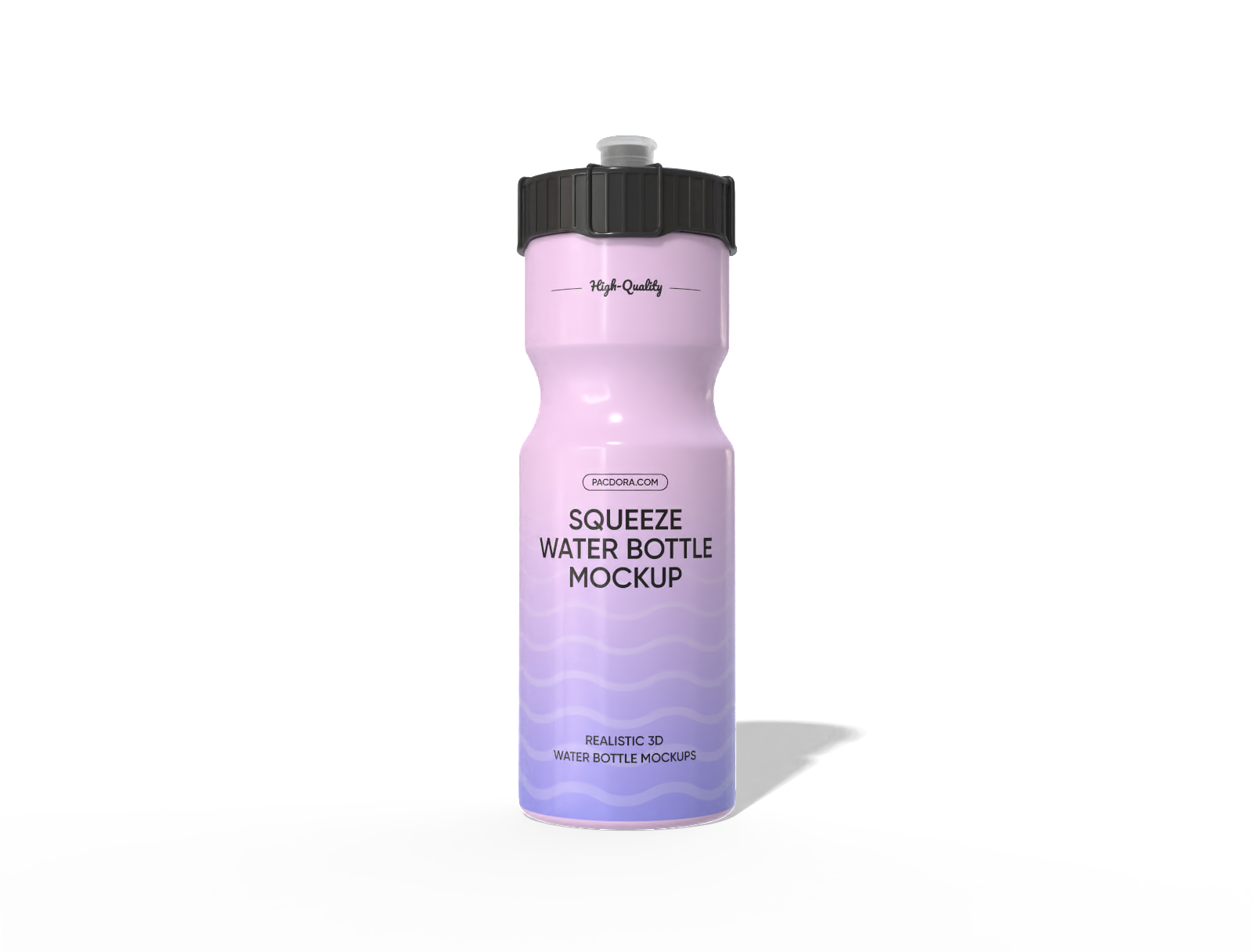
Squeeze water bottle mockup
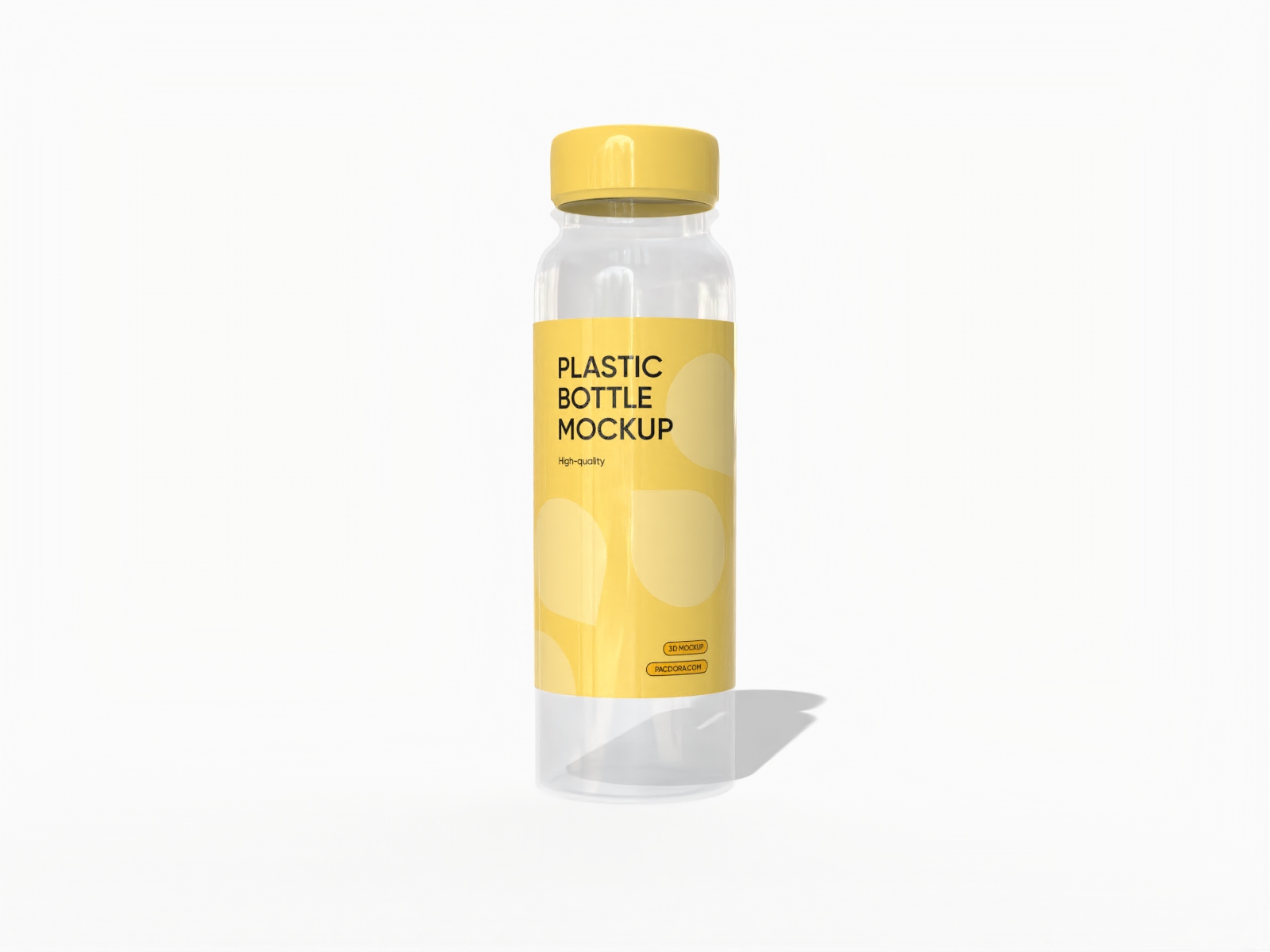
Plastic juice bottle mockup
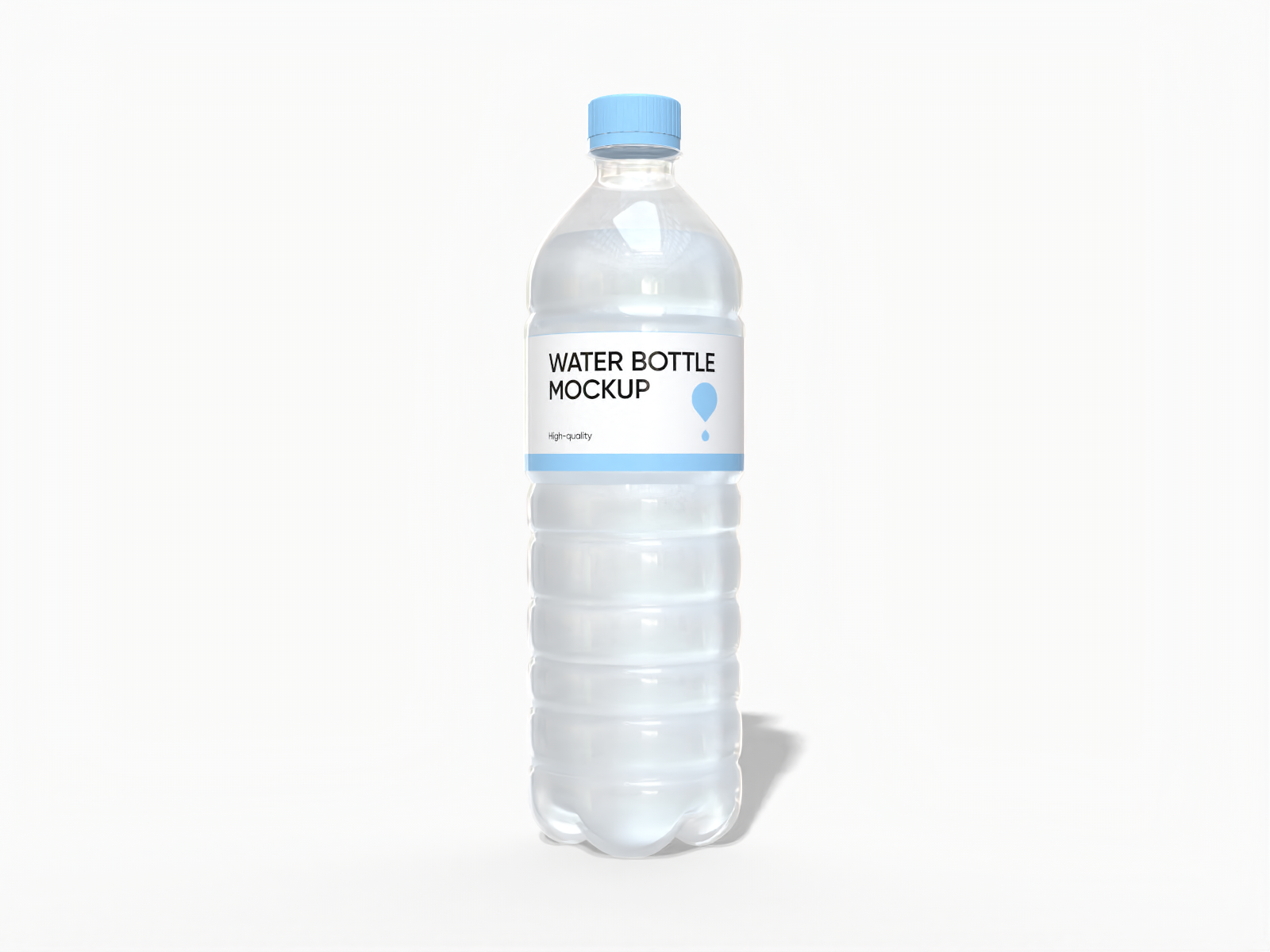
Plastic mineral water bottle mockup
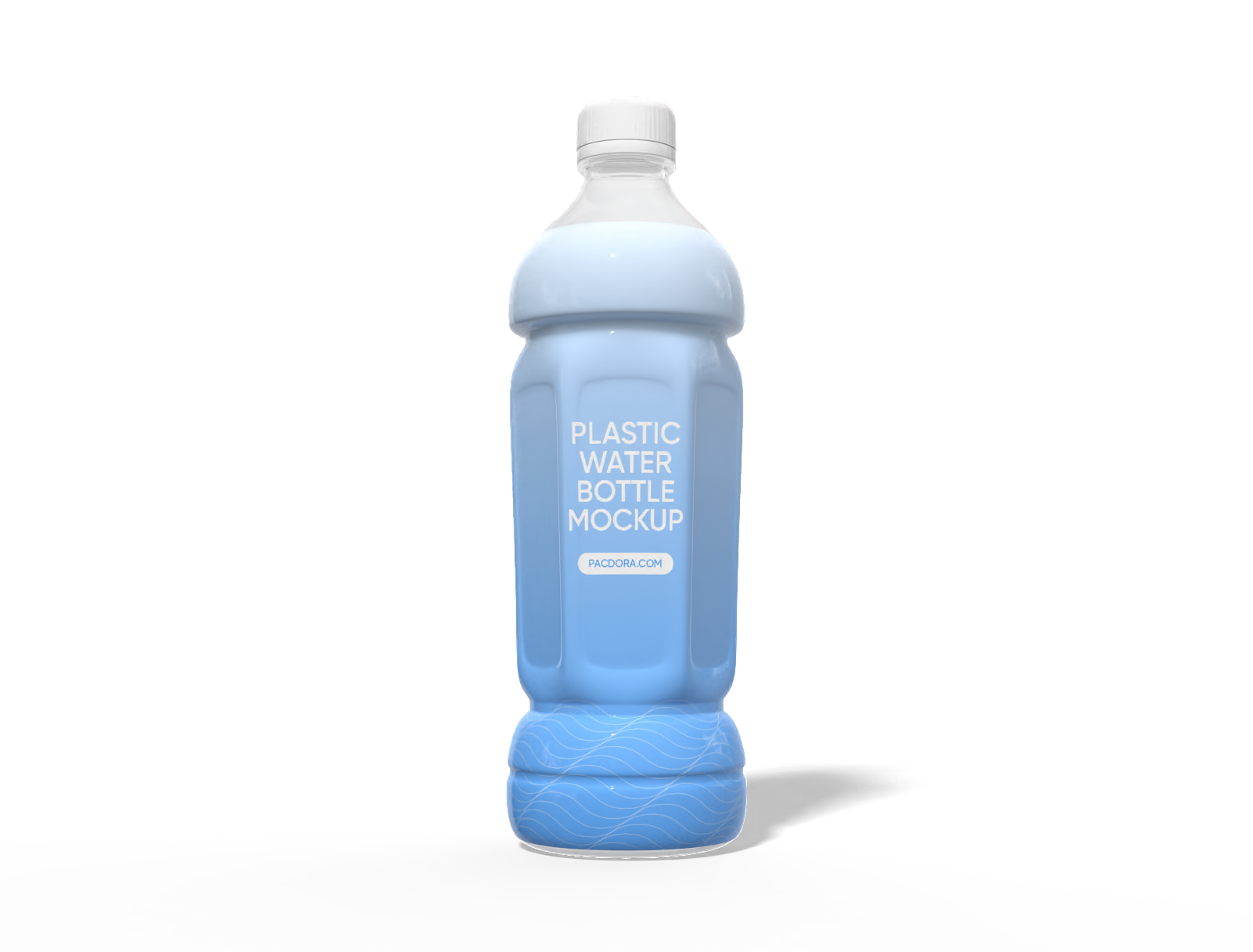
500 ml plastic water bottle mockup
How to design a custom plastic bottle online?
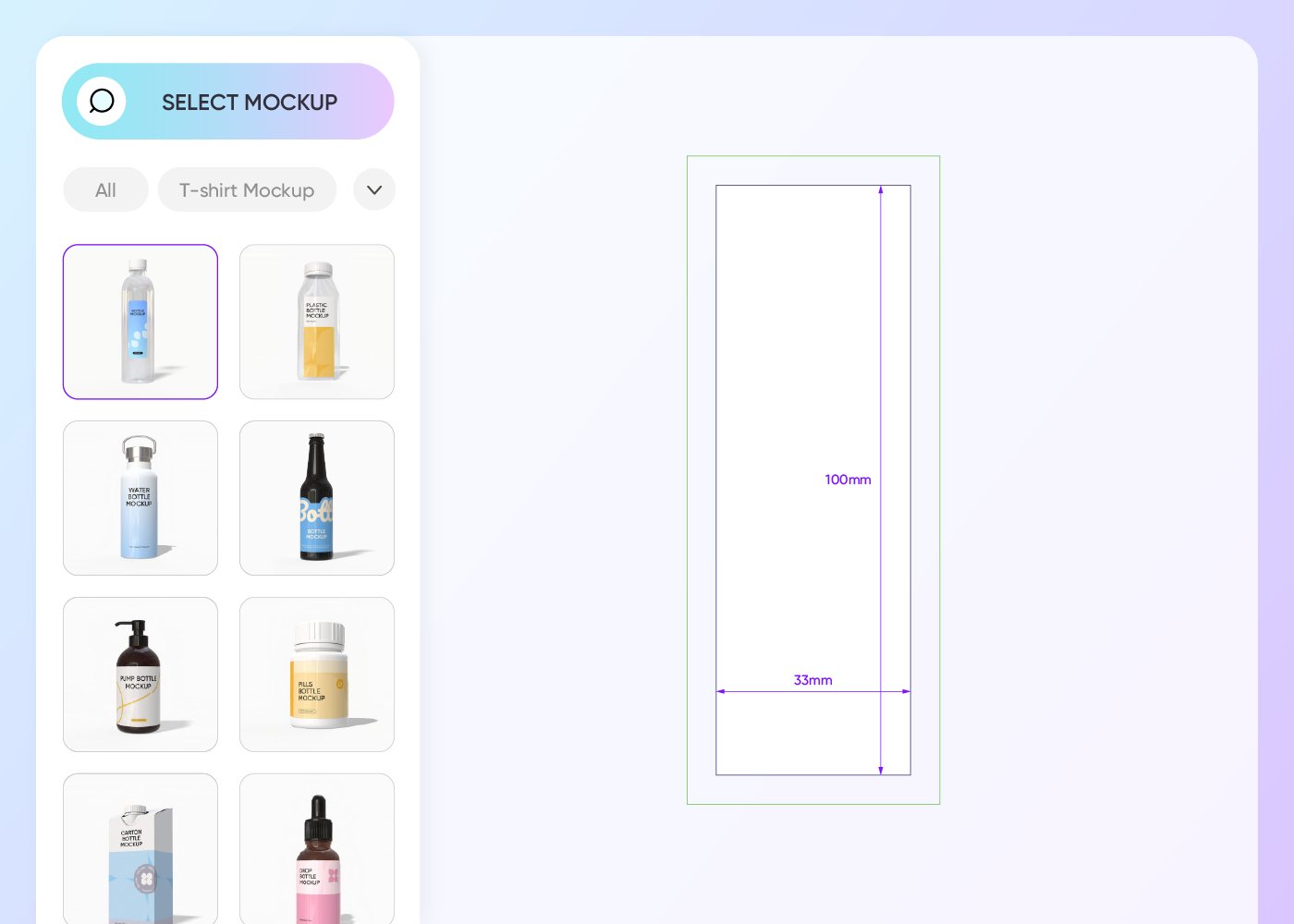
Step 1: Select your plastic bottle type
Select the container that fits your product category, like a ribbed plastic water bottle mockup or a smooth juice container.
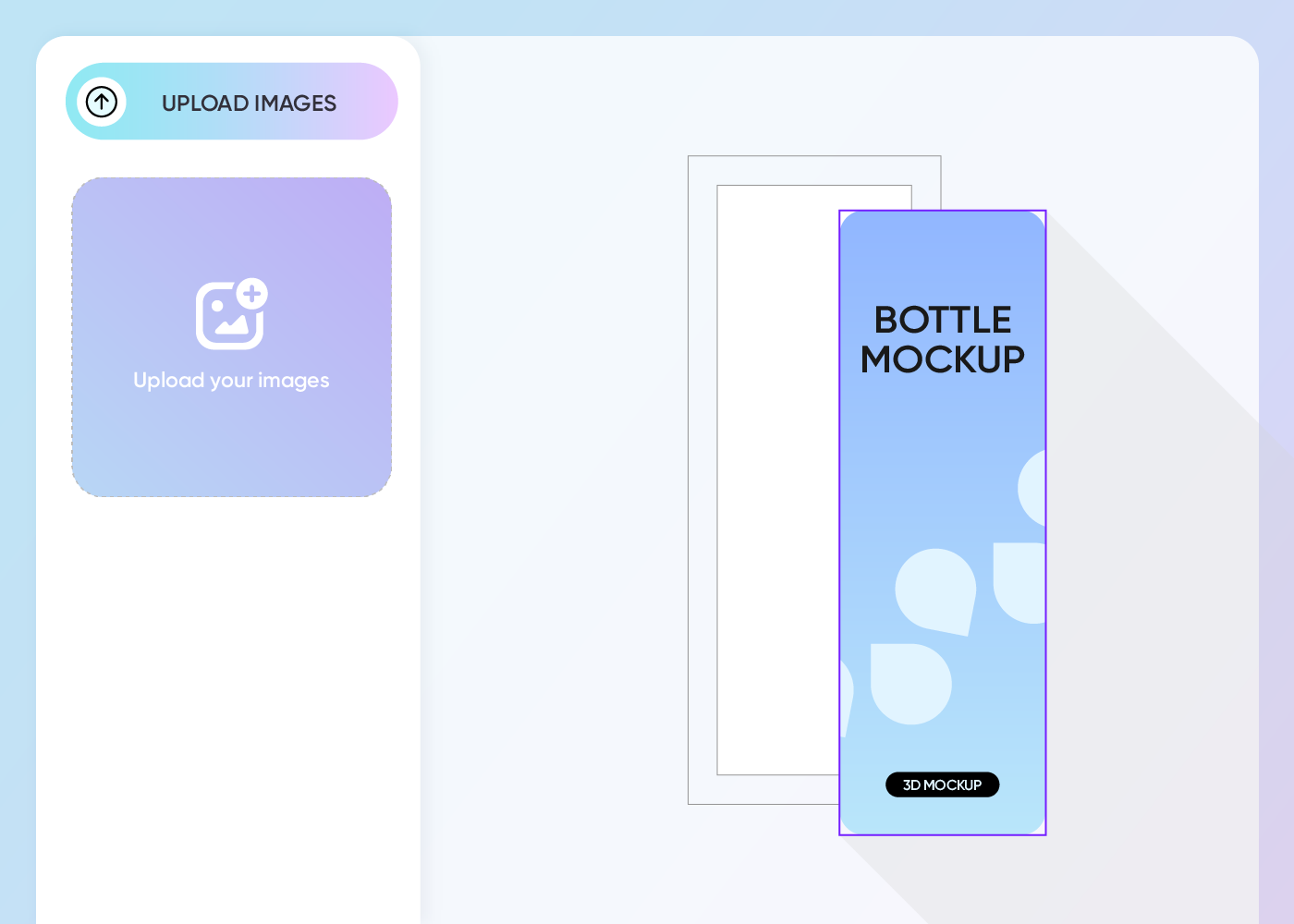
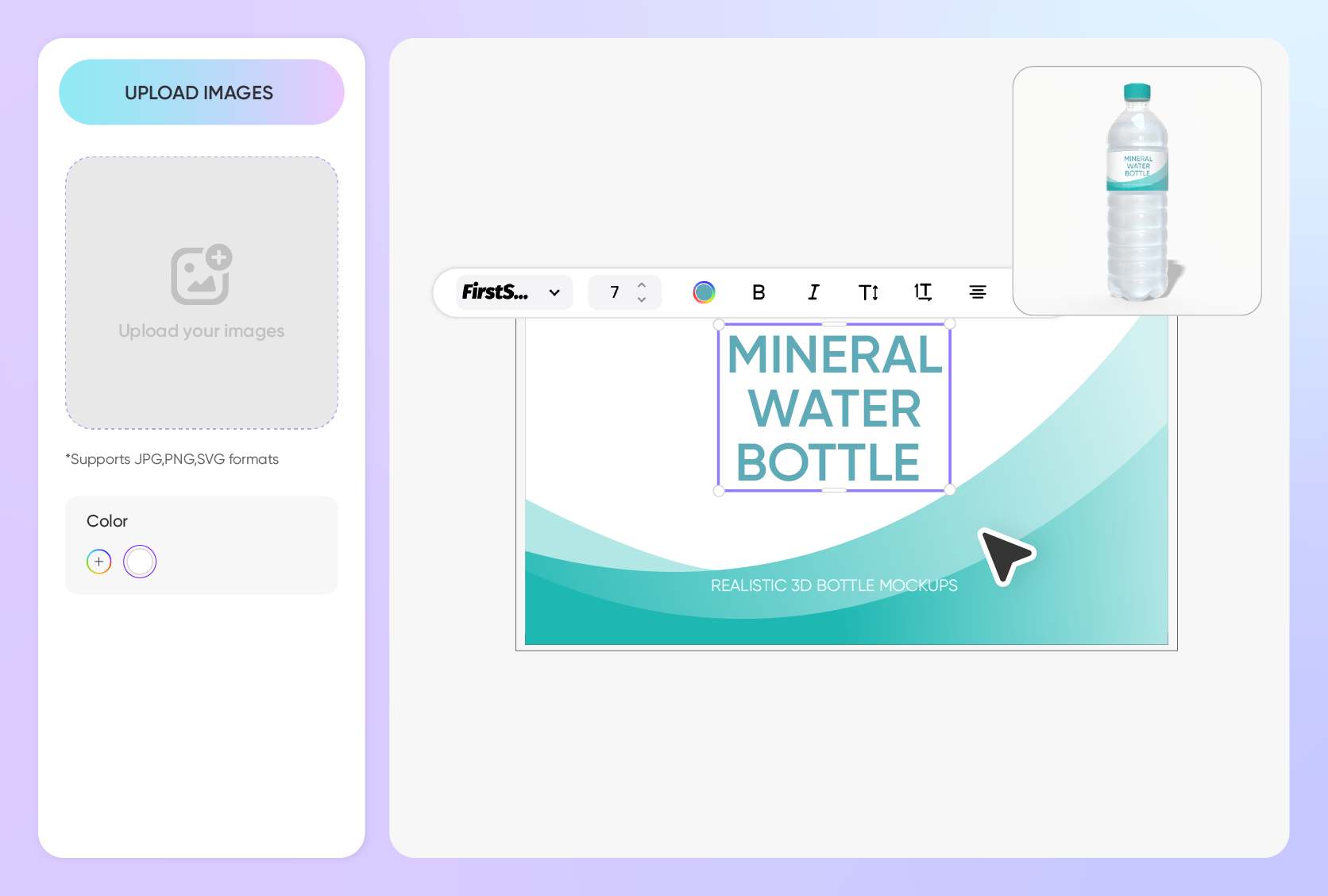
Step 2: Upload graphics and personalize
Upload your label artwork, select appropriate finishes, and tweak the plastic colors to highlight your branding effectively.
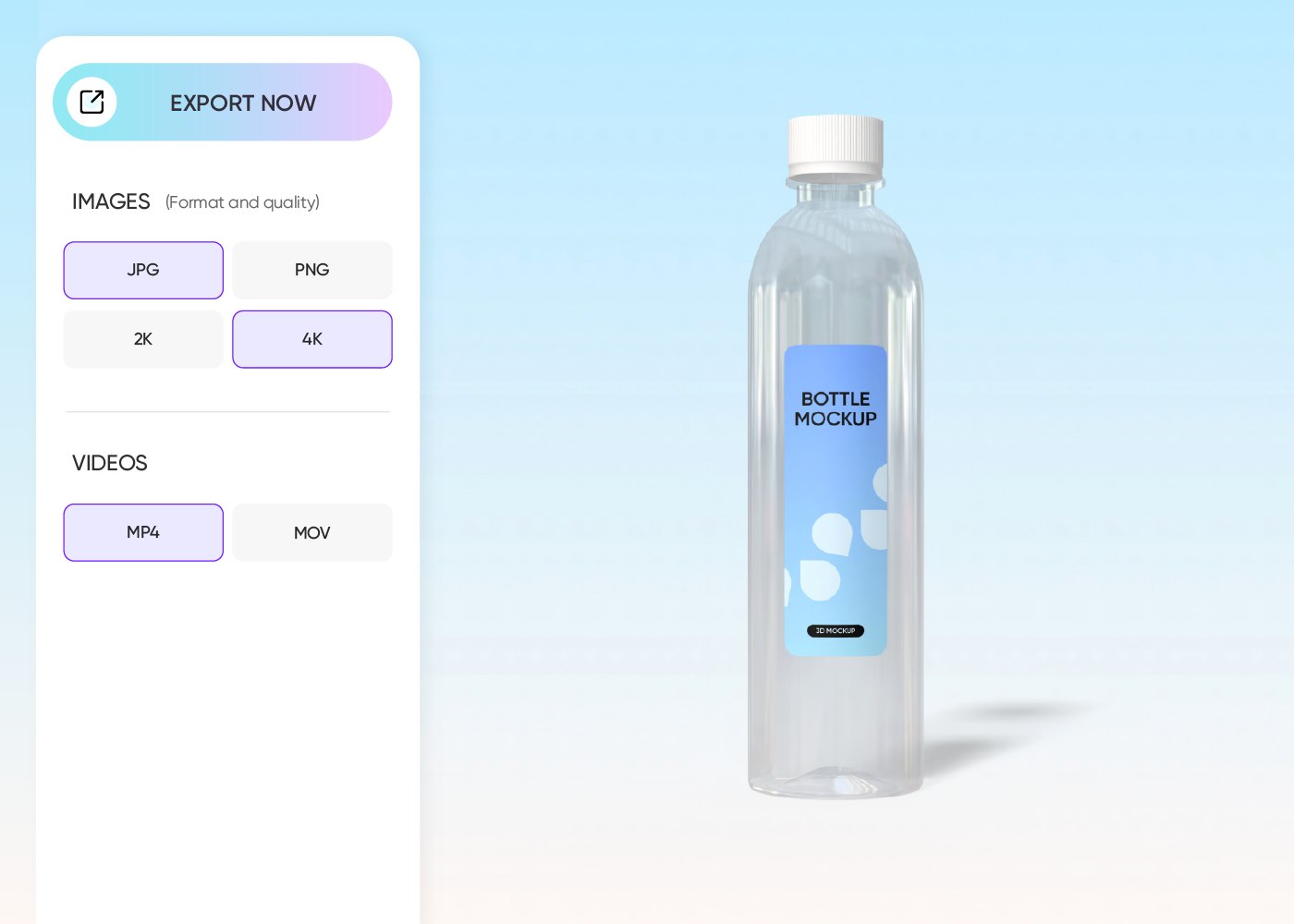
Step 3: Export your plastic bottle design
Export your finalized bottle design as a high-quality image or a seamless video loop to share directly with your manufacturing team or clients.
Step 1: Select your plastic bottle type
Select the container that fits your product category, like a ribbed plastic water bottle mockup or a smooth juice container.
Step 2: Upload graphics and personalize
Upload your label artwork, select appropriate finishes, and tweak the plastic colors to highlight your branding effectively.
Step 3: Export your plastic bottle design
Export your finalized bottle design as a high-quality image or a seamless video loop to share directly with your manufacturing team or clients.
Create a custom plastic bottle that dominates the shelf
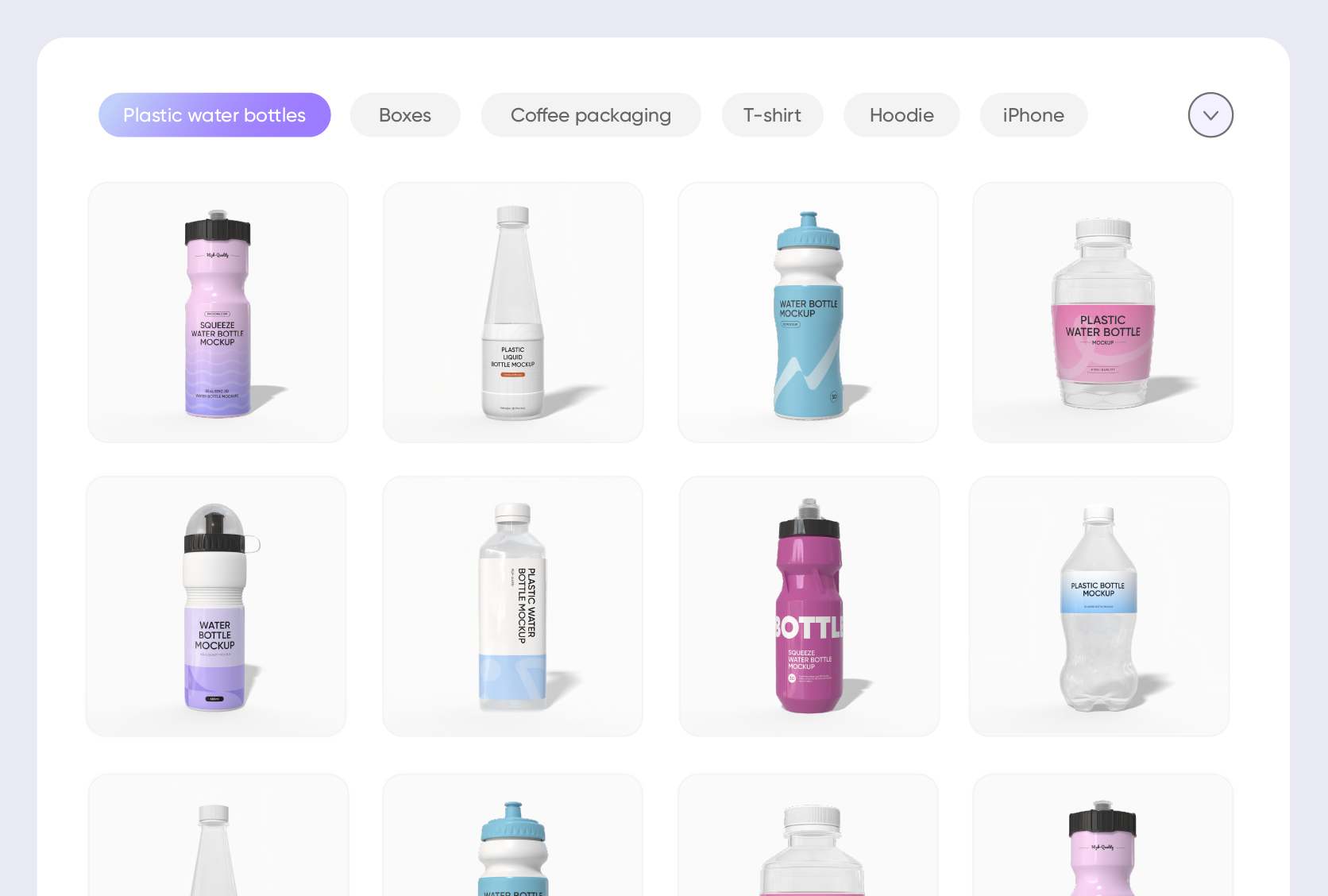
Explore diverse functional plastic bottle styles
Pacdora provides versatile shapes for any industry. The sports water bottle mockup features iconic ribbing for grip, ideal for hydration brands.
Alternatively, the plastic juice bottle mockup offers a sleek surface perfect for showcasing the vibrant colors of fresh-pressed beverages to thirsty consumers.
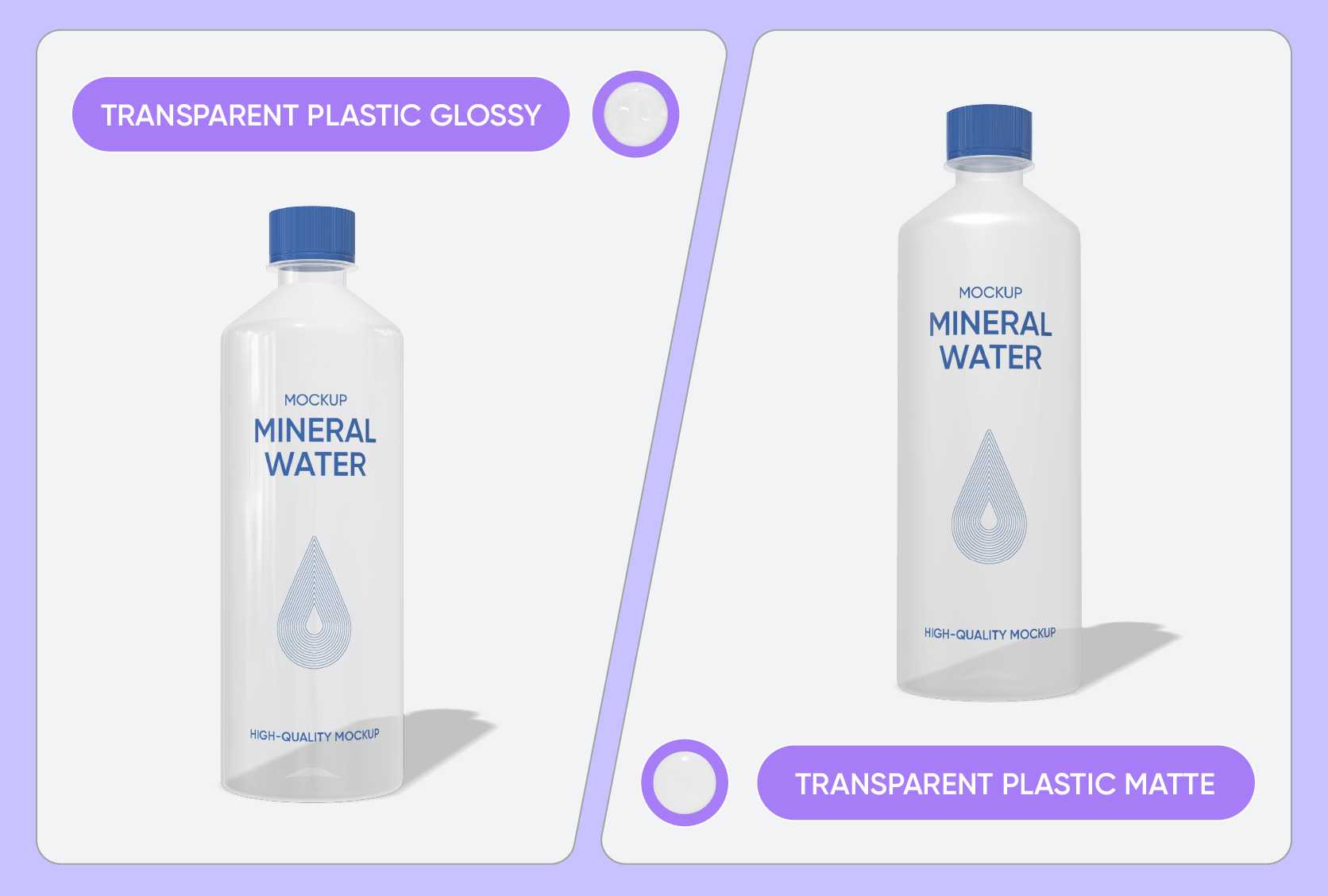
Define quality with specific material finishes
The texture defines the tactile experience. A plastic glossy finish creates a high-shine surface that catches shelf lighting, making colors appear vivid and bold.
In contrast, the plastic matte finish absorbs light, delivering a sophisticated, velvety touch often associated with premium organic products.
Select capacities that suit consumer needs
Volume dictates usage scenarios and convenience. The 33.8 oz cleaning plastic bottle mockup is robust, perfect for storing bulk household detergents safely.
For single-serve convenience, the 10.1 oz plastic milk bottle mockup offers a compact form factor that fits easily into lunchboxes or small refrigerator compartments.
Upload visuals that target specific demographics
Visuals bridge the gap to customers. Upload a high-energy photo of splashing water or sprinting athletes to your custom plastic bottle to attract fitness enthusiasts.
Conversely, use a serene image of lavender fields or sleeping babies to appeal to parents seeking gentle, safe products for their household needs.
Explore diverse functional plastic bottle styles
Pacdora provides versatile shapes for any industry. The sports water bottle mockup features iconic ribbing for grip, ideal for hydration brands.
Alternatively, the plastic juice bottle mockup offers a sleek surface perfect for showcasing the vibrant colors of fresh-pressed beverages to thirsty consumers.
Define quality with specific material finishes
The texture defines the tactile experience. A plastic glossy finish creates a high-shine surface that catches shelf lighting, making colors appear vivid and bold.
In contrast, the plastic matte finish absorbs light, delivering a sophisticated, velvety touch often associated with premium organic products.
Select capacities that suit consumer needs
Volume dictates usage scenarios and convenience. The 33.8 oz cleaning plastic bottle mockup is robust, perfect for storing bulk household detergents safely.
For single-serve convenience, the 10.1 oz plastic milk bottle mockup offers a compact form factor that fits easily into lunchboxes or small refrigerator compartments.
Upload visuals that target specific demographics
Visuals bridge the gap to customers. Upload a high-energy photo of splashing water or sprinting athletes to your custom plastic bottle to attract fitness enthusiasts.
Conversely, use a serene image of lavender fields or sleeping babies to appeal to parents seeking gentle, safe products for their household needs.
Our customers love Pacdora’s mockup tools
Thousands before you have designed realistic mockups with Pacdora and loved it.

Great mock-ups and literally thousands of packaging designs to choose from. The 3d mock-up is so good, helps bring clarity to the client as well as the designers. Great product for packaging design professionals.


cosmiccorner
Move over, complicated design software! Pacdora is the superhero of packaging mockups. Creating 3D magic for my products is as easy as pie – no PhD in design required. It’s like the software looked at the clock and said, ‘Time to save users from design nightmares!’ It’s so user-friendly, even my coffee mug wants to try its hand at packaging design.
FAQ
Which plastic material looks best for beverages?
PET (Polyethylene Terephthalate) is generally the top choice for beverage mockups because of its high clarity and glass-like appearance. When designing your custom plastic bottle, selecting a clear PET finish ensures the product looks fresh and appetizing. This material also reflects light realistically in 3D renders, enhancing the overall visual appeal of your design for marketing materials.
Why choose Pacdora to design plastic bottle mockups?
Choosing Pacdora for plastic bottle mockups lets you create realistic 3D bottle visuals quickly, covering common water, beverage, and sports bottle structures. With no design skills required, you can upload and adjust designs online and preview proportions and label placement in real time, making design communication and presentation faster and more accurate.
What image formats can I upload for my plastic bottle labels?
You can upload JPG or PNG images for quick previews. However, for the sharpest results, it is best to use scalable SVG vector files. Vectors are crucial because they allow your branding elements, like logos and intricate typography, to be resized perfectly without any loss of resolution or clarity during the 3D simulation.
Can I animate my custom plastic bottle design on Pacdora?
Yes, once your plastic bottle mockup is complete, Pacdora allows you to export a professional 360-degree MP4 video. This rotating animation is perfect for showcasing light reflections and the full wrap-around of your label, providing an engaging visual for social media marketing or client approval presentations.
Can I design plastic bottles on Pacdora for free?
Absolutely! You can certainly use the core features of Pacdora to design your custom plastic bottles at no cost. More advanced customization options may require a paid subscription, which you can review on the pricing page.
Explore more mockup tools
Discover more about Pacdora


