

Custom shipping boxes with logo

Upload logos, branding, adjust the details to design your shipping boxes, and download HD PNG images for free.
Custom shipping boxes with logo
Upload logos, branding, adjust the details to design your shipping boxes, and download HD PNG images for free.
Trusted by leading companies


Create your own custom shipping boxes with logo quickly with Pacdora!
Is designing custom shipping boxes with your logo always expensive or complicated? Pacdora makes it simple for everyone. Choose a mailer or folding carton mockup, upload your artwork, adjust all elements, and see realistic 3D results instantly. Easily download professional 8K PNG images, MP4 videos or printable dieline files that represent your brand. Start designing your custom shipping boxes today!
Browse more shipping boxes with logo now
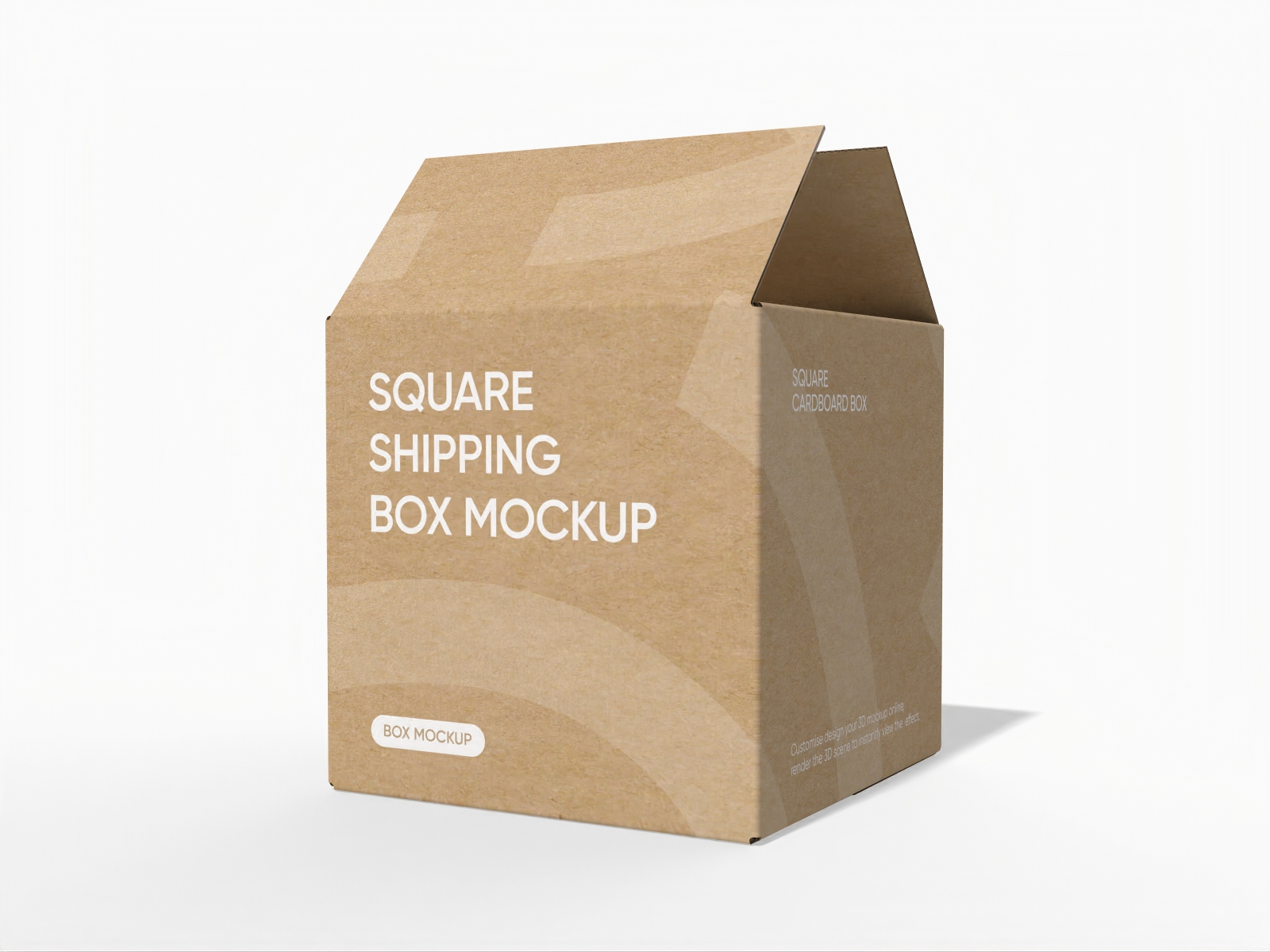
Square shipping box mockup
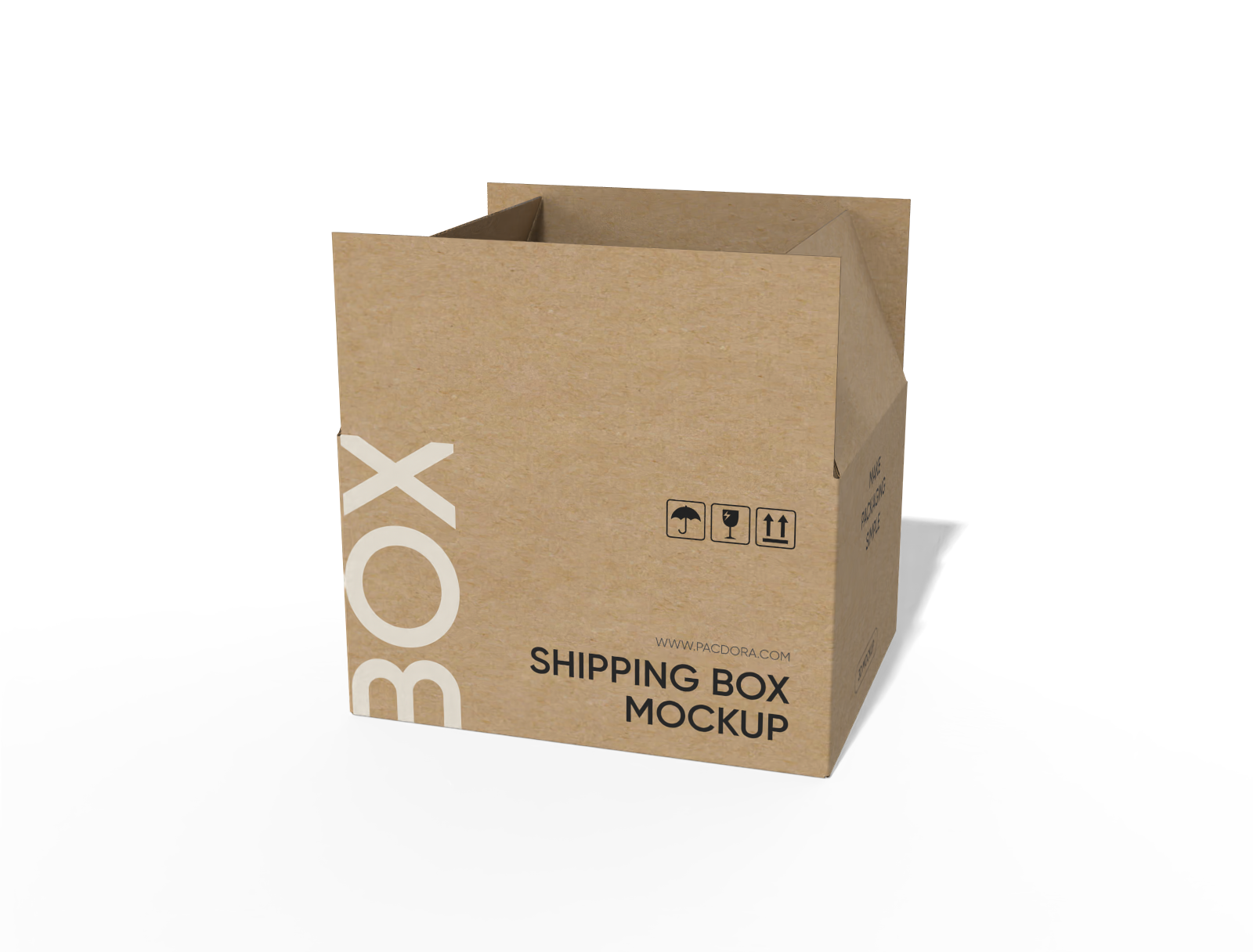
FEFCO 0701 regular slotted container with auto lock bottom mockup
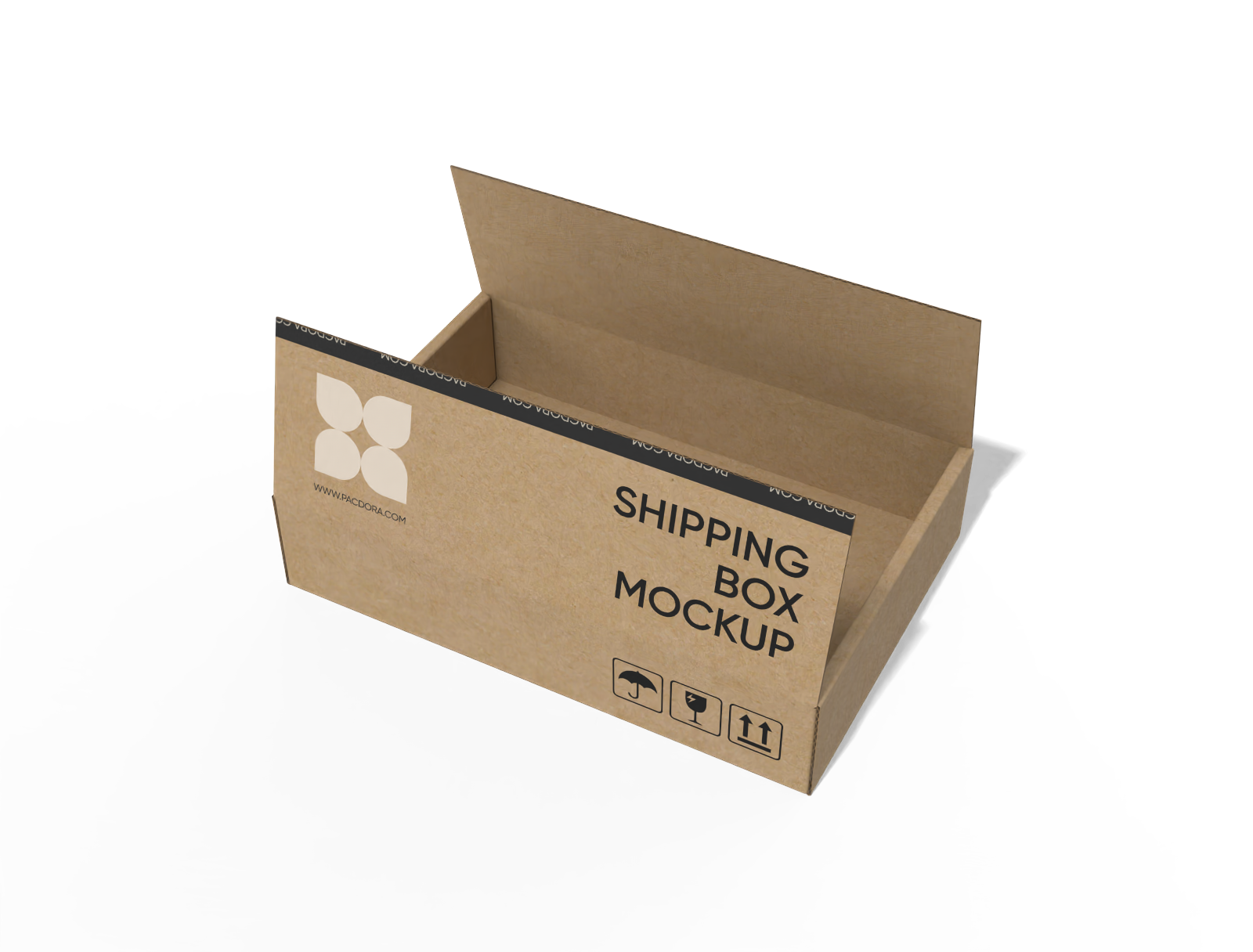
FEFCO 0414 flip-top mailer box mockup
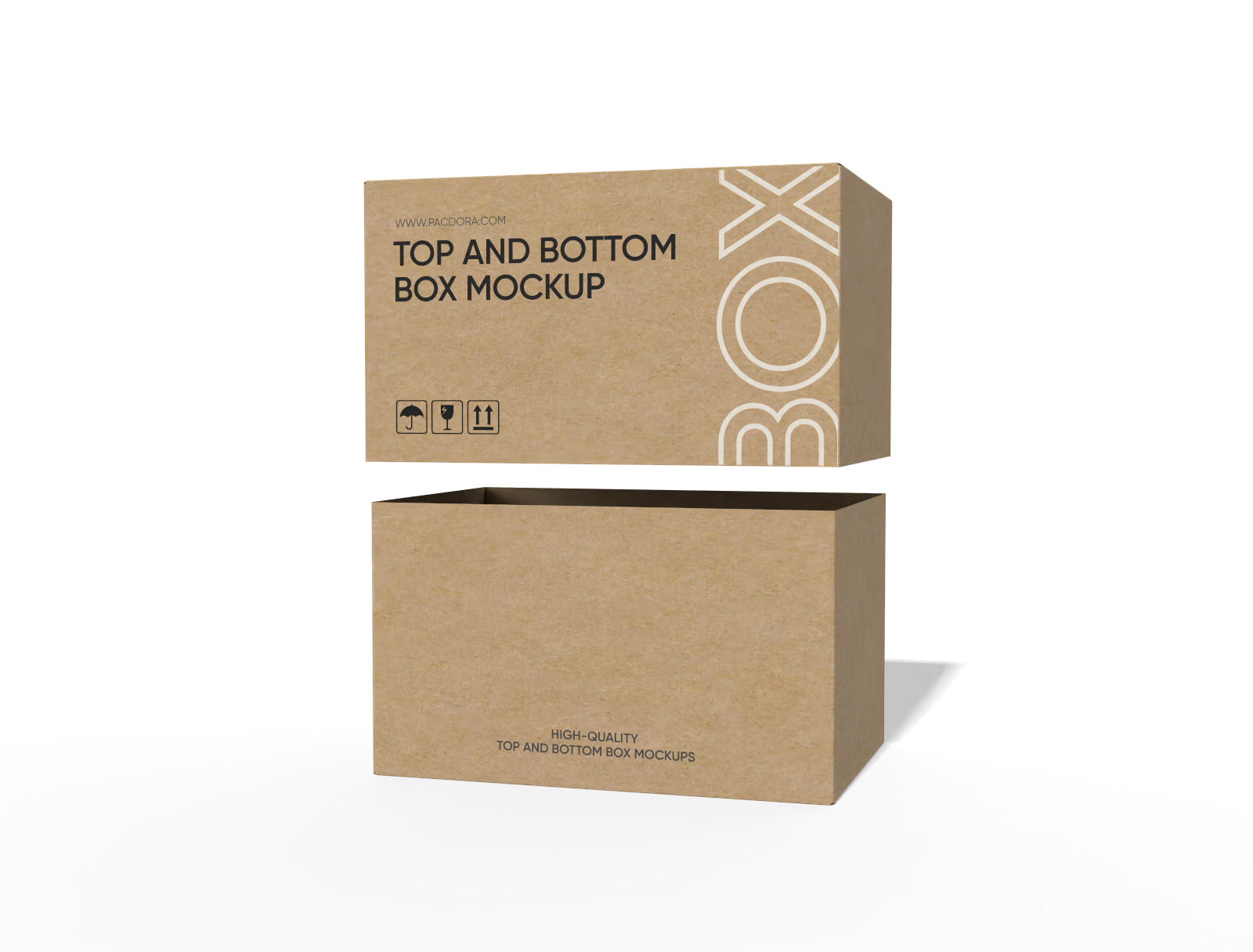
FEFCO 0320 full telescope half slotted container (FTHS) mockup
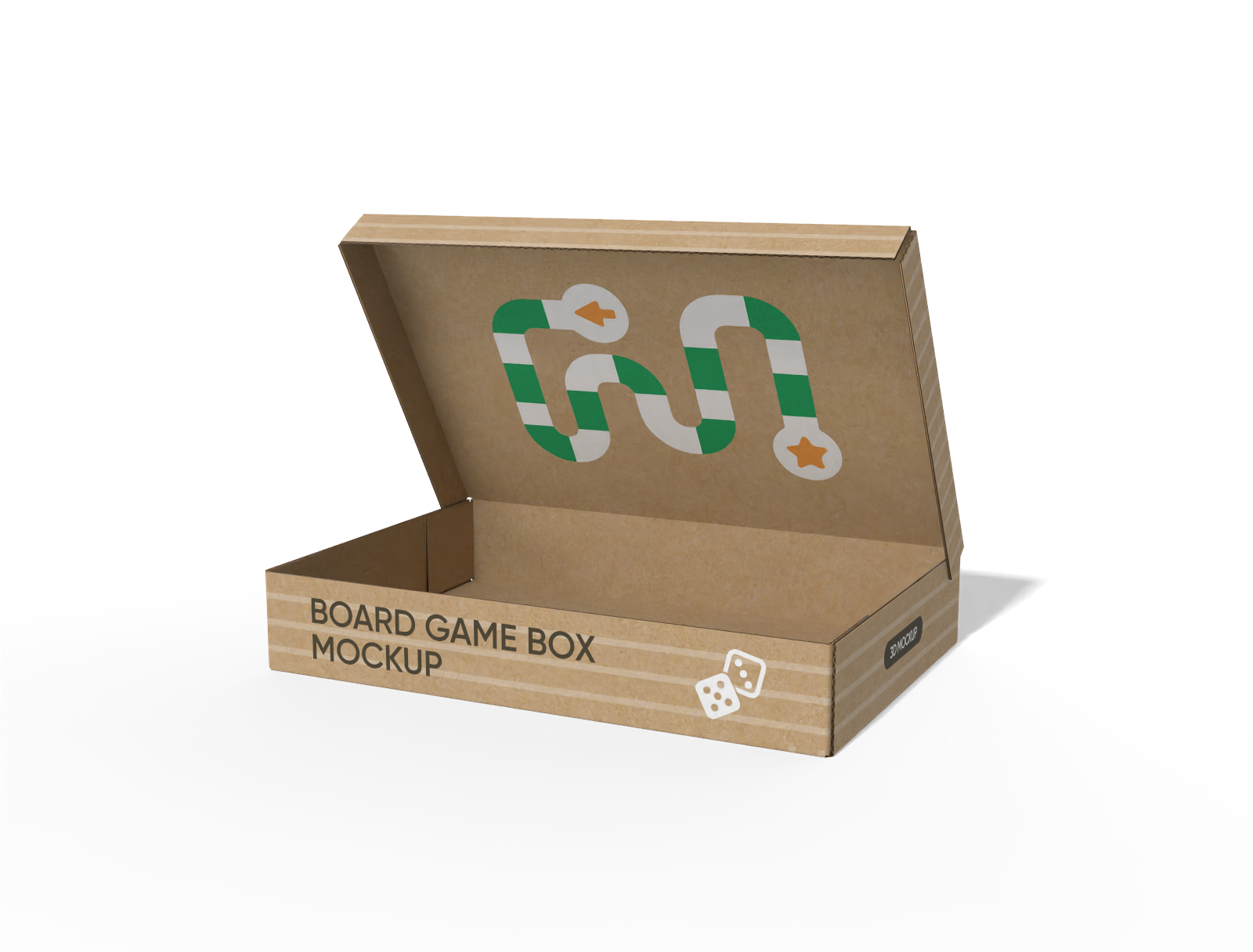
FEFCO 0410 five panel folder boxes (5PF) mockup
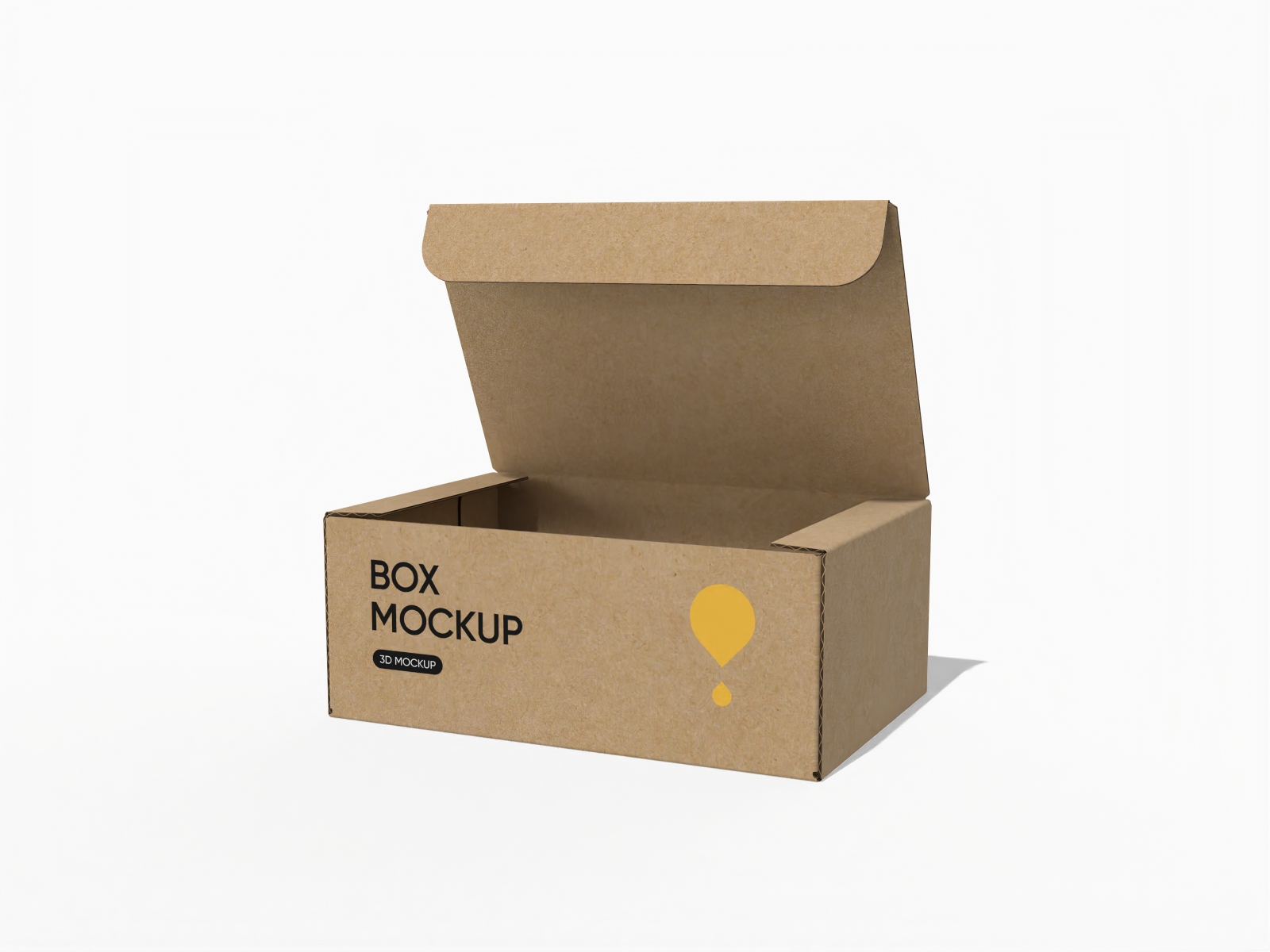
FEFCO 0420 flip top tuck front mailer box mockup
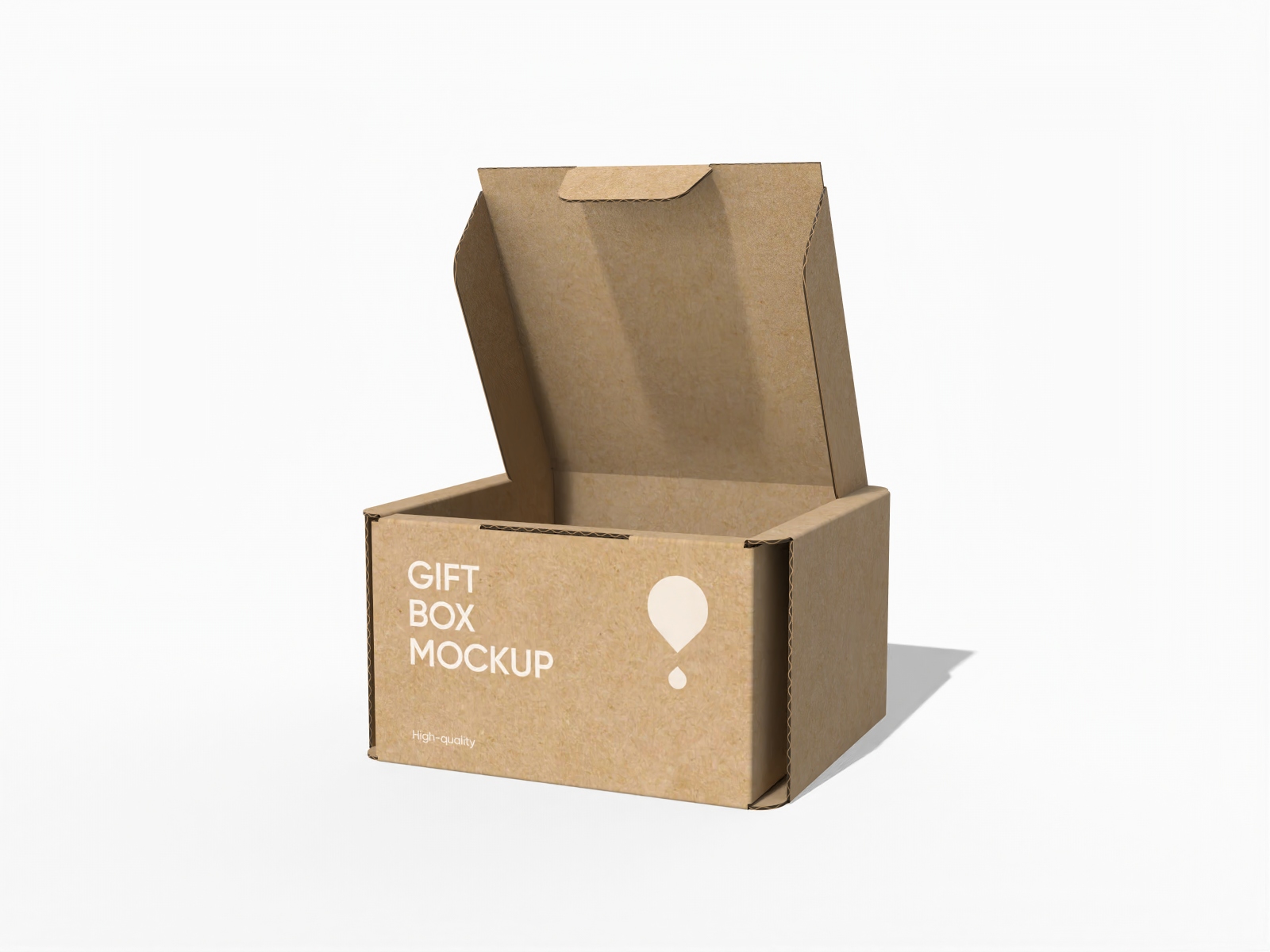
Buckle lock bottom carton gift mailer box mockup

6-pack carrier box mockup
How to design custom shipping boxes with logo?
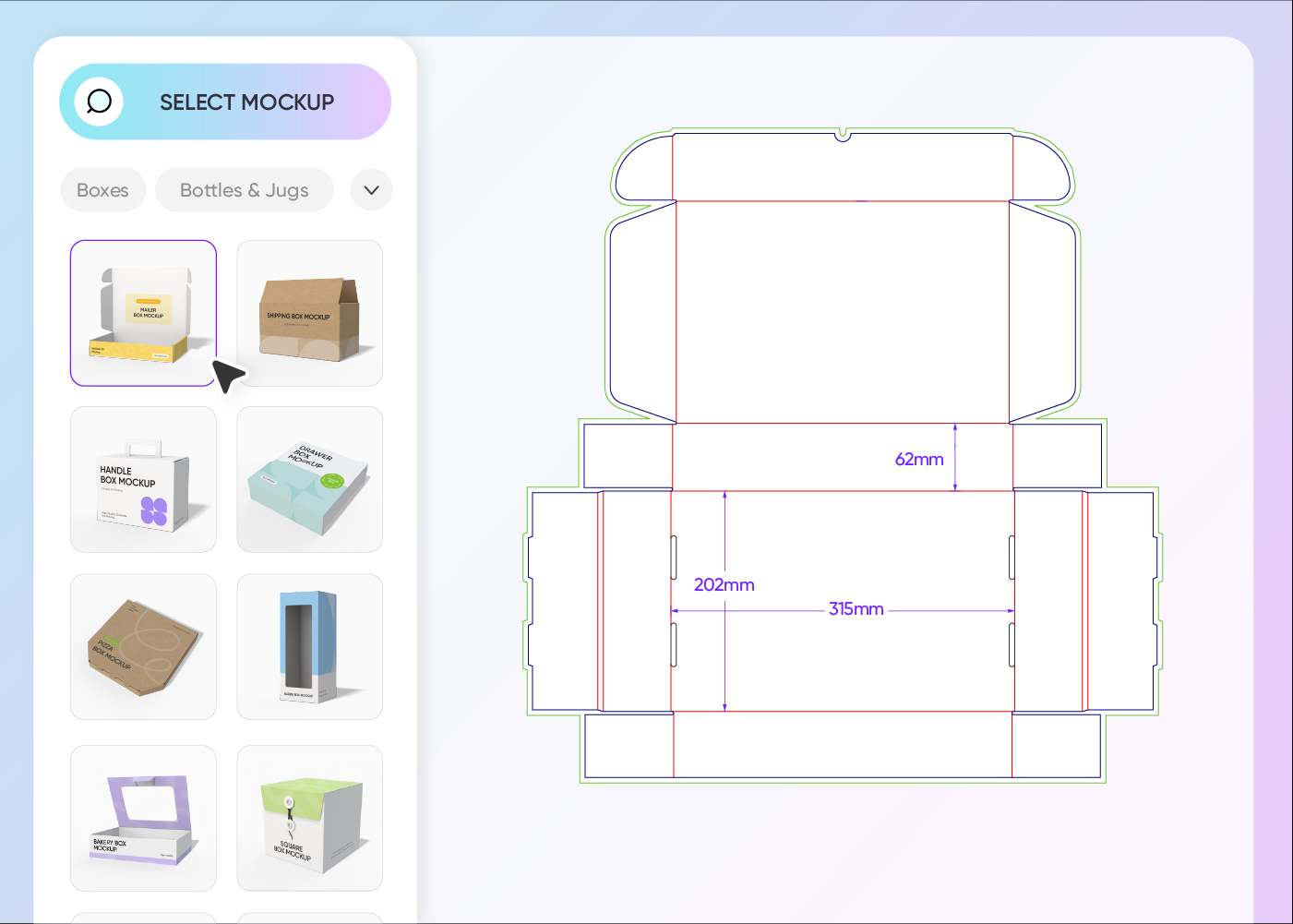
Step 1: Pick a shipping box mockup
Pick a box style from our extensive library that fits your specific product needs.
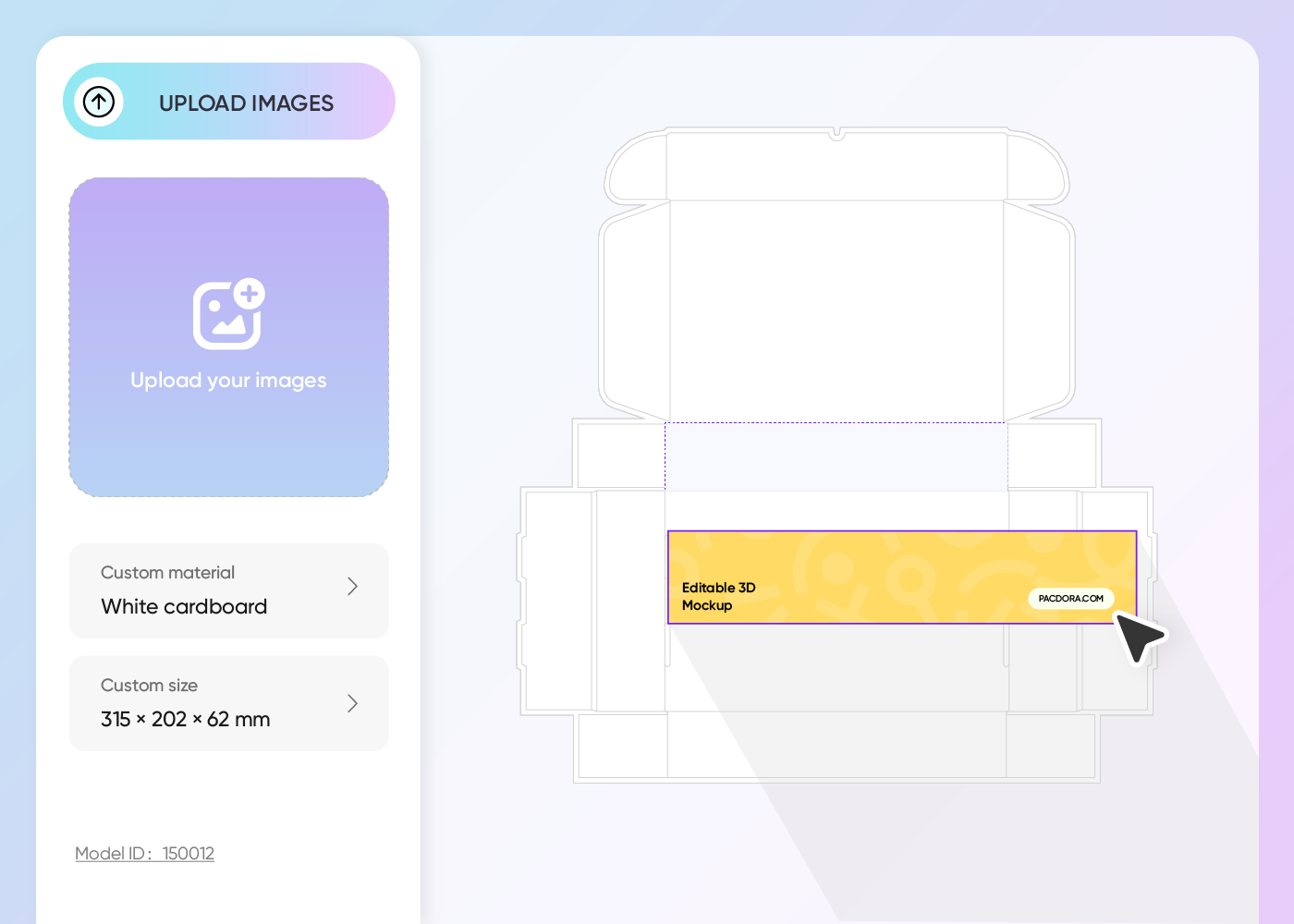
Step 2: Upload your logo or artwork
Upload design elements like your logo, brand colors, or slogan directly onto the box mockup surface, and adjust more details.
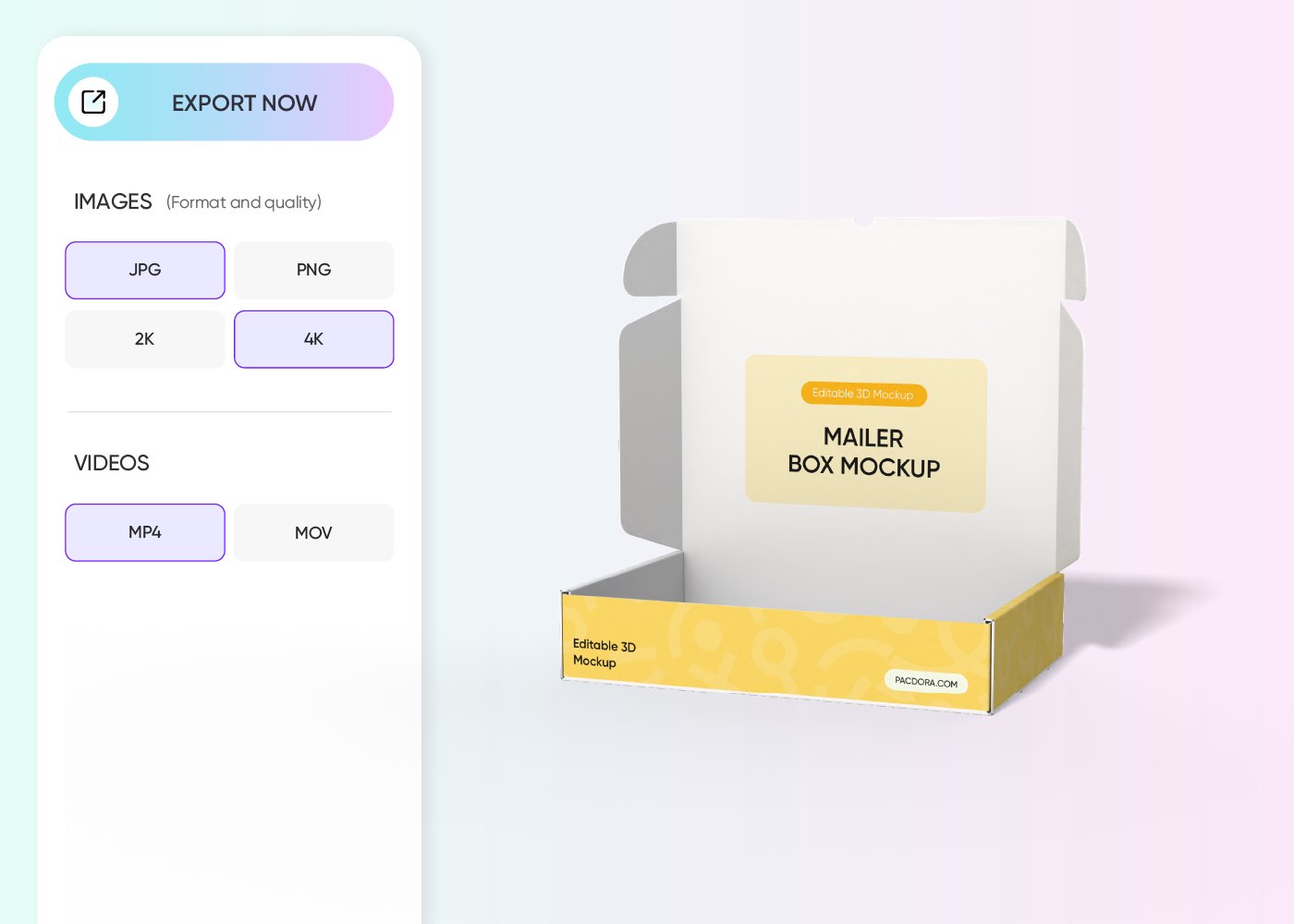
Step 3: Export your final design
Export your final shipping box design as a high-quality 8K image or a rotating video. You can even grab the precise dieline files for your manufacturer.
Step 1: Pick a shipping box mockup
Pick a box style from our extensive library that fits your specific product needs.
Step 2: Upload your logo or artwork
Upload design elements like your logo, brand colors, or slogan directly onto the box mockup surface, and adjust more details.
Step 3: Export your final design
Export your final shipping box design as a high-quality 8K image or a rotating video. You can even grab the precise dieline files for your manufacturer.
Designing custom shipping boxes with logo online
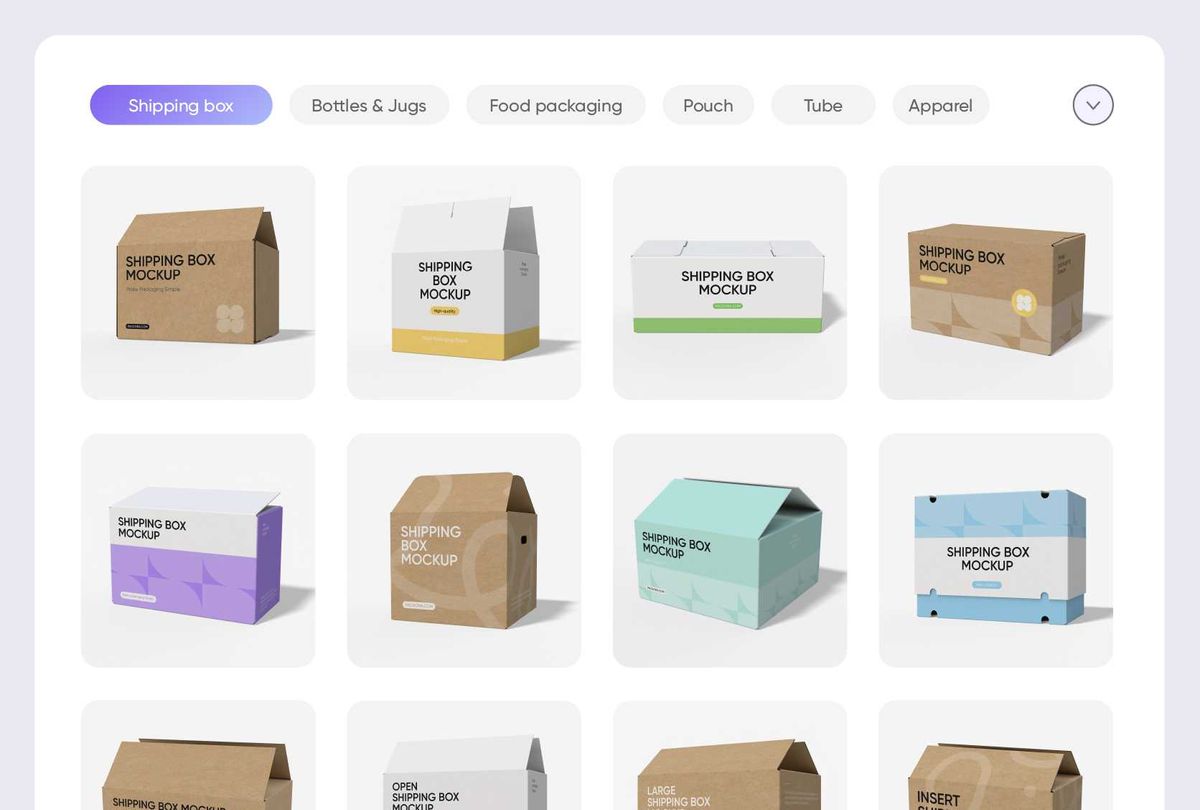
Explore diverse custom shipping boxes styles
Different custom shipping box styles with logo serve different purposes. Mailer boxes suit clothing and subscription items, while folding cartons fit lighter shipments.
Slotted cartons provide strong structural support for heavy goods. Selecting the correct box style helps match packaging with product weight and delivery needs.
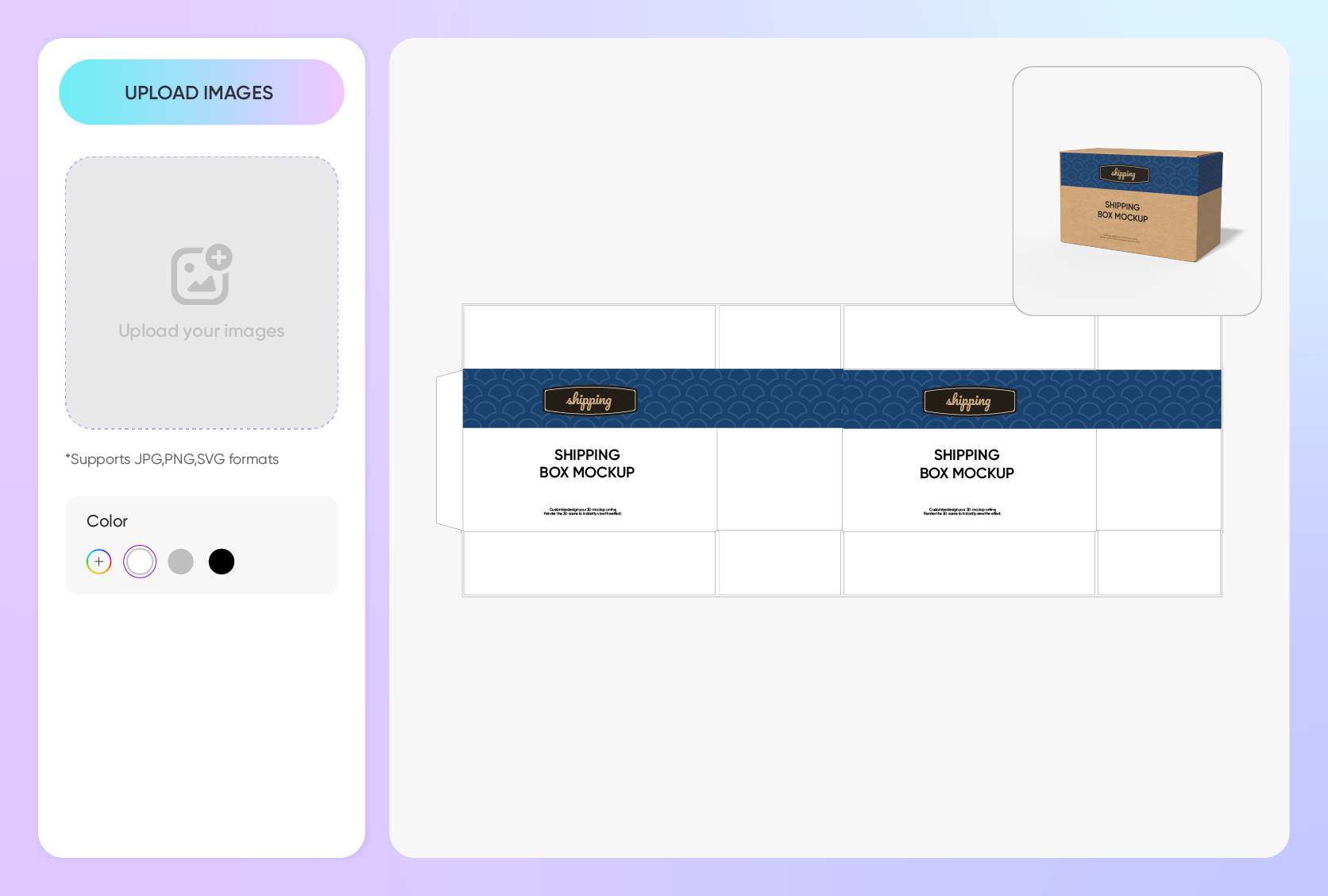
Add branding to custom shipping boxes with logo
Place a bold logo on the top flap for instant brand recognition, or add subtle icons along the side panels for a clean, modern look. Upload your files and adjust placement freely on the box surface.
This layout comparison helps you choose between eye-catching or minimalist branding before production.
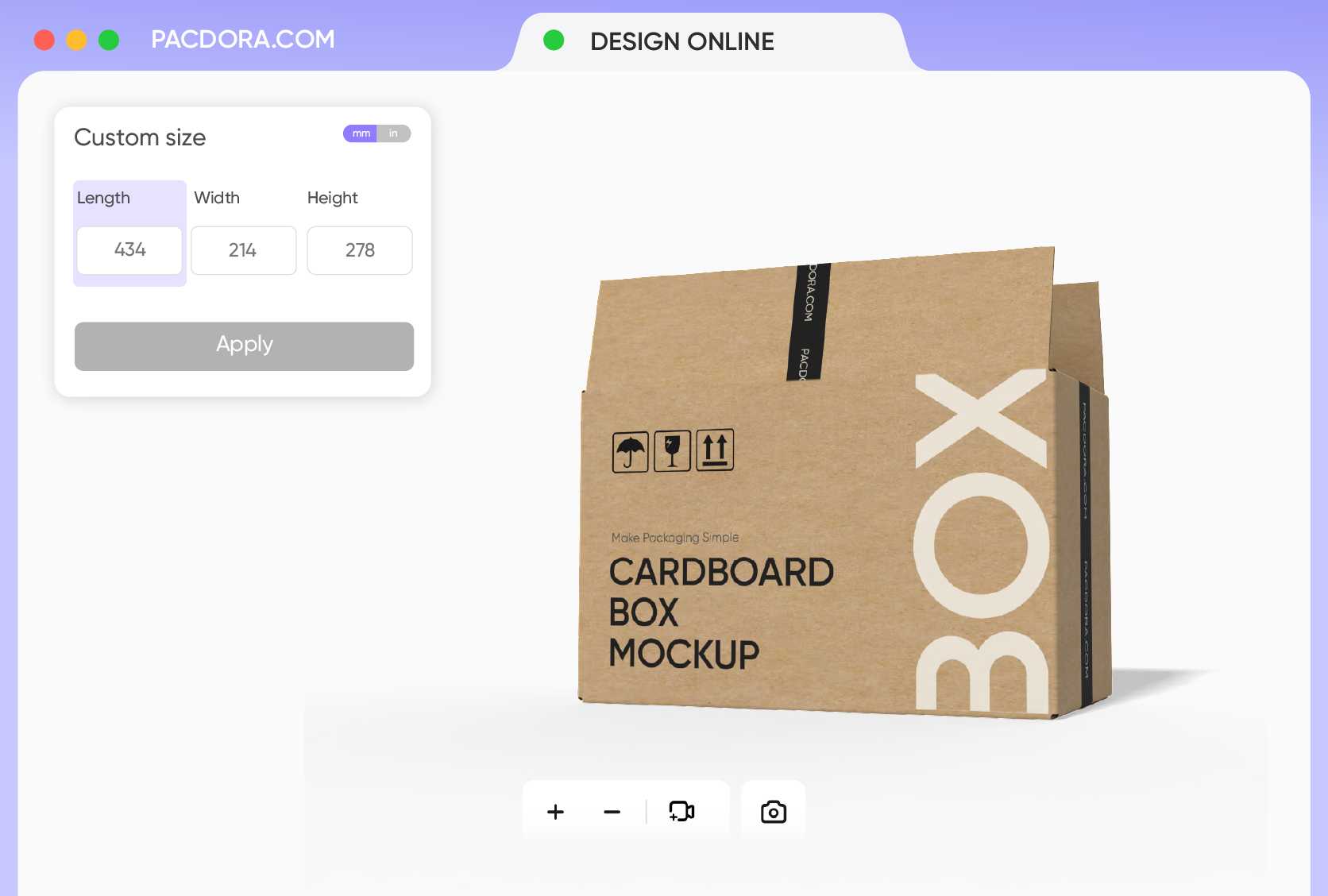
Find the right custom shipping boxes size
Choosing the correct box size improves both shipping efficiency and logo visibility. A 10 × 8 × 4 inches box suits cosmetics or small electronics, while 14 × 10 × 6 inches works better for apparel bundles.
Proper length, width, and height keep branding centered and reduce empty space during delivery.

Export shipping boxes in print-ready formats
Use high-resolution PNG or JPG files to showcase your custom shipping boxes with logo on websites, ads, and product listings, ensuring clear visuals and consistent branding online.
For production, you can export printable dieline files with clear cut lines, fold lines, and panel guides, helping printers set up accurate cutting and assembly.
Explore diverse custom shipping boxes styles
Different custom shipping box styles with logo serve different purposes. Mailer boxes suit clothing and subscription items, while folding cartons fit lighter shipments.
Slotted cartons provide strong structural support for heavy goods. Selecting the correct box style helps match packaging with product weight and delivery needs.
Add branding to custom shipping boxes with logo
Place a bold logo on the top flap for instant brand recognition, or add subtle icons along the side panels for a clean, modern look. Upload your files and adjust placement freely on the box surface.
This layout comparison helps you choose between eye-catching or minimalist branding before production.
Find the right custom shipping boxes size
Choosing the correct box size improves both shipping efficiency and logo visibility. A 10 × 8 × 4 inches box suits cosmetics or small electronics, while 14 × 10 × 6 inches works better for apparel bundles.
Proper length, width, and height keep branding centered and reduce empty space during delivery.
Export shipping boxes in print-ready formats
Use high-resolution PNG or JPG files to showcase your custom shipping boxes with logo on websites, ads, and product listings, ensuring clear visuals and consistent branding online.
For production, you can export printable dieline files with clear cut lines, fold lines, and panel guides, helping printers set up accurate cutting and assembly.
Our customers love Pacdora’s mockup tools
Thousands before you have designed realistic mockups with Pacdora and loved it.

Great mock-ups and literally thousands of packaging designs to choose from. The 3d mock-up is so good, helps bring clarity to the client as well as the designers. Great product for packaging design professionals.


cosmiccorner
Move over, complicated design software! Pacdora is the superhero of packaging mockups. Creating 3D magic for my products is as easy as pie – no PhD in design required. It’s like the software looked at the clock and said, ‘Time to save users from design nightmares!’ It’s so user-friendly, even my coffee mug wants to try its hand at packaging design.
FAQ
Why do I need custom shipping boxes with logo?
Using a custom shipping boxes with logo transforms a standard delivery into a branding opportunity. It builds trust with your customer, increases brand recognition, and makes the unboxing experience memorable, which can lead to more social media shares and repeat business.
How realistic are the custom shipping boxes with logo mockups?
Our custom shipping boxes with logo mockups are 3D-rendered to look incredibly lifelike. We simulate real-world lighting, shadows, and material textures—like the roughness of corrugated cardboard or the sheen of gloss—so you know exactly what the final product will look like.
What files can I upload to custom shipping boxes with logo?
You can upload JPG, PNG, and SVG files to your custom shipping boxes with logo. We recommend using high-resolution images or vector files (SVG) for logos and text to ensure they look crisp and professional when applied to the 3D surface of the box.
Can I export my custom shipping boxes with logo as printable files?
Yes, we provide industry-standard templates for all our custom shipping boxes with logo. Once you finish your 3D design, you can download the dieline file. This is the technical template your manufacturer needs to print and cut your boxes accurately.
Can I design custom shipping boxes with logo for free using Pacdora?
Yes! Pacdora offers free features that you can use to design custom shipping boxes with logo without paying upfront. We also provide more advanced options, just check out our pricing page.
Explore more mockup tools
Discover more about Pacdora

Kickstart your exciting journey of creating shipping boxes with logo online

