

Cookie packaging
Select cookie packaging in cardboard box, kraft paper, plastic bag or metal tin, available in different styles on Pacdora! Customize with logos or images, then download JPG, PNG, or MP4 formats!

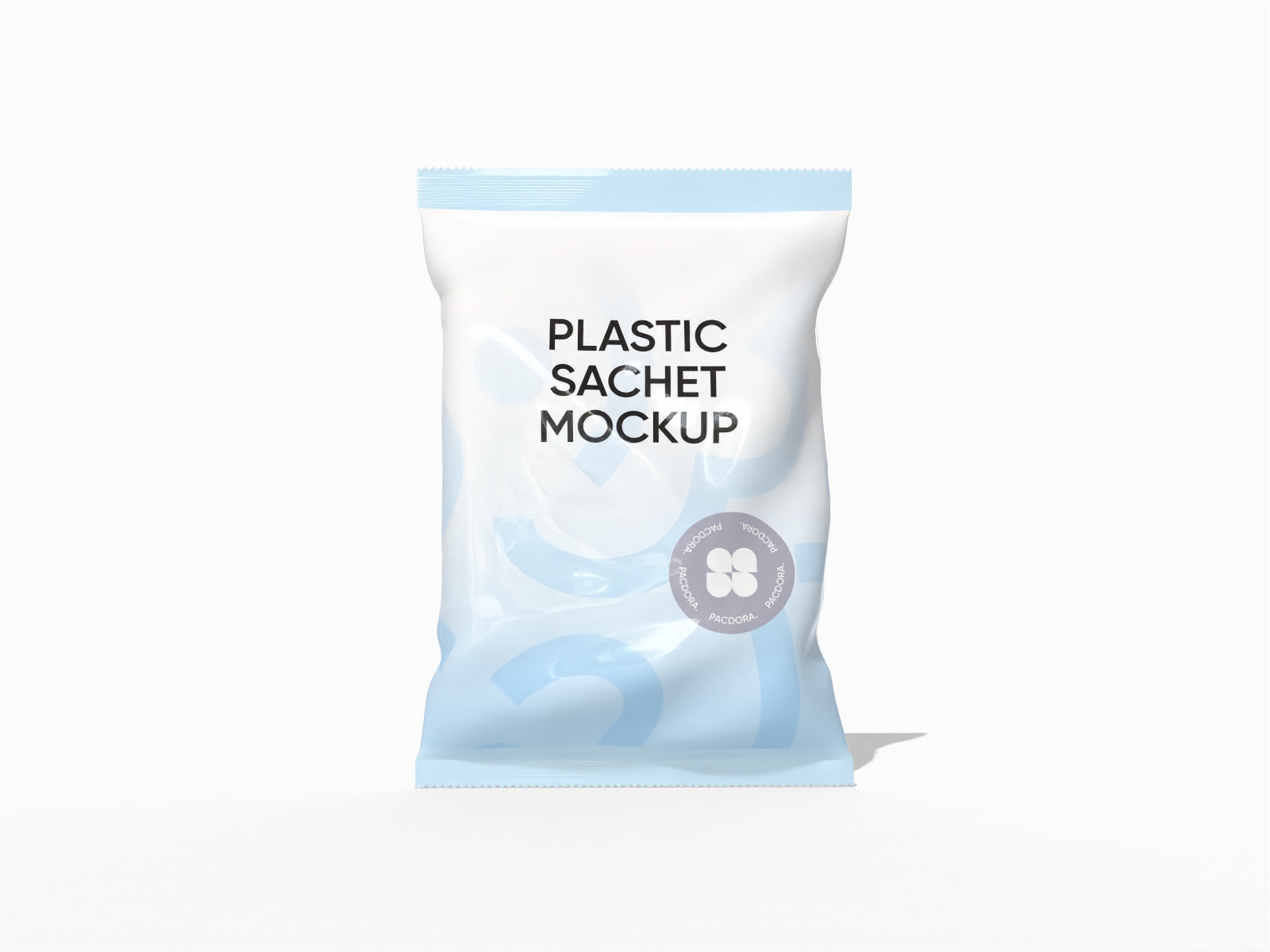
Plastic donut sachet mockup

Food paper bag mockup
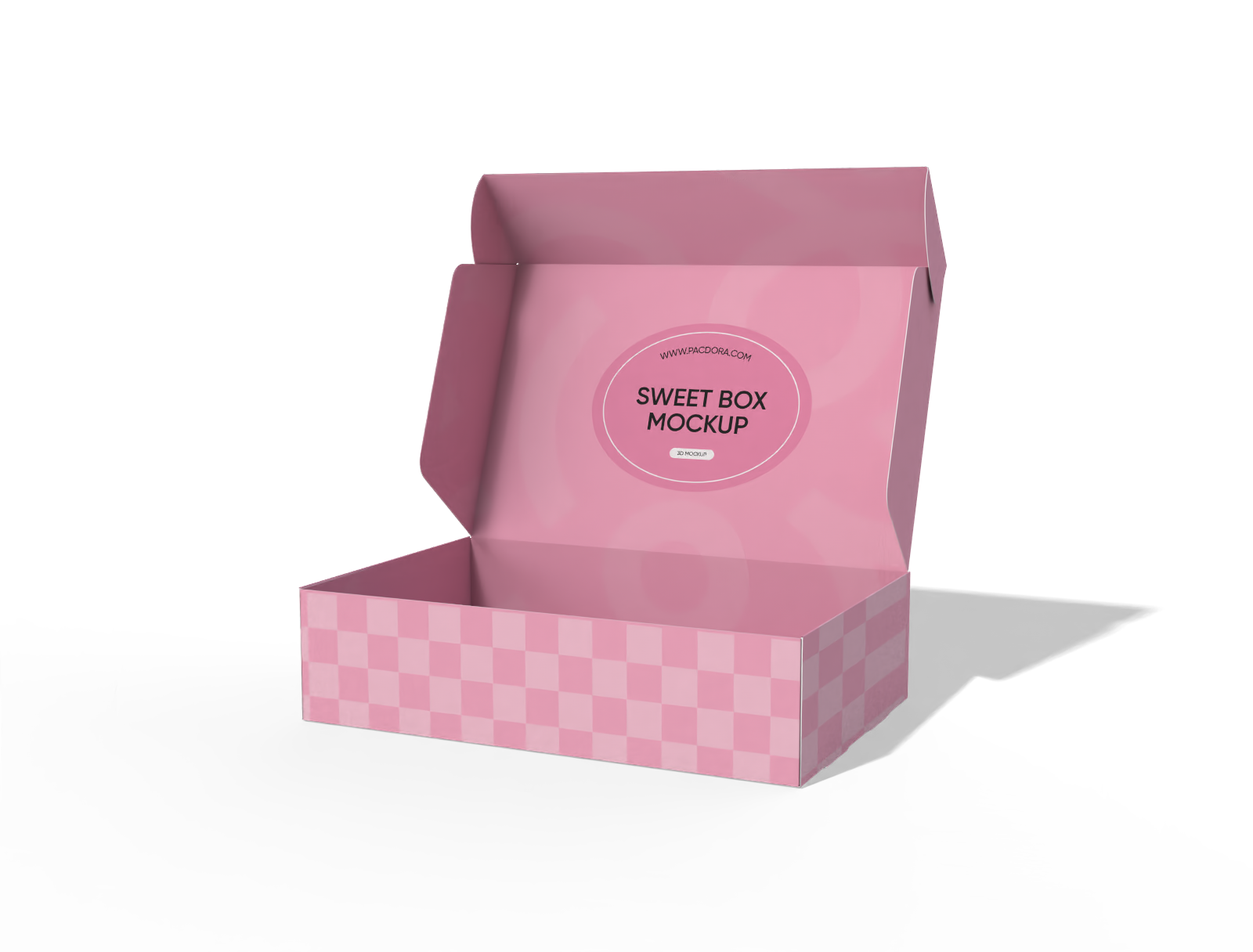
Sweet box mockup
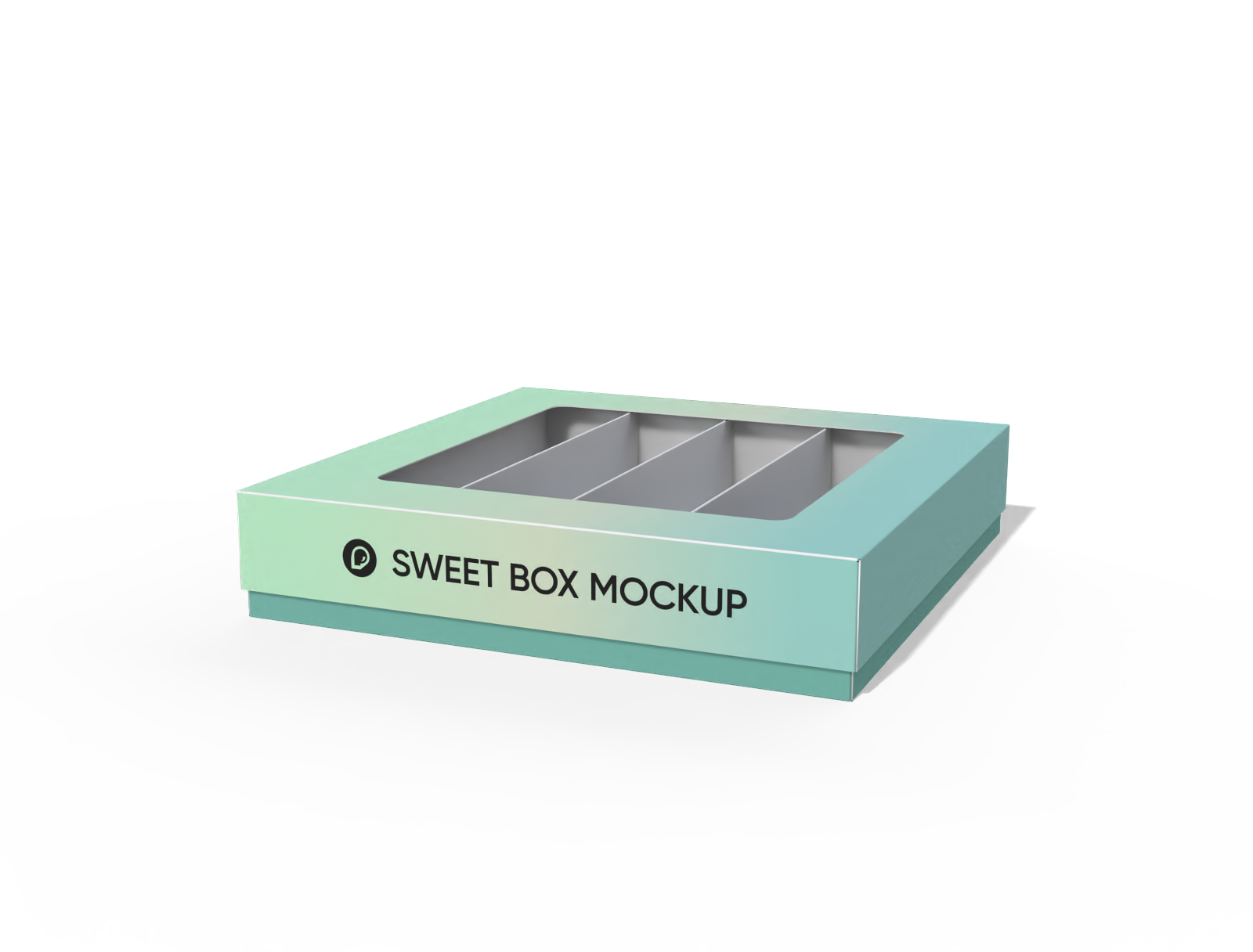
Sweet box with window mockup
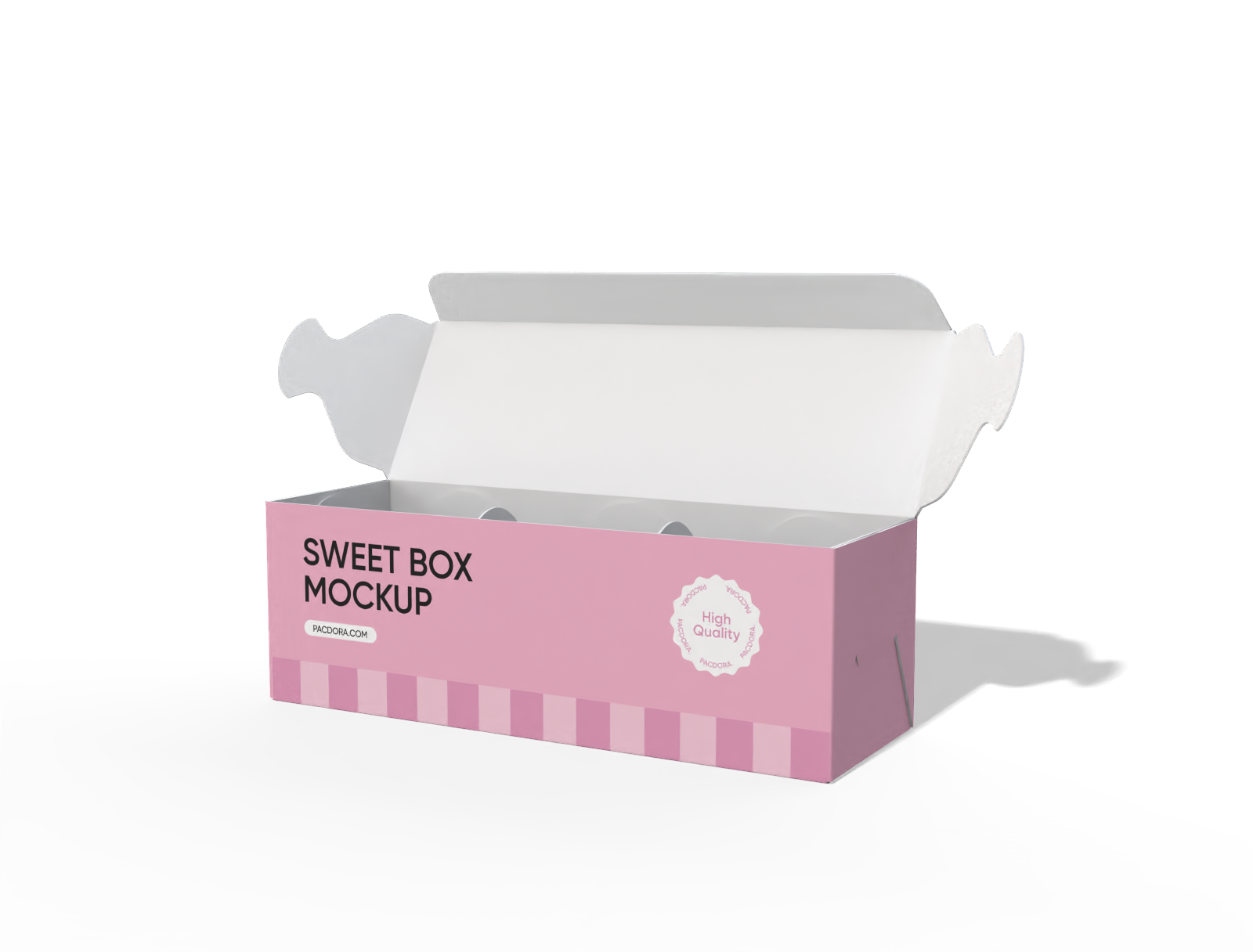
Sweet box mockup

Cookie sachet package mockup

Stand-up pouch mockup
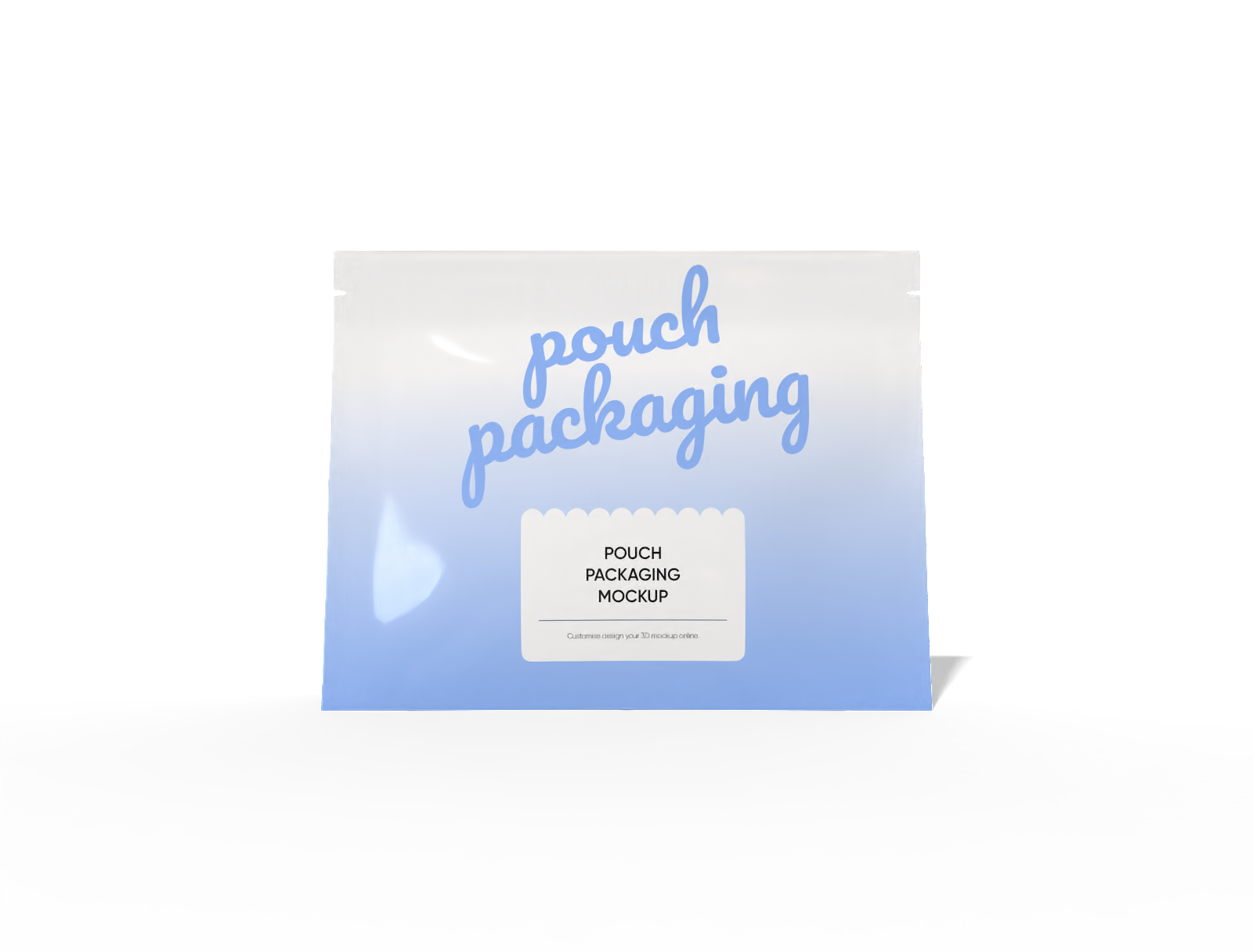
26 × 6 × 20 stand-up food pouch mockup
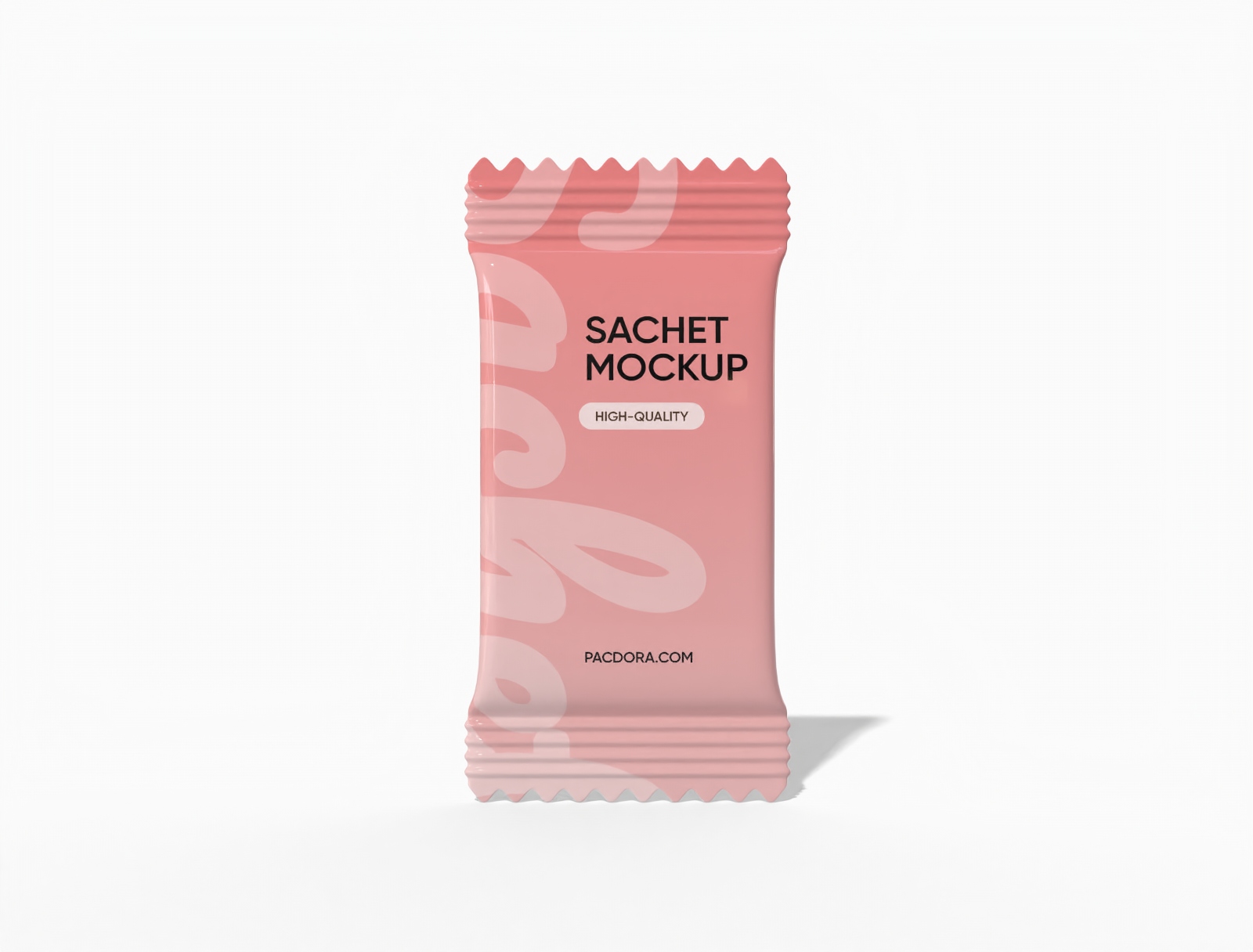
Sachet packaging mockup
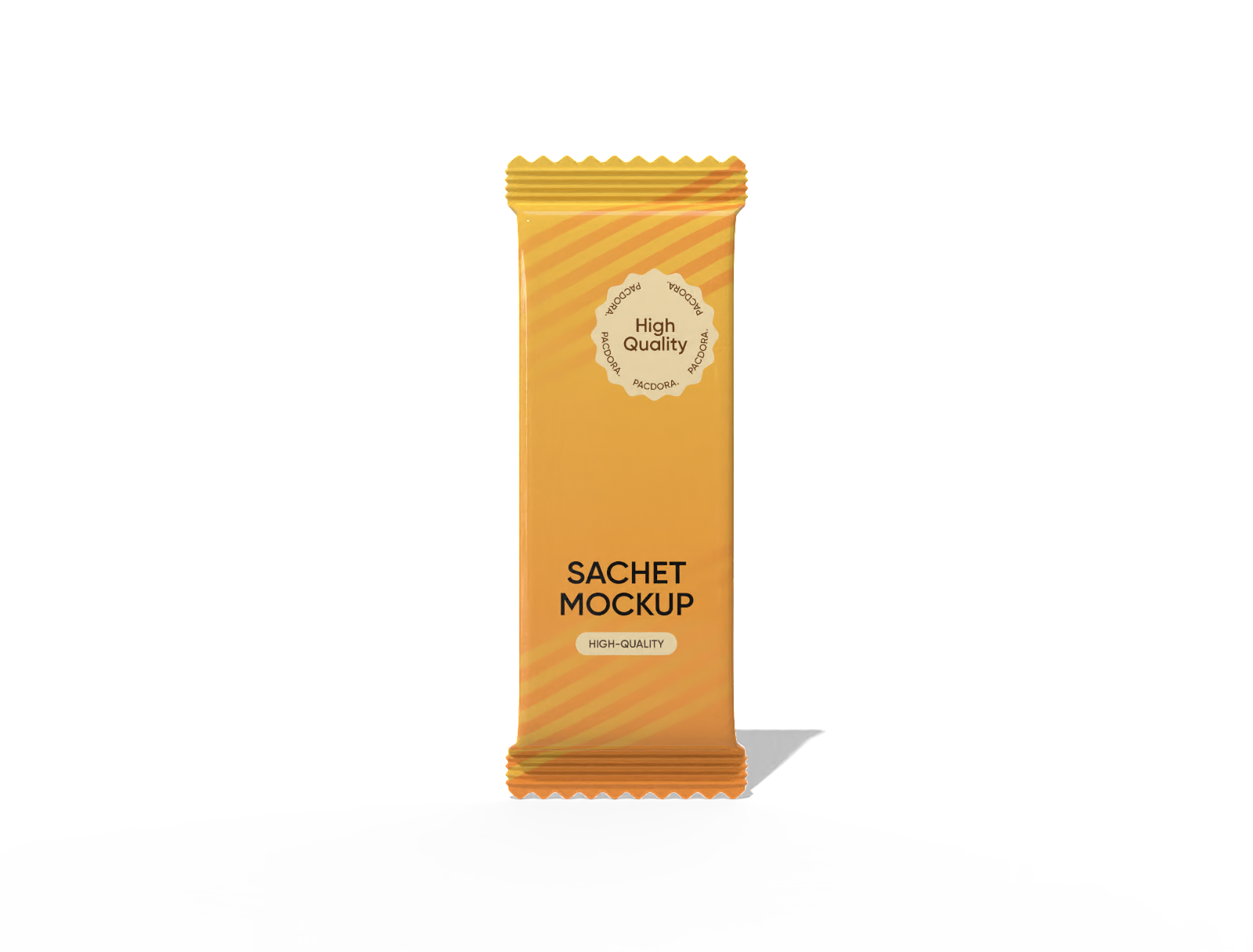
Sachet packaging mockup
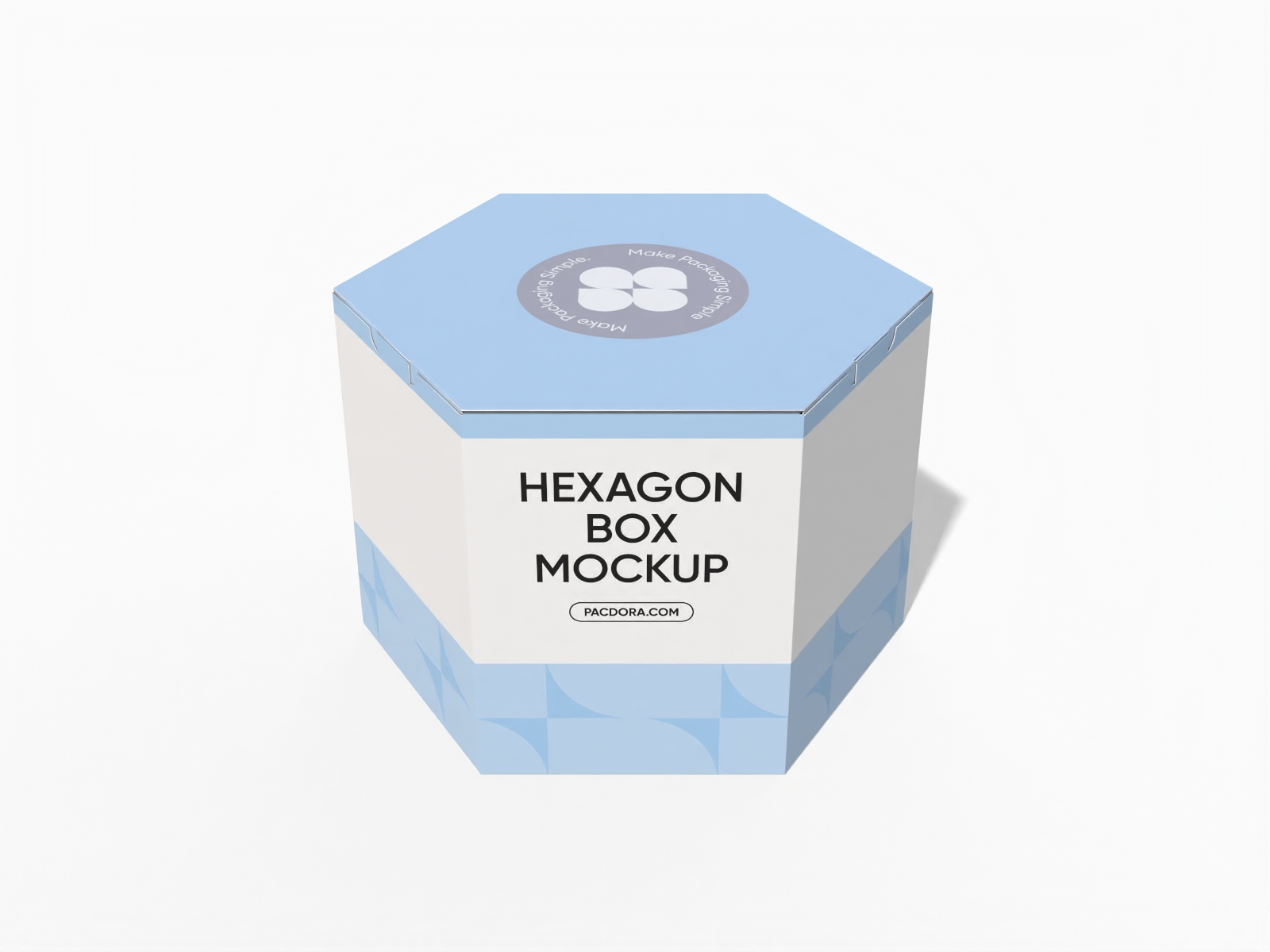
Polygonal boxes hexagon security buckles mockup
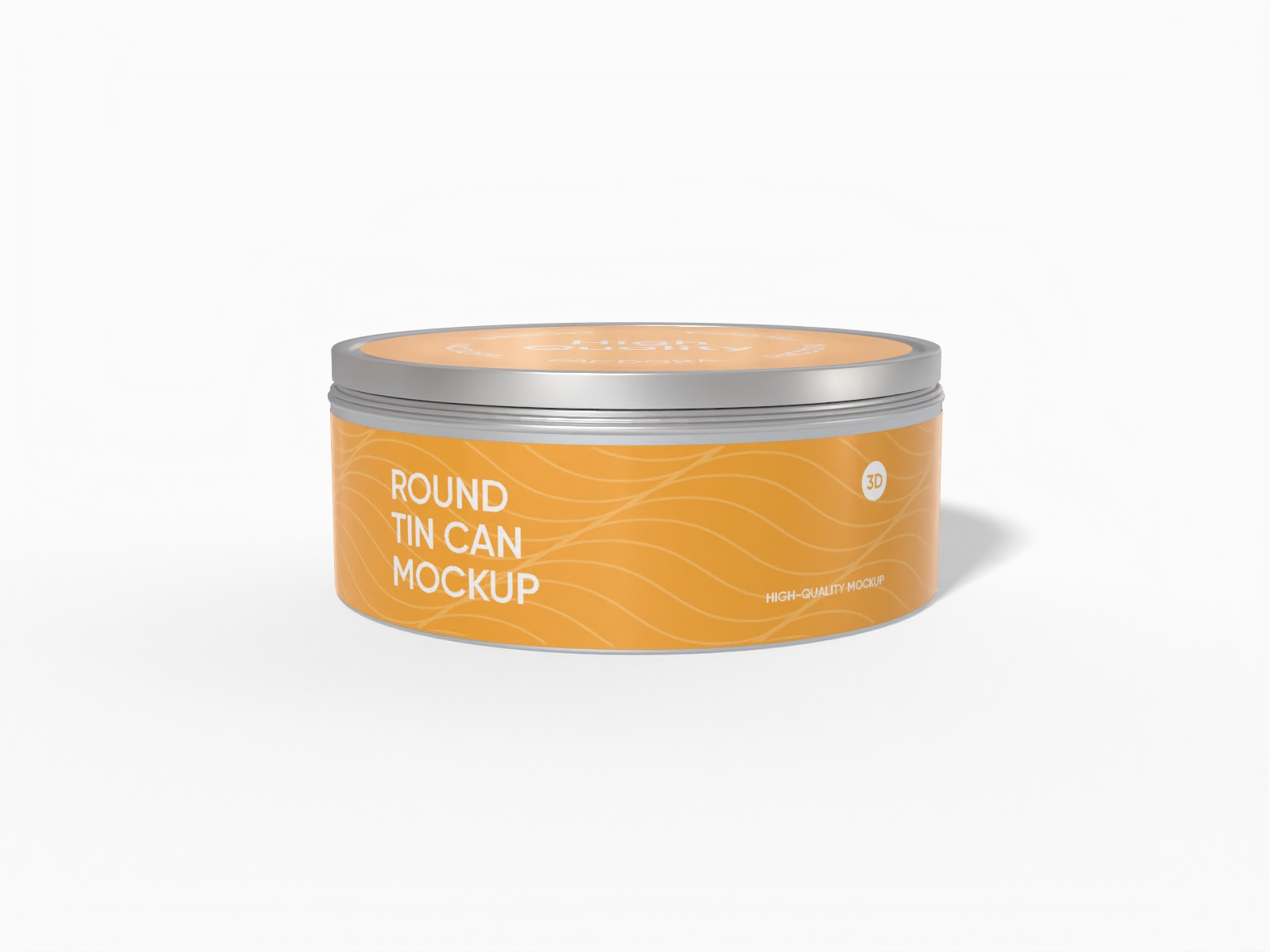
Round tin can mockup
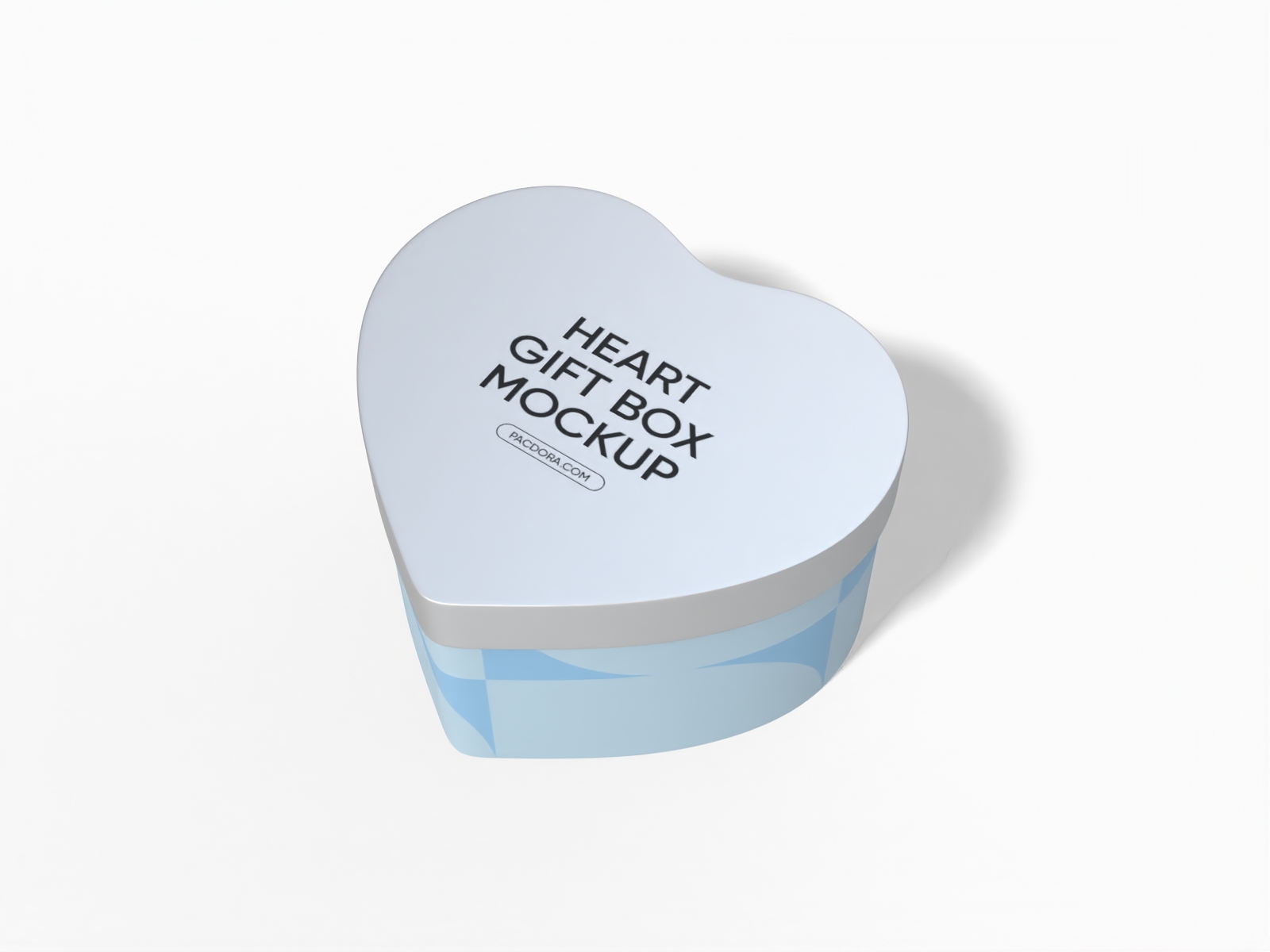
Heart shaped gift box mockup
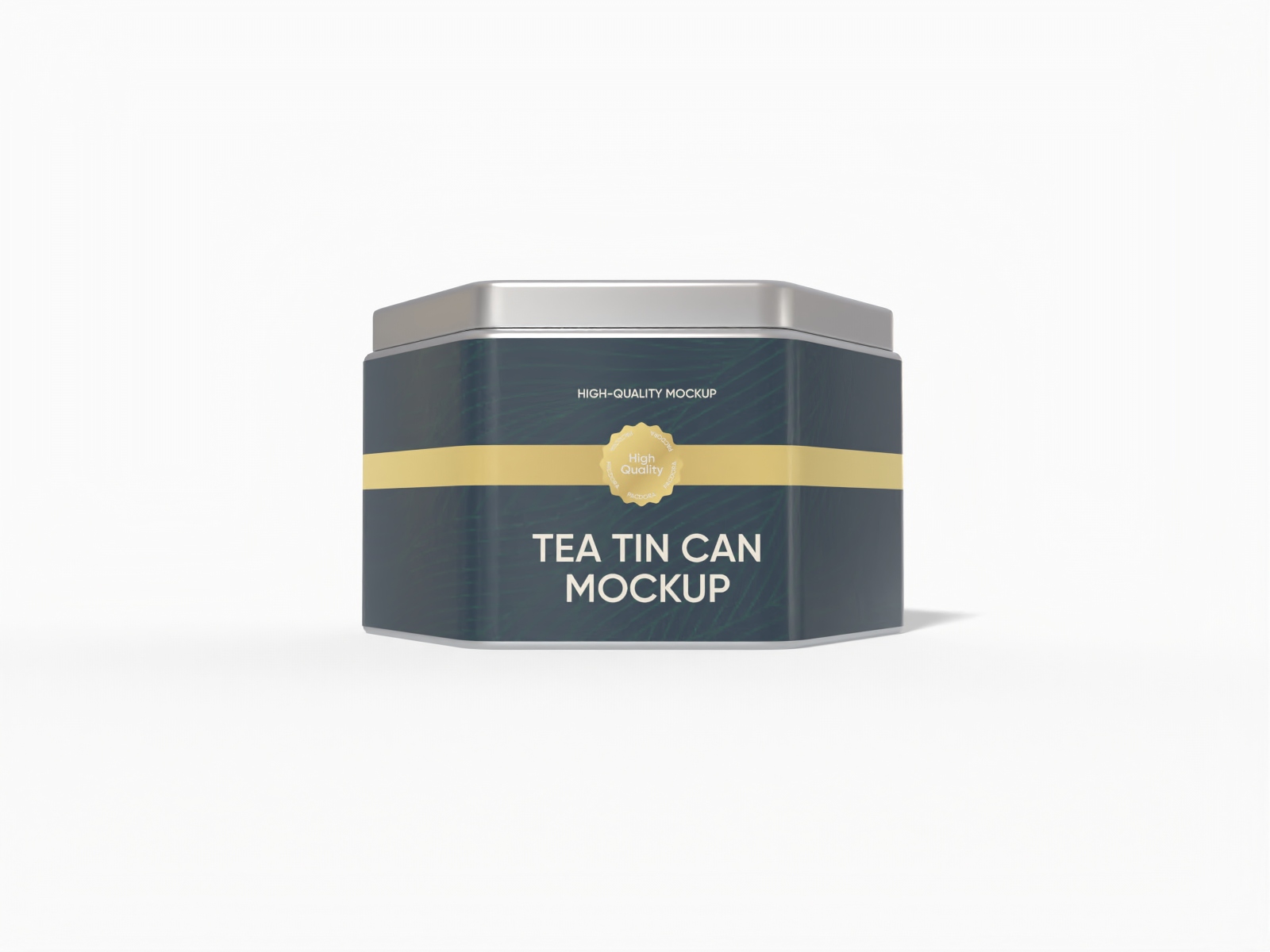
Tea tin can mockup

Hexagonal tin can mockup
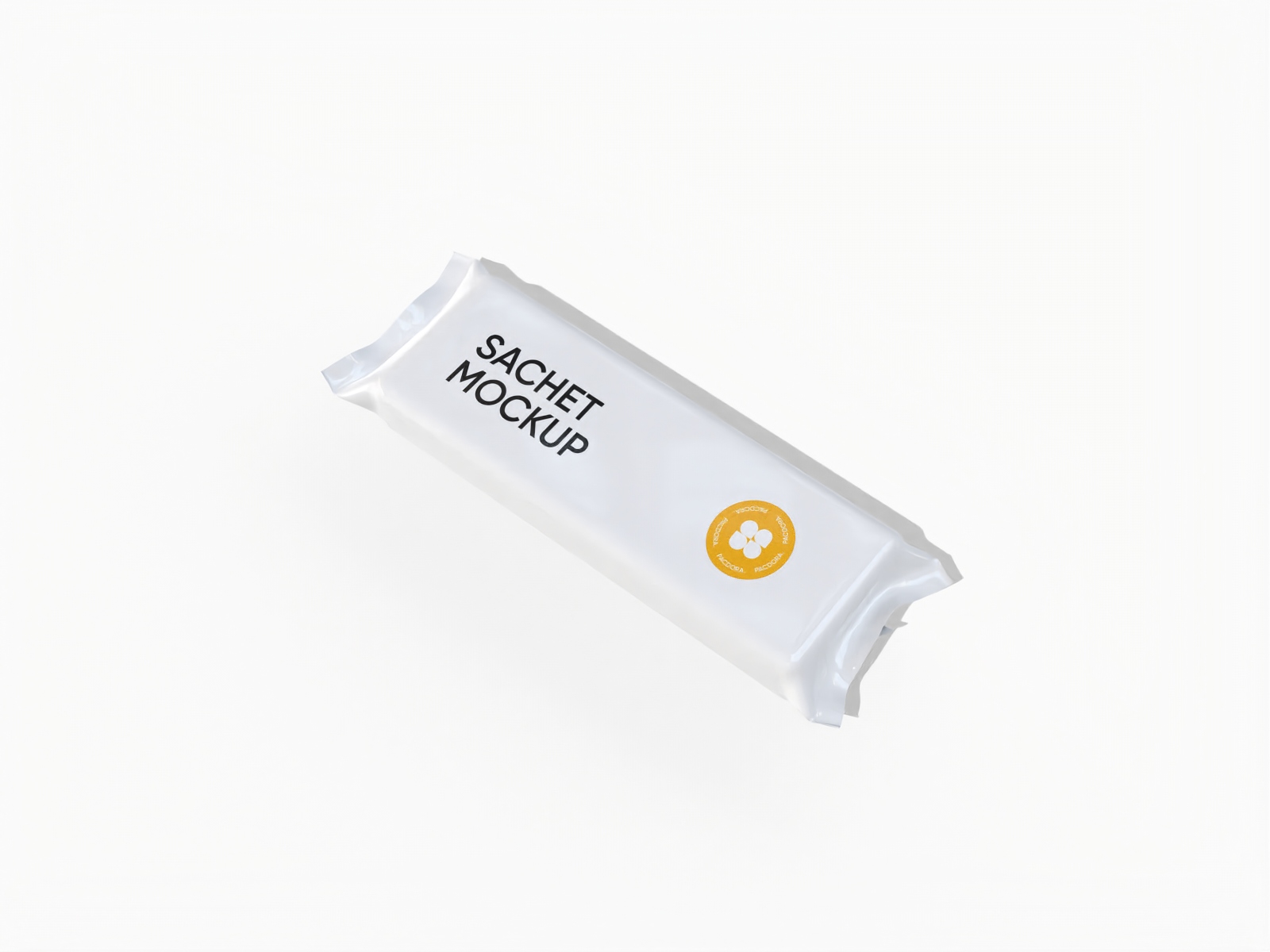
Sachet packaging mockup
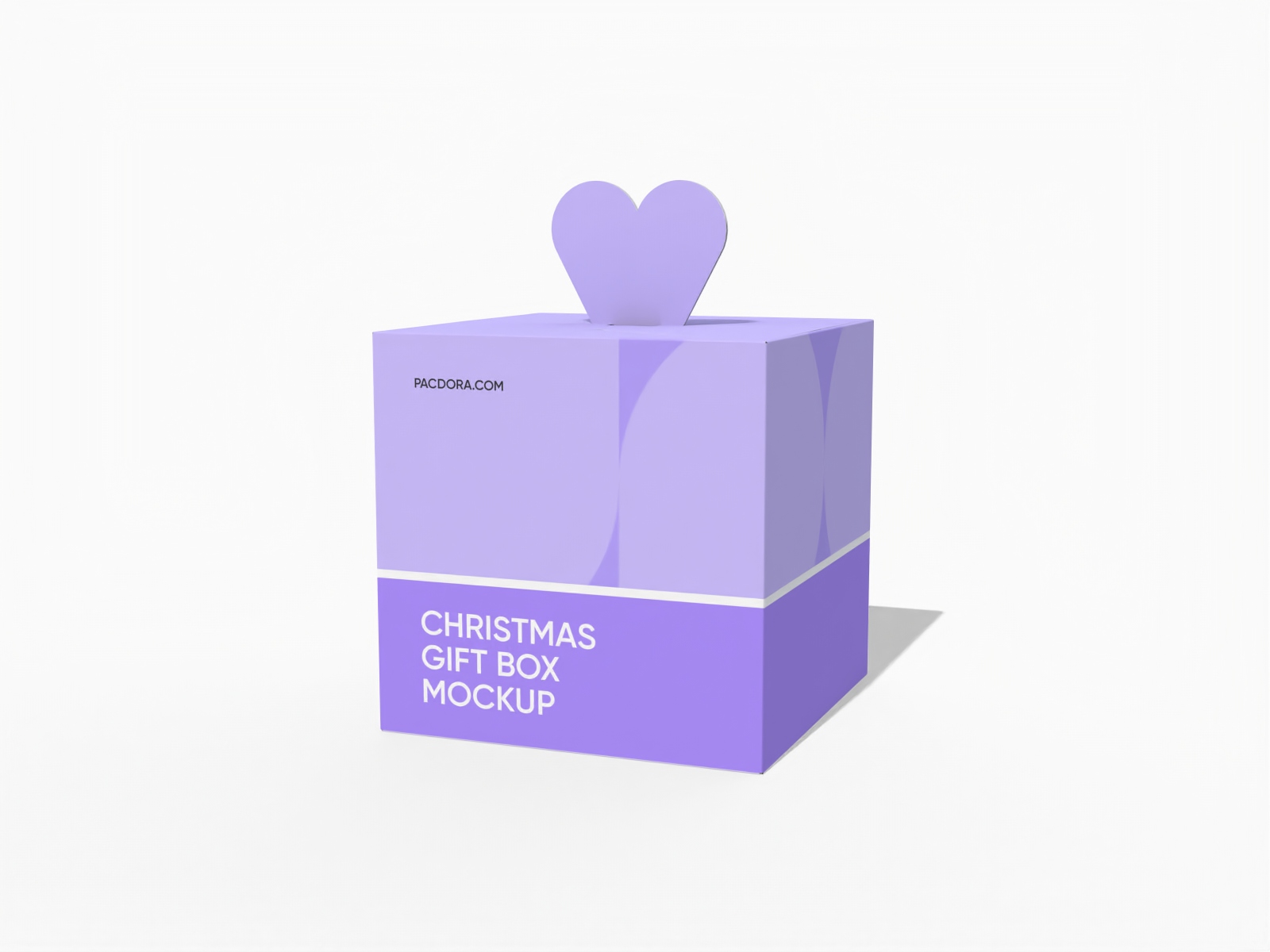
Christmas fruit gift box packaging mockup
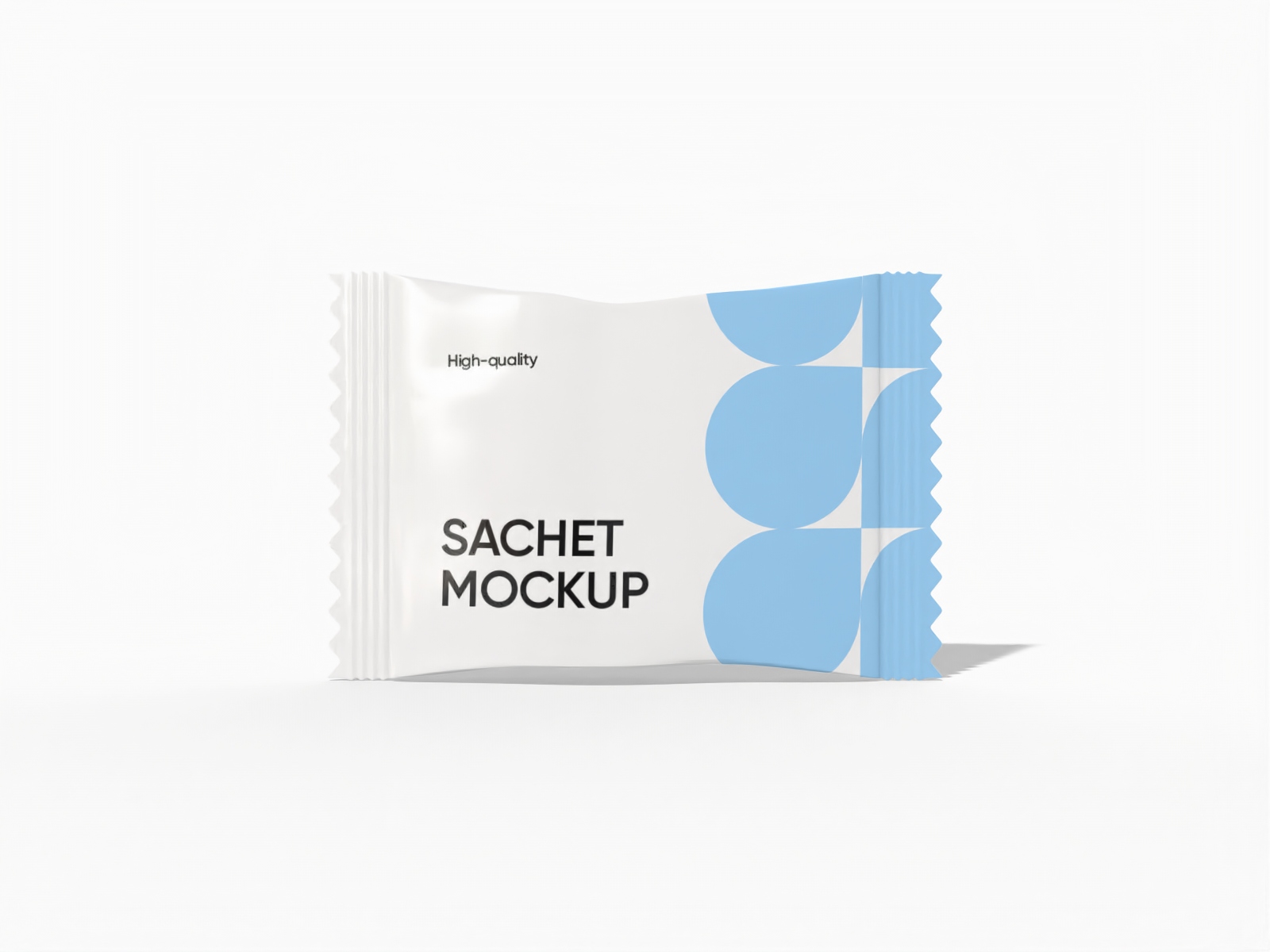
Candy sachet packaging mockup
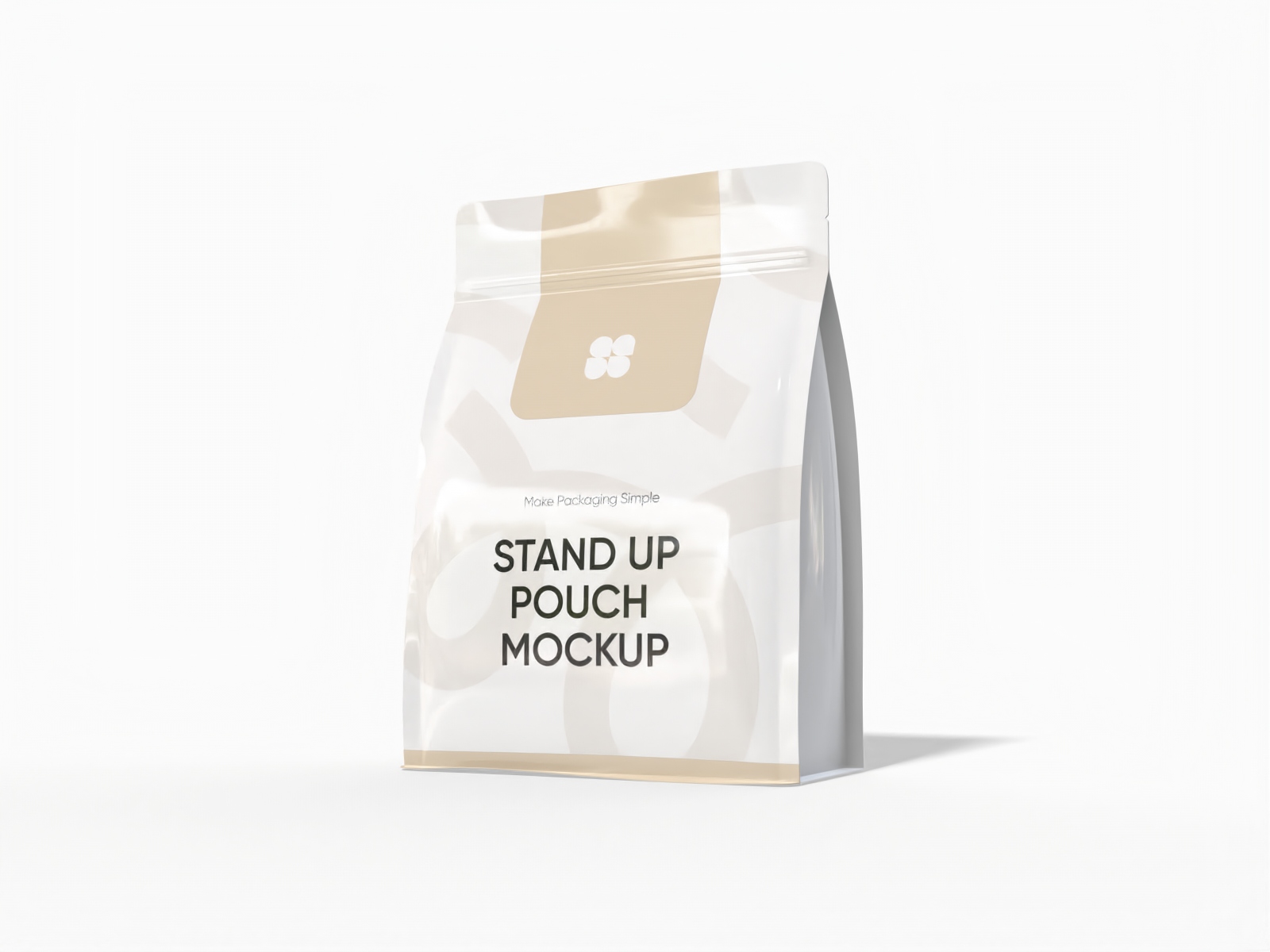
Stand up snack pouch mockup

Christmas apple box packaging mockup
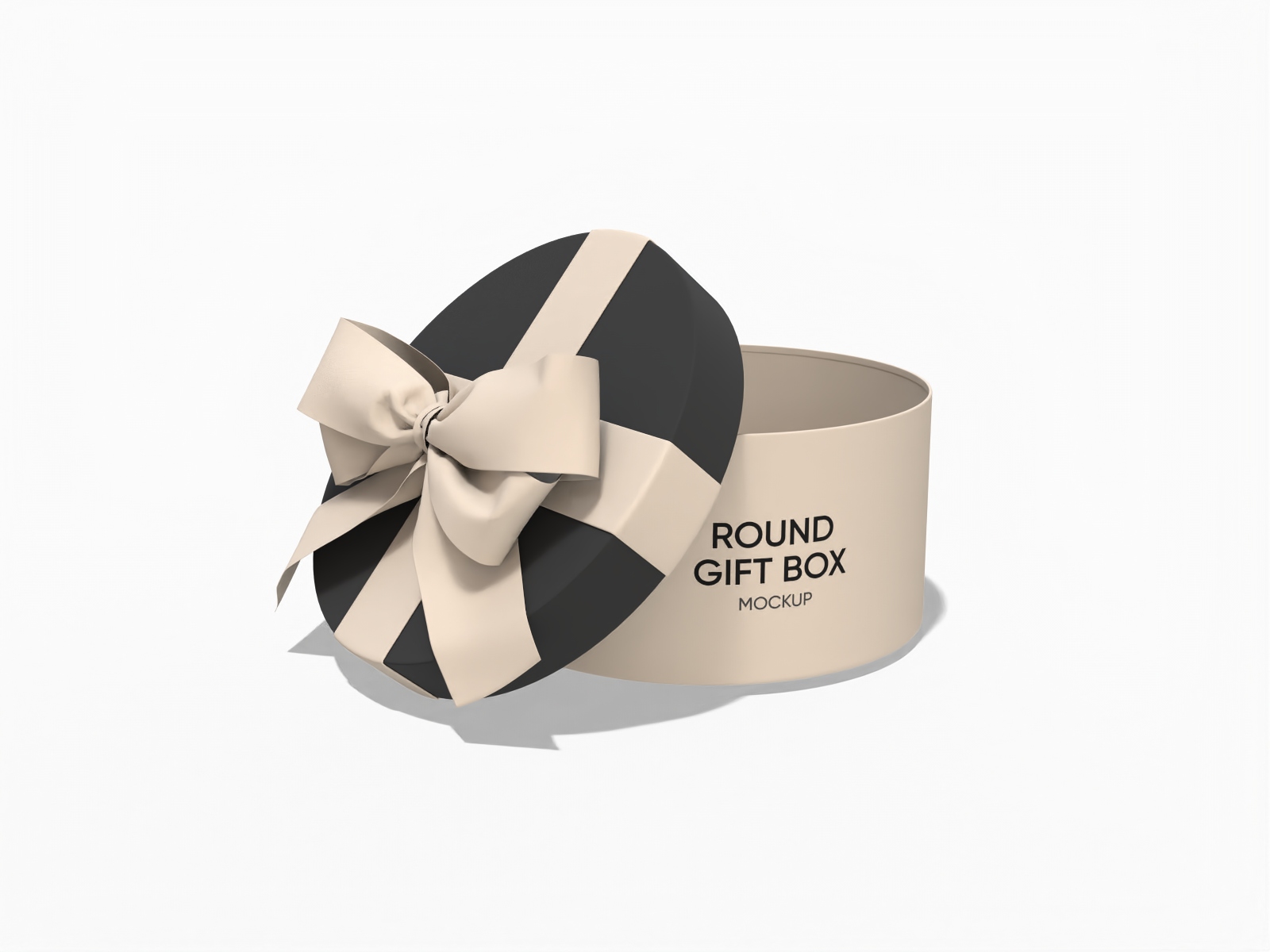
Round birthday gift box mockup
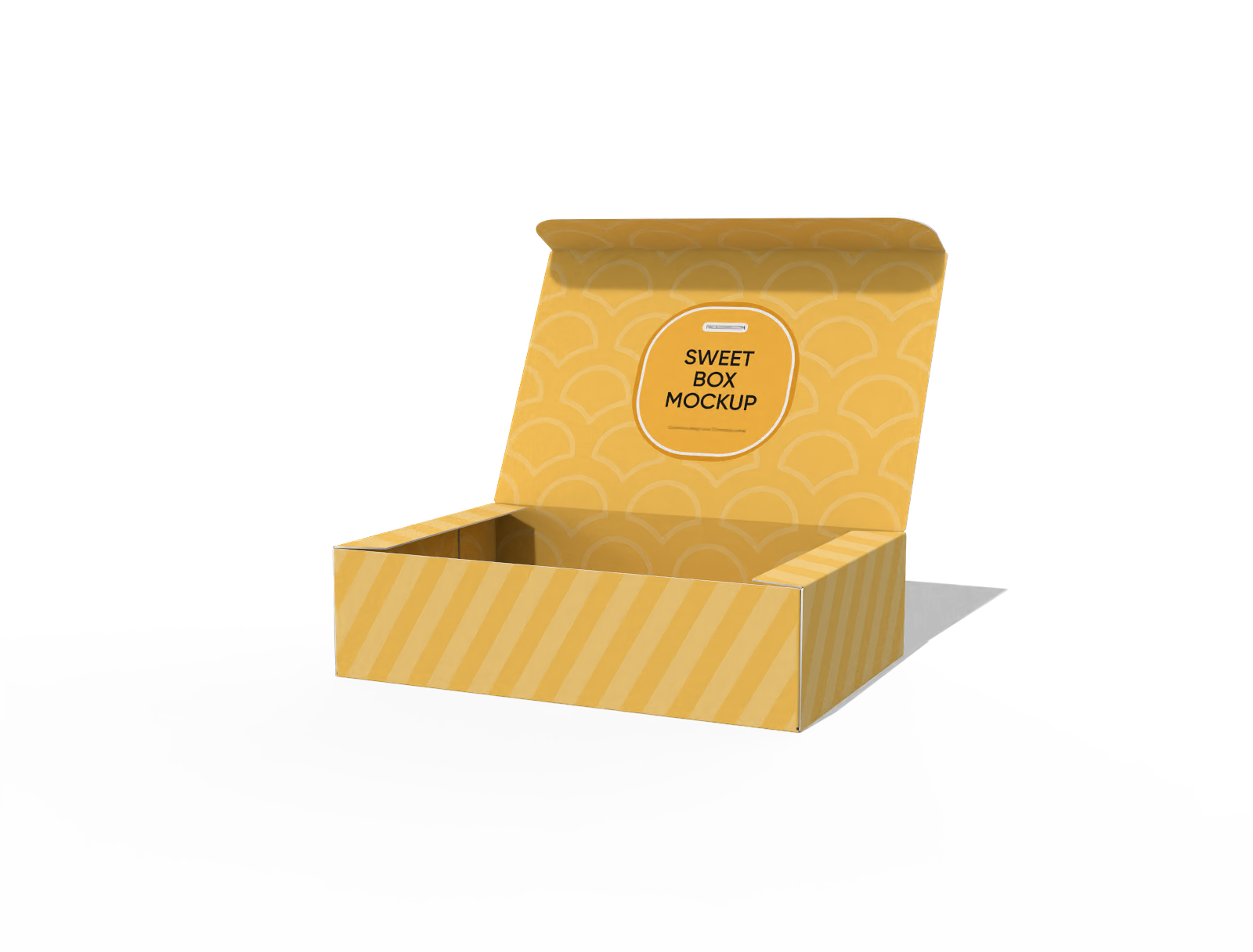
Sweet box mockup
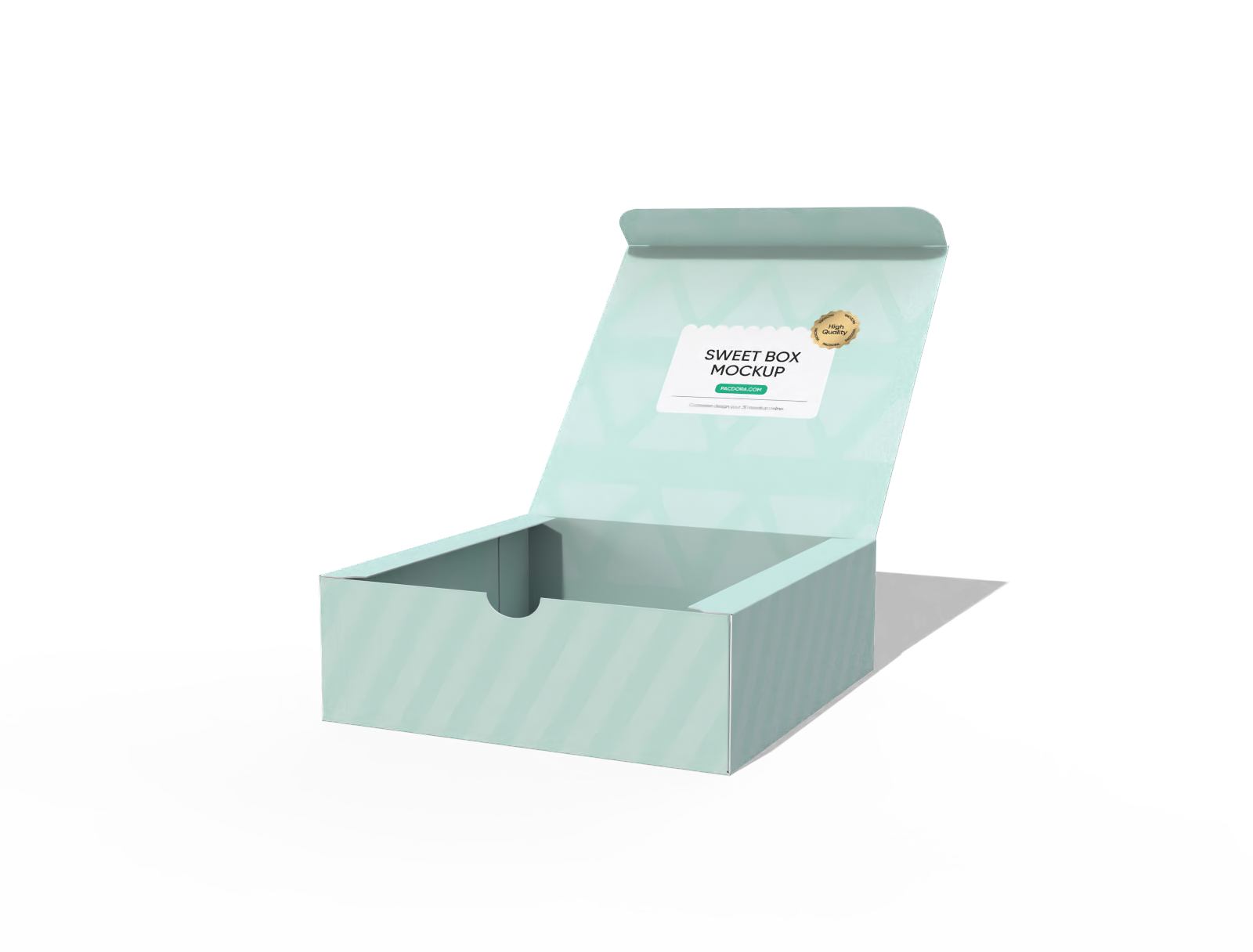
Sweet box mockup
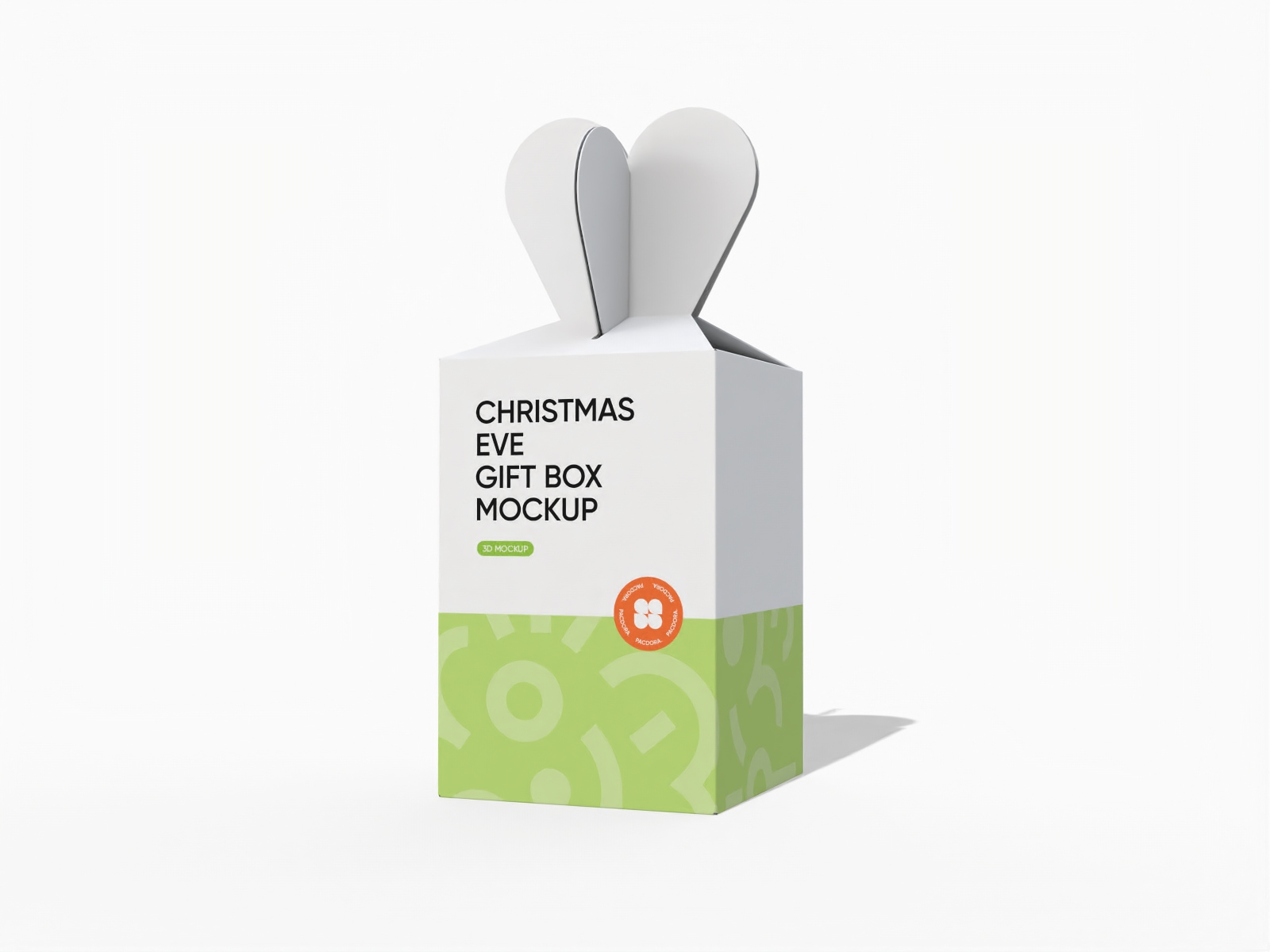
Christmas eve gift box packaging mockup
Trusted by leading companies


Upgrade simple cookie packaging into creative designs instantly on Pacdora!
Pacdora is a user-friendly online design platform that lets anyone create cookie packaging in their preferred style and shape. You can choose from boxes, pouches, bags or tins in different sizes to suit small, medium, or large batches. Adjust backgrounds or add logos, colors, and graphics to showcase your brand at no cost. Download your final design in high-resolution PNG, JPG, or MP4 formats. Start designing today!
Features of designing cookie packaging online

Tailored packaging for each cookie variety
Multiple packaging options help brands select designs that uplift their product's visual appeal and meet customer expectations.
A rectangular cookie box with compartments separates different flavors or shapes for convenient serving. Alternatively, a round tin container offers a stylish option for storing cookies and maintaining their freshness.

Custom artwork for a distinct appearance
Placing the relevant branding components on cookie packaging is important to make sure your product stands out in a competitive marketplace.
Photos of key ingredients, like chocolate chips, nuts, or oats, reveal the contents of each cookie. Showing flavor names, such as “Double Chocolate” or “Peanut Butter Crunch,” helps customers choose their favorite.

Material choices to complement your branding
Using a high-quality material elevates the unboxing experience and directly increases the product's perceived value.
Glass jars provide a sleek and elegant display, keeping cookies crisp and visible. Tin boxes offer a sturdy and classic feel, making them perfect for gifts or longer storage. Use Pacdora now!

Background customization for a realistic look
A suitable background supports the cookie packaging design and gives it a more natural presentation.
Kitchen surfaces or bakery counters are perfect backgrounds for cookie packaging designs because they relate to where cookies are made and enjoyed. Pacdora’s AI background generator can also produce catchy backdrops for a personalized appearance.

Tailored packaging for each cookie variety
Multiple packaging options help brands select designs that uplift their product's visual appeal and meet customer expectations.
A rectangular cookie box with compartments separates different flavors or shapes for convenient serving. Alternatively, a round tin container offers a stylish option for storing cookies and maintaining their freshness.
Custom artwork for a distinct appearance
Placing the relevant branding components on cookie packaging is important to make sure your product stands out in a competitive marketplace.
Photos of key ingredients, like chocolate chips, nuts, or oats, reveal the contents of each cookie. Showing flavor names, such as “Double Chocolate” or “Peanut Butter Crunch,” helps customers choose their favorite.


Material choices to complement your branding
Using a high-quality material elevates the unboxing experience and directly increases the product's perceived value.
Glass jars provide a sleek and elegant display, keeping cookies crisp and visible. Tin boxes offer a sturdy and classic feel, making them perfect for gifts or longer storage. Use Pacdora now!
Background customization for a realistic look
A suitable background supports the cookie packaging design and gives it a more natural presentation.
Kitchen surfaces or bakery counters are perfect backgrounds for cookie packaging designs because they relate to where cookies are made and enjoyed. Pacdora’s AI background generator can also produce catchy backdrops for a personalized appearance.

How to create cookie packaging using Pacdora?

Step 1: Select cookie packaging
Select your desired cookie packaging design from Pacdora’s vast collection, including jars, tin cans, and drawer boxes.

Step 2: Add images and adjust
Add personalized images, brand logo, or text information to your selected cookie packaging. Modify colors and adjust backgrounds in real-time.

Step 3: Export your cookie packaging
Export your cookie packaging as high-definition PNG/JPG images or MP4 video files.
Step 1: Select cookie packaging
Select your desired cookie packaging design from Pacdora’s vast collection, including jars, tin cans, and drawer boxes.
Step 2: Add images and adjust
Add personalized images, brand logo, or text information to your selected cookie packaging. Modify colors and adjust backgrounds in real-time.
Step 3: Export your cookie packaging
Export your cookie packaging as high-definition PNG/JPG images or MP4 video files.


Our customers love Pacdora’s mockups
Thousands before you have designed realistic mockups with Pacdora and loved it.

Great mock-ups and literally thousands of packaging designs to choose from. The 3d mock-up is so good, helps bring clarity to the client as well as the designers. Great product for packaging design professionals.


cosmiccorner
Move over, complicated design software! Pacdora is the superhero of packaging mockups. Creating 3D magic for my products is as easy as pie – no PhD in design required. It’s like the software looked at the clock and said, ‘Time to save users from design nightmares!’ It’s so user-friendly, even my coffee mug wants to try its hand at packaging design.
FAQ
Which information is essential for cookie labels?
Include the cookie name, net weight, and serving or storage instructions on the packaging. Listing all ingredients, manufacturer details, and expiration date helps customers handle the cookies correctly. Adding allergy warnings, flavor notes, or storage tips lets buyers enjoy the cookies at their best quality.
Can a beginner use Pacdora to design cookie packaging?
Yes, beginners can create cookie packaging on Pacdora in just a few clicks. Pick a packaging style, upload your logo or label, and adjust the layout using the drag-and-drop tools. There’s no need for PSD files or complicated programs as well.
How to choose the right cookie packaging?
The suitable cookie packaging depends on the type and amount of cookies you want to package. Choose a size and shape that perfectly suits your cookie pack. There should not be any extra space to prevent the cookies from shifting or breaking during storage. Use a layout that presents the information in a clear way so customers can notice the name, flavor, and other details easily.
Why should I download the images of my cookie packaging designs?
Downloading images of your cookie packaging allows you to review designs before production and share them with clients or your team. High-quality PNG or JPG files display cookie boxes, bags, or tins clearly. You can also download 4K MP4 videos to show your packaging from every angle with smooth motion. These videos are perfect for presentations and help clients provide feedback easily.
Can I make cooking packaging for free on Pacdora?
Yes, Pacdora allows you to create cookie packaging online for free. Some advanced options may require payment. You can see the details on our pricing page.
Explore more mockups

Kickstart your exciting journey of creating cookie packaging online
Create cookie packaging
