

Cream Box Mockup
Pacdora gives you 3D cream box mockups — tuck-end cartons, lidded boxes, and mailer boxes, plus the cream jars and tubes that go inside. Pick a structure, upload your artwork, and download HD images or a print-ready file in minutes.

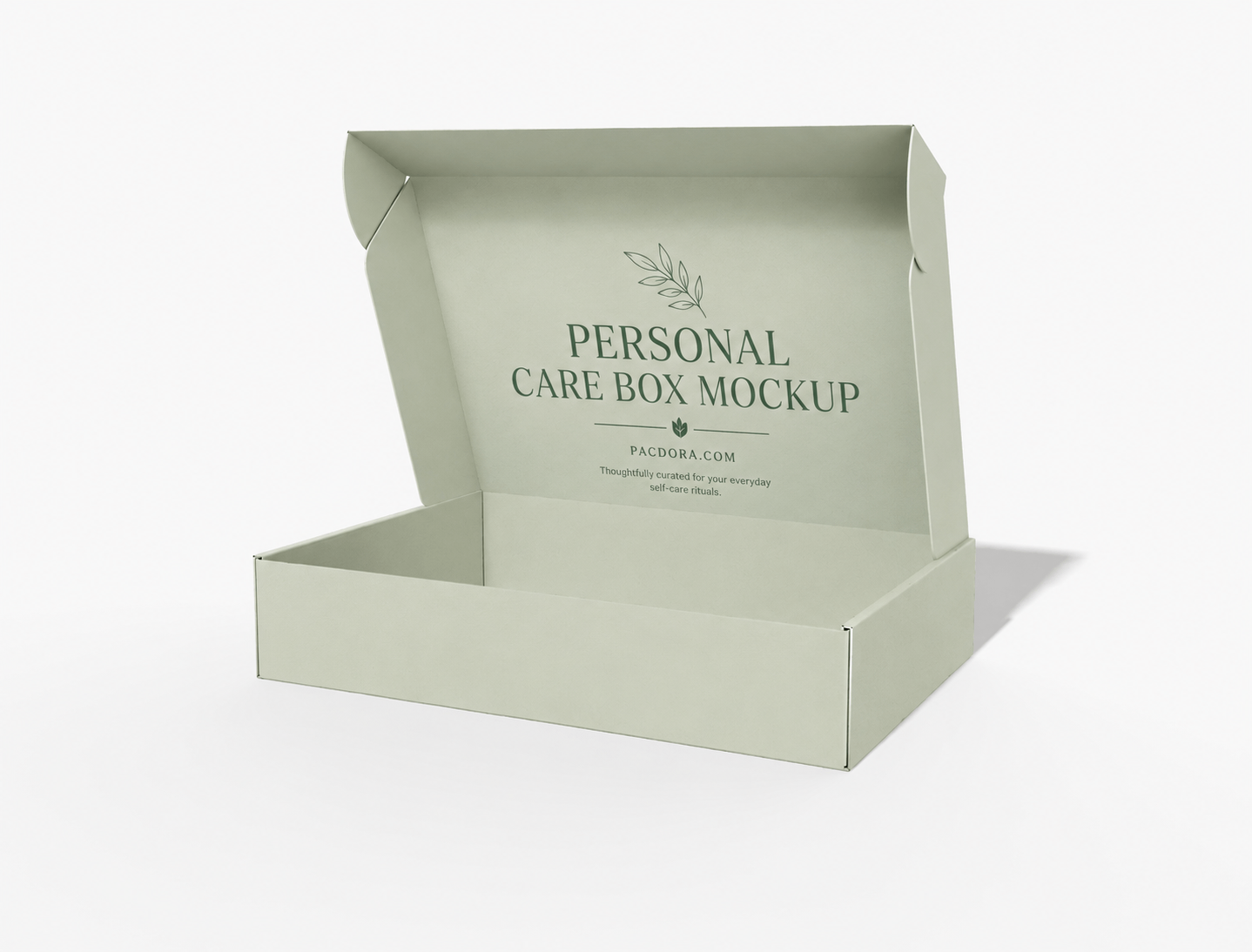
Personal care box mockup(Mailer box)
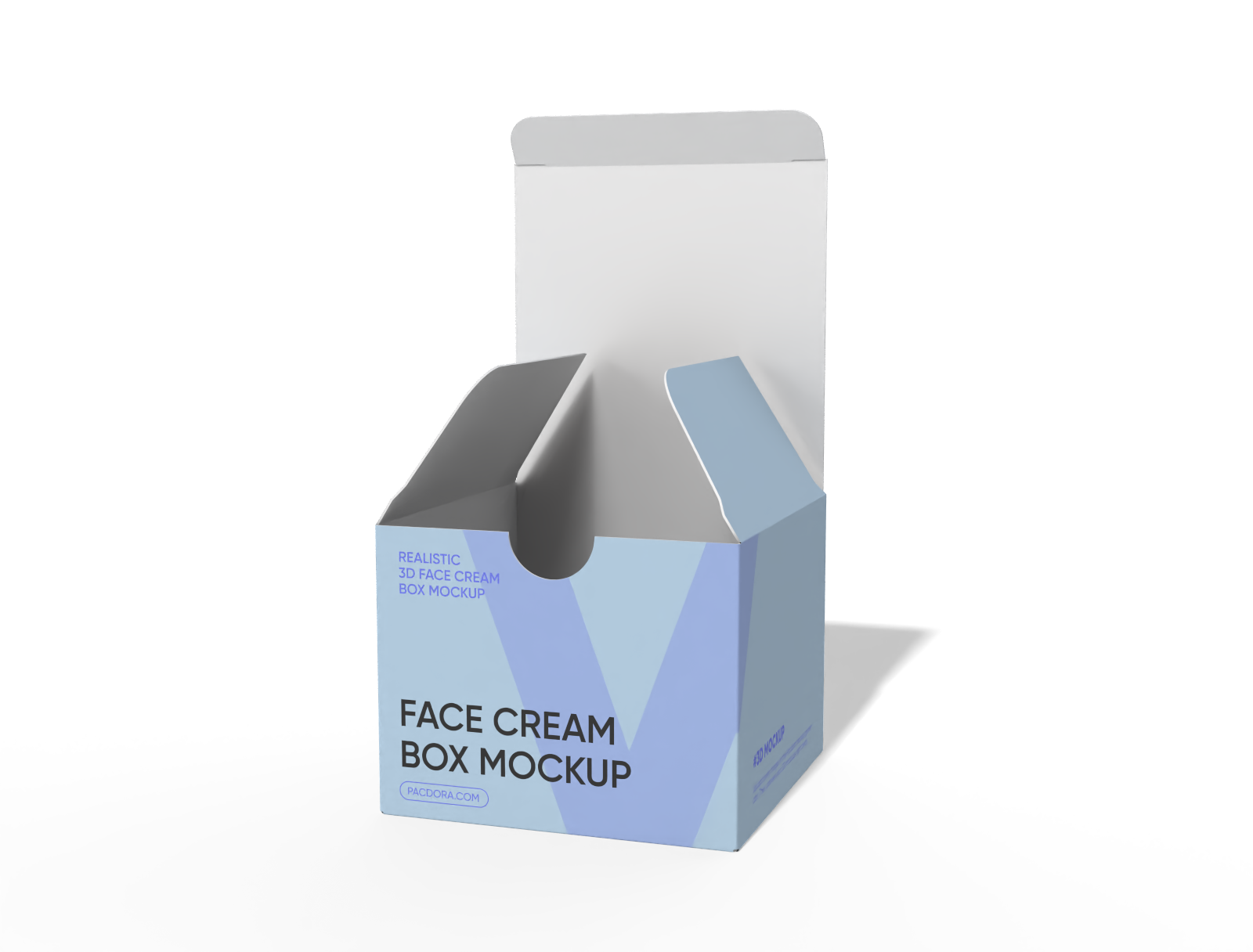
Buttonhole Face Cream box mockup
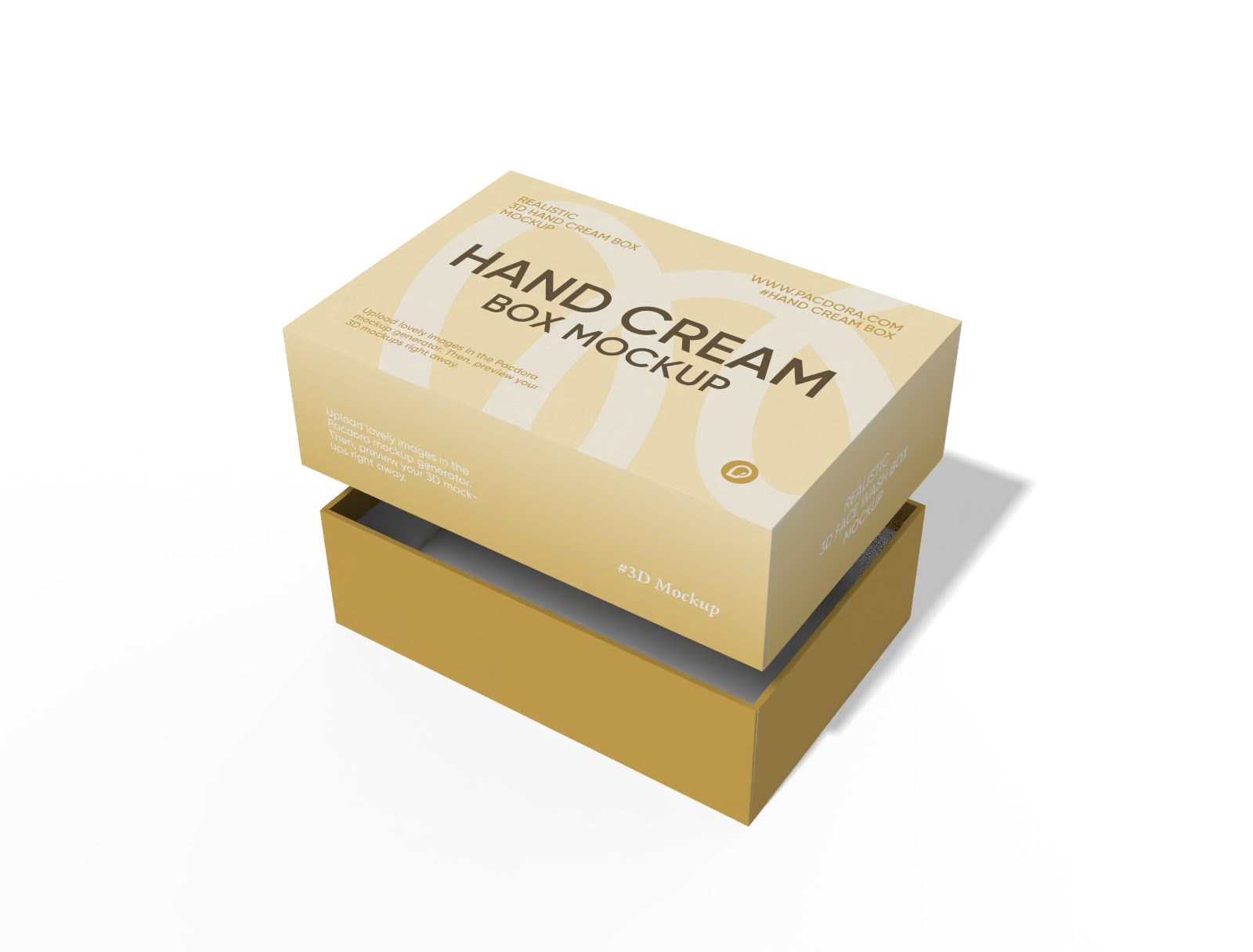
Hand cream box with lid mockup
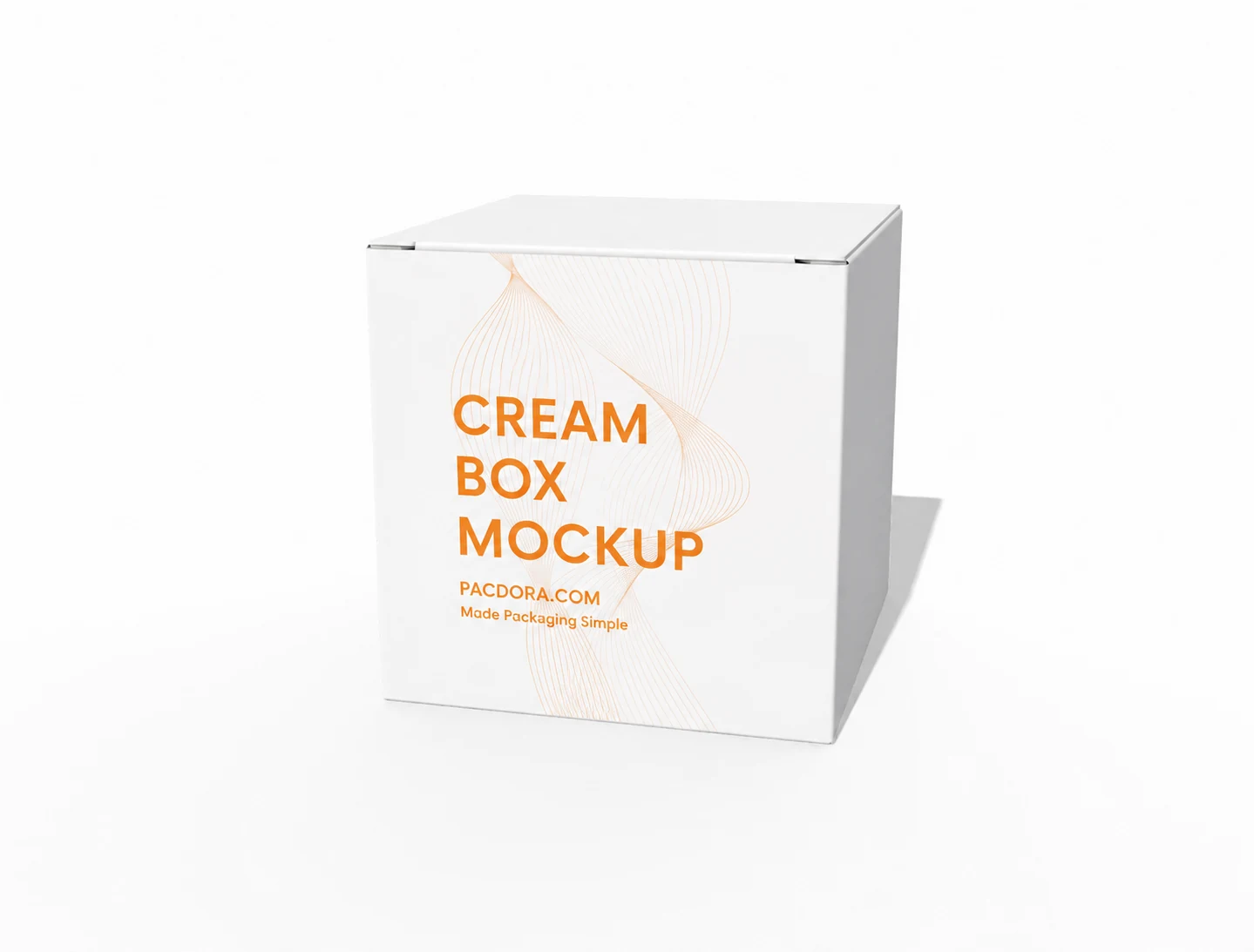
Cream box mockup
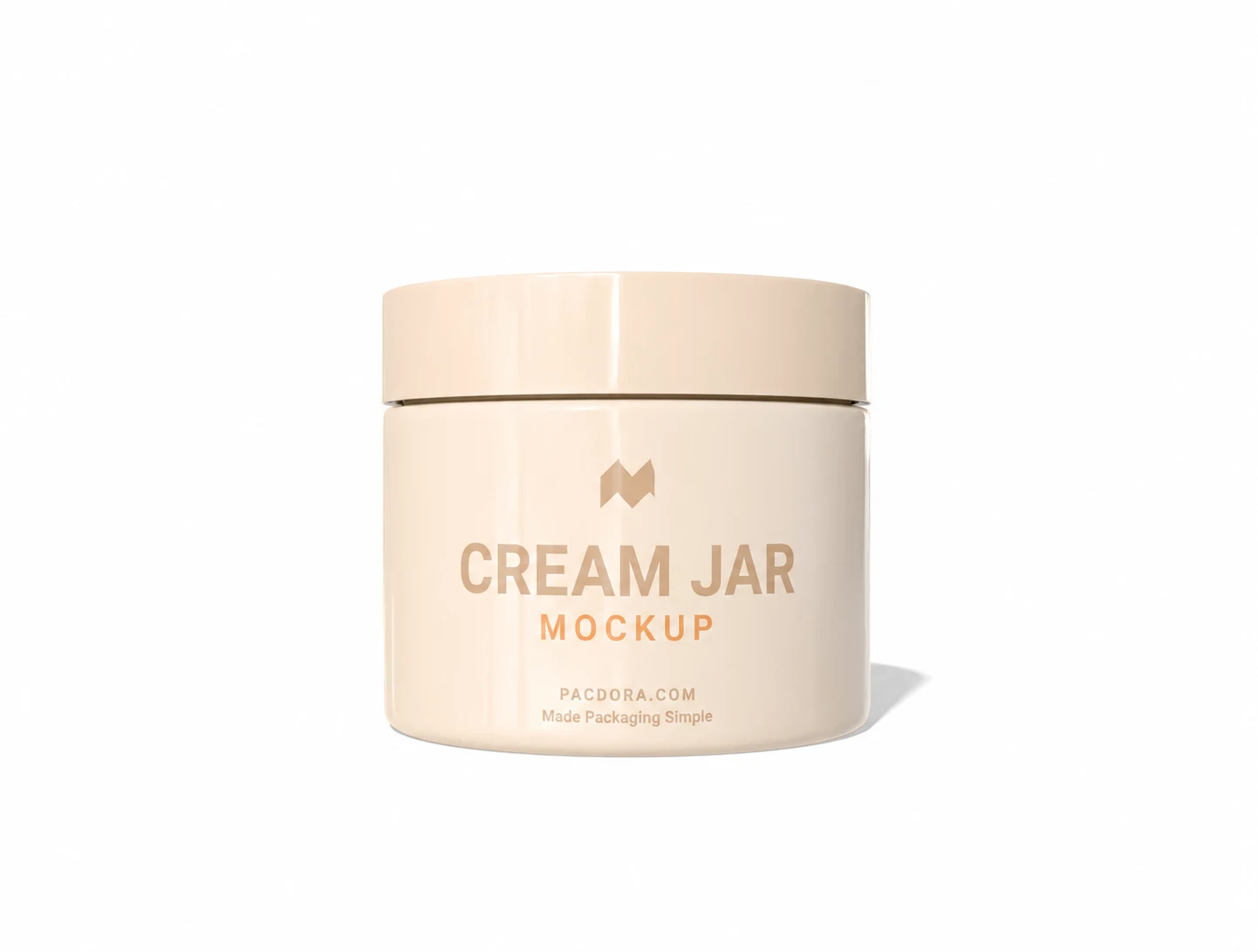
Cream jar mockup
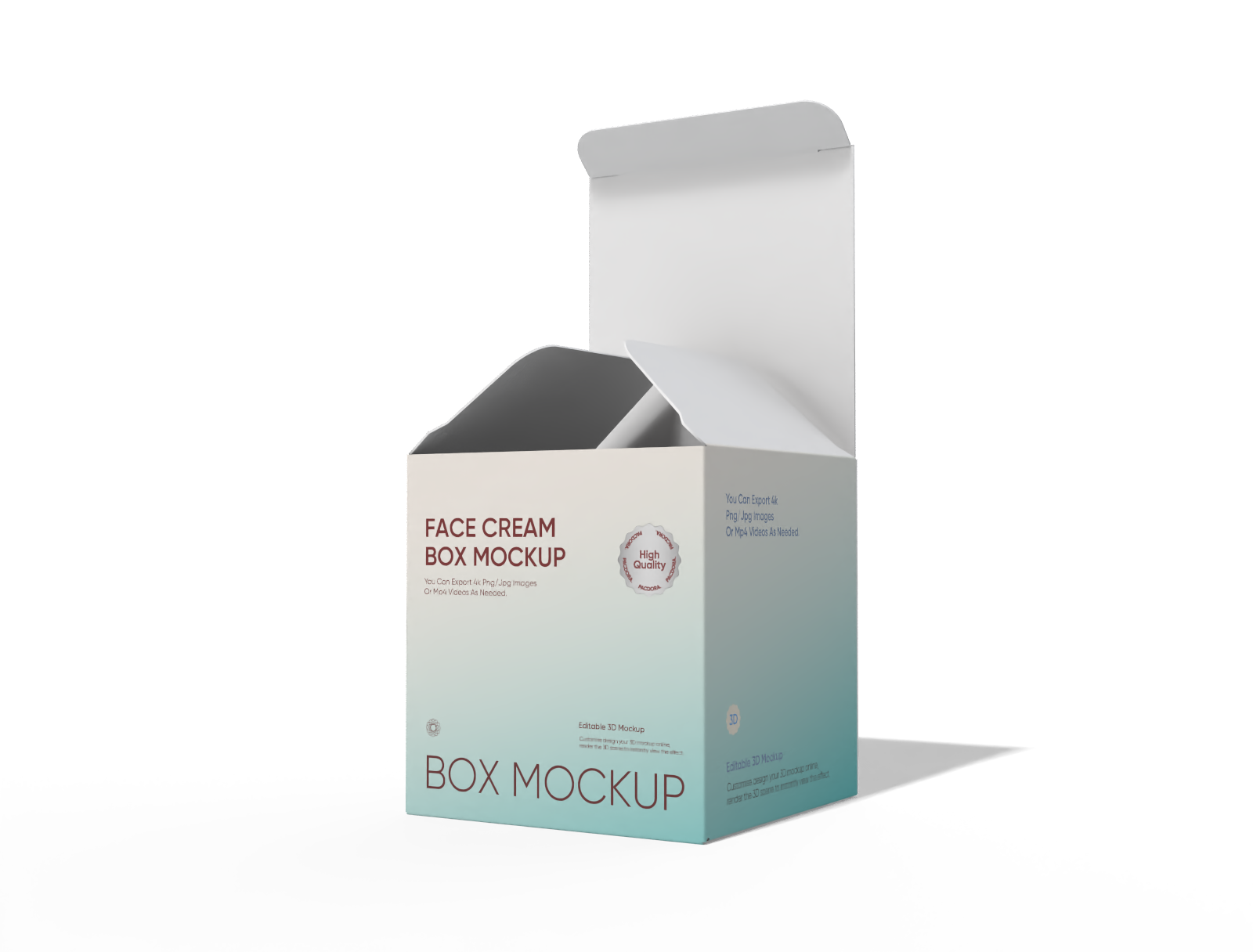
Face Cream Open tuck end box mockup
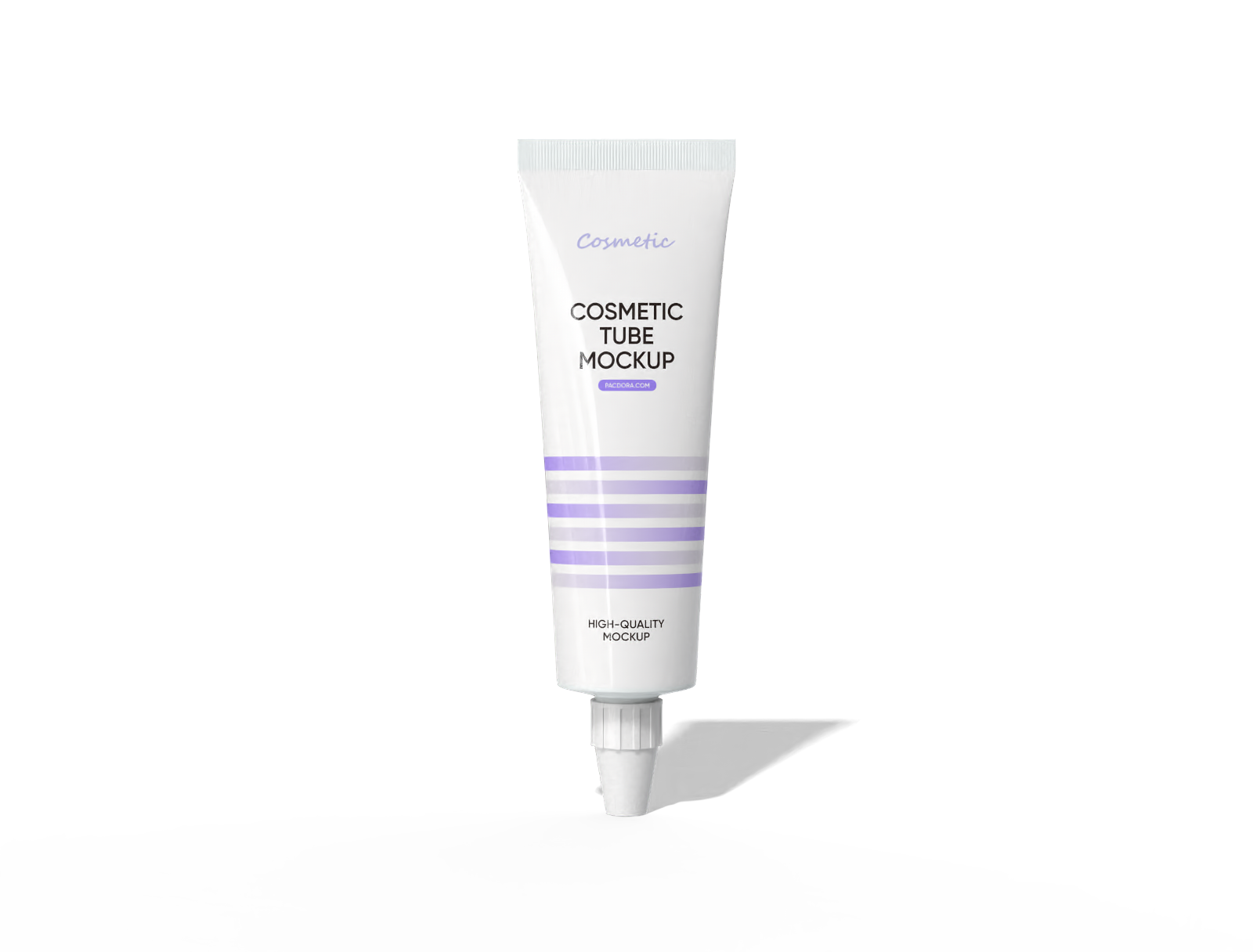
Cosmetic tube mockup
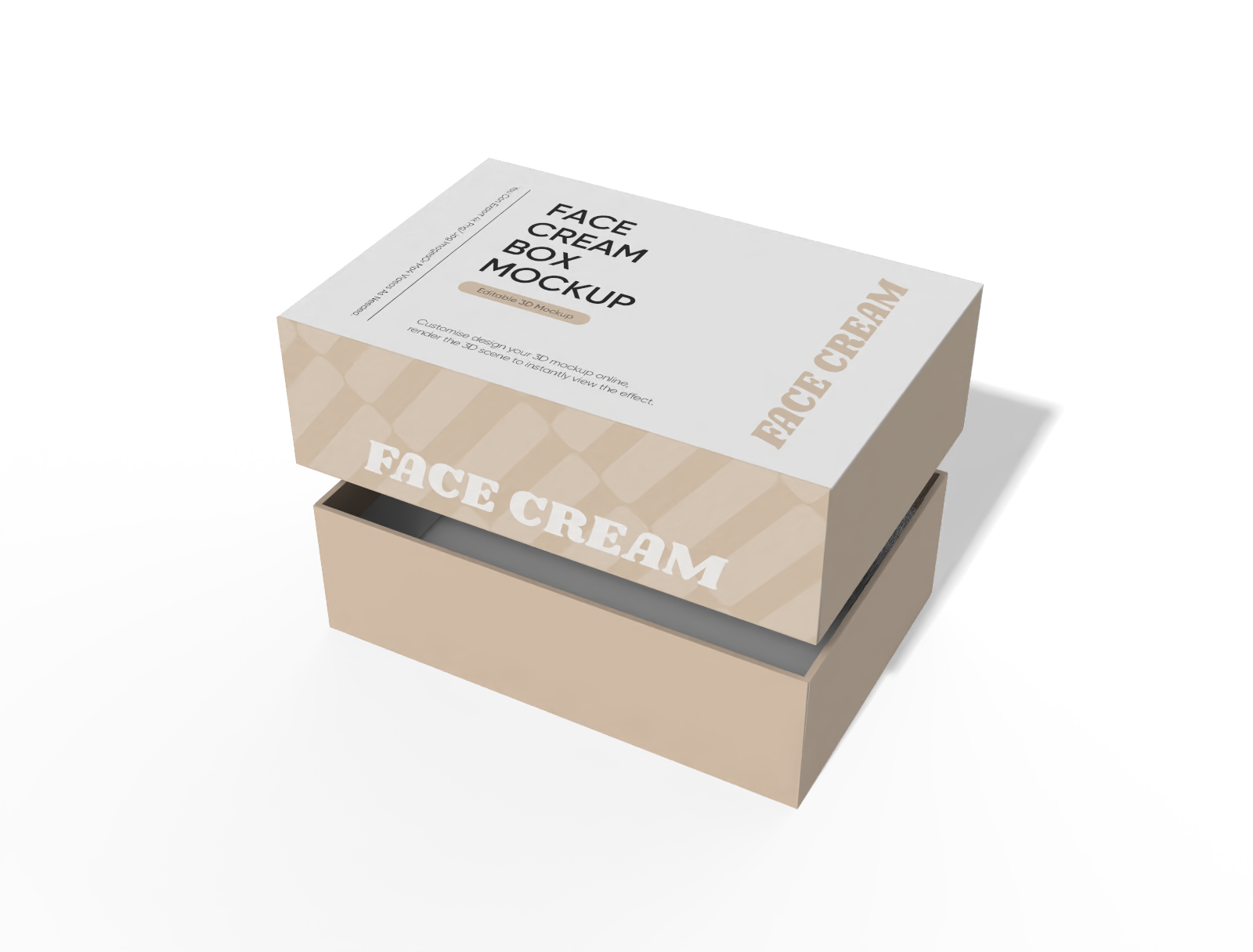
face cream box with lid mockup
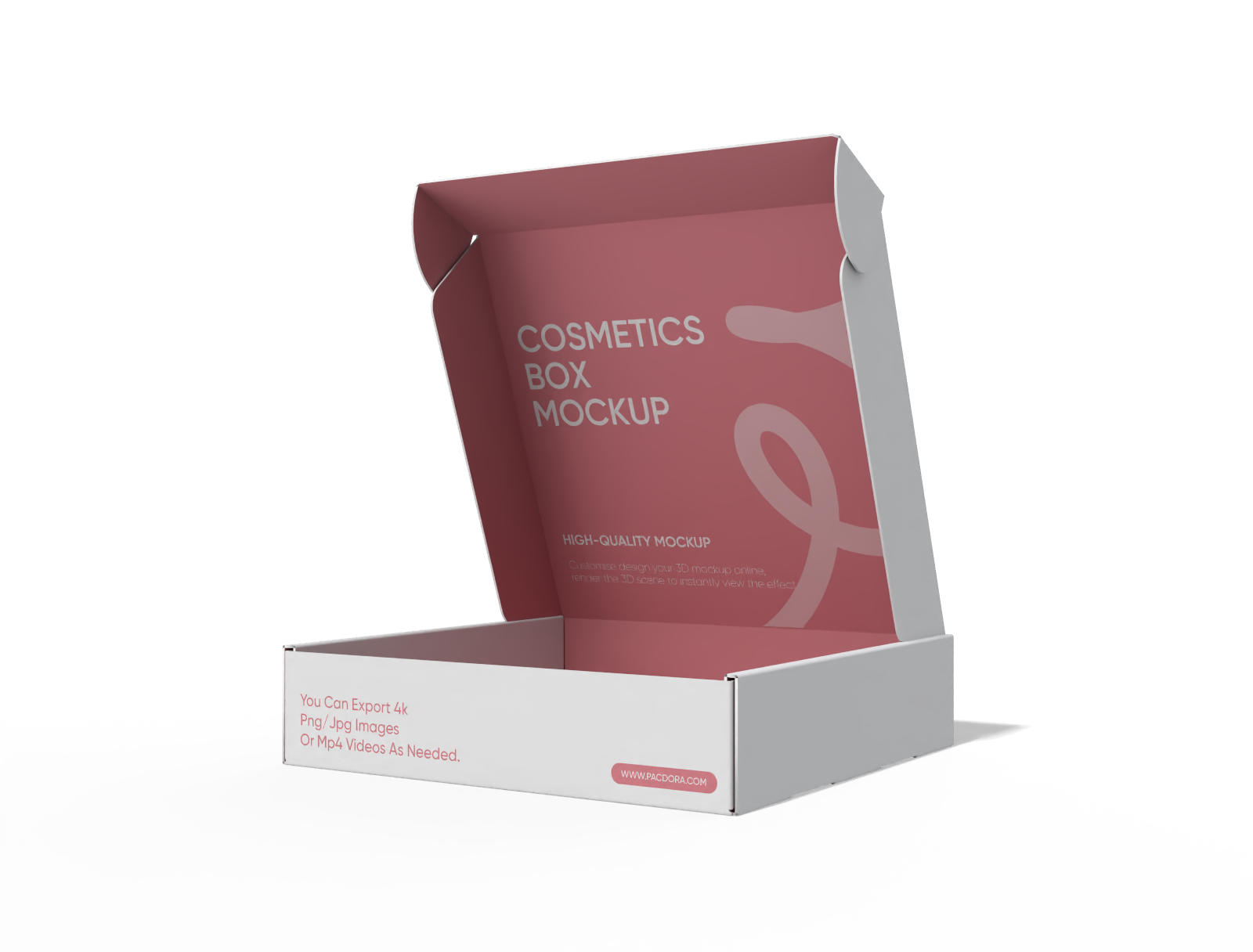
Cosmetics box mockup
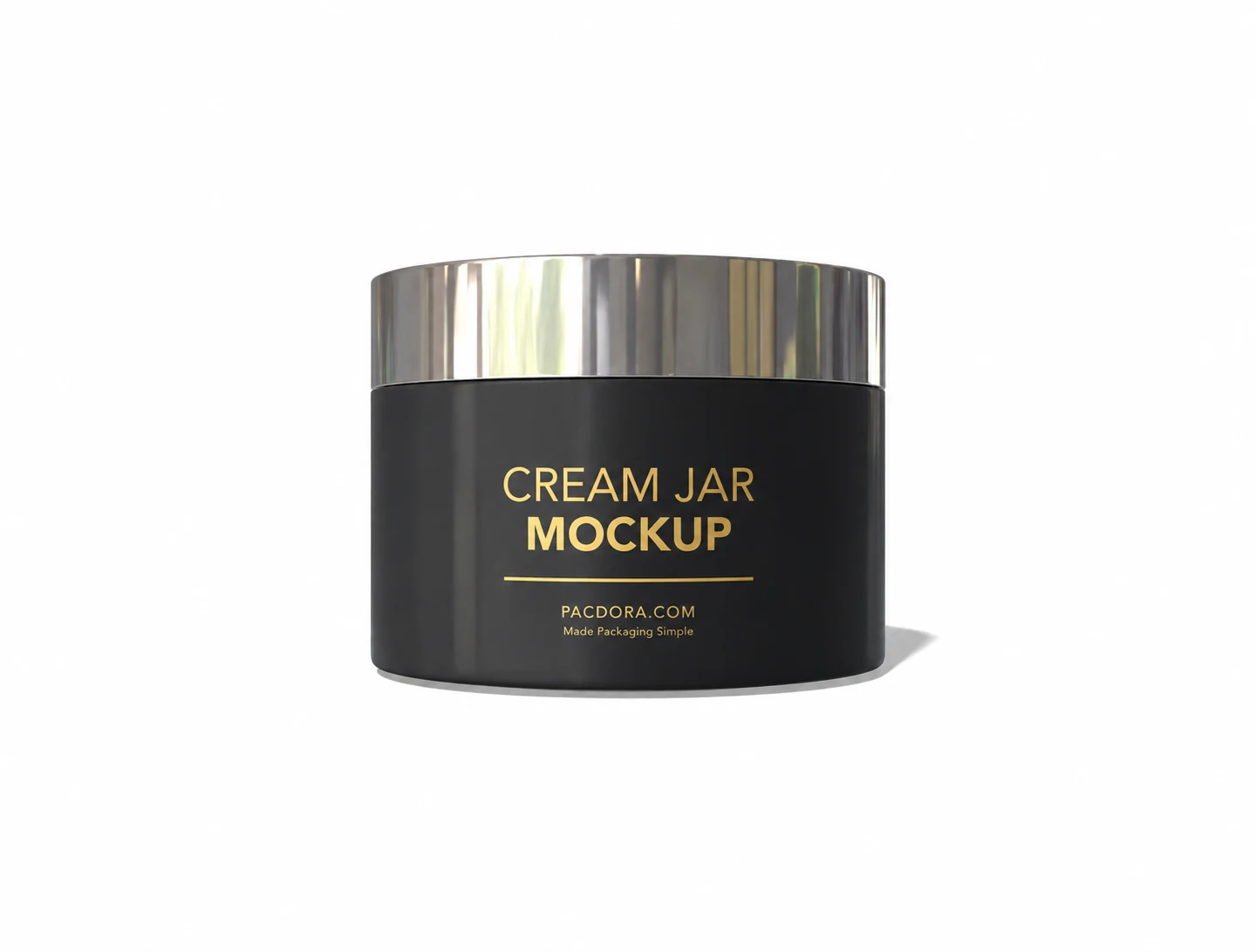
Cream jar mockup
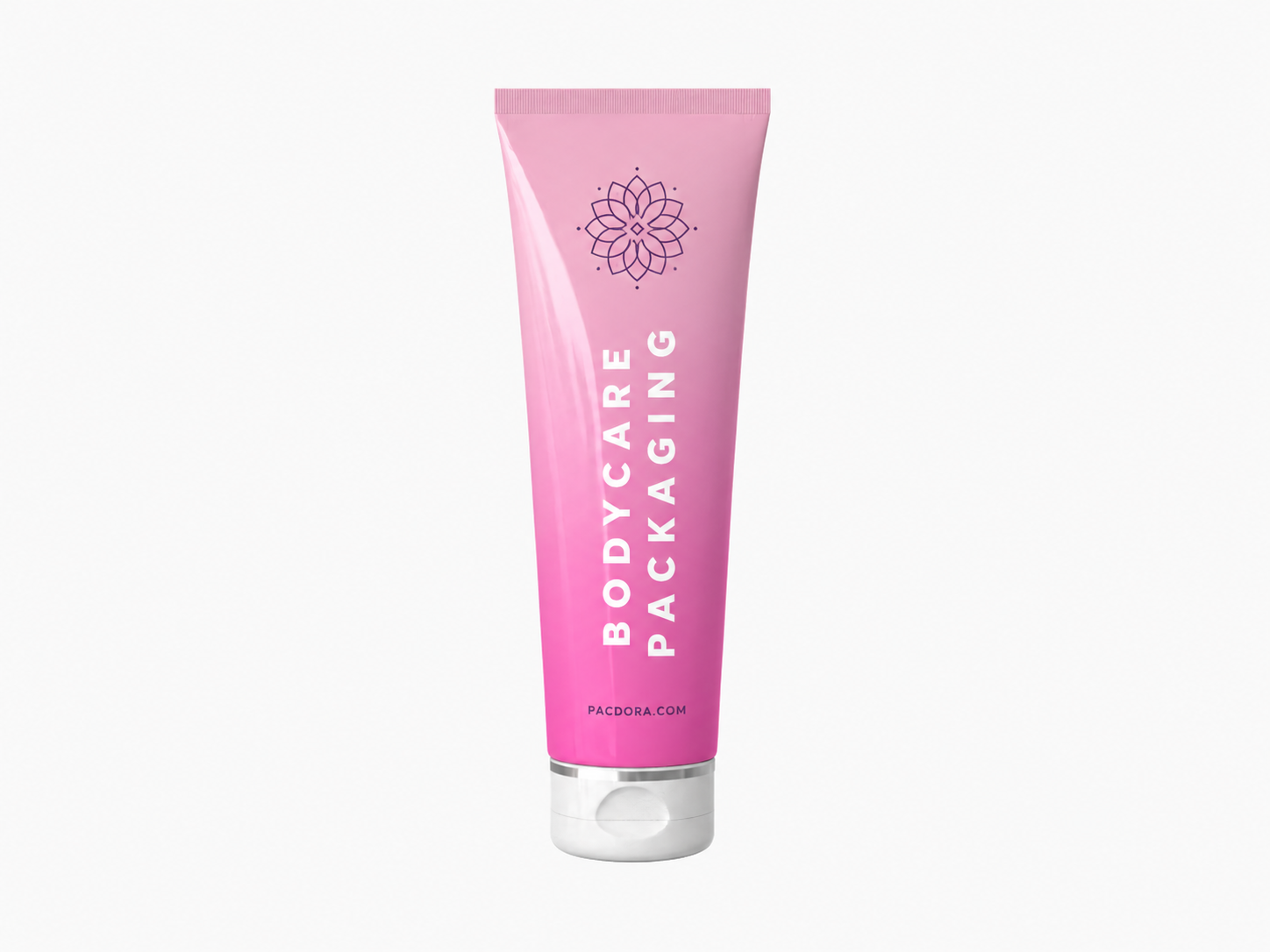
Bodycare tube mockup
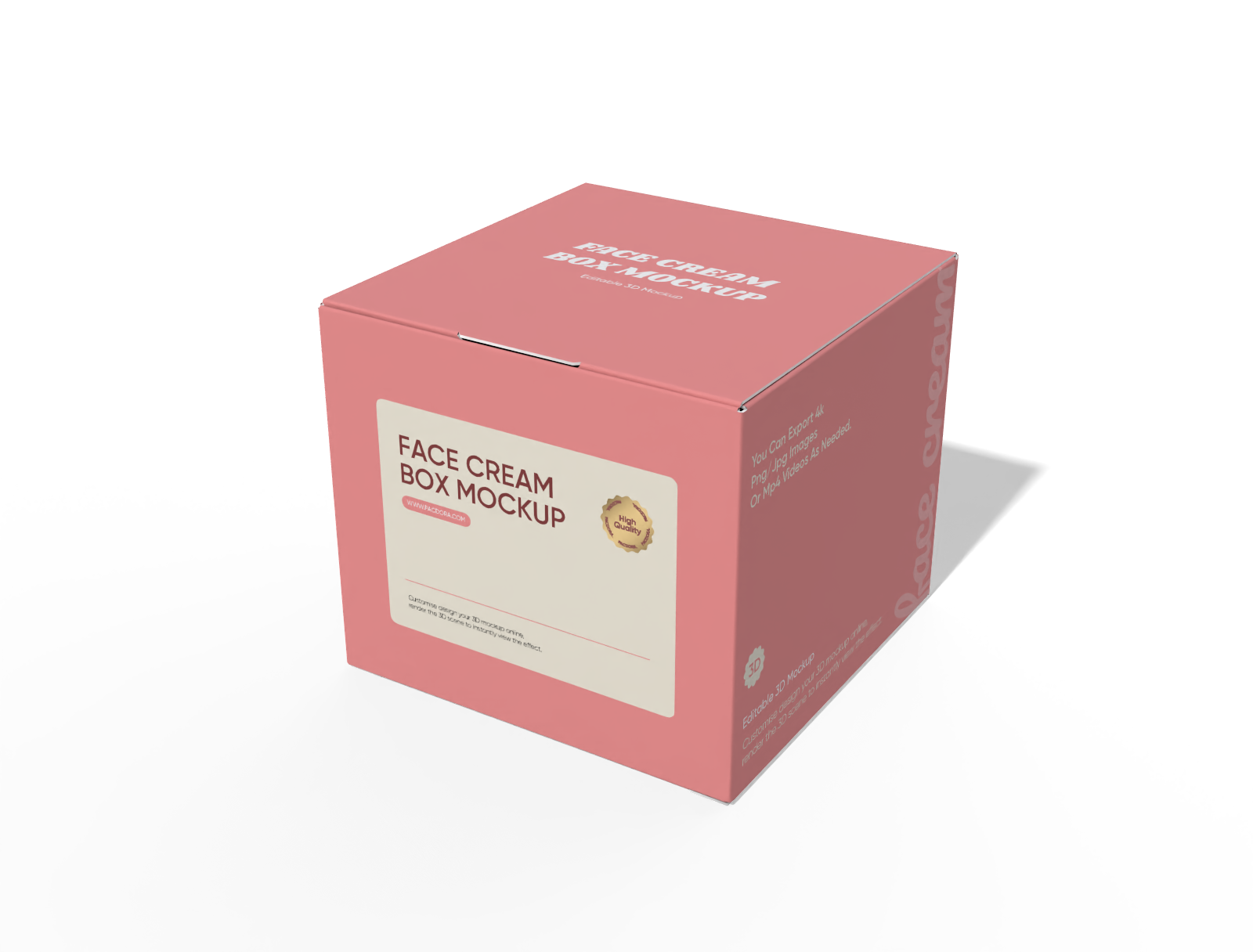
neck lock Square face cream box mockup
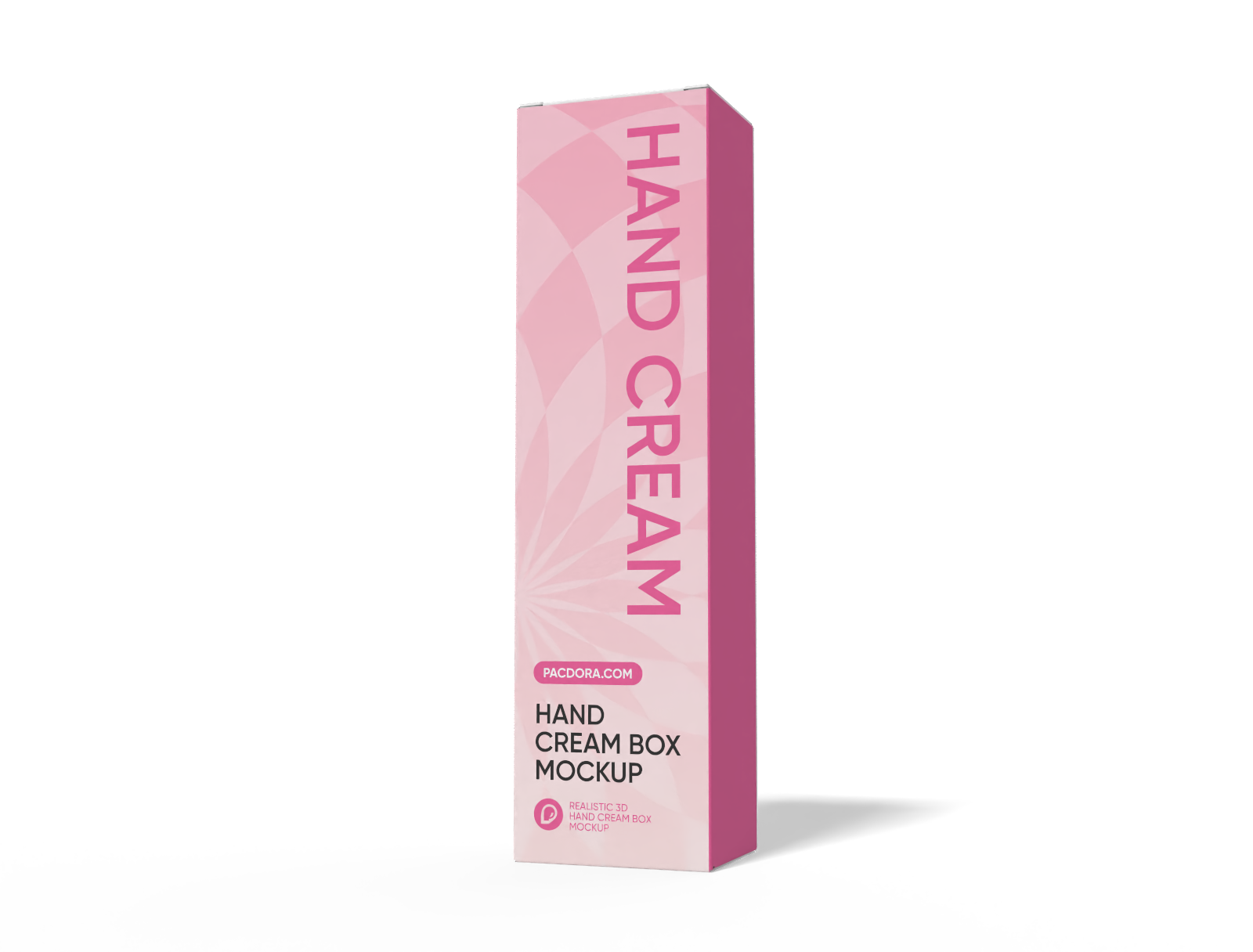
Hand Cream Box mockup
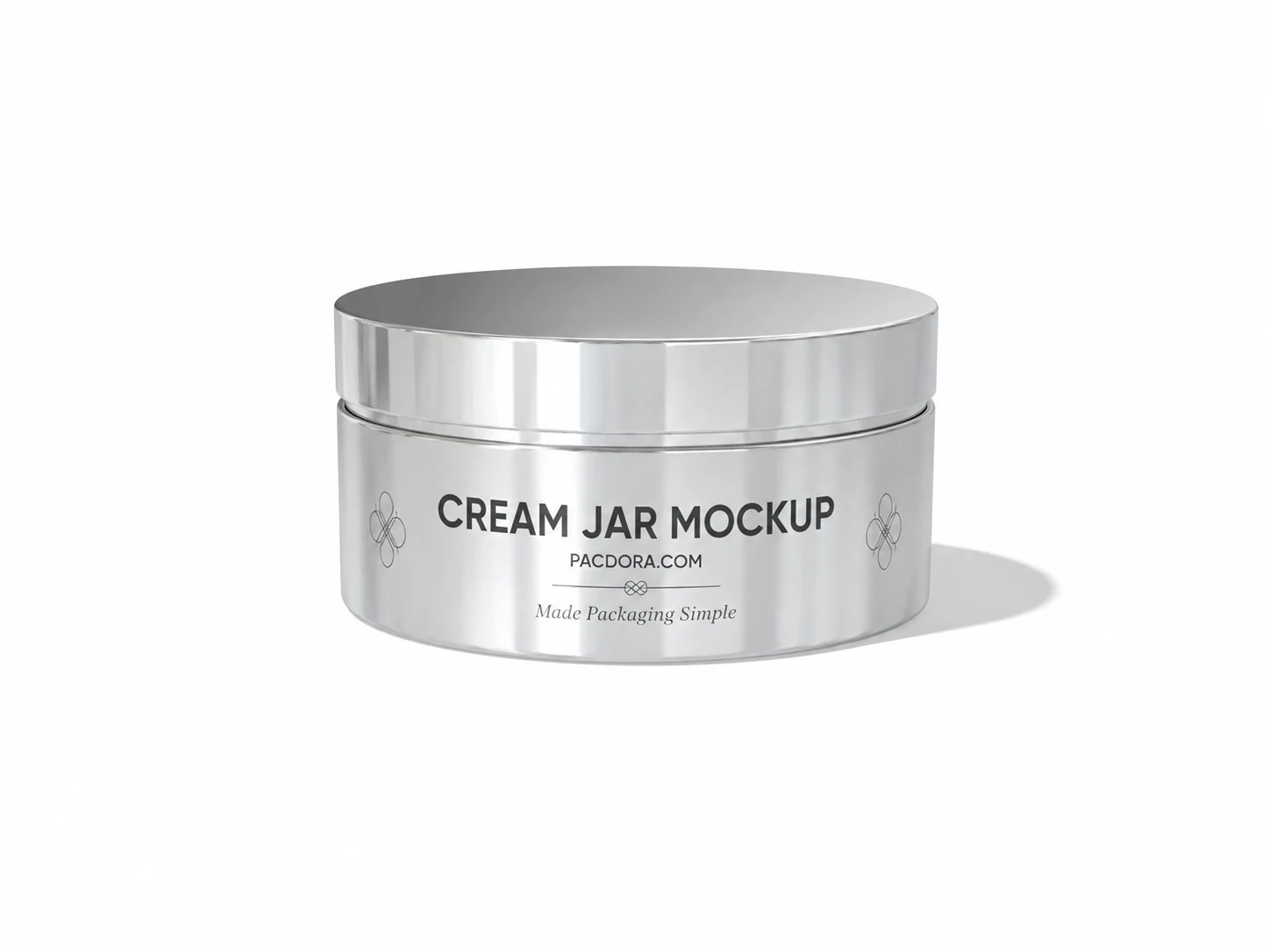
Cream jar mockup
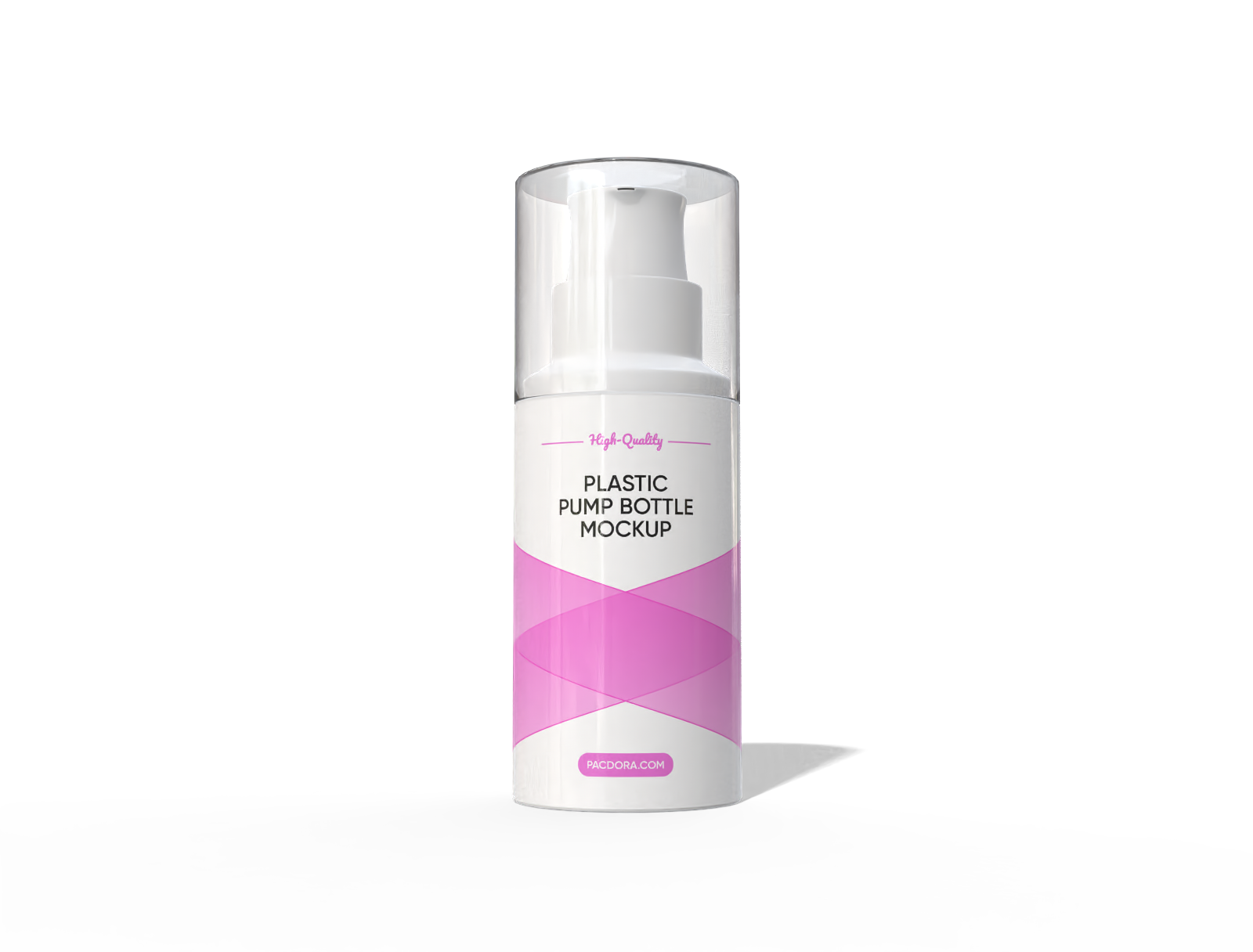
80 ml plastic lotion pump bottle mockup
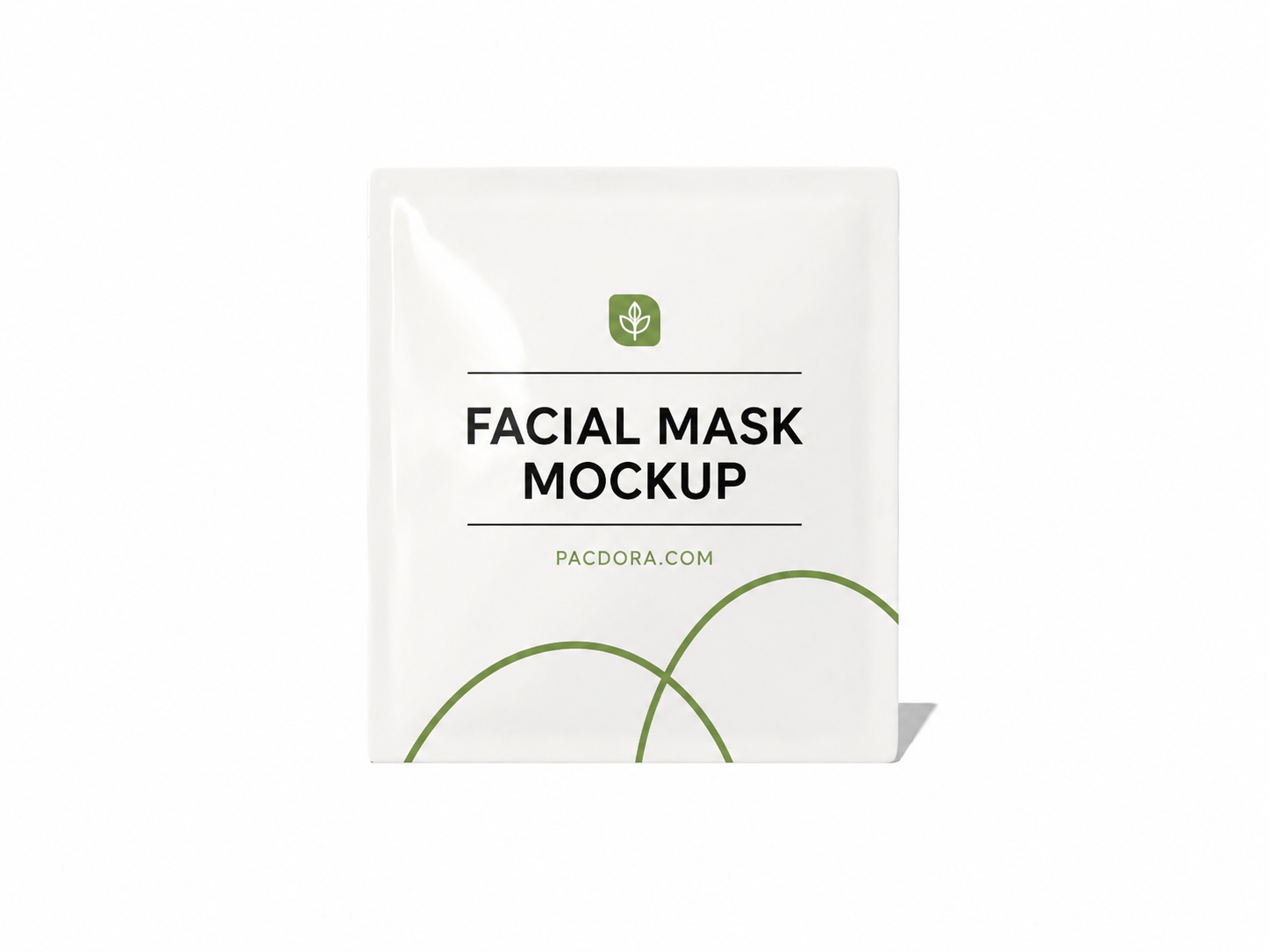
Facial mask sachet mockup
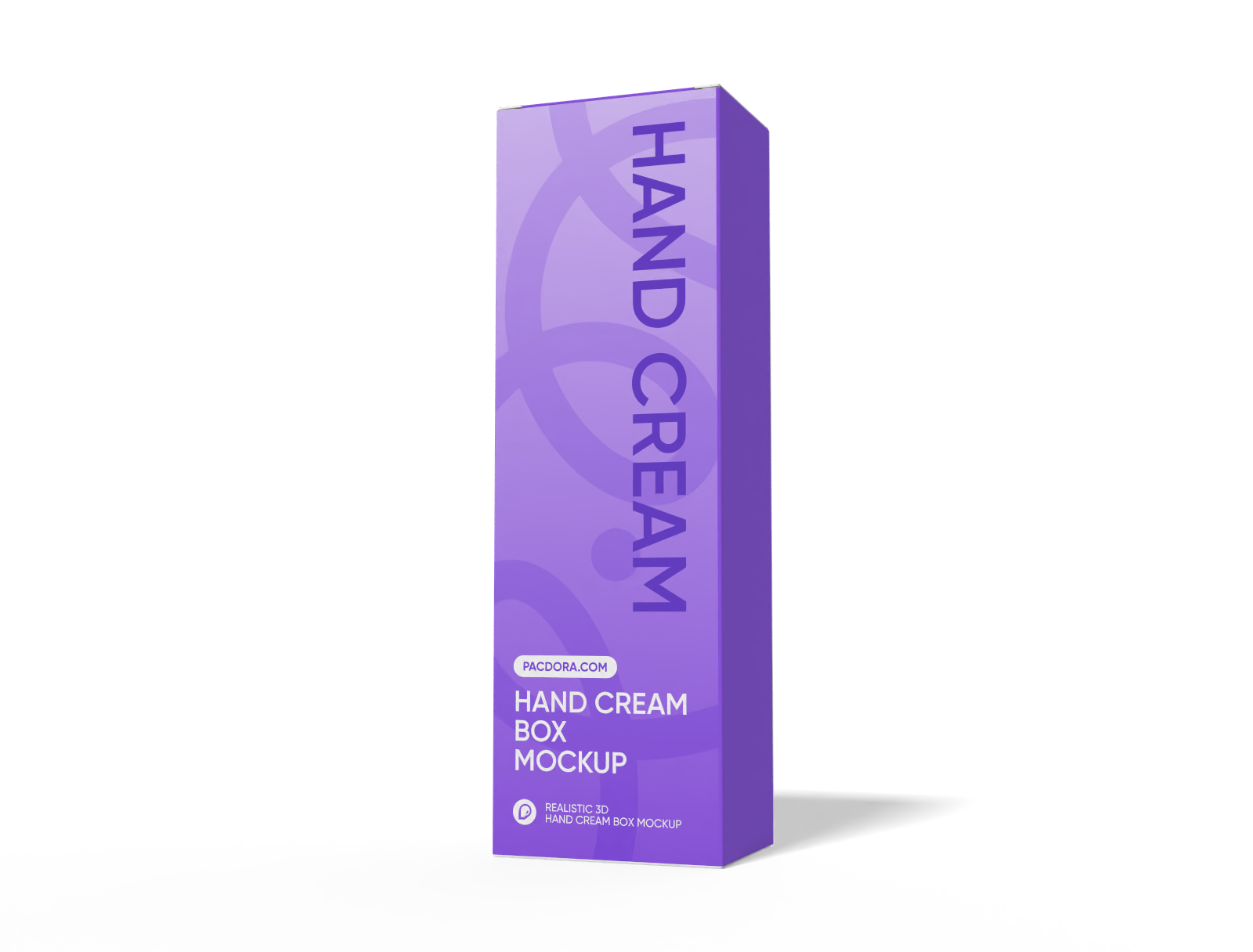
Hand Cream Box mockup
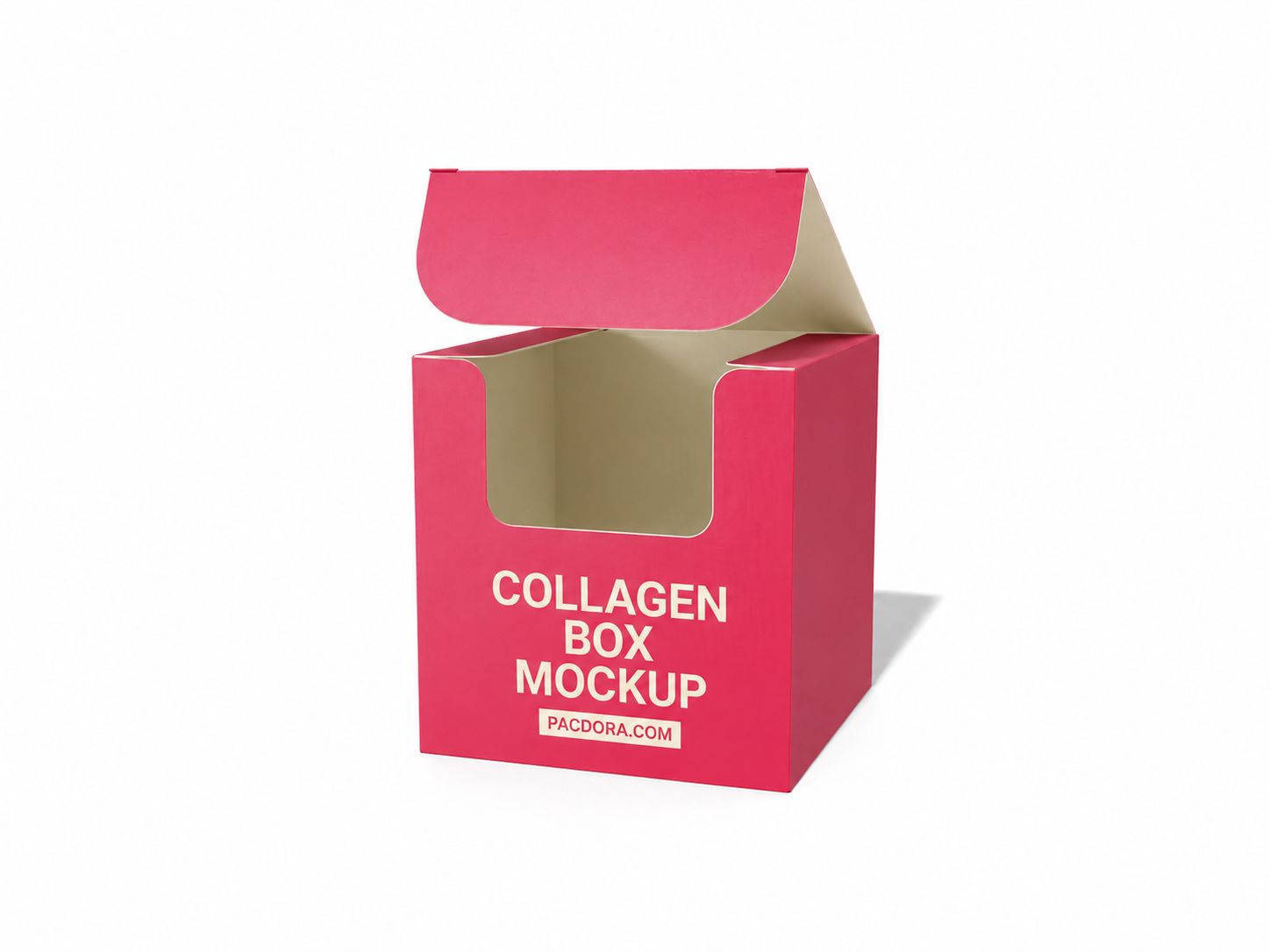
Collagen box mockup
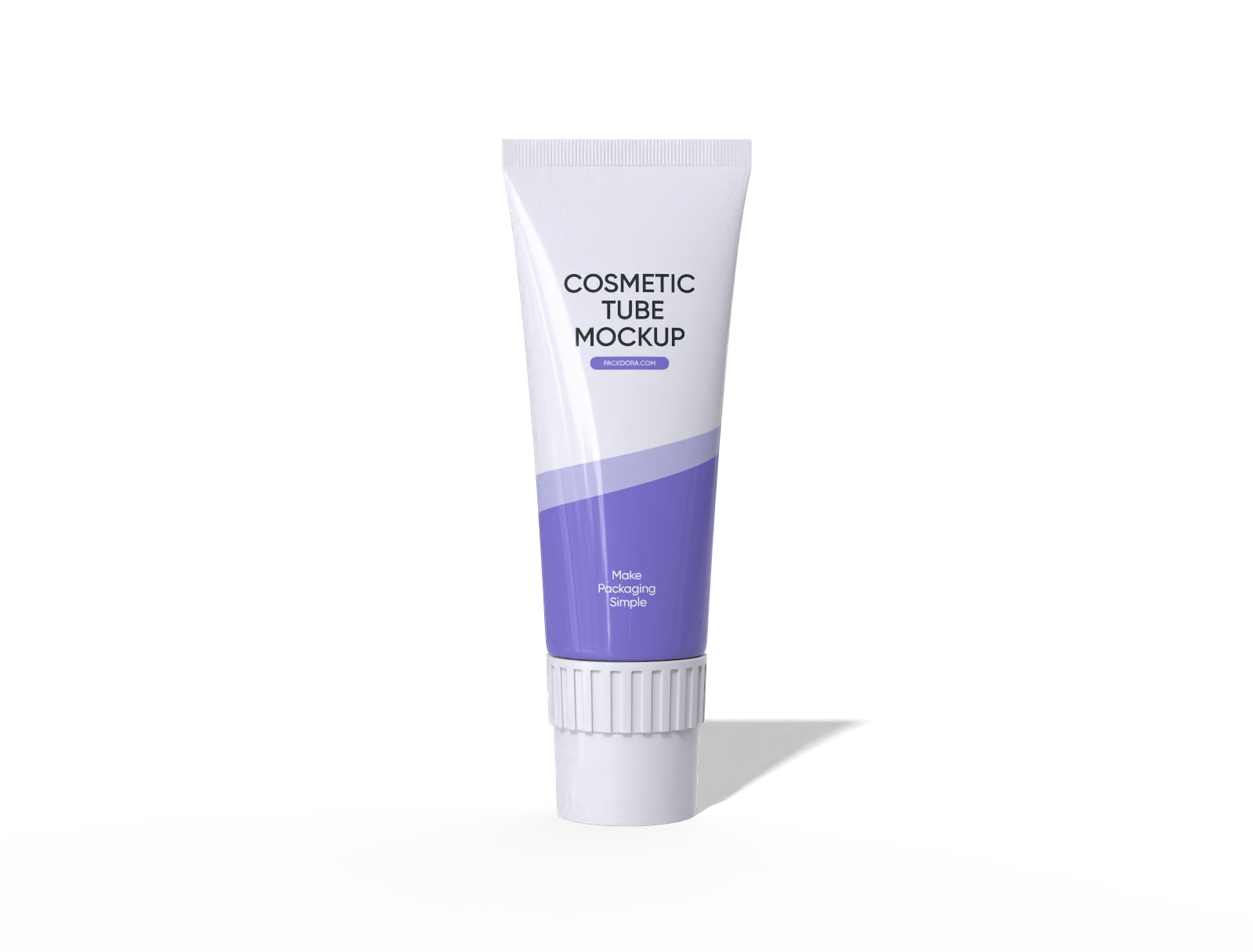
Cosmetic tube mockup
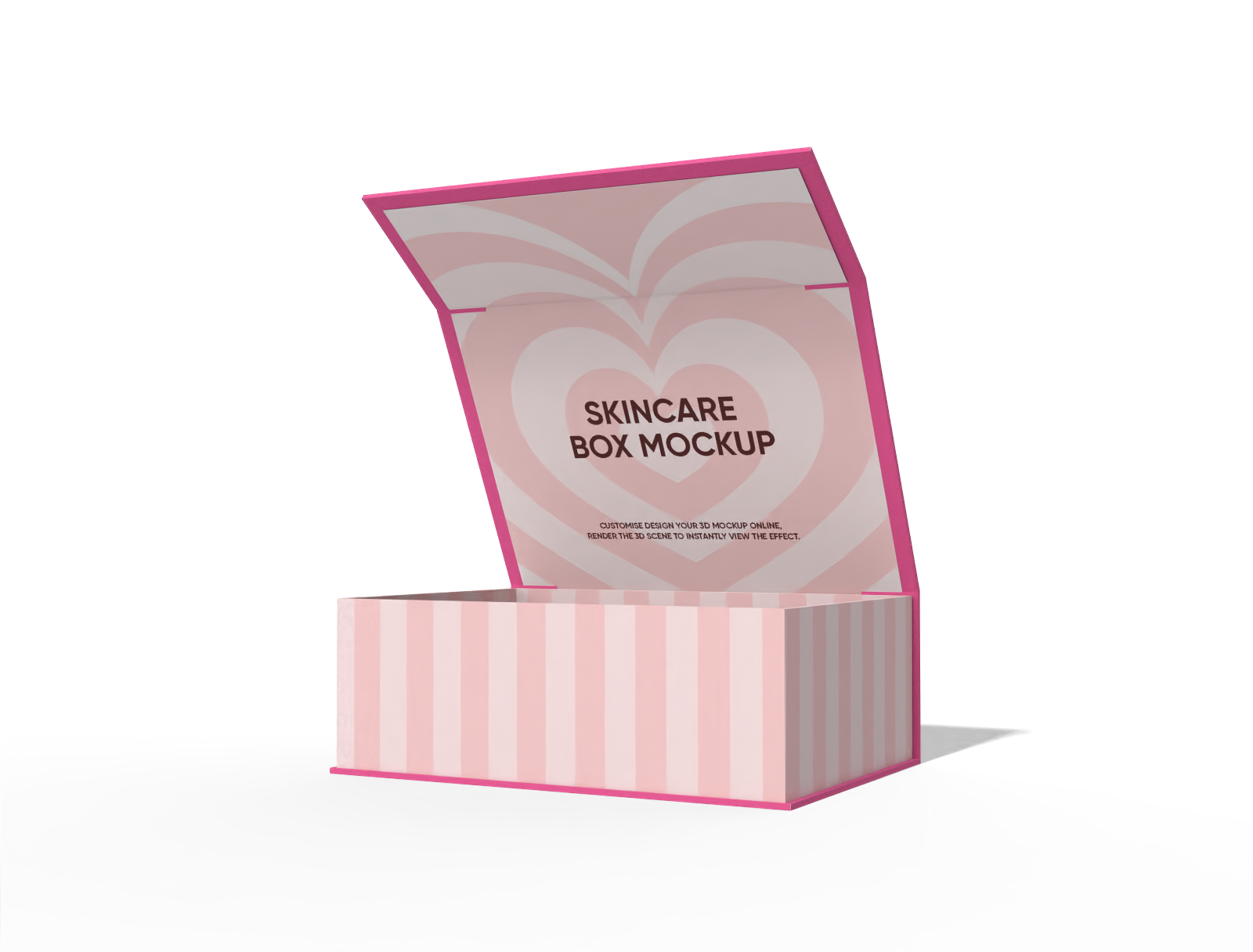
Flip top Square skincare box mockup
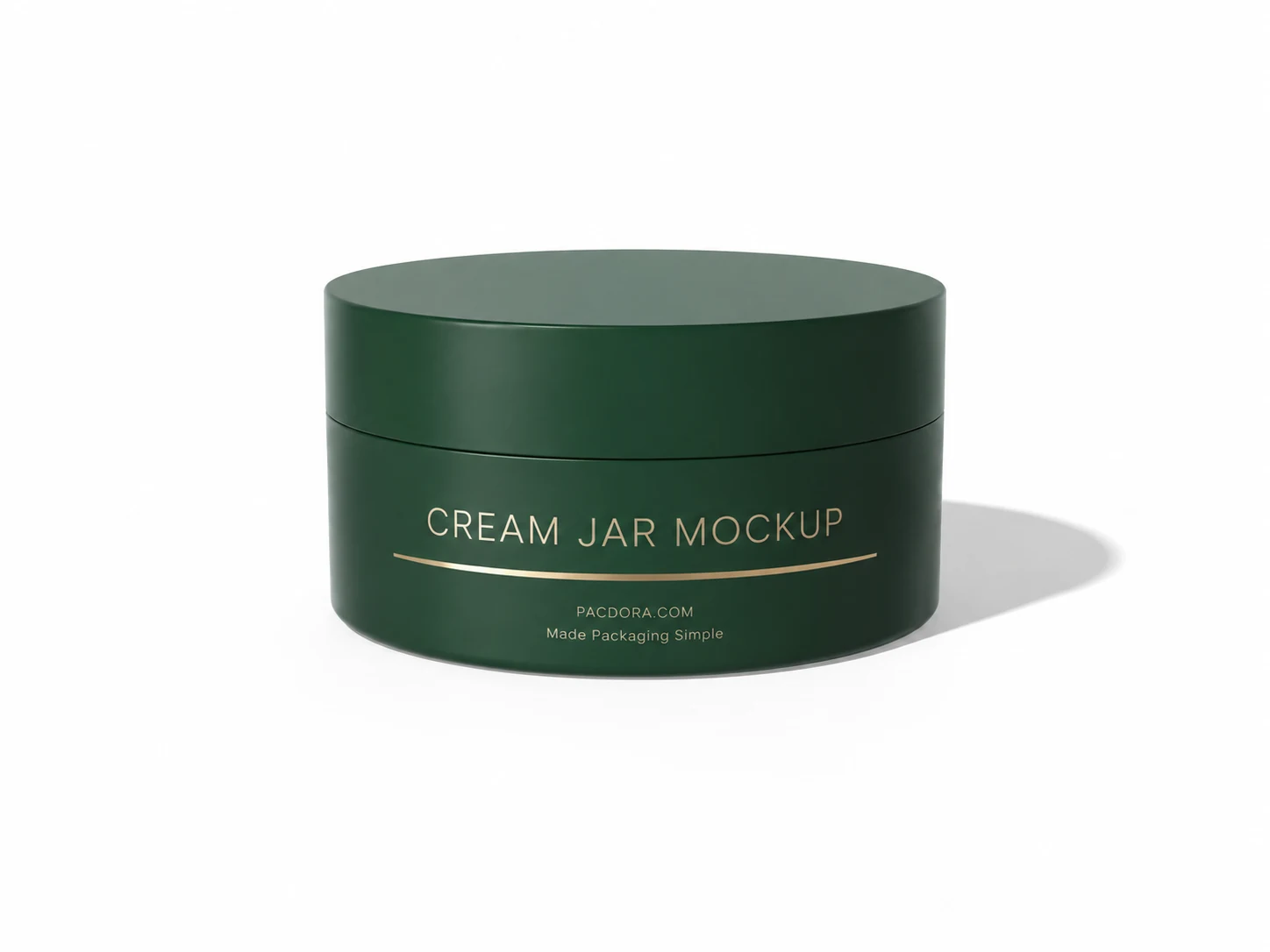
Cream jar mockup
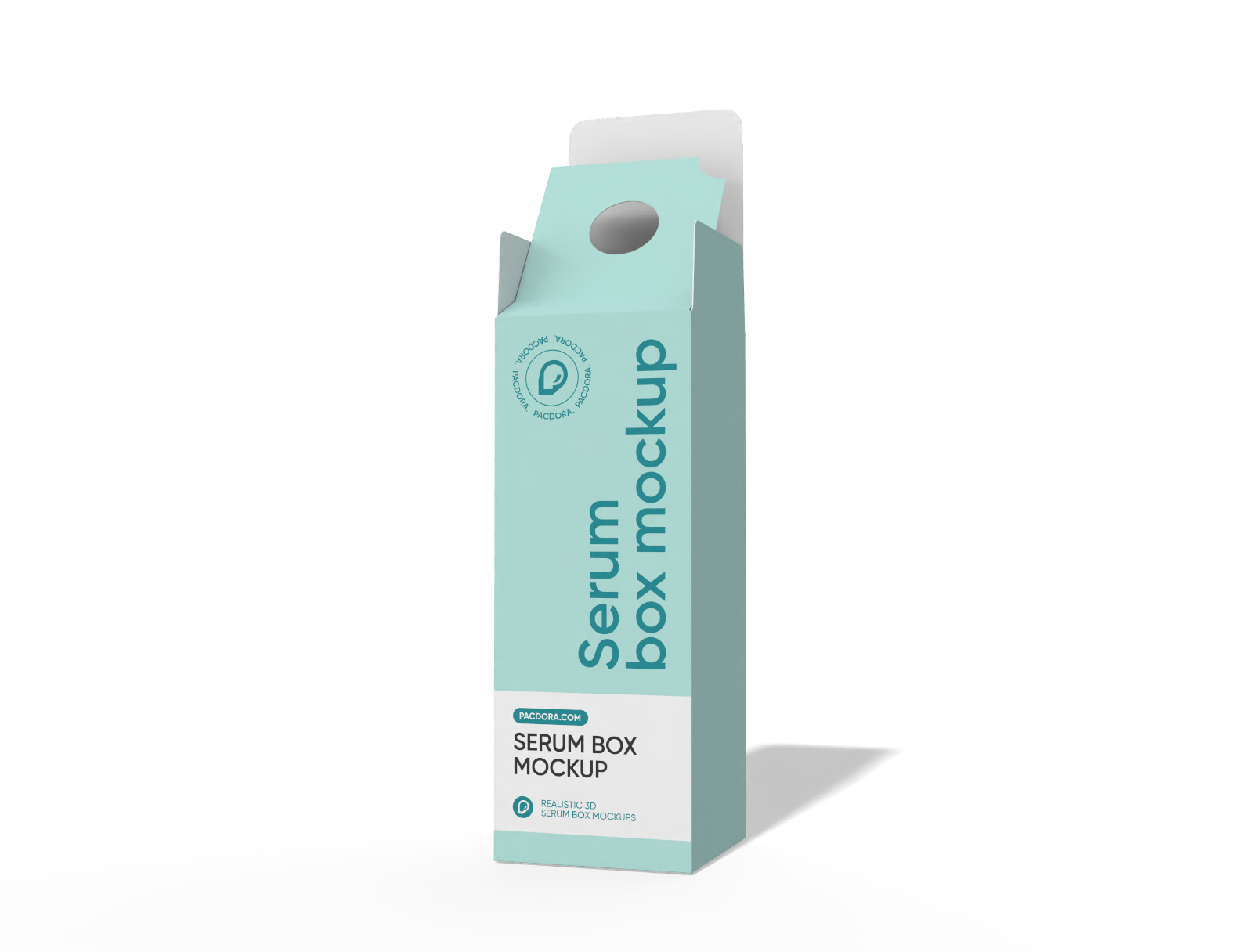
serum box mockup with bottle neck lock
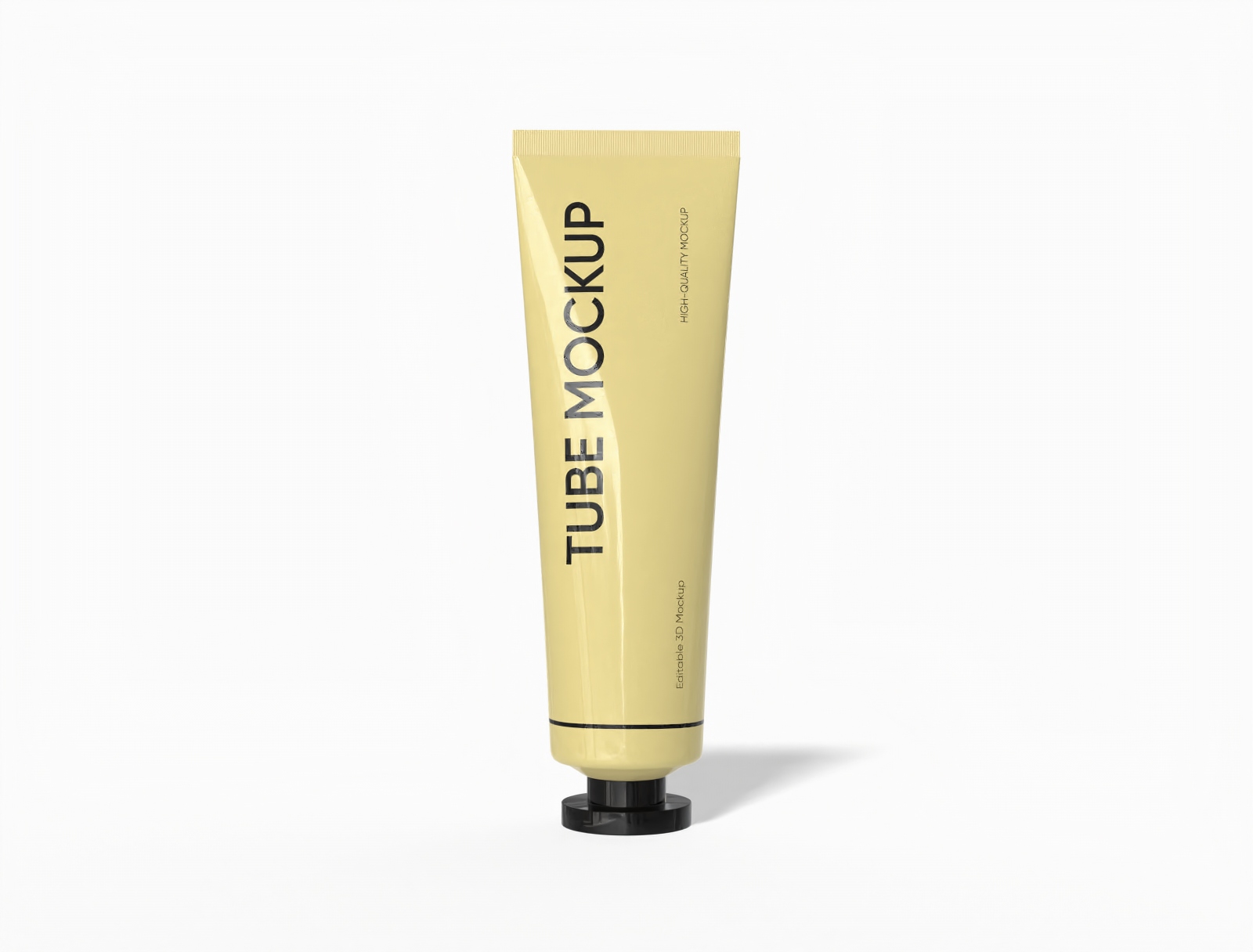
Cosmetic tube mockup
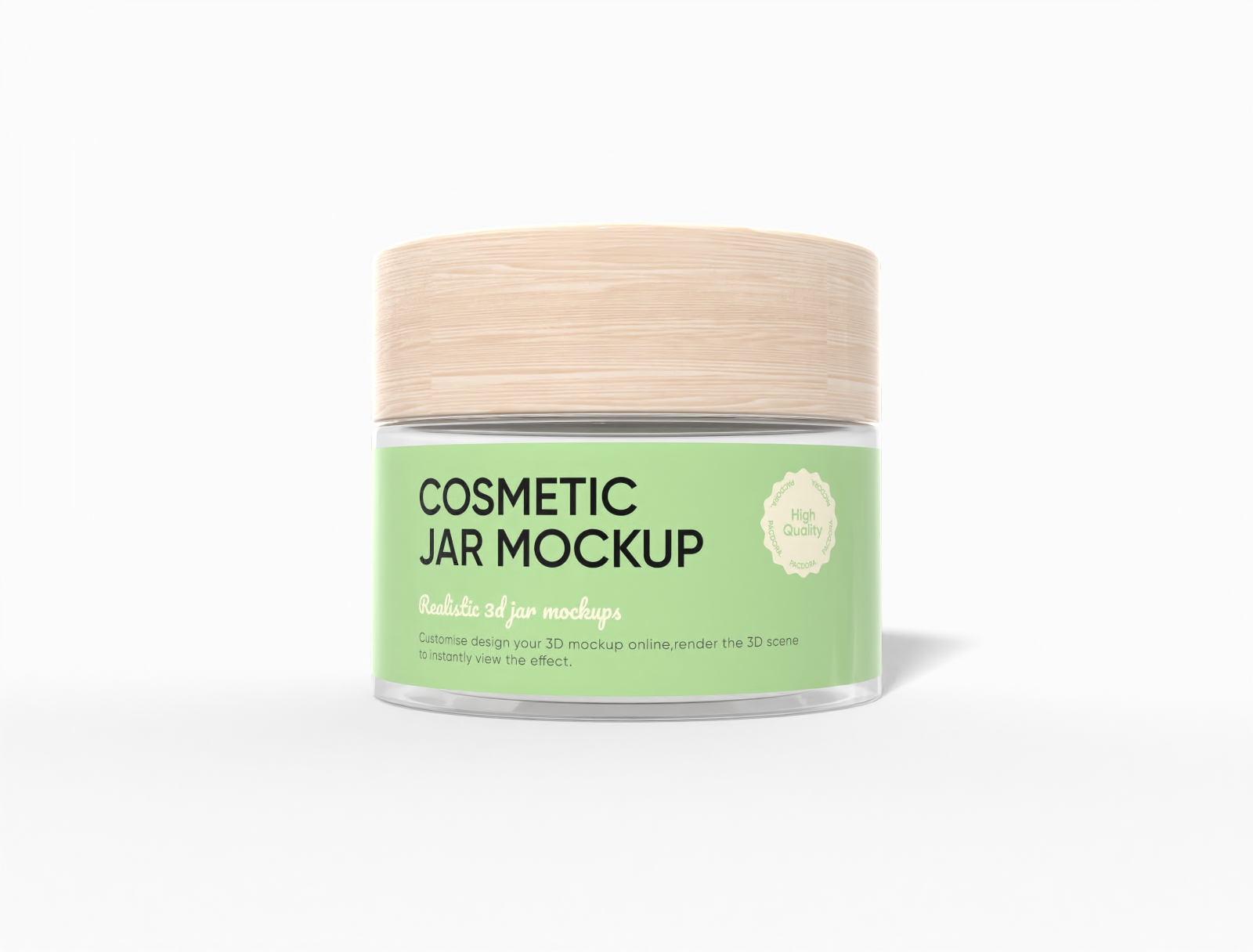
Cosmetic jar mockup
Trusted by leading companies


See your cream box before the first carton is ever printed
Most free cream box mockups are flat PSD files — one fixed angle, locked lighting, and a smart object you have to wrestle in Photoshop. Pacdora works differently. Choose a skincare carton, drop in your design, and turn it in 3D — no software to install, no PSD to untangle.
Why choose Pacdora for your cream box design?
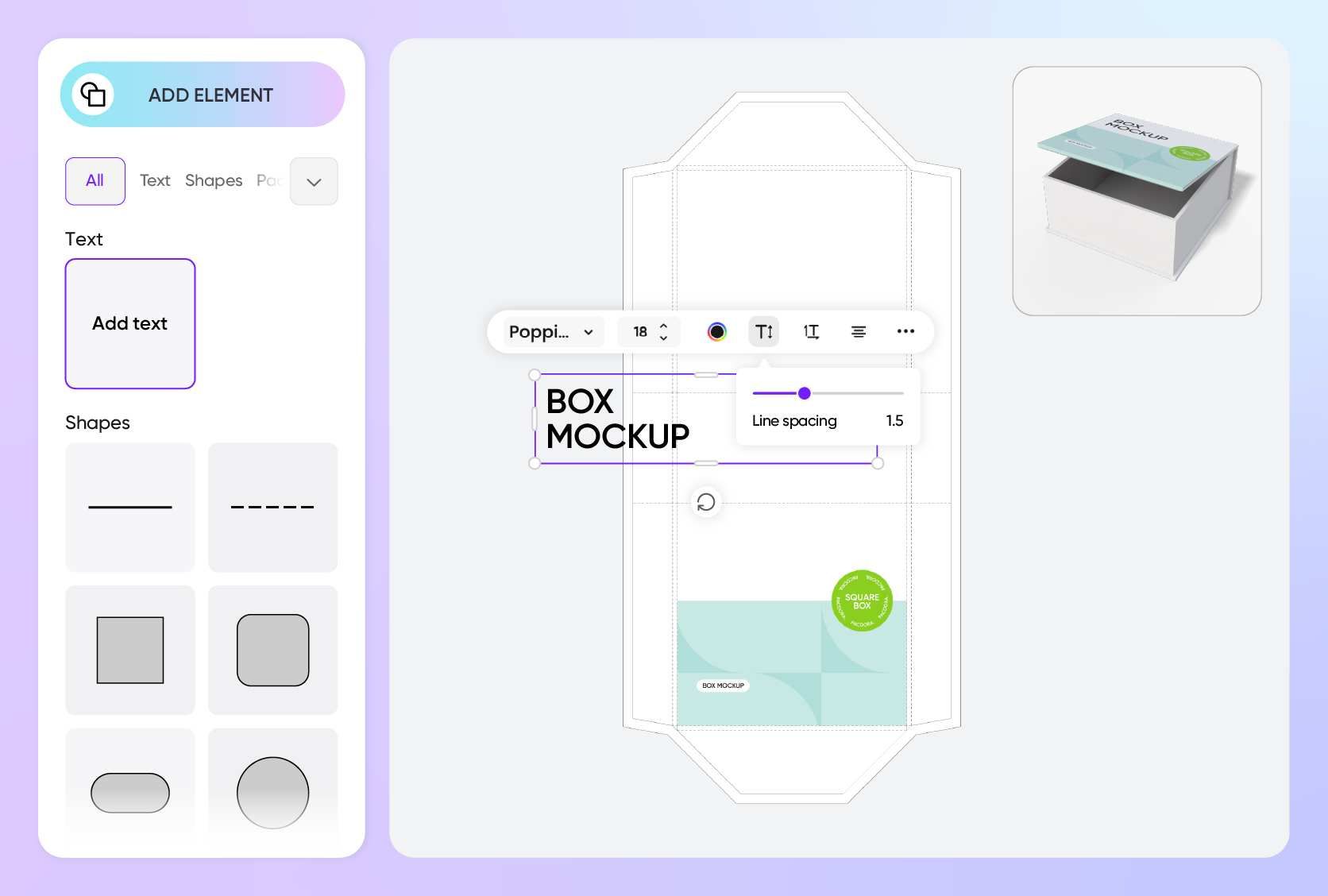
Open the box and turn it — no fixed angle
A face cream carton sells in the reveal: the lid lifts, the jar sits inside, the finish catches the light. A single flat PSD frame can't show that moment — you're stuck with whatever angle the file was shot at.
Pacdora previews your cream box in true 3D — spin it to any angle and open or close the lid in real time to check how the reveal reads. When the design is ready, export a short open-close clip to show off the jar inside, straight from the browser.
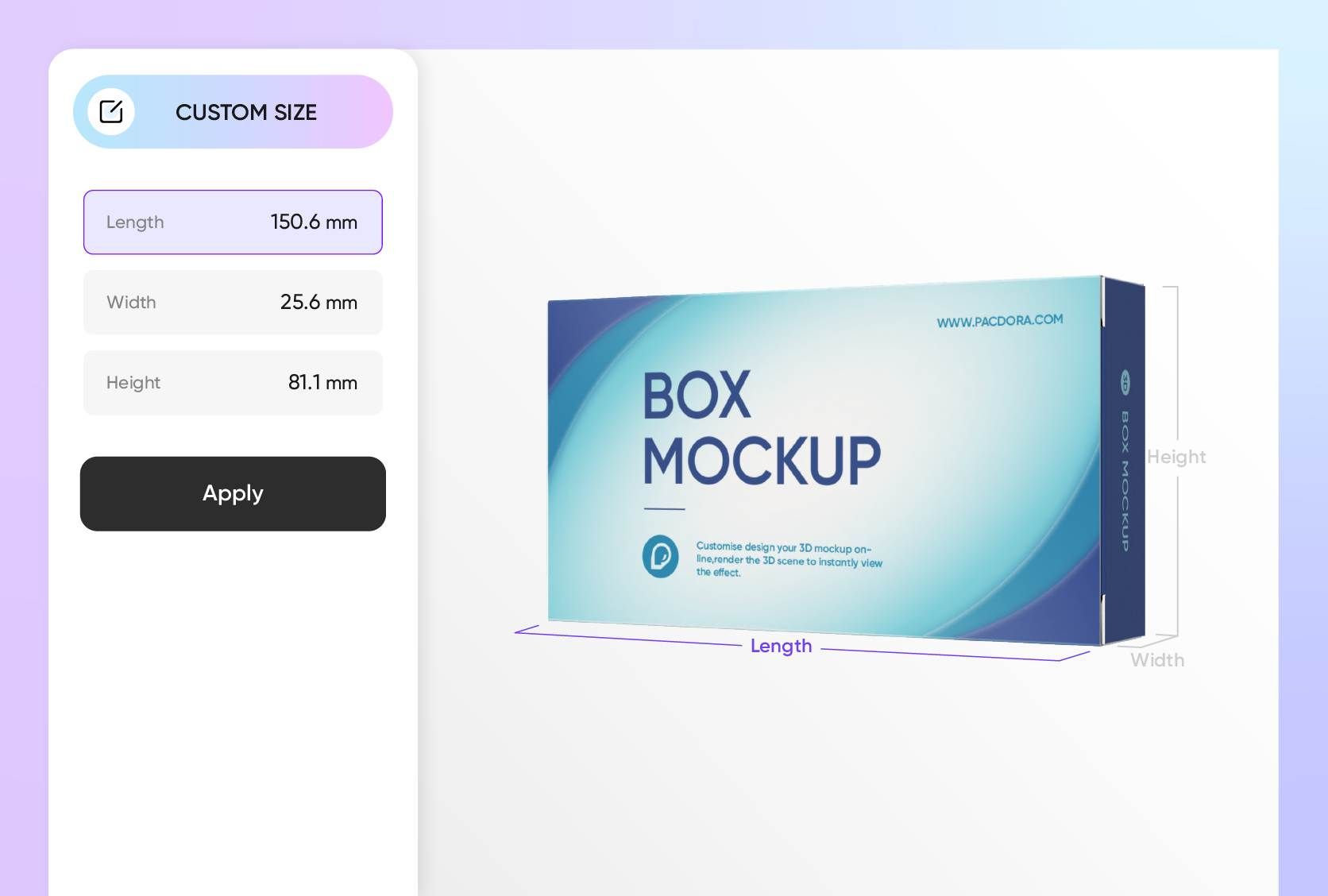
Fit brand, benefit, and net weight on a small face
Cream cartons are small — a slim tuck-end still has to carry your logo, a benefit line, net weight, and the full ingredient list. A flat comp hides how tight it gets: fine rules under about 0.3 mm and body copy under 6–7 pt start to break up once the box is printed at real size.
Start from a true-to-size carton and resize it to your jar — a squat 50 ml jar usually needs a little insert room so the glass doesn't rattle. Upload your layout and read the real panel proportions in 3D, so you catch a cramped front before the printer does.
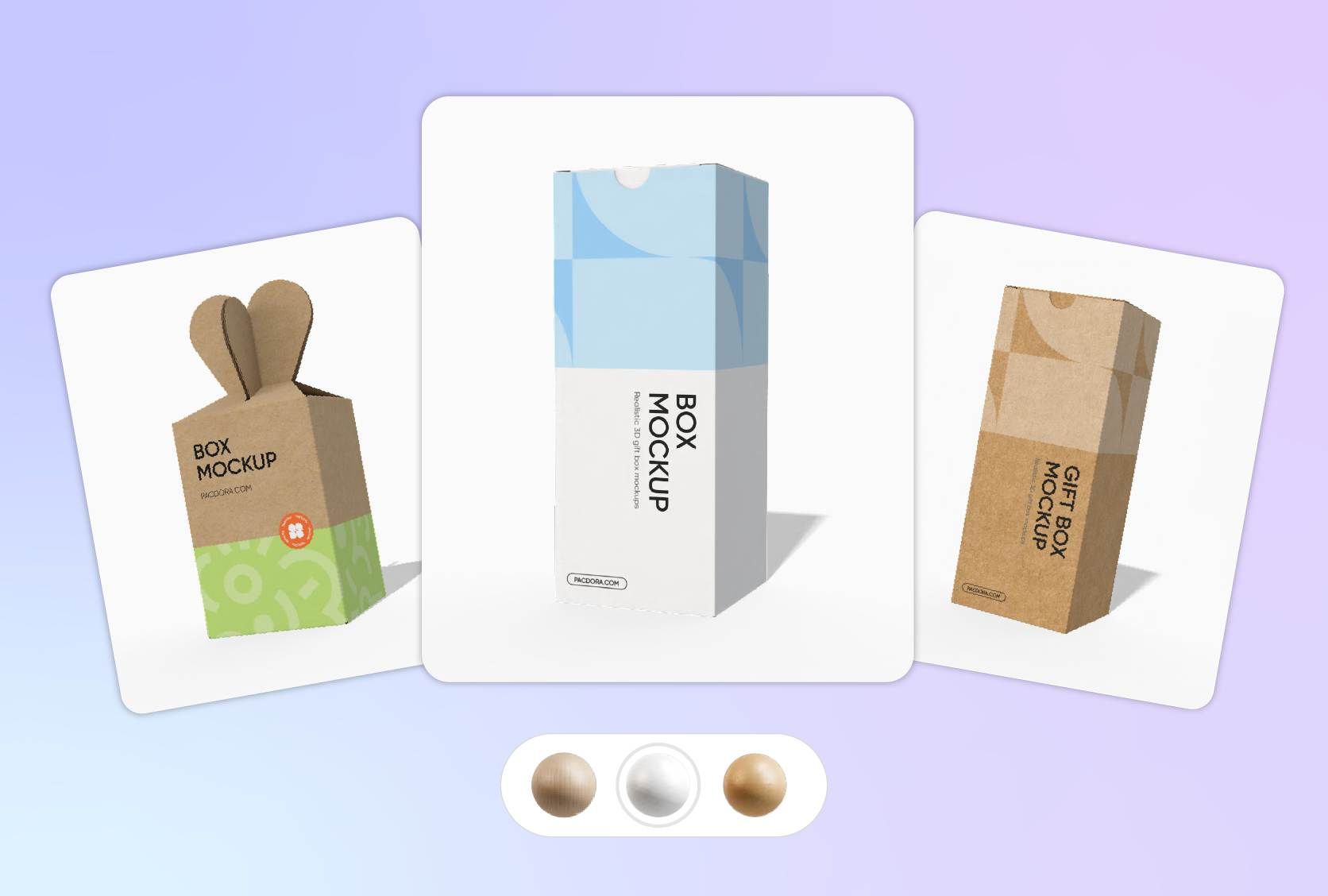
See the real material and texture, not a flat print
Skincare sells on how premium the box feels — the grain of the board, the sheen of a coated stock, the way light falls across a small panel. A flat PSD render mutes all of that into one even, lifeless surface.
Pacdora renders your cream box in true 3D, with natural lighting and fine material texture. Switch it between white cardboard, kraft, corrugated, and glossy or matte plastic to find the material that fits your brand.
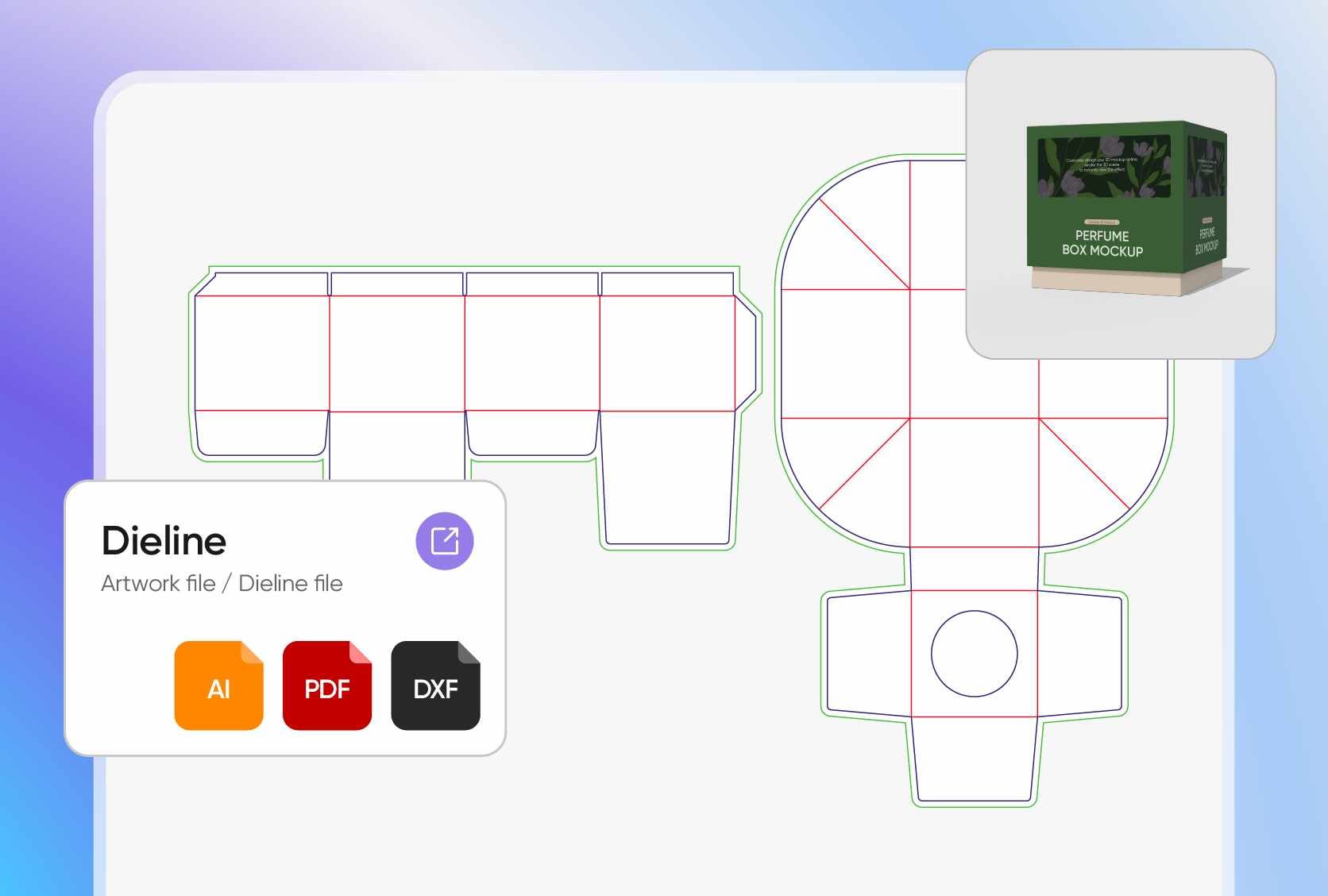
Get a client image now, a factory file when you're ready
A flat PSD is fine for a quick marketplace thumbnail, but a retailer buyer meeting or an investor deck needs packaging that reads as real from every side — and you need it before you've tooled a single carton, not weeks later after a sample shoot.
Export your cream box in 8K or as an MP4 for the pitch and the listing, then hand your box printer a print-ready dieline with bleed and fold lines once the design is locked. One file set covers the launch and the factory.
Open the box and turn it — no fixed angle
A face cream carton sells in the reveal: the lid lifts, the jar sits inside, the finish catches the light. A single flat PSD frame can't show that moment — you're stuck with whatever angle the file was shot at.
Pacdora previews your cream box in true 3D — spin it to any angle and open or close the lid in real time to check how the reveal reads. When the design is ready, export a short open-close clip to show off the jar inside, straight from the browser.
Fit brand, benefit, and net weight on a small face
Cream cartons are small — a slim tuck-end still has to carry your logo, a benefit line, net weight, and the full ingredient list. A flat comp hides how tight it gets: fine rules under about 0.3 mm and body copy under 6–7 pt start to break up once the box is printed at real size.
Start from a true-to-size carton and resize it to your jar — a squat 50 ml jar usually needs a little insert room so the glass doesn't rattle. Upload your layout and read the real panel proportions in 3D, so you catch a cramped front before the printer does.
See the real material and texture, not a flat print
Skincare sells on how premium the box feels — the grain of the board, the sheen of a coated stock, the way light falls across a small panel. A flat PSD render mutes all of that into one even, lifeless surface.
Pacdora renders your cream box in true 3D, with natural lighting and fine material texture. Switch it between white cardboard, kraft, corrugated, and glossy or matte plastic to find the material that fits your brand.
Get a client image now, a factory file when you're ready
A flat PSD is fine for a quick marketplace thumbnail, but a retailer buyer meeting or an investor deck needs packaging that reads as real from every side — and you need it before you've tooled a single carton, not weeks later after a sample shoot.
Export your cream box in 8K or as an MP4 for the pitch and the listing, then hand your box printer a print-ready dieline with bleed and fold lines once the design is locked. One file set covers the launch and the factory.
How to create a cream box mockup?
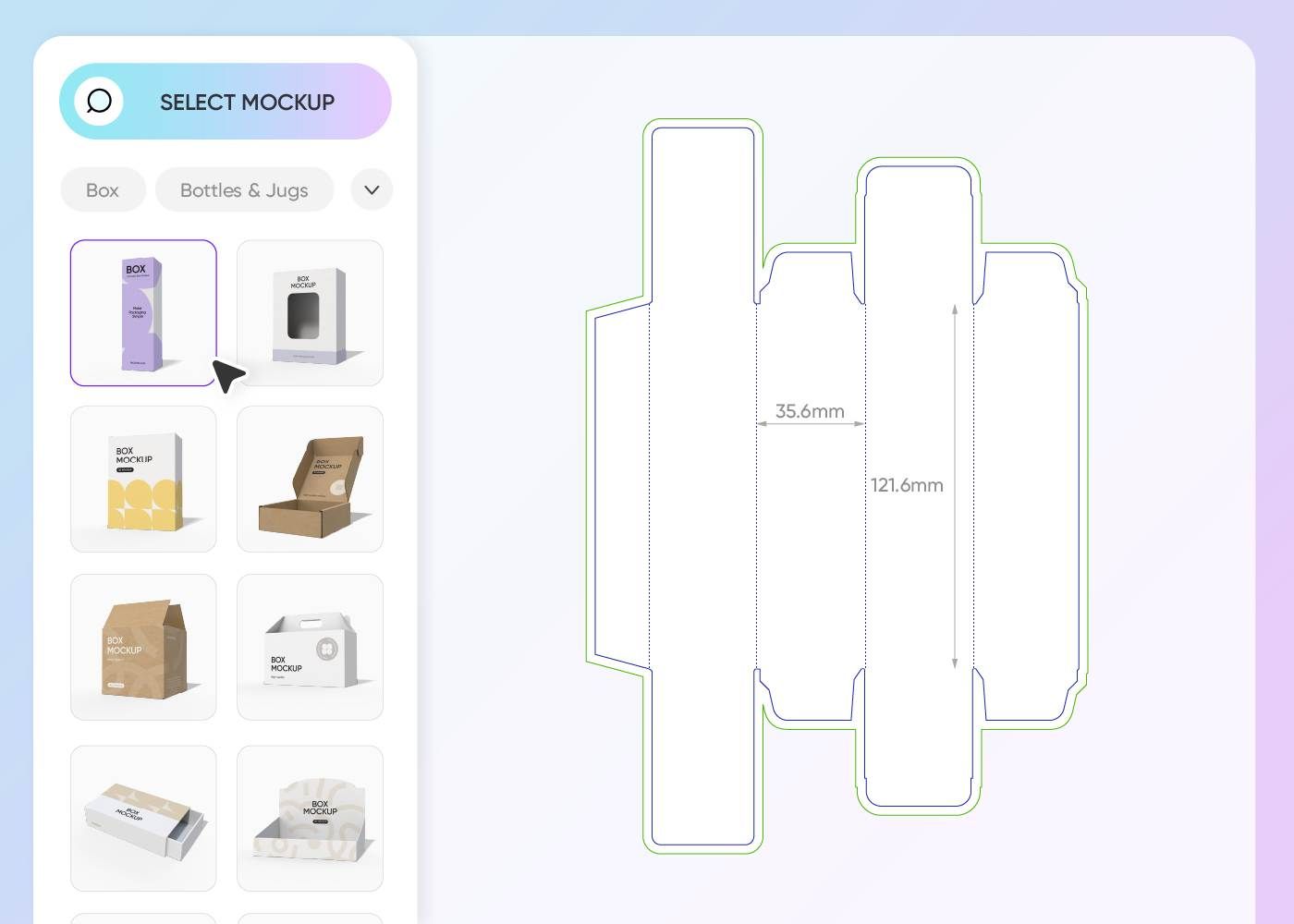
Step 1: Select your cream box mockup
Pick a cream carton that fits your product — a tuck-end box for a single jar, a lidded box for a gift set, or a window carton that shows the product inside.
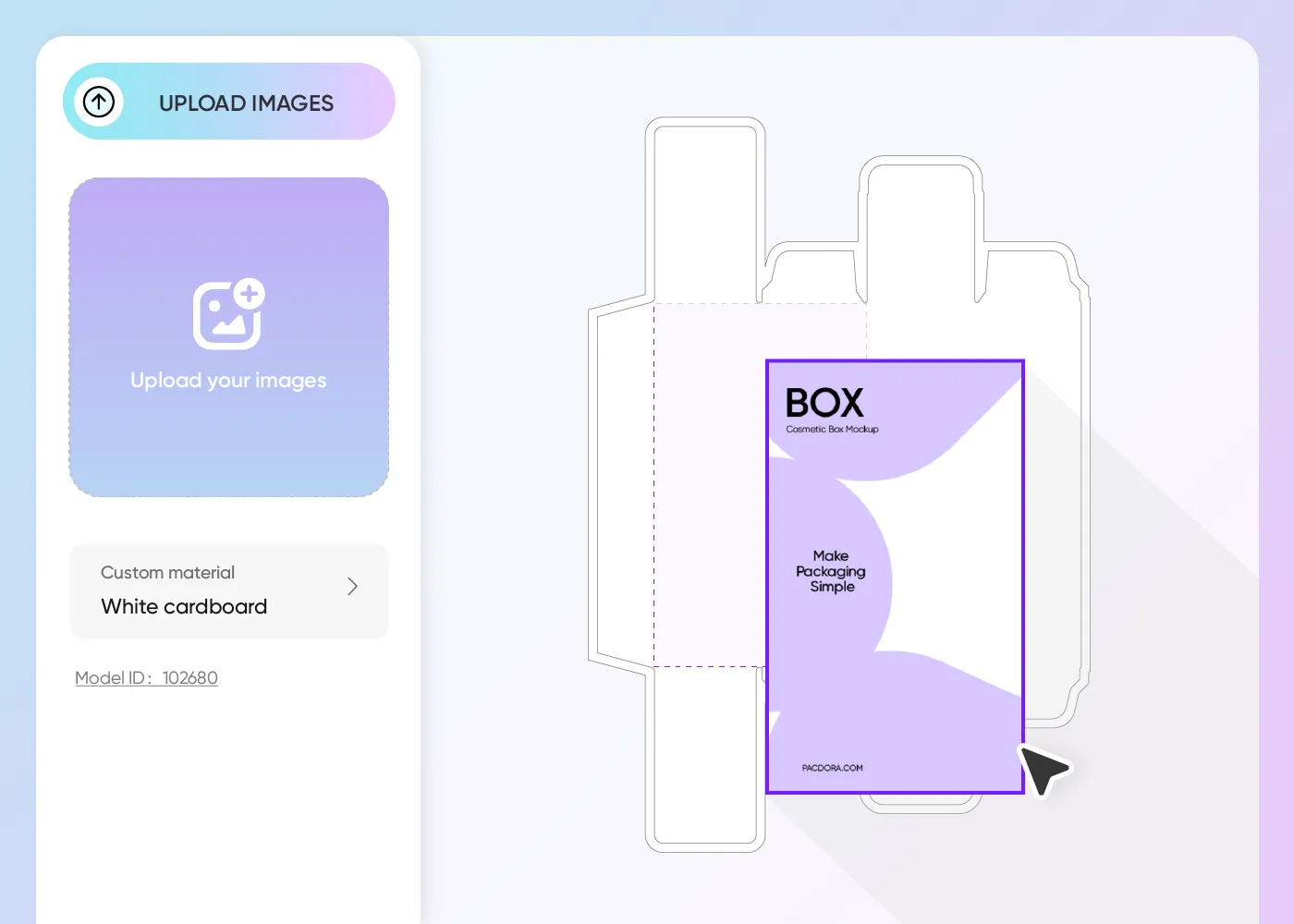
Step 2: Upload your artwork and customize
Add your logo, ingredient text, and colors, position them on each panel, then switch the material — white cardboard, kraft, or matte plastic — to match your brand.
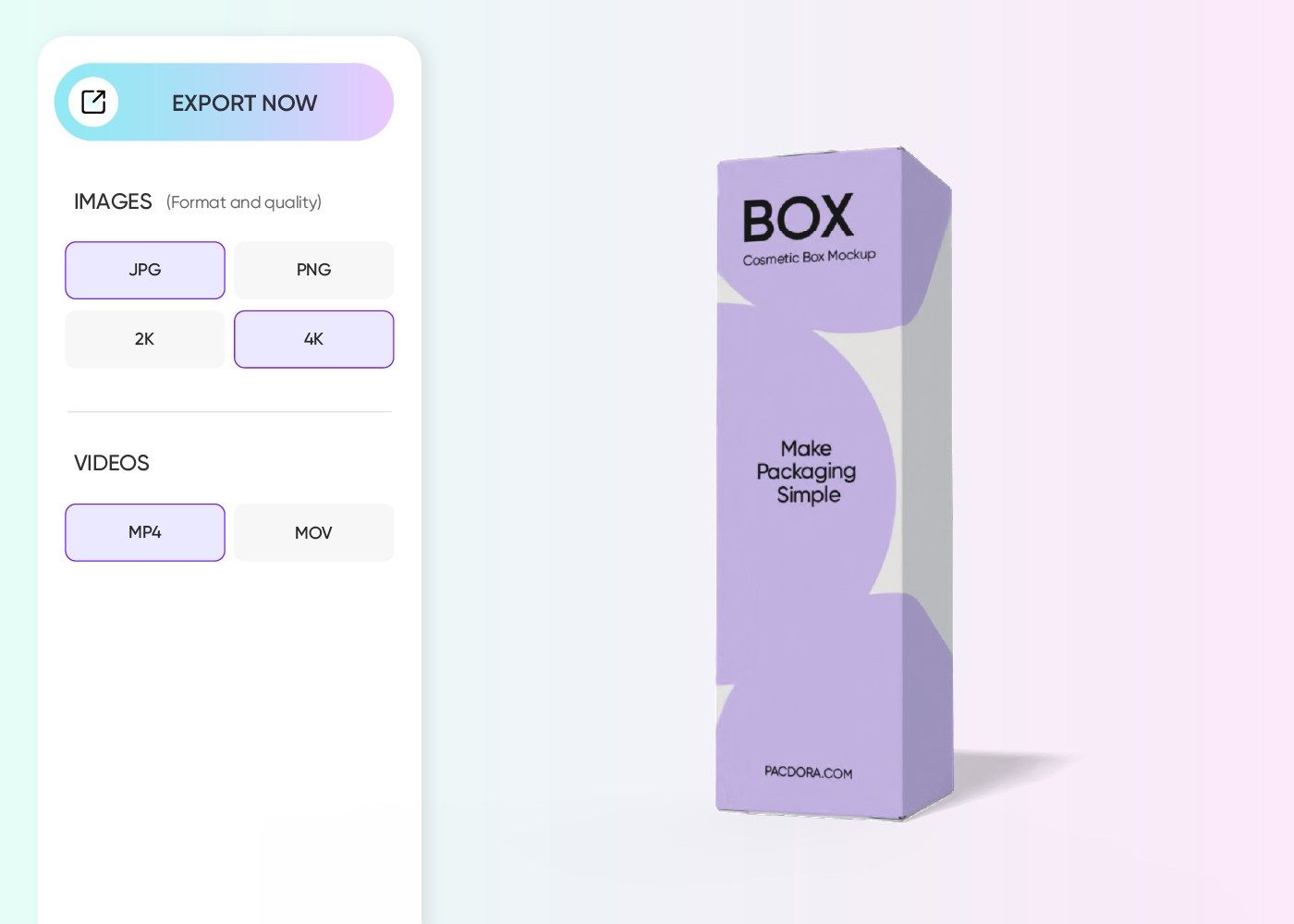
Step 3: Download and share your cream box
Download your cream box mockup as an 8K PNG/JPG, an MP4 video, or a print-ready dieline for your box manufacturer.
Step 1: Select your cream box mockup
Pick a cream carton that fits your product — a tuck-end box for a single jar, a lidded box for a gift set, or a window carton that shows the product inside.
Step 2: Upload your artwork and customize
Add your logo, ingredient text, and colors, position them on each panel, then switch the material — white cardboard, kraft, or matte plastic — to match your brand.
Step 3: Download and share your cream box
Download your cream box mockup as an 8K PNG/JPG, an MP4 video, or a print-ready dieline for your box manufacturer.
Our customers love Pacdora’s mockups
Thousands before you have designed realistic mockups with Pacdora and loved it.

Great mock-ups and literally thousands of packaging designs to choose from. The 3d mock-up is so good, helps bring clarity to the client as well as the designers. Great product for packaging design professionals.


cosmiccorner
Move over, complicated design software! Pacdora is the superhero of packaging mockups. Creating 3D magic for my products is as easy as pie – no PhD in design required. It’s like the software looked at the clock and said, ‘Time to save users from design nightmares!’ It’s so user-friendly, even my coffee mug wants to try its hand at packaging design.
FAQ
What is a cream box mockup used for?
A cream box mockup shows how your face cream or skincare carton will look once printed — before you order a physical sample. Brands and designers use it for client sign-off, Amazon and retailer listings, investor decks, and pre-launch social, so the packaging is ready long before production.
Should I mock up my cream in a jar or a tube, and how big should the box be?
Both — many skincare lines pair a jar for a rich face cream with a tube for an eye or hand cream, and Pacdora's cream boxes hold either. Match the carton to the container plus a little insert room: a squat jar suits a near-cubic tuck-end, while a tube needs a longer, narrower box. Preview a couple of sizes in 3D before you commit to one.
Do I need Photoshop or a PSD file to design one?
No. Unlike a downloadable PSD mockup that needs Photoshop and smart-object editing, Pacdora runs in your browser. You pick a 3D carton, upload your design, and preview it live — no software to install and no flattened, single-angle file to work around.
Will my cream box look realistic, and can I change the material?
Yes. Pacdora renders your cream box in true 3D with natural lighting and fine material texture, so it reads like a real carton instead of a flat image. You can switch between white cardboard, kraft, corrugated, and glossy or matte plastic to preview how each material suits your brand.
Can I export a print-ready file for my box manufacturer?
Yes. Alongside HD images and MP4 videos, Pacdora exports a print-ready dieline with bleed, fold, and safe-area marks, so your box printer or co-packer can run the file directly without a separate prepress step.
Can I create a cream box mockup for free on Pacdora?
Yes. Designing a cream box mockup on Pacdora is free — it runs in your browser and you can start right away, with no credits required to begin. To unlock advanced customization options, review the plans on our pricing page.
Explore more mockups

Your cream box, sold before it's ever printed.
Create a cream box mockup
