

Mailing mockup
Check out our ready-to-use boxes, folders, envelopes, bags, and lots of other mailing mockups. Pick your style, customize to your liking, and instantly download 8K PNGs or printable files.


Flip top gift box mockup
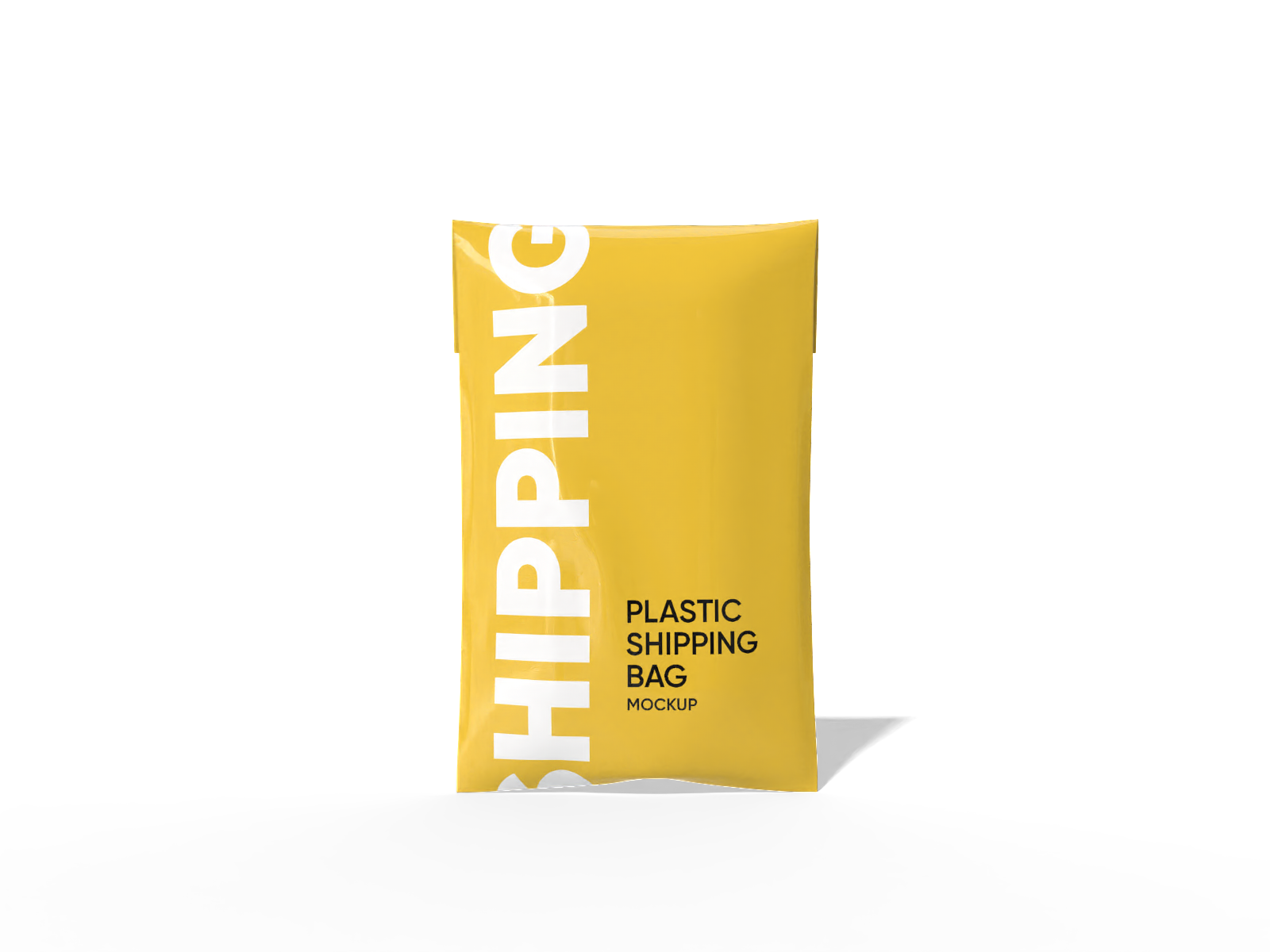
Plastic bag mockup
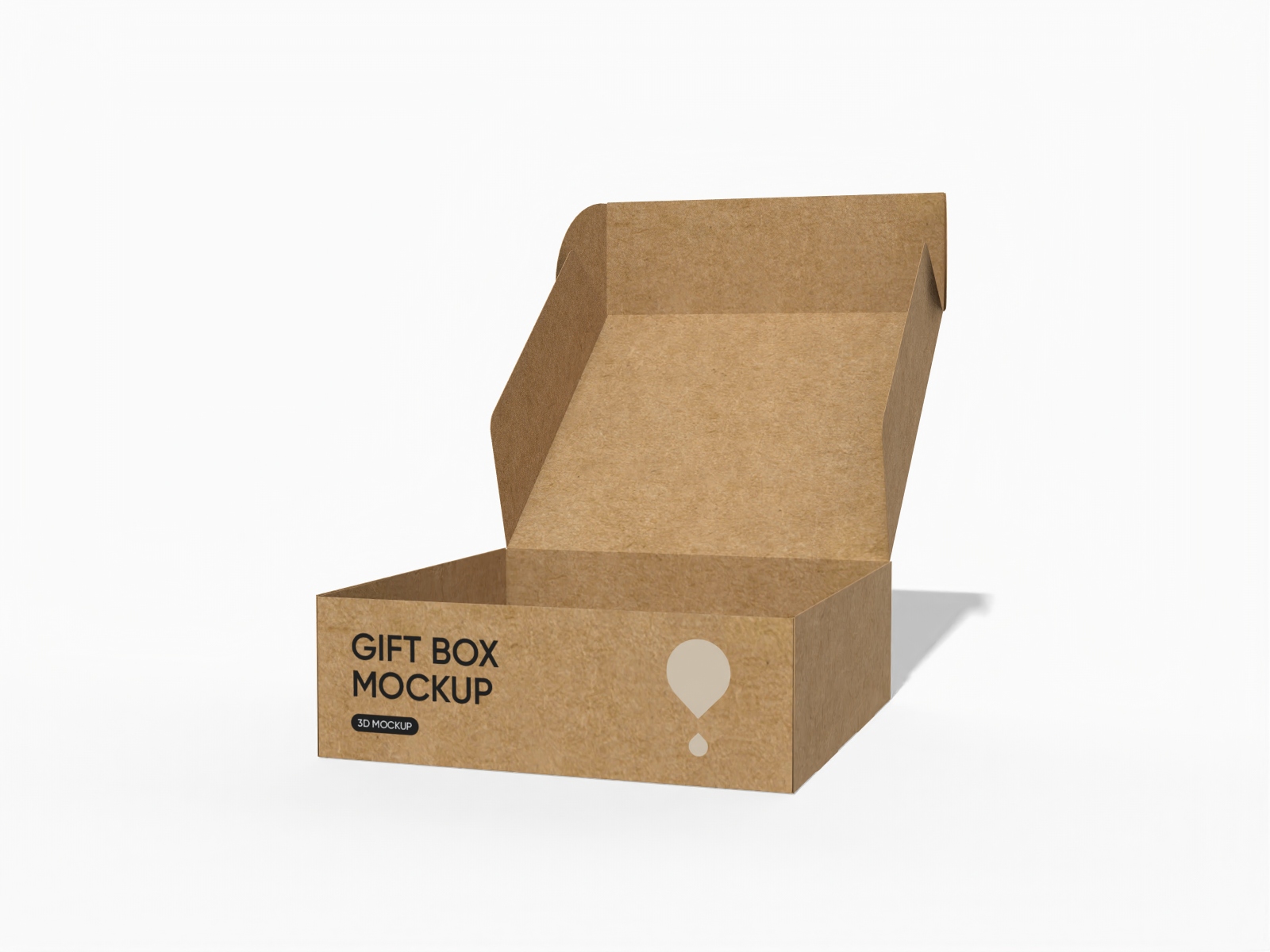
Flip top gift box mockup
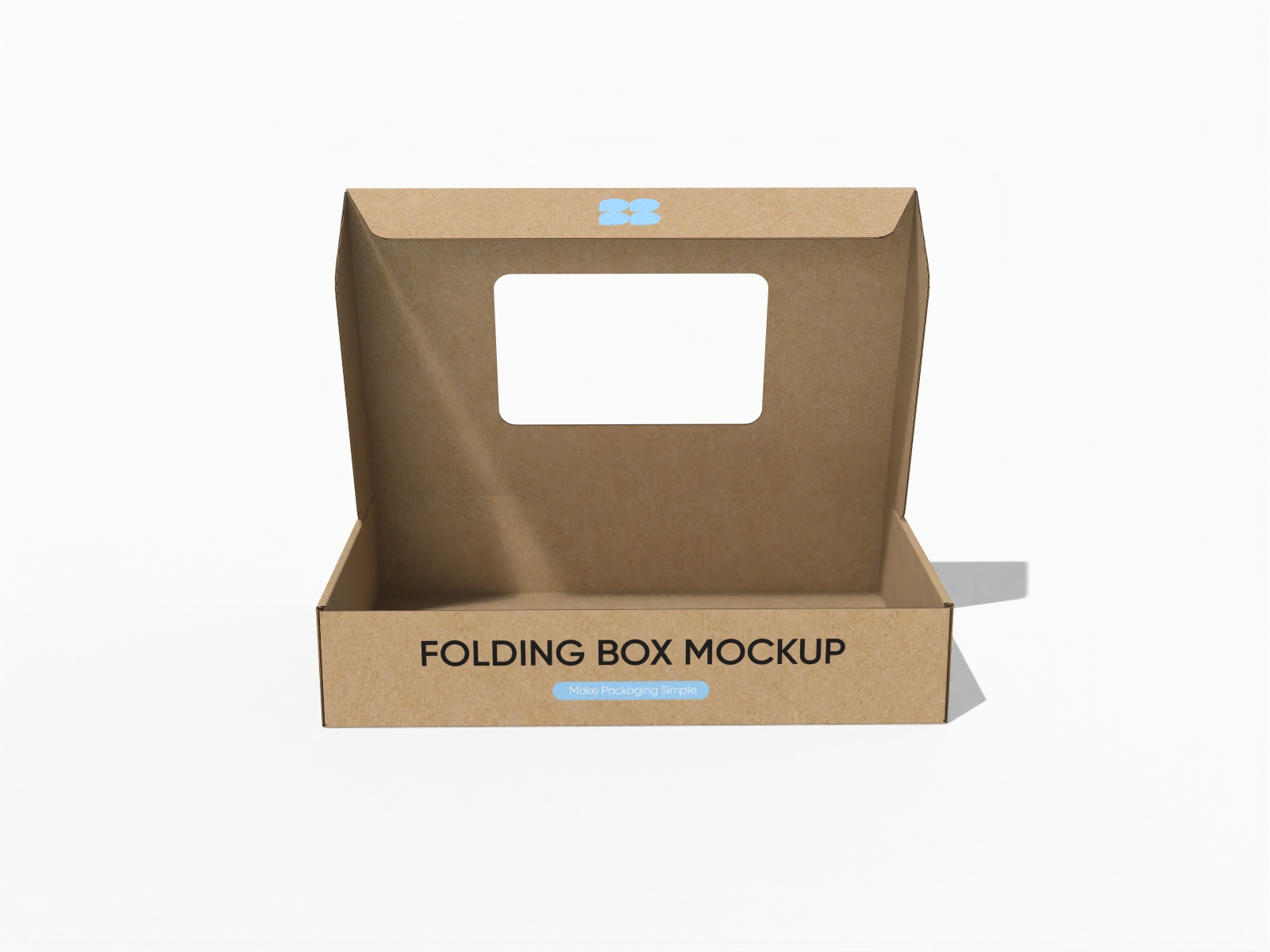
Mailer box with window mockup
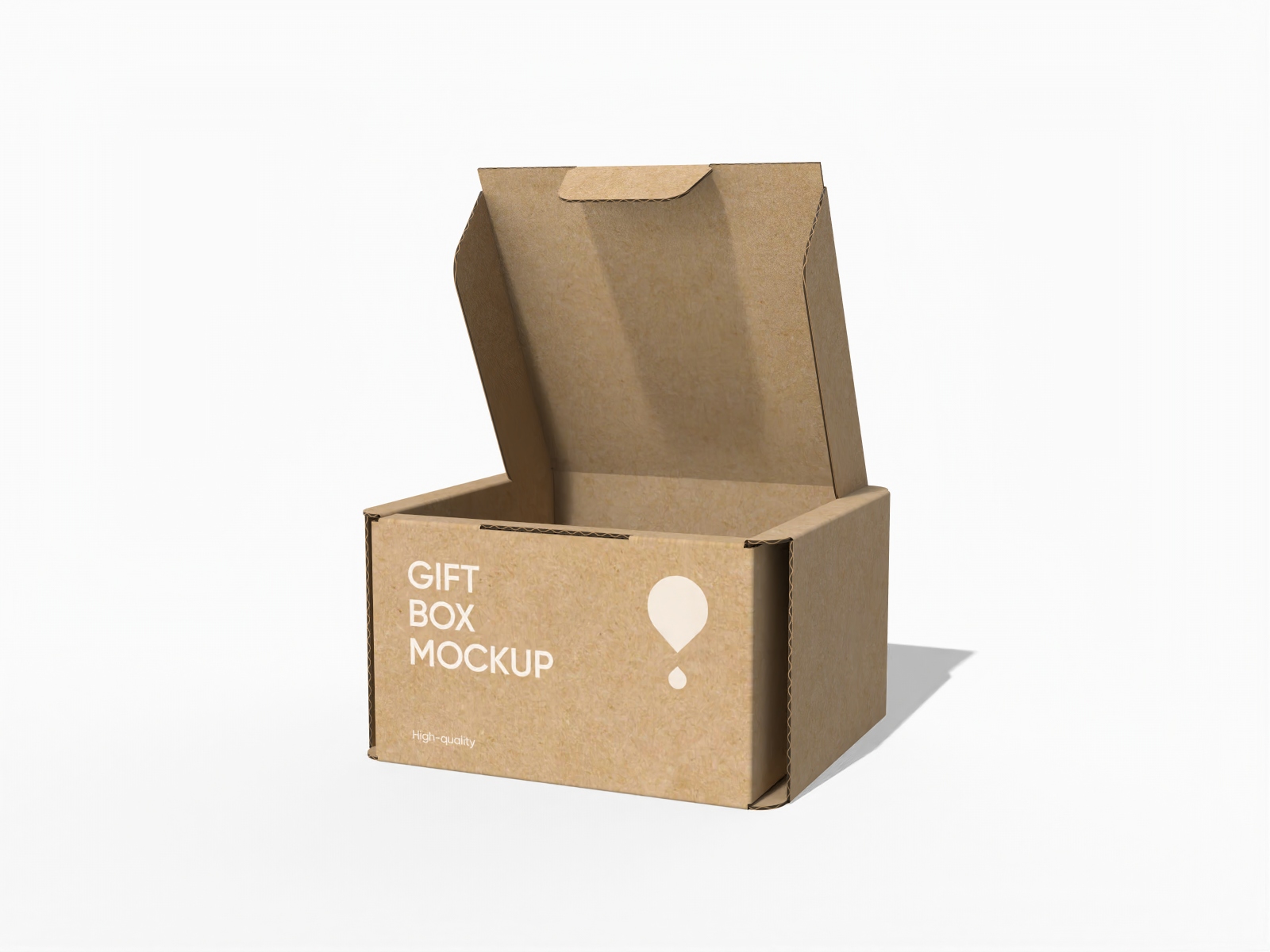
Buckle lock bottom carton gift mailer box mockup

Flip top mailer box mockup
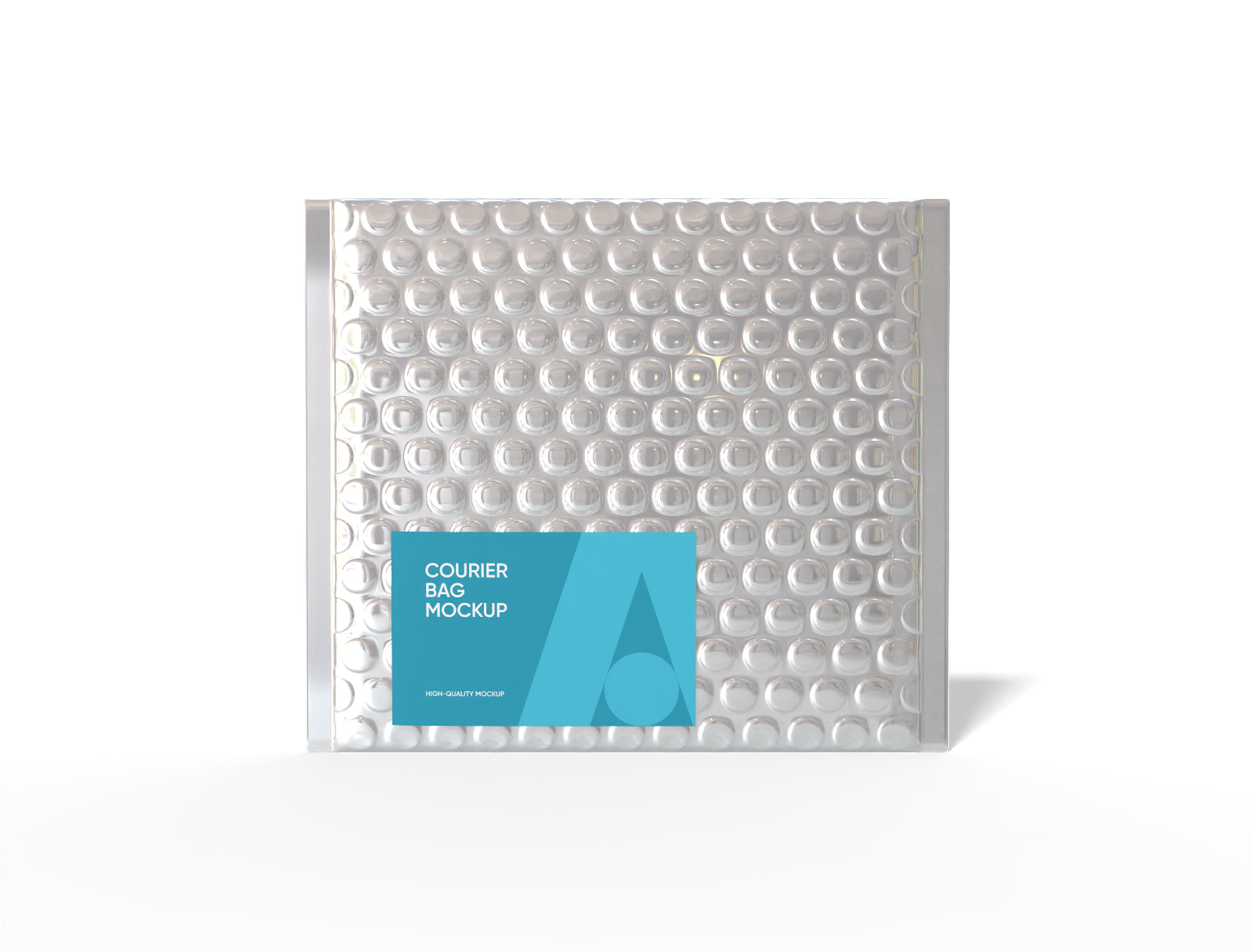
15 × 3 × 13 bubble wrap courier bag mockup

Cardboard mailer box with lock mockup
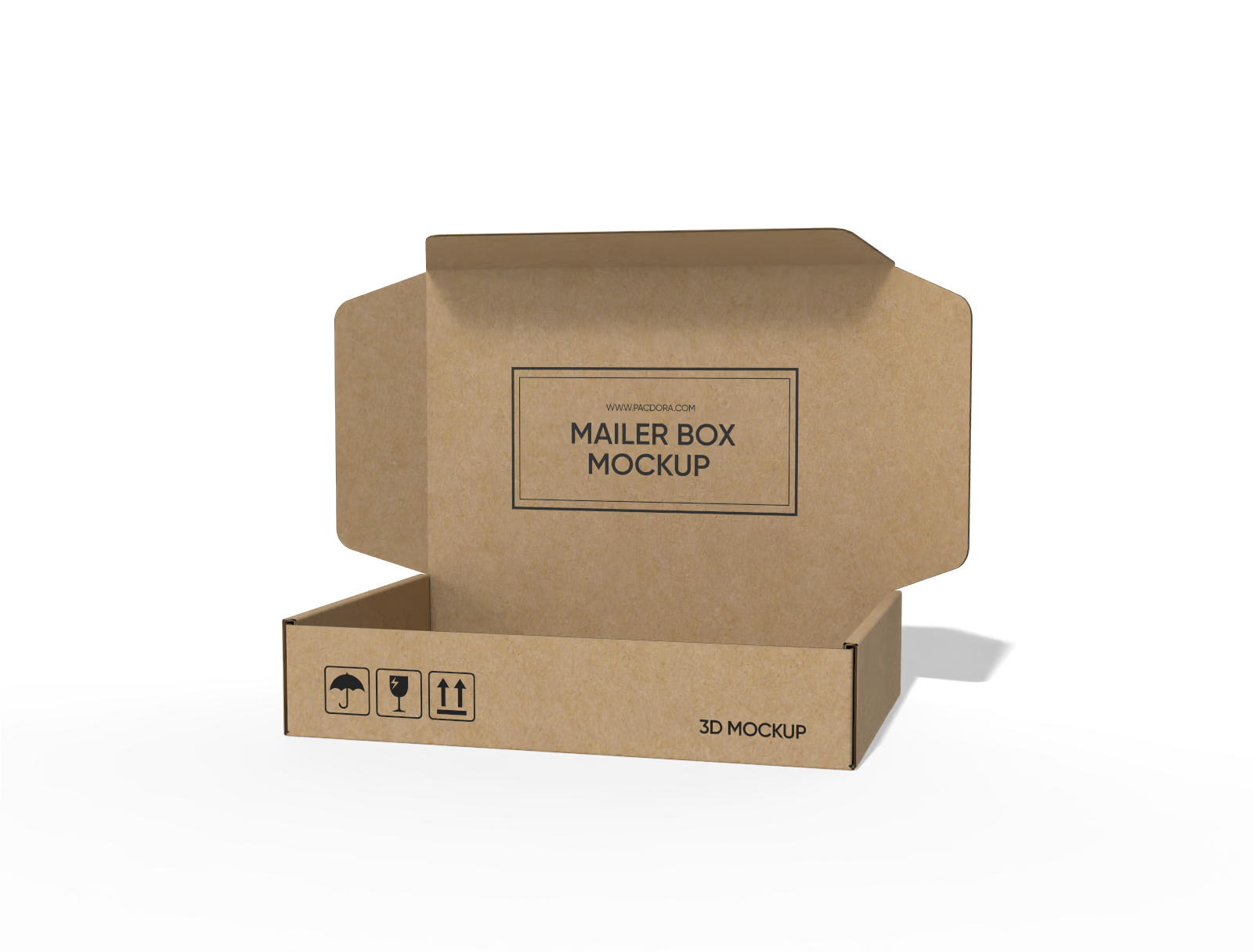
FEFCO 0429 flip top mailer box mockup
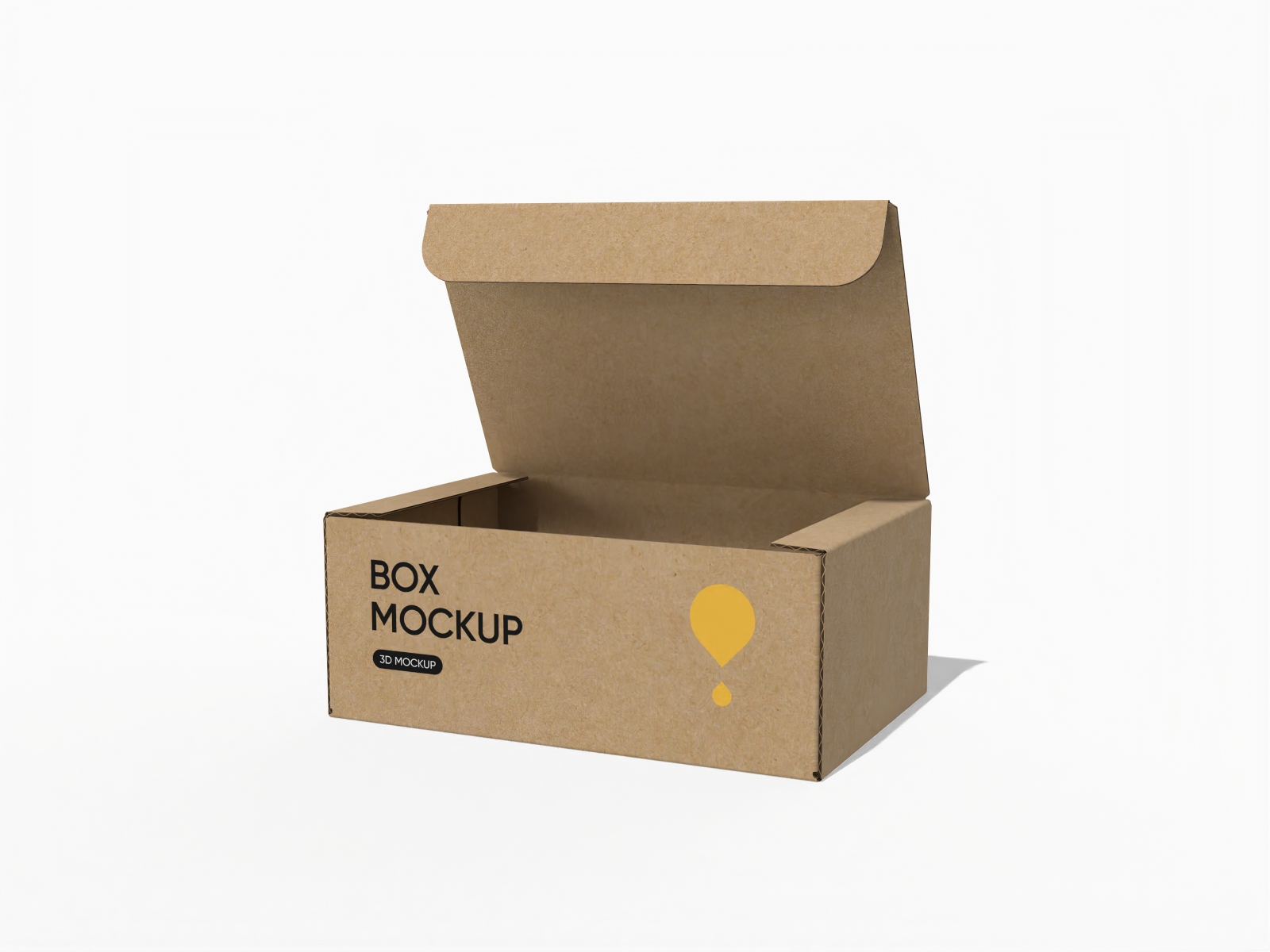
FEFCO 0420 flip top tuck front mailer box mockup
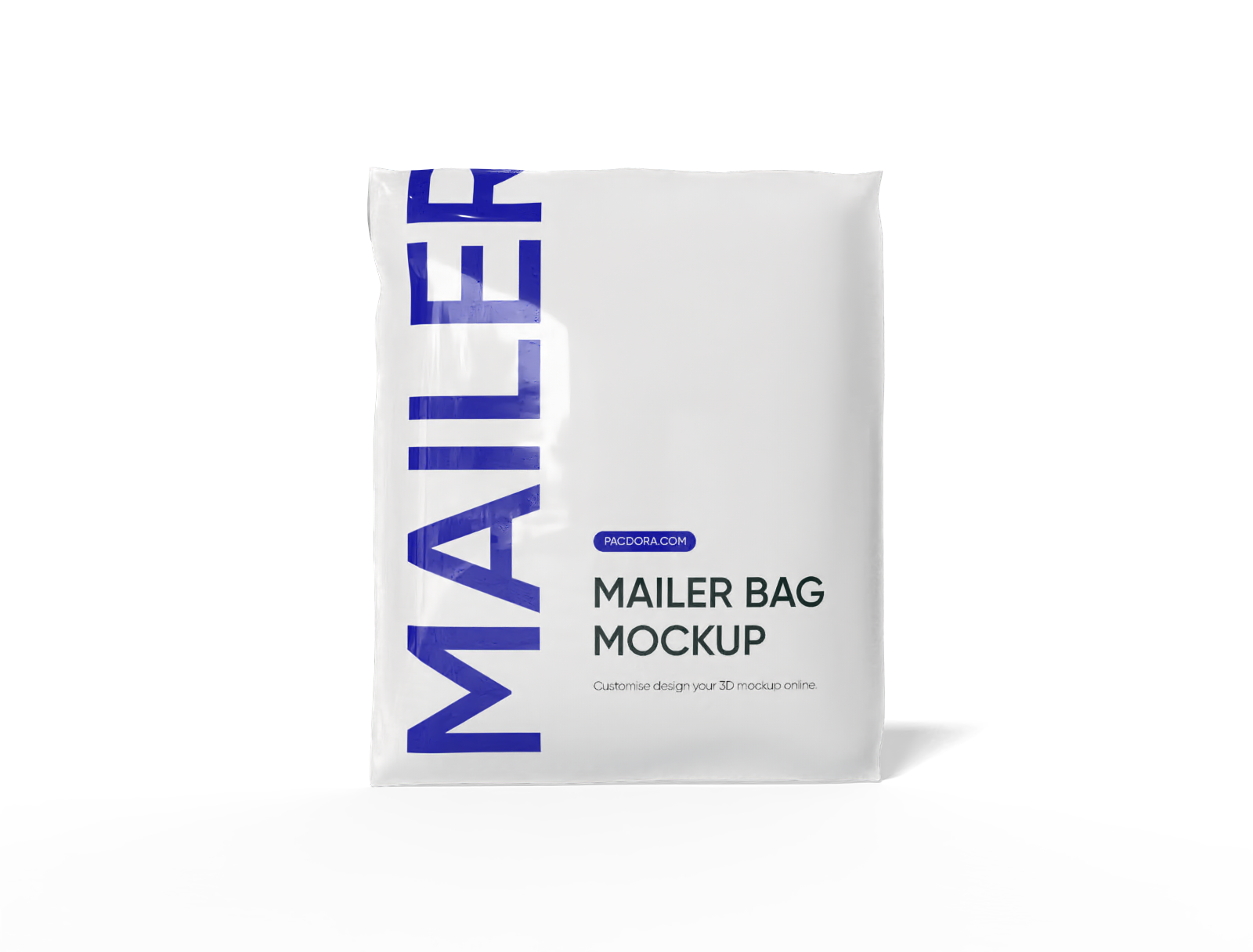
Mailer bag mockup
FEFCO 0471 flip top mailer box with polygonal tuck front mockup
Flip top mailer box with bottom lock inserts mockup
FEFCO 0414 flip-top mailer box mockup
Shipping bag mockup
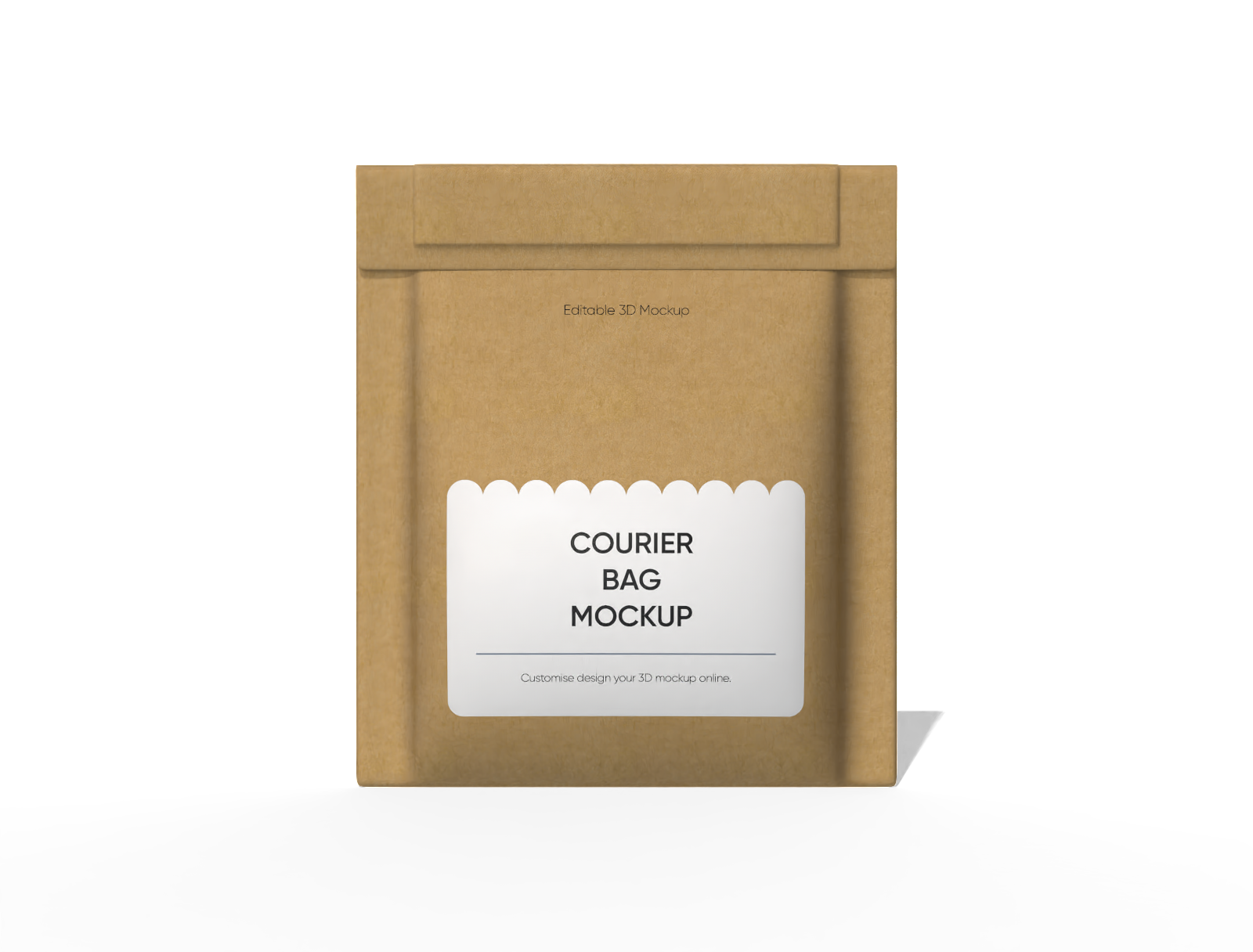
13 × 2 × 15 kraft paper mailer bag mockup

FEFCO 0427 flip top mailer box packaging mockup
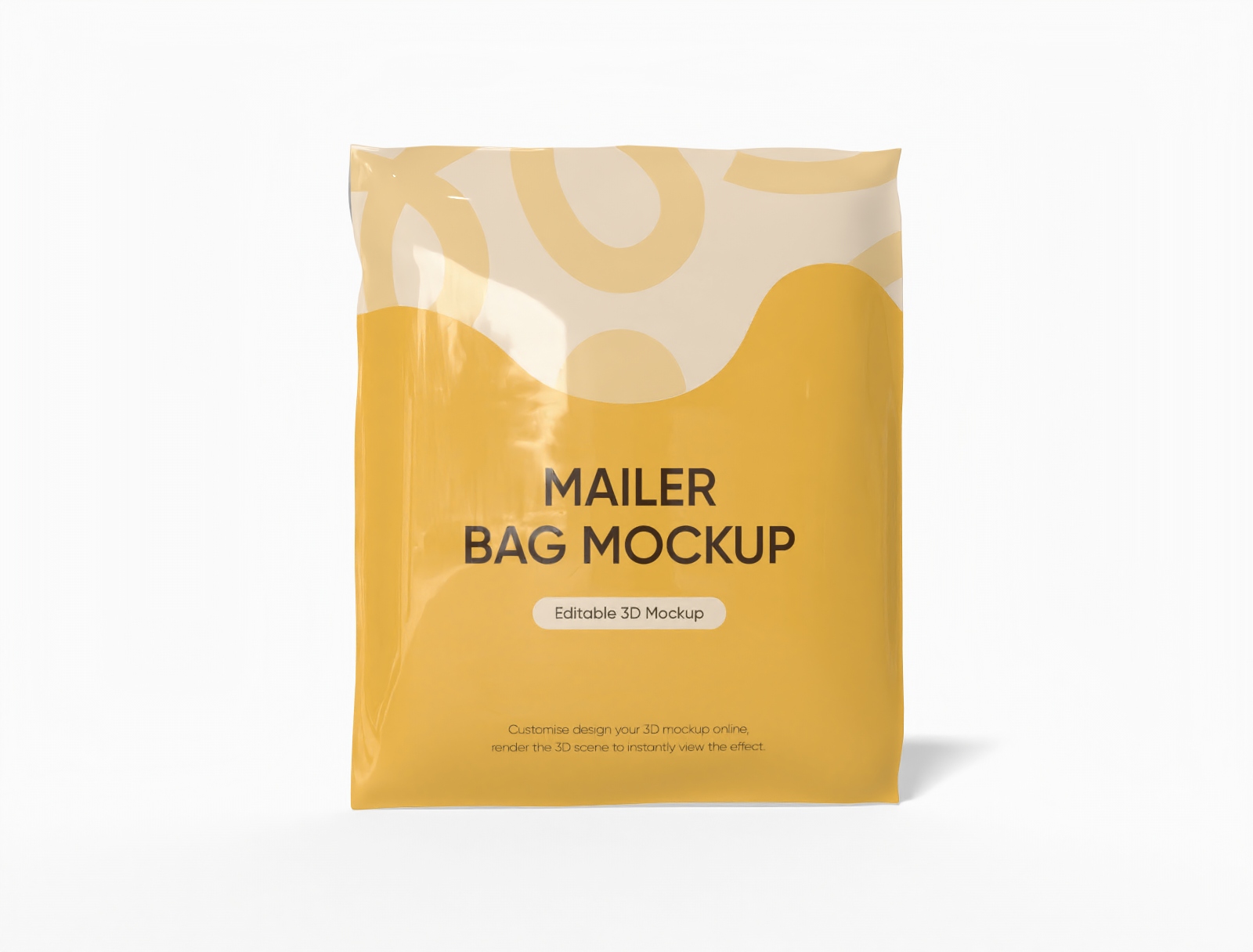
Mailer bag mockup
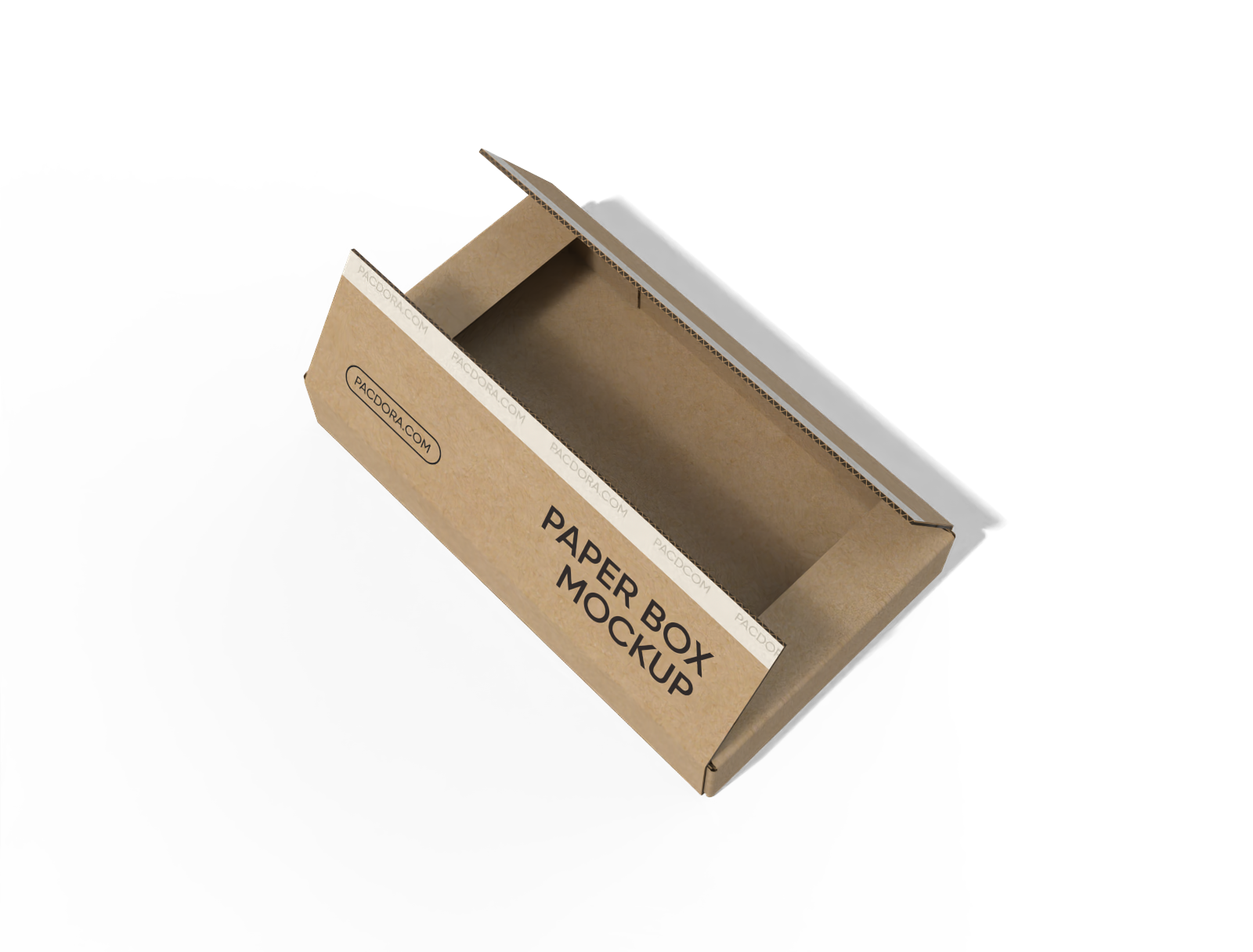
FEFCO 0412 cardboard shipping box mockup
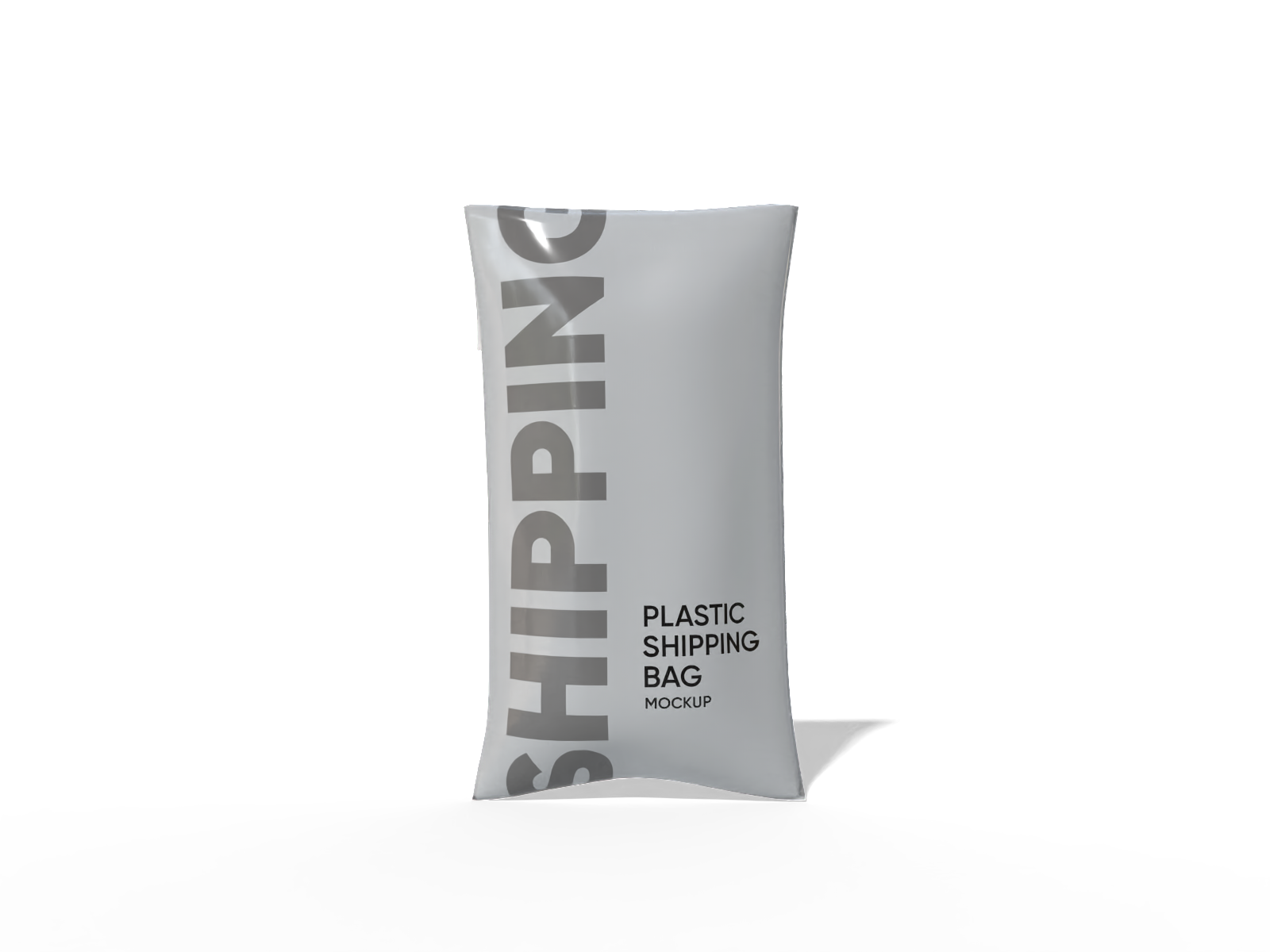
Plastic bag mockup
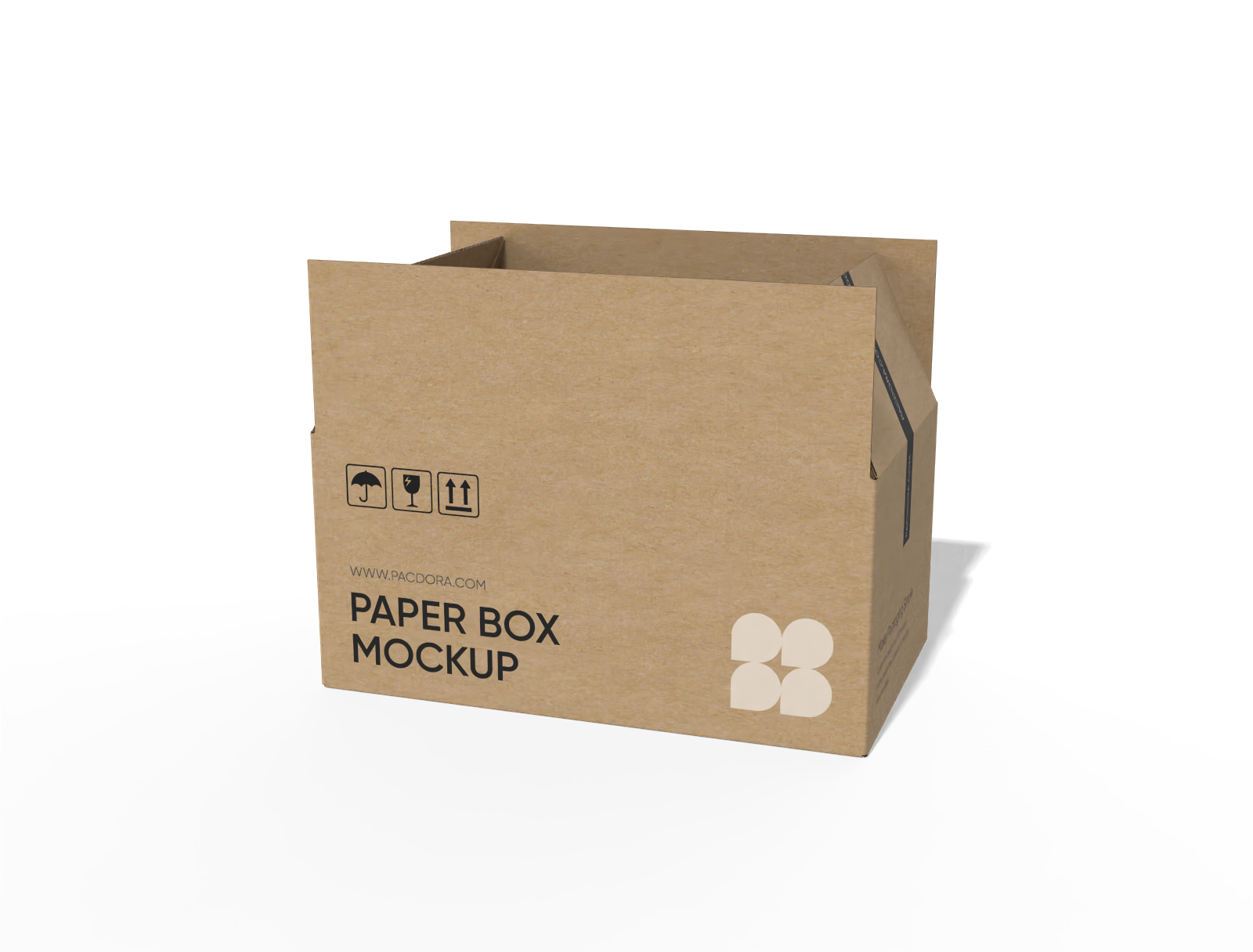
FEFCO 0216 regular slotted container with snap lock bottom mockup
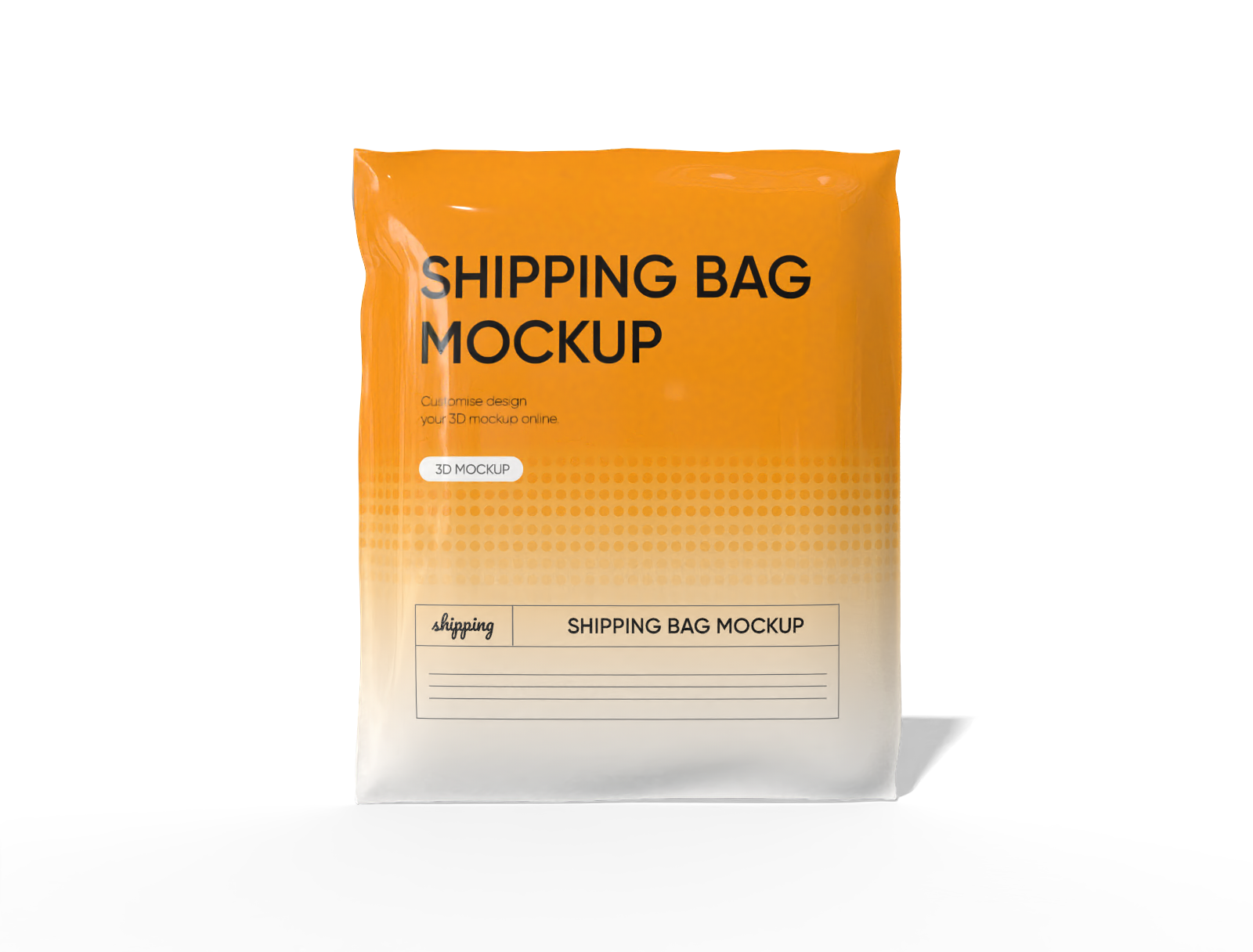
Shipping bag mockup
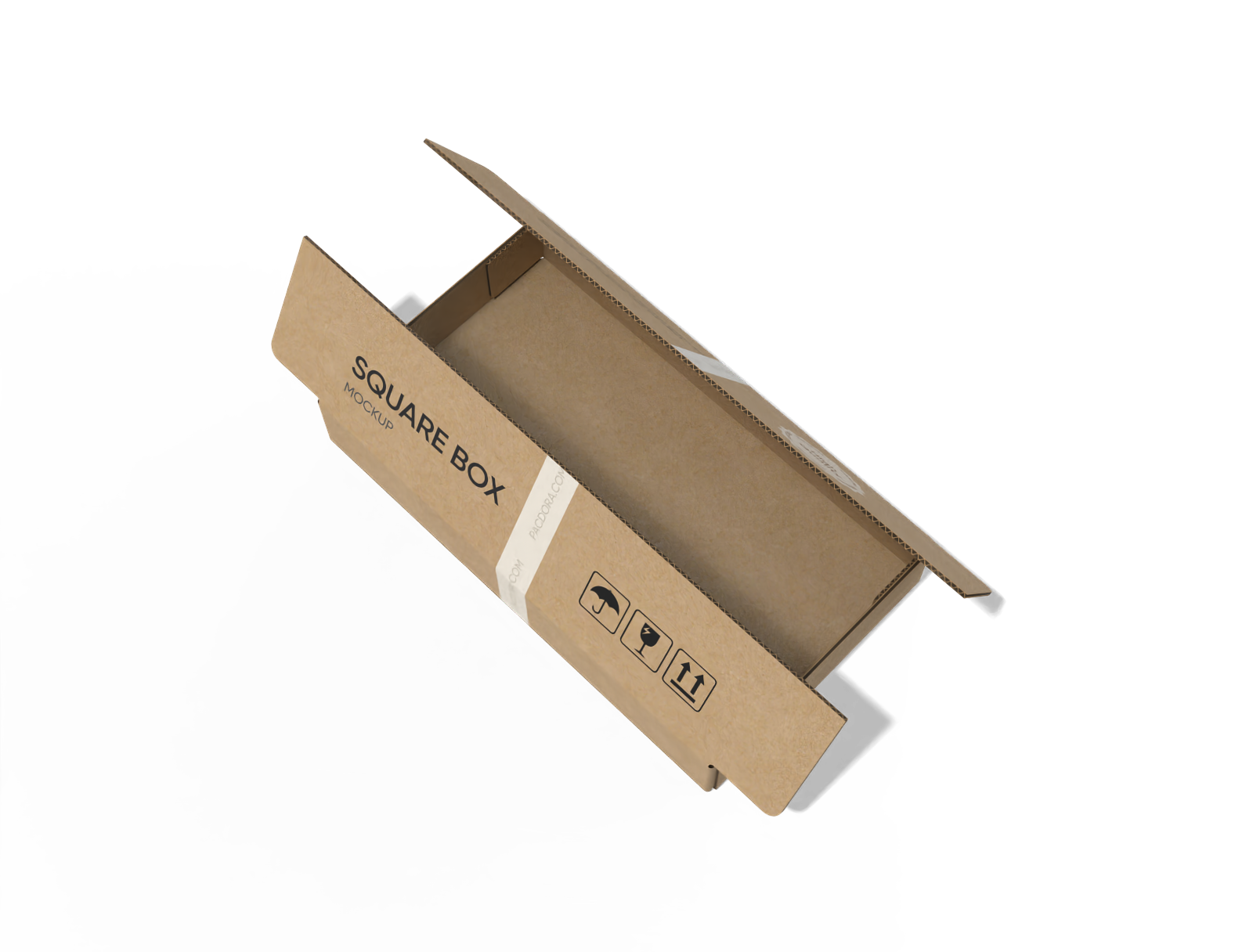
FEFCO 0411 cardboard shipping box mockup
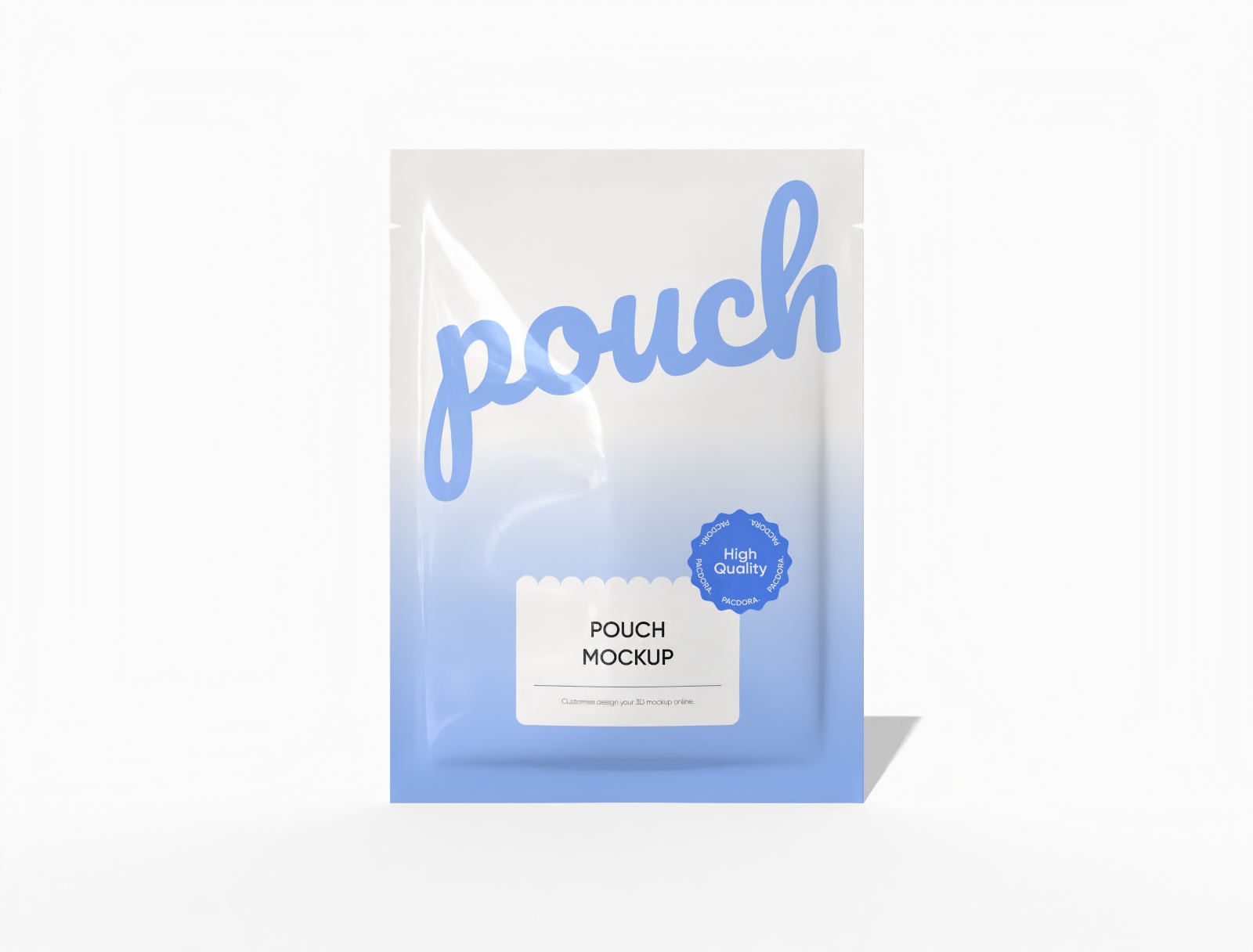
13 × 18 three-side seal food pouch mockup
Trusted by leading companies


Create professional mailing mockups in just a few clicks with Pacdora!
Whether you’re designing a mailing mockup for marketing, a client presentation, or your portfolio, Pacdora gives you everything you need to show off your detailed work in style. Simply explore our mockup library and choose your favorite option from our professionally made boxes, bags, folders, and more. Use our user-friendly online editor to add your custom touches, preview your design in 3D, and download printable dieline files or HD visuals based on your needs. Create your design now for free!
Top features to look for in a great mailing mockup
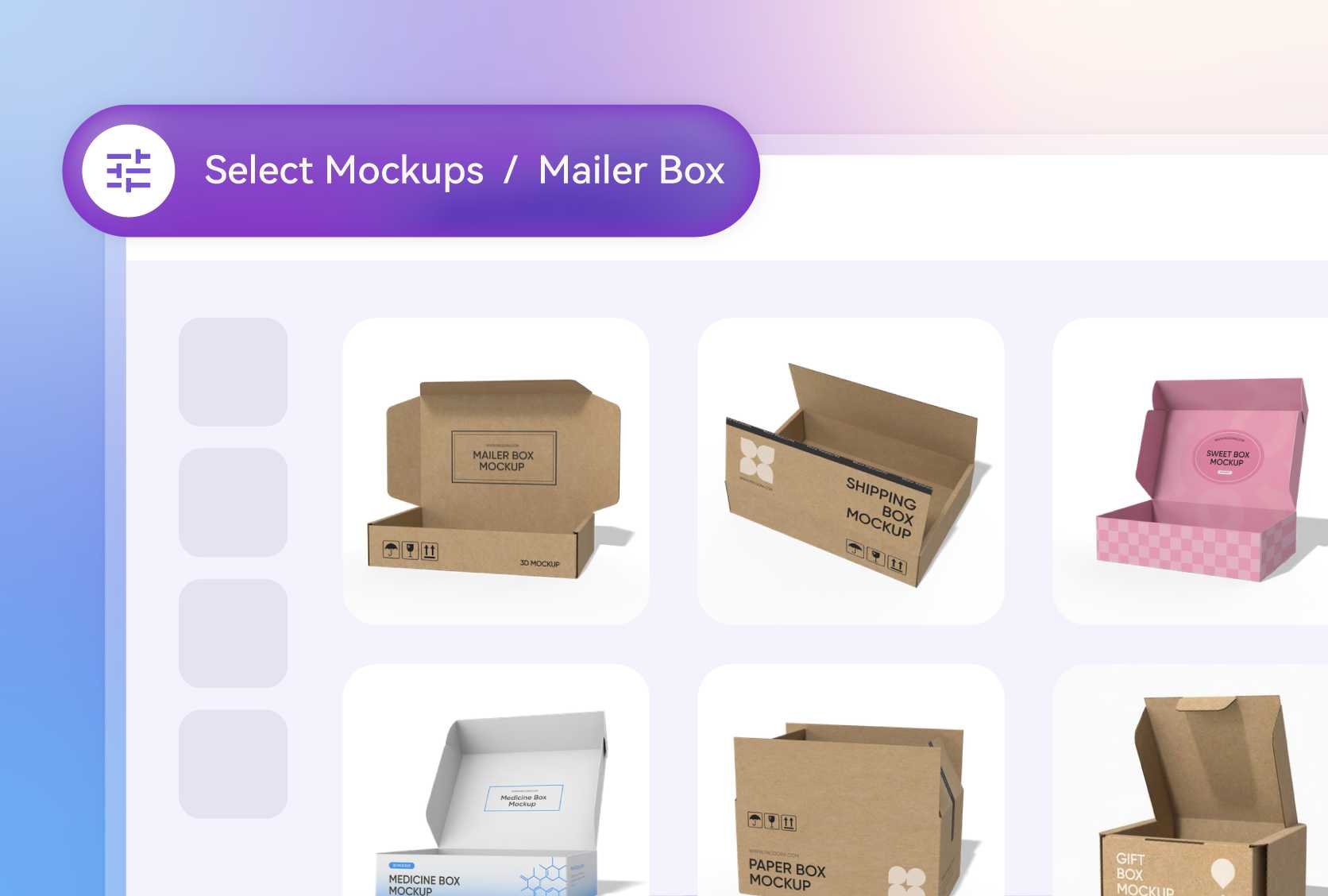
Mailing mockup designed to showcase your product
Our ready-to-use mailing mockups come in a variety of styles so you can quickly find the right one for your product.
From a sturdy mailing box for electronics to sleek mailing bags for apparel, envelopes, folders, and more, you've got all the options you need to create designs that leave an impression.
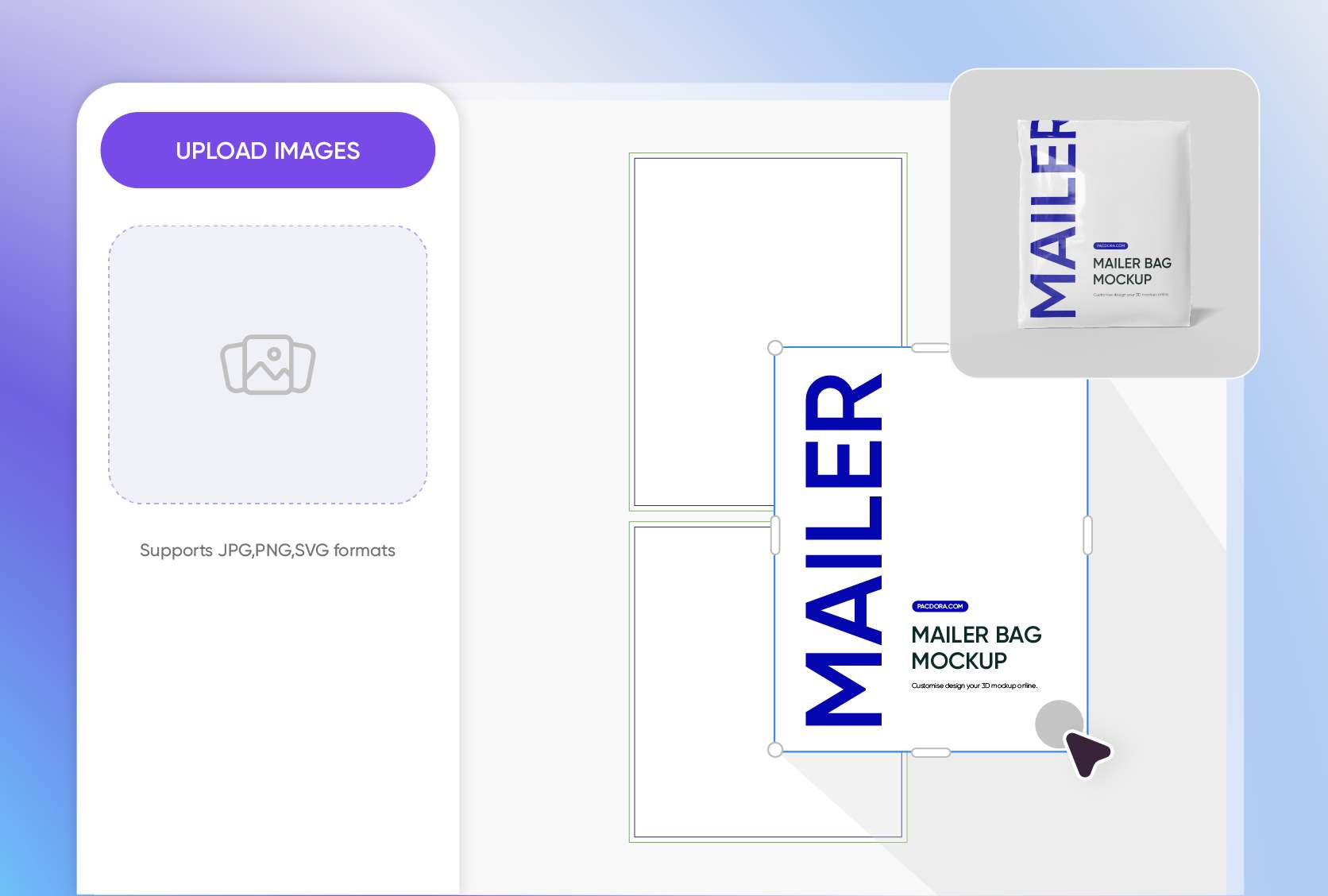
Unlimited customization to showcase your unique style
With our online editor, you can place your logo anywhere you like, on the top or center of a mailing box, or the top-left corner of an envelope.
You can also add playful patterns, product images, graphics, and typography that match your brand’s style. Pacdora gives you full freedom to showcase your creative vision.
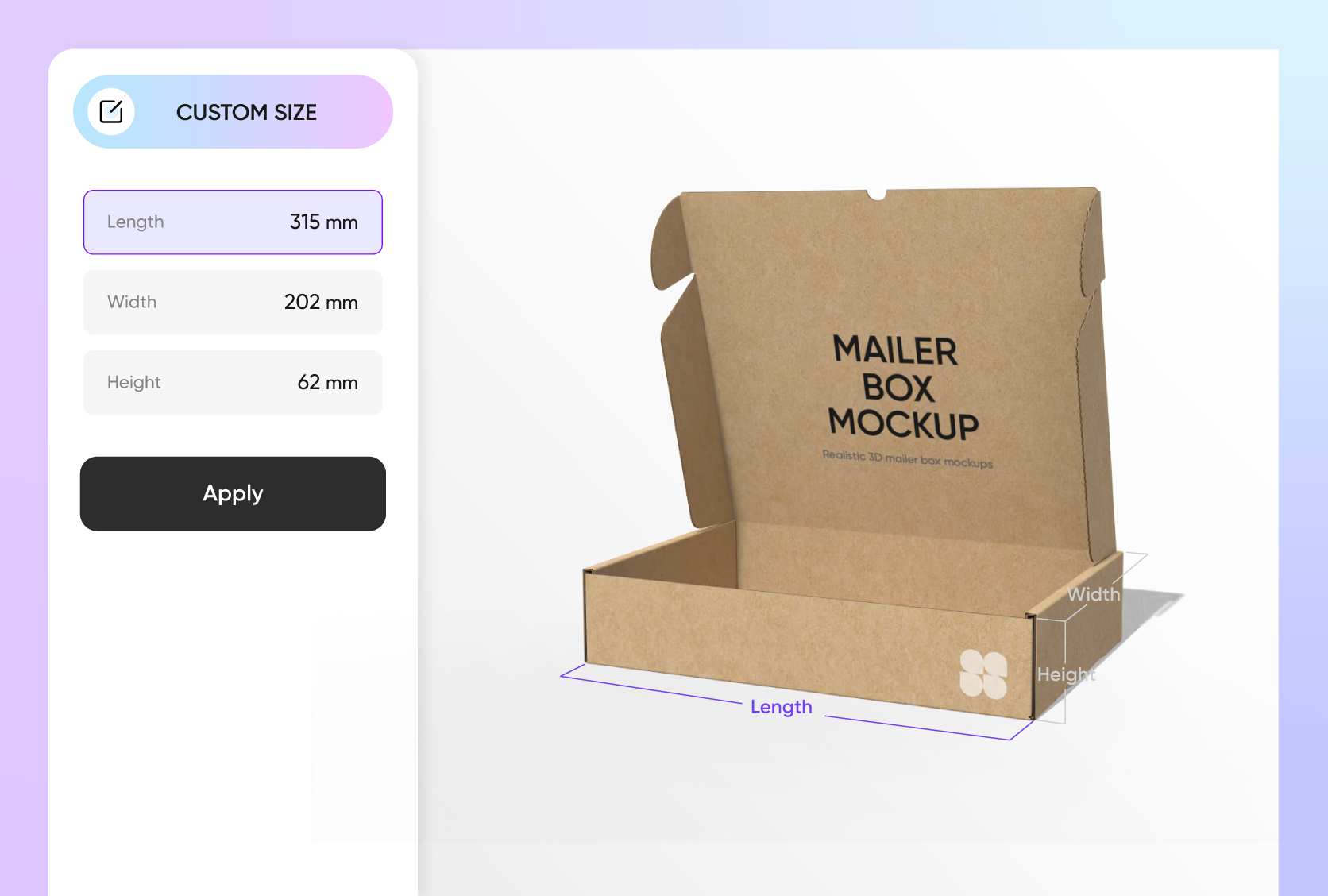
Right-sized packaging for a flawless product fit
Your mailing has to be large enough to ship your product and polished enough to look premium. We’ve got a variety of sizes, like 9.8 × 7.8 × 6.3-inch shipping boxes for medium-sized items.
To make it even better, our online editor lets you adjust the box dimensions so your product fits perfectly and you save on material.
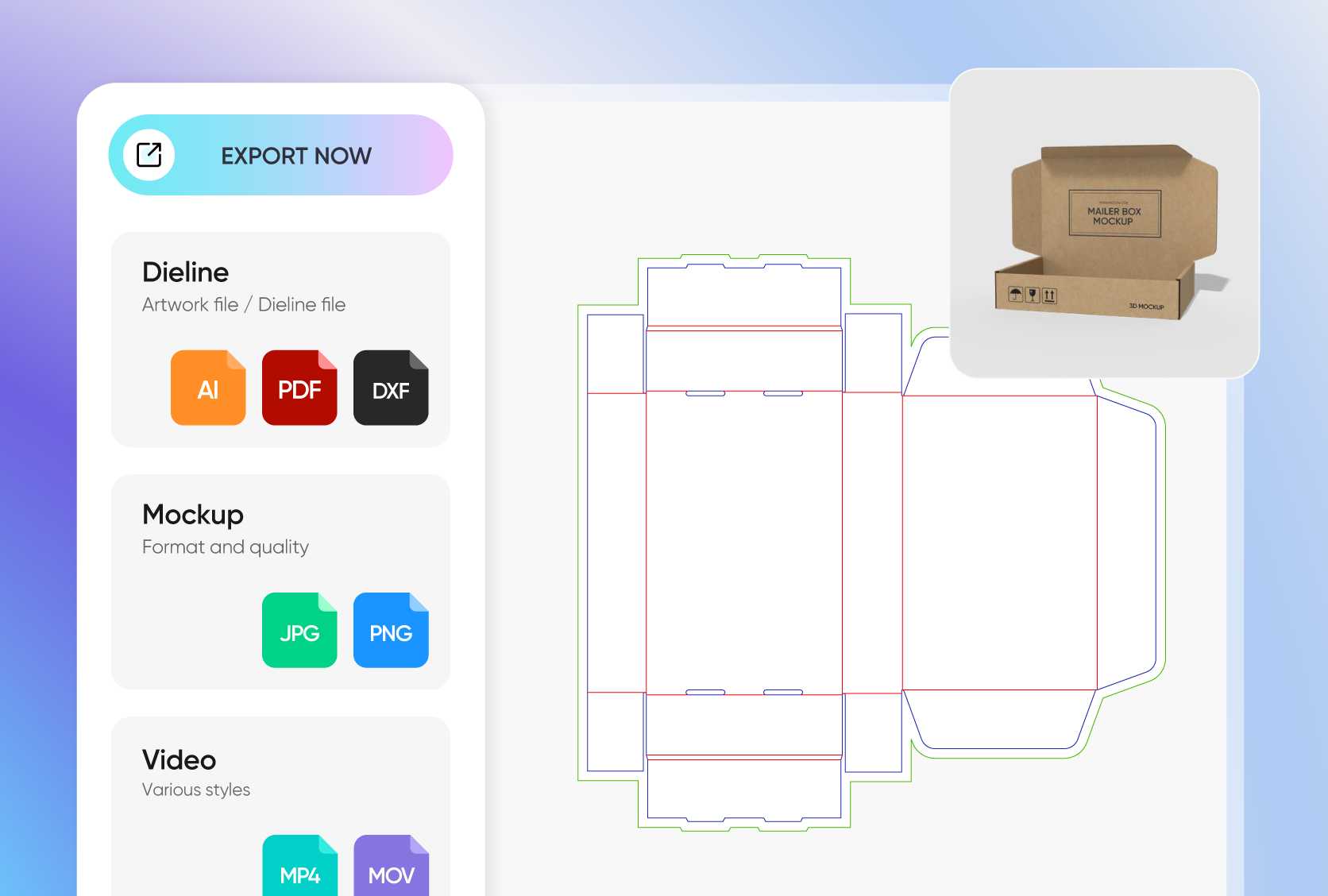
Stunning HD details for a lifelike preview
Present your mailing mockup in a realistic preview. Instantly download printable dieline files with the exact front, sides, and back panels for precise printing.
For client presentations or online use, our platform supports crisp HD PNG/JPG images and dynamic MP4 videos for a full, lifelike view of your mailing design.
Mailing mockup designed to showcase your product
Our ready-to-use mailing mockups come in a variety of styles so you can quickly find the right one for your product.
From a sturdy mailing box for electronics to sleek mailing bags for apparel, envelopes, folders, and more, you've got all the options you need to create designs that leave an impression.
Unlimited customization to showcase your unique style
With our online editor, you can place your logo anywhere you like, on the top or center of a mailing box, or the top-left corner of an envelope.
You can also add playful patterns, product images, graphics, and typography that match your brand’s style. Pacdora gives you full freedom to showcase your creative vision.
Right-sized packaging for a flawless product fit
Your mailing has to be large enough to ship your product and polished enough to look premium. We’ve got a variety of sizes, like 9.8 × 7.8 × 6.3-inch shipping boxes for medium-sized items.
To make it even better, our online editor lets you adjust the box dimensions so your product fits perfectly and you save on material.
Stunning HD details for a lifelike preview
Present your mailing mockup in a realistic preview. Instantly download printable dieline files with the exact front, sides, and back panels for precise printing.
For client presentations or online use, our platform supports crisp HD PNG/JPG images and dynamic MP4 videos for a full, lifelike view of your mailing design.
How to design a mailing mockup online?
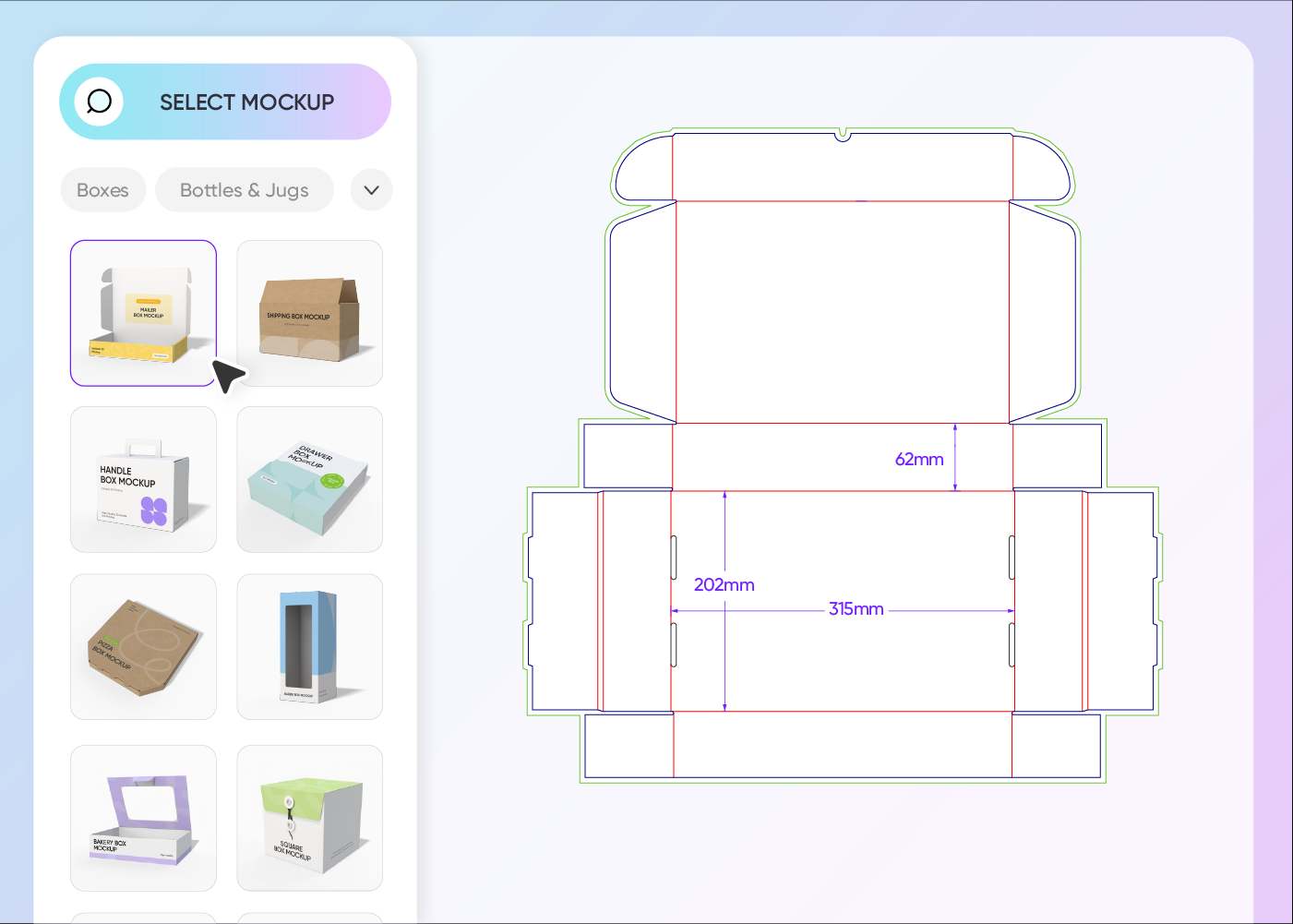
Step 1: Select a mailing mockup
Select from our professionally made mailing mockups. Browse by category in the left-hand menu to find your perfect style.
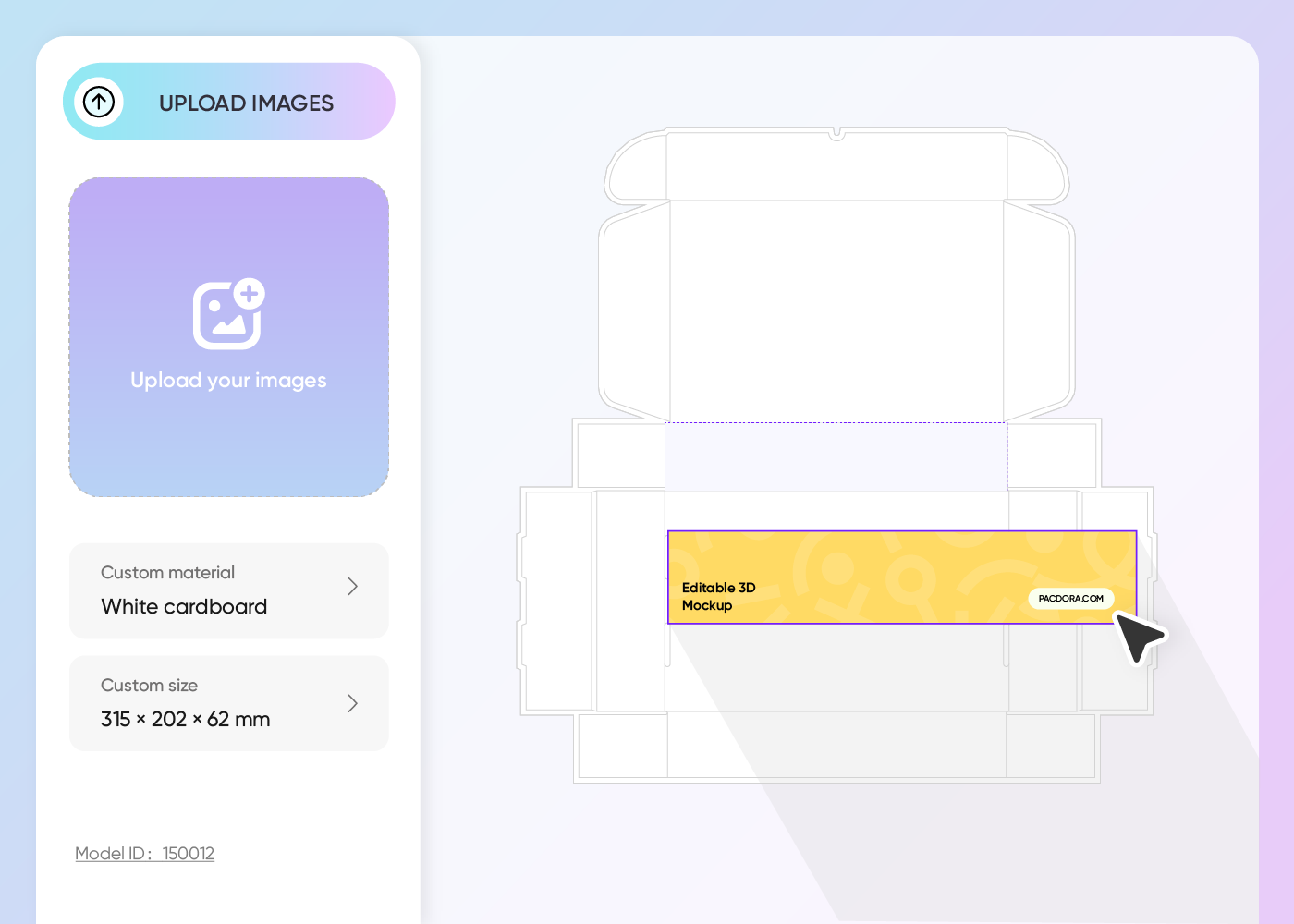
Step 2: Upload your design and customize
Upload your logo, graphics, or artwork, and use our easy-to-use online editor to adjust the dimensions, materials, and even add your text and images.
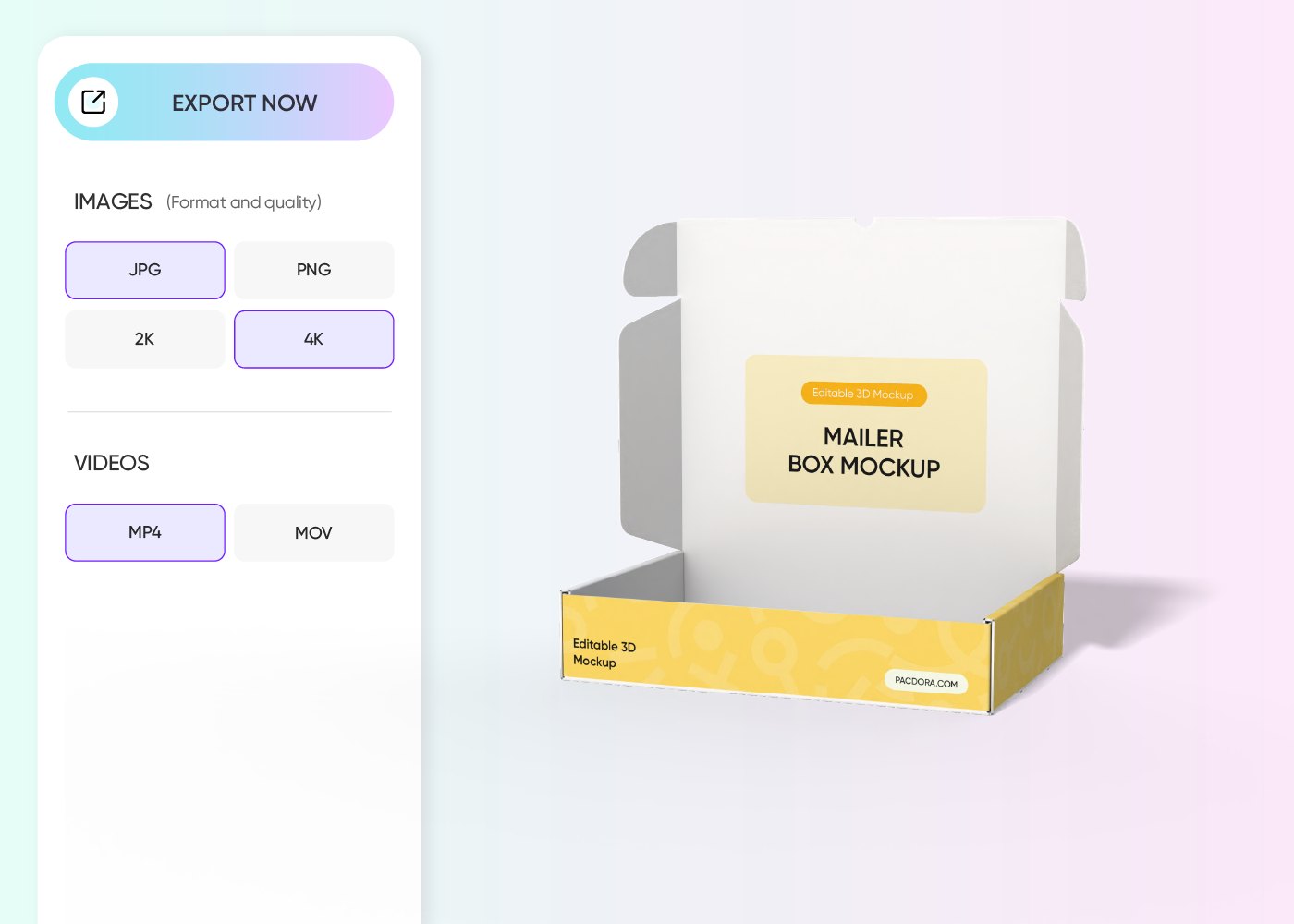
Step 3: Download your mailing design
Download your mailing design as a printable file for production, or as HD PNG/JPG images or videos for online promotion.
Step 1: Select a mailing mockup
Select from our professionally made mailing mockups. Browse by category in the left-hand menu to find your perfect style.
Step 2: Upload your design and customize
Upload your logo, graphics, or artwork, and use our easy-to-use online editor to adjust the dimensions, materials, and even add your text and images.
Step 3: Download your mailing design
Download your mailing design as a printable file for production, or as HD PNG/JPG images or videos for online promotion.
Our customers love Pacdora’s mockups
Thousands before you have designed realistic mockups with Pacdora and loved it.

Great mock-ups and literally thousands of packaging designs to choose from. The 3d mock-up is so good, helps bring clarity to the client as well as the designers. Great product for packaging design professionals.


cosmiccorner
Move over, complicated design software! Pacdora is the superhero of packaging mockups. Creating 3D magic for my products is as easy as pie – no PhD in design required. It’s like the software looked at the clock and said, ‘Time to save users from design nightmares!’ It’s so user-friendly, even my coffee mug wants to try its hand at packaging design.
FAQ
What is a mailing mockup and why is it important?
A mailing mockup is a digital or realistic rendering of your product’s mailing packaging, with design elements such as color, text, patterns, logo, and more. It shows exactly how your design will look in real life when produced, giving you the opportunity to make changes and even add new elements. It’s a clear and professional way to present your ideas to clients and stakeholders for approval.
Can a mailing mockup be used for branding?
Yes, you can use a mailing mockup to display your branding elements, like your logo, colors, fonts, messaging, and other custom details, to your target audience online. If your mockup is professionally designed and resonates with your audience, you can expect positive feedback wherever you share it, whether on social media or in online stores.
How can I make my mailing mockup look more realistic?
Simply add proper lighting and shadows to your mailing mockup to give it depth and make it look like a real photograph. Instead of a plain background, opt for a realistic AI background, something like placing your mailing box in a textured surface, with props such as notebooks to make it feel more authentic. Also, always aim for HD images to ensure your design looks crisp and professional.
What design tool can I use to customize a mailing mockup?
Pacdora is one of the best 3D design studios you can use to create brand-oriented mailing mockups. The platform has a variety of ready-made mailing mockups that you can easily customize to match the design needs. Plus, it’s super intuitive, so creating your design takes just a few minutes, and you get industry-standard printable dieline files for producing your mailing packaging, or HD visuals for commercial or personal use.
Can I create a mailing mockup for free on Pacdora?
Sure! Try out our free features to test your design skills and create mailing mockups for your products. You can also check out our pricing page to learn more about our premium features.
Explore more mockups
Discover more about Pacdora

Kickstart your exciting journey of designing mailing mockups online
Create a mailing mockup
