

AI beverage packaging design
Spell out the dose and the feel — Pacdora drafts the beverage can shoppers grab from the cold case.
Trusted by leading companies


Skip the wellness-aisle blur — get a can shoppers actually pull
Indie functional beverage launches into a cold case full of Olipop, Poppi, and three legacy soda lookalikes. Pacdora drafts the beverage can from your ingredient brief — print-ready, designed to read distinct on the wellness shelf, not blend in.
Why choose Pacdora AI for your functional beverage packaging?
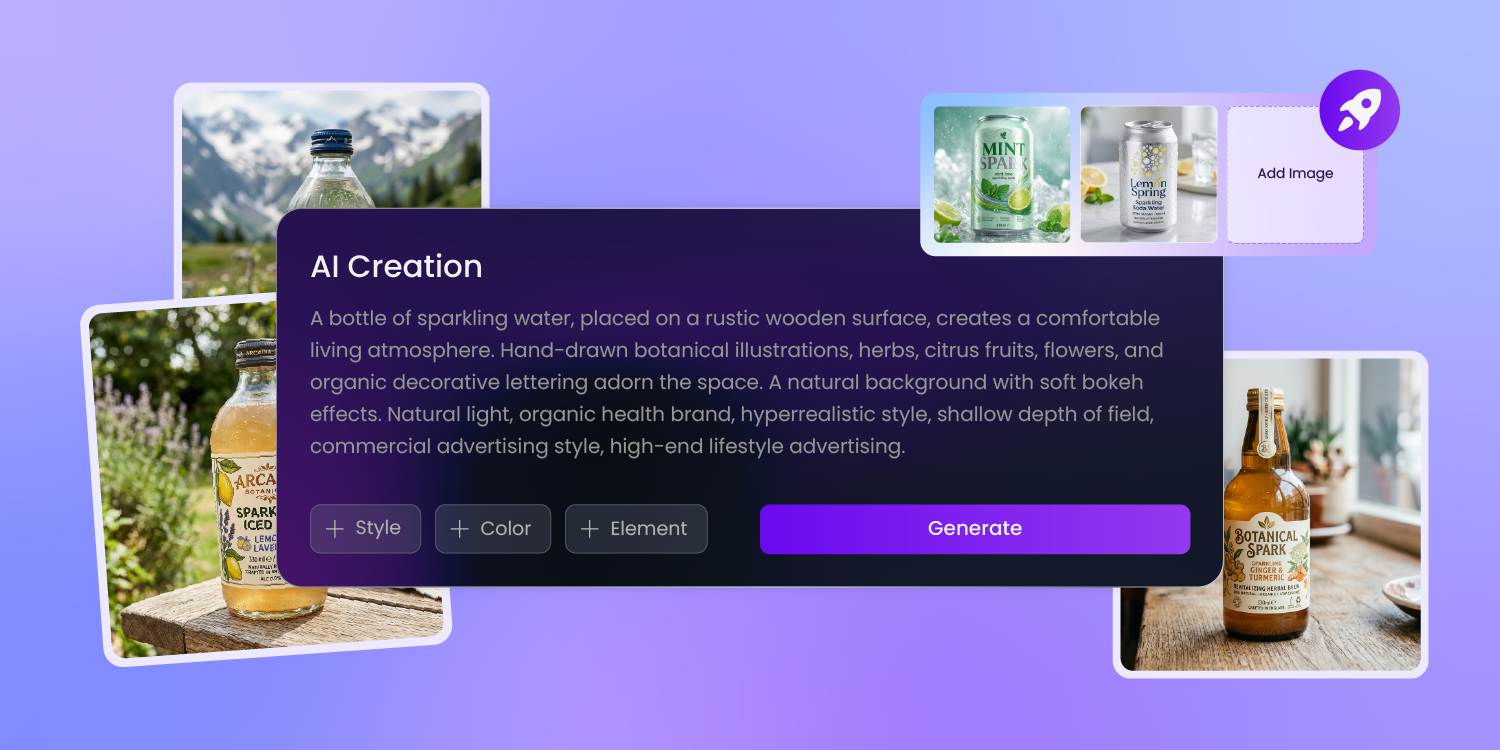
Dose and ingredient on the front
Indie functional beverage stopped competing on 'supports wellness' — it competes on '6g prebiotic fiber,' '200mg ashwagandha,' '25mg CBD.' Pacdora reads the dose and the ingredient as the front hero, sets them at scale on the print-ready dieline — so the shopper sees the function before reading the can.
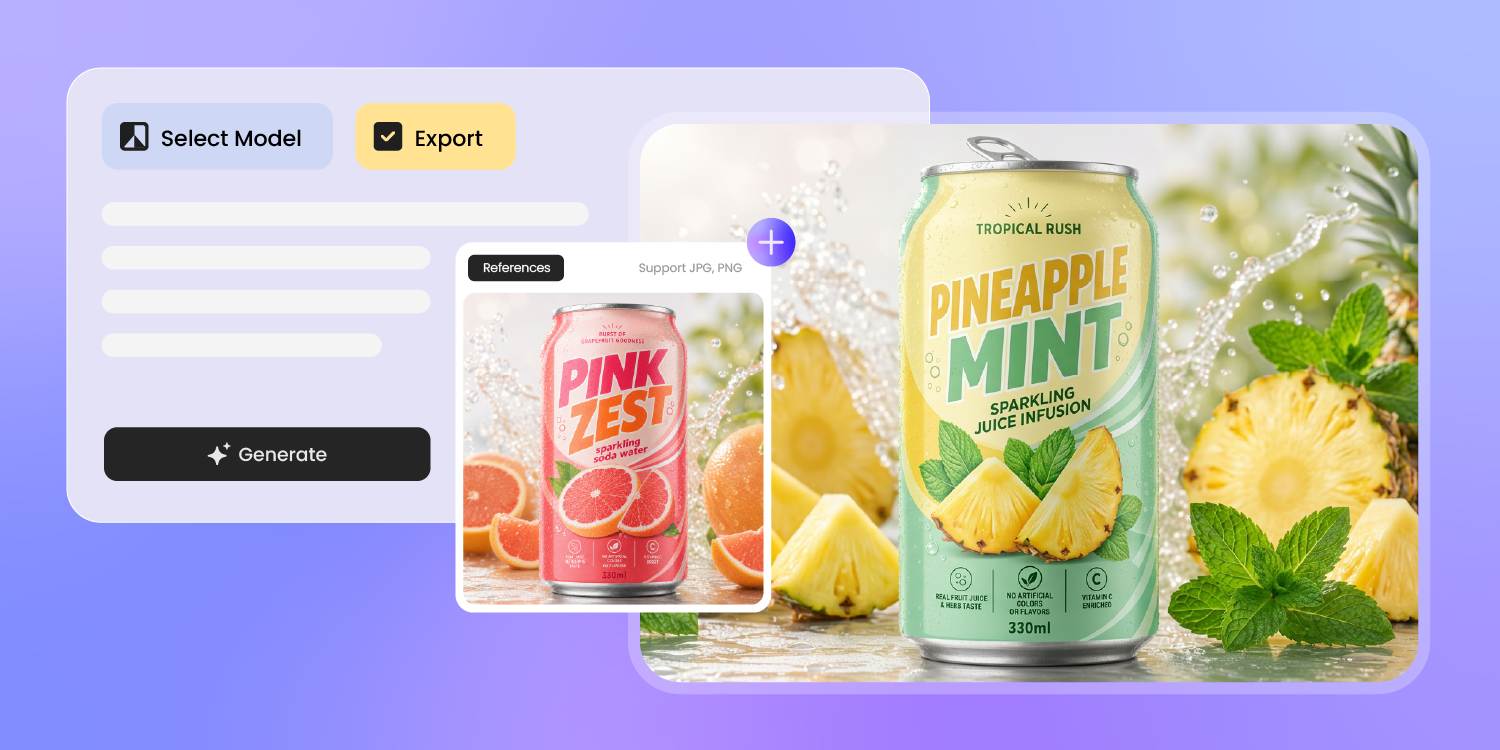
Feel-good soda, not the supplement shelf
A functional drink can look medical (OTC supplement vibe) or feel-good (modern-nostalgia hand-drawn, vibrant punchy). Drop a reference can or pin a mood — Pacdora reads the visual language and drafts your can in the feel-good vein, not the supplement vein.
Same dose, different shelf signal.
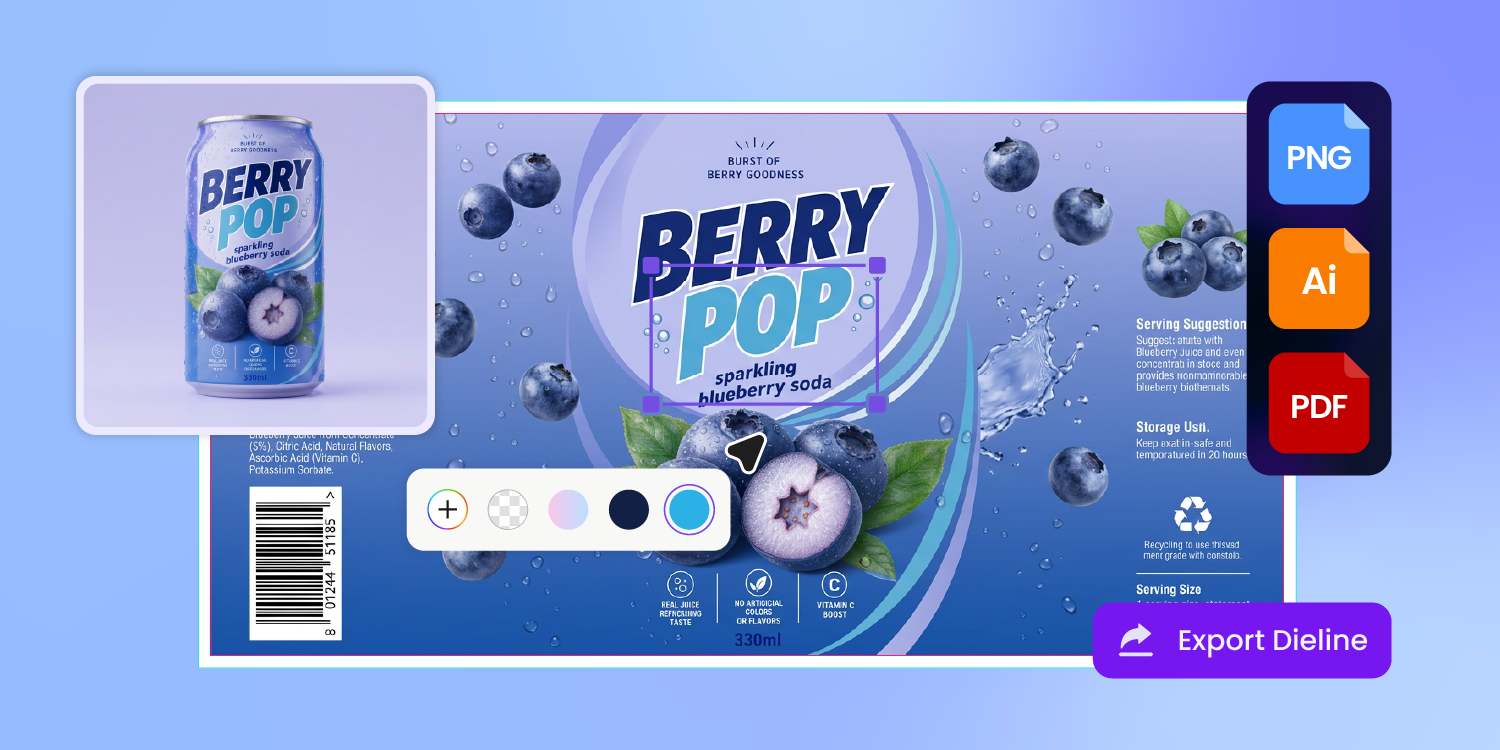
FDA disclaimer in its own zone
Every 'supports gut health' or 'boosts focus' claim triggers an FDA structure-function rule — you need a 'not evaluated by FDA' disclaimer at readable size.
Pacdora lays out the disclaimer on the dieline as its own zone, not buried under the ingredient list — so the FDA review passes first time.
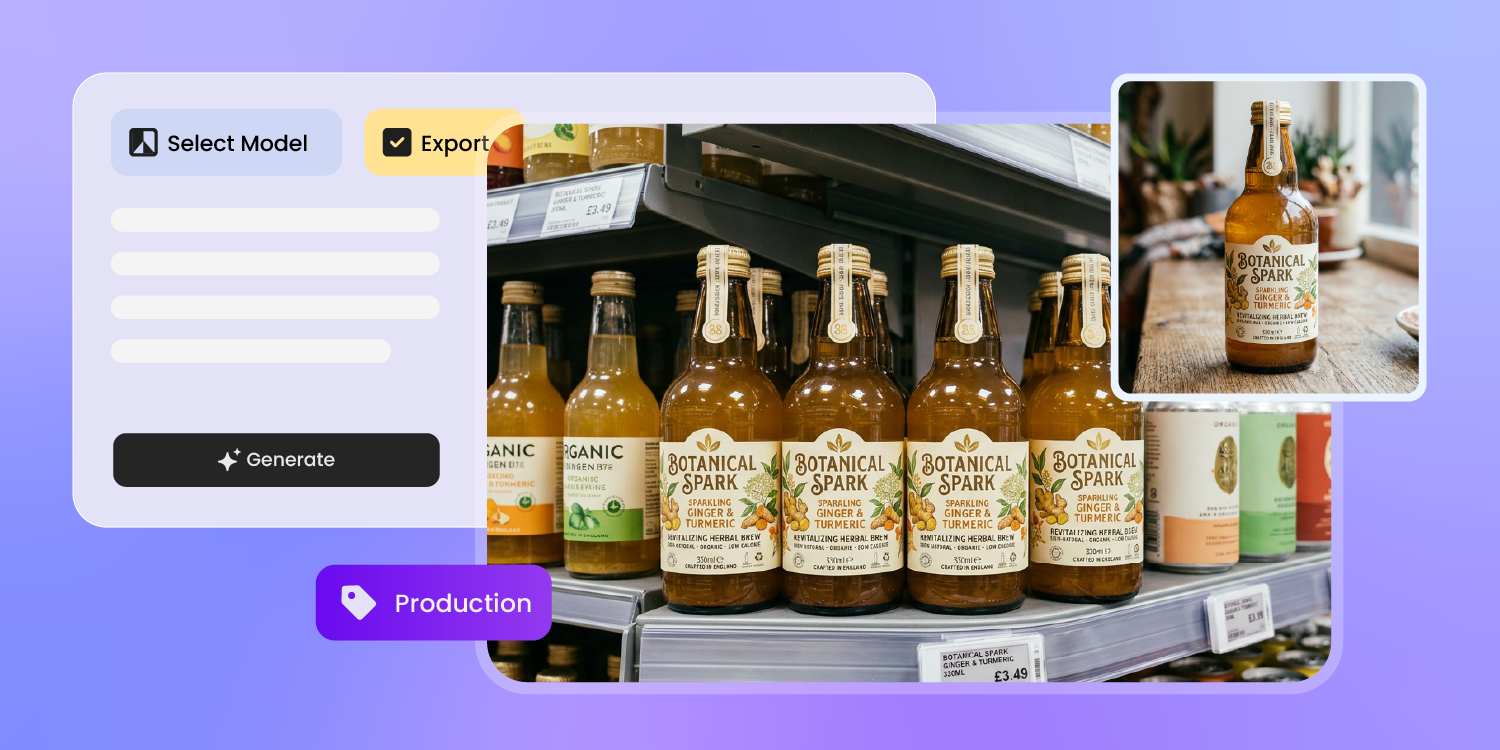
Show the fizz through the bottle
A sparkling functional drink only reads sparkling when shoppers see the carbonation — bubbles climbing inside transparent PET, condensation on the can, color through the bottle.
Pacdora renders all three on the real bottle and can shape, so the pour shot matches what they see in the cold case.
How to design functional beverage packaging with AI?
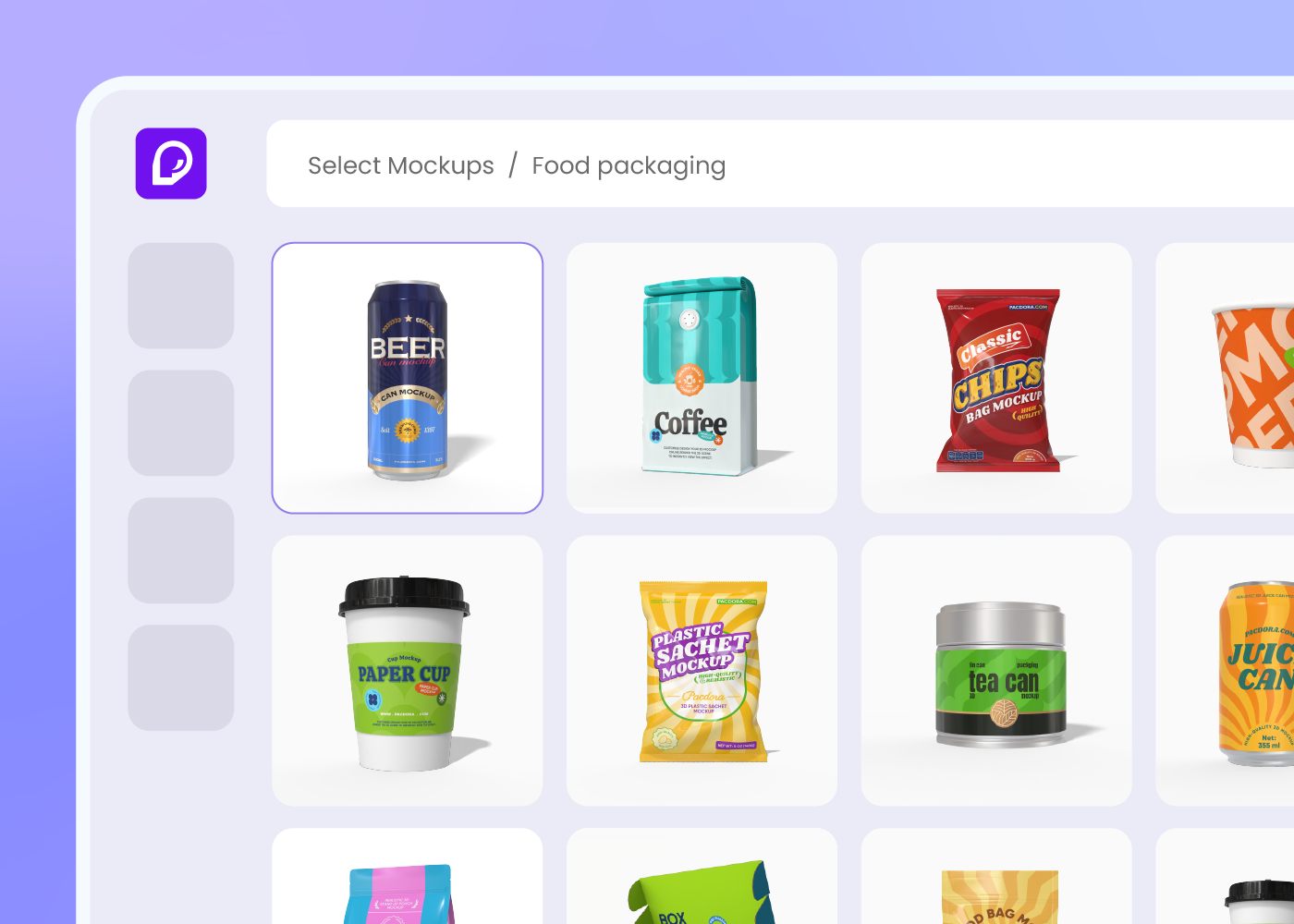
Step 1: Choose your beverage container
Choose a 12oz can, sleek 8.4oz can, glass bottle, or PET bottle — Pacdora loads the dieline and shrink-sleeve spec for each.
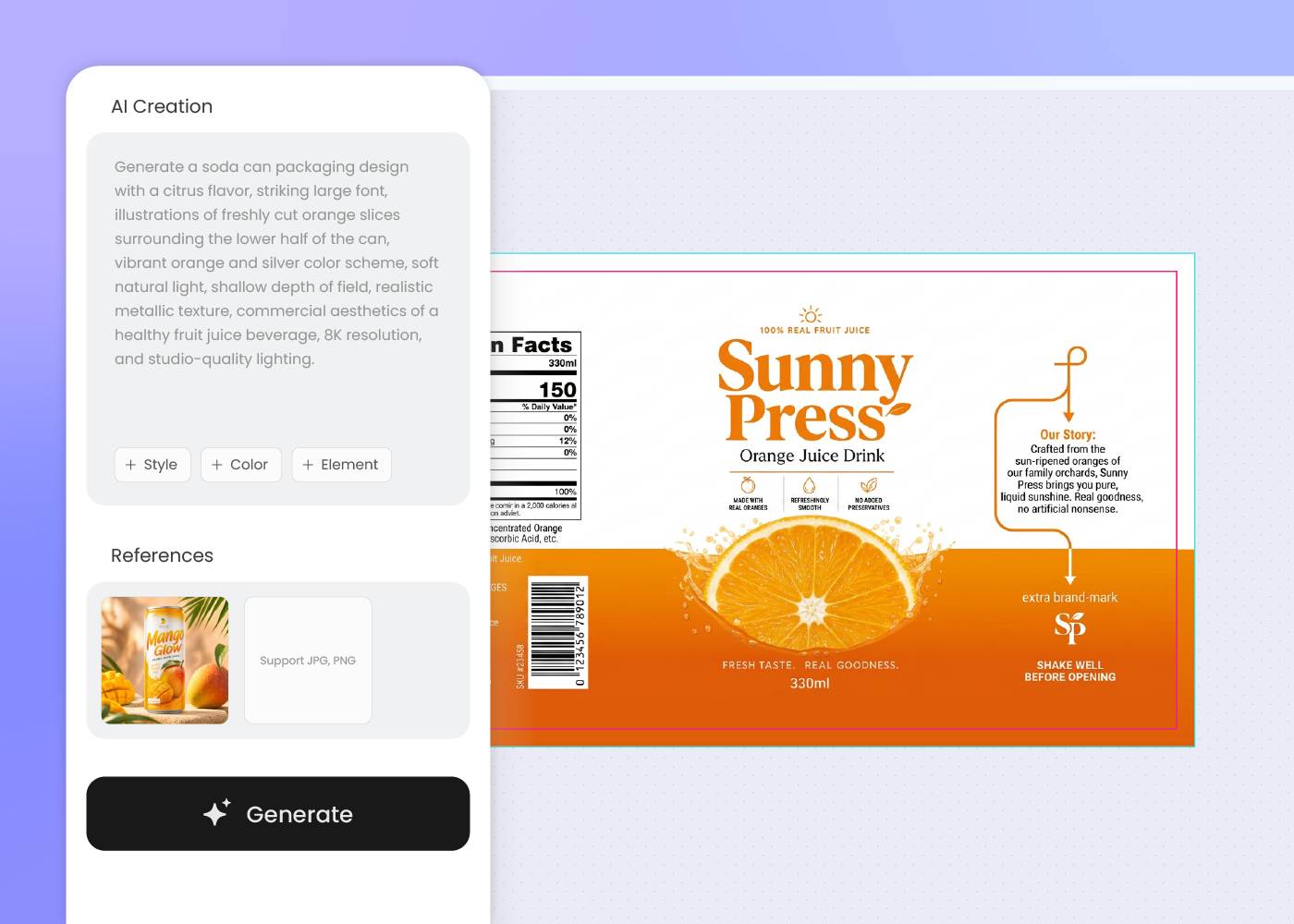
Step 2: Describe the ingredient and the feel
Describe the functional ingredient, the dose, and the brand feel. Regenerate or upload a reference can until the look reads on the wellness shelf.
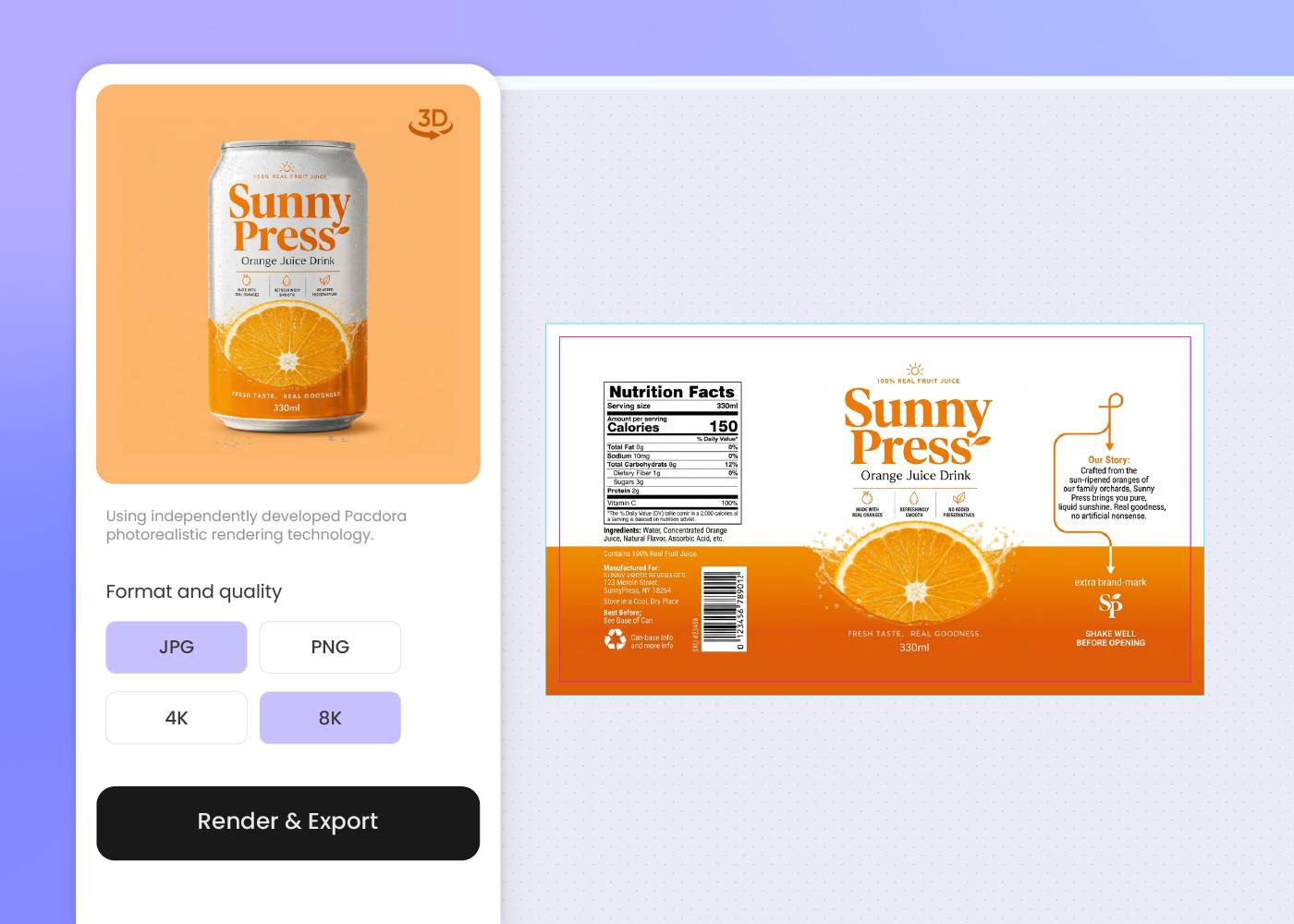
Step 3: Export dieline, 3D mockup, and shelf render
Download the dieline, 3D mockup with carbonation visual, and a shelf render or background-swap product photo — ready for printer, retailer, and DTC.
Step 1: Choose your beverage container
Choose a 12oz can, sleek 8.4oz can, glass bottle, or PET bottle — Pacdora loads the dieline and shrink-sleeve spec for each.
Step 2: Describe the ingredient and the feel
Describe the functional ingredient, the dose, and the brand feel. Regenerate or upload a reference can until the look reads on the wellness shelf.
Step 3: Export dieline, 3D mockup, and shelf render
Download the dieline, 3D mockup with carbonation visual, and a shelf render or background-swap product photo — ready for printer, retailer, and DTC.
FAQ
Frequently asked questions
How do I keep a 5-flavor functional beverage lineup looking like one brand?
Generate the hero flavor first, then describe each follow-on flavor in a new prompt using the same brand cues — shared color story, shared logo zone, shared label layout. Or upload the hero render as your style reference so the AI carries the visual voice forward. The carry-through is in your prompt or your reference image, not automatic.
What beverage container formats does Pacdora support?
Pacdora supports 12oz cans, sleek 8.4oz cans, tall 16oz cans, glass bottles (12-16oz), PET bottles, and multipack outer cartons — pick the dieline in step one and the AI lays out for the shape and wrap area of each container.
How do I handle the FDA disclaimer for a structure-function claim?
If your front says 'supports gut health' or 'boosts focus,' you need a 'not evaluated by FDA' disclaimer at readable size in close proximity. Pacdora reserves the disclaimer zone on the dieline as its own area (not crammed under the ingredient list), so your regulatory team passes review without reflowing the front.
Can the design support sustainable functional beverage packaging?
Yes, at the design level. Pacdora leaves room on the visible panels for FSC, How2Recycle, or recyclable-content certification marks, and exports the dieline so your co-packer can run it on rPET, aluminum, glass, or recyclable-liner formats per your sustainability brief. The material choice itself stays with you and the printer.
How much does AI beverage packaging design cost?
You can start designing for free. Credits are consumed based on how many designs you generate and download. Check your account balance before generating, or upgrade for more credits anytime. For full details on subscription plans and credit packages, see our Pricing Page.
Can I use the beverage packaging design commercially?
Yes. As long as you comply with our Terms of Service, AI-generated beverage packaging can be used commercially — including DTC product images, retailer pitch decks, Amazon and marketplace listings, social and creator campaigns, and investor decks.
Explore more free tools
Discover more about Pacdora
4M+
designers trust Pacdora
Beverage packaging, perfected by AI.
