

AI product mockup generator
Got a packaging idea? Type it — Pacdora draws the design on a packaging mockup, ready for 3D preview.
Trusted by leading companies


Turn your product brief into a packaging mockup
Most packaging concepts stall between a sketch and a 3D file.
Pacdora's AI takes your product brief and lays out the dieline with your design already on it — open it in 3D preview to walk around your packaging before the first sample ships.
Why choose Pacdora AI for your product mockup?
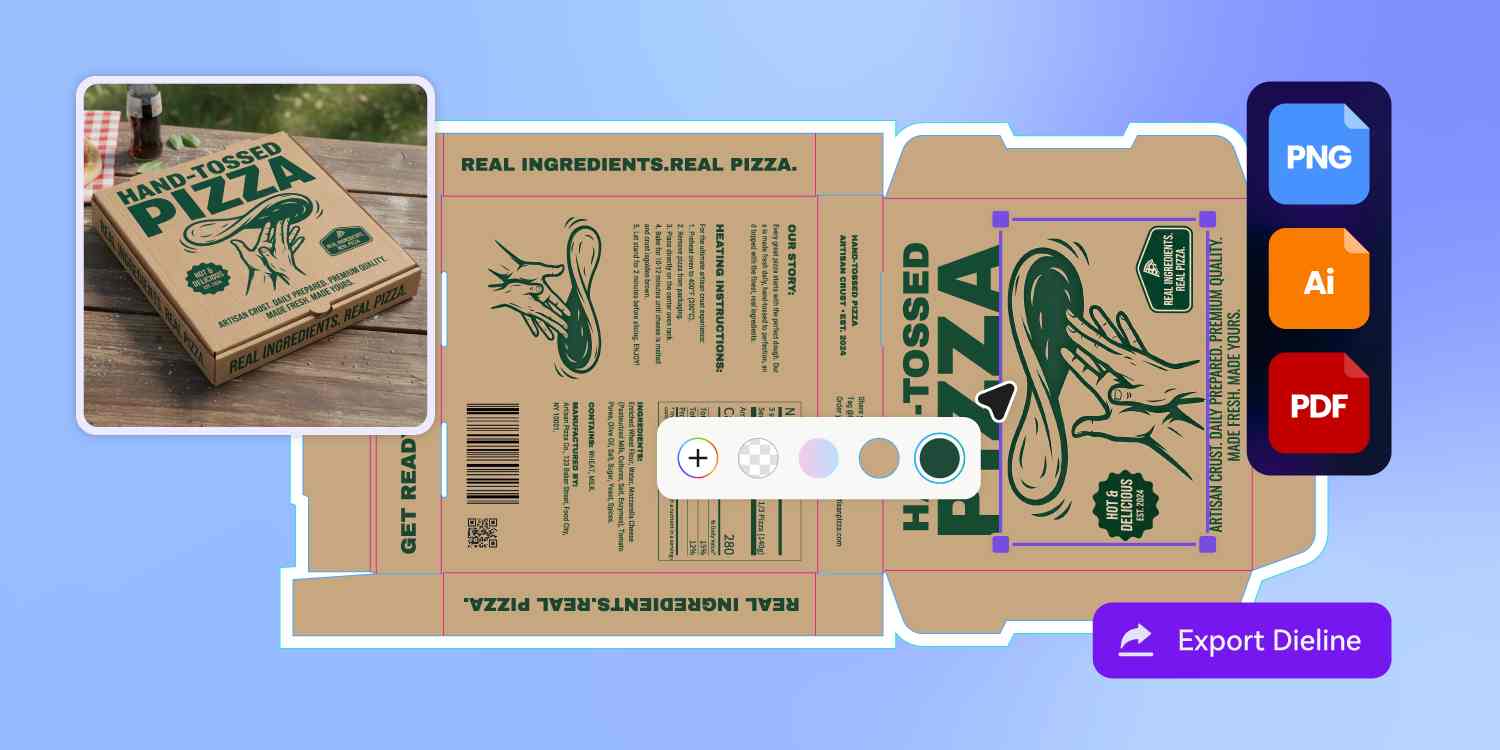
3D mockups built on real dielines
Open your packaging in 3D preview and you can see whether your design clears the fold, plays nicely with the seam, or sits awkwardly against the lid.
Pacdora's mockup lives on the actual dieline — so what you preview is what your printer will eventually run.
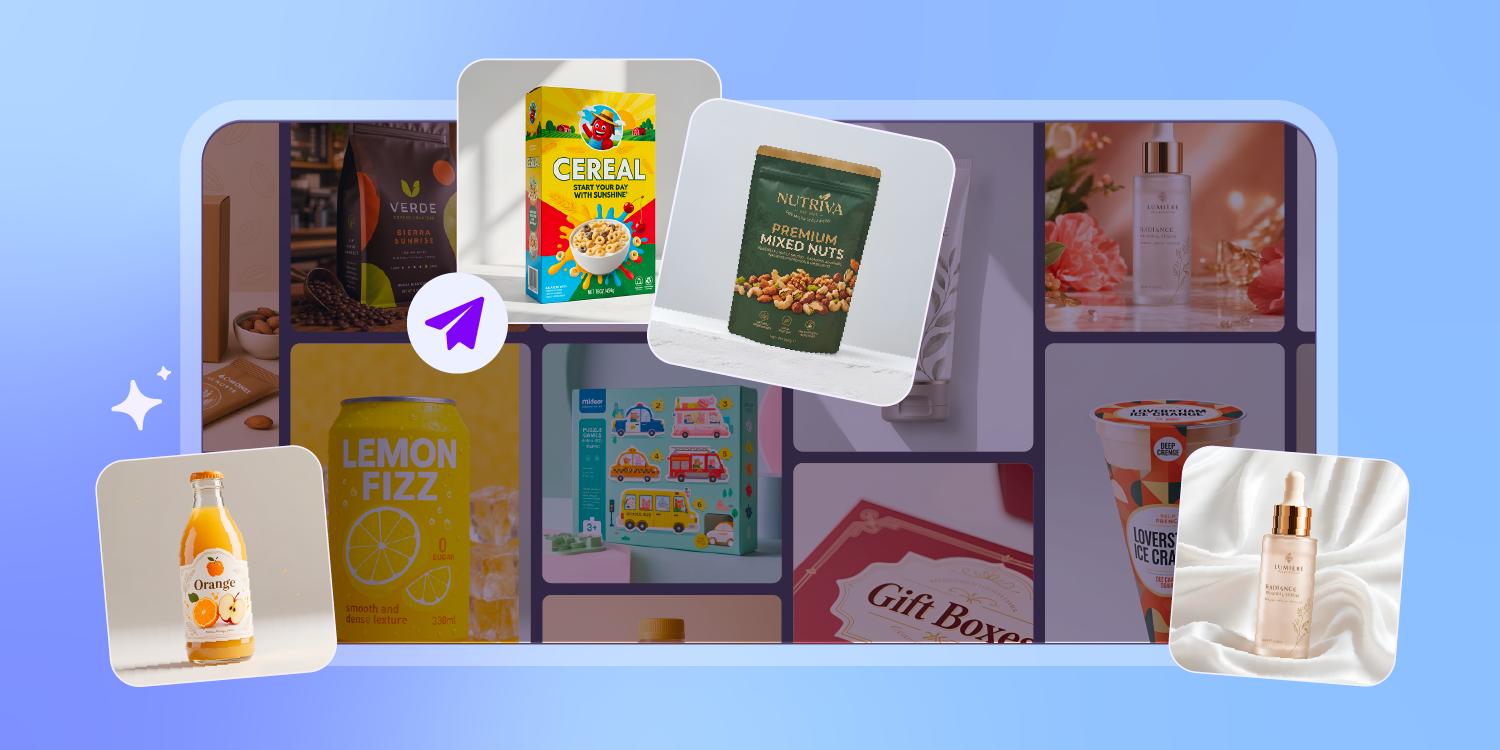
From folding cartons to stand-up pouches
Pacdora's packaging library covers folding cartons, mailer boxes, rigid set-up boxes, glass and plastic bottles, jars, squeeze tubes, pouches, sachets, sleeves, and cans.
Pick the structure in step one, type your product brief, and the AI lays out the dieline on the shape you chose.
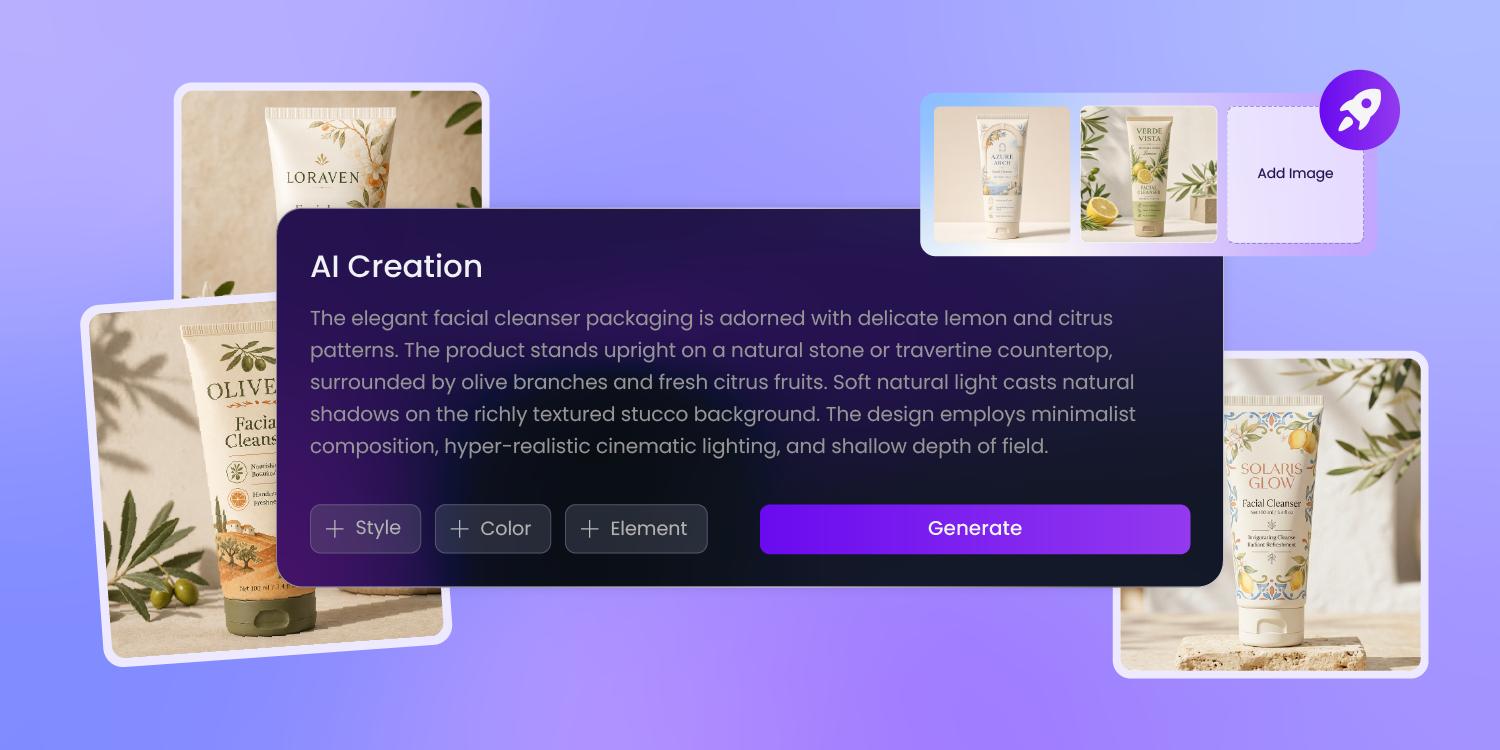
A mockup from a sentence
A founder types 'lavender body cream in a 50ml frosted jar with a gold lid' into the box.
A few seconds later Pacdora has the jar dieline laid out with the label on it — ready to open in 3D preview, no Illustrator file needed.
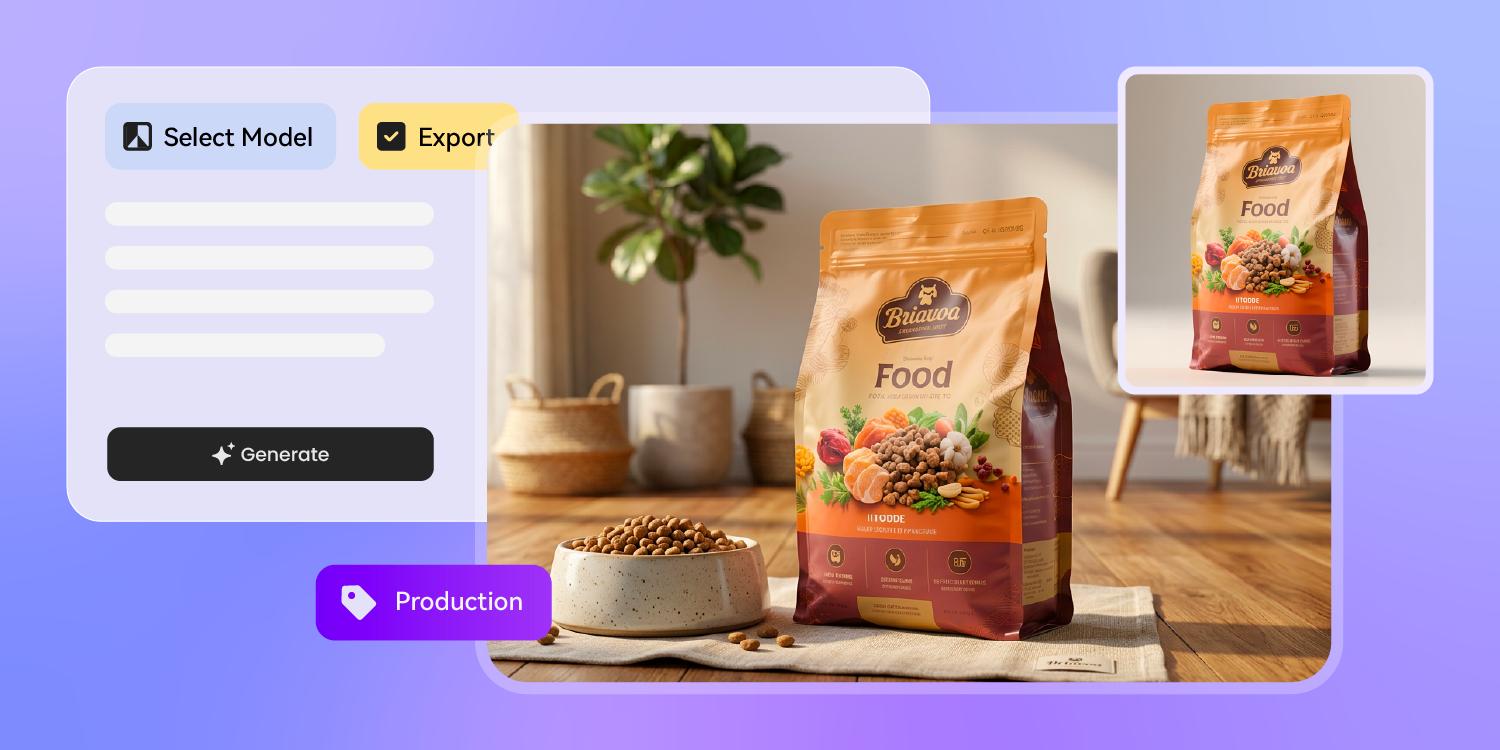
Ready for Amazon, Kickstarter, or print
Drop the mockup into an Amazon listing, a Kickstarter campaign page, or a wholesale buyer's deck the same afternoon you typed the prompt.
Pacdora exports a high-resolution mockup and the underlying dieline file, so the same brief travels from concept image to print spec without a second tool.
How to generate a product mockup with AI?
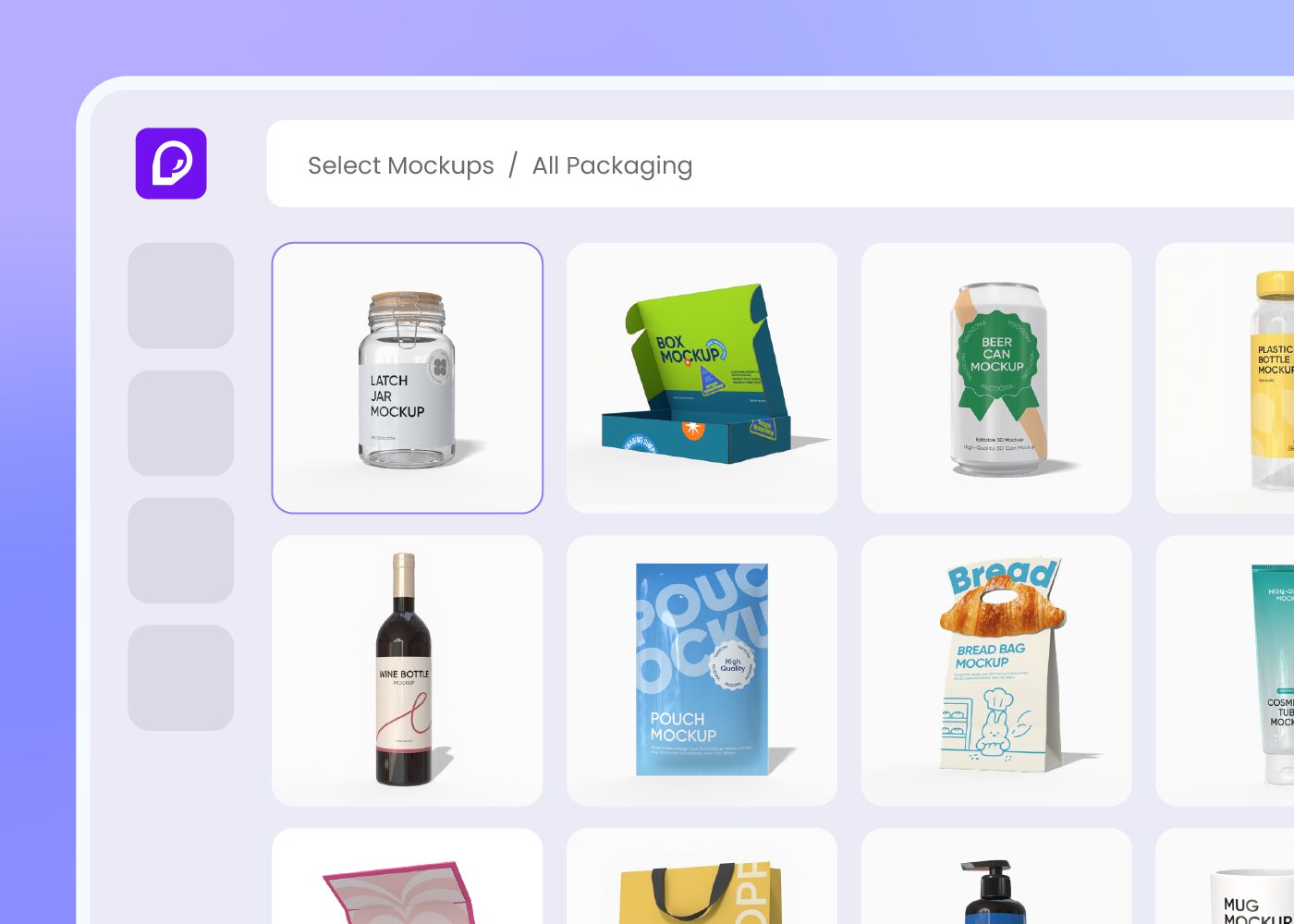
Step 1: Pick your packaging type
Choose a folding carton, mailer box, glass bottle, jar, squeeze tube, sleeve, or stand-up pouch — Pacdora loads the dieline.
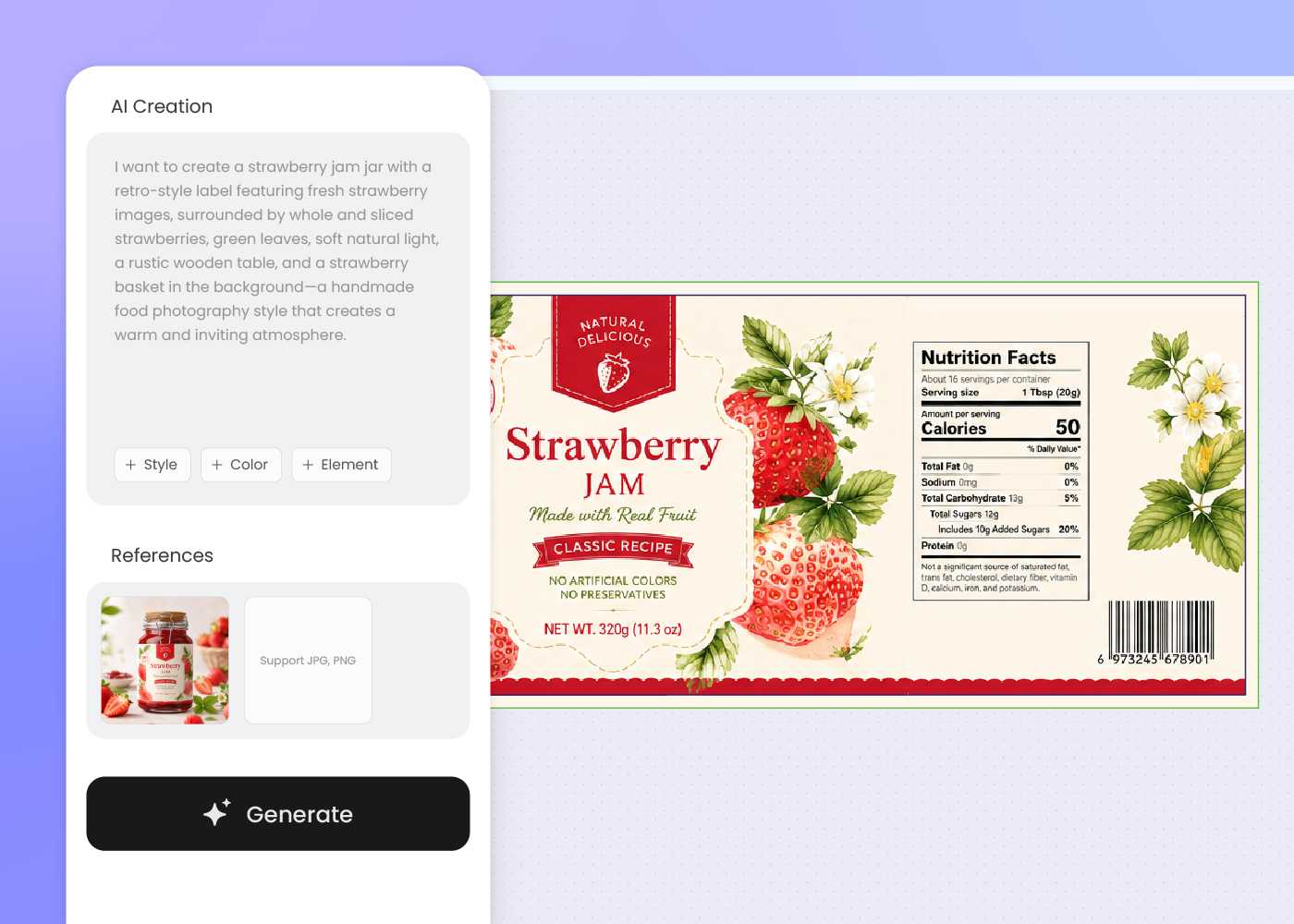
Step 2: Describe your product in plain text
Type what's inside, what brand vibe you want, and which shelf you're aiming at — pharmacy, beauty, food, or specialty retail.
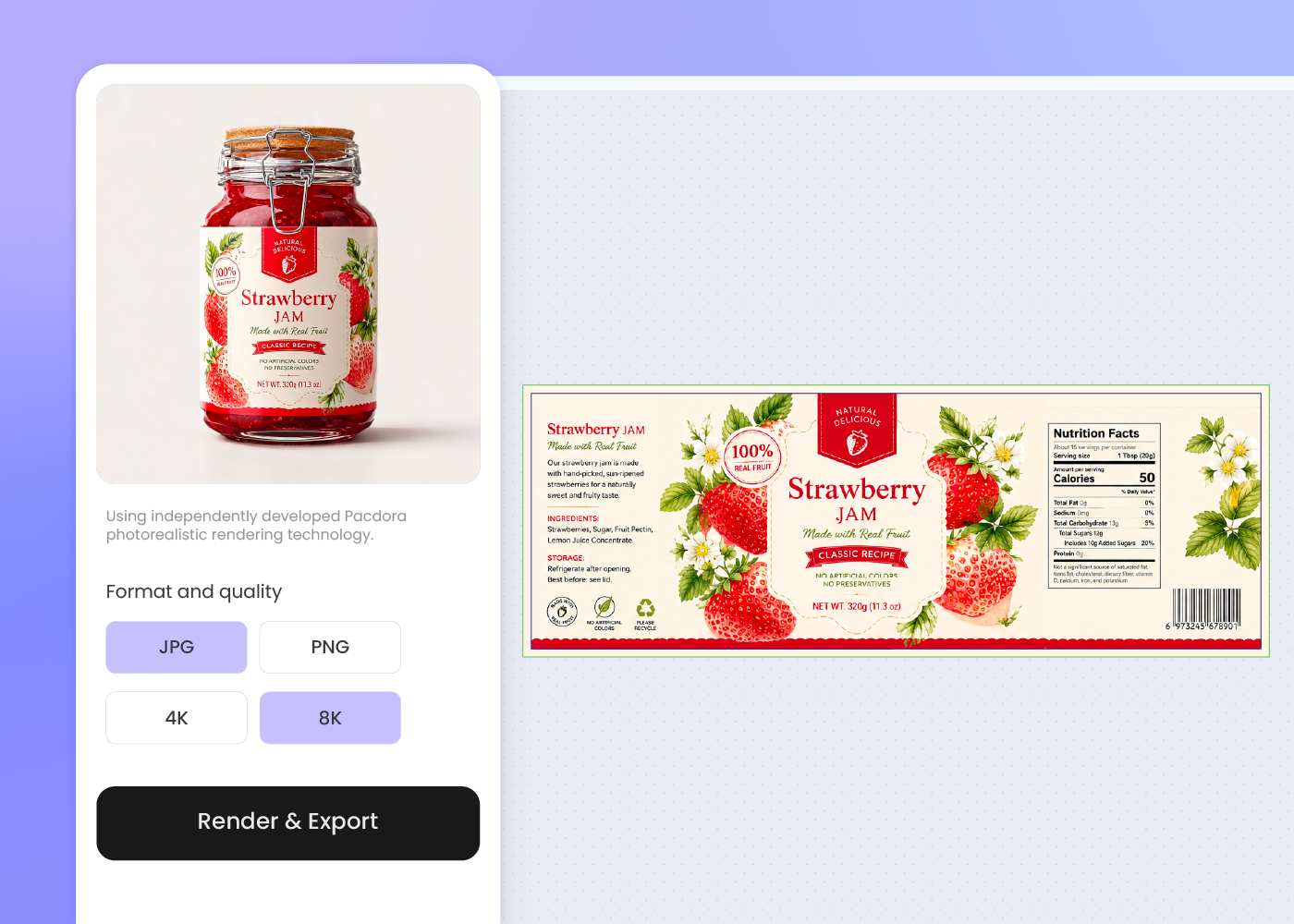
Step 3: Open in 3D preview and download
Walk around the packaging in 3D, tweak the prompt if needed, then download a high-resolution mockup and the matching dieline file.
Step 1: Pick your packaging type
Choose a folding carton, mailer box, glass bottle, jar, squeeze tube, sleeve, or stand-up pouch — Pacdora loads the dieline.
Step 2: Describe your product in plain text
Type what's inside, what brand vibe you want, and which shelf you're aiming at — pharmacy, beauty, food, or specialty retail.
Step 3: Open in 3D preview and download
Walk around the packaging in 3D, tweak the prompt if needed, then download a high-resolution mockup and the matching dieline file.
FAQ
Frequently asked questions
Do I need Photoshop or 3D modeling experience?
No. Pacdora's AI takes plain English input — describe the product, container, and brand vibe and the tool lays out the dieline. The optional 3D preview runs in your browser, with no Photoshop, Illustrator, or Blender file to manage.
Are the mockups 3D or flat 2D templates?
Both. The AI first lays out your design on the flat dieline of a real packaging structure. Then open the same file in 3D preview to walk around the bottle, box, or pouch and see how the artwork sits on every panel and fold.
What packaging types does this support?
Pacdora covers folding cartons, mailer boxes, rigid set-up boxes, bottles, jars, squeeze tubes, pouches, sachets, sleeves, and cans — across food, beauty, supplement, and specialty categories. New shapes are added over time. If your container isn't there yet, pick the closest structure and refine.
Can I make a mockup without a real product photo?
Yes. Pacdora generates the mockup from your text description alone — no product photo, no manufactured sample required. Use the output for pre-launch Meta ads, Kickstarter campaign pages, retailer pitches, and crowdfunding before the first run ships.
How much does the AI product mockup generator cost?
You can start generating mockups for free. Credits are consumed based on how many mockups you generate and download. Check your account balance before generating, or upgrade for more credits anytime. For full details on subscription plans and credit packages, see our Pricing Page.
Can I use the AI-generated mockup commercially?
Yes. As long as you comply with our Terms of Service, AI-generated packaging mockups can be used commercially — Amazon listings, Kickstarter campaigns, investor decks, wholesale presentations, and printed marketing materials all qualify.
Explore more free tools
Discover more about Pacdora
4M+
designers trust Pacdora
Type your packaging. See it in 3D.
