

AI electronics packaging design
Outline your device — Pacdora drafts the retail box, specs and all.
Trusted by leading companies


Packaging that survives the peg hook and the unboxing video
Indie hardware teams race toward embargo day with a half-designed retail box and a packaging vendor who hasn't seen the device yet. Pacdora drafts the retail box from a device brief — print-ready, before the first PCB lands.
Why choose Pacdora AI for your electronics packaging?
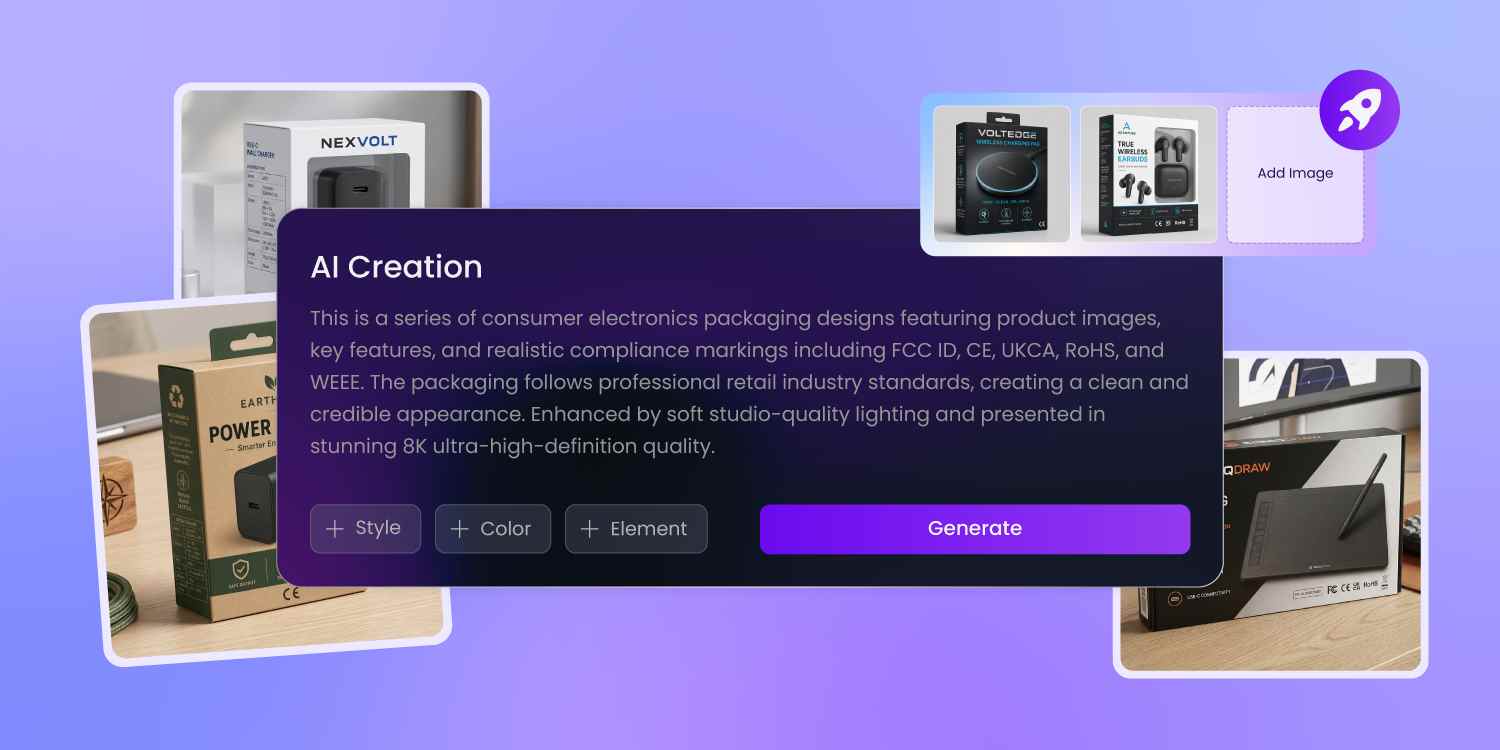
Room for every compliance mark
A consumer-electronics box runs more marks than any other category — FCC ID, CE, UKCA, RoHS, WEEE, the lithium-air shipping notice, plus Canada's equal-font bilingual rule.
Pacdora exports the compliance back and side as zones on the print-ready dieline, not a flat poster — so your compliance team drops the final FCC ID onto the actual cut-and-fold file, no prepress repass before the printer plates it.
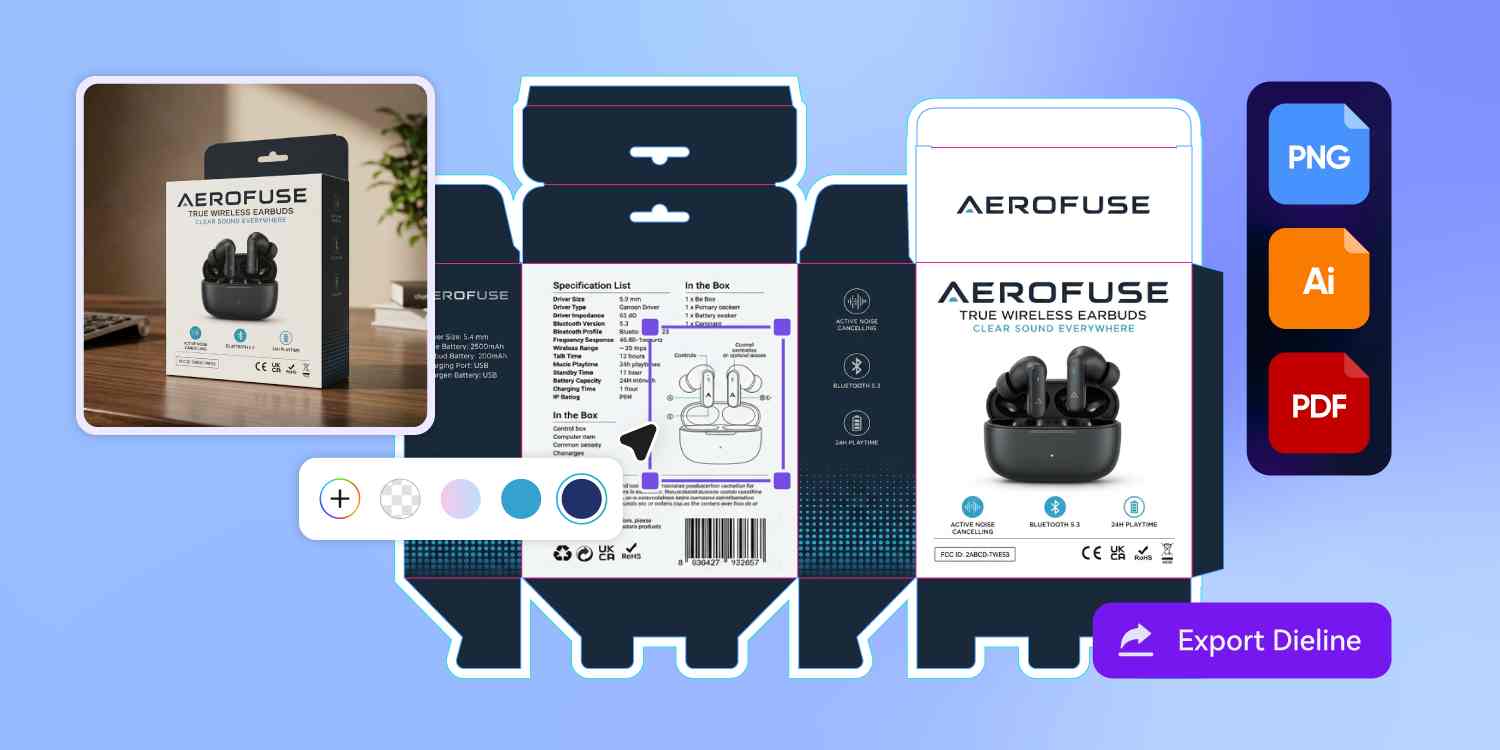
Skip the four-vendor relay
In a normal launch, your graphics agency hands a brief to a structural engineer, who hands a dieline to a printer who hasn't seen the device.
Pacdora puts the graphics and the dieline in the same export, so the file you signed off on is the file the printer plates.
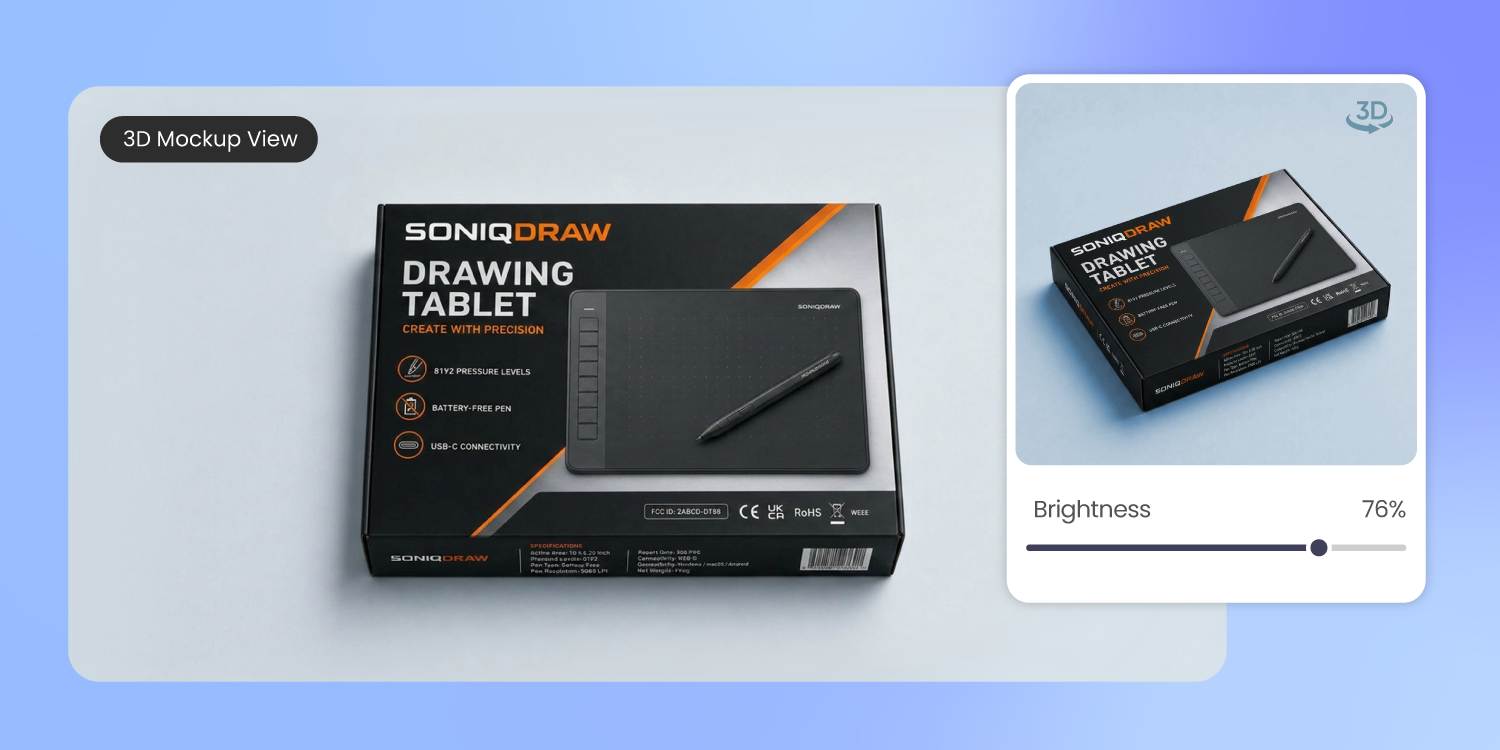
Spec panel and pictorial inventory
Pacdora renders all six faces of the box in 3D with the real finish — matte front, foil-stamped lid, satin-print specs on the side.
The 9pt connectivity table that reads on a flat artwork mockup but disappears on a soft-touch real surface, you catch in the 3D preview — before the print run, not after.
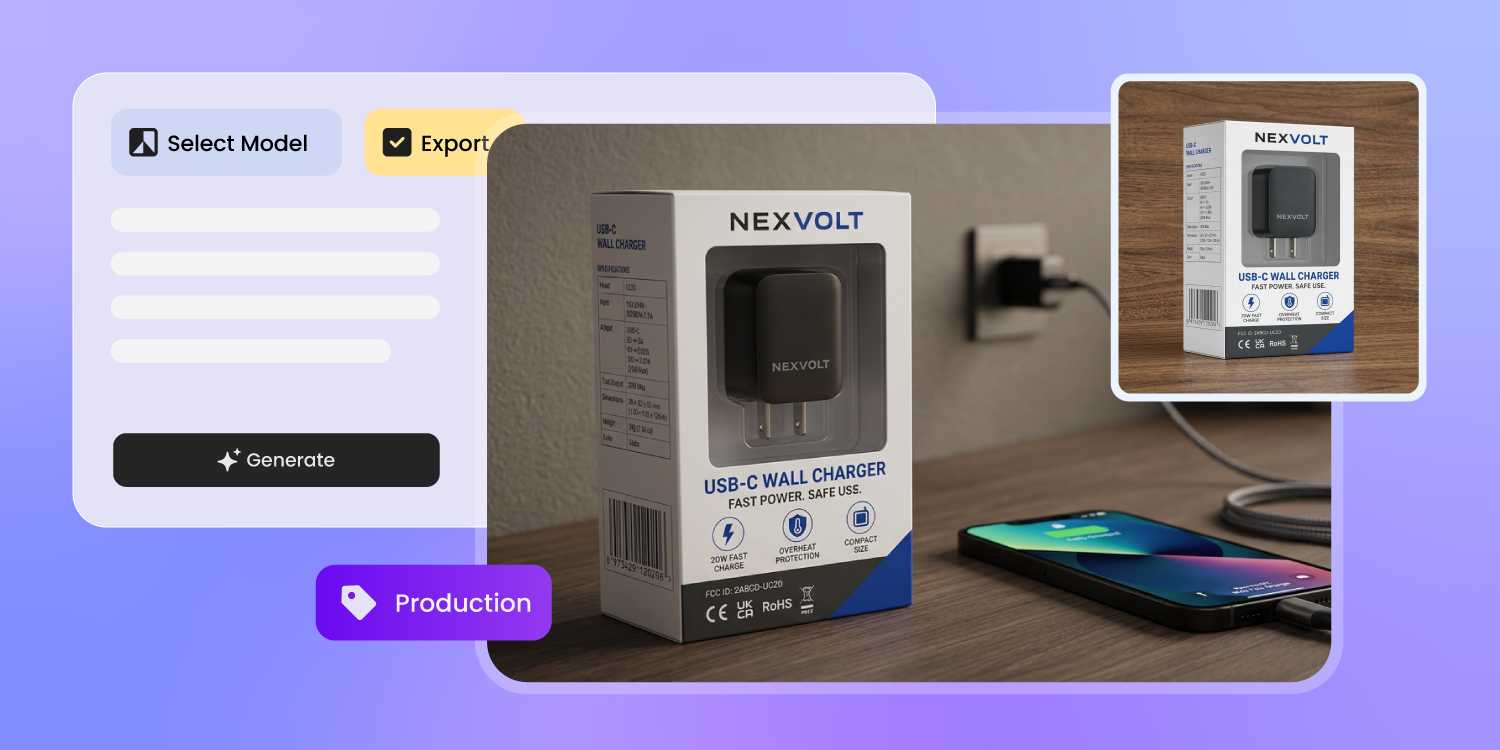
Render the unit before it ships
A hardware founder is six weeks from embargo and the PCB run is late. The reviewer needs a hero image and a 15-second clip by Thursday.
Pacdora renders the box in 3D, swaps in a marketplace background, and exports the launch clip — before the unit lands.
How to design electronics packaging with AI?
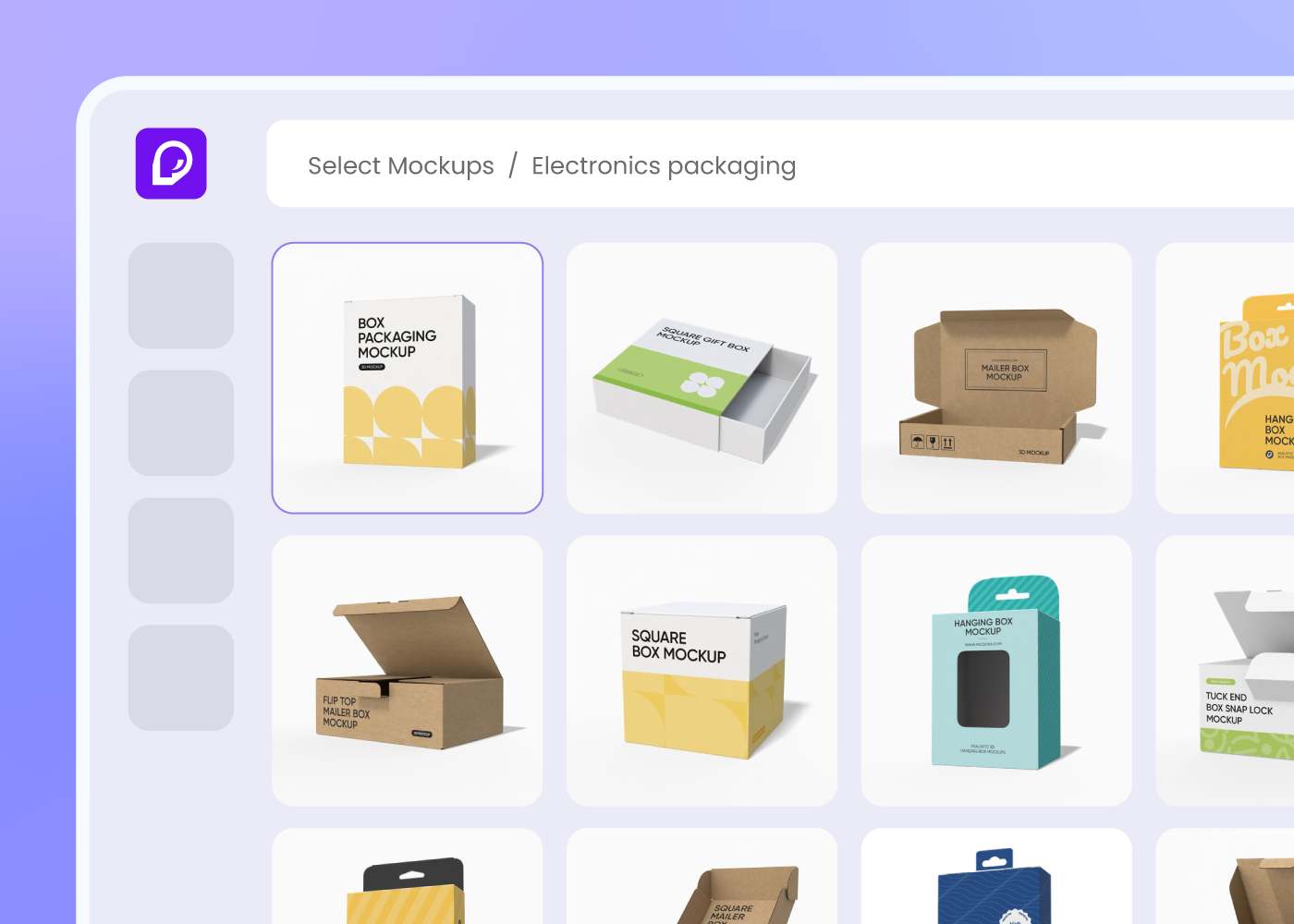
Step 1: Choose your box format
Choose your retail outer box, peg-hook sleeve, earbud-case shell, or accessory window box — Pacdora loads the dieline for each.
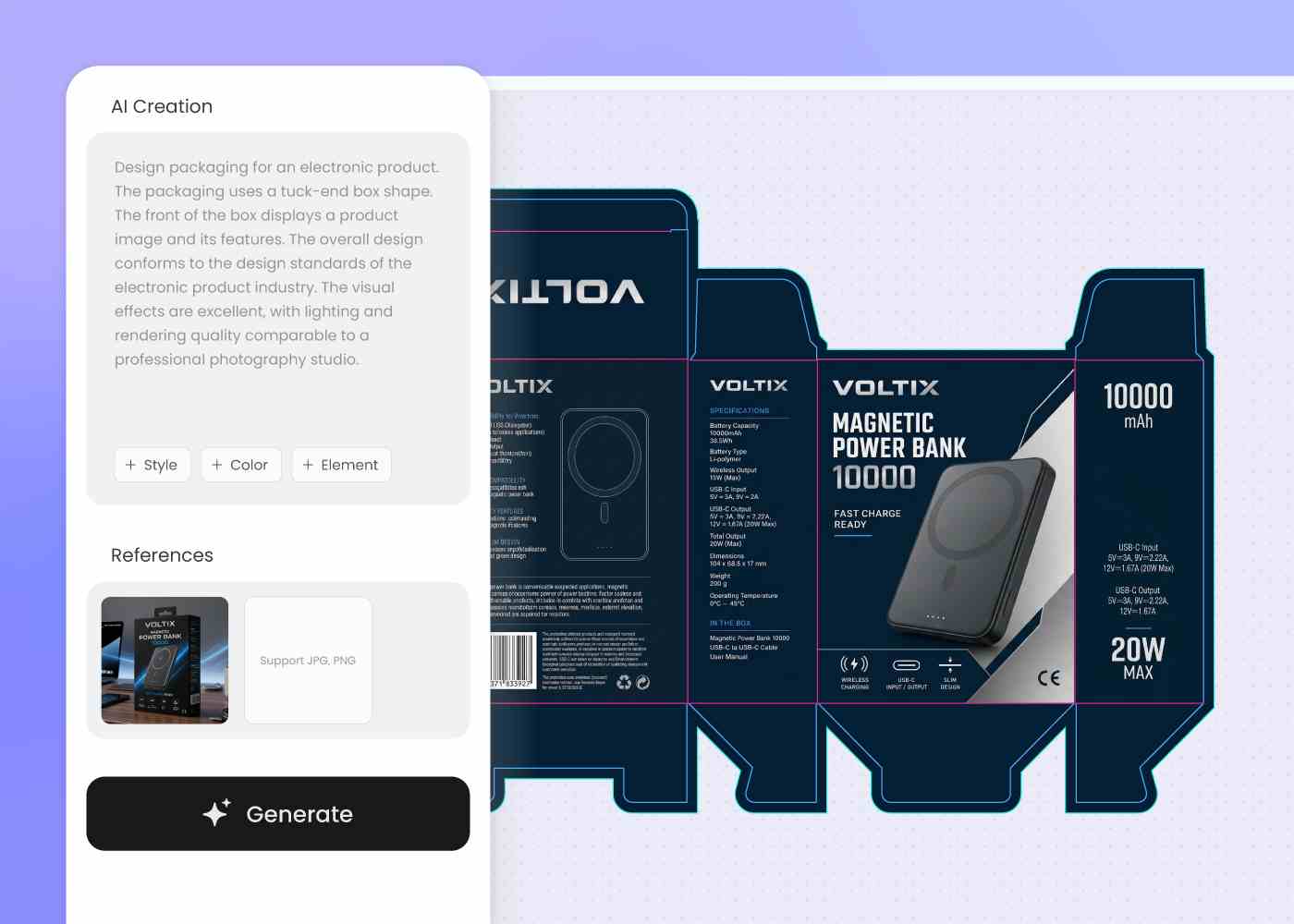
Step 2: Describe the device and brand
Describe the device, the spec callouts, and the brand voice. Regenerate or upload a reference image until the panels read as one launch.
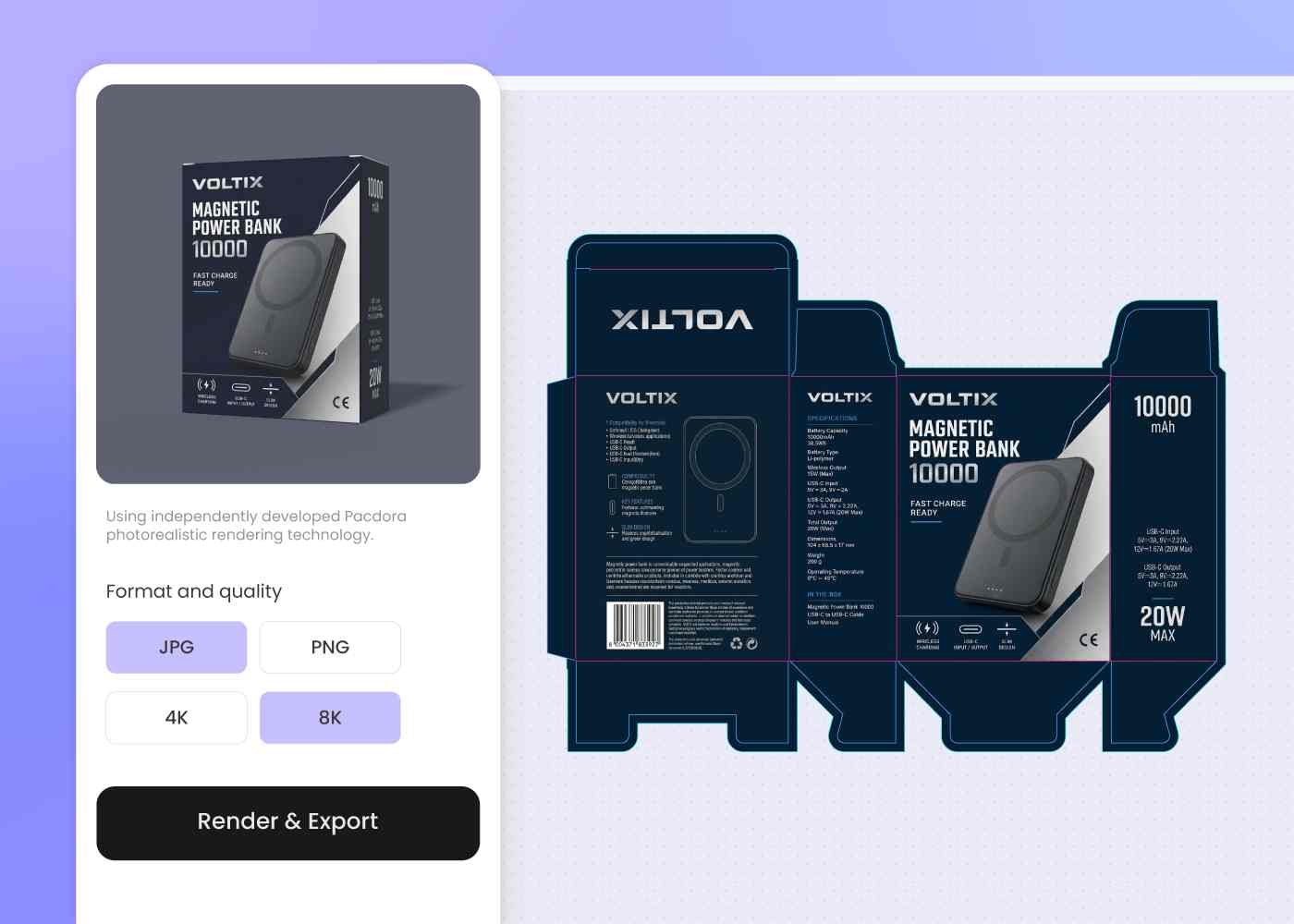
Step 3: Export dieline, 3D mockup, and launch render
Download the dieline, the 3D mockup with finish, and a background-swapped product photo or launch clip — ready for printer, marketplace, and reviewer.
Step 1: Choose your box format
Choose your retail outer box, peg-hook sleeve, earbud-case shell, or accessory window box — Pacdora loads the dieline for each.
Step 2: Describe the device and brand
Describe the device, the spec callouts, and the brand voice. Regenerate or upload a reference image until the panels read as one launch.
Step 3: Export dieline, 3D mockup, and launch render
Download the dieline, the 3D mockup with finish, and a background-swapped product photo or launch clip — ready for printer, marketplace, and reviewer.
FAQ
Frequently asked questions
Where do specs and what's-in-the-box go on a tech retail box?
On a typical electronics box, the front shows the hero product, one side holds specs (battery life, connectivity, IP rating), and the back shows the pictorial what's-in-the-box. Pacdora lays out each panel at that hierarchy from your brief — so a shelf shopper compares your box against the one next to it without flipping it three times.
Should my packaging have a peg-hook hang tab or sit on the shelf?
It depends on the retail account. Big-box accessory aisles favor peg-hook hang tabs; specialty shelves favor sleeve-and-tray boxes. Pacdora has dielines for both, and the same brand artwork swaps between them in step one — so a peg-hook test for one retailer and a shelf box for another don't need two design cycles.
How do I keep my device, charger, and earbuds packaging on one brand?
Generate the hero device box first, then describe each accessory box in a new prompt using the same brand cues — or upload the hero render as your style reference so the AI carries the visual voice forward. The carry-through is in your prompt or your reference image, not automatic, so you stay in control of how the lineup ties together.
Can the design support sustainable electronics packaging?
Yes, at the design level. Pacdora leaves room on the visible panels for FSC, How2Recycle, or carbon-neutral certification marks, and exports the dieline so your co-packer can run it on molded pulp, FSC paper, or plastic-free formats per your sustainability brief. The material choice itself stays with you and the printer.
How much does AI electronics packaging design cost?
You can start designing for free. Credits are consumed based on how many designs you generate and download. Check your account balance before generating, or upgrade for more credits anytime. For full details on subscription plans and credit packages, see our Pricing Page.
Can I use the electronics packaging design commercially?
Yes. As long as you comply with our Terms of Service, AI-generated electronics packaging can be used commercially — including DTC product images, retailer pitch decks, Amazon and marketplace listings, social and creator campaigns, and investor decks.
Explore more free tools
Discover more about Pacdora
4M+
designers trust Pacdora
Electronics packaging, perfected by AI.
