

Trusted by leading companies


Skip the studio rounds — get a shelf-ready tea pouch
Most indie tea brands wait weeks for a studio to turn a blend into a finished pouch.
Pacdora drafts that pouch on a print-ready dieline from a single blend brief. The Amazon listing and the subscription-box render are ready before the first run prints.
Why choose Pacdora AI for your tea packaging?
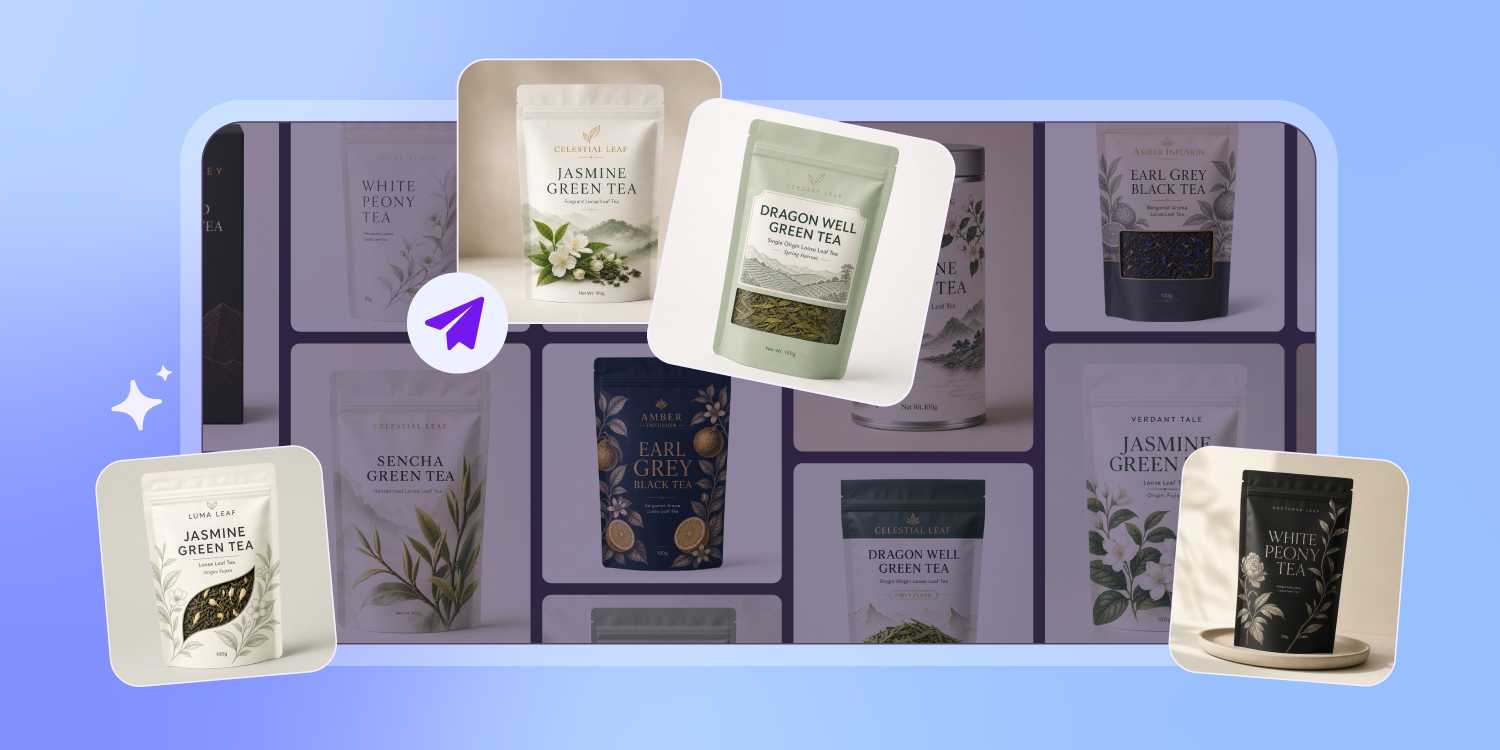
Designed for the stand-up pouch, not a flat sheet
Green teas fade fast once oxygen and light get in, so the pouch needs a resealable zip and a window without the layout breaking.
Pacdora lays your design on the stand-up pouch dieline and leaves room for the zip and the window — you pick the barrier film with your printer.
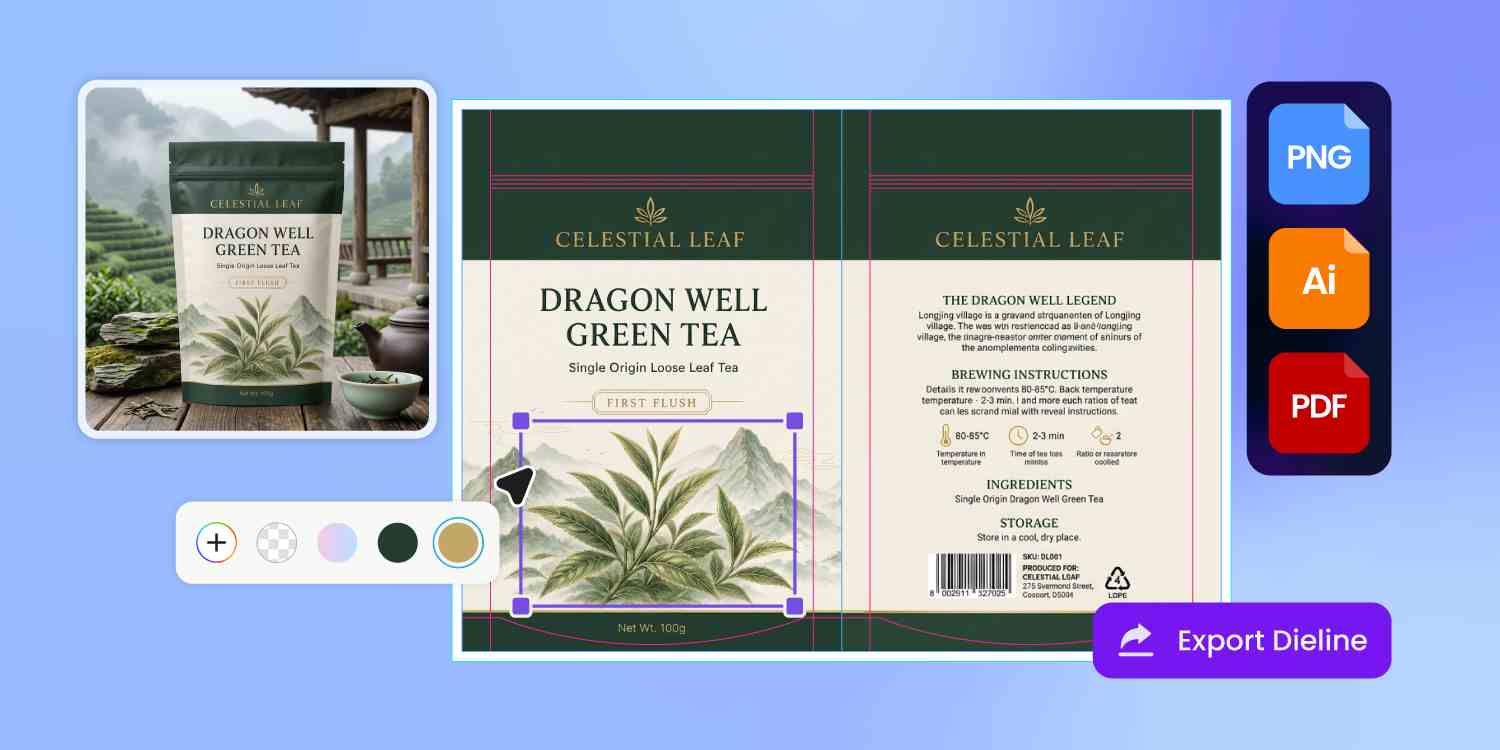
The brewing panel and tea facts, in their place
A tea pouch carries more than a name — the steep temperature and time, the caffeine line, the origin, the net weight.
Pacdora lays each of those as its own zone on the dieline, so the brewing ritual reads cleanly and your copy editor drops in the wording without a re-layout.
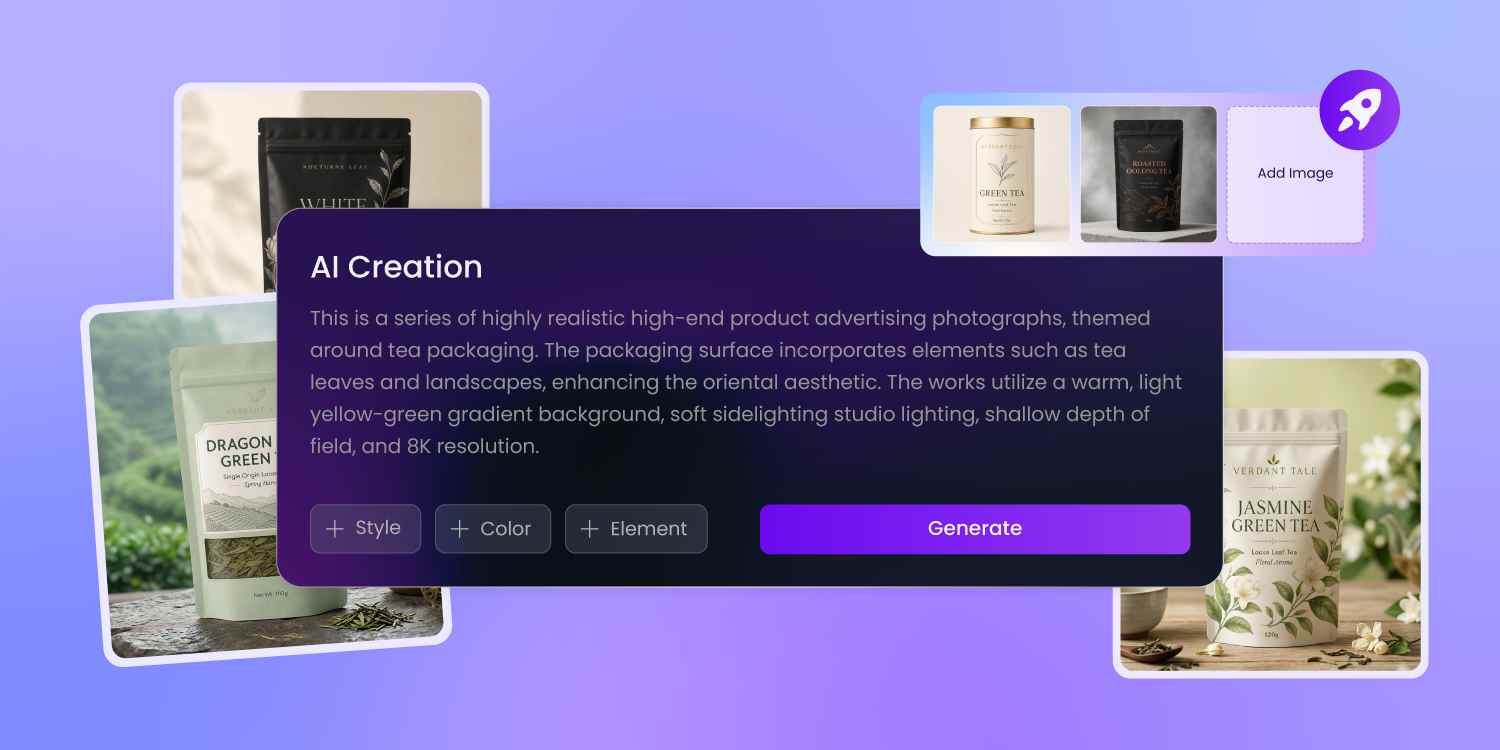
See whether the leaf reads as premium
A founder bets on loose-leaf quality, but a flat printout can't prove it.
Pacdora renders the kraft, matte, or foil finish on the pouch in 3D, the window framing your leaf shot, staged on a shelf — so you see whether 'premium' reads from a few feet before the run.
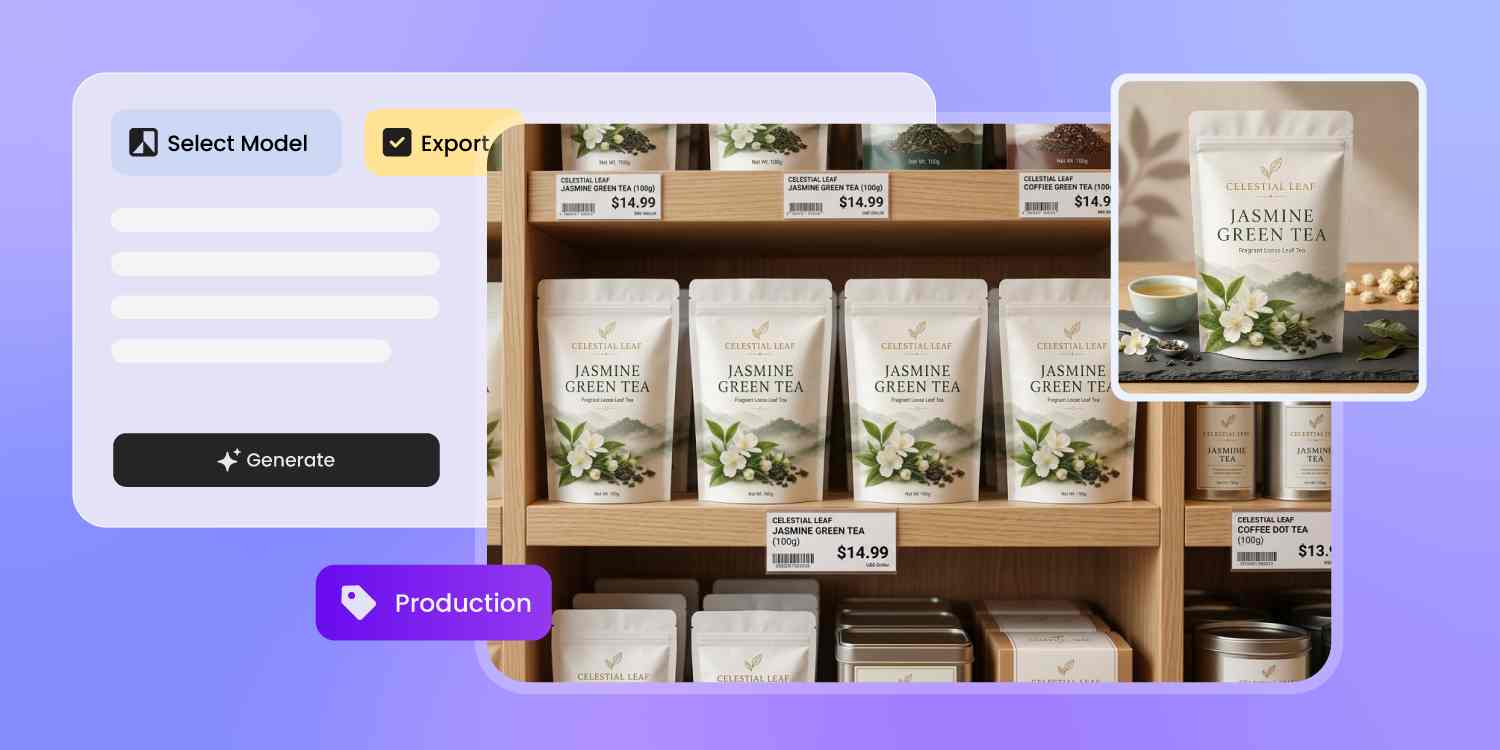
One blend, every channel of the launch
One 3D pouch asset covers the whole launch.
Pacdora exports the same blend design as an Amazon hero shot, a subscription-box insert, an Instagram reel of the steep, and a render for the retail pitch — same blend, every channel, with no re-keying between them.
How to design tea packaging with AI?
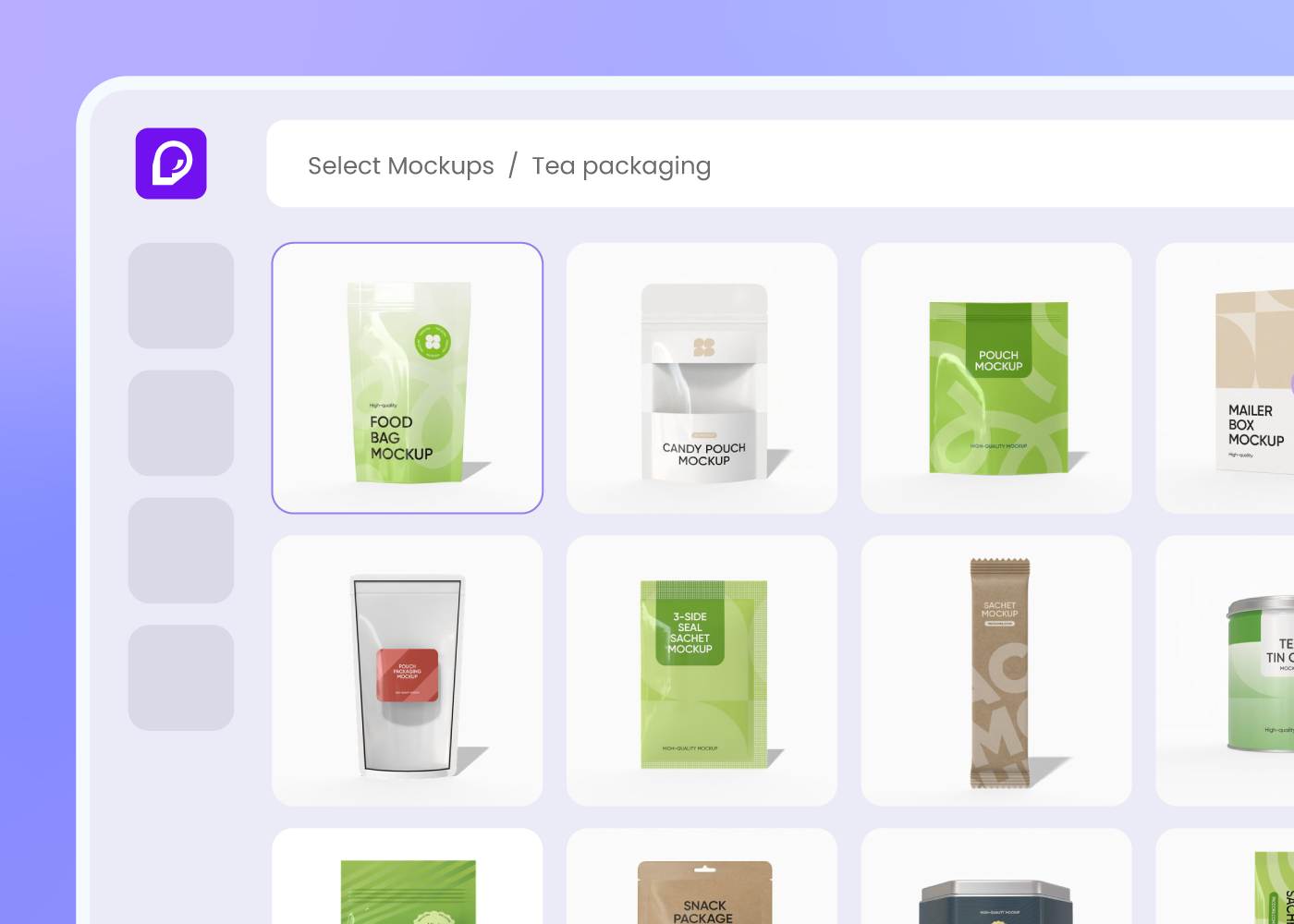
Step 1: Choose your pouch, tin, or box
Pick from stand-up and side-gusset pouches, tin caddies, or gift boxes for loose-leaf or tea bags — add a window if you want the leaf to show, and Pacdora loads the profile and the dieline.
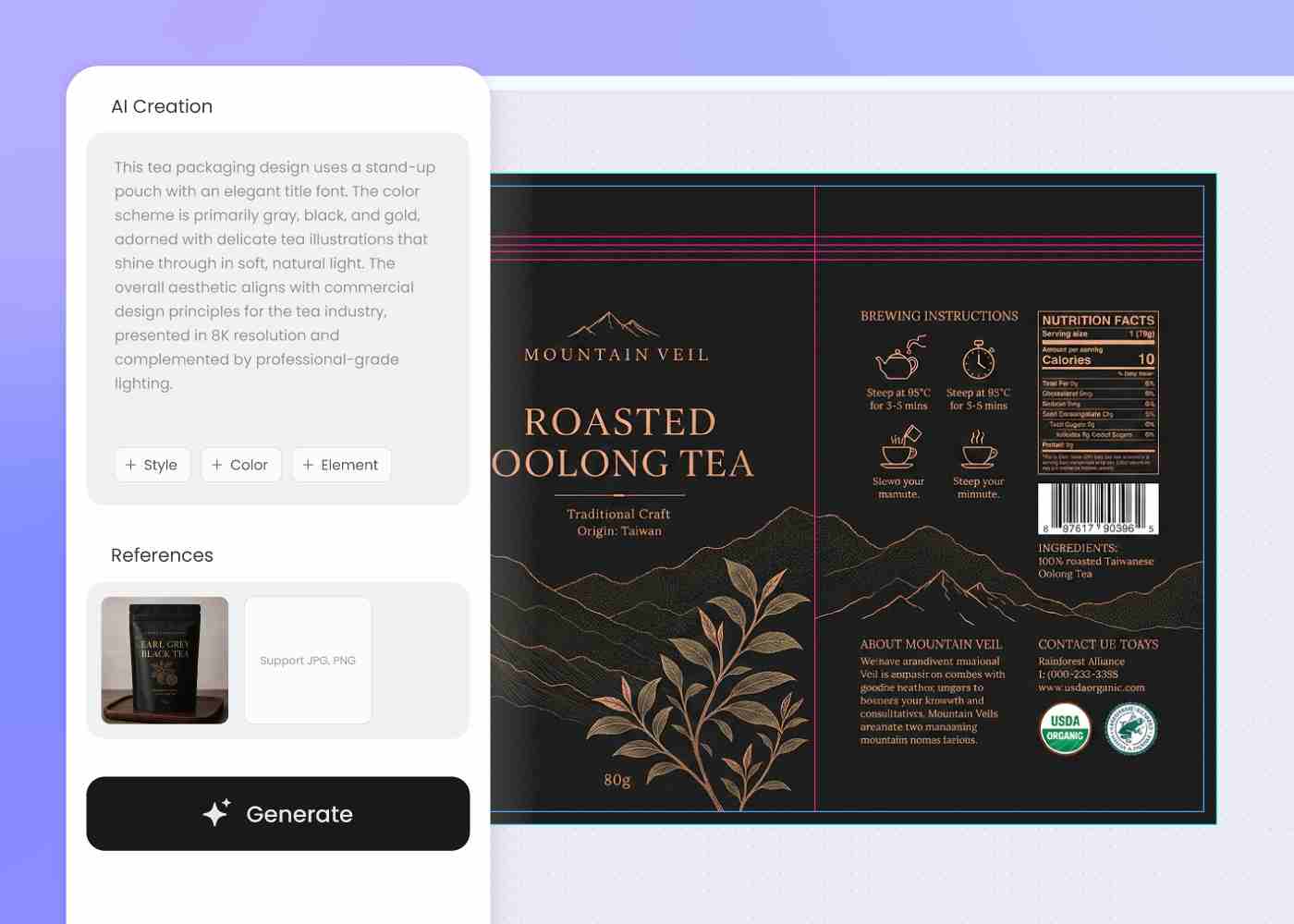
Step 2: Describe your blend, origin, and brand world
Enter your blend, its origin, and the brand world — botanical wellness, modern minimalist, or heritage tea house — then regenerate until the pouch feels like the cup.
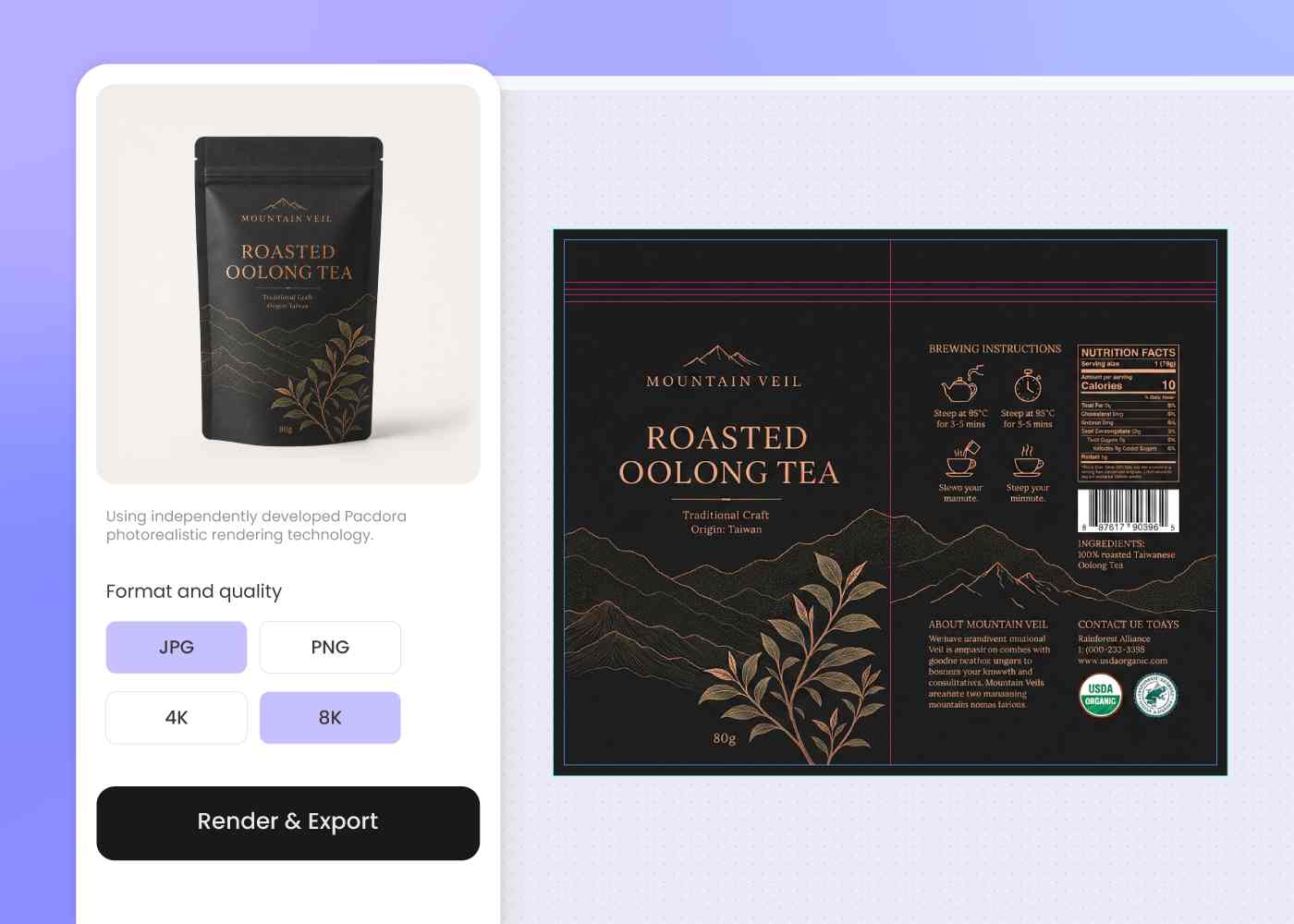
Step 3: Download the dieline and 3D mockup
Download a print-ready dieline plus a 3D pouch preview — ready for your packaging printer, your Amazon listing, and this week's subscription drop.
Step 1: Choose your pouch, tin, or box
Pick from stand-up and side-gusset pouches, tin caddies, or gift boxes for loose-leaf or tea bags — add a window if you want the leaf to show, and Pacdora loads the profile and the dieline.
Step 2: Describe your blend, origin, and brand world
Enter your blend, its origin, and the brand world — botanical wellness, modern minimalist, or heritage tea house — then regenerate until the pouch feels like the cup.
Step 3: Download the dieline and 3D mockup
Download a print-ready dieline plus a 3D pouch preview — ready for your packaging printer, your Amazon listing, and this week's subscription drop.
FAQ
Frequently asked questions
Which tea packaging formats does Pacdora cover?
Stand-up and side-gusset pouches, tin caddies, and gift cartons, with an optional window cut and a resealable zip on the dieline. New formats are added over time — if your pack isn't there yet, pick the closest profile and refine.
Can Pacdora handle compostable or high-barrier tea packaging?
At the design level, yes. Pacdora leaves room on the pouch for the resealable zip, the window, and any FSC, compostable, or recyclable-mono-material marks, then exports the dieline so your printer can run it on a high-barrier foil, an EVOH laminate, or a compostable, biodegradable, or recyclable film — whatever your eco-friendly and freshness brief calls for. The film and material choice stays with you and the printer.
Can I keep a whole blend lineup looking like one brand?
Yes, with a quick workflow. Generate your first blend, then describe each follow-on — chamomile, matcha, chai — in a new prompt using the same brand cues, layout, and color logic. You re-prompt each SKU rather than batch them at once, so the lineup holds together while every blend keeps its own botanical world.
Can I match an existing tea brand or a reference style?
Yes — drop a reference image, and Pacdora draws on its visual voice, whether that's a wellness-botanical look or a heritage tea-house feel, to draft a pouch in that direction. Because the artwork is AI-generated, expect a fresh take in the same spirit rather than an exact copy, then refine until it fits.
How much does AI tea packaging design cost?
You can start designing for free. Credits are consumed based on how many designs you generate and download. Check your account balance before generating, or upgrade for more credits anytime. For full details on subscription plans and credit packages, see our Pricing Page.
Can I use the tea packaging design commercially?
Yes. As long as you comply with our Terms of Service, AI-generated custom tea packaging can be used commercially — including DTC site product images, Amazon and marketplace listings, subscription-box inserts, retail pitch decks, and Instagram or TikTok content.
Explore more free tools
Discover more about Pacdora
4M+
designers trust Pacdora
Tea packaging, perfected by AI.
