

AI wine packaging design
Describe your varietal, vintage, and vineyard story — Pacdora drafts the wine label on a print-ready dieline.
Trusted by leading companies


Turn a vineyard story into a label buyers reach for
Most indie wineries wait weeks for a studio to turn a vineyard story into a finished label.
Pacdora drafts that label on a print-ready dieline from a single varietal brief. The retailer pitch deck and the wine-club email are ready before the bottling line moves.
Why choose Pacdora AI for your wine packaging?
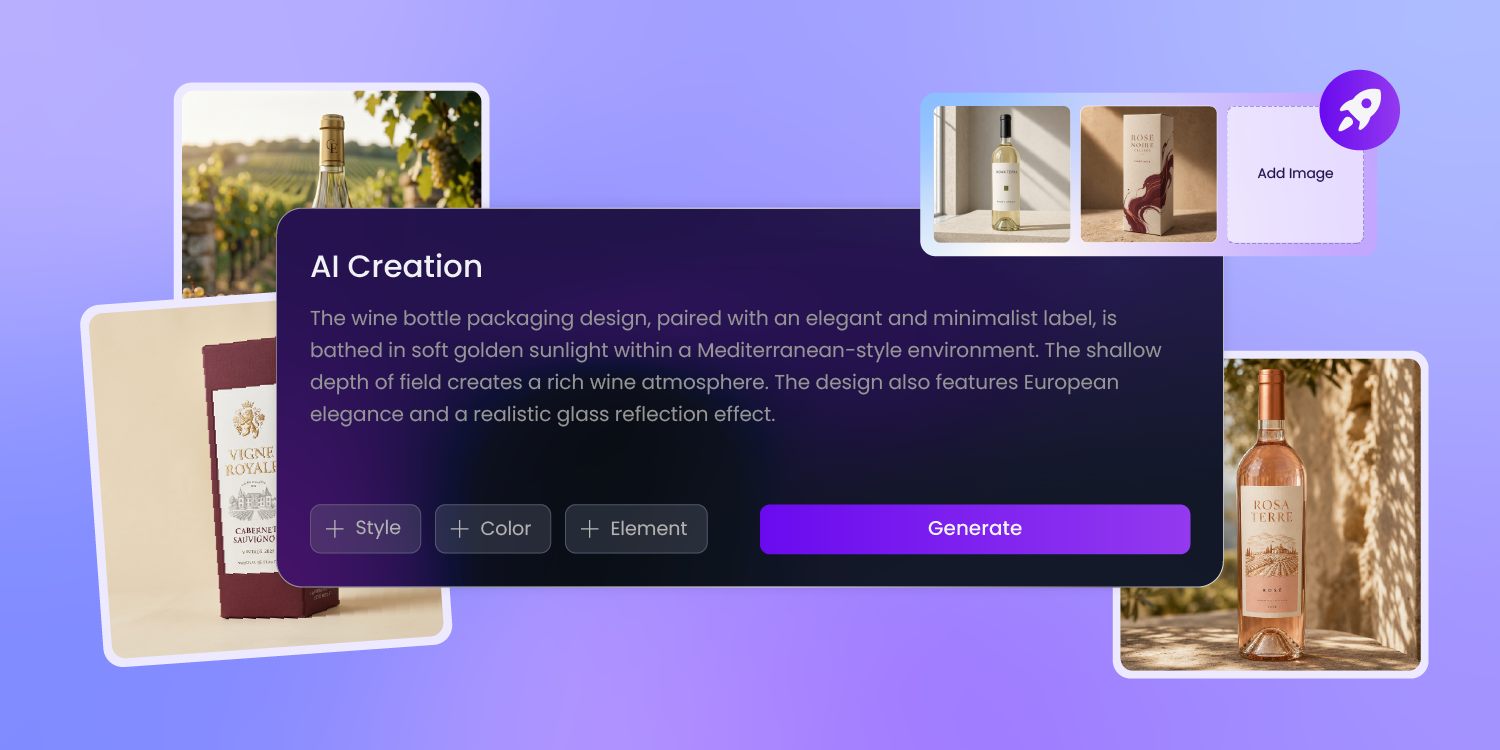
A label trained on how wine sells
Pacdora's AI knows how a wine signals quality — varietal cues, appellation hierarchy, the serif-or-sans a buyer reads in half a second.
It drafts your label in that visual language, then stages it on a 3D shelf beside same-price bottles, so the impulse pick is clear before you commit the run.
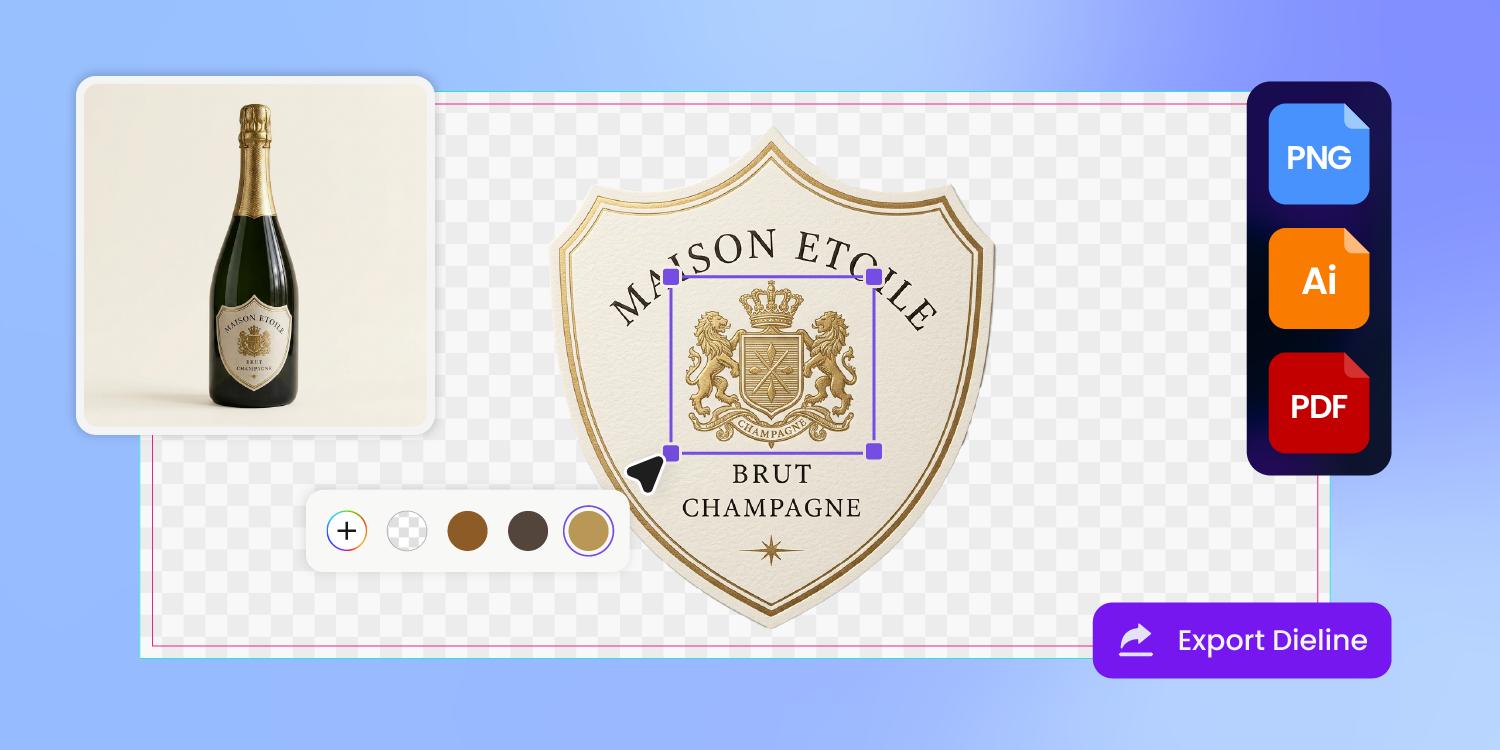
Three label zones, laid out right
A wine label is three zones, not one — the brand face, the back-panel story, and the regulated block for the alcohol statement and GOVERNMENT WARNING.
Pacdora lays those zones on a dieline and leaves room for the mandatory copy, so your label counsel adds the wording without a prepress redo.
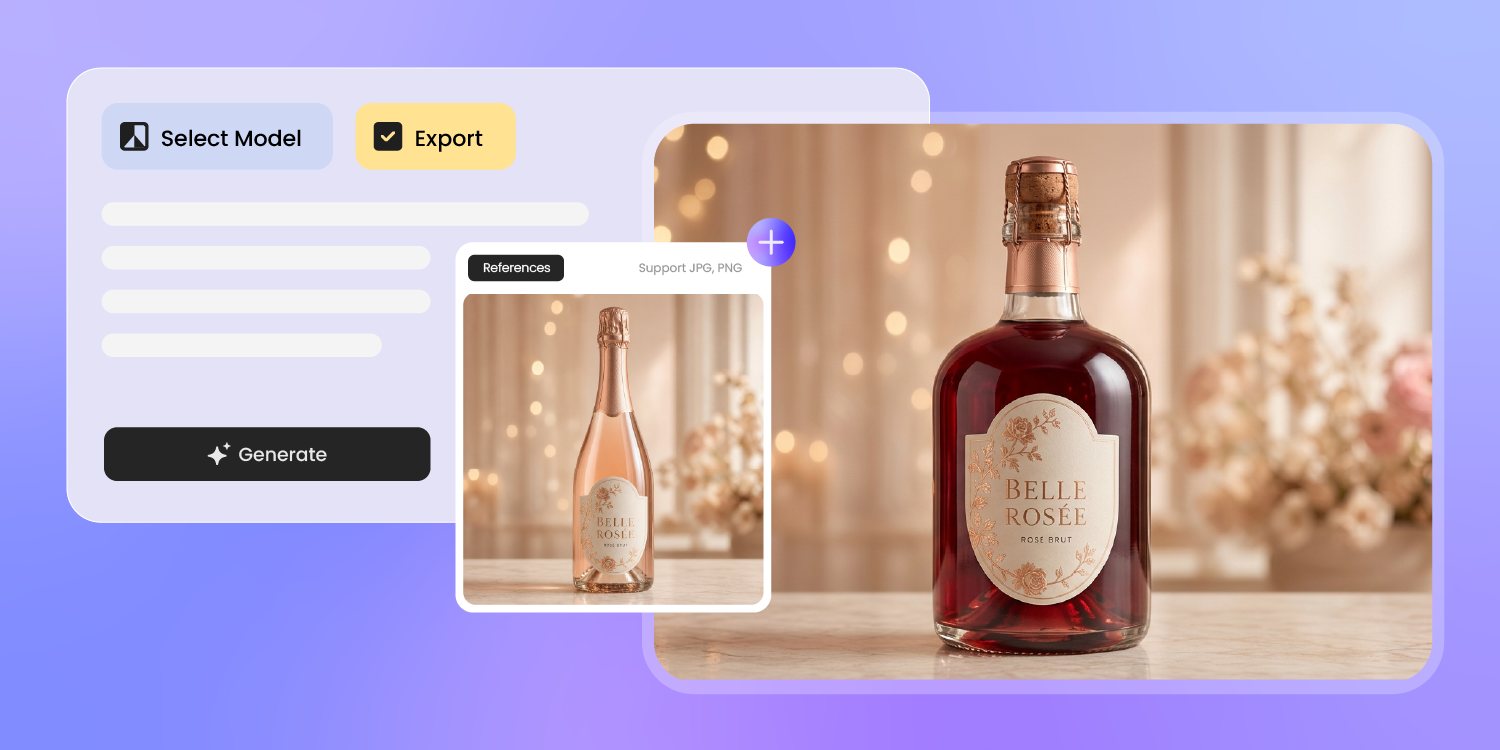
Heritage or indie, from a reference
A founder might want heritage-château heft one season and clean indie minimalism the next.
Drop a reference image, and Pacdora draws on its visual voice — foil, texture, type — to draft a label in that direction, then renders the finish in 3D so you judge the gloss before the proof.
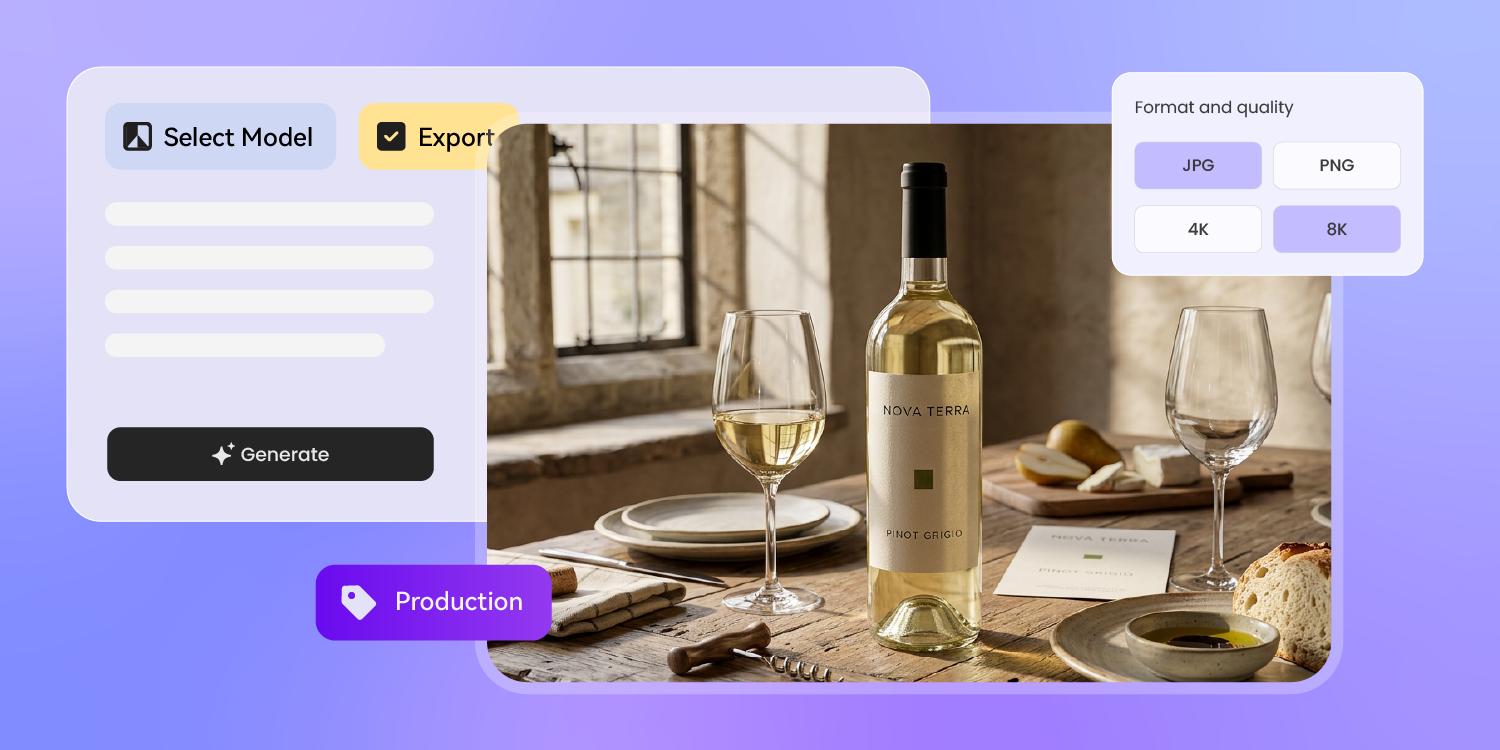
One label, every channel of the launch
One 3D label asset covers the whole launch.
Pacdora exports it as a DTC hero shot, a wine-club shipper image, an Instagram reel of the pour, and a render for the distributor pitch — same vintage, every channel, with no re-keying between them.
How to design wine packaging with AI?
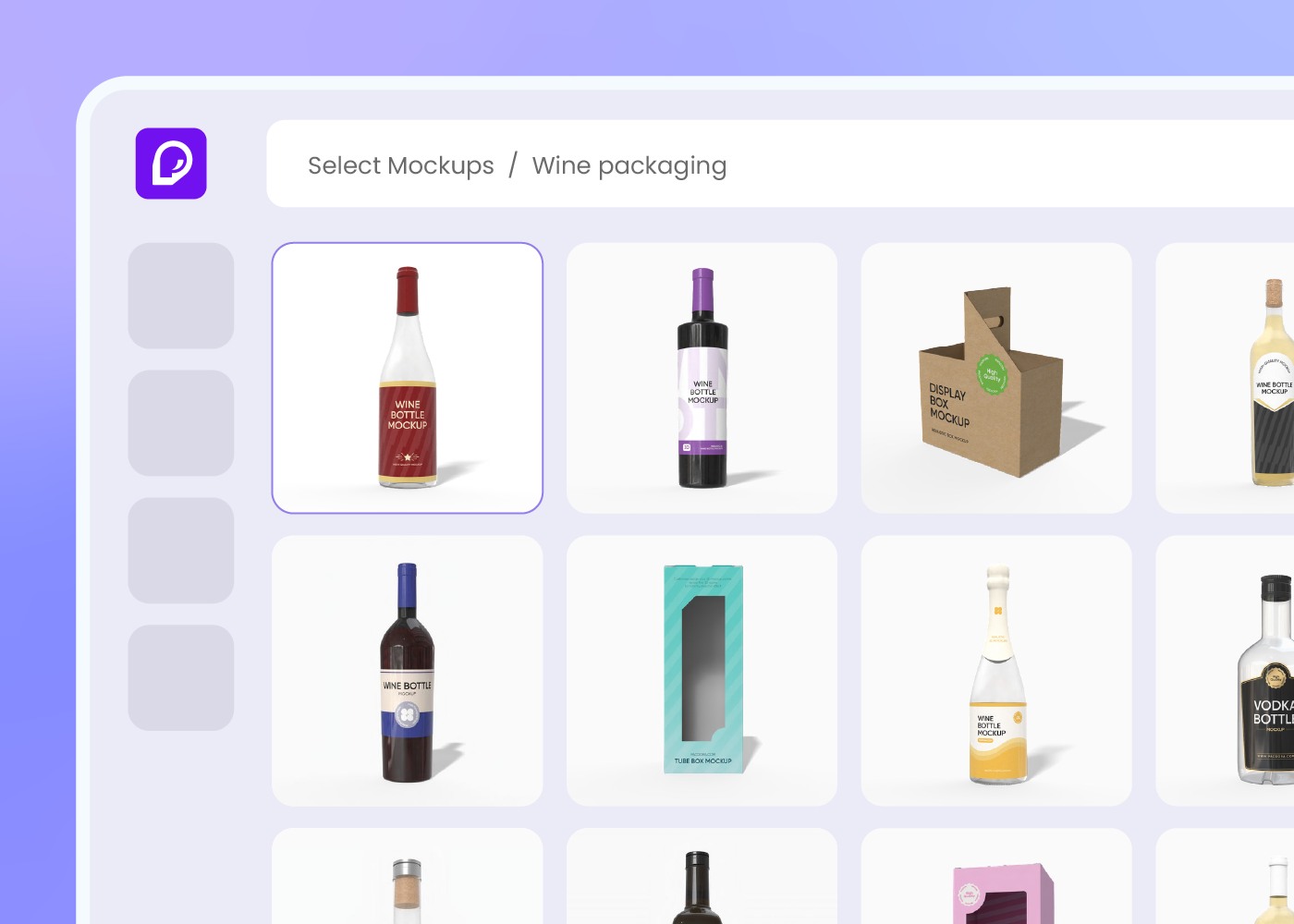
Step 1: Choose your bottle and label format
Pick from Burgundy, Bordeaux, Hock, Champagne, split or magnum sizes, plus pressure-sensitive labels, shrink sleeves, or gift cartons — Pacdora loads the bottle profile and the dieline.
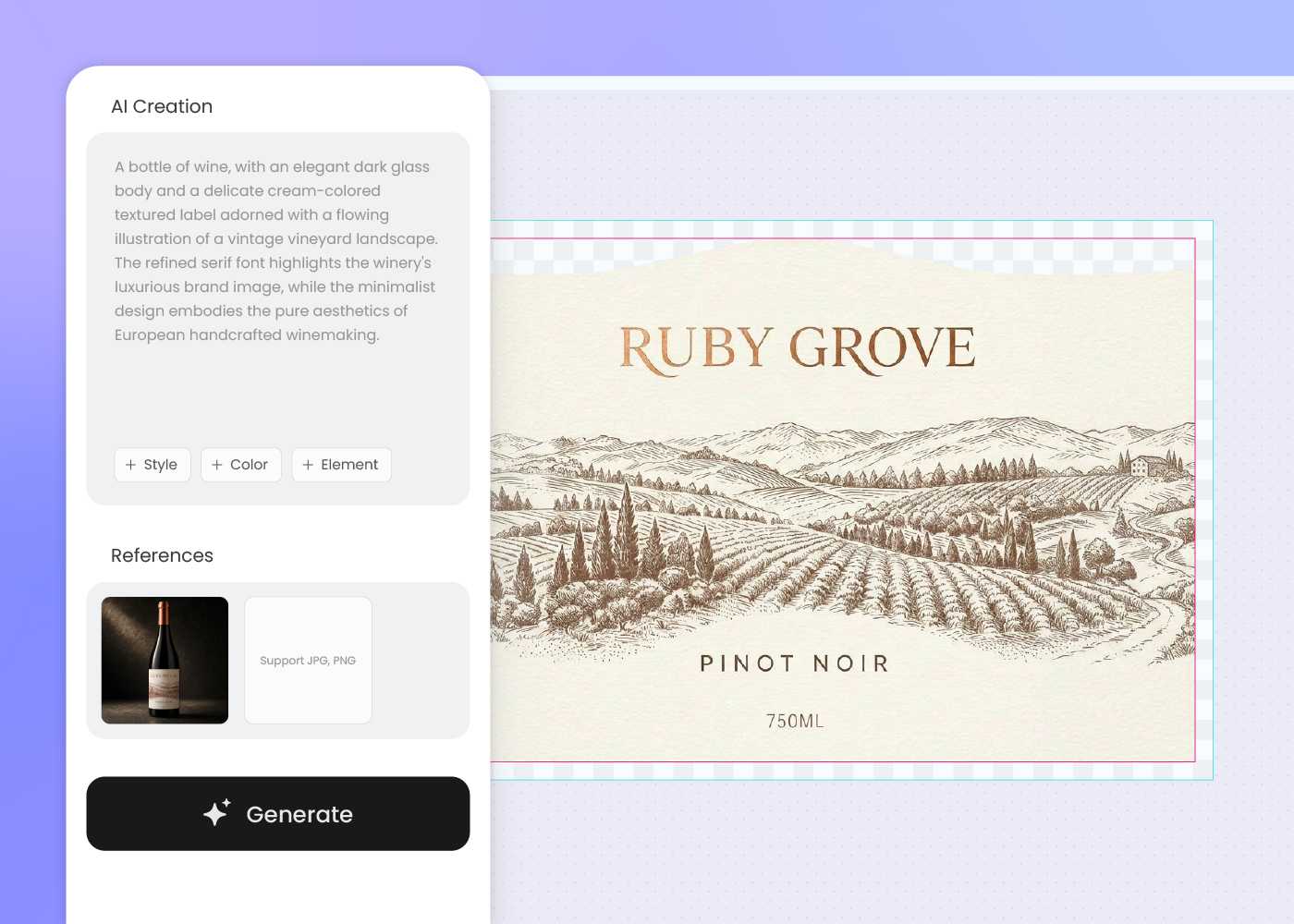
Step 2: Describe your varietal, vintage, and brand world
Enter your varietal, vintage, appellation, and vineyard story — boutique minimalism, heritage gold-foil, or anywhere between — then regenerate until the label feels like the wine.
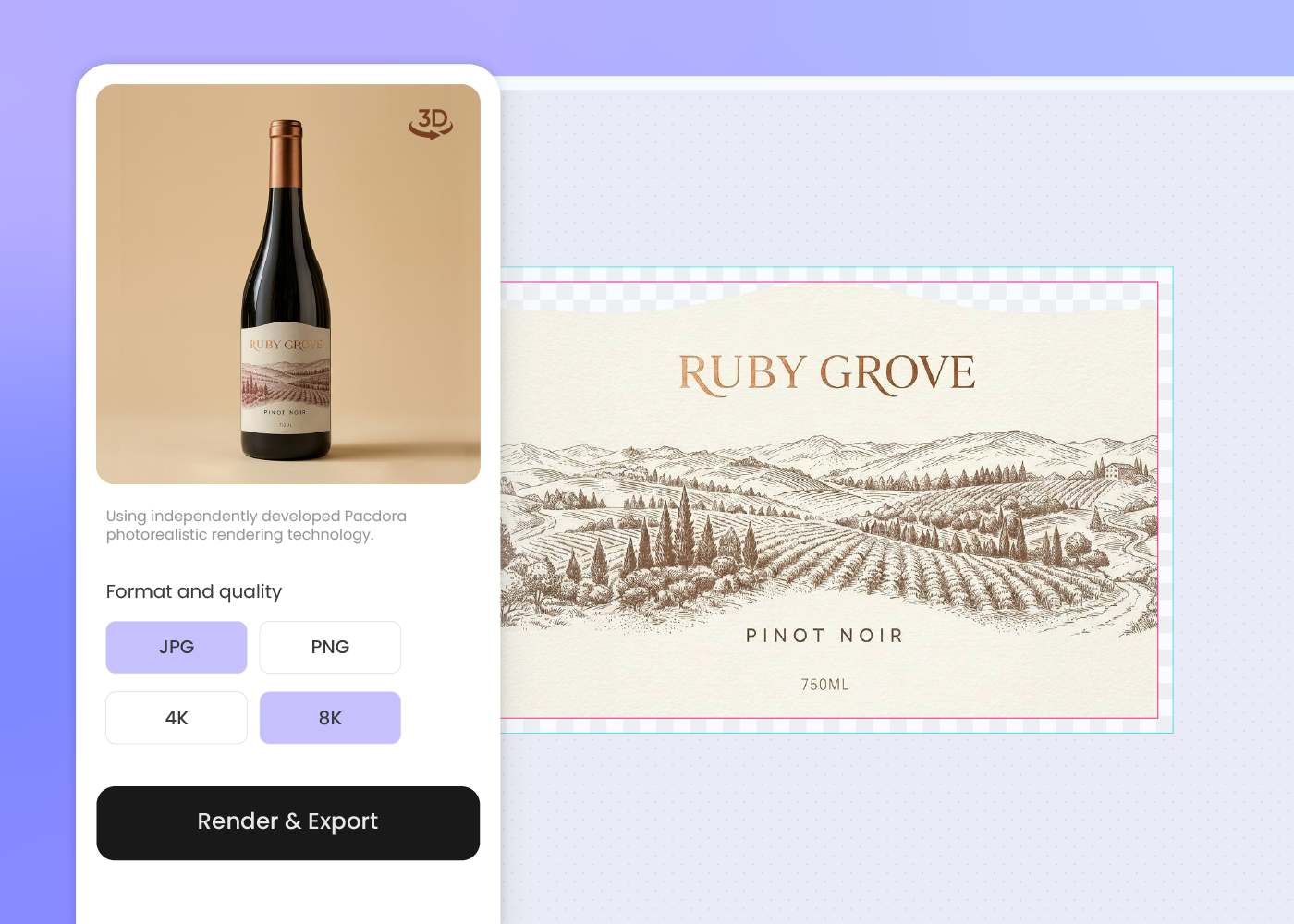
Step 3: Download the dieline and 3D mockup
Download a print-ready dieline plus a 3D bottle preview — ready for your short-run label printer, your DTC site, and tonight's wine-club drop.
Step 1: Choose your bottle and label format
Pick from Burgundy, Bordeaux, Hock, Champagne, split or magnum sizes, plus pressure-sensitive labels, shrink sleeves, or gift cartons — Pacdora loads the bottle profile and the dieline.
Step 2: Describe your varietal, vintage, and brand world
Enter your varietal, vintage, appellation, and vineyard story — boutique minimalism, heritage gold-foil, or anywhere between — then regenerate until the label feels like the wine.
Step 3: Download the dieline and 3D mockup
Download a print-ready dieline plus a 3D bottle preview — ready for your short-run label printer, your DTC site, and tonight's wine-club drop.
FAQ
Frequently asked questions
Which wine bottle shapes does Pacdora cover?
Burgundy, Bordeaux, Hock (Mosel), Champagne, and sparkling formats in standard 750ml, magnum 1.5L, and split 187ml profiles, plus front and back PS or shrink-sleeve label dielines and outer gift cartons. New formats are added over time — if your bottle isn't there yet, pick the closest profile and refine.
Does Pacdora handle TTB or COLA label requirements?
At the design level, yes. Pacdora leaves room on the dieline for the GOVERNMENT WARNING block, the alcohol statement, the net contents, and the appellation callout as standard panels, then exports the file so your label counsel can drop in the exact wording and regulated font sizing before COLA submission. The TTB review itself stays with you.
Can I design a lightweight or sustainable wine bottle?
At the design level, yes. Pacdora leaves room on the label and outer carton for FSC, How2Recycle, or carbon-neutral certification marks, and exports the dieline so your co-packer can run it on lightweight glass, recycled paperboard, or molded-fiber inserts — whatever your sustainability brief calls for. The material choice stays with you and the printer.
Can the label stay on-brand from one vintage to the next?
You can drop last year's label as a reference, and Pacdora draws on its visual voice — the color feel, the type, the overall mood — to keep the new vintage in the same world. Because the artwork is AI-generated, expect a fresh take rather than an exact copy; adjust the vintage and tasting note, then refine until it reads like your cellar.
How much does AI wine packaging design cost?
You can start designing for free. Credits are consumed based on how many designs you generate and download. Check your account balance before generating, or upgrade for more credits anytime. For full details on subscription plans and credit packages, see our Pricing Page.
Can I use the wine packaging design commercially?
Yes. As long as you comply with our Terms of Service, AI-generated wine packaging can be used commercially — including DTC site product images, retailer and distributor pitch decks, wine-club emails, Instagram and TikTok content, and Amazon or specialty wine listings.
Explore more free tools
Discover more about Pacdora
4M+
designers trust Pacdora
Wine packaging, perfected by AI.
