

Custom champagne bottle

Upload your label artwork, adjust bottle details, and instantly download your custom champagne bottle as a free HD PNG image.
Custom champagne bottle
Upload your label artwork, adjust bottle details, and instantly download your custom champagne bottle as a free HD PNG image.
Trusted by leading companies


Elevate your brand with a custom champagne bottle!
Pacdora offers the perfect custom champagne bottle for showcasing your label on luxury brands, special weddings, or corporate celebrations. Our 3D mockup platform lets you select from classic, sleek, or sparkling wine styles, upload your custom artwork, and see it render in real-time. You can download your final design as a high-resolution JPG/PNG image, an animated MP4 video, or a shareable link for direct sharing.
How to create a custom champagne bottle mockup?

Step 1: Select a custom champagne bottle style
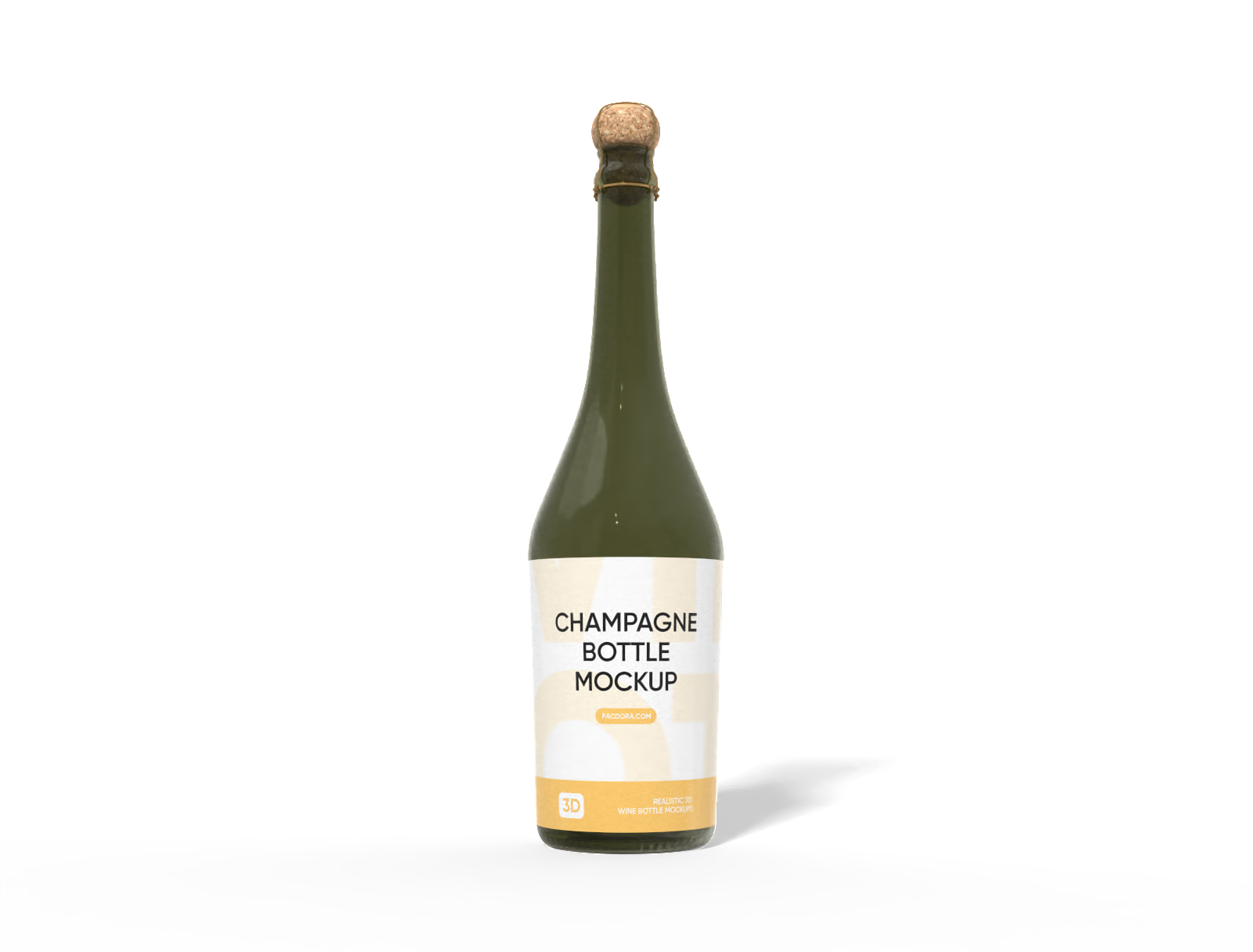
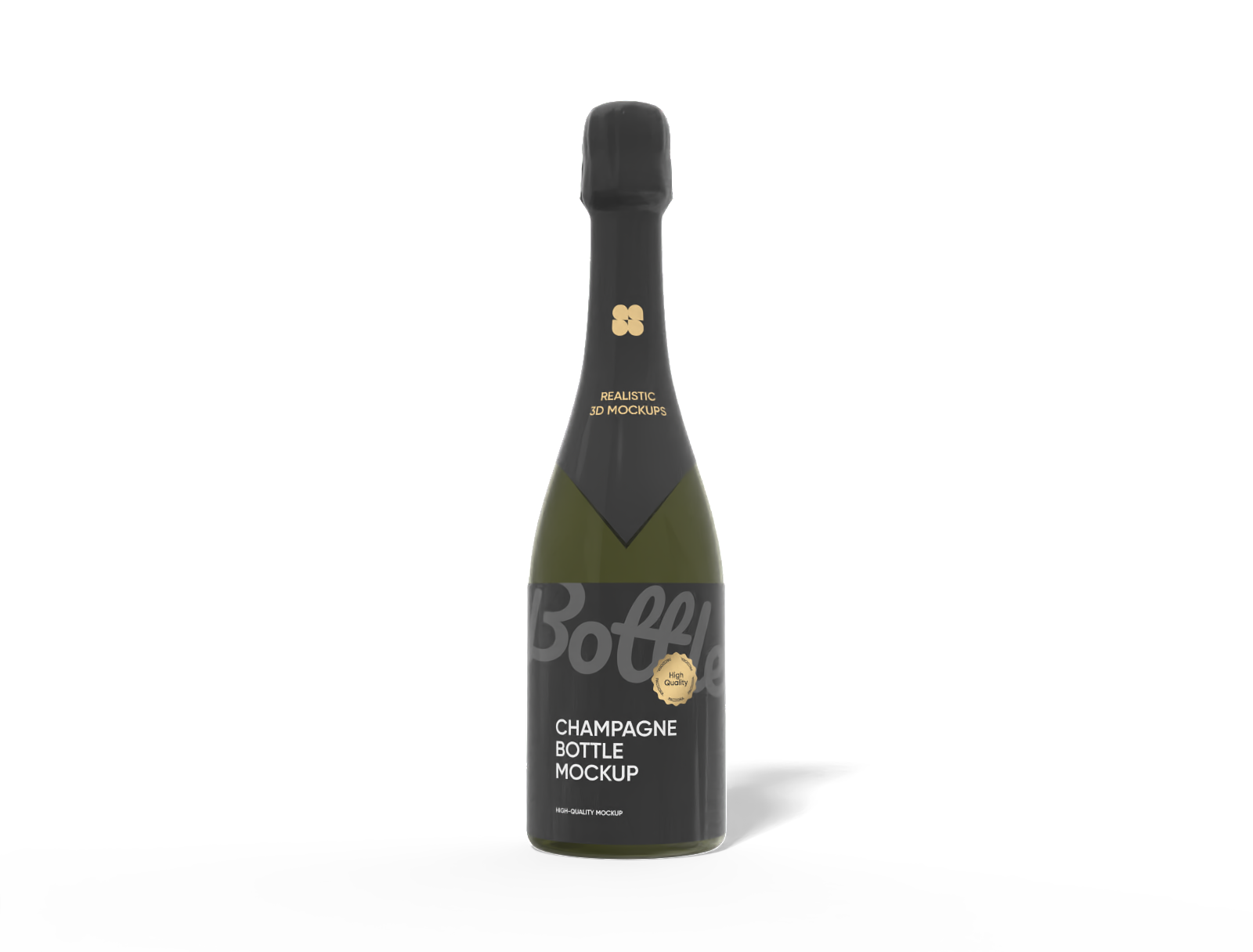
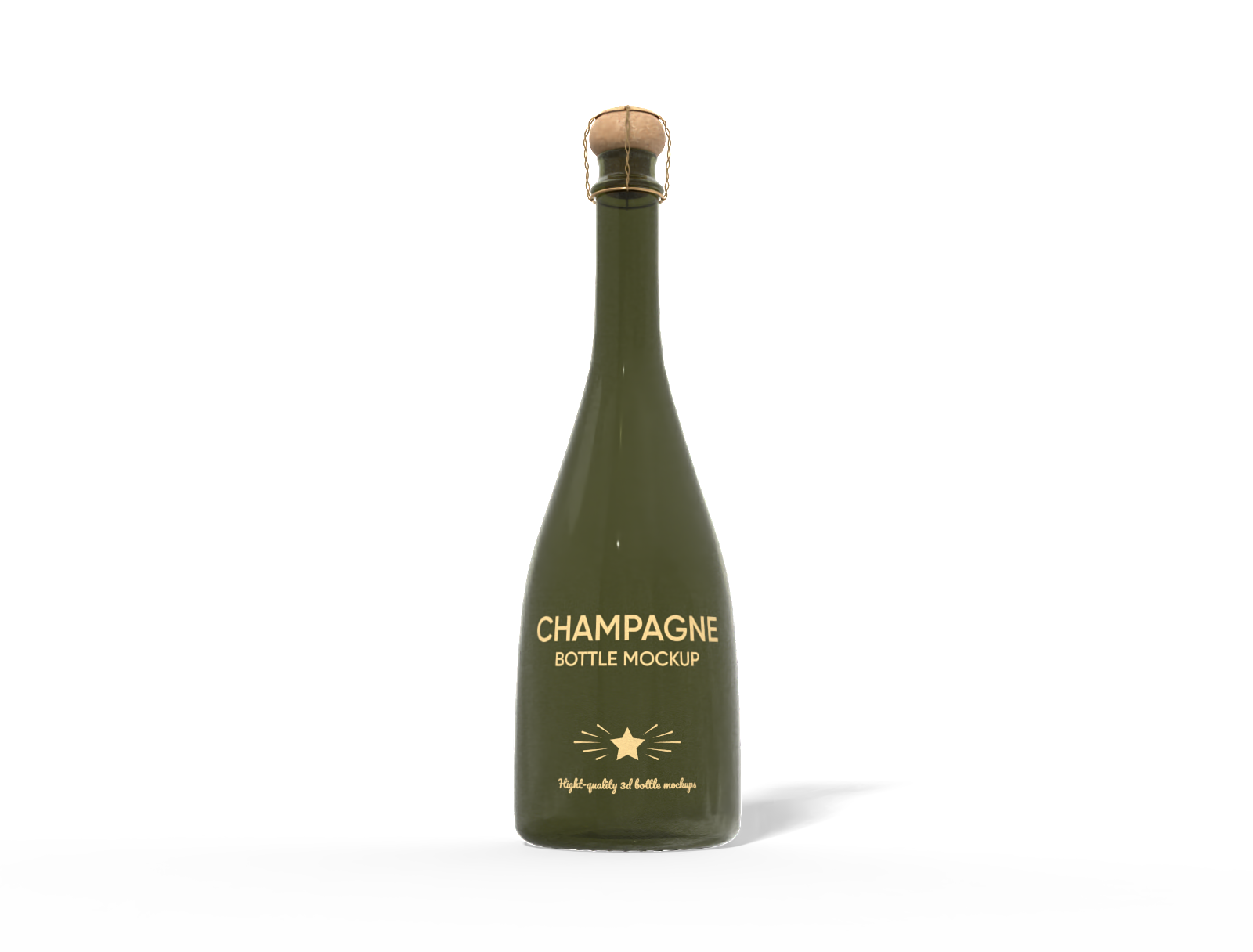
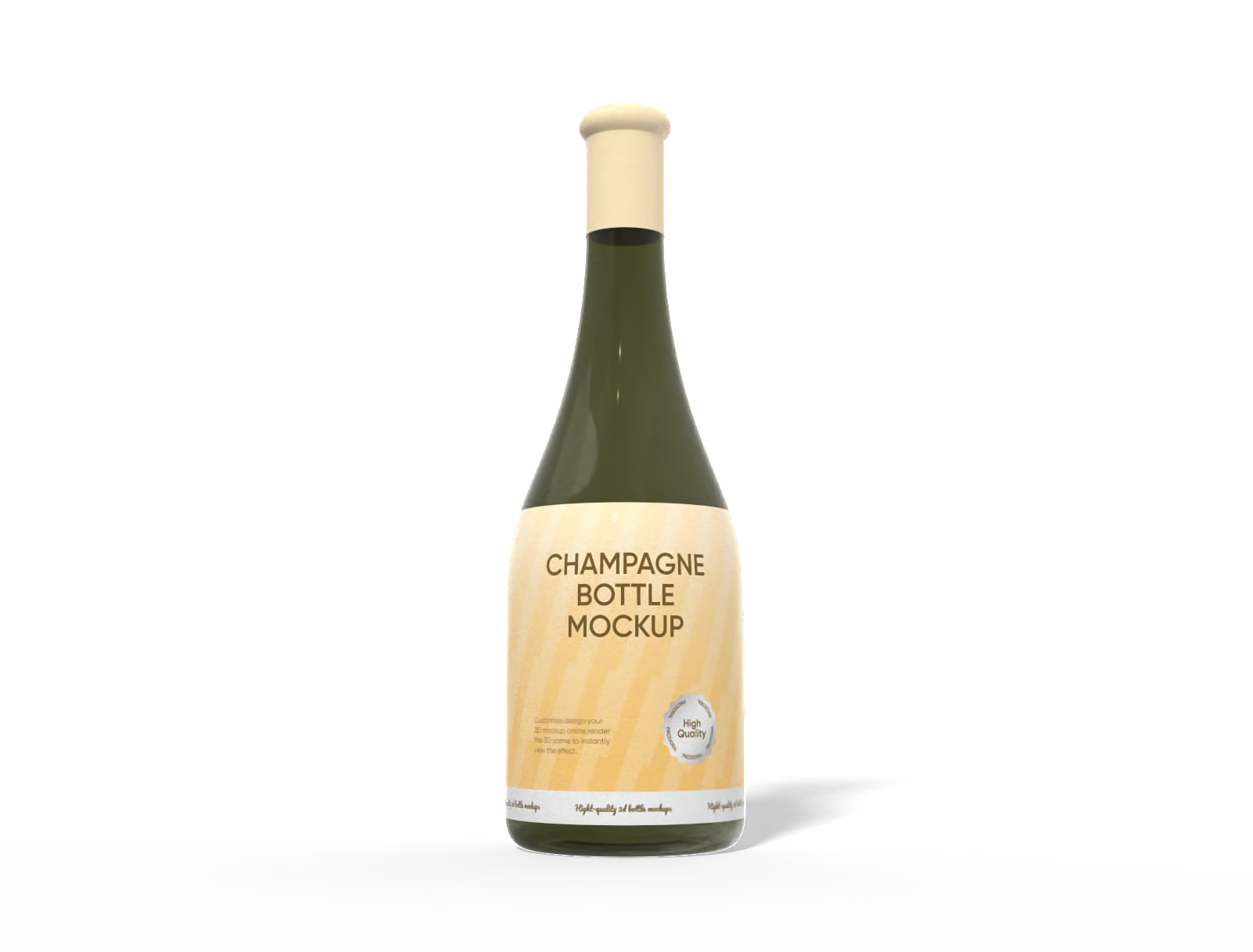
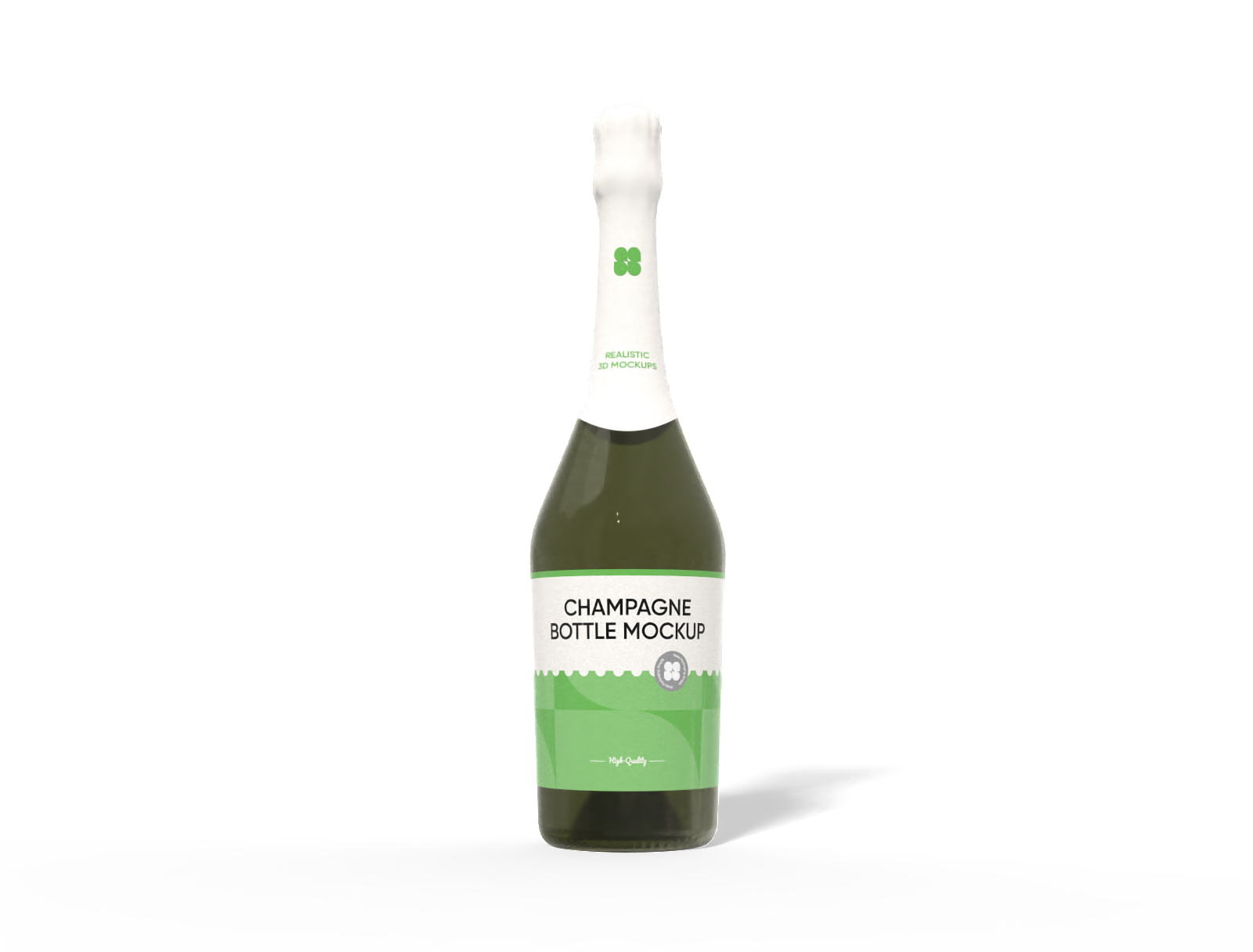
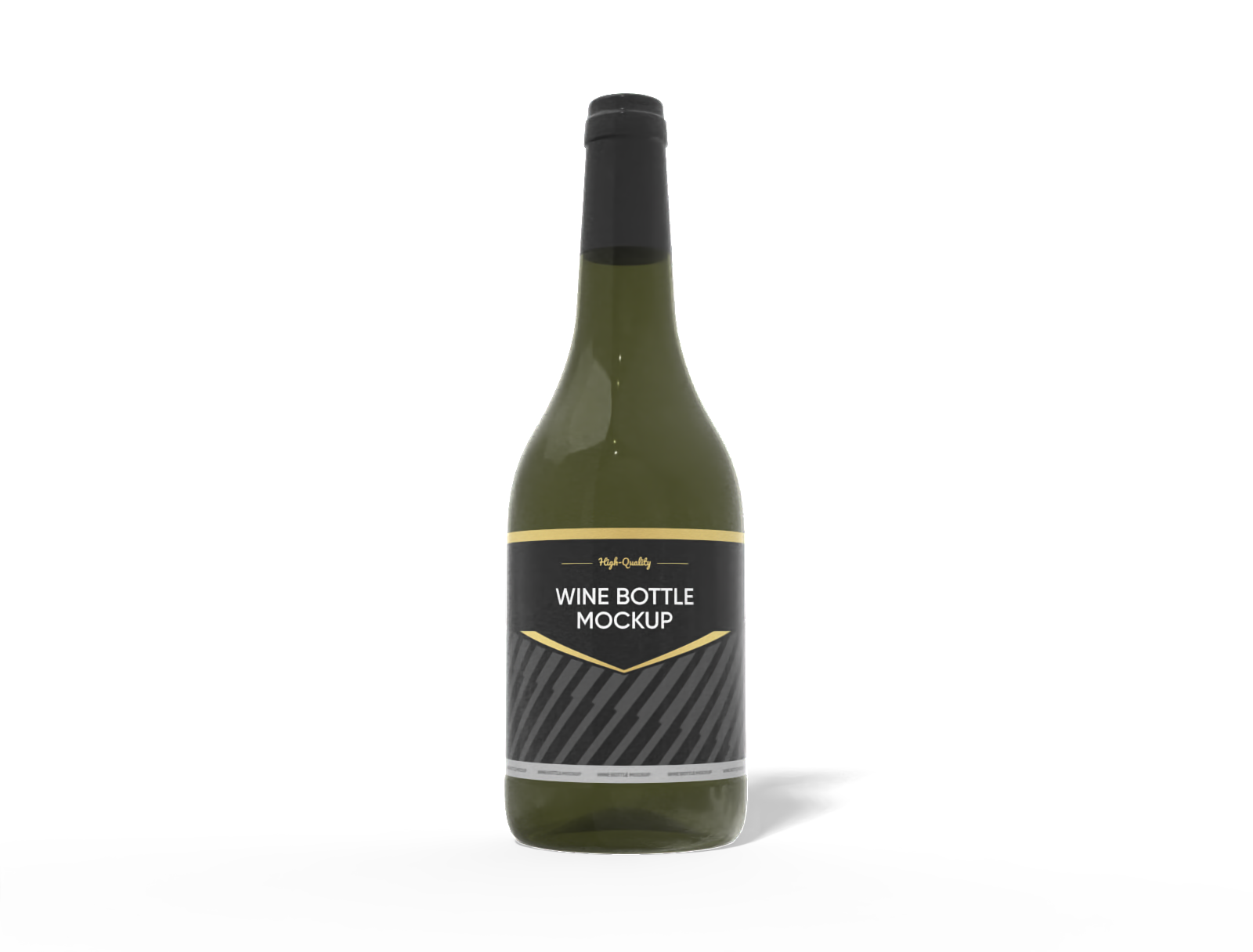
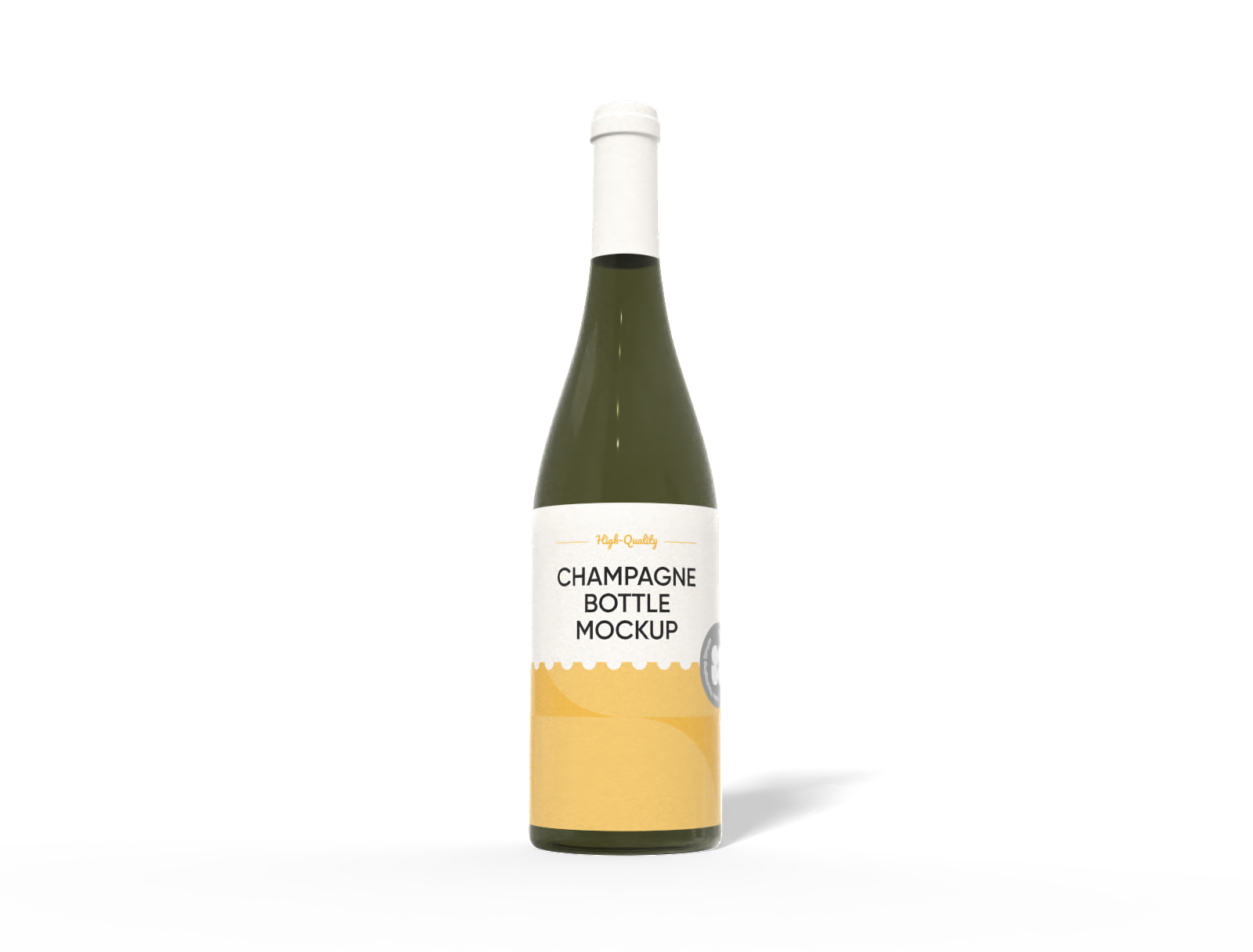
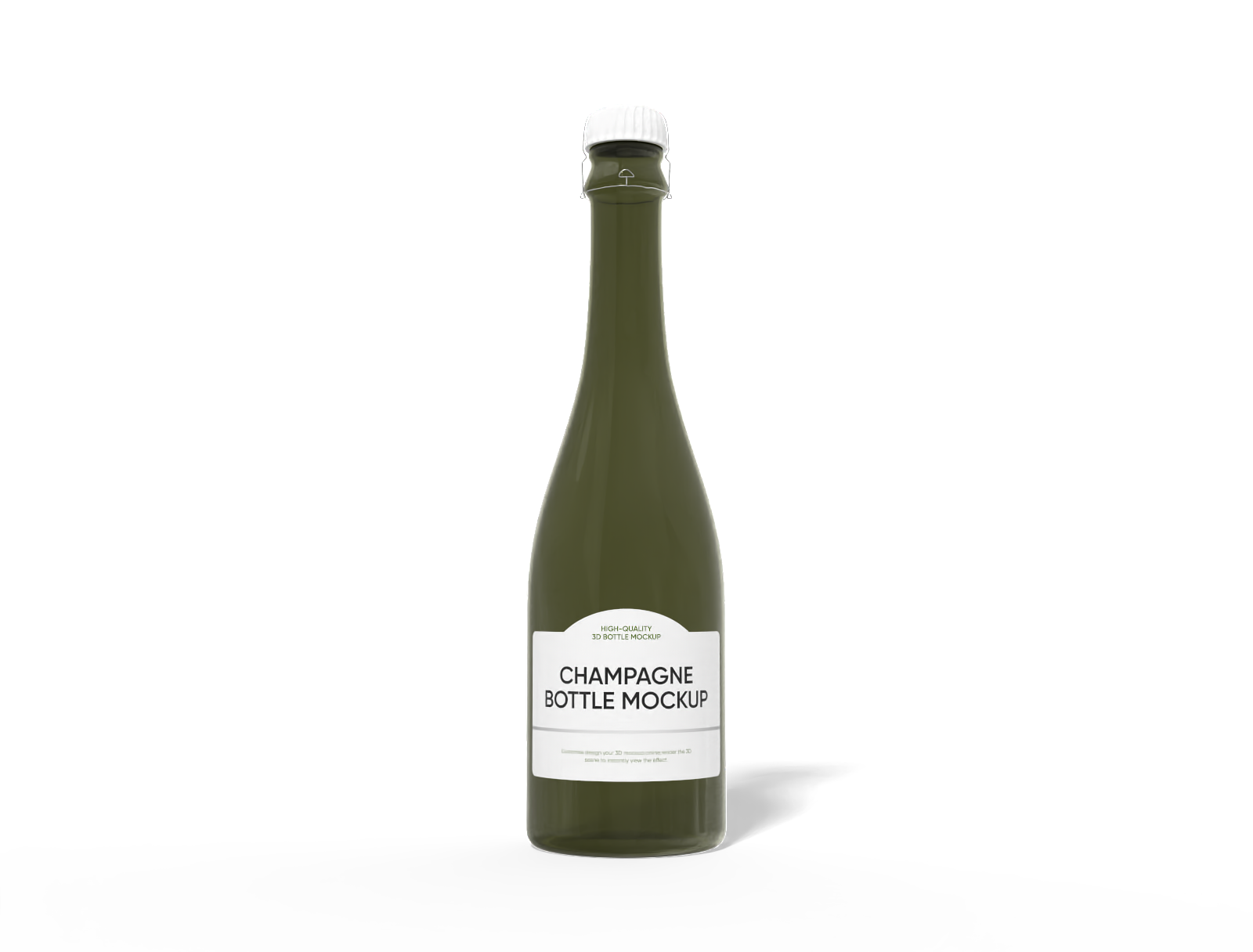
Select a custom champagne bottle. Find the perfect shape, whether it's a classic sparkling wine silhouette or a modern, sleek profile for a special cuvée.

Step 2: Upload your label and personalize
Upload your custom label artwork. Adjust the placement, and fine-tune the bottle's glass finish to match your brand's aesthetic.

Step 3: Export your champagne bottle design
Export your finished custom champagne bottle mockup as a 4K PNG/JPG, a dynamic MP4 video showing a 360° spin, or share it instantly with a link.
Step 1: Select a custom champagne bottle style
Select a custom champagne bottle. Find the perfect shape, whether it's a classic sparkling wine silhouette or a modern, sleek profile for a special cuvée.
Step 2: Upload your label and personalize
Upload your custom label artwork. Adjust the placement, and fine-tune the bottle's glass finish to match your brand's aesthetic.
Step 3: Export your champagne bottle design
Export your finished custom champagne bottle mockup as a 4K PNG/JPG, a dynamic MP4 video showing a 360° spin, or share it instantly with a link.


Essential tips for perfecting your bottle's look and feel

Choose a perfect bottle finish texture
Give your custom champagne bottle the perfect texture. Select a glossy glass finish for a high-end, reflective look that makes light dance off the surface.
For a more sophisticated feel, choose the matte glass finish. This frosted effect provides a modern, premium touch that makes your custom label artwork stand out.

Select optimal bottle volume capacity
Ensure your design fits perfectly by selecting the right capacities. Our mockups include the industry-standard 750 ml custom champagne bottle, the quintessential size for celebrations and retail.
We also offer options like the 500 ml custom champagne bottle, a popular choice for half-bottles or high-end gift sets.

Customize backgrounds with AI scenes
Use Pacdora's AI background generator to craft bespoke scenes instantly. Place your custom champagne bottle on a polished marble bar for high-end luxury appeal.
Alternatively, set it against a blurred vineyard sunset for an authentic, rustic vibe. This tool creates the perfect context for your unique brand.

Upload your unique label design
Bring your vision to life with your label artwork. For a wedding, upload a design with elegant calligraphy and the couple's date for a personalized favor.
For a luxury brand, upload a minimalist logo with gold foil effects to create a sense of exclusivity and appeal to high-end consumers. Upload custom images now!

Choose a perfect bottle finish texture
Give your custom champagne bottle the perfect texture. Select a glossy glass finish for a high-end, reflective look that makes light dance off the surface.
For a more sophisticated feel, choose the matte glass finish. This frosted effect provides a modern, premium touch that makes your custom label artwork stand out.
Select optimal bottle volume capacity
Ensure your design fits perfectly by selecting the right capacities. Our mockups include the industry-standard 750 ml custom champagne bottle, the quintessential size for celebrations and retail.
We also offer options like the 500 ml custom champagne bottle, a popular choice for half-bottles or high-end gift sets.


Customize backgrounds with AI scenes
Use Pacdora's AI background generator to craft bespoke scenes instantly. Place your custom champagne bottle on a polished marble bar for high-end luxury appeal.
Alternatively, set it against a blurred vineyard sunset for an authentic, rustic vibe. This tool creates the perfect context for your unique brand.
Upload your unique label design
Bring your vision to life with your label artwork. For a wedding, upload a design with elegant calligraphy and the couple's date for a personalized favor.
For a luxury brand, upload a minimalist logo with gold foil effects to create a sense of exclusivity and appeal to high-end consumers. Upload custom images now!

Our customers love Pacdora’s mockup tools
Thousands before you have designed realistic mockups with Pacdora and loved it.

Great mock-ups and literally thousands of packaging designs to choose from. The 3d mock-up is so good, helps bring clarity to the client as well as the designers. Great product for packaging design professionals.


cosmiccorner
Move over, complicated design software! Pacdora is the superhero of packaging mockups. Creating 3D magic for my products is as easy as pie – no PhD in design required. It’s like the software looked at the clock and said, ‘Time to save users from design nightmares!’ It’s so user-friendly, even my coffee mug wants to try its hand at packaging design.
FAQ
What is a custom champagne bottle mockup?
A custom champagne bottle is a 3D digital mockup that allows you to visualize your label design on a realistic bottle. It’s used by designers and brands to see how artwork, colors, and finishes will look before going to print. This helps in making design decisions, creating marketing materials, and presenting concepts to clients without the cost of producing a physical sample.
In what formats can I download the custom champagne bottle?
You can download your finished custom champagne bottles in several versatile formats on Pacdora. These include a high-resolution JPG or PNG image, with the PNG offering a transparent background perfect for easy layering onto websites or catalogs. Additionally, you can export a dynamic MP4 video showing a 360-degree rotation of your bottle, which is ideal for engaging social media content and presentations.
Can I integrate my champagne bottle mockup into a website banner?
Absolutely. By exporting your custom champagne bottle mockup as a PNG with a transparent background, you can easily overlay the high-resolution image onto any website banner, e-commerce product gallery, or digital advertisement. This makes it simple to create professional marketing materials that feature your product in a clean, isolated presentation, ready for immediate online use across all platforms.
What does Pacdora’s 3D preview feature do?
The live 3D preview is your instant quality-control solution. Instead of exporting static images to spot flaws, you see every change—color, finish, or text error—instantly on the custom champagne bottle. This rapid feedback loop ensures you catch mistakes, such as a misaligned logo or an imperfect color match, immediately, saving significant time and reducing costly revisions down the line.
Can I create custom champagne bottle mockups on Pacdora for free?
Yes, Pacdora offers a selection of custom champagne bottle mockups that you can design completely free of charge. For users who require advanced features, you can visit our pricing page for details on the available subscription plans.
Explore more mockup tools
Discover more about Pacdora


