

Custom wine bottle

Drop in your distinctive label, adjust details, and download your wine bottle mockup for free, delivered as a clear HD PNG.
Custom wine bottle
Drop in your distinctive label, adjust details, and download your wine bottle mockup for free, delivered as a clear HD PNG.
Trusted by leading companies


Craft an irresistible brand story with a custom wine bottle!
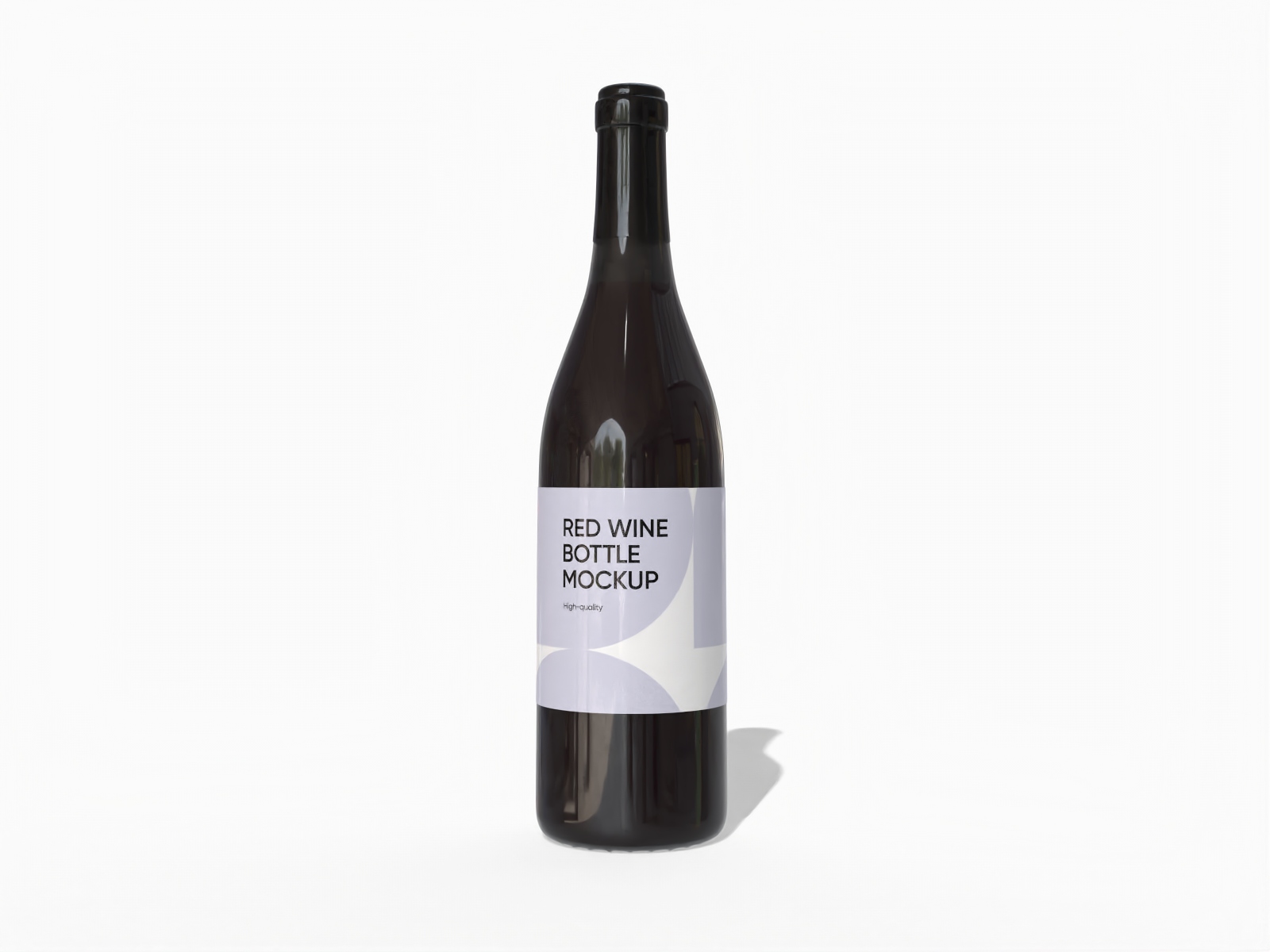
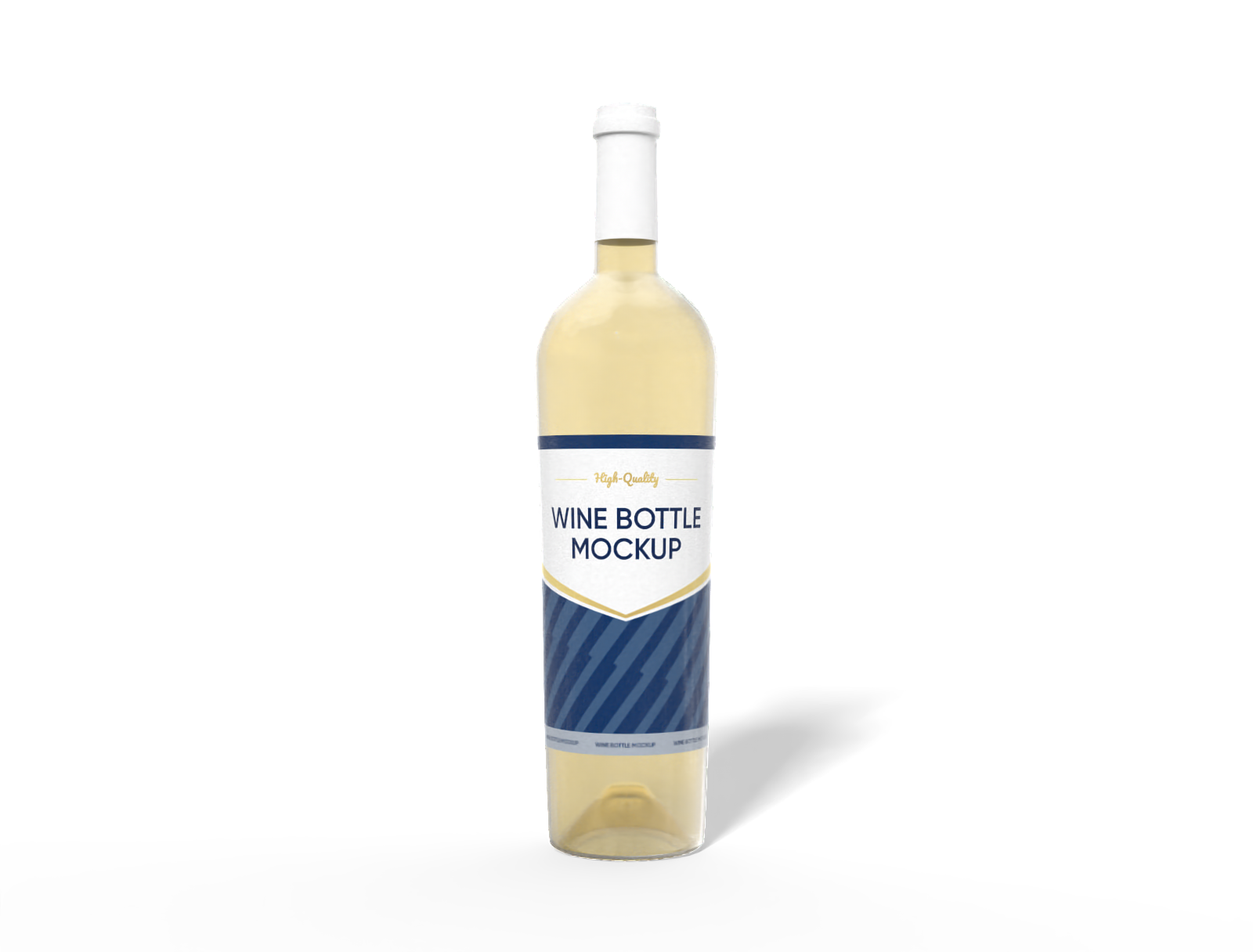
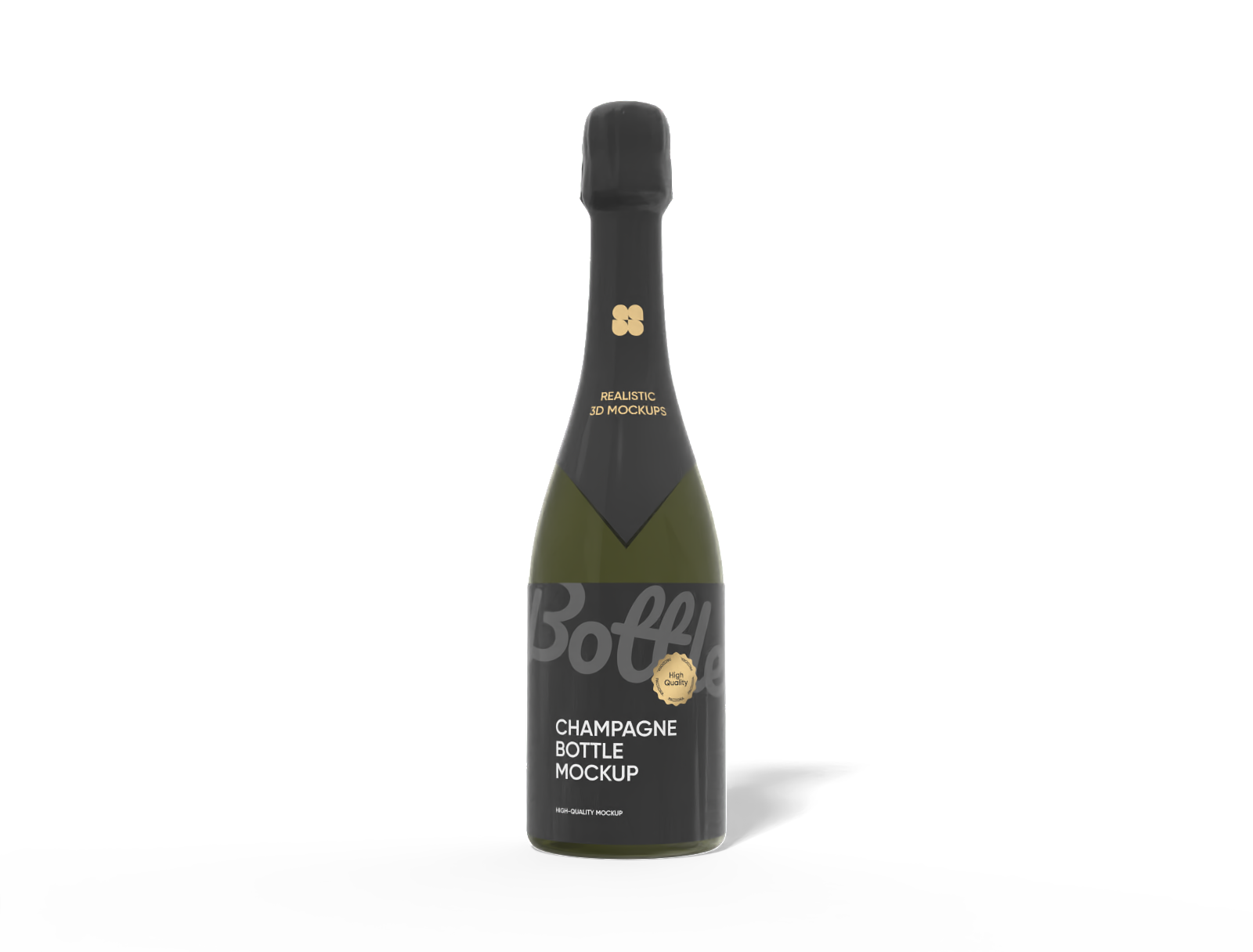
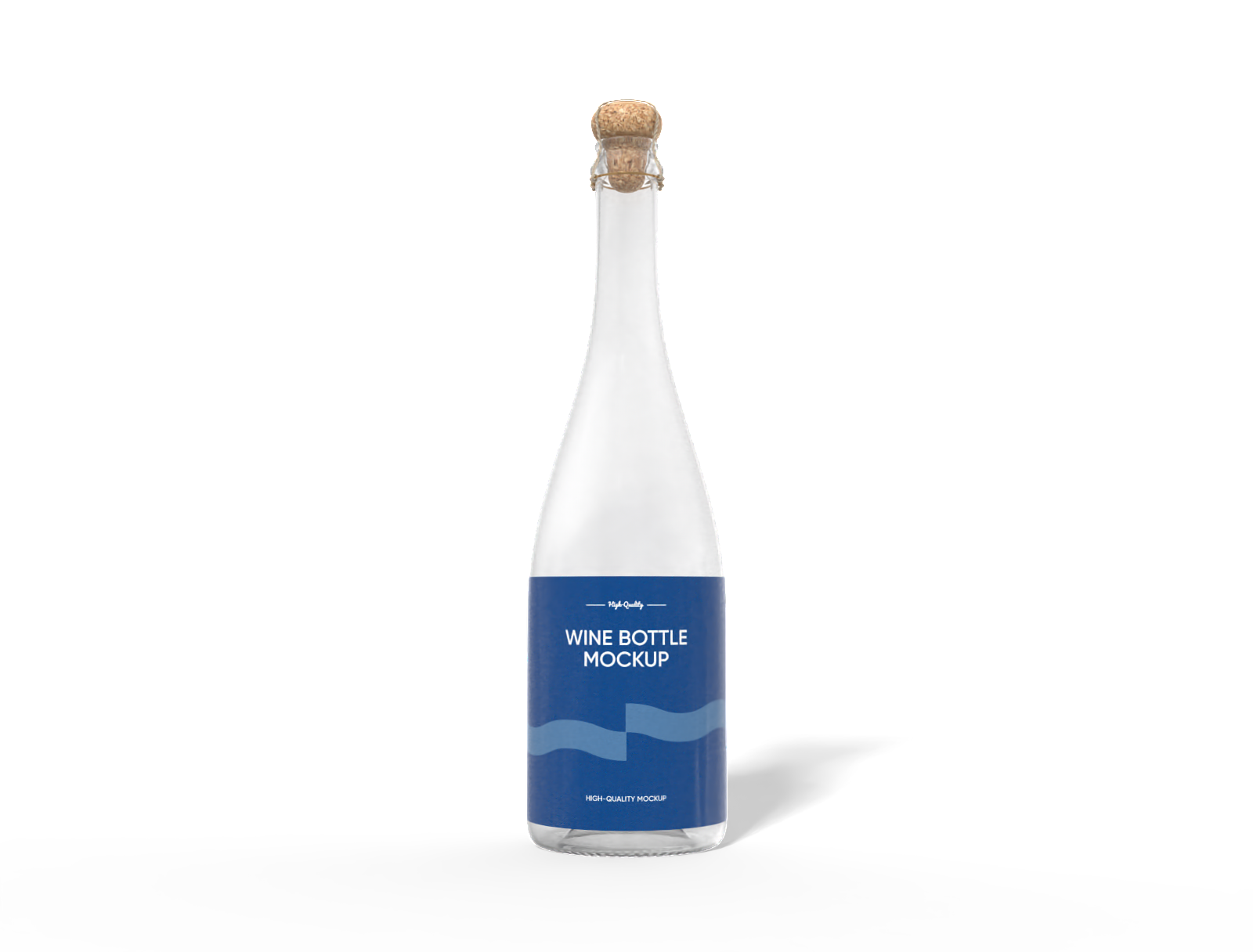
Pacdora provides a gallery of classic and contemporary 3D wine bottle mockups, perfect for a boutique Syrah or a festive sparkling rosé. Choose the perfect silhouette, pick your favorite neck and shoulder geometry. Upload your detailed label, adjust the texture of the glass, select a background that complements your design, and export your creation as a high-resolution PNG or an engaging MP4 clip. Begin designing your signature bottle now!

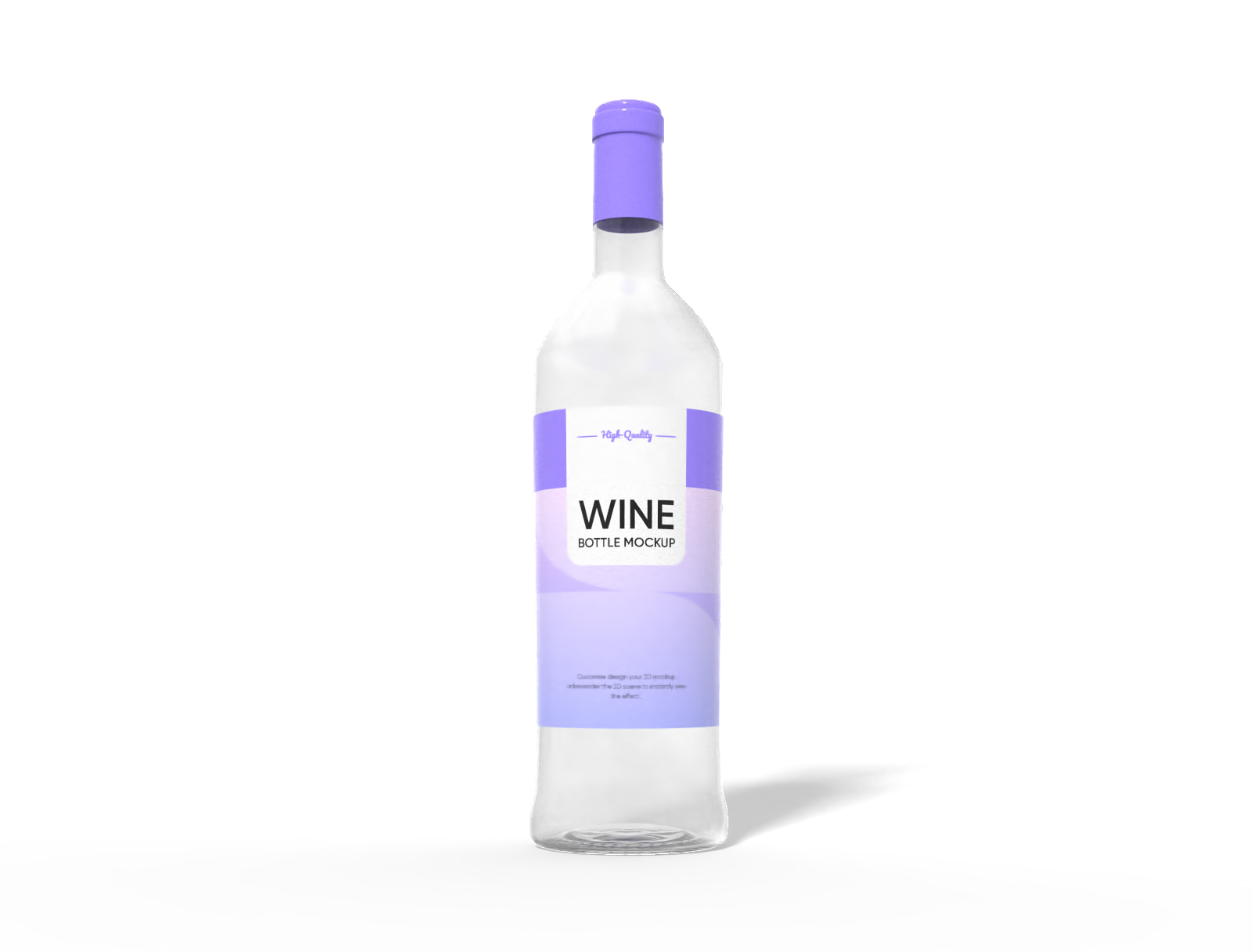
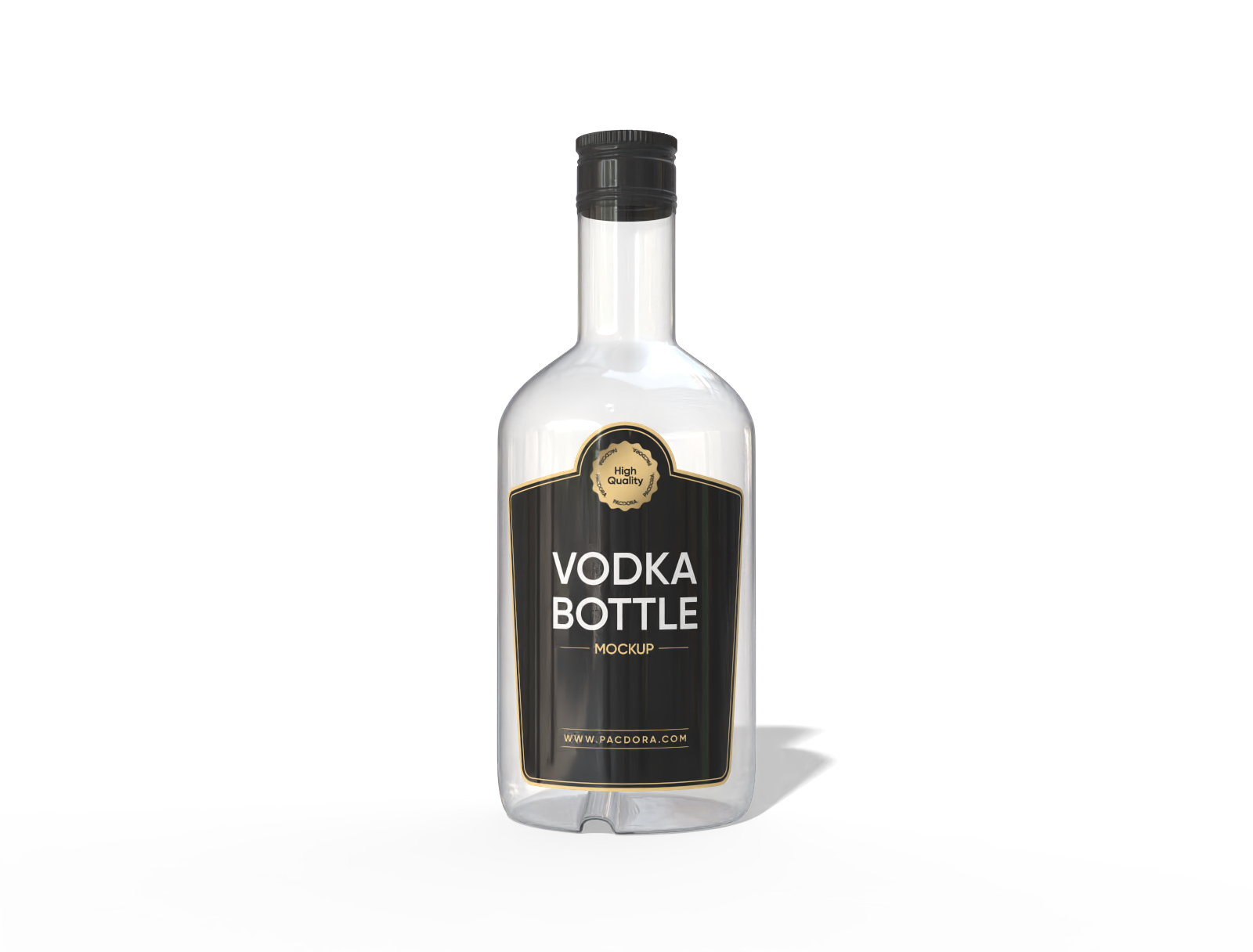
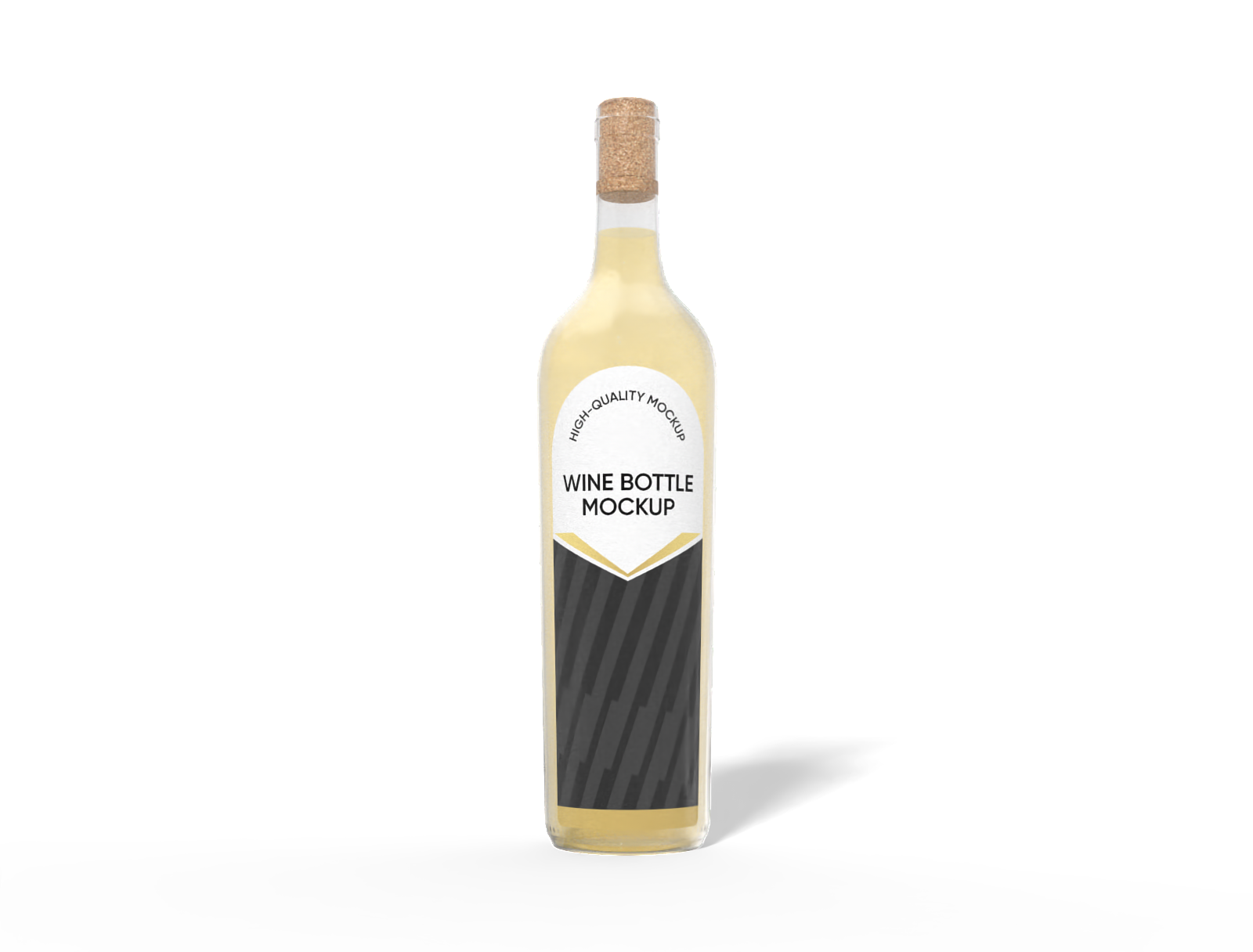
How to create custom wine bottles online?

Step 1: Select your custom wine bottle mockup
Select a form that honors your varietal, from the broad-shouldered Bordeaux style for deep reds to the slender Hock shape ideal for crisp whites.

Step 2: Upload your label and customize
Upload your vineyard crest, vintage year, and tasting notes. Adjust the label placement, glass finish, and more to perfect the final presentation.

Step 3: Export your custom wine bottle
Export the finished mockup as a high-definition 4K PNG image, a cinematic MP4 video, or a direct link to share with clients for approval.
Step 1: Select your custom wine bottle mockup
Select a form that honors your varietal, from the broad-shouldered Bordeaux style for deep reds to the slender Hock shape ideal for crisp whites.
Step 2: Upload your label and customize
Upload your vineyard crest, vintage year, and tasting notes. Adjust the label placement, glass finish, and more to perfect the final presentation.
Step 3: Export your custom wine bottle
Export the finished mockup as a high-definition 4K PNG image, a cinematic MP4 video, or a direct link to share with clients for approval.


Crafting the perfect vintage with custom wine bottles

Choose a structure that defines your vintage
The profile of your bottle speaks volumes about the contents. A Bordeaux style bottle conveys tradition and strength, ideal for Cabernet Sauvignon and Merlot.
In contrast, the sloping shoulders of a Burgundy bottle suggest elegance, making it the classic choice for Pinot Noir and Chardonnay, enhancing the refined appeal.

Choose your custom wine bottle finish
The texture of your custom wine bottle’s glass dramatically alters its perceived quality. Glossy finishes create vibrant visuals with saturated colors.
A matte glass finish, on the other hand, provides a contemporary, sophisticated, luxurious feel, reducing reflections and suggesting a handcrafted, premium vintage.

Select the ideal custom wine bottle capacity
The right capacity matters for market placement. The 750 ml bottle is the industry standard for retailers and restaurants.
The smaller 187 ml custom wine bottle (often called a 'split') is excellent for airlines, tasting events, or single-serve hospitality, providing a convenient showcase for specialized small-batch wines.

Upload your unique custom wine bottle design
Your label is your story. Upload a classic, elegant design with serif fonts and gold foil textures for a high-end Chardonnay, appealing to traditionalists.
Or, upload a bold, minimalist graphic label for an organic wine, targeting modern eco-conscious consumers with Pacdora’s real-time 3D bottle editor.

Choose a structure that defines your vintage
The profile of your bottle speaks volumes about the contents. A Bordeaux style bottle conveys tradition and strength, ideal for Cabernet Sauvignon and Merlot.
In contrast, the sloping shoulders of a Burgundy bottle suggest elegance, making it the classic choice for Pinot Noir and Chardonnay, enhancing the refined appeal.
Choose your custom wine bottle finish
The texture of your custom wine bottle’s glass dramatically alters its perceived quality. Glossy finishes create vibrant visuals with saturated colors.
A matte glass finish, on the other hand, provides a contemporary, sophisticated, luxurious feel, reducing reflections and suggesting a handcrafted, premium vintage.


Select the ideal custom wine bottle capacity
The right capacity matters for market placement. The 750 ml bottle is the industry standard for retailers and restaurants.
The smaller 187 ml custom wine bottle (often called a 'split') is excellent for airlines, tasting events, or single-serve hospitality, providing a convenient showcase for specialized small-batch wines.
Upload your unique custom wine bottle design
Your label is your story. Upload a classic, elegant design with serif fonts and gold foil textures for a high-end Chardonnay, appealing to traditionalists.
Or, upload a bold, minimalist graphic label for an organic wine, targeting modern eco-conscious consumers with Pacdora’s real-time 3D bottle editor.

Our customers love Pacdora’s mockup tools
Thousands before you have designed realistic mockups with Pacdora and loved it.

Great mock-ups and literally thousands of packaging designs to choose from. The 3d mock-up is so good, helps bring clarity to the client as well as the designers. Great product for packaging design professionals.


cosmiccorner
Move over, complicated design software! Pacdora is the superhero of packaging mockups. Creating 3D magic for my products is as easy as pie – no PhD in design required. It’s like the software looked at the clock and said, ‘Time to save users from design nightmares!’ It’s so user-friendly, even my coffee mug wants to try its hand at packaging design.
FAQ
What are the key elements to include on the back label?
A compliant back label should include the vintage year, the alcohol percentage by volume (ABV), the net content (e.g., 750ml), a brief tasting note or story, and crucial allergen warnings or legal disclaimers. Properly arranging these elements on your custom wine bottle mockup is vital for both regulatory compliance and consumer information.
What is the best way to mock up for an investor presentation?
For investor presentations, focus on realism and impact. Export an MP4 360-degree video of the custom wine bottle rotating on a plain, professional background. This high-fidelity, dynamic view showcases the quality of the glass, the texture of the label, and the overall premium branding, making a compelling case for your product.
How do I show my custom wine bottle mockup in a realistic scene?
Pacdora allows you to render your design in a retail scene. After customizing your bottle, you can browse available scenes, such as a bar top, a vineyard, or a simple studio setting. This helps you and your clients visualize how the custom wine bottle will look in a real-world context, which is much more effective than just a plain background for marketing presentations.
What file formats can I upload for my custom wine bottle label?
Pacdora's online editor is flexible, accepting standard image formats like JPG, PNG, and SVG. For the best results, we recommend using a high-resolution PNG file if your label has transparent elements or complex cutout shapes. For solid logos or text-based designs, an SVG (vector) file will ensure your artwork remains perfectly sharp and clear when rendered on the 3D bottle.
Can I design a custom wine bottle on Pacdora for free?
Yes! Designing your unique custom wine bottles within Pacdora is offered at absolutely no charge. To unlock and utilize the full suite of our professional, upgraded features, please consult the details found on the pricing page.
Explore more mockup tools
Discover more about Pacdora


