

Custom paper boxes

Add personalized graphics, logos, or text information, and adjust the layout of your paper boxes! Support for downloadable HD PNGs!
Custom paper boxes
Add personalized graphics, logos, or text information, and adjust the layout of your paper boxes! Support for downloadable HD PNGs!
Trusted by leading companies


Designing premium-quality paper boxes made easy with Pacdora!
Looking for a reliable platform to design custom paper boxes that grab attention on store shelves? Pacdora is the best platform for you. Select from square, rectangular, or other box styles for packing cosmetics or retail items. Add images, logos, or text information, and modify colors for free. Adjust the box dimensions and export as high-resolution PNG, JPG, MP4, or dieline files. Start designing today!




How to design custom paper boxes with Pacdora?

Step 1: Select a paper box design
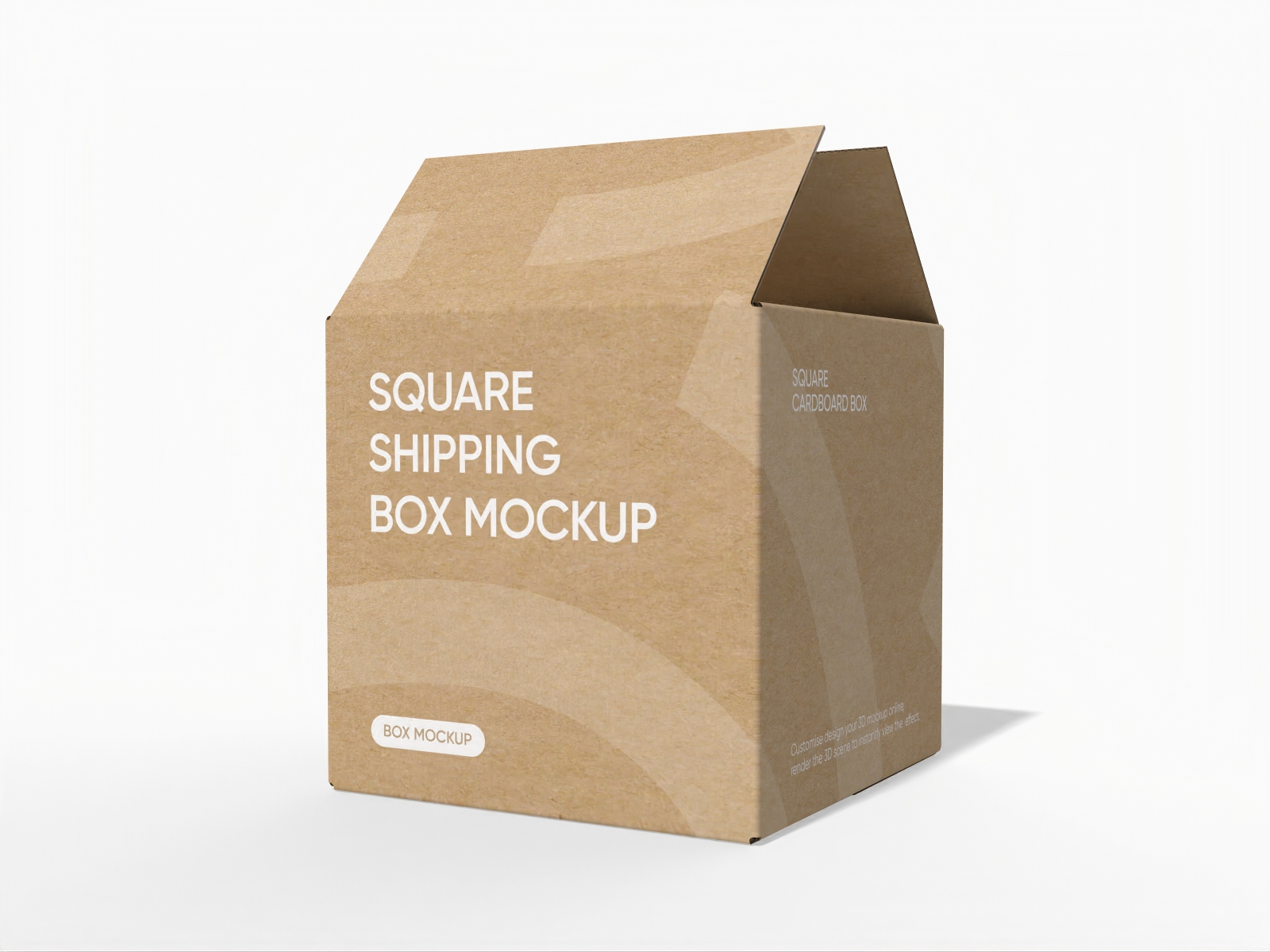
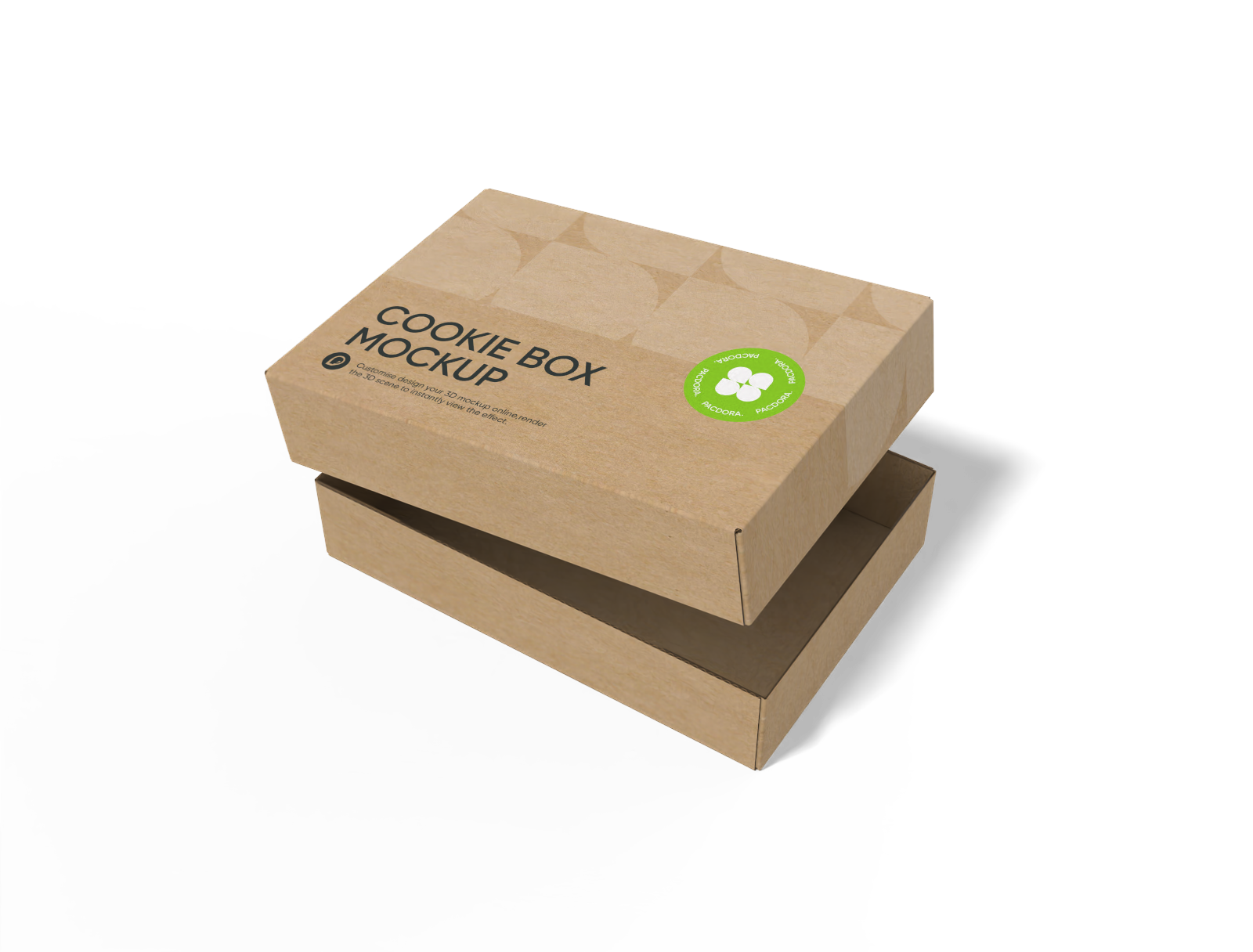
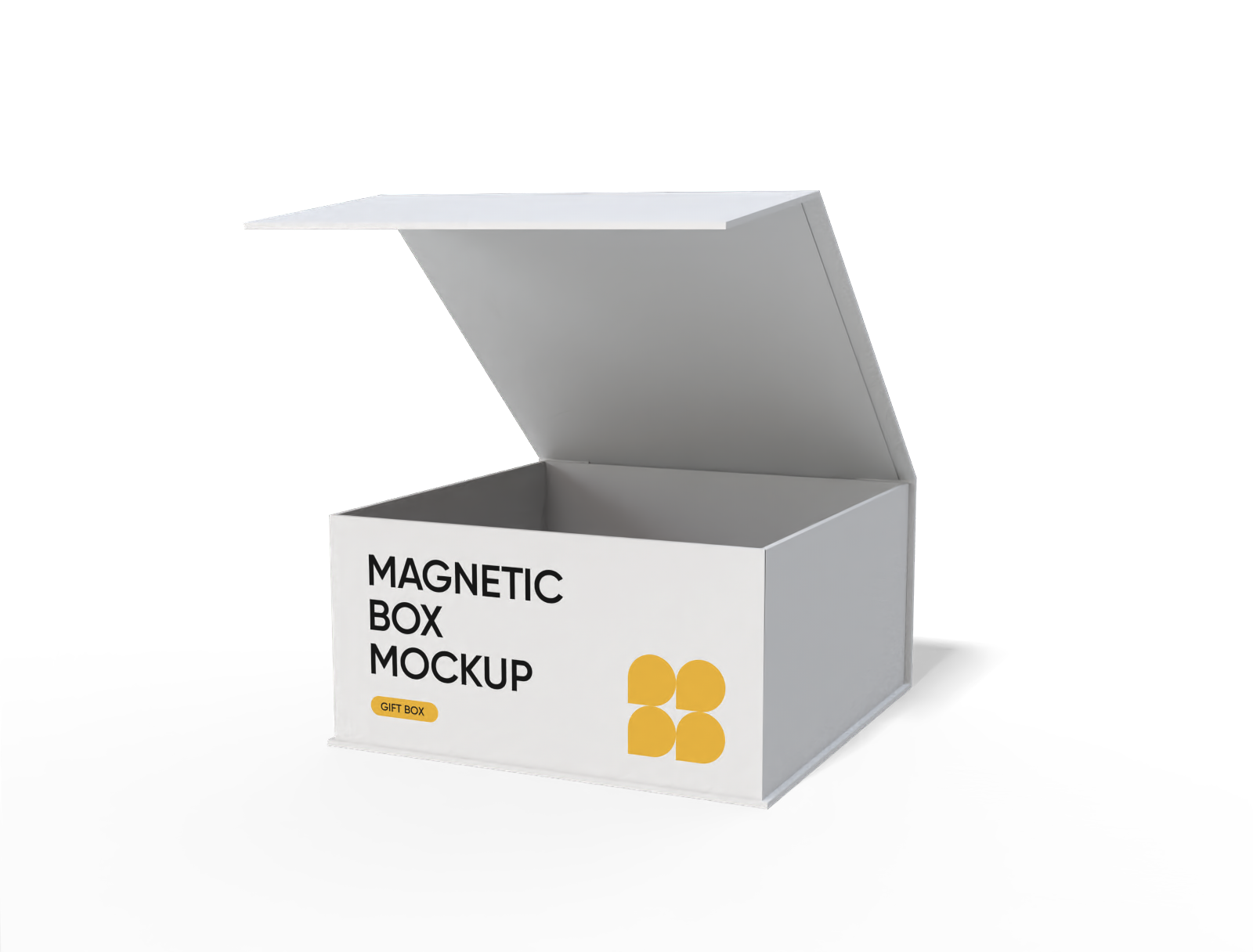
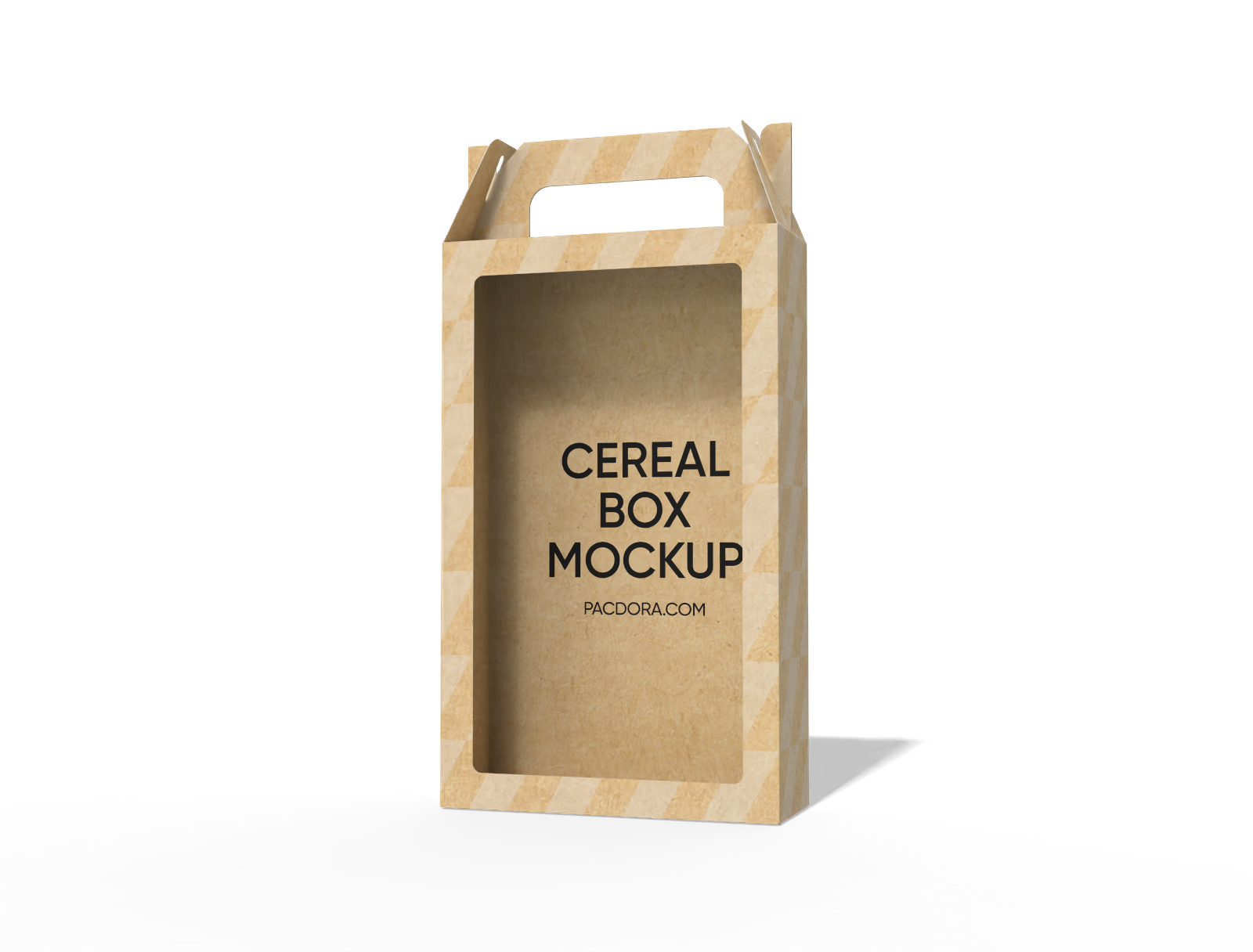
Select your favorite paper box design from Pacdora’s vast collection, such as a square or polygonal box with a window and a hook.

Step 2: Add images and adjust
Add catchy images, your brand’s logo, or product details to your paper box design. Modify colors and adjust the background of your boxes.

Step 3: Download your paper box design
Download your paper box design in PNG/JPG, MP4 video or printable dieline files.
Step 1: Select a paper box design
Select your favorite paper box design from Pacdora’s vast collection, such as a square or polygonal box with a window and a hook.
Step 2: Add images and adjust
Add catchy images, your brand’s logo, or product details to your paper box design. Modify colors and adjust the background of your boxes.
Step 3: Download your paper box design
Download your paper box design in PNG/JPG, MP4 video or printable dieline files.


Why do users prefer making custom paper boxes online?

Diverse box shapes for versatile packaging
Multiple box designs allow the manufacturers to select a paper box that complements the product’s concept.
A polygonal box with a lock-top doesn’t open during accidental drops, making it suitable for packing candles, soaps, or small gift sets. Alternatively, a square mailer box with a display window is great for packaging toys and glassware.

Custom material selection for sturdy packing
Using the best paper material is important to ensure the protection of goods and improve customer satisfaction.
White cardboard boxes have a smooth finish, suitable for packaging gifts, accessories, or lightweight retail items. Alternatively, flute paper boxes are sturdy, perfect for packing heavier electronic goods.

Placing design elements for a catchy look
The flexibility to position images and text allows brands to create visually appealing packaging that represents their unique style.
Marking the box with short care notes such as “Handle Carefully,” or “Fragile Item” helps protect the product during delivery. Similarly, placing a logo on the front panel gives the packaging a strong shelf presence.

Customizable box dimensions for all products
Custom adjustment of box sizes allows brands to accommodate products of all shapes and volumes.
A 6 × 6 × 4 inches paper box is suitable for packing single cookies, small pastries, or a mini loaf. Likewise, a 14 × 10 × 5 inches box is perfect for packaging large electronic appliances and apparel.

Diverse box shapes for versatile packaging
Multiple box designs allow the manufacturers to select a paper box that complements the product’s concept.
A polygonal box with a lock-top doesn’t open during accidental drops, making it suitable for packing candles, soaps, or small gift sets. Alternatively, a square mailer box with a display window is great for packaging toys and glassware.
Custom material selection for sturdy packing
Using the best paper material is important to ensure the protection of goods and improve customer satisfaction.
White cardboard boxes have a smooth finish, suitable for packaging gifts, accessories, or lightweight retail items. Alternatively, flute paper boxes are sturdy, perfect for packing heavier electronic goods.


Placing design elements for a catchy look
The flexibility to position images and text allows brands to create visually appealing packaging that represents their unique style.
Marking the box with short care notes such as “Handle Carefully,” or “Fragile Item” helps protect the product during delivery. Similarly, placing a logo on the front panel gives the packaging a strong shelf presence.
Customizable box dimensions for all products
Custom adjustment of box sizes allows brands to accommodate products of all shapes and volumes.
A 6 × 6 × 4 inches paper box is suitable for packing single cookies, small pastries, or a mini loaf. Likewise, a 14 × 10 × 5 inches box is perfect for packaging large electronic appliances and apparel.

Our customers love Pacdora’s mockup tools
Thousands before you have designed realistic mockups with Pacdora and loved it.

Great mock-ups and literally thousands of packaging designs to choose from. The 3d mock-up is so good, helps bring clarity to the client as well as the designers. Great product for packaging design professionals.


cosmiccorner
Move over, complicated design software! Pacdora is the superhero of packaging mockups. Creating 3D magic for my products is as easy as pie – no PhD in design required. It’s like the software looked at the clock and said, ‘Time to save users from design nightmares!’ It’s so user-friendly, even my coffee mug wants to try its hand at packaging design.
FAQ
Where can I use the images and videos of my custom paper boxes?
Downloading images and videos of custom paper boxes helps present designs professionally. PNG or JPG images can be shared on social media and e-commerce websites for marketing. Whereas MP4 videos are great for showing box designs in motion during client presentations or promotional campaigns.
Why should I use Pacdora for making paper boxes?
Pacdora is a great platform for making custom paper boxes. No need to download a large PSD file or use complex software. Even beginners can create their favorite paper boxes online. They can choose from diverse paper boxes, easily adjust box size, change colors, and place branding with easy drag-and-drop controls.
Can I download my paper boxes as dieline files?
Yes, you can download your custom paper box designs in print-ready PDF or DXF formats. These are the dieline files that show the cut and fold lines for the box. Exporting your design in this format helps prevent printing mistakes. It also makes sure your artwork, logos, and text stay in the correct place during the box assembly stage.
Can I add a background to my paper boxes on Pacdora?
Yes, Pacdora lets you add backgrounds to your paper box designs. You can use engaging colors, gradients, or upload personalized images that complement your product theme. Scenes like shelves, gift setups, or product displays help show the box in a natural setting. Pacdora’s AI background generator can also create perfect backdrops suited to your product packaging.
Can I design paper boxes free of cost on Pacdora?
Yes, you can design various shapes and styles of paper boxes for free using Pacdora. Our platform also features some advanced editing tools. Visit our pricing page for more details.
Explore more mockup tools
Discover more about Pacdora


