

Plastic cup mockup

Upload images, and adjust more details, then download your branded plastic cup mockup as a high-quality PNG image for free.
Plastic cup mockup
Upload images, and adjust more details, then download your branded plastic cup mockup as a high-quality PNG image for free.
Trusted by leading companies


Customizing your own Plastic cup mockup is easy on Pacodora!
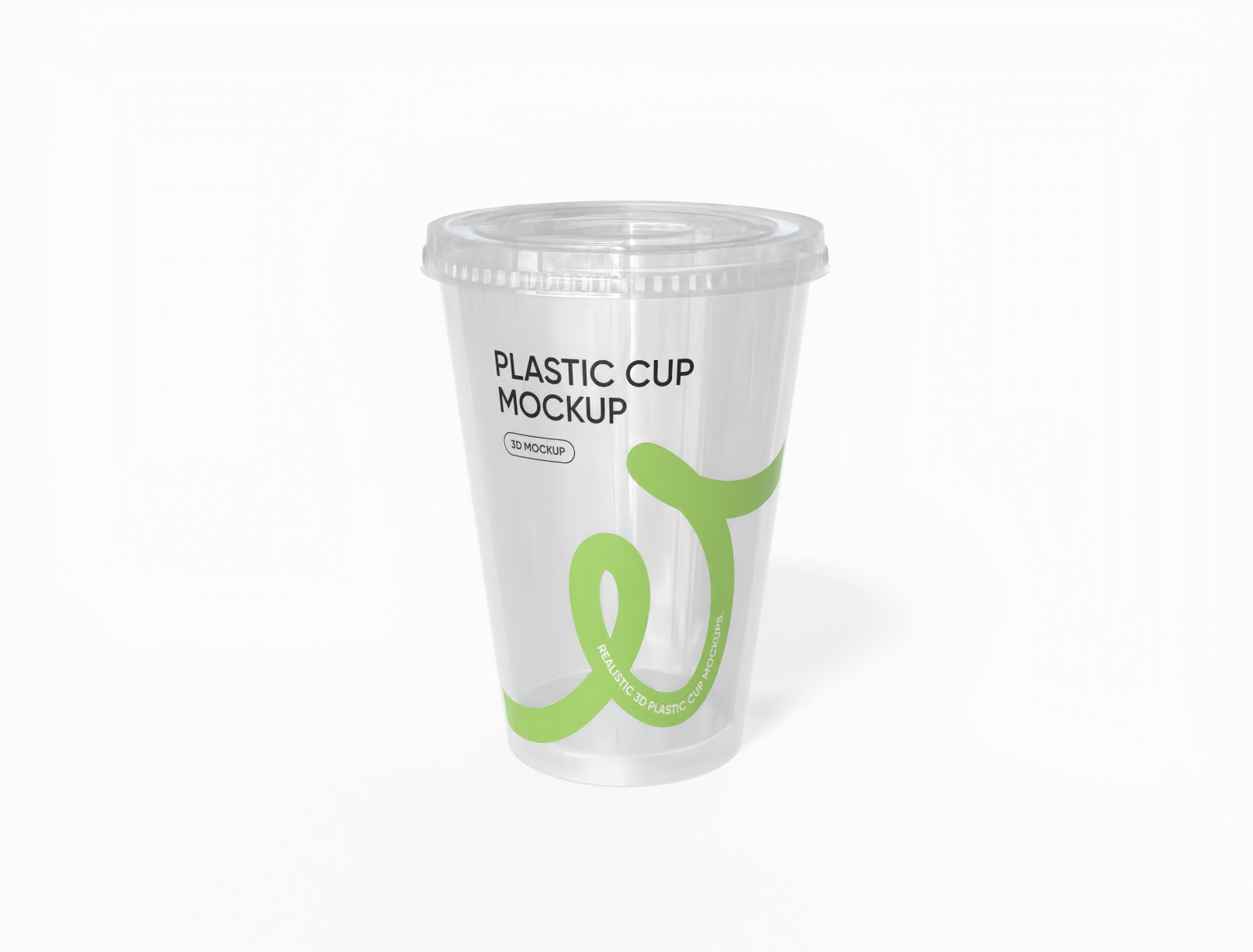
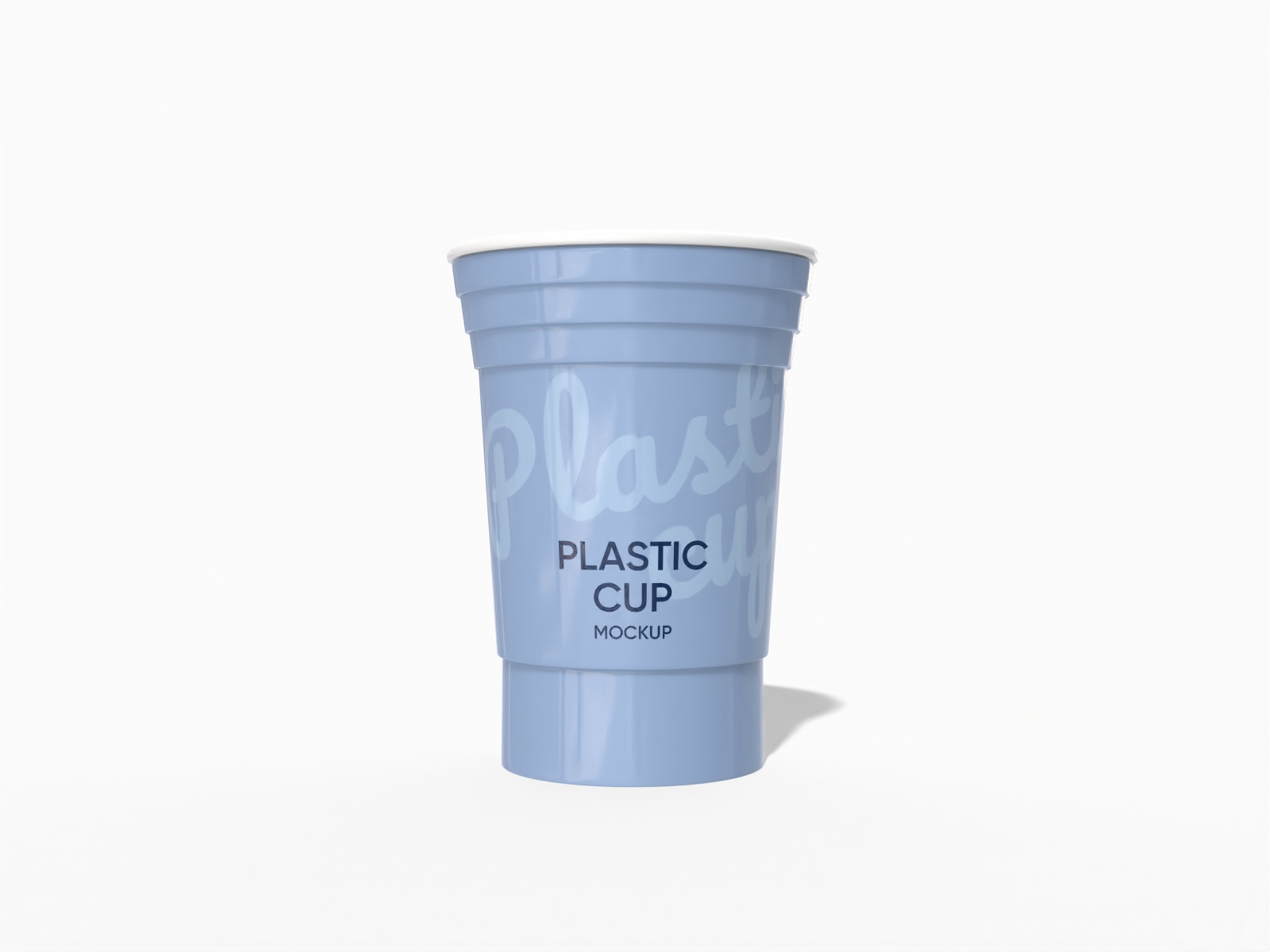
Is making a realistic plastic cup mockup always challenging? Pacdora helps you to create coffee and drink plastic cup mockups for your menu or social media. Simply select a cup mockup from our library, upload your brand logo, and watch it wrap perfectly around the 3D surface. You can customize the transparency, adjust lighting, and get a professional result in minutes. Start designing your plastic cup mockup today and see how fast it is!


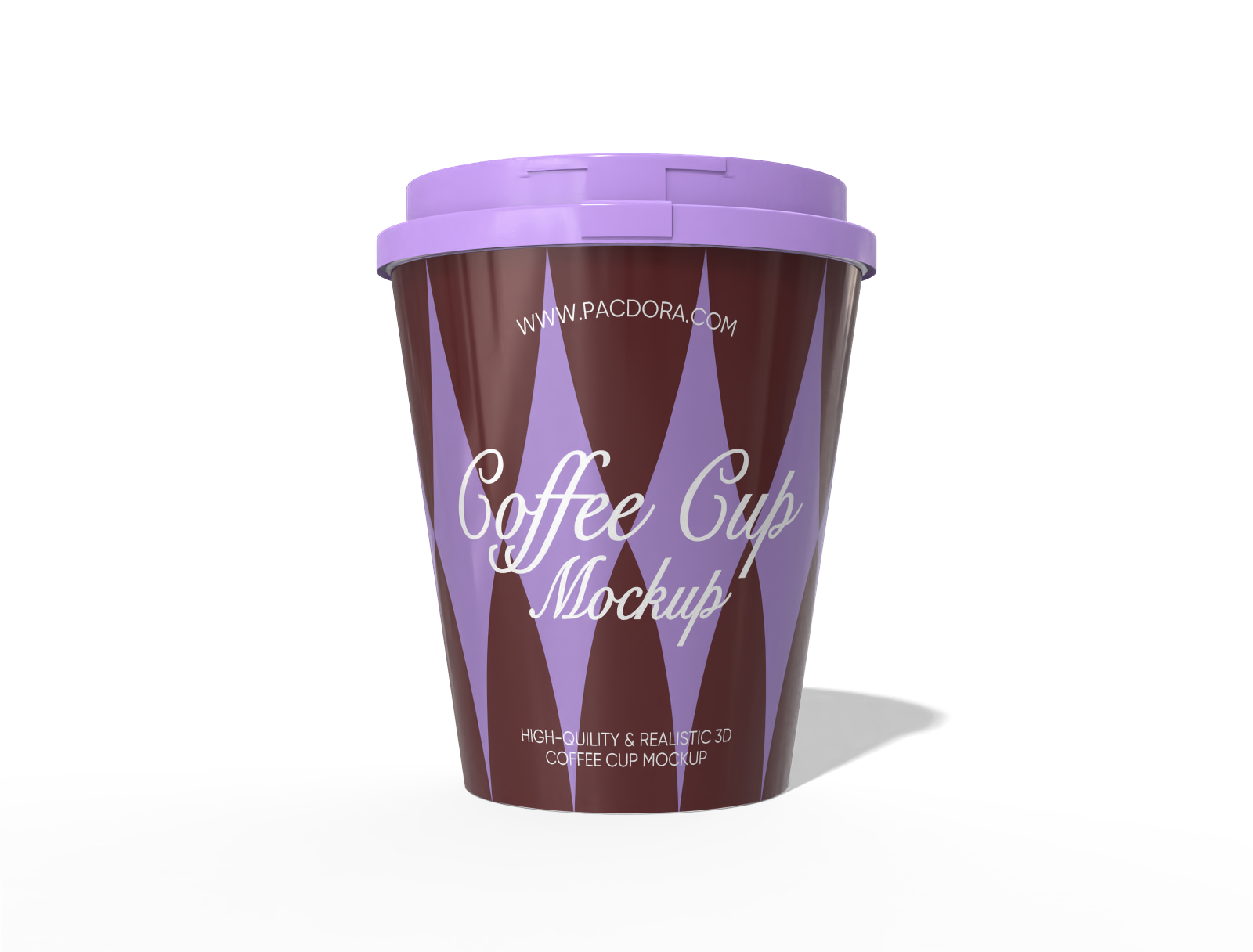

How to make a plastic cup mockup online?
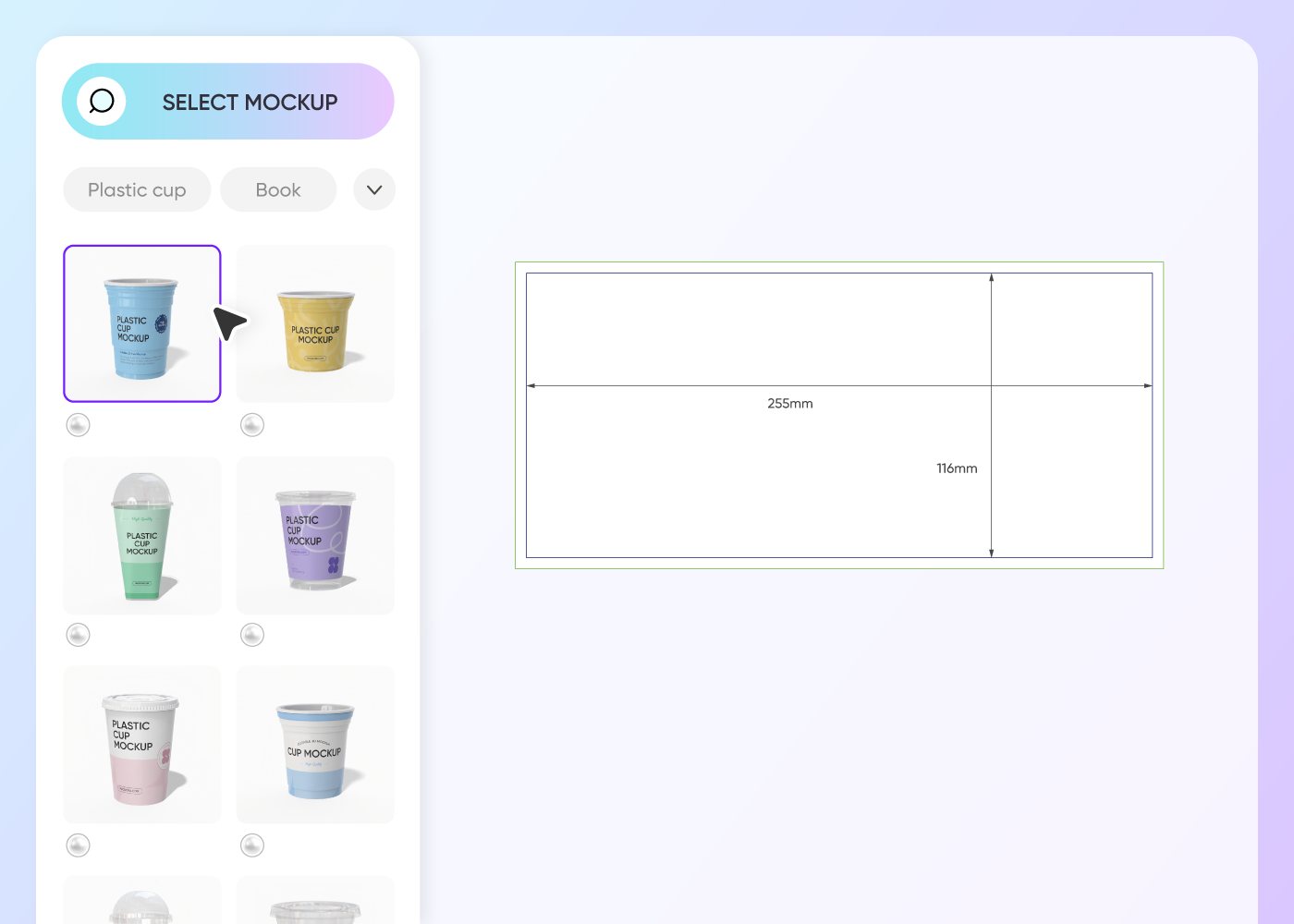
Step 1: Choose a plastic cup mockup
Choose a cup mockup from our extensive library. Whether you need a standard slushie size or a tall container, pick the base that fits your project.
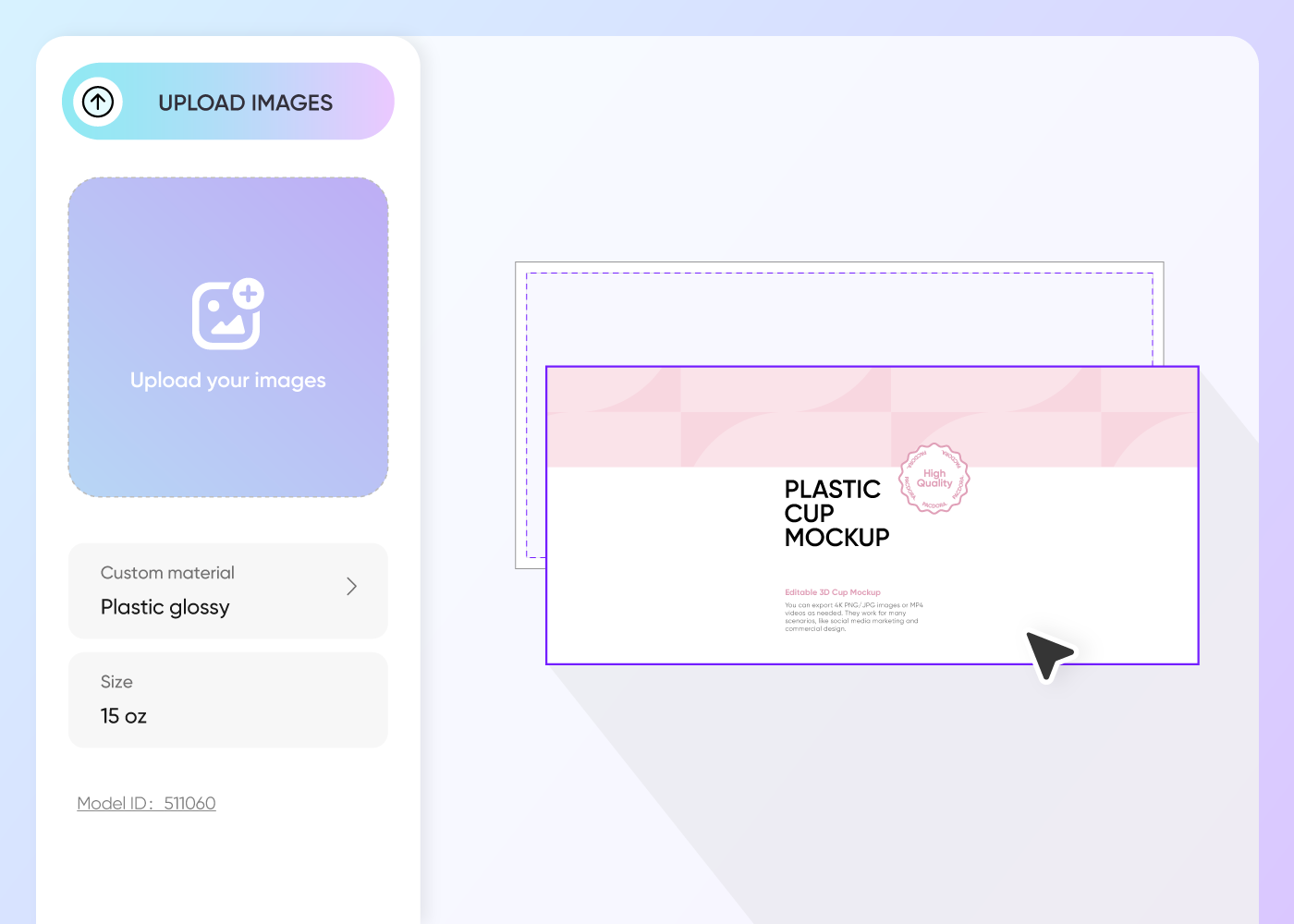
Step 2: Upload custom plastic cup designs
Upload your logo, sticker, or pattern to the mockup. You can adjust the material textures to make a premium plastic cup mockup.
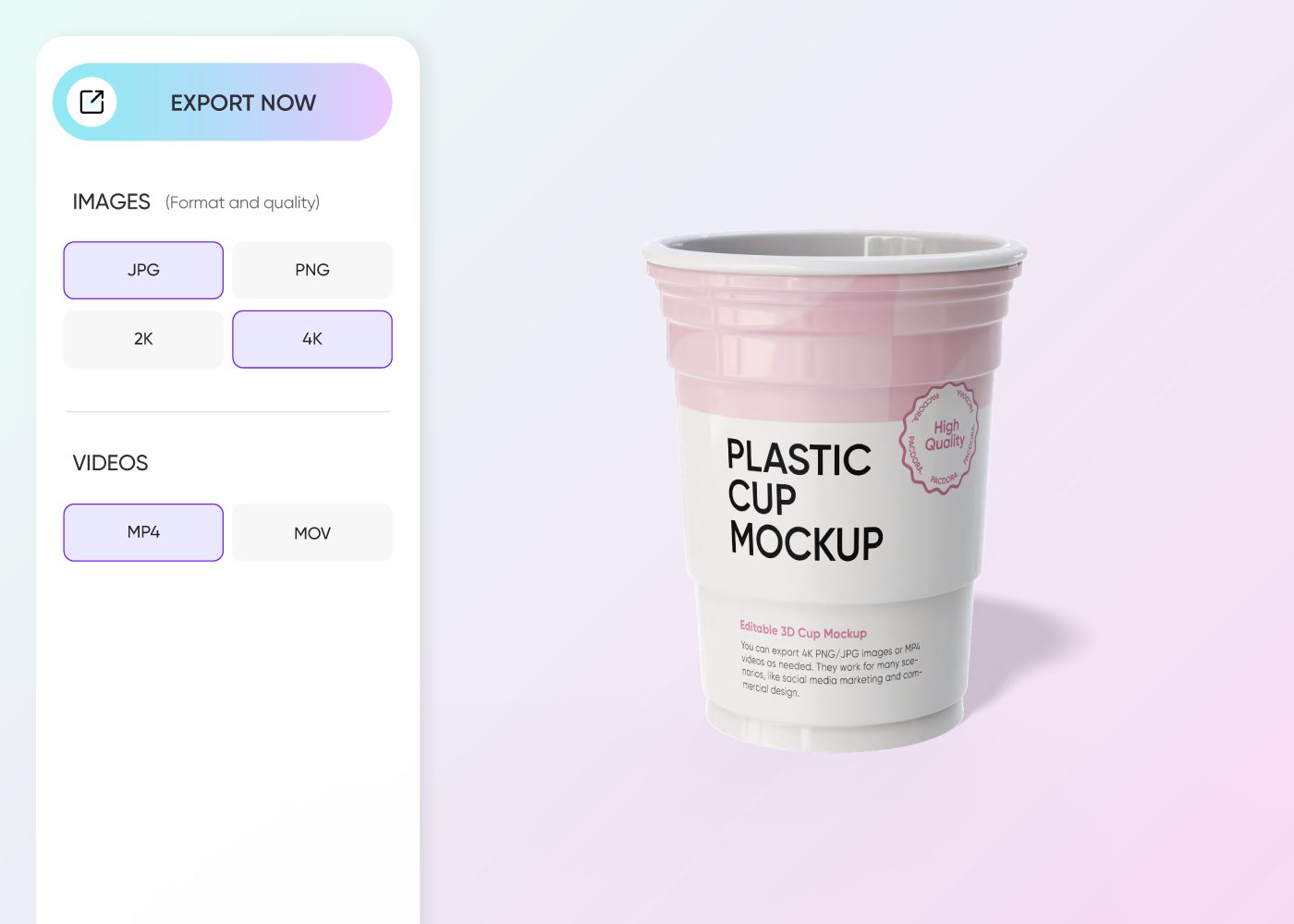
Step 3: Download your plastic cup mockup
Download plastic cup mockups as high-quality 8K PNG images or MP4 videos to use on your website.
Step 1: Choose a plastic cup mockup
Choose a cup mockup from our extensive library. Whether you need a standard slushie size or a tall container, pick the base that fits your project.
Step 2: Upload custom plastic cup designs
Upload your logo, sticker, or pattern to the mockup. You can adjust the material textures to make a premium plastic cup mockup.
Step 3: Download your plastic cup mockup
Download plastic cup mockups as high-quality 8K PNG images or MP4 videos to use on your website.
Highlights of designing plastic cup mockup online
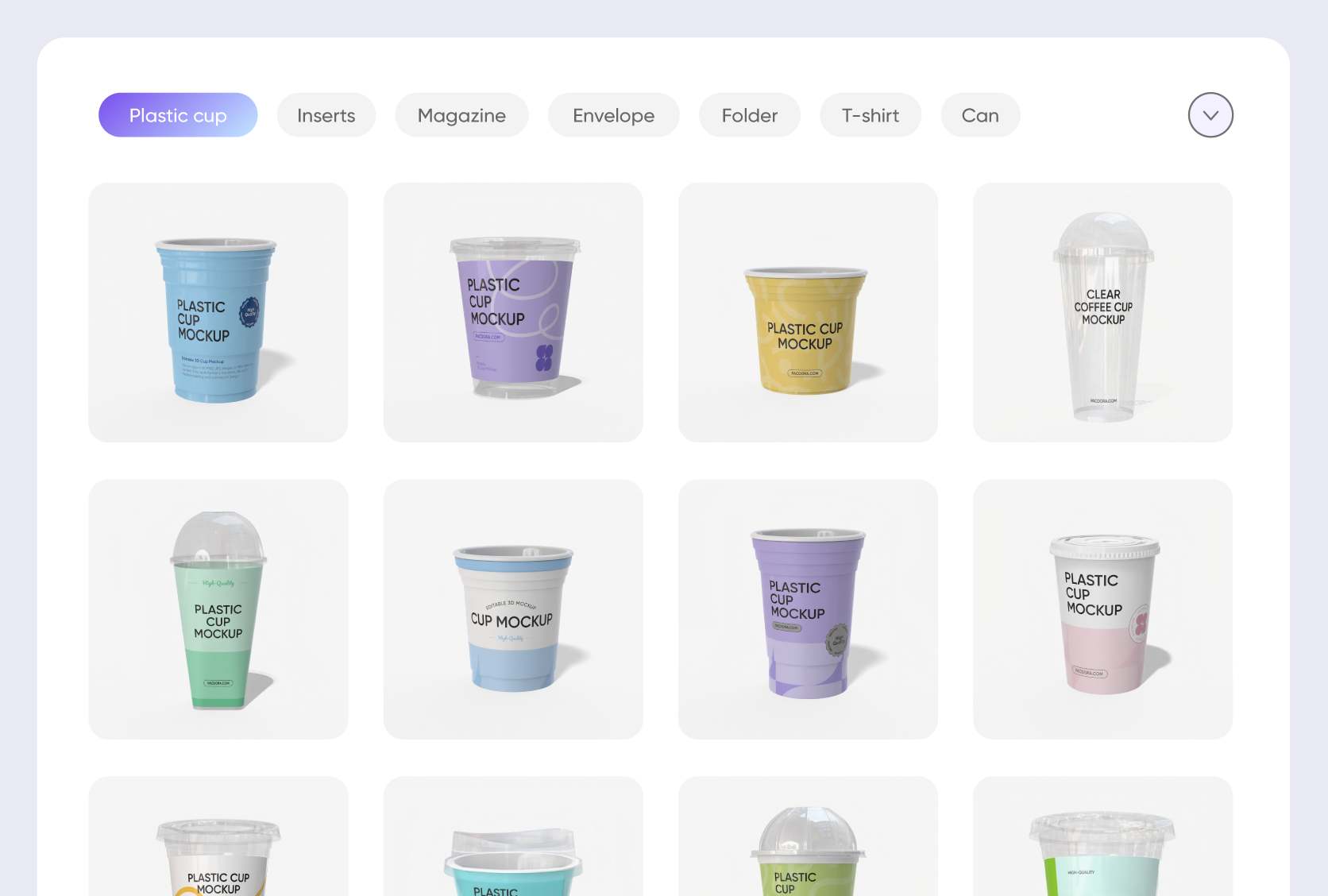
A diverse range of plastic cup mockup styles
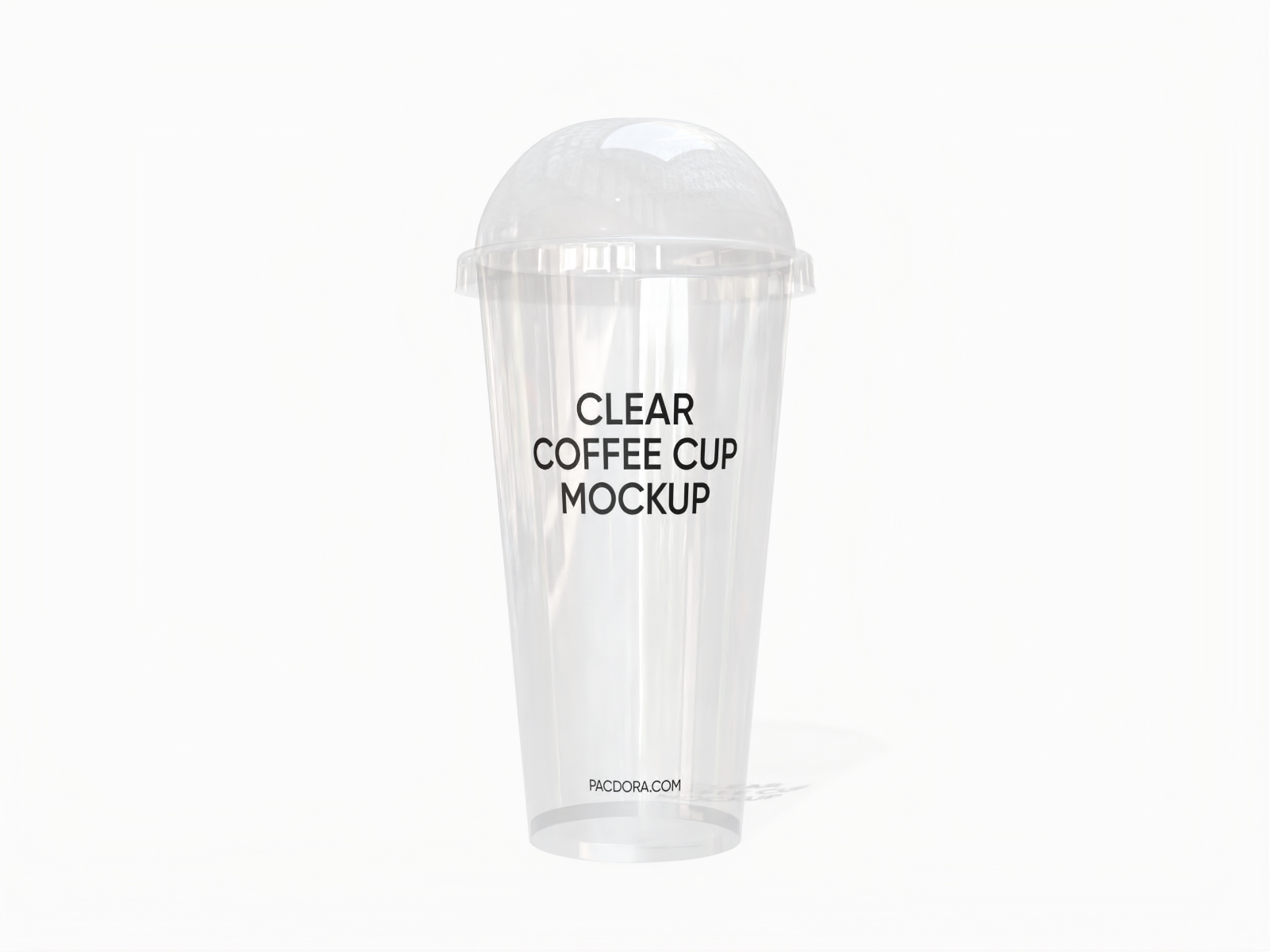
Different drinks require specific packaging presentations to catch the customer's eye. Smoothie plastic cups with dome lids are suitable for colorful juices, while sturdy coffee plastic cups are ideal for iced lattes.
Whether you need a completely transparent plastic cup mockup to show off the beverage or a frosted finish for a premium look, you can pick the exact style here.
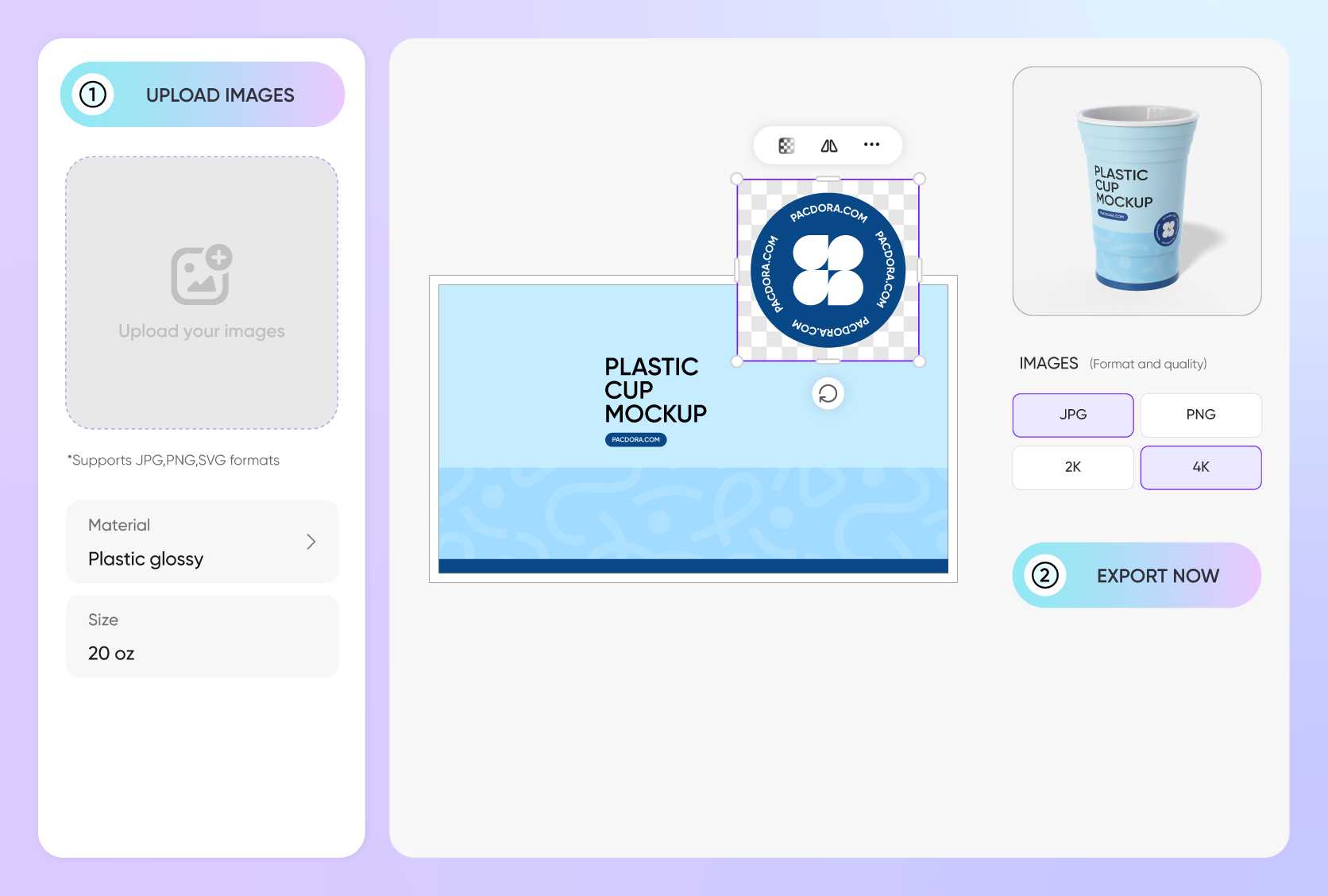
Upload your branding for premium packaging
Design elements like logos, seasonal graphics, and nutrition labels are vital for making your product shelf-ready.
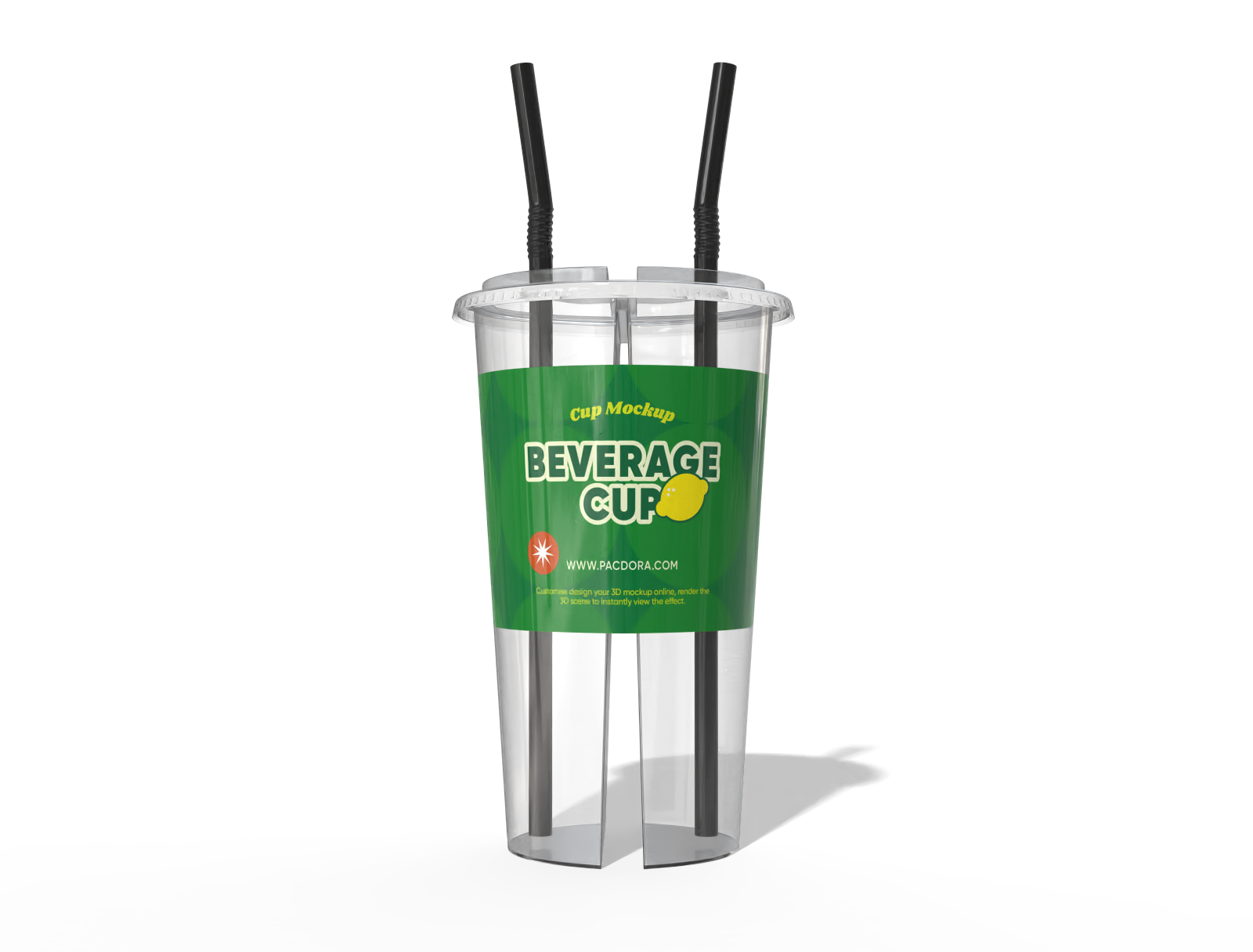
You can upload your own custom artwork directly onto the plastic cup mockup to see exactly how it looks in 3D. Adjust the scale, rotation, and placement of your images to ensure they don't get distorted by the cup's curvature.

Diverse capacities to match your product needs
Choosing the right plastic cup capacity helps match different drinking scenarios.
12 oz plastic cups are suitable for coffee and juice; 16 oz is the most common to-go size, widely used for bubble tea, iced coffee, and soft drinks; 20 oz plastic cups are ideal for large cold drinks or occasions that require a higher beverage volume, such as takeout and events.

Add unique backgrounds to highlight the plastic cup
Use Pacdora’s AI background generator to place your plastic cup mockup on a wooden table, a beach bar, or a busy city street just by typing a description.
You can also choose solid colors or gradients if you want a cleaner look for a catalog. Designing the perfect environment for your cup elevates the overall quality of your presentation.
A diverse range of plastic cup mockup styles
Different drinks require specific packaging presentations to catch the customer's eye. Smoothie plastic cups with dome lids are suitable for colorful juices, while sturdy coffee plastic cups are ideal for iced lattes.
Whether you need a completely transparent plastic cup mockup to show off the beverage or a frosted finish for a premium look, you can pick the exact style here.
Upload your branding for premium packaging
Design elements like logos, seasonal graphics, and nutrition labels are vital for making your product shelf-ready.
You can upload your own custom artwork directly onto the plastic cup mockup to see exactly how it looks in 3D. Adjust the scale, rotation, and placement of your images to ensure they don't get distorted by the cup's curvature.

Diverse capacities to match your product needs
Choosing the right plastic cup capacity helps match different drinking scenarios.
12 oz plastic cups are suitable for coffee and juice; 16 oz is the most common to-go size, widely used for bubble tea, iced coffee, and soft drinks; 20 oz plastic cups are ideal for large cold drinks or occasions that require a higher beverage volume, such as takeout and events.
Add unique backgrounds to highlight the plastic cup
Use Pacdora’s AI background generator to place your plastic cup mockup on a wooden table, a beach bar, or a busy city street just by typing a description.
You can also choose solid colors or gradients if you want a cleaner look for a catalog. Designing the perfect environment for your cup elevates the overall quality of your presentation.

Our customers love Pacdora’s mockup tools
Thousands before you have designed realistic mockups with Pacdora and loved it.

Great mock-ups and literally thousands of packaging designs to choose from. The 3d mock-up is so good, helps bring clarity to the client as well as the designers. Great product for packaging design professionals.


cosmiccorner
Move over, complicated design software! Pacdora is the superhero of packaging mockups. Creating 3D magic for my products is as easy as pie – no PhD in design required. It’s like the software looked at the clock and said, ‘Time to save users from design nightmares!’ It’s so user-friendly, even my coffee mug wants to try its hand at packaging design.
FAQ
What helps a plastic cup mockup look realistic?
Lighting and material texture are key to realism. In a plastic cup mockup, carefully adjusting the plastic’s transparency, surface gloss, and thickness—along with the refraction and color of the liquid inside—helps create natural light interactions.
These details enhance depth, highlight reflections and shadows, and result in a more lifelike, high-quality visual presentation.
How do I choose the right plastic cup for my design?
To choose the right plastic cup for your design, start by considering the drink type and serving size, as different beverages work best with different cup capacities. Next, select a cup shape and material that fit your brand style and usage scenario, such as takeaway, events, or in-store service. Finally, make sure the cup surface supports your design clearly, with enough space for logos, colors, and key information to stand out.
Why choose Pacdora to design my plastic cup mockup?
A plastic cup mockup helps you visualize your design in a realistic and professional way before production. By simulating accurate 3D cup shapes, and material transparency, it allows you to test branding, colors, and layouts clearly. This makes plastic cup mockups ideal for product previews, marketing visuals, and client presentations.
What files do I need to use the plastic cup mockup?
When designing your plastic cup, you can use different file formats depending on your needs: PNG supports transparency and lossless compression, making it ideal for logos, icons, or designs with transparent backgrounds.
JPG uses lossy compression, suitable for full-color images or photos with smaller file sizes, though some detail may be lost; and SVG is a vector format that scales infinitely without losing quality, perfect for logos, text, and sharp graphics.
Can I design a plastic cup mockup for free using Pacdora?
Yes! Pacdora offers free features that you can use to create your plastic cup mockup at no cost. We also provide premium services. You can find all the details on our pricing page.
Explore more mockup tools
Discover more about Pacdora


