

Tape mockup

Add brand logos, simple patterns, or bold text, and adjust details to customize your tape mockup! Download HD PNGs for free!
Tape mockup
Add brand logos, simple patterns, or bold text, and adjust details to customize your tape mockup! Download HD PNGs for free!
Trusted by leading companies


Making a premium-quality tape mockup has never been easier with Pacdora!
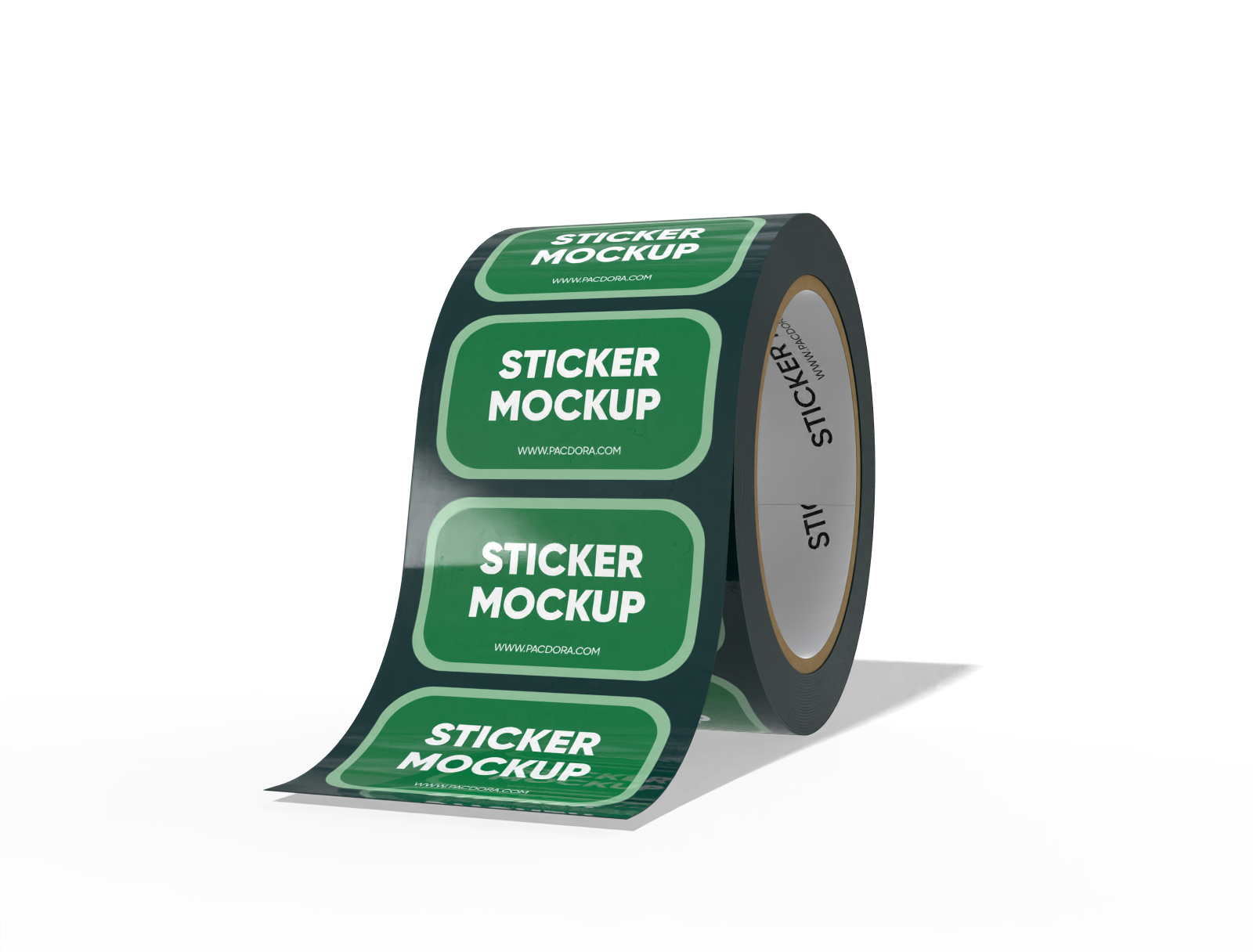
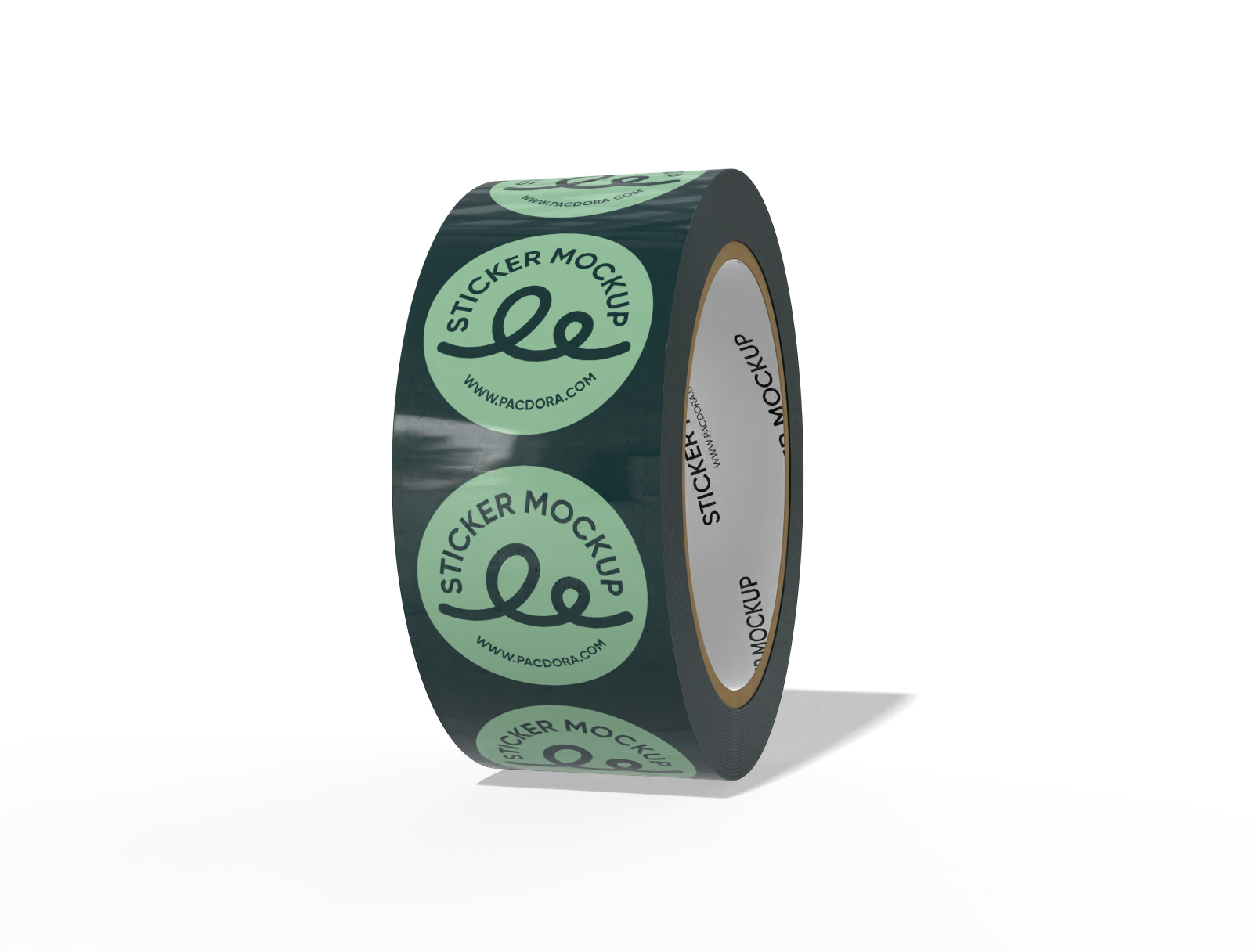
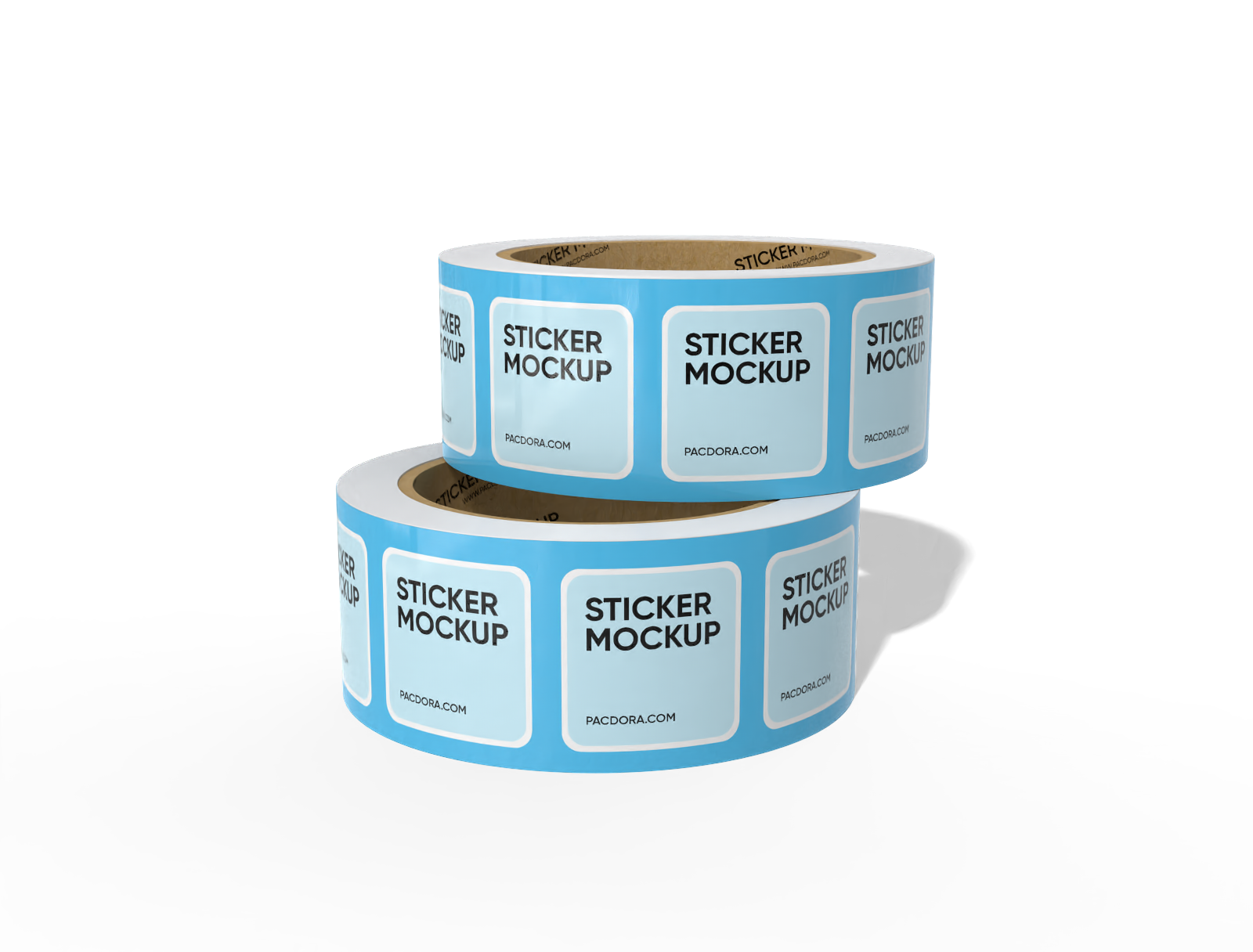
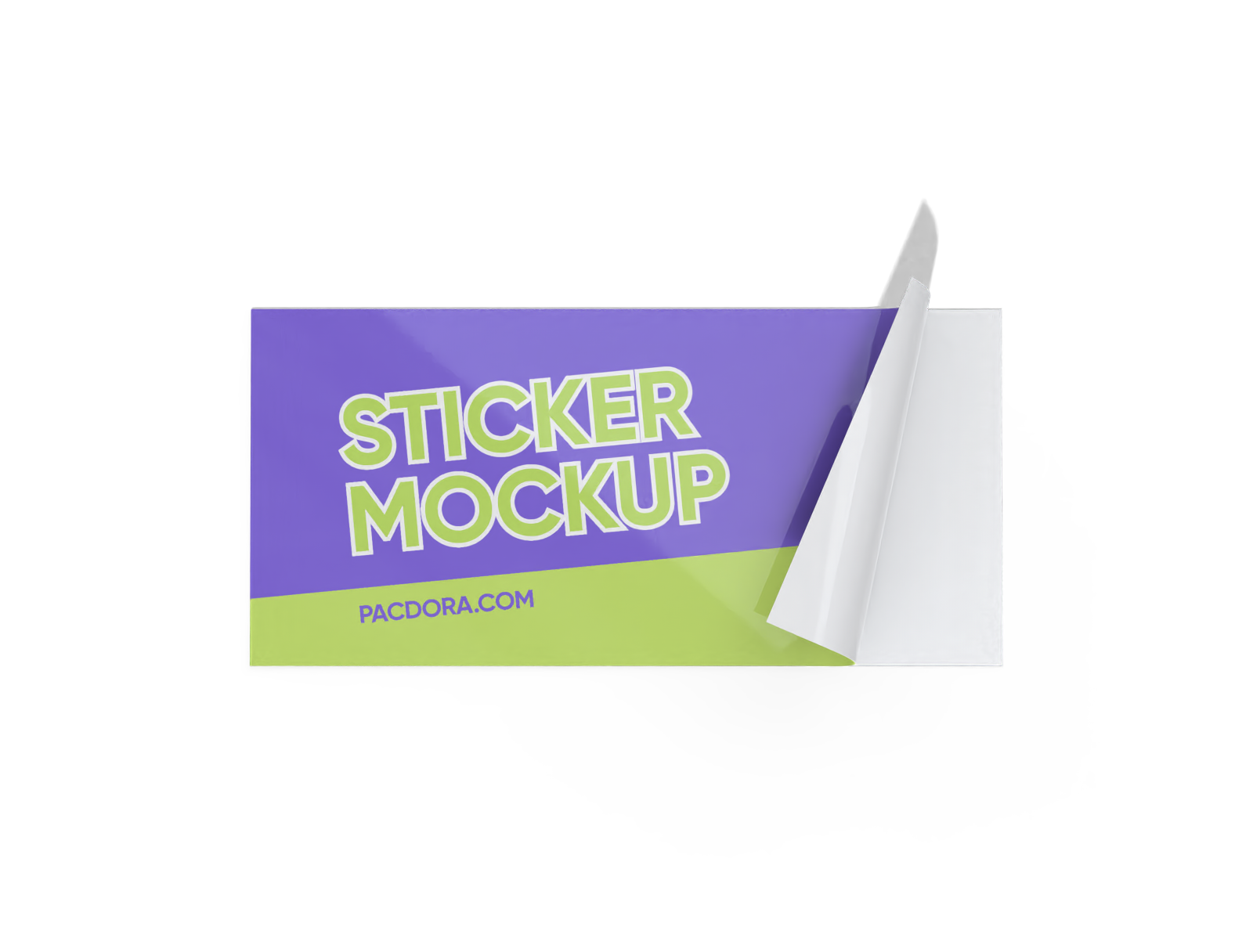
Looking for a reliable online platform to design tape mockup for your projects? Pacdora lets you create custom designs for high-quality sticker tapes in round or rectangular shapes. You can also choose styles with a short unrolled strip or stacked rolls. Upload your artwork, adjust the colors or background, and download your mockups as high-quality PNG, JPG, or MP4 files. Use our tools now!

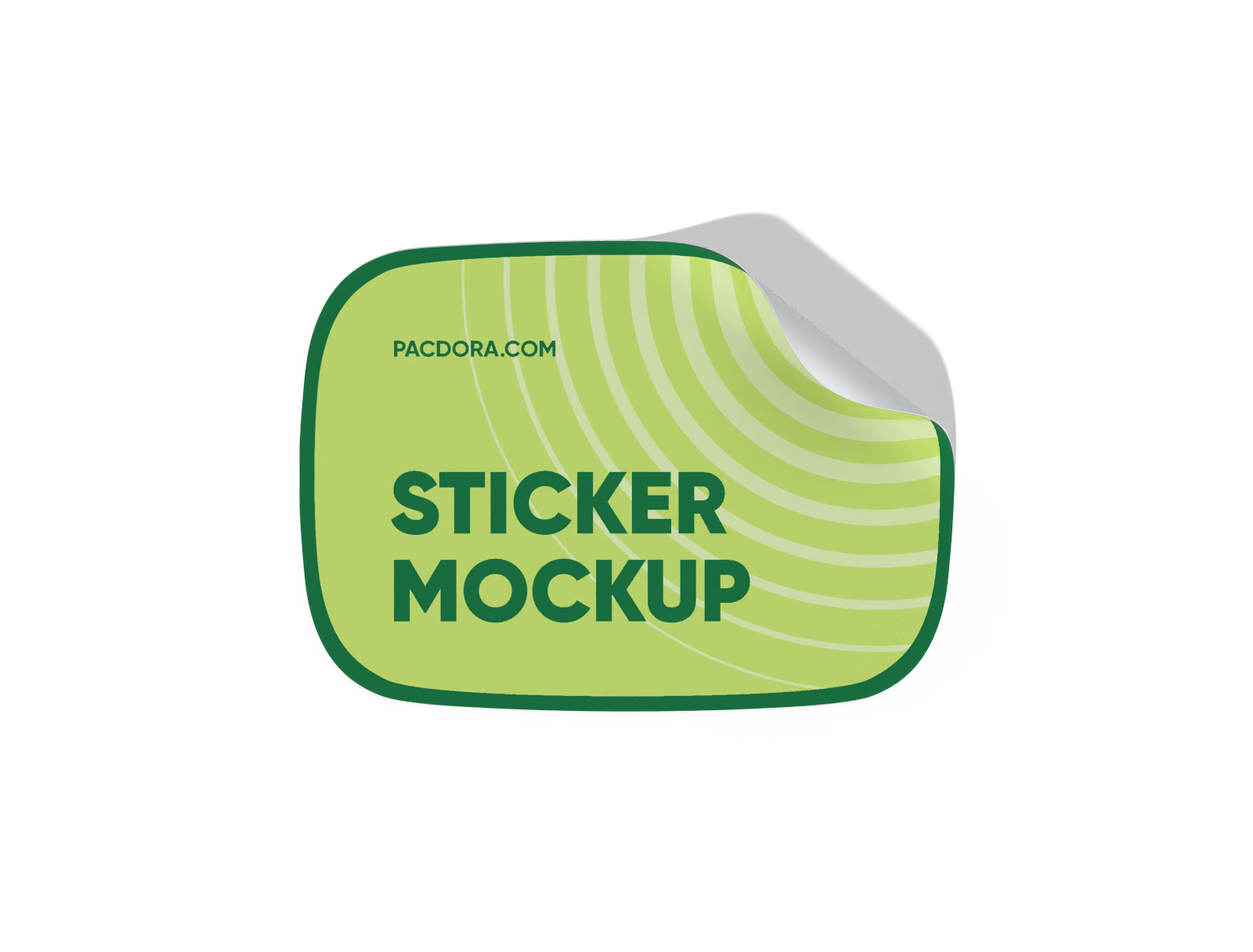
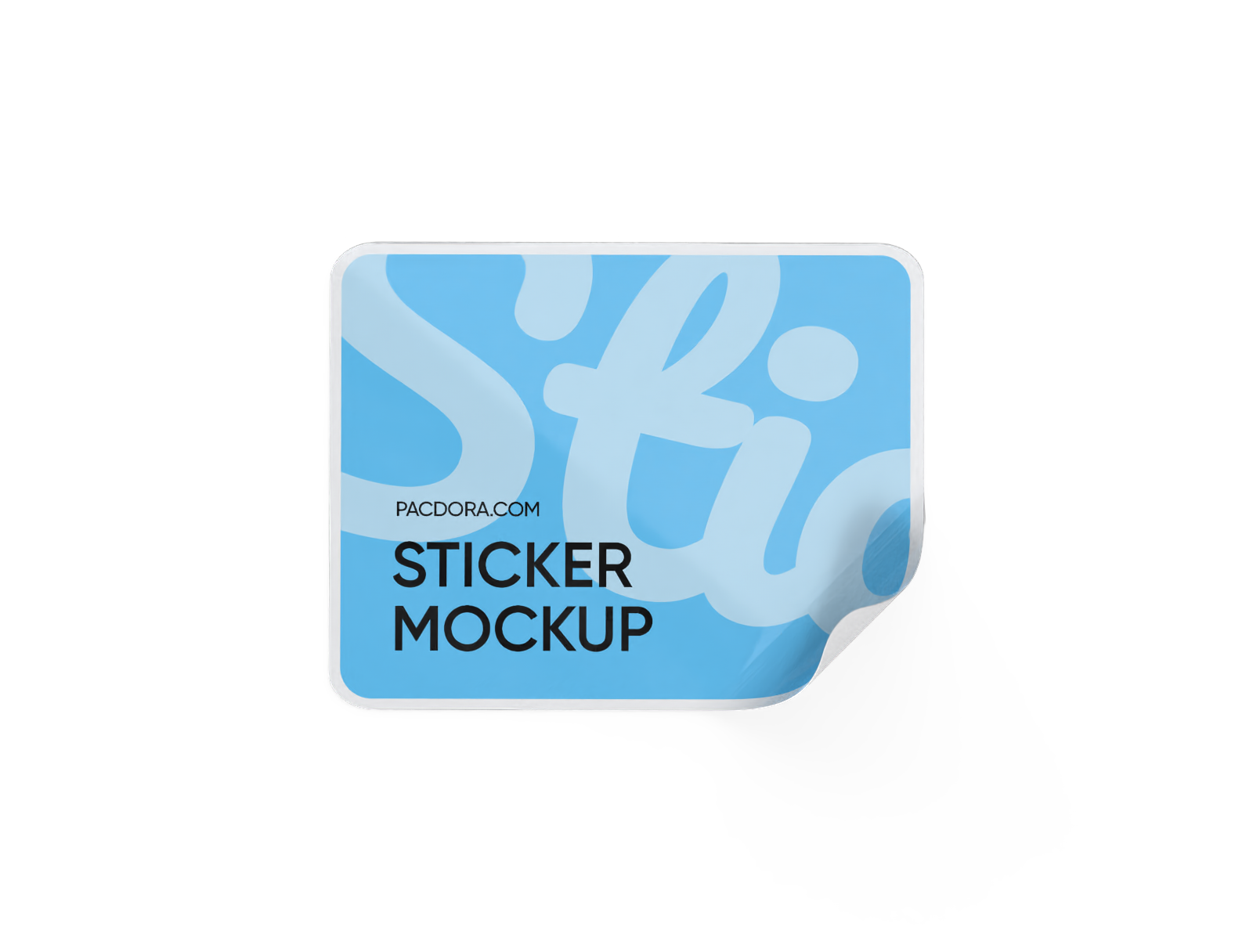
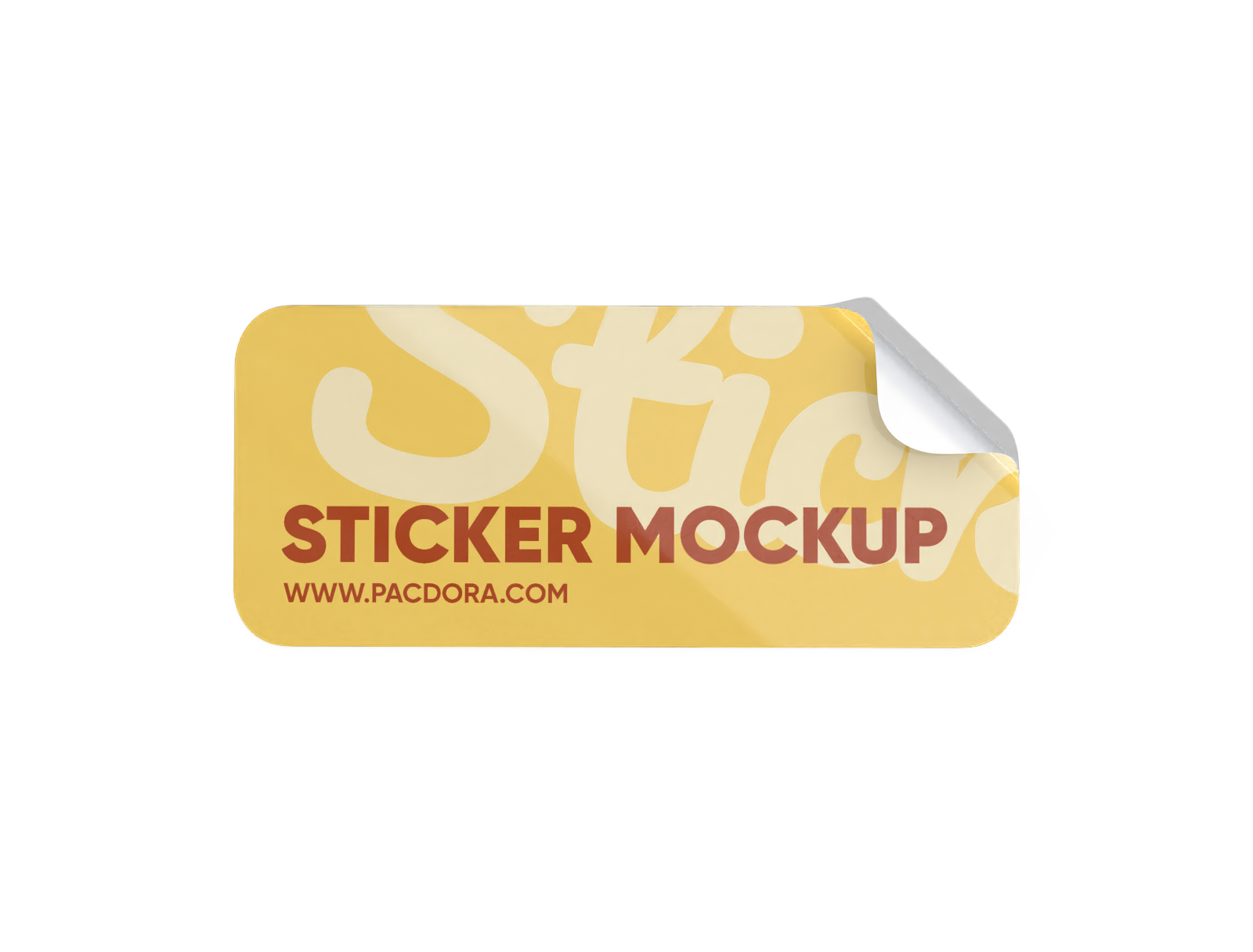
How to create a tape mockup using Pacdora?

Step 1: Select a tape mockup
Select a tape style from Pacdora’s collection, including standard rolls, duct tapes, and sticker tapes in different shapes.

Step 2: Add images and adjust
Add your logo, brand name, or pattern to personalize your tape mockup. Adjust colors, switch backgrounds, and fine-tune the layout.

Step 3: Download your tape mockup
Download your tape mockup as a high-quality PNG/JPG image or an MP4 video file.
Step 1: Select a tape mockup
Select a tape style from Pacdora’s collection, including standard rolls, duct tapes, and sticker tapes in different shapes.
Step 2: Add images and adjust
Add your logo, brand name, or pattern to personalize your tape mockup. Adjust colors, switch backgrounds, and fine-tune the layout.
Step 3: Download your tape mockup
Download your tape mockup as a high-quality PNG/JPG image or an MP4 video file.


Highlights of creating tape mockups online

Multiple tape styles for different use cases
Having multiple tape formats helps you design for sealing boxes, wrapping parcels, or adding branding to packages.
A decorative sticker tape roll features fun patterns, perfect for labeling or craft projects. Alternatively, a duct tape roll offers strong adhesion, perfect for packaging and sealing boxes. Start designing now!

Visual components for professional tape layouts
Adding icons or brief messages on the tape helps handlers understand important details, so the package is treated properly during transport.
Including instructions like “Fragile” or “Keep Dry” helps handlers identify important care requirements. Likewise, brand names or contact details provide functionality, perfect for marketing purposes.

Custom backdrop options for tape designs
Background flexibility helps you create a display that fits your brand style and the purpose of the tape.
Wooden desks or craft tables provide natural backgrounds for tape mockups, reflecting an office or DIY setting. You can also use Pacdora’s AI background generator to create custom backgrounds for your tape designs. Design now!

Material options for diverse product applications
Material variety allows you to design tape suited for bonding, bundling, or surface protection.
Plastic film tape provides a glossy and durable finish, suitable for shipping or sealing products safely. Paper-based tape offers a matte, natural look, great for eco-friendly branding or artisanal packaging.

Multiple tape styles for different use cases
Having multiple tape formats helps you design for sealing boxes, wrapping parcels, or adding branding to packages.
A decorative sticker tape roll features fun patterns, perfect for labeling or craft projects. Alternatively, a duct tape roll offers strong adhesion, perfect for packaging and sealing boxes. Start designing now!
Visual components for professional tape layouts
Adding icons or brief messages on the tape helps handlers understand important details, so the package is treated properly during transport.
Including instructions like “Fragile” or “Keep Dry” helps handlers identify important care requirements. Likewise, brand names or contact details provide functionality, perfect for marketing purposes.


Custom backdrop options for tape designs
Background flexibility helps you create a display that fits your brand style and the purpose of the tape.
Wooden desks or craft tables provide natural backgrounds for tape mockups, reflecting an office or DIY setting. You can also use Pacdora’s AI background generator to create custom backgrounds for your tape designs. Design now!
Material options for diverse product applications
Material variety allows you to design tape suited for bonding, bundling, or surface protection.
Plastic film tape provides a glossy and durable finish, suitable for shipping or sealing products safely. Paper-based tape offers a matte, natural look, great for eco-friendly branding or artisanal packaging.

Our customers love Pacdora’s mockup tools
Thousands before you have designed realistic mockups with Pacdora and loved it.

Great mock-ups and literally thousands of packaging designs to choose from. The 3d mock-up is so good, helps bring clarity to the client as well as the designers. Great product for packaging design professionals.


cosmiccorner
Move over, complicated design software! Pacdora is the superhero of packaging mockups. Creating 3D magic for my products is as easy as pie – no PhD in design required. It’s like the software looked at the clock and said, ‘Time to save users from design nightmares!’ It’s so user-friendly, even my coffee mug wants to try its hand at packaging design.
FAQ
What is the best format for uploading brand logos to tape mockups?
PNG is the best format for uploading brand logos to tape mockups because it supports transparency and keeps the edges sharp. You can also use JPG for logos that include complex colors or gradients. Whereas SVG is a better format for adding vector logos because you can scale your logo to any size without losing quality.
Why should I use Pacdora to design tape mockups?
Pacdora is an easy-to-use online platform that lets you create custom tape mockups in just a few clicks. You can design mockups in different styles without downloading PSD files or using complex software. Upload your branding, apply colors, and set backgrounds with simple drag-and-drop tools to create professional-looking tape mockups quickly.
Can I download my tape mockups as MP4 videos?
Yes, you can download your tape mockups as high-quality MP4 videos. Saving your designs in 4K video format allows you to showcase the tape from different angles. The motion effects let viewers see the details clearly. You can also download PNG or JPG images of your mockups to share on e-commerce sites, social media, or in presentations for brand promotions.
How can I make my tape mockups appear realistic?
You can make your tape mockups appear realistic by adjusting a few surface settings. Set opacity to control the tape’s solidity or transparency. Use roughness to give the surface a smooth or slightly textured feel. Apply metalness for adding shine to plastic or paper tapes.
Can I design tape mockups for free on Pacdora?
Yes, Pacdora helps you create different styles of tape mockups for free. Some advanced features require a subscription, which you can check on our pricing page.
Explore more mockup tools
Discover more about Pacdora


