

Automotive packaging mockup
Create realistic 3D mockups for auto-parts boxes, car-fragrance packaging, oil cans, and detailing bottles. Add your artwork, check every panel and material, then export images, video, or a print-ready dieline.

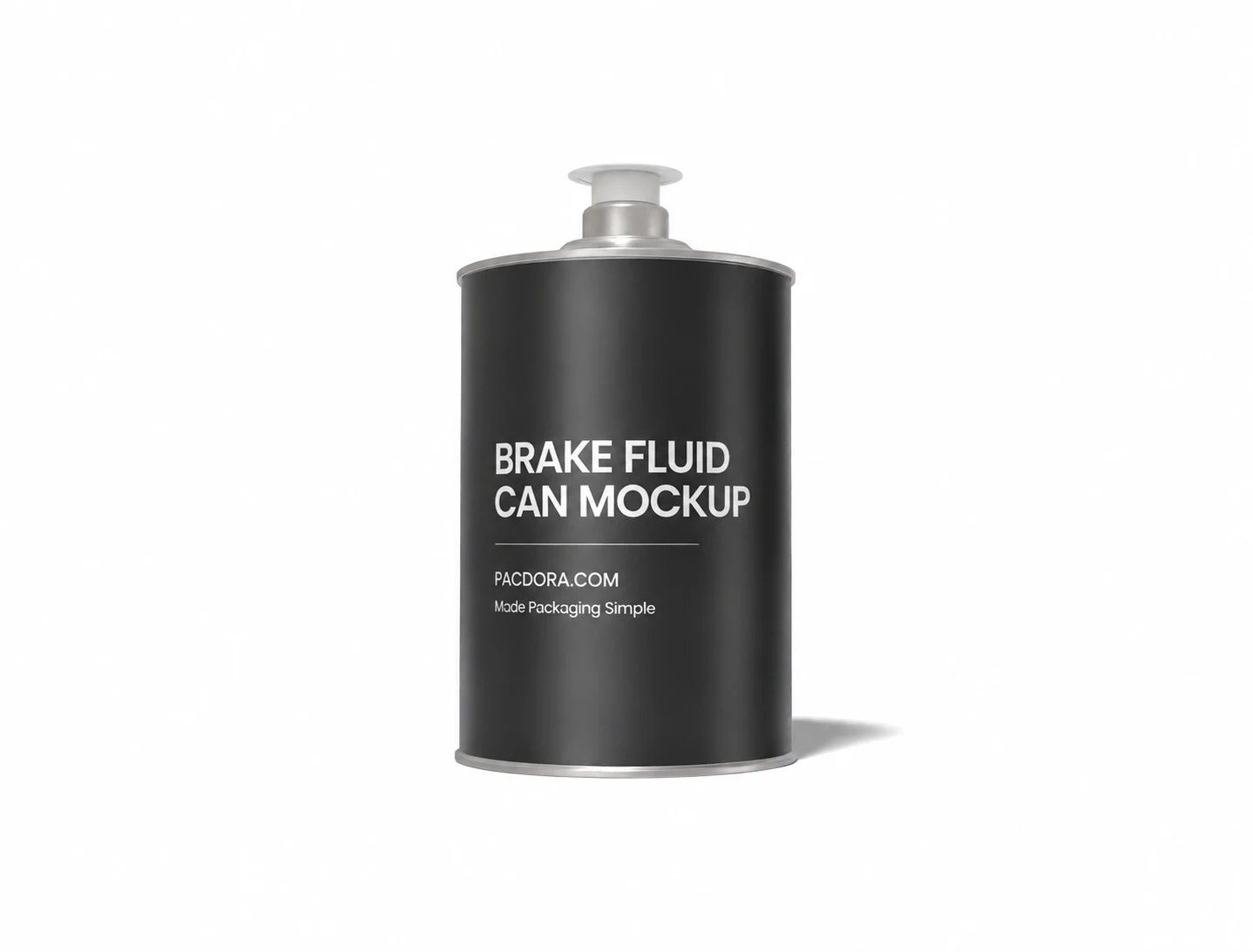
Brake fluid can mockup
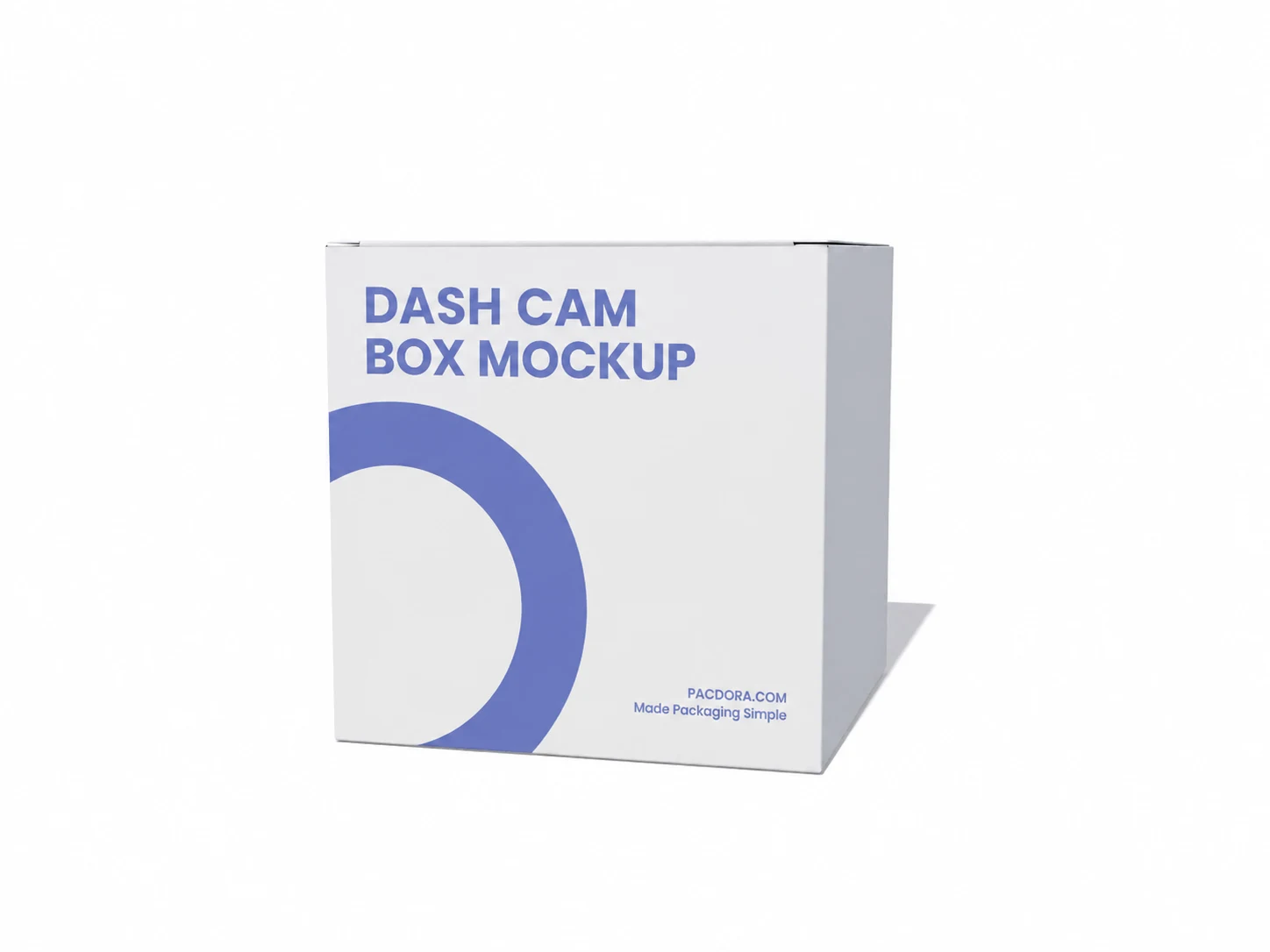
Dash cam box mockup
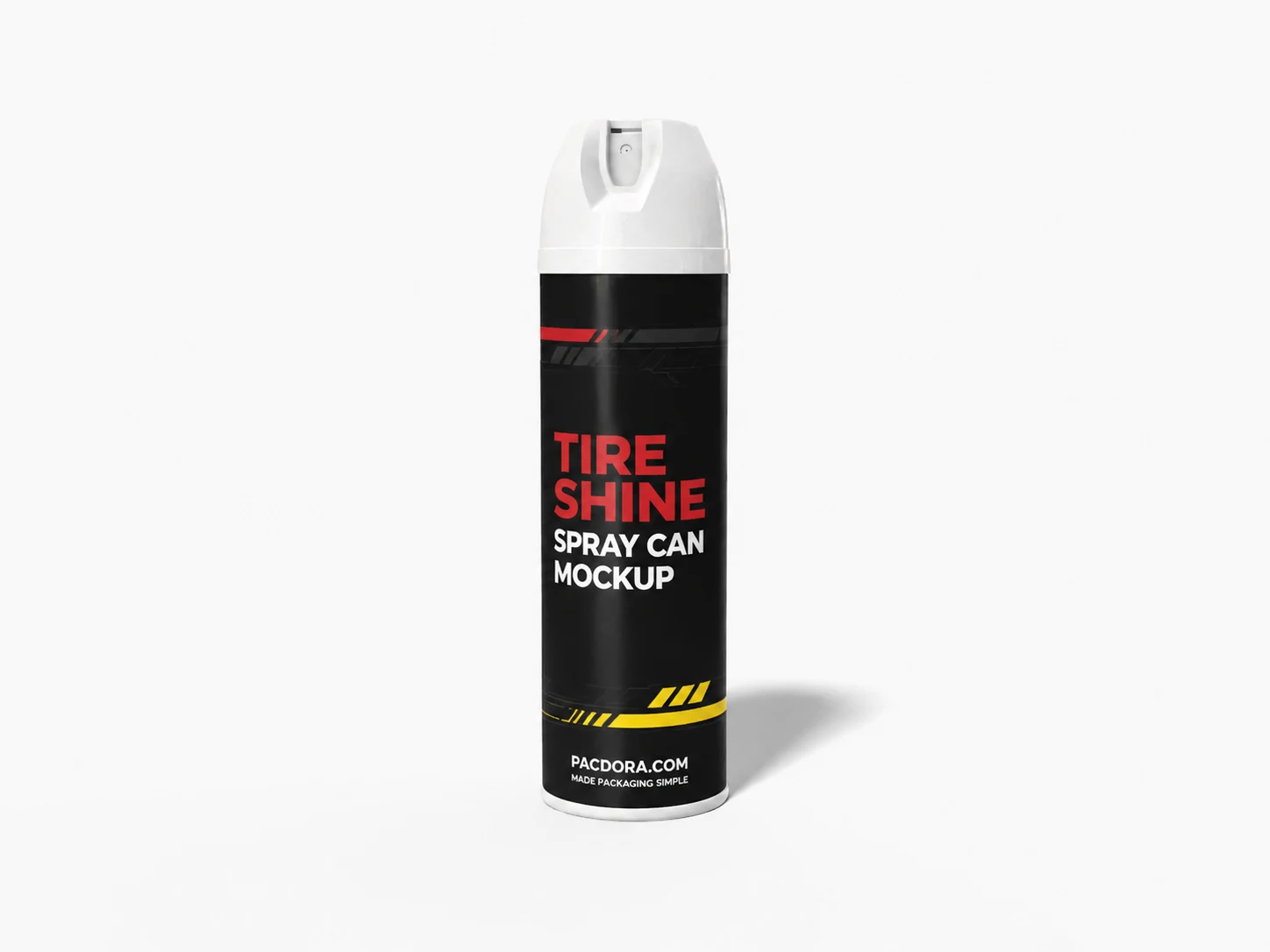
Tire shine spray can mockup
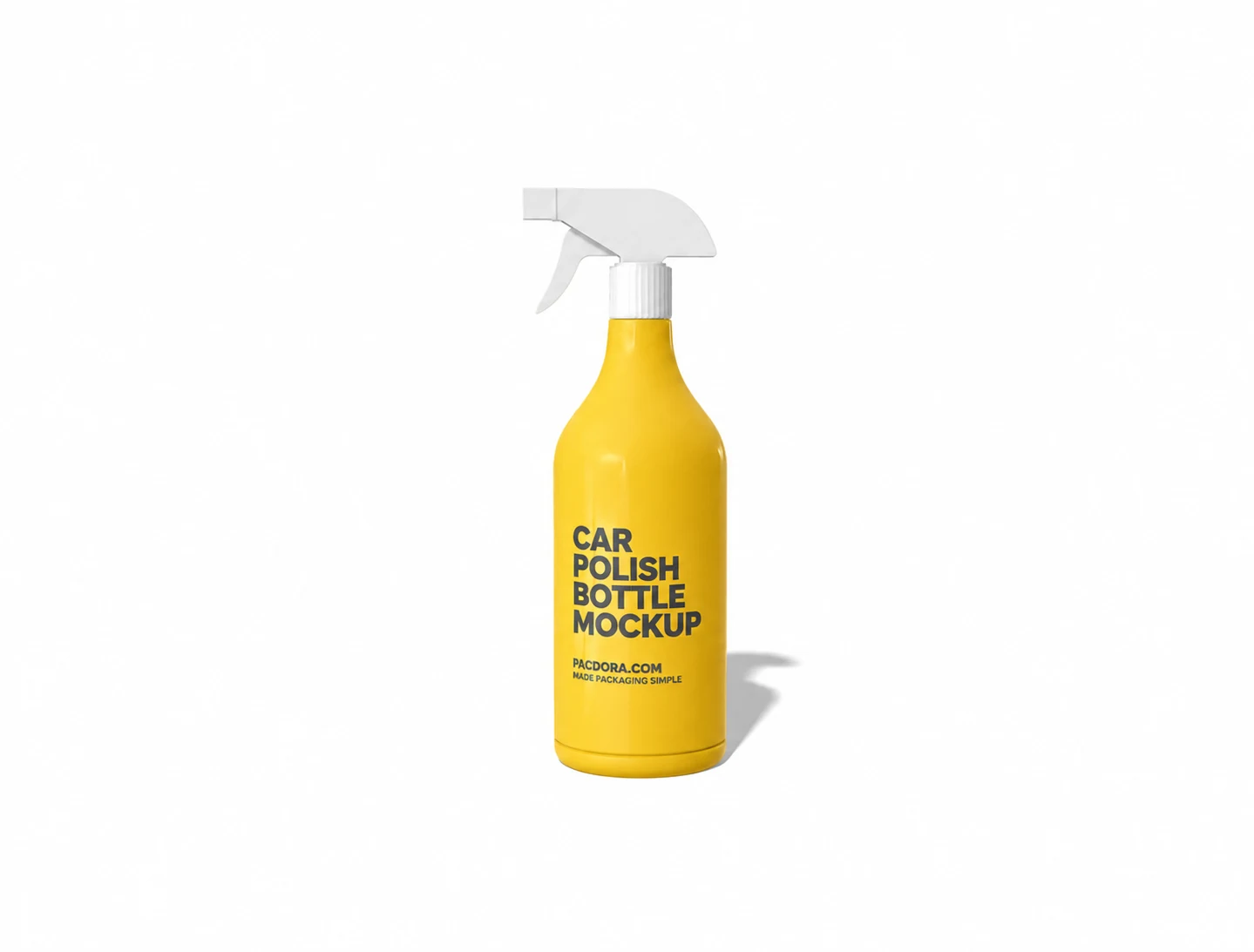
Car polish bottle mockup
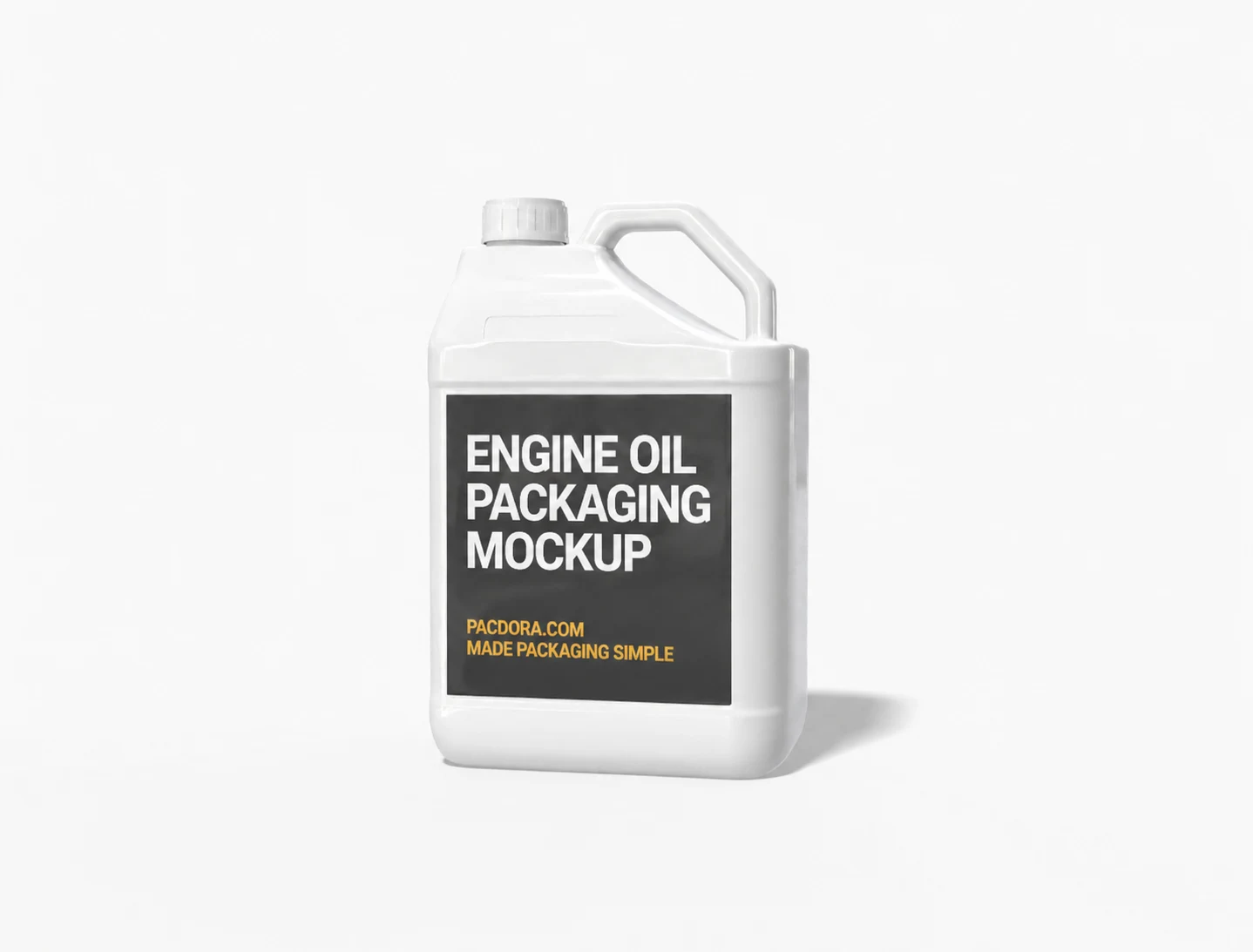
Engine oil packaging mockup
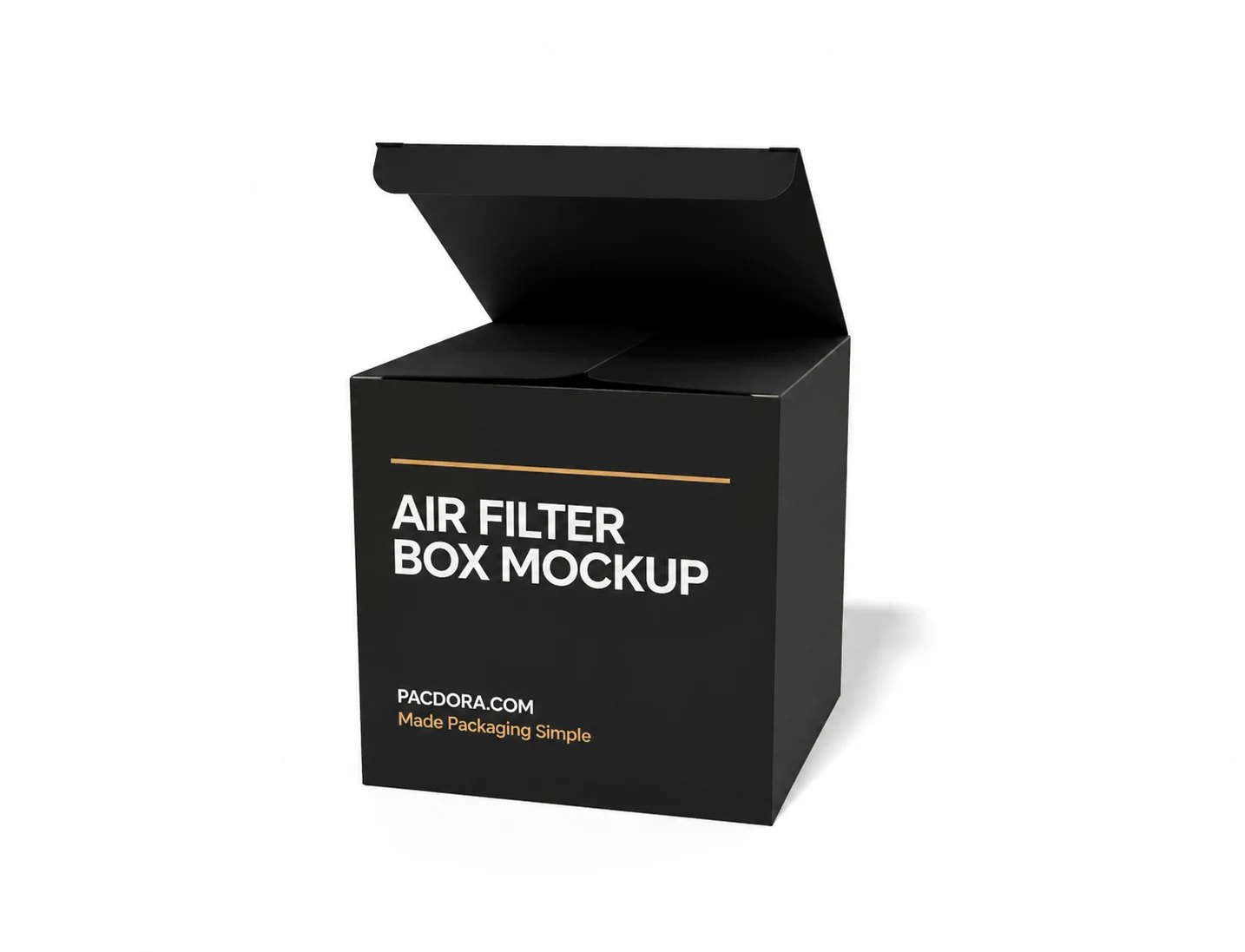
Air filter box mockup
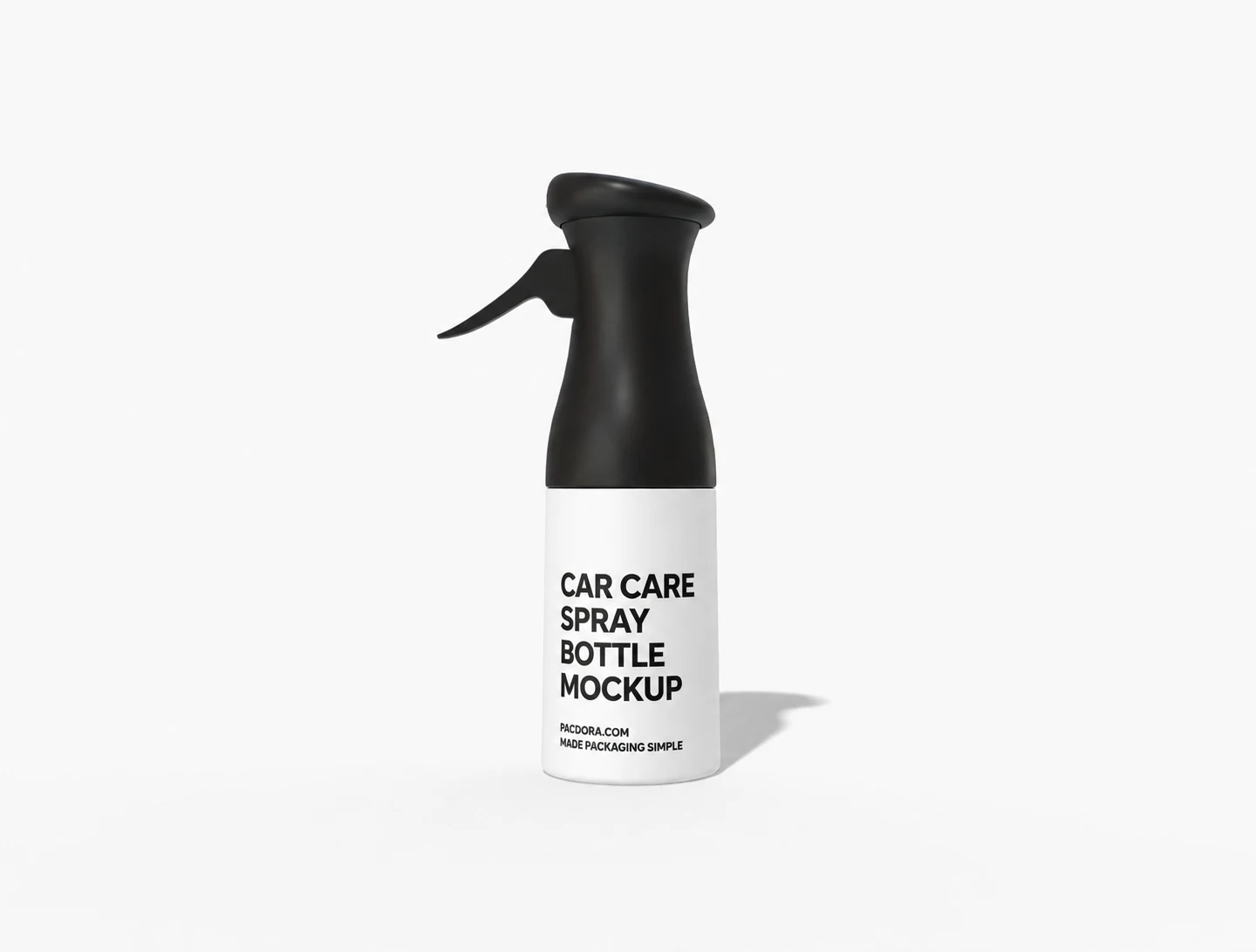
Car care spray bottle Mockup
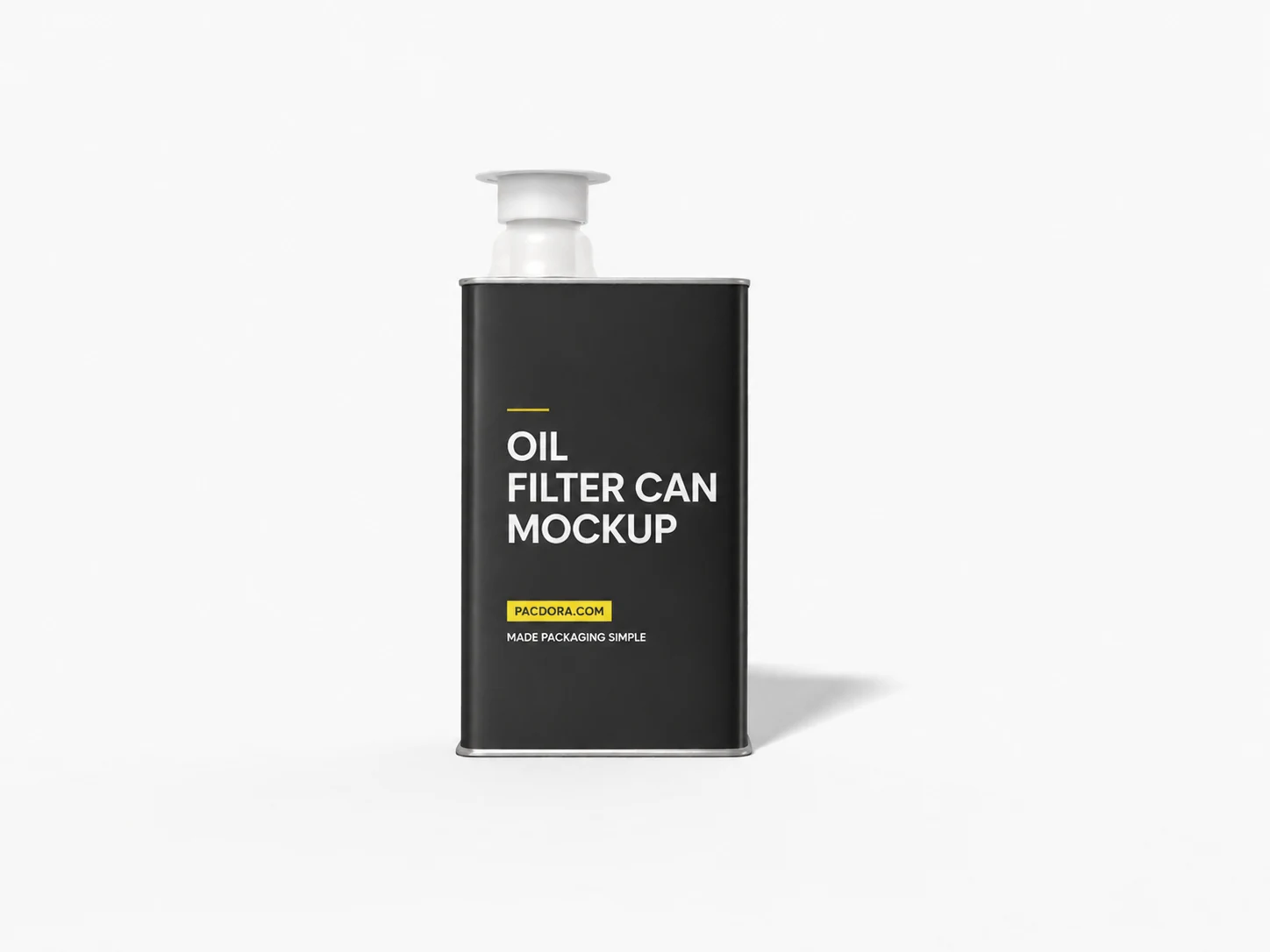
Oil filter can mockup
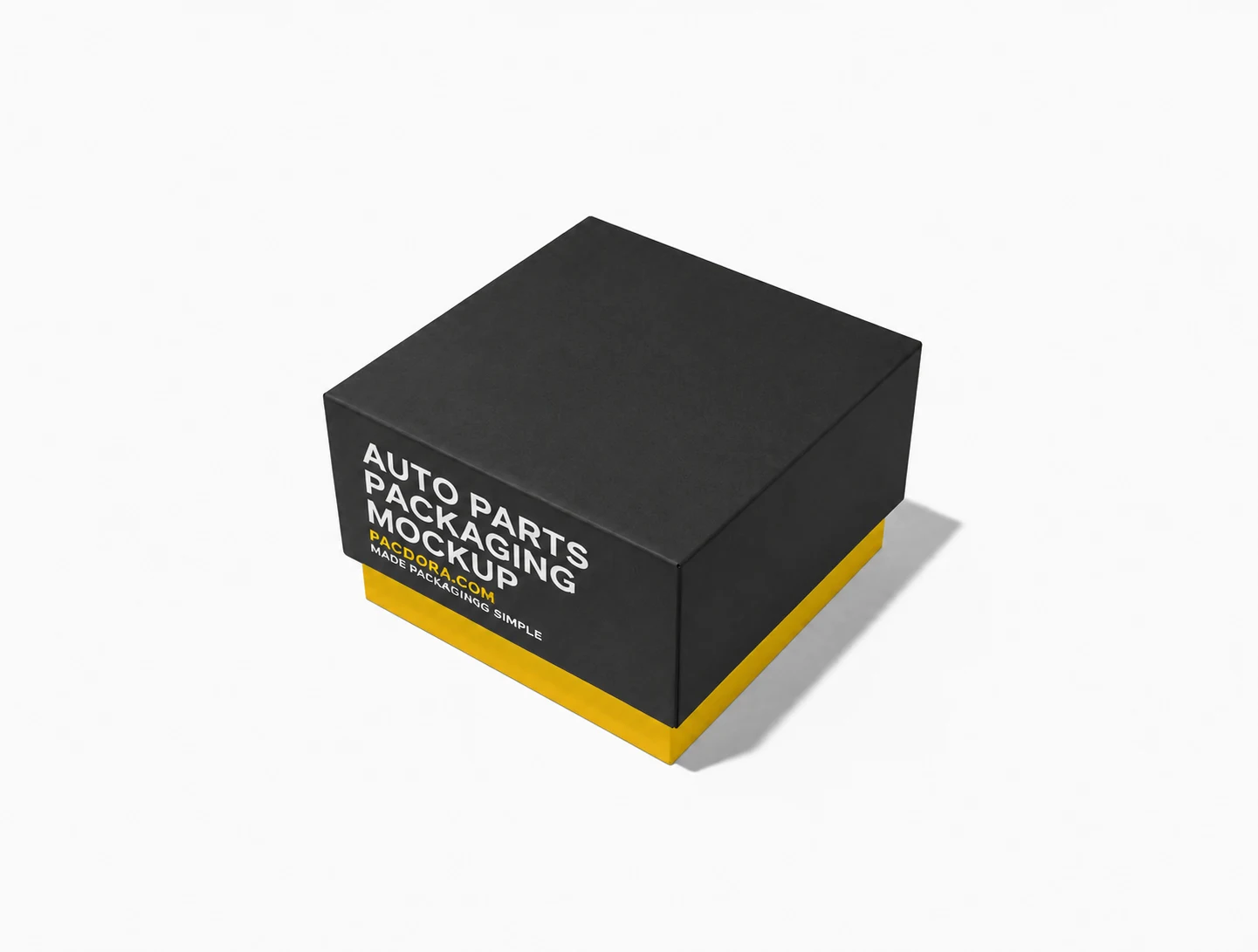
Auto parts packaging mockup
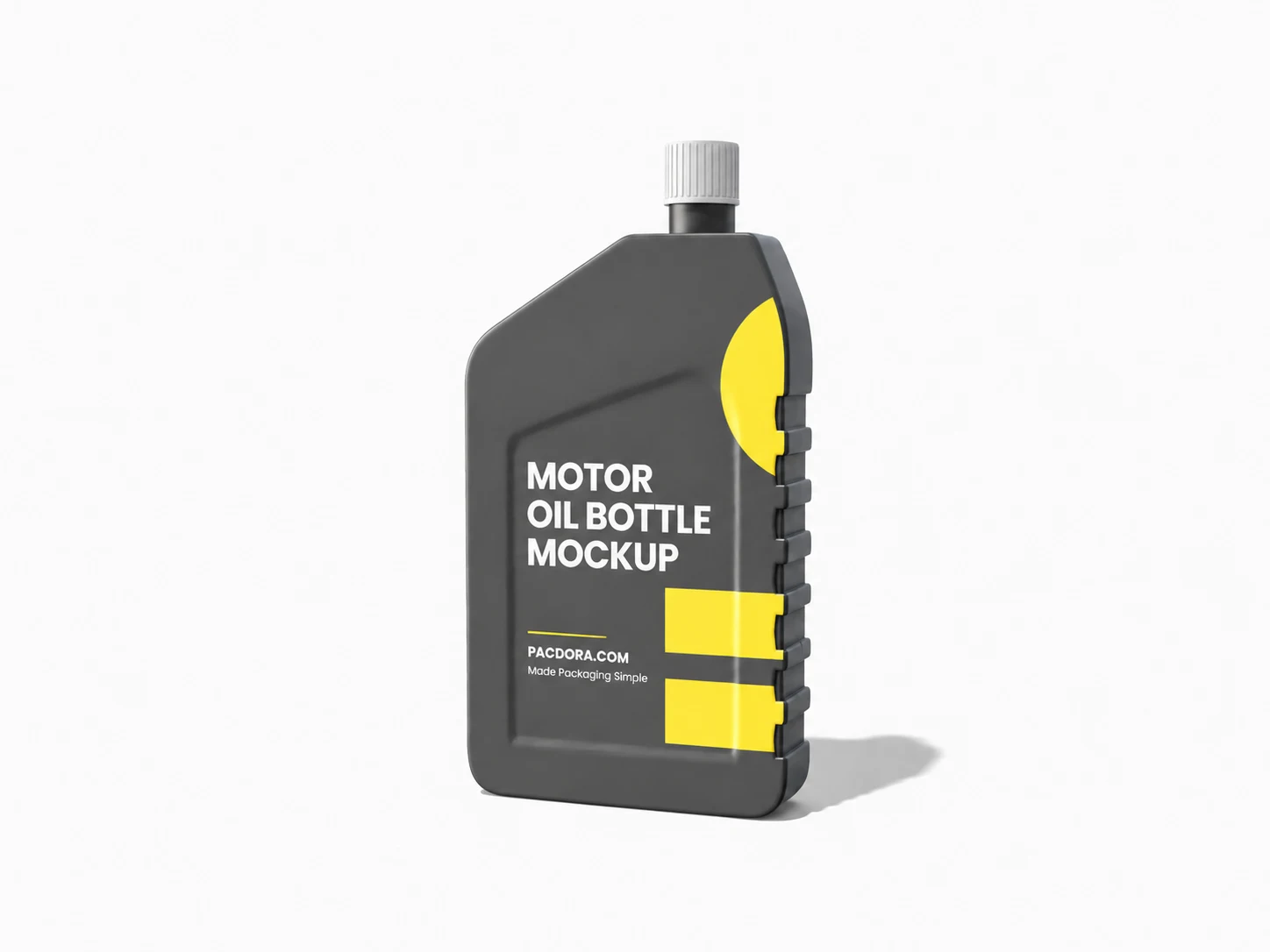
Motor oil bottle mockup
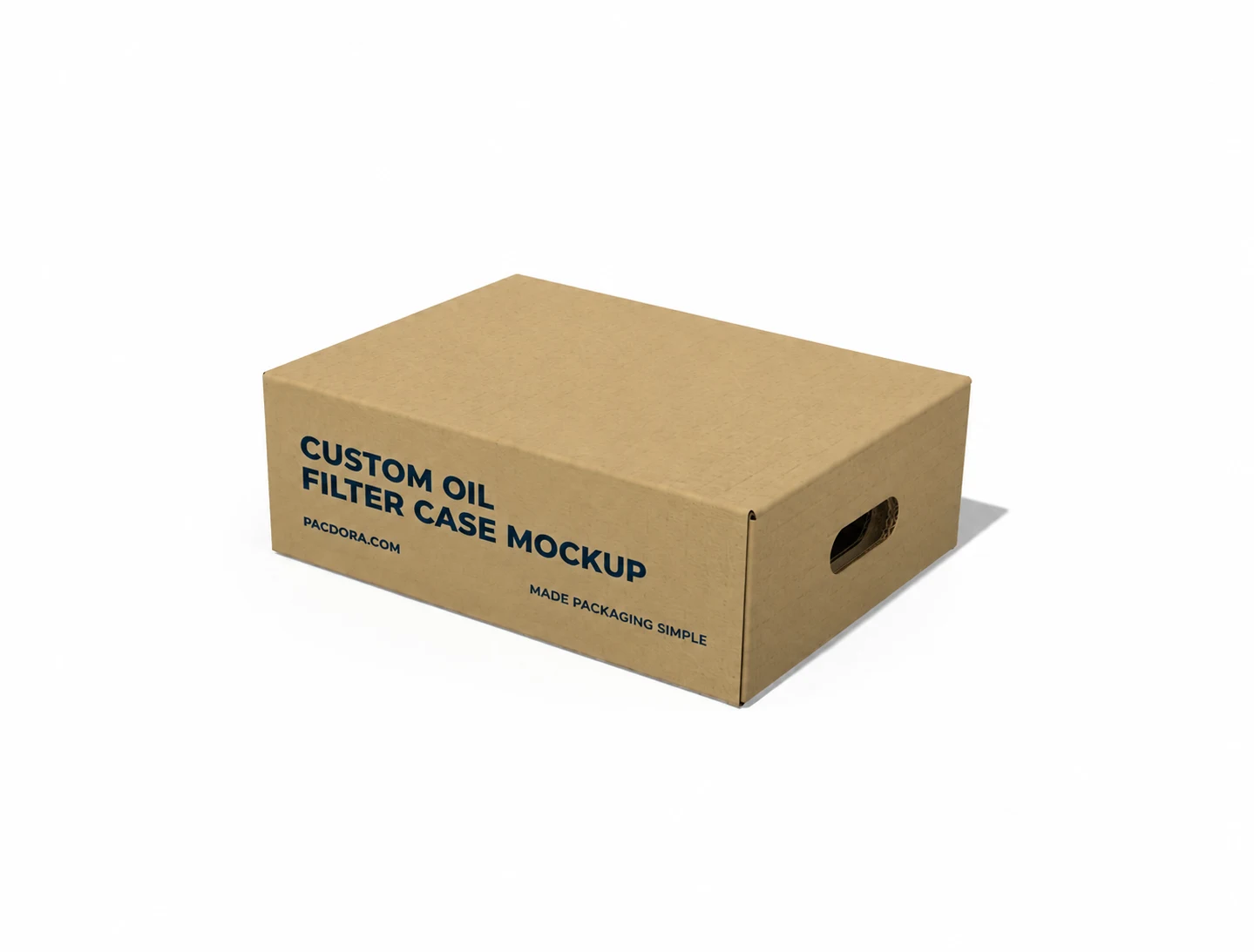
Custom oil filter case mockup
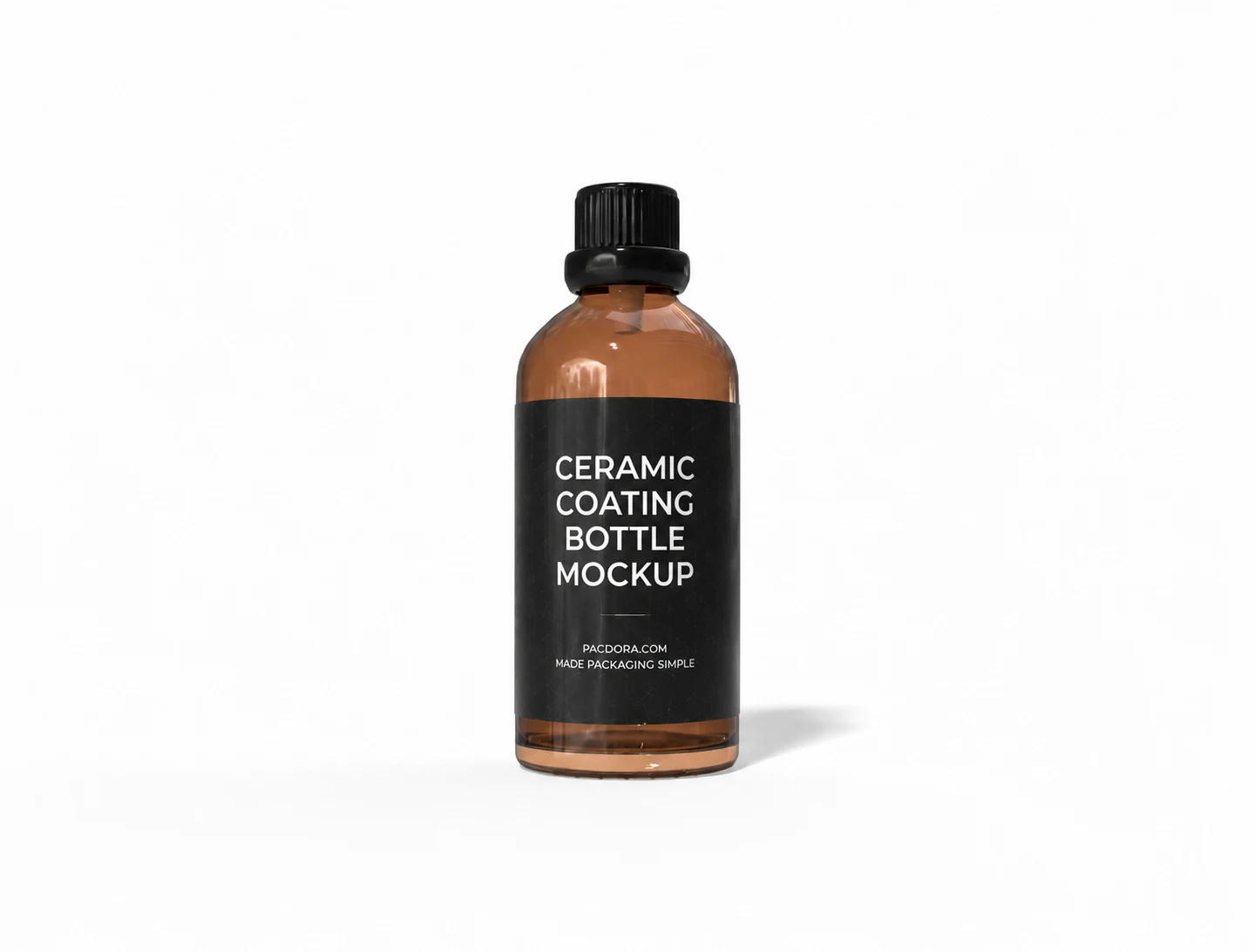
Ceramic coating bottle mockup
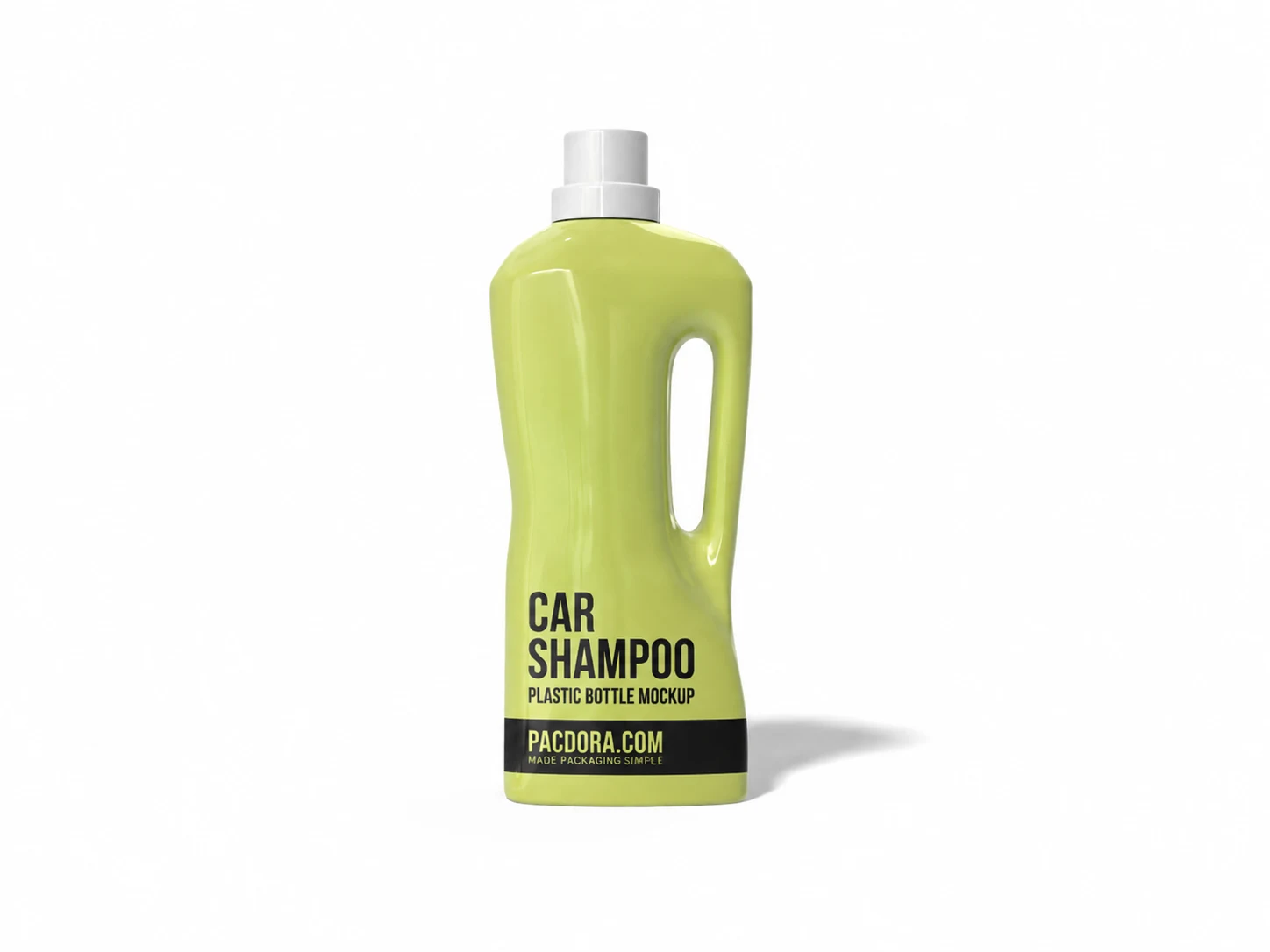
Car shampoo plastic bottle mockup
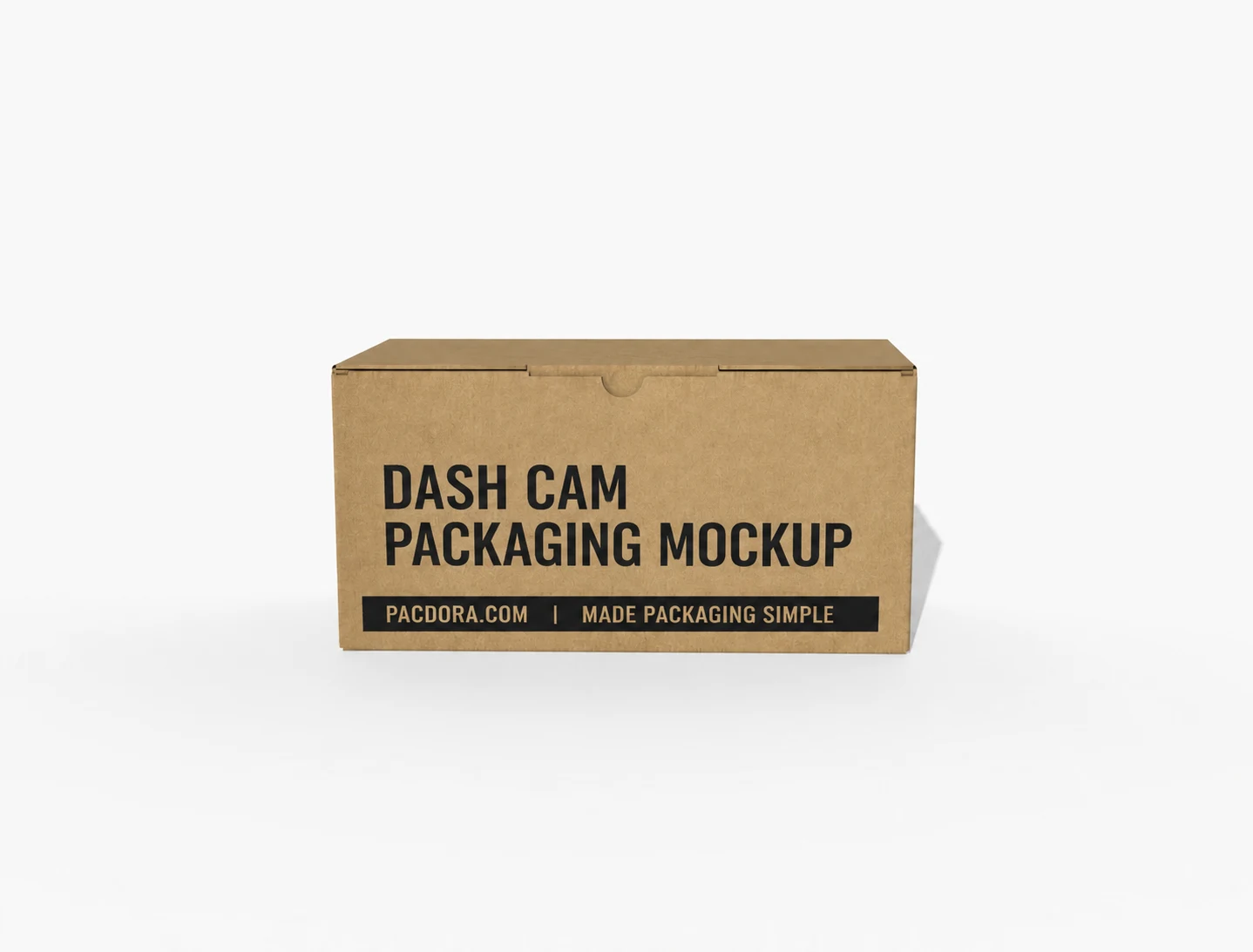
Dash cam packaging mockup
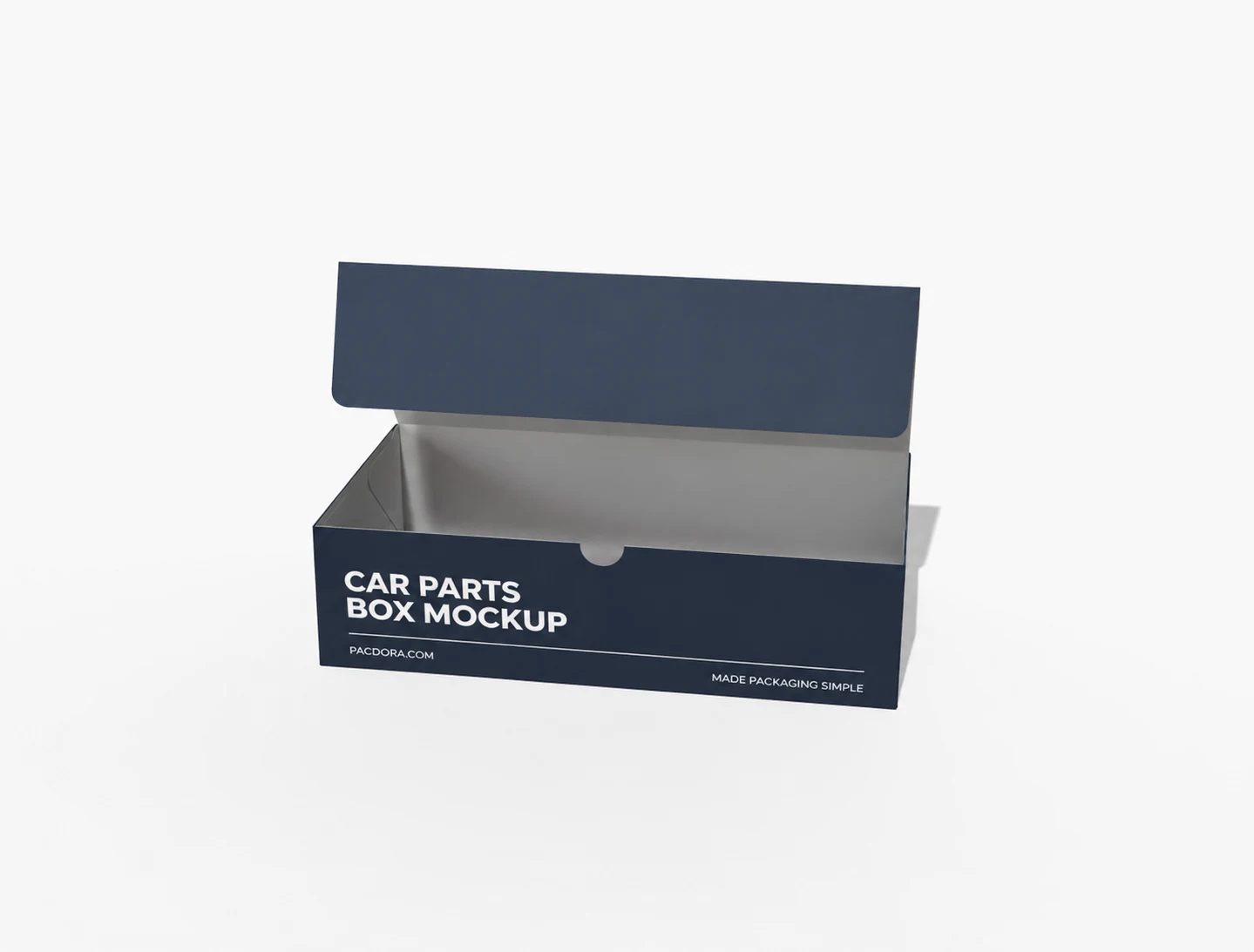
Auto parts labels mockup
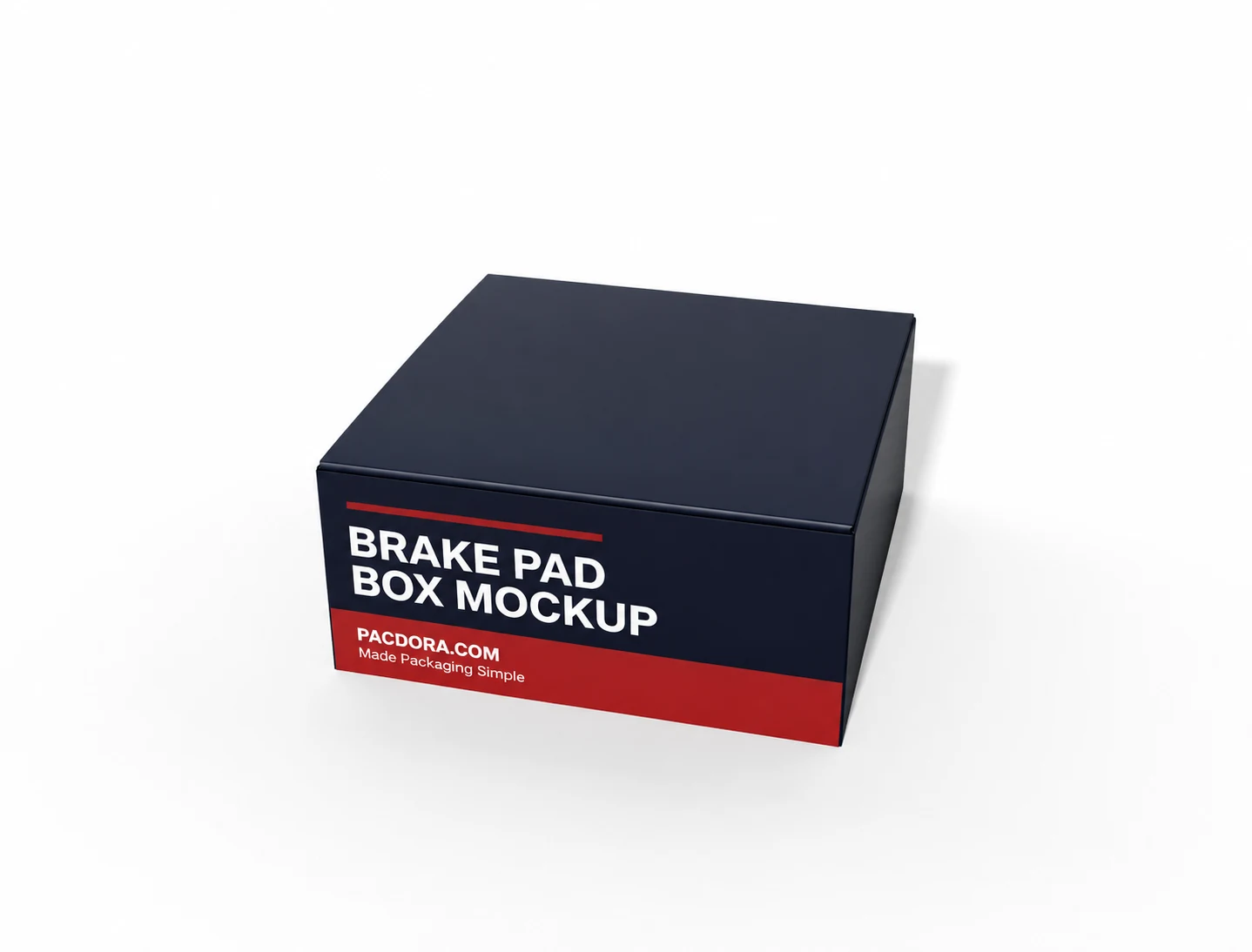
Brake pad box mockup
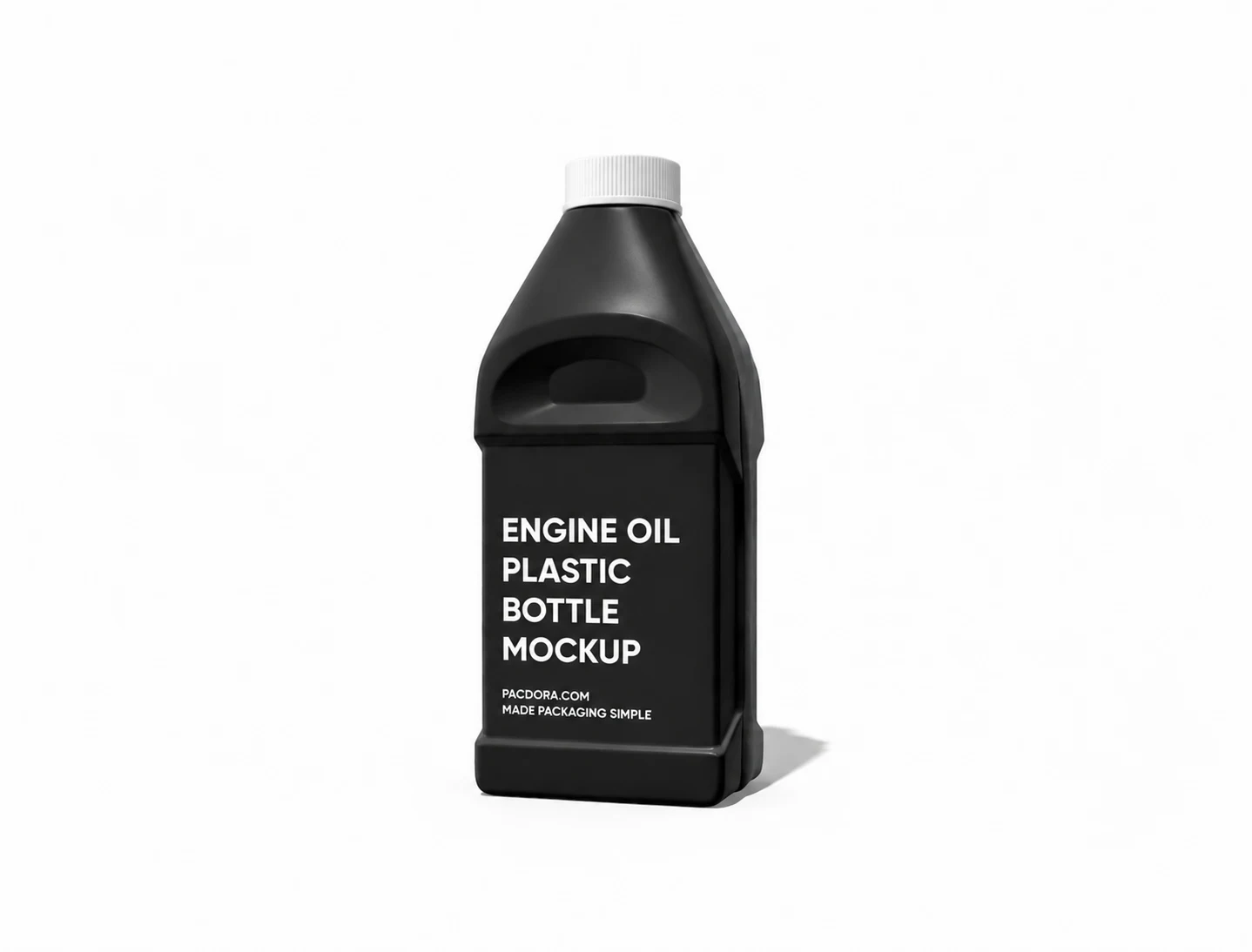
Engine oil plastic bottle mockup
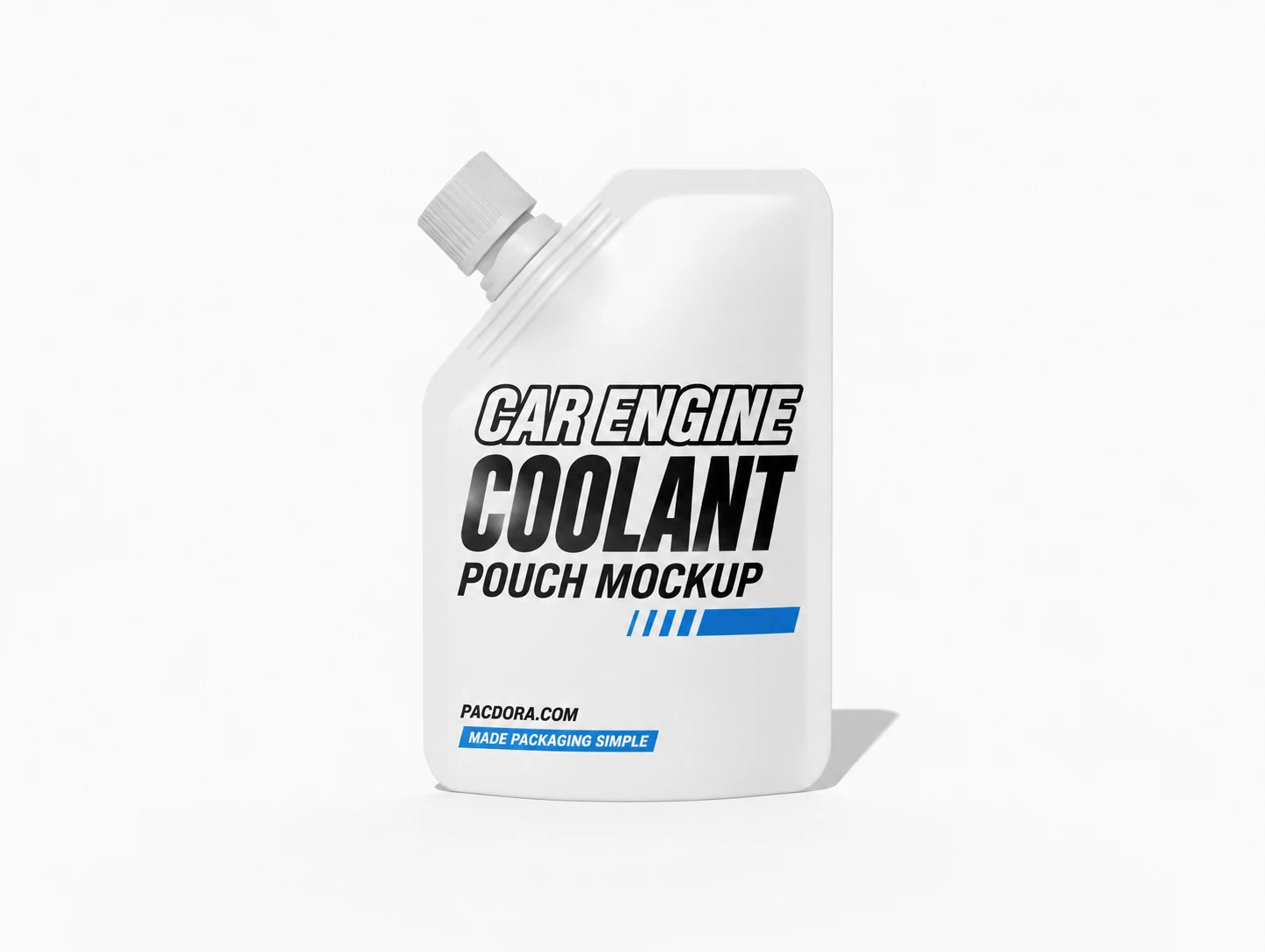
Car engine coolant pouch mockup
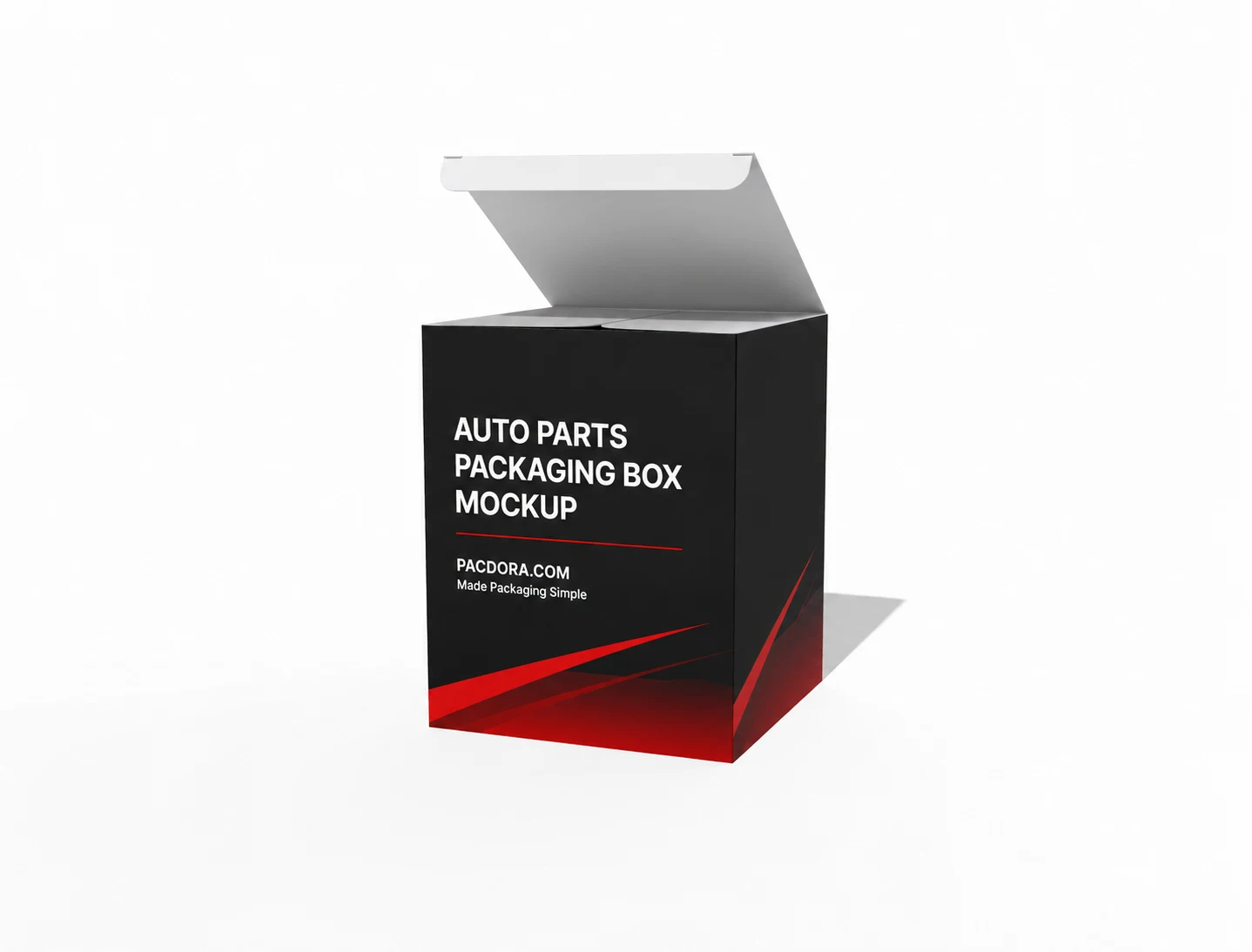
Auto parts packaging box mockup
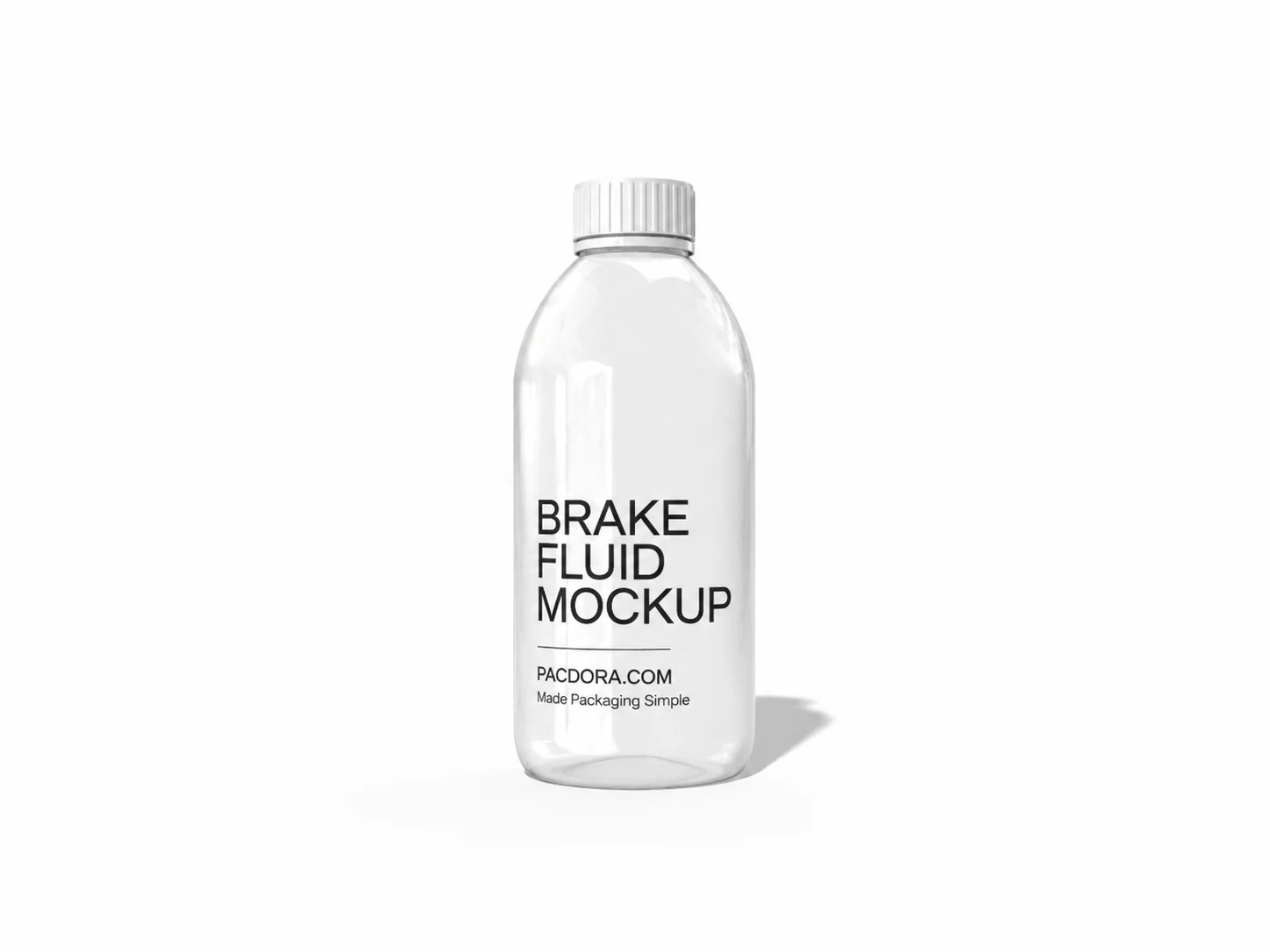
Brake fluid mockup
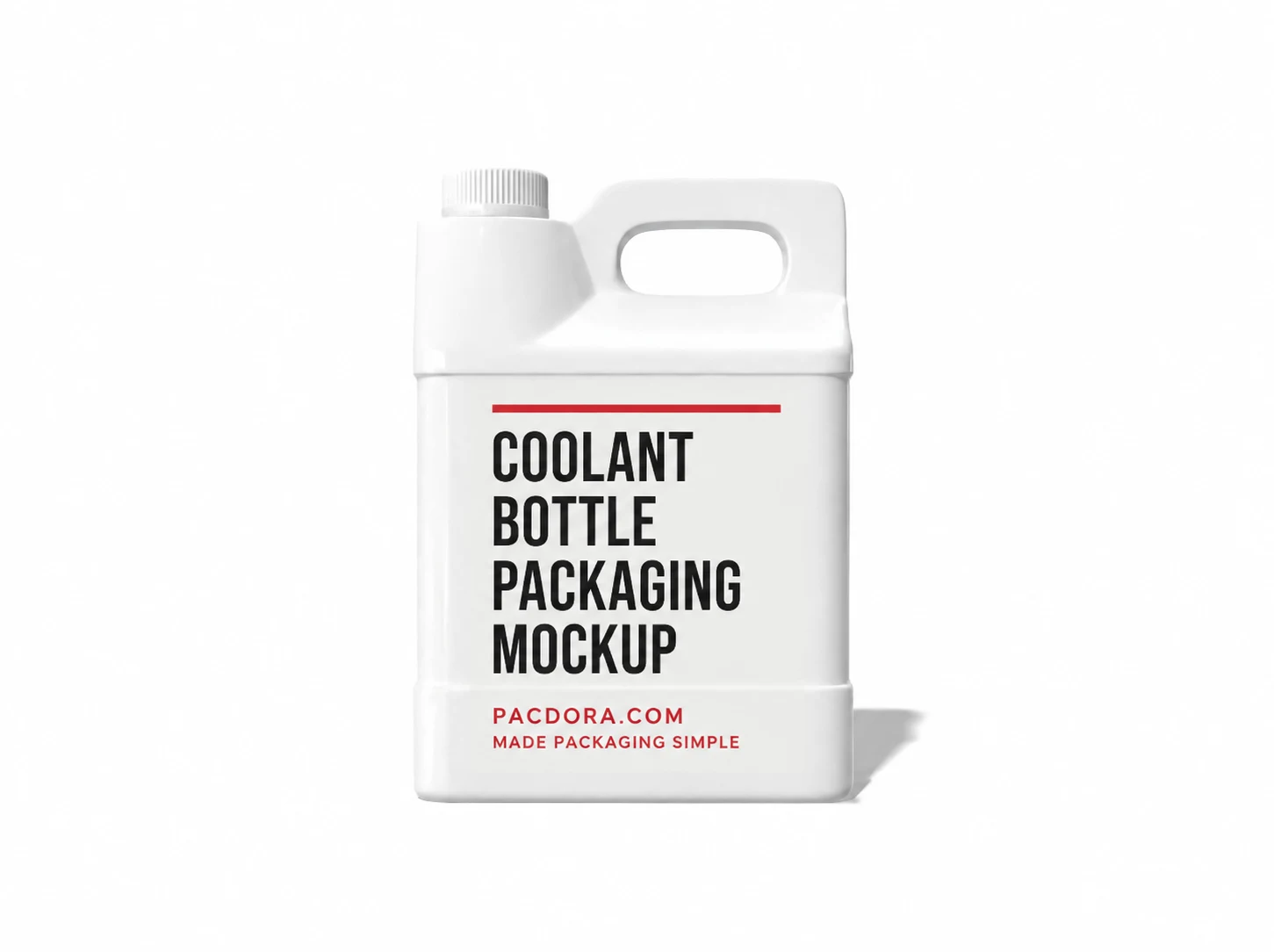
Coolant bottle packaging mockup
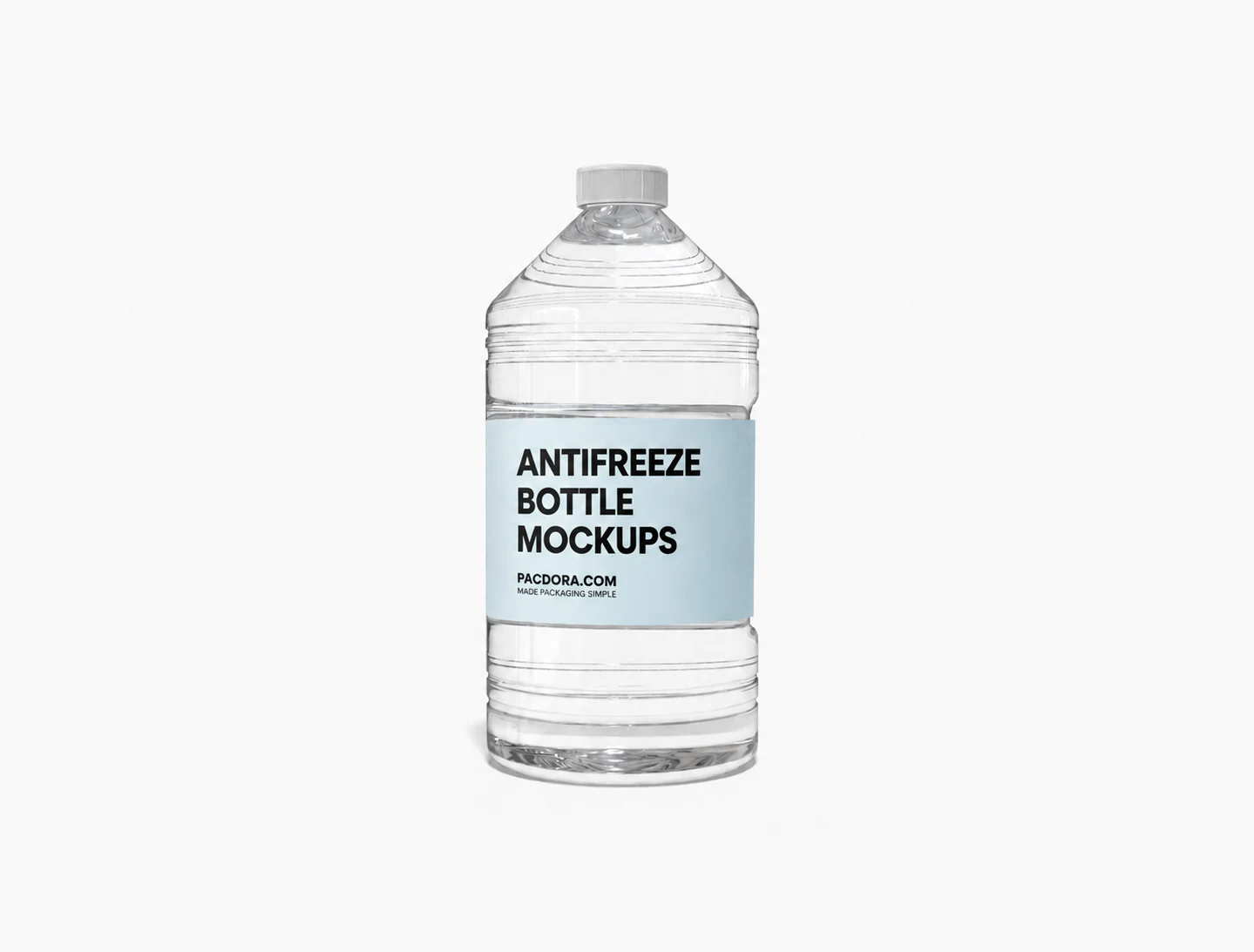
Antifreeze bottle mockup
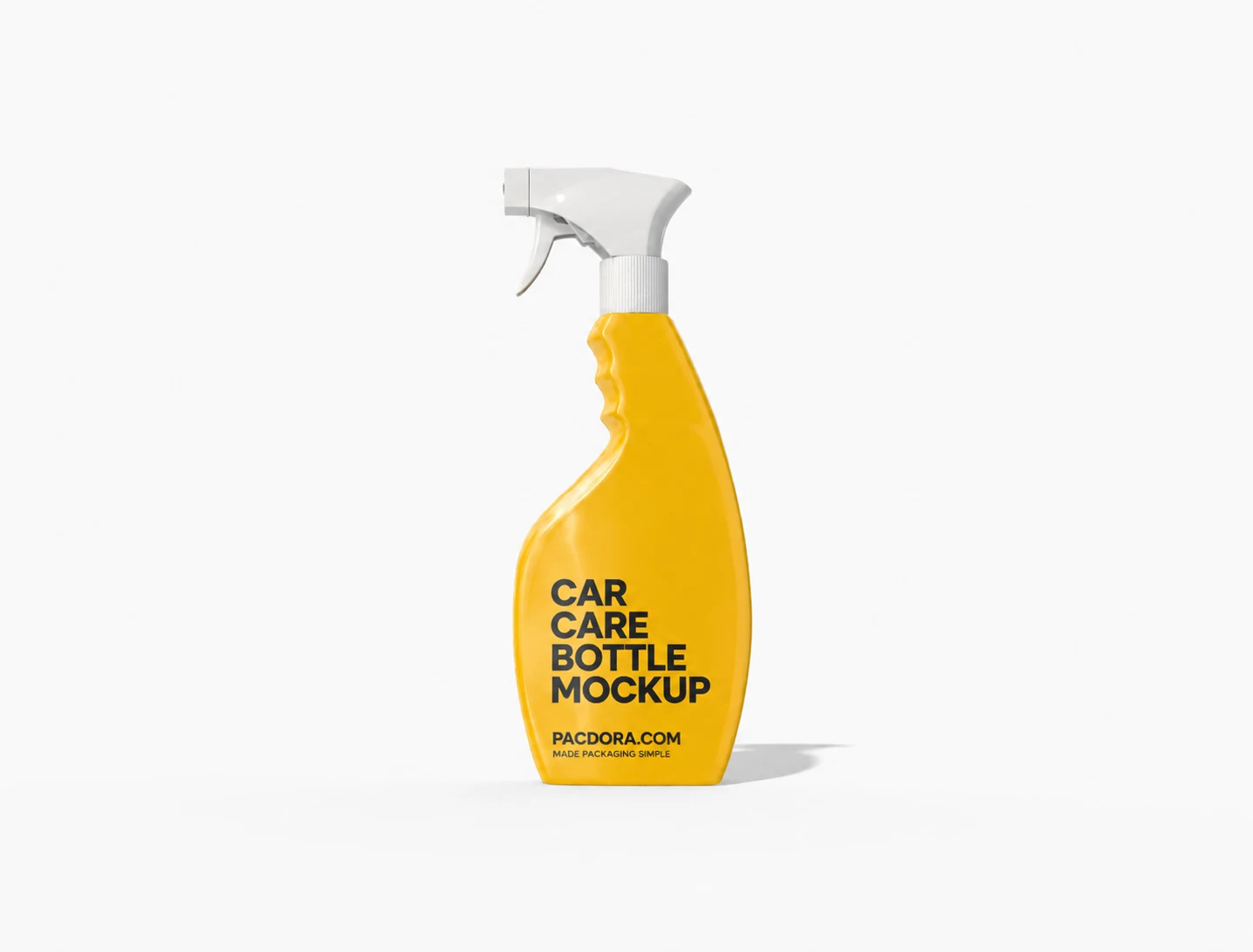
Car care spray bottle mockup
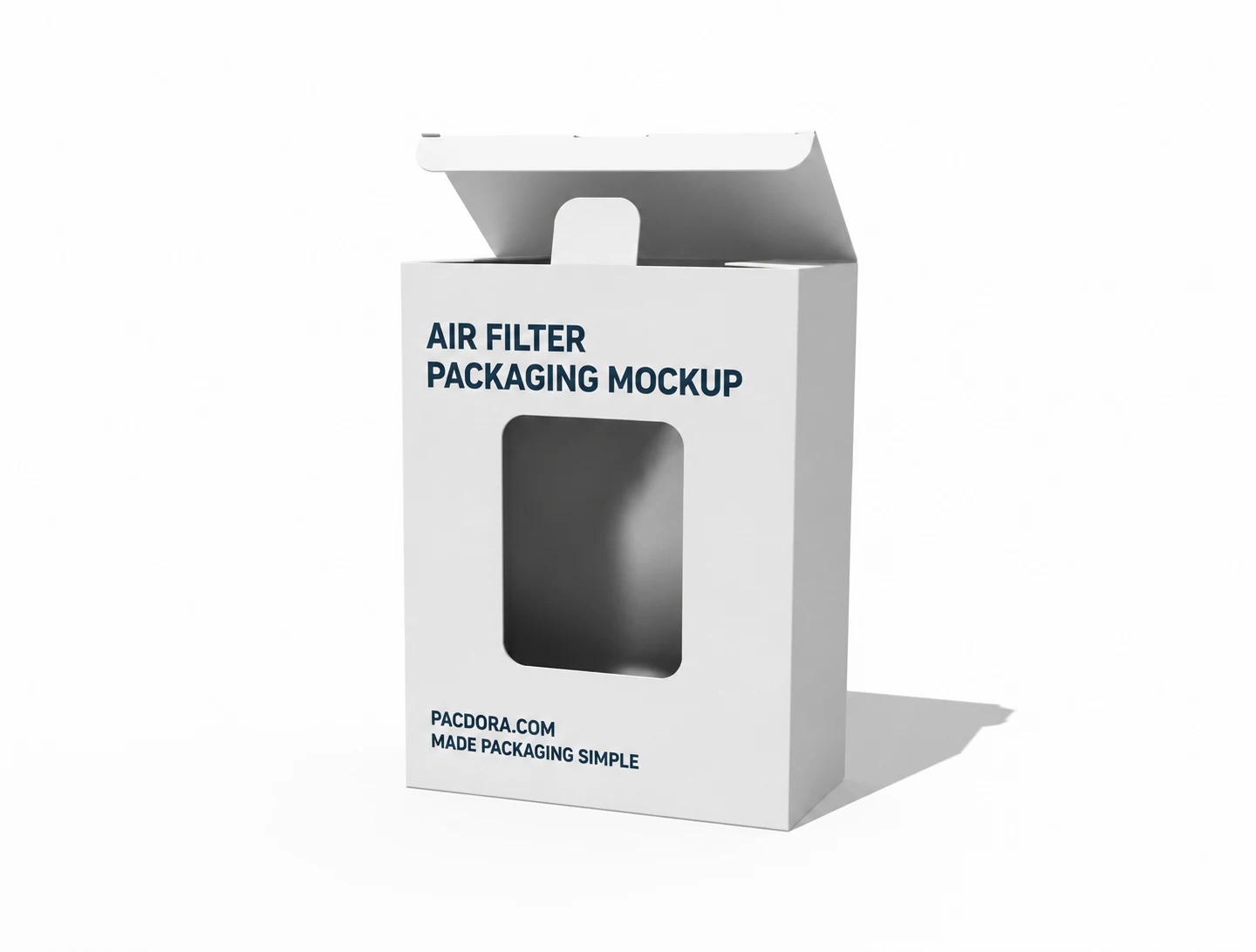
Air filter packaging mockup
Trusted by leading companies


Review automotive packaging before production
Auto-parts packaging needs to identify the right product quickly and look credible on the shelf. A flat PSD makes it hard to judge proportions, side-panel copy, and material choices. Pacdora shows the complete pack in 3D before you order a physical sample.
Preview automotive packaging in 3D

Fit the box to the part
Brake-pad, air-filter, and dash-cam boxes all need different proportions. Stretching one generic PSD can leave you with artwork that looks right but a box that does not fit the product.
Choose a box, enter its length, width, and height, then rotate the 3D model to check the scale, depth, and closure.

Keep product details easy to find
Part numbers, vehicle fitment, sizes, and variants can easily disappear onto a narrow side panel or fold.
Apply artwork to every face and rotate the pack to check the information hierarchy. Pacdora shows where each detail sits; your parts team can then verify the specifications.

Compare materials and finishes
Material changes can make the same design feel very different on a carton, bottle, or can. Depending on the mockup, you can switch between materials such as white cardboard, kraft paper, plastic, or metal.
Compare available matte and glossy finishes for car-fragrance boxes, auto-parts cartons, oil cans, and cleaning sprays before production.

Review the full pack faster
A front-facing PSD cannot show how the side copy, back label, and closed lid work together.
Set the camera angle and lighting in the browser, then export a high-resolution PNG/JPG, MP4, or print-ready dieline for buyer presentations, listings, and printer review.
Fit the box to the part
Brake-pad, air-filter, and dash-cam boxes all need different proportions. Stretching one generic PSD can leave you with artwork that looks right but a box that does not fit the product.
Choose a box, enter its length, width, and height, then rotate the 3D model to check the scale, depth, and closure.
Keep product details easy to find
Part numbers, vehicle fitment, sizes, and variants can easily disappear onto a narrow side panel or fold.
Apply artwork to every face and rotate the pack to check the information hierarchy. Pacdora shows where each detail sits; your parts team can then verify the specifications.
Compare materials and finishes
Material changes can make the same design feel very different on a carton, bottle, or can. Depending on the mockup, you can switch between materials such as white cardboard, kraft paper, plastic, or metal.
Compare available matte and glossy finishes for car-fragrance boxes, auto-parts cartons, oil cans, and cleaning sprays before production.
Review the full pack faster
A front-facing PSD cannot show how the side copy, back label, and closed lid work together.
Set the camera angle and lighting in the browser, then export a high-resolution PNG/JPG, MP4, or print-ready dieline for buyer presentations, listings, and printer review.
How to create an automotive packaging mockup?

Step 1: Choose a packaging model
Choose a box for auto parts or car fragrance, or a bottle or can for oil, coolant, polish, and detailing products.

Step 2: Add your artwork
Upload your logo, product image, part number, fitment details, and label copy. Then adjust the dimensions, material, lighting, and camera angle.

Step 3: Export the final mockup
Export high-resolution PNG/JPG images, MP4 video, or a print-ready PDF/DXF dieline for review, marketing, or production.
Step 1: Choose a packaging model
Choose a box for auto parts or car fragrance, or a bottle or can for oil, coolant, polish, and detailing products.
Step 2: Add your artwork
Upload your logo, product image, part number, fitment details, and label copy. Then adjust the dimensions, material, lighting, and camera angle.
Step 3: Export the final mockup
Export high-resolution PNG/JPG images, MP4 video, or a print-ready PDF/DXF dieline for review, marketing, or production.
Our customers love Pacdora’s mockups
Thousands before you have designed realistic mockups with Pacdora and loved it.

Great mock-ups and literally thousands of packaging designs to choose from. The 3d mock-up is so good, helps bring clarity to the client as well as the designers. Great product for packaging design professionals.


cosmiccorner
Move over, complicated design software! Pacdora is the superhero of packaging mockups. Creating 3D magic for my products is as easy as pie – no PhD in design required. It’s like the software looked at the clock and said, ‘Time to save users from design nightmares!’ It’s so user-friendly, even my coffee mug wants to try its hand at packaging design.
FAQ
What is an automotive packaging mockup used for?
Use it to see how a box, bottle, or can will look before producing a physical sample. Design and automotive teams can review artwork, present concepts to buyers, create listing images, and align with printers.
What automotive products can I create mockups for?
Available mockups include packaging for brake pads, air filters, dash cams, and car fragrance. You can also create mockups for motor oil, coolant, oil filters, tire shine, car polish, car shampoo, and ceramic coating.
Can Pacdora verify part fitment or shipping protection?
Pacdora shows where part numbers, fitment text, warnings, and dimensions appear. It cannot validate the information or test the pack against drops, stacking, oil, or vibration, so confirm the specifications and test a physical sample before production.
Do I need Photoshop or 3D software?
No. Pacdora runs in the browser, so you can choose a model, upload artwork, and preview it in 3D without working with PSD smart objects or separate 3D software.
Can I export a print-ready automotive packaging file?
Yes, for supported packaging structures. Export PDF or DXF dielines, along with high-resolution images and MP4 video. Ask your printer to confirm material, board strength, tolerances, and other production specifications.
Can I create an automotive packaging mockup for free?
Yes. You can start designing in the browser for free and without credits. Advanced customization and export options are available on the pricing page.
Explore more mockups

Start your automotive packaging mockup
Create an automotive packaging mockup
