

From dieline to 3D mockup in seconds
Upload an SVG or DXF dieline — watch it fold into a 3D box right in your browser.
Trusted by leading companies







Stop guessing how your dieline folds
A flat dieline tells a packaging engineer everything and a client nothing.
Instead of cutting white samples or rebuilding the box in 3D software, upload your SVG or DXF to Pacdora — it folds into an interactive 3D mockup you can confirm in minutes.
Why choose Pacdora for your dieline to 3D mockup?
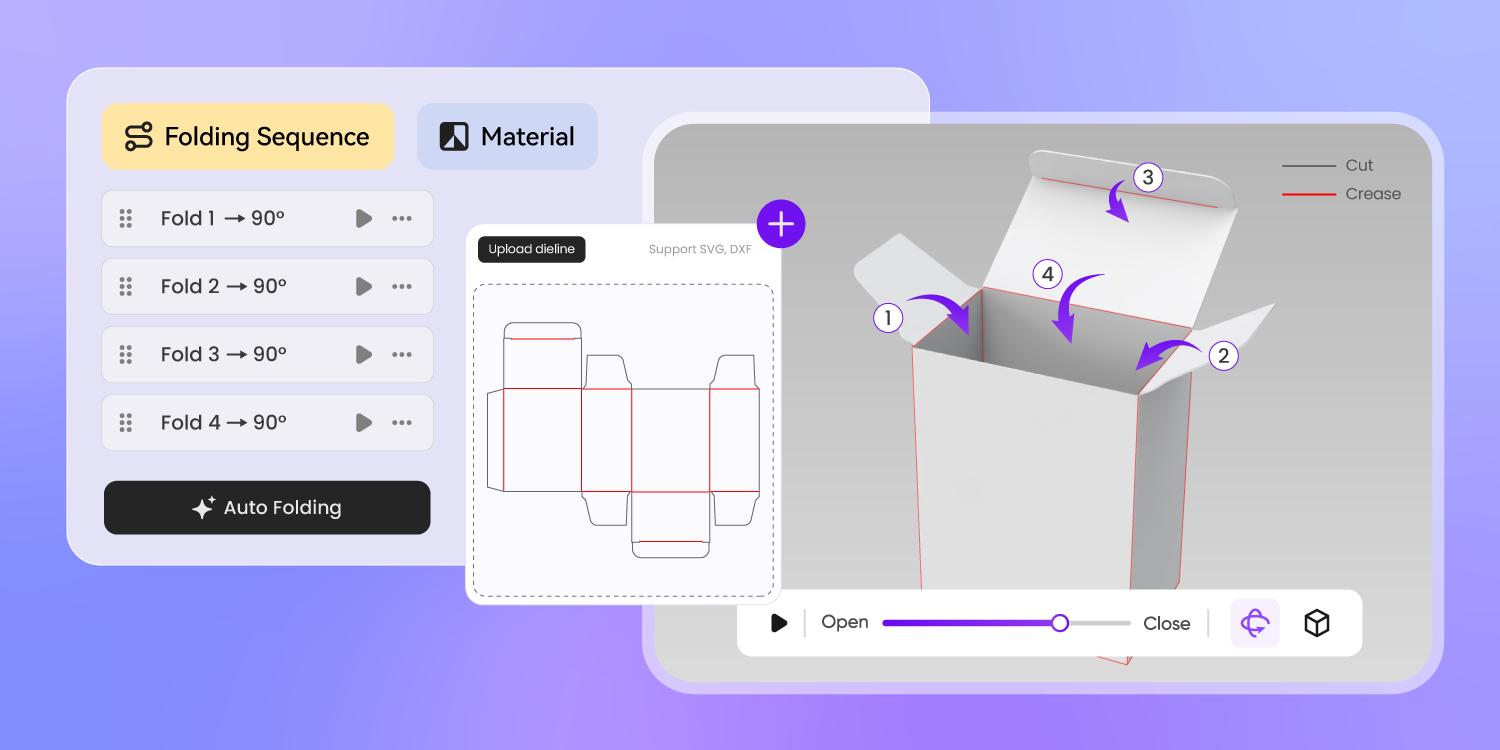
Fold dielines into 3D automatically
Upload a cut-and-crease dieline and Pacdora folds it into an interactive 3D model automatically — no manual modeling required.
You can even define the folding animation and direction, so the box assembles exactly the way it will on the packing line.
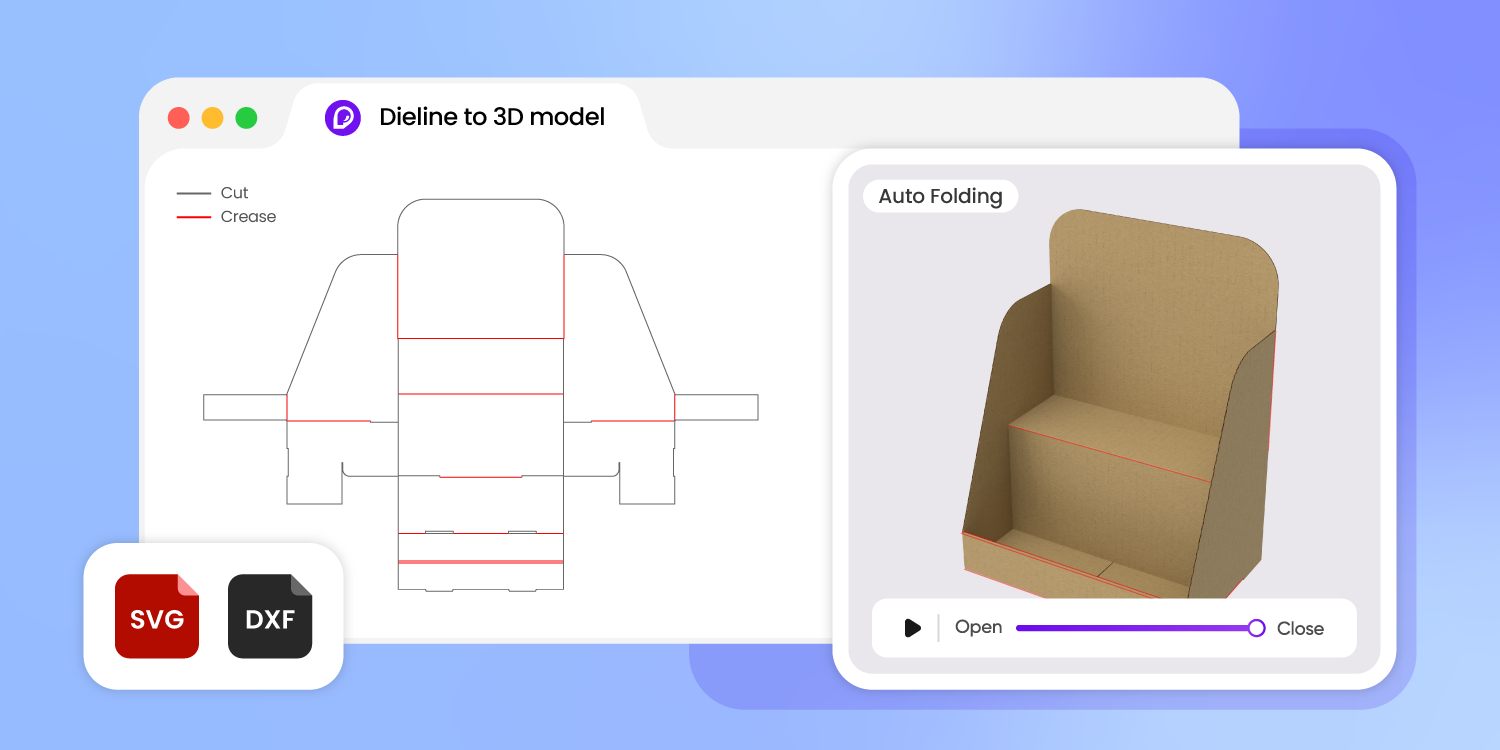
Skip Blender and 3D software
Folding a box in Blender means hours of tutorials before you see a single crease.
Pacdora runs in your browser: a packaging designer who lives in Illustrator or ArtiosCAD can preview a folded carton without learning modeling tools or installing desktop software.
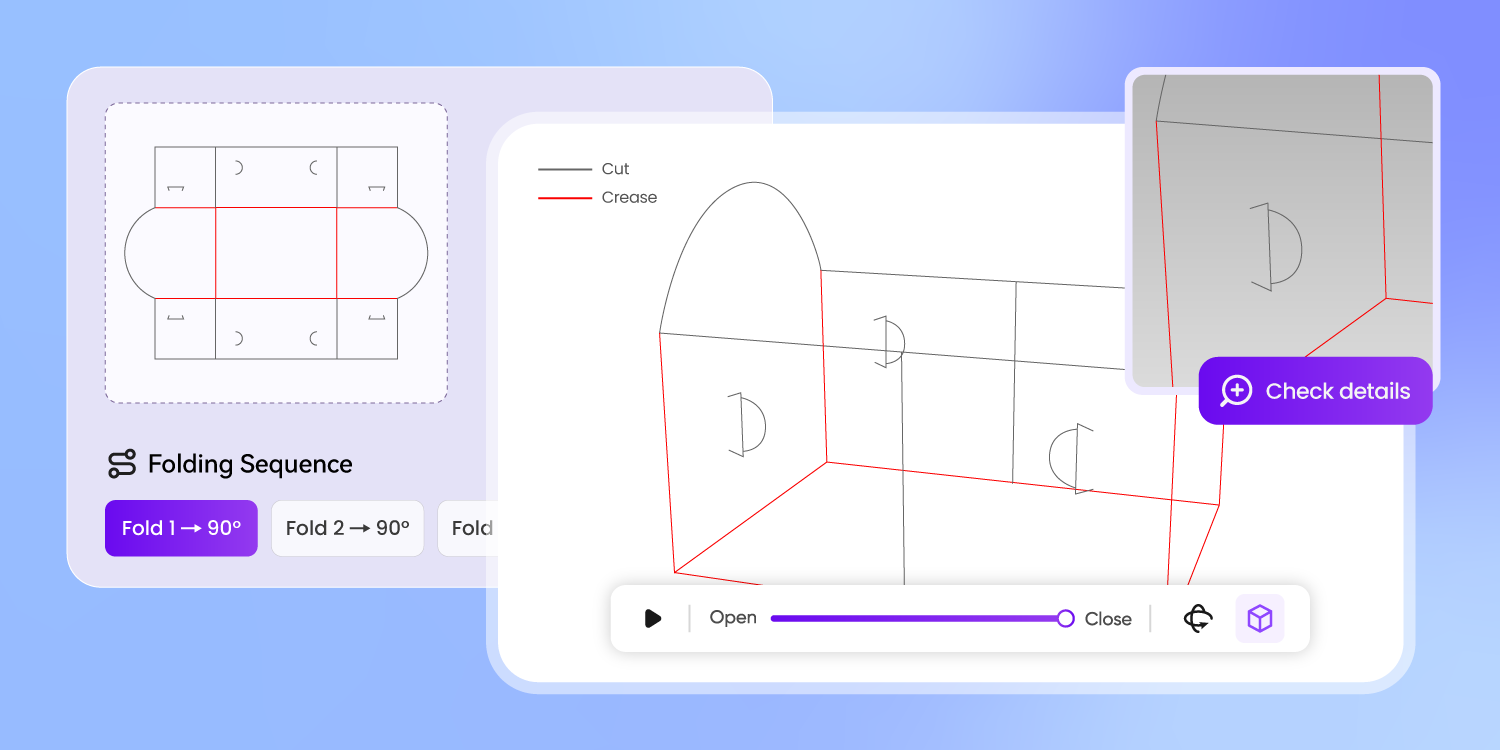
Catch structure errors before printing
A dieline that looks right flat can hide a panel that won't close.
Fold it in seconds, rotate the box, choose a material, and check every crease and closure in true 3D — structural mistakes surface on screen, not after a costly print run.
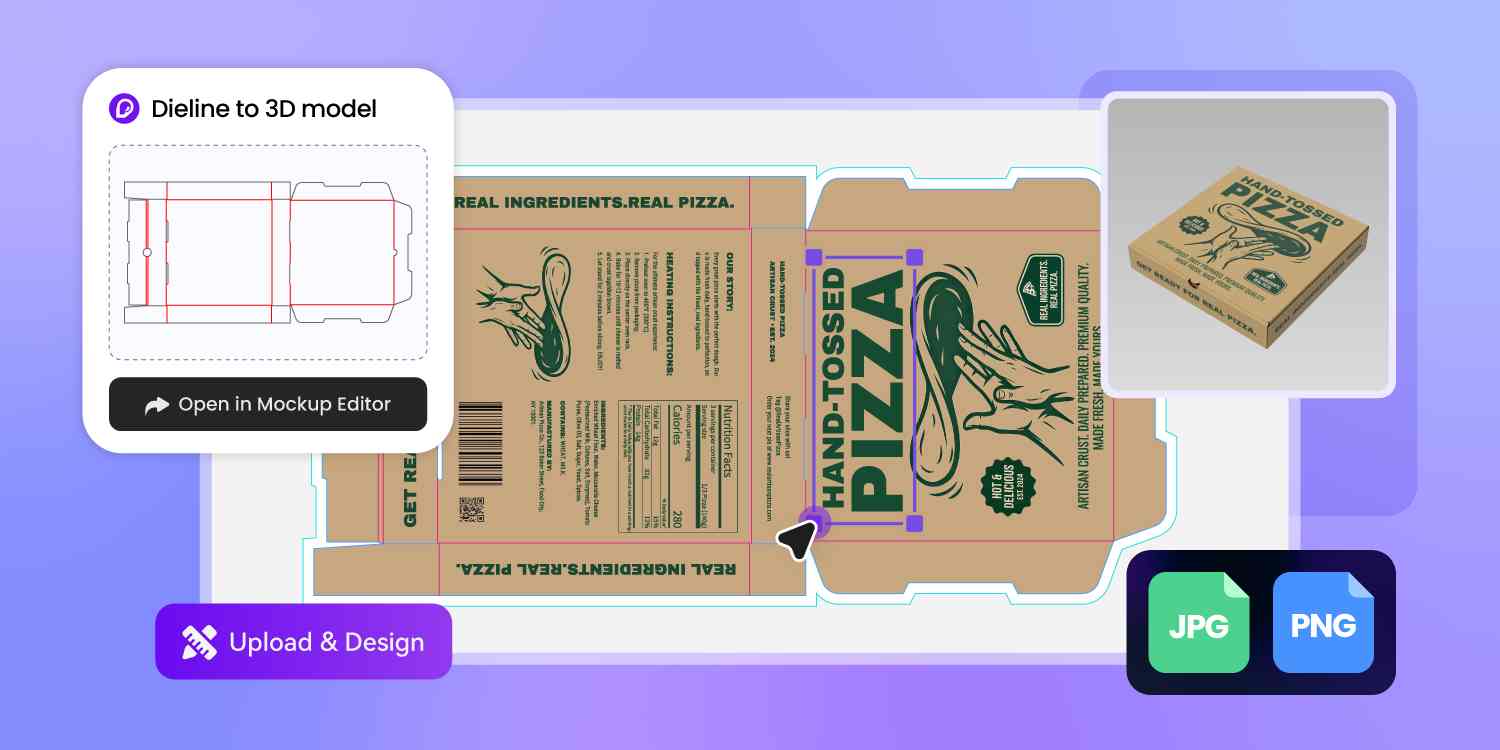
Keep designing in one place
Most dieline viewers are dead ends: you fold the box, export, then juggle other tools to finish the job.
In Pacdora, the 3D model you just created flows straight into packaging design — dieline to 3D to finished design, one browser tab, no file shuffling.
How to turn a dieline into a 3D mockup?
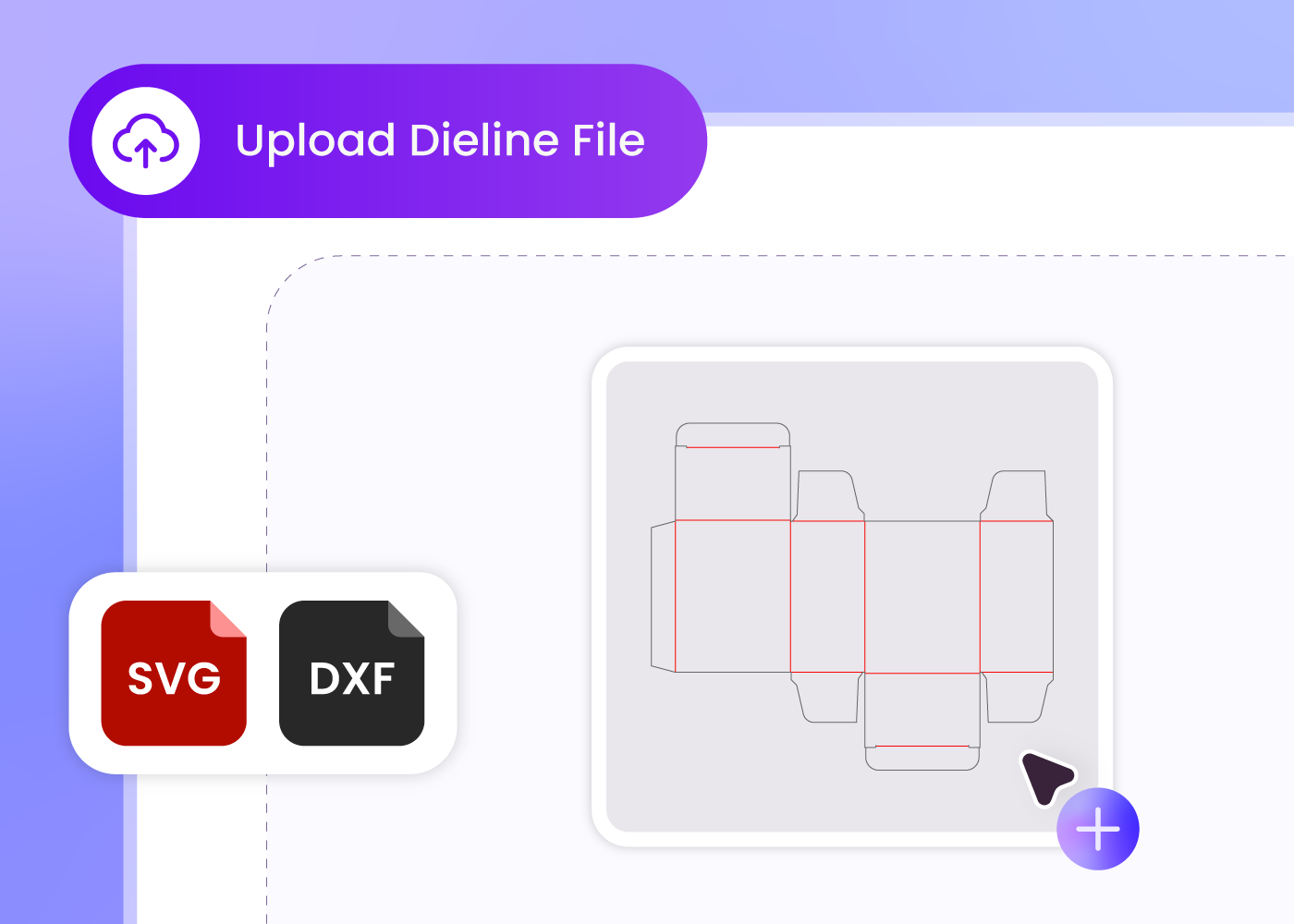
Step 1: Prepare your dieline file
Keep only cut and crease lines in the file, one single color for each, and export it as SVG or DXF.
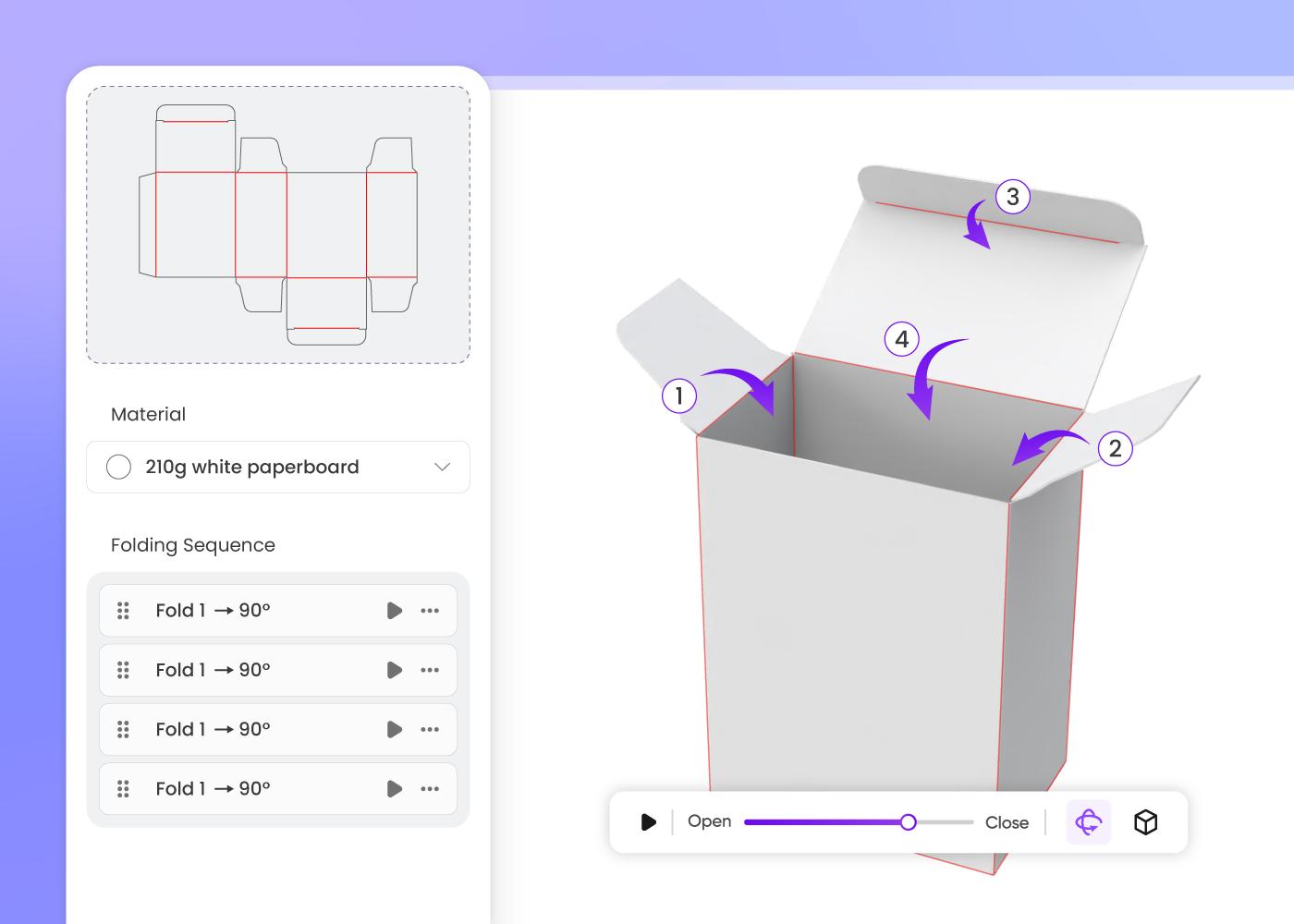
Step 2: Upload and set the fold
Drop the dieline into Pacdora and watch it fold into a 3D box. Set the folding direction and animation, then pick a material.
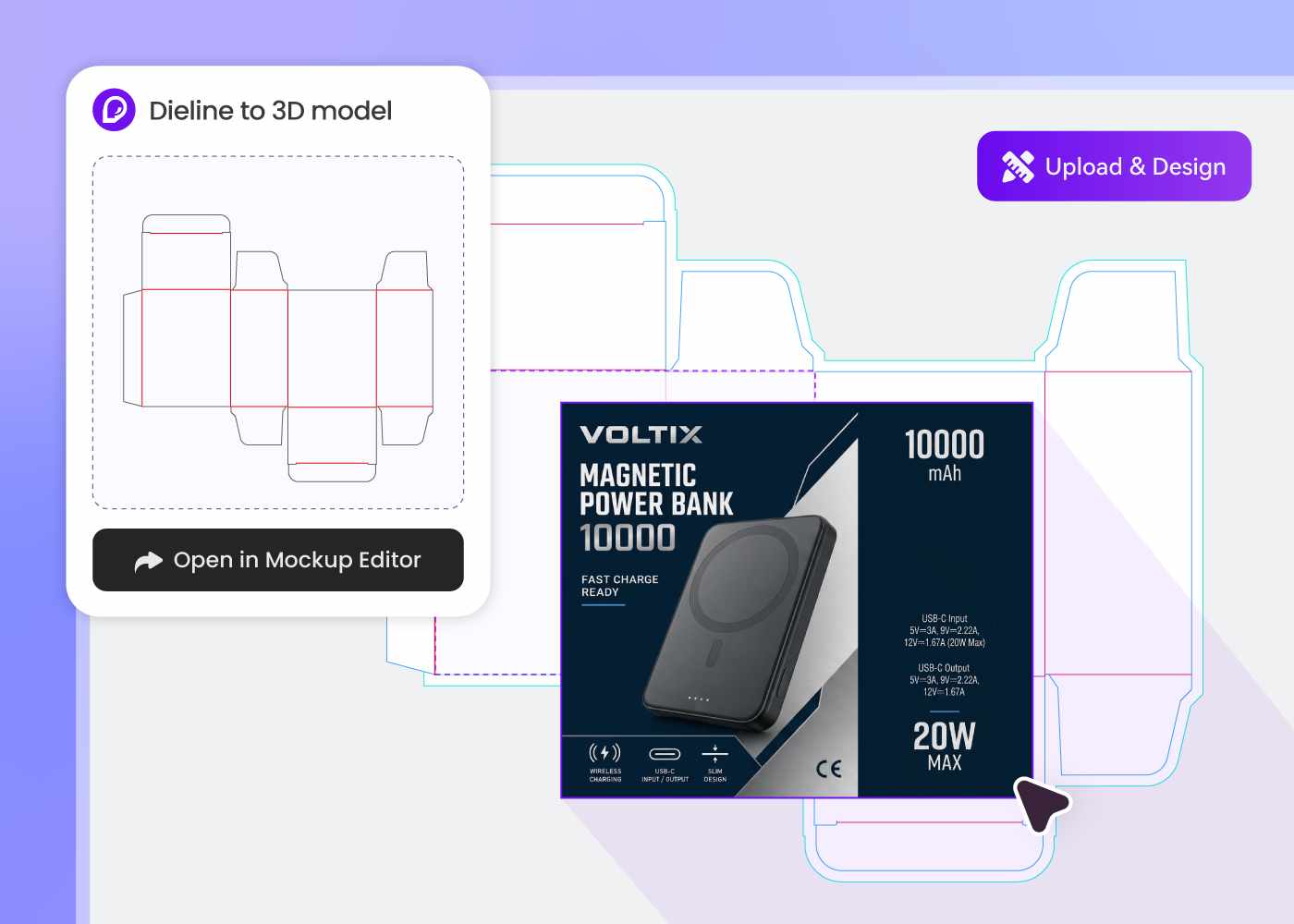
Step 3: Check the 3D mockup
Rotate the folded box and inspect every crease and closure. When the structure looks right, keep designing it in Pacdora.
Step 1: Prepare your dieline file
Keep only cut and crease lines in the file, one single color for each, and export it as SVG or DXF.
Step 2: Upload and set the fold
Drop the dieline into Pacdora and watch it fold into a 3D box. Set the folding direction and animation, then pick a material.
Step 3: Check the 3D mockup
Rotate the folded box and inspect every crease and closure. When the structure looks right, keep designing it in Pacdora.
FAQ
Frequently asked questions
What is a dieline in packaging?
A dieline is the flat template that defines a package's cut and fold lines — the blueprint a printer uses to cut and crease your box. Pacdora reads those lines from your file and folds them into a 3D mockup, so you can see the finished box instead of decoding flat geometry.
What file formats does the tool support?
Upload your dieline as SVG or DXF. The file should contain only two kinds of lines — cut and crease — each in its own single color. Keep other artwork and guides out of the file: clean line work is what makes the automatic fold accurate.
Can I try it without a dieline file?
Yes. If you don't have a dieline handy, start with the built-in demo to see how a flat file folds into a 3D box. When a supplier or designer sends you a real SVG or DXF later, upload it and preview your own packaging the same way.
How much time does this save compared to physical samples?
A physical white sample means cutting, folding, and often shipping — a cycle measured in days. Folding the same dieline online takes minutes, so structural checks and client sign-off can happen the day the file is ready, and physical sampling waits for the final round.
How much does the dieline to 3D mockup tool cost?
You can try the demo for free. Plan details change as the product grows, so we keep them in one place — see the Pacdora pricing page for current plans and what each includes.
Can I use the 3D mockups commercially?
Mockups you create from your own dieline files can be used in client presentations and commercial projects, subject to your plan. For the exact license terms, review the Terms of Service before publishing work built on Pacdora.
Explore more free tools
Discover more about Pacdora
4M+
designers trust Pacdora
From flat dieline to finished box, instantly.
