

AI structural packaging design
Choose a box structure and drop in your design — Pacdora lays it on a print-ready dieline you can fold in 3D.
Trusted by leading companies


Start from a real dieline, not a blank CAD file
Structural packaging design usually means box-engineering skills and CAD software most teams don't have.
Pacdora gives you a library of print-ready dielines to pick from, applies your design, and folds the box into 3D — so you go from structure to print-ready file without drawing a single crease.
Why choose Pacdora AI for structural packaging design?
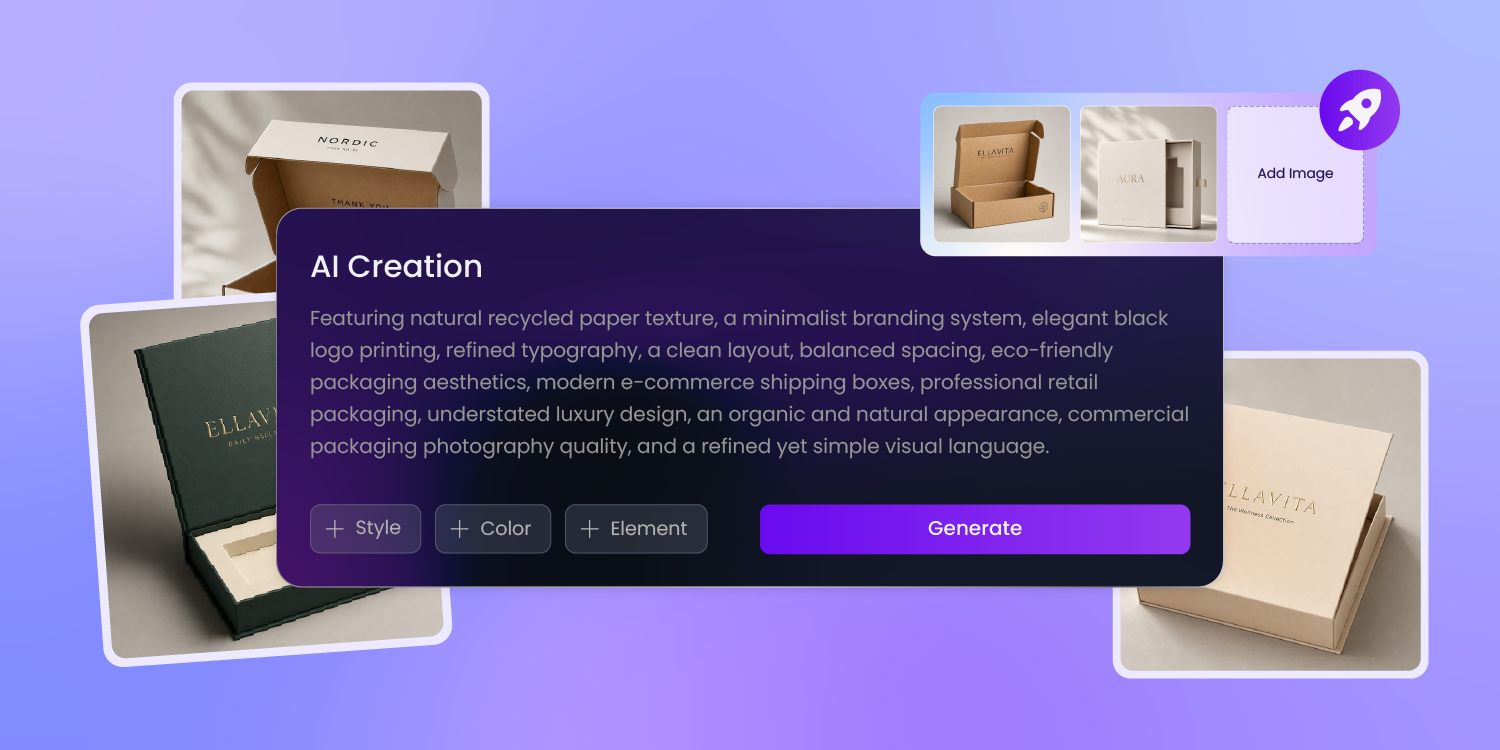
A library of structures, not a blank CAD file
Structural design usually starts with a blank CAD file and box-engineering know-how.
Pacdora gives you a library of ready-made dielines — mailers, folding cartons, rigid boxes, trays, sleeves, and FEFCO styles — so you start from a real structure and adjust it to your product, not from nothing.
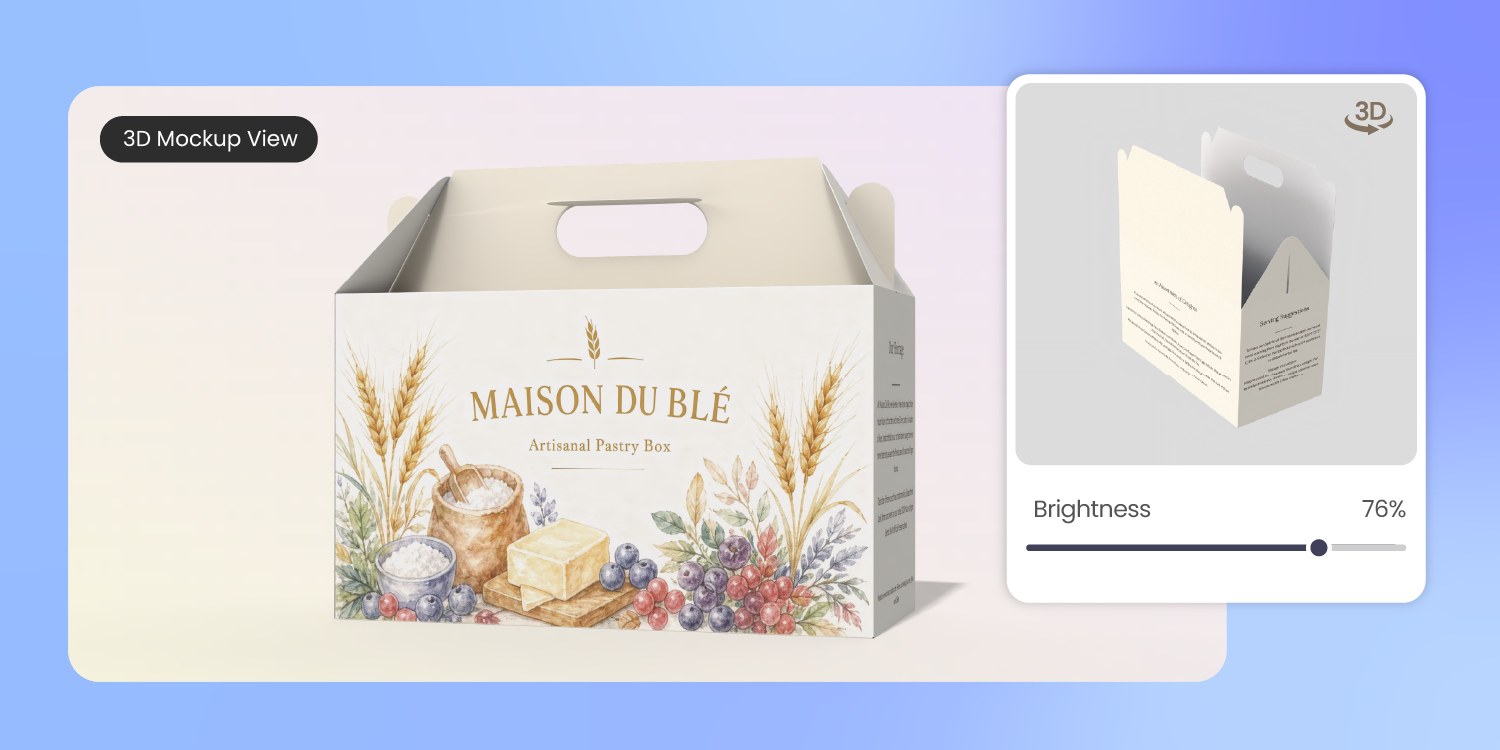
See the structure fold, open and closed
A flat dieline can't tell you whether the box folds clean or holds its product.
Pick a structure and Pacdora folds it into a 3D model you can open, close, and rotate — so you judge proportions and the open-box reveal before a sample run.
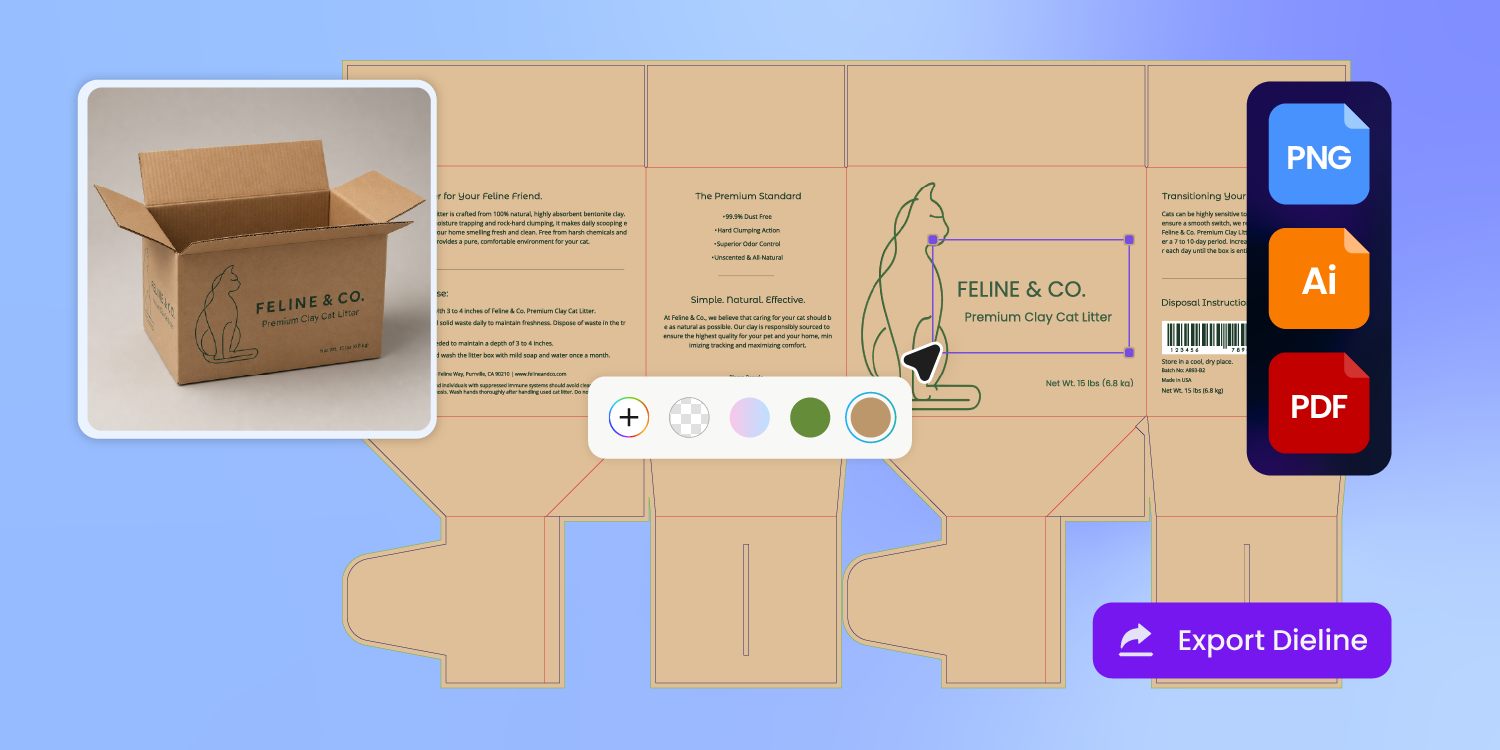
Print-ready dielines on real geometry
Every dieline in the library sits on real cut, crease, fold, and glue-tab geometry, not a sketch.
Export it print-ready and send it straight to your printer — you confirm the stock and tolerance with them, and the file goes to press without a rebuild.
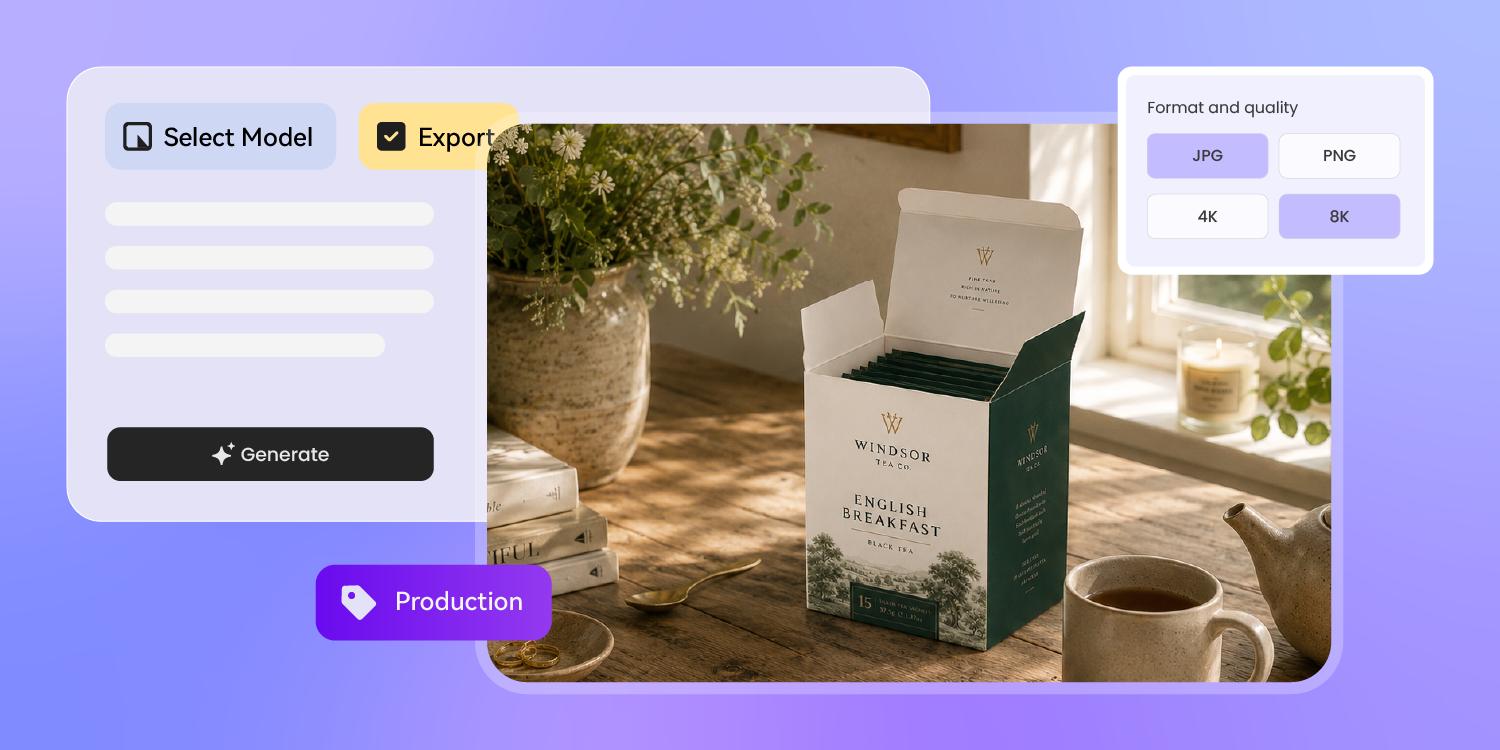
From structure to product shot, in one place
Once you've picked the structure, apply your artwork on the same dieline, render it as a 3D mockup, and export both the production file and a product shot — structure, graphics, and marketing visuals in one place, no re-keying across apps.
How to design structural packaging with AI?
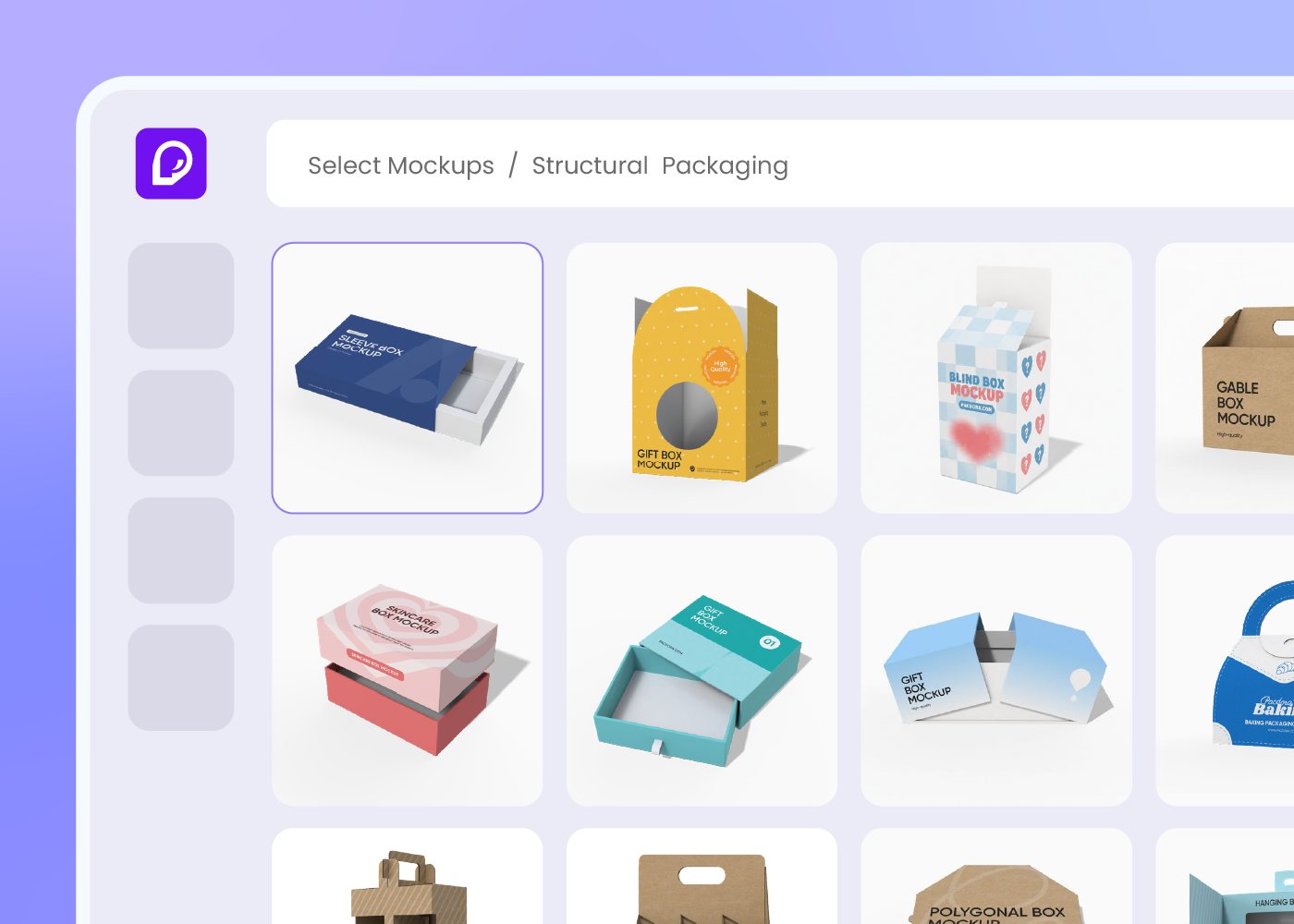
Step 1: Choose your box structure
Pick a mailer, folding carton, rigid box, tray, sleeve, or FEFCO style from Pacdora's dieline library — the structure loads with its print-ready dieline.
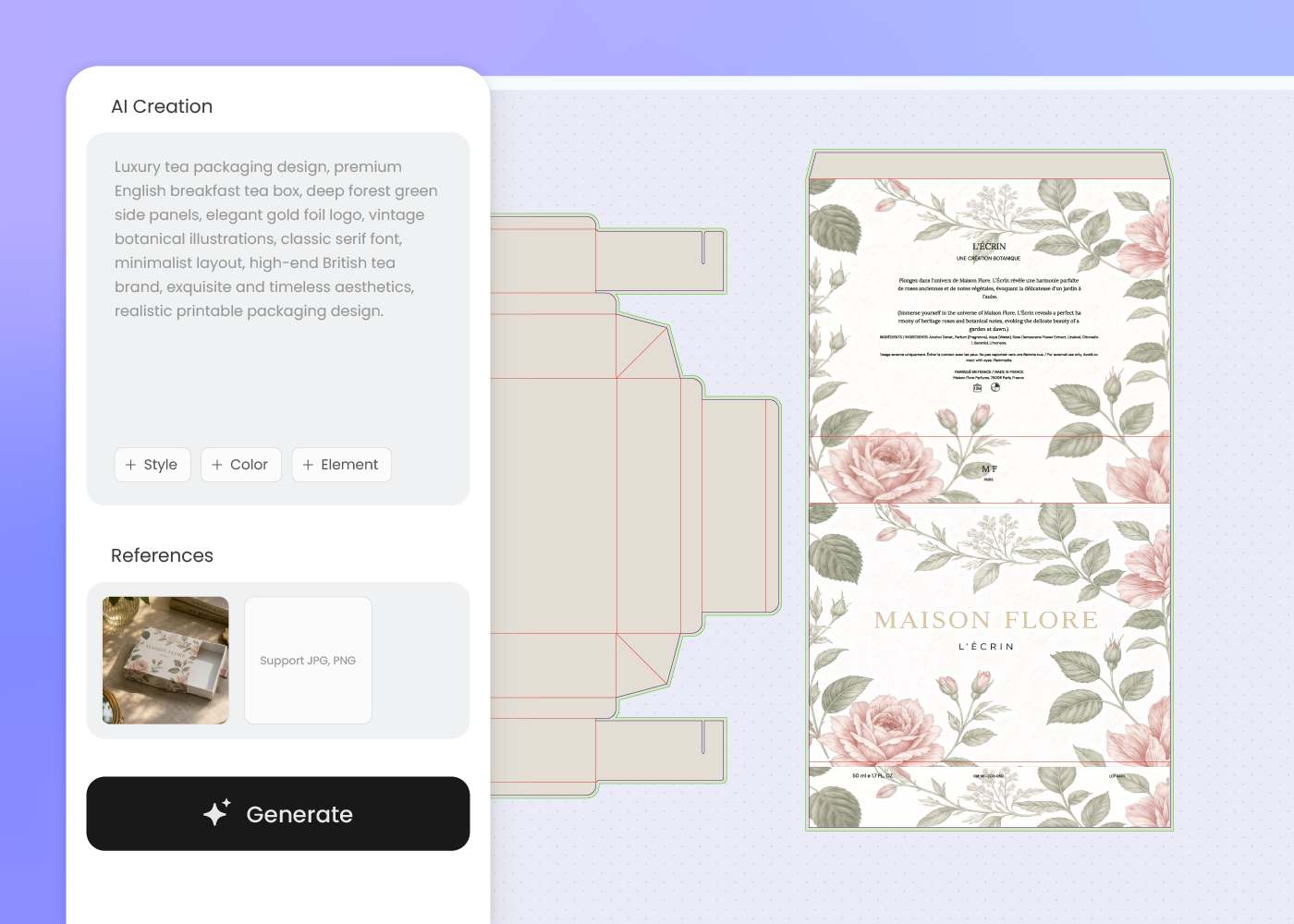
Step 2: Apply and refine your design
Drop in your artwork and brand, adjust the colors and panels on the dieline, and regenerate the design until the box looks the way you want.
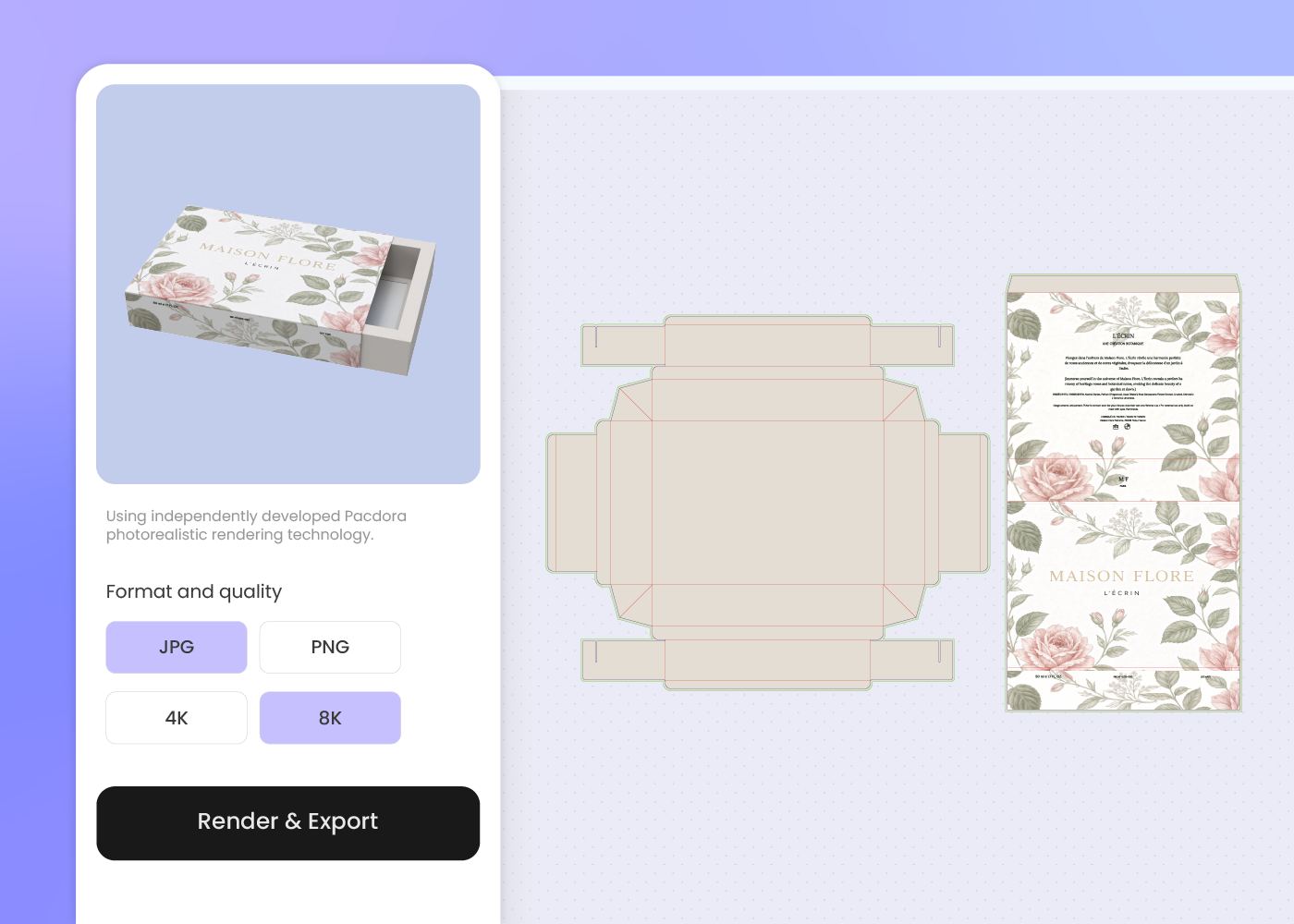
Step 3: Download the dieline and 3D mockup
Download the print-ready dieline plus a 3D mockup of the folded box — ready for your printer, your samples, and your product shots.
Step 1: Choose your box structure
Pick a mailer, folding carton, rigid box, tray, sleeve, or FEFCO style from Pacdora's dieline library — the structure loads with its print-ready dieline.
Step 2: Apply and refine your design
Drop in your artwork and brand, adjust the colors and panels on the dieline, and regenerate the design until the box looks the way you want.
Step 3: Download the dieline and 3D mockup
Download the print-ready dieline plus a 3D mockup of the folded box — ready for your printer, your samples, and your product shots.
FAQ
Frequently asked questions
Which box structures does Pacdora's dieline library cover?
Hundreds of structures across mailer boxes, folding cartons, rigid boxes, trays, and sleeves, each as a print-ready dieline. New styles are added regularly — if your exact structure isn't there, pick the closest one and adjust the dimensions.
Does Pacdora support FEFCO box styles?
Yes. Pacdora's library includes standard FEFCO box templates — common corrugated codes like the 0201 shipping carton and the 0427 mailer — so you can start from the industry-standard structure your converter already knows, then apply your design on top.
What is a dieline, and is the one Pacdora exports print-ready?
A dieline is the flat blueprint of cut, crease, and fold lines a printer uses to build your box. Every dieline Pacdora exports sits on real cut-and-fold geometry with the glue tabs and bleed marked, so it's ready for printing once you confirm the stock and tolerance with your printer.
Can I preview the box in 3D before printing?
Yes. Pacdora folds the dieline into a 3D model you can open, close, and rotate, so you can check the proportions, how it holds the product, and the open-box reveal before committing to a sample run.
How much does AI structural packaging design cost?
You can start designing for free. Credits are consumed based on how many designs you generate and download. Check your account balance before generating, or upgrade for more credits anytime. For full details on subscription plans and credit packages, see our Pricing Page.
Can I use the structural packaging design commercially?
Yes. As long as you comply with our Terms of Service, AI-generated structural packaging designs and dielines can be used commercially — including production files for your printer, retail and crowdfunding product shots, and investor or client decks.
Explore more free tools
Discover more about Pacdora
4M+
designers trust Pacdora
Packaging structure, perfected by AI.
