

Custom cigarette boxes

Upload your logo, customize details like texts, and download your 3D custom cigarette boxes mockup as an HD PNG for free.
Custom cigarette boxes
Upload your logo, customize details like texts, and download your 3D custom cigarette boxes mockup as an HD PNG for free.
Trusted by leading companies


Make your brand stand out with custom cigarette boxes!
Make your brand stand out in a competitive market with stunning custom cigarette boxes. Pacdora offers diverse custom cigarette boxes like classic flip-top and sleek cigarette boxes for a premium line or a modern electronic brand. Our platform lets you visualize your design in real-time. Select your box style, upload graphics, customize details, and export photorealistic mockups as HD PNG images, or MP4 videos.
How to create a custom cigarette box mockup?
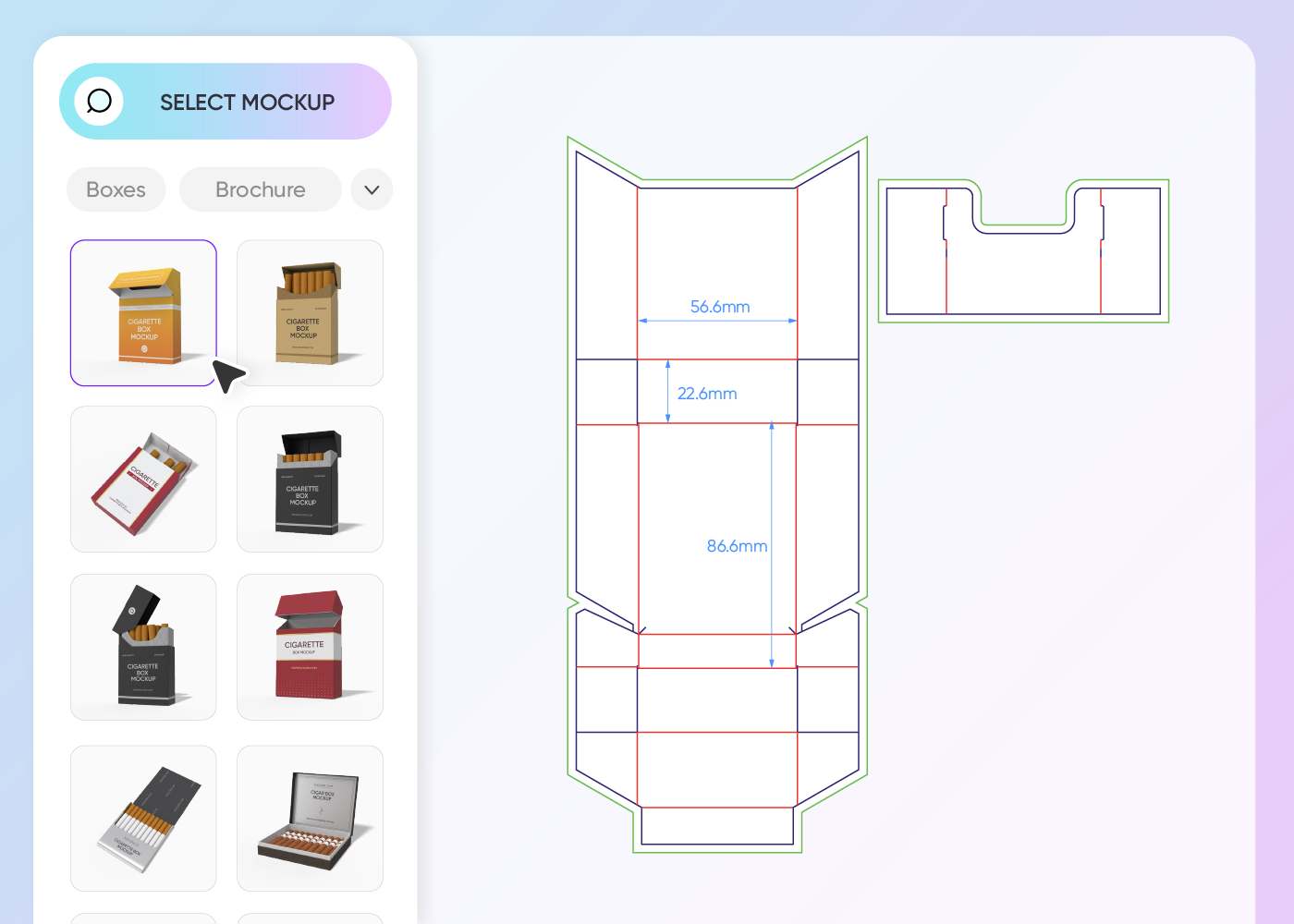
Step 1: Select your cigarette box mockup
Select a structure, from classic flip-top to sleek cigarette boxes, that matches your product and brand.
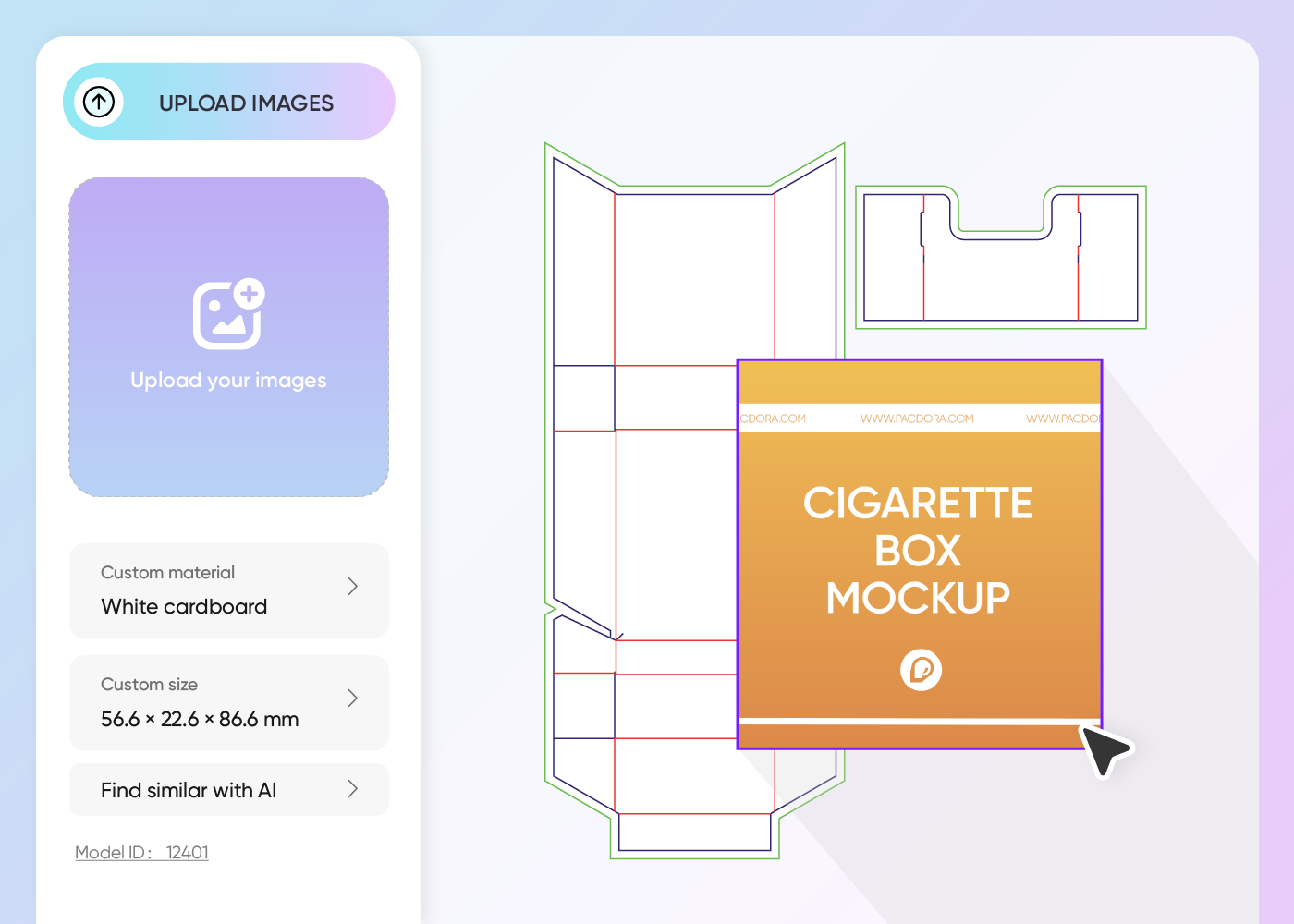
Step 2: Upload artwork and personalize
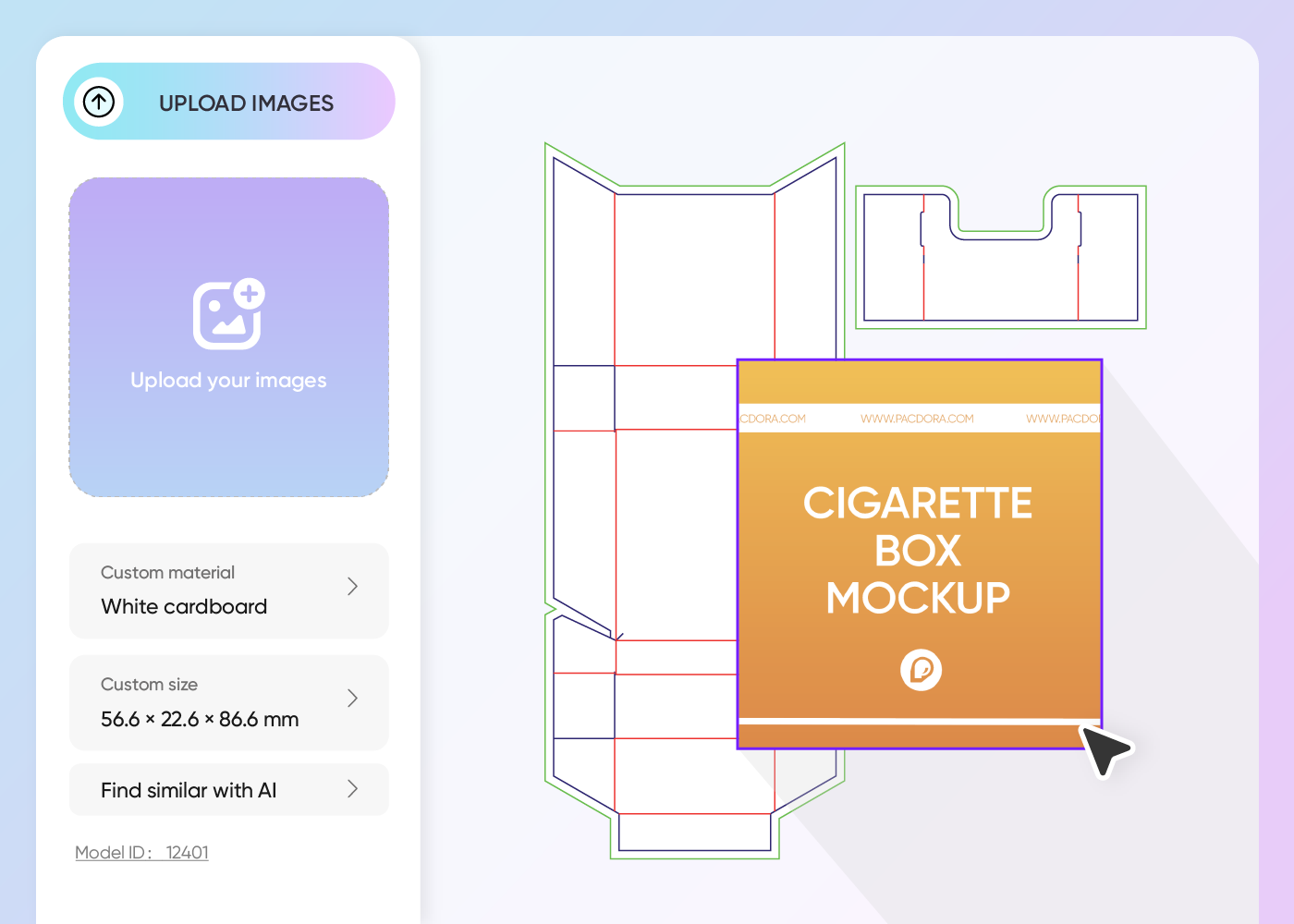
Upload your brand's logo, warning labels, and customize the colors to see your design come to life in 3D.
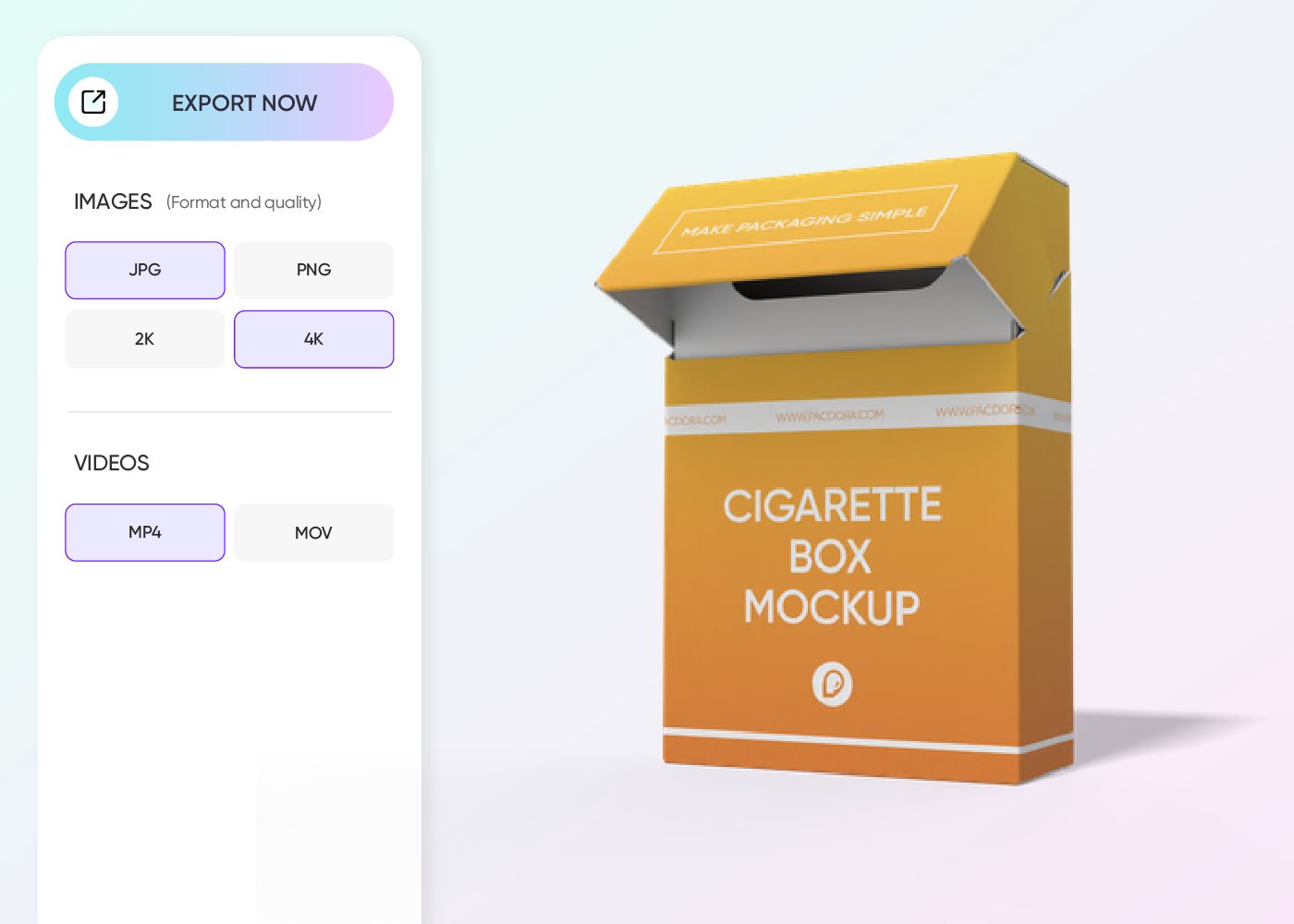
Step 3: Export your finished design
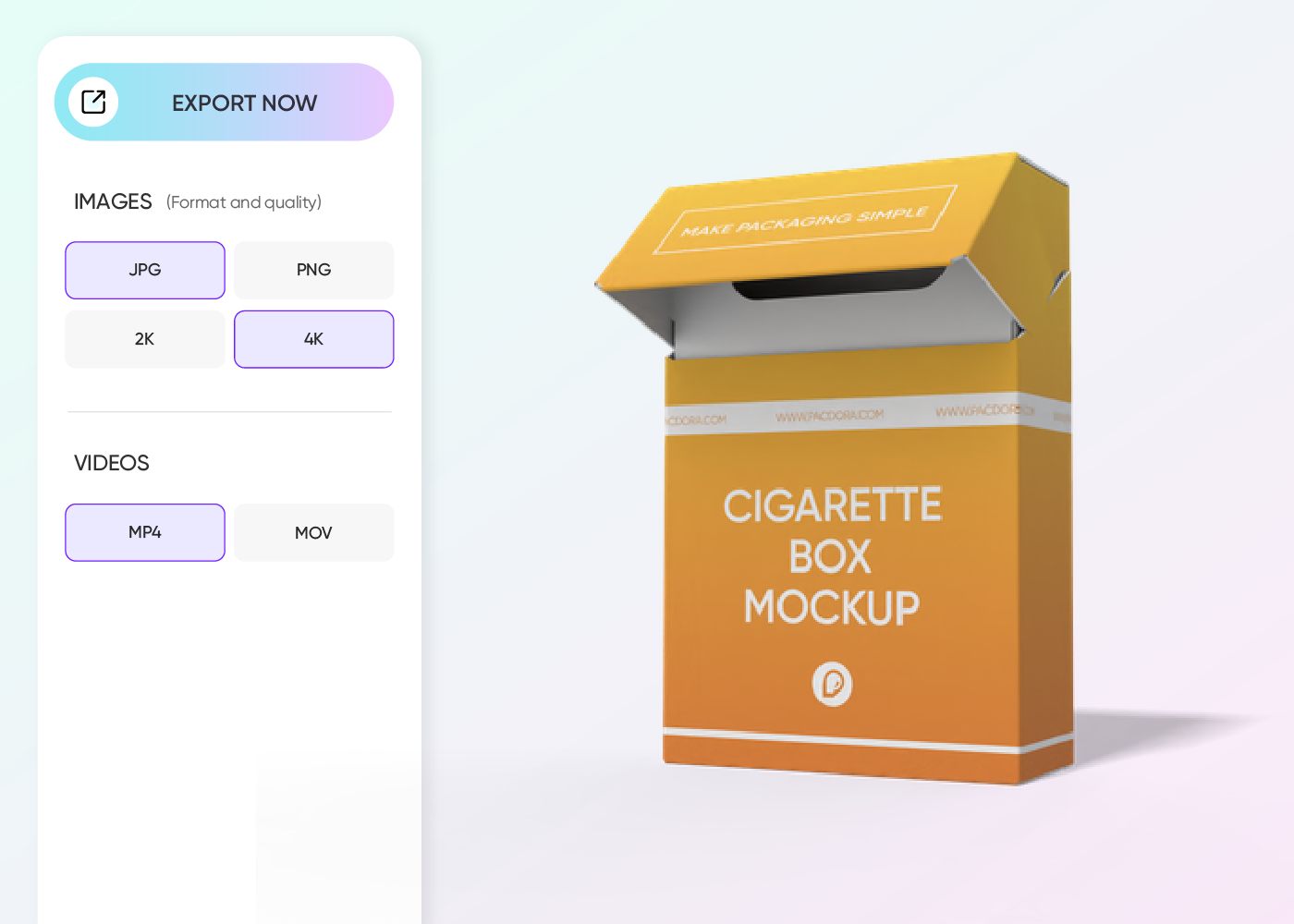
Export your realistic mockup as a high-resolution JPG/PNG, a 360-degree MP4 video, or a sharable link.
Step 1: Select your cigarette box mockup
Select a structure, from classic flip-top to sleek cigarette boxes, that matches your product and brand.
Step 2: Upload artwork and personalize
Upload your brand's logo, warning labels, and customize the colors to see your design come to life in 3D.
Step 3: Export your finished design
Export your realistic mockup as a high-resolution JPG/PNG, a 360-degree MP4 video, or a sharable link.
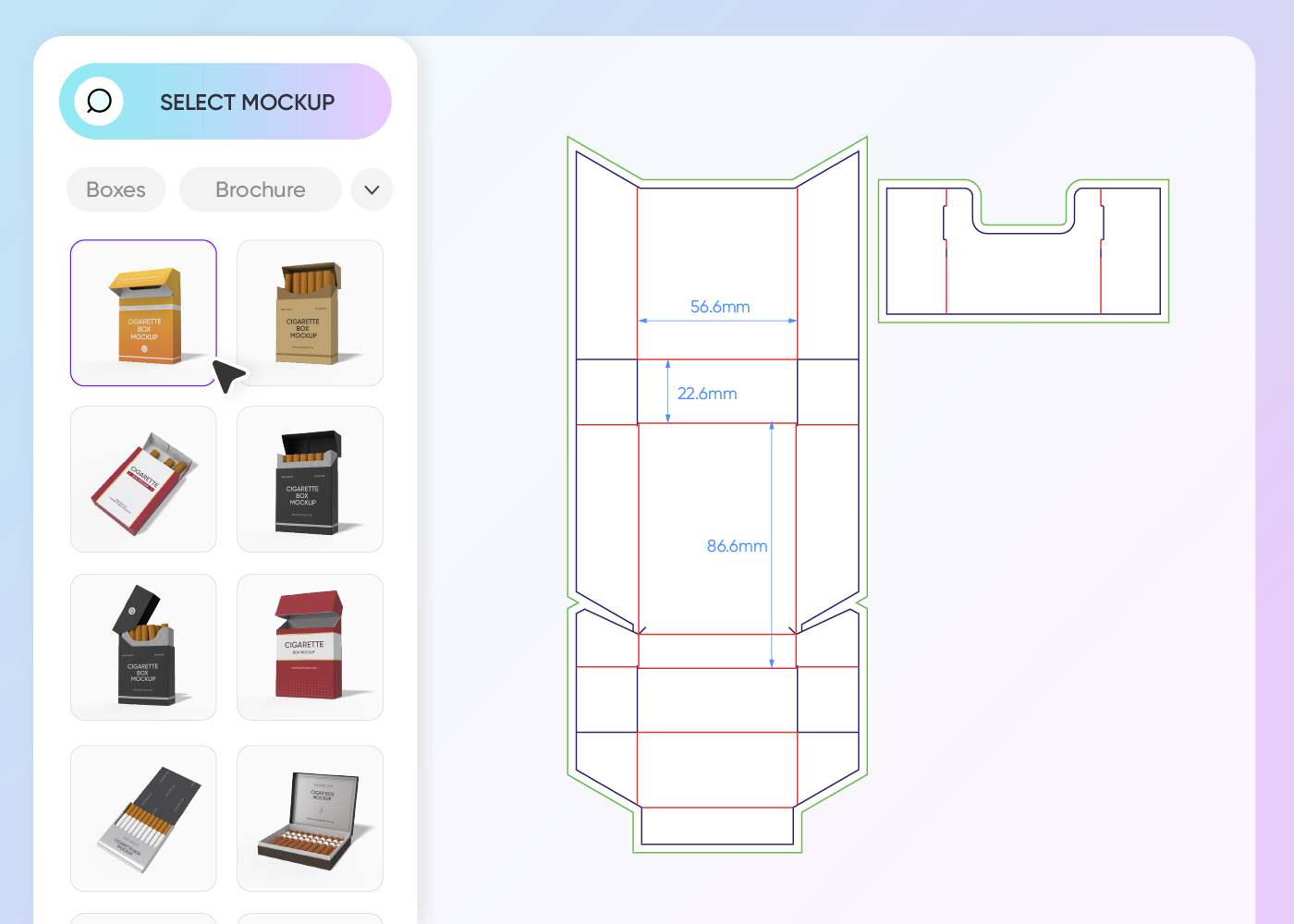
Key steps to design your signature cigarette boxes
Choose your premium cigarette box structure
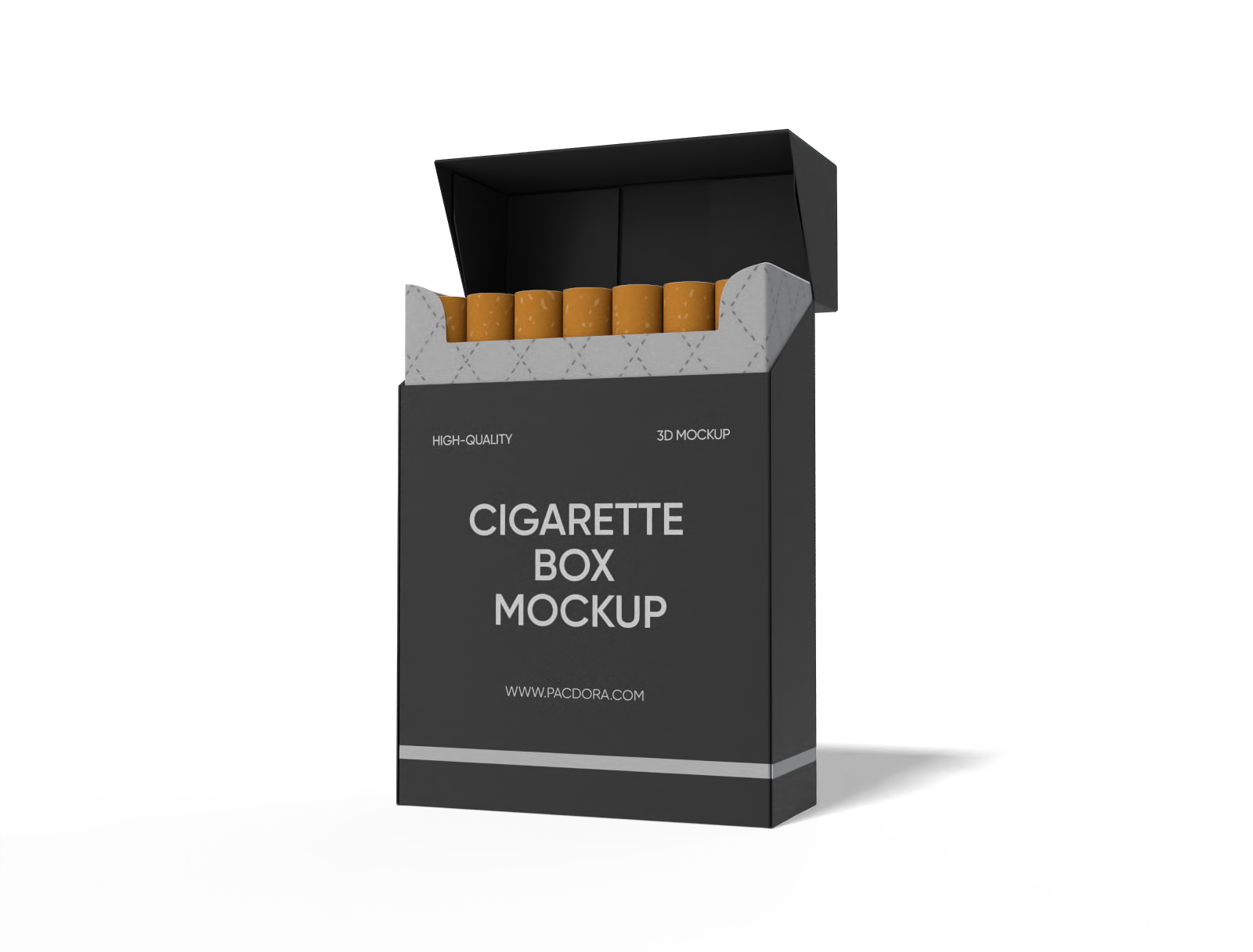
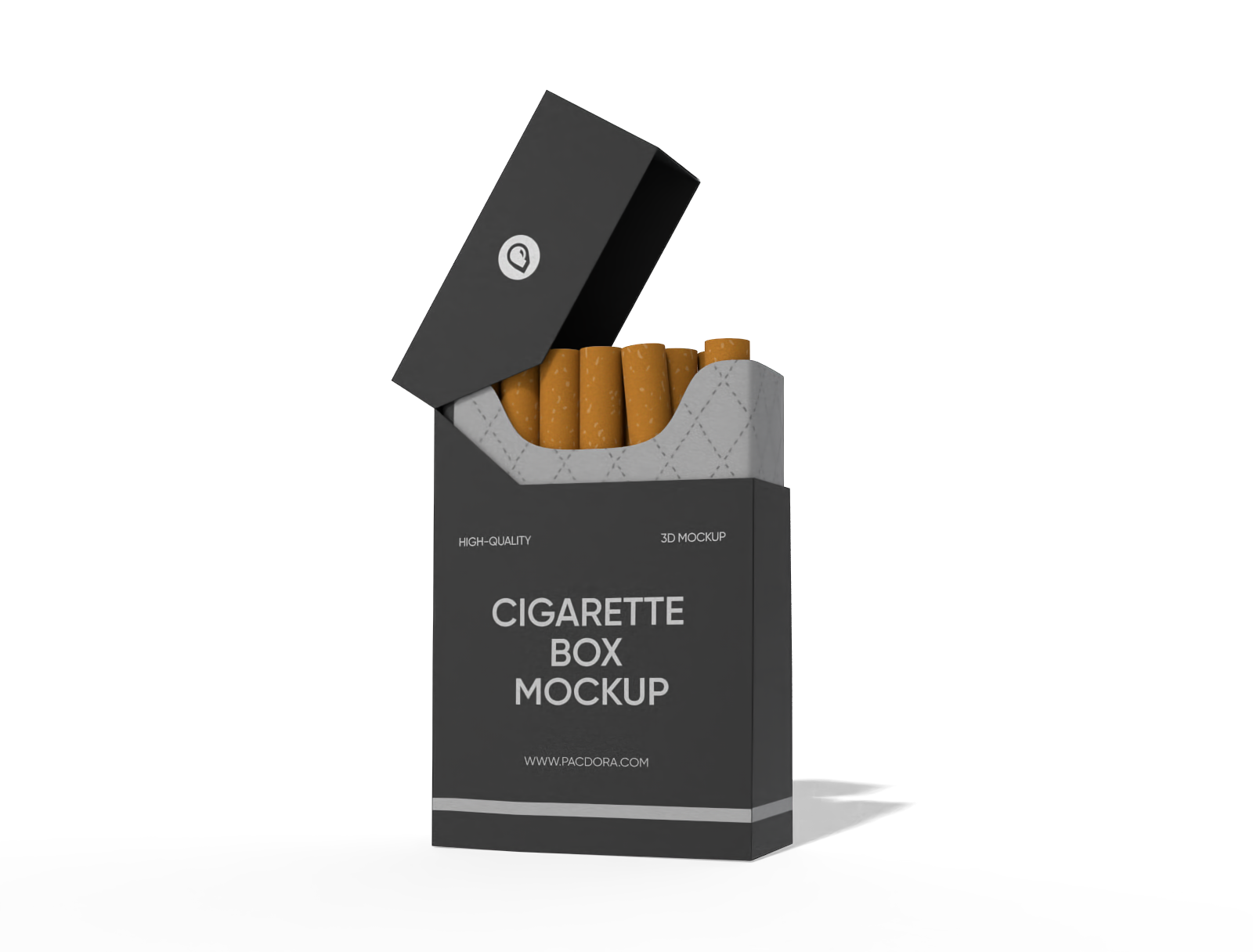
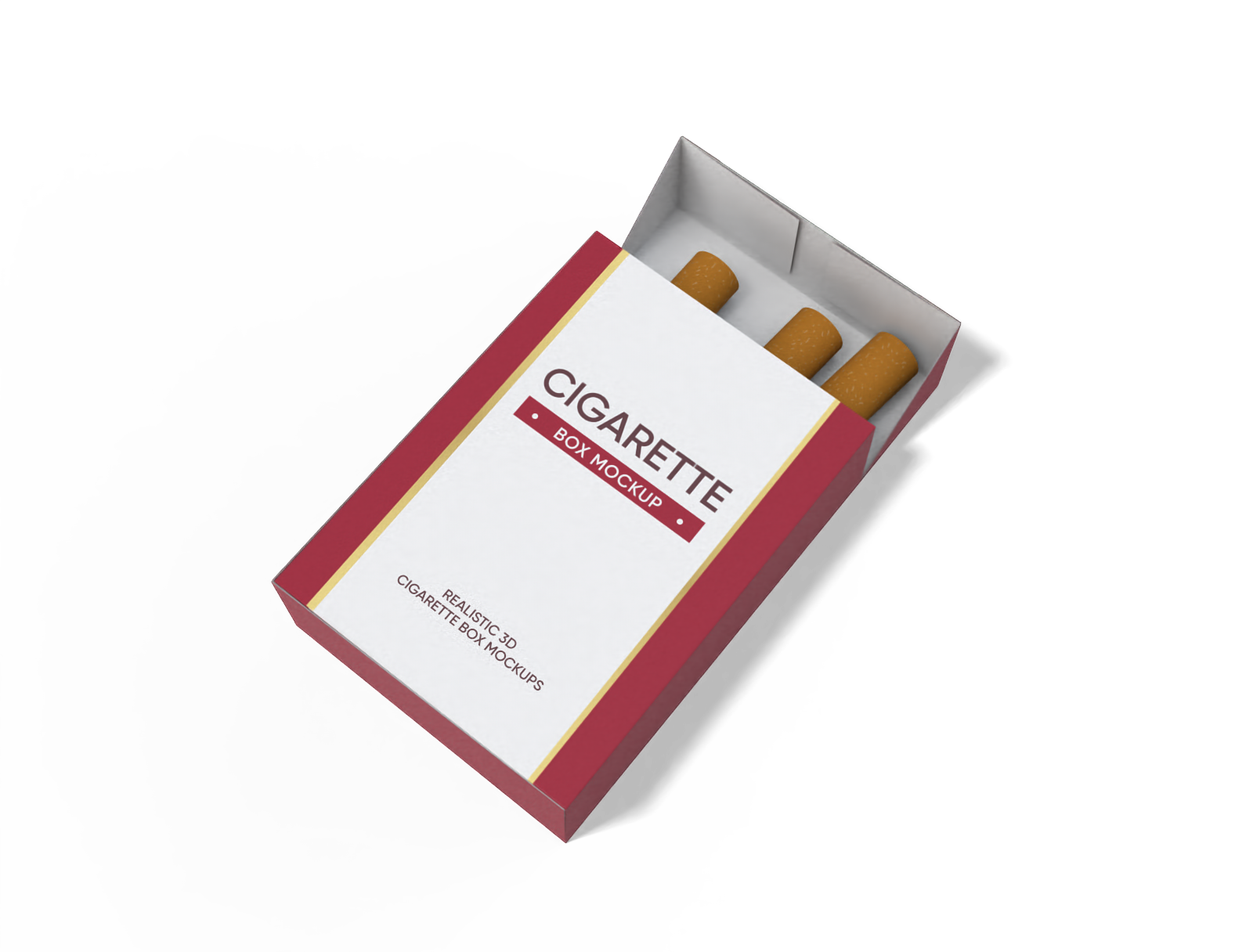
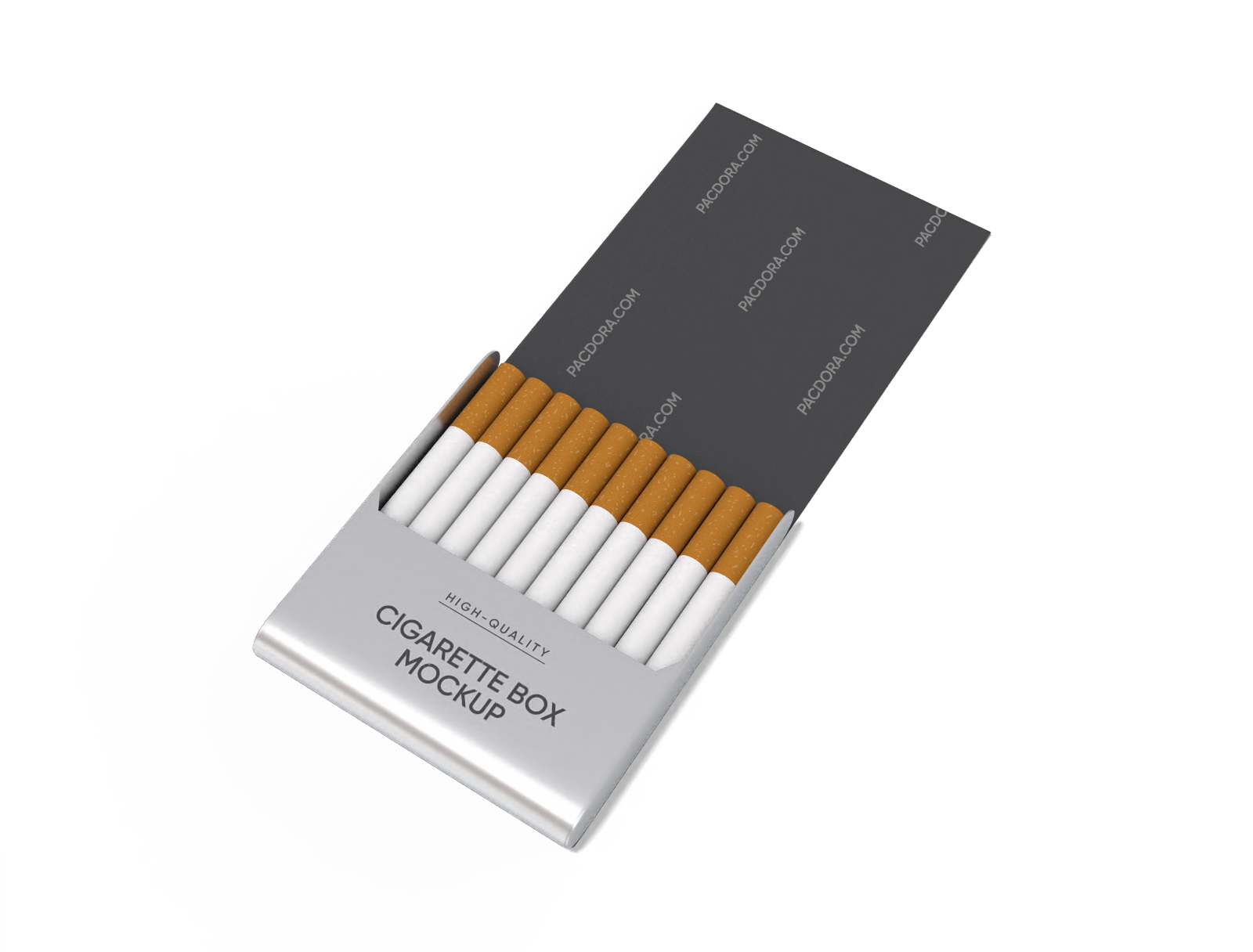
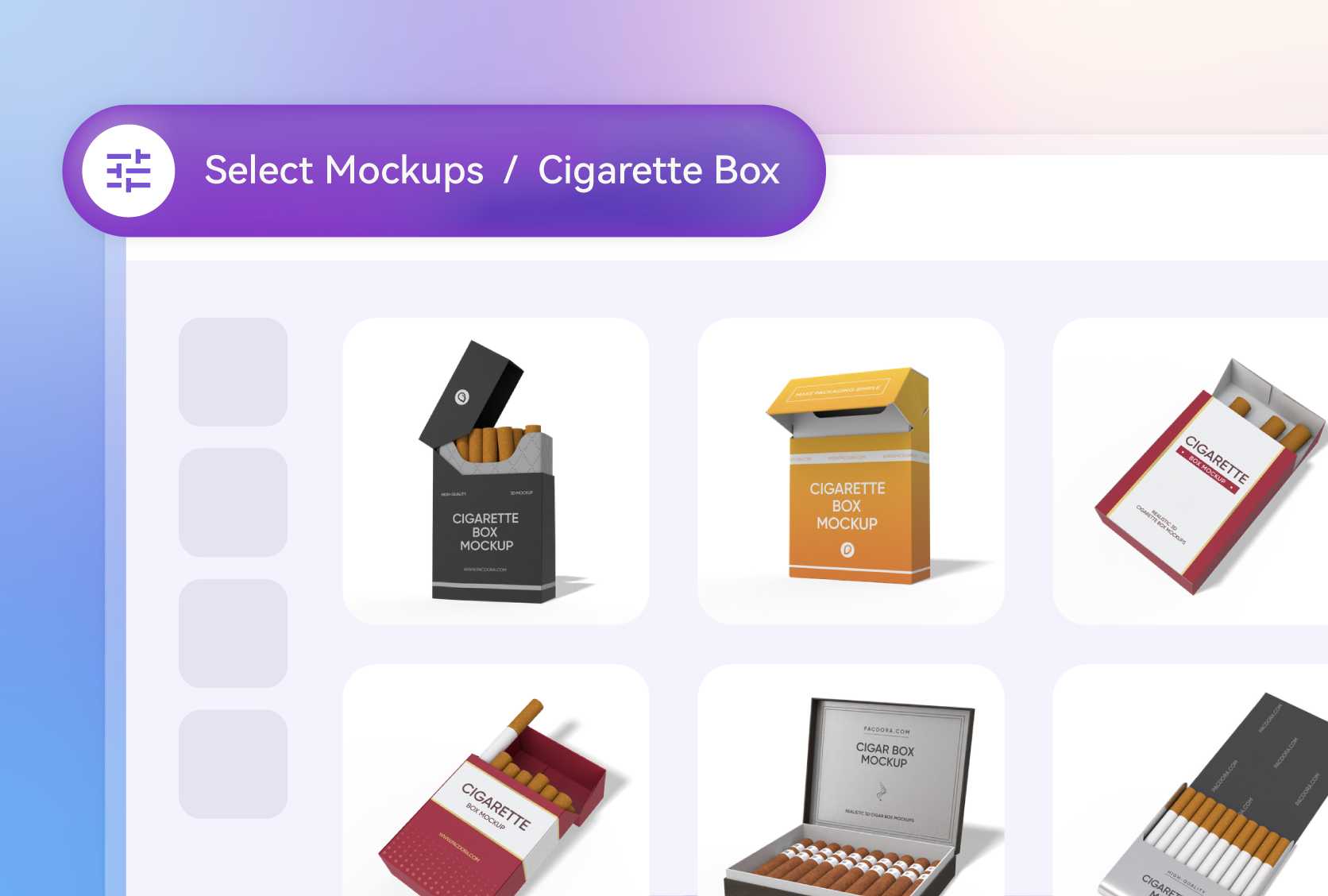
Choose the perfect structure for your brand. The classic flip top cigarette box mockups (also known as hard packs) are industry-standard, offering a familiar, premium feel for traditional brands.
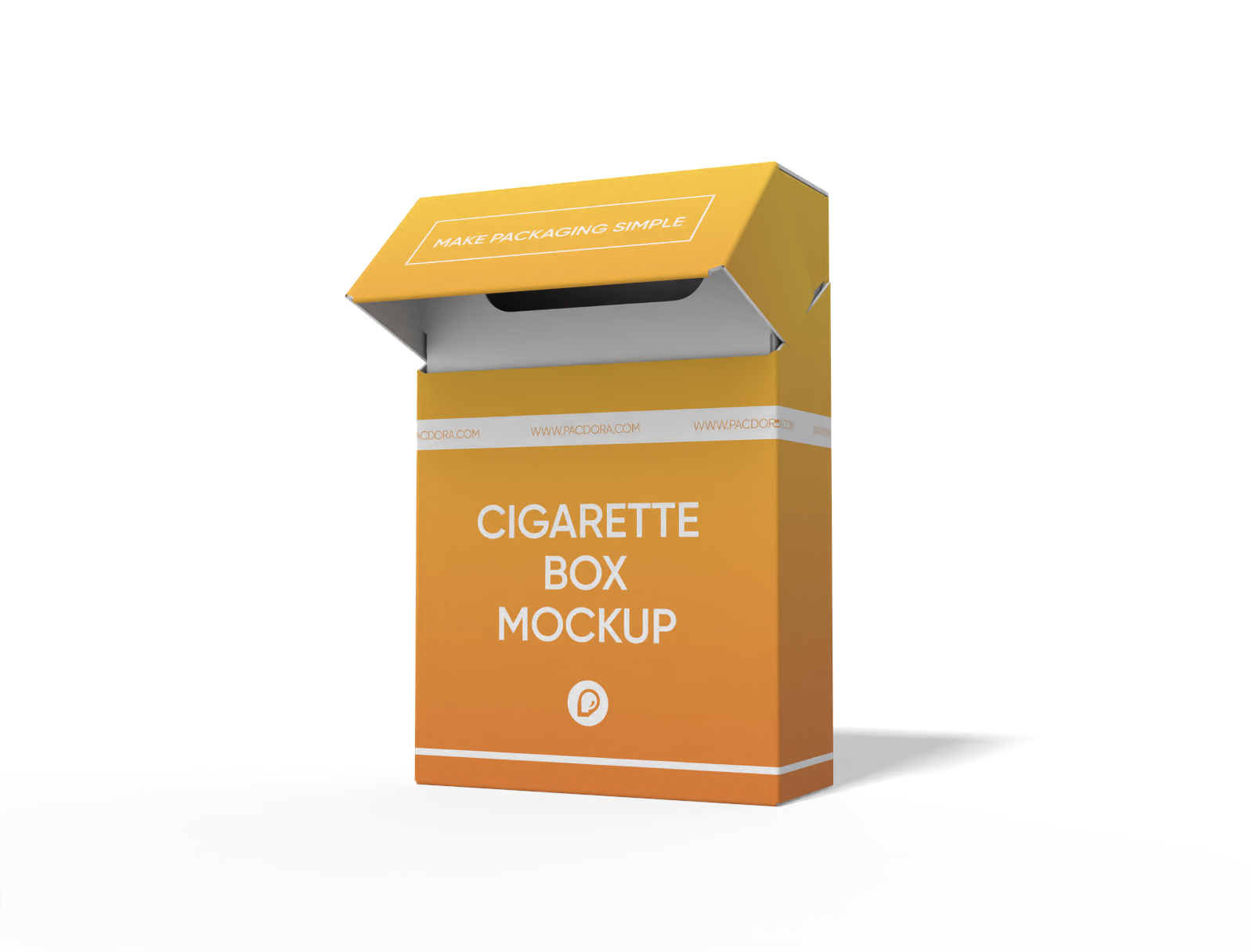
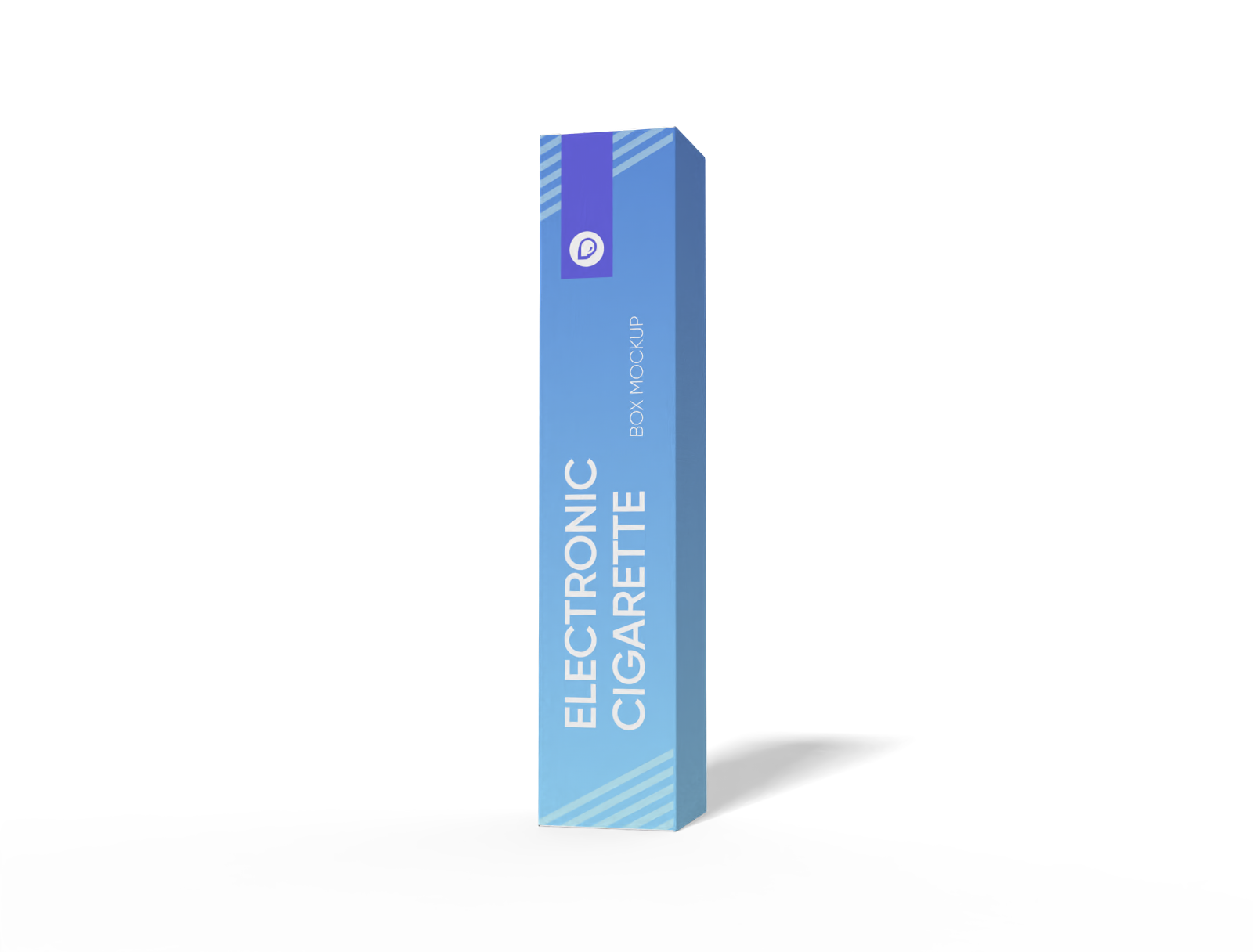
For the modern market, select a sleek electronic cigarette box. Each style provides a canvas to build your brand identity.
Get exact dimensions for your cigarette boxes
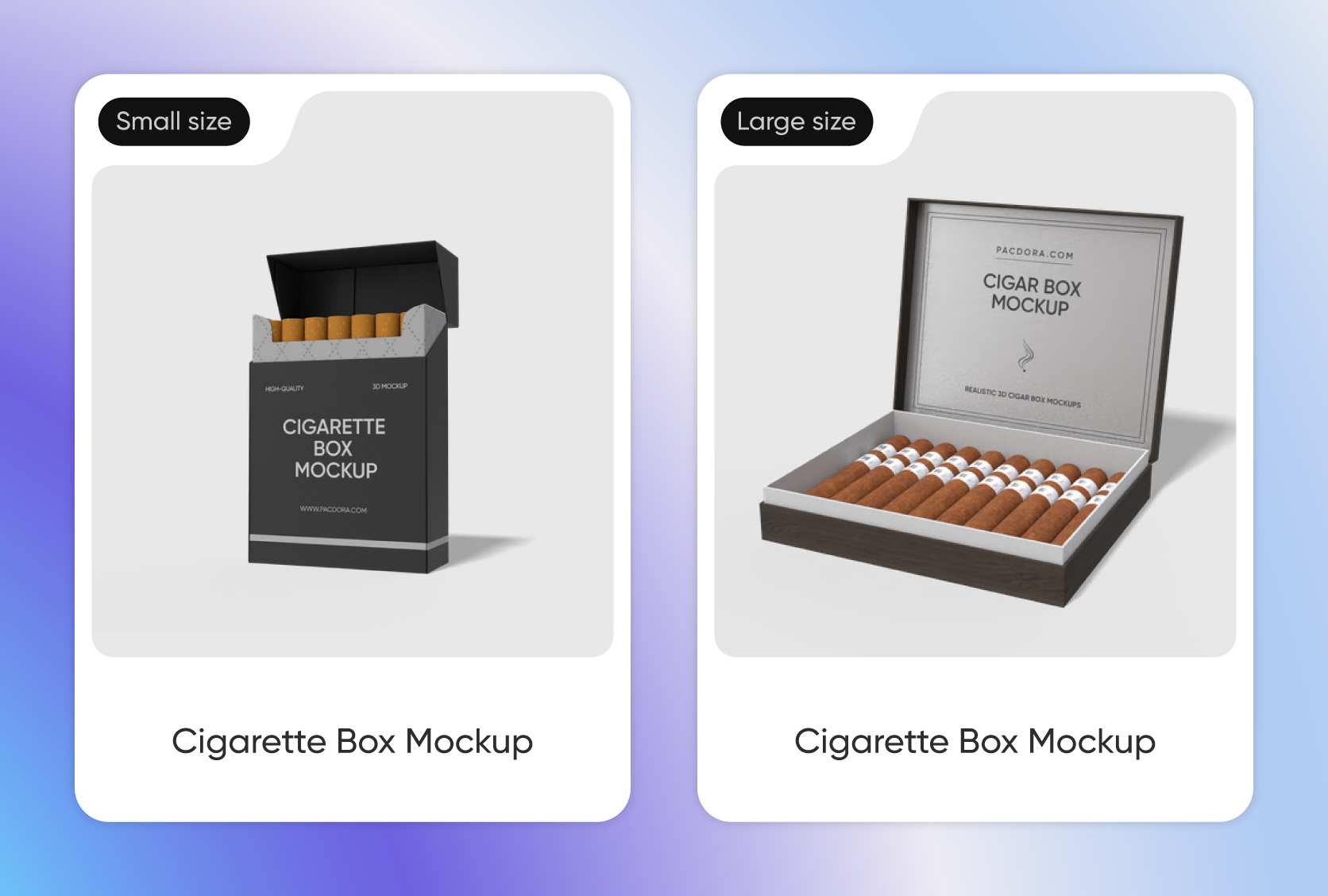
Precision is key in packaging. You can pick dimensions or start with standard sizes. A common size for a 20-pack flip-top box is around 2.2 × 0.8 × 3.4 inches, creating a slim profile.
For disposable electronic cigarettes or vape pens, a taller, slender box, like 1.1 × 1.1 × 5.5 inches, is more appropriate.
Select your premium cigarette packaging materials
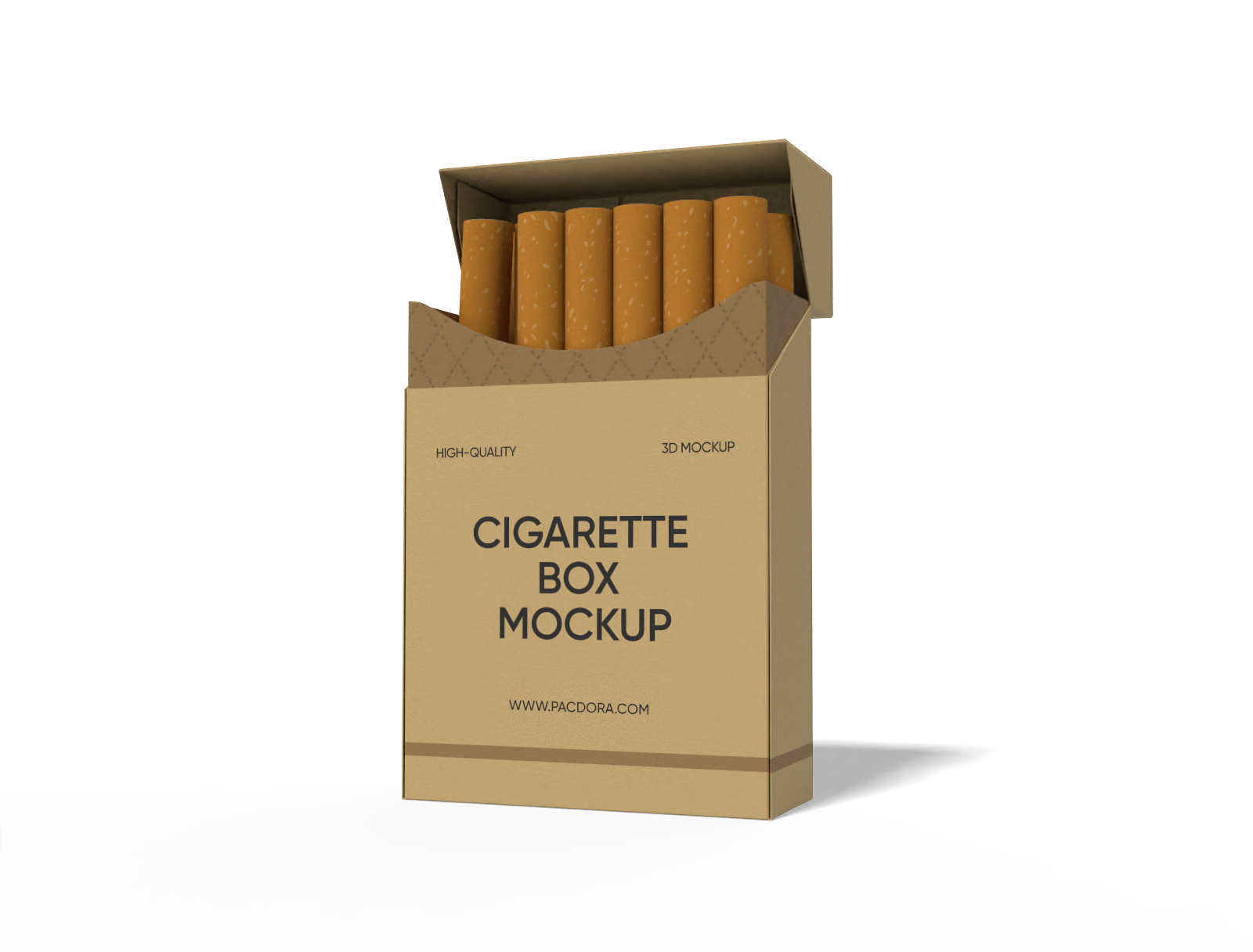
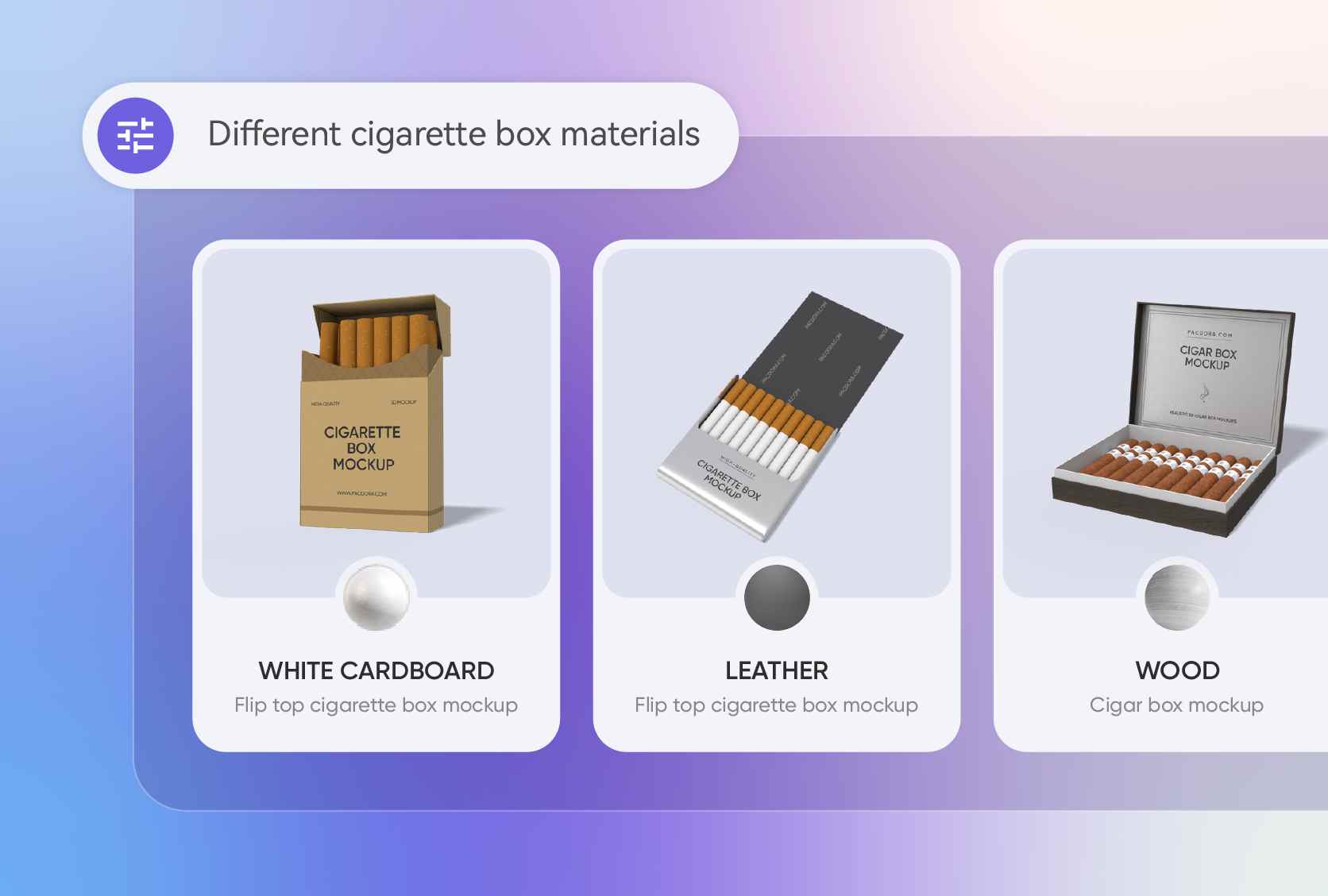
The material defines the product's quality. White cardboard is ideal for clean, modern printing with vibrant colors. For luxury, simulate a leather texture to convey premium exclusivity.
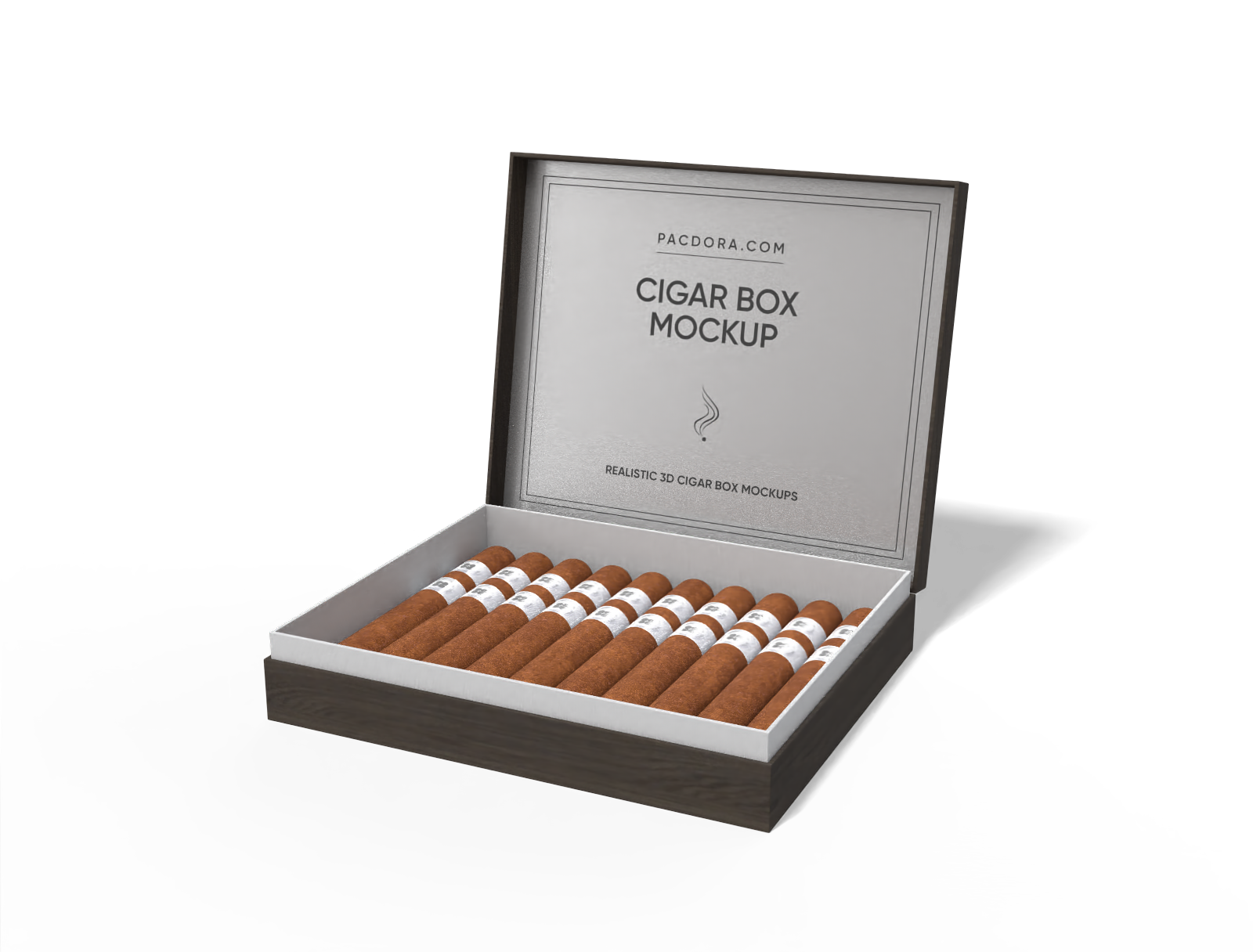
For specialty products, a wood grain finish suggests an artisanal or rustic, all-natural appeal. Preview these diverse options in 3D.
Upload impactful cigarette box designs
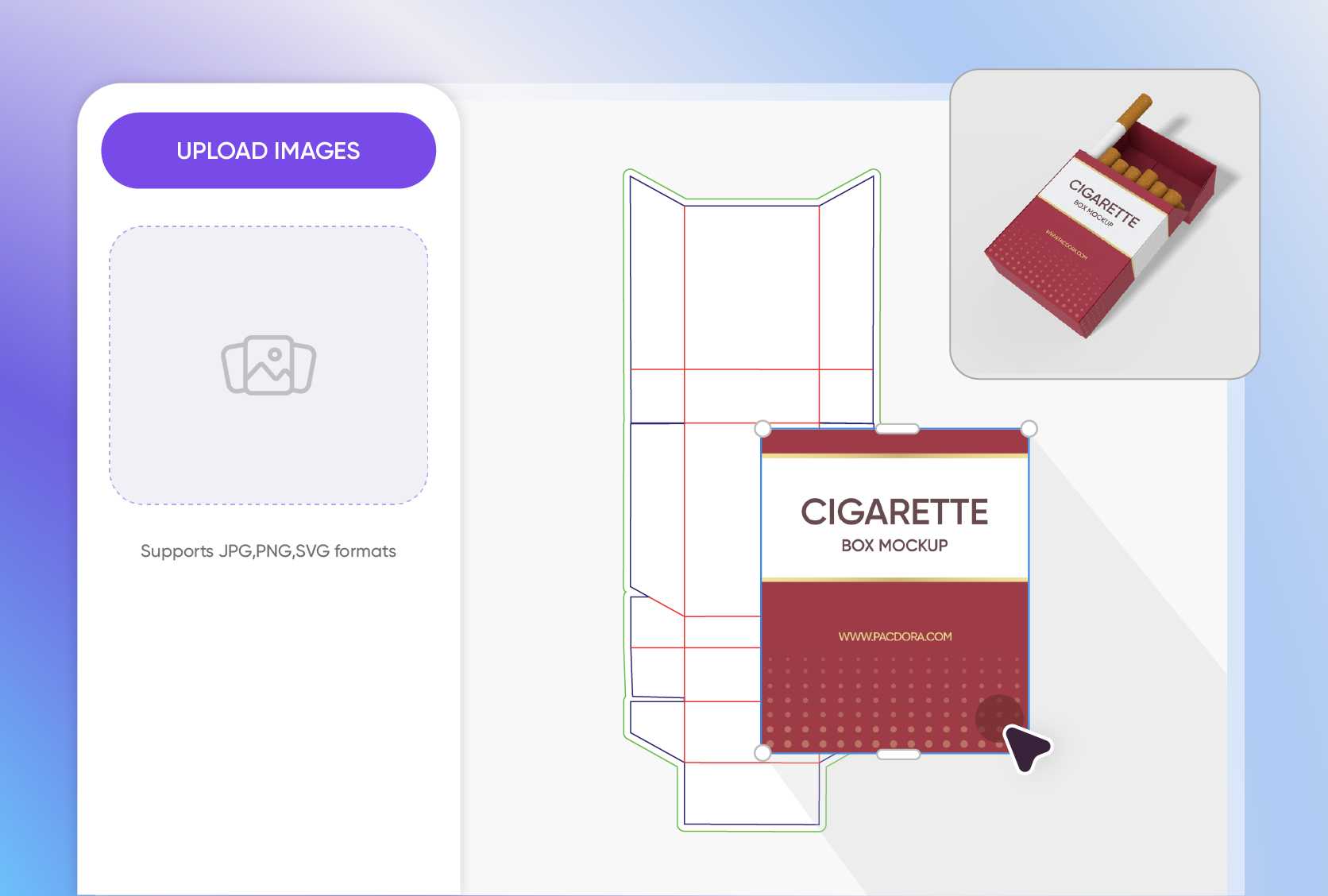
Upload graphics for your target market. For a contemporary audience, use artwork with stylized, neon-line drawings or urban graphics.
For modern vapers, a pixelated, retro-futuristic grid pattern appeals to their tech-forward tastes. Place your graphics and logos precisely on the front and sides of your box mockup.
Choose your premium cigarette box structure
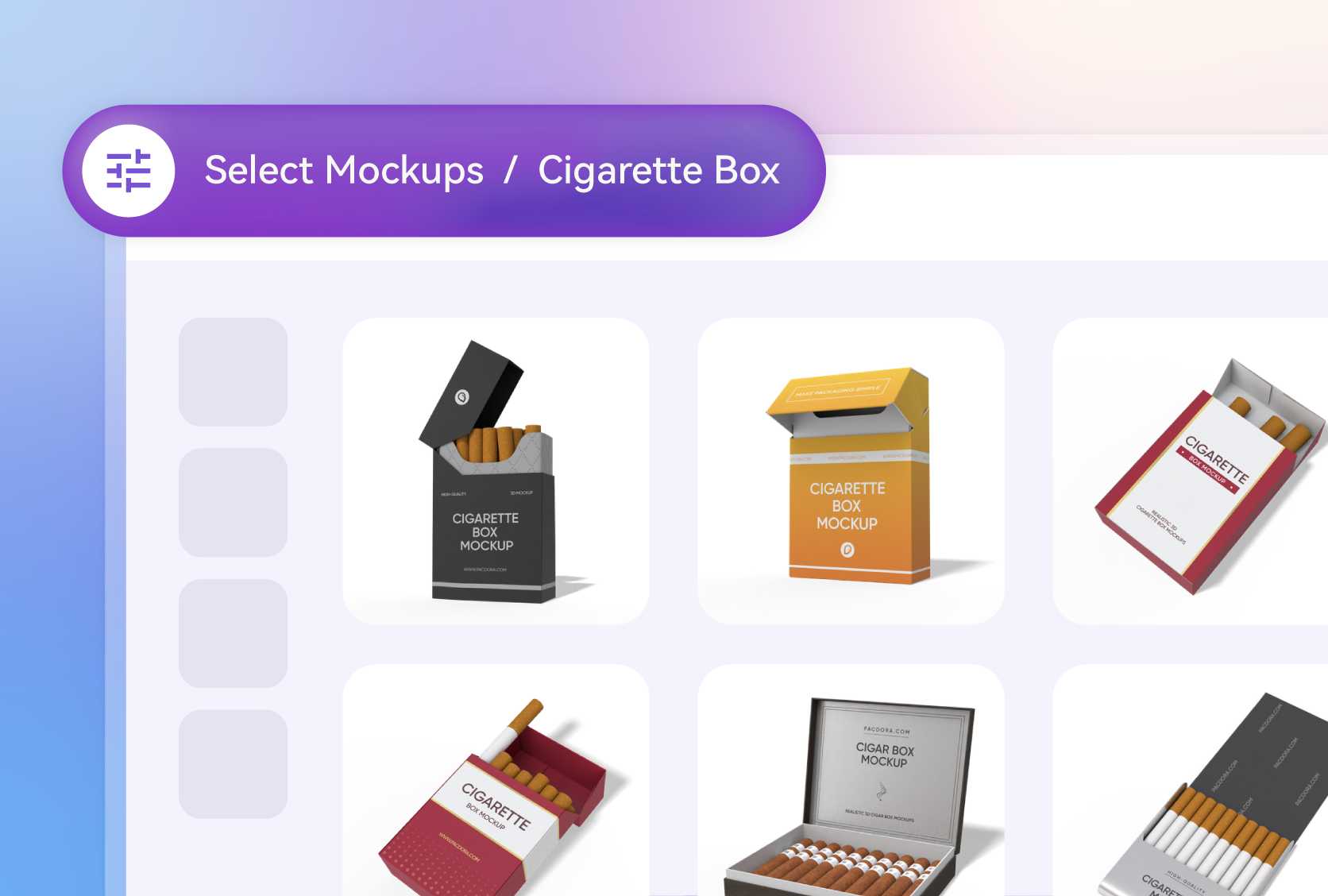
Choose the perfect structure for your brand. The classic flip top cigarette box mockups (also known as hard packs) are industry-standard, offering a familiar, premium feel for traditional brands.
For the modern market, select a sleek electronic cigarette box. Each style provides a canvas to build your brand identity.
Get exact dimensions for your cigarette boxes
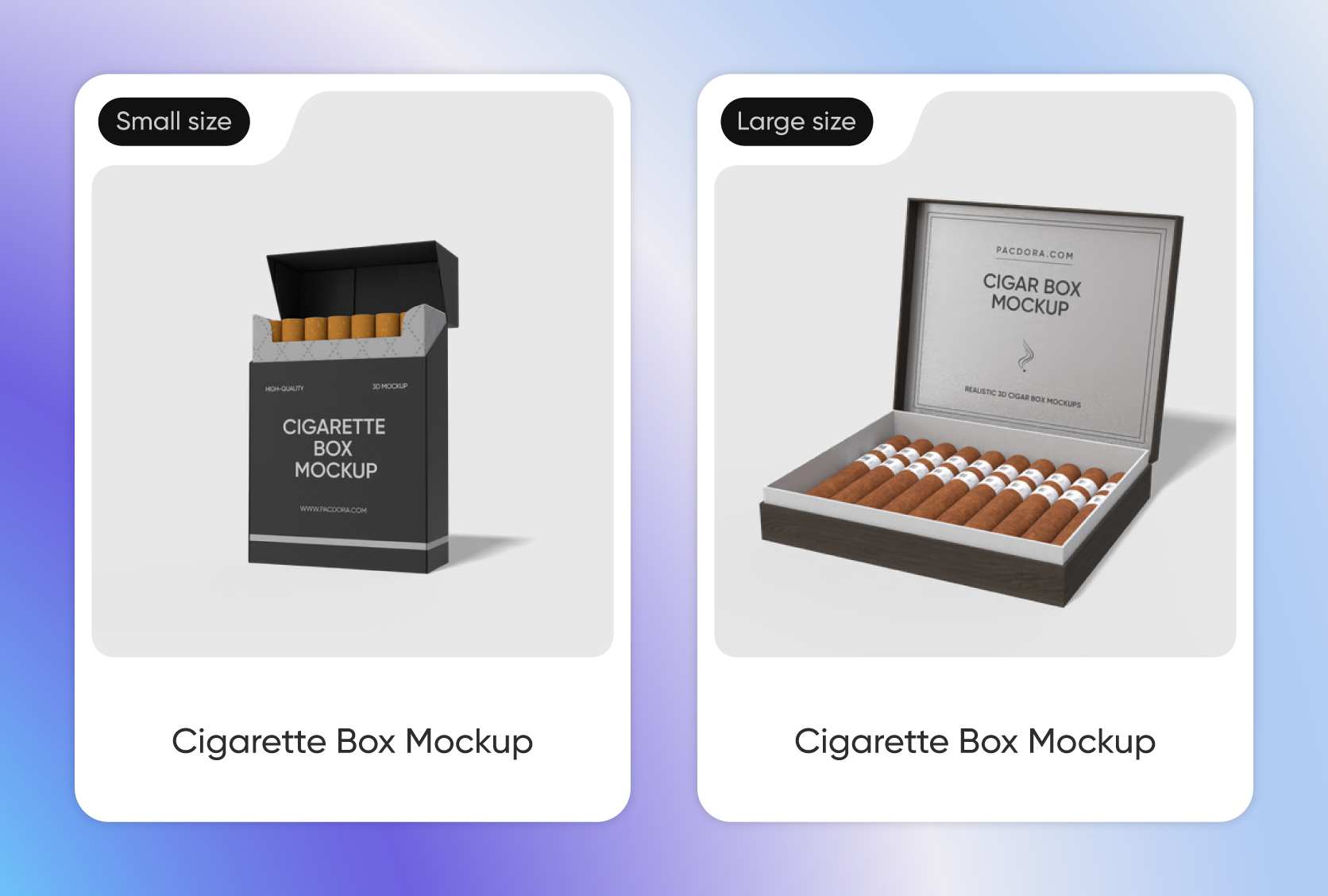
Precision is key in packaging. You can pick dimensions or start with standard sizes. A common size for a 20-pack flip-top box is around 2.2 × 0.8 × 3.4 inches, creating a slim profile.
For disposable electronic cigarettes or vape pens, a taller, slender box, like 1.1 × 1.1 × 5.5 inches, is more appropriate.
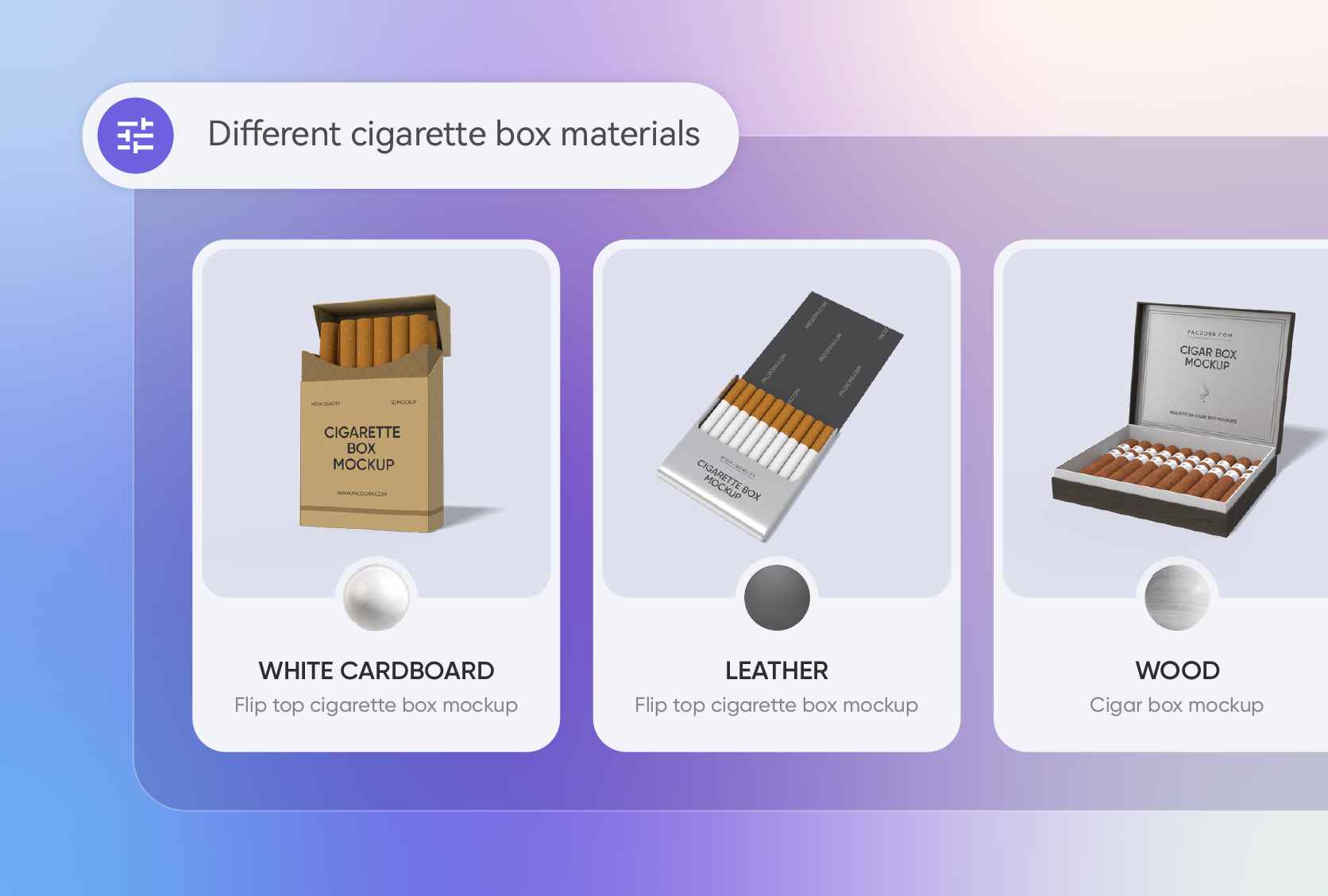
Select your premium cigarette packaging materials
The material defines the product's quality. White cardboard is ideal for clean, modern printing with vibrant colors. For luxury, simulate a leather texture to convey premium exclusivity.
For specialty products, a wood grain finish suggests an artisanal or rustic, all-natural appeal. Preview these diverse options in 3D.
Upload impactful cigarette box designs
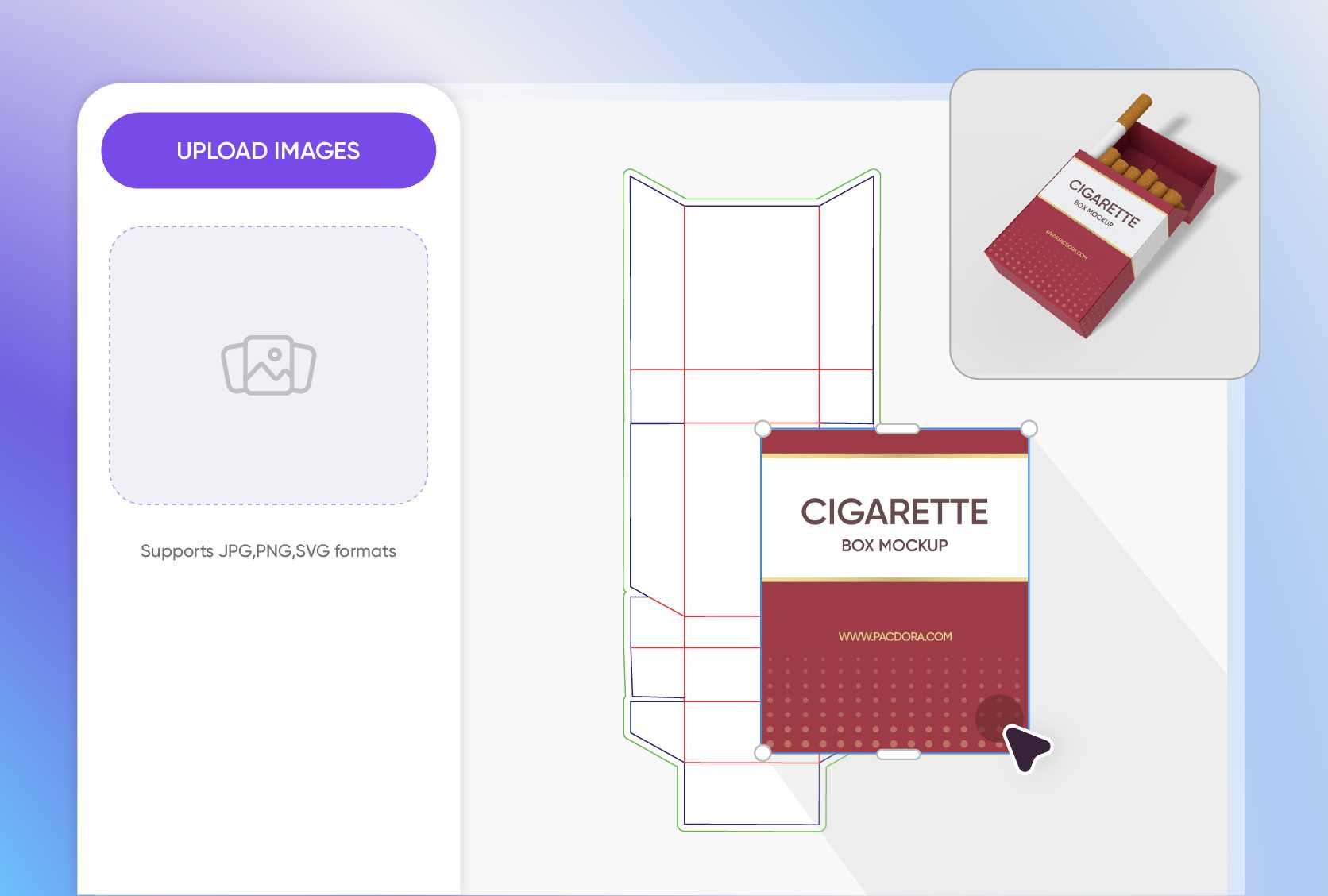
Upload graphics for your target market. For a contemporary audience, use artwork with stylized, neon-line drawings or urban graphics.
For modern vapers, a pixelated, retro-futuristic grid pattern appeals to their tech-forward tastes. Place your graphics and logos precisely on the front and sides of your box mockup.
Our customers love Pacdora’s mockup tools
Thousands before you have designed realistic mockups with Pacdora and loved it.

Great mock-ups and literally thousands of packaging designs to choose from. The 3d mock-up is so good, helps bring clarity to the client as well as the designers. Great product for packaging design professionals.


cosmiccorner
Move over, complicated design software! Pacdora is the superhero of packaging mockups. Creating 3D magic for my products is as easy as pie – no PhD in design required. It’s like the software looked at the clock and said, ‘Time to save users from design nightmares!’ It’s so user-friendly, even my coffee mug wants to try its hand at packaging design.
FAQ
What's the difference between a flip-top box and a tuck-end box?
A flip-top box, or hard pack, has a hinged lid that's attached to the back and flips open. It’s durable and closely associated with traditional cigarettes. A tuck-end box is a simpler folding carton where the top and bottom flaps tuck into the box to close it. This style is more commonly used for single-use electronic cigarettes or smaller vape products, offering a more customizable and cost-effective packaging solution.
Can I add health warnings to my custom cigarette boxes?
Yes. Our 3D editor allows you to upload and place multiple images. You can upload your main branding artwork as one file and the specific health warning text and graphics as another. This lets you position the warning label precisely on the front, back, or side panels of the custom cigarette boxes mockup, ensuring your design complies with all necessary regulations before you finalize it for presentation or production.
What's the best export format for sharing with a client?
For quick approval, the shareable link is fastest, as your client can view the 3D mockup in their own browser without any software download. For a formal presentation, a high-resolution PNG or JPG image is perfect. If you want to truly impress them and show the full design, exporting a 360-degree MP4 video provides a dynamic, comprehensive view of the entire package from every angle.
How do I ensure my artwork is aligned correctly on the box?
Pacdora’s 3D preview is your best tool for alignment. As you upload your design, you can drag, resize, and rotate it directly on the 3D model. You can spin the mockup 360 degrees to check how the design flows from the front panel to the side and back. This real-time visualization helps you catch any alignment issues and ensure your logo and text are perfectly centered before you export.
Can I design custom cigarette boxes on Pacdora for free?
Yes! You can design your custom cigarette boxes on Pacdora absolutely free. For access to premium features, you can check our pricing page for subscription options.
Explore more mockup tools
Discover more about Pacdora


