

Gift card mockup

Include text details, festive patterns, symbols, or graphics to design custom gift cards online! Download high-quality PNGs for free!
Gift card mockup
Include text details, festive patterns, symbols, or graphics to design custom gift cards online! Download high-quality PNGs for free!
Trusted by leading companies


Creating stunning gift card mockups is now hassle-free with Pacdora!
Want to create attention-grabbing gift card mockups? Pacdora is a user-friendly platform that allows you to make your favorite shapes and styles of gift card mockups. Select a folded, square, rectangular, or round gift card design for free. Upload your logos, patterns, or text, adjust colors and sizes online. Preview your gift card mockups and download them in high-resolution PNG, JPG, or MP4 formats. Design yours now!


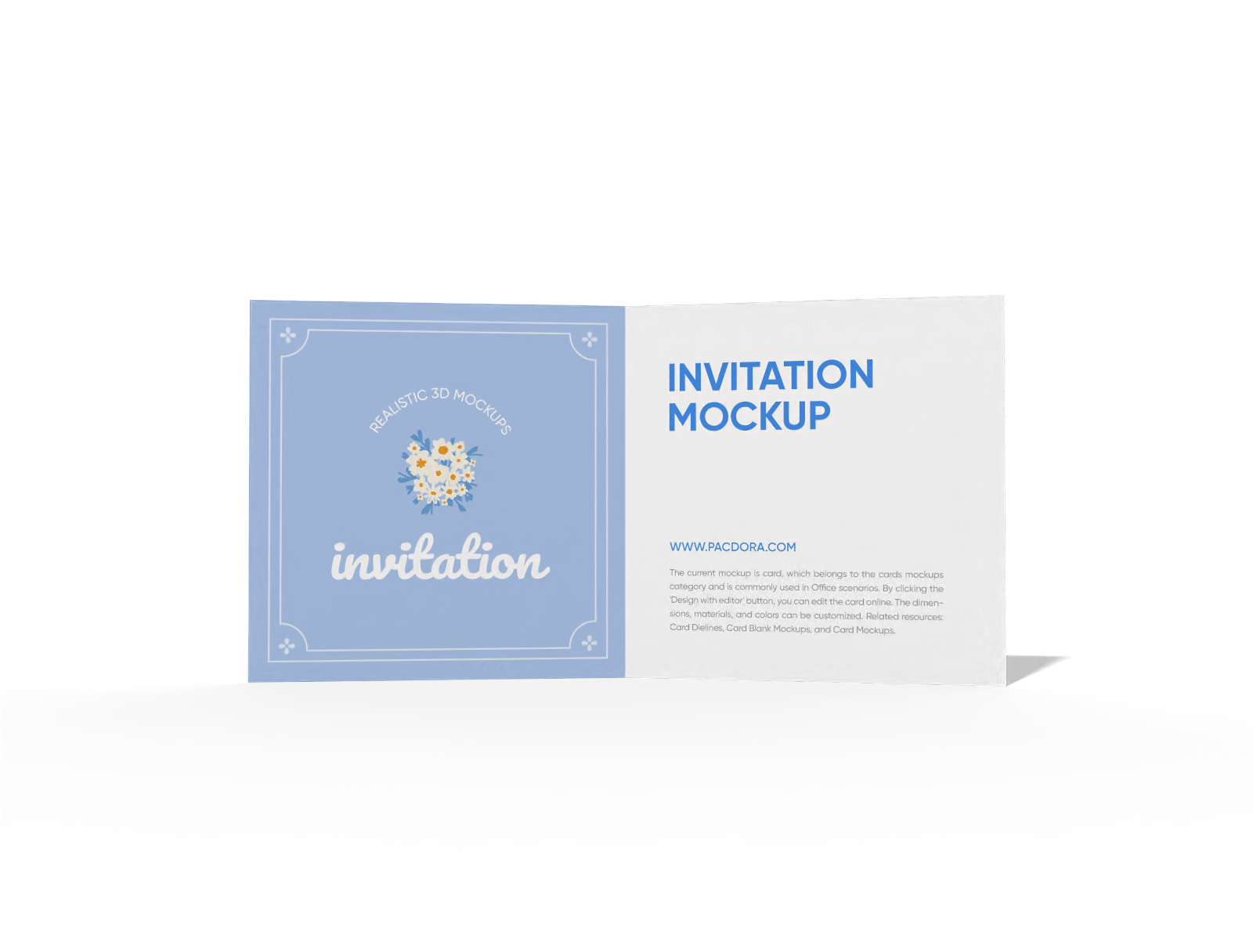

How to design a gift card mockup with Pacdora?

Step 1: Select a gift card mockup
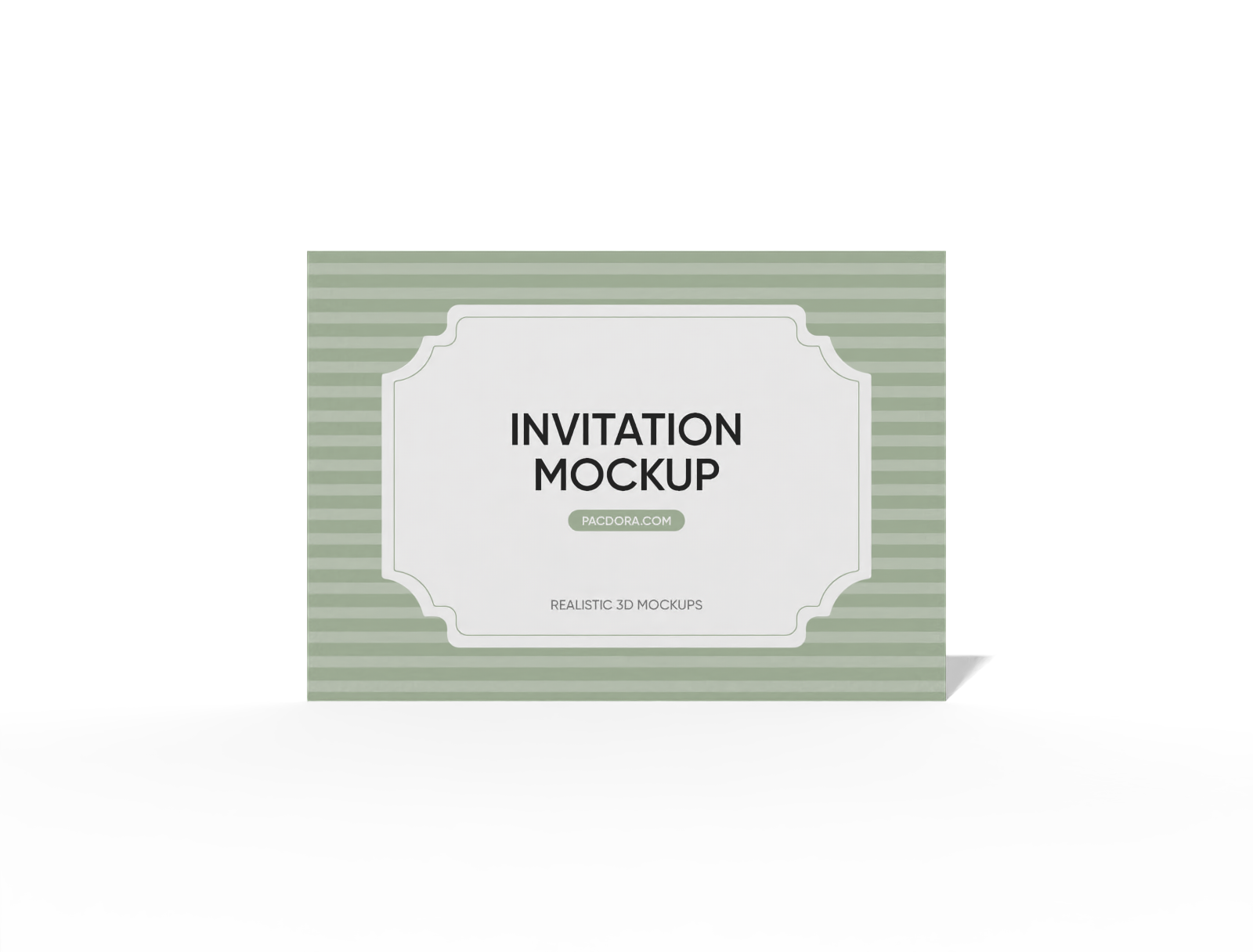
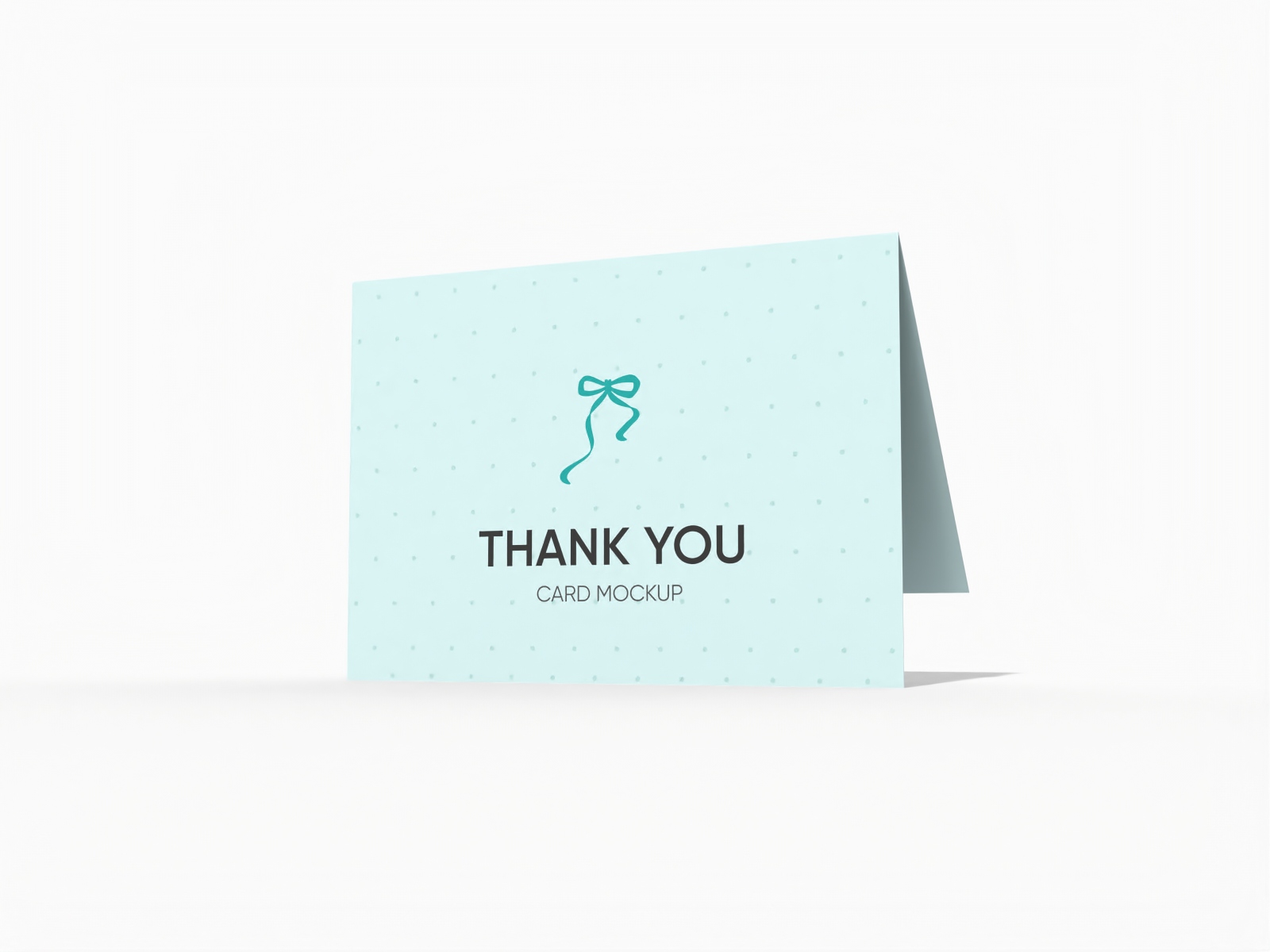
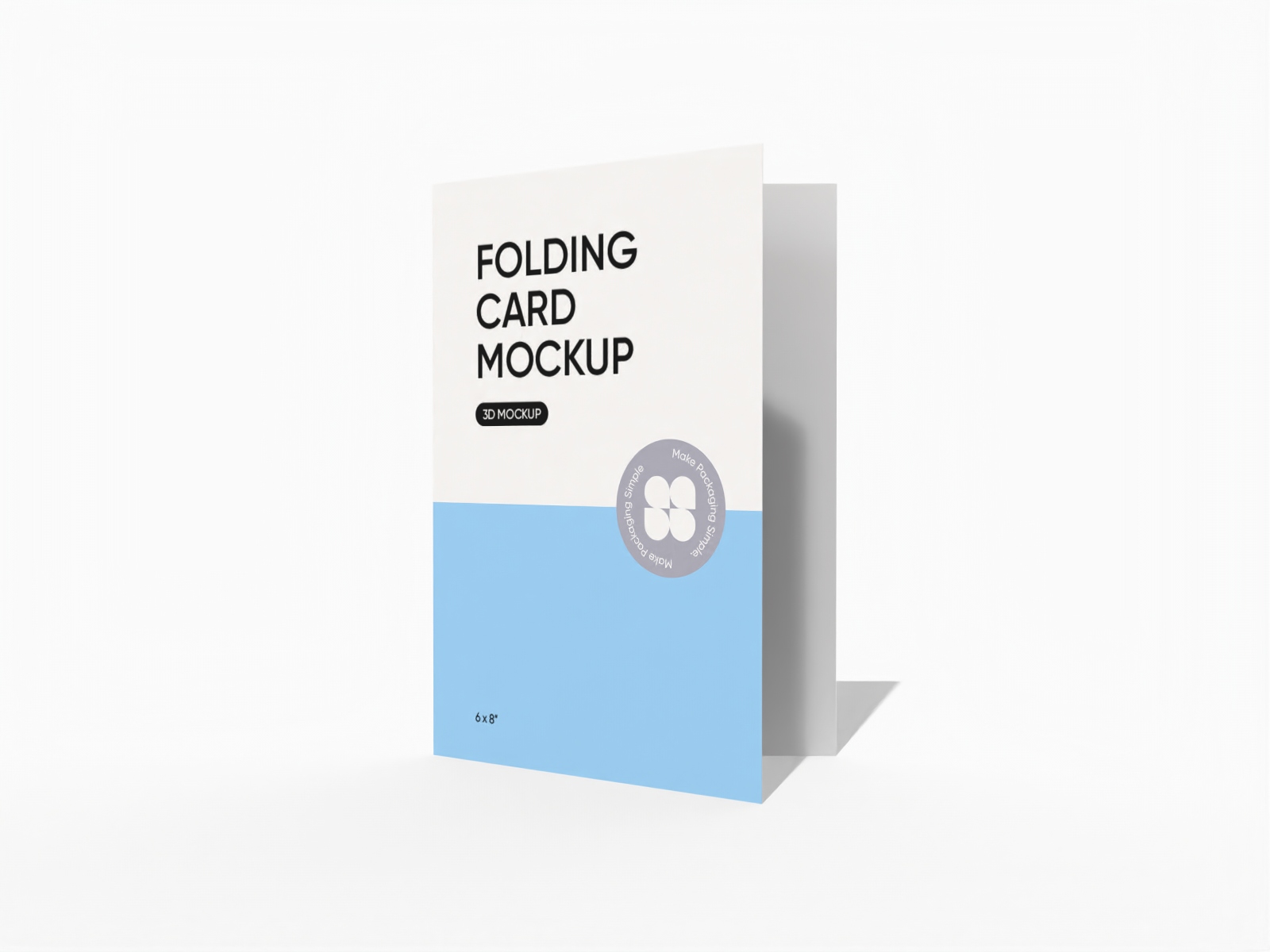
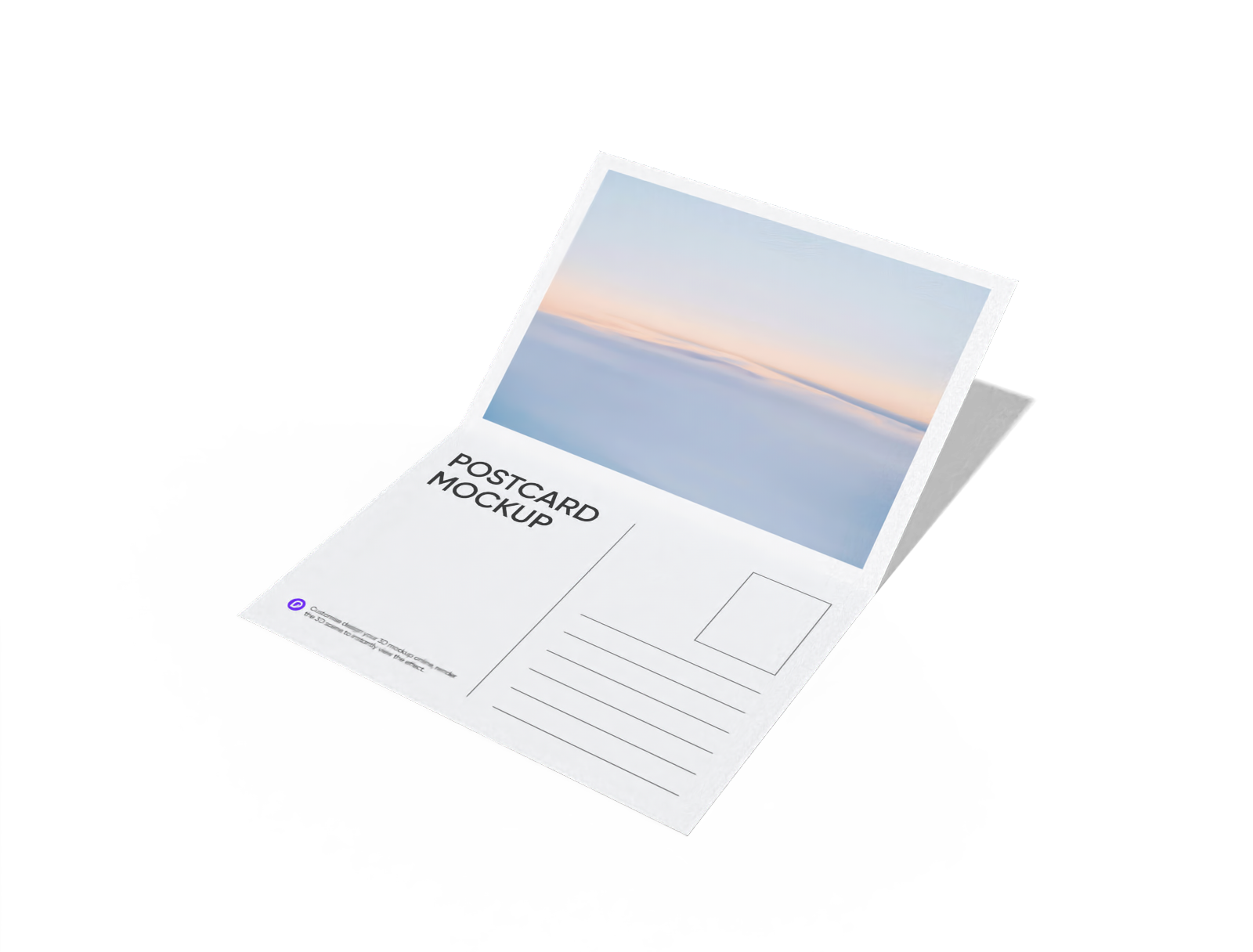
Select a gift card shape that suits your design needs, such as a plain or folded card in different shapes.

Step 2: Upload images and adjust
Upload patterns, custom images, logos, or text to your gift card design. Adjust colors, resize the card, and customize the layout instantly.

Step 3: Download your gift card mockup
Download your gift card mockup as a high-definition PNG/JPG image or an MP4 video file.
Step 1: Select a gift card mockup
Select a gift card shape that suits your design needs, such as a plain or folded card in different shapes.
Step 2: Upload images and adjust
Upload patterns, custom images, logos, or text to your gift card design. Adjust colors, resize the card, and customize the layout instantly.
Step 3: Download your gift card mockup
Download your gift card mockup as a high-definition PNG/JPG image or an MP4 video file.


How is it beneficial to make gift card mockups online?

Multiple card shapes to suit every occasion
Having various shapes of gift cards helps you create designs that fit different events or branding styles.
A folded gift card design offers extra space to showcase your branding or promotions, perfect for hotels or restaurants. Alternatively, a standard rectangular gift card with rounded corners provides a versatile look, suitable for gaming or grocery stores.

Material choices that make an impression
The material you choose directly influences the premium perception and tactile experience of your gift card.
A plastic gift card offers durability for frequent use, making it best for loyalty programs or membership cards. Likewise, a white cardboard gift card provides an eco-friendly feel, perfect for limited-edition promotions. Use today!

Creative freedom to customize your card
Incorporating various design elements improves visual impact and presentation.
Adding dynamic character art or game screenshots works perfectly for gaming gift cards like Steam or PlayStation. Similarly, including compliments or messages such as “Happy Birthday,” “Thank You,” or special promotional offers in bold text makes them more noticeable.

Adaptable gift card sizes for every purpose
Adjusting the card size ensures your gift cards fit your brand style and display preferences.
A standard gift card measuring 3.375 × 2.125 inches easily fits in a wallet or cardholder. Alternatively, a larger 4.25 × 2.5 inches gift card offers more space for elegant designs and branding elements, perfect for hotel welcome packages.

Multiple card shapes to suit every occasion
Having various shapes of gift cards helps you create designs that fit different events or branding styles.
A folded gift card design offers extra space to showcase your branding or promotions, perfect for hotels or restaurants. Alternatively, a standard rectangular gift card with rounded corners provides a versatile look, suitable for gaming or grocery stores.
Material choices that make an impression
The material you choose directly influences the premium perception and tactile experience of your gift card.
A plastic gift card offers durability for frequent use, making it best for loyalty programs or membership cards. Likewise, a white cardboard gift card provides an eco-friendly feel, perfect for limited-edition promotions. Use today!


Creative freedom to customize your card
Incorporating various design elements improves visual impact and presentation.
Adding dynamic character art or game screenshots works perfectly for gaming gift cards like Steam or PlayStation. Similarly, including compliments or messages such as “Happy Birthday,” “Thank You,” or special promotional offers in bold text makes them more noticeable.
Adaptable gift card sizes for every purpose
Adjusting the card size ensures your gift cards fit your brand style and display preferences.
A standard gift card measuring 3.375 × 2.125 inches easily fits in a wallet or cardholder. Alternatively, a larger 4.25 × 2.5 inches gift card offers more space for elegant designs and branding elements, perfect for hotel welcome packages.

Our customers love Pacdora’s mockup tools
Thousands before you have designed realistic mockups with Pacdora and loved it.

Great mock-ups and literally thousands of packaging designs to choose from. The 3d mock-up is so good, helps bring clarity to the client as well as the designers. Great product for packaging design professionals.


cosmiccorner
Move over, complicated design software! Pacdora is the superhero of packaging mockups. Creating 3D magic for my products is as easy as pie – no PhD in design required. It’s like the software looked at the clock and said, ‘Time to save users from design nightmares!’ It’s so user-friendly, even my coffee mug wants to try its hand at packaging design.
FAQ
Why should I download my gift card mockups as images and videos?
Downloading your gift card mockups as images or videos lets you show clients a detailed view of your design. They can see the layout, text, colors, and dimensions clearly. This helps them give feedback, suggest changes, and feel confident about the final design. You can also use these images and videos on your website, social media, or emails to showcase your work.
What text information should I add to my gift card mockups?
The text information you should add to your gift card mockups depends on the type of card you're creating. You can place your brand name, card value, and a scannable barcode on retail gift cards. Special occasion cards should feature personalized messages like "Happy Birthday" alongside recipient names. Similarly, loyalty cards can include membership details and contact information.
How is Pacdora the best platform for making gift card mockups?
Pacdora makes designing gift card mockups quick and easy. You can add colors, patterns, and other design elements to create the look you want. Adjust the card dimensions to fit all the necessary details. The platform gives instant previews so you can check and correct your design before finalizing. You also don’t need to download large PSD files to create or edit your gift card mockups.
Why should I use white cardboard for making gift cards?
White cardboard is an excellent choice for making gift cards because it has a smooth, clean surface that makes designs and colors stand out. Ink stays on the surface without bleeding, which keeps the card neat. The sturdy material also prevents bending or creasing, which ensures the gift card looks professional and durable.
Can I design gift card mockups for free on Pacdora?
Yes, Pacdora lets you create gift card mockups in different shapes and sizes for free. You can also explore our pricing page to see advanced customization options.
Explore more mockup tools
Discover more about Pacdora


