

White wine bottle mockup

Display branding logos, text, or images, and adjust the layout to design your high-end white wine bottle for free! Download HD PNGs!
White wine bottle mockup
Display branding logos, text, or images, and adjust the layout to design your high-end white wine bottle for free! Download HD PNGs!
Trusted by leading companies


Design elegant white wine bottle mockups in minutes using Pacdora!
Looking for a free platform to design premium-quality white wine bottle mockups? Pacdora offers an easy, browser-based experience. You can create Burgundy, Bordeaux, or Hock-style bottles in different capacities. Customize the glass finish, body color, and background at no cost. Add your label artwork, text, or branding elements and instantly preview everything. Export your mockups in high-resolution JPG, PNG, or MP4 formats. Try it today!

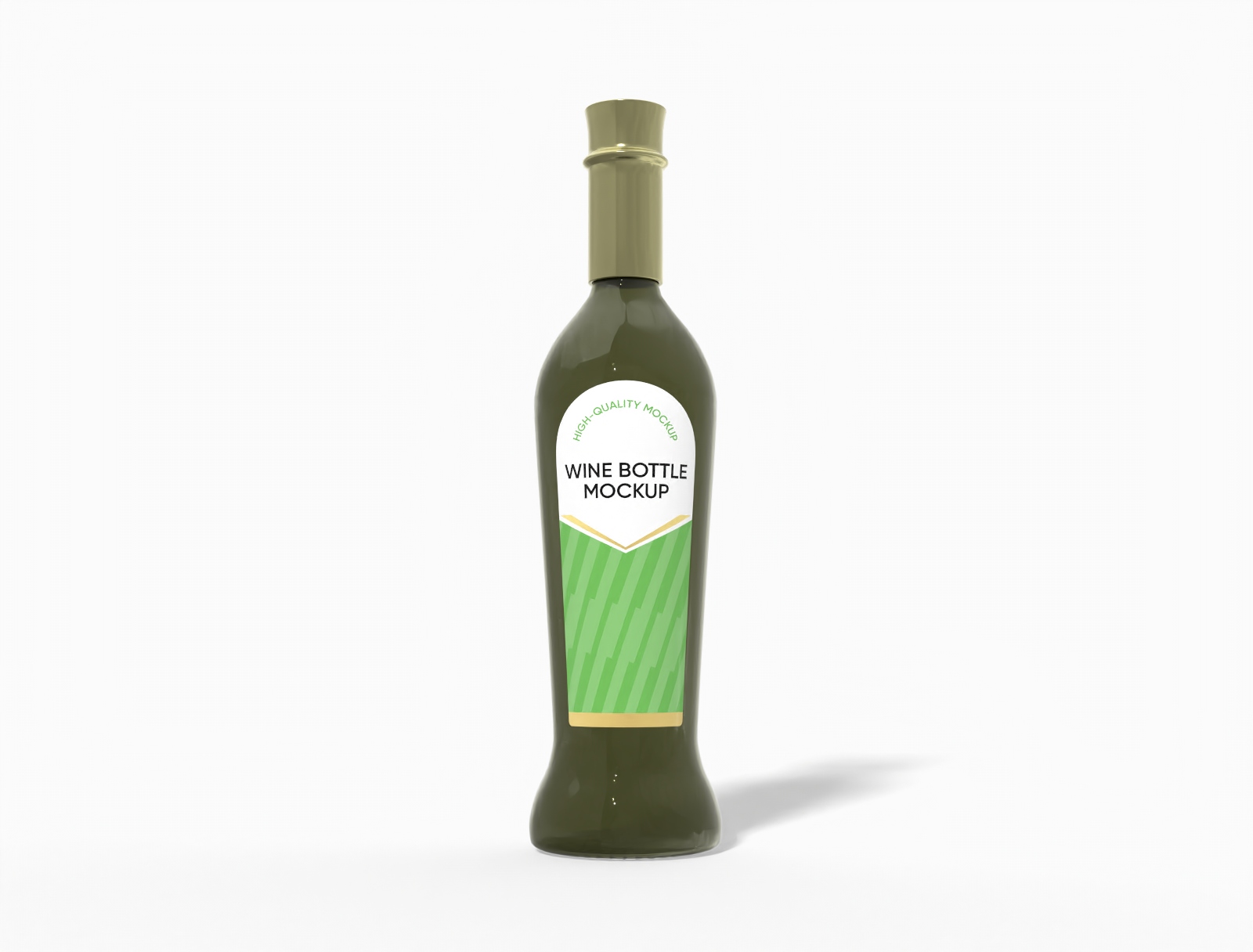
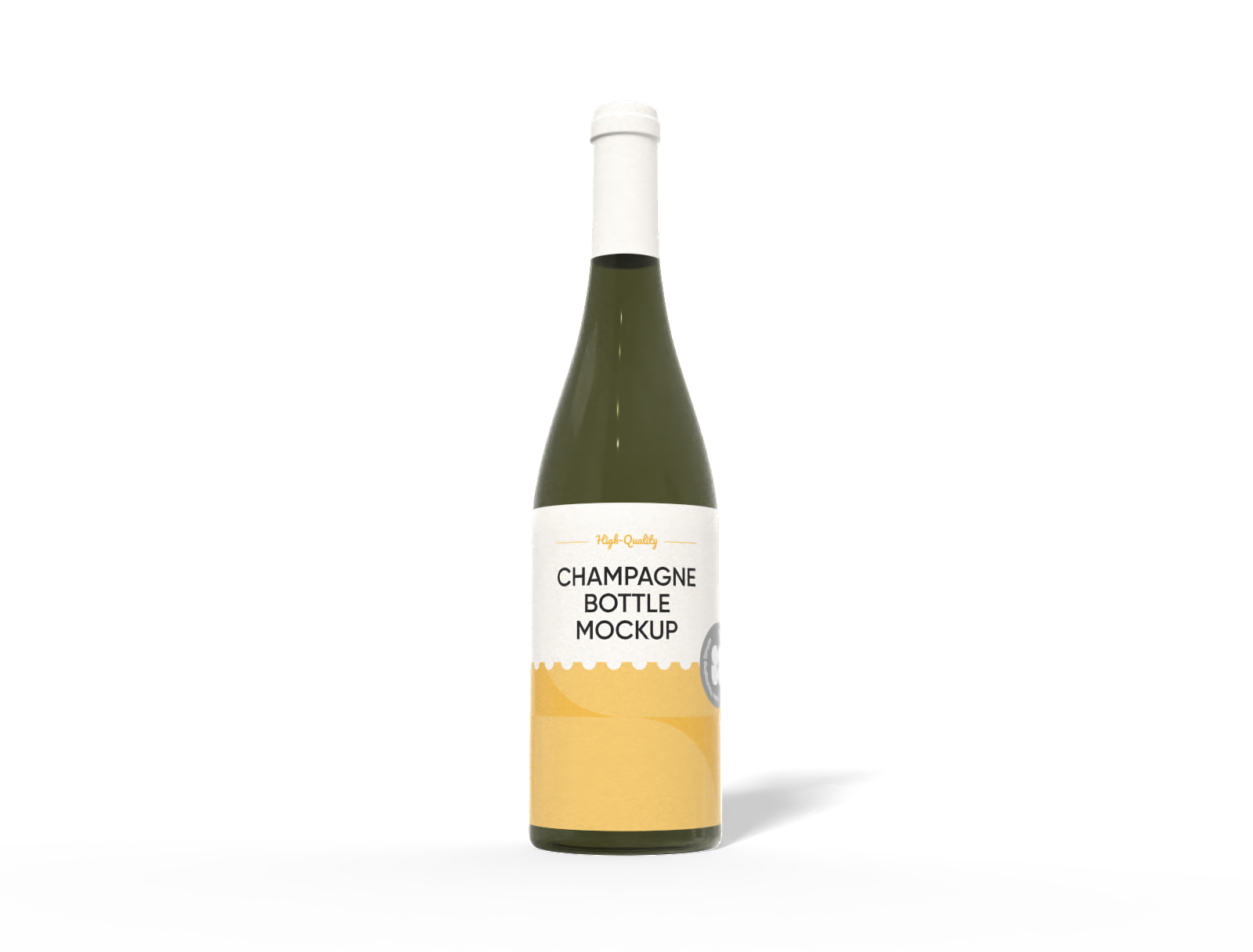
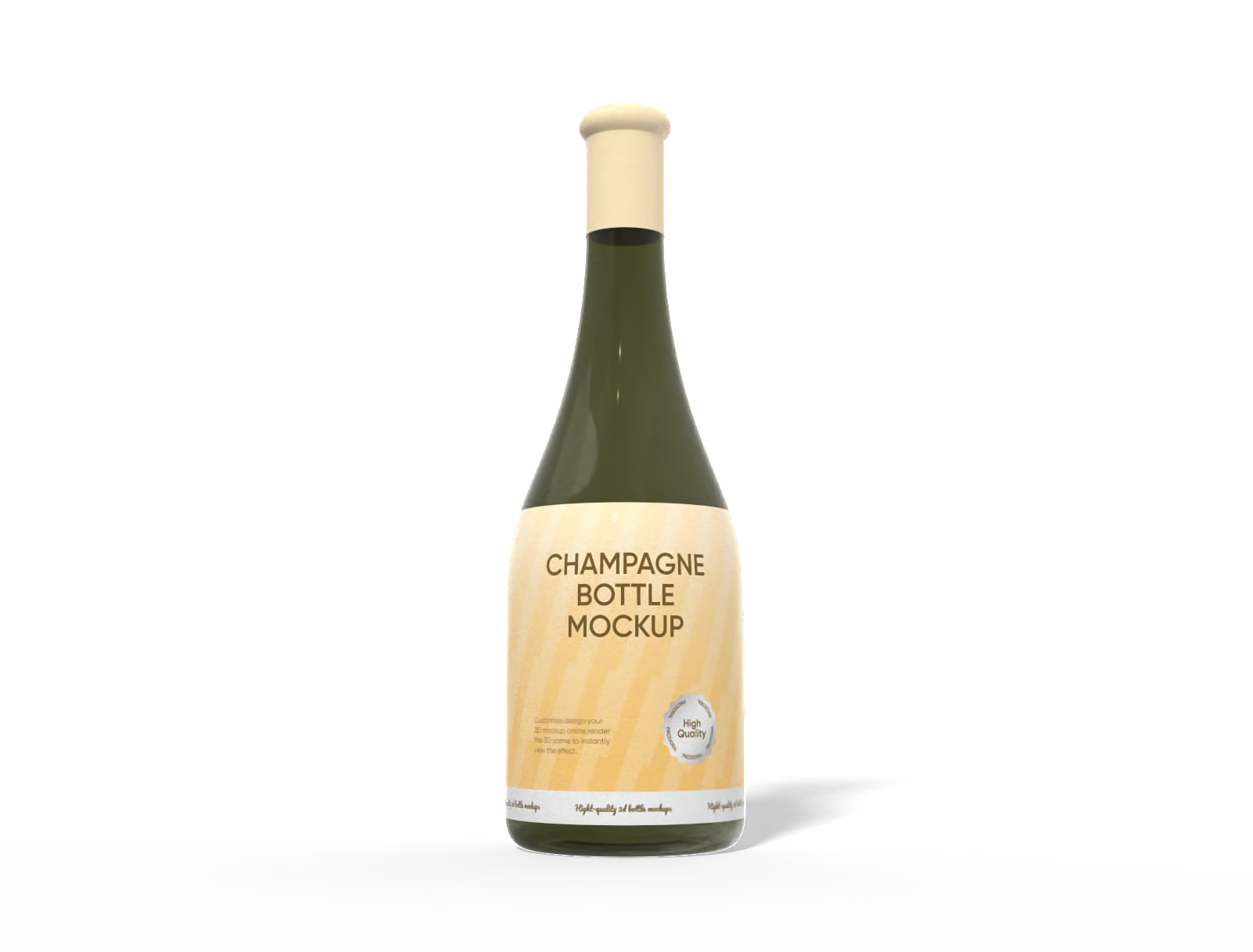
How to make a white wine bottle mockup on Pacdora?

Step 1: Select a white wine bottle mockup
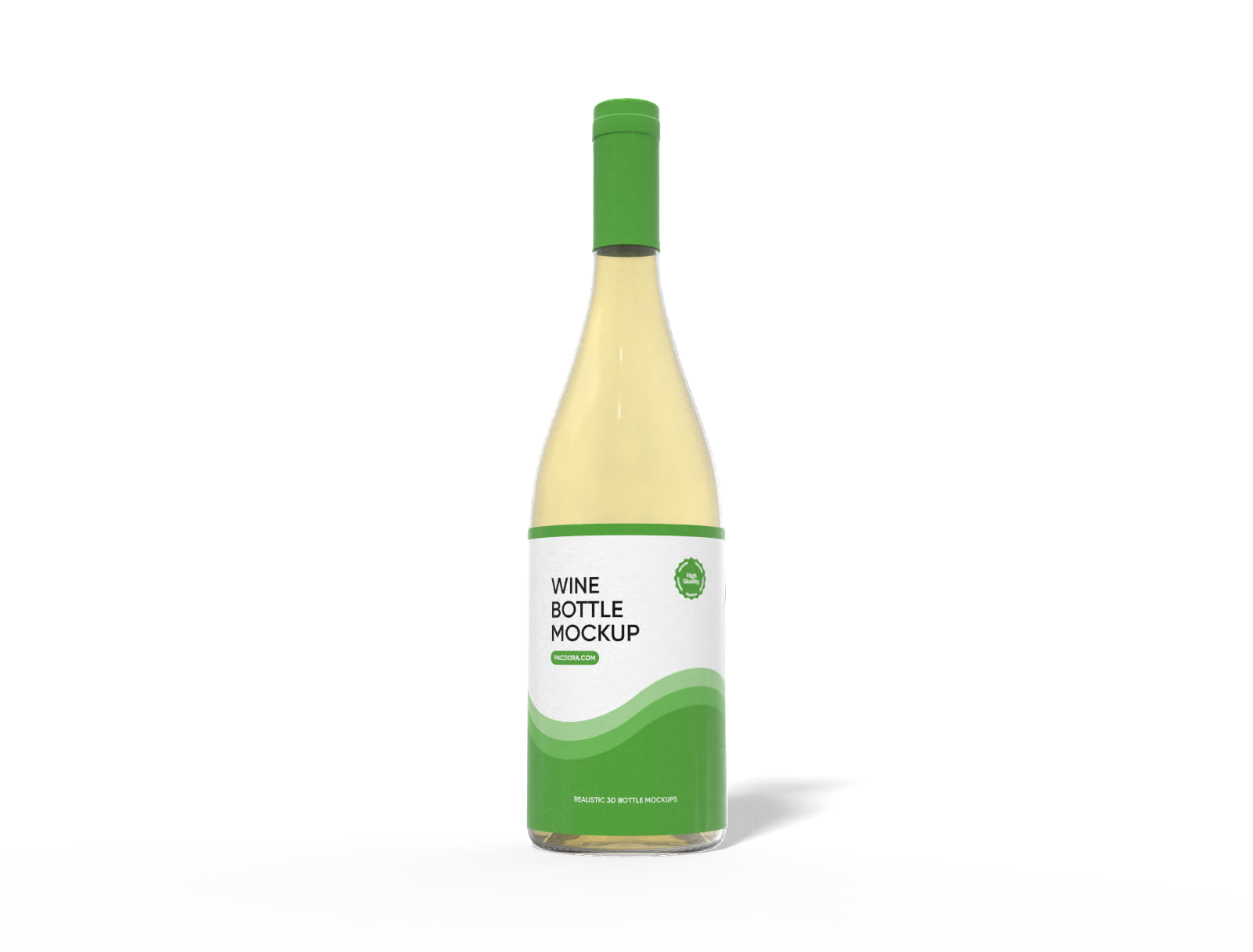
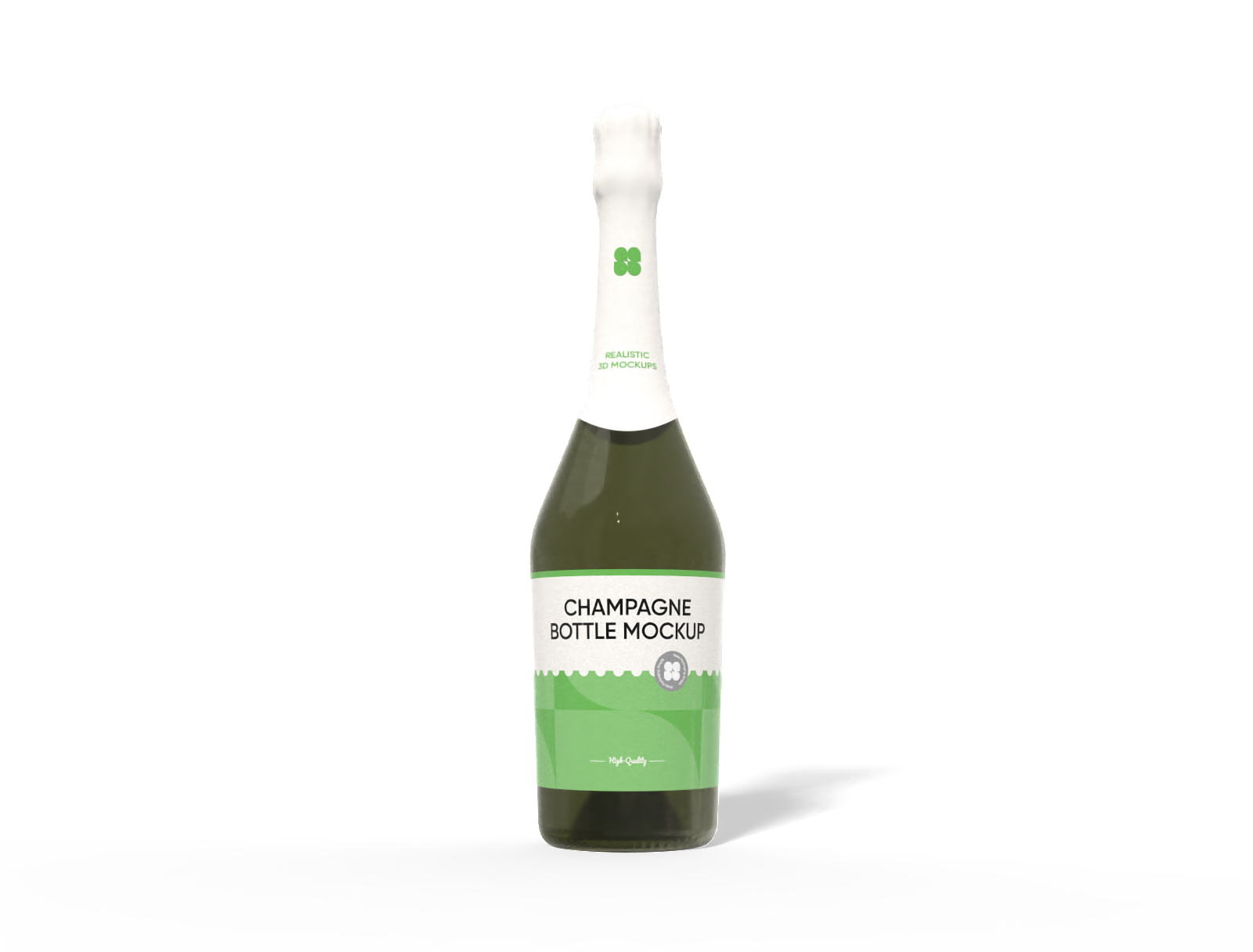
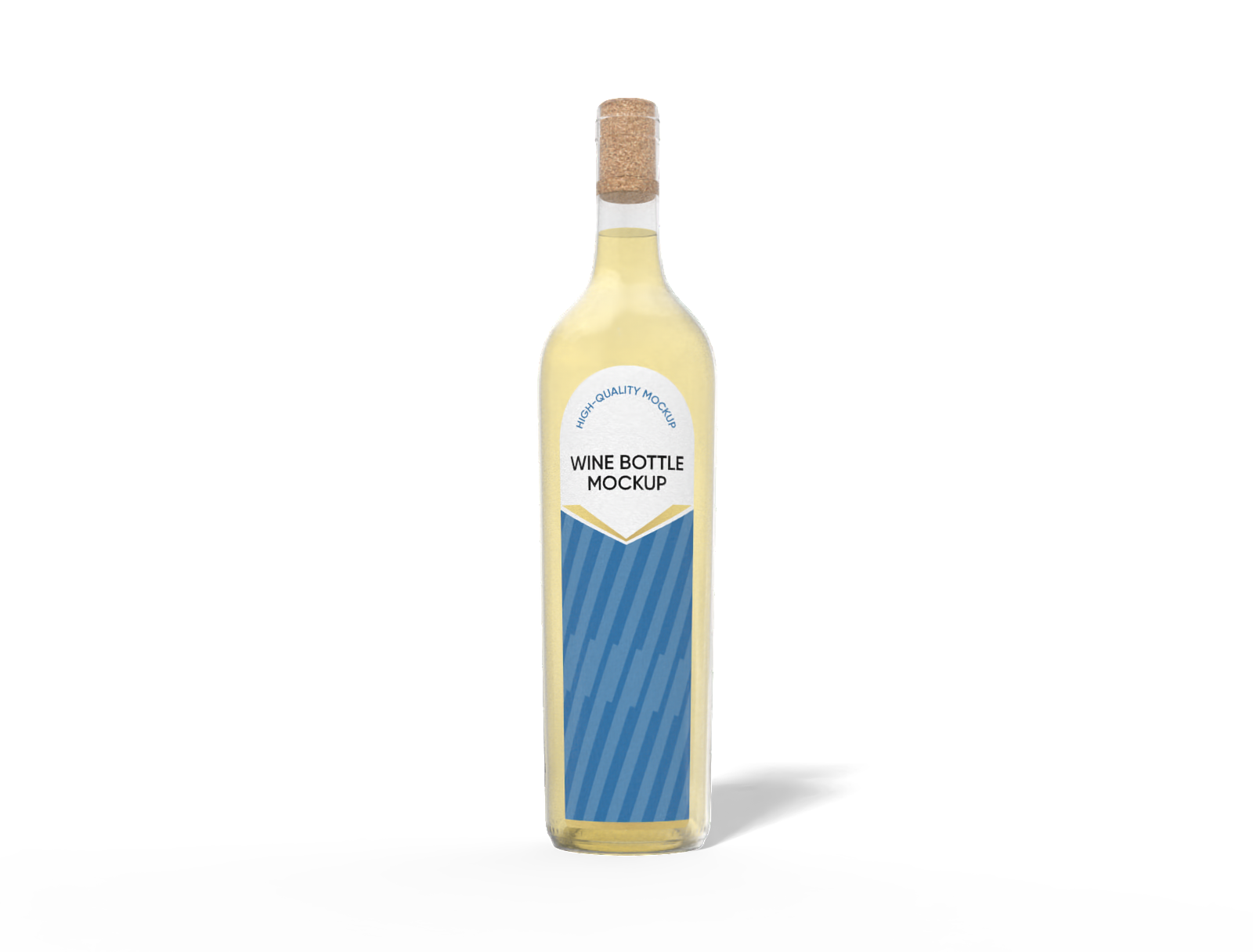
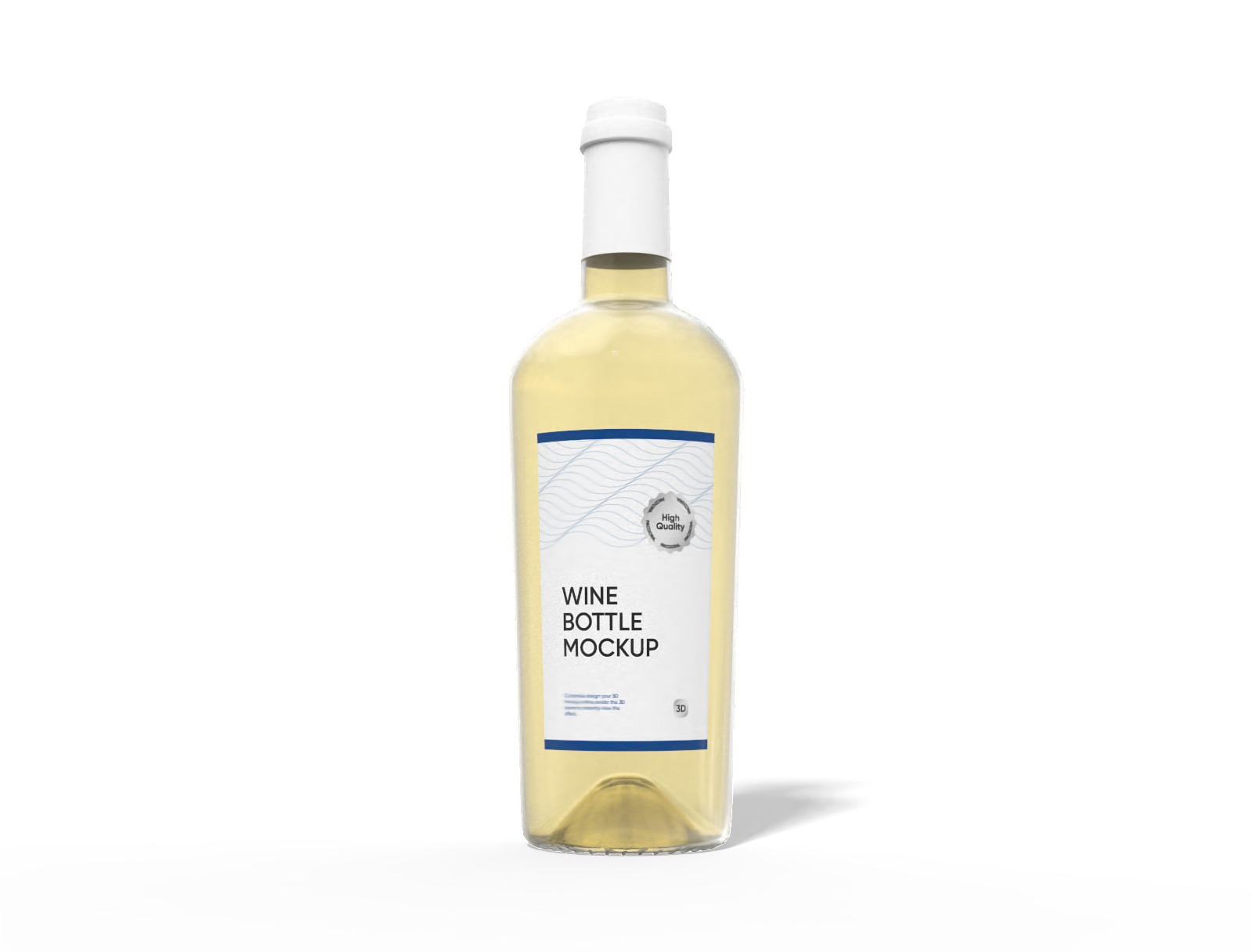
Select a white wine bottle shape on Pacdora, such as a long neck, slim body, or wide square bottle design.

Step 2: Upload images and adjust
Upload your branding text, logos, or images to your white wine bottle mockup. Modify the finish and background in real-time.

Step 3: Download your white wine bottle mockup
Download your white wine bottle mockup in high-definition PNG, JPG, or MP4 formats.
Step 1: Select a white wine bottle mockup
Select a white wine bottle shape on Pacdora, such as a long neck, slim body, or wide square bottle design.
Step 2: Upload images and adjust
Upload your branding text, logos, or images to your white wine bottle mockup. Modify the finish and background in real-time.
Step 3: Download your white wine bottle mockup
Download your white wine bottle mockup in high-definition PNG, JPG, or MP4 formats.


Features of customizing white wine bottles online

Multiple bottle profiles for unique presentation
Different shapes of bottles enable you to design mockups suitable for special editions or gift sets.
A Burgundy-style bottle features sloping shoulders and a wider body is suitable for rich white wines like Chardonnay or Viognier. Alternatively, a hock-style bottle has a tall, slim shape, perfect for Pinot Grigio or Riesling wines.

Quick placement of graphics and branding text
Including brand logos and text combinations on white wine bottle labels can give them a premium look.
A simple illustration, such as grapes or vineyard lines, can be placed on the main body of the bottle to express the wine’s origin. Likewise, adding the alcohol percentage and vintage year on the front label gives buyers quick information.

Background customization for a catchy look
A suitable backdrop creates a realistic setting for presenting your wine bottles to customers.
Marble countertops or rustic wooden tables create stylish backgrounds for white wine bottle mockups, giving the design a natural and refined setting. You can also use Pacdora’s AI background generator to create custom scenes that complement your brand’s theme.

Bottle volume options suited to customer needs
Different bottle sizes help represent single servings, standard bottles, or magnums.
A standard 750 ml white wine bottle is suitable for regular servings and retail shelves. Alternatively, a 1.5 liter magnum bottle offers more volume and is used for parties or special occasions. Start designing now!

Multiple bottle profiles for unique presentation
Different shapes of bottles enable you to design mockups suitable for special editions or gift sets.
A Burgundy-style bottle features sloping shoulders and a wider body is suitable for rich white wines like Chardonnay or Viognier. Alternatively, a hock-style bottle has a tall, slim shape, perfect for Pinot Grigio or Riesling wines.
Quick placement of graphics and branding text
Including brand logos and text combinations on white wine bottle labels can give them a premium look.
A simple illustration, such as grapes or vineyard lines, can be placed on the main body of the bottle to express the wine’s origin. Likewise, adding the alcohol percentage and vintage year on the front label gives buyers quick information.


Background customization for a catchy look
A suitable backdrop creates a realistic setting for presenting your wine bottles to customers.
Marble countertops or rustic wooden tables create stylish backgrounds for white wine bottle mockups, giving the design a natural and refined setting. You can also use Pacdora’s AI background generator to create custom scenes that complement your brand’s theme.
Bottle volume options suited to customer needs
Different bottle sizes help represent single servings, standard bottles, or magnums.
A standard 750 ml white wine bottle is suitable for regular servings and retail shelves. Alternatively, a 1.5 liter magnum bottle offers more volume and is used for parties or special occasions. Start designing now!

Our customers love Pacdora’s mockup tools
Thousands before you have designed realistic mockups with Pacdora and loved it.

Great mock-ups and literally thousands of packaging designs to choose from. The 3d mock-up is so good, helps bring clarity to the client as well as the designers. Great product for packaging design professionals.


cosmiccorner
Move over, complicated design software! Pacdora is the superhero of packaging mockups. Creating 3D magic for my products is as easy as pie – no PhD in design required. It’s like the software looked at the clock and said, ‘Time to save users from design nightmares!’ It’s so user-friendly, even my coffee mug wants to try its hand at packaging design.
FAQ
What are the EU labeling requirements for wine?
EU wine labels must show the basic information directly on the bottle. These include the product name, alcohol percentage, volume, and allergen statements such as “contains sulfites.” Labels should also include the bottler or producer’s details so customers know where the wine comes from. Ingredient and nutrition details can be shared through a QR code. The QR code must take customers straight to this information. It cannot lead to ads or sales pages.
Why is white wine packed in glass bottles?
Wine is stored in glass bottles because glass is impermeable, inert, and non-reactive. It preserves the wine’s flavor and aroma. It also protects the wine from air and UV light to keep it fresh for longer. Moreover, glass bottles allow consumers to see the color and clarity of the wine.
Should I download my white wine bottle mockups as images and videos?
Downloading visuals of your white wine bottle mockups helps you review designs before production. You can also share them with clients or team members. High-quality images and videos showcase different bottle shapes, labels, and finishes. Use these visuals on websites, social media, or marketing materials to present your wine packaging professionally and impress customers.
Can I customize white wine bottle mockups without downloading PSD files?
Yes, you can customize white wine bottle mockups without downloading PSD files. Pacdora’s beginner-friendly platform lets anyone design wine bottles with just a few clicks. You can access the mockup collection through your browser and adjust bottle finishes, background and labeling using our drag-and-drop tools.
Can I design white wine bottle mockups free of cost on Pacdora?
Yes, Pacdora lets you create white wine bottle mockups in different styles for free. You can visit our pricing page to explore advanced editing features.
Explore more mockup tools
Discover more about Pacdora

Kickstart your exciting journey of creating white wine bottle mockups online

