

Blind box design
Dive into the world of surprise collectibles by crafting your own unique blind box design on Pacdora. Tailor every panel to hide your secret figures and get professional 8K visuals.


Square box mockup
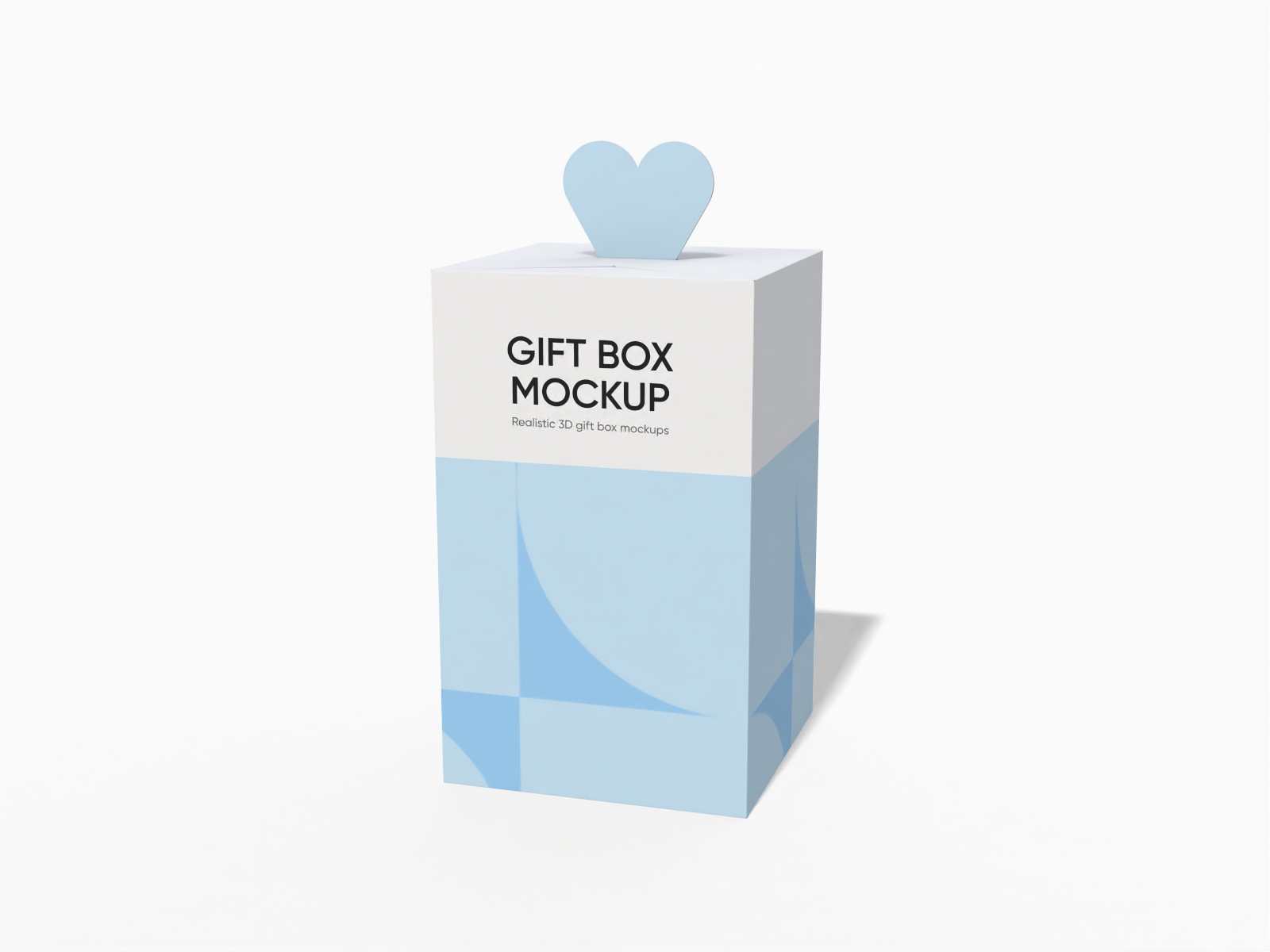
Gift box packaging mockup
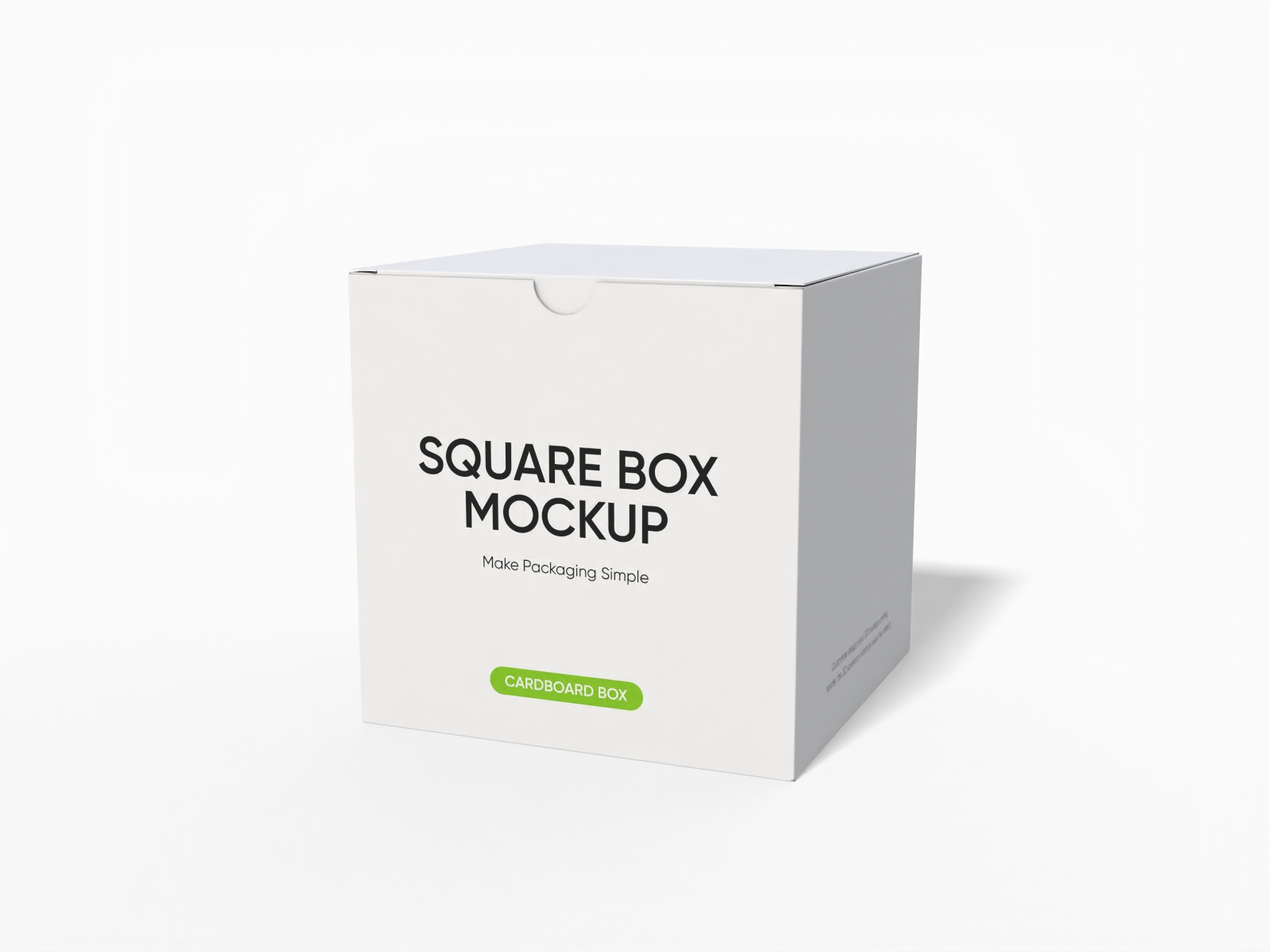
Tuck end open square box mockup
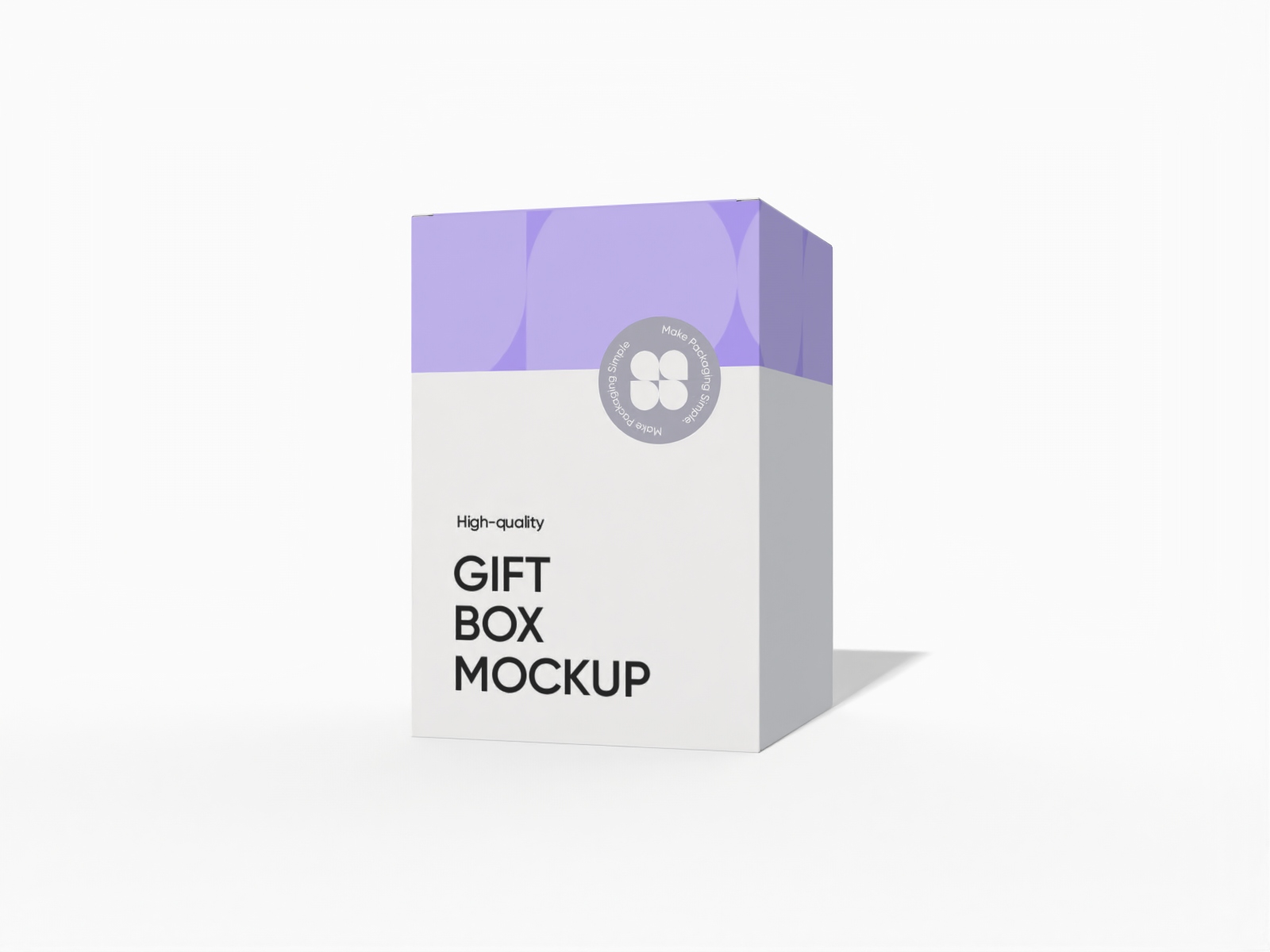
Tuck top gift box mockup

Square box with hang tab mockup

Christmas apple box packaging mockup

Open square gift box mockup
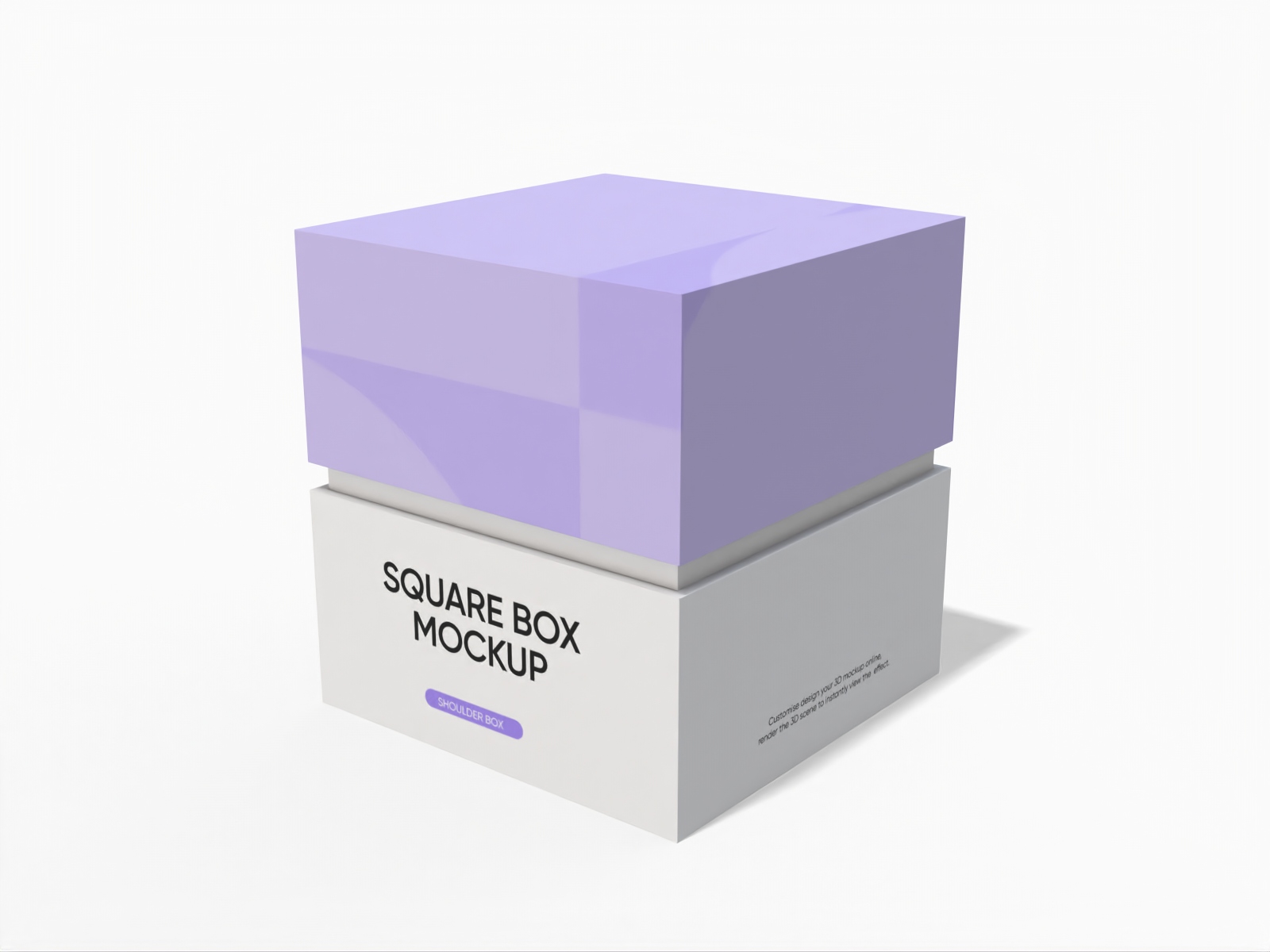
Square gift box mockup
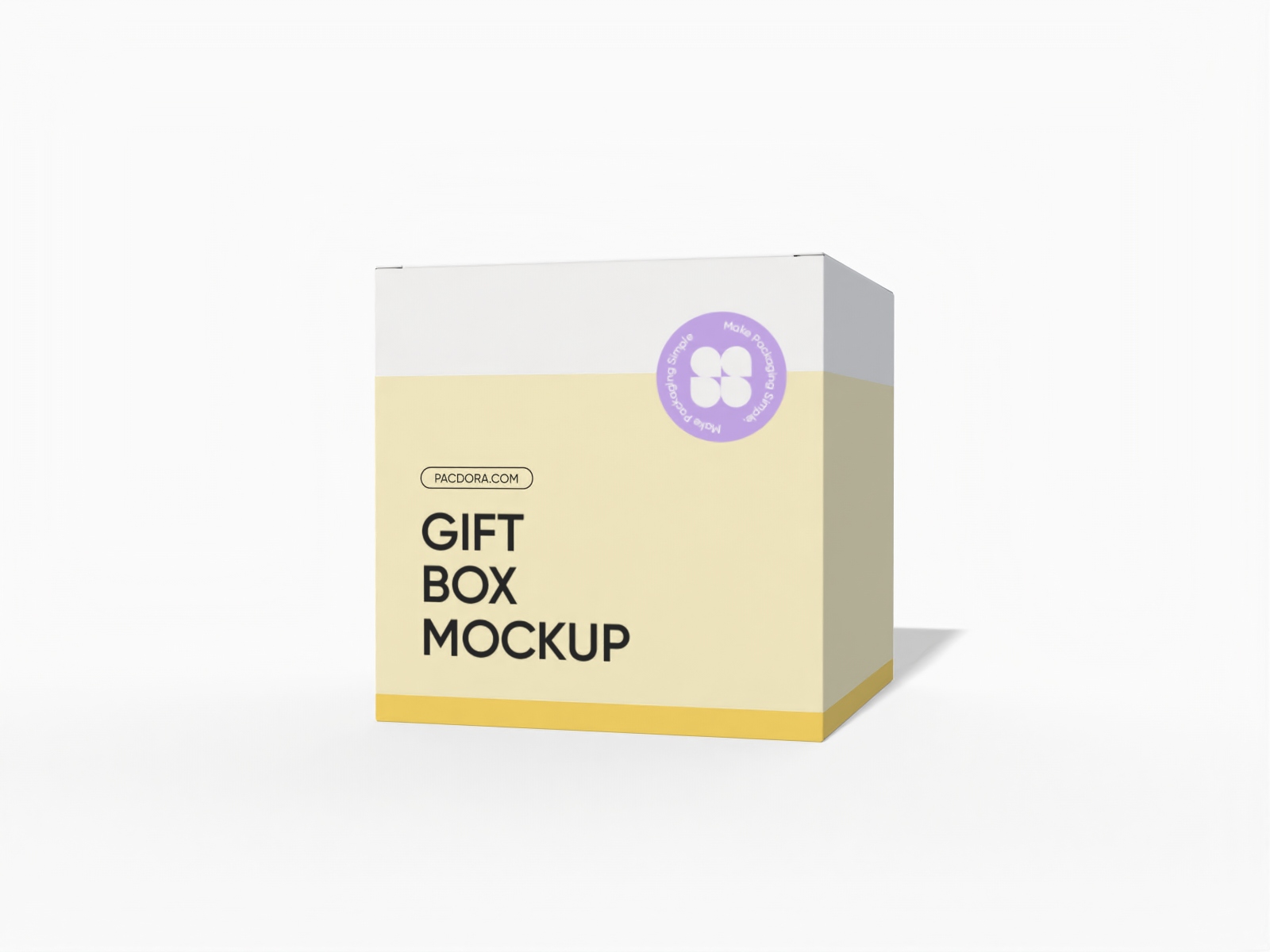
Tuck top gift box mockup
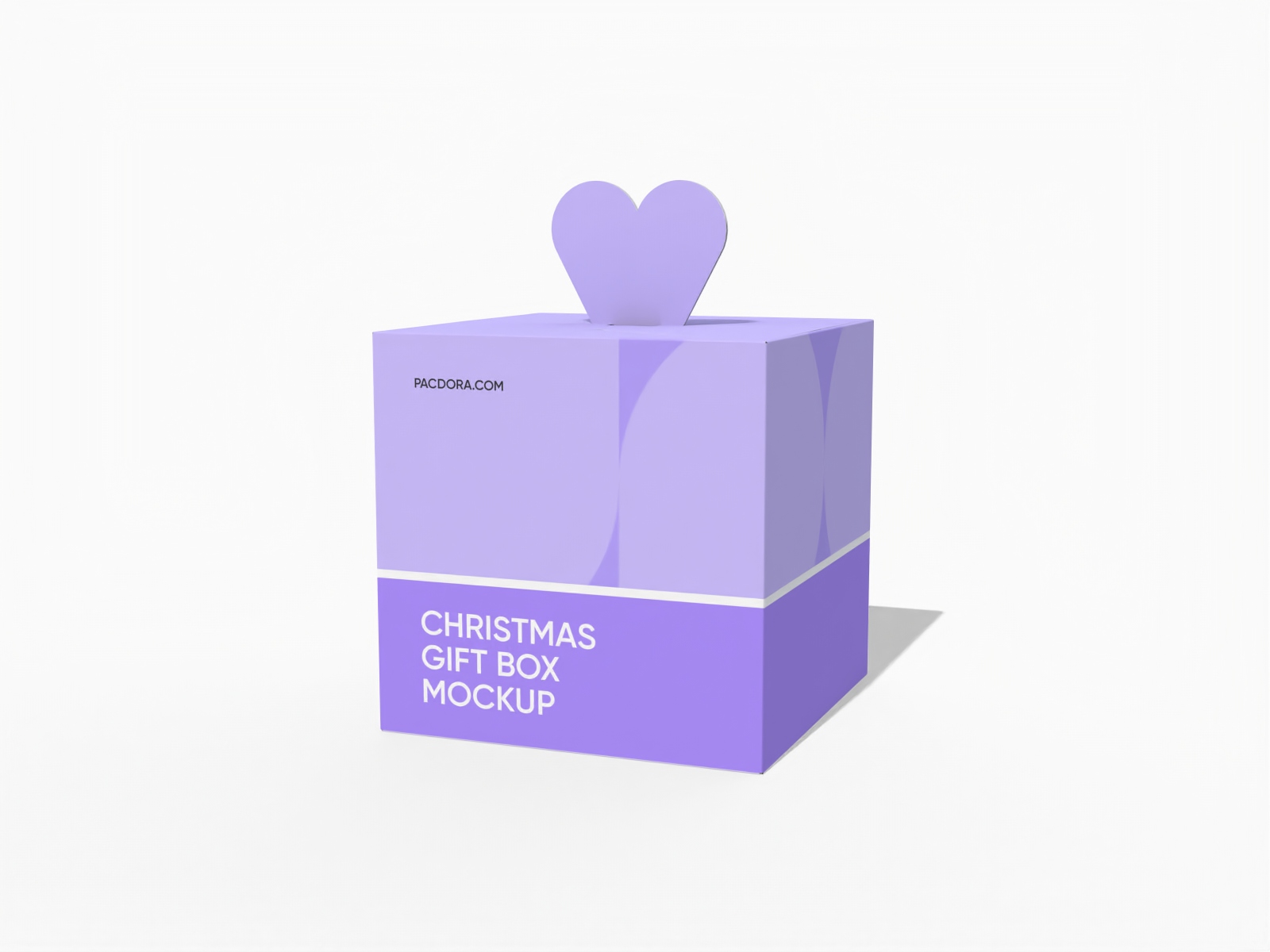
Christmas fruit gift box packaging mockup
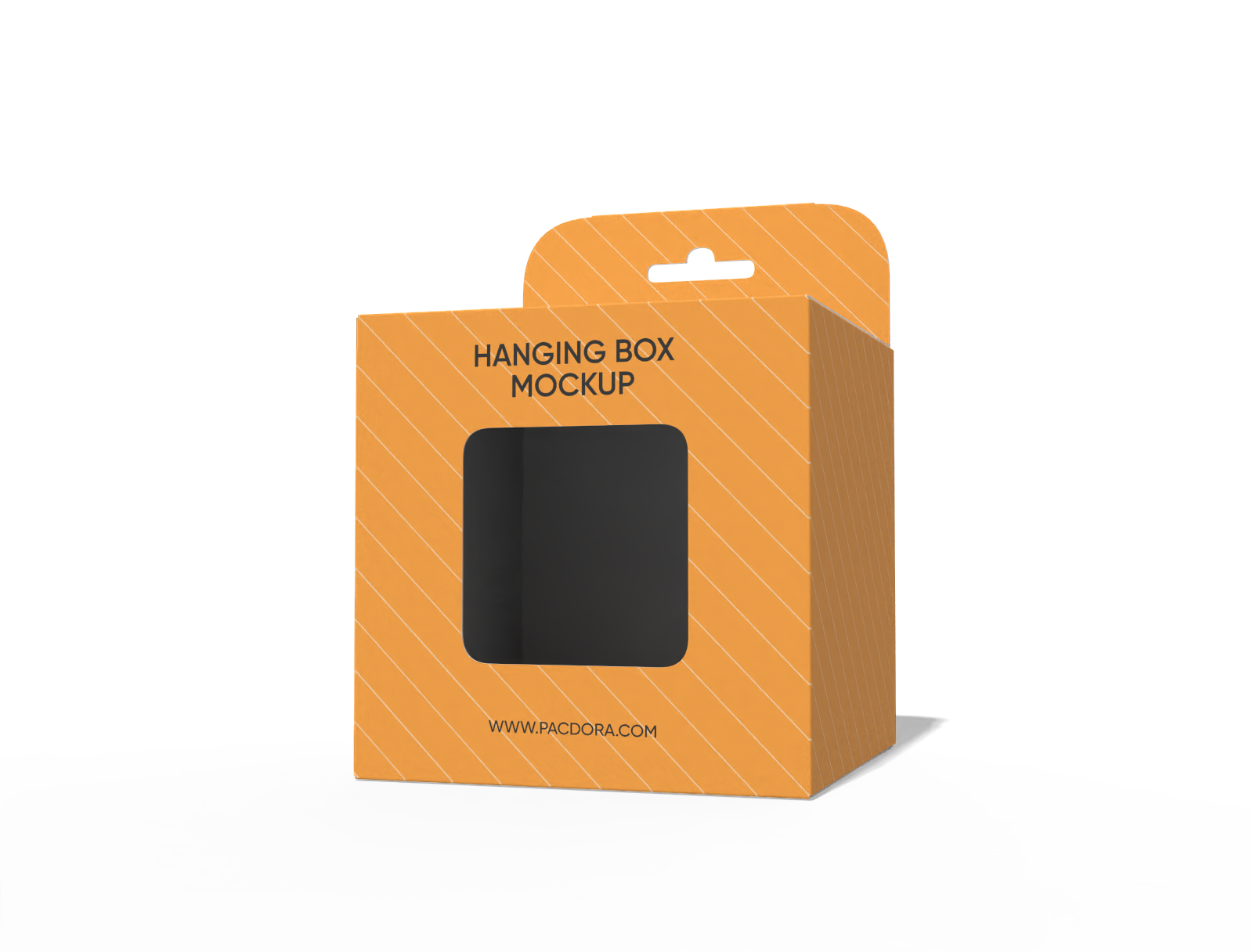
square hanging toy box with window mockup
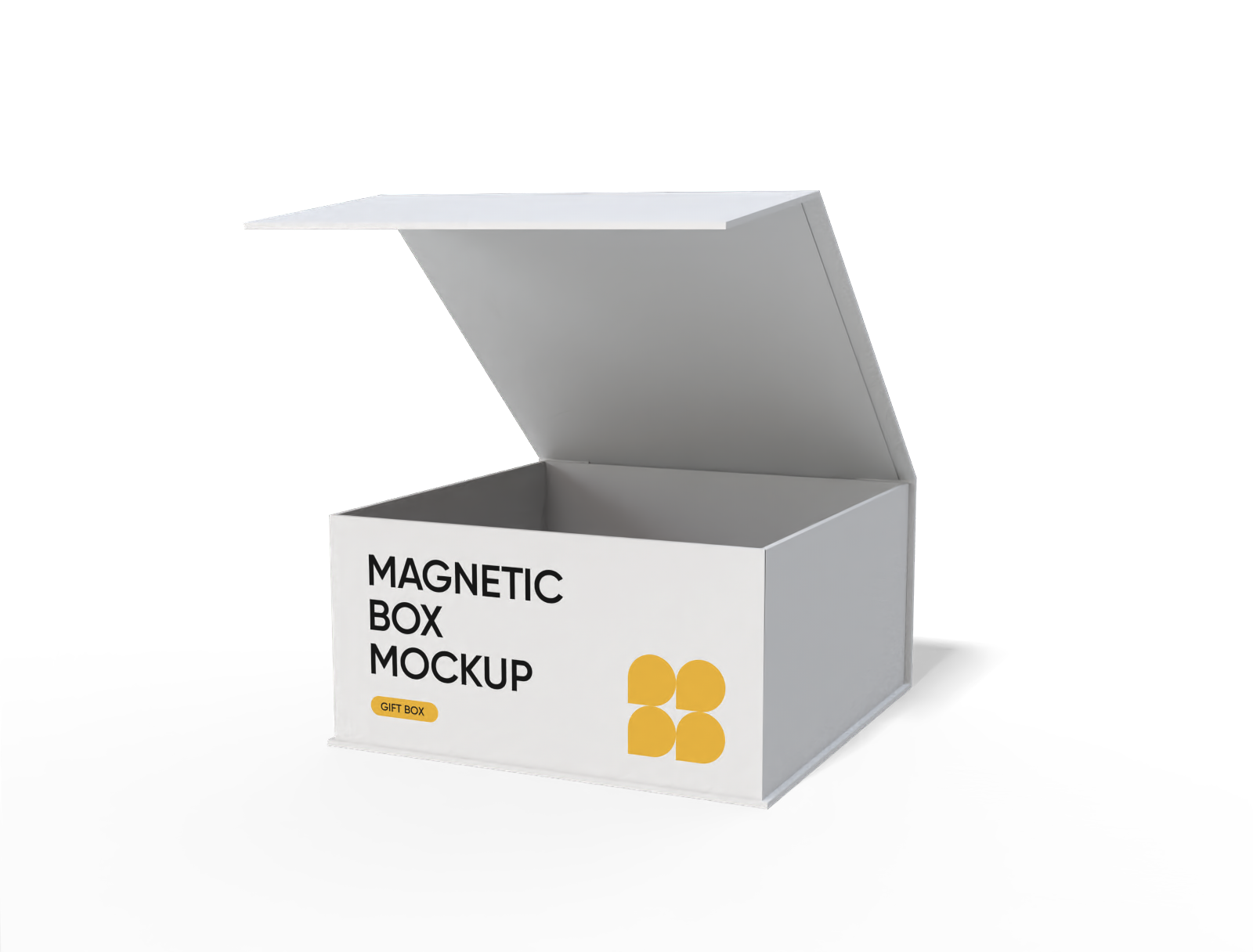
Flip top square magnetic box mockup
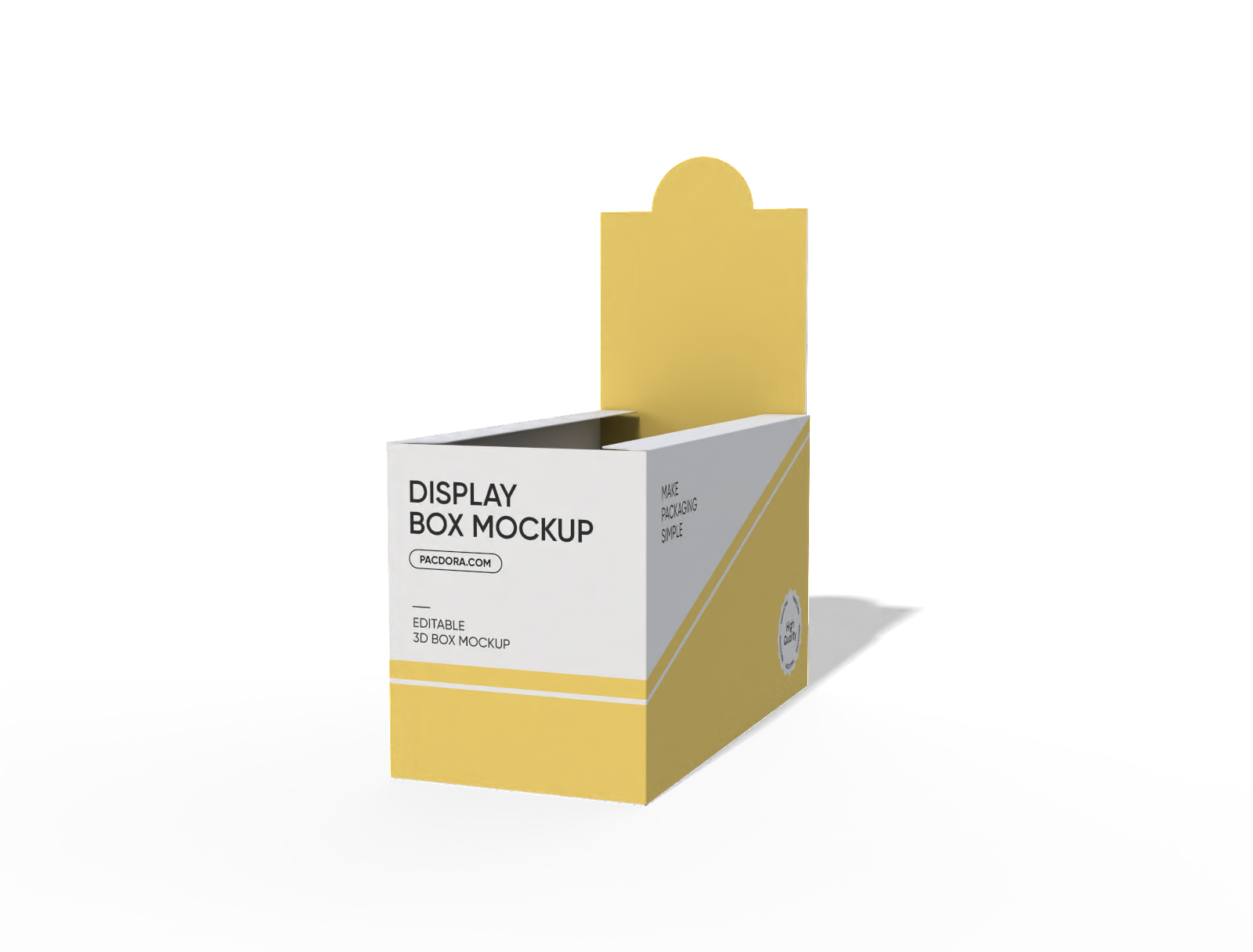
Display box mockup

Tuck end window software box mockup
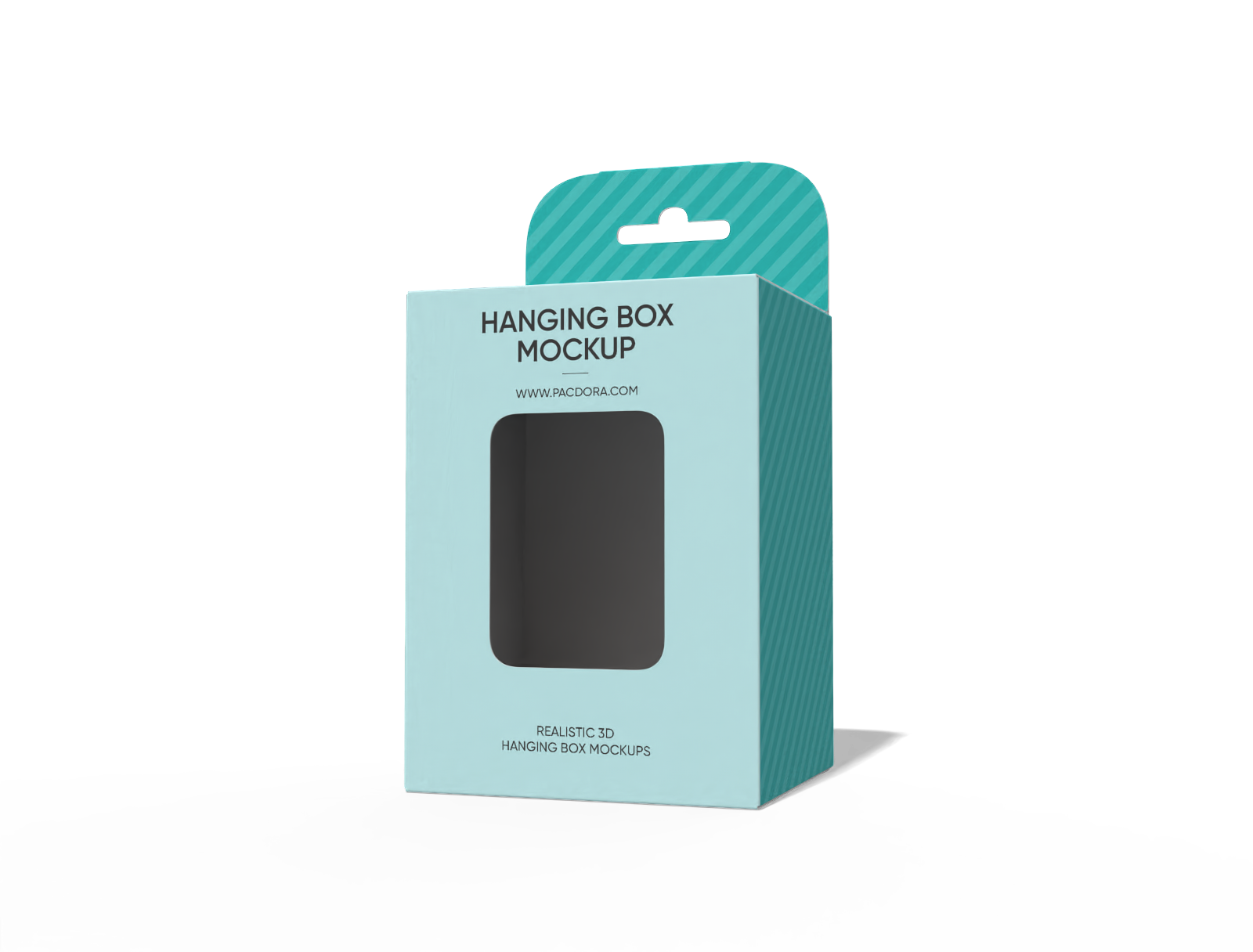
Hanging toy box with window mockup
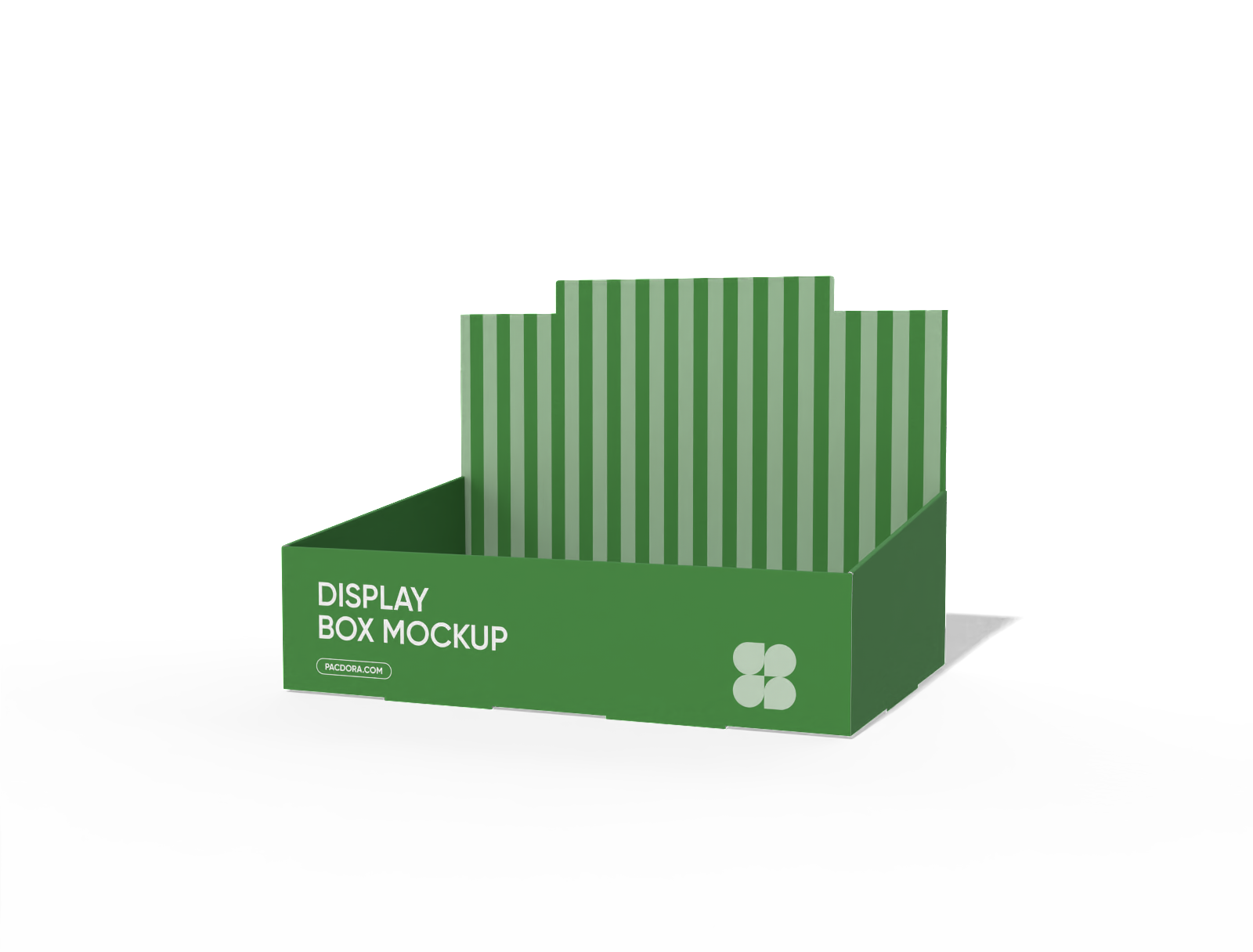
Pos display mockup
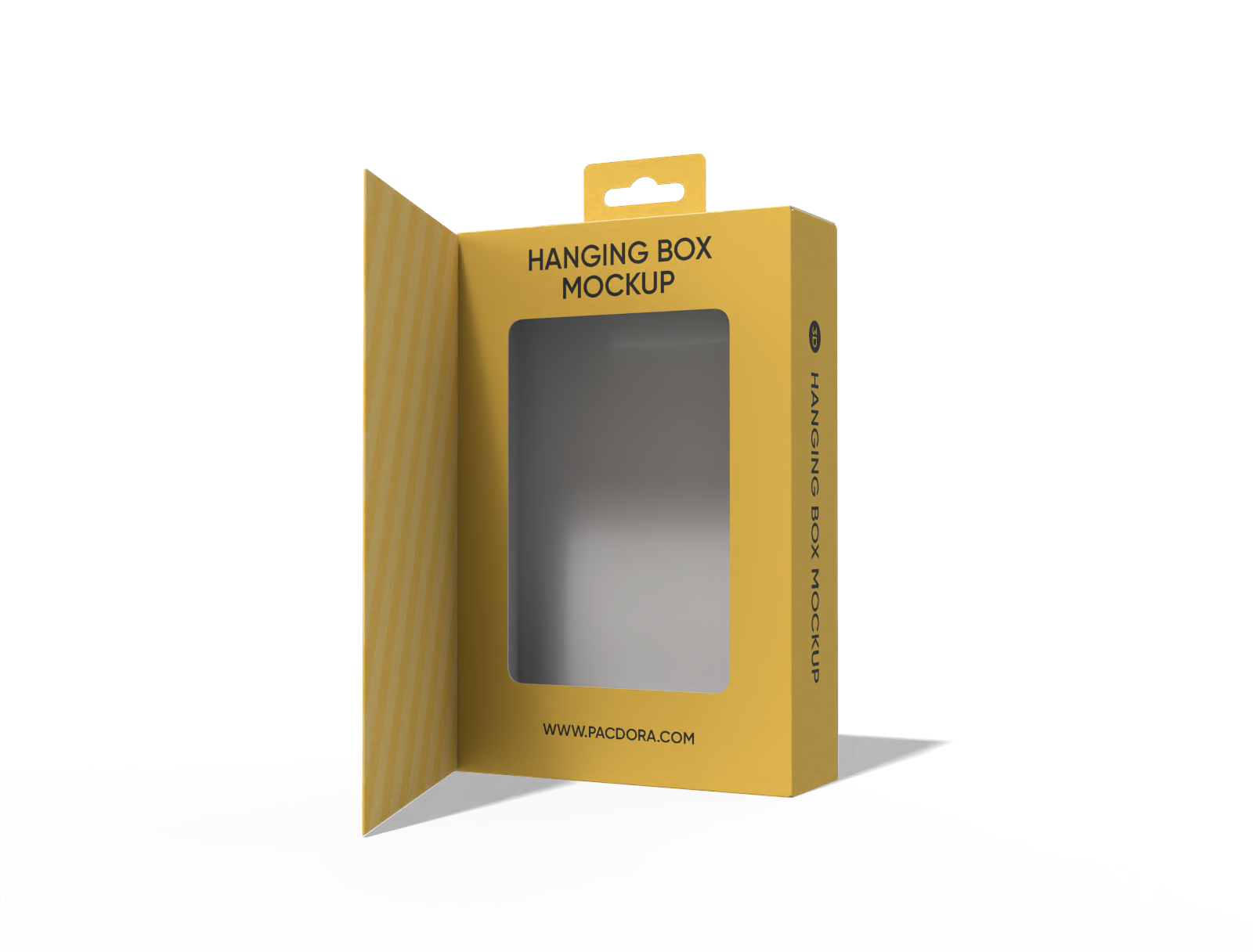
Hanging flip-top window box mockup
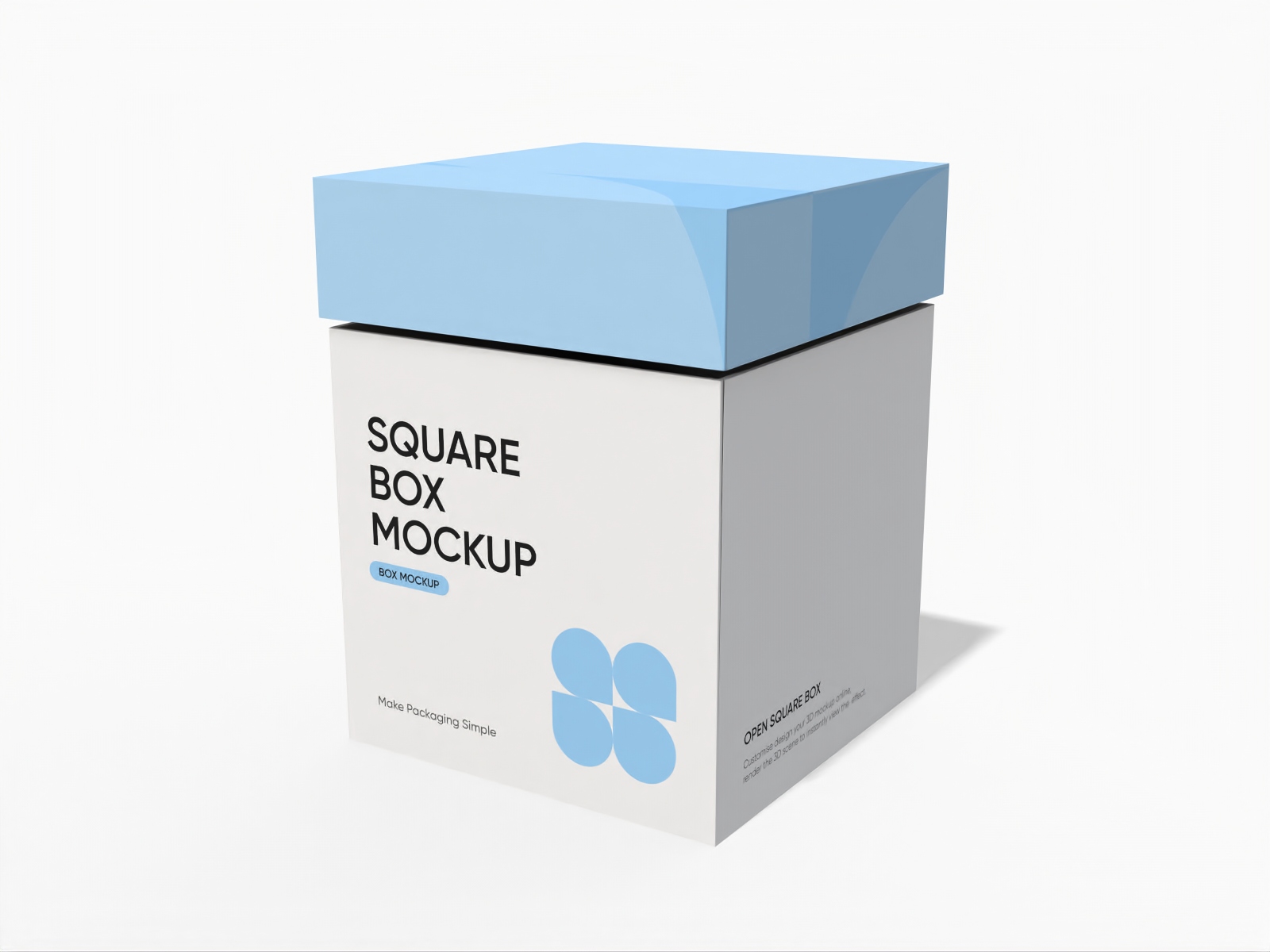
Square gift box with lid mockup
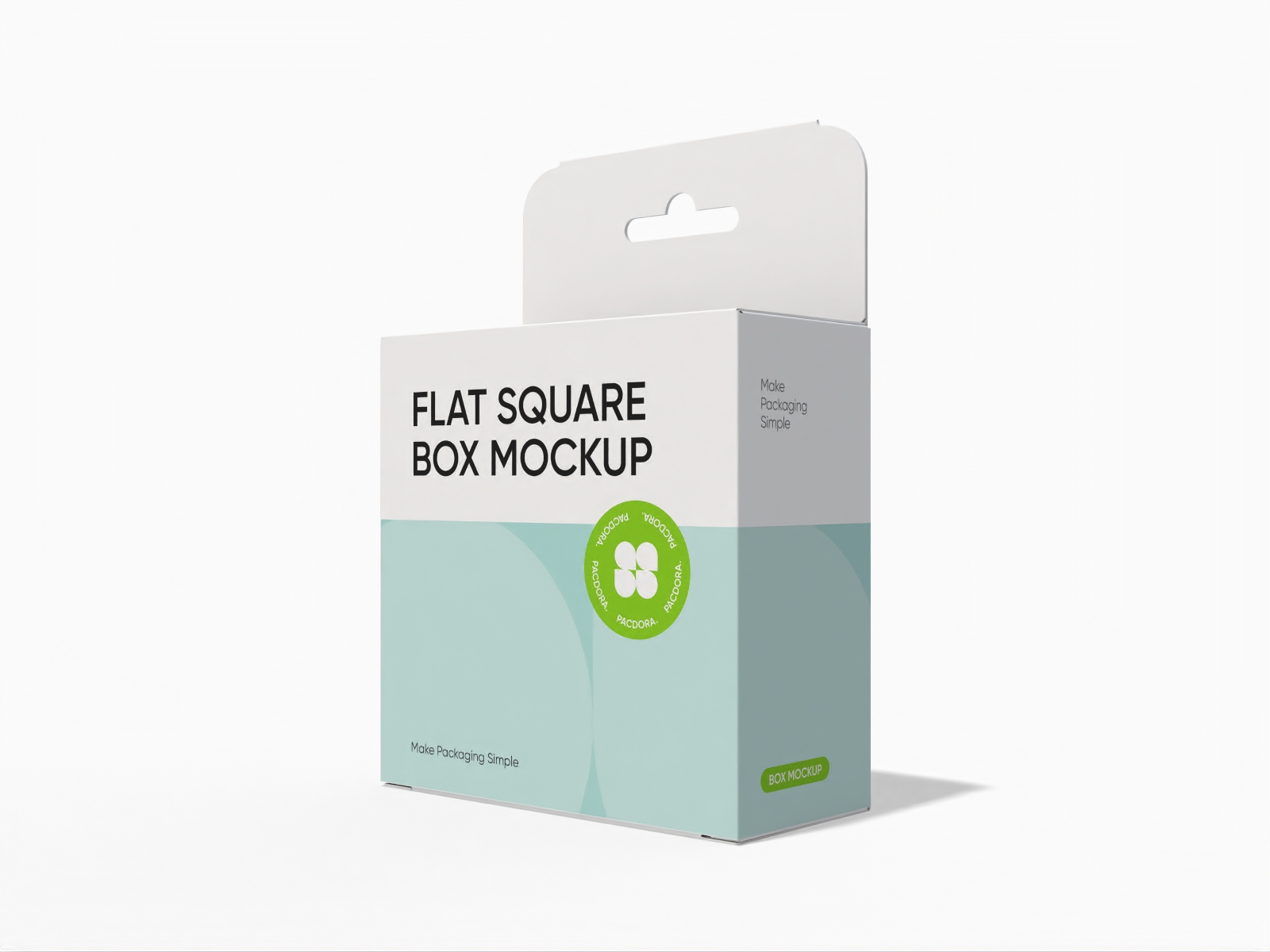
Flat square box with hanger mockup
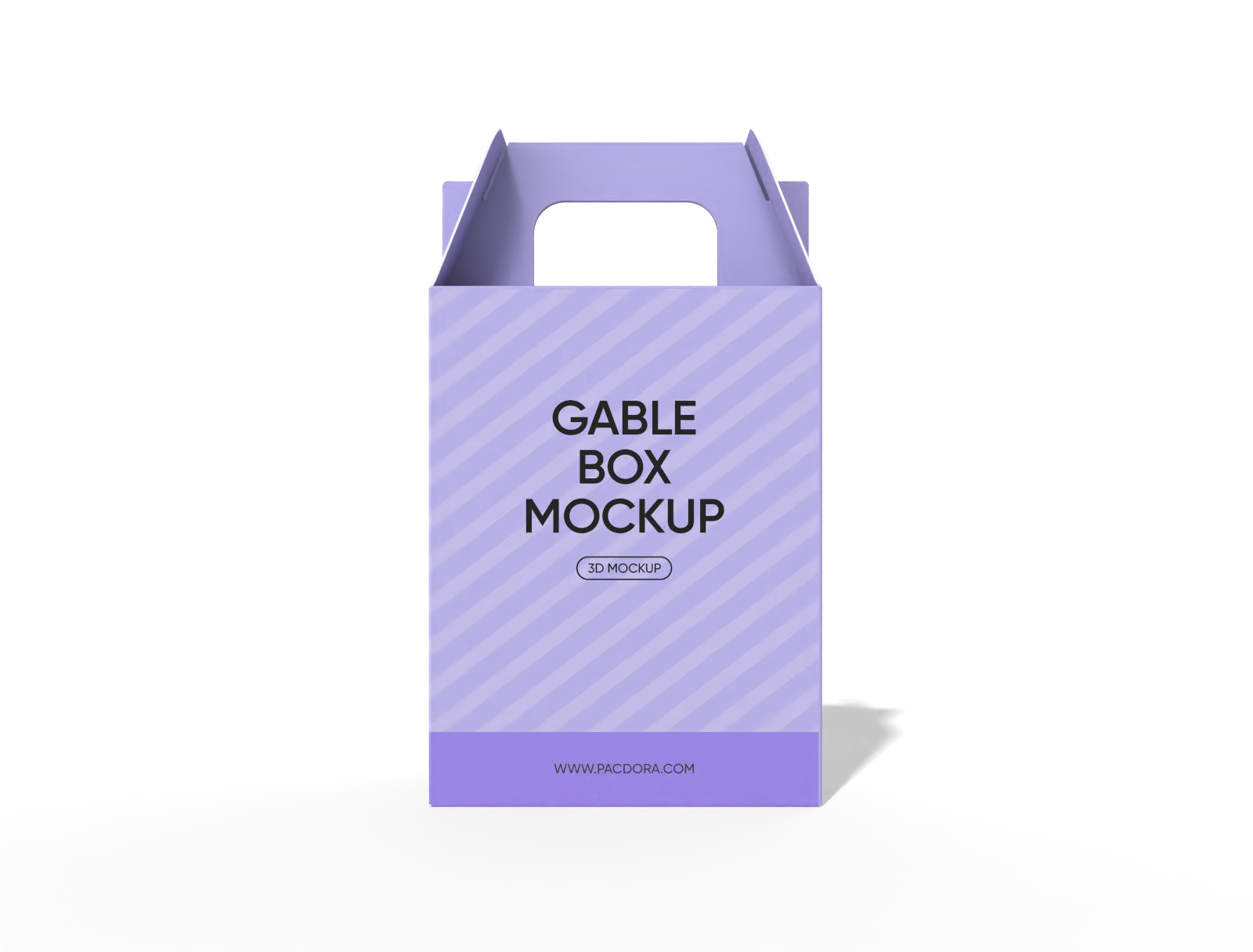
Gable box non-adhesive cover mockup
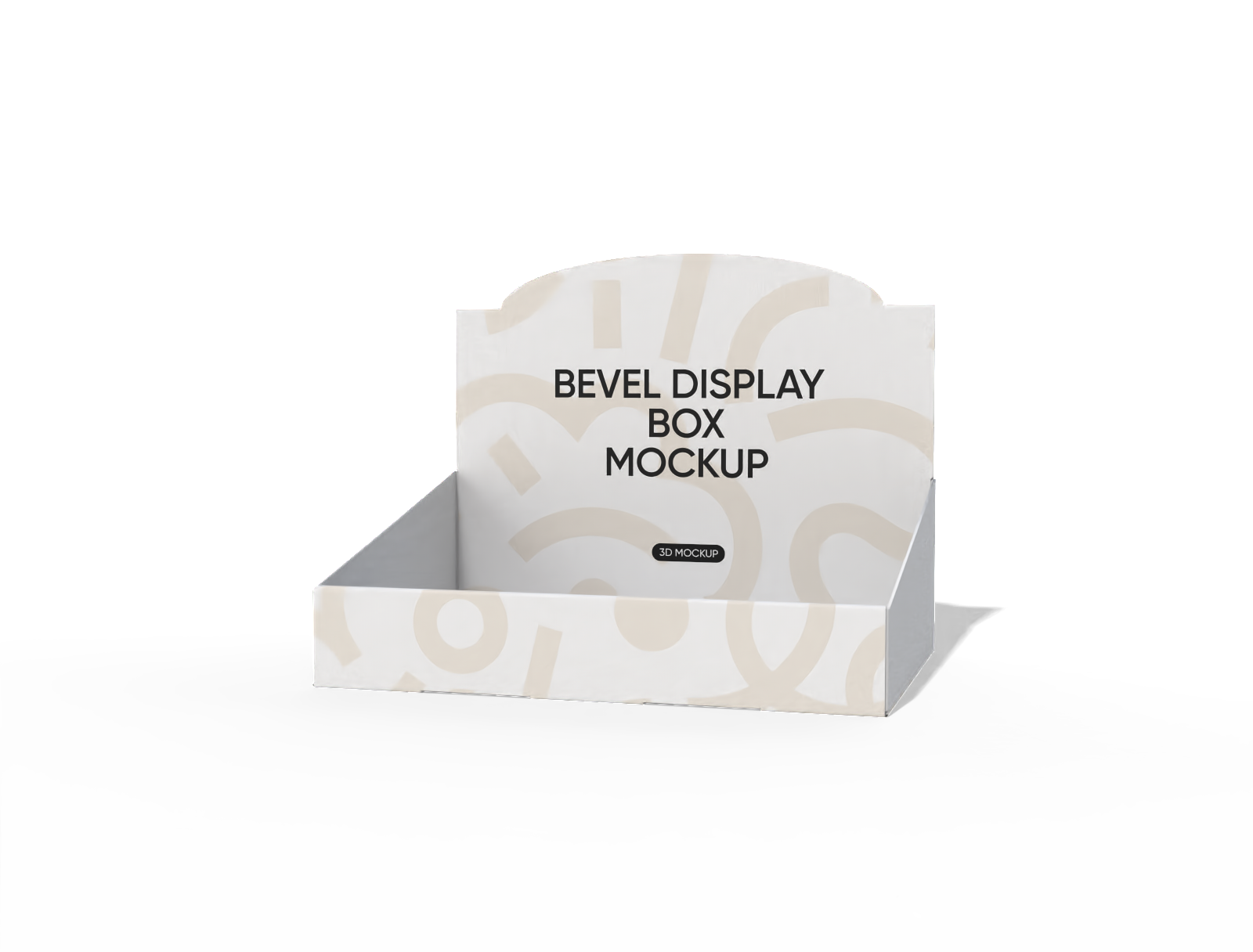
Bevel display box mockup
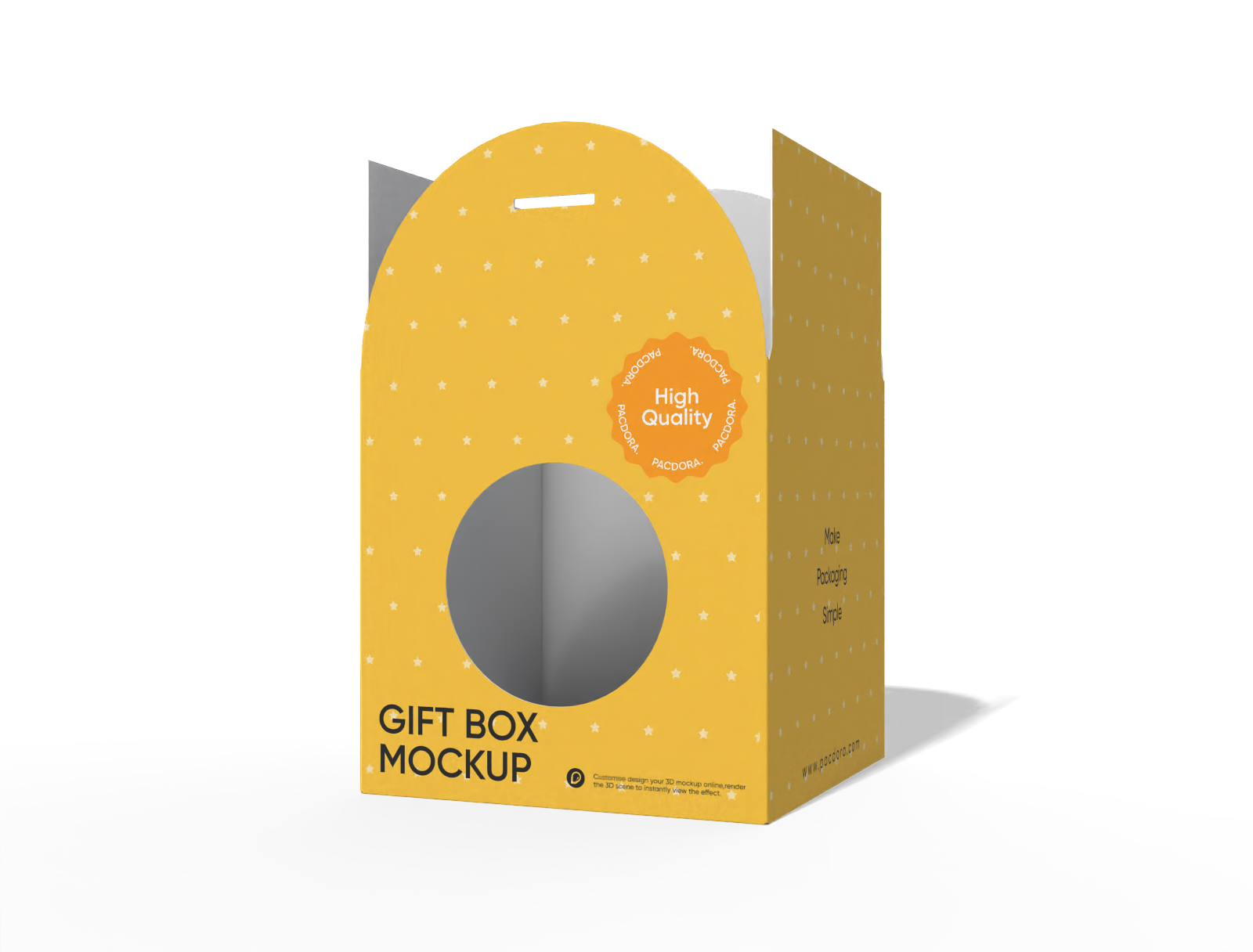
Gift box with window mockup
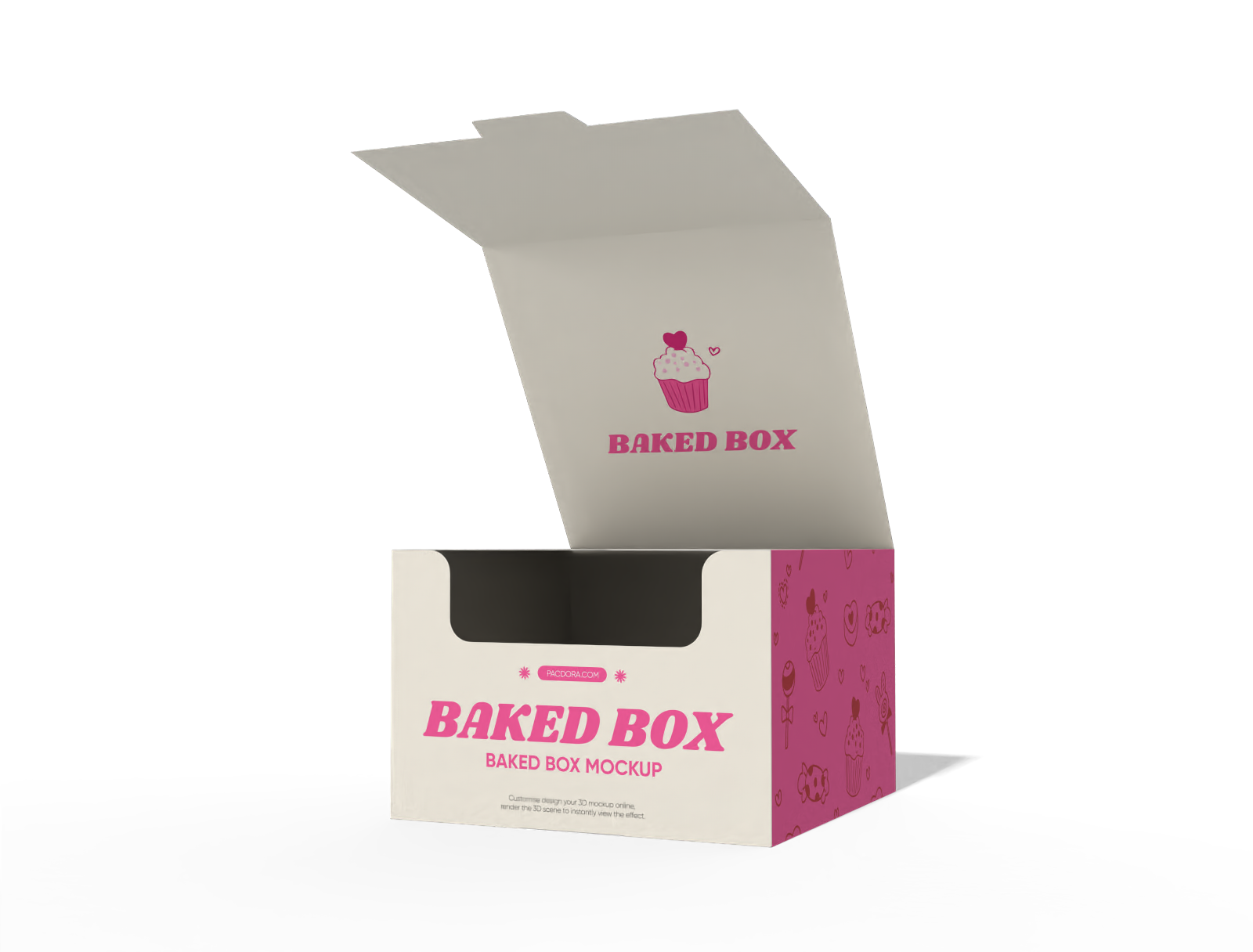
Baked box mockup
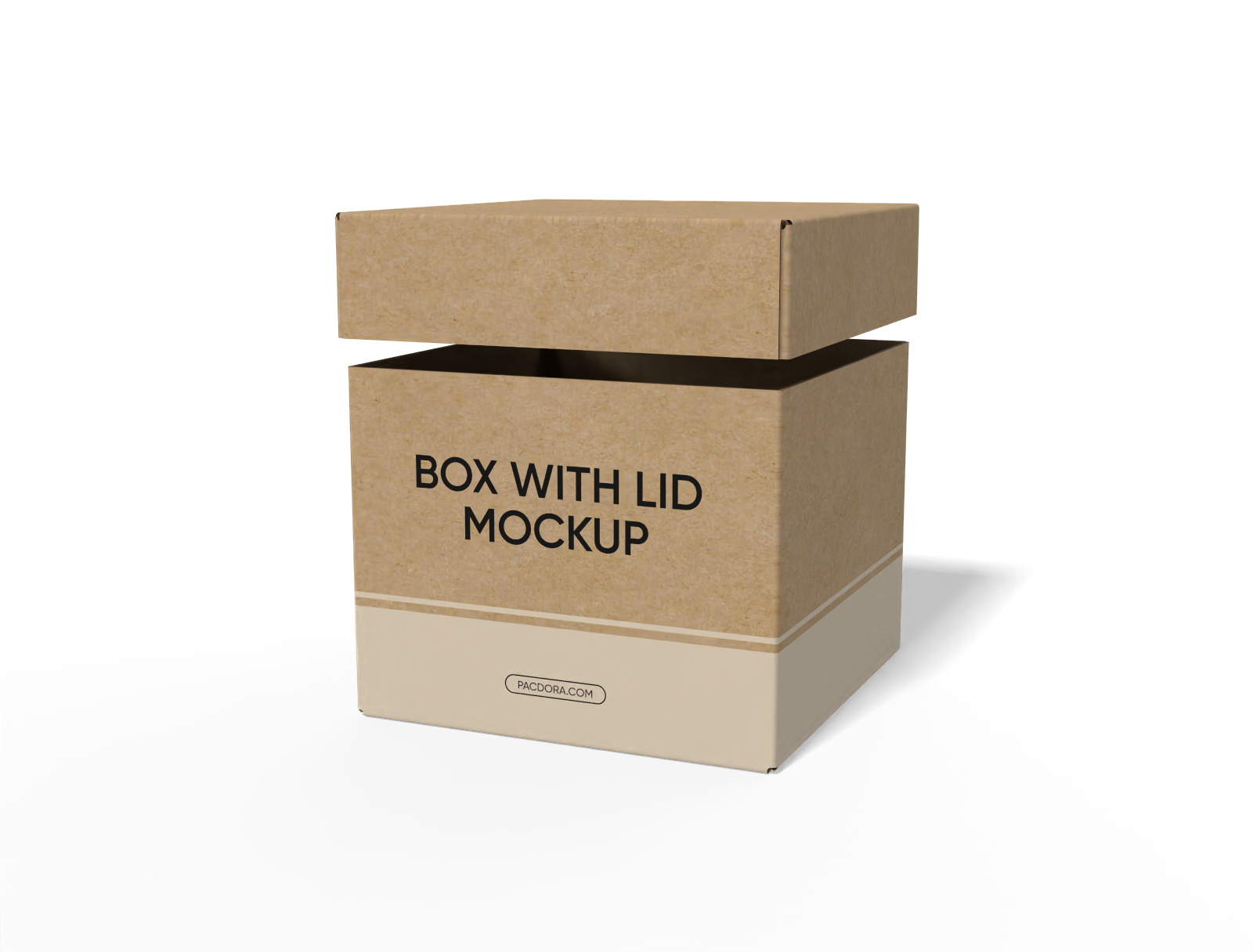
FEFCO 0312 box with lid hoarding cartons paper mockup
Trusted by leading companies


Captivate collectors with thrilling blind box designs on Pacdora!
The thrill of the unknown is the heart of every successful mystery series. Pacdora offers a specialized suite for blind-box design, enabling you to create the perfect vessel for art toys, designer figurines, or limited-edition charms. Precisely map out your character lineups, adjust the structural integrity to protect delicate contents, and apply premium backgrounds that scream collectability. Download a high-resolution PNG, a cinematic rotation video, or a printable dieline for manufacture.
Designing unforgettable blind box packaging experiences

Pick exciting structures for mystery reveals
You can go with the "Tall Tower" style, which is just a long-standing rectangle made for taller toys and gives you a big flat area to show off your art.
Another easy pick is the "Square Cube", which is a basic box shape that works great for rounder, chunky toys and looks really neat when you stack them up on a shelf.

Upload distinct visuals for target audiences
To hook different audiences, try uploading a high-contrast character silhouette that creates an aura of mystery for serious collectors.
Alternatively, use a vibrant, full-color group shot of the entire "common" lineup on the side panel to visually showcase the variety and encourage fans to complete the set.

Define precise dimensions for a perfect fit
Whether you are housing a small keychain or a standard vinyl figure, size matters for shelf presence. You can opt for a compact 3.1 × 2.3 × 3.1 inch format for portability.
For larger, detailed "chaser" figures, the 4.8 × 3.2 × 8.1 inch layout provides the necessary internal volume and protection.

Save files in professional output formats
Turning your vision into reality requires the right files. You can export a printable dieline file to ensure every fold and flap is mathematically perfect for production.
For digital promotion, download high-quality JPG/PNG images or generate a shareable link so your team can rotate the 3D mockup in real-time.

Pick exciting structures for mystery reveals
You can go with the "Tall Tower" style, which is just a long-standing rectangle made for taller toys and gives you a big flat area to show off your art.
Another easy pick is the "Square Cube", which is a basic box shape that works great for rounder, chunky toys and looks really neat when you stack them up on a shelf.
Upload distinct visuals for target audiences
To hook different audiences, try uploading a high-contrast character silhouette that creates an aura of mystery for serious collectors.
Alternatively, use a vibrant, full-color group shot of the entire "common" lineup on the side panel to visually showcase the variety and encourage fans to complete the set.


Define precise dimensions for a perfect fit
Whether you are housing a small keychain or a standard vinyl figure, size matters for shelf presence. You can opt for a compact 3.1 × 2.3 × 3.1 inch format for portability.
For larger, detailed "chaser" figures, the 4.8 × 3.2 × 8.1 inch layout provides the necessary internal volume and protection.
Save files in professional output formats
Turning your vision into reality requires the right files. You can export a printable dieline file to ensure every fold and flap is mathematically perfect for production.
For digital promotion, download high-quality JPG/PNG images or generate a shareable link so your team can rotate the 3D mockup in real-time.
How to create a blind box design online?

Step 1: Select the blind box design
Select a blind box mockup that fits your series, whether it is a classic tall rectangular tower or a wider cube.

Step 2: Upload your artwork and personalize
Upload your character silhouettes and series checklists. Customize the exterior with bold graphics and hidden "teaser" text to drive engagement.

Step 3: Export your blind box design
Export your final production-ready files in seconds. You can grab top-tier 8K images for marketing or a printable dieline to send directly to your manufacturing partner.
Step 1: Select the blind box design
Select a blind box mockup that fits your series, whether it is a classic tall rectangular tower or a wider cube.
Step 2: Upload your artwork and personalize
Upload your character silhouettes and series checklists. Customize the exterior with bold graphics and hidden "teaser" text to drive engagement.
Step 3: Export your blind box design
Export your final production-ready files in seconds. You can grab top-tier 8K images for marketing or a printable dieline to send directly to your manufacturing partner.


Our customers love Pacdora’s mockups
Thousands before you have designed realistic mockups with Pacdora and loved it.

Great mock-ups and literally thousands of packaging designs to choose from. The 3d mock-up is so good, helps bring clarity to the client as well as the designers. Great product for packaging design professionals.


cosmiccorner
Move over, complicated design software! Pacdora is the superhero of packaging mockups. Creating 3D magic for my products is as easy as pie – no PhD in design required. It’s like the software looked at the clock and said, ‘Time to save users from design nightmares!’ It’s so user-friendly, even my coffee mug wants to try its hand at packaging design.
FAQ
How do blind boxes work?
The magic of this format lies in the mystery of the unknown. Essentially, customers purchase a sealed blind box design without knowing which specific character or item from a series is hidden inside. Each collection typically features several common designs and one rare "chaser" figure.
This creates a fun, gamified shopping experience where the thrill of the reveal is just as important as the toy itself, encouraging fans to trade or buy more.
How to design a popular blind box?
To launch a successful series, you first need a cohesive character collection and a professional blind box design. Mechanically, you require high-quality cardboard for the outer shell and protective internal trays to keep items still.
Graphically, you must include a full series checklist on the exterior panels to show fans what they can collect. Finally, a production-ready dieline and high-resolution artwork are essential to ensure the factory prints every hidden detail perfectly for you.
Why is the 3D blind box preview useful for designers?
The 3D preview is a total lifesaver for this specific format. Because blind box design often involves wrapping art around corners or having a continuous image across multiple boxes in a display case, it is super easy to mess up the alignment in 2D.
The 3D view lets you spin the box and see exactly how the side panel art meets the front. You can catch awkward text cut-offs or upside-down logos instantly before you waste any money on printing.
Is Pacdora easy for beginners to use?
Absolutely! The platform is designed to be intuitive, even if you have no prior experience. You can simply choose a blind box mockup, drag and drop your artwork, and customize the color or background with a few clicks. It simplifies the complex process of blind box design into easy steps.
This allows artists and small business owners to create high-end packaging visuals that would normally require a professional design agency, saving both time and money.
Can I design a blind box for free on Pacdora?
Absolutely! You can design branded blind boxes at no cost on Pacdora. If you want more extra advanced features, you can check out the premium plans on our pricing page for full access.
Explore more mockups
Discover more about Pacdora

Kickstart your exciting journey of designing blind boxes online
Create a blind box
