

Custom sleeve boxes
Select a specialized sliding style like the mailer sleeve box, or sleeve gift box with a window. Upload your brand logos and other elements. Download your custom sleeve boxes as HD visuals.

Trusted by leading companies


Encapsulate your product perfectly with custom sleeve boxes!
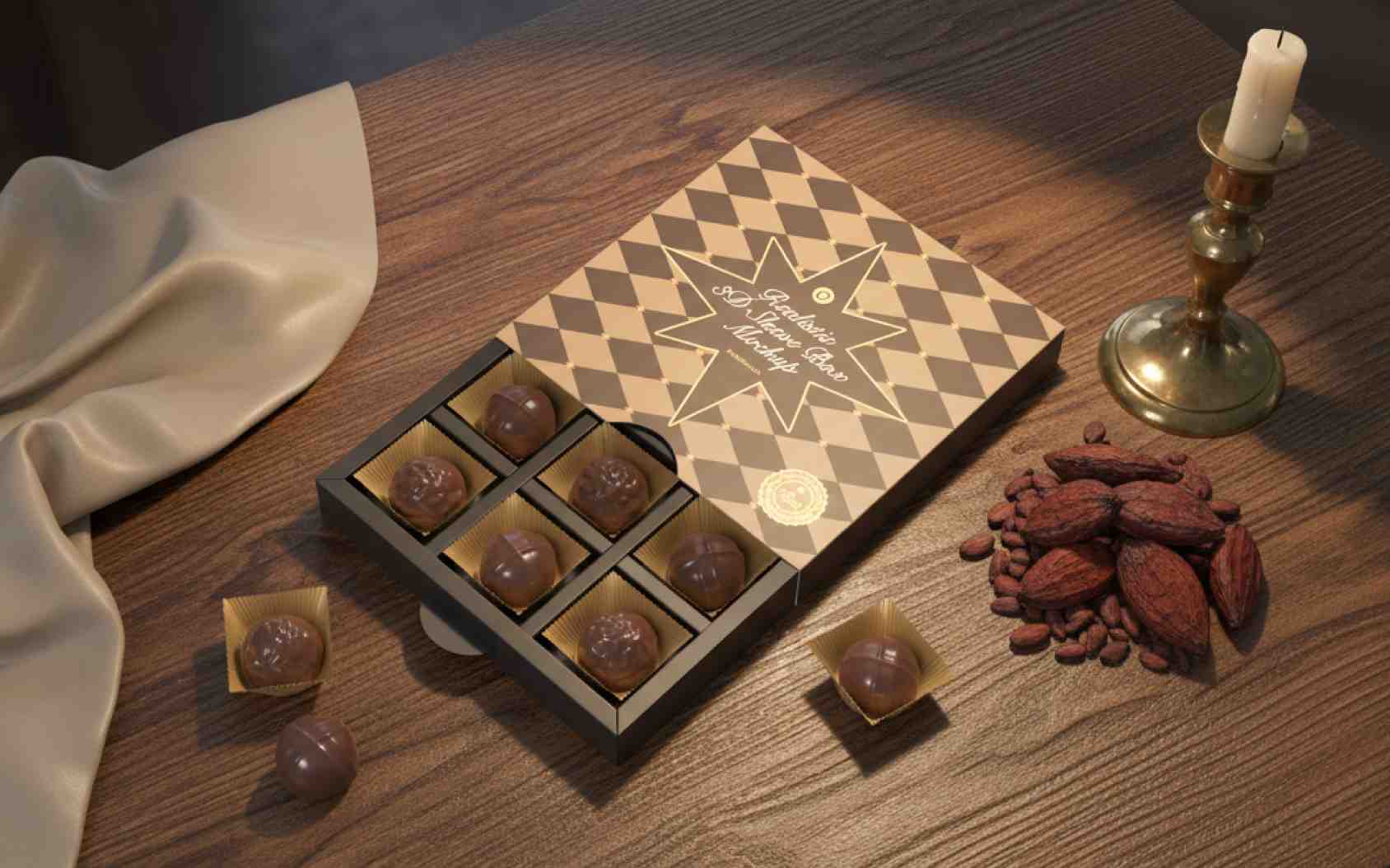
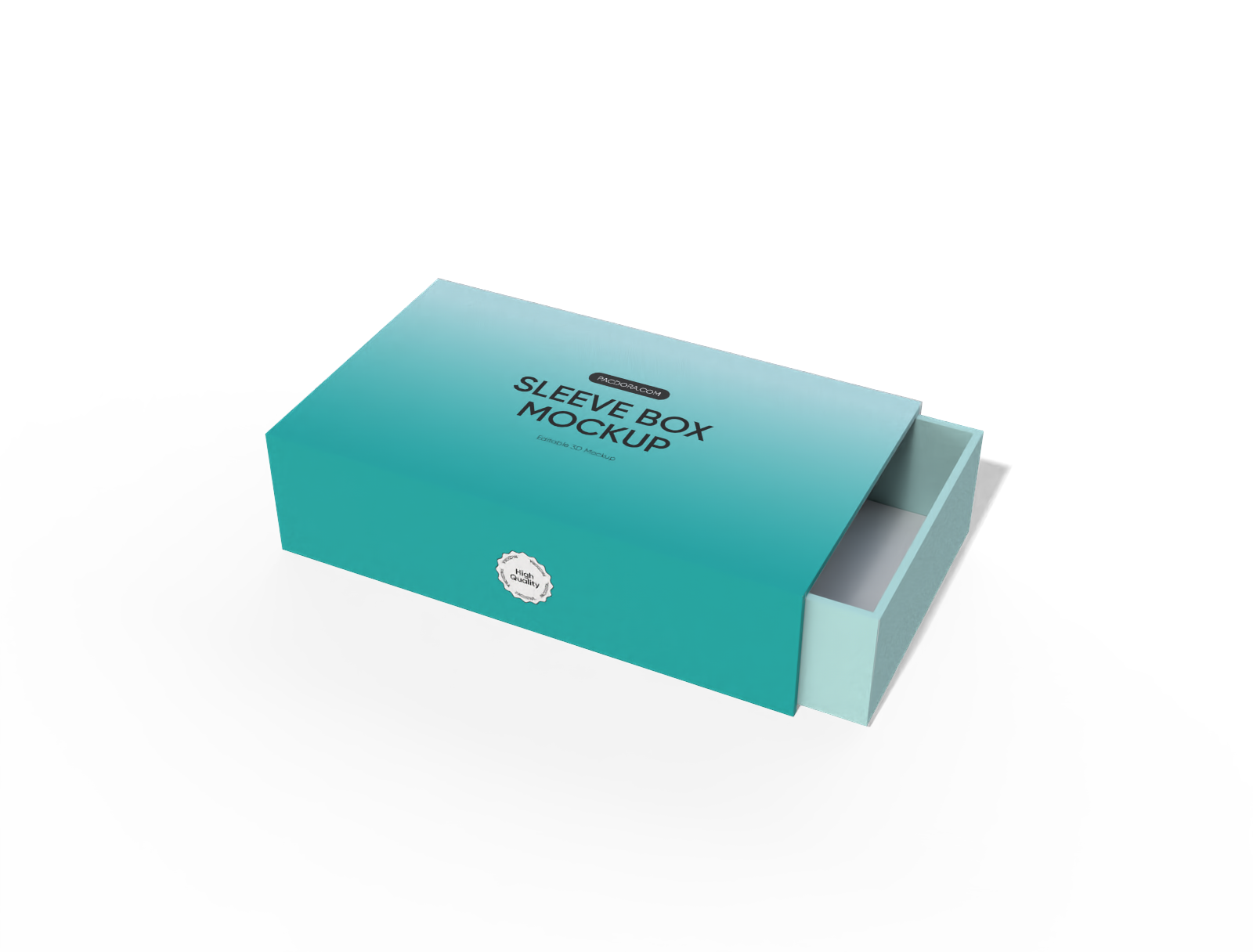
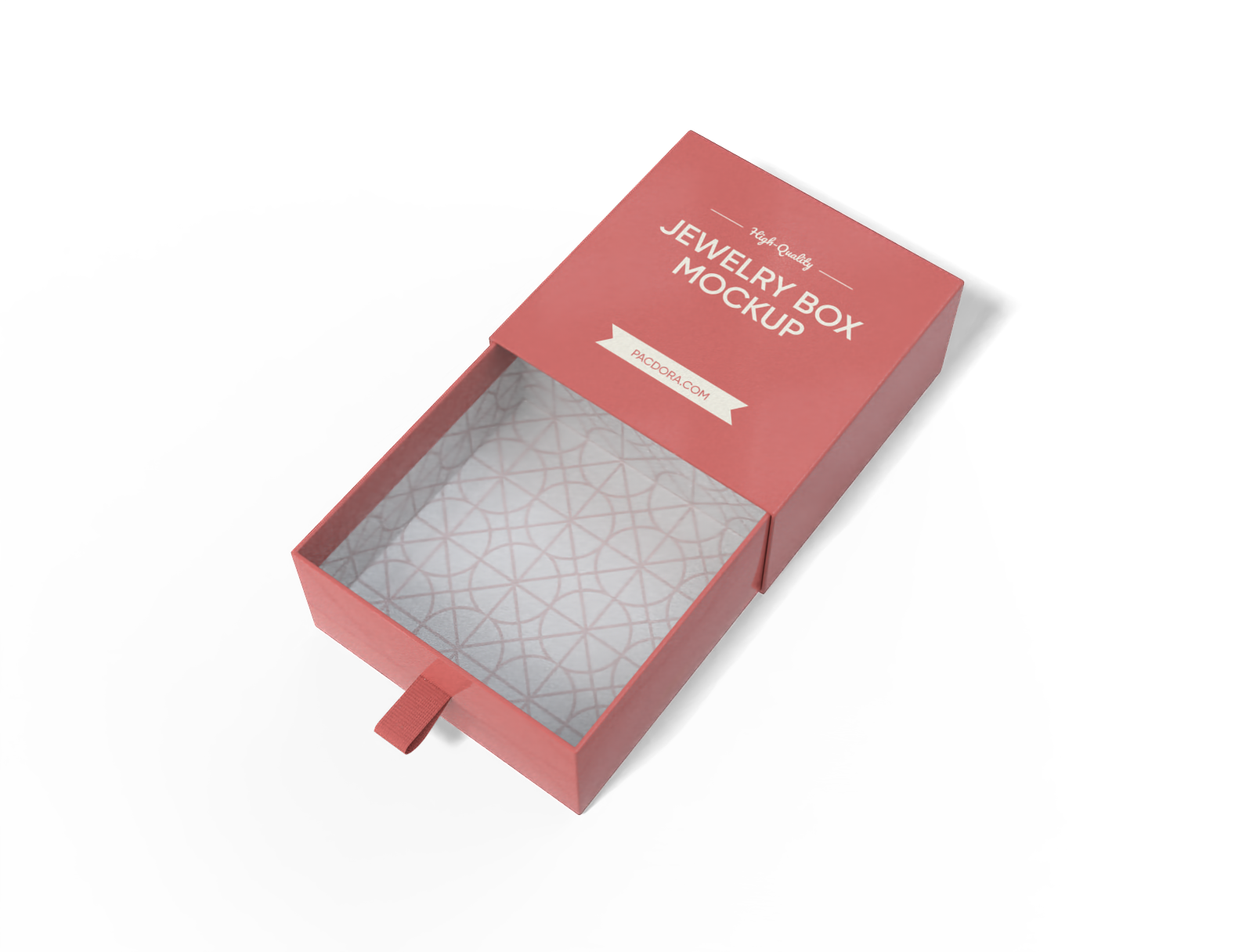
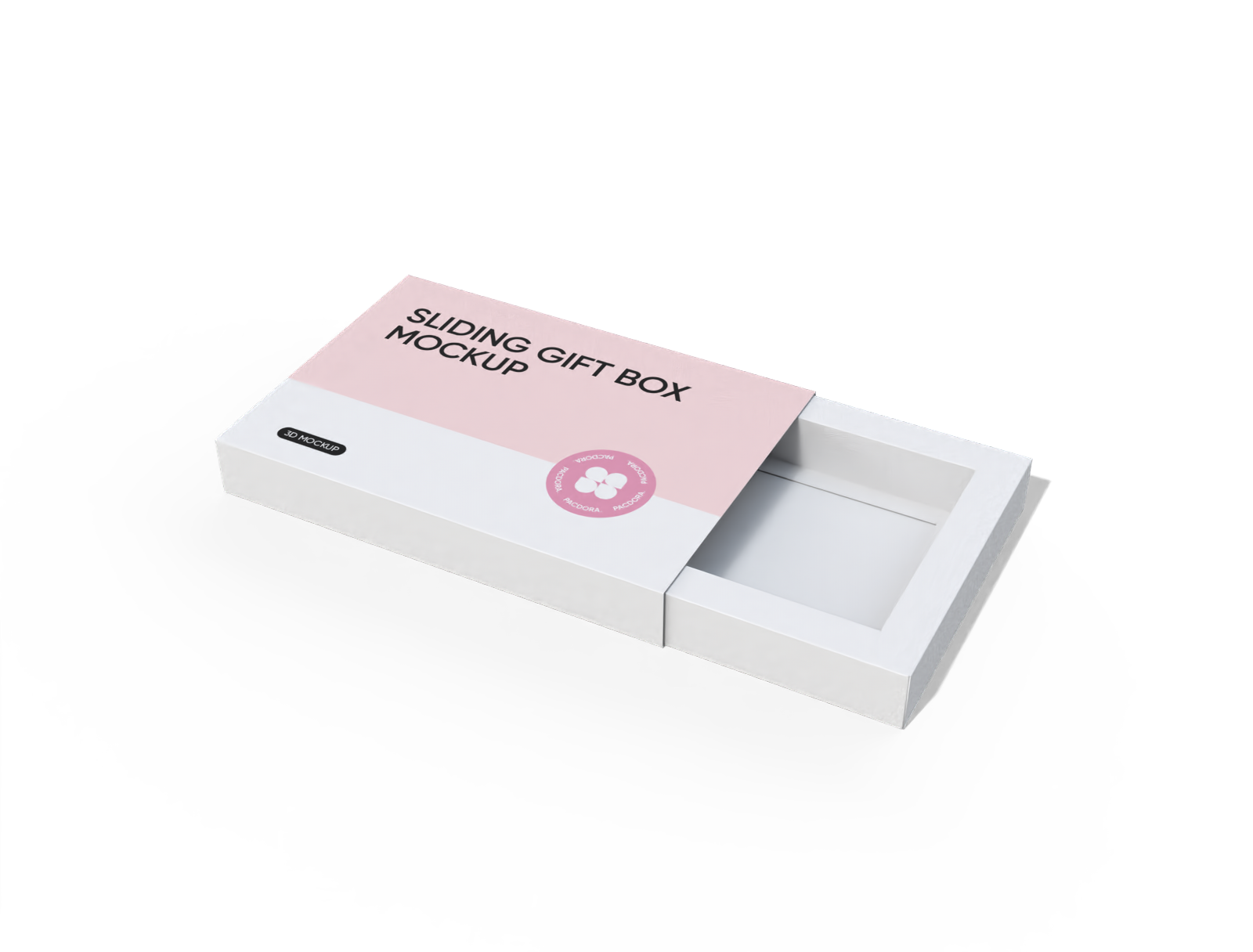
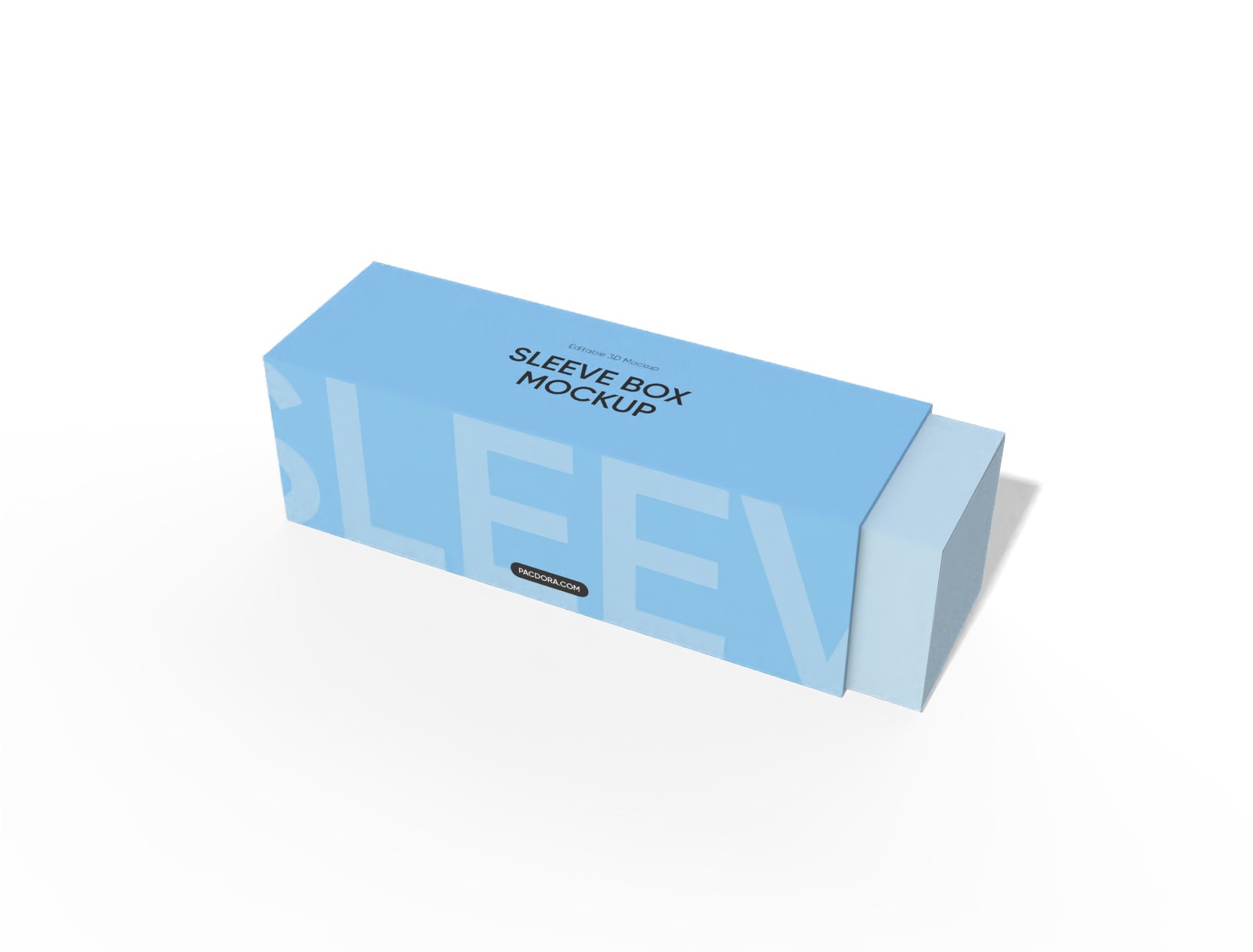
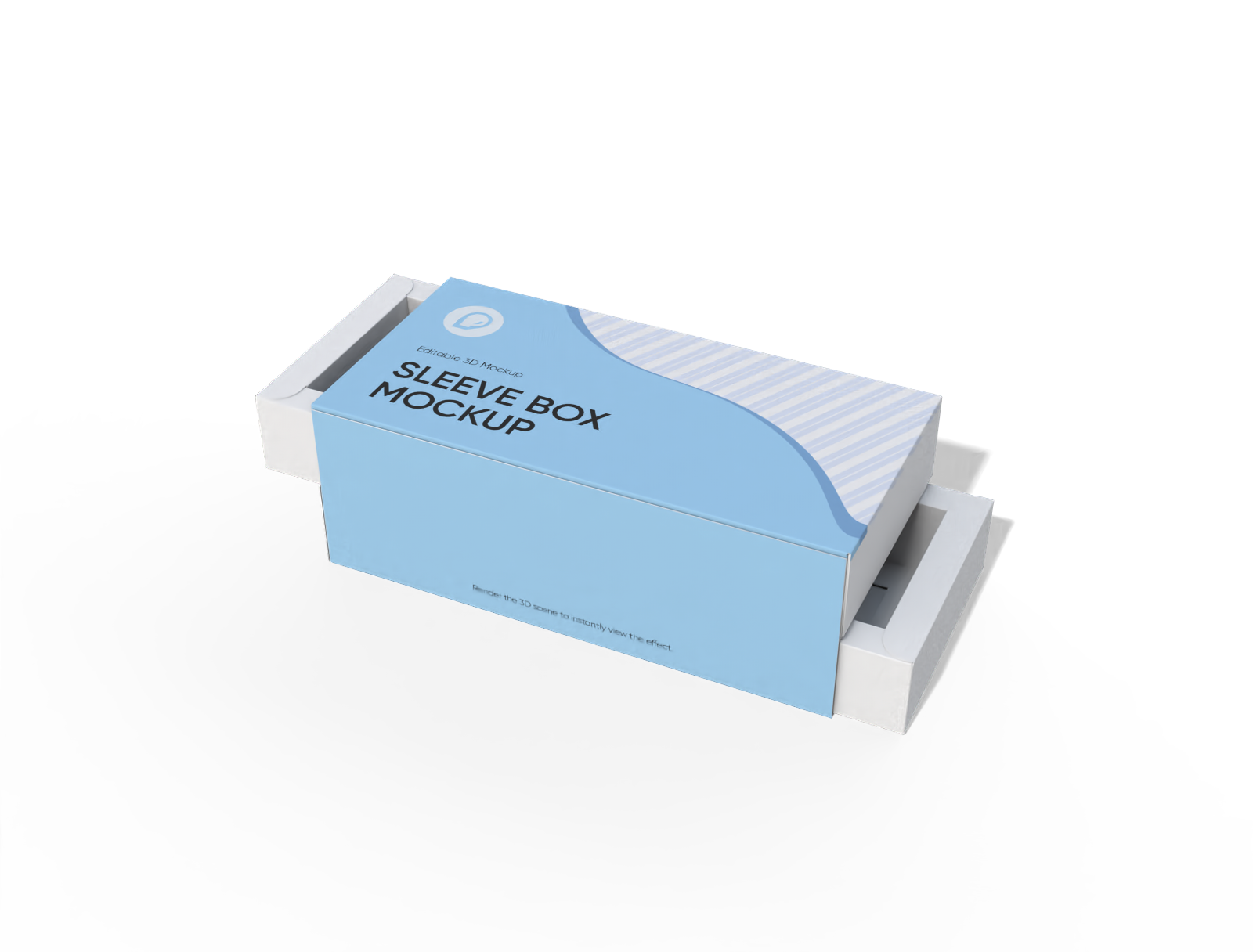
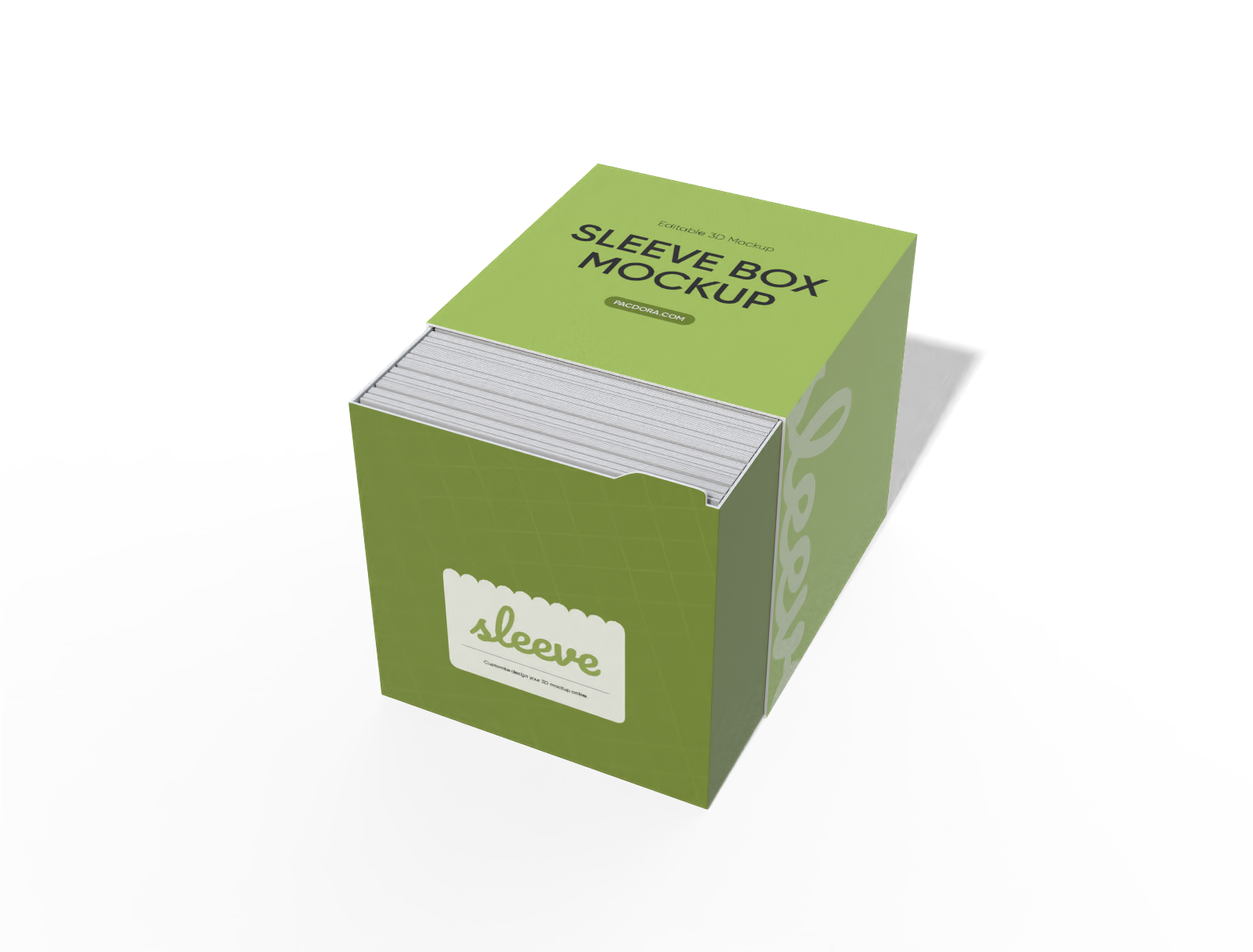
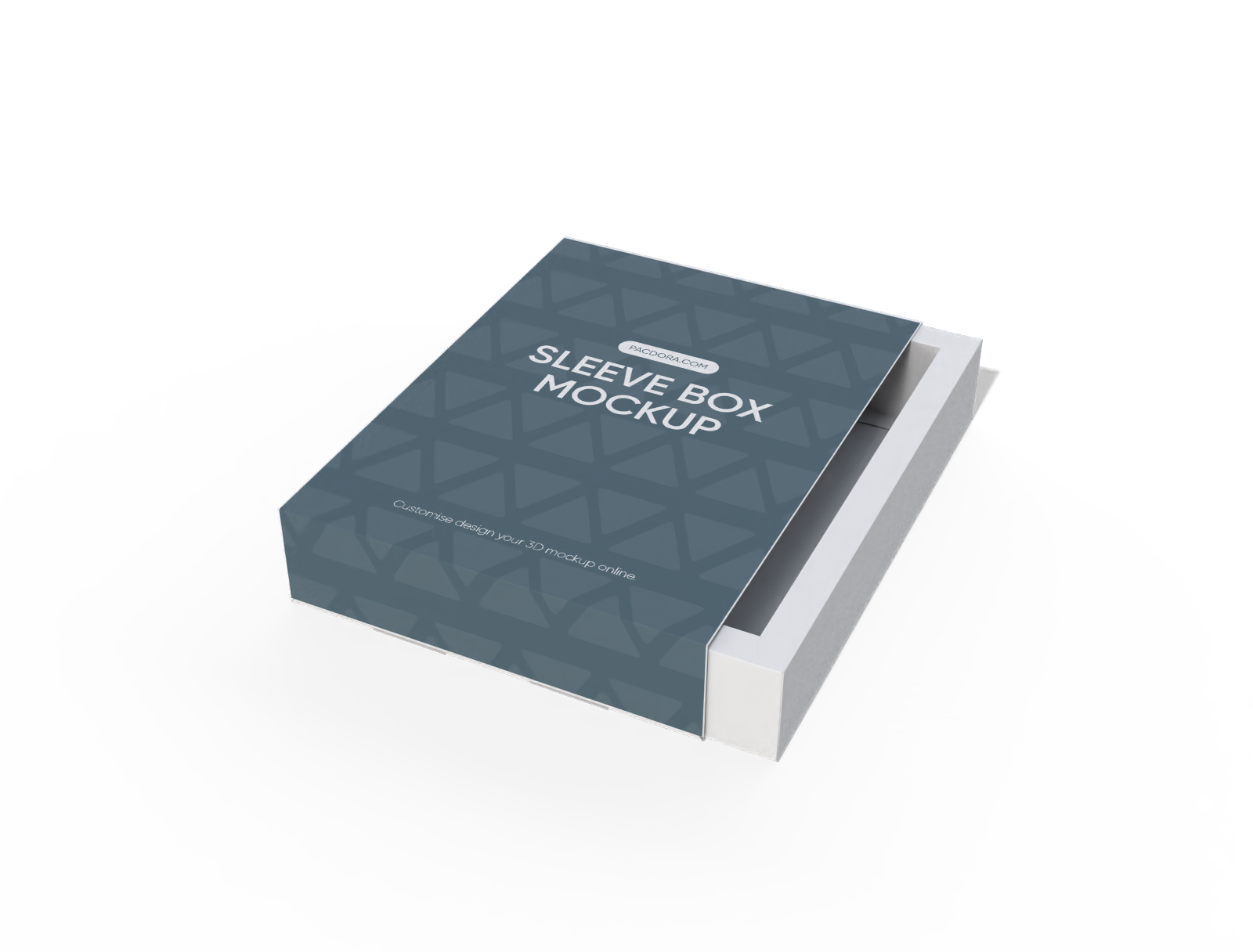
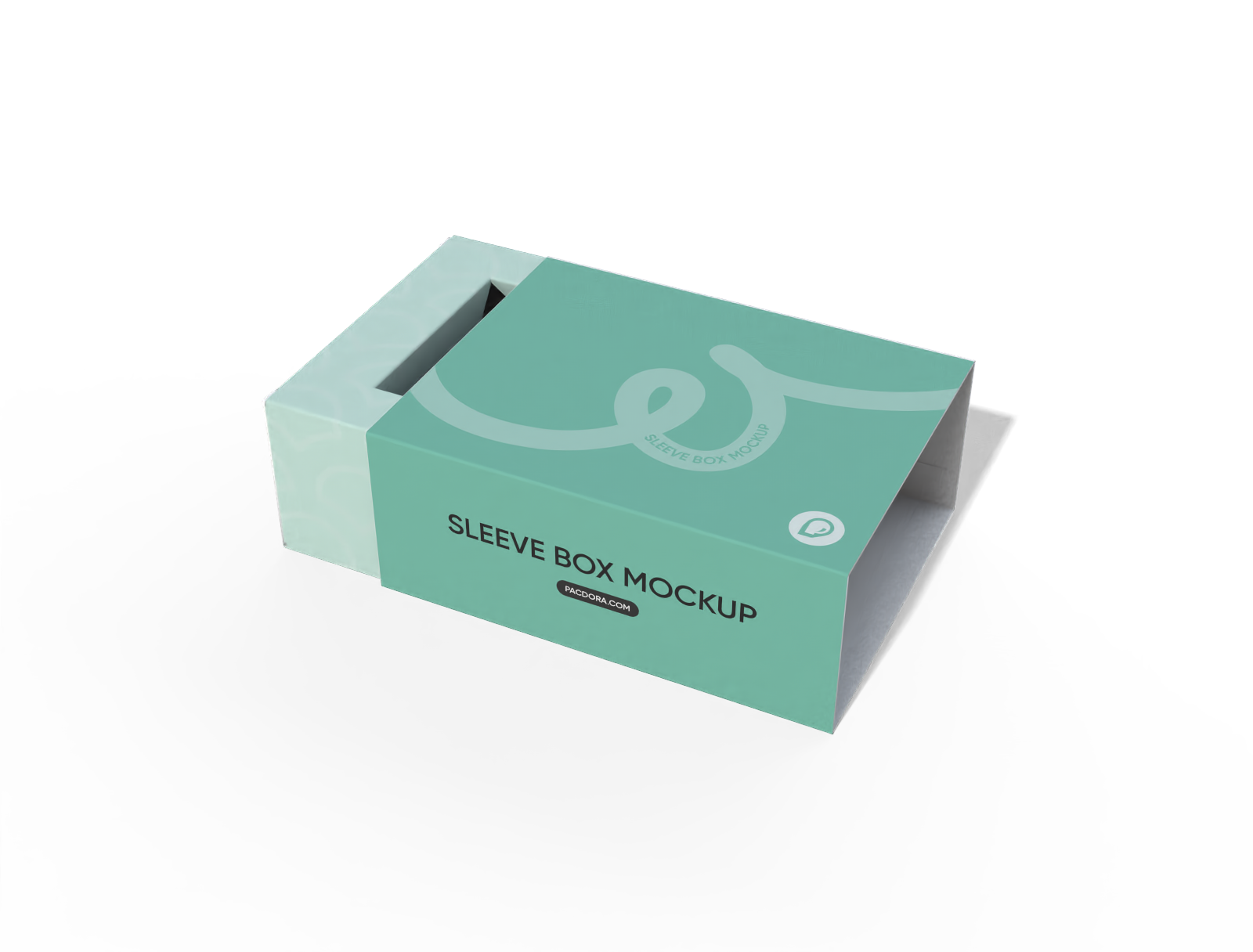
Pacdora presents an extensive range of 3D custom sleeve boxes for merchandise, like the triangle sleeve box mockup, sleeve food box mockup, and jewelry sleeve box mockup for items such as delicate jewelry, or high-end electronics. Upload your brand pattern, refine the colors to elevate your product's feel, and select an engaging presentation setting. Secure your finalized graphic as a crystal-clear PNG, a rotating MP4 clip, or a precise printable dieline file. Initiate your unique design project now!
How to create custom sleeve boxes online?
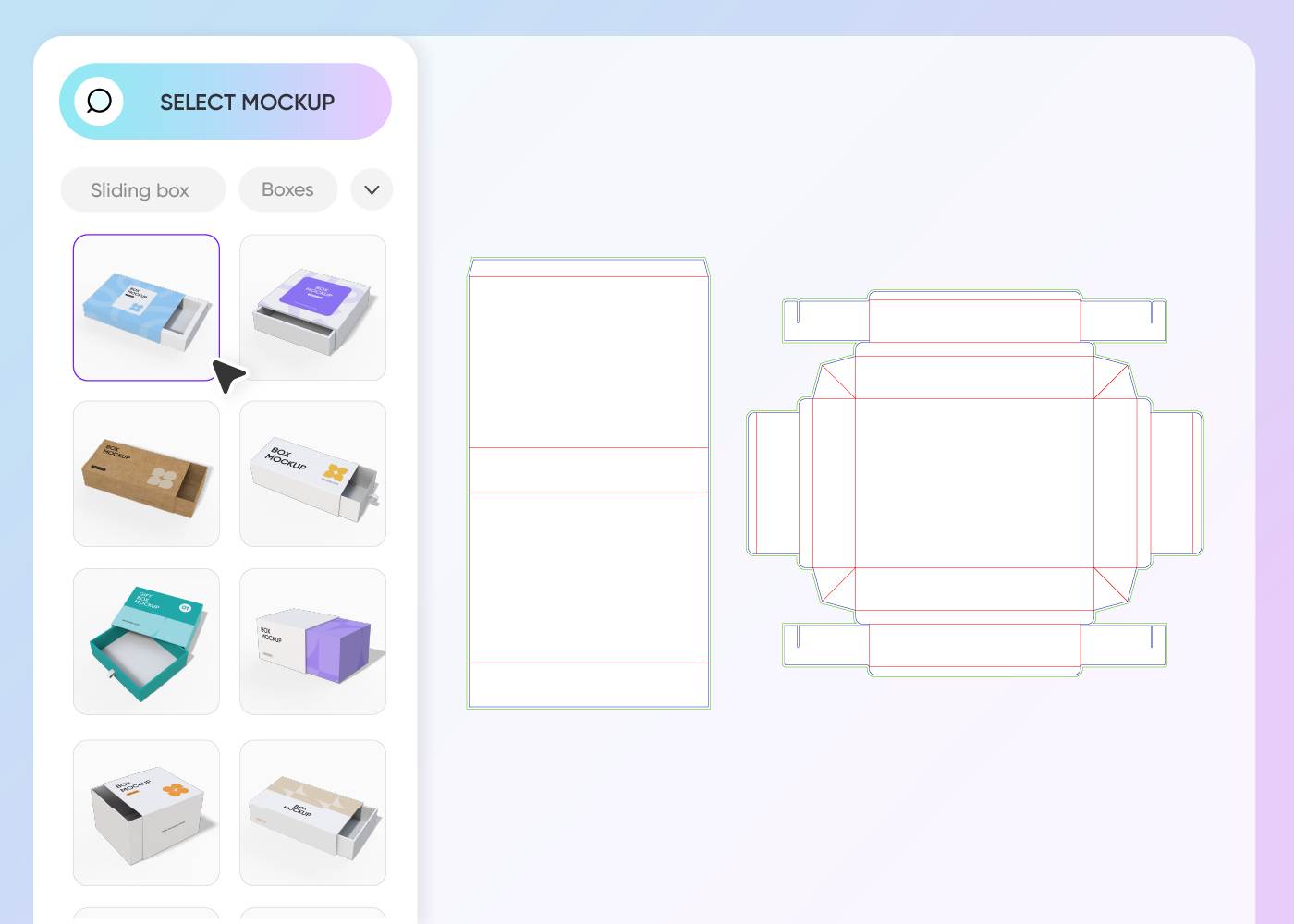

Step 1: Select the sleeve box structure
Select the foundational slide-out container that suits your product, such as a full sleeve for jewelry or a half-sleeve for confectionery.
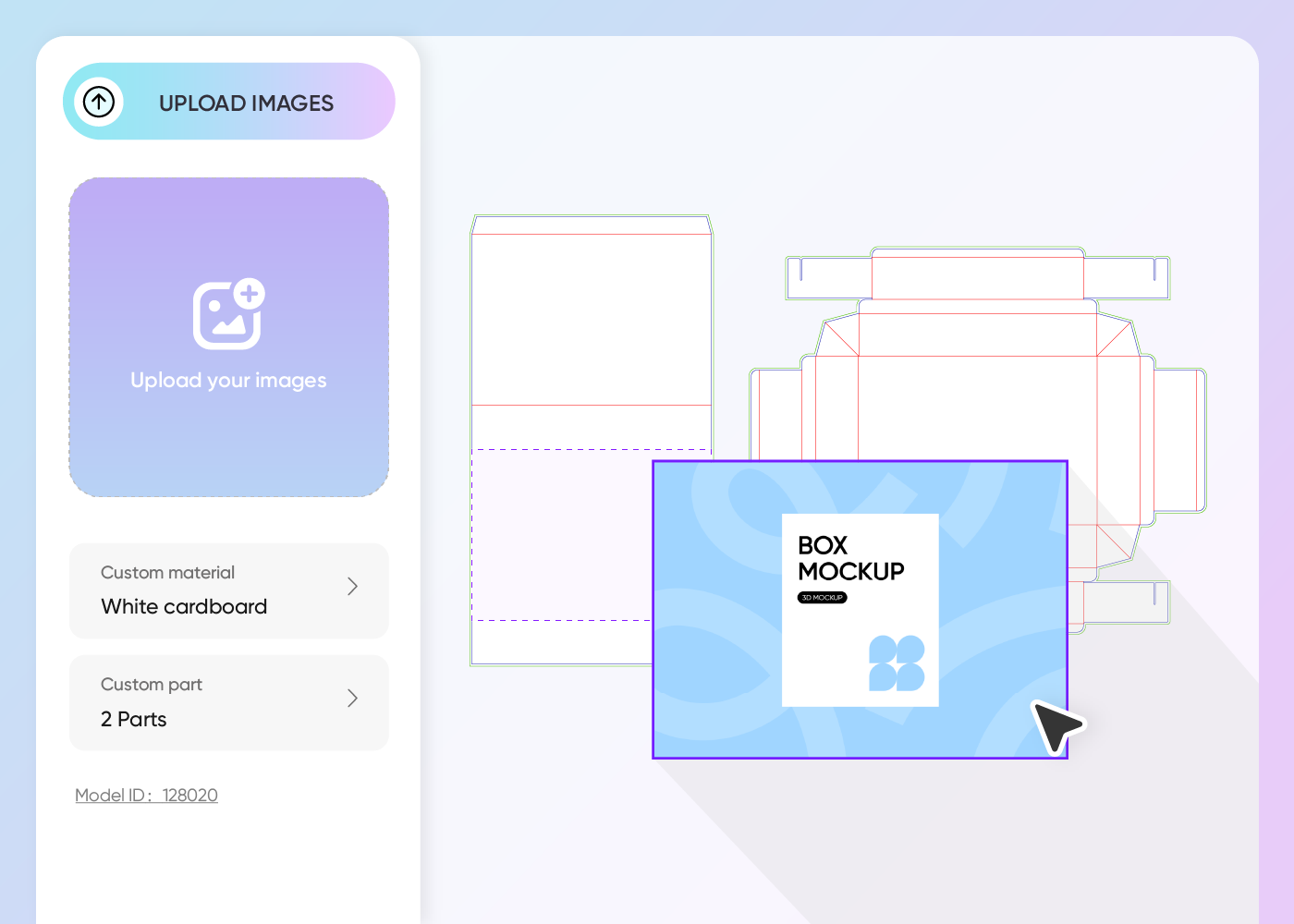

Step 2: Upload brand graphics and customize
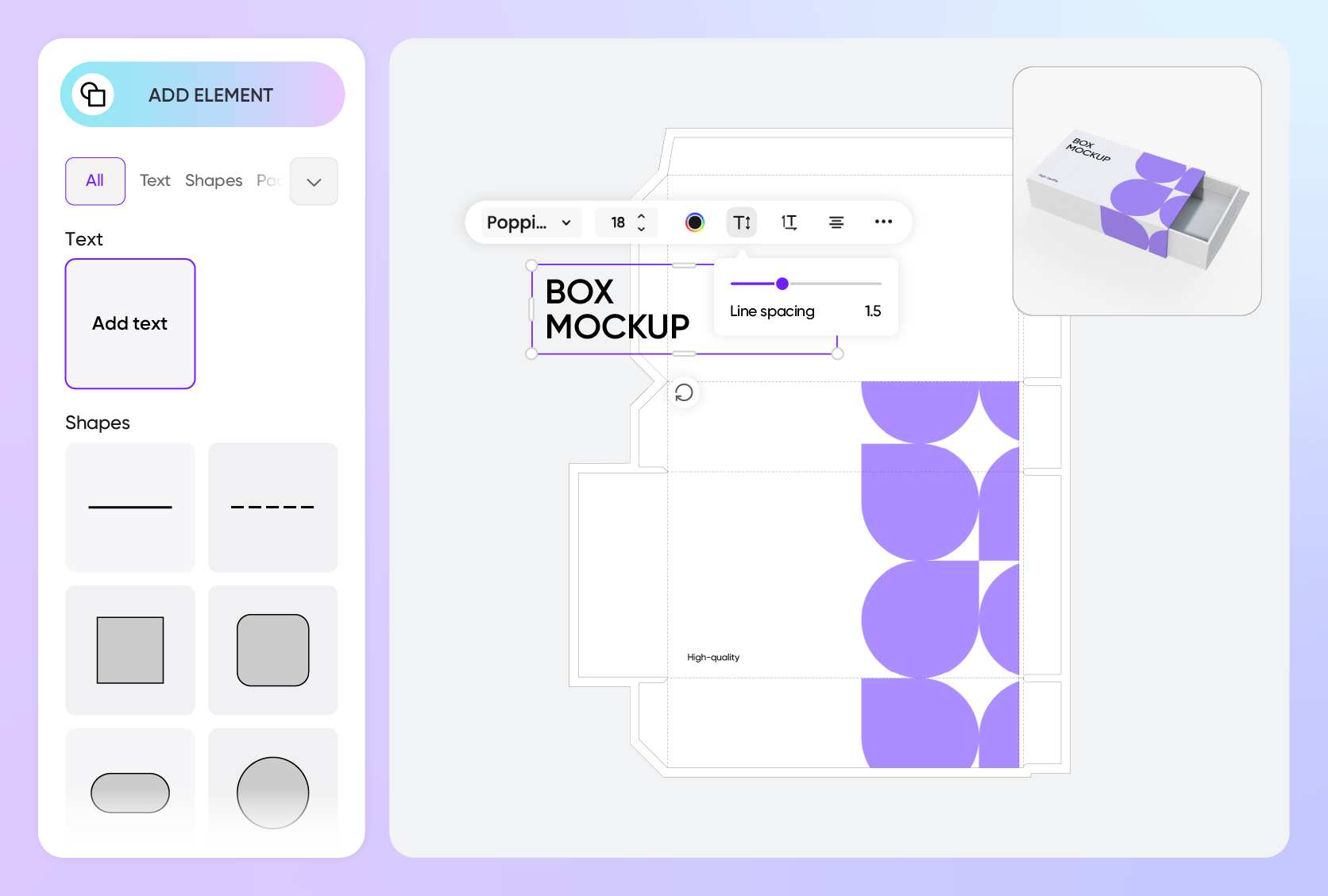
Incorporate all logos, product descriptors, and required regulatory marks. Adjust the background and color saturation for optimal visual impact.
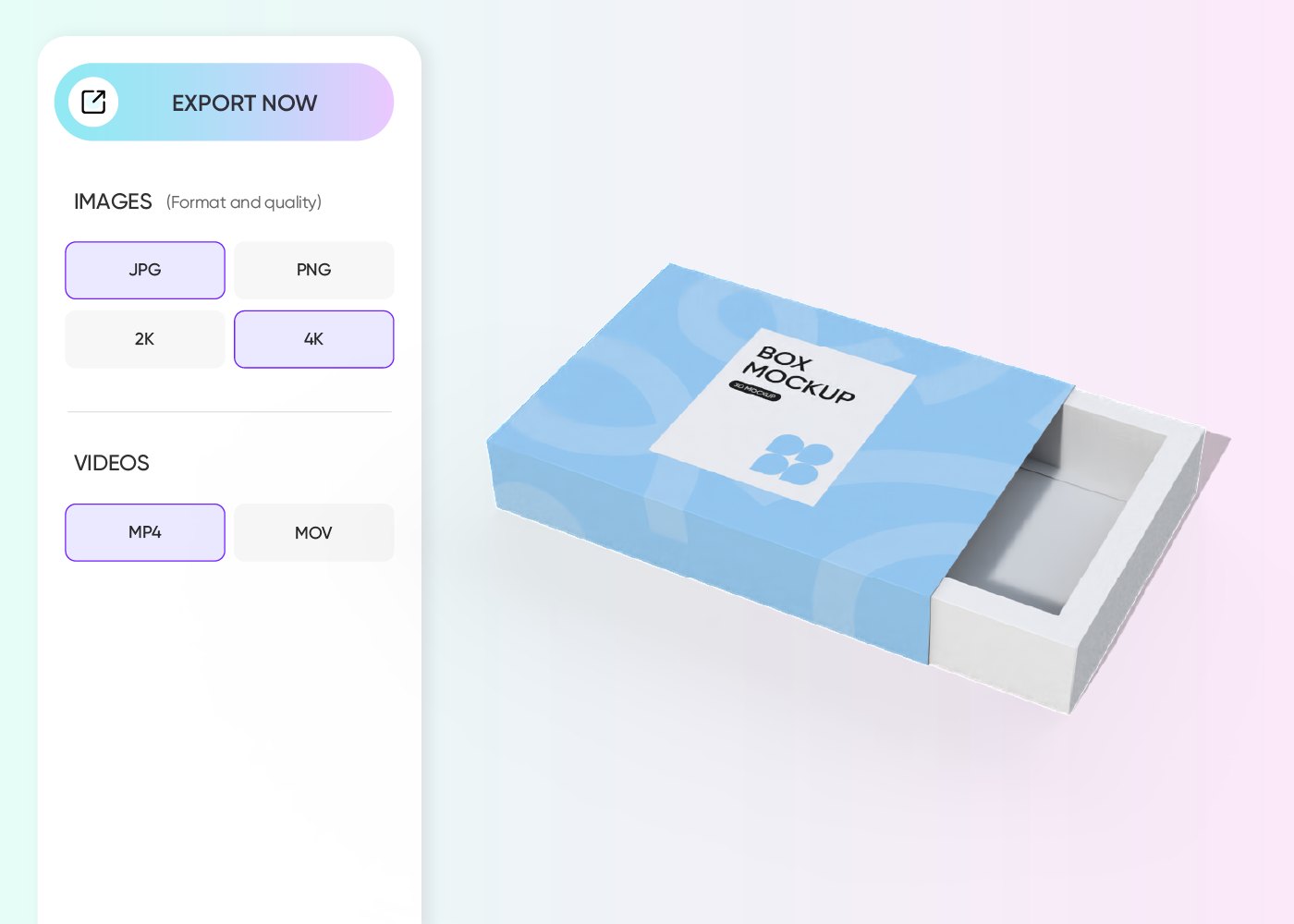

Step 3: Export your custom sleeve box visual
Secure your completed 3D design as a premium-quality JPG/PNG, a captivating looping video, or a dieline file for immediate manufacturing use.
Maximize your product reveal with custom sleeve boxes
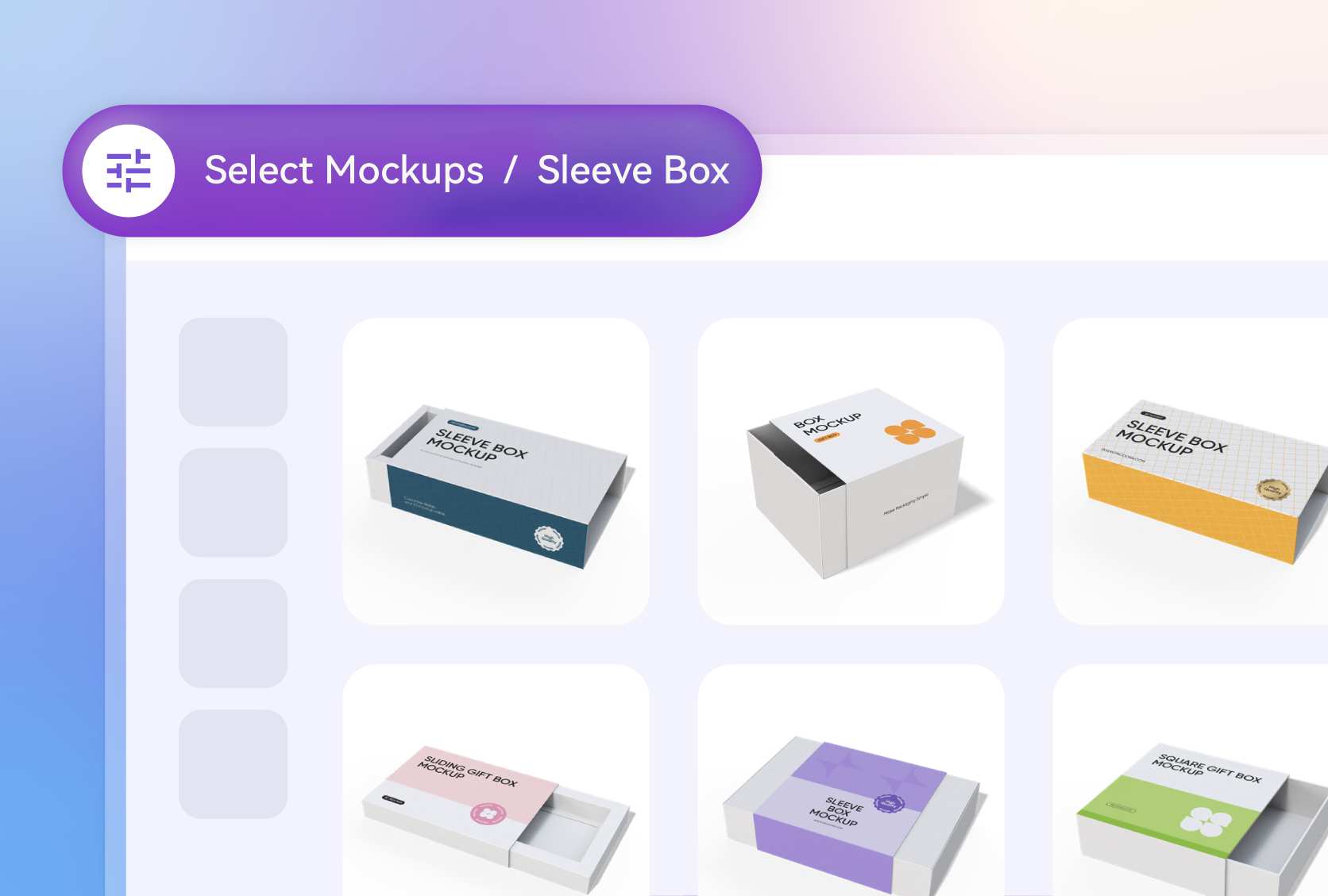
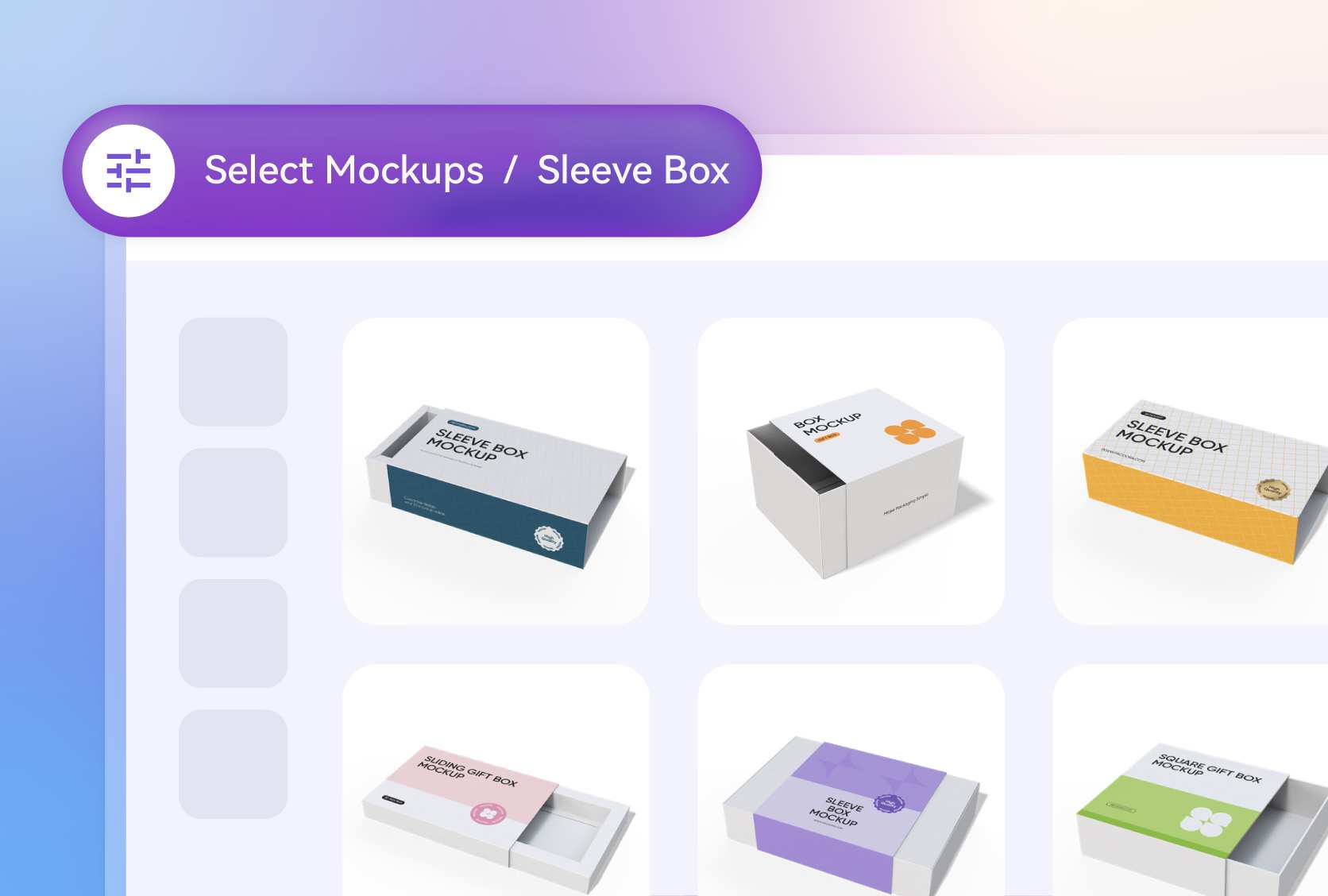
Discover unique custom sleeve box shapes
The architecture of the sleeve must align with the product's silhouette. The trapezoidal sleeve box offers a tapered, modern look for jewelry or specialized parts.
For something eye-catching at a bakery counter, the triangle food sleeve box offers a stable base for single-serve pastries or specialized chocolate bars.
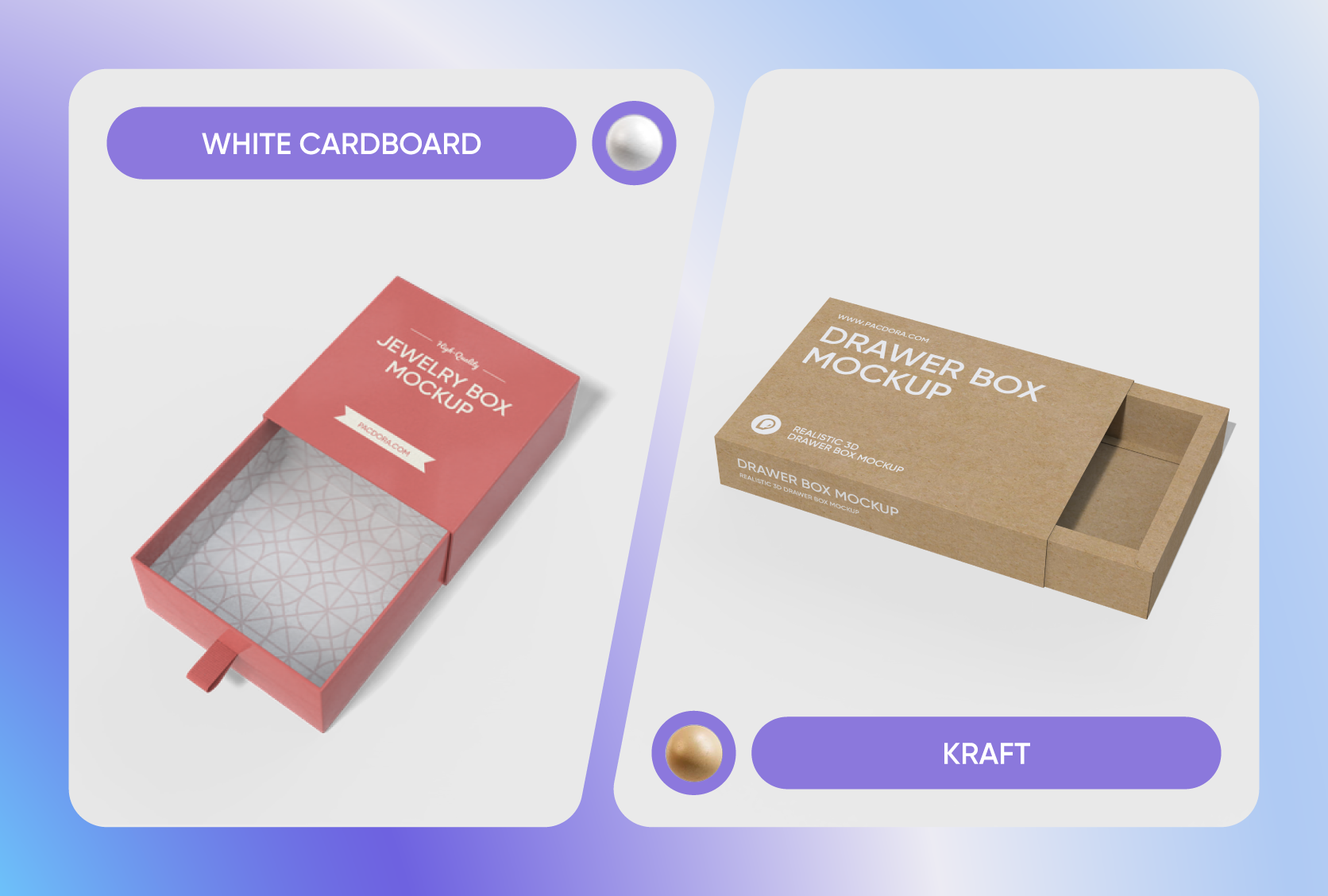
Select premium sleeve box materials carefully
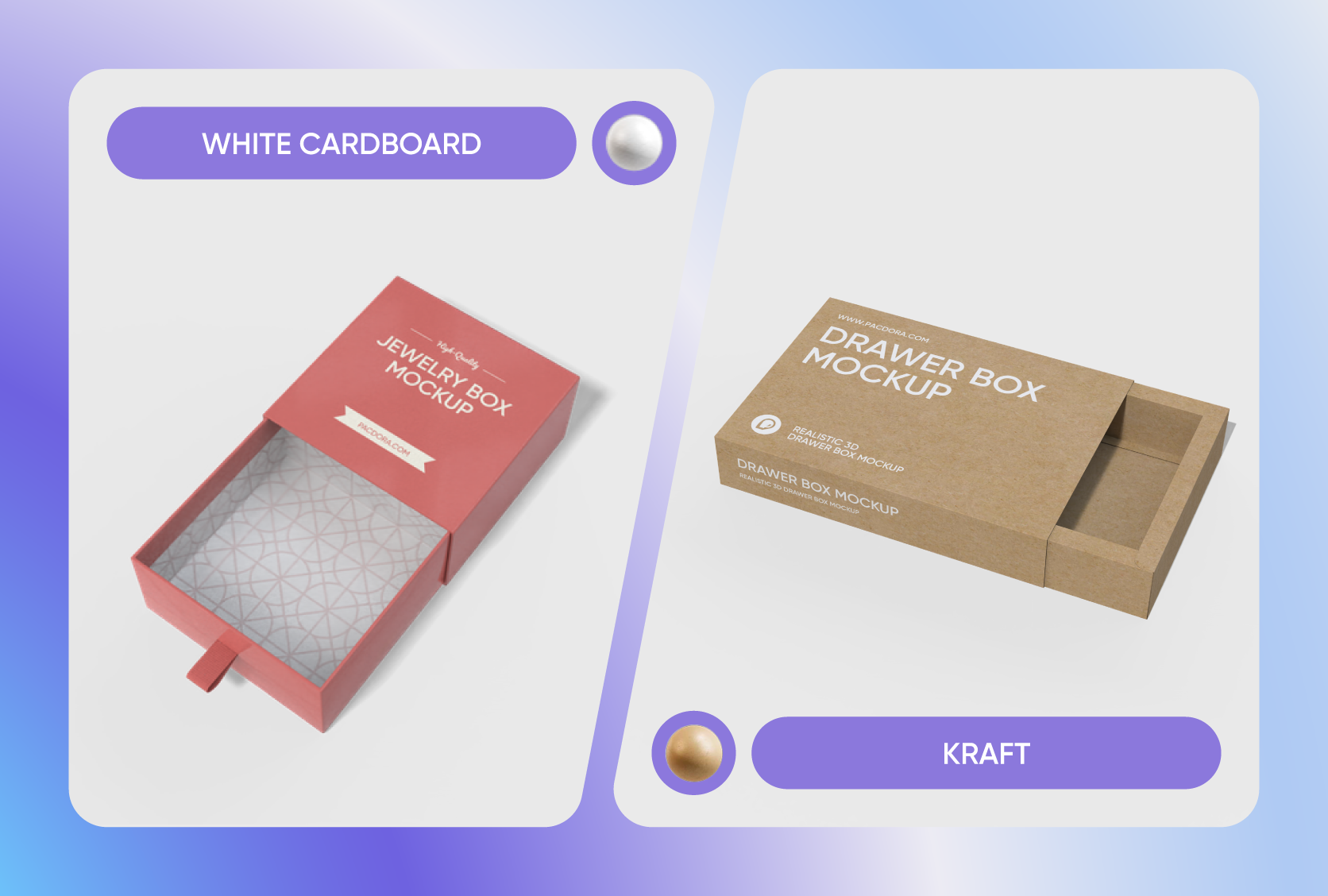
The chosen substrate conveys the perceived quality. White cardboard gives a smooth, bright canvas ideal for vibrant, photographic prints on cosmetic sets.
For items needing strength, such as bottle multipacks or heavy ceramics, choosing a sturdy flute material ensures maximum transport safety and rigidity.
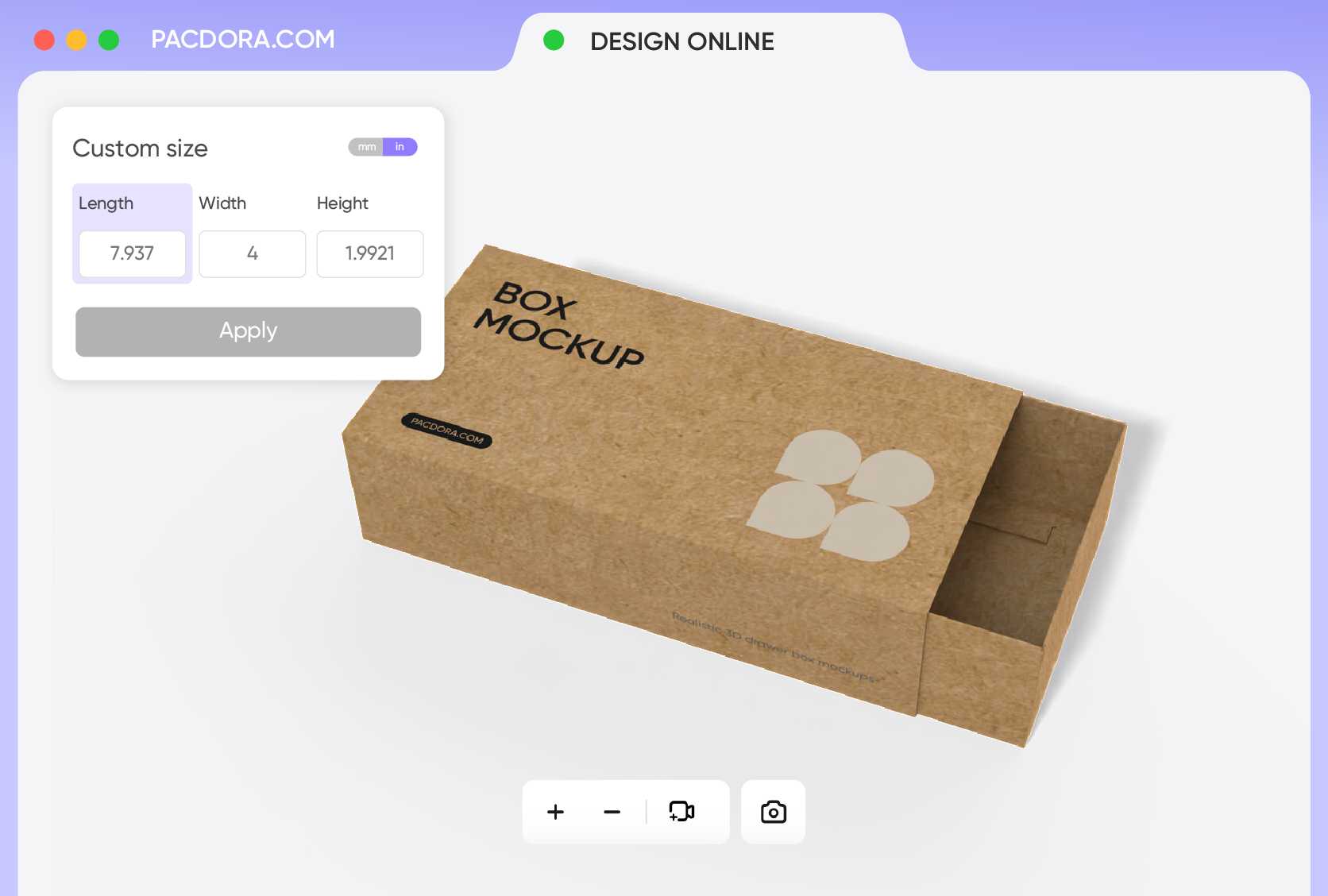
Choose precise dimensions for product fit
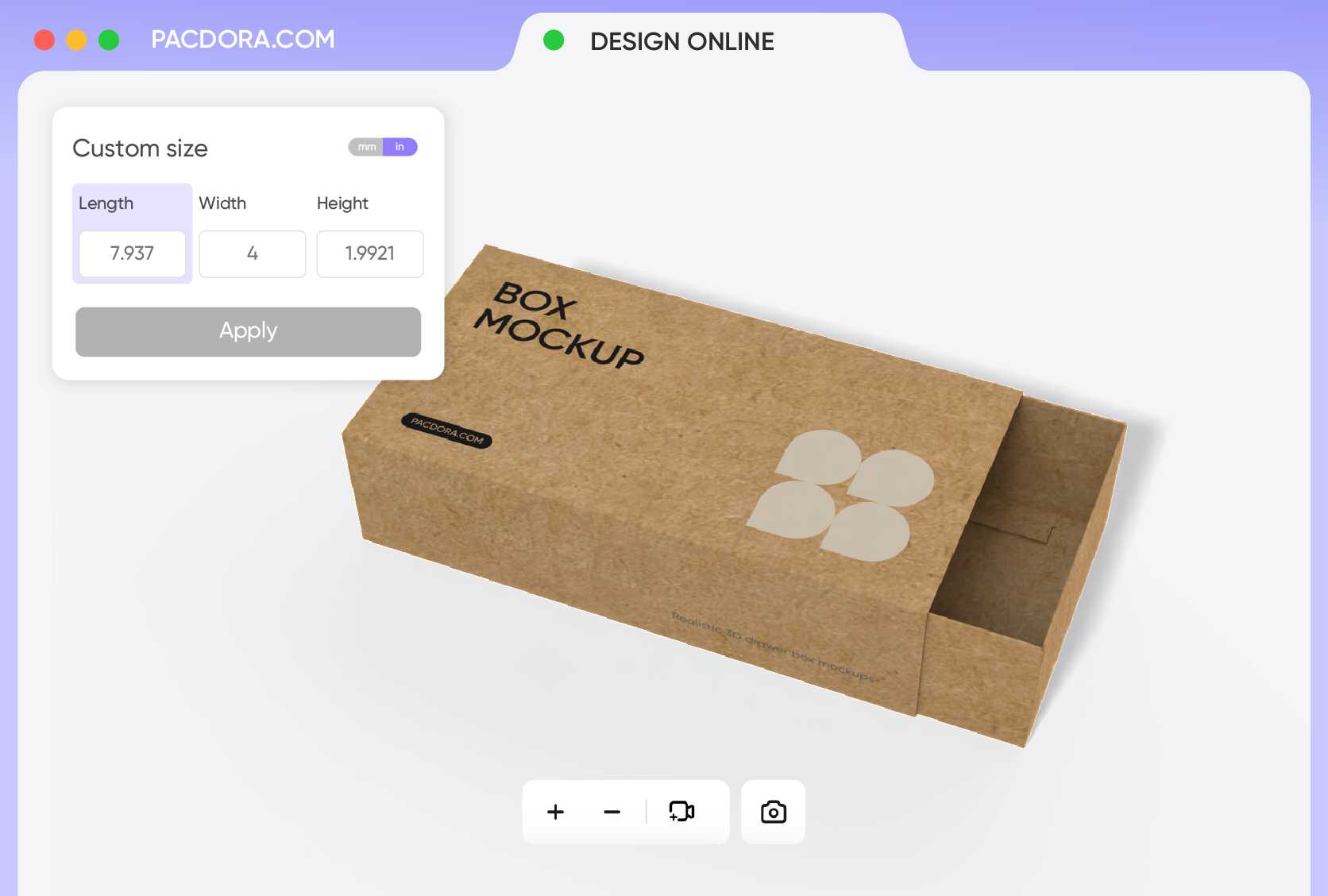
Optimal size guarantees a snug fit, which is crucial for perceived luxury. The compact 7.2 × 4.1 × 1.7 inches format snugly secures small electronics accessories or delicate perfume vials.
The more elongated 5.9 × 2.3 × 7.9 inches size is excellent for electronic chargers, sets of trading cards, or small apparel items.
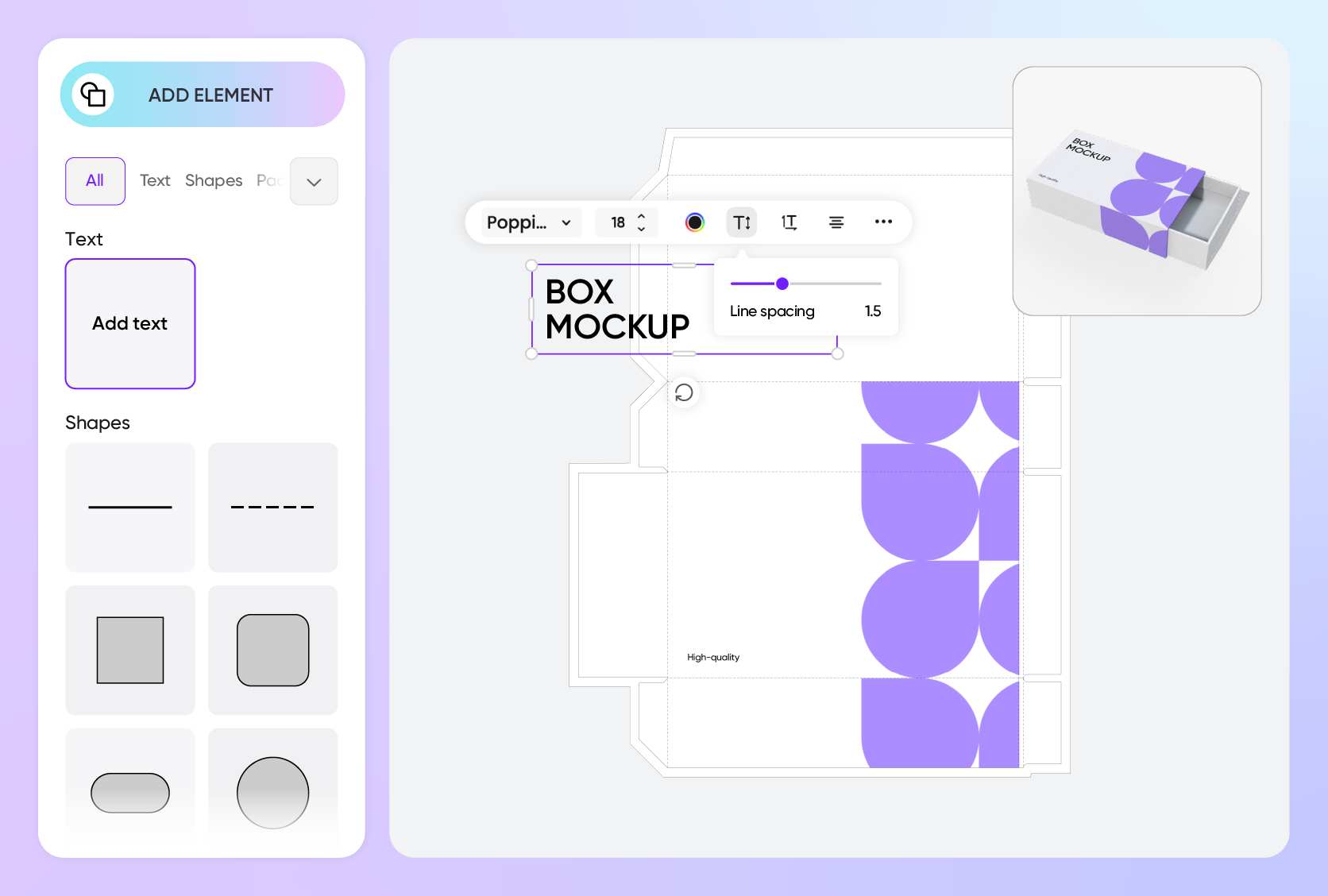
Upload designs that attract customers
Imagery directly connects with your intended buyer. Uploading a minimalist, crisp geometric pattern conveys exclusivity, craftsmanship, and emotional depth, suitable for luxury watch straps.
A playful, hand-drawn vector of coffee beans and steaming cups attracts casual, daily consumers of coffee pods or breakfast bars.
Discover unique custom sleeve box shapes
The architecture of the sleeve must align with the product's silhouette. The trapezoidal sleeve box offers a tapered, modern look for jewelry or specialized parts.
For something eye-catching at a bakery counter, the triangle food sleeve box offers a stable base for single-serve pastries or specialized chocolate bars.
Select premium sleeve box materials carefully
The chosen substrate conveys the perceived quality. White cardboard gives a smooth, bright canvas ideal for vibrant, photographic prints on cosmetic sets.
For items needing strength, such as bottle multipacks or heavy ceramics, choosing a sturdy flute material ensures maximum transport safety and rigidity.
Choose precise dimensions for product fit
Optimal size guarantees a snug fit, which is crucial for perceived luxury. The compact 7.2 × 4.1 × 1.7 inches format snugly secures small electronics accessories or delicate perfume vials.
The more elongated 5.9 × 2.3 × 7.9 inches size is excellent for electronic chargers, sets of trading cards, or small apparel items.
Upload designs that attract customers
Imagery directly connects with your intended buyer. Uploading a minimalist, crisp geometric pattern conveys exclusivity, craftsmanship, and emotional depth, suitable for luxury watch straps.
A playful, hand-drawn vector of coffee beans and steaming cups attracts casual, daily consumers of coffee pods or breakfast bars.
Our customers love Pacdora’s mockup tools
Thousands before you have designed realistic mockups with Pacdora and loved it.

Great mock-ups and literally thousands of packaging designs to choose from. The 3d mock-up is so good, helps bring clarity to the client as well as the designers. Great product for packaging design professionals.


cosmiccorner
Move over, complicated design software! Pacdora is the superhero of packaging mockups. Creating 3D magic for my products is as easy as pie – no PhD in design required. It’s like the software looked at the clock and said, ‘Time to save users from design nightmares!’ It’s so user-friendly, even my coffee mug wants to try its hand at packaging design.
FAQ
What is the benefit of using a custom sleeve box for my product?
A custom sleeve box inherently provides a superior, engaging unboxing experience compared to standard tuck-end boxes. The sliding motion introduces an element of drama and anticipation. This format suggests premium value, making it perfect for luxury items like fine jewelry or artisanal soaps. The sleeve and the tray also offer two separate surfaces, doubling the area available for creative and informative branding.
Is it possible to design the inner tray and outer sleeve separately?
Absolutely. Pacdora’s interface allows you to treat the inner tray and outer sleeve of your custom sleeve boxes as independent design elements. You can select the inner tray to apply a simple texture or a bold internal color, while reserving the outer sleeve for your primary high-impact branding, logos, and product information. This provides a striking visual contrast upon opening.
Can the AI generator enhance my custom sleeve box design?
Yes! Pacdora’s AI background generator allows you to instantly visualize your custom sleeve boxes in a hyper-realistic commercial setting. For example, you can generate a 'rustic kitchen counter' for food-related sleeves or a 'sleek museum pedestal' for luxury items. This ensures you confirm how the packaging looks in a real-world context, helping you make essential adjustments to color and branding before production for maximum shelf impact.
Can I download a printable dieline file from Pacdora?
Yes. Pacdora provides the printable dieline file as a standard export option directly from your finalized 3D design. This file is essential because it provides your manufacturer with the precise cutting and creasing lines for production. Having the dieline ensures that the physical dimensions and score lines exactly match the virtual mockup you approved, minimizing costly pre-press errors.
Can I design custom sleeve boxes on Pacdora for free?
Yes, you can use Pacdora's fundamental tools to design your custom sleeve boxes in 3D at no initial cost. However, premium features may require a subscription. Check the pricing page for the latest options and expanded capabilities.
Explore more mockup tools
Discover more about Pacdora


