

AI beer packaging design
Describe the beer style, flavor notes, and brand mood — Pacdora drafts bottle or can packaging.
Trusted by leading companies


Beer packaging design that makes the style clear before the first sip
Craft beer shoppers do not study every label in the fridge. They scan for beer style, flavor cue, brewery name, ABV, and a reason to pick up this bottle or can.
With Pacdora, you can turn that brief into beer bottle or beer can artwork, preview the packaging in 3D, and prepare launch visuals before the first printed sample.
Why choose Pacdora AI for your beer packaging?
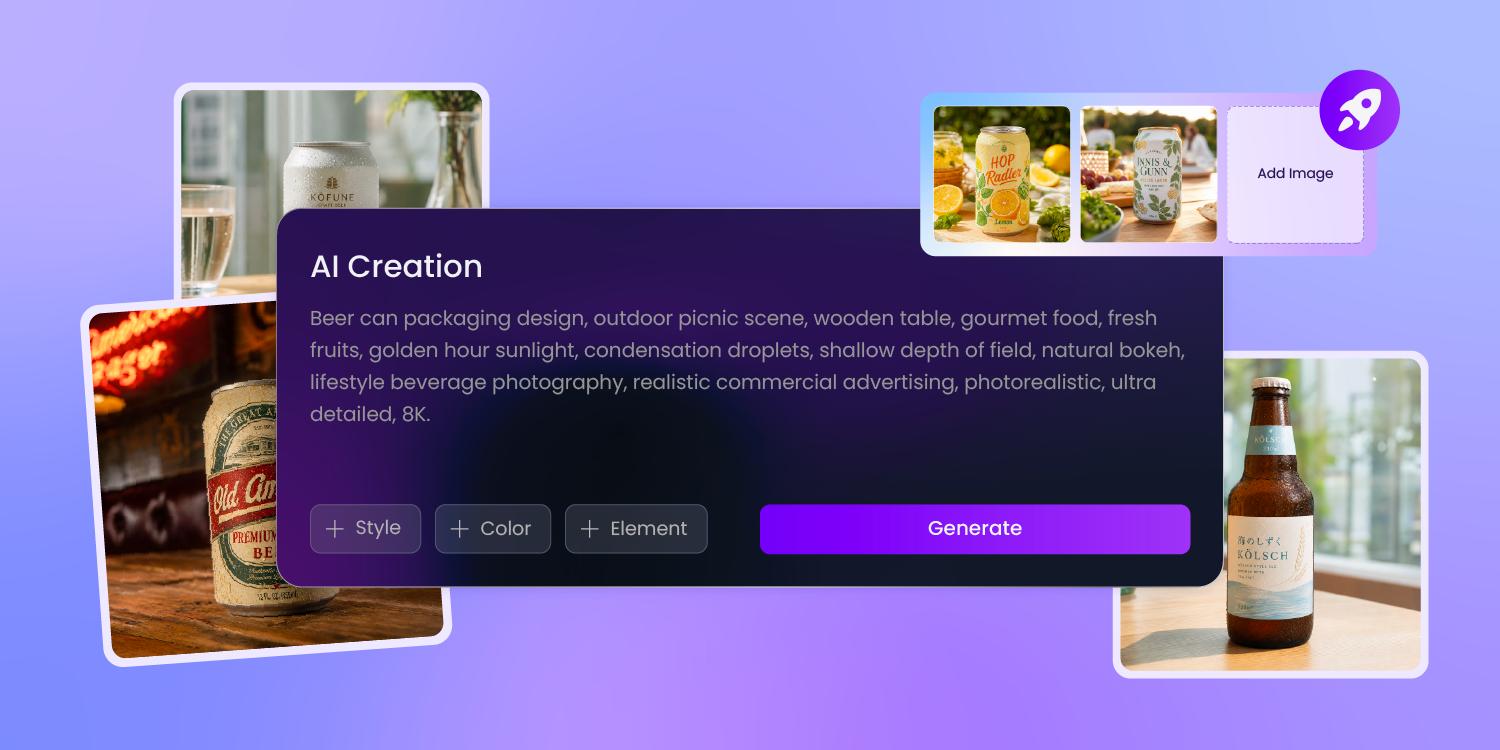
The beer style should read before the artwork explains itself
A hazy IPA, lager, stout, or sour each needs a different shelf signal.
Give us the style, tasting notes, and brand attitude, and Pacdora explores label directions that put the right cue in front instead of leaving you with a pretty but unclear illustration.
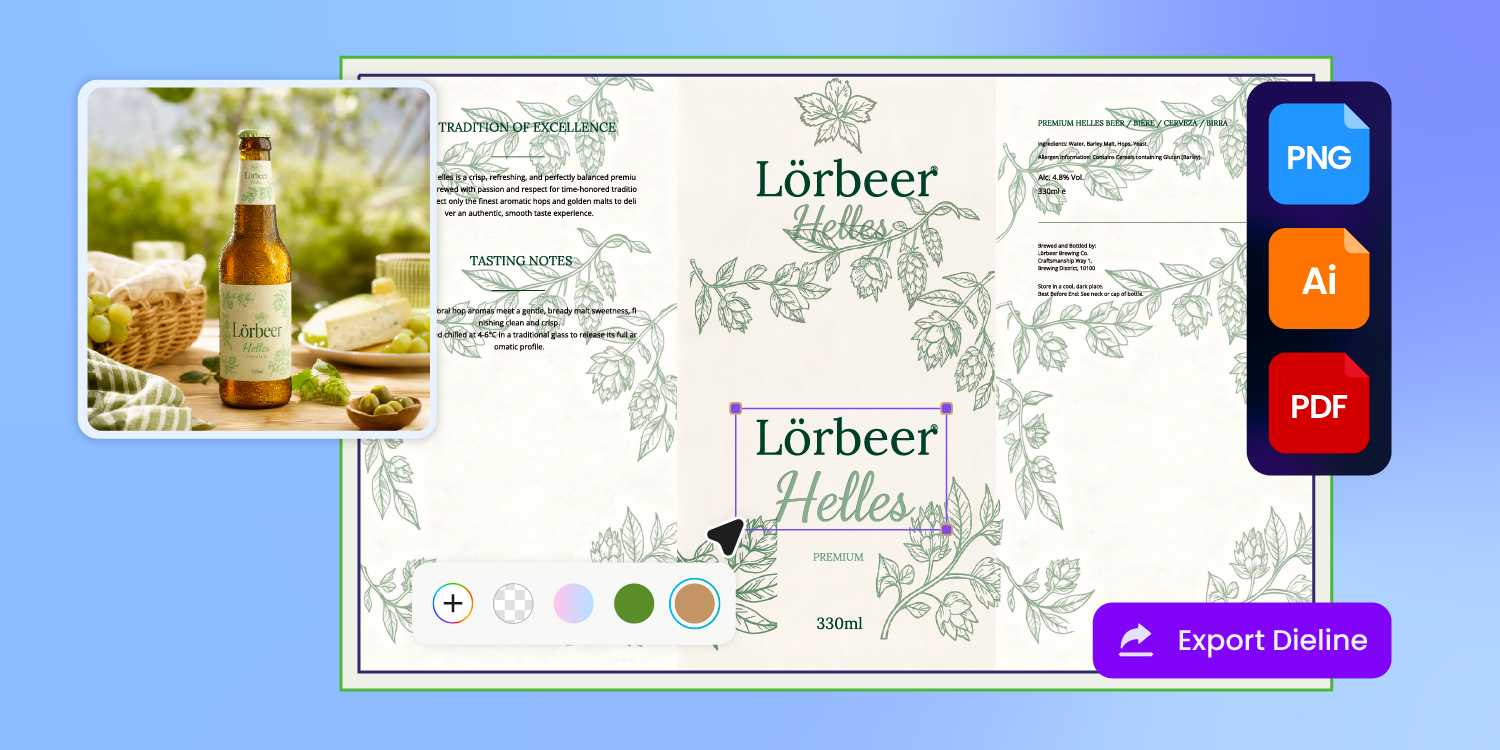
Required copy needs space before the label gets busy
Beer labels carry more than a name and illustration: style, ABV, net contents, brewery information, UPC, and warning copy may all need a place before review.
We build the design around clear zones, so the bottle or can label still feels branded after those details are added.
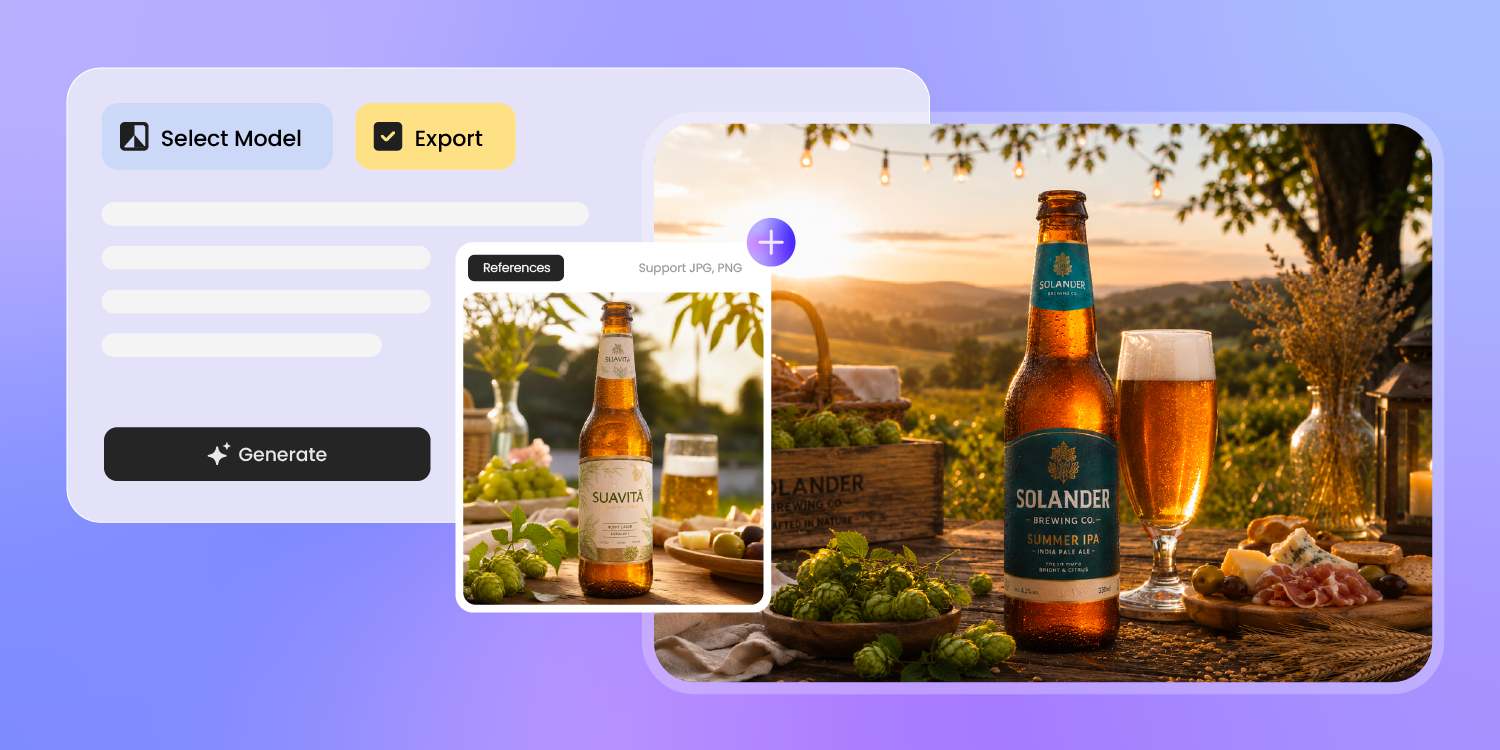
A reference should guide the next release, not trap it
When a brewery already has a flagship label, a seasonal release should not feel like a different brand.
Upload a reference image or describe the existing visual voice, and our AI can create a new bottle or can direction that stays in the same brand world without copying it detail for detail.
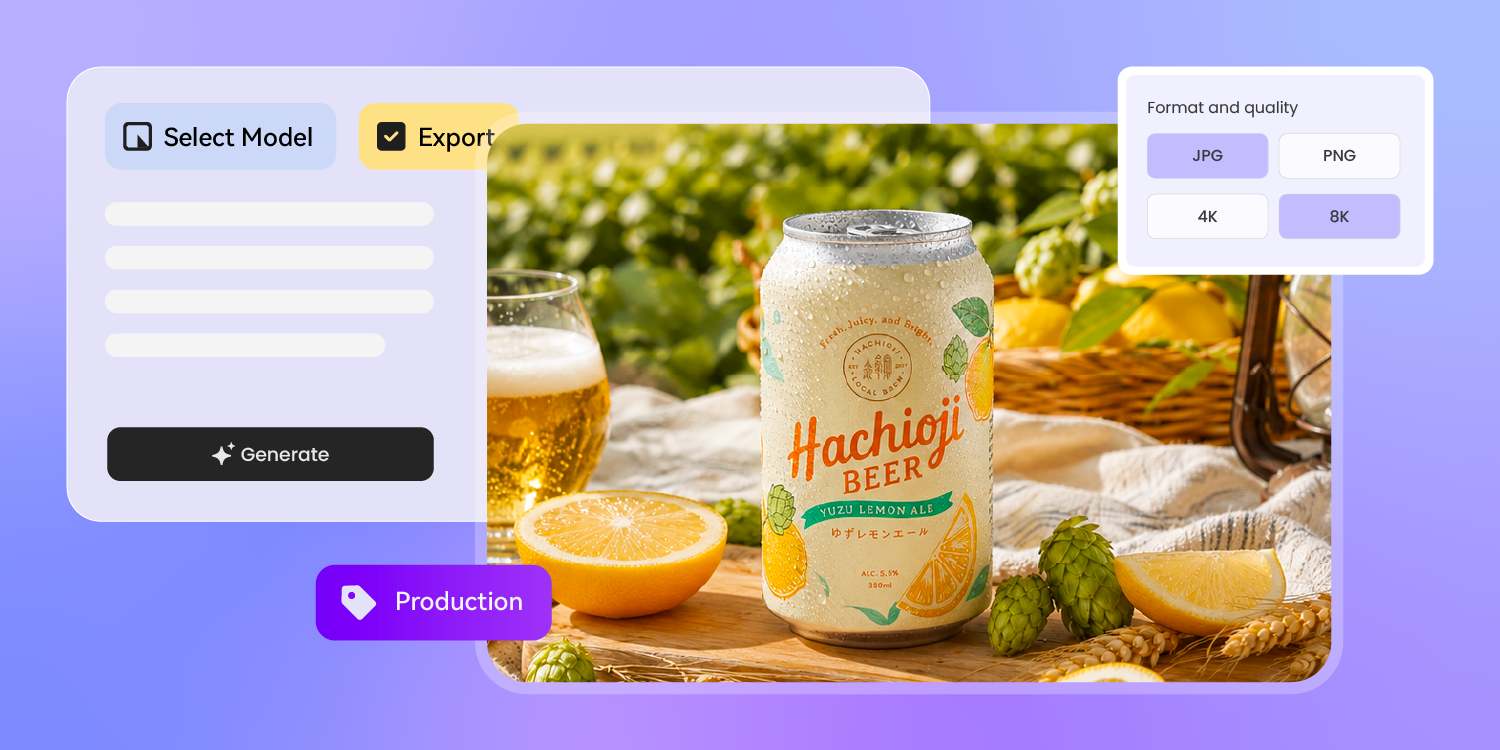
The cold-case check should happen before the proof
Flat artwork can hide scale problems: the beer name reads on screen, then disappears on a curved can or small bottle neck label.
Our 3D preview lets you inspect the packaging shape, front-panel hierarchy, and finish before you order samples, then use the same approved design for product images or launch videos.
How to design beer packaging with AI?
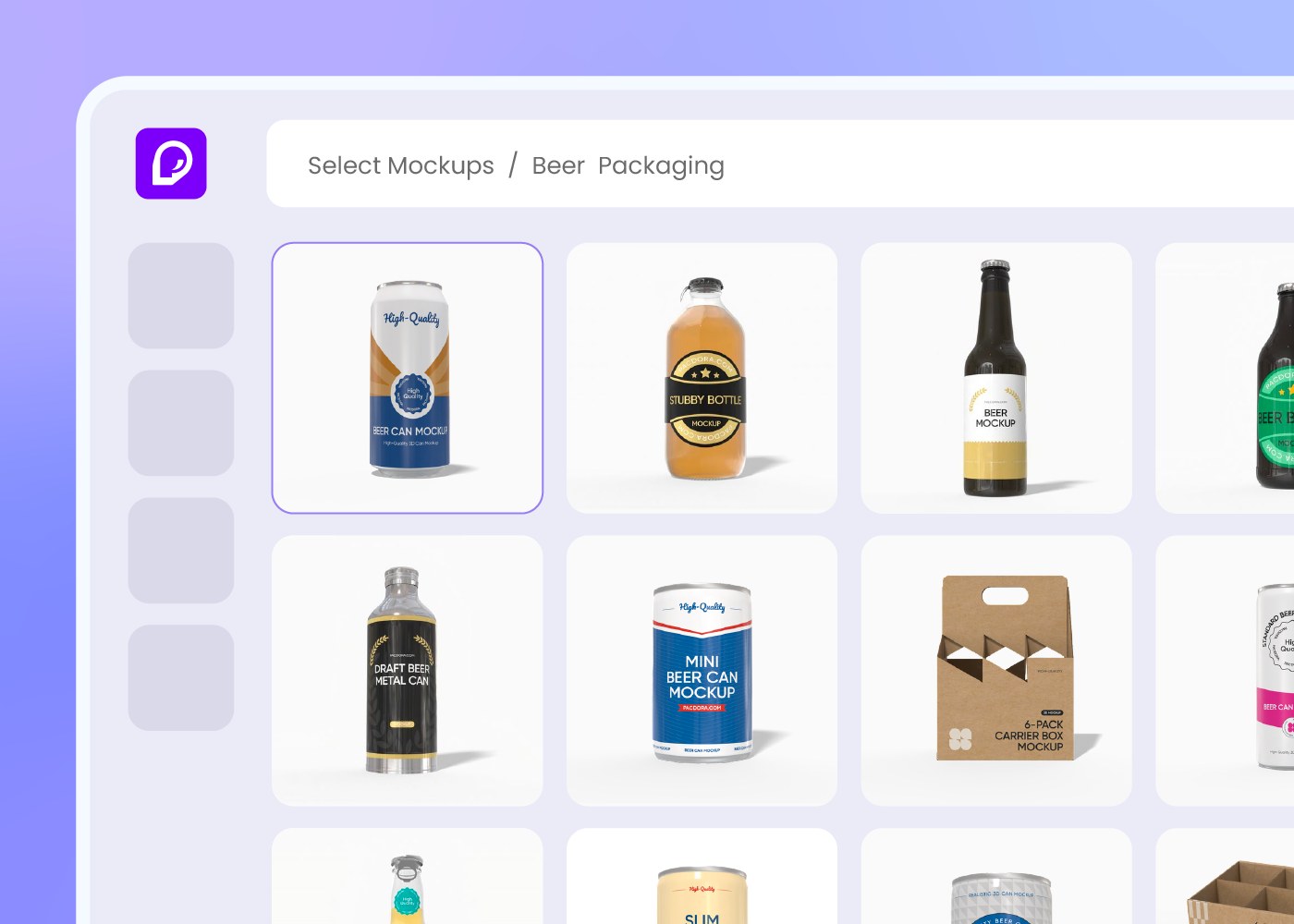
Step 1: Choose your packaging type
Select a beer bottle, beer can, or another supported beer packaging format. Pacdora loads the matching structure so the design starts on the package, not a blank canvas.
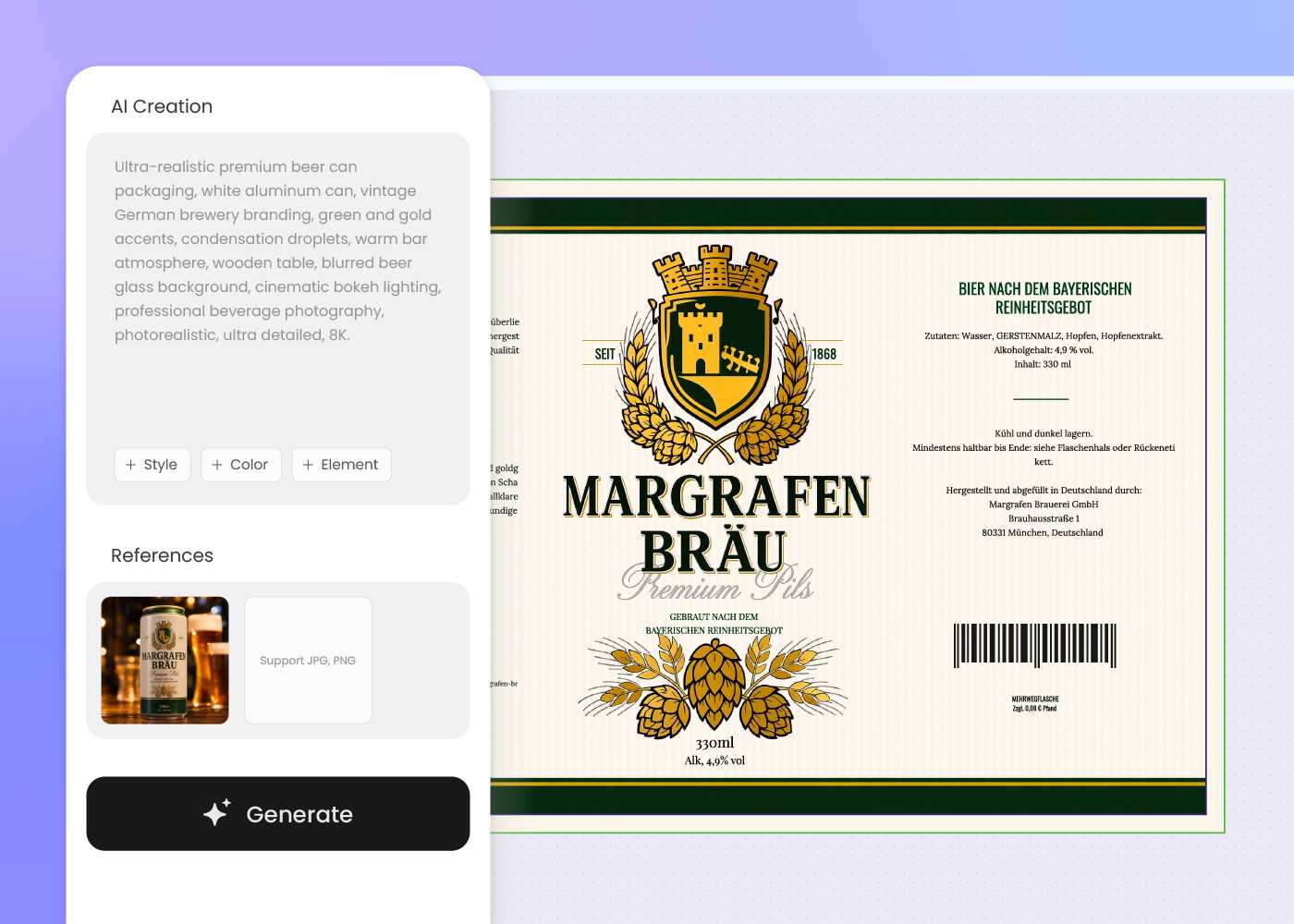
Step 2: Enter your design brief
Add beer style, brewery name, flavor notes, label copy, color direction, and any reference image. Include required text your team wants to review.
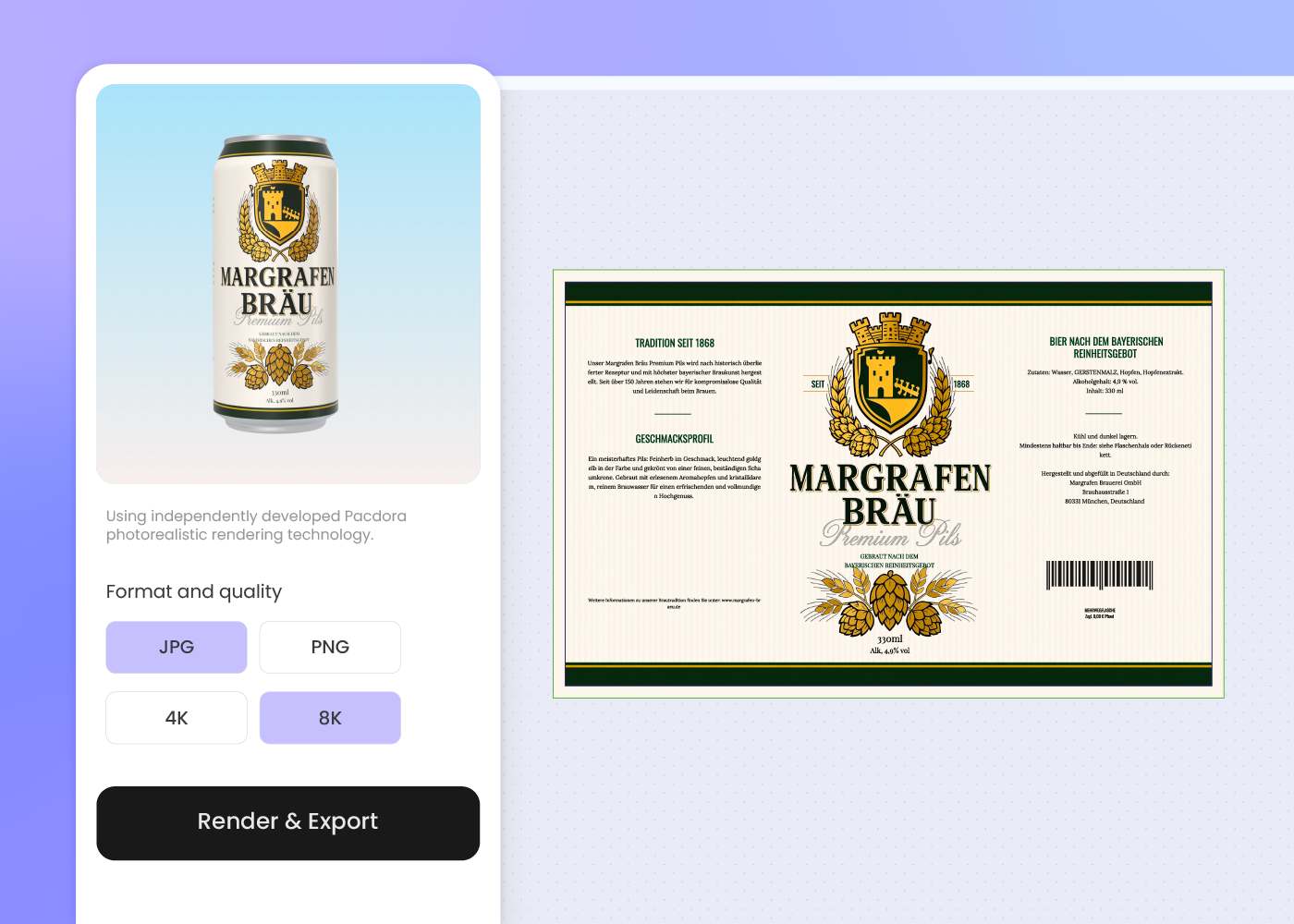
Step 3: Generate and export
Generate beer packaging designs, refine the best direction, preview it in 3D, then export visuals for label review, printer discussion, ecommerce, or launch marketing.
Step 1: Choose your packaging type
Select a beer bottle, beer can, or another supported beer packaging format. Pacdora loads the matching structure so the design starts on the package, not a blank canvas.
Step 2: Enter your design brief
Add beer style, brewery name, flavor notes, label copy, color direction, and any reference image. Include required text your team wants to review.
Step 3: Generate and export
Generate beer packaging designs, refine the best direction, preview it in 3D, then export visuals for label review, printer discussion, ecommerce, or launch marketing.
FAQ
Frequently asked questions
What beer packaging can I design with Pacdora?
Pacdora supports beer bottle and beer can packaging design as core beer formats. Some box or carrier formats may also be available, but AI creation support is stronger for bottle and can designs, so choose the available structure that best matches your product first.
Can Pacdora create beer can label design?
Yes. Choose a beer can structure, enter the beer style, brand direction, and label copy, then generate can packaging artwork you can preview in 3D before sharing it for print review.
Can I design beer bottle labels with AI?
Yes. Pacdora can generate beer bottle label directions from your prompt, including style cues, tasting notes, brewery branding, and front-label hierarchy. Your printer should still confirm final label size, stock, adhesive, finish, and production setup.
Can Pacdora make beer labels compliant?
Pacdora helps you organize required copy zones on the label, but it does not guarantee regulatory compliance. Your brewery, compliance team, printer, or legal reviewer should confirm final requirements for your market before printing.
Can I use a reference image for my beer packaging design?
Yes. Upload a reference image or describe the brewery's existing visual voice. Pacdora can use that direction to create a new beer bottle or can design that feels related without copying the reference exactly.
How much does AI beer packaging design cost?
You can start designing for free. Credits are consumed based on how many designs you generate and download. Check your account balance before generating, or upgrade for more credits anytime. For full details on subscription plans and credit packages, see our Pricing Page.
Can I use the beer packaging design commercially?
Yes. As long as you comply with our Terms of Service, AI-generated beer packaging can be used commercially for product launches, ecommerce listings, retail pitch decks, and production discussions with your printer or manufacturer.
Explore more free tools
Discover more about Pacdora
4M+
designers trust Pacdora
Beer packaging, perfected by AI.
