

Custom gift bag

Upload catchy images, logos, or text content to customize your gift bags at no cost! Download high-quality PNGs with Pacdora!
Custom gift bag
Upload catchy images, logos, or text content to customize your gift bags at no cost! Download high-quality PNGs with Pacdora!
Trusted by leading companies


Making trendy gift bags is no longer a challenge with Pacdora!
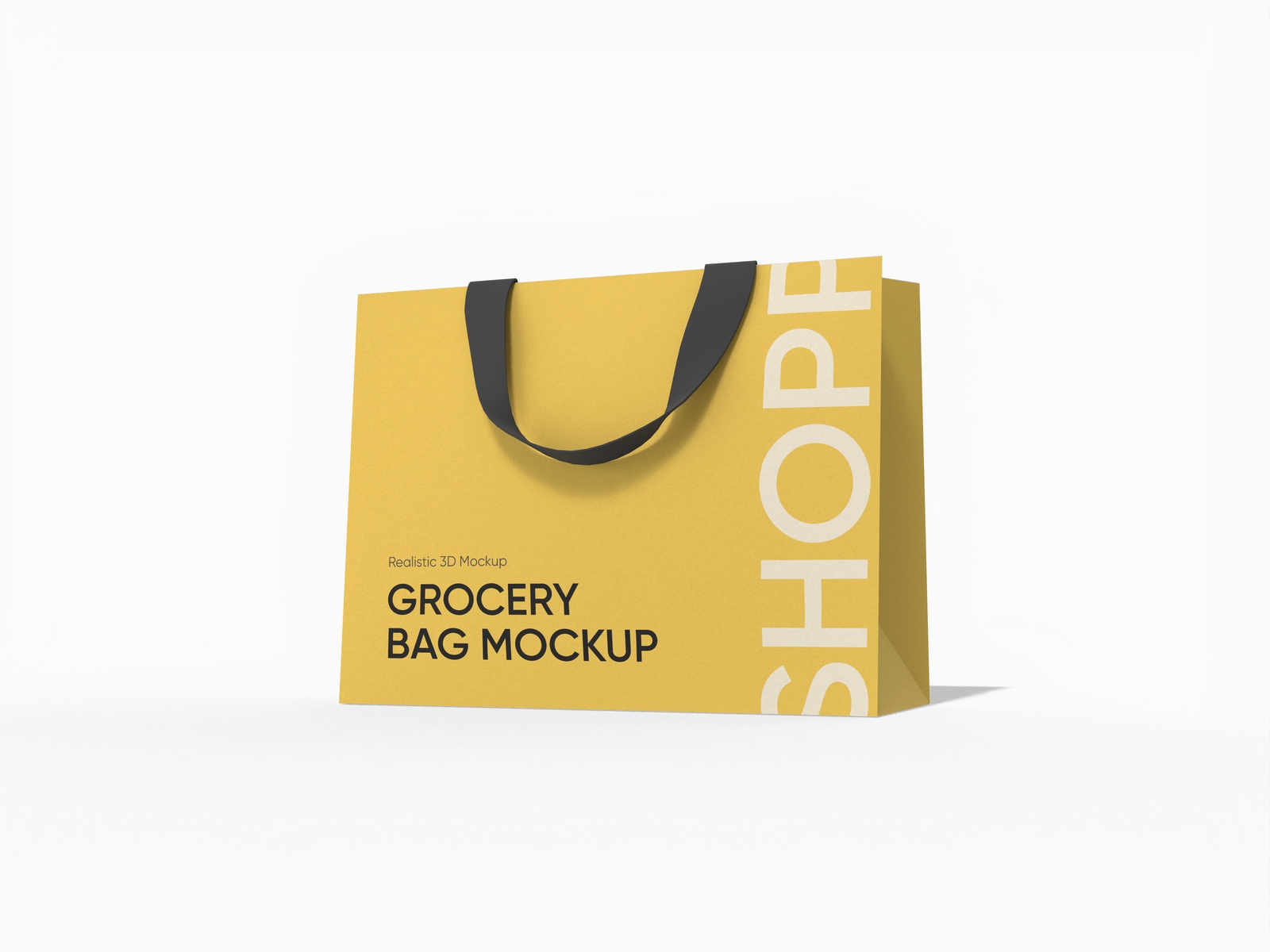
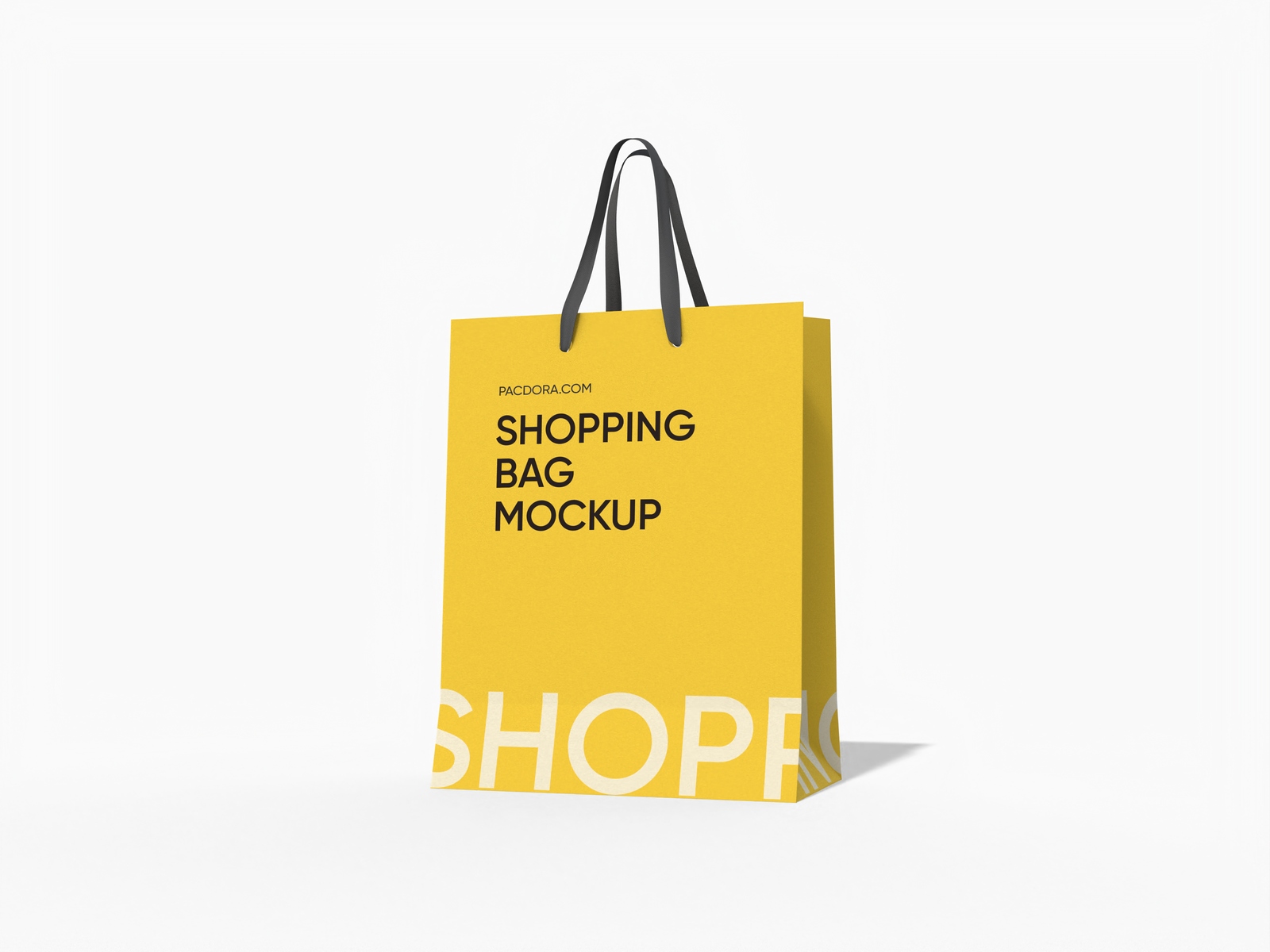
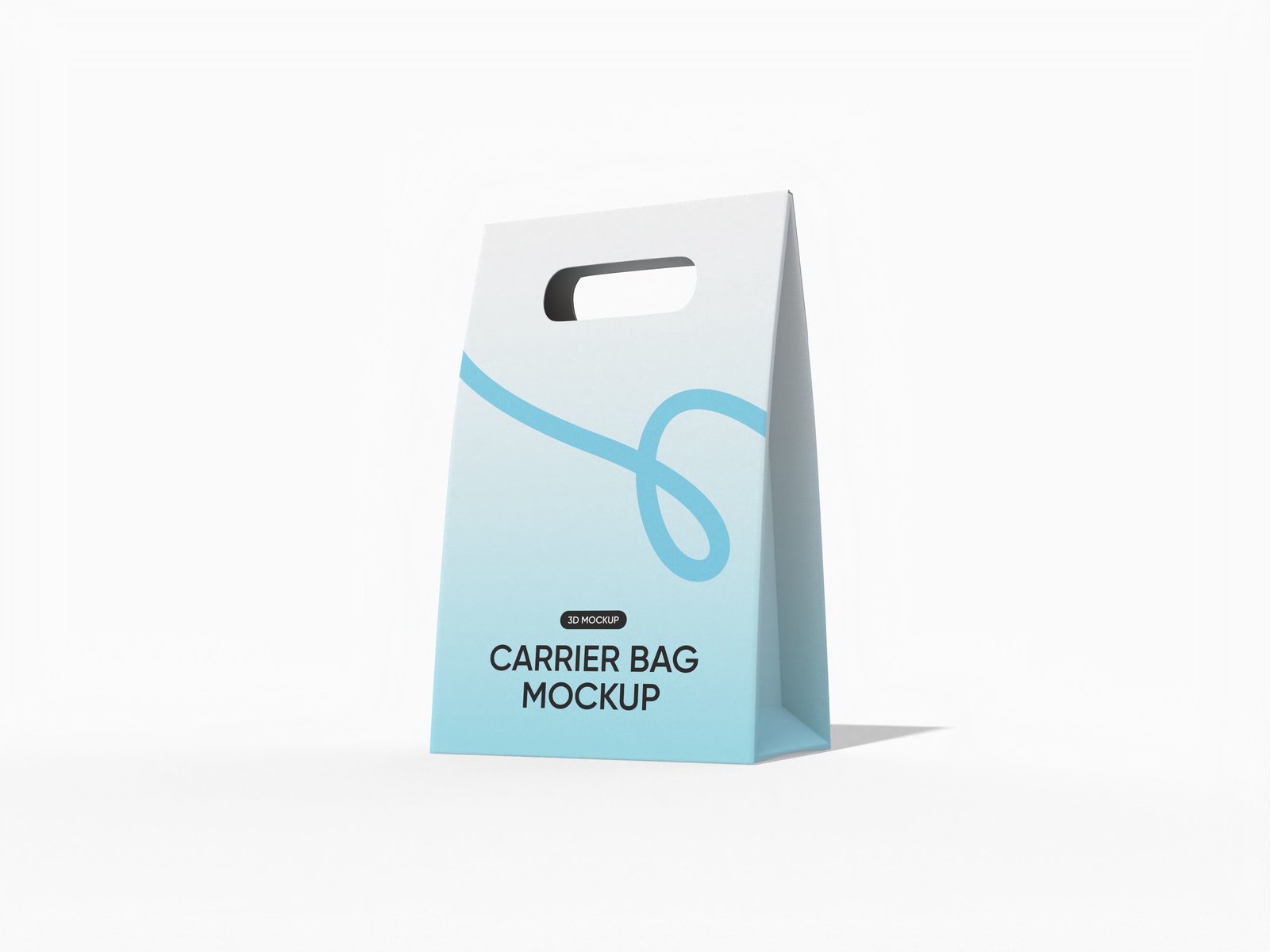
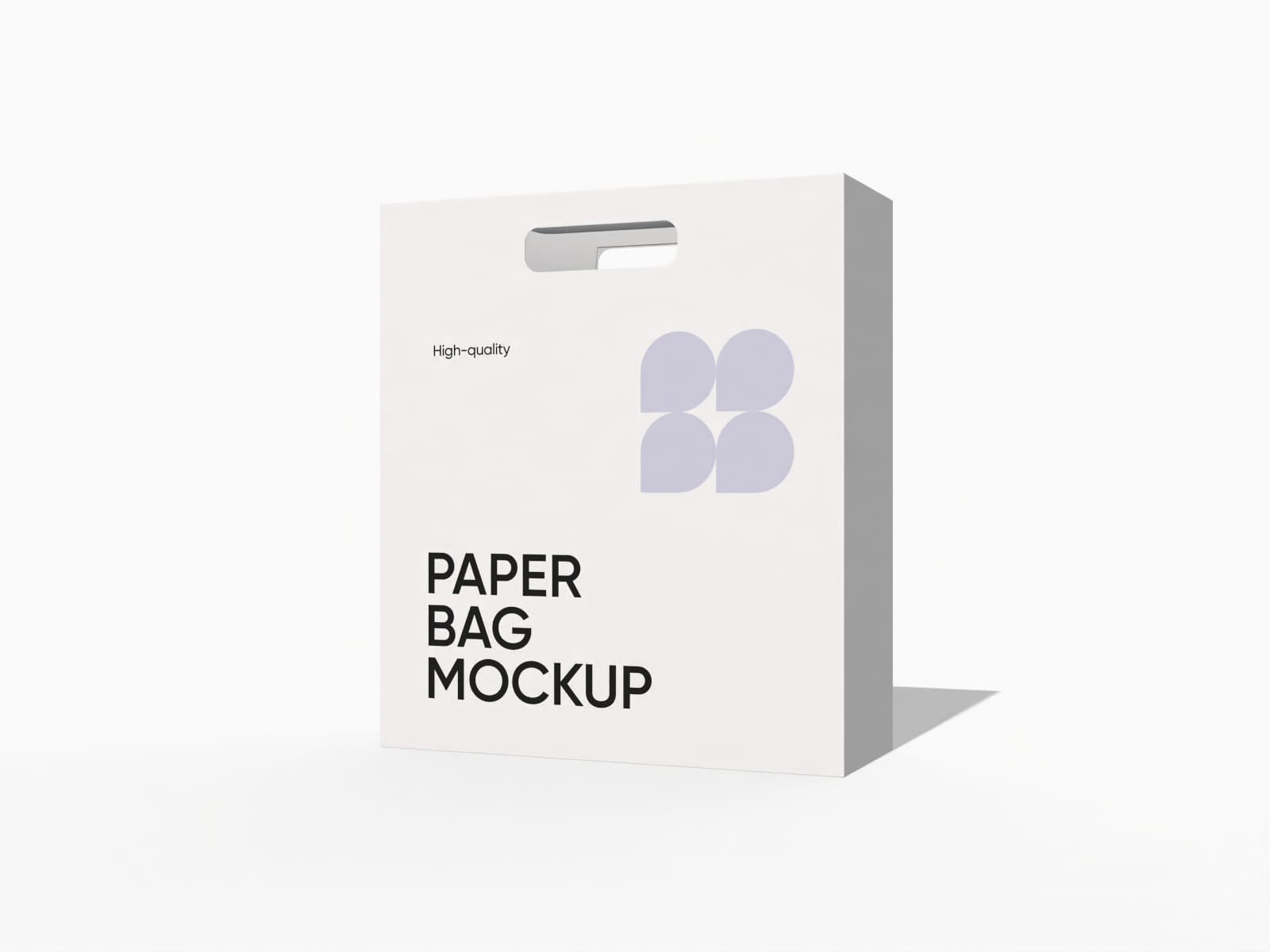
Looking to design next-level gift bags for Christmas, birthdays, or seasonal packaging? You can use Pacdora’s user-friendly platform to create different shapes and styles of gift bags online. Add brand logos, patterns, or short messages, and change backgrounds for free. Preview your gift bag designs from all angles and download them in high-resolution PNG, JPG, or MP4 formats. Start creating yours now!
How to design a custom gift bag using Pacdora?

Step 1: Select a custom gift bag
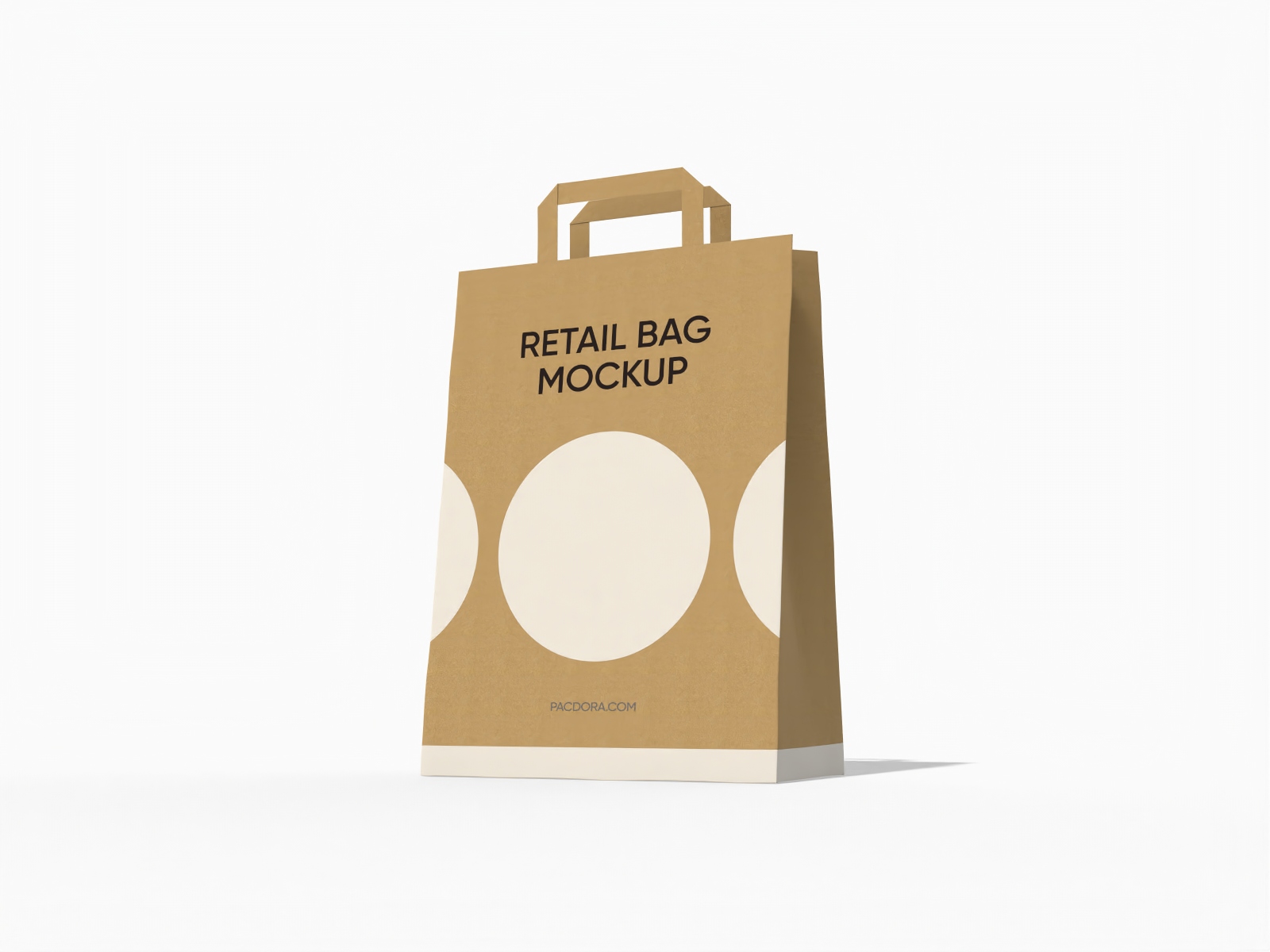
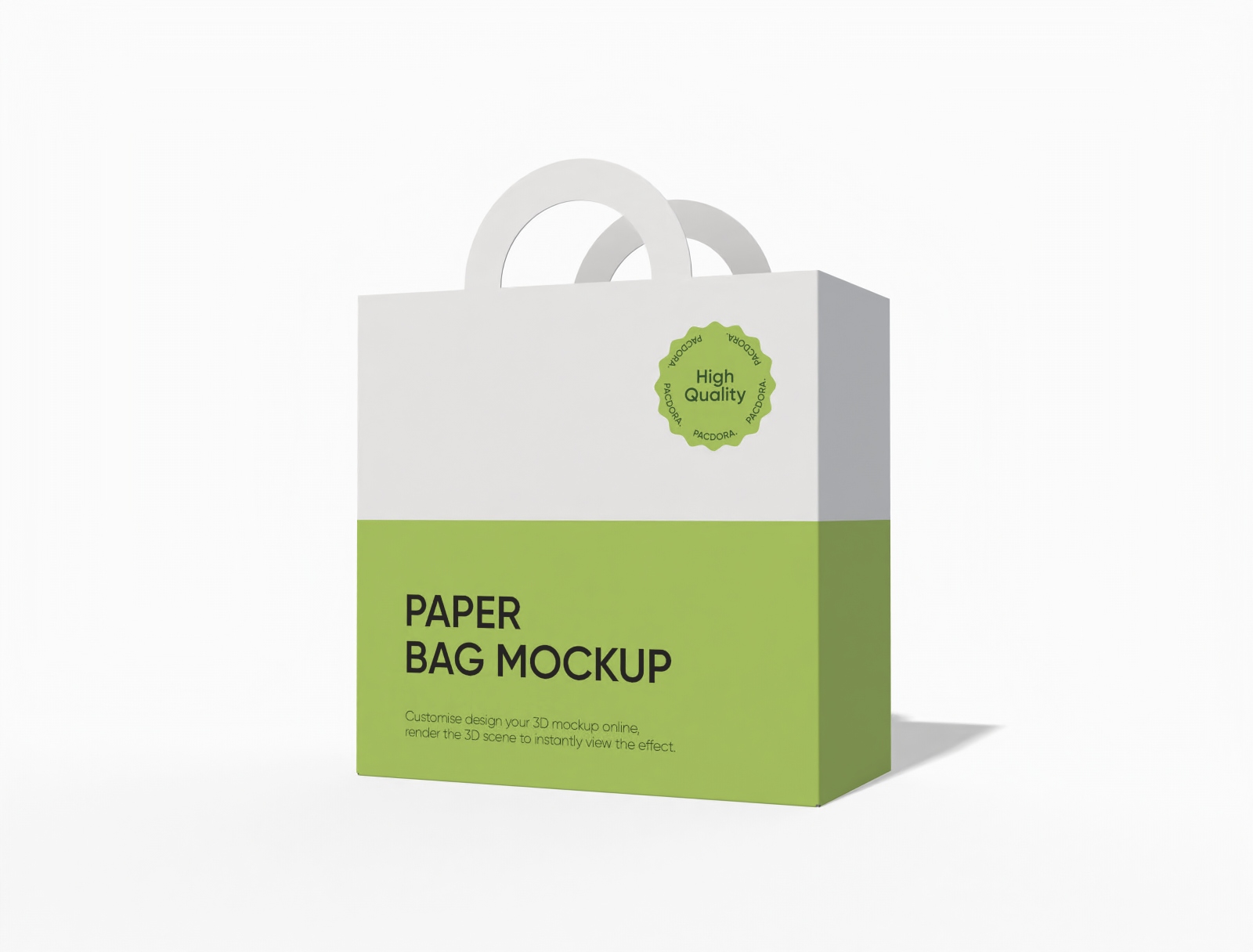
Select your preferred gift bag design to customize on Pacdora, including mailing or tote gift bags with rope or paper handles.

Step 2: Upload images and adjust
Upload images, text, or unique patterns to your custom gift bag design. Modify colors and adjust the layout.

Step 3: Download your custom gift bag
Download your custom gift bag design in the supported 8K PNG, JPG, or MP4 format.
Step 1: Select a custom gift bag
Select your preferred gift bag design to customize on Pacdora, including mailing or tote gift bags with rope or paper handles.
Step 2: Upload images and adjust
Upload images, text, or unique patterns to your custom gift bag design. Modify colors and adjust the layout.
Step 3: Download your custom gift bag
Download your custom gift bag design in the supported 8K PNG, JPG, or MP4 format.


Why prefer online platforms for creating gift bags?

Versatile bag styles for all celebrations
Various bag styles allow brands to create personalized gift bags for any occasion.
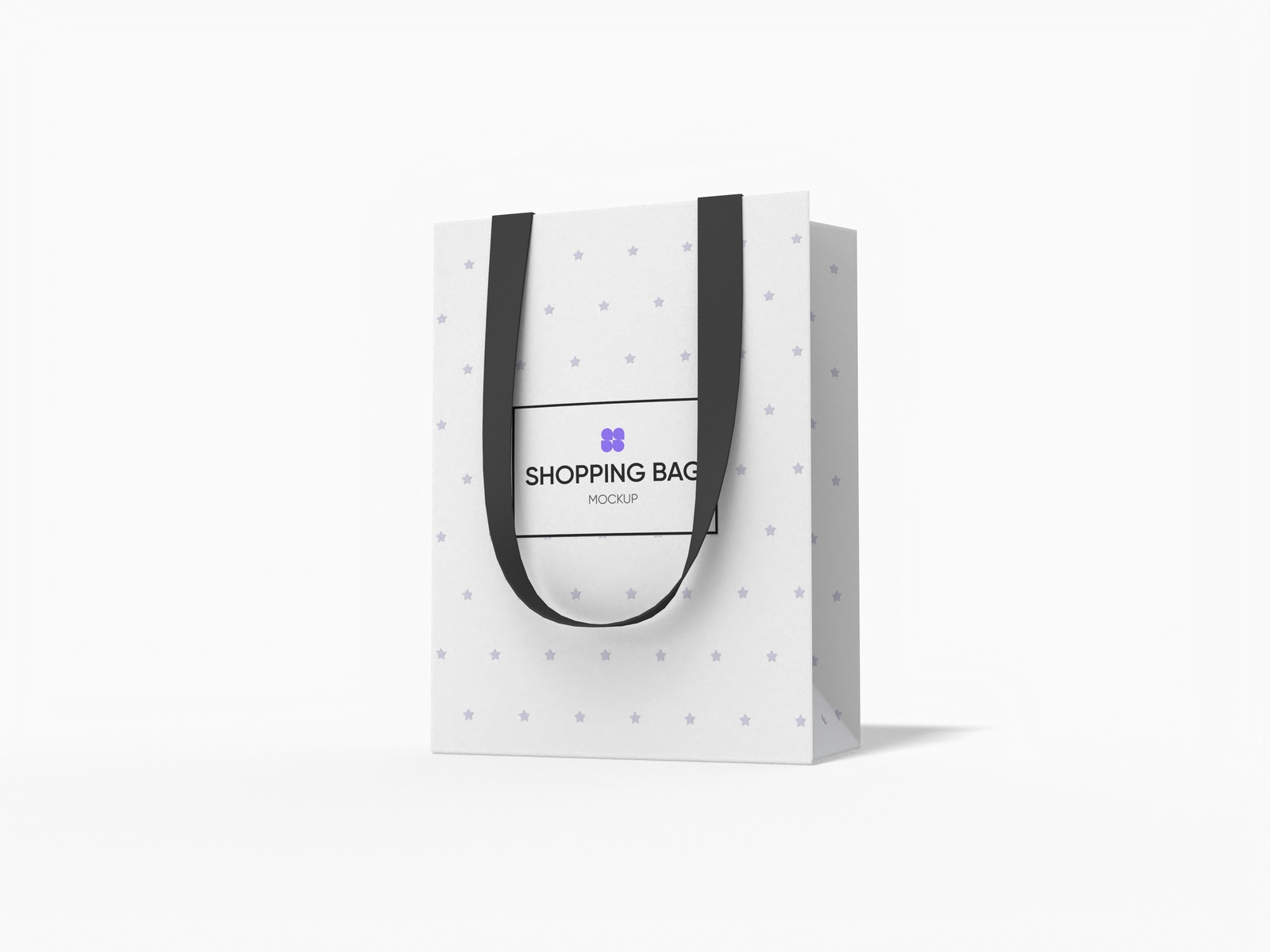
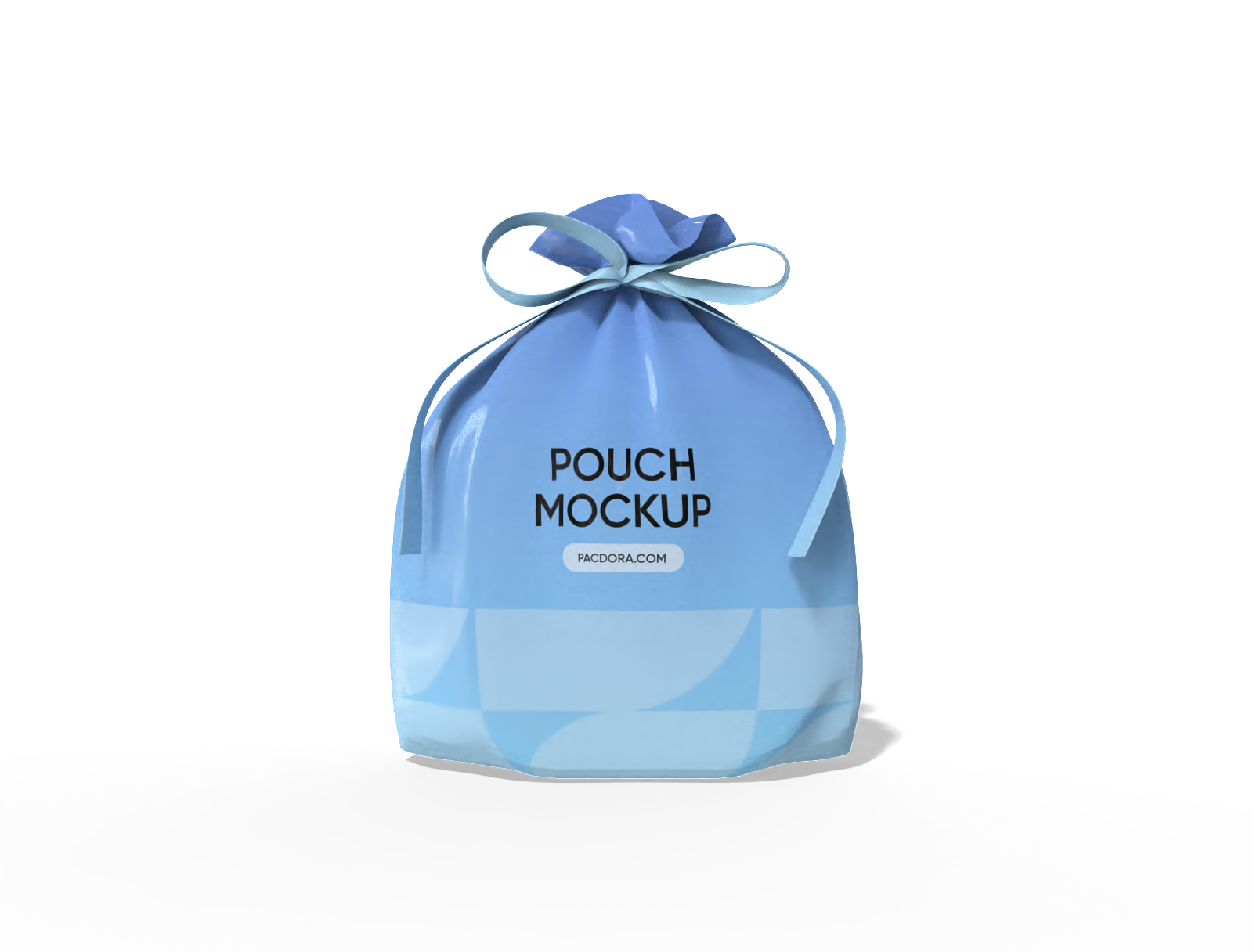
A tote bag with a decorative gift ribbon provides an elegant look, perfect for presenting premium gifts or party favors. Alternatively, a pouch gift bag with a plastic drawstring is suitable for packing jewelry and small accessories.

Easy placement of images and text content
Accurate placement of design components is important to give the packaging an appealing and professional look.
A small gift bag for a birthday present can feature a family photo along with a “Best Wishes” message. Likewise, a gift bag for a festive occasion can include an illustration of Christmas trees or holy leaves.

Materials that combine strength and style
Selecting an appropriate material is important to make sure the bag lasts longer, and the buyers can reuse it.
White cardboard paper bags offer a shiny appearance, great for festive gifting. Similarly, nonwoven fabric bags provide a reusable and durable option, suitable for carrying heavier items or eco-friendly gifting.

Perfectly sized bags for your gift products
Customizing the bag size is important to accommodate gifts of different shapes and volumes.
A 3 × 2 × 4 inches mini gift bag is perfect for small jewelry, keychains, or trinkets. Alternatively, a 35 × 22 × 43 inches gift bag is great for accommodating plush toys or large smart gadgets. Starting today!

Versatile bag styles for all celebrations
Various bag styles allow brands to create personalized gift bags for any occasion.
A tote bag with a decorative gift ribbon provides an elegant look, perfect for presenting premium gifts or party favors. Alternatively, a pouch gift bag with a plastic drawstring is suitable for packing jewelry and small accessories.
Easy placement of images and text content
Accurate placement of design components is important to give the packaging an appealing and professional look.
A small gift bag for a birthday present can feature a family photo along with a “Best Wishes” message. Likewise, a gift bag for a festive occasion can include an illustration of Christmas trees or holy leaves.


Materials that combine strength and style
Selecting an appropriate material is important to make sure the bag lasts longer, and the buyers can reuse it.
White cardboard paper bags offer a shiny appearance, great for festive gifting. Similarly, nonwoven fabric bags provide a reusable and durable option, suitable for carrying heavier items or eco-friendly gifting.
Perfectly sized bags for your gift products
Customizing the bag size is important to accommodate gifts of different shapes and volumes.
A 3 × 2 × 4 inches mini gift bag is perfect for small jewelry, keychains, or trinkets. Alternatively, a 35 × 22 × 43 inches gift bag is great for accommodating plush toys or large smart gadgets. Starting today!

Our customers love Pacdora’s mockup tools
Thousands before you have designed realistic mockups with Pacdora and loved it.

Great mock-ups and literally thousands of packaging designs to choose from. The 3d mock-up is so good, helps bring clarity to the client as well as the designers. Great product for packaging design professionals.


cosmiccorner
Move over, complicated design software! Pacdora is the superhero of packaging mockups. Creating 3D magic for my products is as easy as pie – no PhD in design required. It’s like the software looked at the clock and said, ‘Time to save users from design nightmares!’ It’s so user-friendly, even my coffee mug wants to try its hand at packaging design.
FAQ
How can I use my custom gift bag designs to win clients?
Use high-definition images and videos of gift bags to showcase their colors, artwork, and layout. Display the MP4 videos of your designs on digital signage screens at trade fairs for promotional purposes. Besides this, share 8K PNG or JPG images of gift bags on your website, social pages, or e-commerce stores to attract customers.
What format should I choose to place images on gift bags?
You can use JPG format for colorful photos or artwork, such as product pictures, patterns, or background images. Choose PNG when you upload graphics that include text, logos, or artwork with sharp edges. SVG is suitable for vector elements like icons, badges, or illustrations because the lines remain clear after resizing.
Can I add a background to gift bag designs with Pacdora?
Yes. You can add backgrounds to your custom gift bag designs on Pacdora. Pick plain colors, gentle gradients, or upload your own images to set the scene. You can also use surfaces such as tabletops, fabric textures, or simple decor to display the gift bag in a realistic setting. Pacdora’s AI background generator can create custom images that suit your design.
Do I need PSD files to create custom gift bags on Pacdora?
No. You don’t need PSD files to create custom gift bags on Pacdora. Visit Pacdora’s authentic website using your browser and personalize gift bags with simple drag-and-drop tools. Beginners can also customize and download their designs without using extra software.
Can I create custom gift bags for free on Pacdora?
Yes, Pacdora allows you to create all varieties of gift bags free of cost. We also offer some advanced editing tools that you can access on our pricing page.
Explore more mockup tools
Discover more about Pacdora


