

Custom printed display boxes

Upload your brand artwork, adjust every detail in real-time 3D, and download your custom printed box as a HD PNG image for free.
Custom printed display boxes
Upload your brand artwork, adjust every detail in real-time 3D, and download your custom printed box as a HD PNG image for free.
Trusted by leading companies


Creating a vibrant Custom printed box is so easy on Pacdora!
Design custom mailer boxes, gift boxes, product boxes, or folding cartons easily with Pacdora. Pick a box mockup, upload your artwork, adjust sizes, colors, and textures, and instantly preview in 3D. When ready, download 8K PNG/JPG images, dynamic videos, or directly get print-ready dielines for production using our printing service. Start designing your box today!


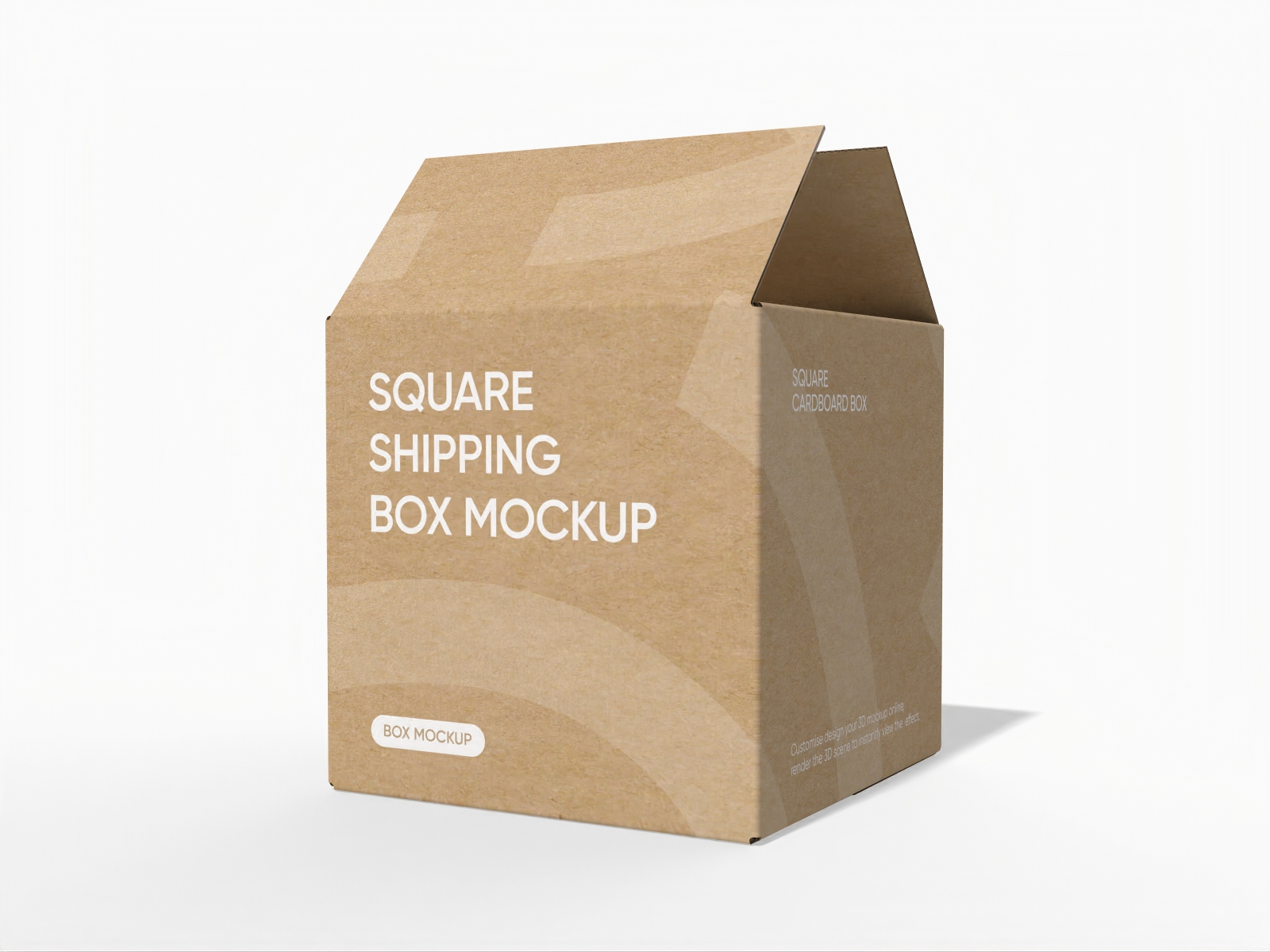

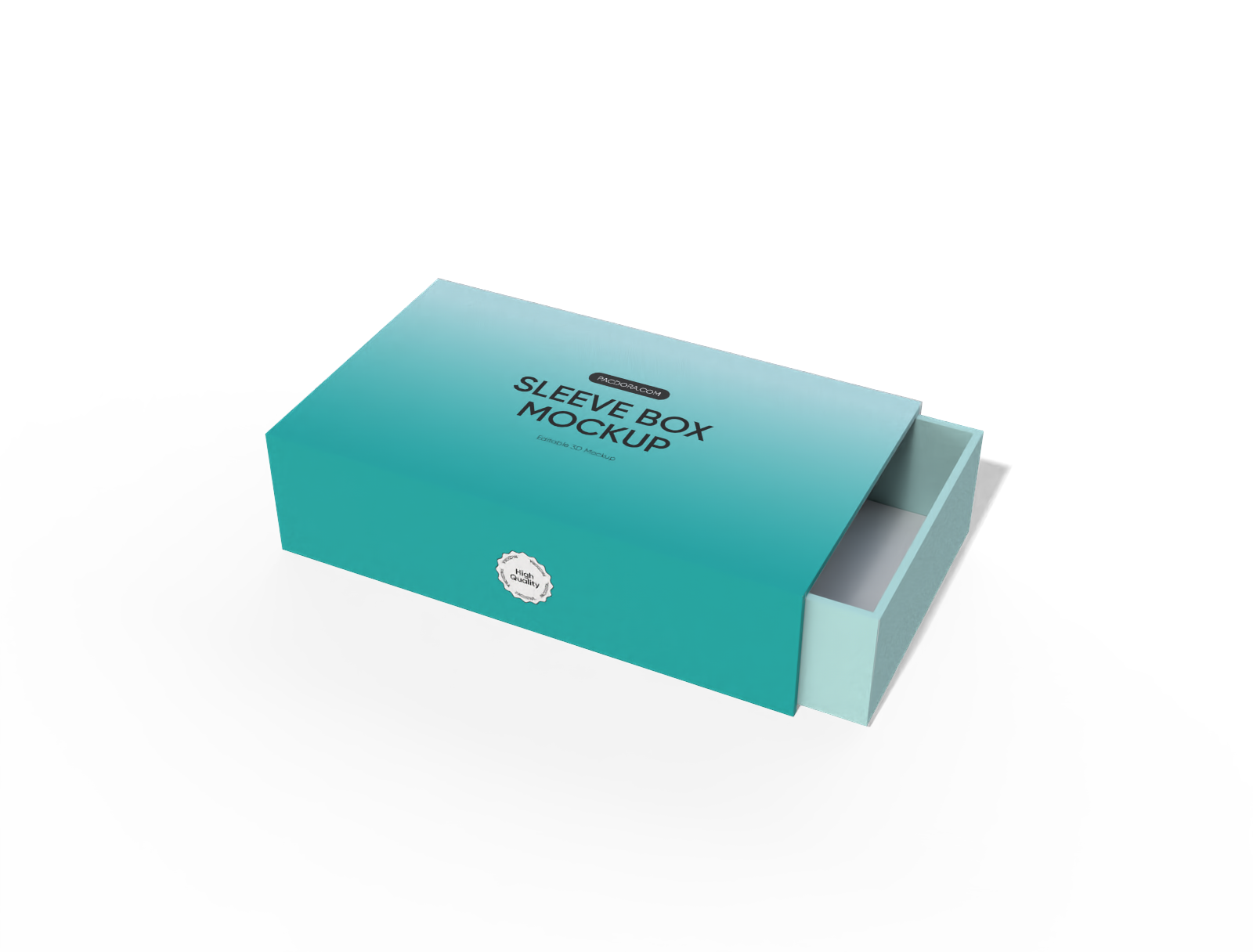


How to design a custom printed box online?

Step 1: Pick the perfect box mockup
Pick from our huge library of packaging structures. Whether you need mailers or retail packaging, we have the right mockup waiting for you.

Step 2: Upload artwork and elements
Upload your logos and images, adjust the size, material, and position until your box looks exactly right.

Step 3: Export your final box design
Export your final box mockups as high-quality images to show clients or get printable dielines to start actual production immediately.
Step 1: Pick the perfect box mockup
Pick from our huge library of packaging structures. Whether you need mailers or retail packaging, we have the right mockup waiting for you.
Step 2: Upload artwork and elements
Upload your logos and images, adjust the size, material, and position until your box looks exactly right.
Step 3: Export your final box design
Export your final box mockups as high-quality images to show clients or get printable dielines to start actual production immediately.


Highlights of customizing printed box online

Extensive custom printed box library
Discover a complete printed box mockup collection tailored for U.S. packaging projects. It includes pizza boxes, rigid boxes, and other popular retail formats.
Whether you need durable mailer boxes or refined cosmetic packaging, the right structure is ready. Save time on modeling and focus on delivering professional presentations.

Upload graphics to your printed box
Upload logos, patterns, and marketing text directly to your printed box mockup. Instantly preview how graphics sit on each panel before moving to production.
Place barcodes or hero images with precision. View how artwork aligns with edges, flaps, and folds to catch layout errors early and ensure a polished, print-ready result.

Customize the right printed box size
Review standard box dimensions for various uses. Confirm sizing visually to avoid overpacking or tight fits.
5 × 5 × 3 inches fits candles or small gifts. 8 × 8 × 4 inches suits bakery items. 12 × 12 × 3 inches works for pizza packaging, and 18 × 12 × 6 inches is common for bulk shipping.

Export formats for your custom printed box
Export precise dieline files for your printed box with clearly marked cut lines, fold lines, bleed areas, and glue flaps. Production-ready layouts help printers follow exact structural details and reduce costly setup errors.
You can also download high-resolution PNG, JPG, or MP4 files for product listings and ad campaigns.

Extensive custom printed box library
Discover a complete printed box mockup collection tailored for U.S. packaging projects. It includes pizza boxes, rigid boxes, and other popular retail formats.
Whether you need durable mailer boxes or refined cosmetic packaging, the right structure is ready. Save time on modeling and focus on delivering professional presentations.
Upload graphics to your printed box
Upload logos, patterns, and marketing text directly to your printed box mockup. Instantly preview how graphics sit on each panel before moving to production.
Place barcodes or hero images with precision. View how artwork aligns with edges, flaps, and folds to catch layout errors early and ensure a polished, print-ready result.


Customize the right printed box size
Review standard box dimensions for various uses. Confirm sizing visually to avoid overpacking or tight fits.
5 × 5 × 3 inches fits candles or small gifts. 8 × 8 × 4 inches suits bakery items. 12 × 12 × 3 inches works for pizza packaging, and 18 × 12 × 6 inches is common for bulk shipping.
Export formats for your custom printed box
Export precise dieline files for your printed box with clearly marked cut lines, fold lines, bleed areas, and glue flaps. Production-ready layouts help printers follow exact structural details and reduce costly setup errors.
You can also download high-resolution PNG, JPG, or MP4 files for product listings and ad campaigns.

Our customers love Pacdora’s mockup tools
Thousands before you have designed realistic mockups with Pacdora and loved it.

Great mock-ups and literally thousands of packaging designs to choose from. The 3d mock-up is so good, helps bring clarity to the client as well as the designers. Great product for packaging design professionals.


cosmiccorner
Move over, complicated design software! Pacdora is the superhero of packaging mockups. Creating 3D magic for my products is as easy as pie – no PhD in design required. It’s like the software looked at the clock and said, ‘Time to save users from design nightmares!’ It’s so user-friendly, even my coffee mug wants to try its hand at packaging design.
FAQ
How do I adjust the size of my custom printed box?
Size matters for shipping safety and shelf appeal. In Pacdora, you can input custom length, width, and height dimensions to match your product perfectly. This ensures your custom printed shipping boxes fit the item snugly, reducing waste and shipping costs. The 3D preview updates instantly as you type, so you can check proportions visually before downloading your files.
What material choices are available for a custom printed box?
We offer standard materials like sturdy flute for mailing, Kraft paper for a natural and rustic look, and smooth cardboard for detailed color printing. When designing custom printed product boxes, selecting the right material helps simulate the final physical feel, ensuring your branding shines on the correct surface type just like it would in real life.
Can I design a specialized custom printed box like pizza boxes?
Absolutely, we cover a wide range of industries. You can easily find specific categories, including custom printed pizza boxes, tuck-end mailers, and folding cartons. Each box mockup follows industry standards, so whether you run a restaurant or a subscription service, you can create professional box packaging that keeps your goods safe and presents your brand beautifully.
Do I need design skills to make a custom printed box mockup?
Not at all! We built Pacdora to be accessible for everyone, not just pro designers or engineers. You’ll love our simple drag-and-drop interface. You can design printed boxes just by clicking a few buttons. Our 3D visualization does the heavy lifting, letting you focus on your creativity and branding rather than worrying about technical layouts or confusing software tools.
Can I design custom printed boxes for free using Pacdora?
Yes! Pacdora offers free features for you to create custom printed boxes at no cost. We also provide premium services for users who want access to advanced features. Find all the details on our pricing page.
Explore more mockup tools
Discover more about Pacdora


