

Custom printed cardboard box

Customize the cardboard box with your graphics, or unique artwork, and instantly download high-resolution PNGs online!
Custom printed cardboard box
Customize the cardboard box with your graphics, or unique artwork, and instantly download high-resolution PNGs online!
Trusted by leading companies


Making print-ready cardboard boxes is now hassle-free with Pacdora!
Looking to design realistic printed cardboard boxes for retail, shipping, or product display? Use Pacdora to create printable cardboard boxes that you can send directly for printing. Select from hanging styles, sleeve packaging, drawer boxes, and window designs for free. Add your brand logo, patterns, or product details to every side. Modify colors, set backgrounds, and adjust the box dimensions online. Download your box designs as 8K PNG, JPG, MP4 or dieline files. Try now!
Browse more printed cardboard boxes now
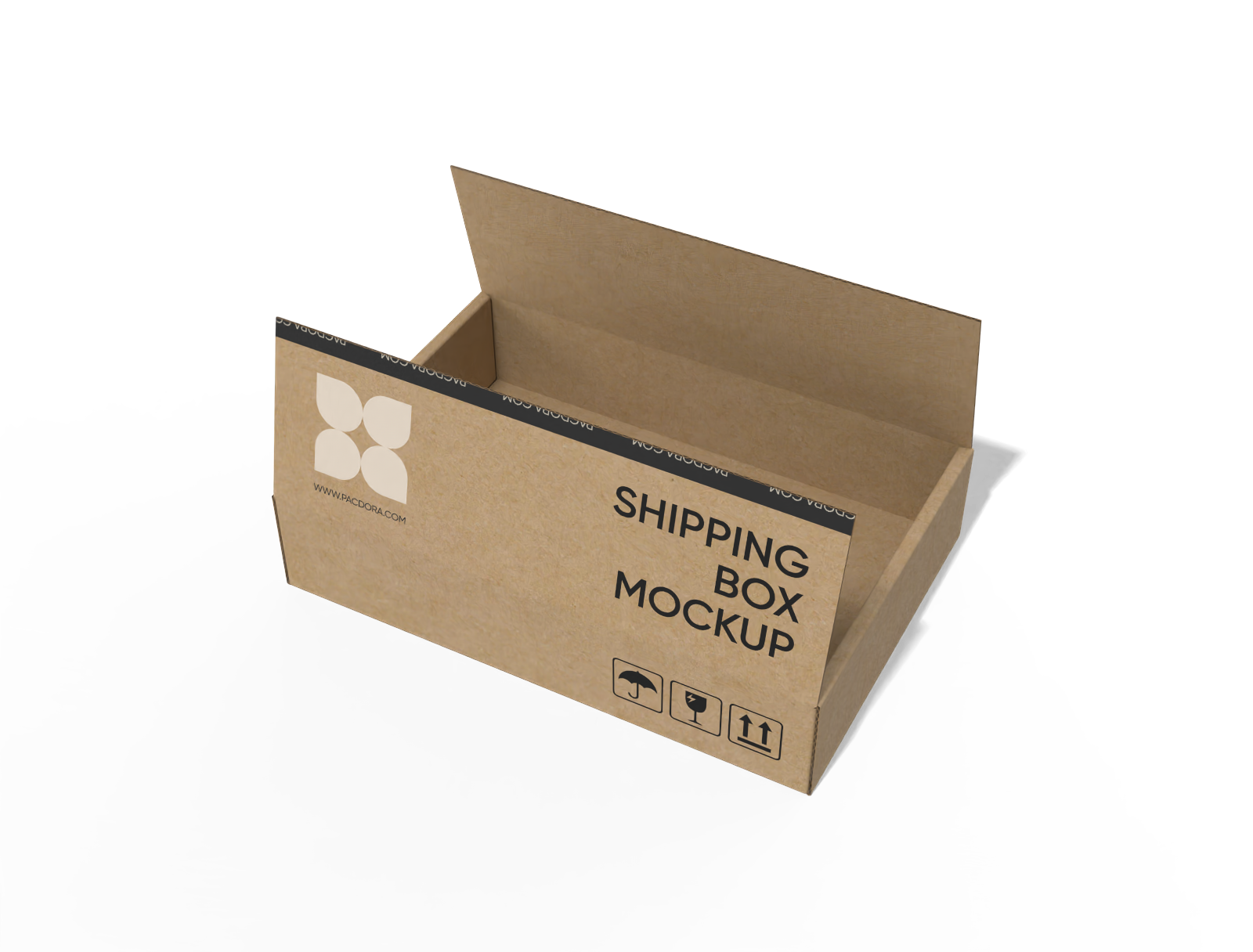
FEFCO 0414 flip-top mailer box mockup
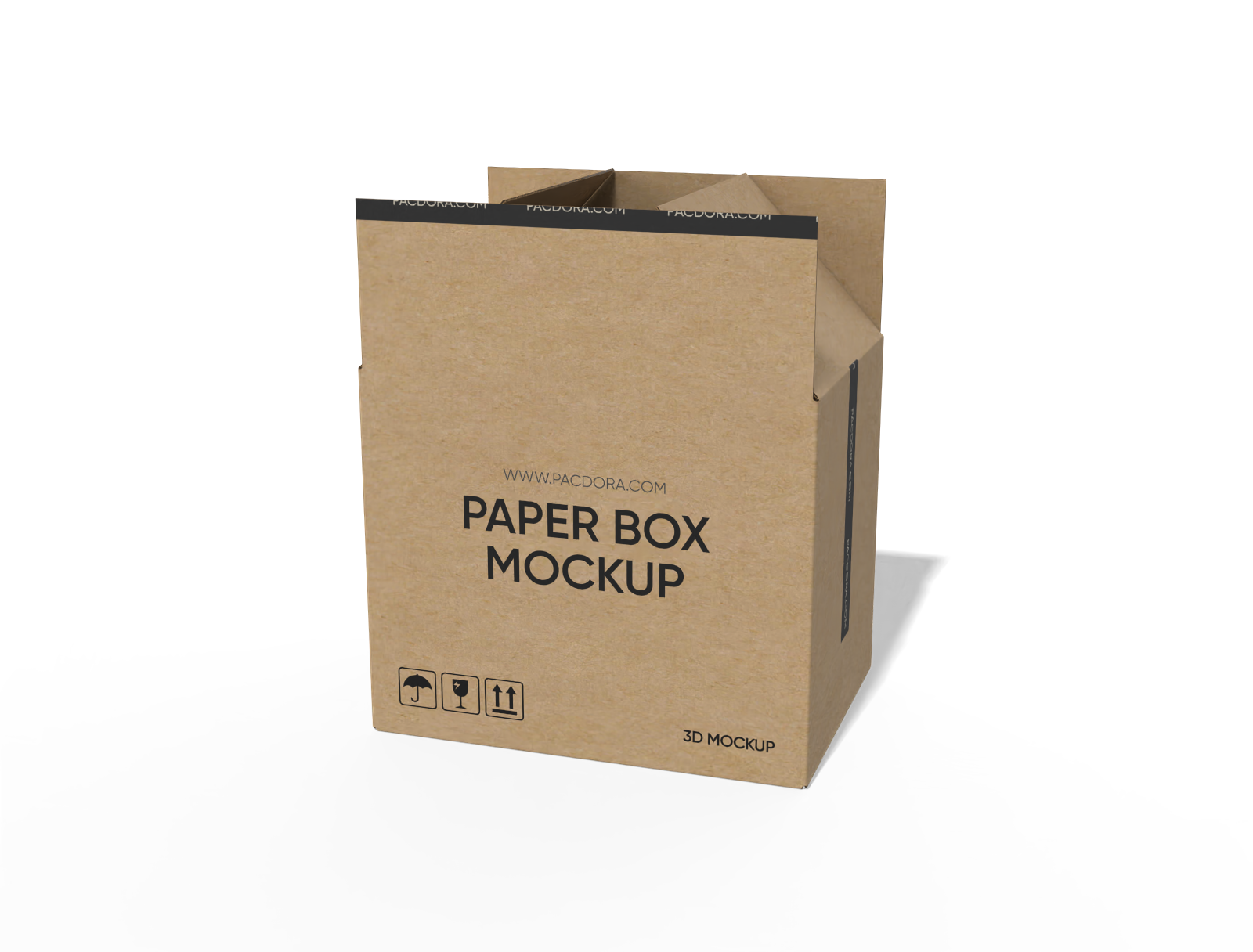
FEFCO 0204 full overlapping slotted containers mockup
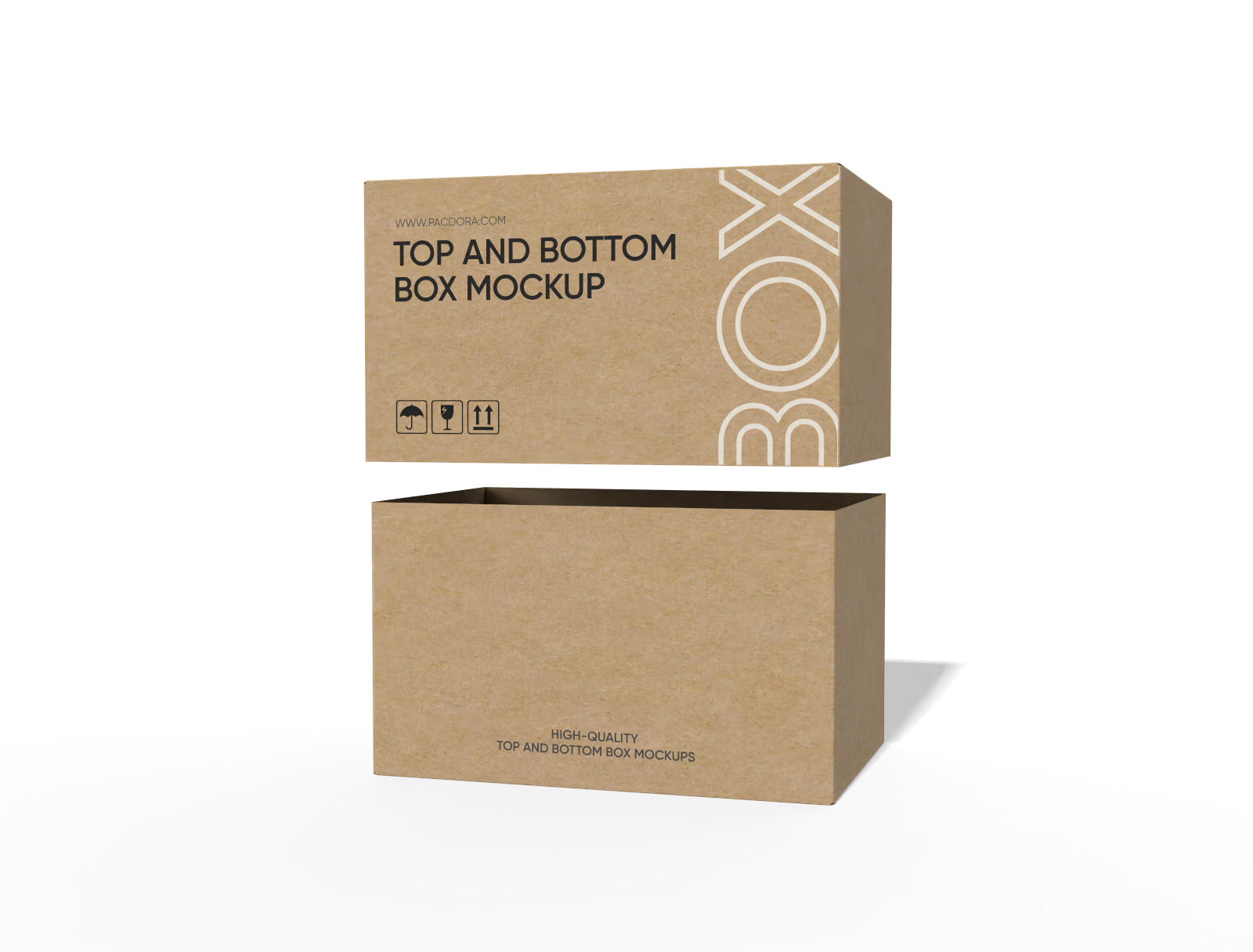
FEFCO 0320 full telescope half slotted container (FTHS) mockup
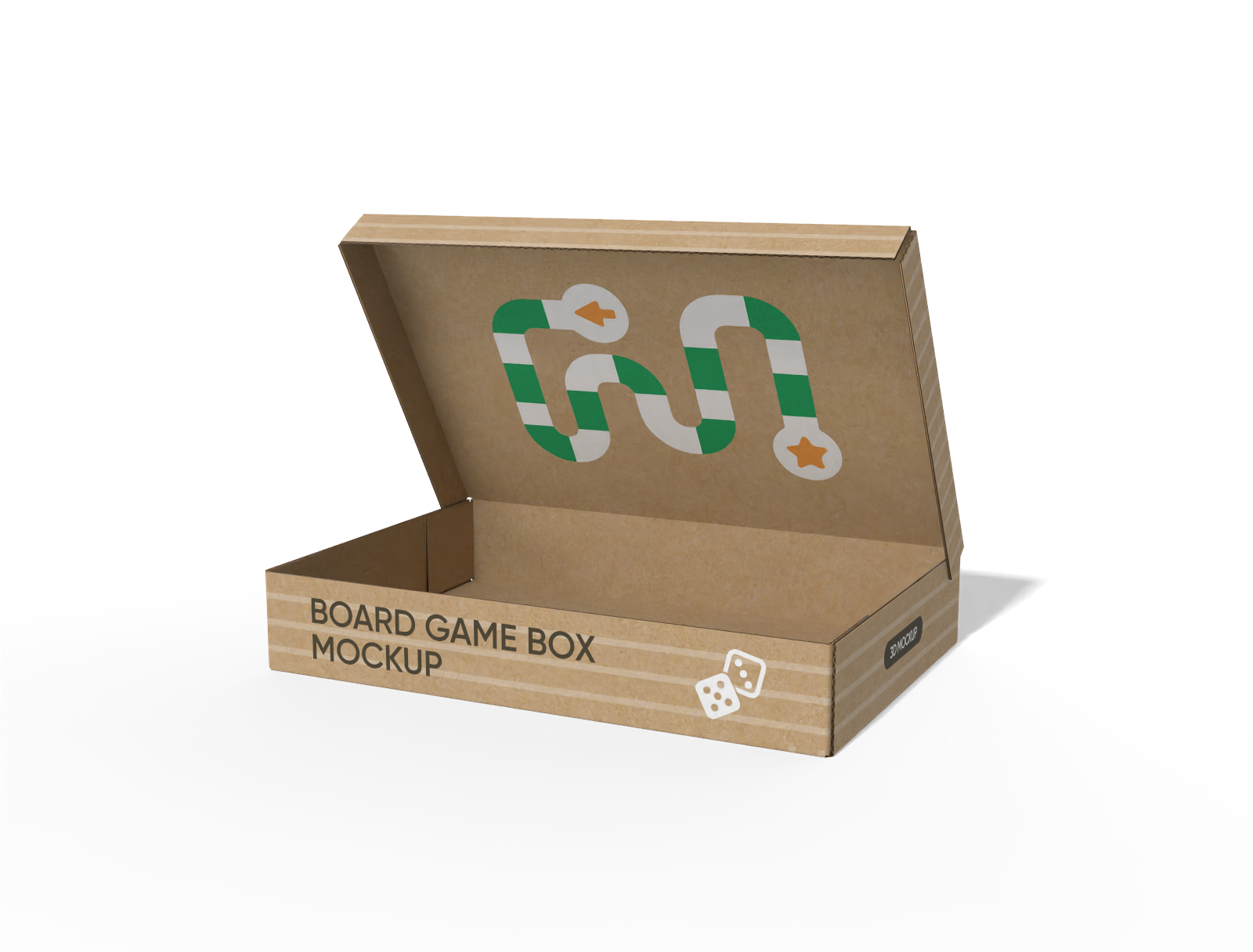
FEFCO 0410 five panel folder boxes (5PF) mockup

Flip top gift box mockup
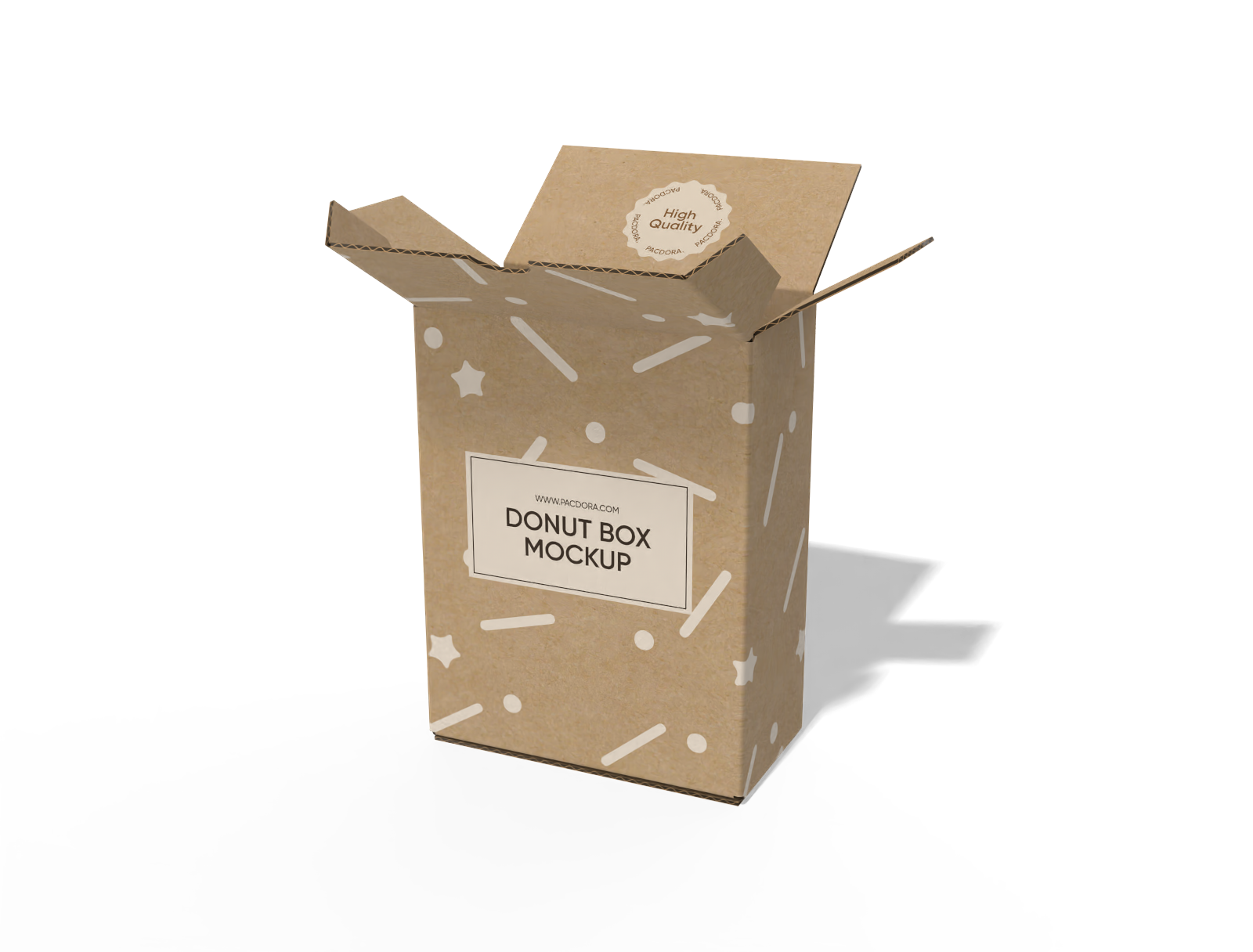
FEFCO 0227 tuck end mailer box mockup
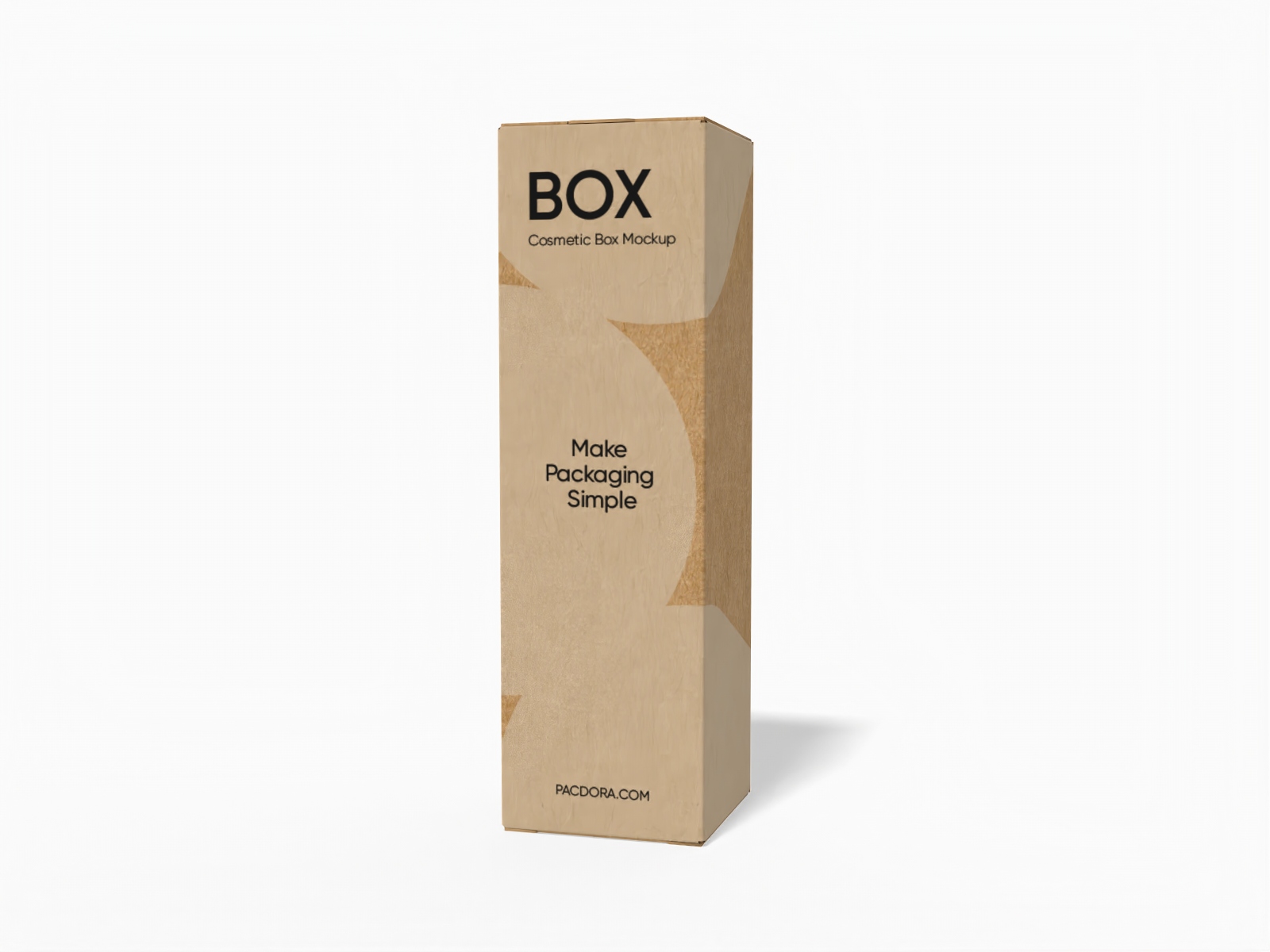
Cosmetic box mockup

FEFCO 0217 1-2-3 bottom with handle box mockup
How to design a custom printed cardboard box with Pacdora?
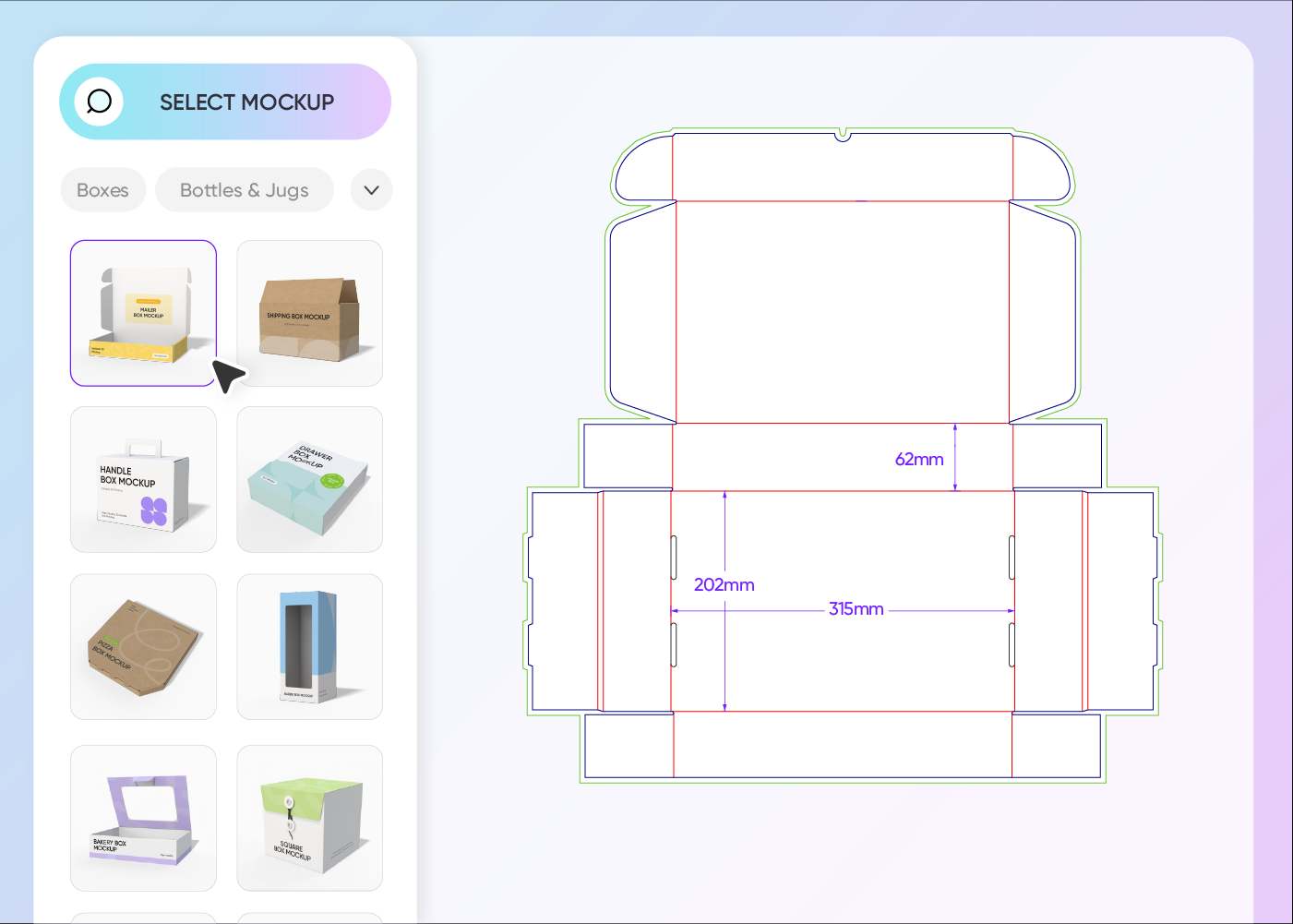
Step 1: Select a custom printed cardboard box
Select a cardboard box style from Pacdora’s library of mockups, including sleeve, hanging, drawer, and window-display designs.
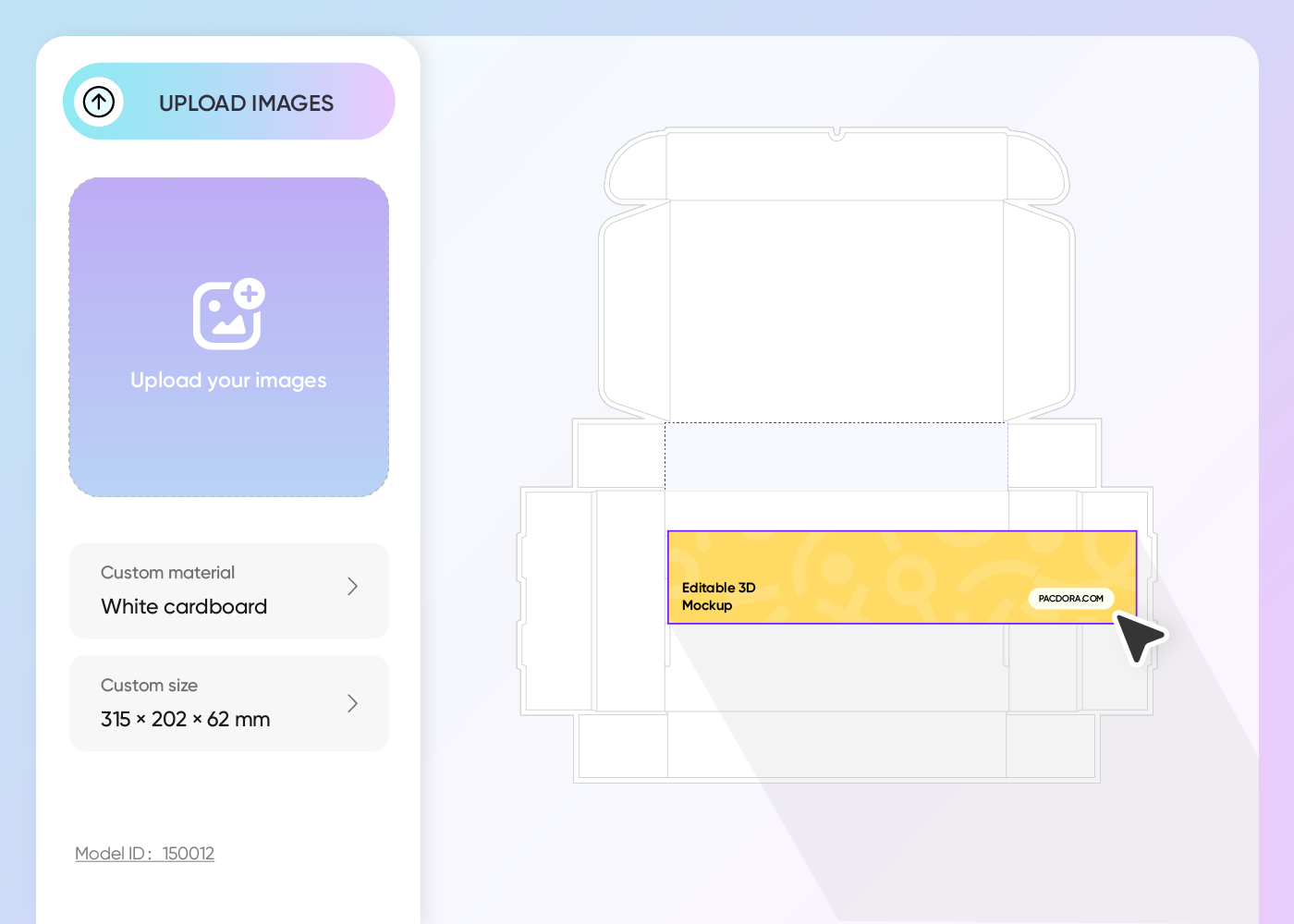
Step 2: Upload images and customize
Upload graphics, logos, patterns, or text to your custom printed cardboard box design. Refine color schemes and customize the box sizes.
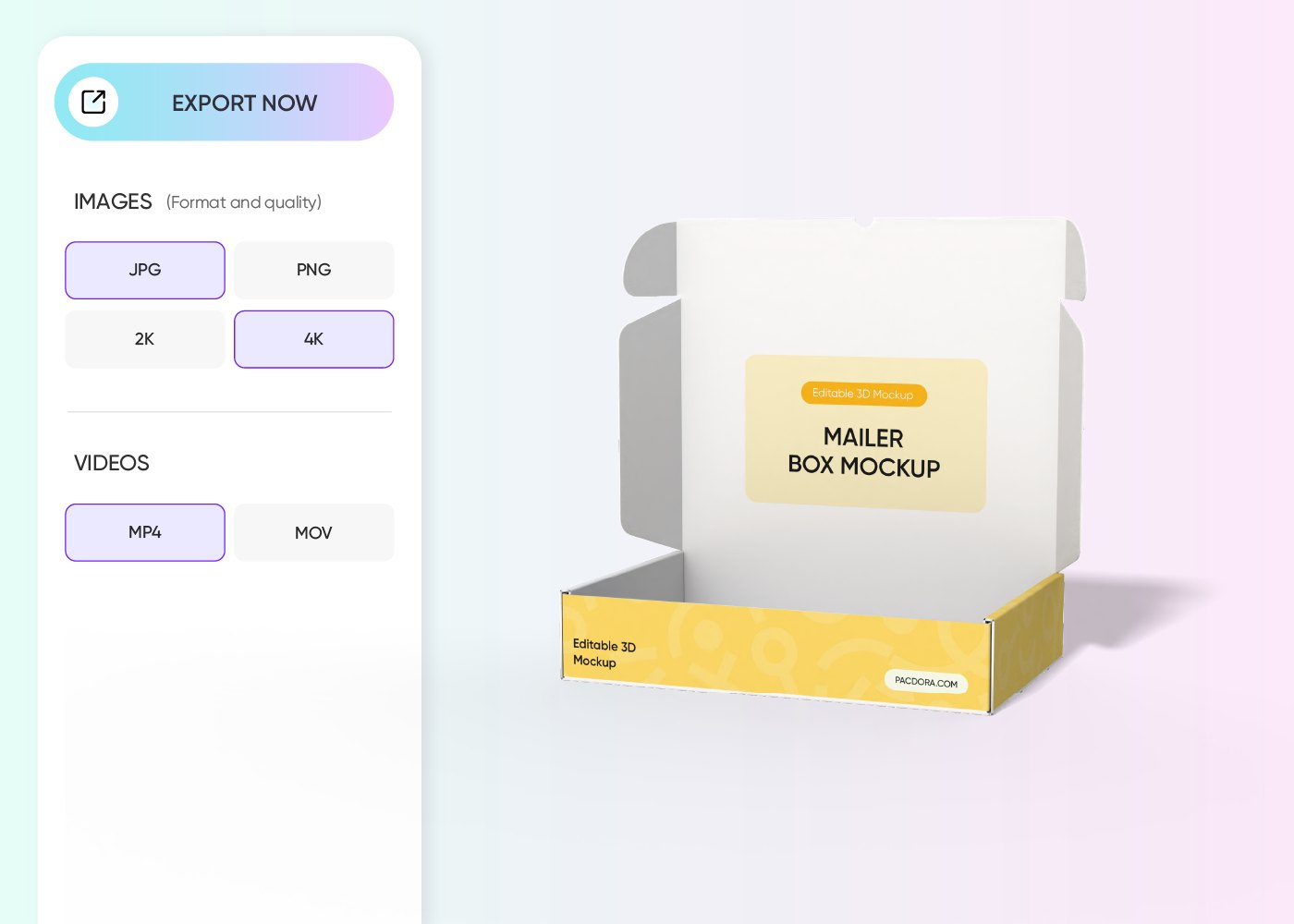
Step 3: Export your printed cardboard box
Export your custom printed cardboard box in the supported high-quality PNG/JPG images or MP4 video formats.
Step 1: Select a custom printed cardboard box
Select a cardboard box style from Pacdora’s library of mockups, including sleeve, hanging, drawer, and window-display designs.
Step 2: Upload images and customize
Upload graphics, logos, patterns, or text to your custom printed cardboard box design. Refine color schemes and customize the box sizes.
Step 3: Export your printed cardboard box
Export your custom printed cardboard box in the supported high-quality PNG/JPG images or MP4 video formats.
Why should you customize printed cardboard boxes online?
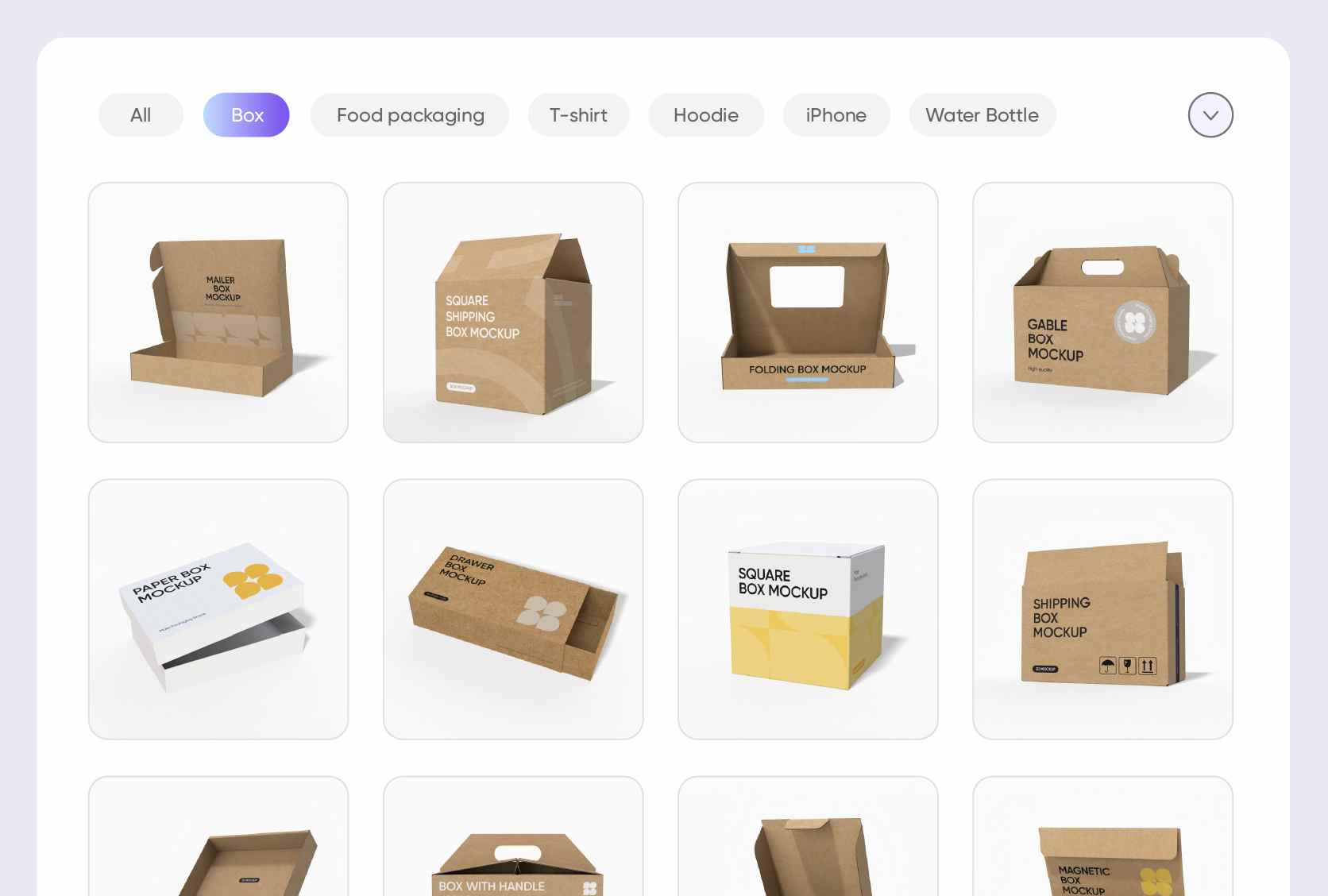
Wide range of printed cardboard box structures
Diverse box styles allow brands to build packaging that suits their products and grabs attention.
A sleeve style cardboard box adds a festive touch, perfect for packaging gifts, chocolates, or seasonal treats. Alternatively, a drawer-style box provides a premium unboxing experience, great for gourmet treats, cosmetics, or small accessories.
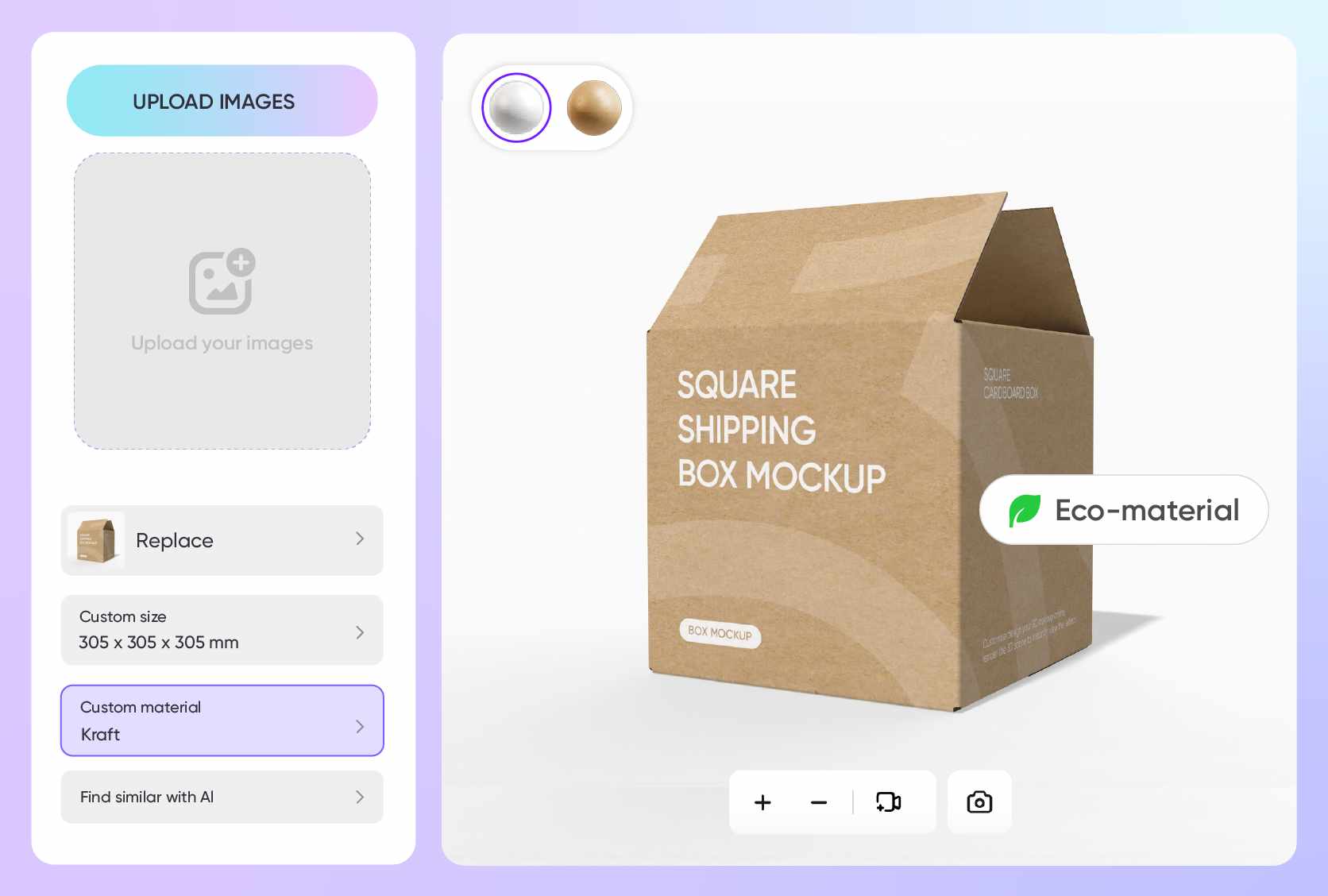
Smart placement for branding and details
Placing high-impact text and visuals helps improve brand credibility and customer confidence.
Images of toy illustrations, cosmetic icons, or sports equipment can be added to give each box a distinct look. You can also include text such as product instructions, brand slogans, or key features to make the packaging informative for customers.
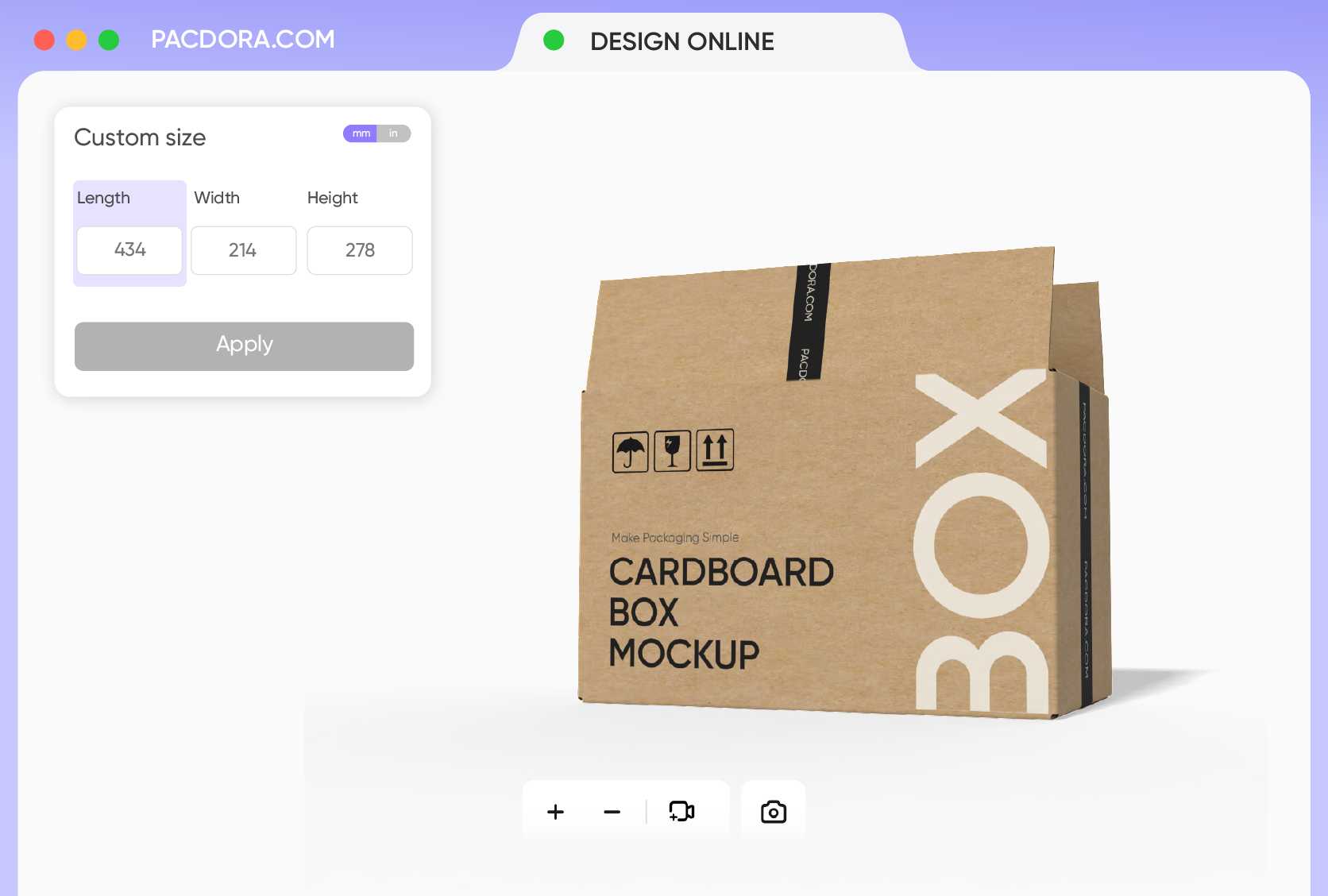
Versatile box designs with customizable sizes
Adjustable dimensions let you tailor packaging for both small sets and bulk products.
A 3 × 2 × 1 inches box is ideal for small stationery items, sample cosmetics, or promotional trinkets. Alternatively, a 12 × 9 × 6 inches box is best for packing apparel, electronic accessories, or larger office supplies. Use Pacdora now!

Flexible download options for your box layouts
Multiple file types let you share or display your box designs for presentations, online listings, or printing.
Downloading as PNG or JPG is useful for showcasing box designs online or sharing previews with clients. PDF or DXF dieline files provide accurate cutting and folding details, perfect for printing custom cardboard boxes.
Wide range of printed cardboard box structures
Diverse box styles allow brands to build packaging that suits their products and grabs attention.
A sleeve style cardboard box adds a festive touch, perfect for packaging gifts, chocolates, or seasonal treats. Alternatively, a drawer-style box provides a premium unboxing experience, great for gourmet treats, cosmetics, or small accessories.
Smart placement for branding and details
Placing high-impact text and visuals helps improve brand credibility and customer confidence.
Images of toy illustrations, cosmetic icons, or sports equipment can be added to give each box a distinct look. You can also include text such as product instructions, brand slogans, or key features to make the packaging informative for customers.
Versatile box designs with customizable sizes
Adjustable dimensions let you tailor packaging for both small sets and bulk products.
A 3 × 2 × 1 inches box is ideal for small stationery items, sample cosmetics, or promotional trinkets. Alternatively, a 12 × 9 × 6 inches box is best for packing apparel, electronic accessories, or larger office supplies. Use Pacdora now!
Flexible download options for your box layouts
Multiple file types let you share or display your box designs for presentations, online listings, or printing.
Downloading as PNG or JPG is useful for showcasing box designs online or sharing previews with clients. PDF or DXF dieline files provide accurate cutting and folding details, perfect for printing custom cardboard boxes.
Our customers love Pacdora’s mockup tools
Thousands before you have designed realistic mockups with Pacdora and loved it.

Great mock-ups and literally thousands of packaging designs to choose from. The 3d mock-up is so good, helps bring clarity to the client as well as the designers. Great product for packaging design professionals.


cosmiccorner
Move over, complicated design software! Pacdora is the superhero of packaging mockups. Creating 3D magic for my products is as easy as pie – no PhD in design required. It’s like the software looked at the clock and said, ‘Time to save users from design nightmares!’ It’s so user-friendly, even my coffee mug wants to try its hand at packaging design.
FAQ
Can I get my cardboard boxes printed on demand?
Yes. Pacdora offers on-demand printing for cardboard boxes. You can personalize your design and order a minimum of five boxes. Our automated factory prints fast and maintains high quality. We ship worldwide with reliable delivery. We also use eco-friendly inks, sustainable paper, and renewable energy to support green printing.
Can I recycle my printed cardboard boxes?
You can easily recycle your custom printed cardboard boxes. It helps reduce waste and conserve the resources. However, you must remove all the non-paper parts from the boxes before putting them in recycling plants. These parts include plastic windows, foam inserts, and metal fasteners.
Can a beginner use Pacdora to design printed cardboard boxes?
Yes, Pacdora is perfect for beginners. Everyone can use our platform to create custom printed cardboard boxes without design experience. Select a box style, then use our easy drag-and-drop tools to add design elements and adjust dimensions. Pacdora also allows you to preview your custom printed cardboard boxes and fix their layout.
Can I add a background to my cardboard box on Pacdora?
Yes, you can add backgrounds to custom printed cardboard boxes on Pacdora. Select engaging colors, subtle gradients, or upload personalized images from your device. Dining tables, countertops, and store displays can be perfect backgrounds for your box designs. Pacdora’s AI background generator can create unique images for your box designs.
Can I make custom printed cardboard boxes for free using Pacdora?
Yes, Pacdora helps you design various styles and sizes of custom printed cardboard boxes at no cost. Our platform also features some advanced editing tools, which you can access on our pricing page.
Explore more mockup tools
Discover more about Pacdora

Kickstart your exciting journey of creating printed cardboard boxes online

