

Brown box packaging
Select tray, handle, or window-style brown box packaging in different materials and customize them with your product logo, or images! Download HD PNG, JPG, or dieline files!


Flip top gift box mockup
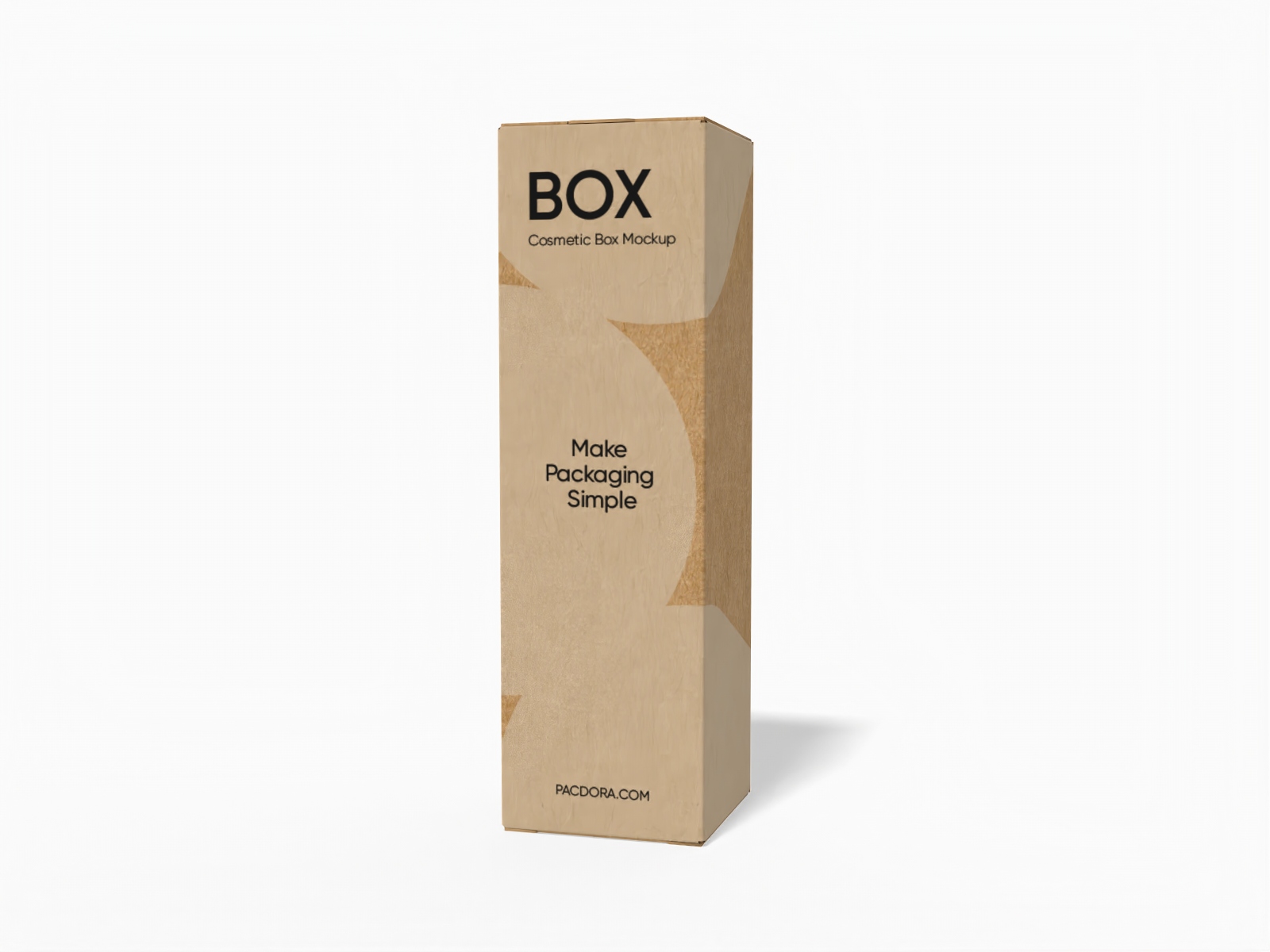
Cosmetic box mockup
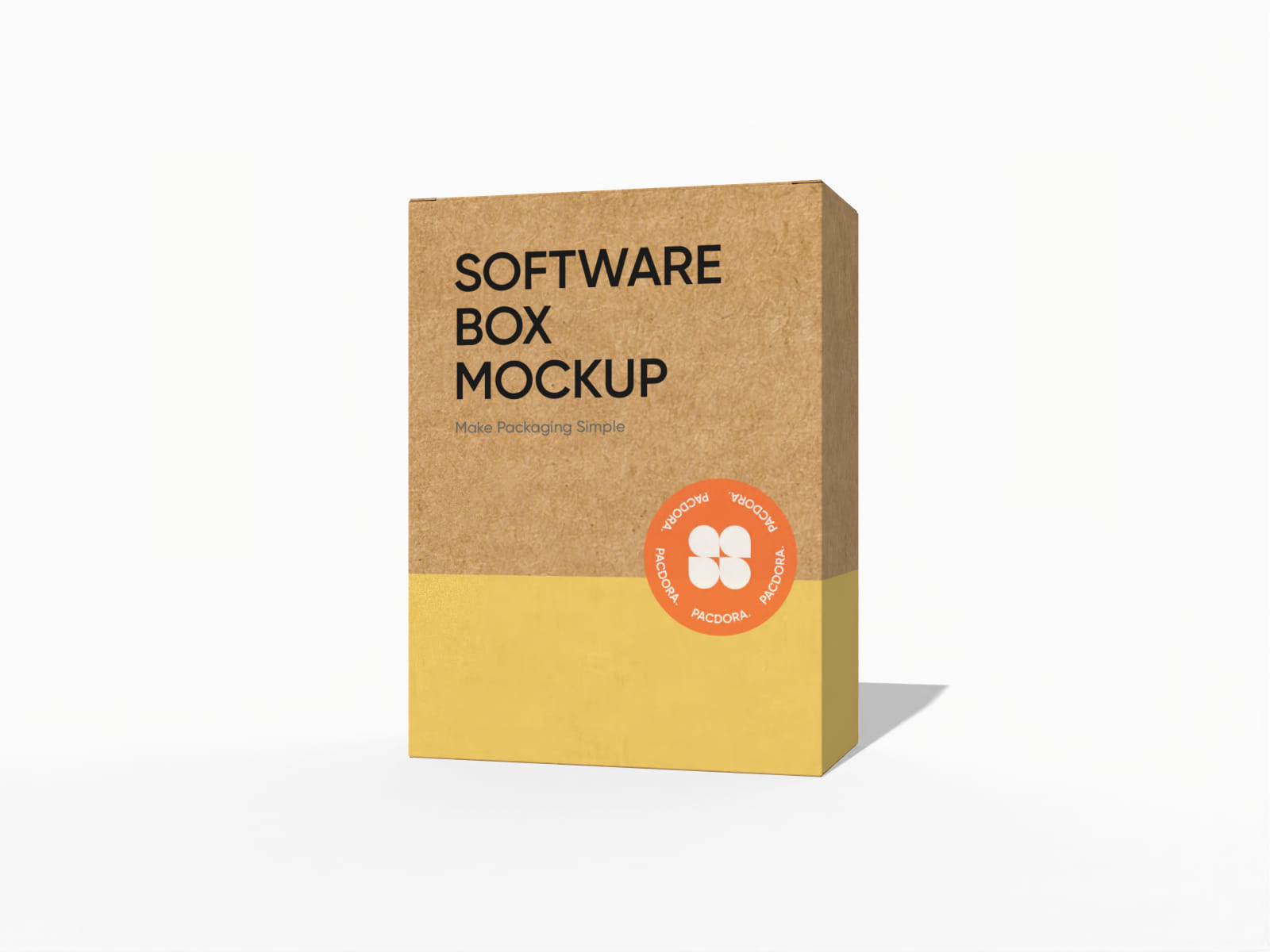
Tuck end software box mockup
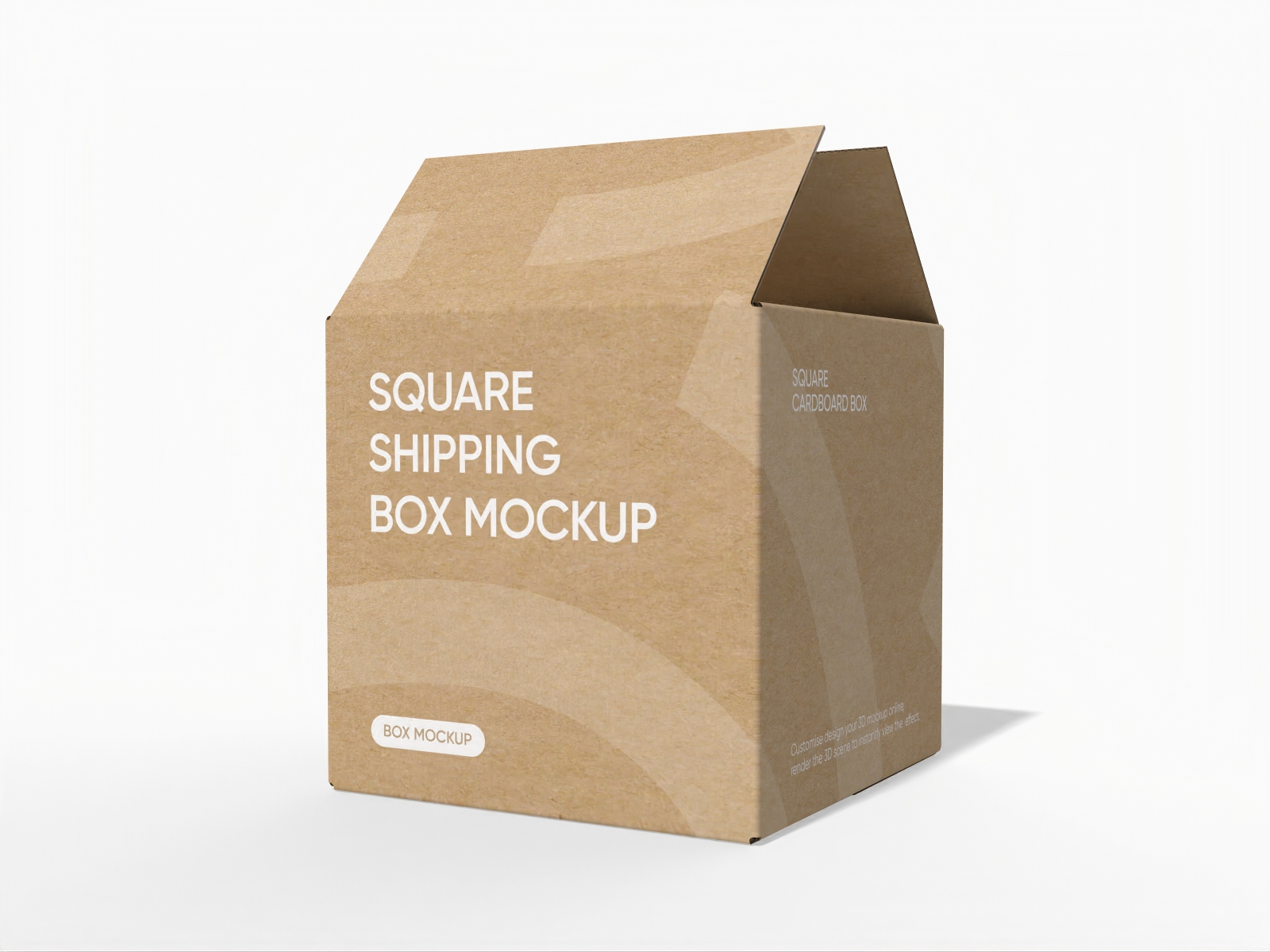
Square shipping box mockup
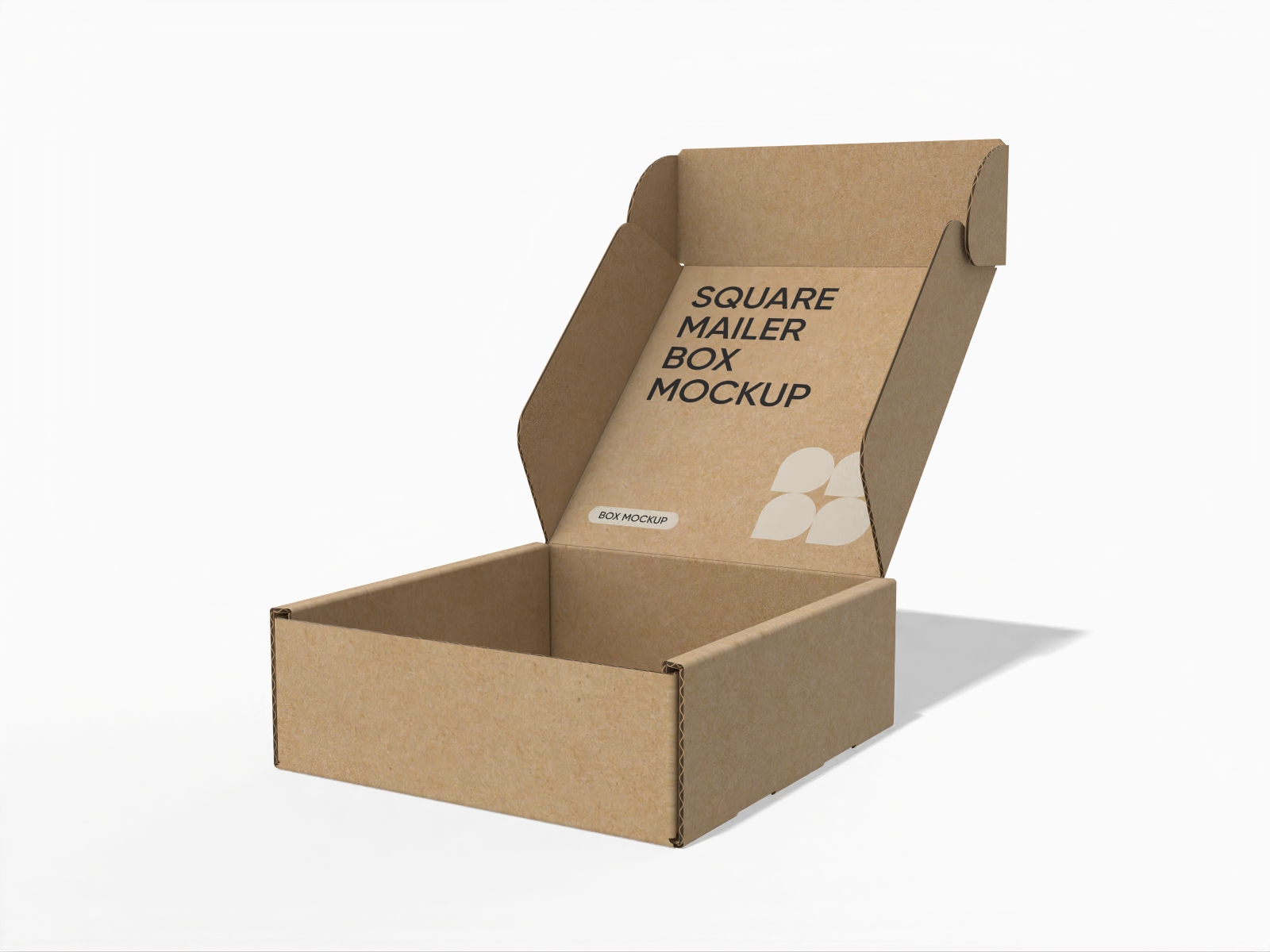
Open square mailer box mockup
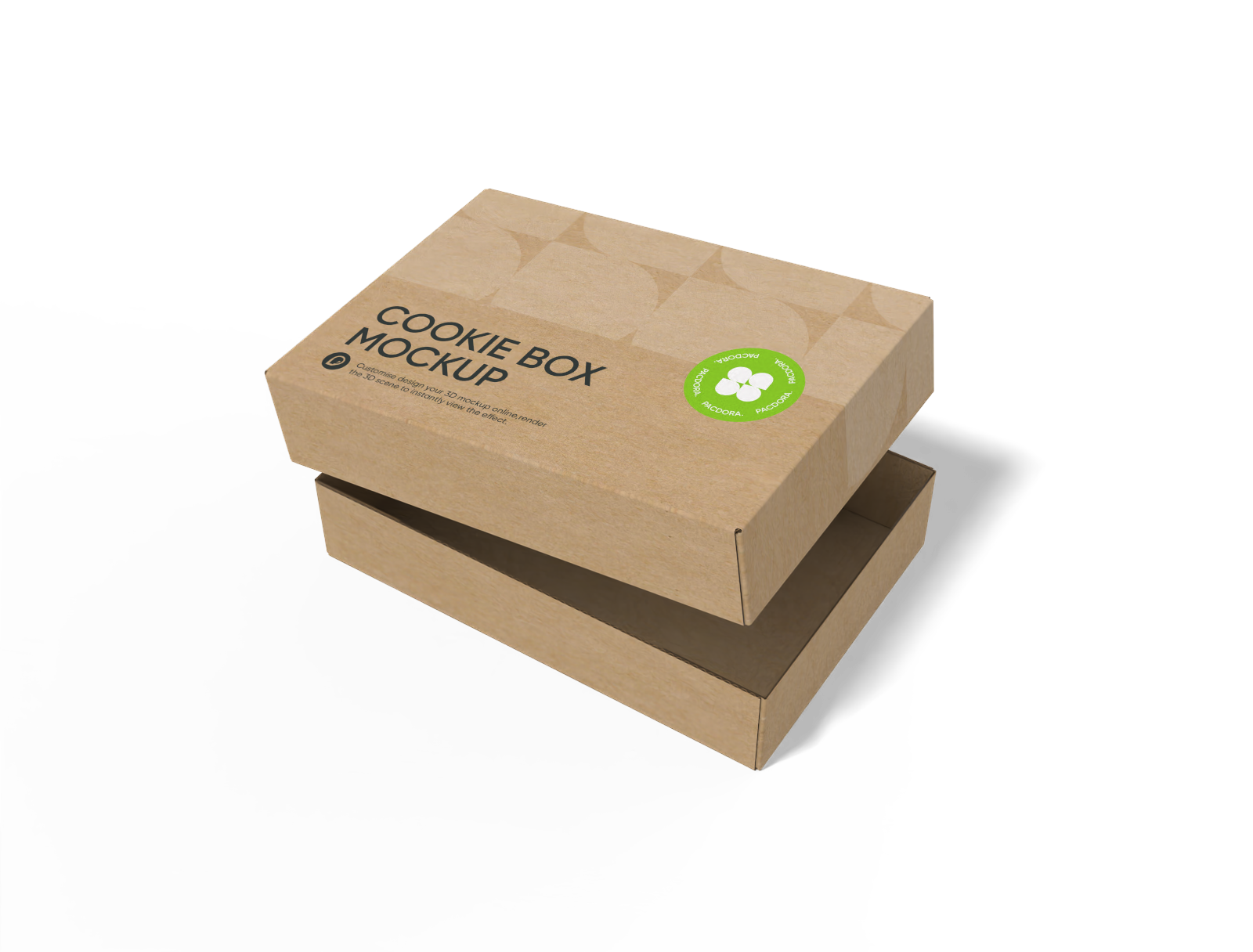
FEFCO 0300 shoe box with lid mockup

Tray box mockup

Tuck end product box mockup
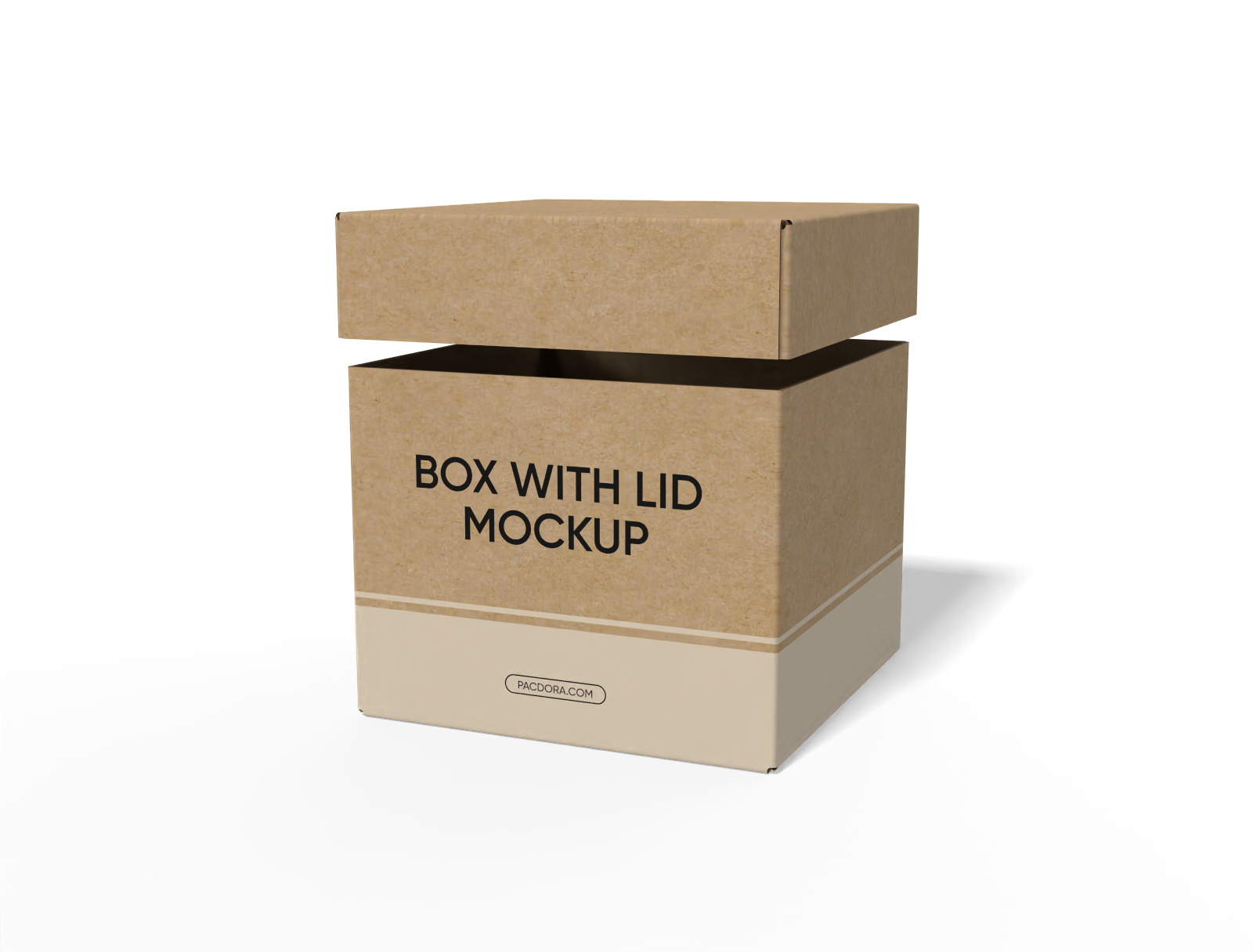
FEFCO 0312 box with lid hoarding cartons paper mockup

Board game box with lid mockup

Cardboard gable box mockup
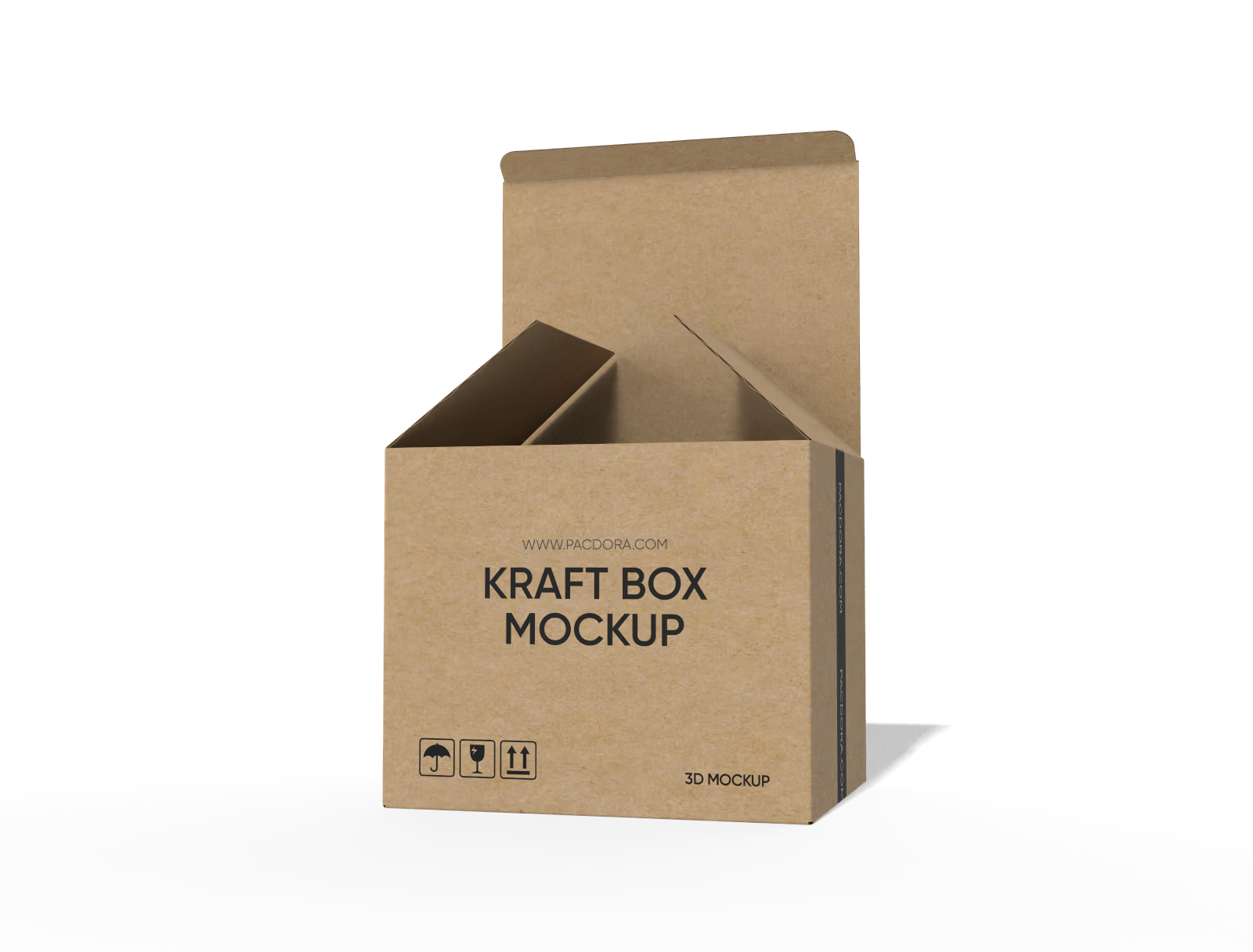
FEFCO 0215 tuck end snap lock bottom box mockup
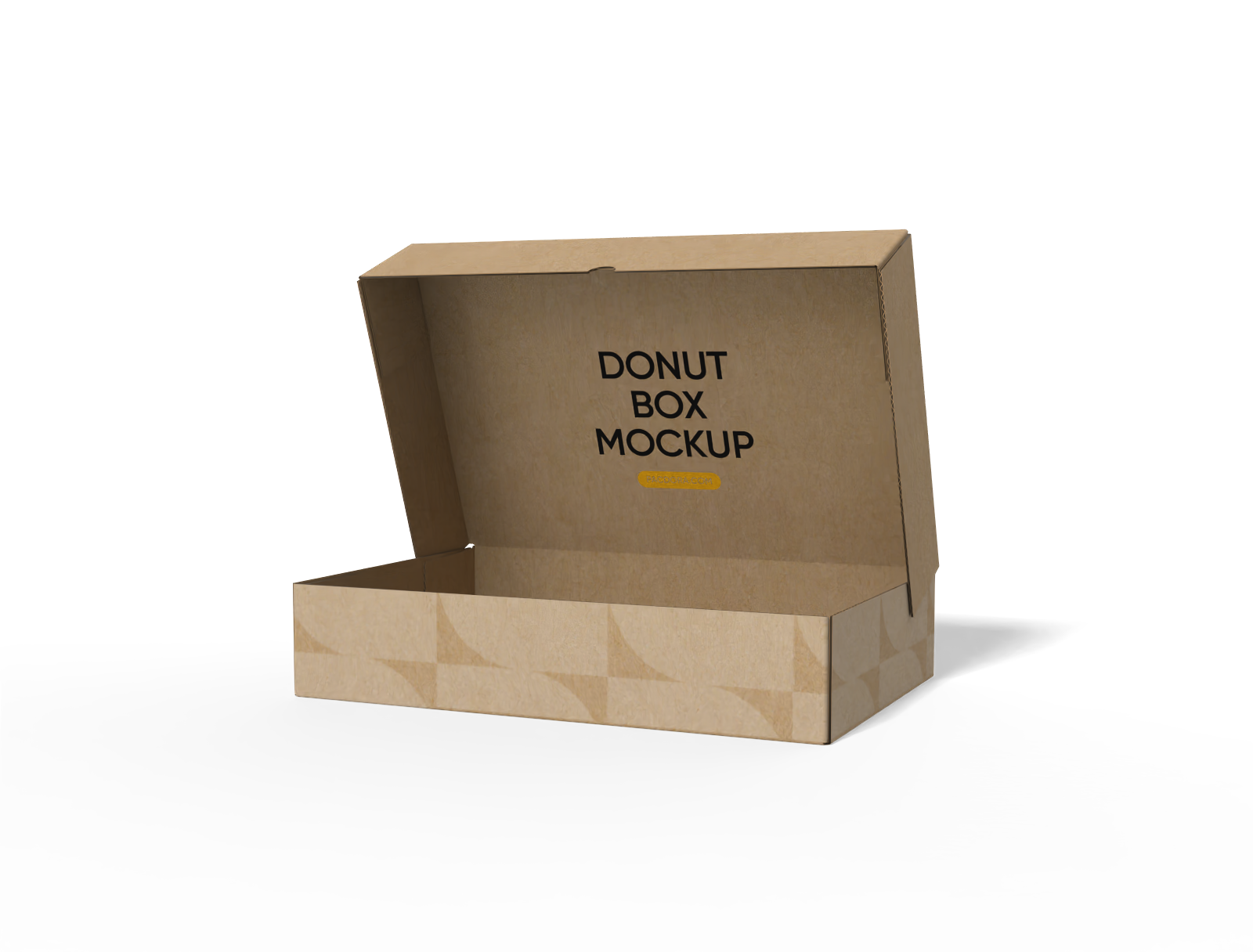
FEFCO 0409 five panel wraps box mockup
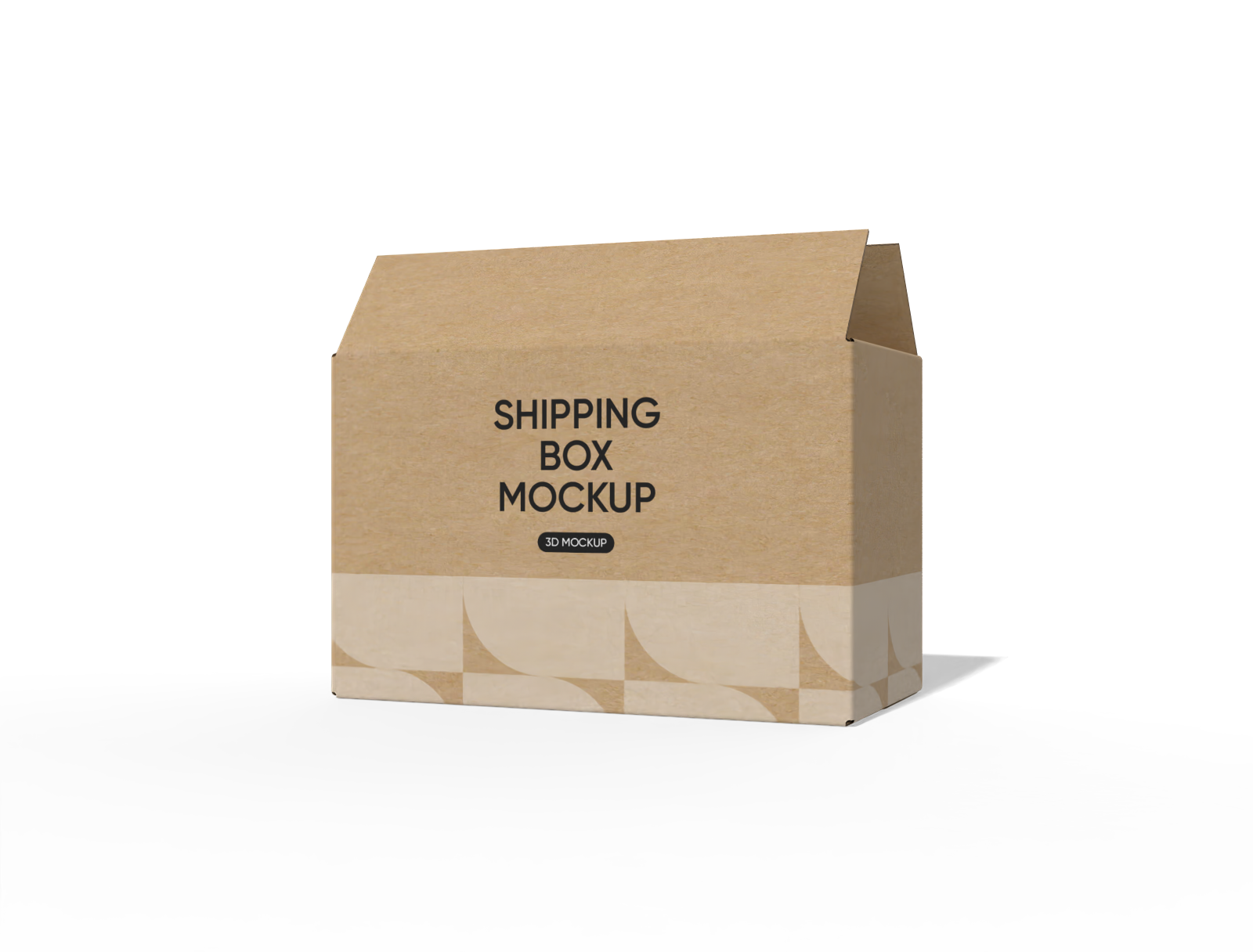
FEFCO 0201 shipping paper box mockup

FEFCO 0217 1-2-3 bottom with handle box mockup
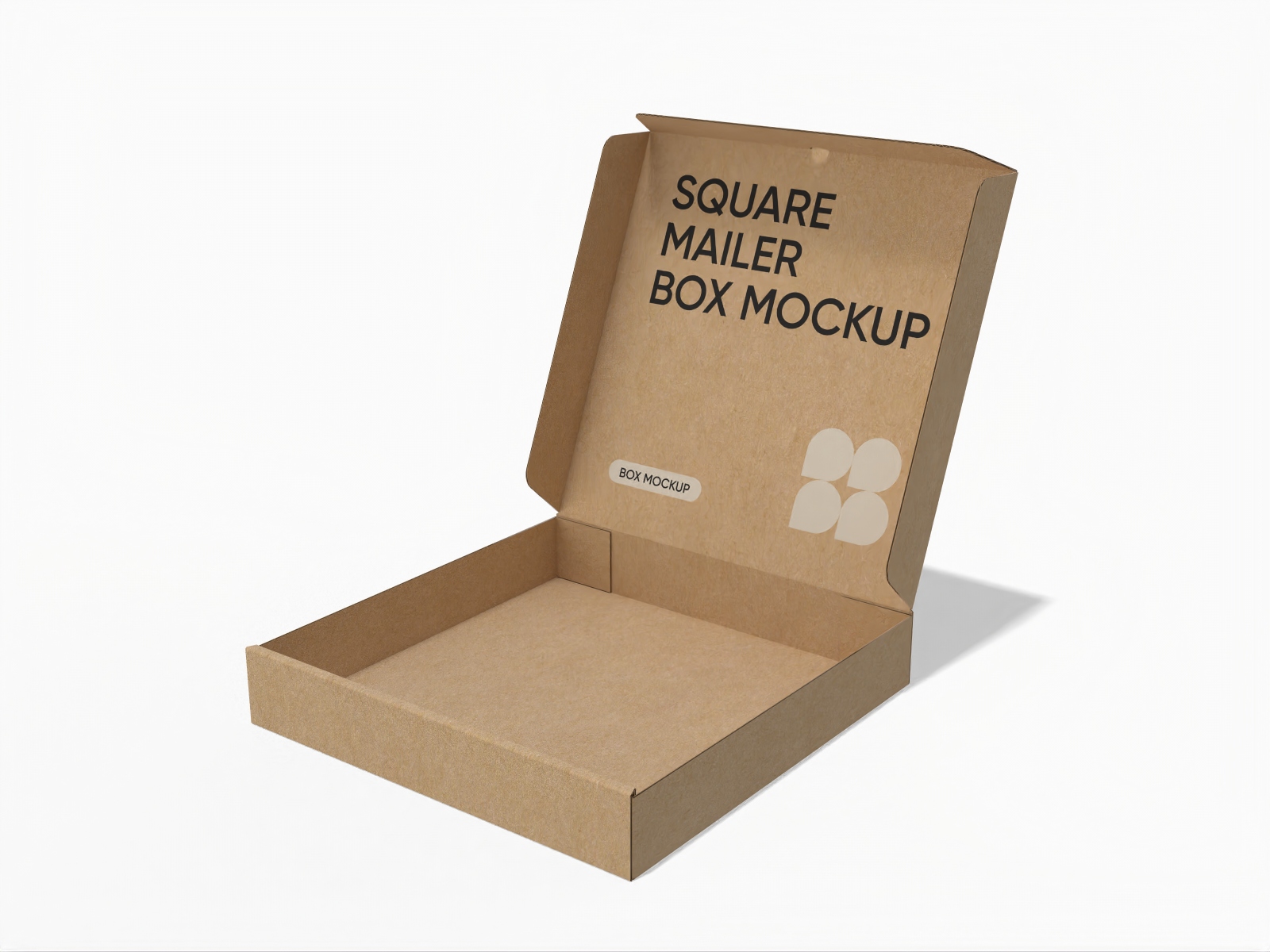
Open square mailer box mockup
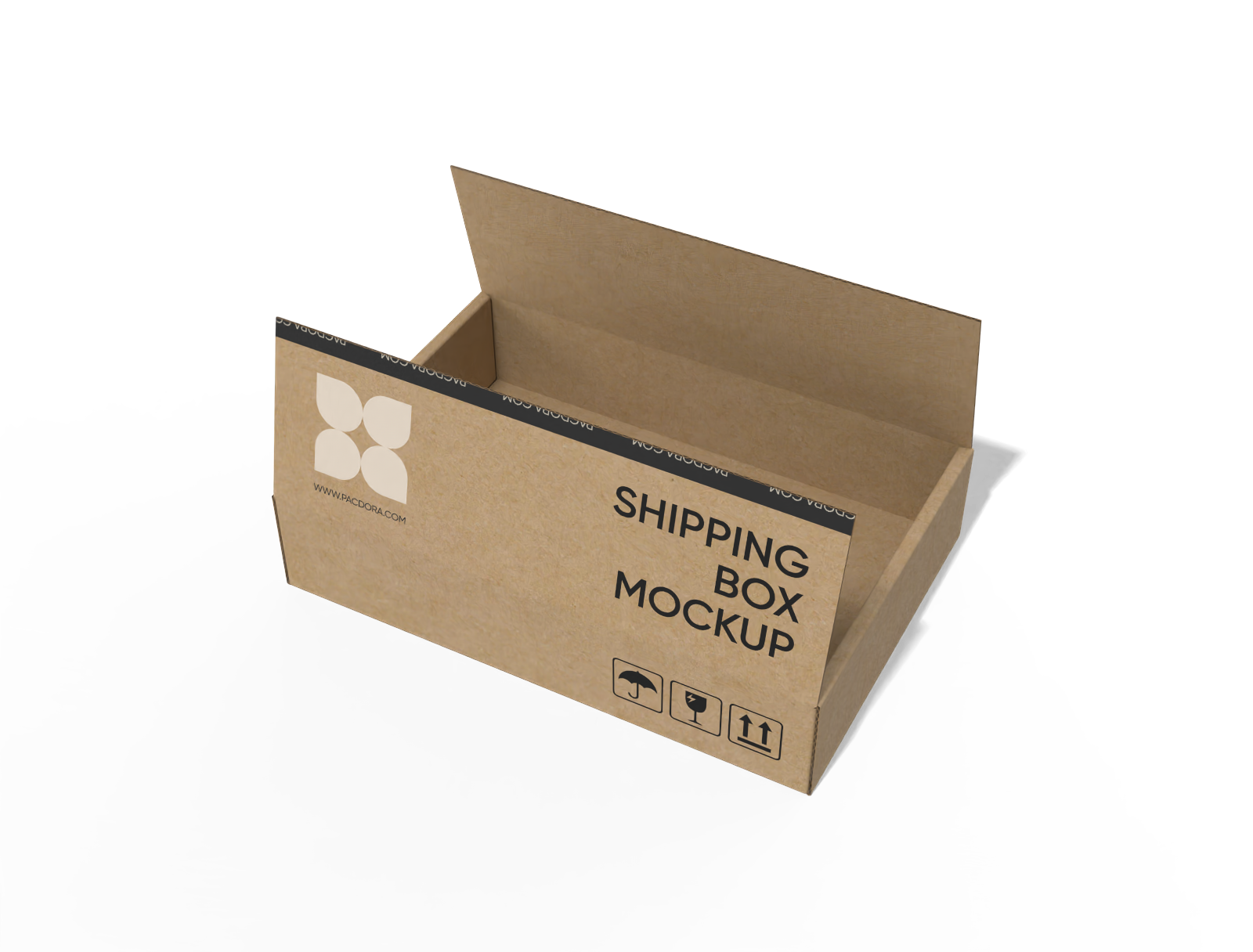
FEFCO 0414 flip-top mailer box mockup
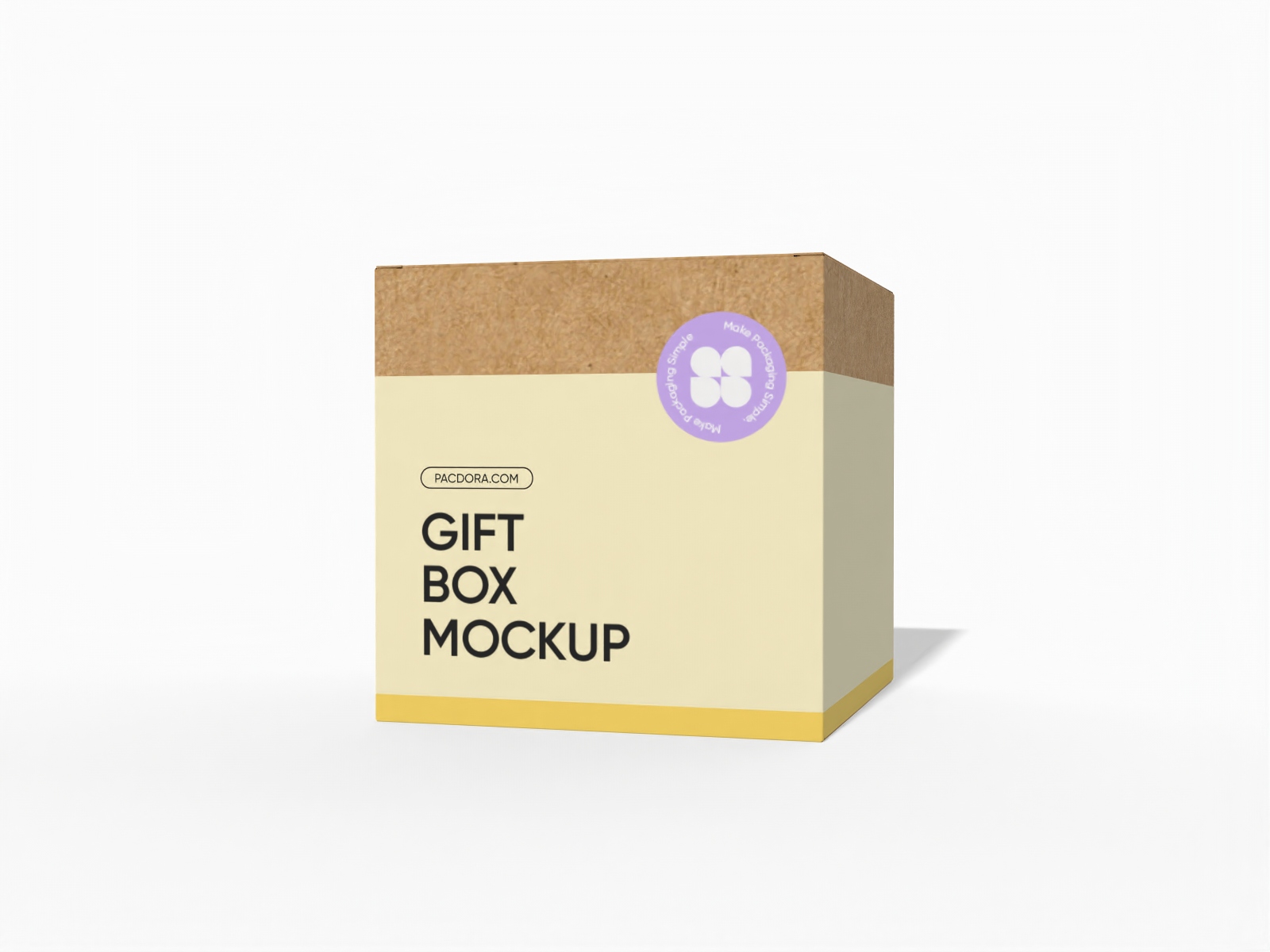
Tuck top gift box mockup
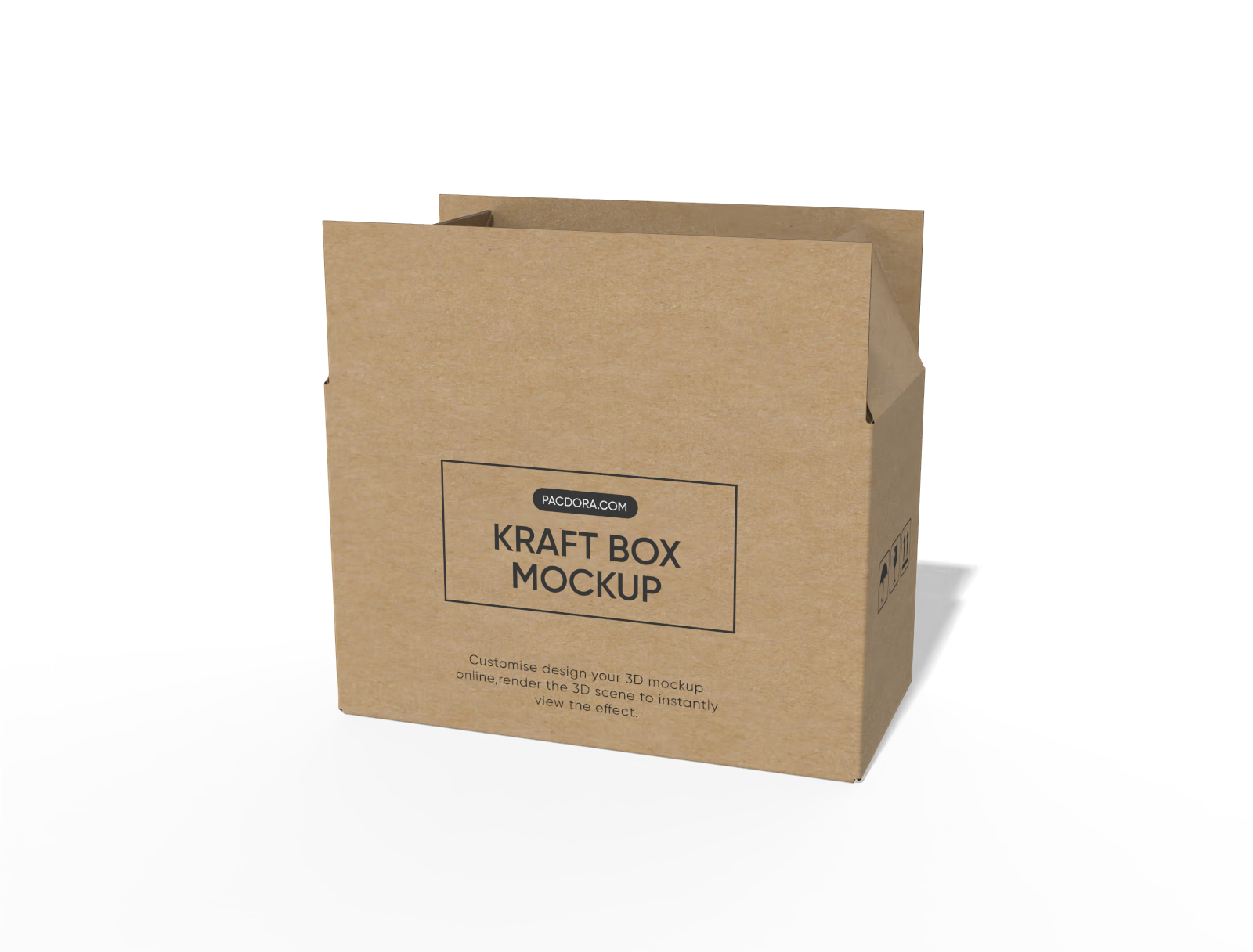
FEFCO 0202 cartons international standard mockup
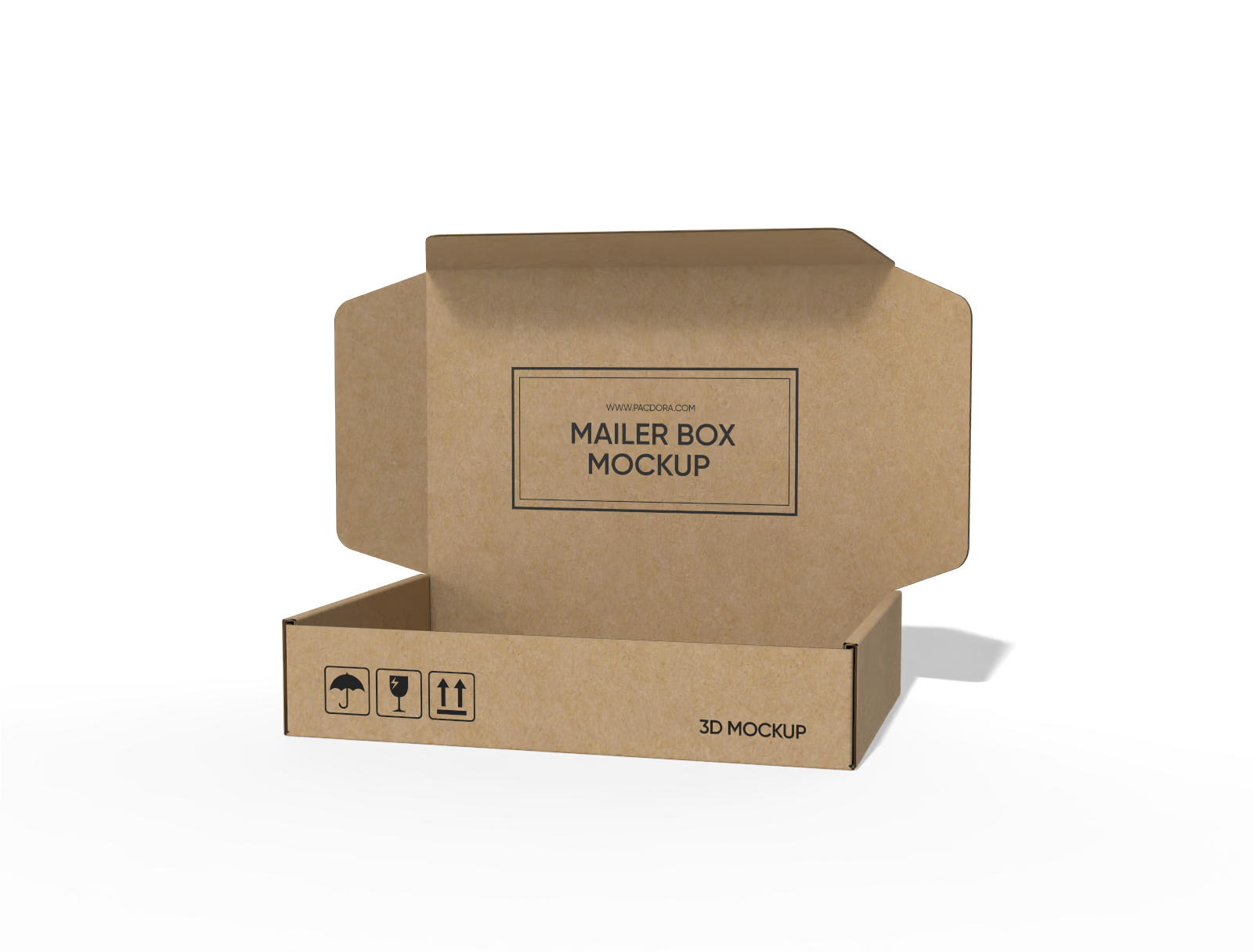
FEFCO 0429 flip top mailer box mockup

Flip top box with handle mockup
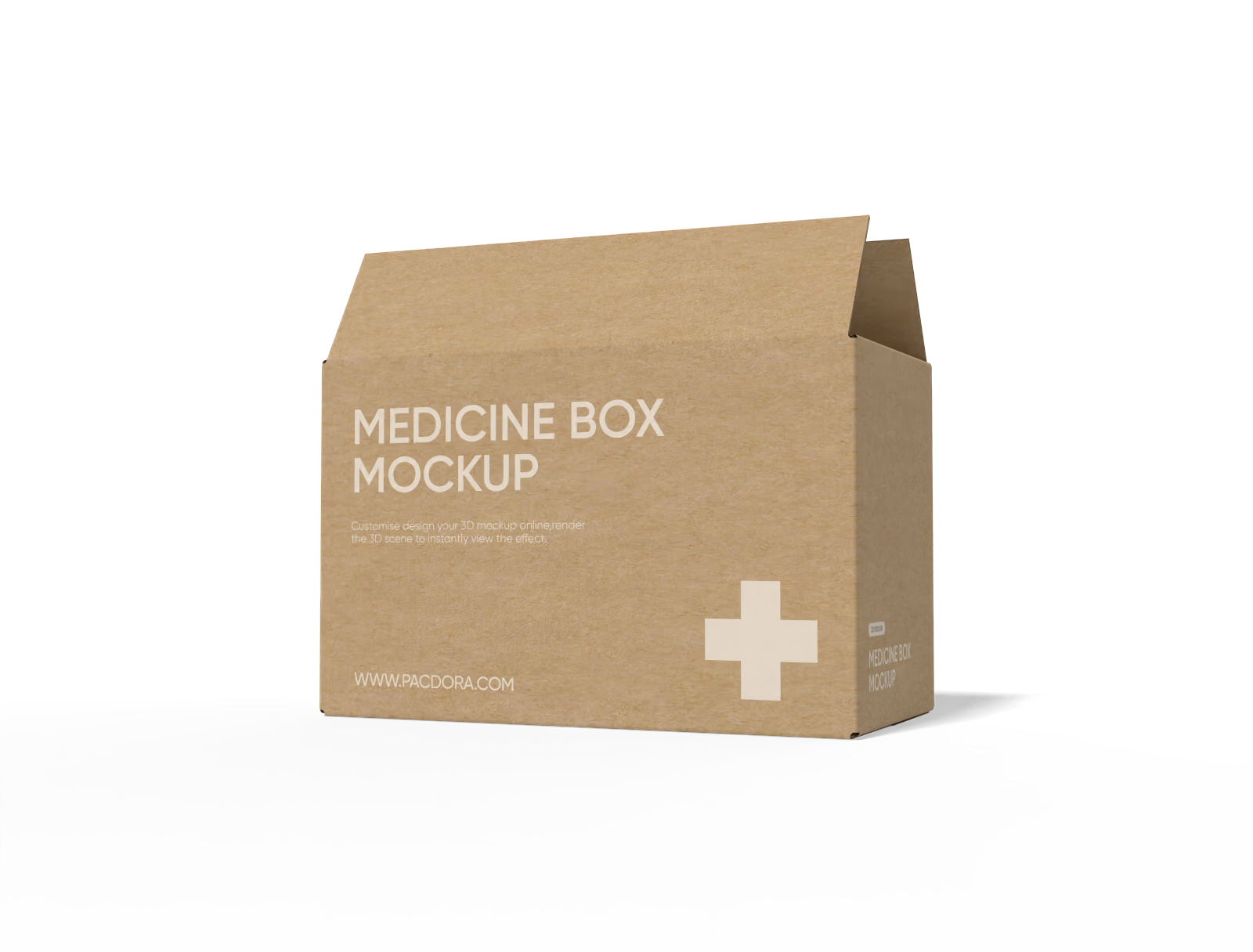
Medicine box mockup
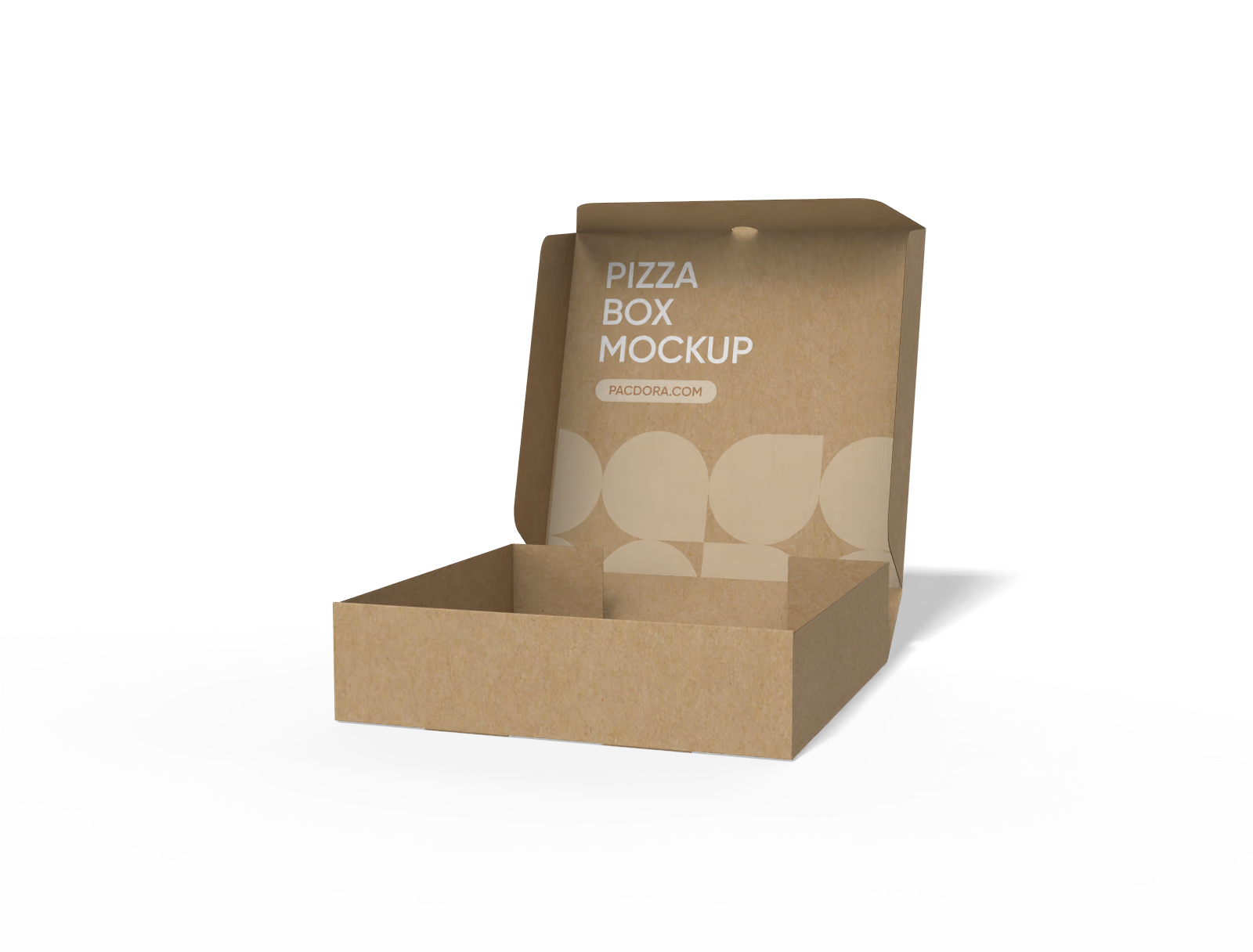
FEFCO 0426 pizza box mockup
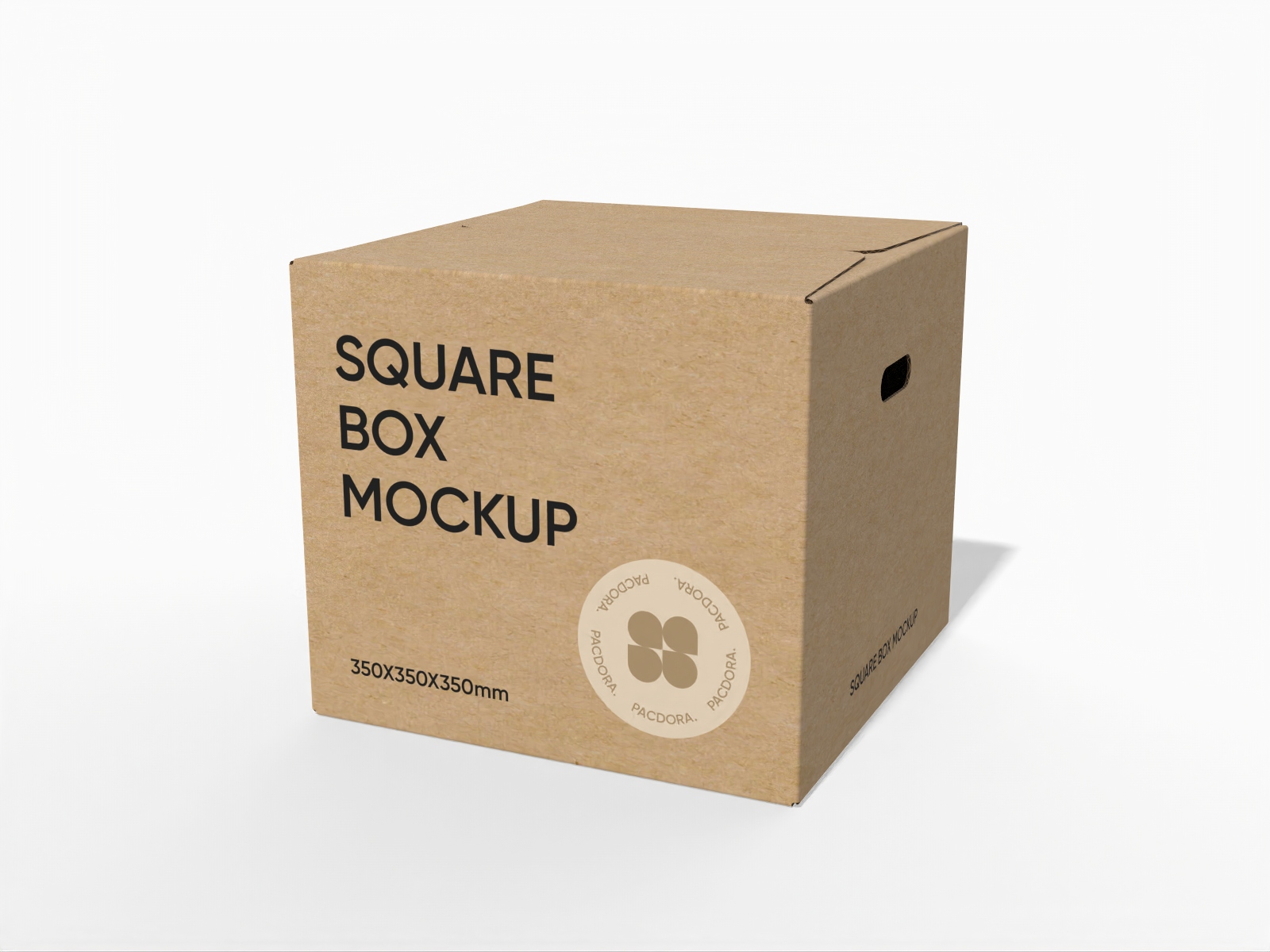
Square cardboard box mockup
Trusted by leading companies


Make product-ready brown boxes in seconds with Pacdora!
Want to design high-end brown boxes for product shipping or storage online? Pacdora lets you create brown box designs in any shape or size directly in your browser. You can choose square or rectangular box styles, including handle, tray, or window options. Place branding images or text and adjust the box dimensions free of cost. Preview and download them in the supported high-definition PNG, MP4 or printable files. Try now!
Why do brands design brown box packaging digitally?
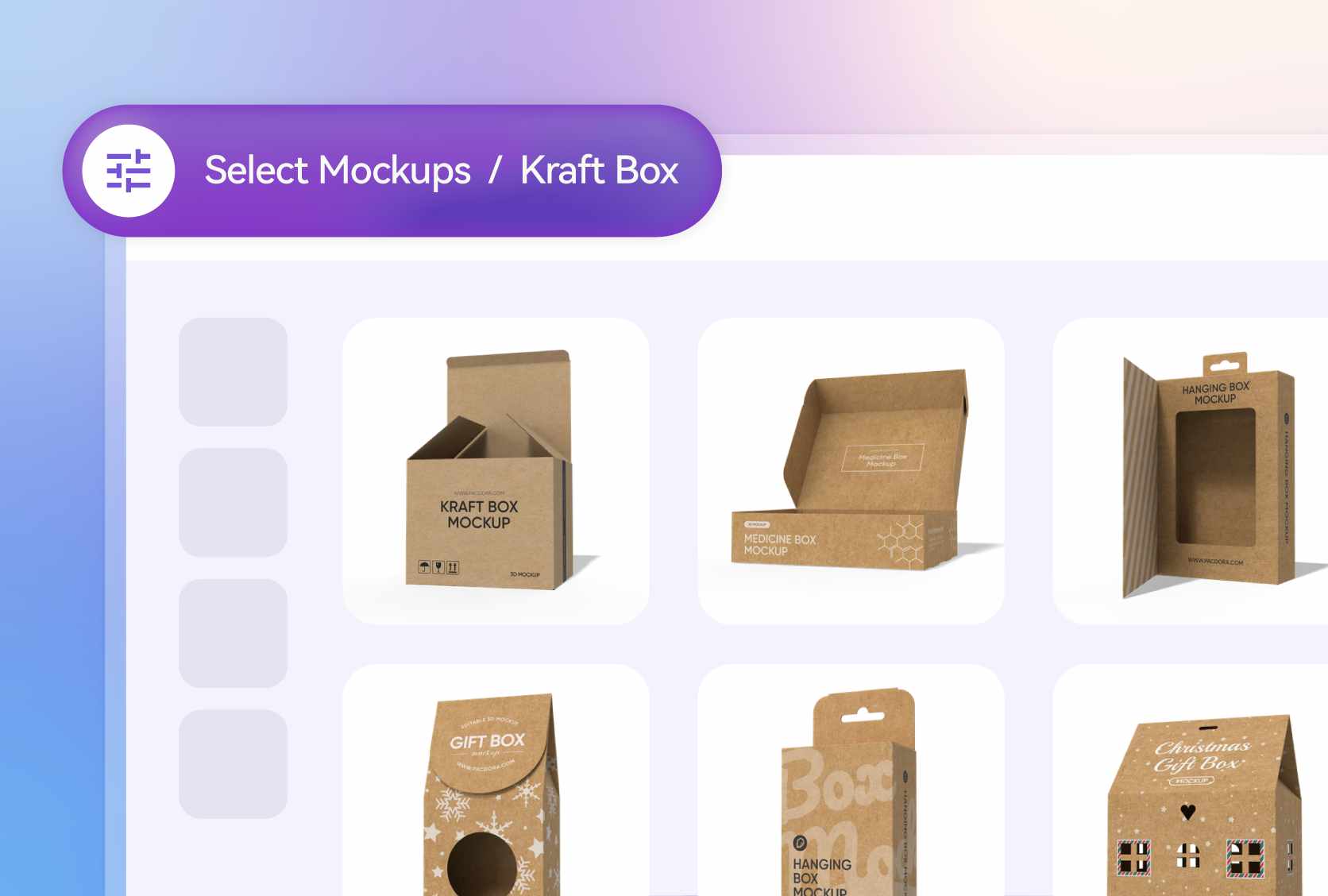
Box styles for versatile product presentation
Different box designs help designers adapt packaging to the product type and customer experience.
A square brown box with a removable lid provides an elegant way to store products, suitable for cosmetics or gift sets. Similarly, a six-grid brown box with a handle organizes multiple items, perfect for small bottles, jars, or samples.
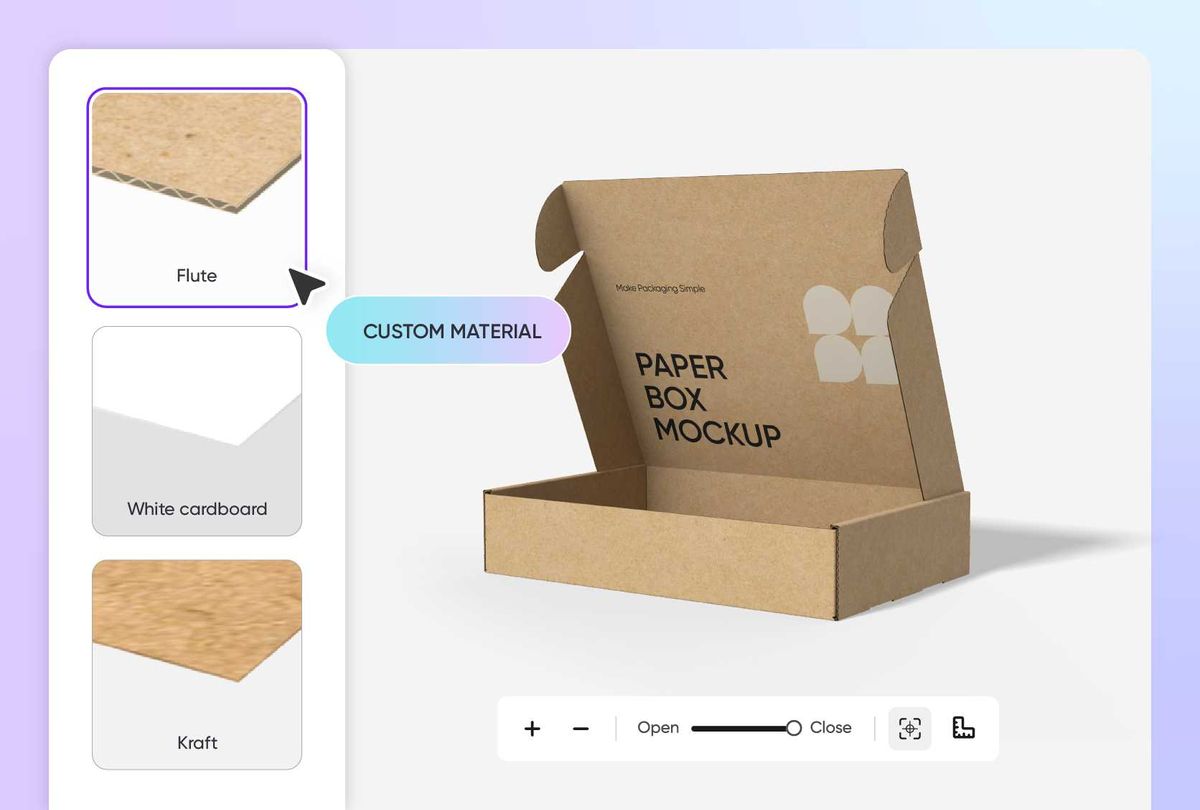
Custom materials that maintain product integrity
Selecting an appropriate material is beneficial as it helps ensure the products’ safety during shipping.
Flute material provides strong support and protection, suitable for packing glassware or electronic appliances. Similarly, kraft paper boxes offer a rustic look, perfect for eco-friendly or handmade items.
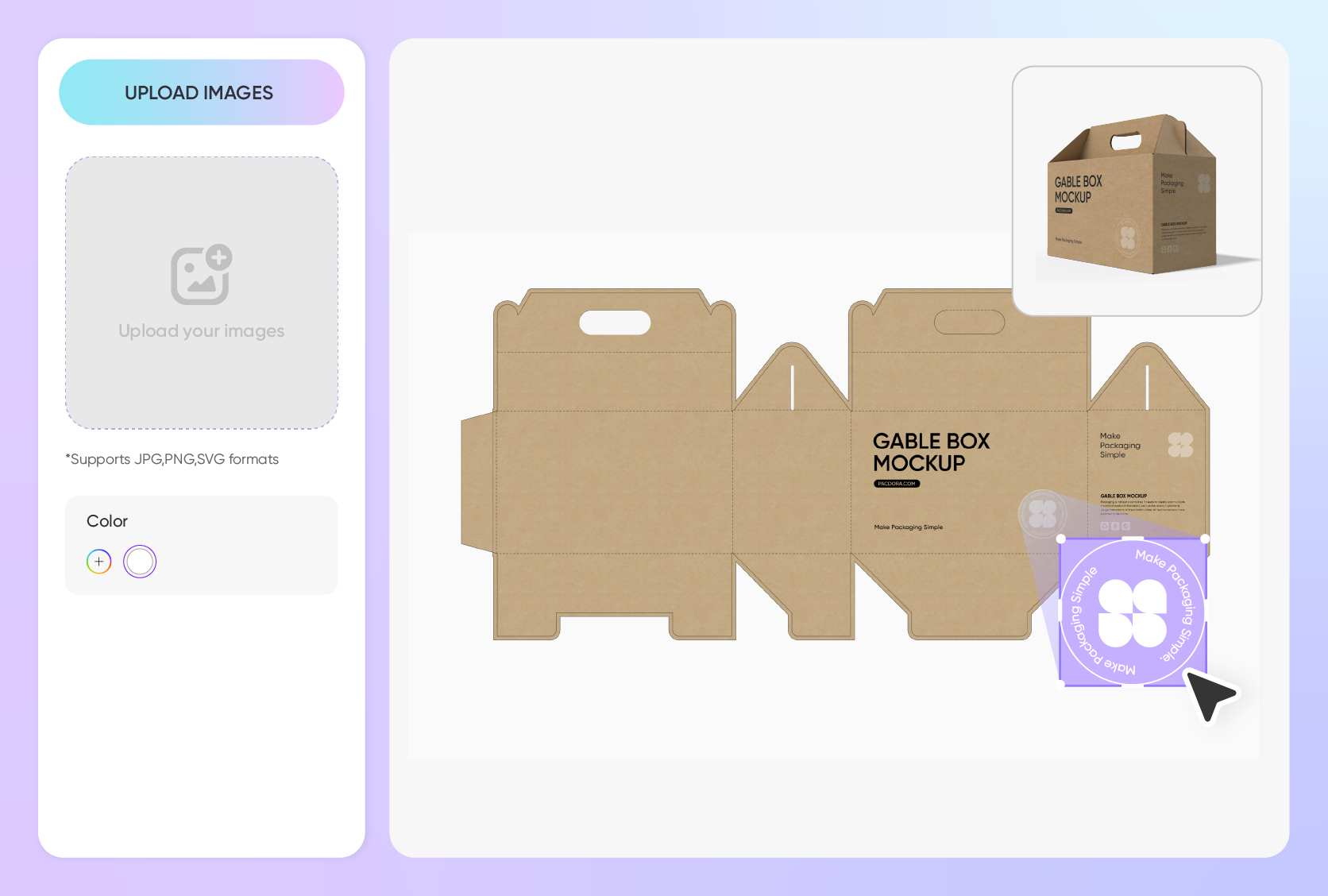
Creative customization for all product boxes
Using brand-specific imagery on brown boxes is important to set your products apart and make your packaging memorable.
A logo on the top or front panel helps highlight the brand. Alternatively, mentioning “Fragile” or “Keep away from heat” lets customers know how to handle the product properly.
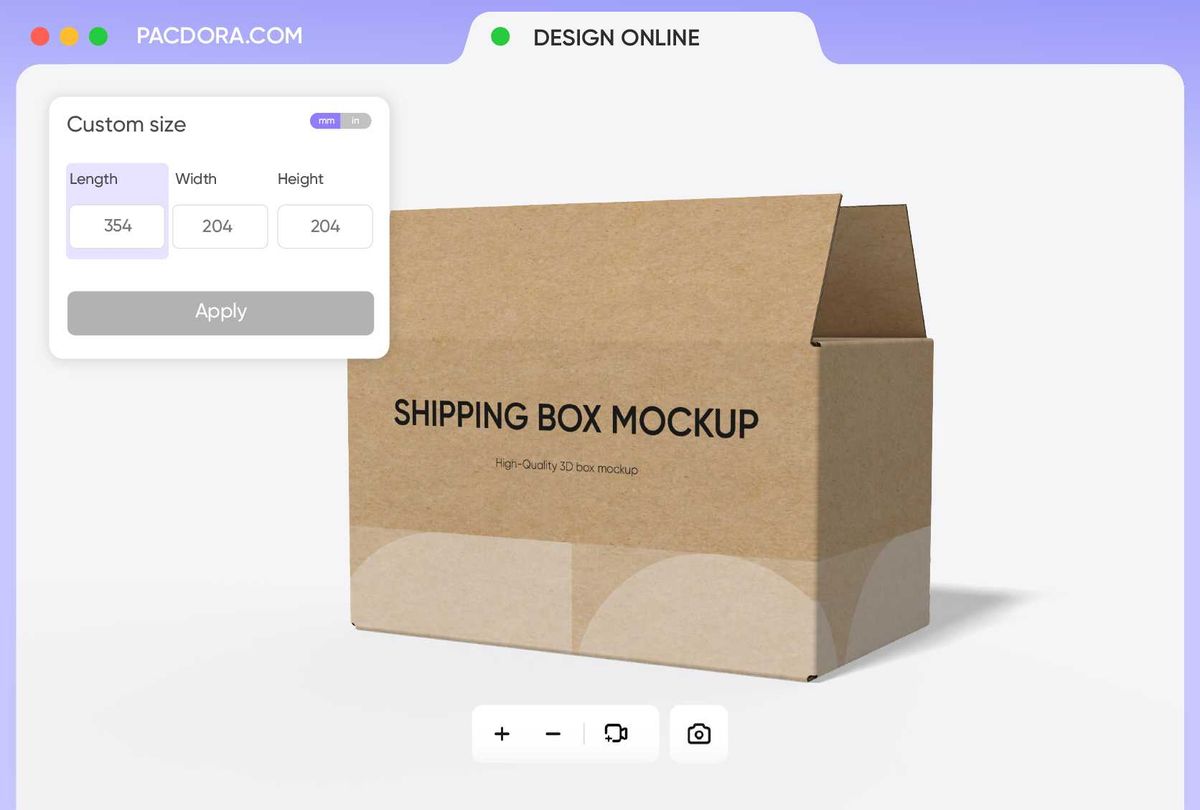
Flexible sizing for tailored product packaging
The availability of diverse brown box sizes allows brands to pack products for single items or bulk shipments.
A 6 × 4 × 3 inches brown box provides a compact option, great for packing shoes, small accessories, or snacks. Likewise, an 18 × 14 × 10 inches brown box offers a larger capacity, suitable for apparel or bulk household items.
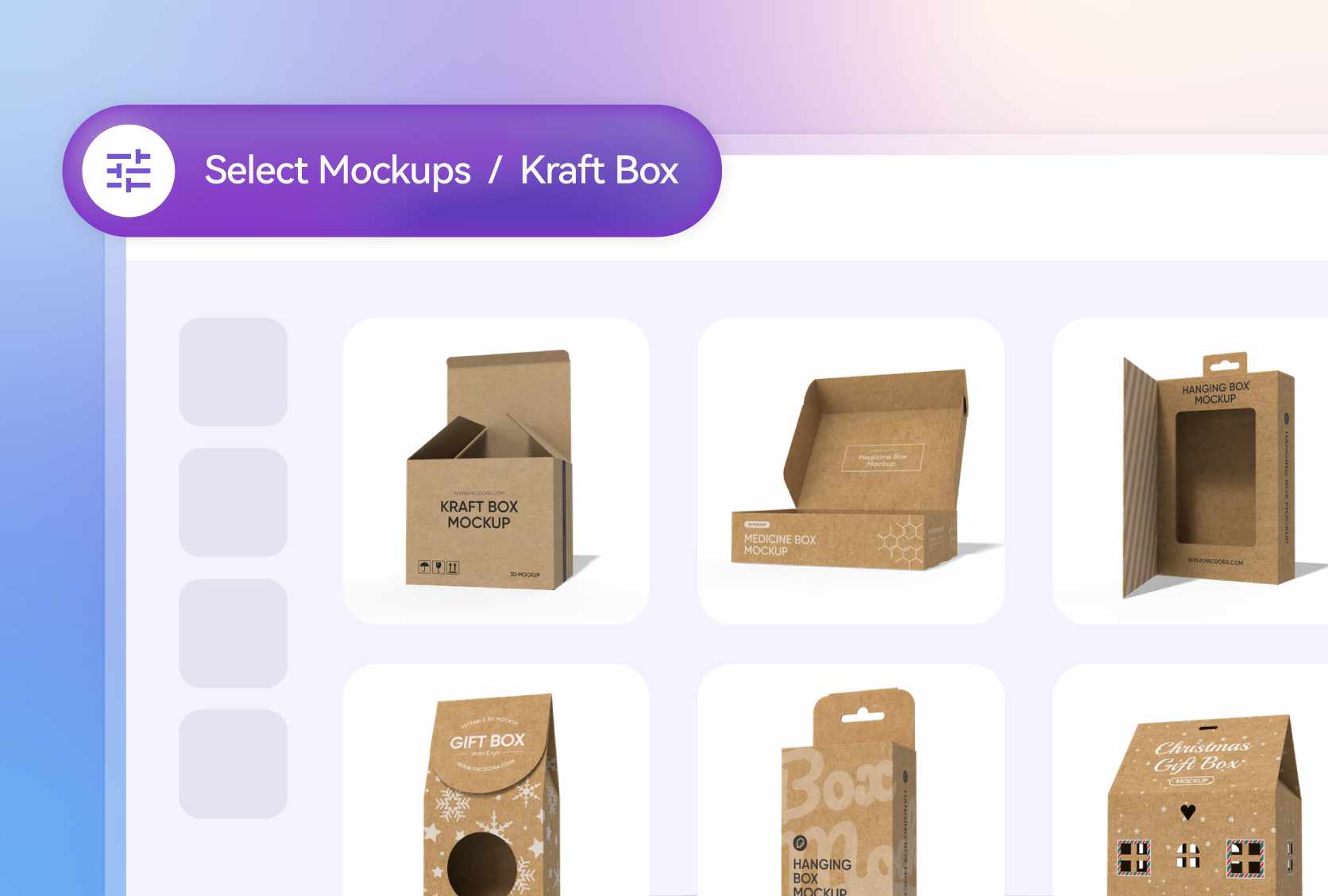
Box styles for versatile product presentation
Different box designs help designers adapt packaging to the product type and customer experience.
A square brown box with a removable lid provides an elegant way to store products, suitable for cosmetics or gift sets. Similarly, a six-grid brown box with a handle organizes multiple items, perfect for small bottles, jars, or samples.
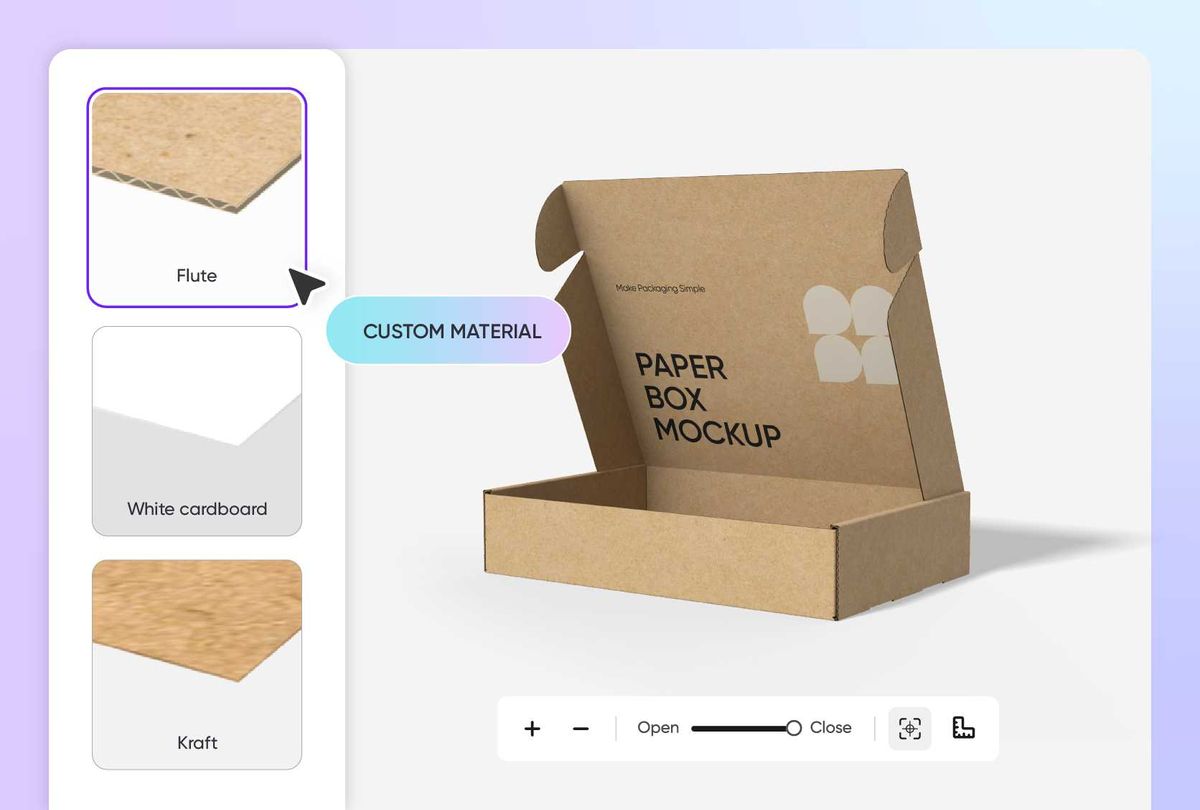
Custom materials that maintain product integrity
Selecting an appropriate material is beneficial as it helps ensure the products’ safety during shipping.
Flute material provides strong support and protection, suitable for packing glassware or electronic appliances. Similarly, kraft paper boxes offer a rustic look, perfect for eco-friendly or handmade items.
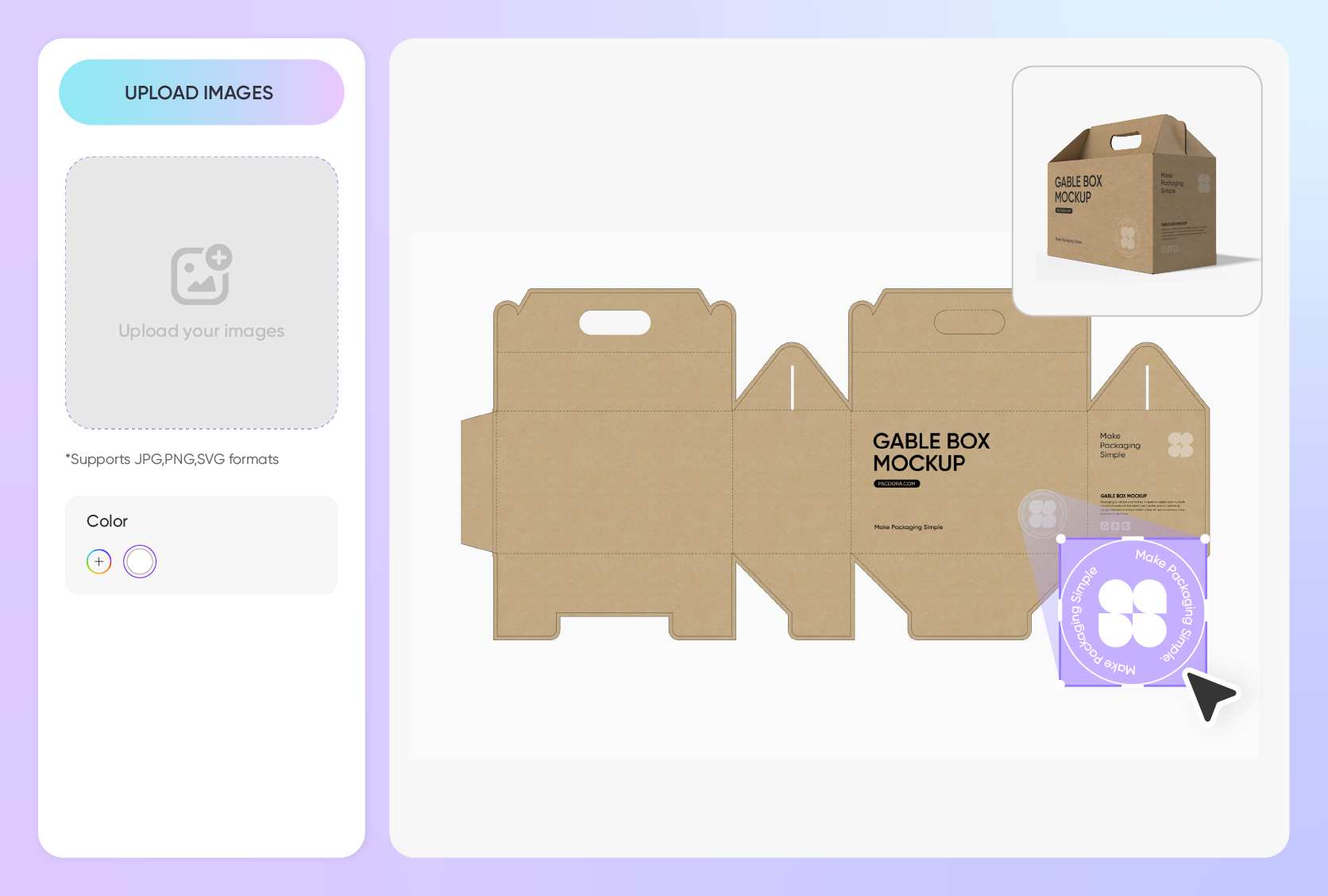
Creative customization for all product boxes
Using brand-specific imagery on brown boxes is important to set your products apart and make your packaging memorable.
A logo on the top or front panel helps highlight the brand. Alternatively, mentioning “Fragile” or “Keep away from heat” lets customers know how to handle the product properly.
Flexible sizing for tailored product packaging
The availability of diverse brown box sizes allows brands to pack products for single items or bulk shipments.
A 6 × 4 × 3 inches brown box provides a compact option, great for packing shoes, small accessories, or snacks. Likewise, an 18 × 14 × 10 inches brown box offers a larger capacity, suitable for apparel or bulk household items.
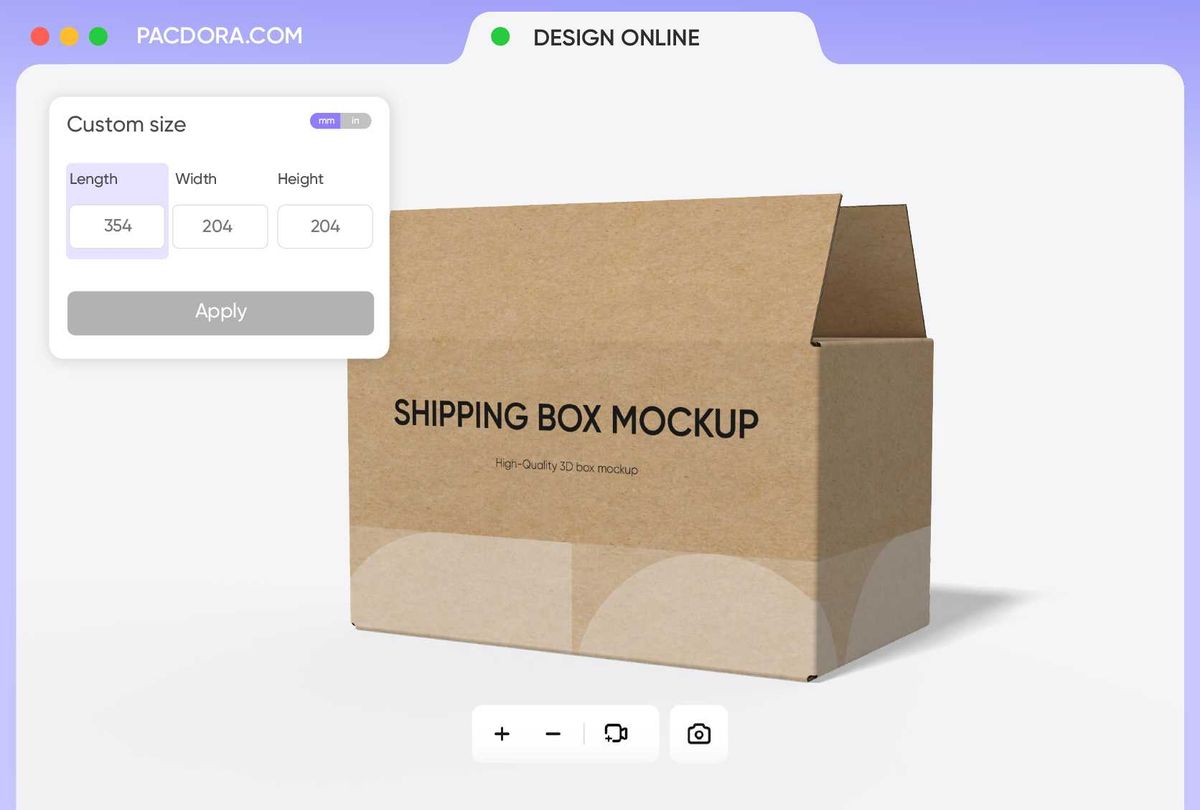
How to create brown box packaging with Pacdora?
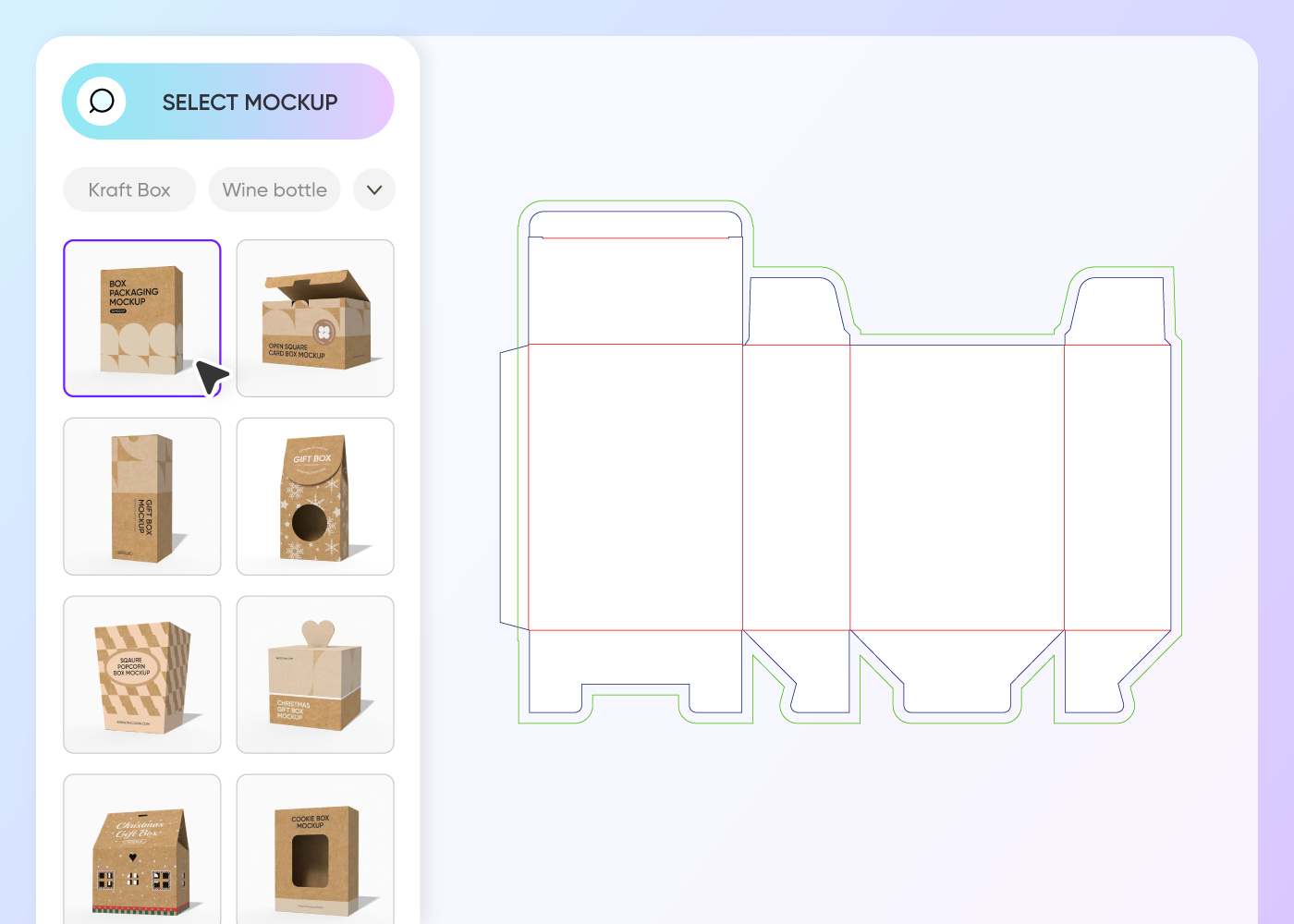
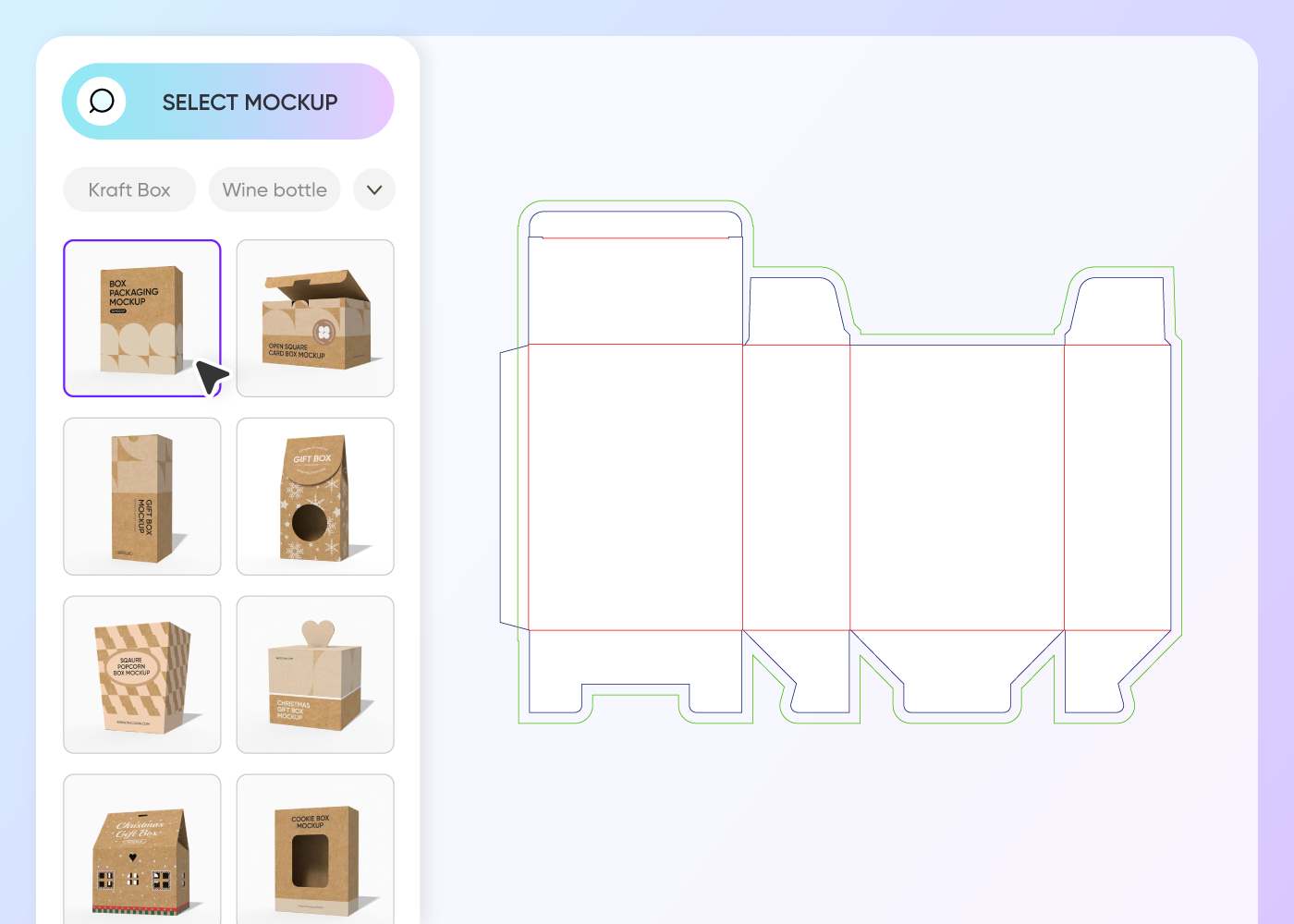
Step 1: Select brown box packaging
Select a brown box design from Pacdora’s library, including square, rectangular, handle, tray, and window-style boxes.
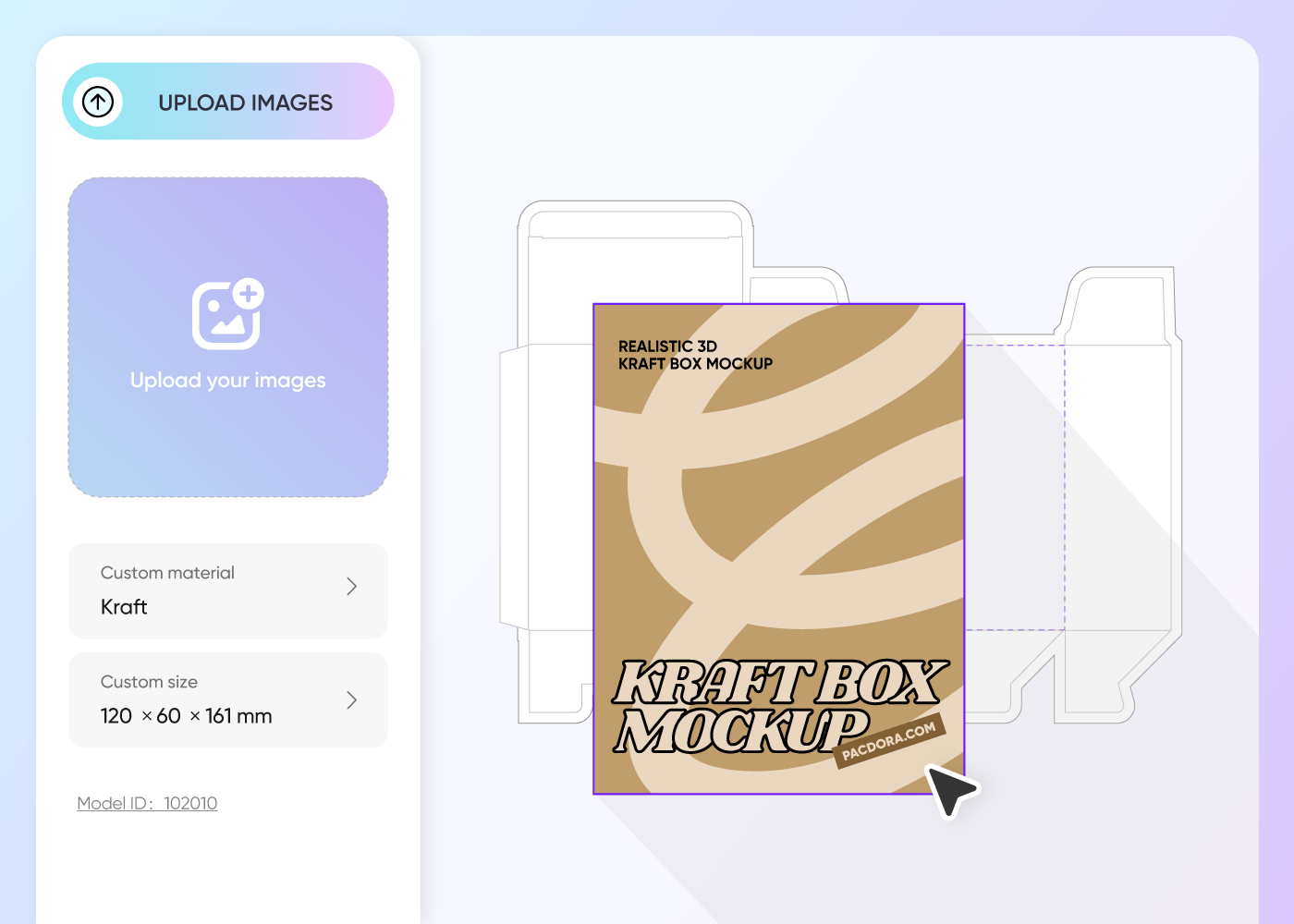
Step 2: Upload images and adjust
Upload images, logos, patterns, or branding text to customize your brown box design. Adjust the layout to suit your product and packaging style.
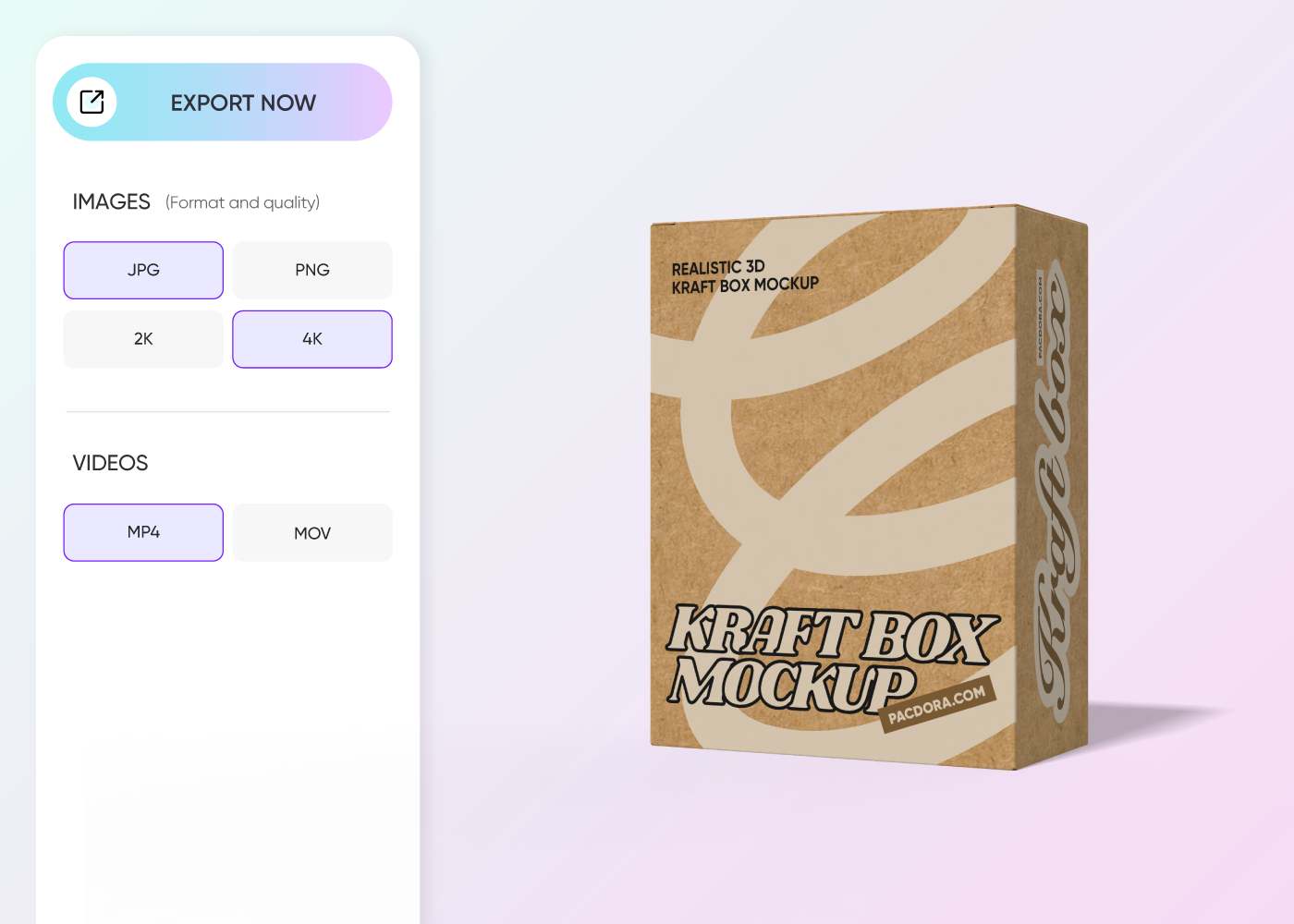
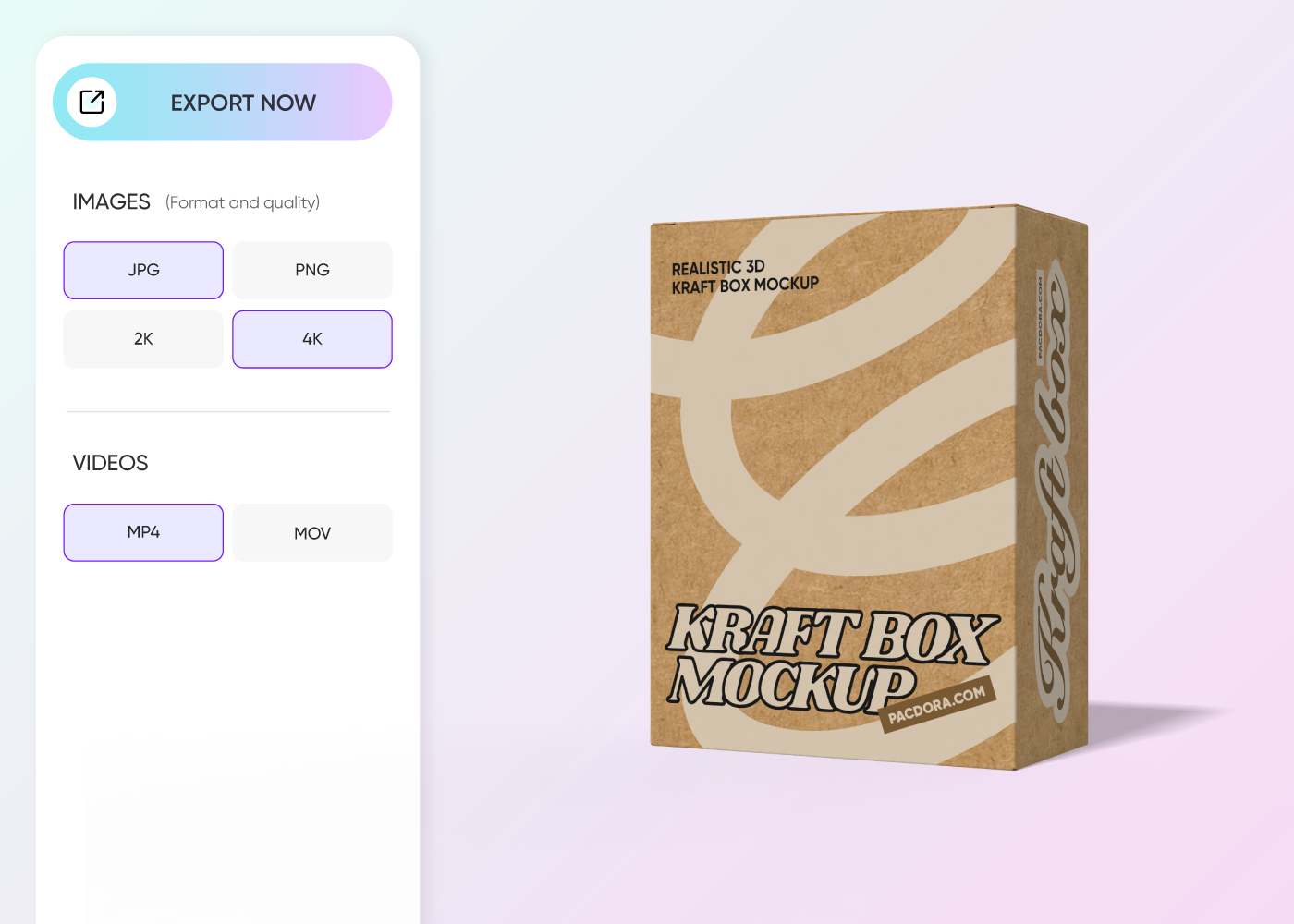
Step 3: Download your brown box packaging
Download your brown box packaging as PNG/JPG images, MP4 videos, or print-ready dieline files.
Step 1: Select brown box packaging
Select a brown box design from Pacdora’s library, including square, rectangular, handle, tray, and window-style boxes.
Step 2: Upload images and adjust
Upload images, logos, patterns, or branding text to customize your brown box design. Adjust the layout to suit your product and packaging style.
Step 3: Download your brown box packaging
Download your brown box packaging as PNG/JPG images, MP4 videos, or print-ready dieline files.

Our customers love Pacdora’s mockups
Thousands before you have designed realistic mockups with Pacdora and loved it.

Great mock-ups and literally thousands of packaging designs to choose from. The 3d mock-up is so good, helps bring clarity to the client as well as the designers. Great product for packaging design professionals.


cosmiccorner
Move over, complicated design software! Pacdora is the superhero of packaging mockups. Creating 3D magic for my products is as easy as pie – no PhD in design required. It’s like the software looked at the clock and said, ‘Time to save users from design nightmares!’ It’s so user-friendly, even my coffee mug wants to try its hand at packaging design.
FAQ
Can I download my brown box packaging as dieline files?
Yes. Pacdora allows you to save your brown box packaging in PDF or DXF formats, which are the dieline files. These dieline files are best for printing purposes because they show accurate cuts, folds, and glue areas for the box. You can avoid mistakes in the printing process and ensure the perfect placement of graphics by using dielines.
What is the best format for uploading a logo to brown box packaging?
You can select a suitable format depending on the type of logo you want to add. Use SVG for vector logos, PNG for logos with transparent backgrounds, and JPG for colorful logos with gradients or detailed designs.
Who can use Pacdora to design brown box packaging on Pacdora?
Anyone can use Pacdora to design brown box packaging, even beginners. Select your favorite box style, upload design elements, and adjust the dimensions to suit your product size. You can also preview your creation from various angles. This feature allows you to check every detail before saving your design as a high-quality image or video.
How can I use my brown box packaging to attract customers?
You can showcase 4K PNG and JPG images of your brown box packaging designs on websites, social media, or Shopify stores. This helps market your brand and engage customers. Besides this, download and display MP4 videos of your designs on screens at trade shows or client meetings with unique animation effects.
Can I design brown box packaging free of cost on Pacdora?
Yes, you can easily design your preferred style and sizes of brown boxes for free using Pacdora. We also offer some advanced tools that you can access on our pricing page.
Explore more mockups

Kickstart your exciting journey of designing brown box packaging online
Create brown box packaging
