

Custom tin can

Upload your images, and tweak details easily. When you're done, download PNG images for free to showcase your tin can design perfectly.
Custom tin can
Upload your images, and tweak details easily. When you're done, download PNG images for free to showcase your tin can design perfectly.
Trusted by leading companies


Designing a vibrant custom tin can is simpler than ever with Pacdora!
Creating eye-catching custom tin can packaging doesn’t need costly 3D modeling or complicated software. Pacdora offers a faster way to design custom tin cans and tin boxes with interactive 3D previews. Select a tin can style, add your branding, and fine-tune materials and lighting in real time. Generate polished visuals and export high-resolution 8K images or videos ready for presentations and marketing. Create a stunning custom tin can today!


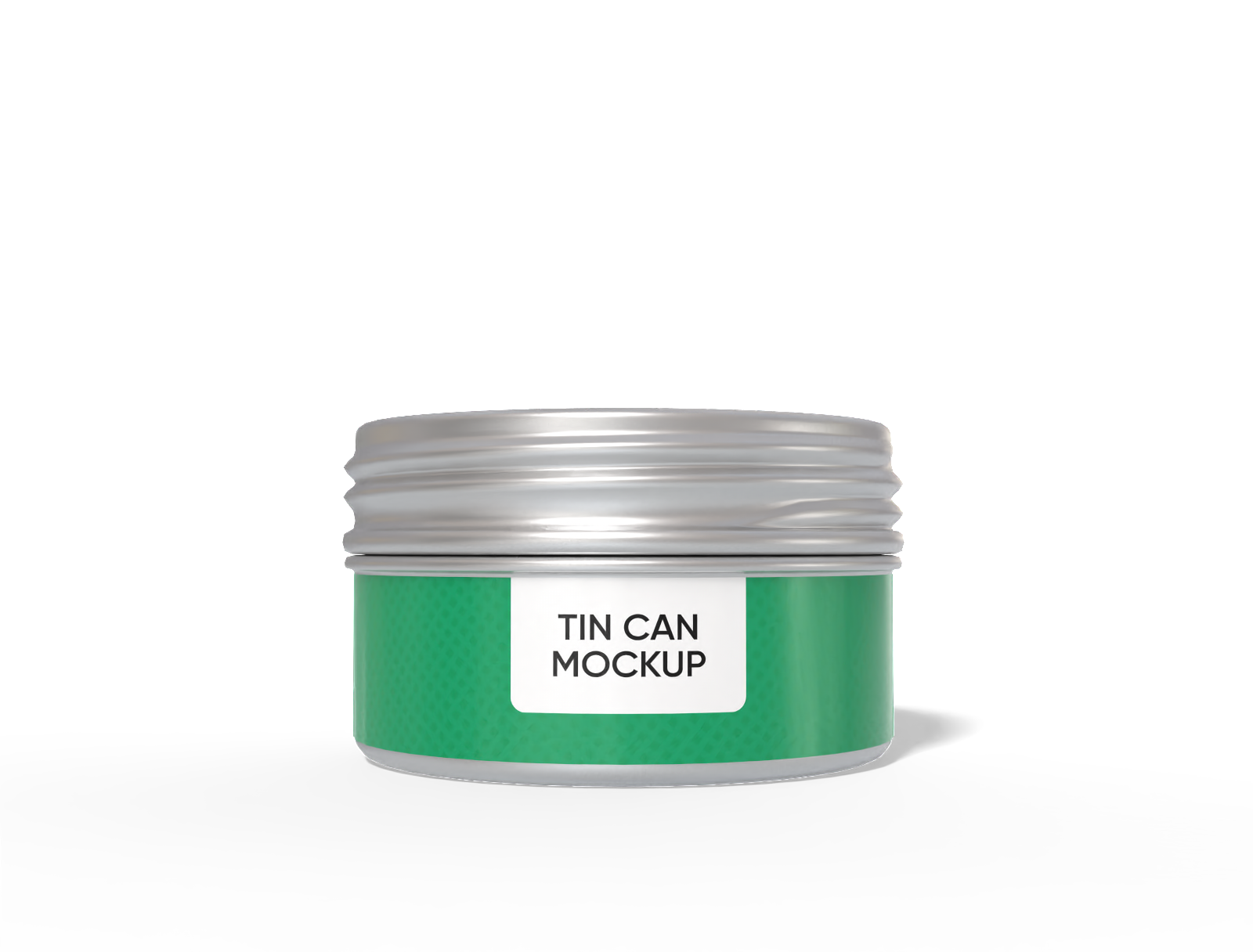
How to design a custom tin can online?
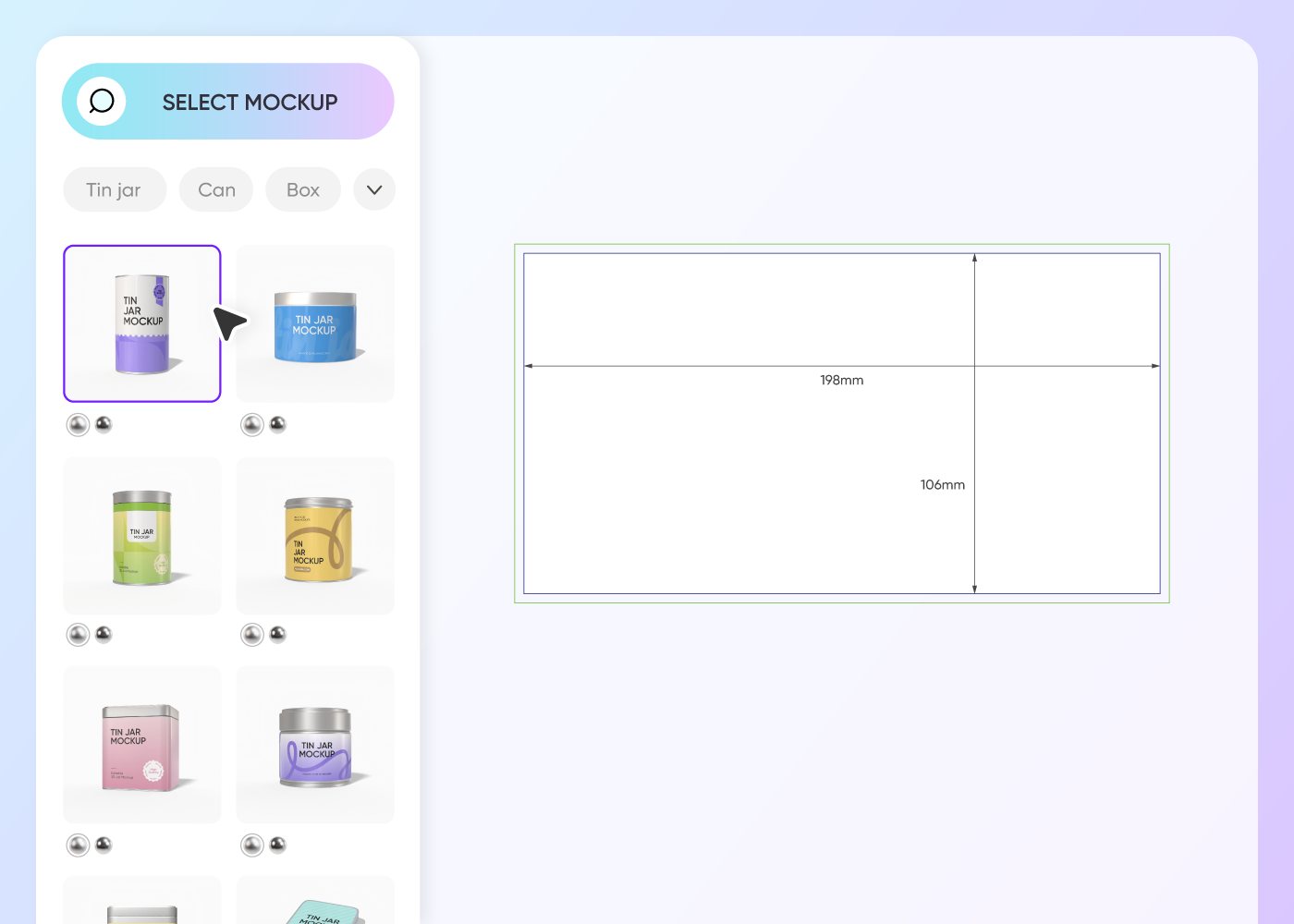
Step 1: Choose a custom tin can mockup
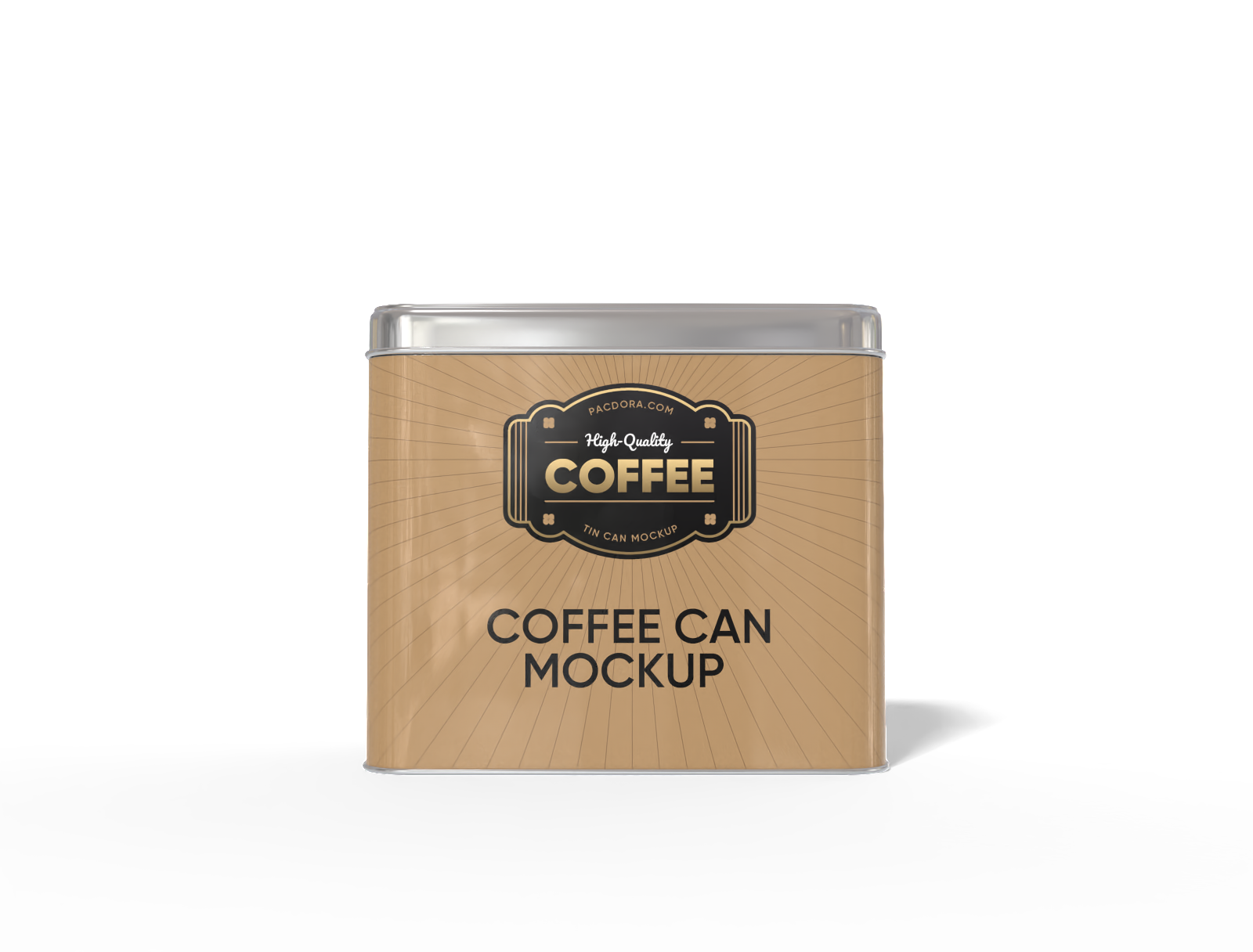
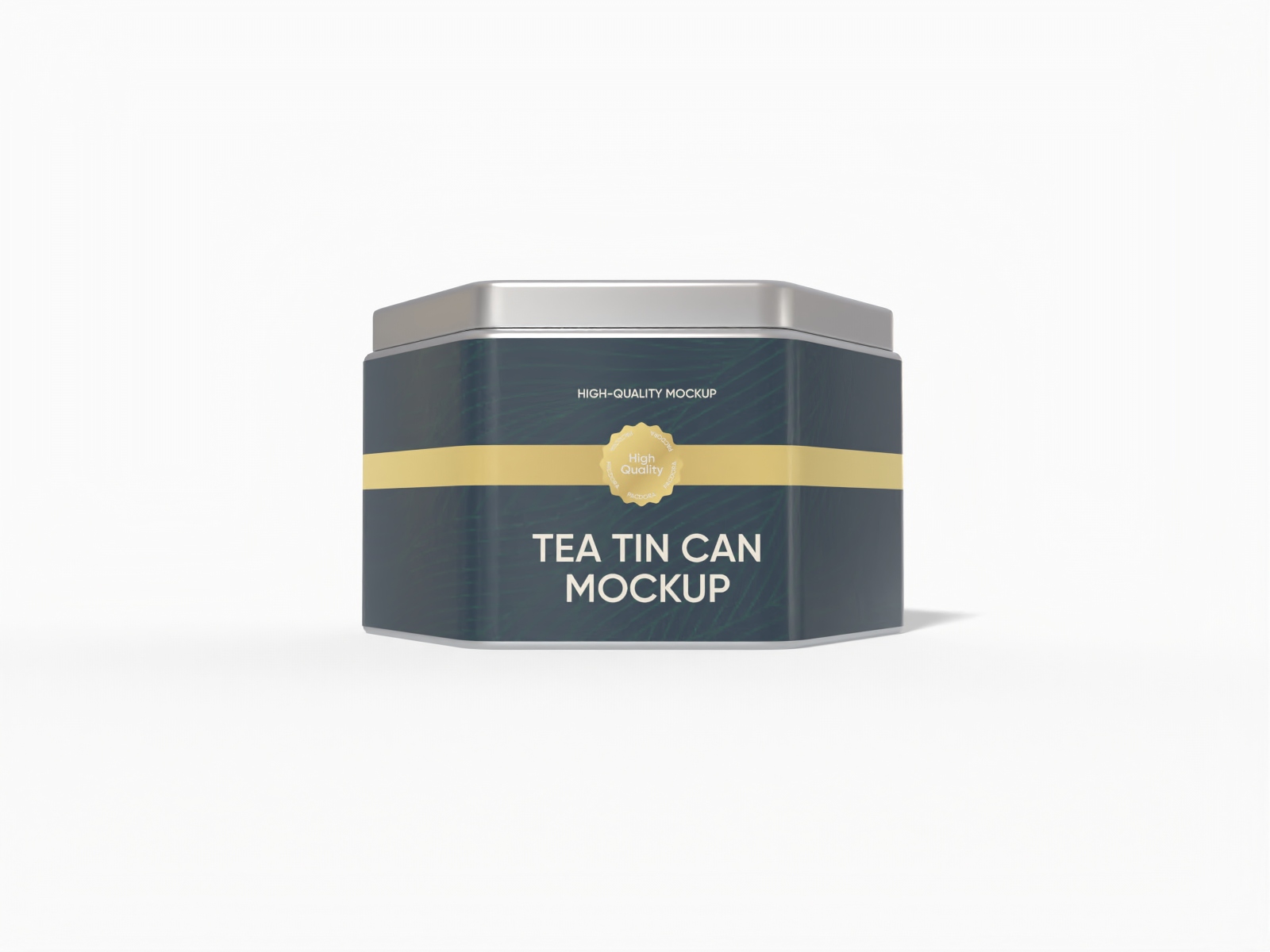
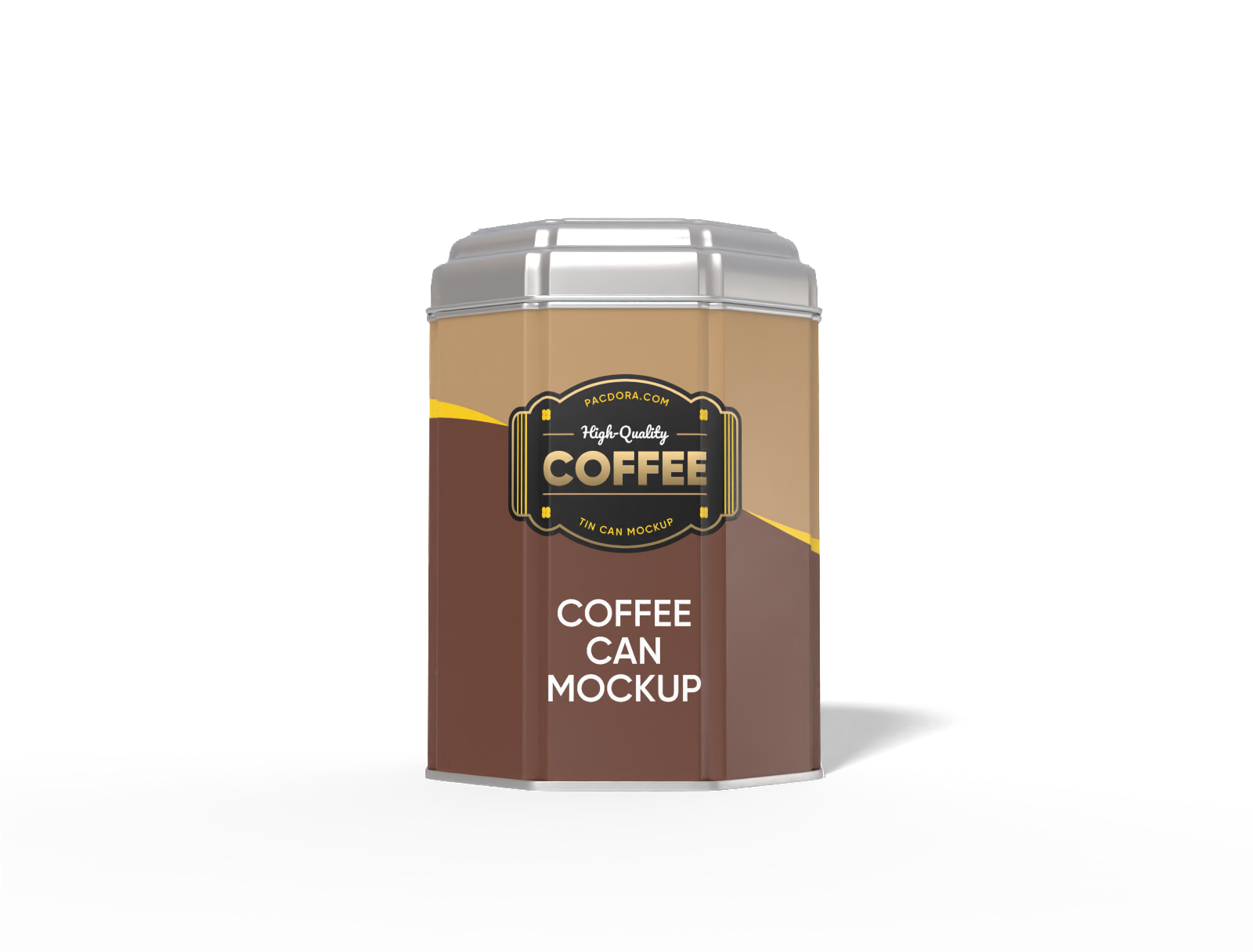
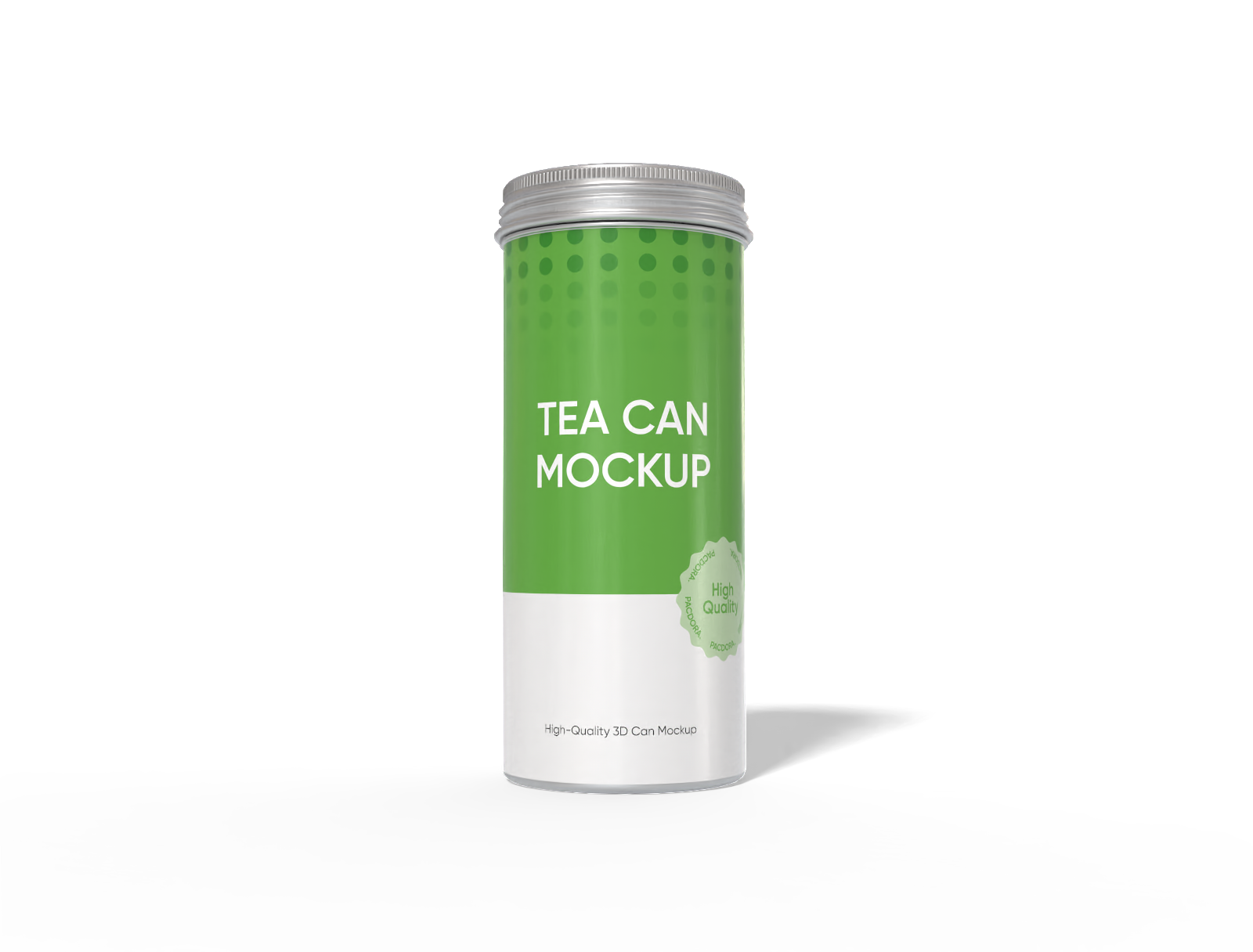
Choose a tin can that fits your product's specific needs. We offer a variety of tin cans in our library, ensuring you find the perfect shape to start your project.
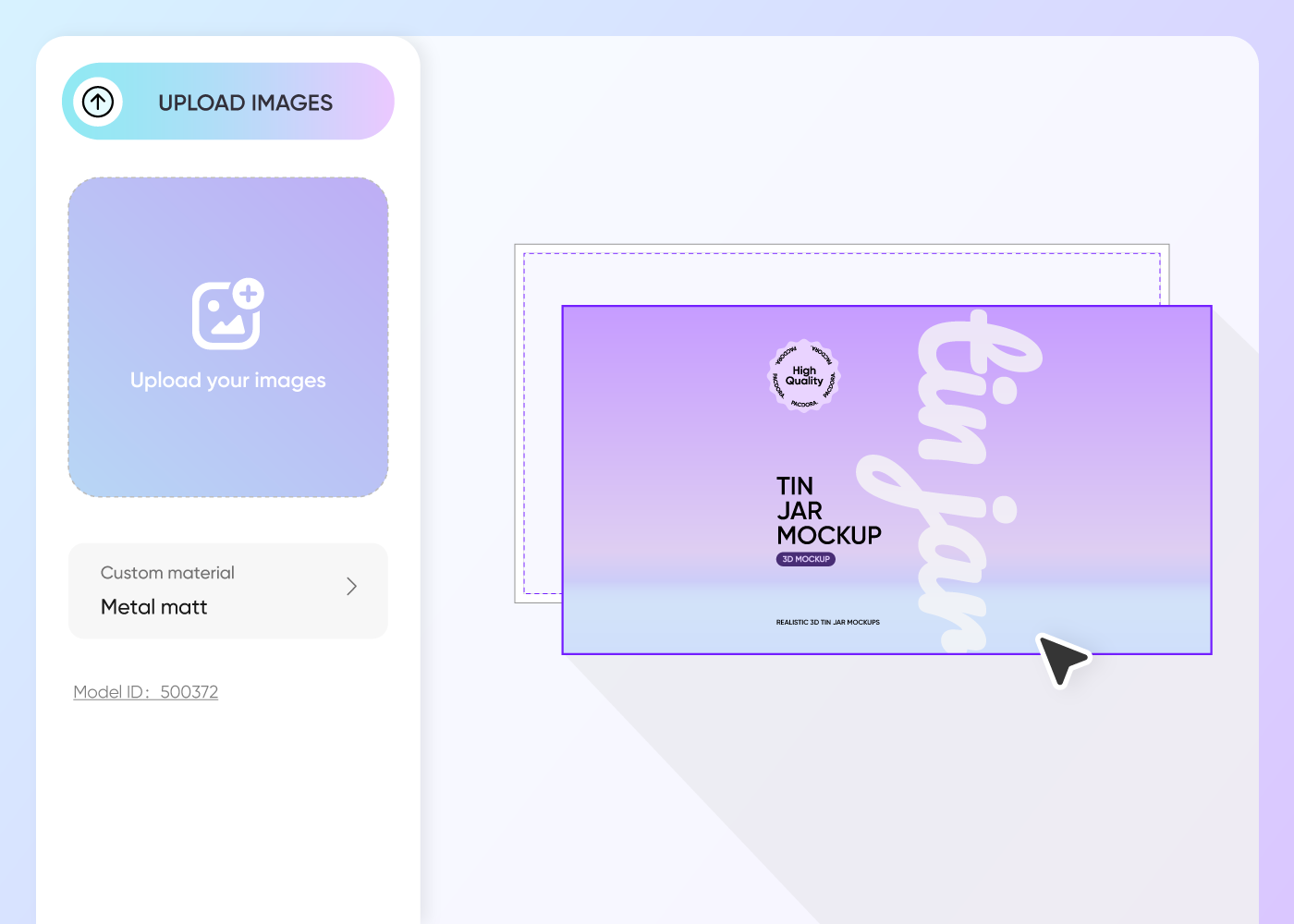
Step 2: Create your unique design
Create the perfect look by uploading your own logo or patterns, and customize every detail, to match your branding.
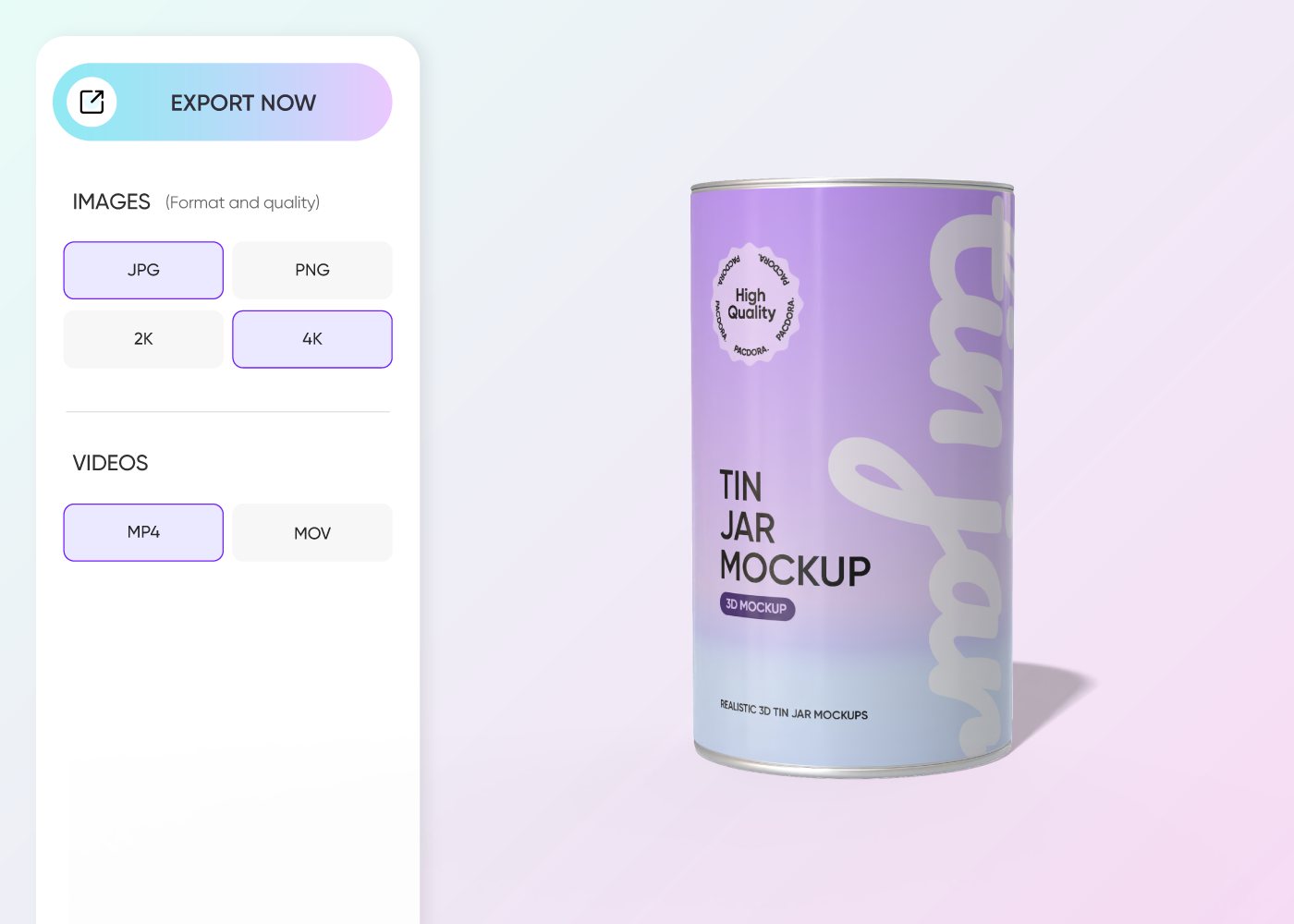
Step 3: Download your custom tin can
Download your finished work in the specific format you require. You can export high-resolution PNGs or videos instantly to use for your online store or client presentation.
Step 1: Choose a custom tin can mockup
Choose a tin can that fits your product's specific needs. We offer a variety of tin cans in our library, ensuring you find the perfect shape to start your project.
Step 2: Create your unique design
Create the perfect look by uploading your own logo or patterns, and customize every detail, to match your branding.
Step 3: Download your custom tin can
Download your finished work in the specific format you require. You can export high-resolution PNGs or videos instantly to use for your online store or client presentation.
Highlights of designing custom tin can online
Diverse tin can styles for your brand
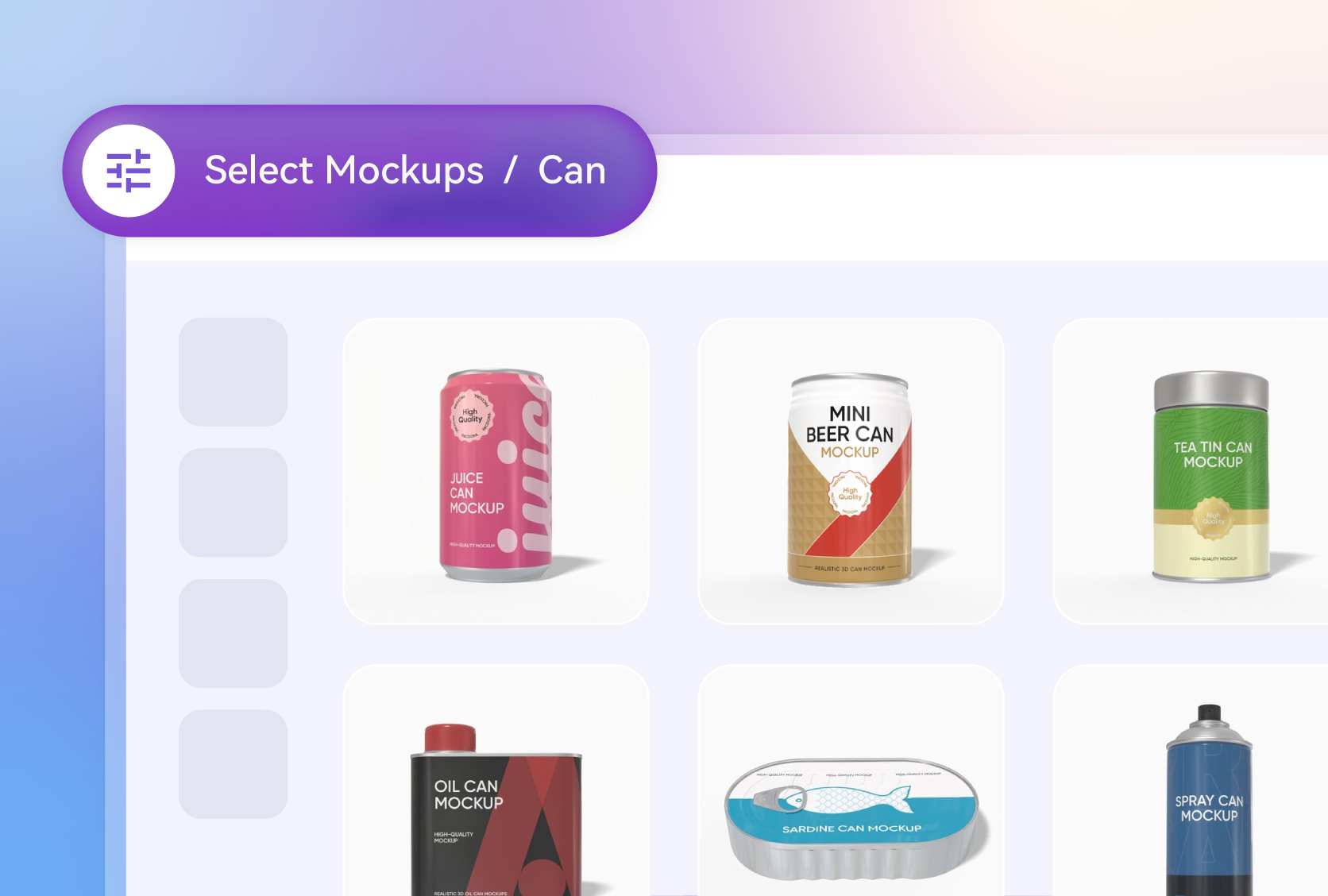
Finding the right packaging shape is key for retail impact. Pacdora offers round canisters for loose-leaf tea, rectangular tins for biscuits, and square tins for mints.
No matter if you’re packaging holiday treats or luxury items, our library has every style you need. Select the custom tin can that fits your product line and create a professional presentation.
Personalized custom tin can designs
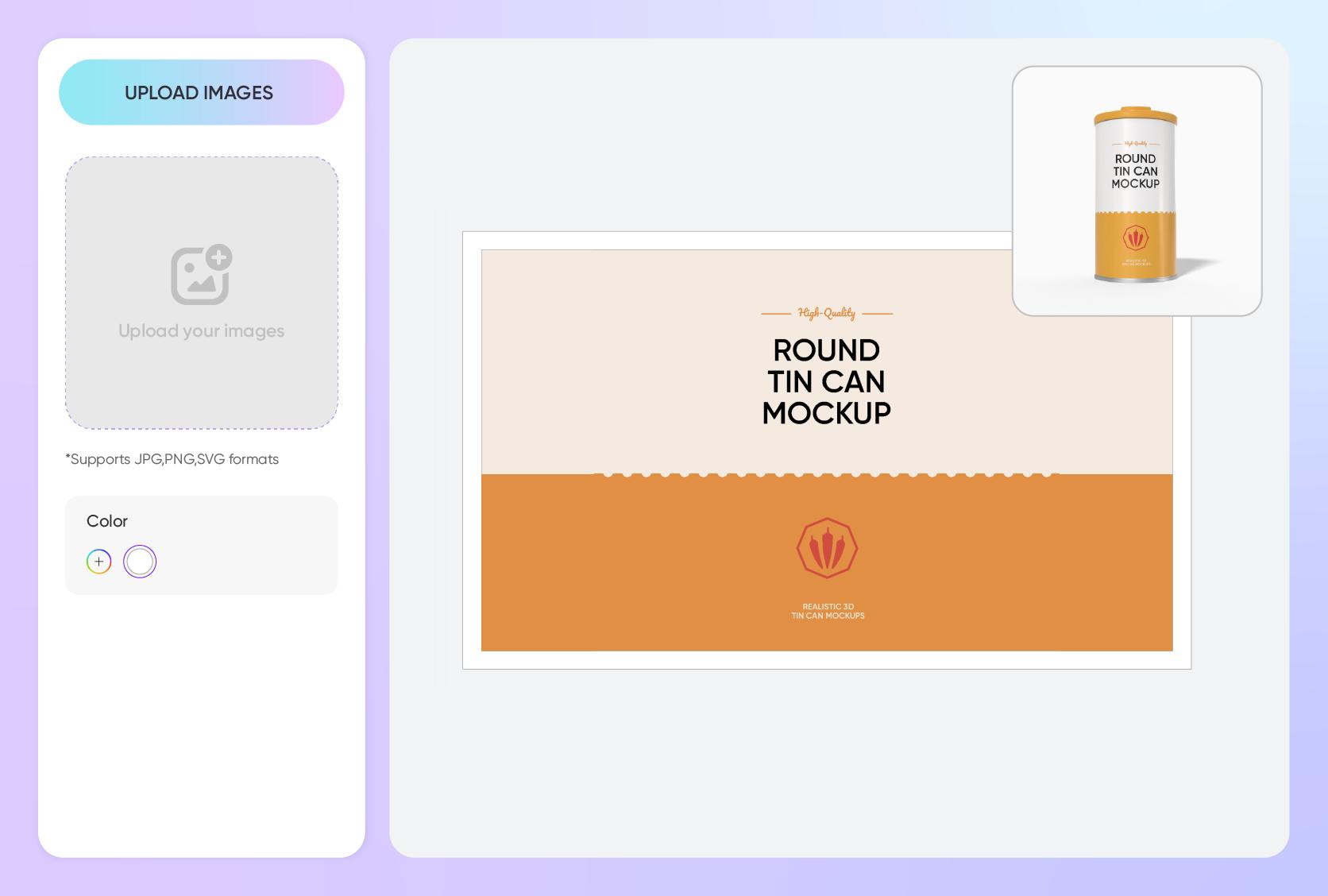
Bring your tin cans to life by uploading logos, patterns, or photos directly onto the surface. Resize and position elements to see how they wrap around the edges.
Use bold graphics for playful products or minimalist designs for premium items. Preview every angle to ensure your design connects with customers.
Glossy and matte finishes for tin cans
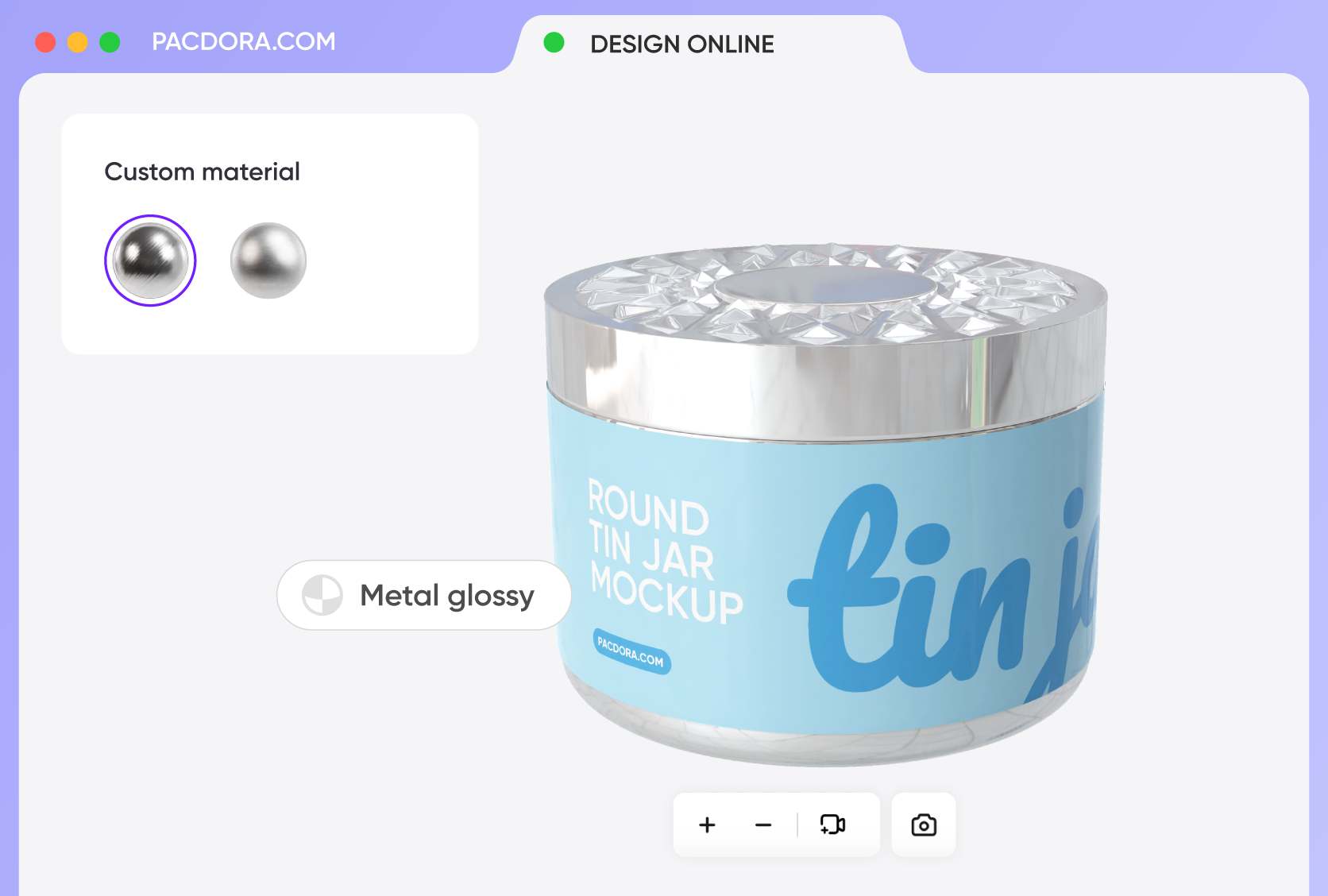
Choose the right finish for your tin can to enhance your product’s appeal. Glossy finishes make colors pop, attract attention, and give a lively, modern feel, perfect for playful or seasonal products.
Matte finishes create a soft, luxurious look that conveys premium quality and elegance, ideal for high-end teas, gourmet snacks, or gift sets.
Find the perfect tin can size for your product
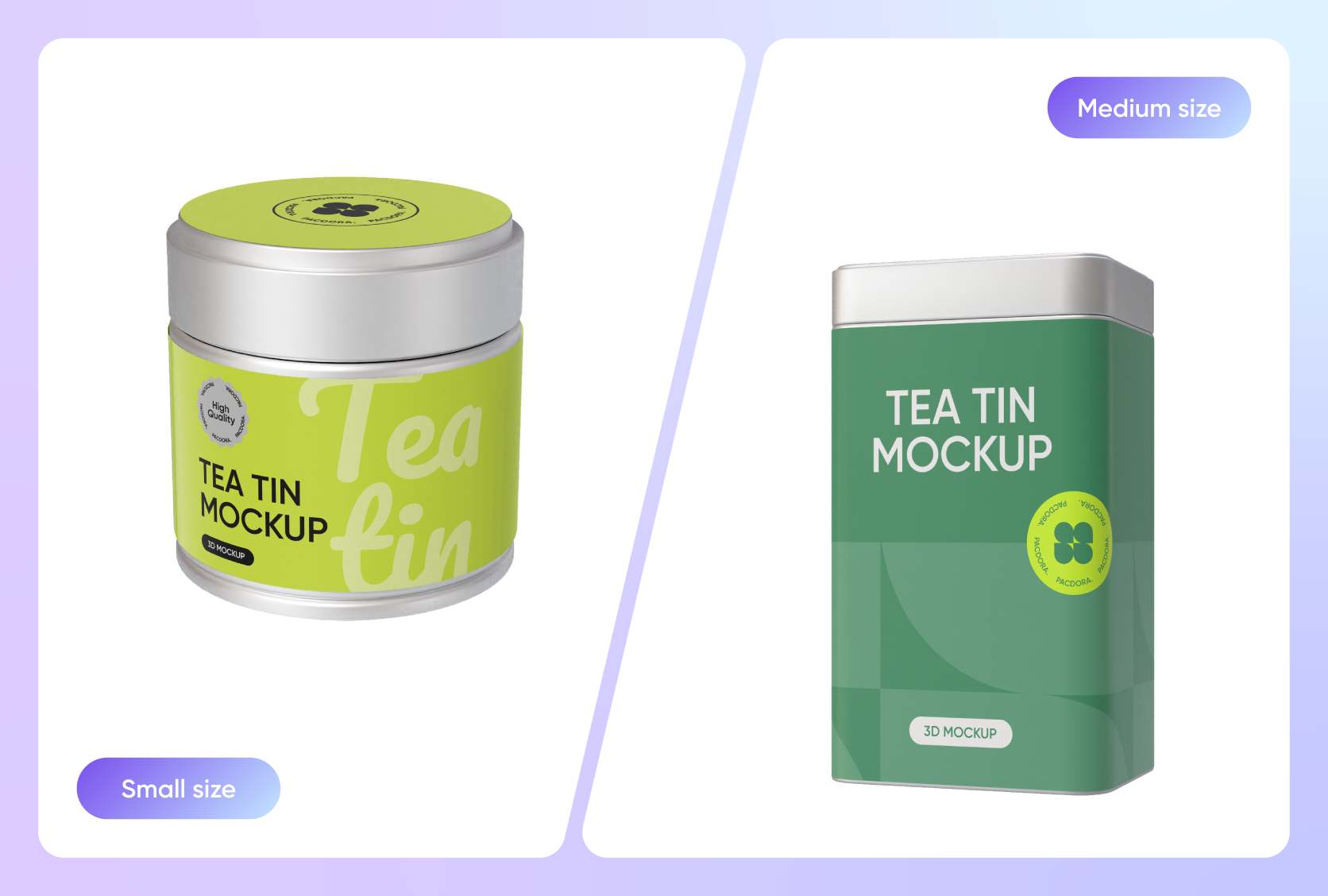
Select the perfect size for your tin can to match your product and audience. Common options include 4 oz for single servings or samples, 8 oz for standard retail products, and 16 oz for bulk items, family packs, or gift sets.
Preview each size to ensure your logo and graphics fit perfectly and remain clear before production.
Diverse tin can styles for your brand
Finding the right packaging shape is key for retail impact. Pacdora offers round canisters for loose-leaf tea, rectangular tins for biscuits, and square tins for mints.
No matter if you’re packaging holiday treats or luxury items, our library has every style you need. Select the custom tin can that fits your product line and create a professional presentation.
Personalized custom tin can designs
Bring your tin cans to life by uploading logos, patterns, or photos directly onto the surface. Resize and position elements to see how they wrap around the edges.
Use bold graphics for playful products or minimalist designs for premium items. Preview every angle to ensure your design connects with customers.
Glossy and matte finishes for tin cans
Choose the right finish for your tin can to enhance your product’s appeal. Glossy finishes make colors pop, attract attention, and give a lively, modern feel, perfect for playful or seasonal products.
Matte finishes create a soft, luxurious look that conveys premium quality and elegance, ideal for high-end teas, gourmet snacks, or gift sets.
Find the perfect tin can size for your product
Select the perfect size for your tin can to match your product and audience. Common options include 4 oz for single servings or samples, 8 oz for standard retail products, and 16 oz for bulk items, family packs, or gift sets.
Preview each size to ensure your logo and graphics fit perfectly and remain clear before production.
Our customers love Pacdora’s mockup tools
Thousands before you have designed realistic mockups with Pacdora and loved it.

Great mock-ups and literally thousands of packaging designs to choose from. The 3d mock-up is so good, helps bring clarity to the client as well as the designers. Great product for packaging design professionals.


cosmiccorner
Move over, complicated design software! Pacdora is the superhero of packaging mockups. Creating 3D magic for my products is as easy as pie – no PhD in design required. It’s like the software looked at the clock and said, ‘Time to save users from design nightmares!’ It’s so user-friendly, even my coffee mug wants to try its hand at packaging design.
FAQ
Why use a 3D mockup for my custom tin can?
Using a 3D mockup allows you to visualize the final product before spending money on manufacturing. With Pacdora, you can rotate your custom tin can 360 degrees to spot errors. It saves you time and ensures your branding looks exactly right on curved or flat surfaces.
What industries use the custom tin can?
Our tin can mockups are perfect for a wide variety of industries. Food brands use them for cookies, tea, and coffee packaging. Cosmetic companies use tin containers for balms and creams, while gift brands use them for premium holiday packaging solutions.
Can I change the background of my custom tin can?
Absolutely! We allow you to swap out the background to suit your marketing needs. You can place your tin can against a solid color, a transparent background, or even a lifestyle scene. Our AI background generator can also generate unique environments to make your design pop.
Do I need design skills to make a custom tin can?
Not at all. We designed our tool to be accessible for everyone. You don't need to be a pro at complex 3D software to make a custom tin can. If you have your logo and idea ready, our drag-and-drop interface helps you create professional results in minutes.
Can I design a custom tin can for free using Pacdora?
Yes! Pacdora offers free features that you can use to create a tin can at no cost. We also provide premium services for users who want access to advanced features. You can find all the details on our pricing page.
Explore more mockup tools
Discover more about Pacdora


