

Custom beer cans

Upload images, logos, adjust more details, then download your custom beer cans as PNG images for free.
Custom beer cans
Upload images, logos, adjust more details, then download your custom beer cans as PNG images for free.
Trusted by leading companies


Designing your custom beer can is effortless on Pacdora!
Is visualizing a professional beer label tough or expensive for your startup? Pacdora makes it easy. We’re a user-friendly 3D design platform that removes the struggle of complex software. You can design realistic beer can mockups quickly. Just pick a can shape, apply your artwork, and adjust the finish. Finally, export a stunning render. Try it now to see how our beer cans bring your brand to life on the screen!

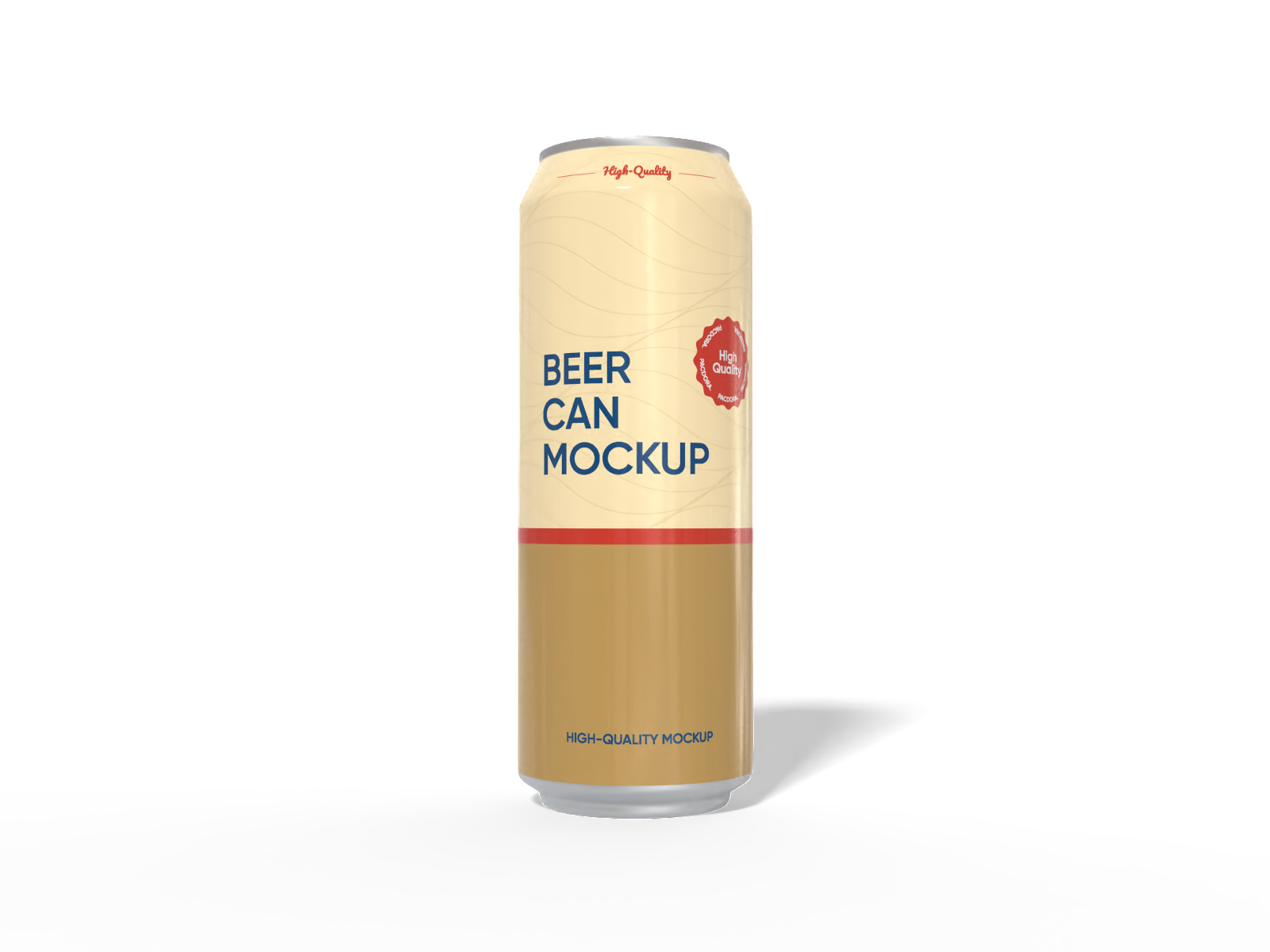
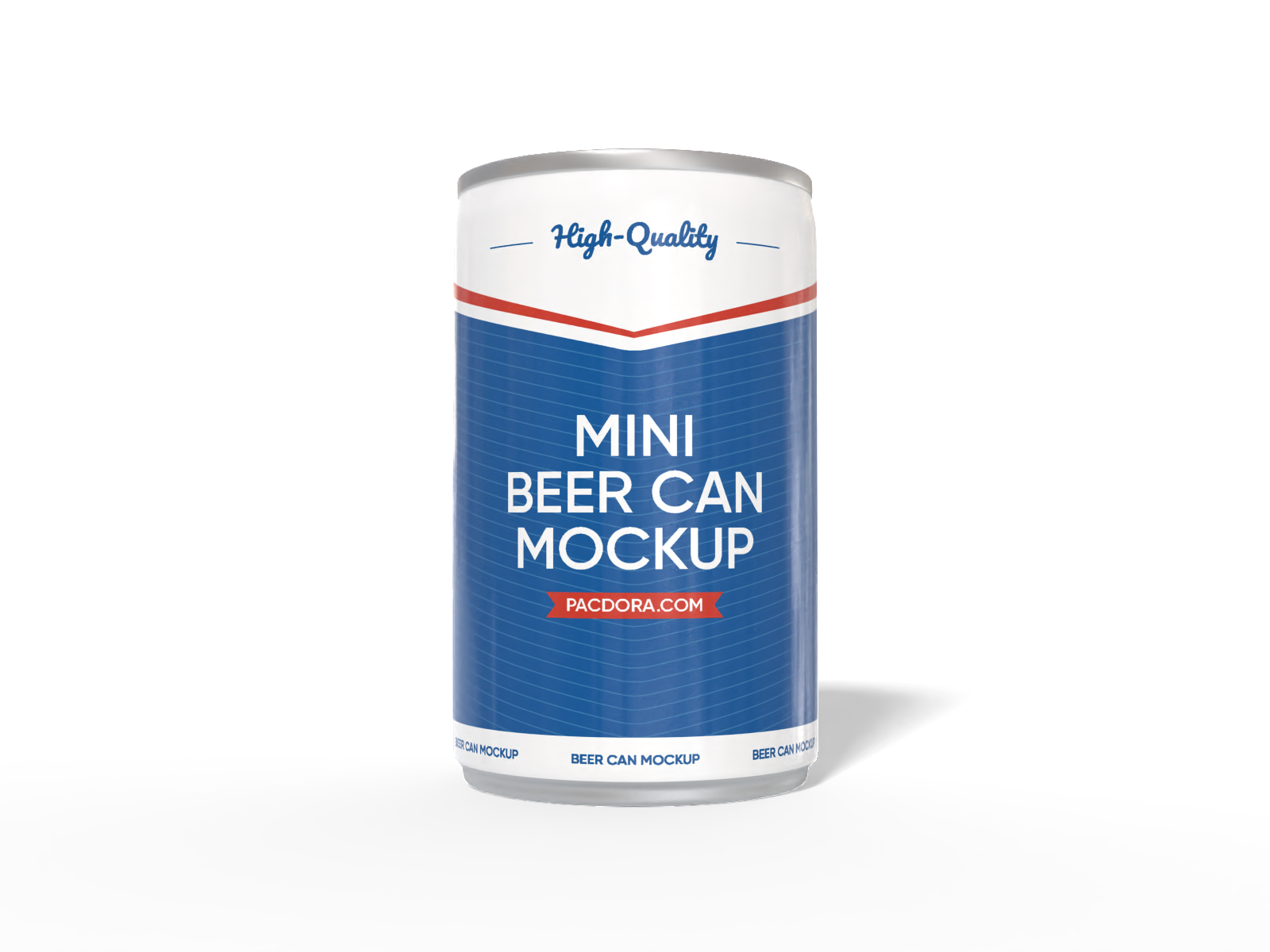
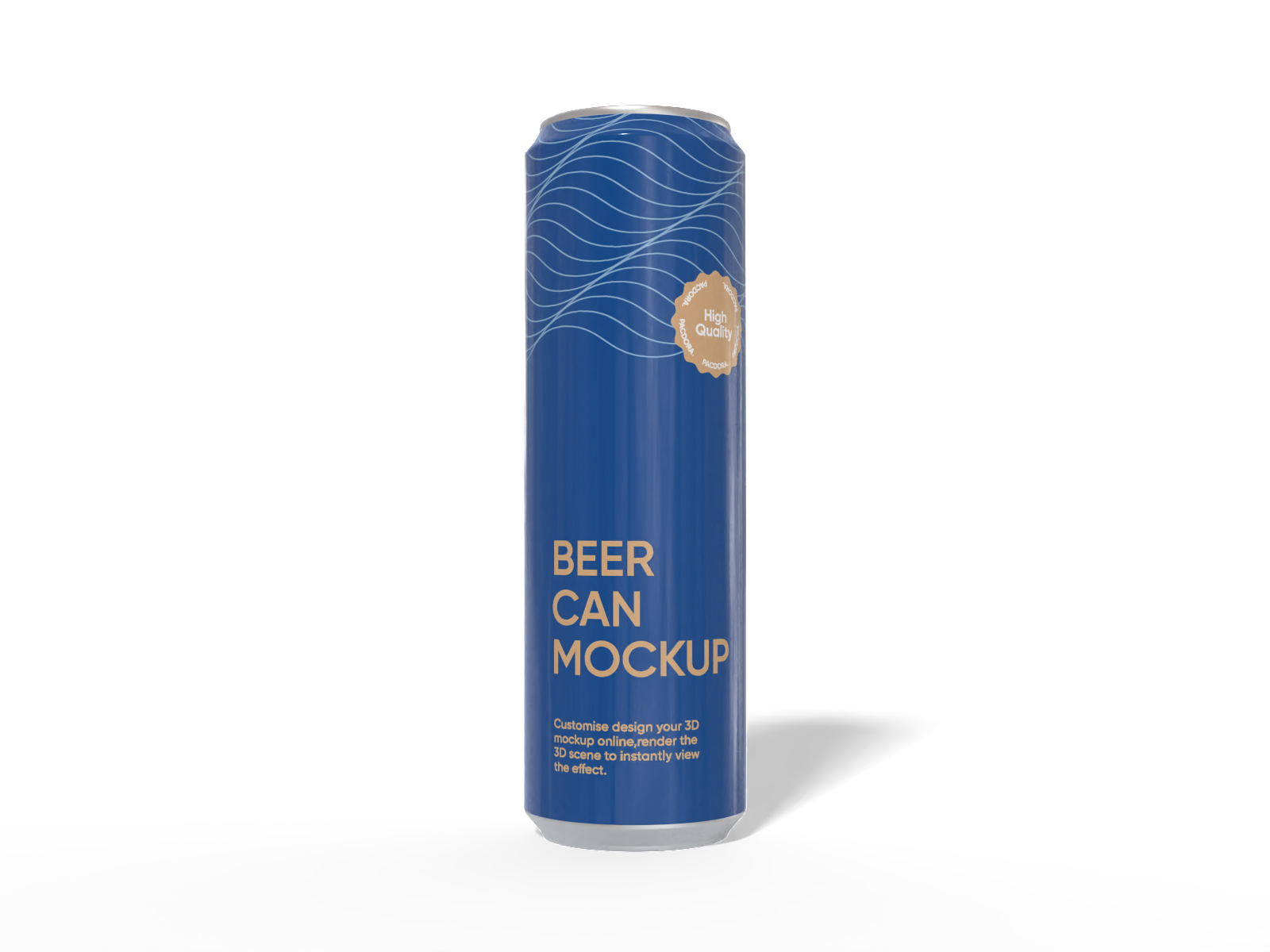
How to make custom beer cans online?
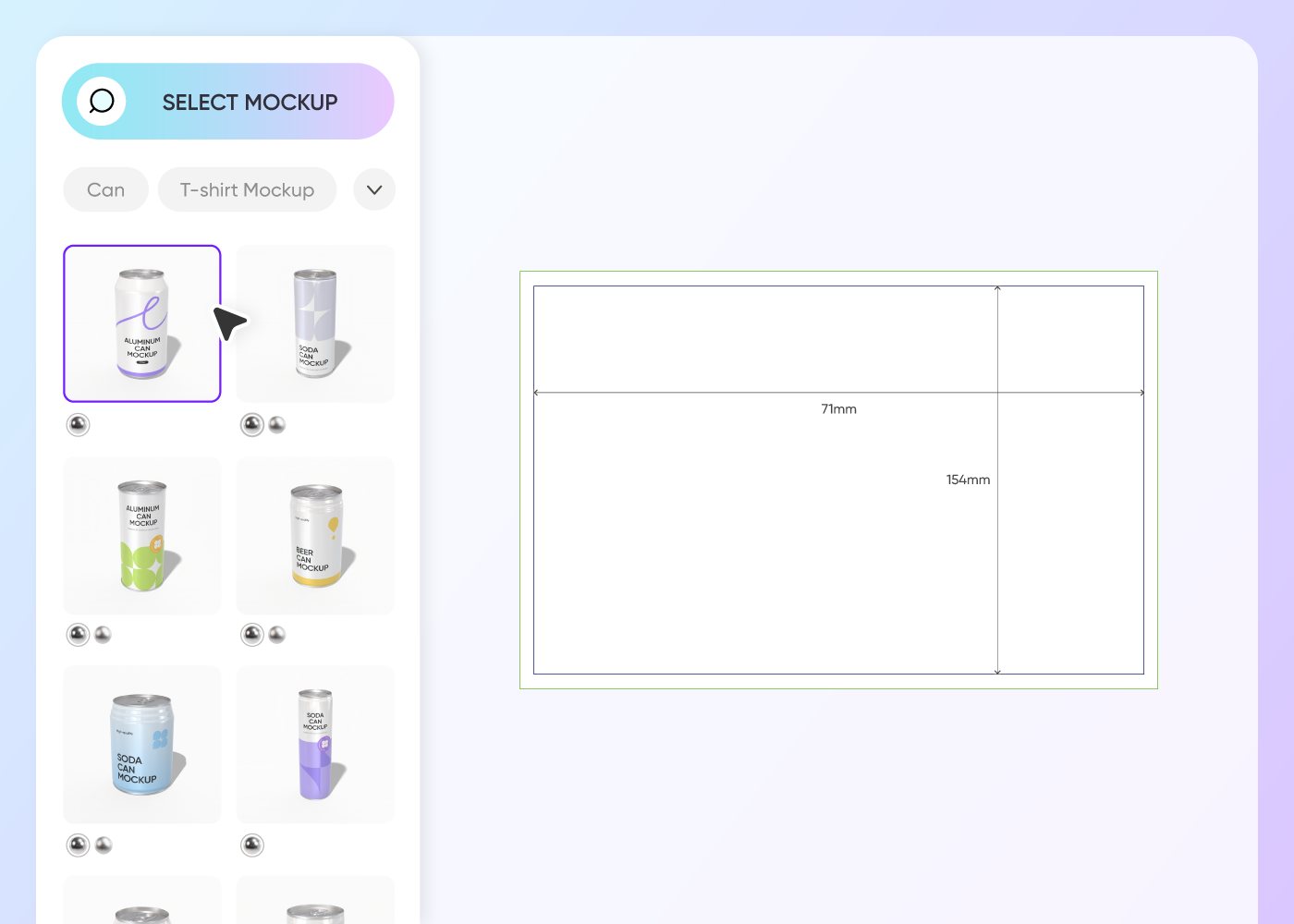
Step 1: Choose a custom beer can style
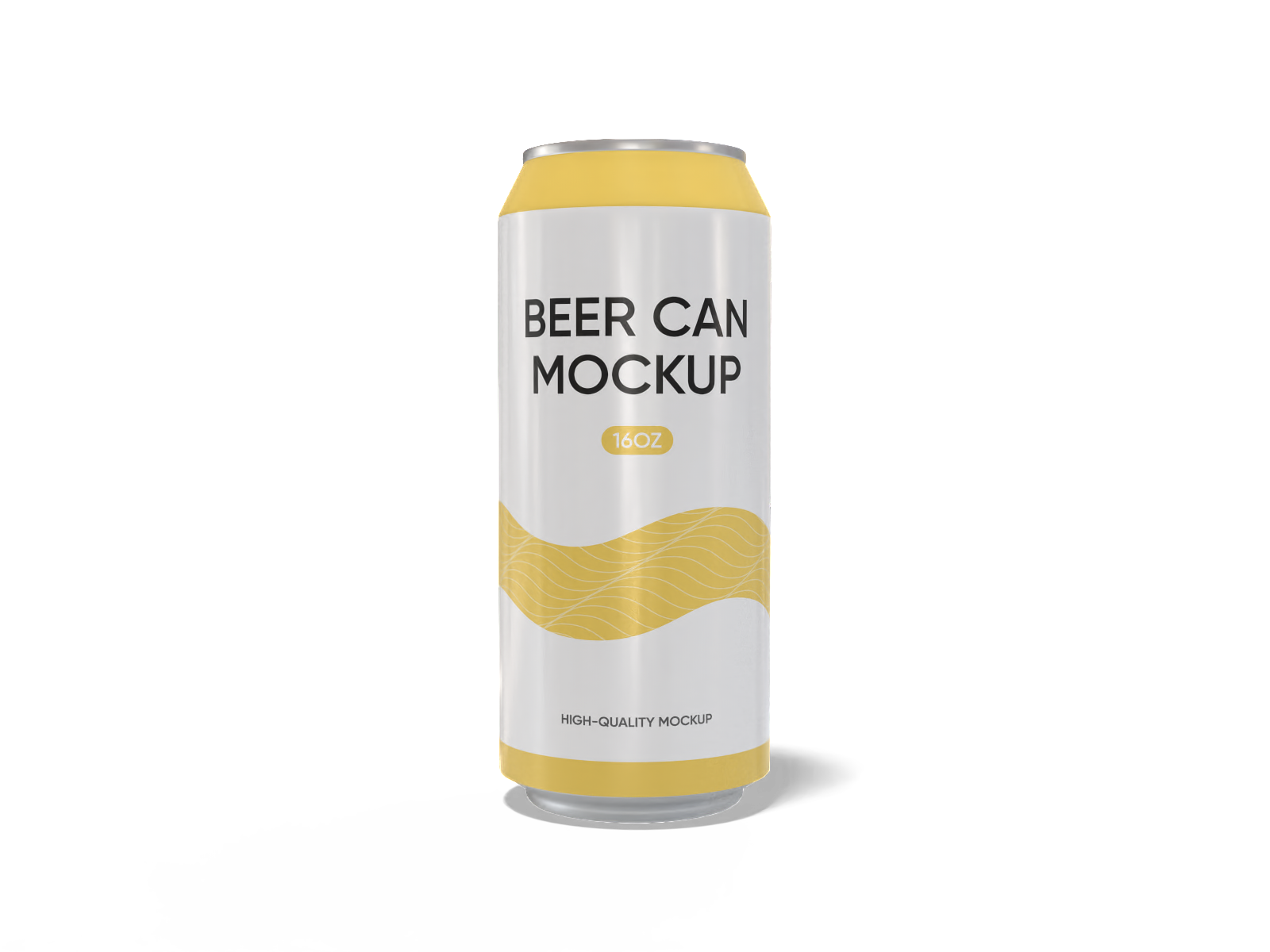
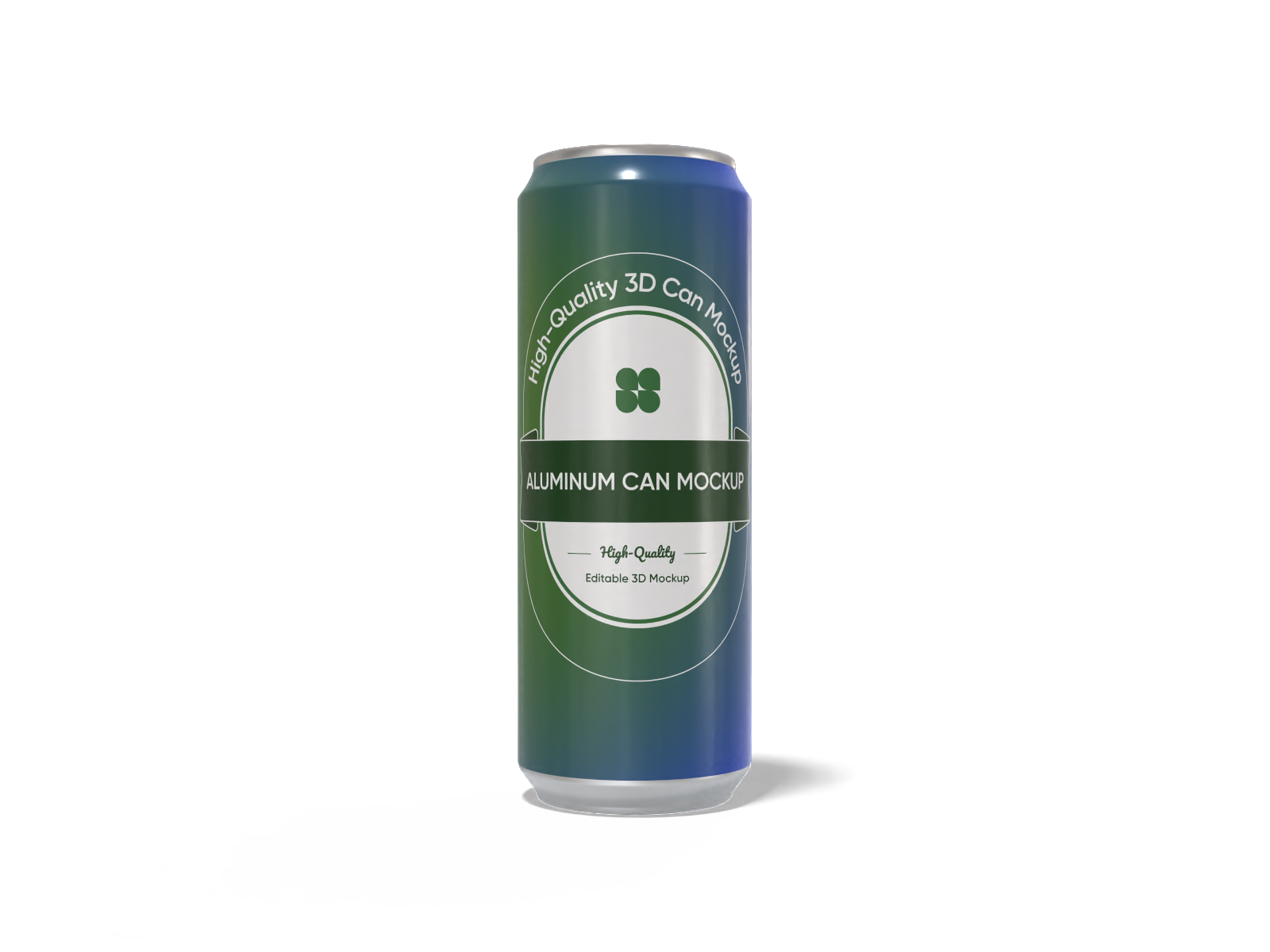
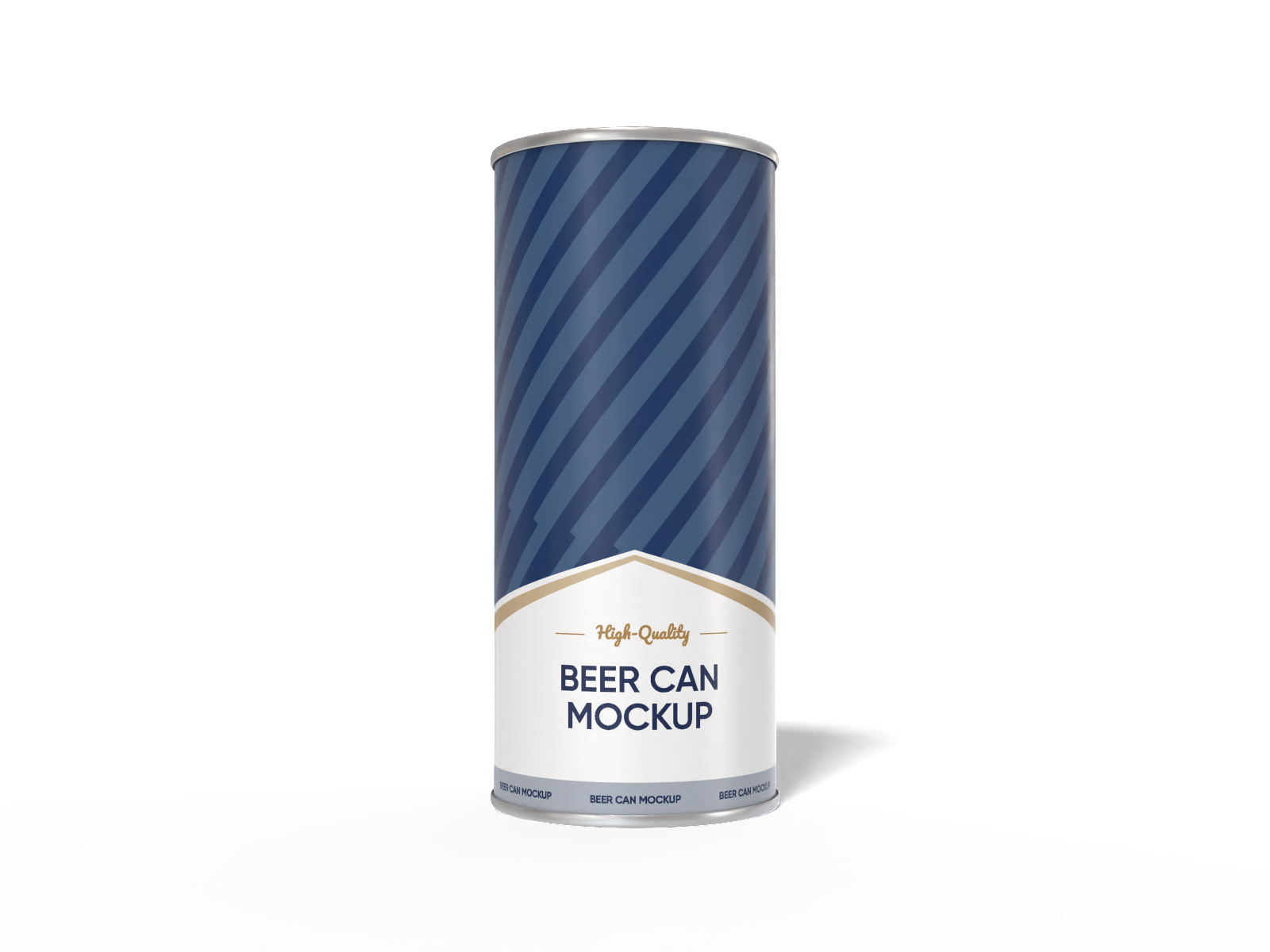
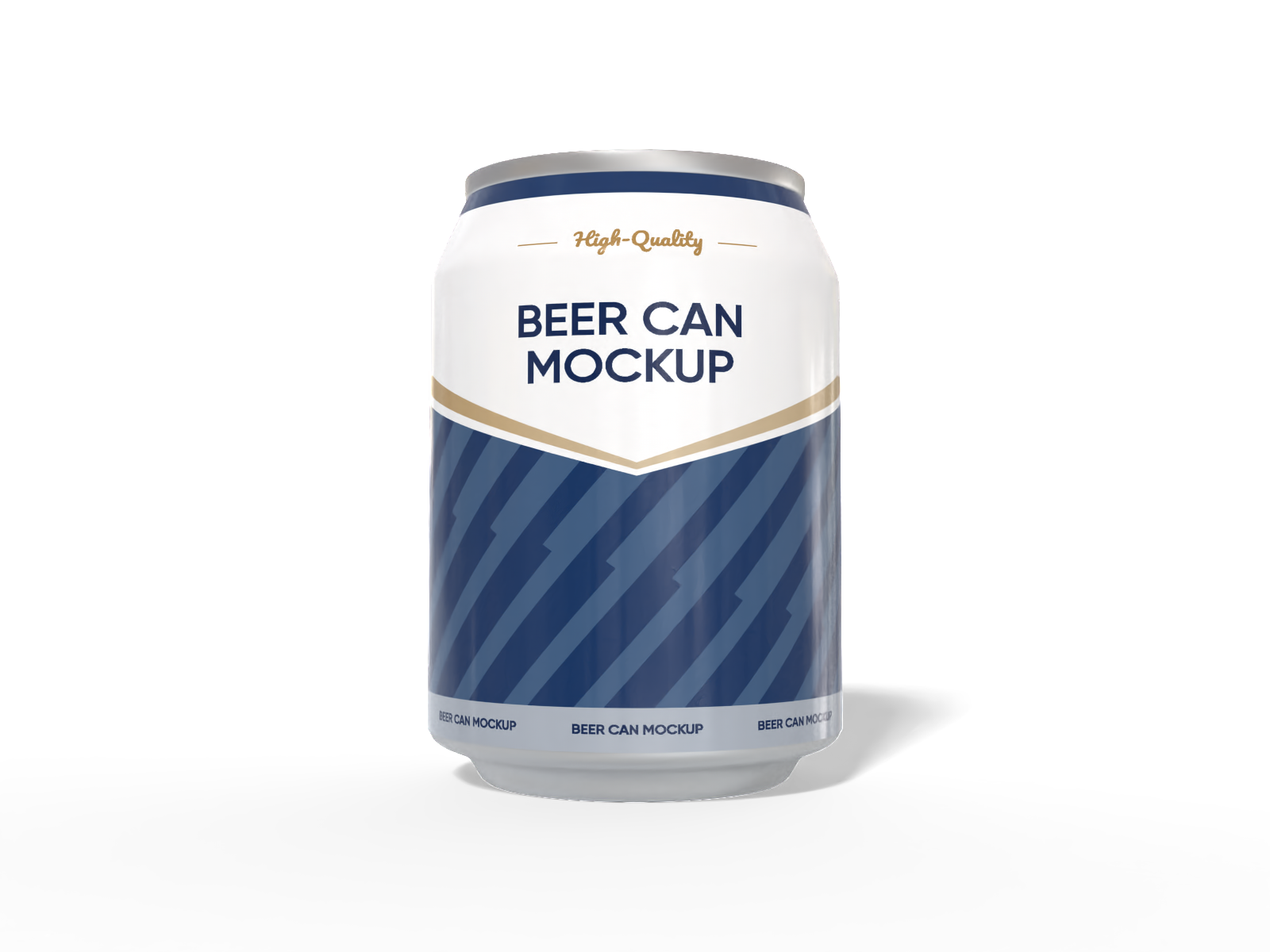
Pick a beer can mockup that fits your drink. Browse our 3D library to find the perfect standard cylinder or slim can for your next project.
Step 2: Add your beer can designs
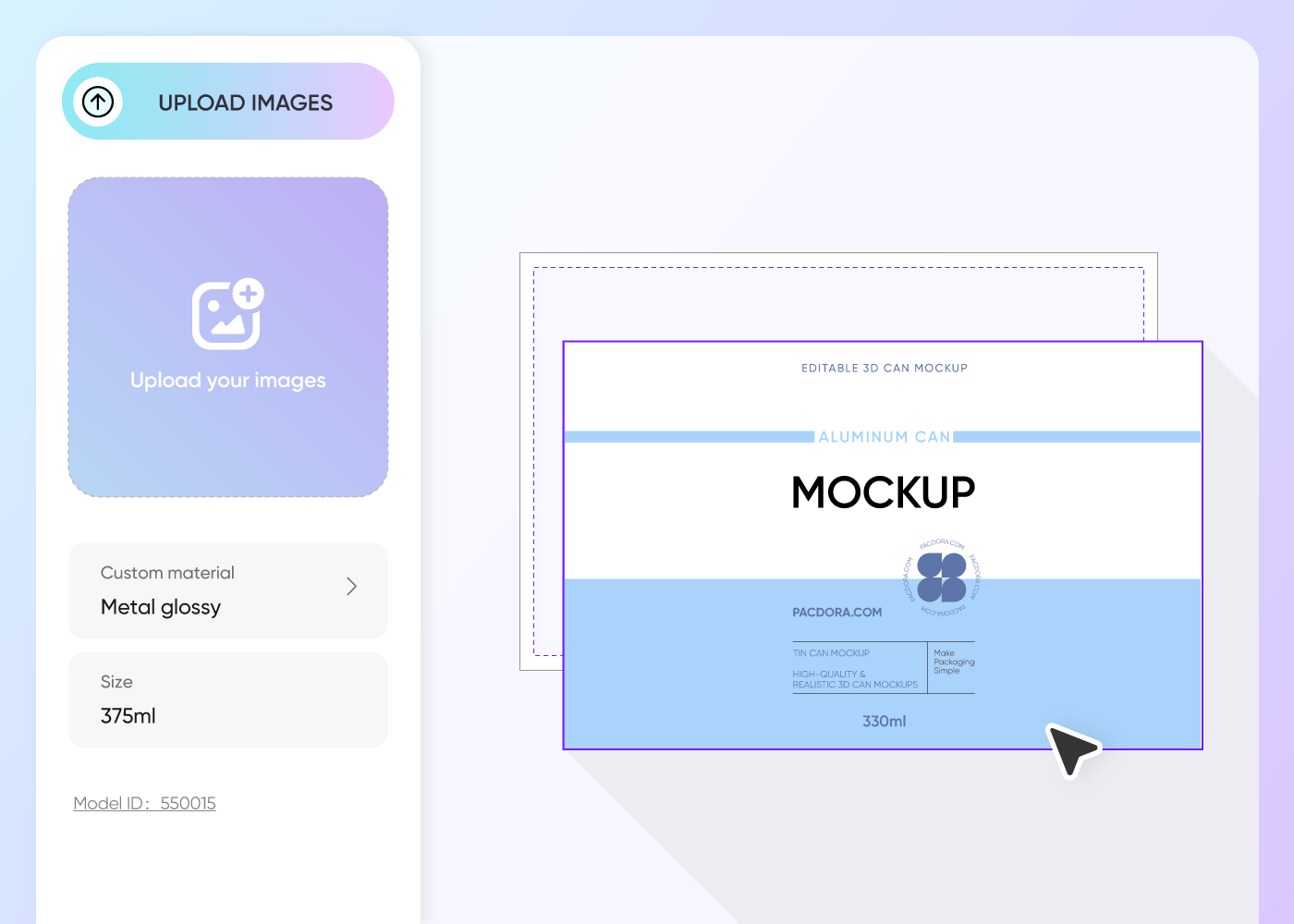
Tailor your beer can appearance by uploading your logo. Adjust the lighting and aluminum material settings to make the label design truly pop.
Step 3: Download your beer can
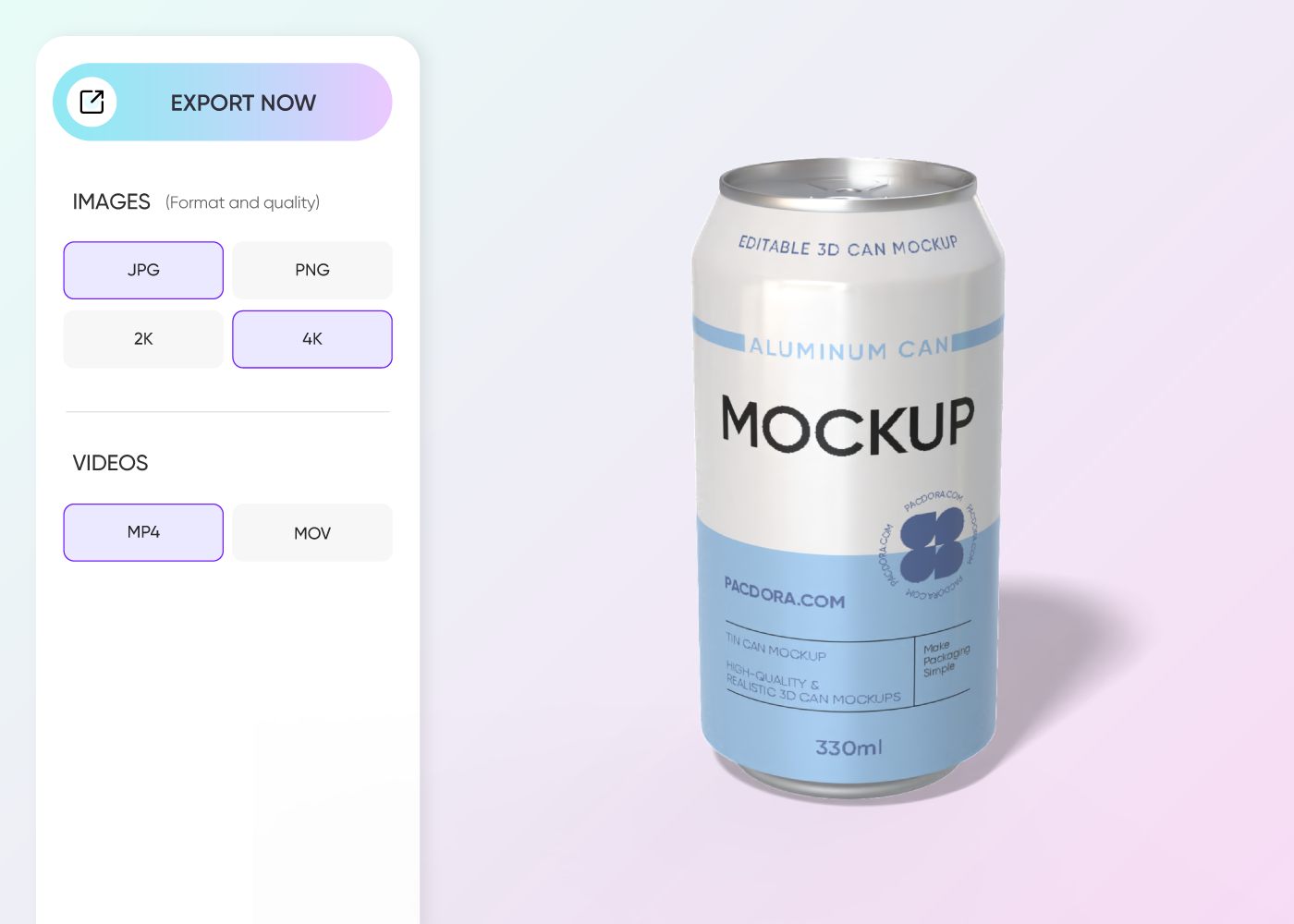
Export your custom beer can to share it. Download high-resolution PNGs or dynamic MP4 videos to showcase your beverage concept to the world.
Step 1: Choose a custom beer can style
Pick a beer can mockup that fits your drink. Browse our 3D library to find the perfect standard cylinder or slim can for your next project.
Step 2: Add your beer can designs
Tailor your beer can appearance by uploading your logo. Adjust the lighting and aluminum material settings to make the label design truly pop.
Step 3: Download your beer can
Export your custom beer can to share it. Download high-resolution PNGs or dynamic MP4 videos to showcase your beverage concept to the world.
Highlights of designing custom beer cans online
Huge library of custom beer can styles
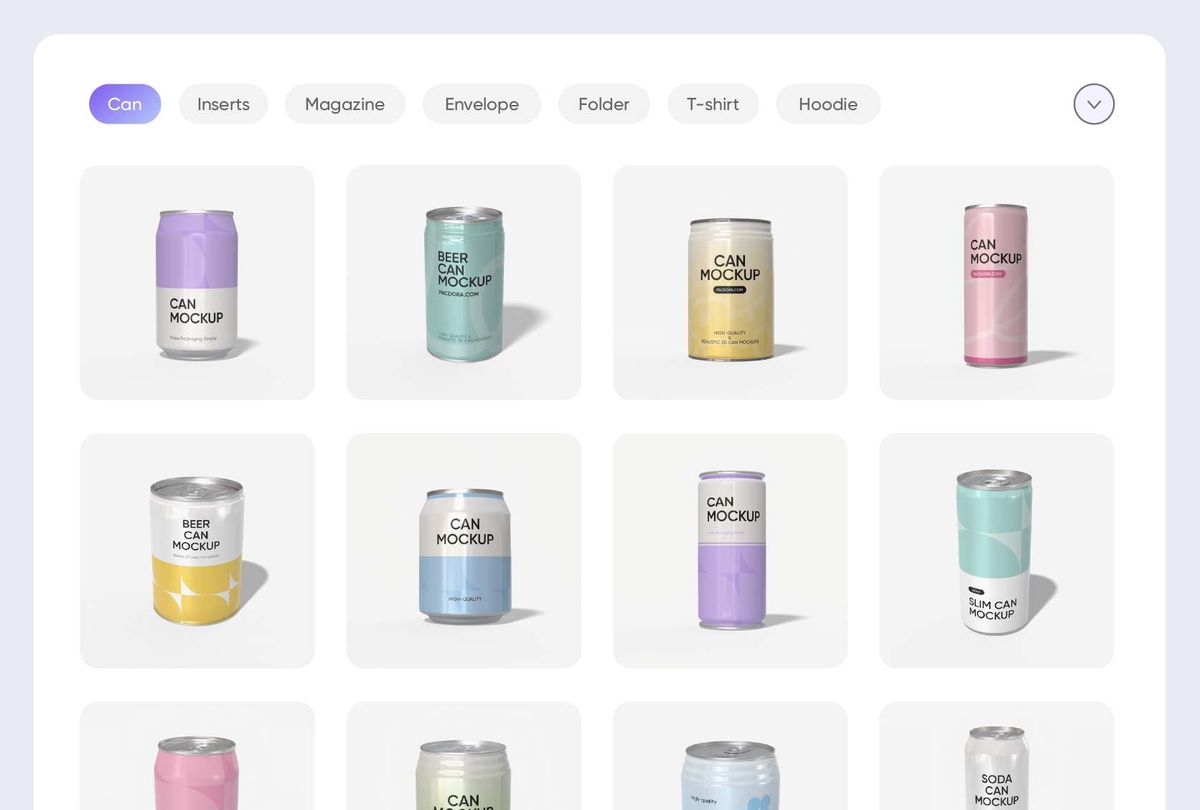
Having access to different shapes ensures you find the right fit for your beer. Standard beer cans are perfect for craft ales and stouts, giving a classic brewery feel that customers recognize instantly on the shelf.
Slim or tall boy beer cans work wonderfully for energy drinks, seltzers, or modern cocktails, which lets you target specific demographics.
Beer can designs allow total personalization
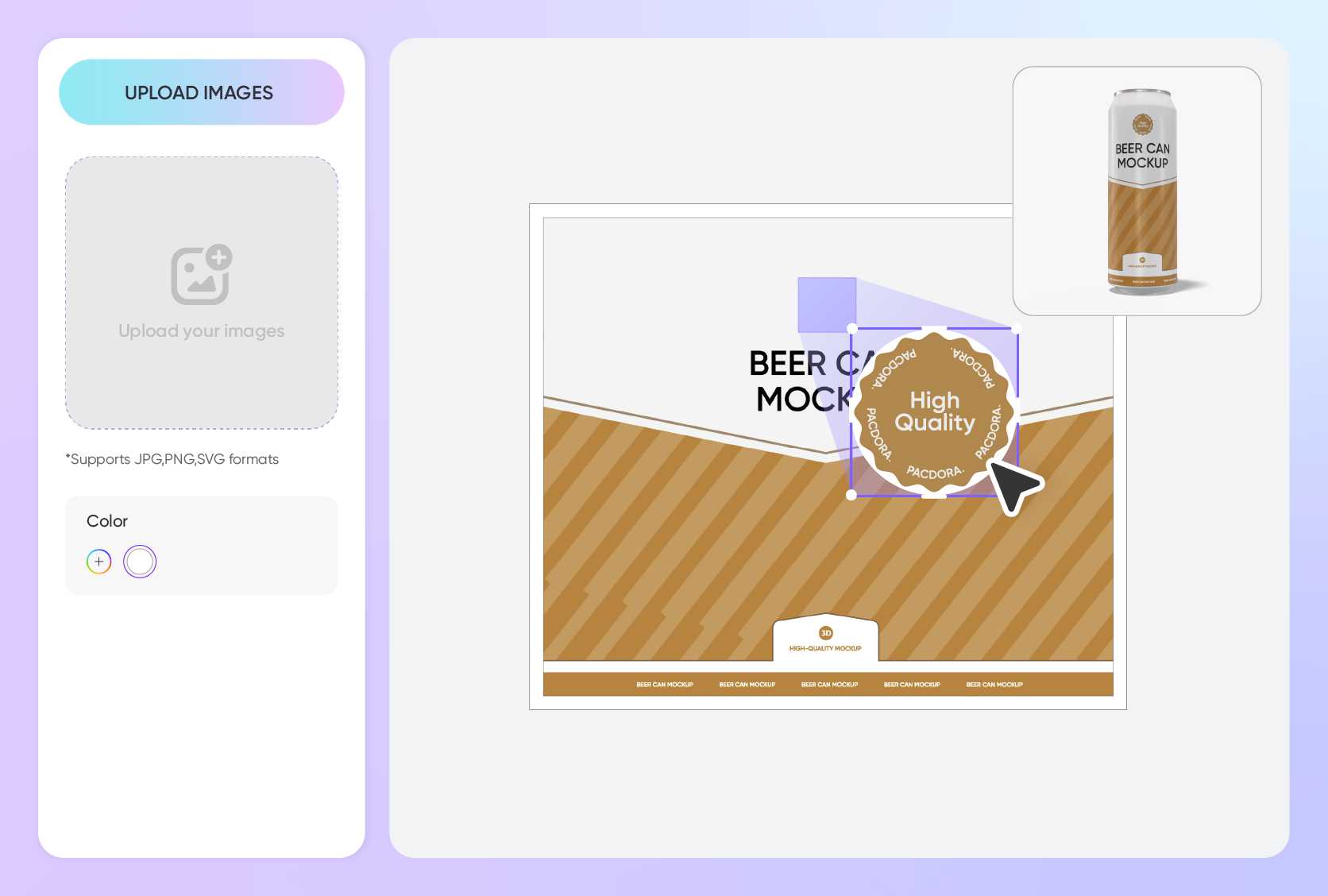
You can upload bold logos or intricate illustrations to create a beer can that tells a story. This is ideal for promoting a limited-edition holiday brew.
For a cleaner look, simple text and minimalist logos on the aluminum surface are best for premium or organic lines. We ensure your uploaded graphics wrap perfectly around the curved surface without distortion.
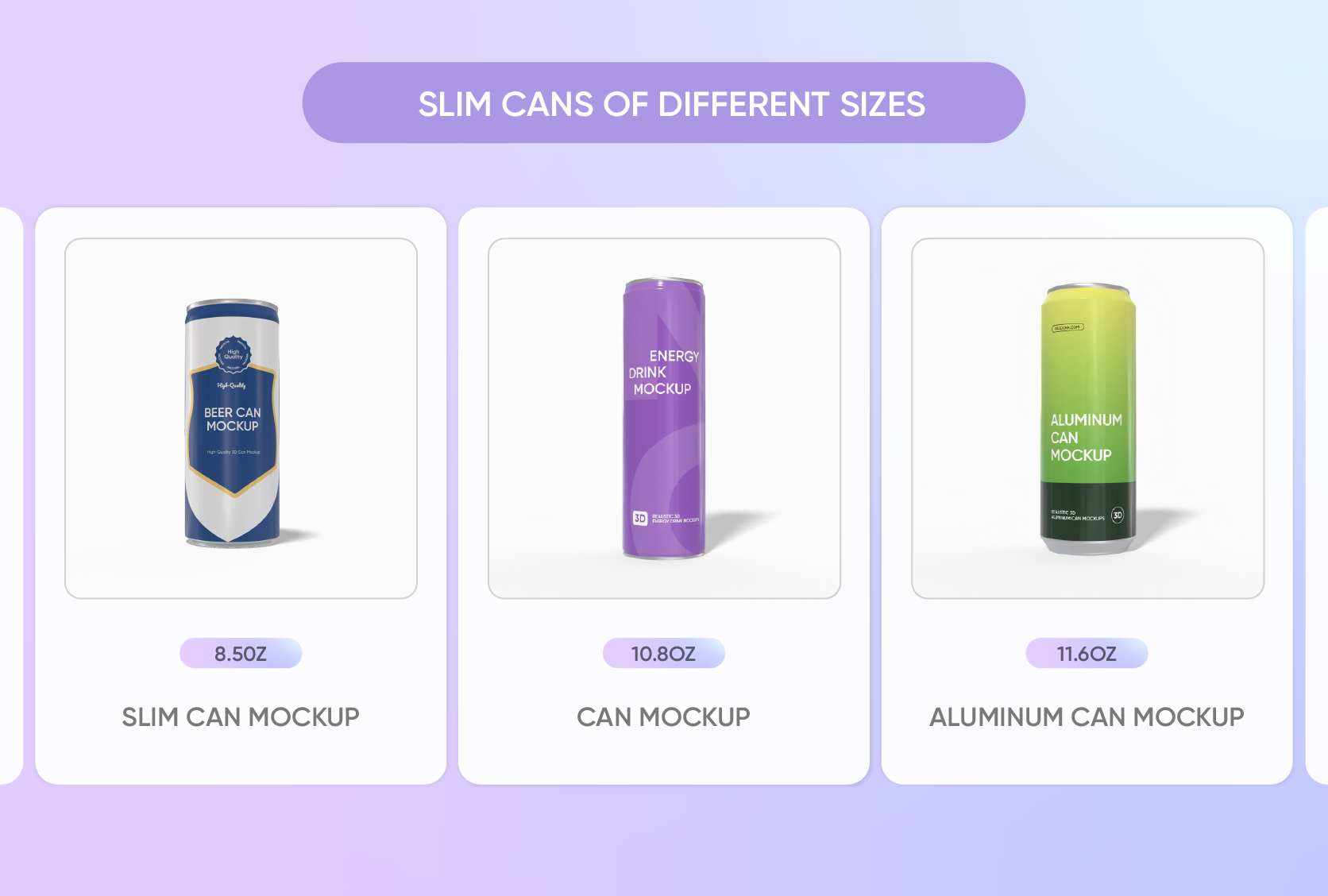
Popular capacities for your custom beer can
Selecting the right can size directly affects usability and shelf appeal. Smaller capacities such as 8 oz cans are ideal for limited editions, and variety packs, offering a convenient and approachable option for consumers.
Larger capacities like 16 oz cans work well for flagship beers and social occasions, providing more volume and extra surface area to showcase your branding clearly.
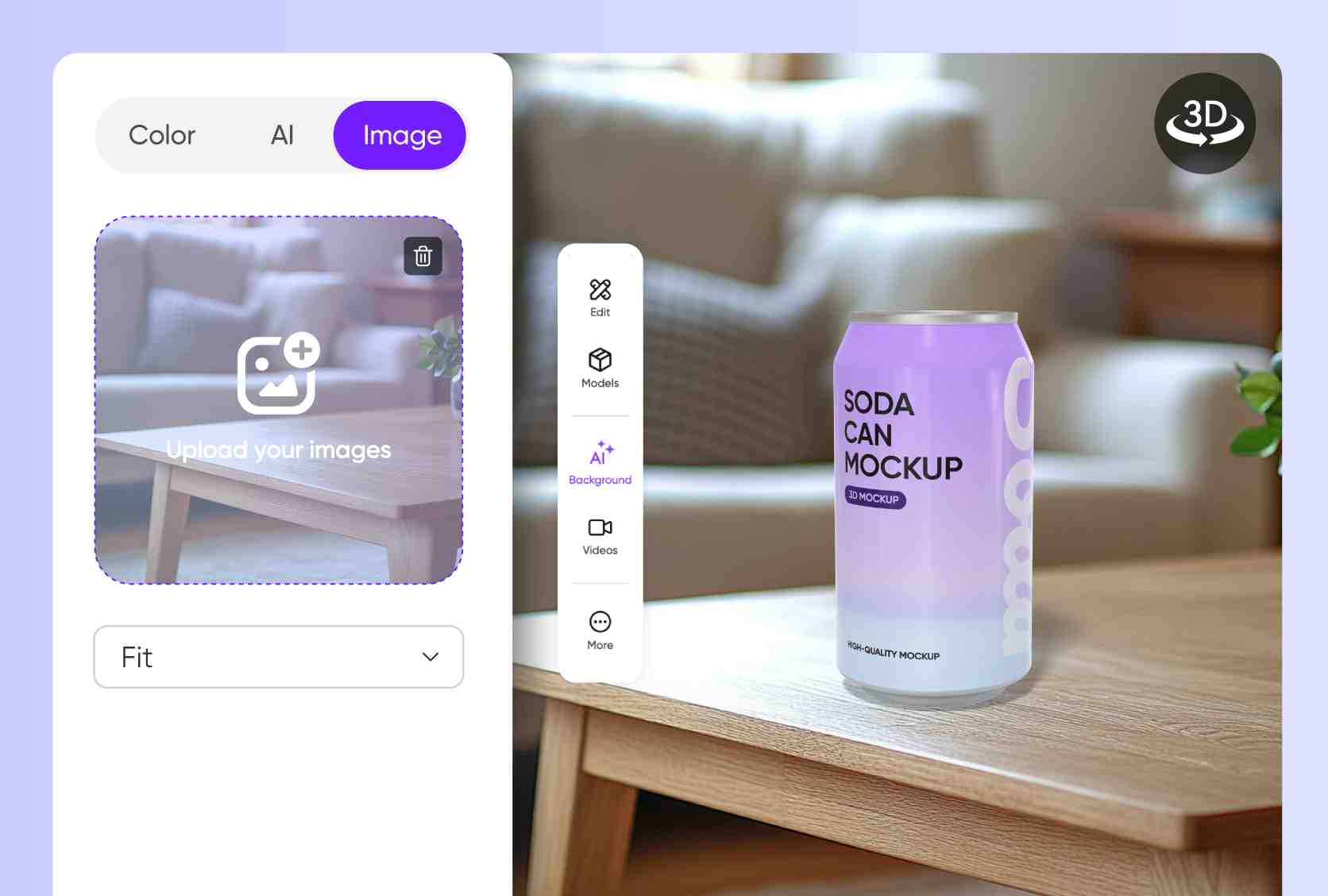
Add background to enhance your beer cans
Backgrounds like white, wood, or brick surfaces can dramatically improve how your beer can be perceived, making it pop in product listings or promotional materials. Neutral or minimal backgrounds keep the focus on your product.
With Pacdora’s AI background generator, you can even enter text prompts to instantly create fully customized, unique backgrounds that make your beer can stand out.
Huge library of custom beer can styles
Having access to different shapes ensures you find the right fit for your beer. Standard beer cans are perfect for craft ales and stouts, giving a classic brewery feel that customers recognize instantly on the shelf.
Slim or tall boy beer cans work wonderfully for energy drinks, seltzers, or modern cocktails, which lets you target specific demographics.
Beer can designs allow total personalization
You can upload bold logos or intricate illustrations to create a beer can that tells a story. This is ideal for promoting a limited-edition holiday brew.
For a cleaner look, simple text and minimalist logos on the aluminum surface are best for premium or organic lines. We ensure your uploaded graphics wrap perfectly around the curved surface without distortion.
Popular capacities for your custom beer can
Selecting the right can size directly affects usability and shelf appeal. Smaller capacities such as 8 oz cans are ideal for limited editions, and variety packs, offering a convenient and approachable option for consumers.
Larger capacities like 16 oz cans work well for flagship beers and social occasions, providing more volume and extra surface area to showcase your branding clearly.
Add background to enhance your beer cans
Backgrounds like white, wood, or brick surfaces can dramatically improve how your beer can be perceived, making it pop in product listings or promotional materials. Neutral or minimal backgrounds keep the focus on your product.
With Pacdora’s AI background generator, you can even enter text prompts to instantly create fully customized, unique backgrounds that make your beer can stand out.
Our customers love Pacdora’s mockup tools
Thousands before you have designed realistic mockups with Pacdora and loved it.

Great mock-ups and literally thousands of packaging designs to choose from. The 3d mock-up is so good, helps bring clarity to the client as well as the designers. Great product for packaging design professionals.


cosmiccorner
Move over, complicated design software! Pacdora is the superhero of packaging mockups. Creating 3D magic for my products is as easy as pie – no PhD in design required. It’s like the software looked at the clock and said, ‘Time to save users from design nightmares!’ It’s so user-friendly, even my coffee mug wants to try its hand at packaging design.
FAQ
Why should I use 3D mockups for custom beer cans?
Using 3D tools for custom beer cans saves you money on photography. You don't need to print physical labels or hire a studio photographer. You can visualize the final product digitally, test different variations of custom beer can labels, and fix errors before you spend a dime on manufacturing.
Can I adjust the material finish of my custom beer cans?
Yes, changing the texture is key to realism for custom beer cans. You can switch between metallic aluminum, matte paper labels, or glossy shrinks. You can even add special effects like water droplets to your personalized custom beer cans to make them look chilled and ready to drink.
What industries use these custom beer cans mockups?
Our custom beer cans are used by beverage startups, craft breweries, and graphic designers. Marketing teams use personalized beer cans for advertising pitches, while hobbyists use them to design fun concepts for weddings or homebrewing gifts without needing technical 3D skills.
What formats can I export my custom beer cans in?
You can export your custom beer cans in multiple high-resolution formats. We support up to 8K PNG and JPG images for static posts. We also offer MP4 video exports so you can show a full 360-degree view of your custom beer can, which is excellent for engaging social media content.
Can I design a beer can for free using Pacdora?
Yes, you can design professional beer cans for free using Pacdora. We allow you to explore the design tools and create unlimited drafts. While we have premium features for advanced needs. Visit our pricing page for more details.
Explore more mockup tools
Discover more about Pacdora


