

Custom tin packaging

Upload your brand images, adjust more details online, then download high-quality PNG images for free to elevate your tin packaging presentation.
Custom tin packaging
Upload your brand images, adjust more details online, then download high-quality PNG images for free to elevate your tin packaging presentation.
Trusted by leading companies


Customizing your own custom tin packaging is simple with Pacdora!
Achieving a polished custom tin packaging design doesn’t have to drain your time or budget. Pacdora lets you instantly preview custom tin containers, tin cans, and tin boxes without costly software. Choose a suitable tin mockup, upload your artwork, and adjust lighting and scene details to match your brand. In minutes, you’ll get 8K PNG or video visuals ready for retail, gifting, or food packaging use. Try Pacdora today!

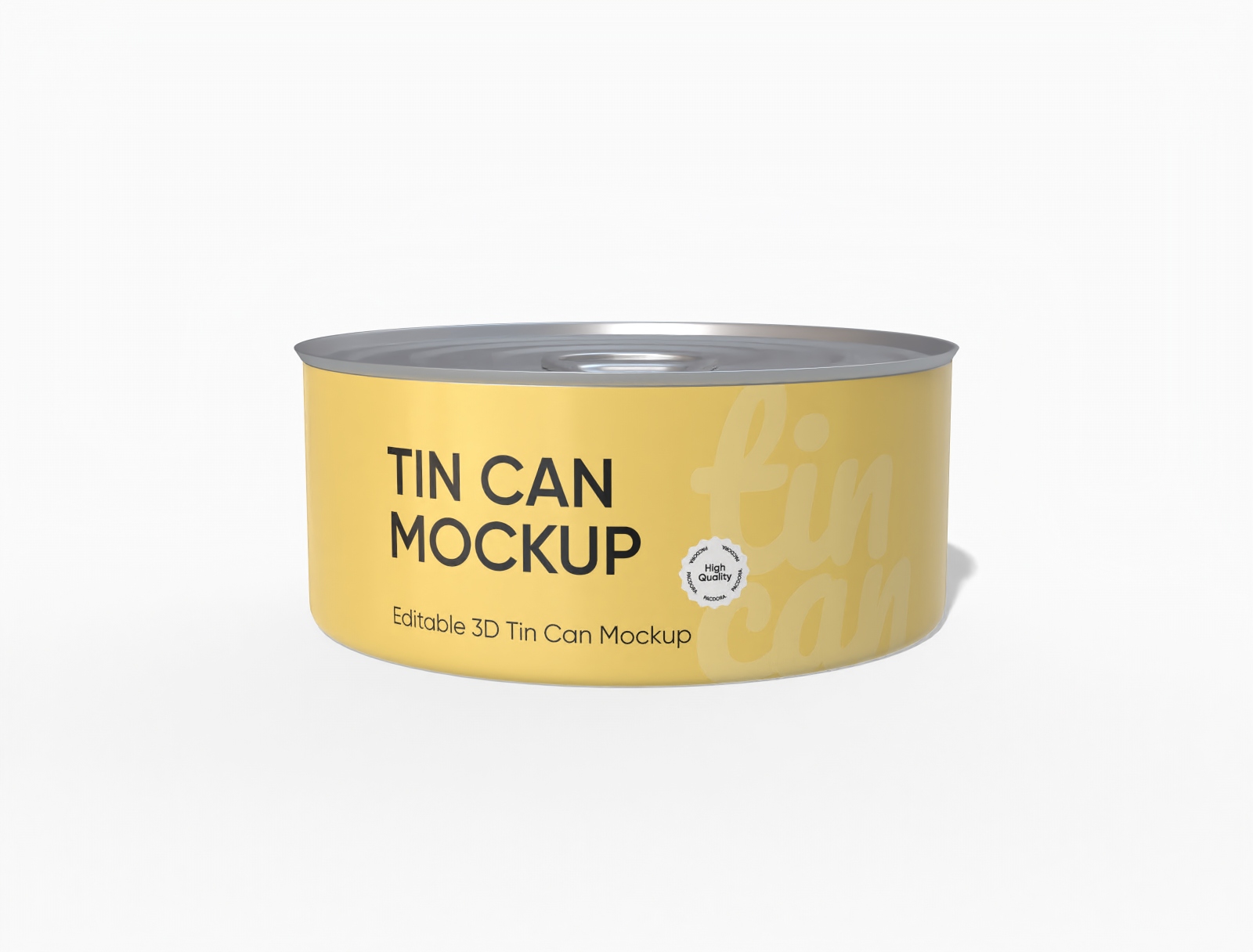

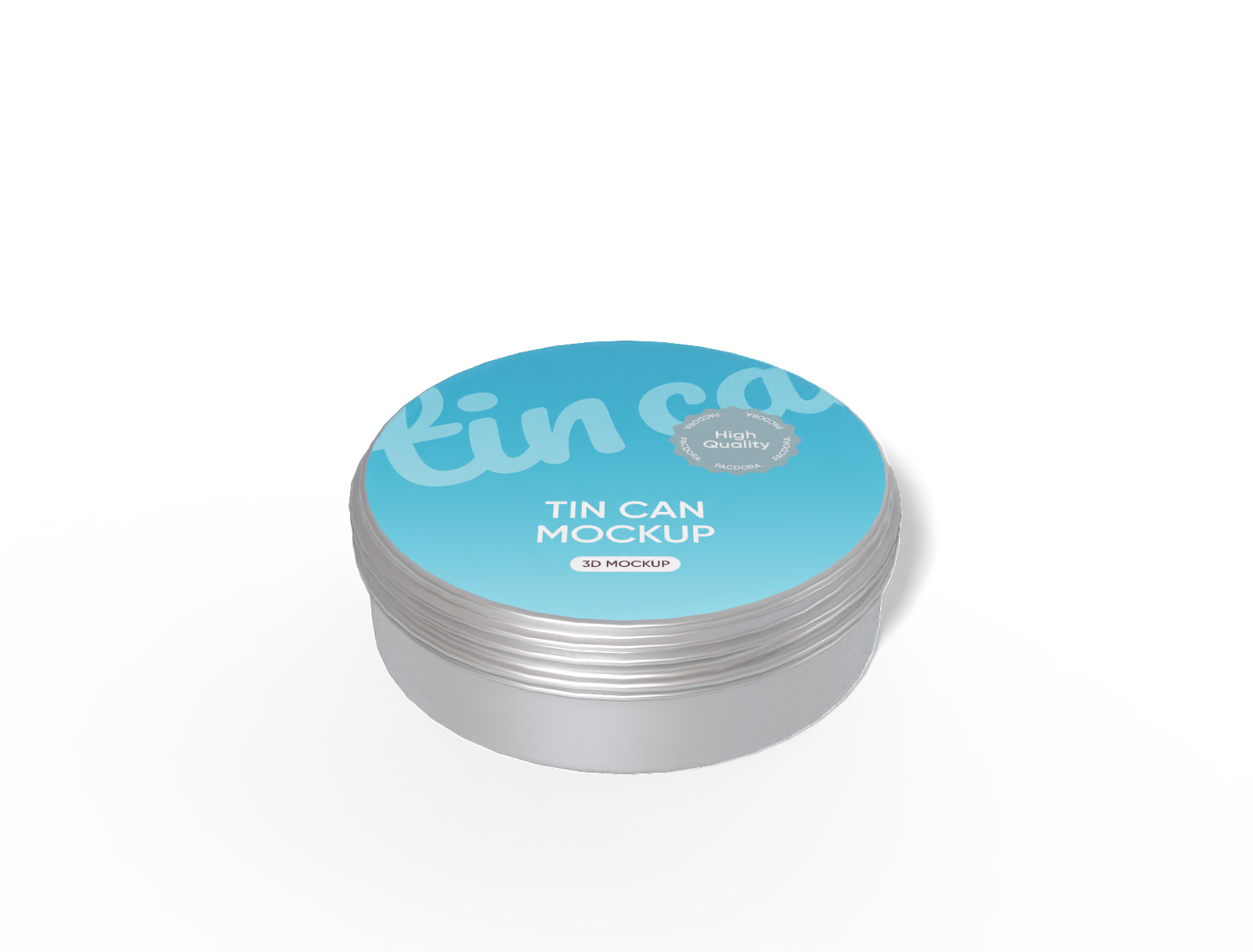
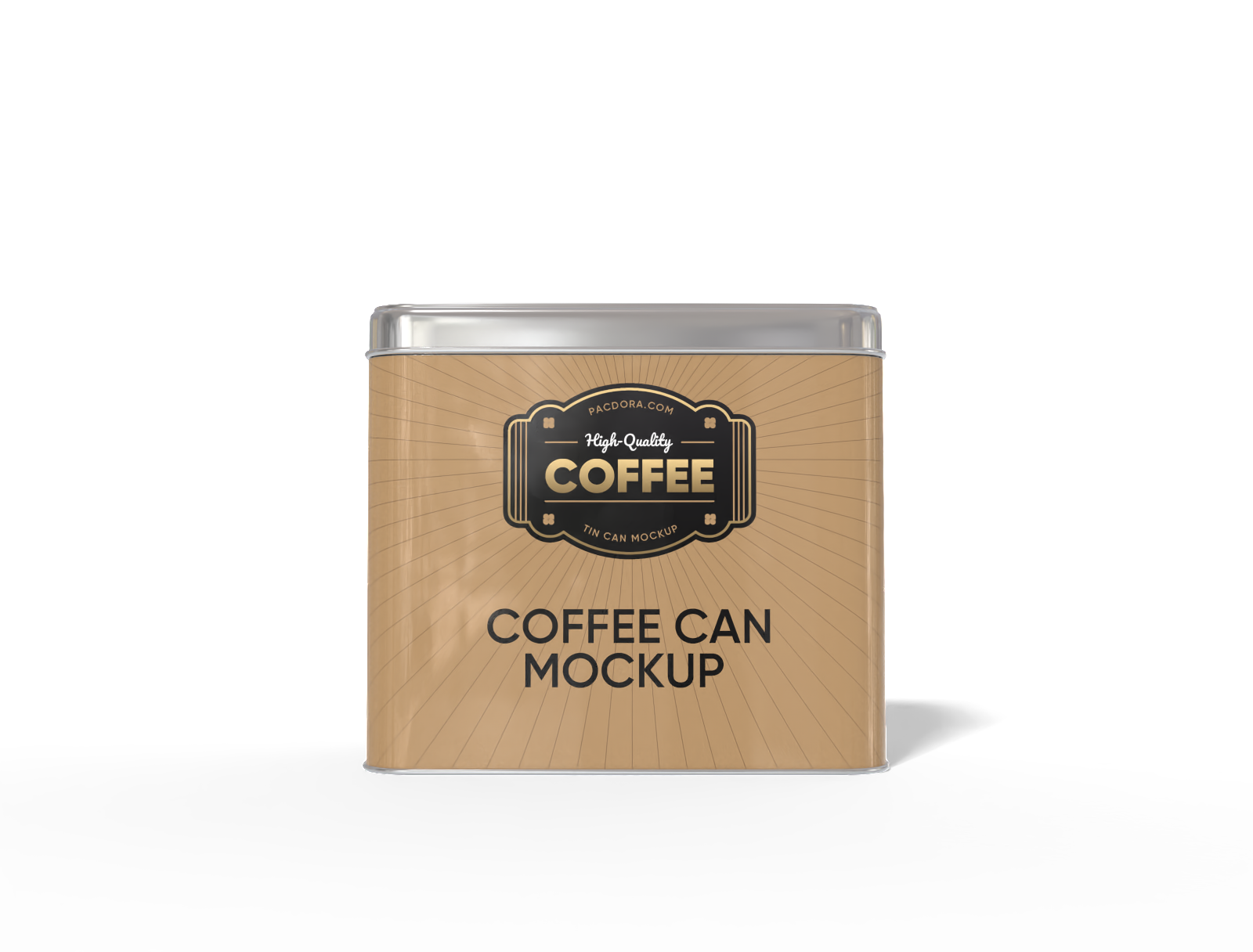
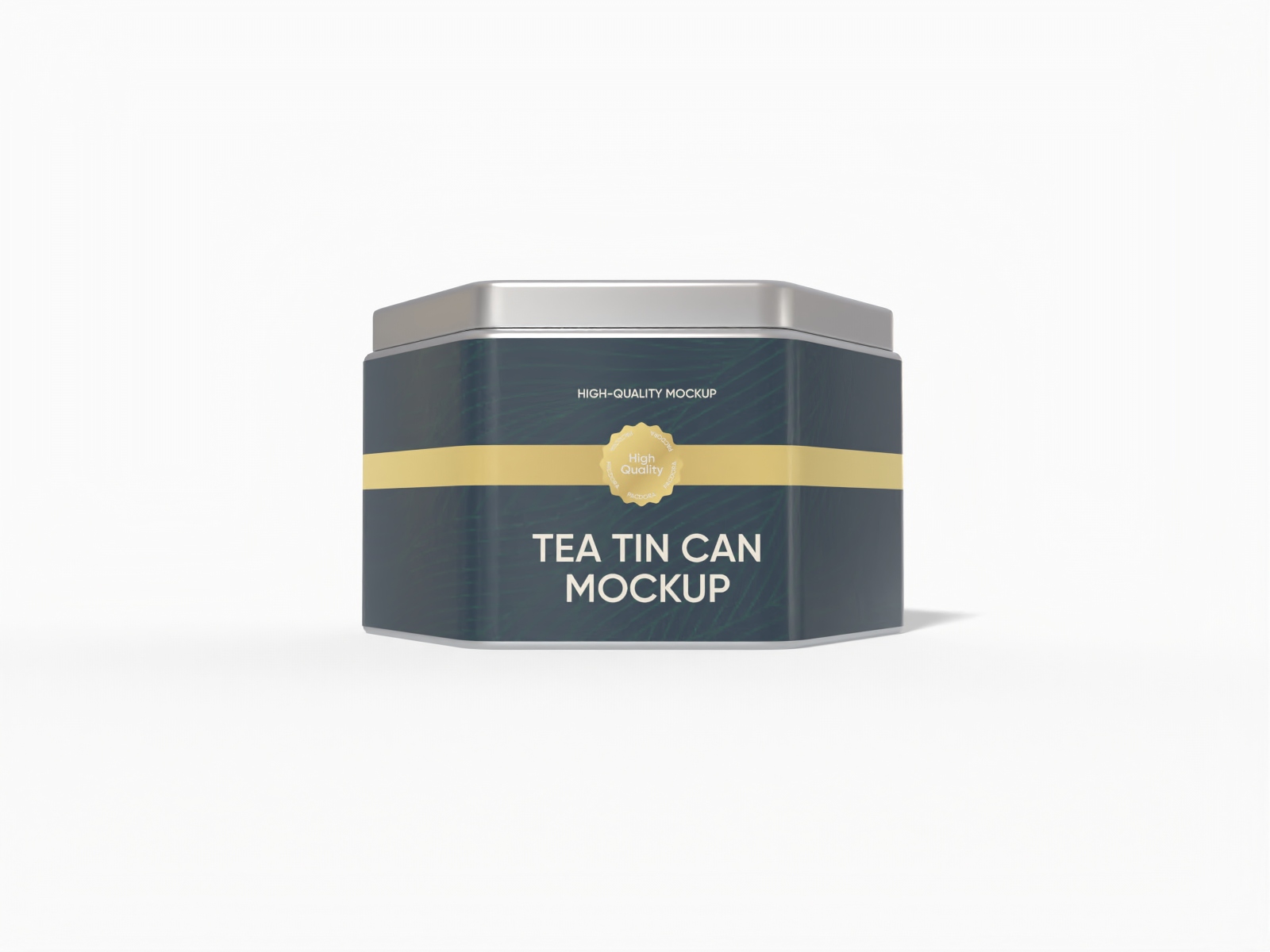
How to create custom tin packaging online?
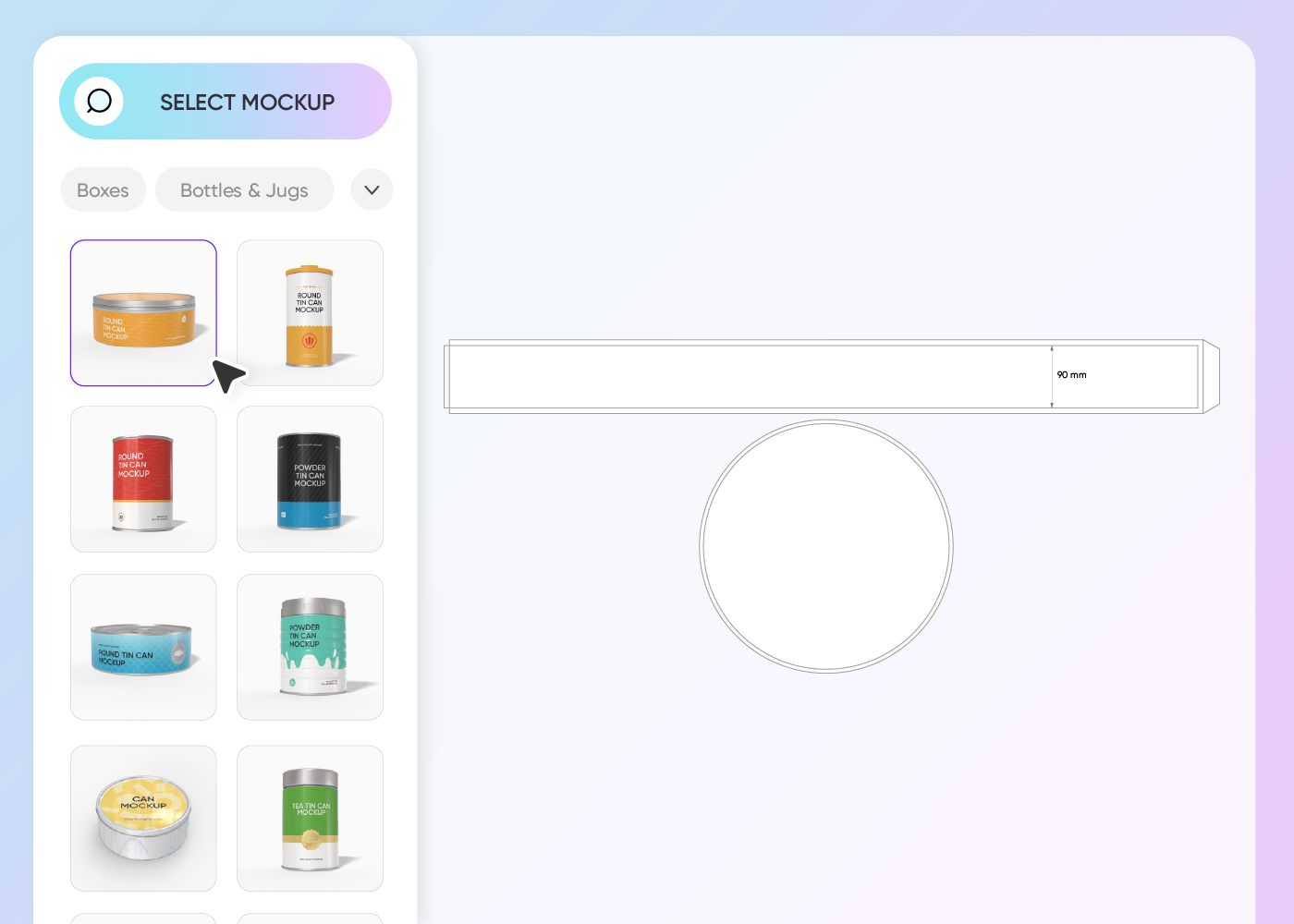
Step 1: Choose a tin packaging mockup
Choose a mockup from our library that fits your product best. Browse through various shapes and styles to find the perfect match for your creative project.
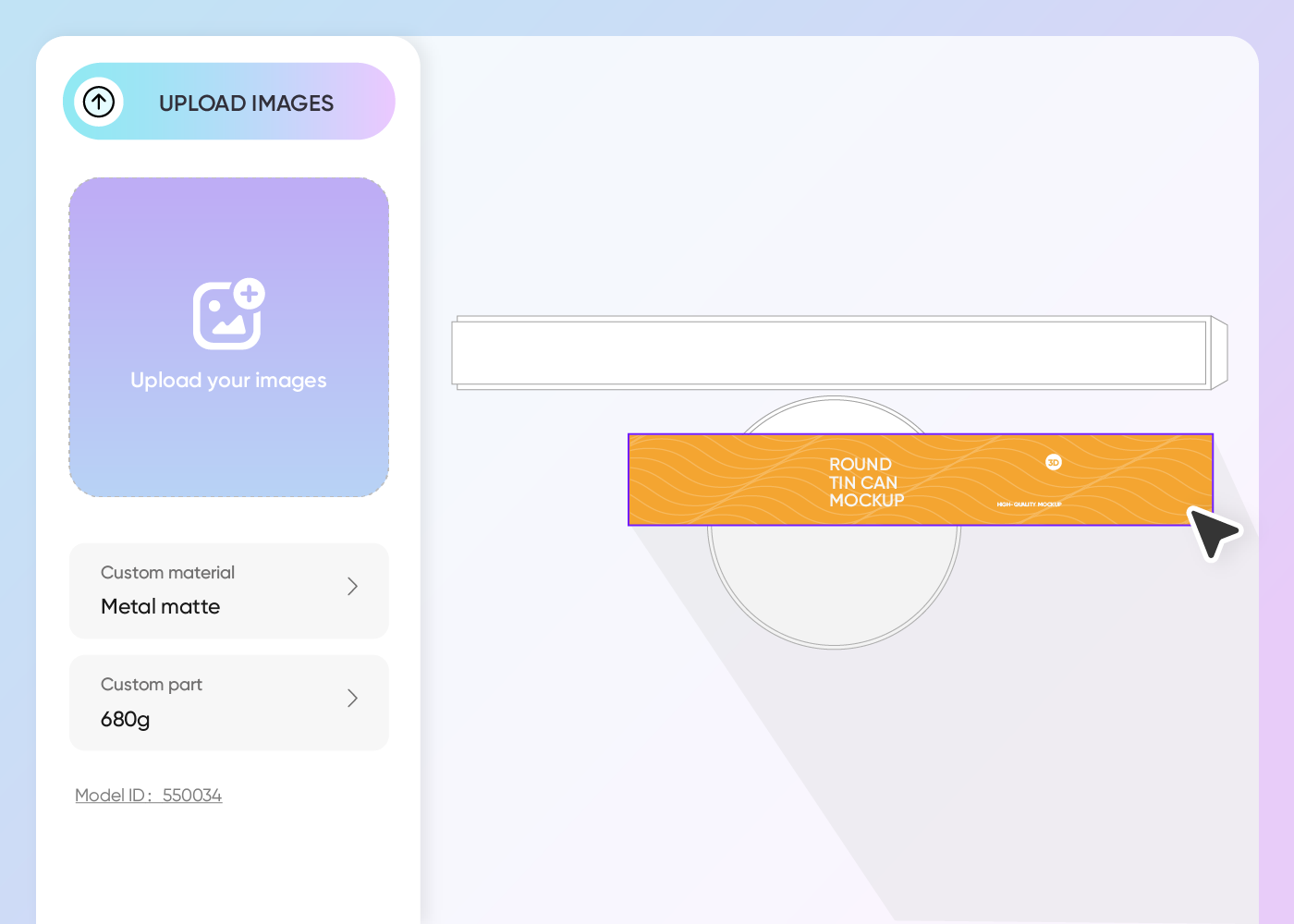
Step 2: Create tin packaging designs
Create your unique look by uploading your graphics. Use our editor to place logos, adjust text, and tweak material textures until the design is perfect.
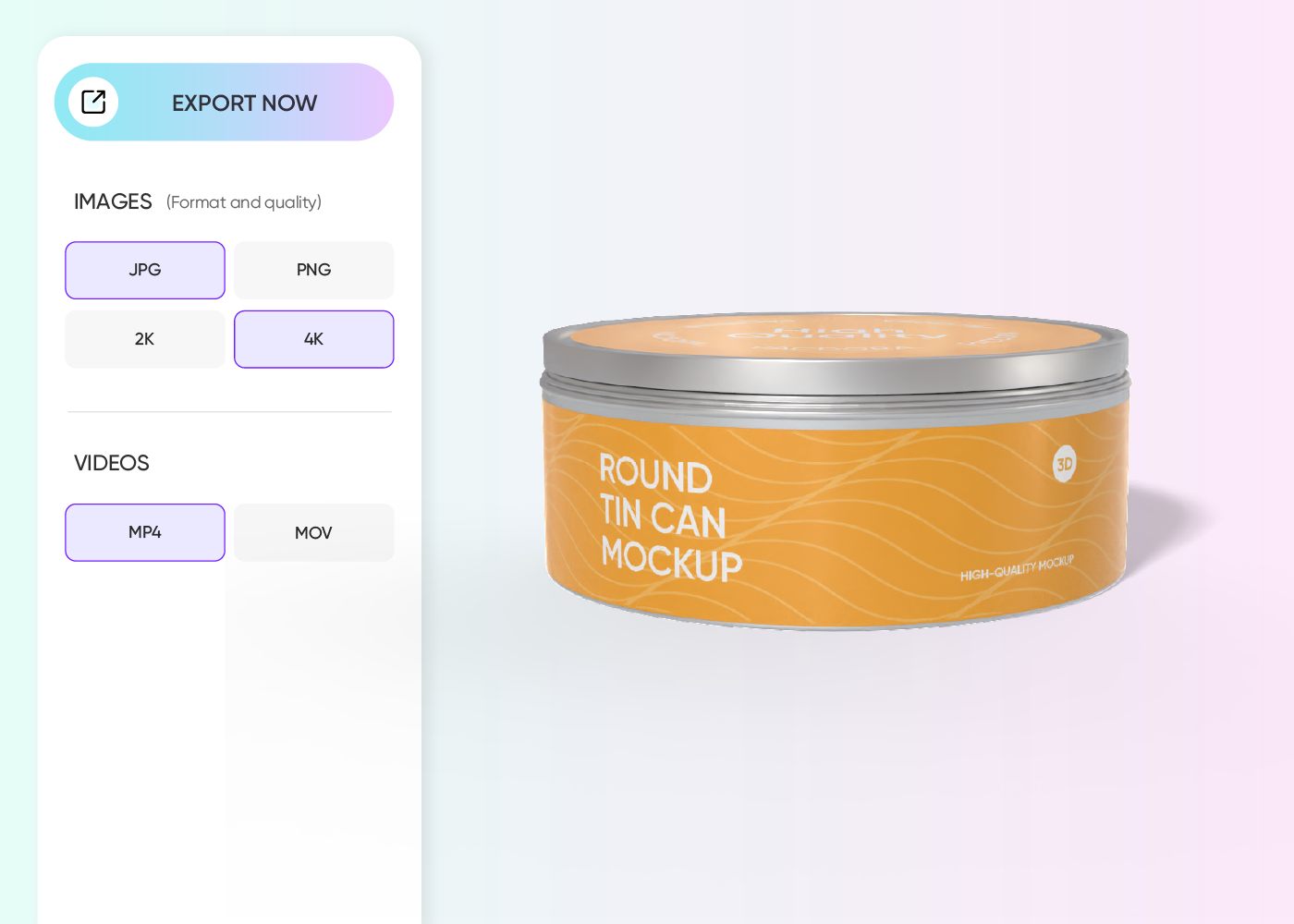
Step 3: Download your tin packaging
Download your finished design in the format you need. We support high-resolution PNG exports or video files, making it easy to share your work instantly.
Step 1: Choose a tin packaging mockup
Choose a mockup from our library that fits your product best. Browse through various shapes and styles to find the perfect match for your creative project.
Step 2: Create tin packaging designs
Create your unique look by uploading your graphics. Use our editor to place logos, adjust text, and tweak material textures until the design is perfect.
Step 3: Download your tin packaging
Download your finished design in the format you need. We support high-resolution PNG exports or video files, making it easy to share your work instantly.
Highlights of designing custom tin packaging online
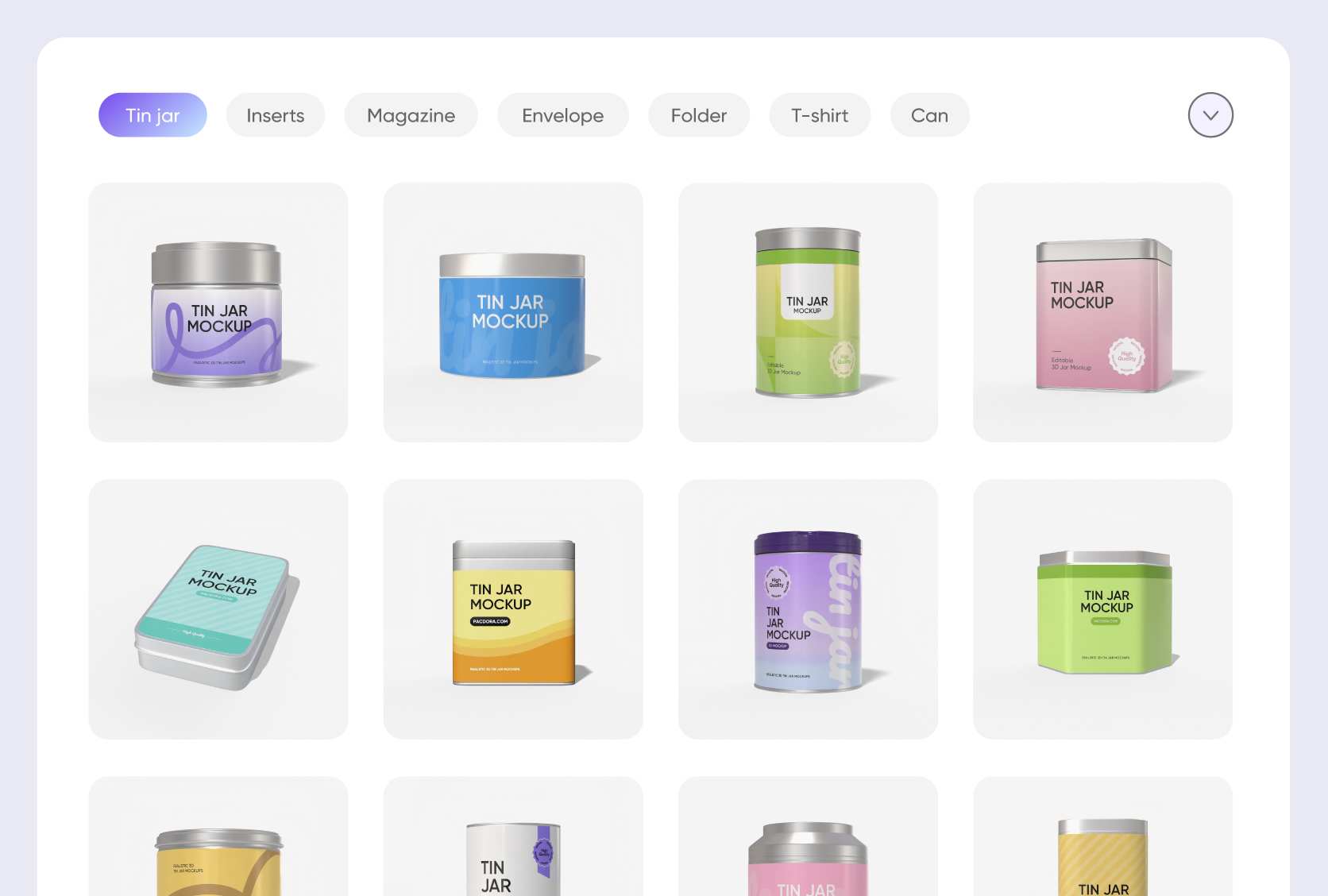
Diverse custom tin packaging styles
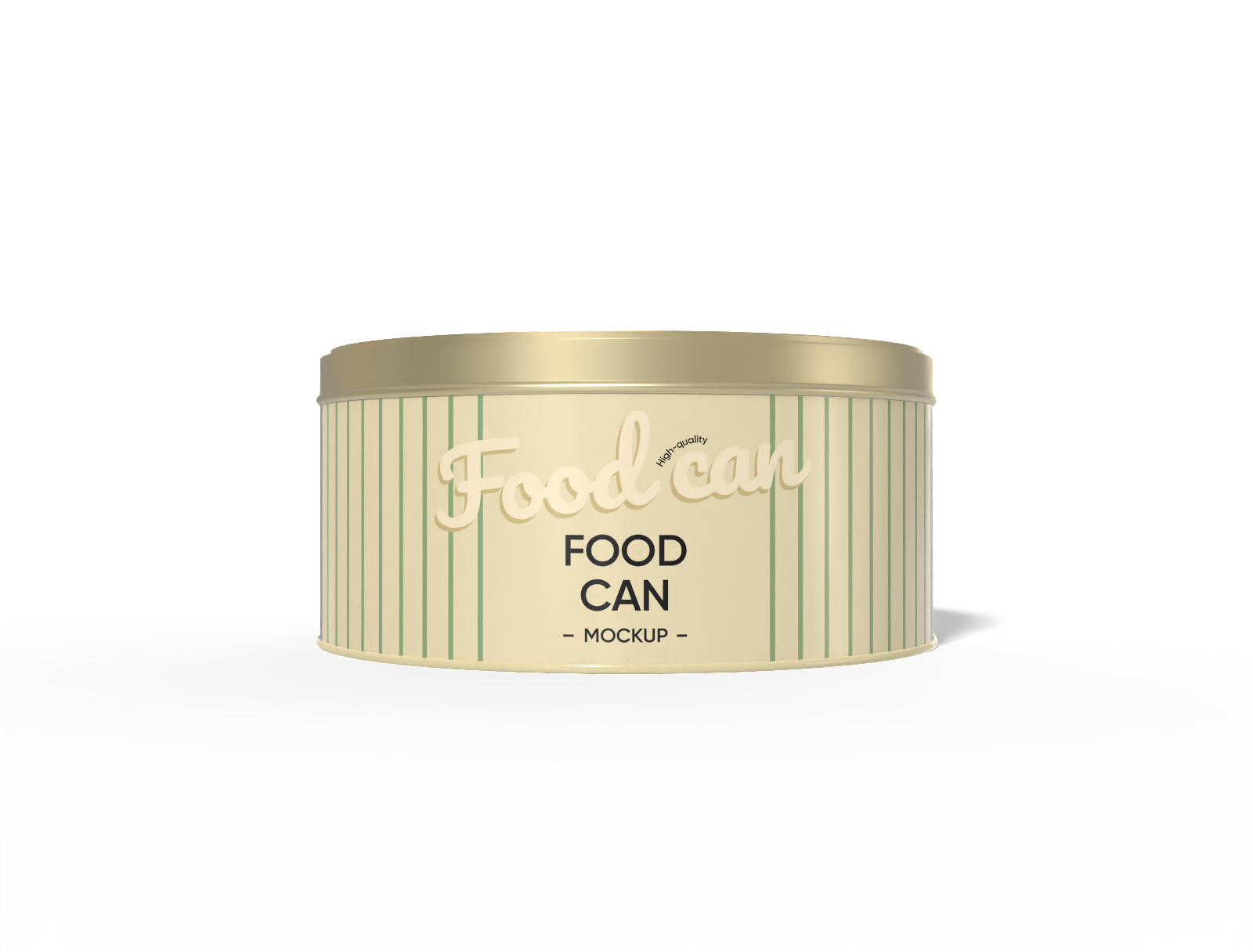
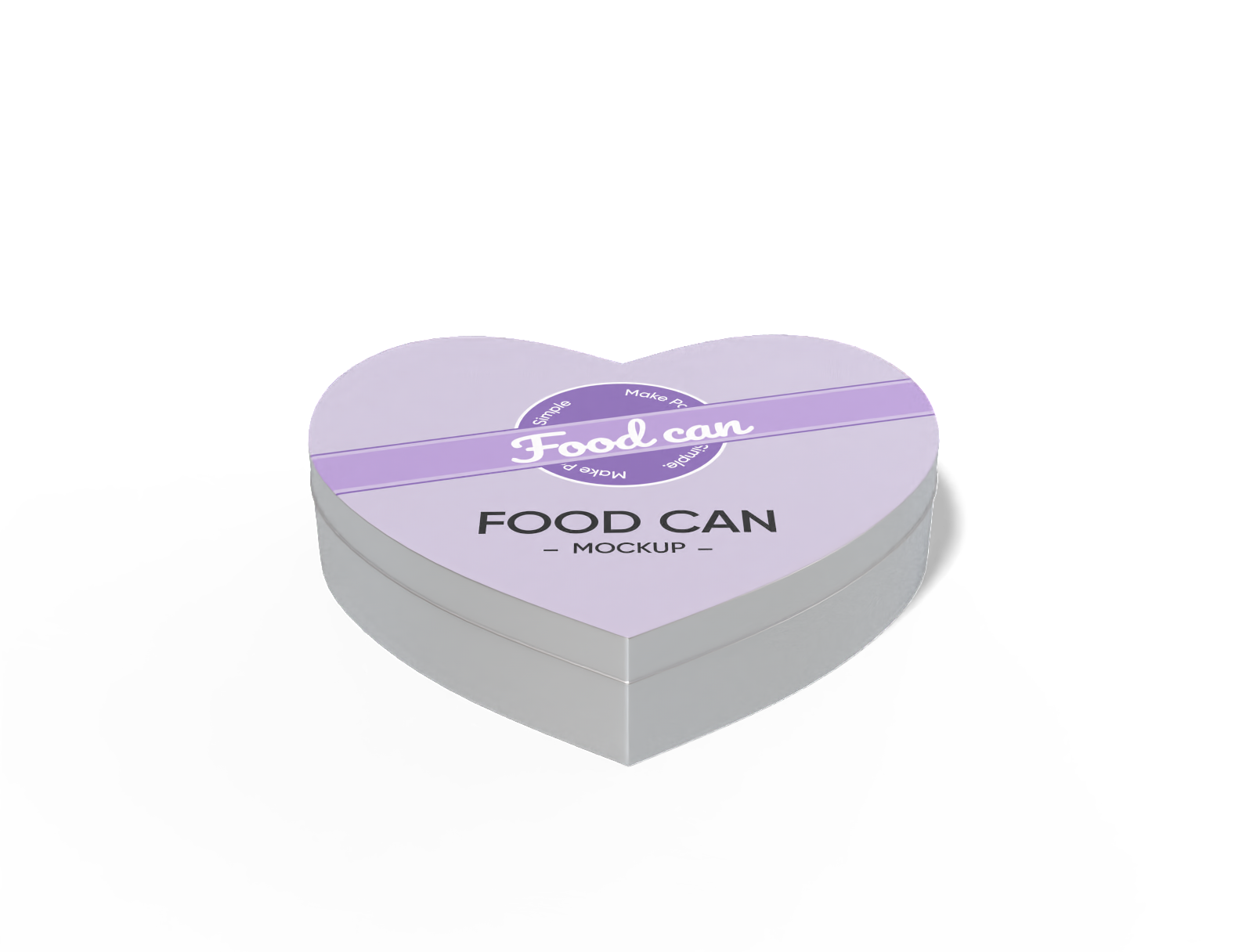
Pacdora offers a wide range of custom tin packaging styles to suit any industry or occasion, from food and beverages to gifts and specialty items.
Square and rectangular tins are perfect for premium gift sets and luxury items, while cylindrical cans provide a classic, durable look for beverages or pantry goods.
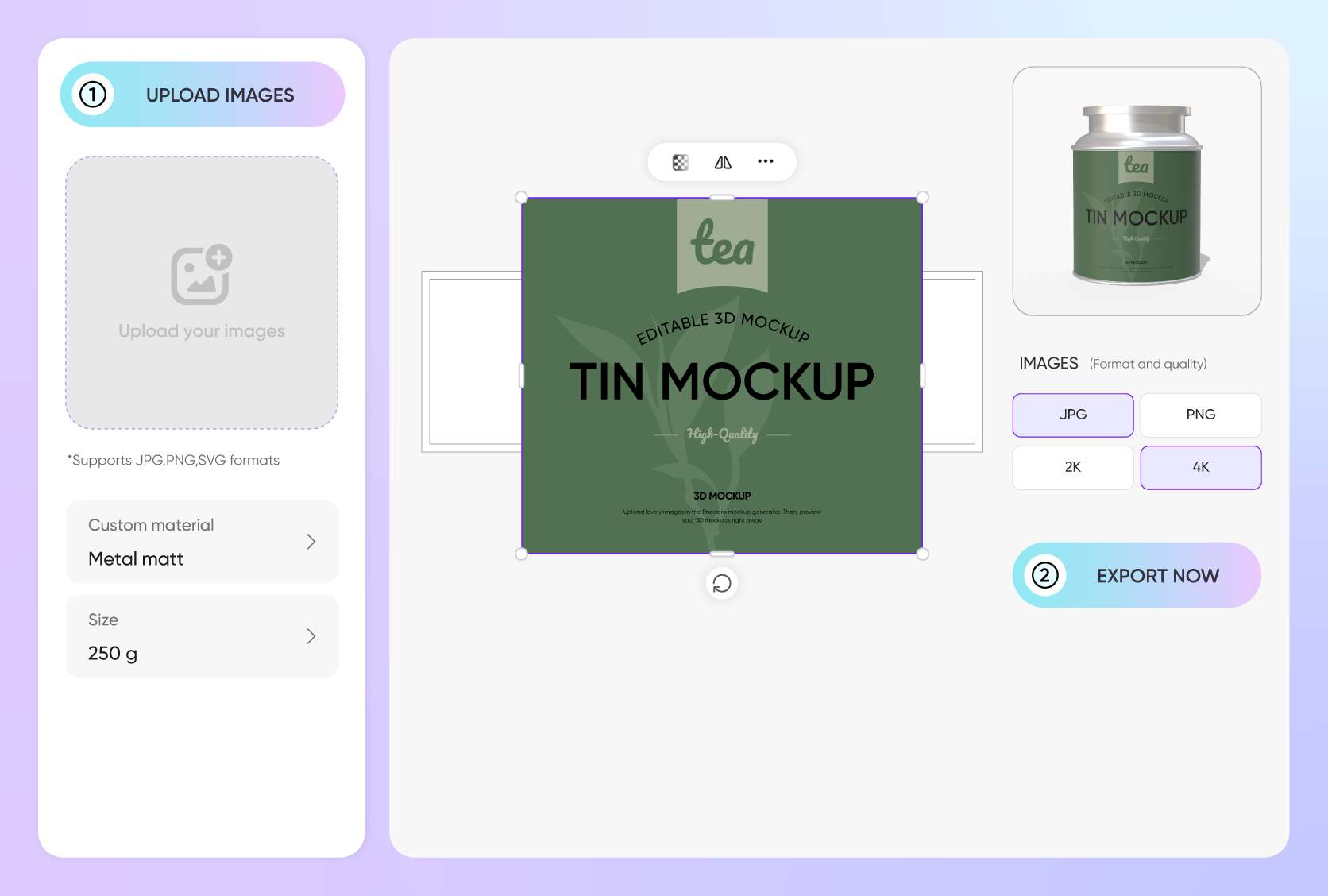
Upload specific details to tin packaging
Your brand identity relies on more than just the container shape; it depends on your artwork.
Easily upload brand logos, ingredient lists, decorative patterns, or vibrant color palettes directly onto the mockup. Preview how graphics wrap around curves or sit on flat surfaces to ensure your tin packaging communicates your brand values.
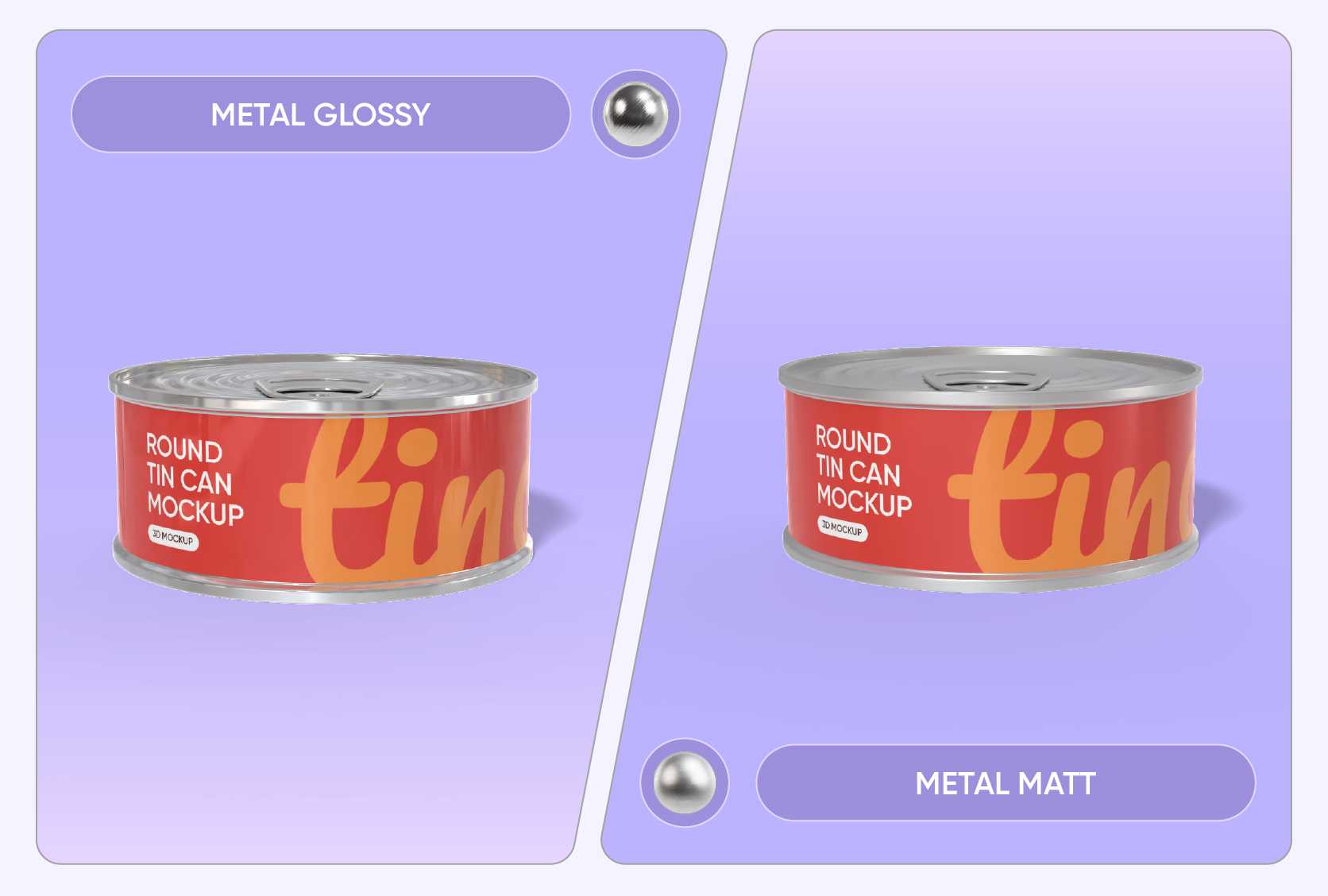
Realistic material finishes for tin packaging
Highlight your tin can’s style with the perfect finish. Glossy coatings give a polished, lively look that catches the eye, making them ideal for fun, seasonal, or promotional items.
Matte finishes offer a smooth, understated elegance that works well for premium teas, luxury snacks, or gift collections.
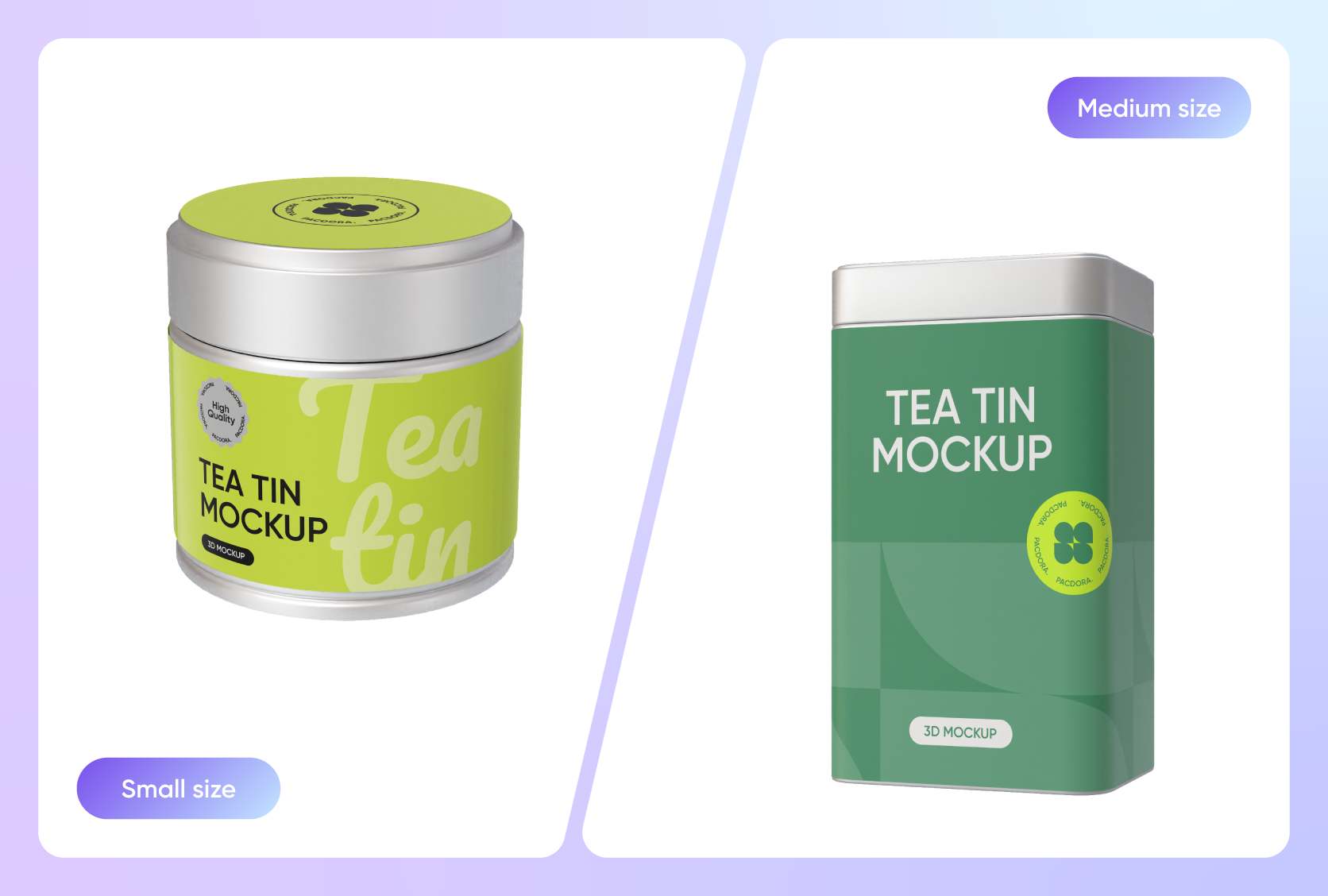
Find the ideal tin size for your product
Select the right size for your tin cans to suit your product and customer needs. Options range from 4 oz for single servings or sample packs, 8 oz for standard retail items, and 16 oz for bulk, family-size, or gift sets.
Picking the correct size ensures your product feels balanced, visually appealing, and practical for storage.
Diverse custom tin packaging styles
Pacdora offers a wide range of custom tin packaging styles to suit any industry or occasion, from food and beverages to gifts and specialty items.
Square and rectangular tins are perfect for premium gift sets and luxury items, while cylindrical cans provide a classic, durable look for beverages or pantry goods.
Upload specific details to tin packaging
Your brand identity relies on more than just the container shape; it depends on your artwork.
Easily upload brand logos, ingredient lists, decorative patterns, or vibrant color palettes directly onto the mockup. Preview how graphics wrap around curves or sit on flat surfaces to ensure your tin packaging communicates your brand values.
Realistic material finishes for tin packaging
Highlight your tin can’s style with the perfect finish. Glossy coatings give a polished, lively look that catches the eye, making them ideal for fun, seasonal, or promotional items.
Matte finishes offer a smooth, understated elegance that works well for premium teas, luxury snacks, or gift collections.
Find the ideal tin size for your product
Select the right size for your tin cans to suit your product and customer needs. Options range from 4 oz for single servings or sample packs, 8 oz for standard retail items, and 16 oz for bulk, family-size, or gift sets.
Picking the correct size ensures your product feels balanced, visually appealing, and practical for storage.
Our customers love Pacdora’s mockup tools
Thousands before you have designed realistic mockups with Pacdora and loved it.

Great mock-ups and literally thousands of packaging designs to choose from. The 3d mock-up is so good, helps bring clarity to the client as well as the designers. Great product for packaging design professionals.


cosmiccorner
Move over, complicated design software! Pacdora is the superhero of packaging mockups. Creating 3D magic for my products is as easy as pie – no PhD in design required. It’s like the software looked at the clock and said, ‘Time to save users from design nightmares!’ It’s so user-friendly, even my coffee mug wants to try its hand at packaging design.
FAQ
Why use 3D tools for custom tin packaging design?
Using 3D tools for custom tin packaging allows you to spot errors before mass production. It gives you a 360-degree view of your design, ensuring that labels, text, and logos align perfectly around corners and curves. This saves you money by reducing the need for physical prototypes and speeds up your design process significantly.
How realistic does the custom tin packaging look?
Our platform uses advanced rendering technology to make your custom tin packaging look like a professional photograph. The system accurately simulates lighting, shadows, and metallic reflections based on the materials you choose. This ensures that the digital image effectively represents the final product, giving your clients confidence in the design quality.
Can I adjust the background for custom tin packaging?
Yes, you have full control over the environment surrounding your custom tin packaging. You can select transparent backgrounds for easy editing later, simple solid colors to make the product pop, or complex scene settings. We also have an AI background generator that helps you create unique, thematic settings that enhance the storytelling of your product.
What files can I upload to custom tin packaging?
You can upload all common image formats like JPG, and PNG directly to your custom tin packaging mockup. We recommend using high-resolution images with transparent backgrounds (PNGs) for logos and text layers to ensure the metal texture shows through where intended. This flexibility makes it easy to integrate your existing design assets.
Can I design custom tin packaging for free using Pacdora?
Yes! Pacdora offers free features that you can use to create custom tin packaging at no cost. We also provide premium services. You can find all the details on our pricing page.
Explore more mockup tools
Discover more about Pacdora


