

Pastry box mockup

Put your bakery’s branding on the pastry box mockup, tweak the layout, and easily download your pastry box design as HD PNG images for free.
Pastry box mockup
Put your bakery’s branding on the pastry box mockup, tweak the layout, and easily download your pastry box design as HD PNG images for free.
Trusted by leading companies


Sweeten your brand with a pastry box mockup on Pacdora!
Every baker knows that people eat with their eyes first. With Pacdora, you can build a pastry box mockup that looks just as good as the treats inside. Our easy-to-use tool lets you wrap your unique designs around a 3D box that you can spin, flip, and zoom in on. Whether you're selling flaky croissants or colorful macarons, you can check every angle to ensure your logo or background sits perfectly. Grab a high-quality image for your Instagram or get the dieline files to start real production.
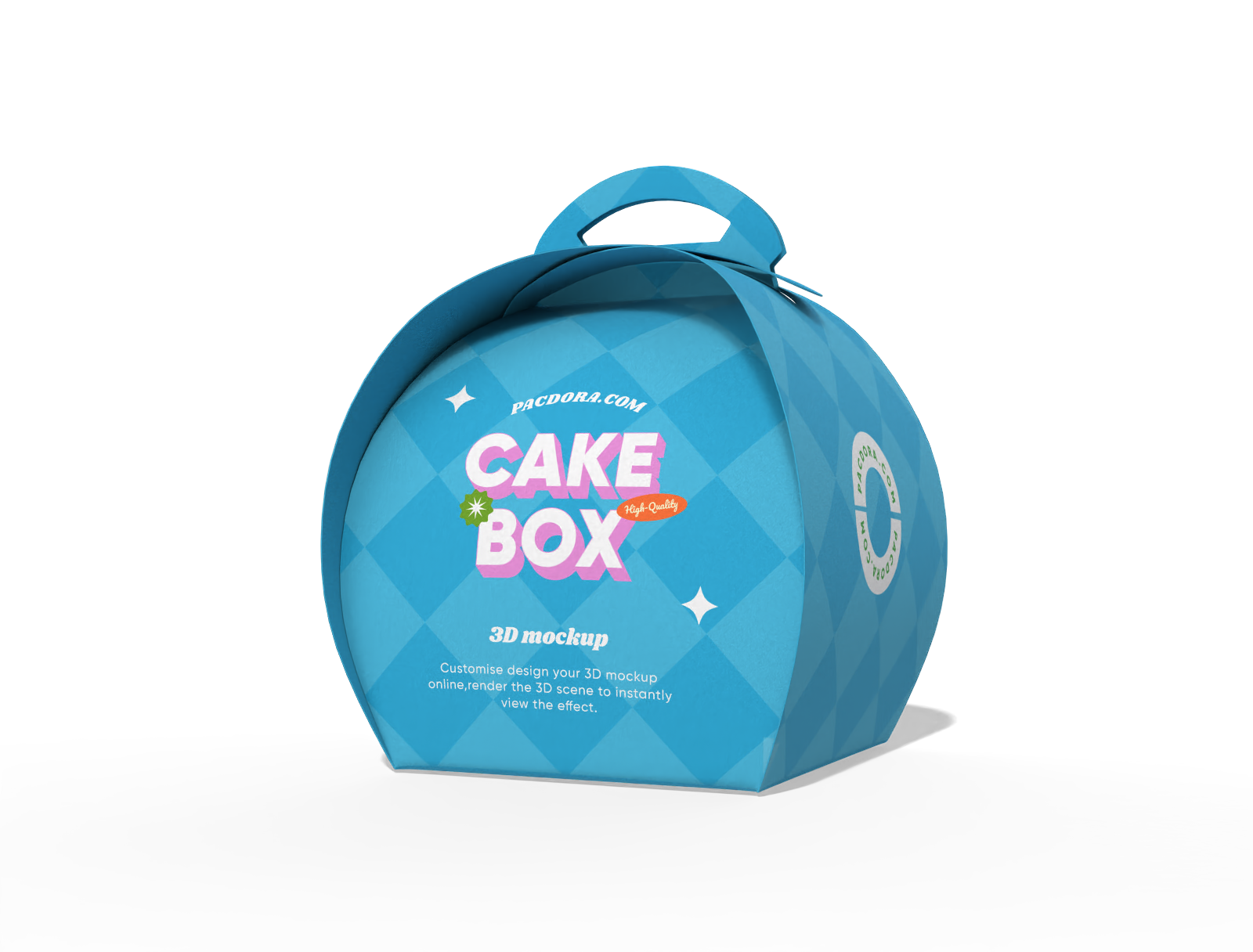
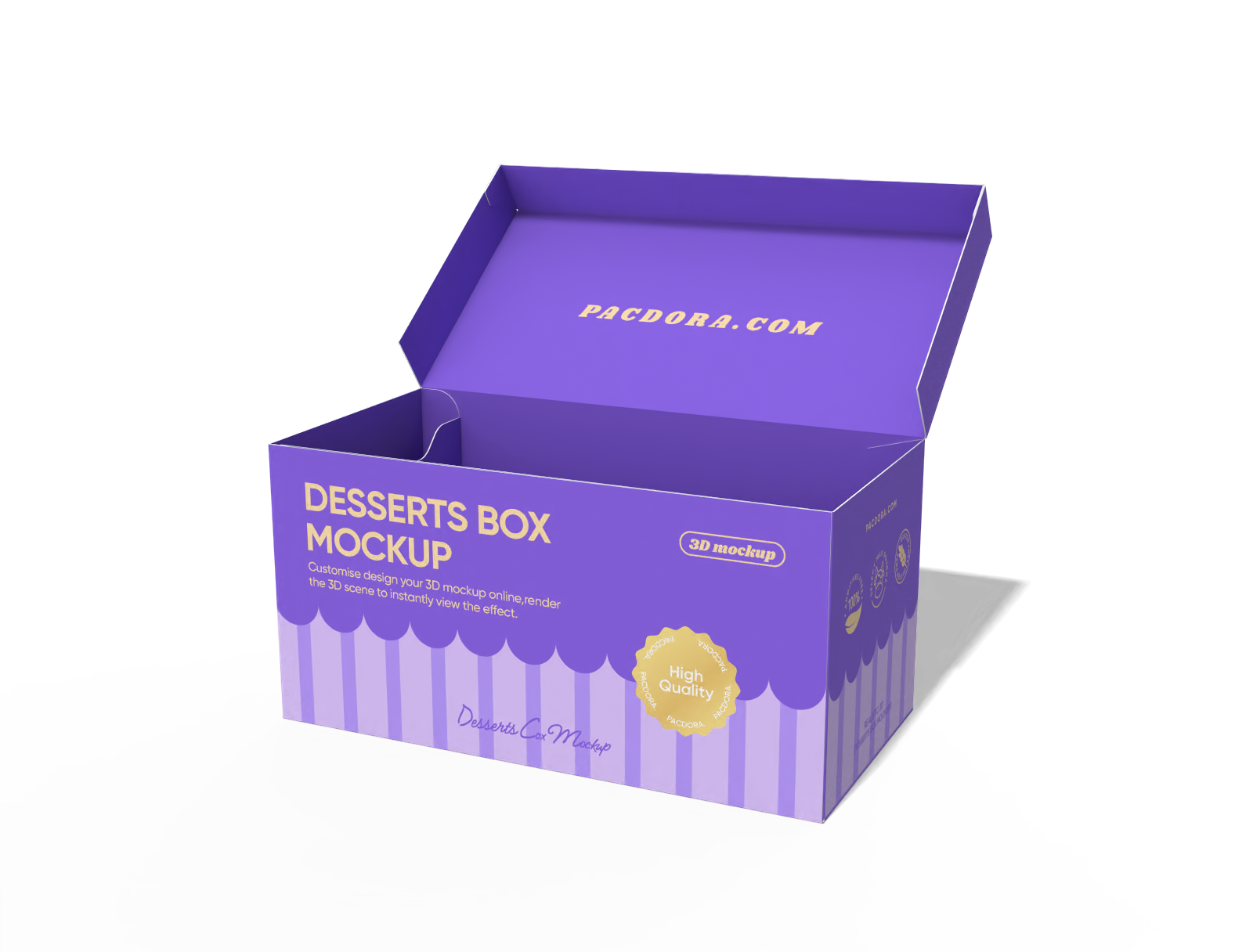
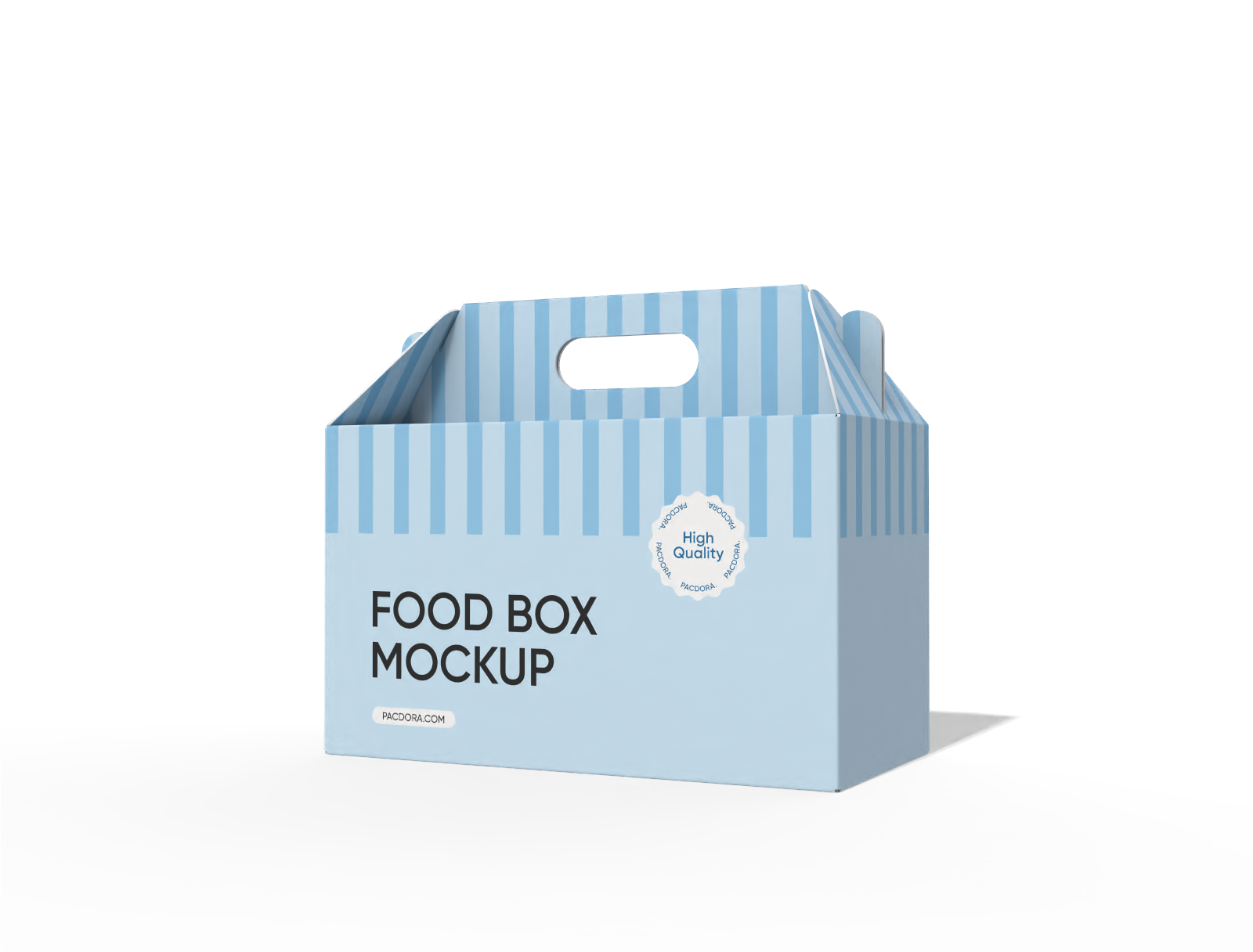
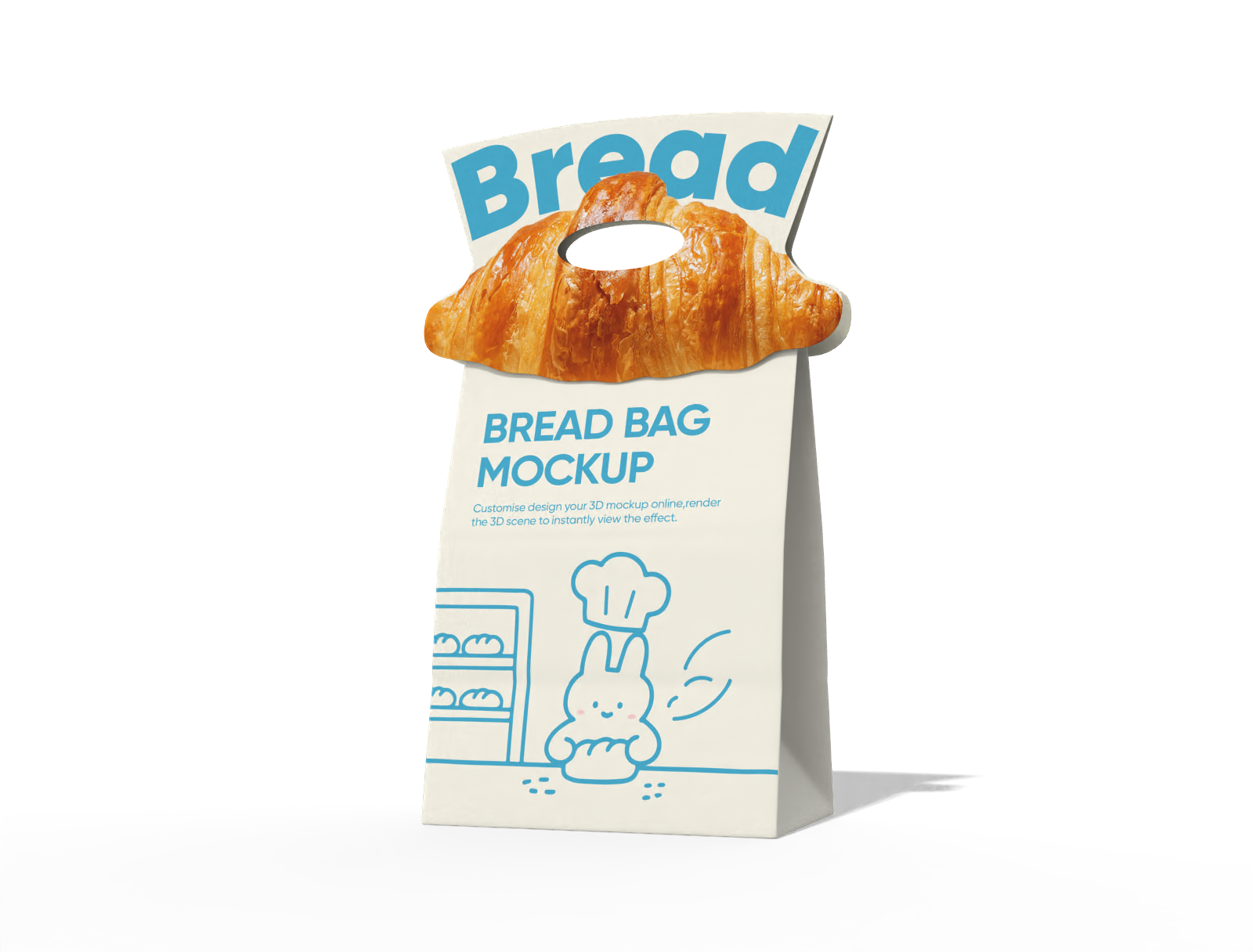
How to create a pastry box mockup?
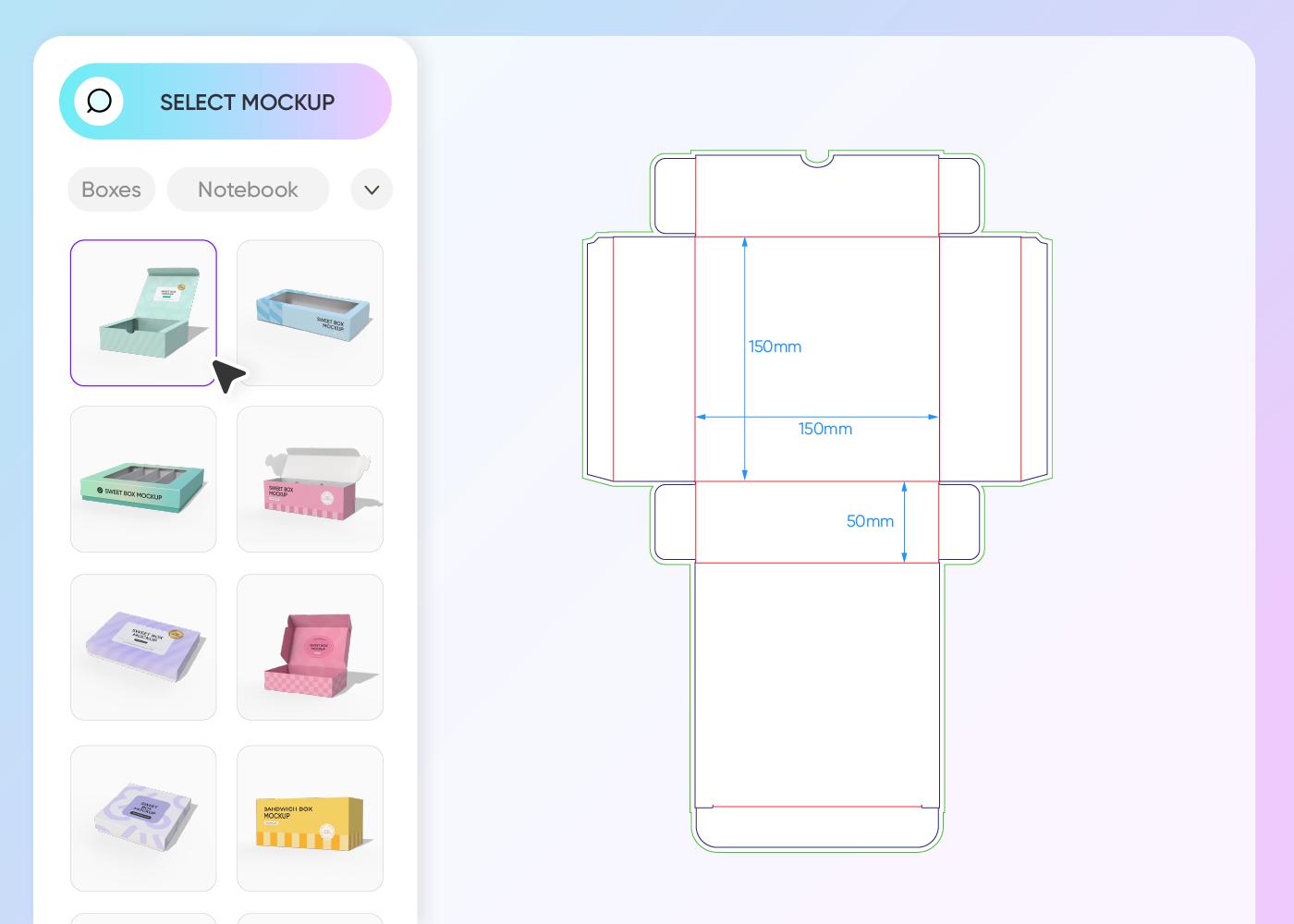
Step 1: Select a sweet pastry box style
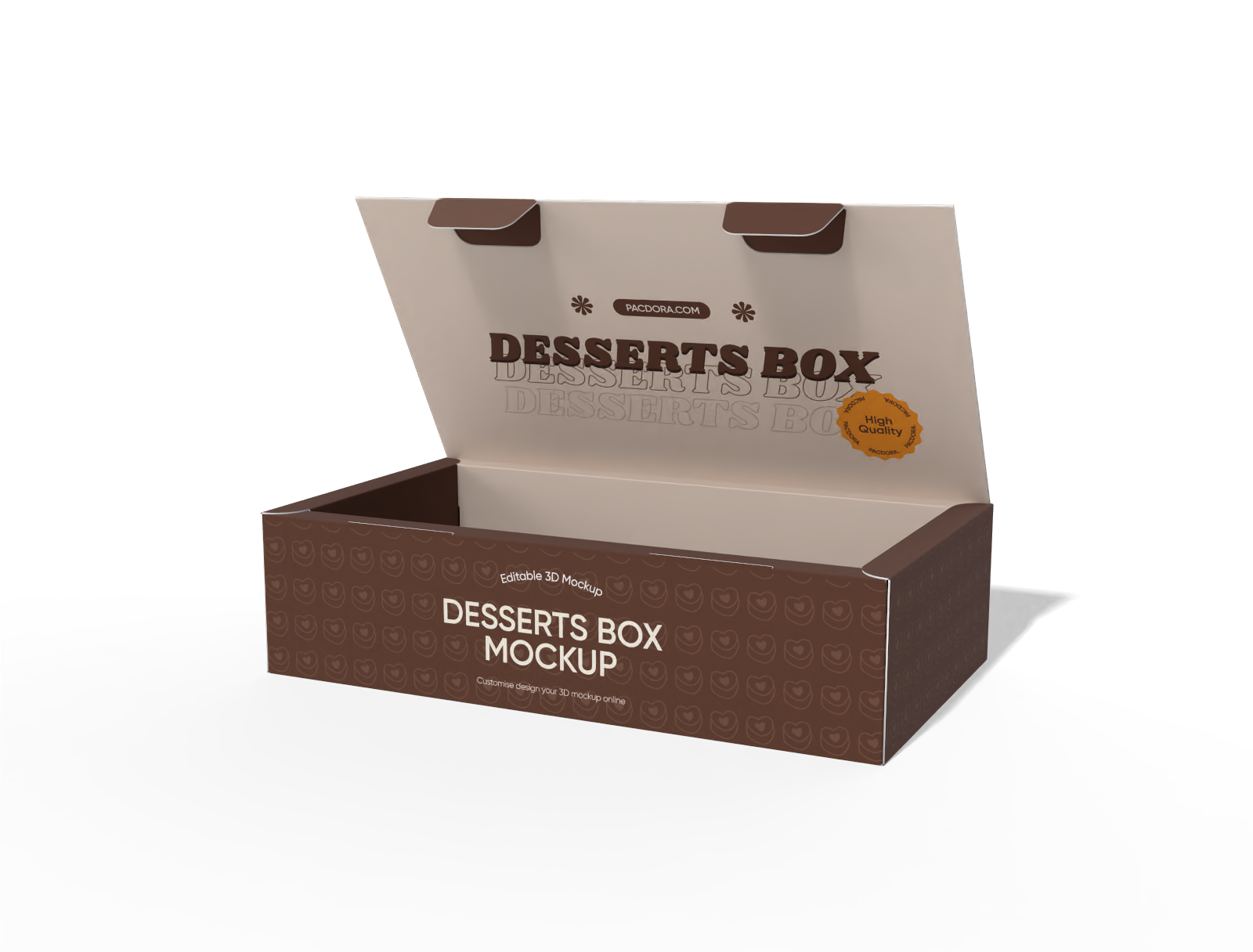
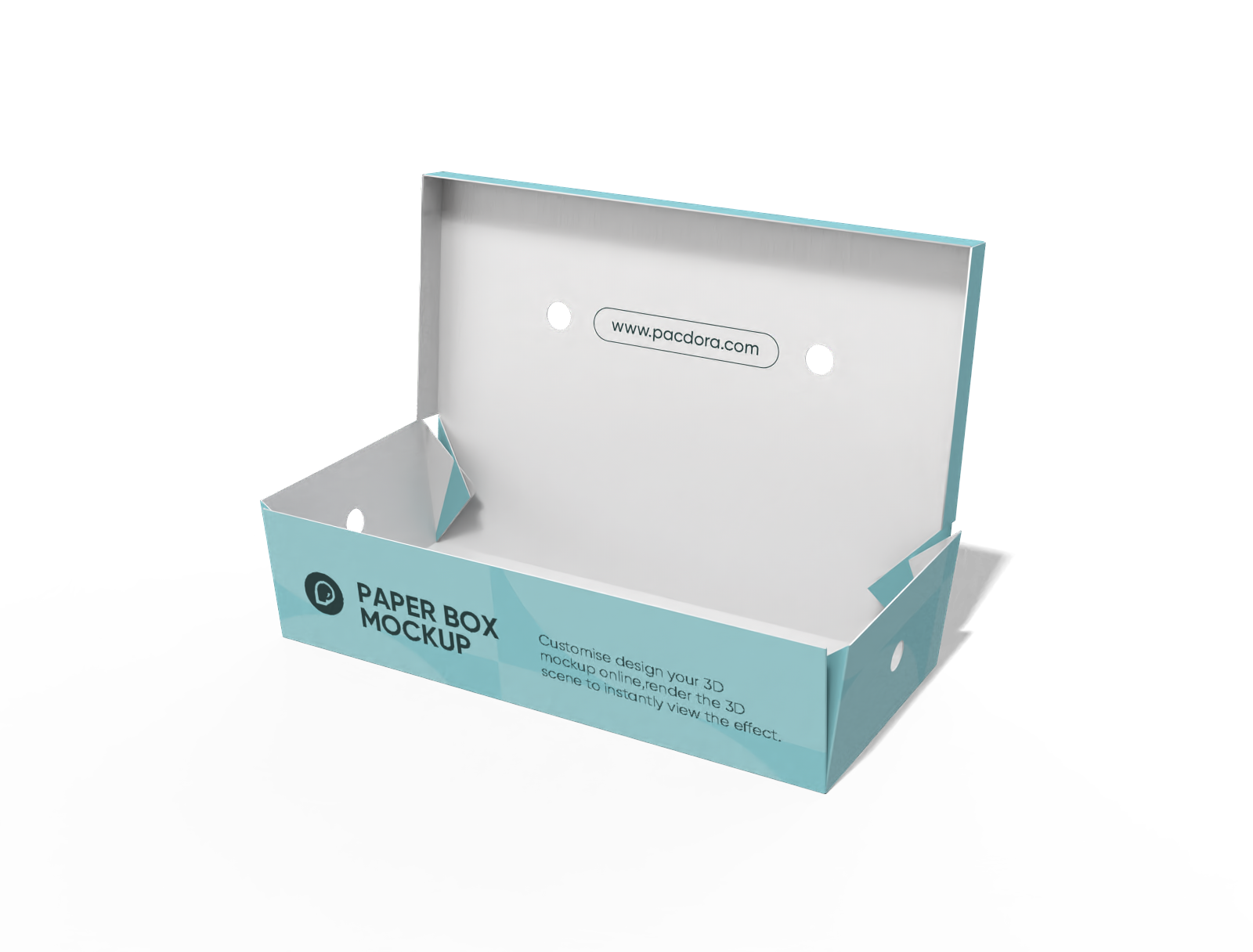
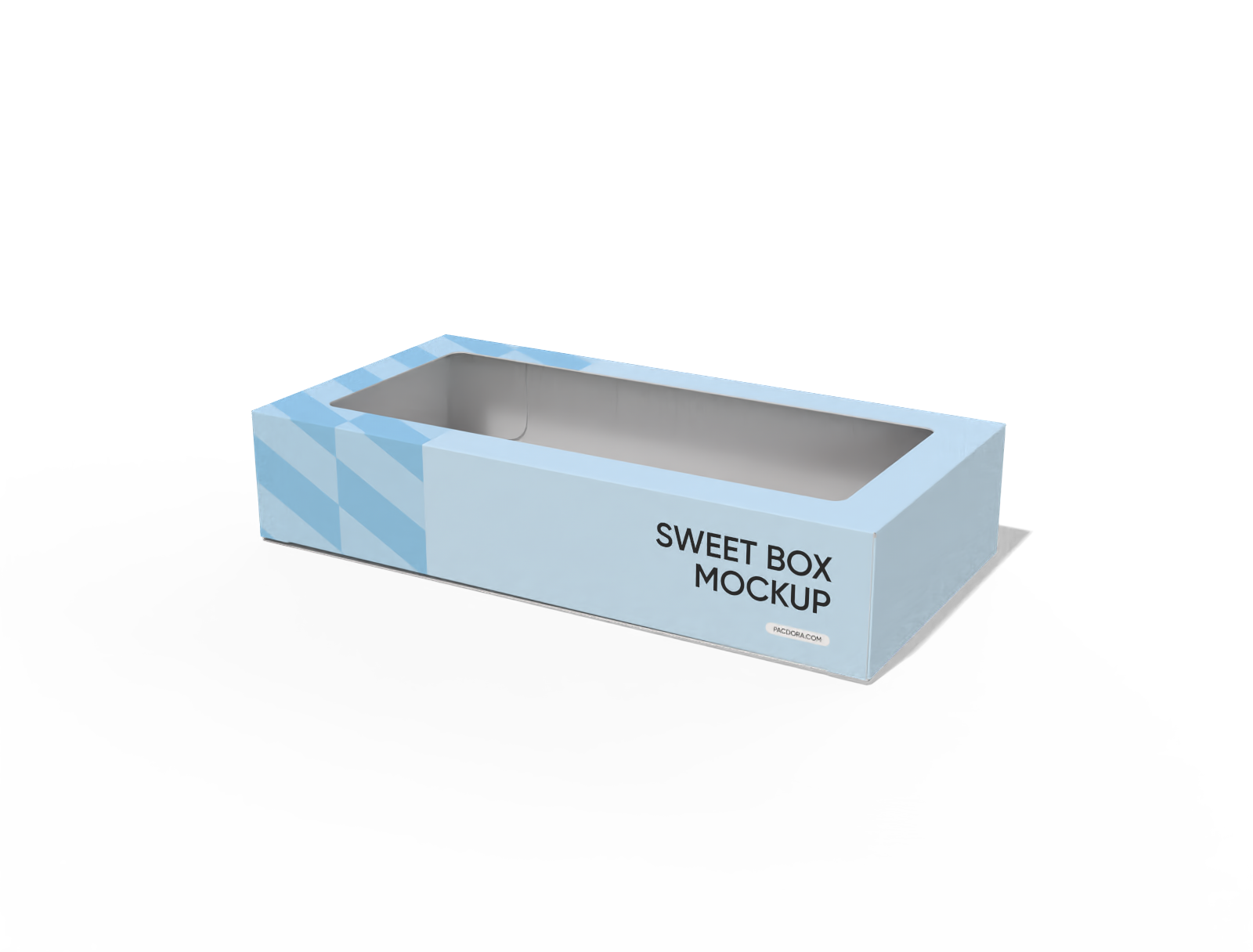
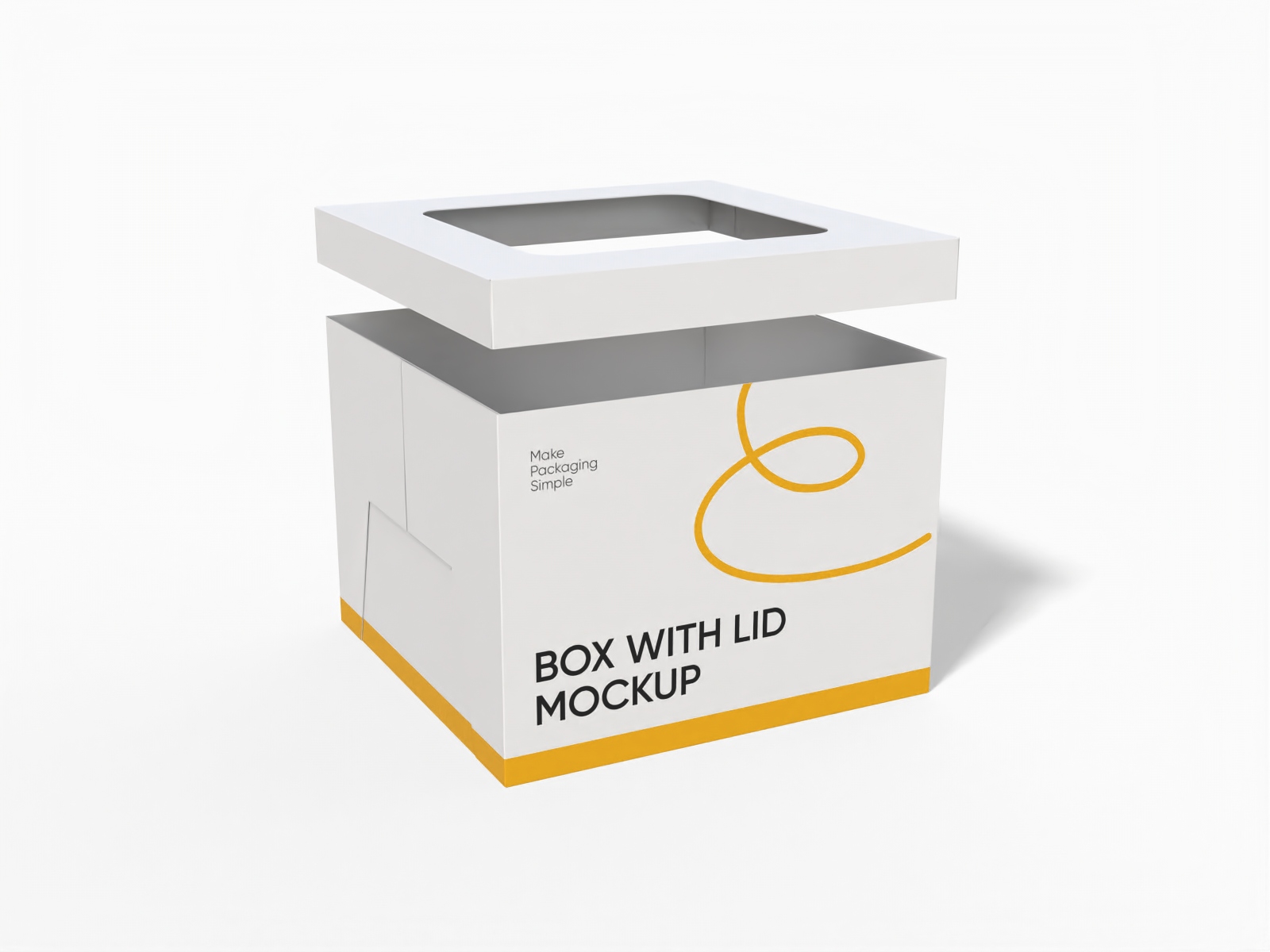
Select a pastry box mockup that fits your goodies, like a tall cake box or a flat tray box for danishes.
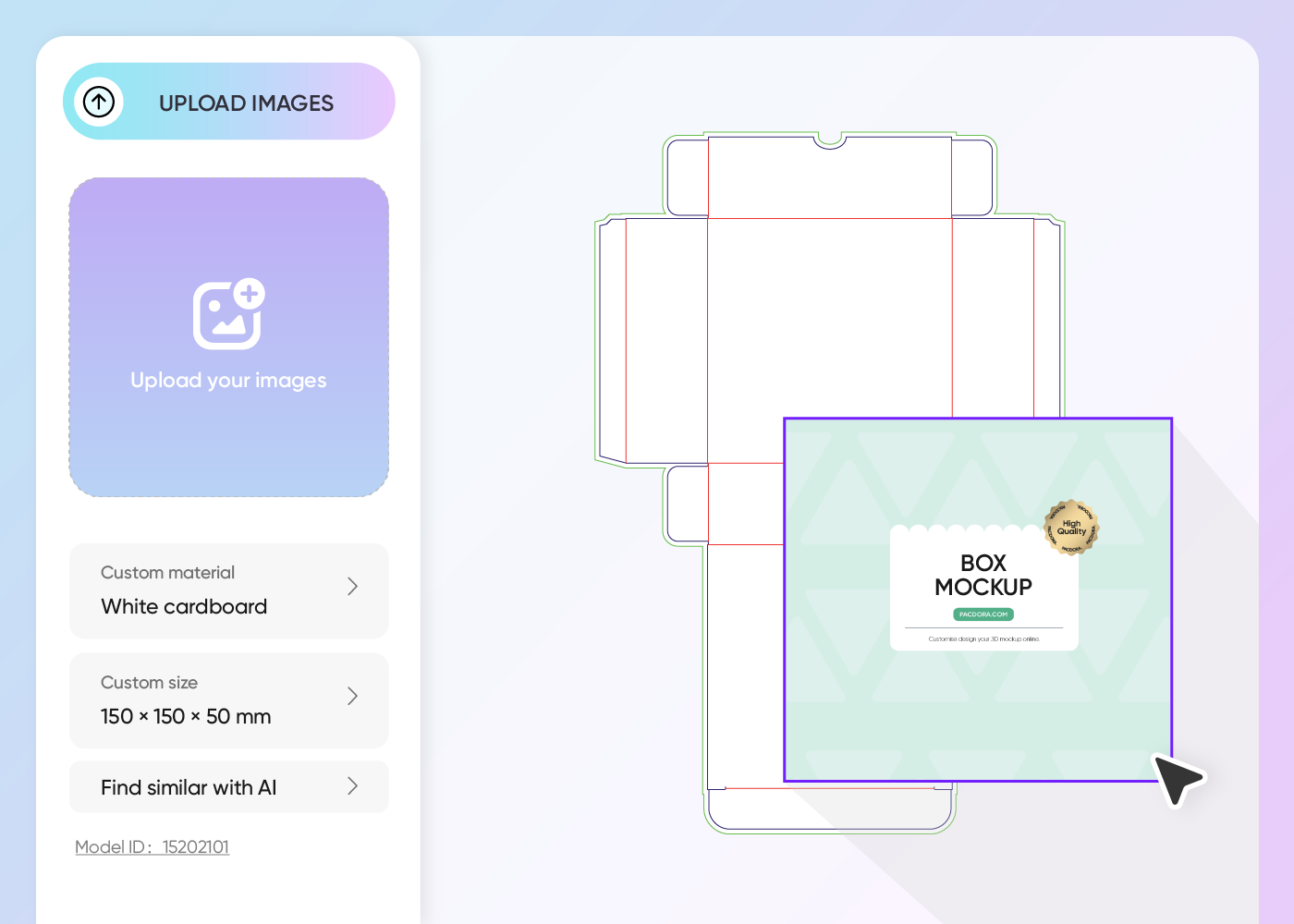
Step 2: Upload your art and customize
Upload your logo and pick colors that match your frosting. Use the AI tool to set a cozy bakery scene for your pastry box mockup.
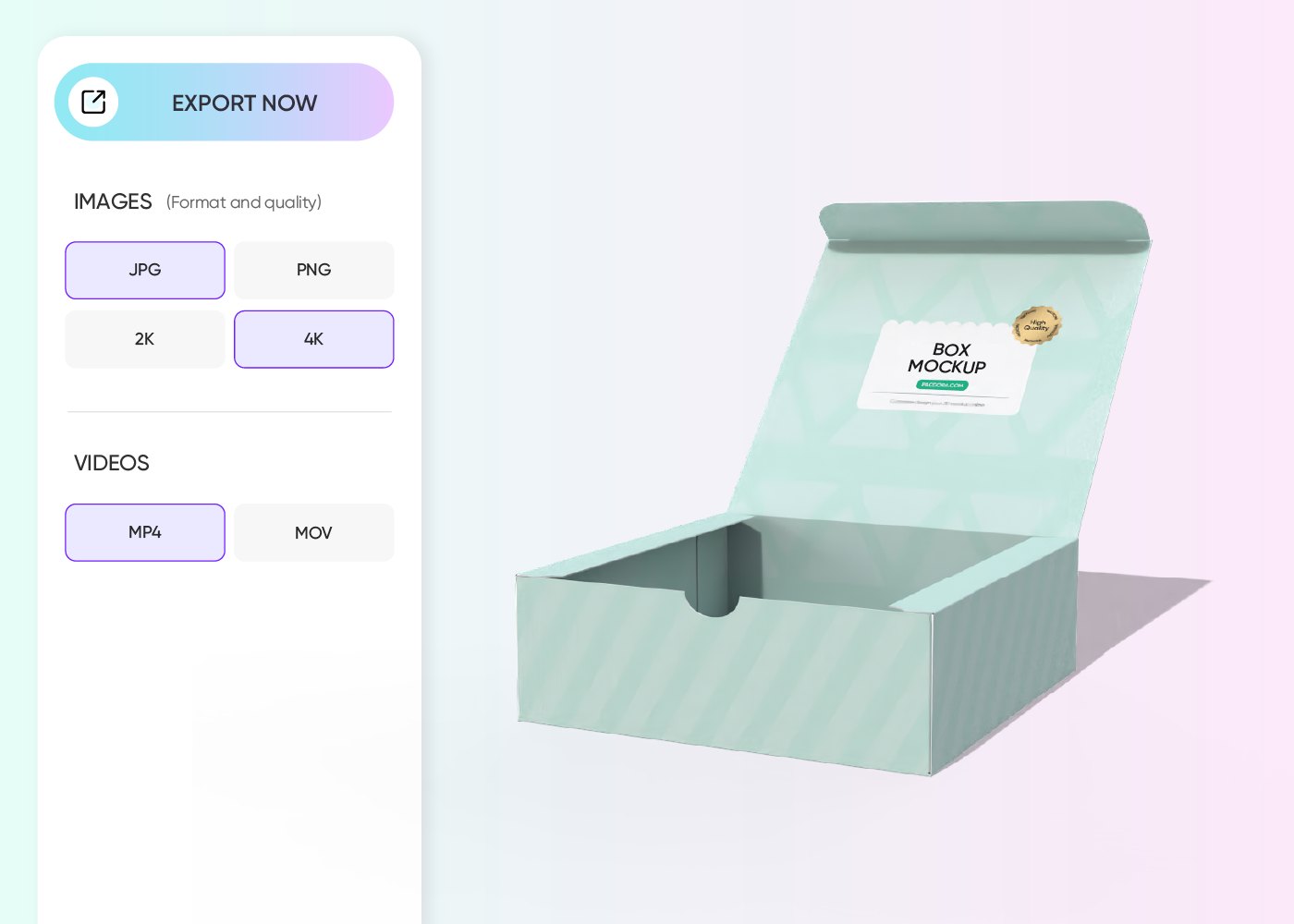
Step 3: Export your finished pastry box design
Export your pastry box mockup as a crisp PNG/JPG or a printable dieline to give to your local print shop.
Step 1: Select a sweet pastry box style
Select a pastry box mockup that fits your goodies, like a tall cake box or a flat tray box for danishes.
Step 2: Upload your art and customize
Upload your logo and pick colors that match your frosting. Use the AI tool to set a cozy bakery scene for your pastry box mockup.
Step 3: Export your finished pastry box design
Export your pastry box mockup as a crisp PNG/JPG or a printable dieline to give to your local print shop.
Style a beautiful pastry box mockup for goodies today!
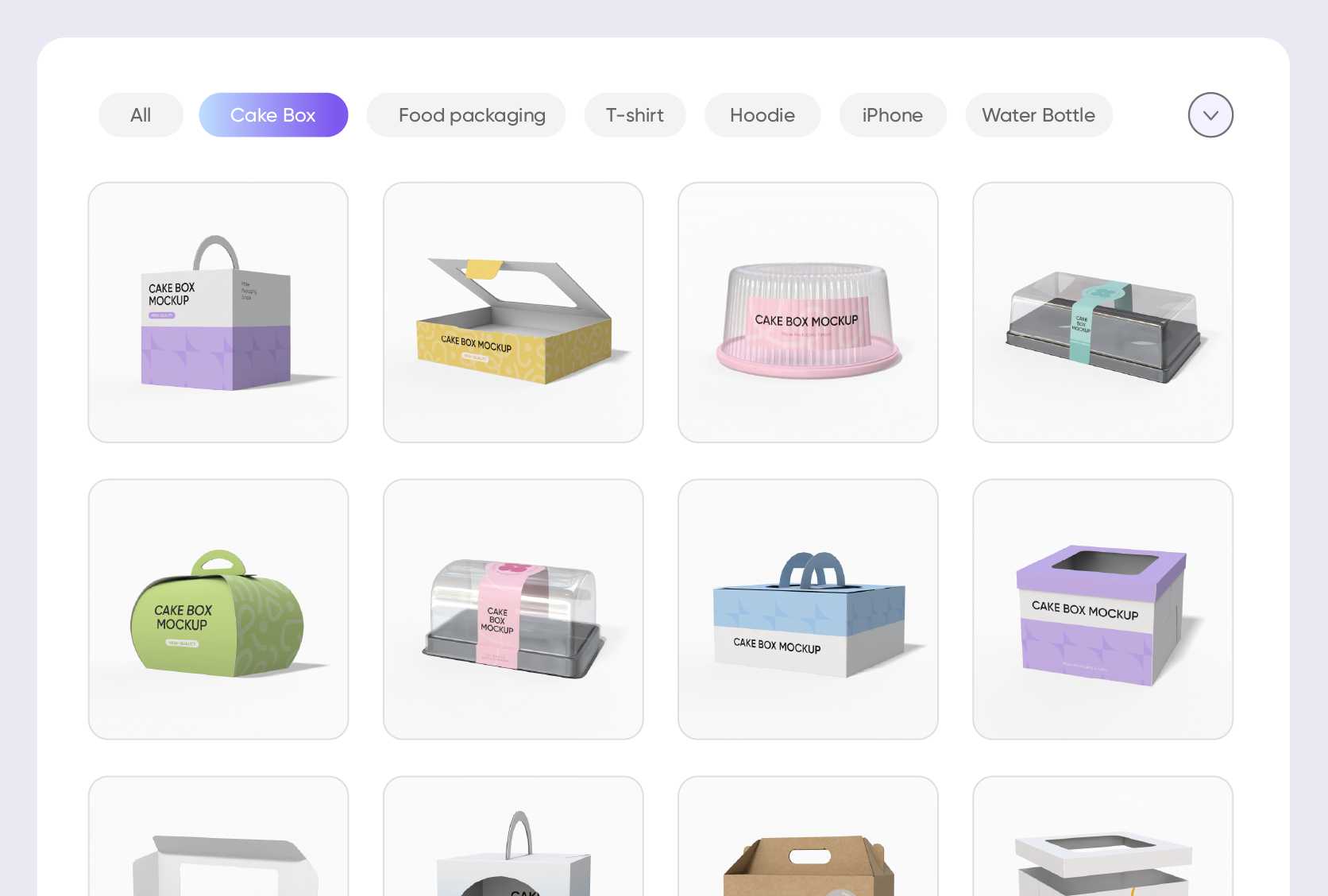
Choose a shape for your treats
The right box makes a huge difference. You can pick a classic square pastry box mockup that features a large, clear window on top so customers can spot your decorations.
Another great pick is the "auto-lock" style, which is sturdy for heavy fruit tarts and very easy for your staff to fold up quickly during a busy morning.
Upload photos that trigger a craving
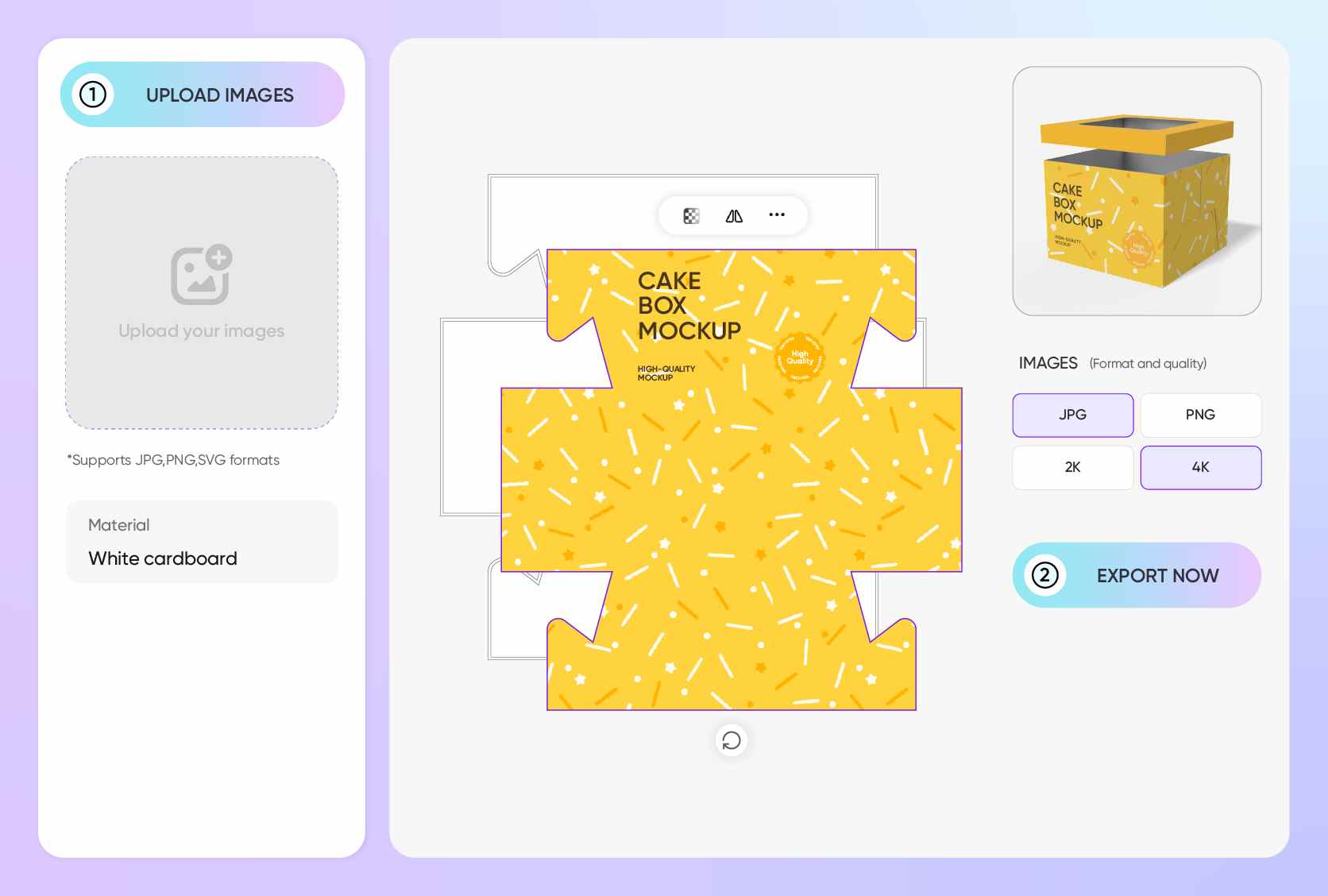
To really sell your bakes, use images that look real. Upload a photo of powdered sugar dusting a golden crust onto your pastry box to make it feel authentic.
If you specialize in colorful sweets, try a vibrant pattern of sprinkles. These help your customers imagine the smell of fresh bread coming right out of your shop.
Select the perfect size for portions
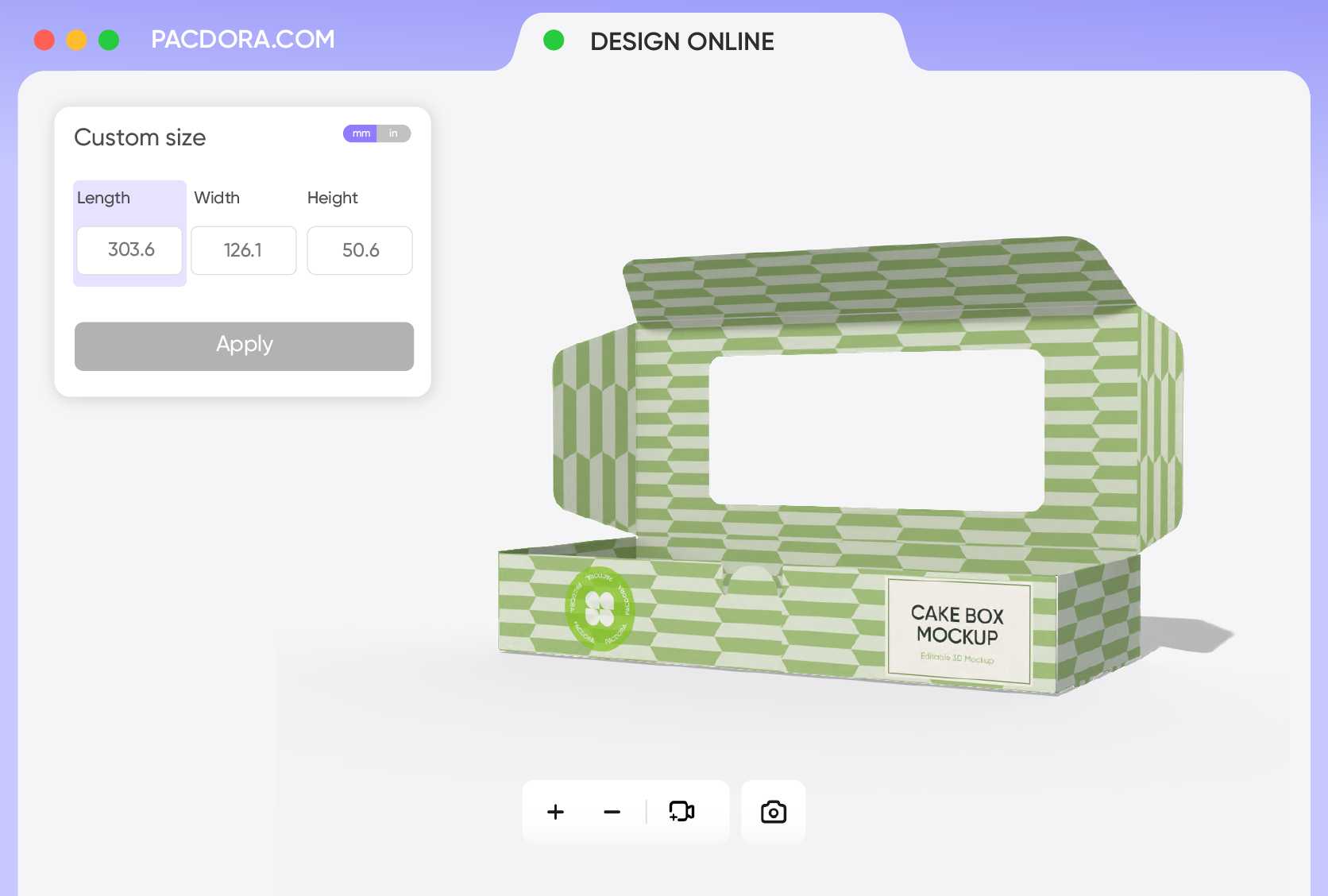
You don’t want your pastries sliding around and getting messy. Use the 7.9 × 4.4 × 2.0-inch pastry box mockup if you are packing a row of small cookies.
For taller items like a stack of frosted donuts or a mini Bundt cake, the 7.9 × 4.0 × 7.9 inches size offers plenty of space so the icing stays perfect.

Export files for sharing and printing
To bring your treats to the real world, you’ll need the printable dieline files. It’s a flat version of your design that tells the factory exactly where to snip and bend the material.
For a quick show-and-tell, just save HD PNG images or text a shareable link so your team can spin the pastry box on their own screens.
Choose a shape for your treats
The right box makes a huge difference. You can pick a classic square pastry box mockup that features a large, clear window on top so customers can spot your decorations.
Another great pick is the "auto-lock" style, which is sturdy for heavy fruit tarts and very easy for your staff to fold up quickly during a busy morning.
Upload photos that trigger a craving
To really sell your bakes, use images that look real. Upload a photo of powdered sugar dusting a golden crust onto your pastry box to make it feel authentic.
If you specialize in colorful sweets, try a vibrant pattern of sprinkles. These help your customers imagine the smell of fresh bread coming right out of your shop.
Select the perfect size for portions
You don’t want your pastries sliding around and getting messy. Use the 7.9 × 4.4 × 2.0-inch pastry box mockup if you are packing a row of small cookies.
For taller items like a stack of frosted donuts or a mini Bundt cake, the 7.9 × 4.0 × 7.9 inches size offers plenty of space so the icing stays perfect.
Export files for sharing and printing
To bring your treats to the real world, you’ll need the printable dieline files. It’s a flat version of your design that tells the factory exactly where to snip and bend the material.
For a quick show-and-tell, just save HD PNG images or text a shareable link so your team can spin the pastry box on their own screens.

Our customers love Pacdora’s mockup tools
Thousands before you have designed realistic mockups with Pacdora and loved it.

Great mock-ups and literally thousands of packaging designs to choose from. The 3d mock-up is so good, helps bring clarity to the client as well as the designers. Great product for packaging design professionals.


cosmiccorner
Move over, complicated design software! Pacdora is the superhero of packaging mockups. Creating 3D magic for my products is as easy as pie – no PhD in design required. It’s like the software looked at the clock and said, ‘Time to save users from design nightmares!’ It’s so user-friendly, even my coffee mug wants to try its hand at packaging design.
FAQ
Why should I use a pastry box mockup for my bakery?
Using a pastry box mockup is a super smart way to see how your packaging looks before you spend cash on real printing. It lets you test out different colors and logos to see what makes your baked goods look the tastiest. Instead of guessing, you get a lifelike picture of your box. This helps you build a cool vibe for your shop and ensures your treats look amazing when customers walk out the door.
How do I use the 3D preview for my pastry box mockup?
The 3D preview on Pacdora is like holding the box in your hands. You just use your mouse or finger to spin the pastry box mockup 360 degrees. This is great for checking how your design wraps around the corners or if the text on the back is easy to read. It takes away the guesswork of flat 2D drawings and gives you total confidence that your packaging will look amazing from every angle.
Can I add a real background to my pastry box mockup?
You sure can! Pacdora has a super handy AI background generator that lets you drop your pastry box mockup into a lifelike scene. You can place your box on a sunny kitchen counter or a rustic wooden café table. This makes your digital picture look like a real photograph you took with an expensive camera. It is the best trick for posting mouthwatering photos on your social media pages without having to bake a fresh batch of goodies.
Do I need to be a pro to use Pacdora?
Not at all! You don’t need any professional design training to make a great pastry box mockup. The tool is very straightforward and uses a "drag-and-drop" system. You just click on your logo file and slide it onto the box. You can resize it or move it around until it looks just right. It is designed for busy bakery owners who want to look professional without spending hours learning complicated computer programs.
Can I design pastry box mockups for free on Pacdora?
For sure! You can start designing your own pastry box mockups on Pacdora this very second at no cost. In case you need some more advanced "pro" features, simply head over to our pricing page to see the plans.
Explore more mockup tools
Discover more about Pacdora


