

Plastic pouch mockup

Put your art on a plastic pouch mockup, play with the text, layout, and download HD PNG images for free to show off your final design.
Plastic pouch mockup
Put your art on a plastic pouch mockup, play with the text, layout, and download HD PNG images for free to show off your final design.
Trusted by leading companies


Make your items pop with Pacdora’s plastic pouch mockup!
Every product needs to look its best before it hits the store. Pacdora lets you create a realistic plastic pouch mockup for everything from crunchy snacks to fancy soaps. Pick a pouch that matches your vibe, like stand-up or sealed types, drop your logo on it, and watch it turn into a 3D mockup you can spin around. You can even change the color, finish and background to suit your taste. Export a sharp 8K PNG or a smooth video to share with your team. Start making your plastic pouch mockup today!
Browse more plastic pouch mockups now
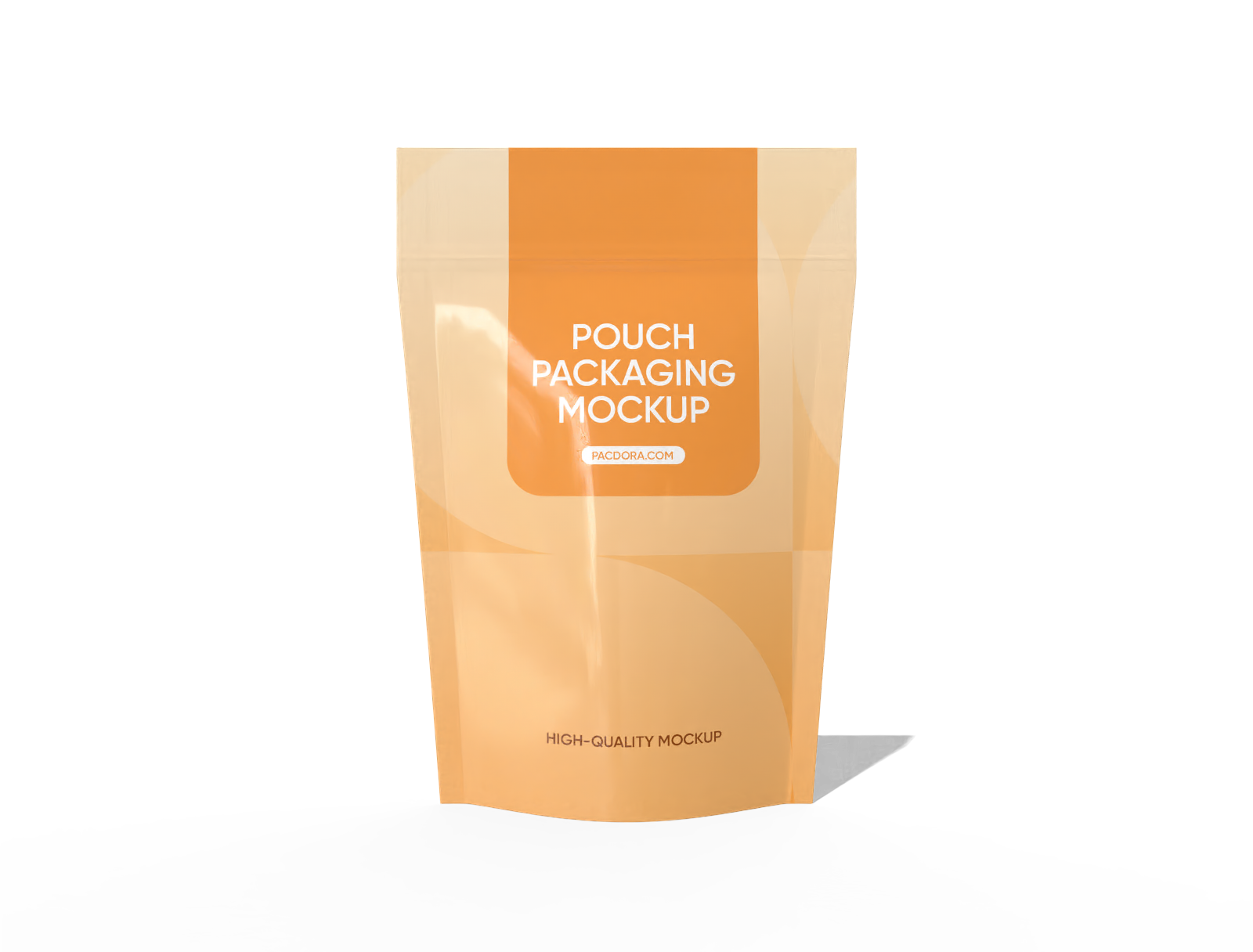
Doypack food bag mockup

Candy window paper pouch mockup

Square packaging pouch mockup
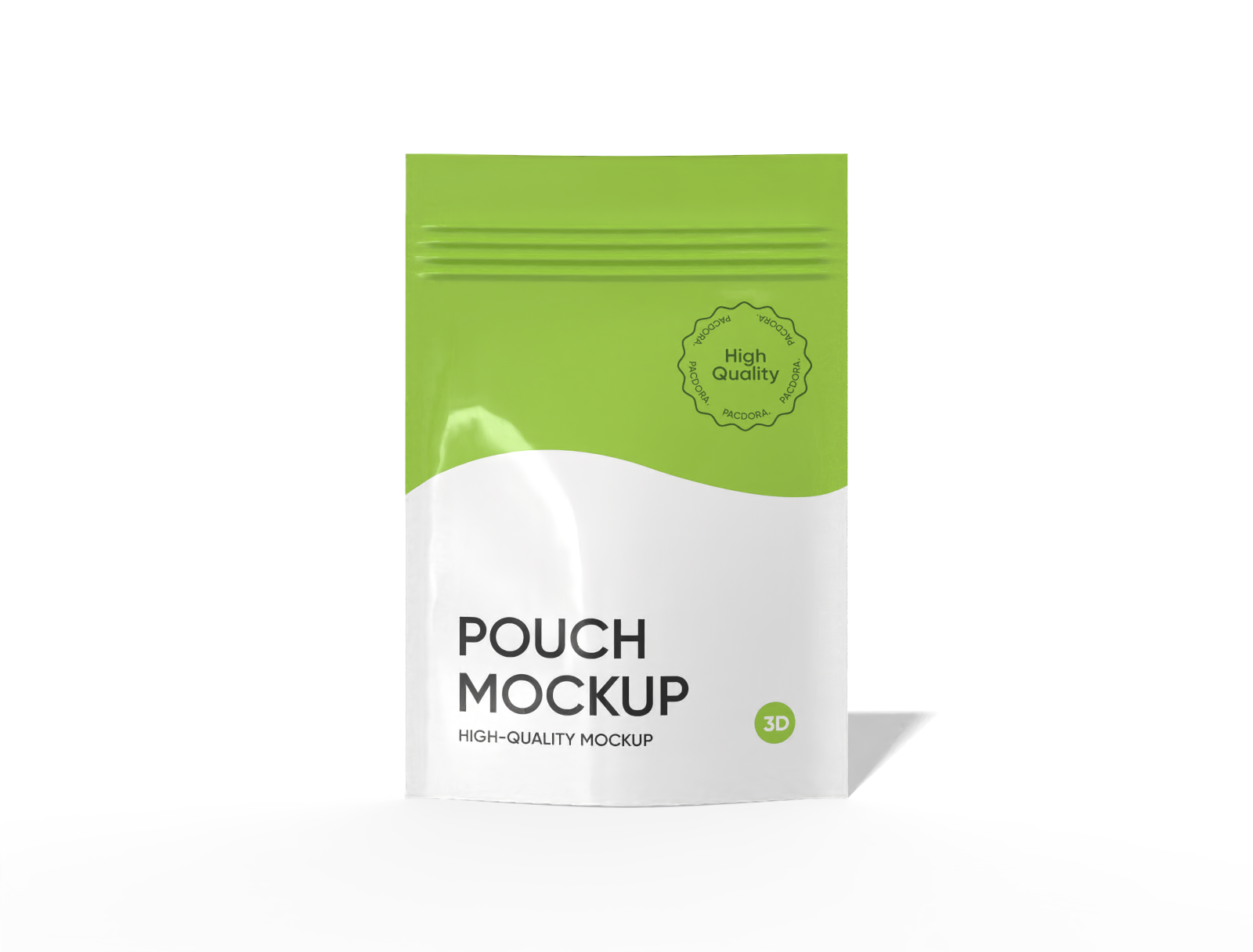
Stand up pouch with zipper mockup

Paper coffee bag packaging mockup
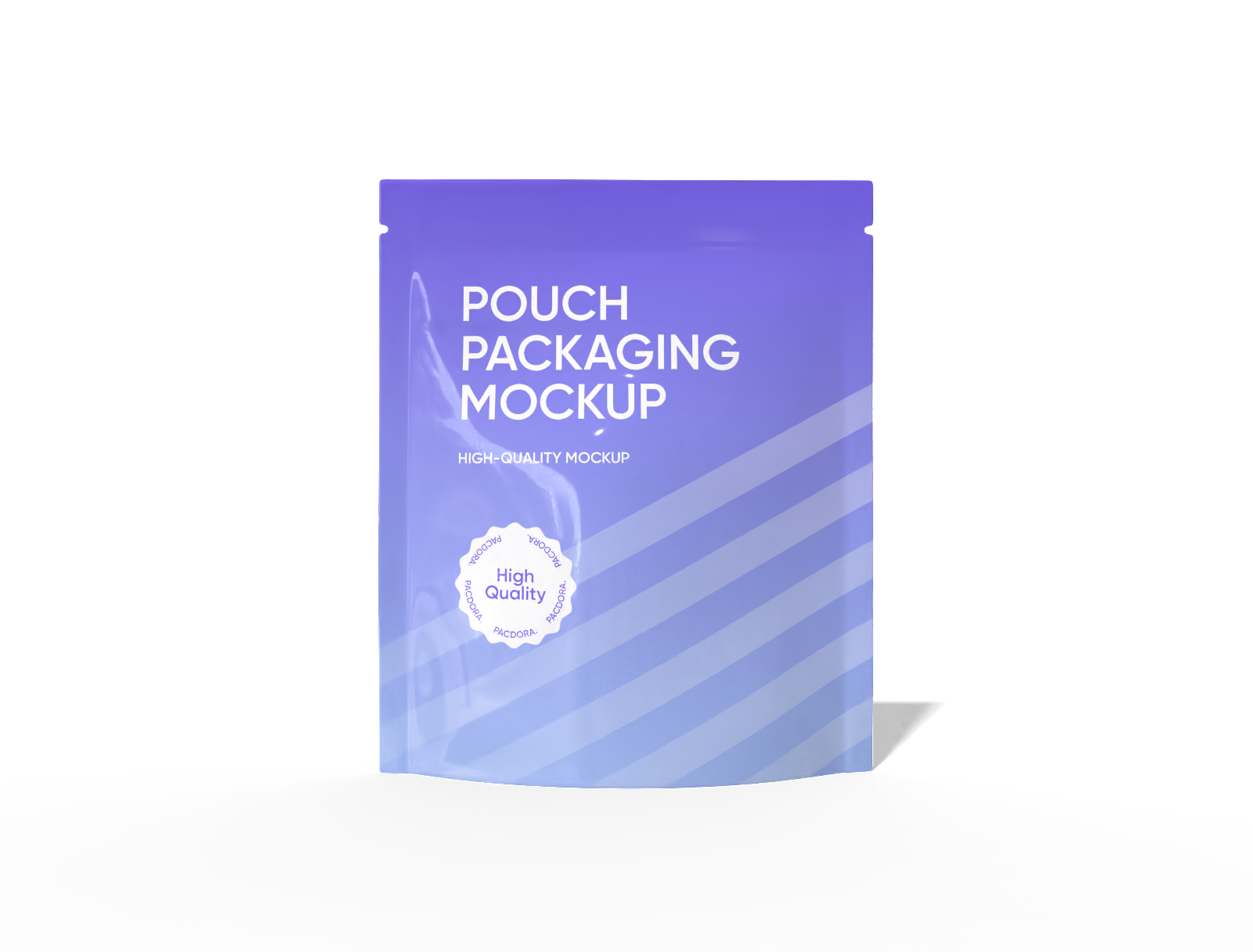
13 × 15 stand up snack pouch mockup

15 × 22 stand up hanging zip lock pouch mockup

Rice packaging mockup
How to make your plastic pouch mockup easily?
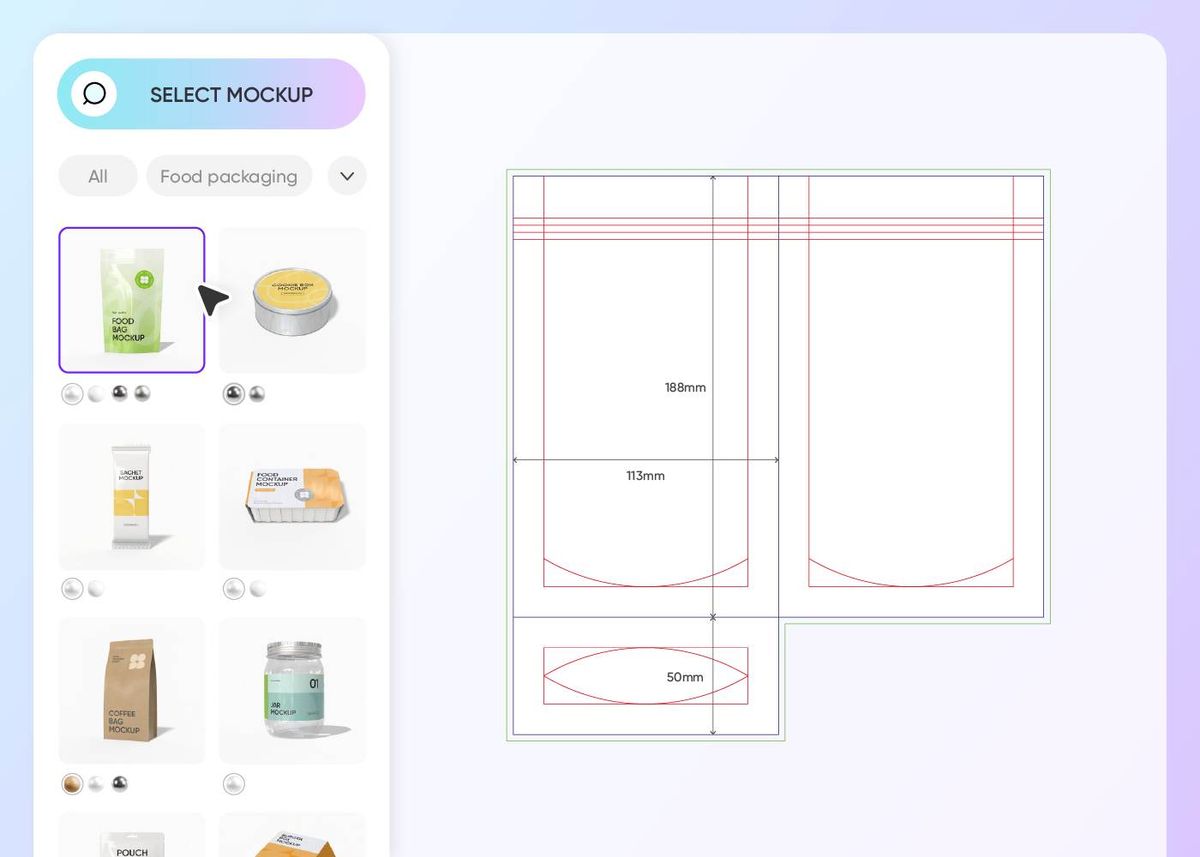
Step 1: Select your desired plastic pouch shape
Select a plastic pouch mockup that sits up perfectly on a shelf or a flat one for tiny things.
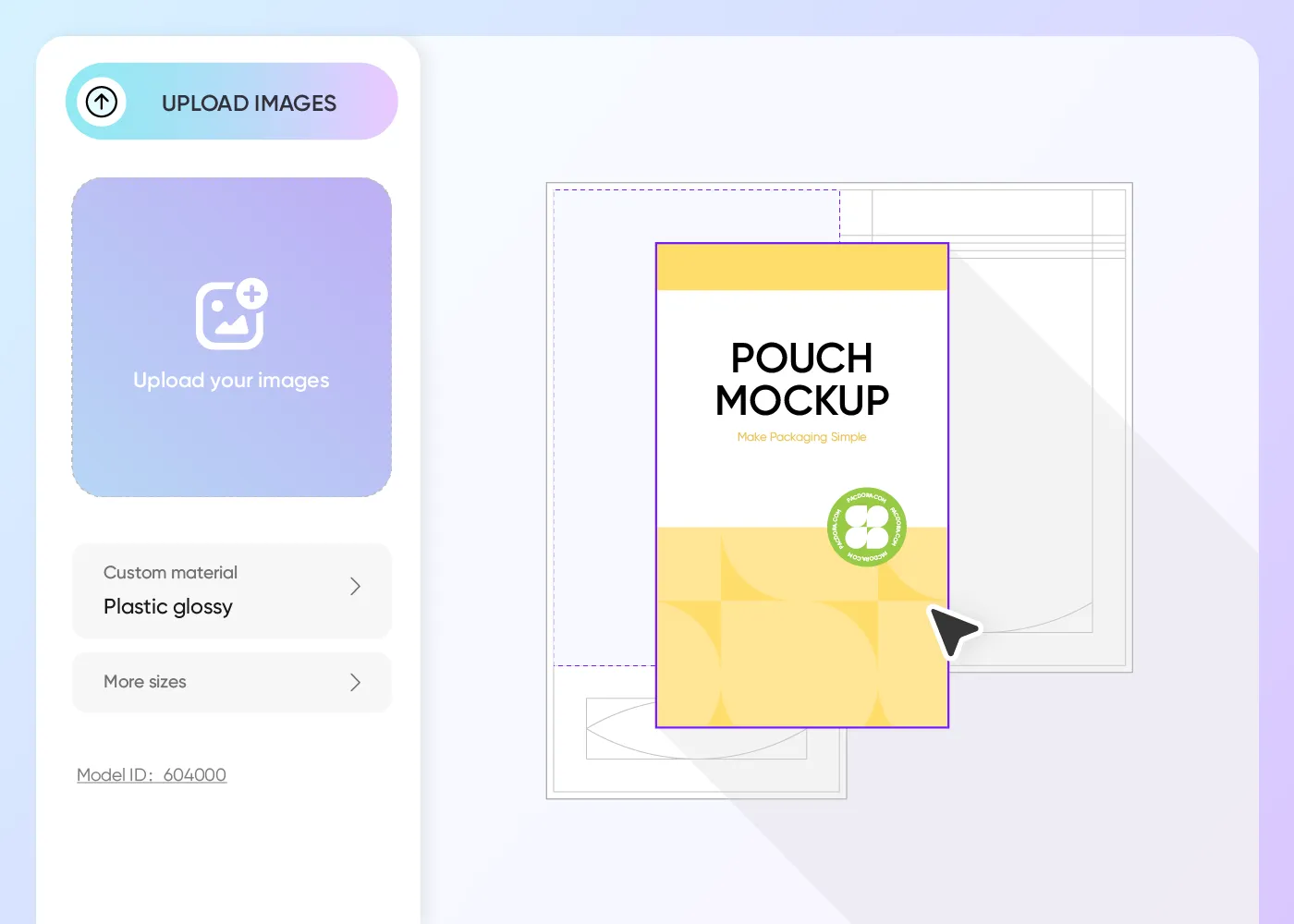
Step 2: Upload your graphics and personalize
Upload your cool drawing on the plastic pouch mockup, change the colors, and add a nice background so it looks super real to the viewer.
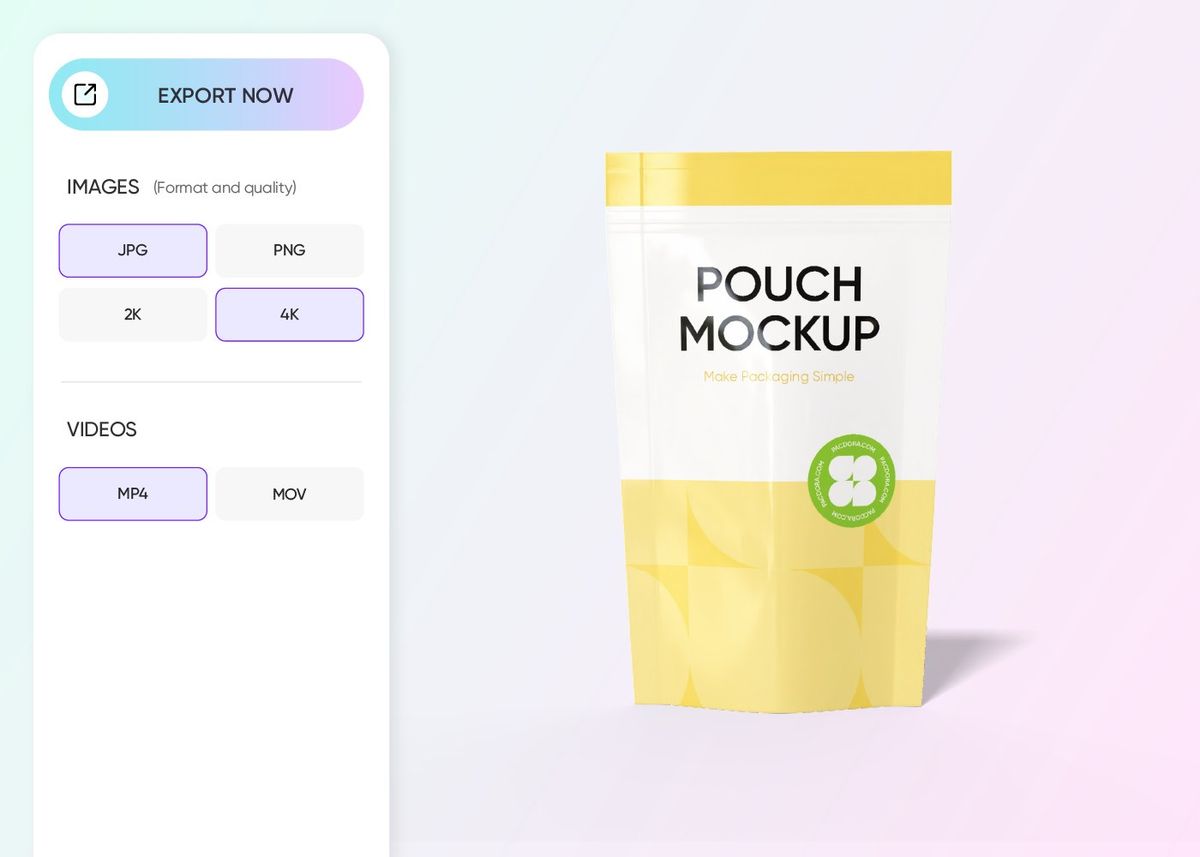
Step 3: Export your finished plastic pouch mockup
Export your hard work as a clear PNG image, a 360° movie clip, or a simple link to show your business partners.
Step 1: Select your desired plastic pouch shape
Select a plastic pouch mockup that sits up perfectly on a shelf or a flat one for tiny things.
Step 2: Upload your graphics and personalize
Upload your cool drawing on the plastic pouch mockup, change the colors, and add a nice background so it looks super real to the viewer.
Step 3: Export your finished plastic pouch mockup
Export your hard work as a clear PNG image, a 360° movie clip, or a simple link to show your business partners.
Everything you need for a perfect plastic pouch mockup design
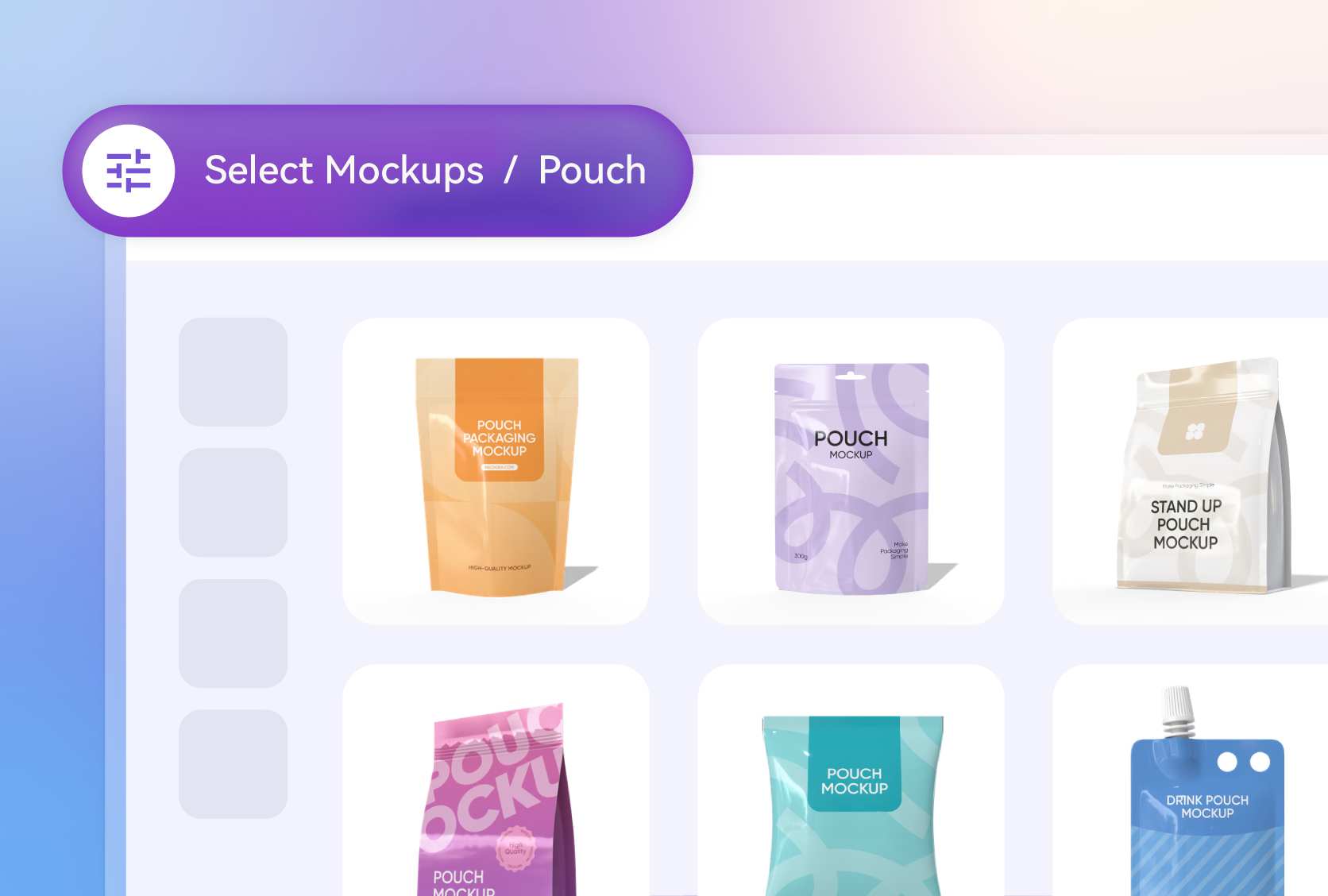
Pick the perfect bag shape now
Go for a stand-up plastic pouch mockup if you want your product to sit upright and catch eyes on a busy store shelf. It has a bottom gusset that opens up wide.
If you need something simpler for single servings or flat items, the three-side seal plastic pouch mockup is a classic choice that stays nice and slim.
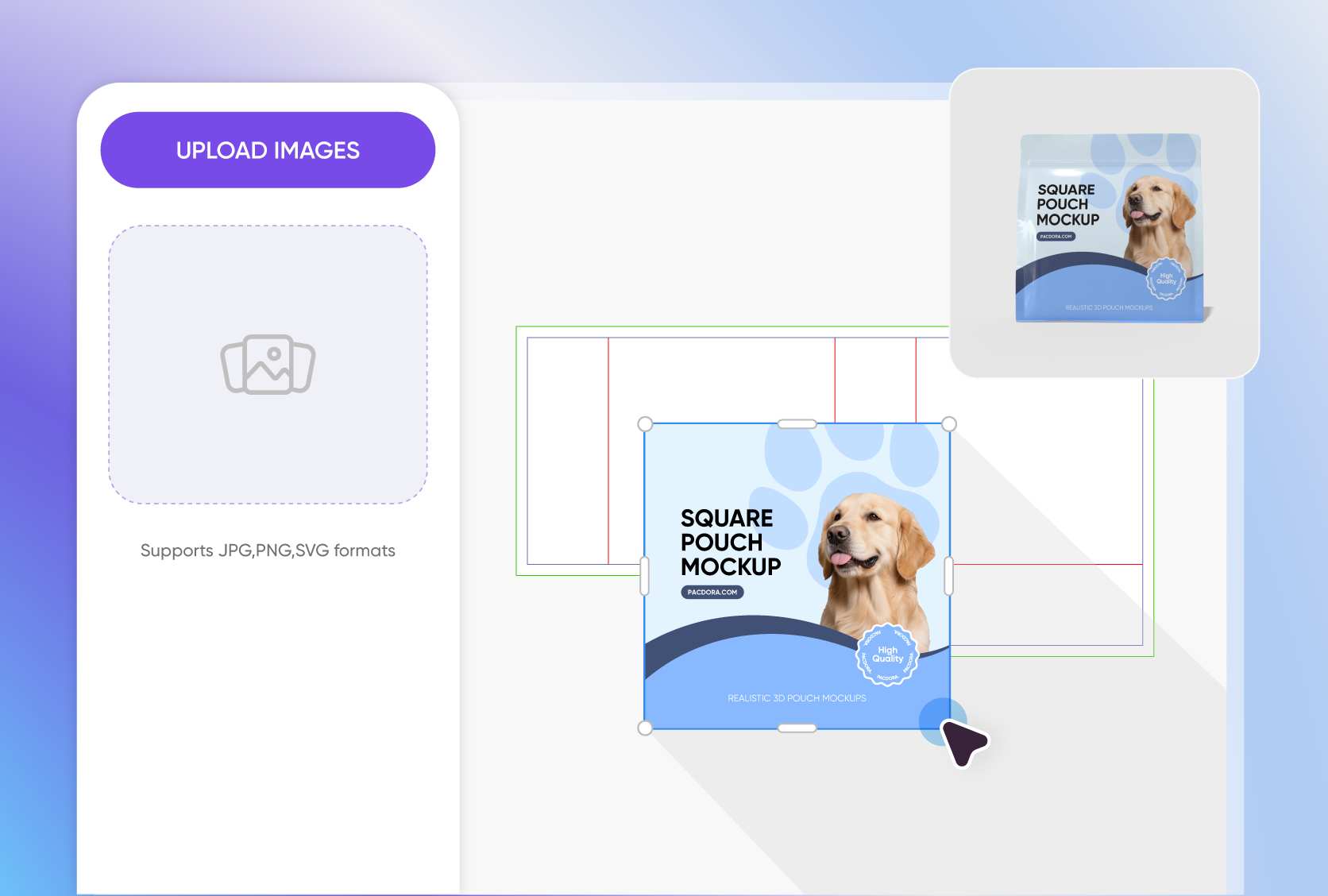
Upload unique photos to attract people
To make people hungry, upload a photo of bright, zesty orange slices for a dried fruit snack. If you are selling something like laundry pods, try an image of a field of white cotton under a blue sky.
These kinds of real-life pictures help shoppers understand what’s inside your plastic pouch mockup immediately.
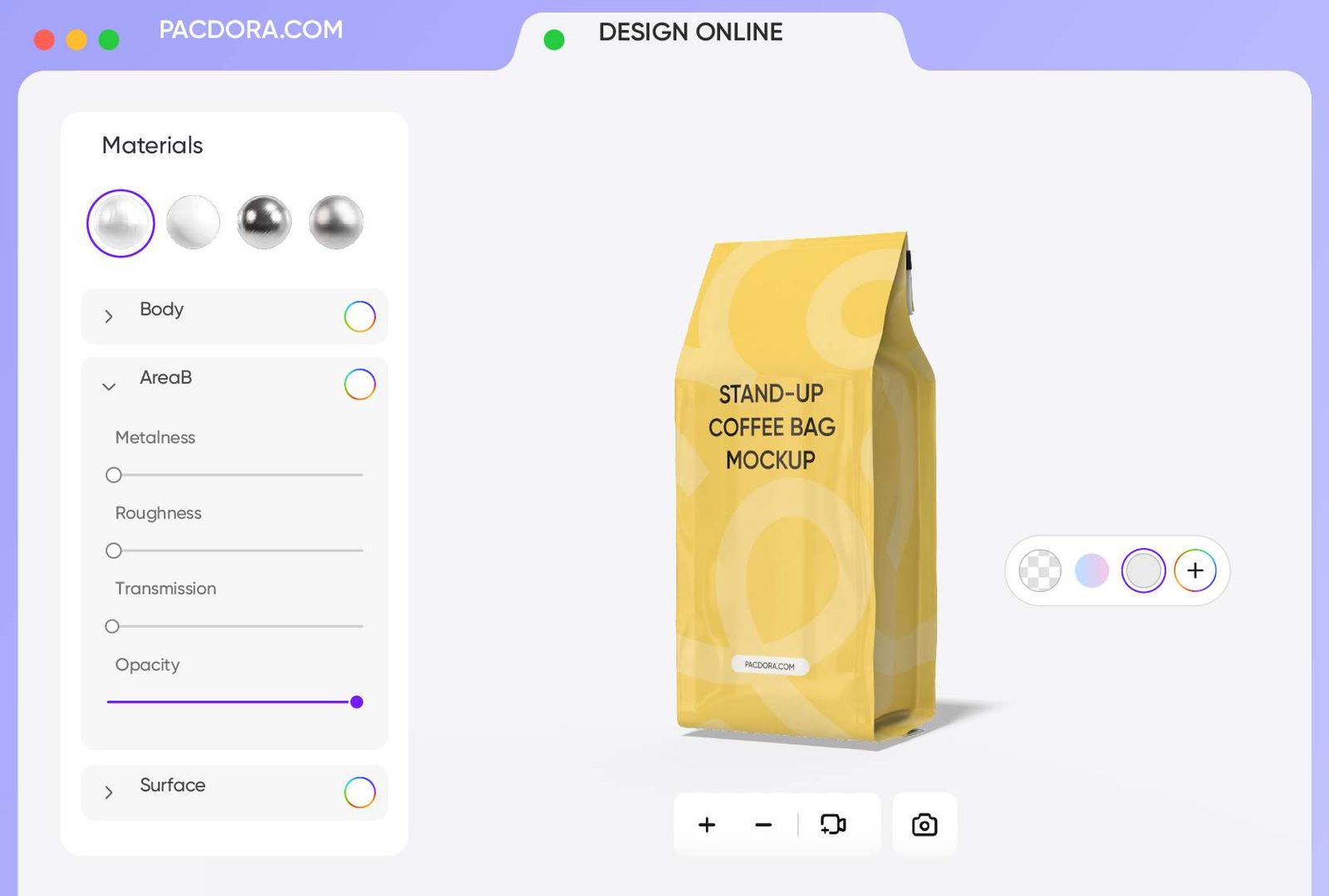
Choose sizes that fit your goods
Getting the size right makes your preview look professional. Use the 4.3 × 6.3 × 2.4 inches plastic pouch mockup for small treats like gummy bears or travel-sized powders.
For bigger hauls, like a family-sized bag of granola, the 7.1 × 9.8 × 3.1 inches size is perfect. It gives you plenty of room for all your info.
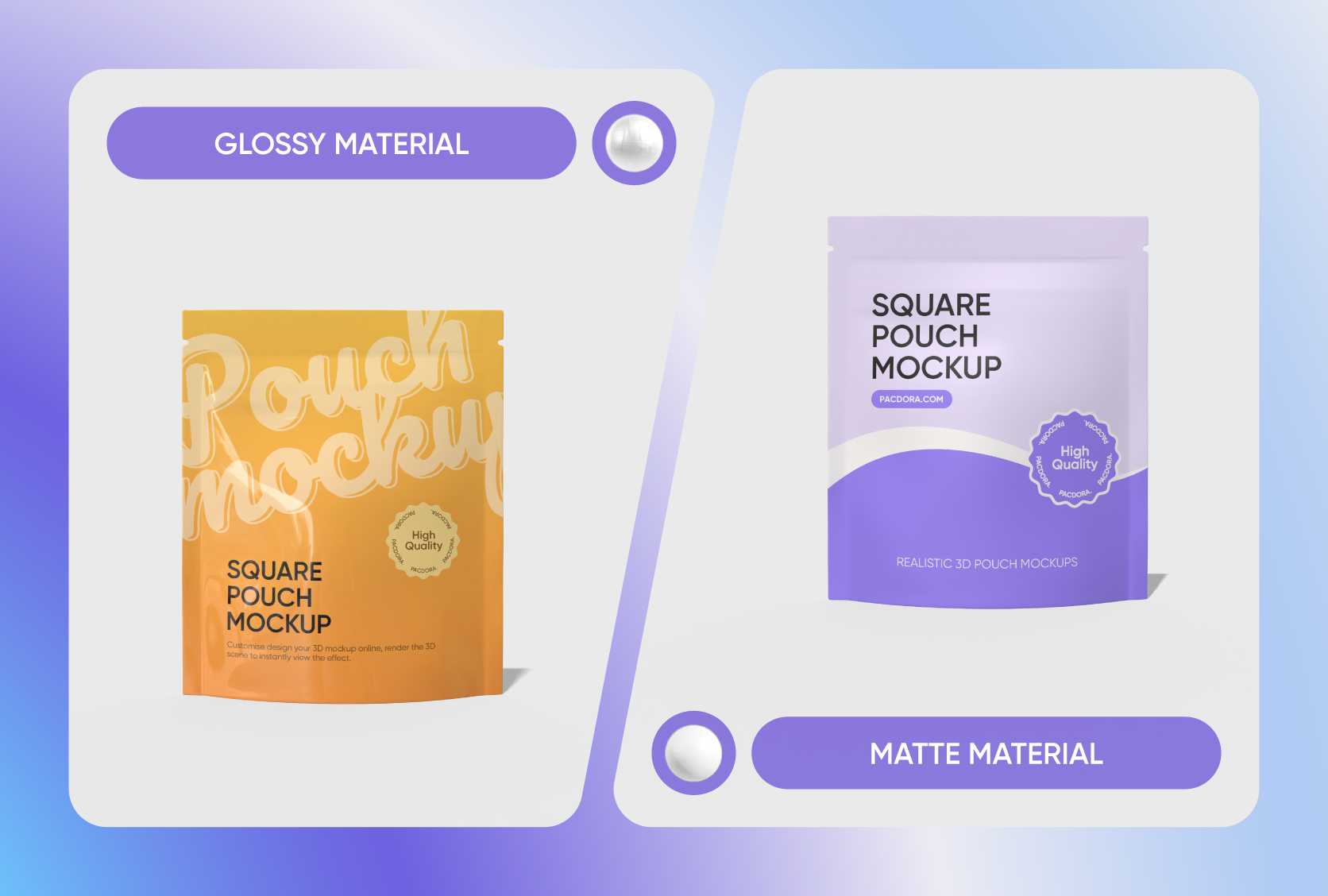
Select a finish that looks great
The way the light hits your bag matters. A glossy finish makes your plastic pouch mockup look shiny and bright, which is great for candy or colorful snacks.
If you want a more modern and high-end feel that is soft to the touch and doesn't have a glare, go for the matte finish. It makes your brand look very sophisticated.
Pick the perfect bag shape now
Go for a stand-up plastic pouch mockup if you want your product to sit upright and catch eyes on a busy store shelf. It has a bottom gusset that opens up wide.
If you need something simpler for single servings or flat items, the three-side seal plastic pouch mockup is a classic choice that stays nice and slim.
Upload unique photos to attract people
To make people hungry, upload a photo of bright, zesty orange slices for a dried fruit snack. If you are selling something like laundry pods, try an image of a field of white cotton under a blue sky.
These kinds of real-life pictures help shoppers understand what’s inside your plastic pouch mockup immediately.
Choose sizes that fit your goods
Getting the size right makes your preview look professional. Use the 4.3 × 6.3 × 2.4 inches plastic pouch mockup for small treats like gummy bears or travel-sized powders.
For bigger hauls, like a family-sized bag of granola, the 7.1 × 9.8 × 3.1 inches size is perfect. It gives you plenty of room for all your info.
Select a finish that looks great
The way the light hits your bag matters. A glossy finish makes your plastic pouch mockup look shiny and bright, which is great for candy or colorful snacks.
If you want a more modern and high-end feel that is soft to the touch and doesn't have a glare, go for the matte finish. It makes your brand look very sophisticated.
Our customers love Pacdora’s mockup tools
Thousands before you have designed realistic mockups with Pacdora and loved it.

Great mock-ups and literally thousands of packaging designs to choose from. The 3d mock-up is so good, helps bring clarity to the client as well as the designers. Great product for packaging design professionals.


cosmiccorner
Move over, complicated design software! Pacdora is the superhero of packaging mockups. Creating 3D magic for my products is as easy as pie – no PhD in design required. It’s like the software looked at the clock and said, ‘Time to save users from design nightmares!’ It’s so user-friendly, even my coffee mug wants to try its hand at packaging design.
FAQ
What types of products are best suited for plastic pouches?
A plastic pouch mockup is the perfect way to show off things like coffee grounds, beef jerky, or even liquid soaps. Because they are flexible, they work for almost any small or medium-sized product you find in a grocery store. Many people use them for pet treats or healthy nuts because they look professional and keep things fresh. They are great for any business that wants a modern, lightweight packaging look for their items.
How do I make my plastic pouch colors pop?
To make your plastic pouch mockup look its best, use colors that have a lot of contrast. If your bag is dark, use white or neon text so it is easy to read from a distance. Our 3D tool lets you test different shades in real-time, so you can see exactly how the light reflects off the plastic. Using high-quality files for your logo will also keep the edges looking sharp and very professional.
Can I customize my plastic pouch with a zipper top?
Yes, you can! Many of the styles for a plastic pouch mockup on Pacdora include a resealable zipper at the top. This is a huge selling point for customers because it keeps the food inside fresh after the bag is opened. You can see how the zipper looks in the 3D preview and decide if it fits your brand's style. It adds a nice, functional touch that makes your packaging feel more expensive.
What are the benefits of using Pacdora’s 3D view?
Our 3D view is a total lifesaver because it shows you how your design wraps around the sides and bottom of the bag. You can spin the plastic pouch mockup around to make sure no important text is hidden in a fold or cut off at the top. It helps you catch tiny mistakes before you spend any money on a real print run, giving you total confidence in your final brand look.
Can I design a plastic pouch mockup for free on Pacdora?
Yes! It is completely free to design your own plastic pouch mockup on Pacdora. Should you need the advanced features down the road, our pricing page explains all the options.
Explore more mockup tools
Discover more about Pacdora

Kickstart your exciting journey of creating plastic pouch mockups online

