

Custom stand up pouches

Add logos, images, or text to your stand up pouch designs and adjust element details! Download high-quality PNGs with Pacdora for free!
Custom stand up pouches
Add logos, images, or text to your stand up pouch designs and adjust element details! Download high-quality PNGs with Pacdora for free!
Trusted by leading companies


Making appealing stand up pouches has never been easier with Pacdora!
Want to design professional-looking stand up pouches for your brand products? Pacdora can help you. Our platform provides multiple shapes and sizes of stand up pouches that suit your product's packaging. These include zipper, spout, and flat-bottom pouch options. Add logos, images, text, or patterns, tweak material finish, and change backgrounds. Download your pouch designs as high-resolution PNG, JPG, MP4, or printable files online. Start creating now!
Browse more stand up pouches now
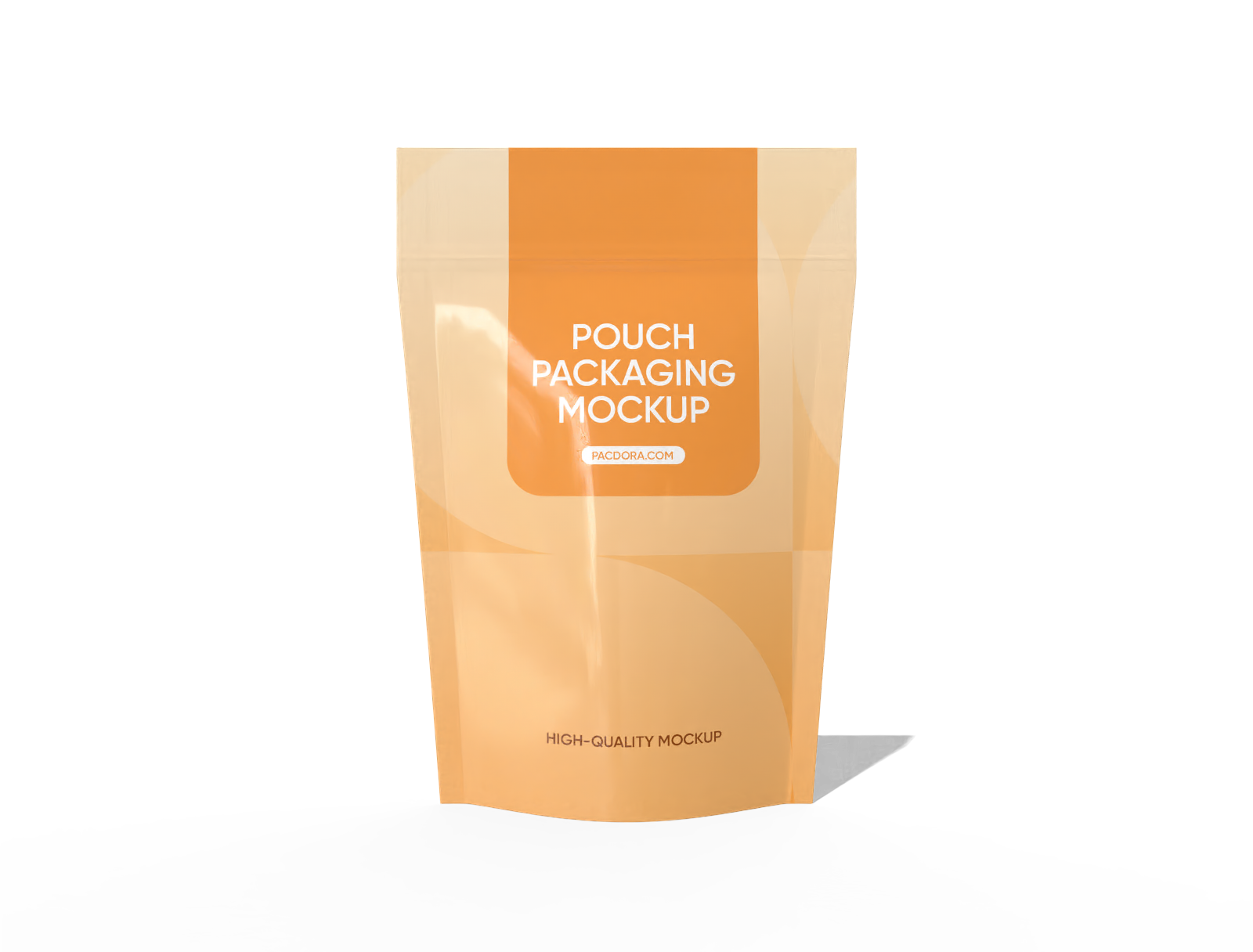
Doypack food bag mockup

Candy window paper pouch mockup

15 × 22 stand up hanging zip lock pouch mockup
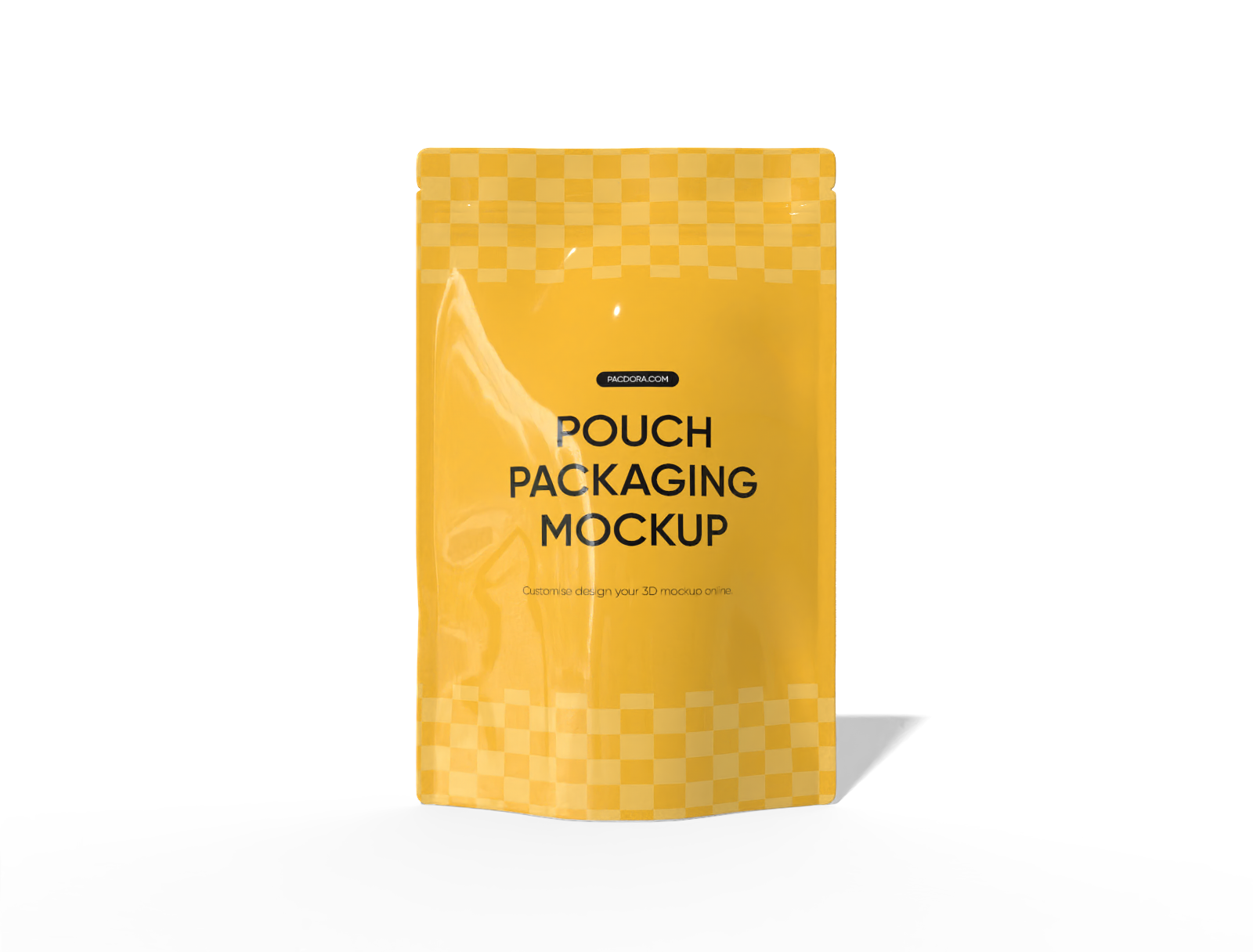
17 × 9 × 27 zipper stand-up coffee pouch mockup

Stand up snack pouch mockup
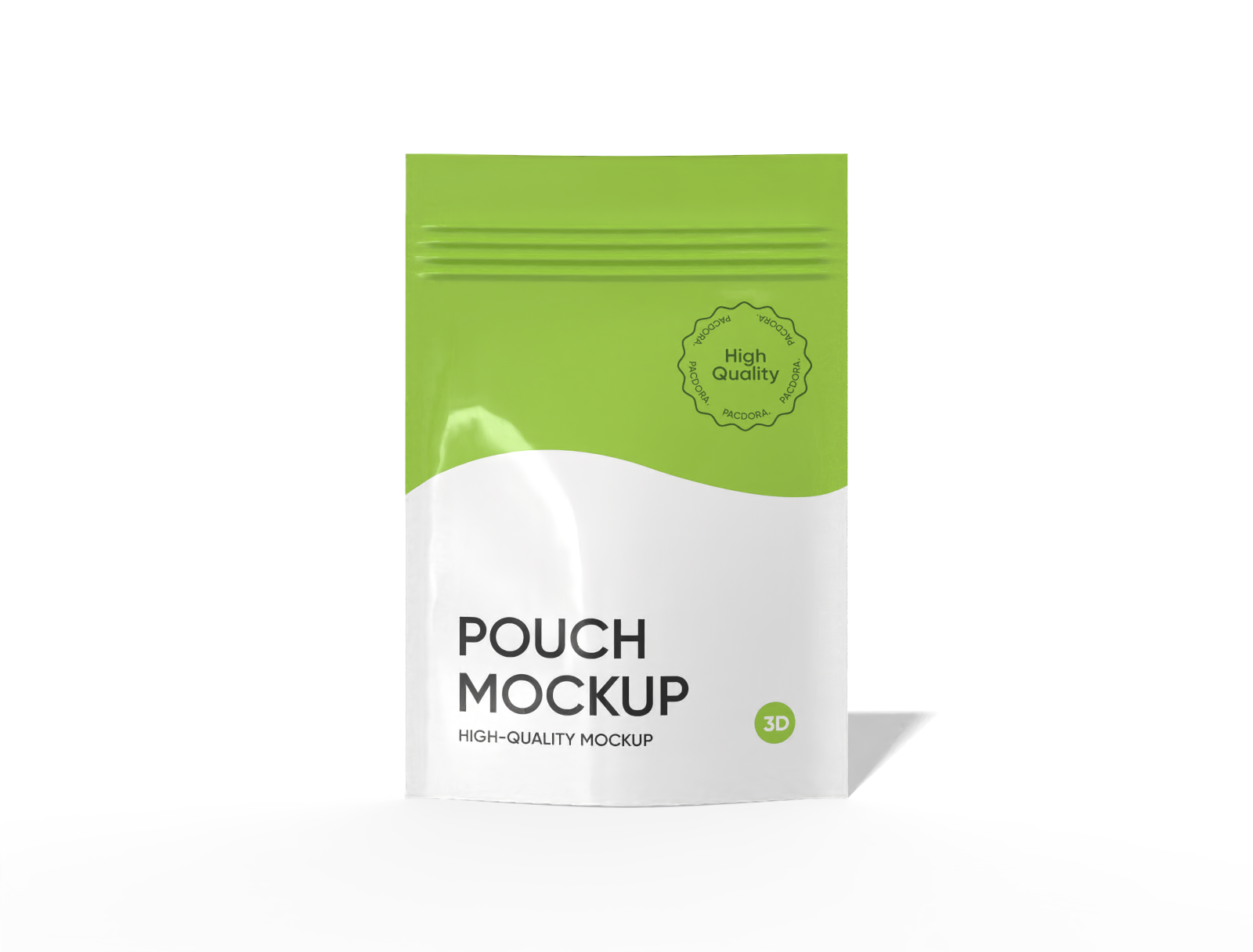
Stand up pouch with zipper mockup
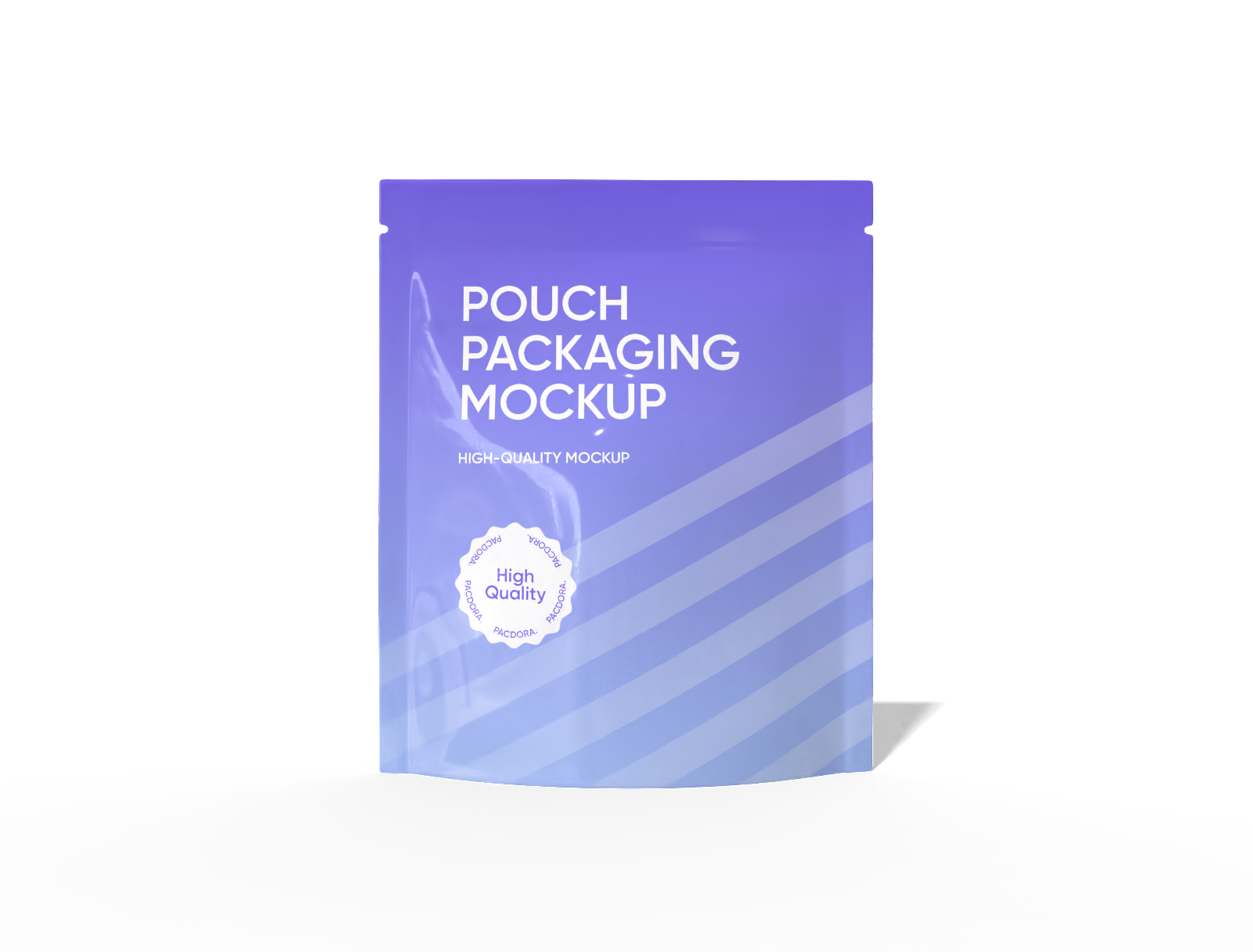
13 × 15 stand up snack pouch mockup
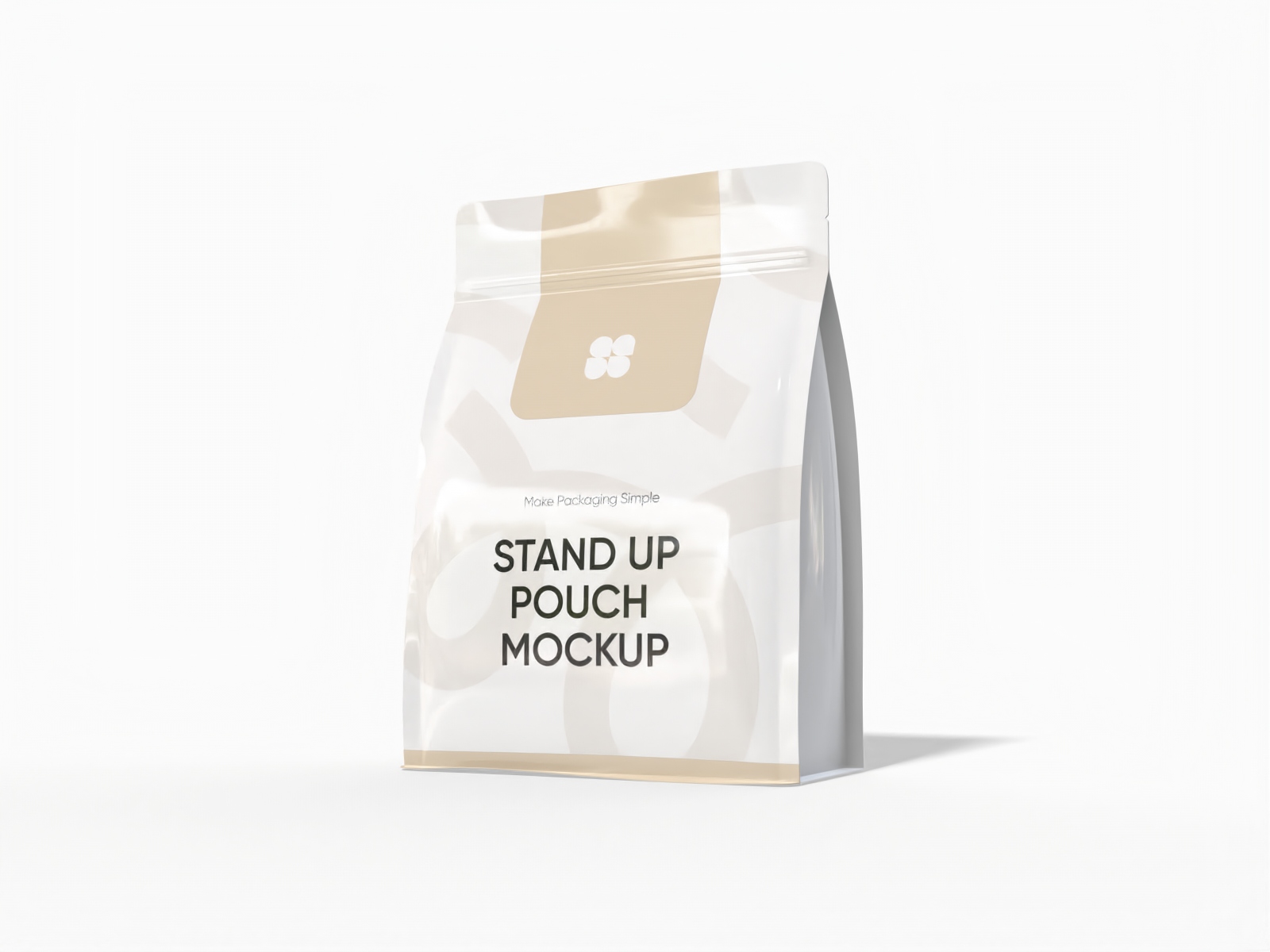
Stand up snack pouch mockup
How to make custom stand up pouches using Pacdora?
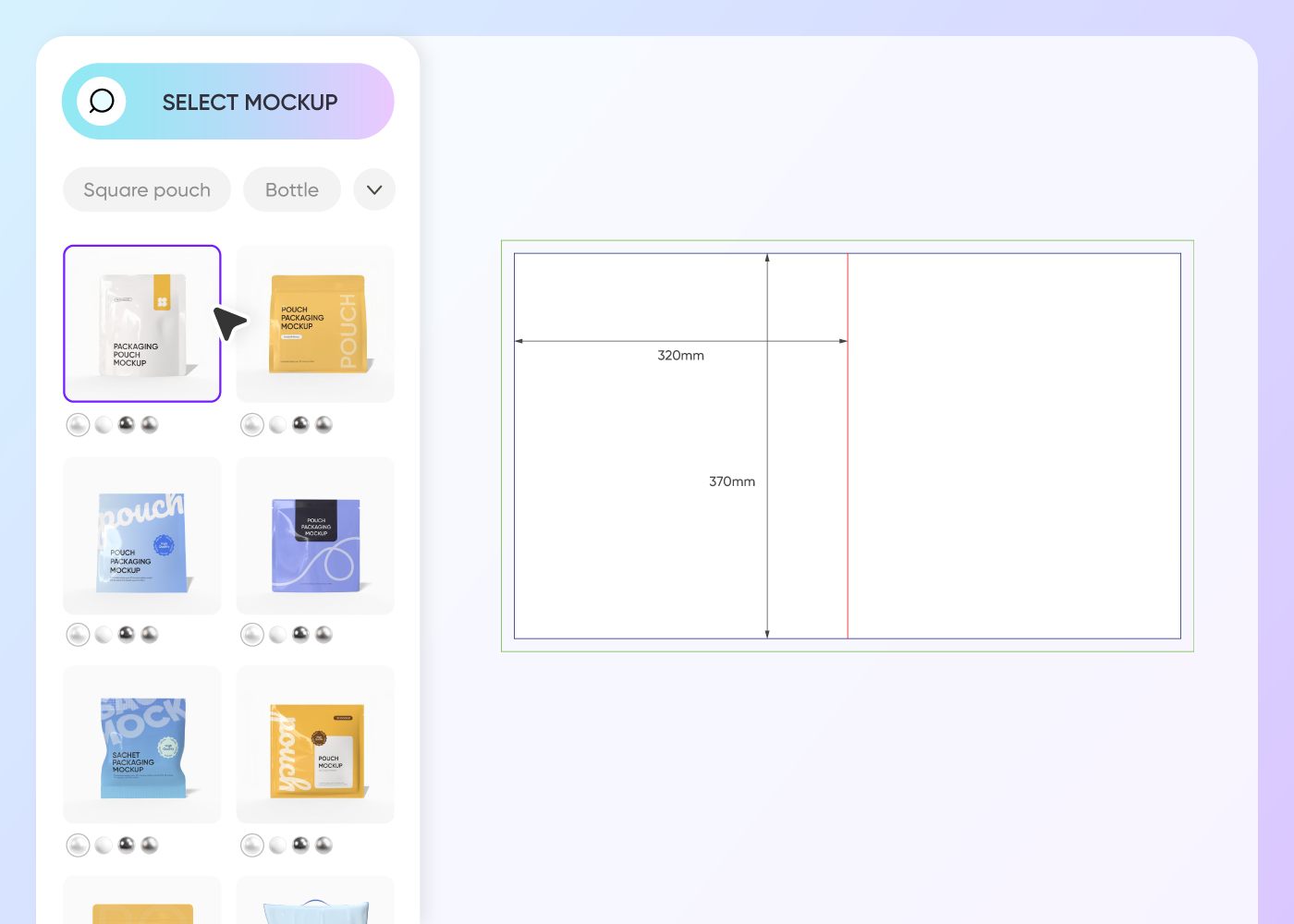
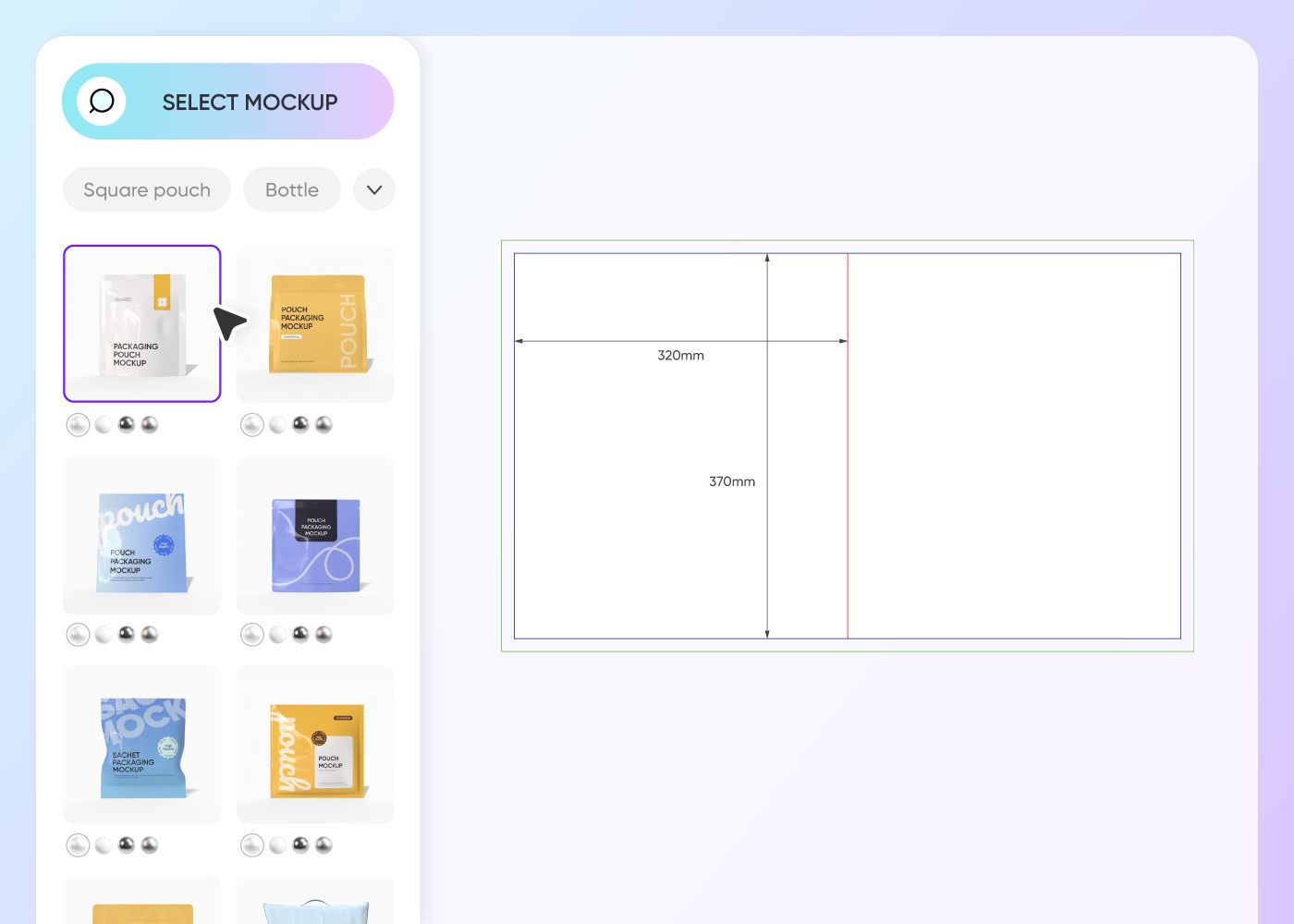
Step 1: Select a stand up pouch design
Select your favorite stand up pouch design from Pacdora’s library, which includes zipper, spout, and gusseted pouches.
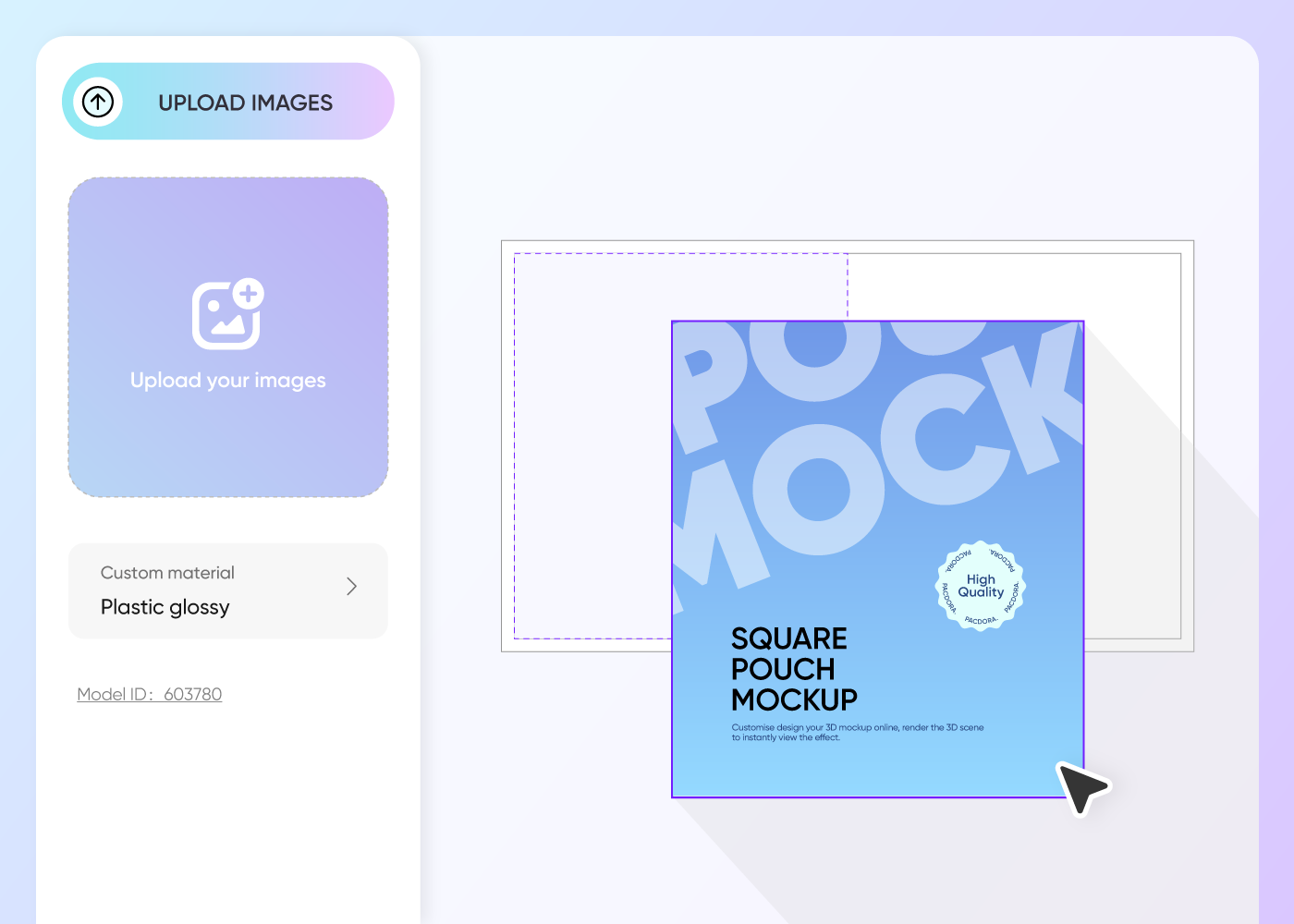
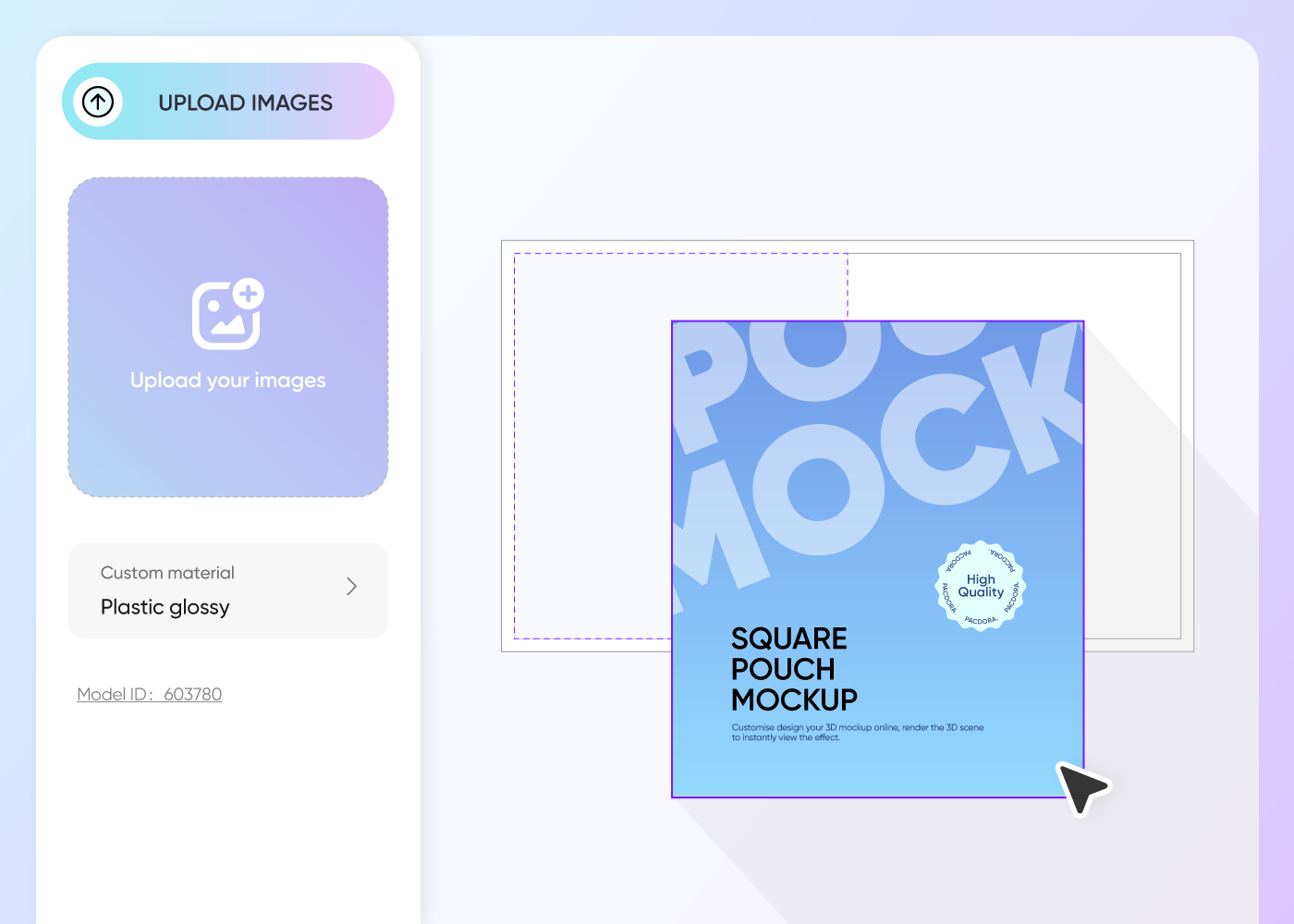
Step 2: Upload graphics and adjust
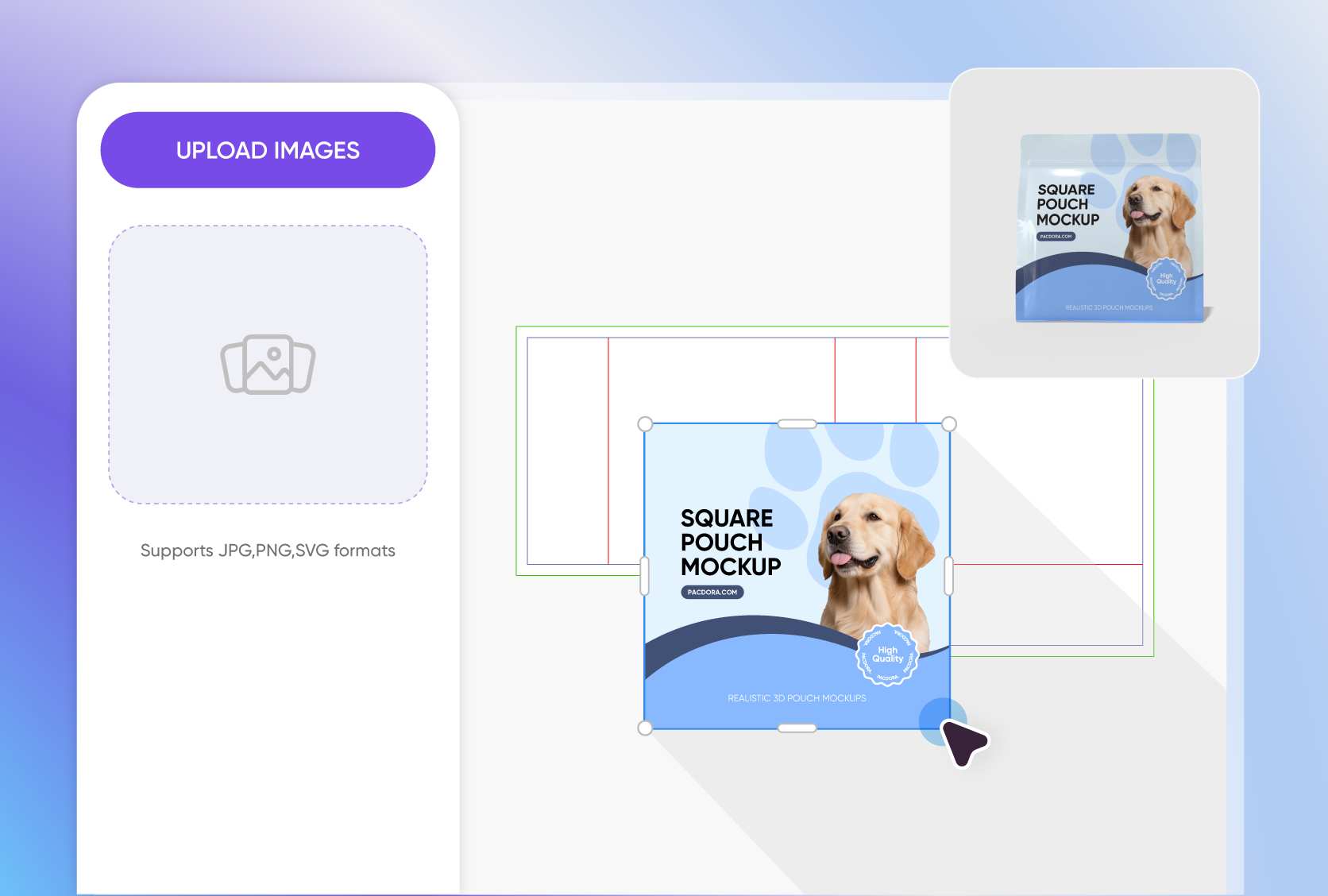
Upload your brand logo, graphics, or text to your selected stand up pouch design. Apply colors and customize the material finish in real-time.
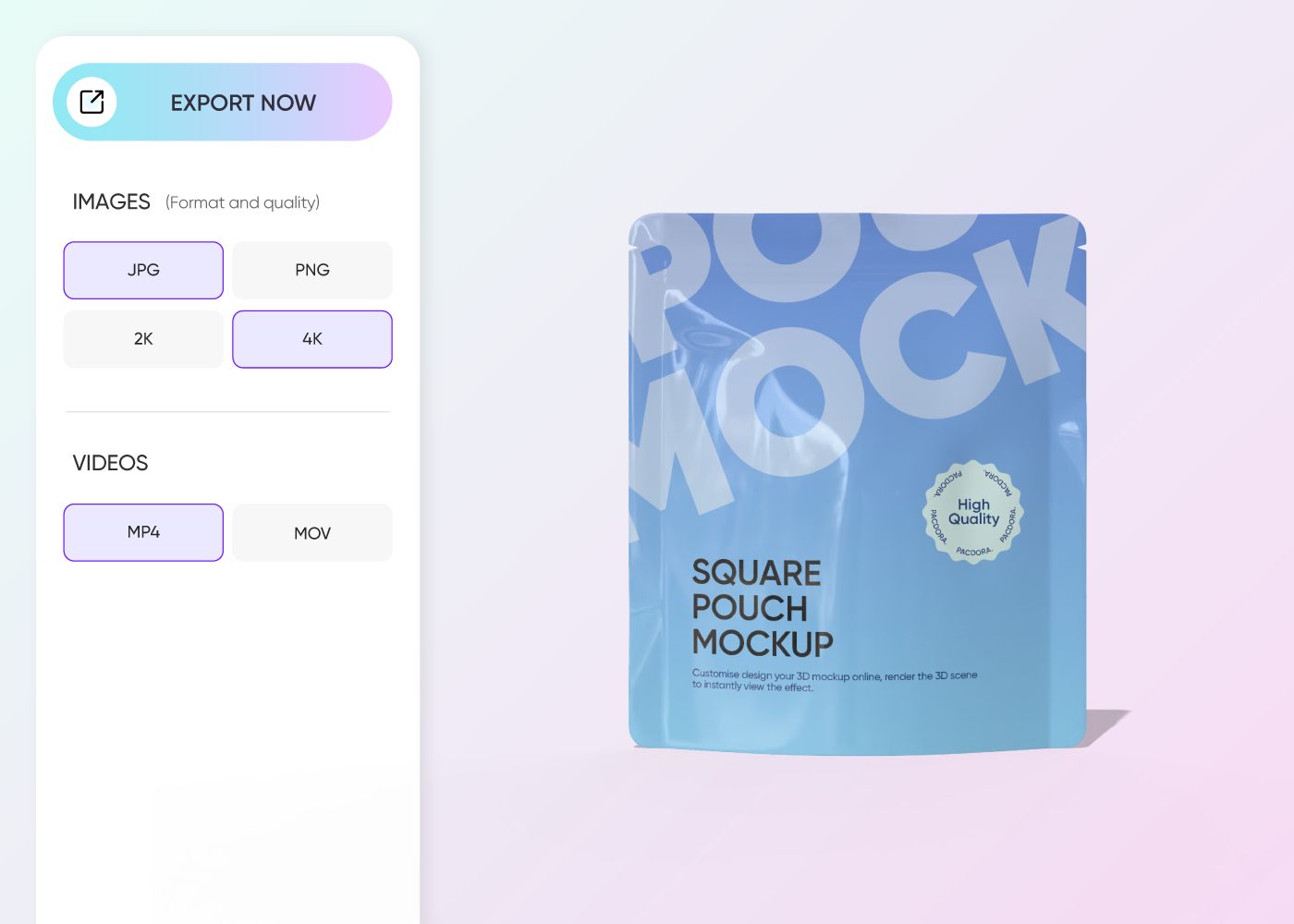
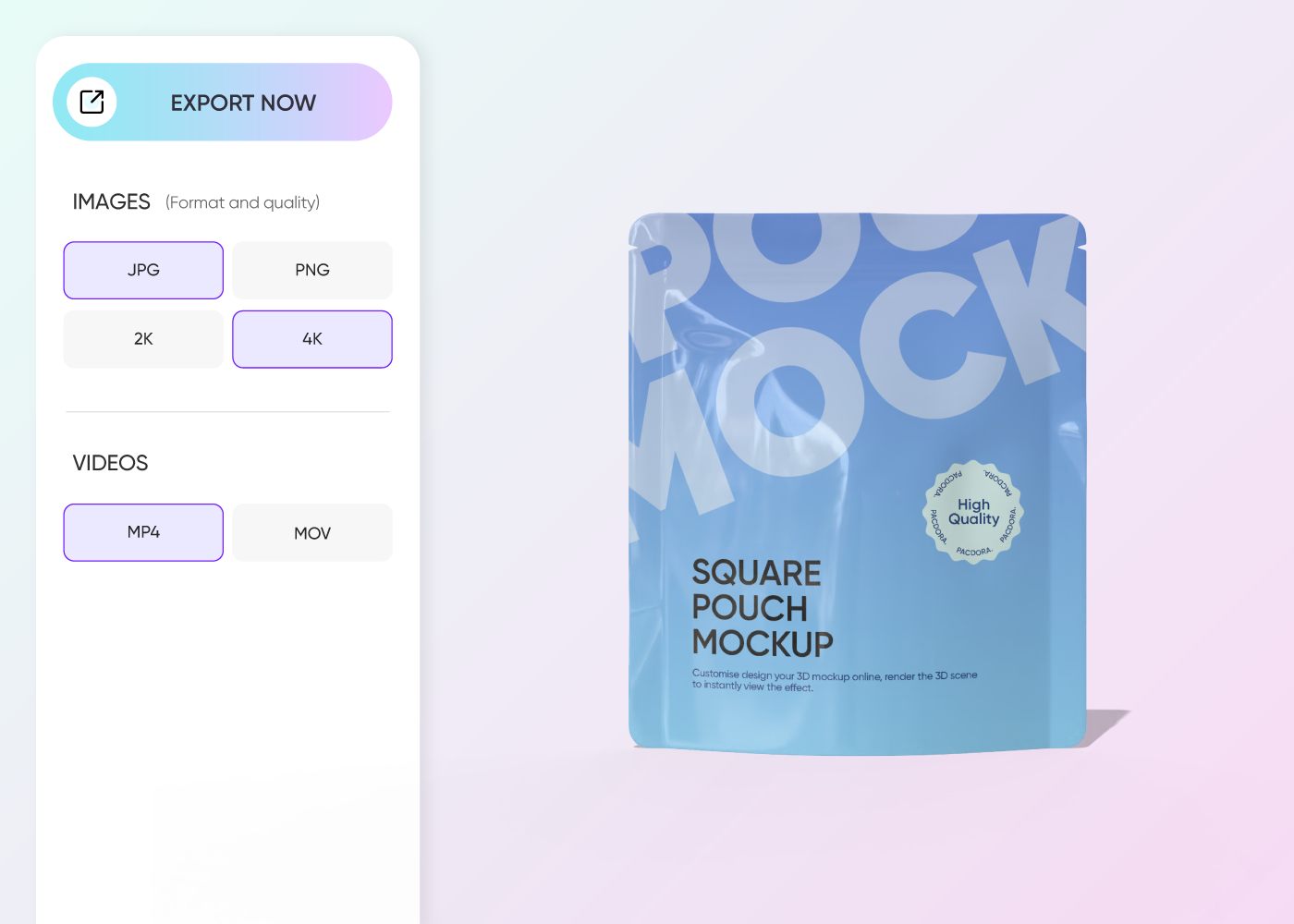
Step 3: Download your stand up pouch design
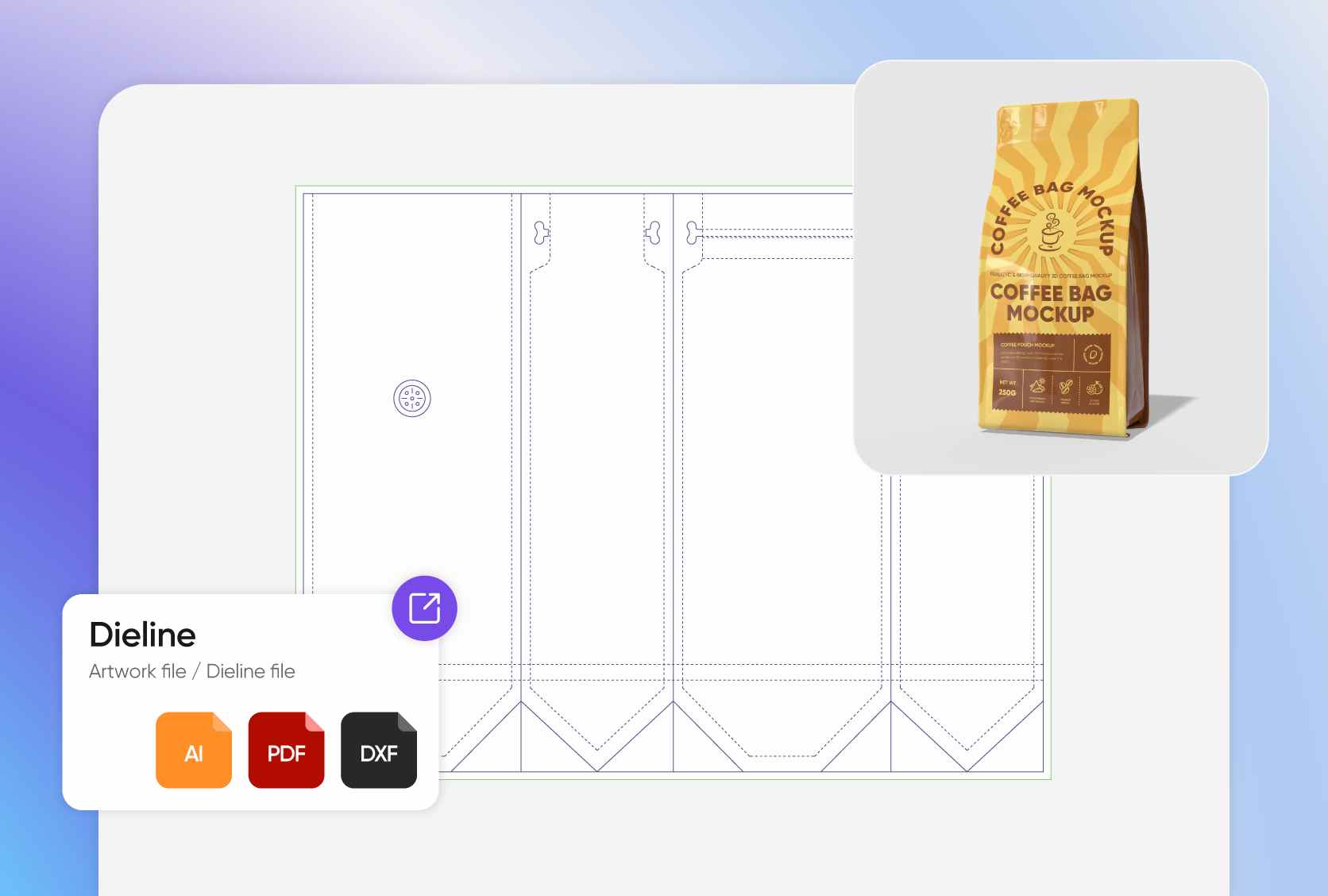
Download your custom stand up pouch design in the supported high-resolution PNG/JPG image, MP4 video, or printable files.
Step 1: Select a stand up pouch design
Select your favorite stand up pouch design from Pacdora’s library, which includes zipper, spout, and gusseted pouches.
Step 2: Upload graphics and adjust
Upload your brand logo, graphics, or text to your selected stand up pouch design. Apply colors and customize the material finish in real-time.
Step 3: Download your stand up pouch design
Download your custom stand up pouch design in the supported high-resolution PNG/JPG image, MP4 video, or printable files.
Why do brands prefer customizing stand up pouches online?
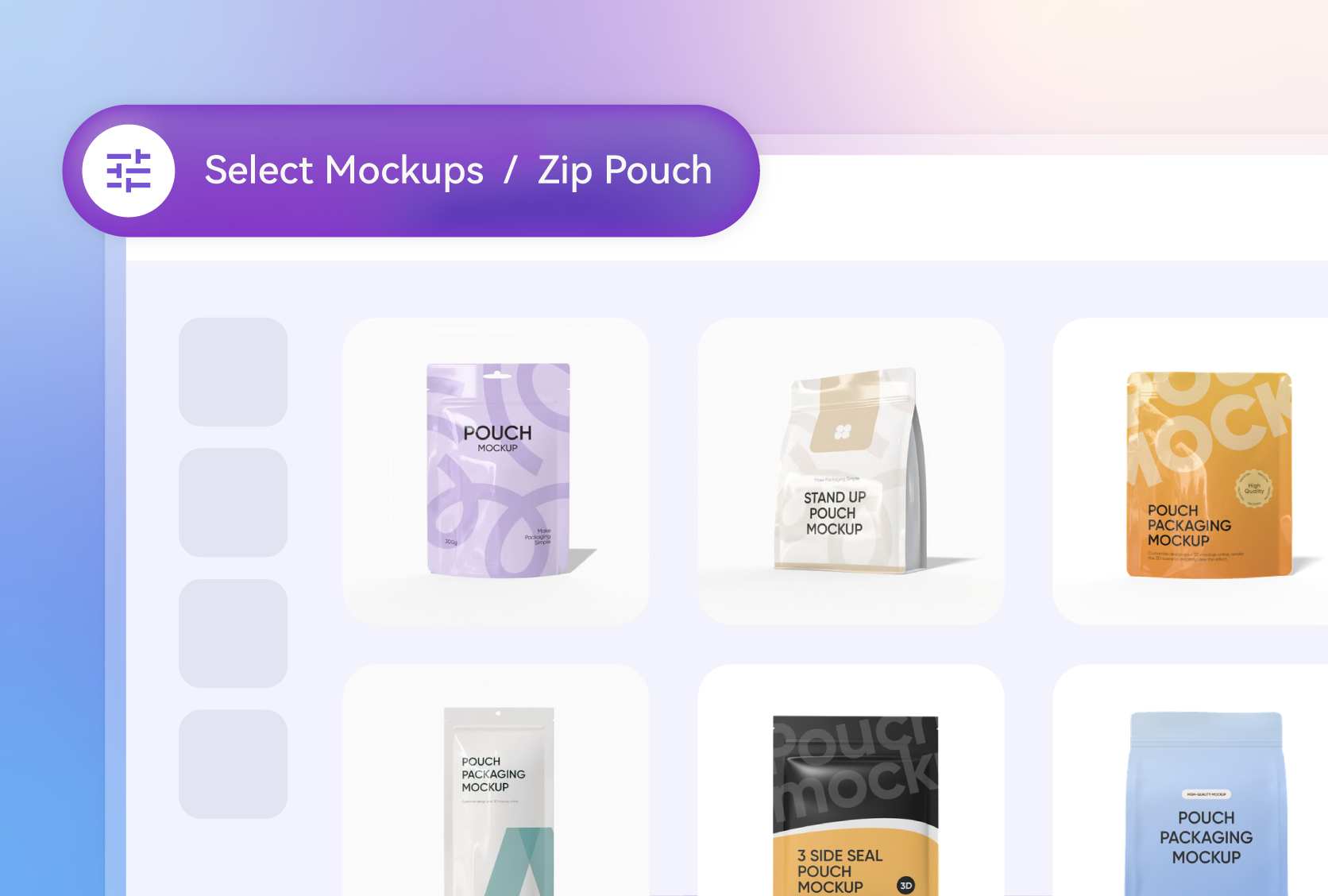
Different pouch types for snacks or goods
Having several design options helps align your packaging with marketing goals.
A stand up zip-lock pouch with a hanging hole is easy to display on hooks or racks, suitable for packing supplements or granules. Alternatively, a stand up spout pouch is perfect for packing sauces, soups, or liquid condiments. Design today!
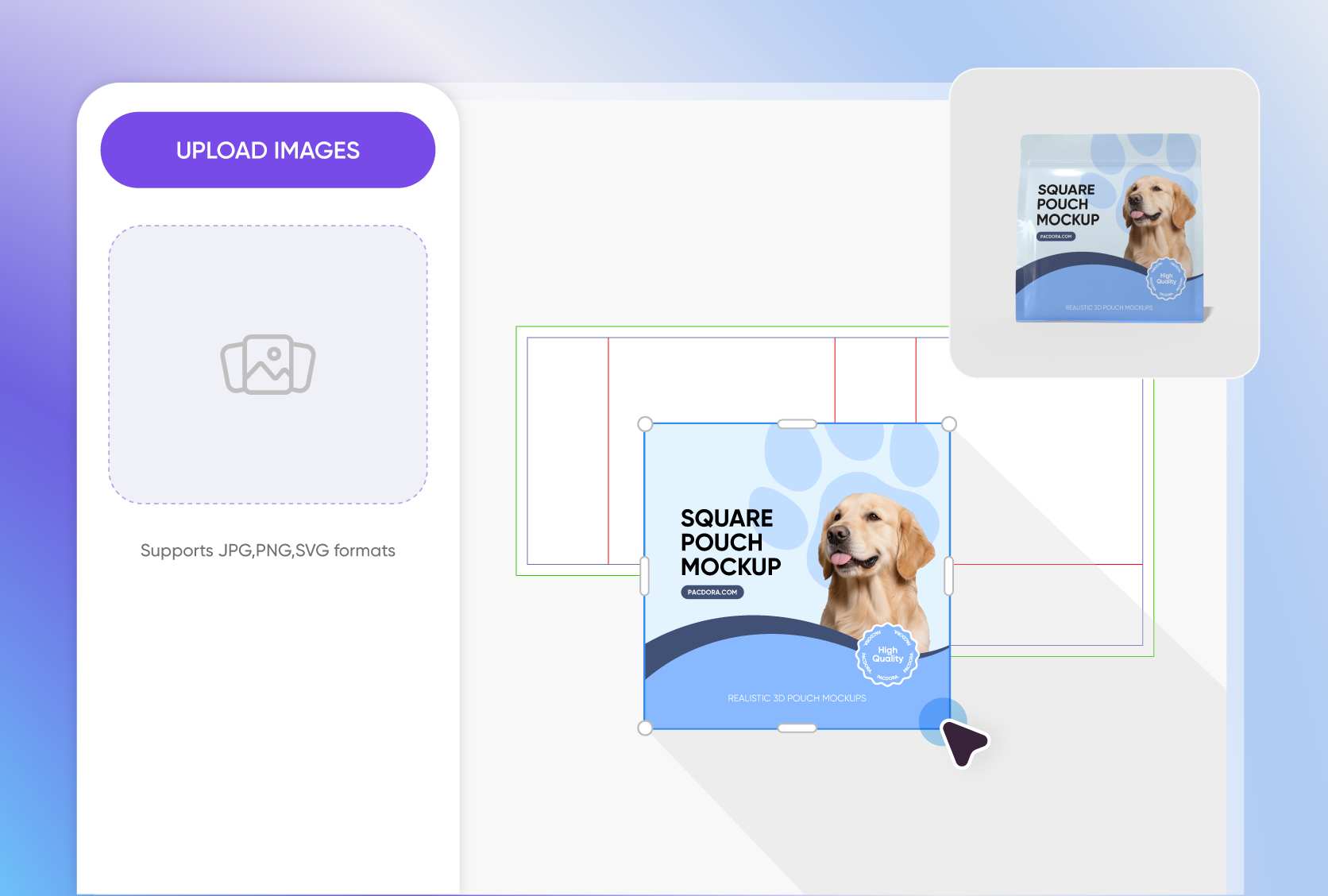
Attractive visuals that elevate the pouch’s look
Placing catchy images and text details is essential to attract and guide customers about the products.
Images of coffee beans, dried fruits, or protein powders help customers see what each pouch contains. Clear labeling, like “Almond Mix” or “Whey Protein,” allows buyers to recognize and choose the product they want.
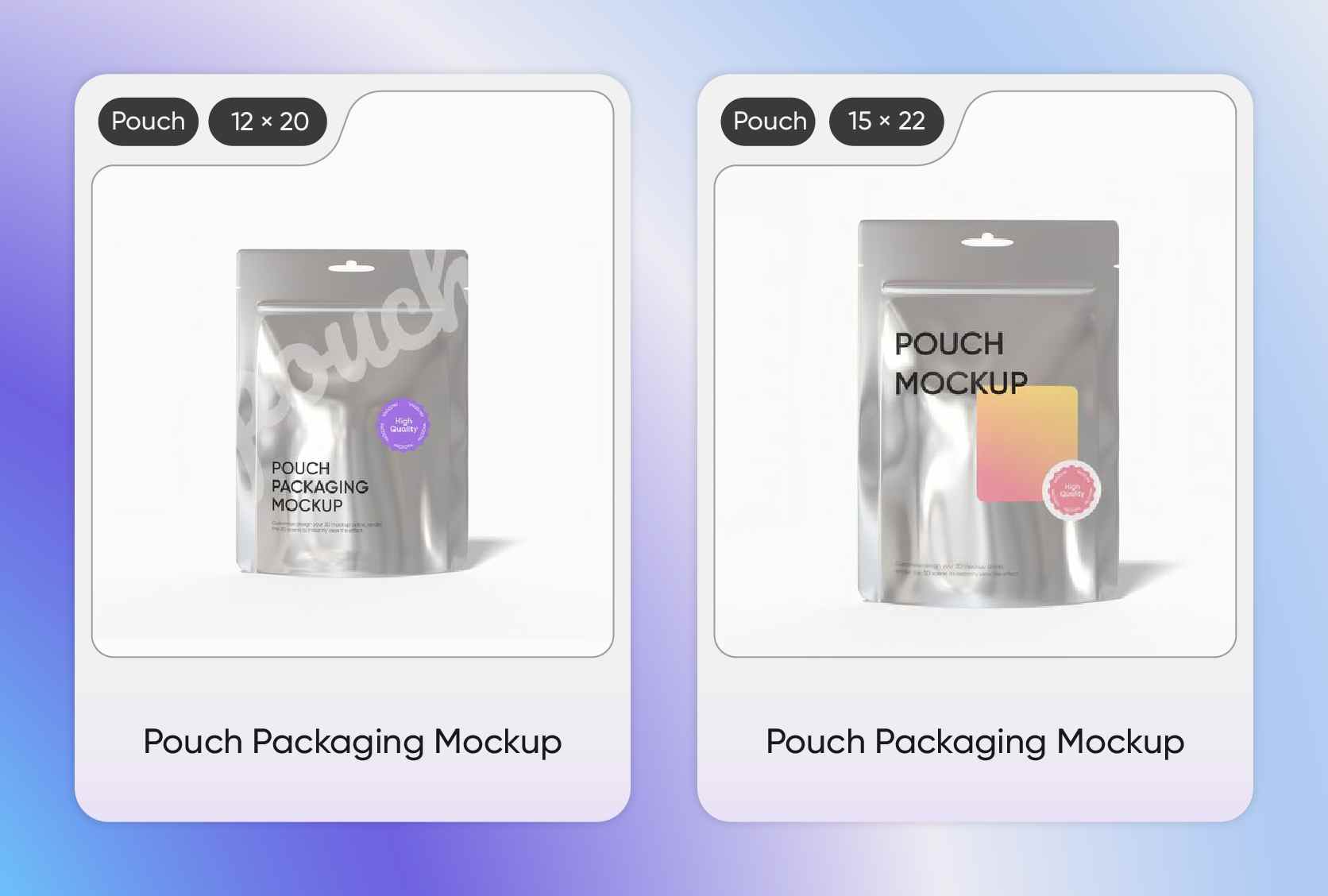
Material choices for diverse product packaging
Suitable materials can help prevent spoilage and extend the shelf life of products.
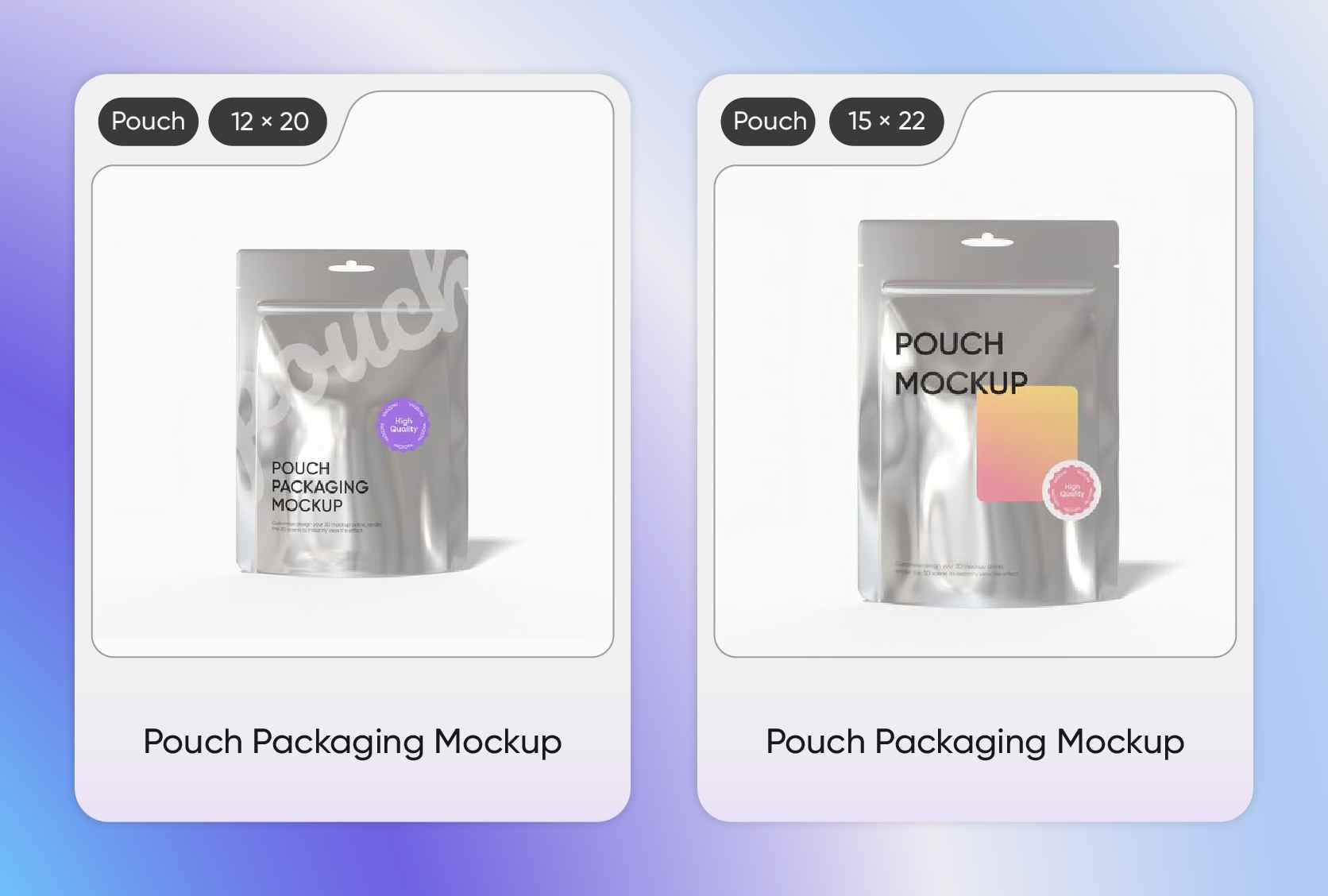
Glossy plastic stand up pouches are durable and have a modern look, great for packing snacks, sauces, or pet food. Alternatively, kraft paper pouches are an eco-friendly alternative, perfect for packing grains and dried fruits.
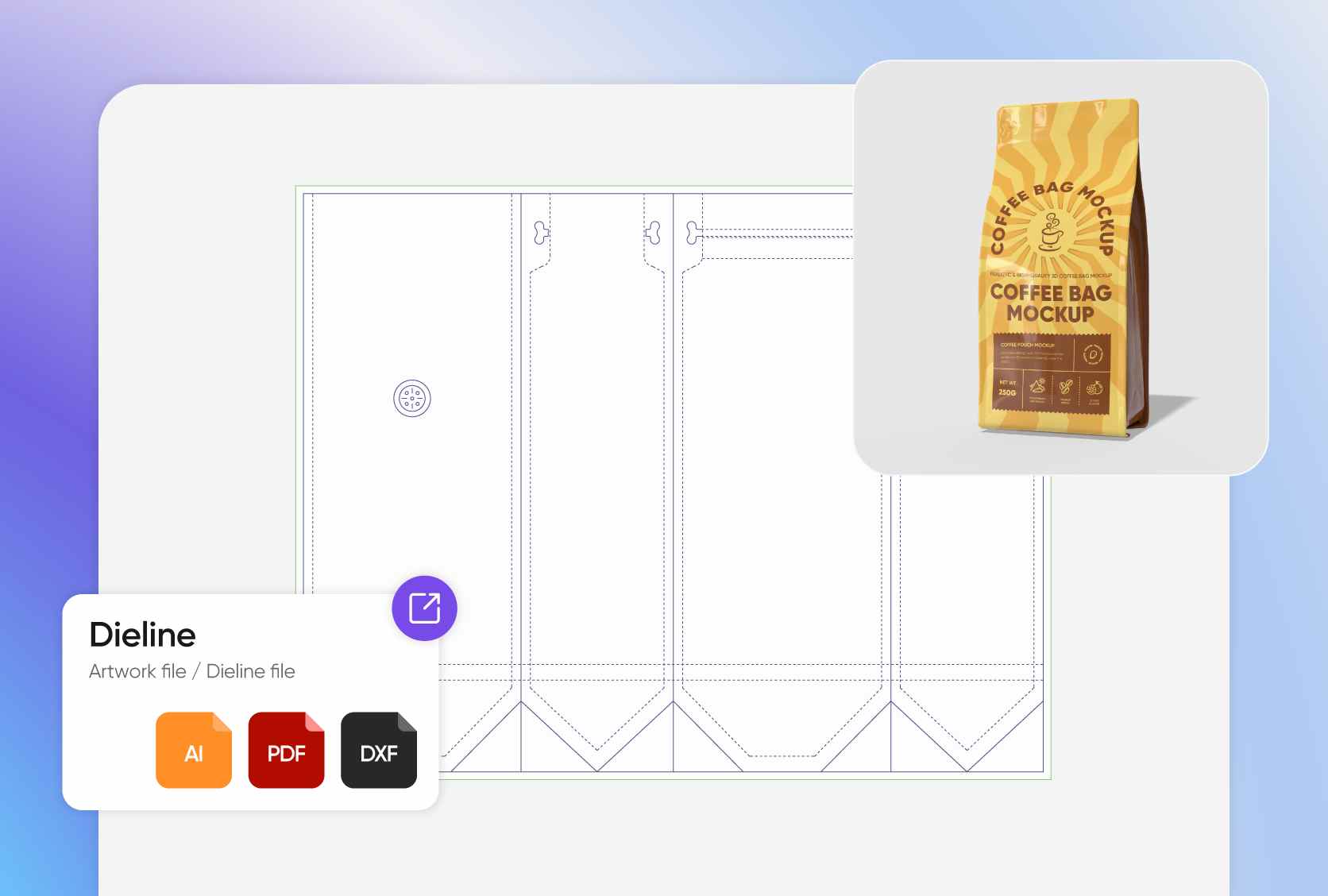
Diverse popular pouch sizes to fit all products
Different pouch dimensions allow brands to offer sample, regular, or bulk portions.
A 4 × 3 × 6 inches stand up pouch is suitable for retail sampling or small-batch servings of coffee, tea, and spices. Similarly, an 18 × 12 × 41 inches pouch is perfect for accommodating larger quantities of cookies, grains, or dried goods in marts or bakeries.
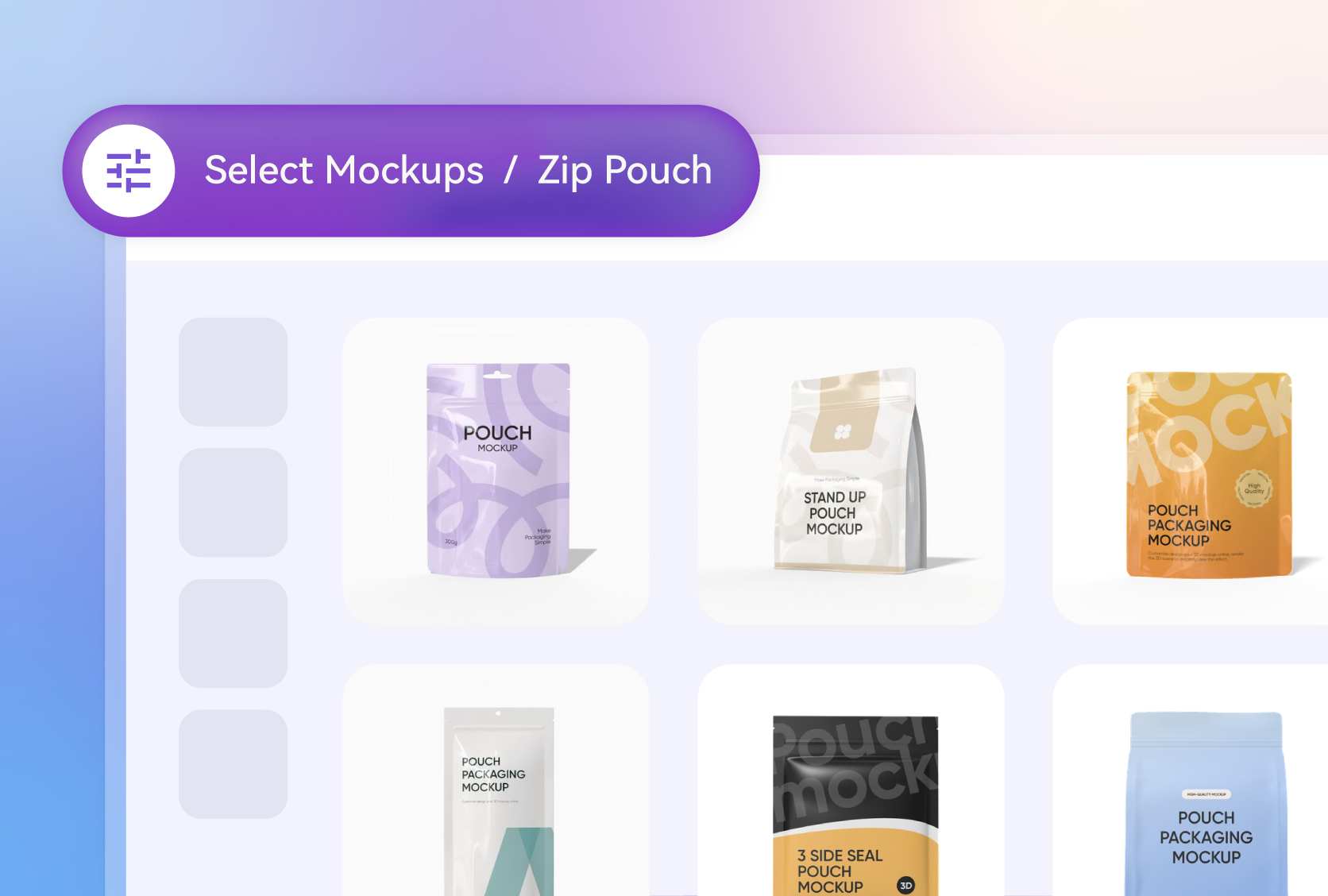
Different pouch types for snacks or goods
Having several design options helps align your packaging with marketing goals.
A stand up zip-lock pouch with a hanging hole is easy to display on hooks or racks, suitable for packing supplements or granules. Alternatively, a stand up spout pouch is perfect for packing sauces, soups, or liquid condiments. Design today!
Attractive visuals that elevate the pouch’s look
Placing catchy images and text details is essential to attract and guide customers about the products.
Images of coffee beans, dried fruits, or protein powders help customers see what each pouch contains. Clear labeling, like “Almond Mix” or “Whey Protein,” allows buyers to recognize and choose the product they want.
Material choices for diverse product packaging
Suitable materials can help prevent spoilage and extend the shelf life of products.
Glossy plastic stand up pouches are durable and have a modern look, great for packing snacks, sauces, or pet food. Alternatively, kraft paper pouches are an eco-friendly alternative, perfect for packing grains and dried fruits.
Diverse popular pouch sizes to fit all products
Different pouch dimensions allow brands to offer sample, regular, or bulk portions.
A 4 × 3 × 6 inches stand up pouch is suitable for retail sampling or small-batch servings of coffee, tea, and spices. Similarly, an 18 × 12 × 41 inches pouch is perfect for accommodating larger quantities of cookies, grains, or dried goods in marts or bakeries.
Our customers love Pacdora’s mockup tools
Thousands before you have designed realistic mockups with Pacdora and loved it.

Great mock-ups and literally thousands of packaging designs to choose from. The 3d mock-up is so good, helps bring clarity to the client as well as the designers. Great product for packaging design professionals.


cosmiccorner
Move over, complicated design software! Pacdora is the superhero of packaging mockups. Creating 3D magic for my products is as easy as pie – no PhD in design required. It’s like the software looked at the clock and said, ‘Time to save users from design nightmares!’ It’s so user-friendly, even my coffee mug wants to try its hand at packaging design.
FAQ
Can I add a QR code to my custom stand up pouches?
Yes. Pacdora helps you add a QR code to your custom stand up pouch designs. A QR code links customers directly to your brand page for product information and promotional offers. You can add it either on the front panel or the center of the back panel for easy scanning.
How can a beginner design custom stand up pouches on Pacdora?
Beginners can easily design custom stand up pouches on Pacdora. There’s no need to download complex design files. Visit Pacdora’s official website through your browser, select a pouch style, and use the drag-and-drop tools to customize the logo, artwork, color, background and more elements. Then easily download HD visuals.
How can I use my custom stand up pouch designs to win clients?
Upload PNG/JPG images of your pouch designs on websites, online stores, or social media for marketing purposes. You can also save HD MP4 videos of your designs and play them at trade fairs or during presentations. Show your stand-up pouch designs with various animation effects to engage the clients.
Can I add a background to custom stand up pouches with Pacdora?
Yes, Pacdora allows you to add backgrounds to your custom stand up pouch designs. You can use engaging colors, gradients, or upload different images to suit your product or brand style. Settings such as store displays, shelves, or product arrangements can give your pouch a natural appearance.
Pacdora’s AI background generator can also help you create custom backdrops to improve your design.
Can I make custom stand up pouches for free with Pacdora?
Yes, you can design custom stand up pouches for free on Pacdora. Use our editing tools to personalize your stand up pouches. You can also visit the pricing page to unlock our advanced editing features.
Explore more mockup tools
Discover more about Pacdora


