

Slim box mockup

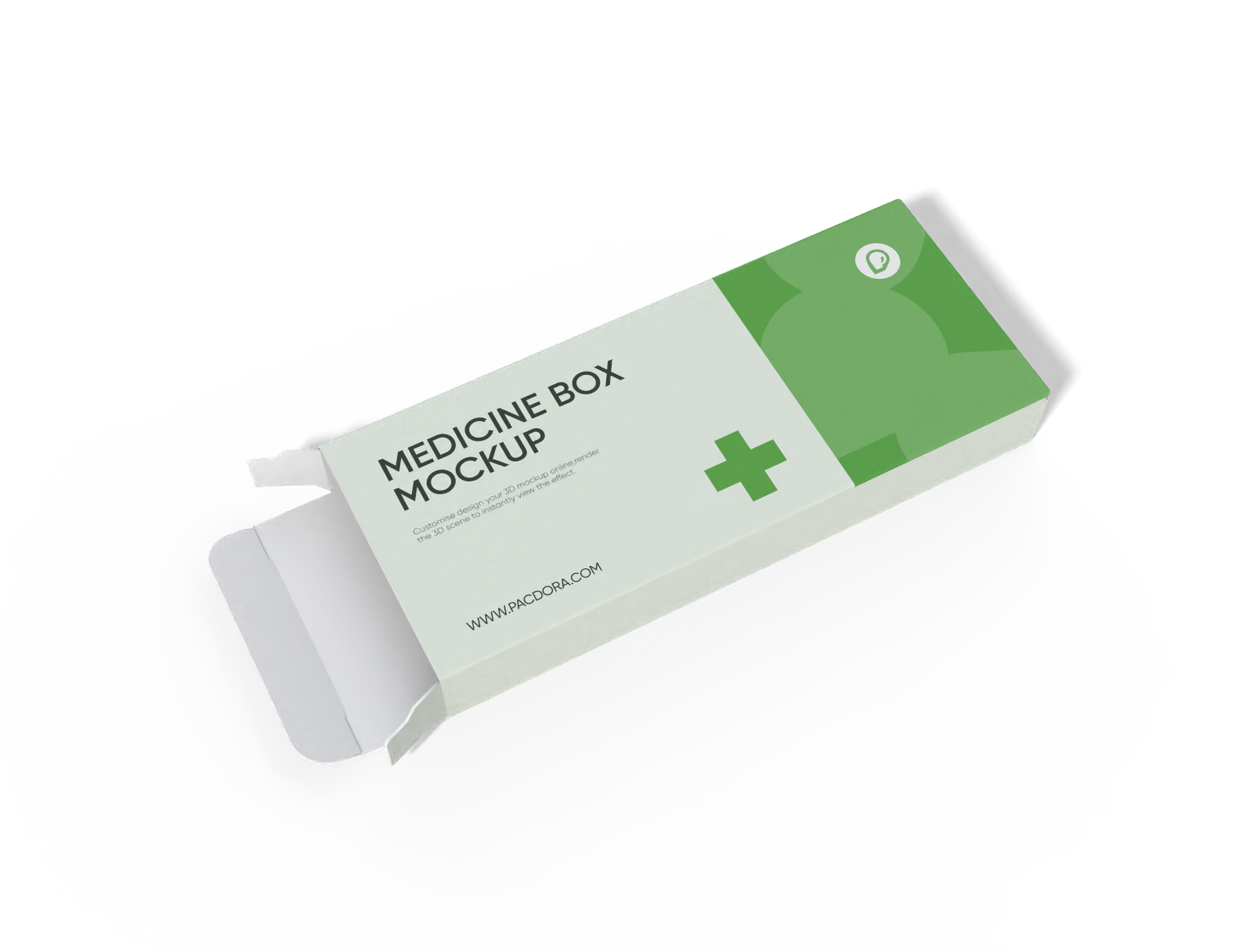
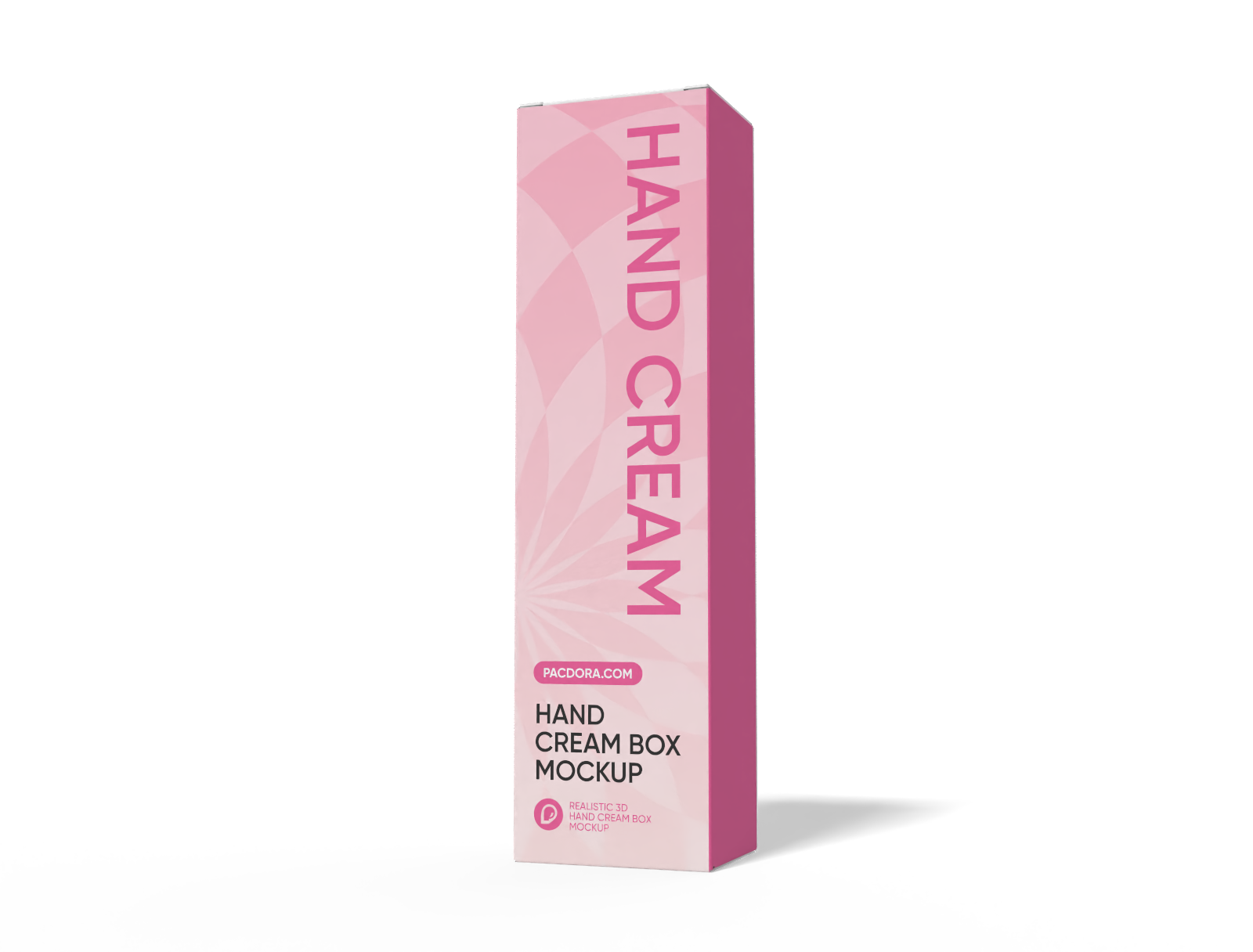
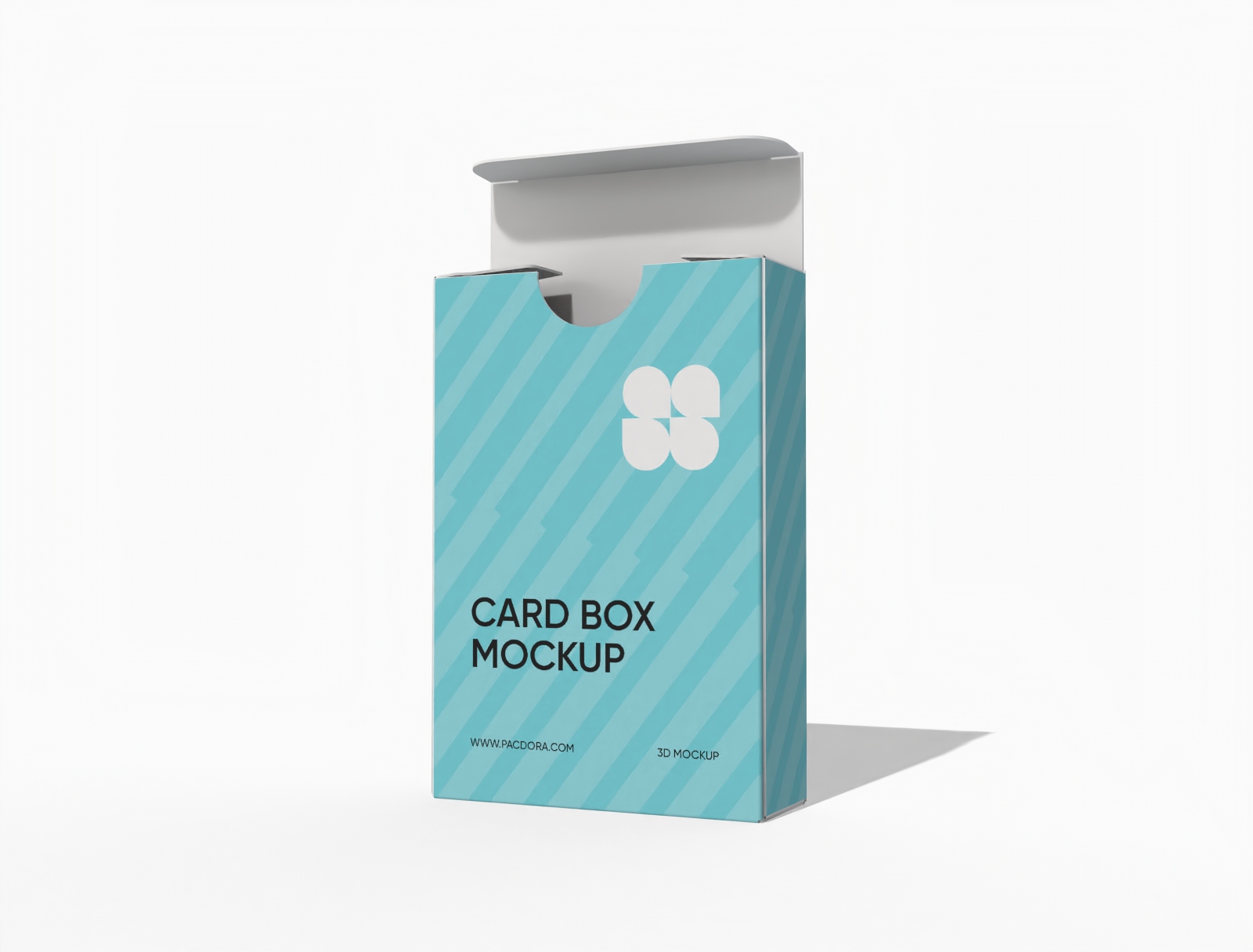
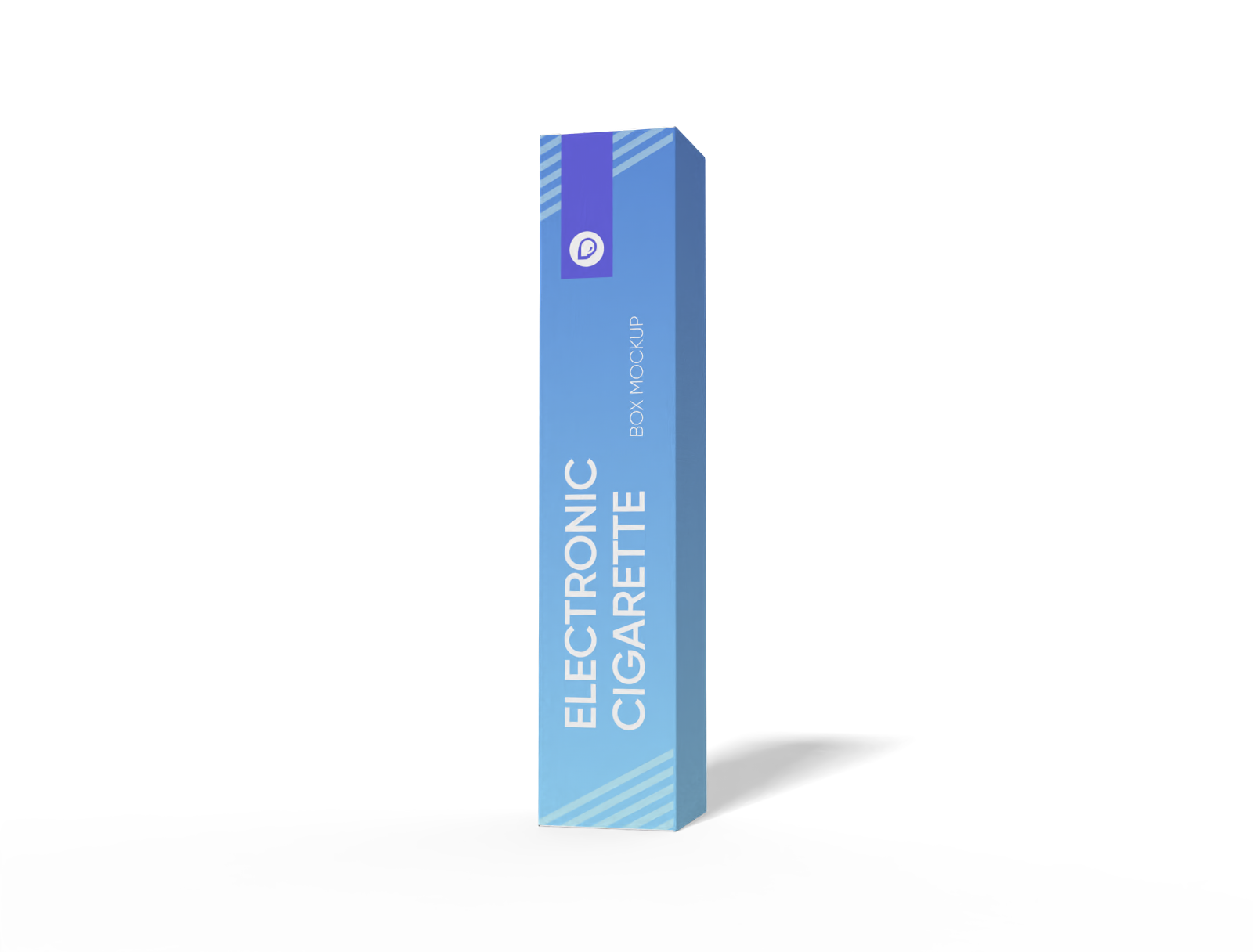
Add your graphic or artwork, edit it online in real time, and then download your perfectly designed slim box mockup as an HD PNG for free.
Slim box mockup
Add your graphic or artwork, edit it online in real time, and then download your perfectly designed slim box mockup as an HD PNG for free.
Trusted by leading companies


Creating a photorealistic slim box mockup is made easy and fun with Pacdora!
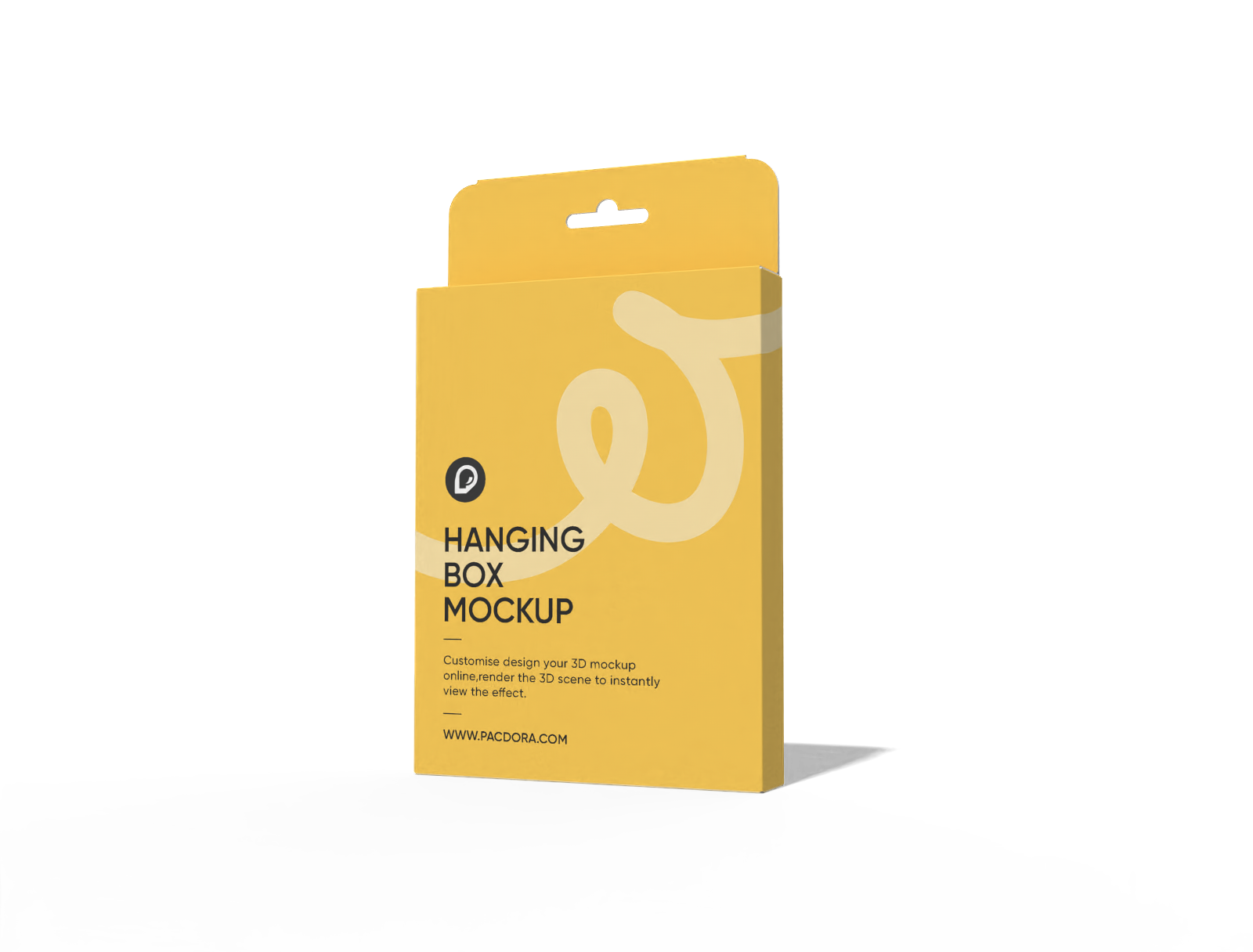
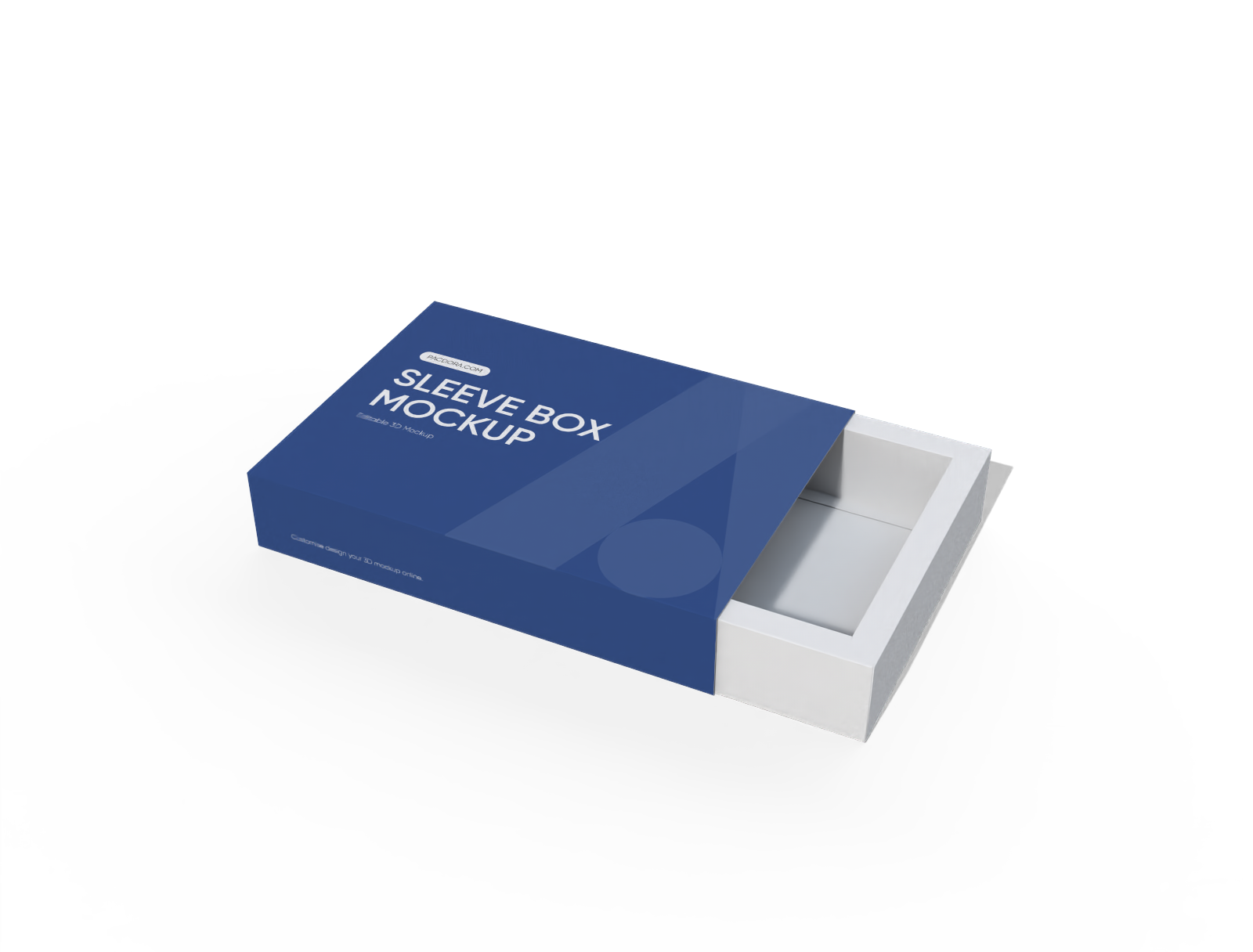
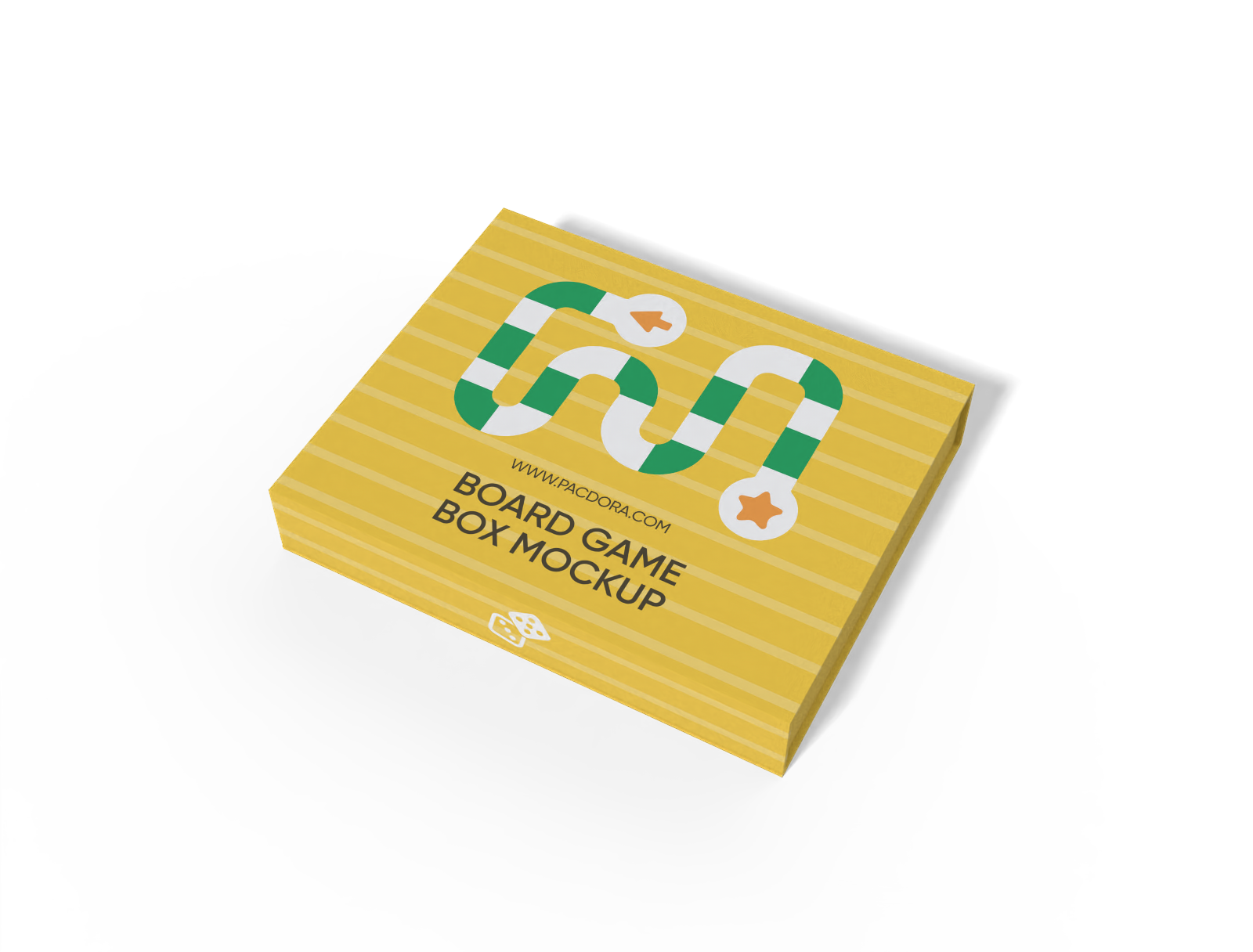
Looking to create your own packaging box design online? Pacdora makes it more enjoyable and satisfying with fully editable slim box mockups. Here, you’ll find a whole library packed with a variety of slim box styles, hanging, windowed, tuck-end, and much more, that you can use for any product. Furthermore, you can change the color, adjust the dimensions, and even add your branding design in just a few simple clicks. Don’t wait, create and download high-res images and print-ready files for your design project today!

How to create a slim box mockup online?
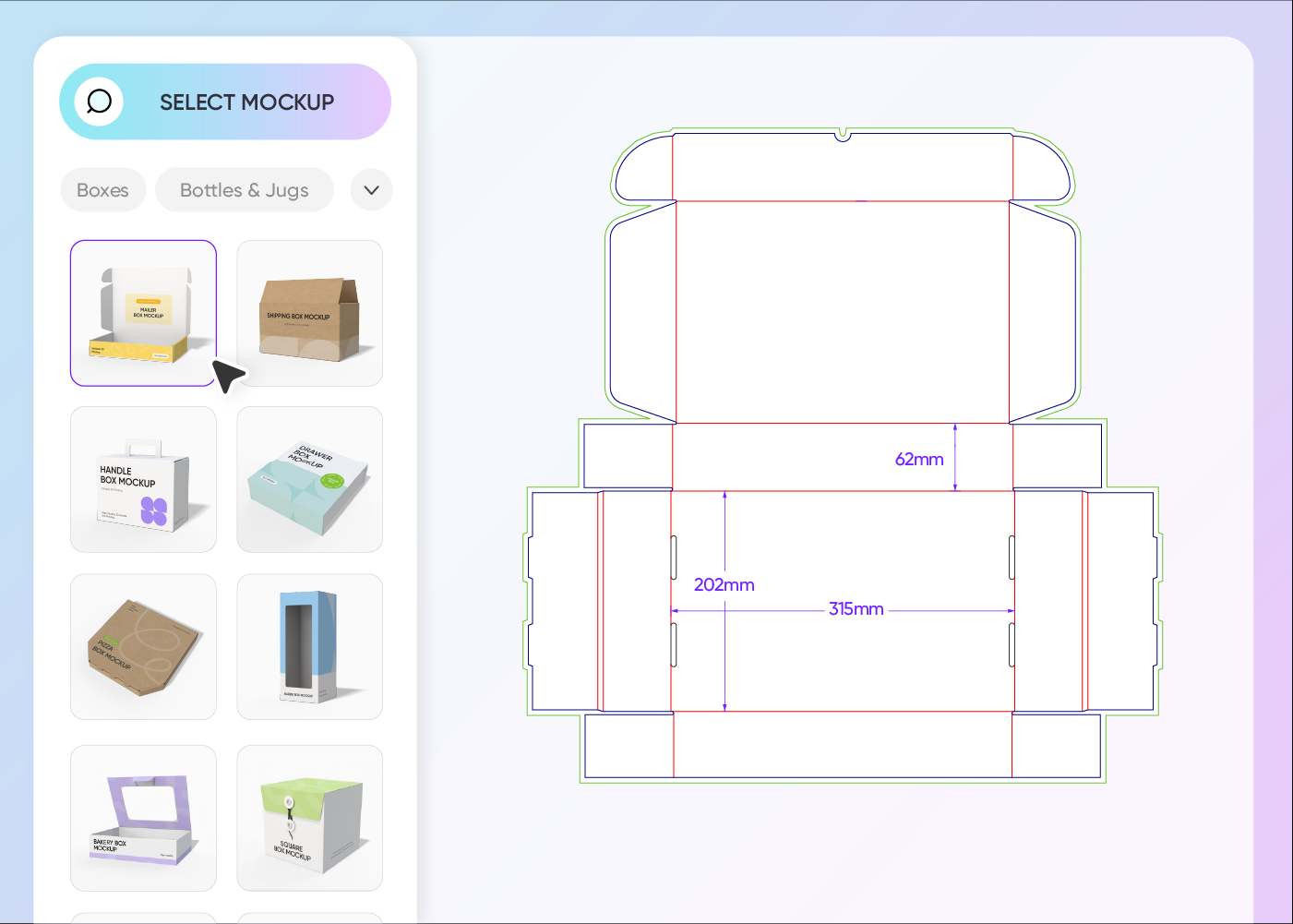
Step 1: Choose a slim box mockup
Choose your favorite slim box style from our wide variety of options, including windowed, hanging, tuck-end, and much more.
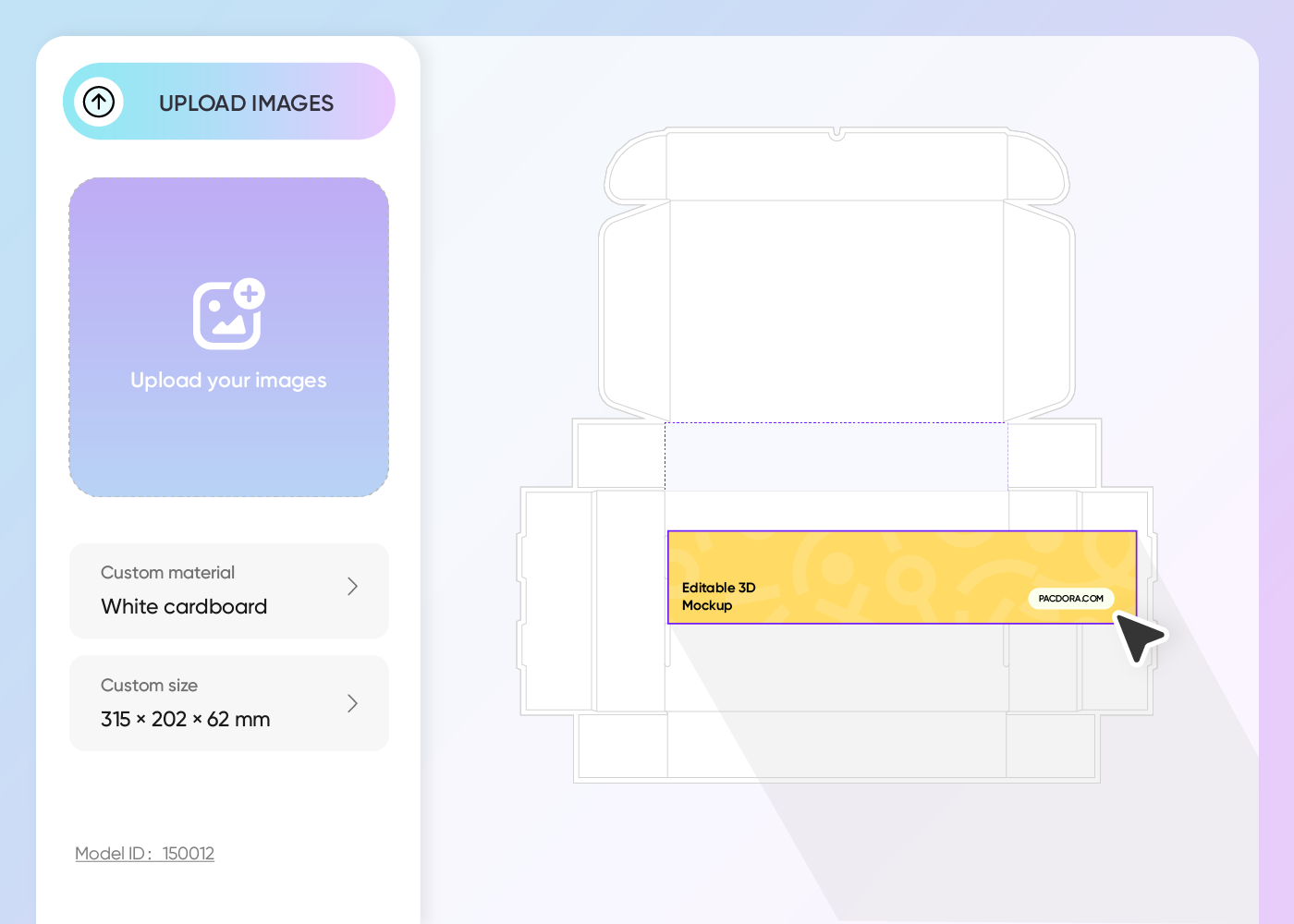
Step 2: Upload design and customize
Upload your design image, customize the box dimension, choose your preferred color and font style, adjust the background, and other settings.
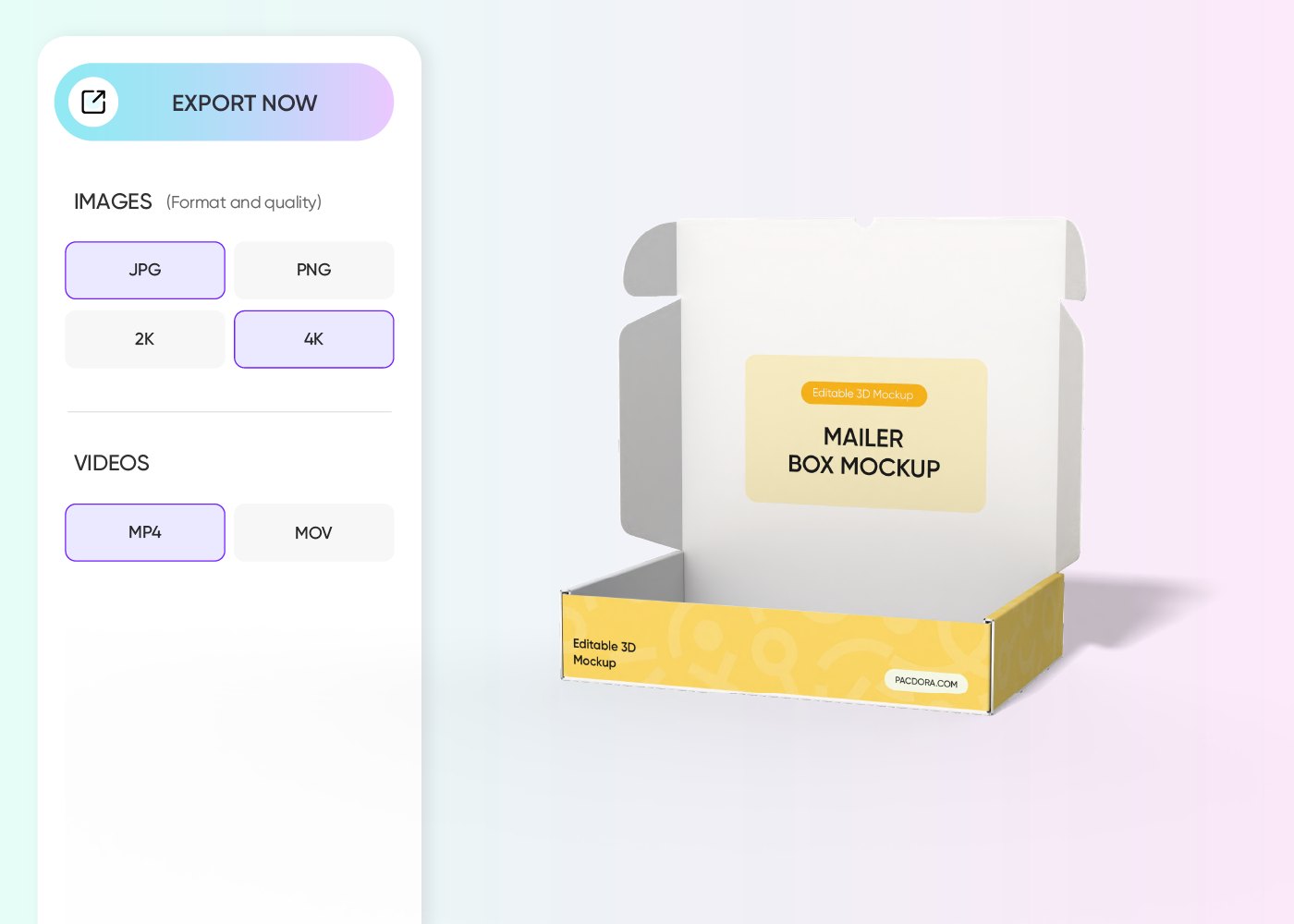
Step 3: Download your box design
Download high-resolution PNG /JPG images or animated MP4 videos for your digital marketing campaign, or a printable PDF dieline to produce your box.
Step 1: Choose a slim box mockup
Choose your favorite slim box style from our wide variety of options, including windowed, hanging, tuck-end, and much more.
Step 2: Upload design and customize
Upload your design image, customize the box dimension, choose your preferred color and font style, adjust the background, and other settings.
Step 3: Download your box design
Download high-resolution PNG /JPG images or animated MP4 videos for your digital marketing campaign, or a printable PDF dieline to produce your box.
Design branded slim box mockup with ease

Make your product stand out with style
Not all products suit every box style. Digital items like apps usually look best in slim rectangular boxes. Small gadgets or accessories fit nicely in hanging slim boxes, perfect for retail displays.
For cosmetics or stationery, slim product boxes help the items stand out, while slim windowed boxes are perfect for collectibles, letting customers sneak a peek inside.
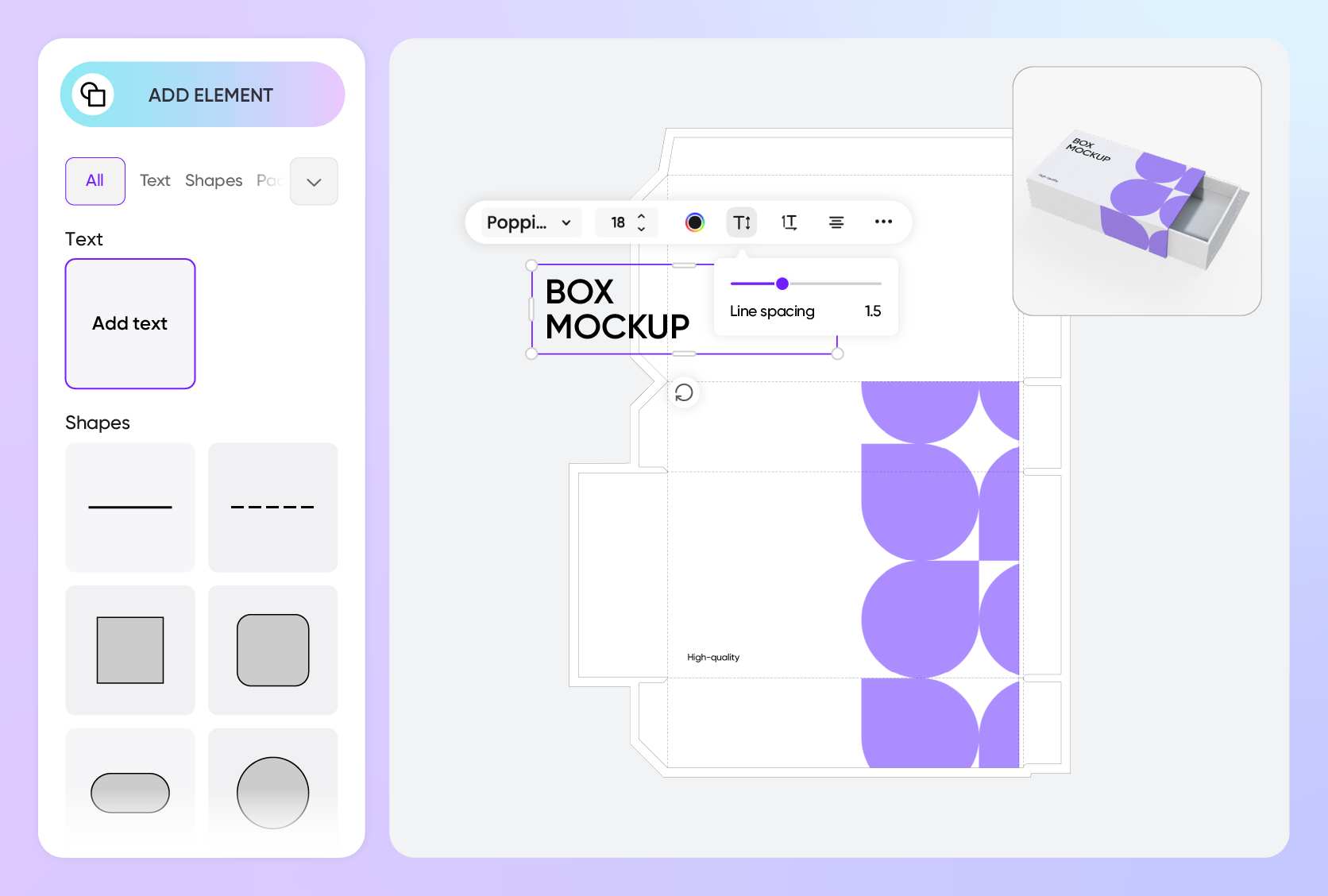
Customize fully to fit your brand’s aesthetic
Take advantage of our user-friendly online editor to create trendy slim box designs for your brand. Add your brand colors and logo to captivate your audience.
Make your design even more eye-catching with patterns on the side panels and product images. You can also get creative with fonts to share your message in a way that fits your brand.
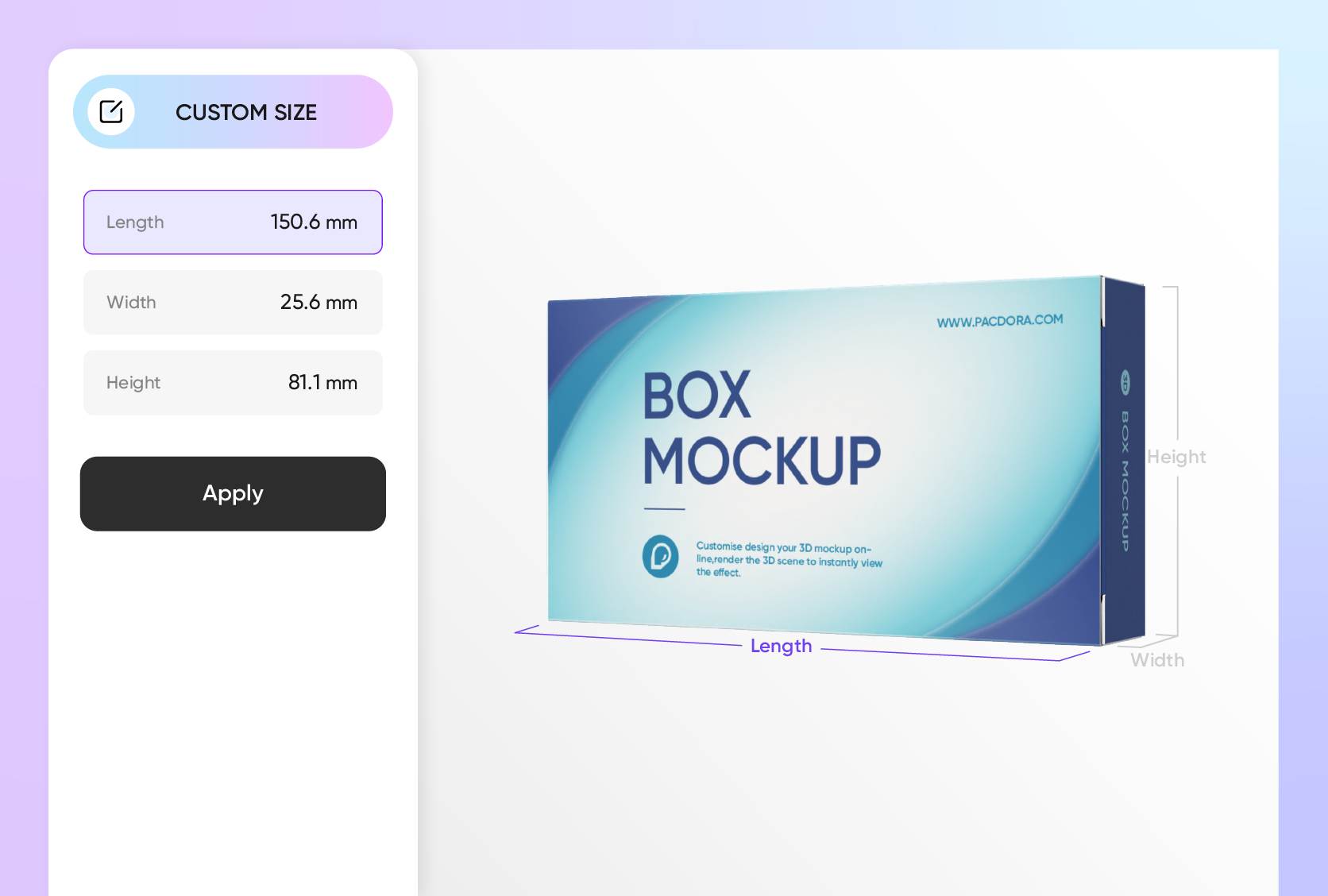
Smartly size your box for thoughtfully packaging
Depending on your product or branding needs, you can easily adjust the box dimensions, length, width, and height to make your packaging feel and look thoughtful.
For single small items, like accessories or cosmetics, a 3 × 1 × 6-inch box keeps things neat and easy to handle, though it doesn’t leave as much space for branding as a medium-sized box.

Showcase your packaging box with eye-catching clarity
Pacdora makes your presentation a success with multiple formats, including industry-standard printable dielines to make sure your design looks perfect on the screen and is ready for real-life production.
You can also download super-high-res 4K or 8K PNG/JPG images, or MP4 videos, to share with clients or display your design online.

Make your product stand out with style
Not all products suit every box style. Digital items like apps usually look best in slim rectangular boxes. Small gadgets or accessories fit nicely in hanging slim boxes, perfect for retail displays.
For cosmetics or stationery, slim product boxes help the items stand out, while slim windowed boxes are perfect for collectibles, letting customers sneak a peek inside.
Customize fully to fit your brand’s aesthetic
Take advantage of our user-friendly online editor to create trendy slim box designs for your brand. Add your brand colors and logo to captivate your audience.
Make your design even more eye-catching with patterns on the side panels and product images. You can also get creative with fonts to share your message in a way that fits your brand.
Smartly size your box for thoughtfully packaging
Depending on your product or branding needs, you can easily adjust the box dimensions, length, width, and height to make your packaging feel and look thoughtful.
For single small items, like accessories or cosmetics, a 3 × 1 × 6-inch box keeps things neat and easy to handle, though it doesn’t leave as much space for branding as a medium-sized box.
Showcase your packaging box with eye-catching clarity
Pacdora makes your presentation a success with multiple formats, including industry-standard printable dielines to make sure your design looks perfect on the screen and is ready for real-life production.
You can also download super-high-res 4K or 8K PNG/JPG images, or MP4 videos, to share with clients or display your design online.

Our customers love Pacdora’s mockup tools
Thousands before you have designed realistic mockups with Pacdora and loved it.

Great mock-ups and literally thousands of packaging designs to choose from. The 3d mock-up is so good, helps bring clarity to the client as well as the designers. Great product for packaging design professionals.


cosmiccorner
Move over, complicated design software! Pacdora is the superhero of packaging mockups. Creating 3D magic for my products is as easy as pie – no PhD in design required. It’s like the software looked at the clock and said, ‘Time to save users from design nightmares!’ It’s so user-friendly, even my coffee mug wants to try its hand at packaging design.
FAQ
Why is a slim box mockup important?
Whether you’re a designer, creator, or brand, a slim box mockup lets you see how your packaging will look before it’s actually printed. It shows how your design elements, such as colors, logos, graphics, and other details, come together on a physical box. Plus, it helps you create polished, professional visuals to add to your creative portfolio, share with clients, or your online audience.
How can I make my slim box mockup more eye-catching?
It’s all about getting creative with colors and custom touches. Go bold and pick shades that match your brand or product; two or three contrasting colors usually work great. Make your logo stand out on the front panel for maximum visibility and to build trust with customers. Stay on trend with subtle patterns, fun graphics, product images, and stylish typography.
Can I use slim box mockups for product launches?
Absolutely! A slim box mockup is super useful for product launches because you can customize it with your own colors, graphics, and product details to match your branding design. They’re also great for creating marketing and promo materials you can share on social media, e-commerce pages, and online ads to build excitement around your product.
Do I need a PSD file to create a slim box mockup on Pacdora?
Not at all! Pacdora is an online platform with all the features you need to create a slim box mockup right from your browser. Here, you don’t have to start from scratch or install any software; just pick a suitable box style from our premade mockups, make the necessary adjustments in real time, and download your final design in your preferred format. It’s faster and easier than using Photoshop.
Can I design a slim box mockup for free on Pacdora?
Yes! Our core features are rich in what you need to create amazing slim box mockups online. For more details about our premium features, take a look at our pricing page.
Explore more mockup tools
Discover more about Pacdora


