

AI flour packaging design
Enter your flour type and mill — Pacdora drafts the bag design, recipe panel and all.
Trusted by leading companies


Stand out on the baking aisle, not blend into the sacks
A specialty mill's flour too often ends up in a plain sack that looks like the commodity brand beside it.
Pick a flour pouch or bag, and Pacdora applies your brand and panels and renders it in 3D — so your stone-ground flour looks the part before the print run.
Why choose Pacdora AI for your flour packaging?
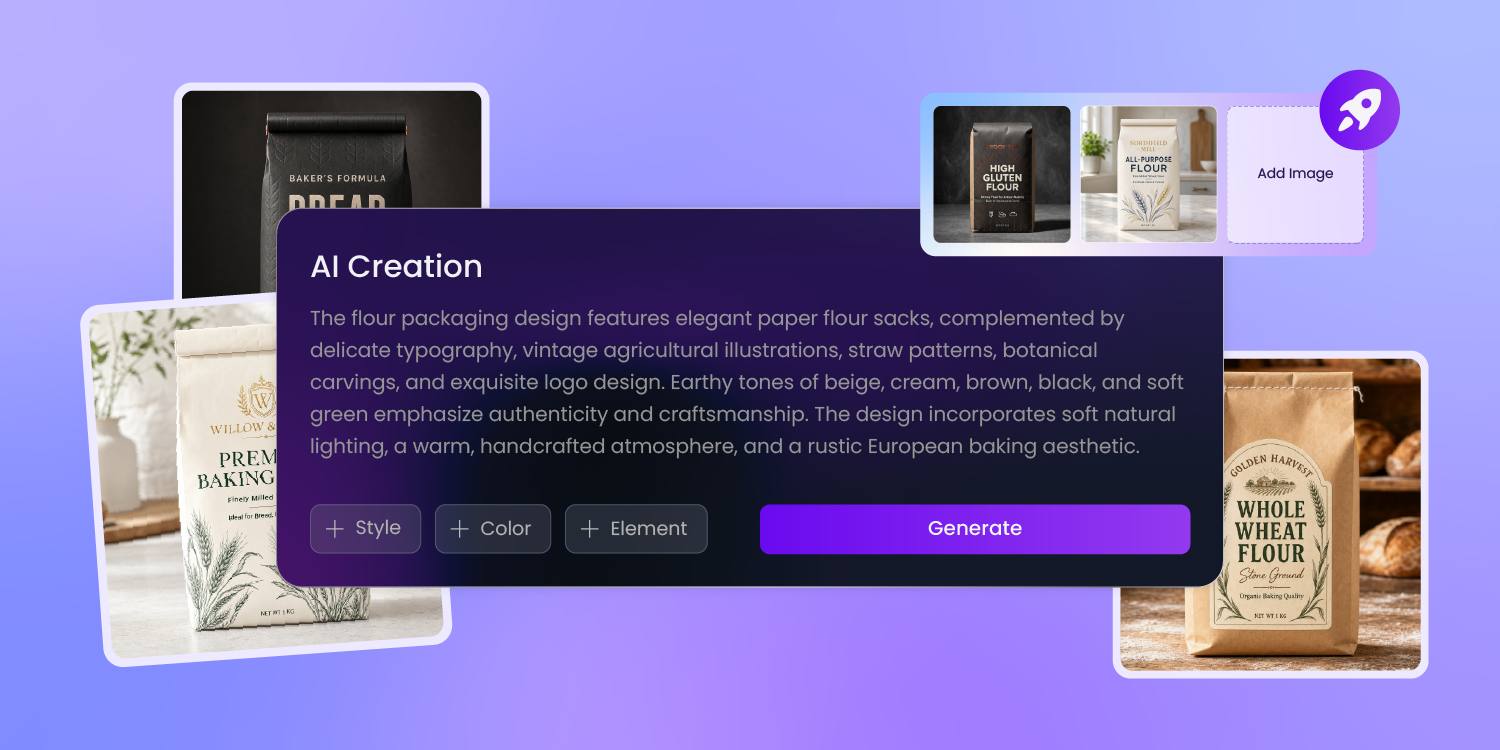
Make the flour type read first
Bakers buy flour by type — all-purpose, bread, 00, gluten-free — and grab the wrong bag if the type doesn't read first.
Pacdora's AI knows flour's visual cues and puts the type and protein front and center, then stages the bag on a shelf so it reads from down the aisle.
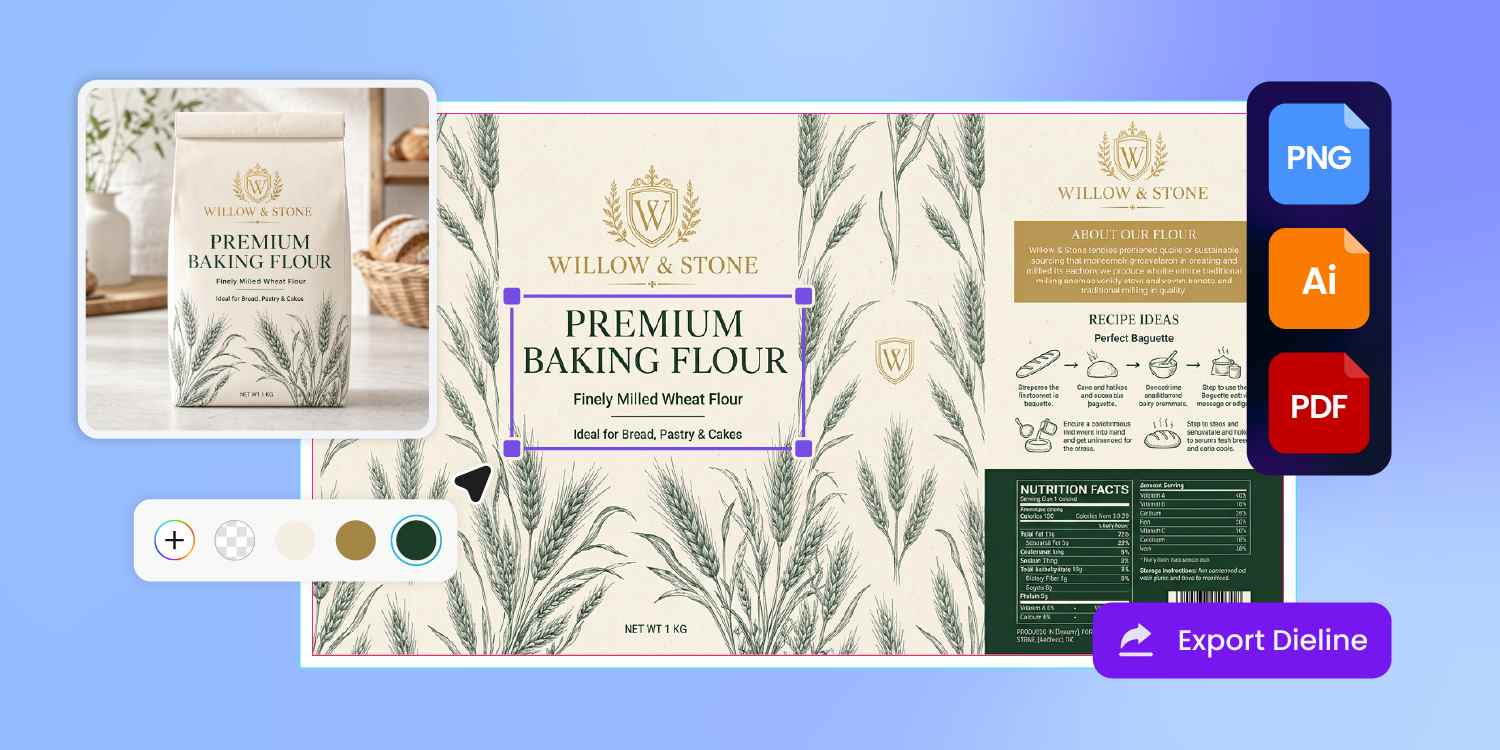
Recipe, allergen, and type in their place
A flour bag carries more than a logo — the flour type, the wheat-and-gluten allergen line, the net weight, and often a recipe.
Pacdora lays each of these as its own panel on the dieline, so the allergen reads clearly and you drop your recipe and wording in without a re-layout.
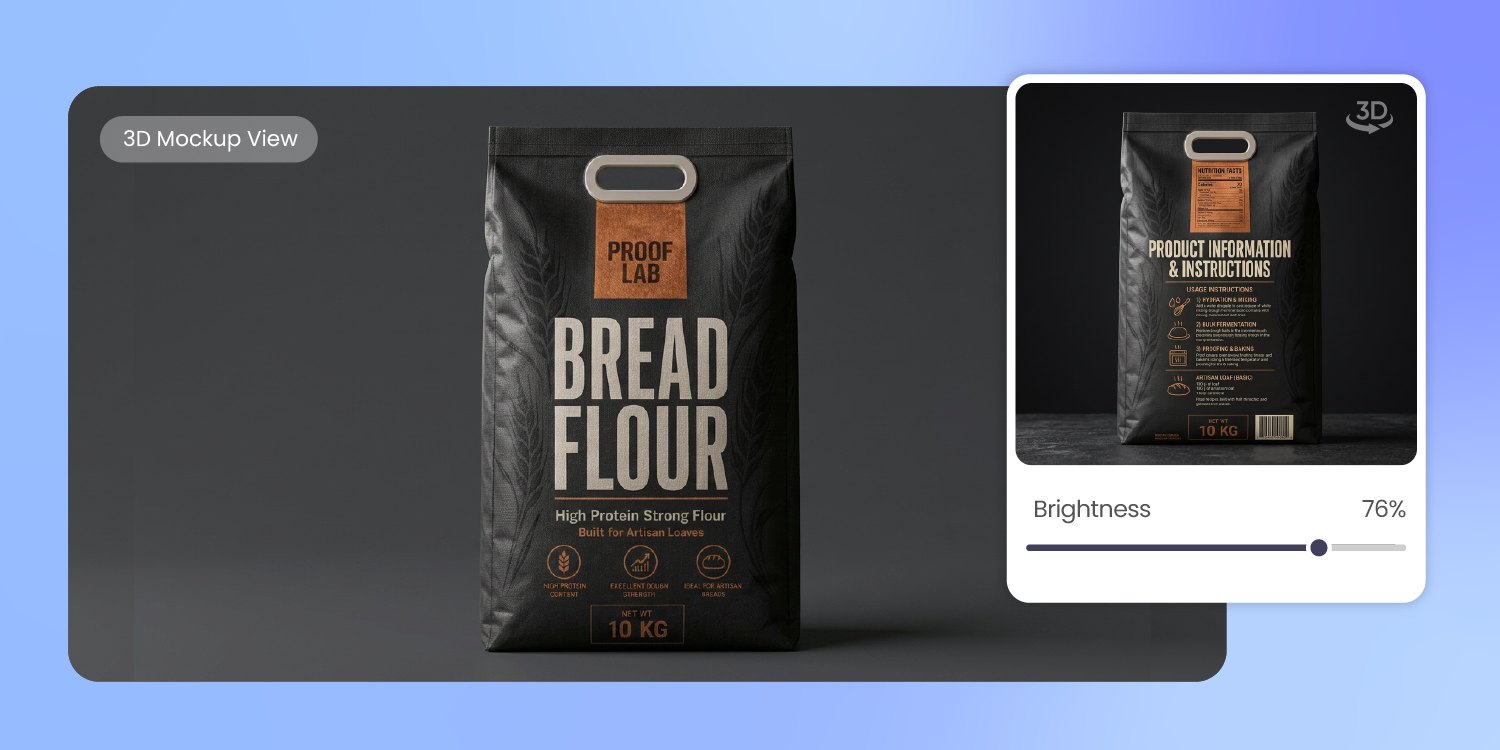
Make a five-pound bag look premium
A five-pound bag is a lot of real estate, and a plain sack makes specialty flour look like the commodity brand.
Pacdora renders your bag in 3D at its real size, kraft, matte, or window finish, staged beside the supermarket sacks — so you see it look premium before the run.
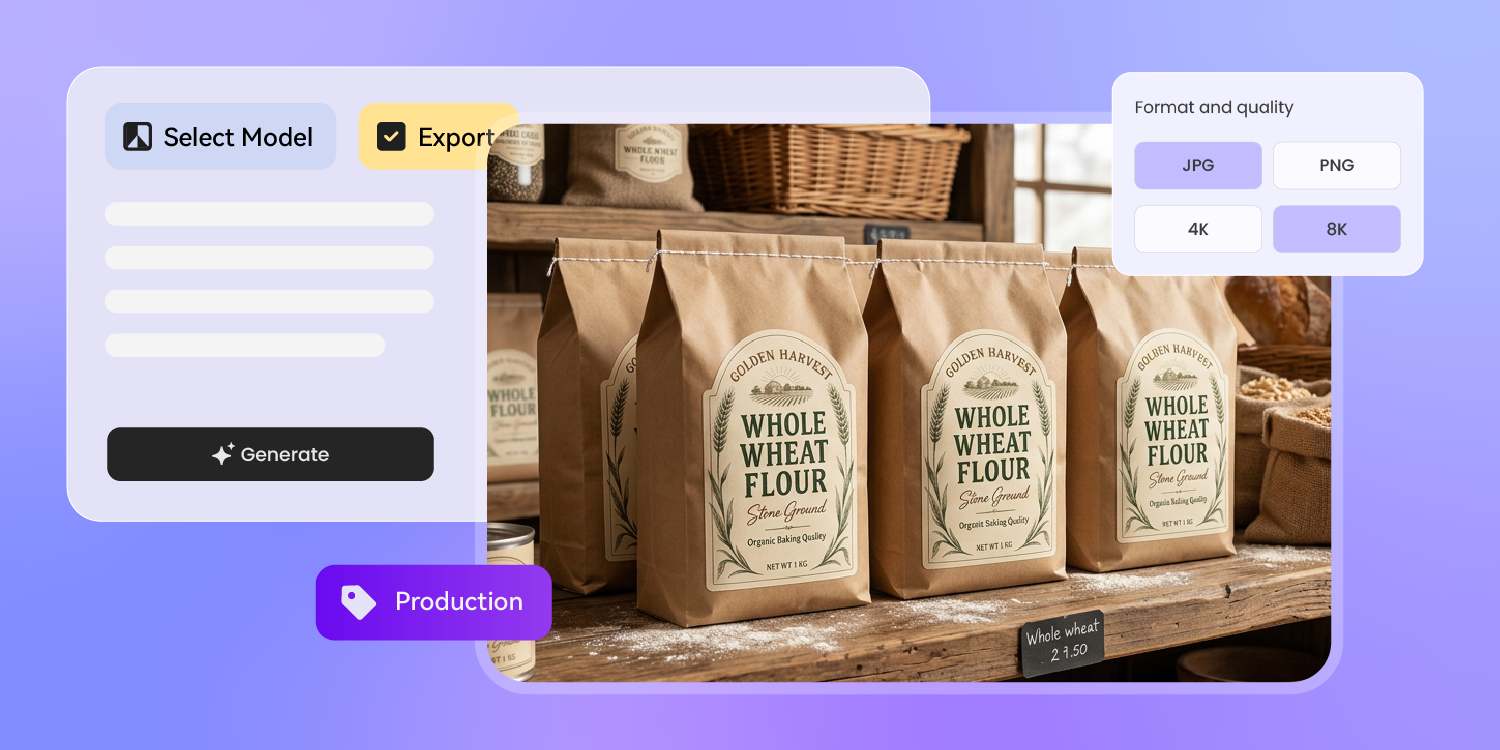
One bag design across every channel
One bag design covers the whole launch.
Pacdora exports it as a DTC hero shot, an Amazon listing image, a farmers-market banner, and a wholesale sell sheet for bakery buyers — same flour, every channel, with no re-keying between them.
How to design flour packaging with AI?
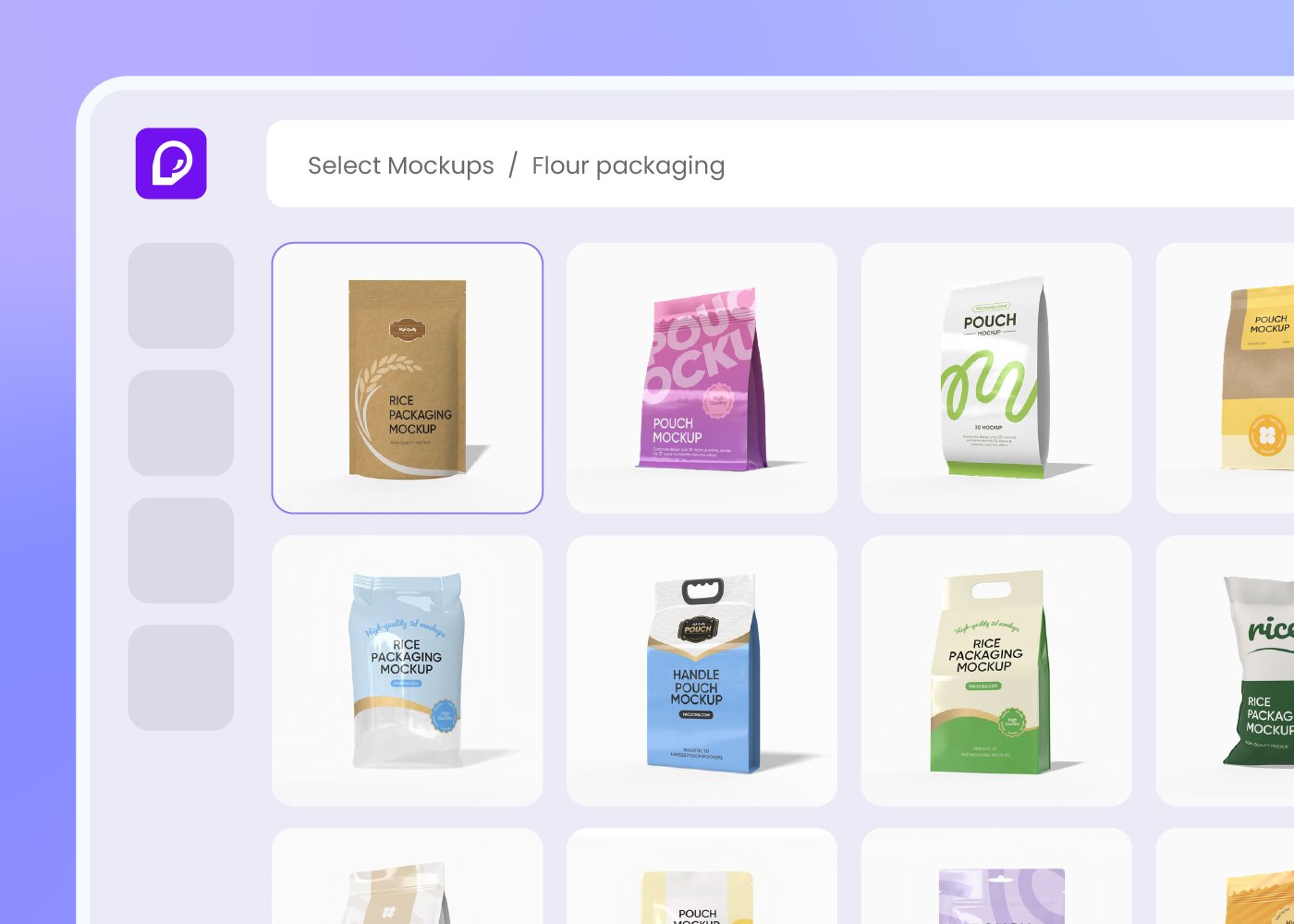
Step 1: Choose your flour bag or pouch
Pick a large stand-up pouch, a resealable kraft bag, or a multi-wall paper bag in your size — from 2 to 25 pounds — and Pacdora loads the profile and the dieline.
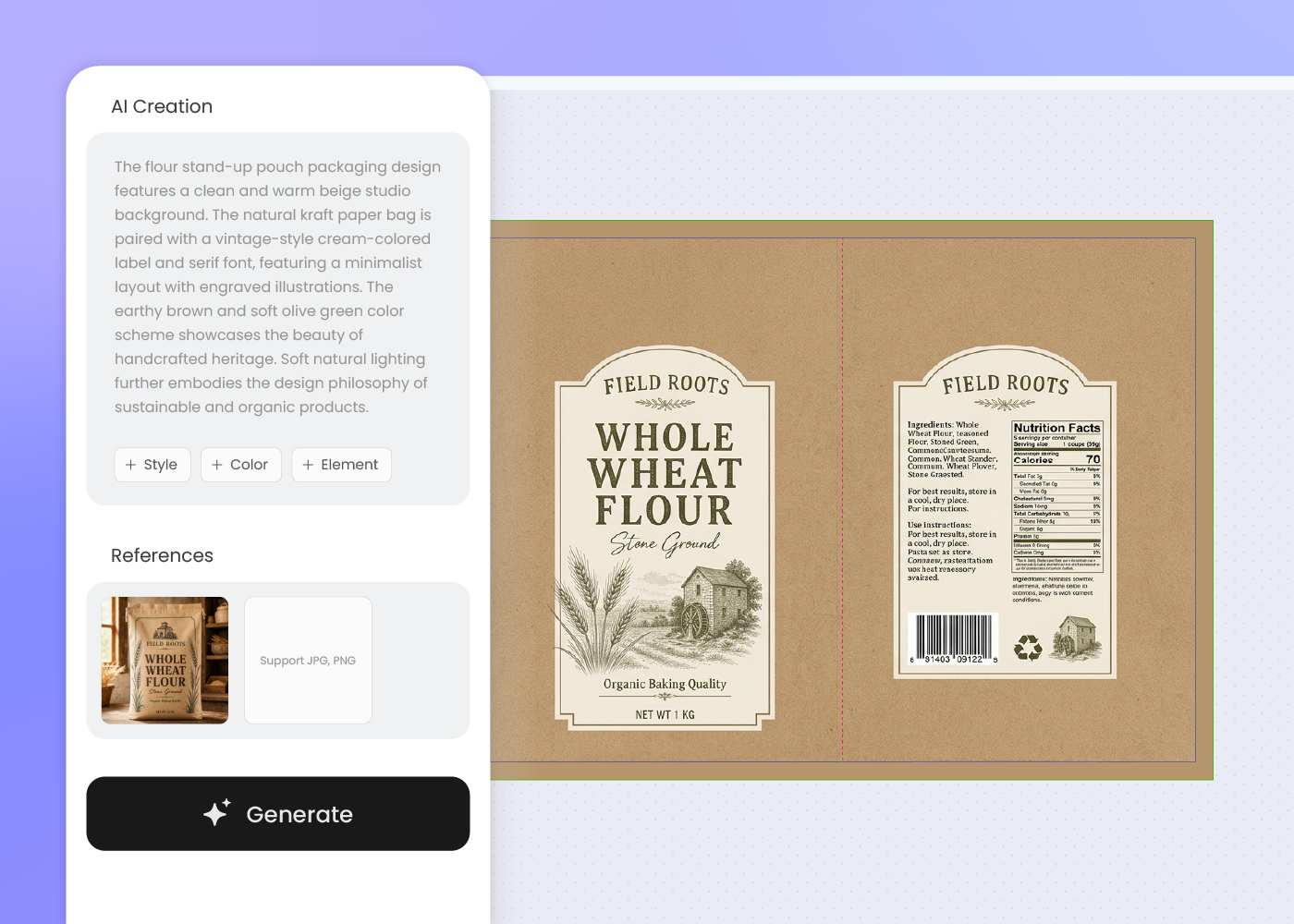
Step 2: Describe your flour type and brand
Enter your flour type, the mill story, and the brand world — organic, heritage stone-ground, or modern specialty — then regenerate until the bag fits the flour.
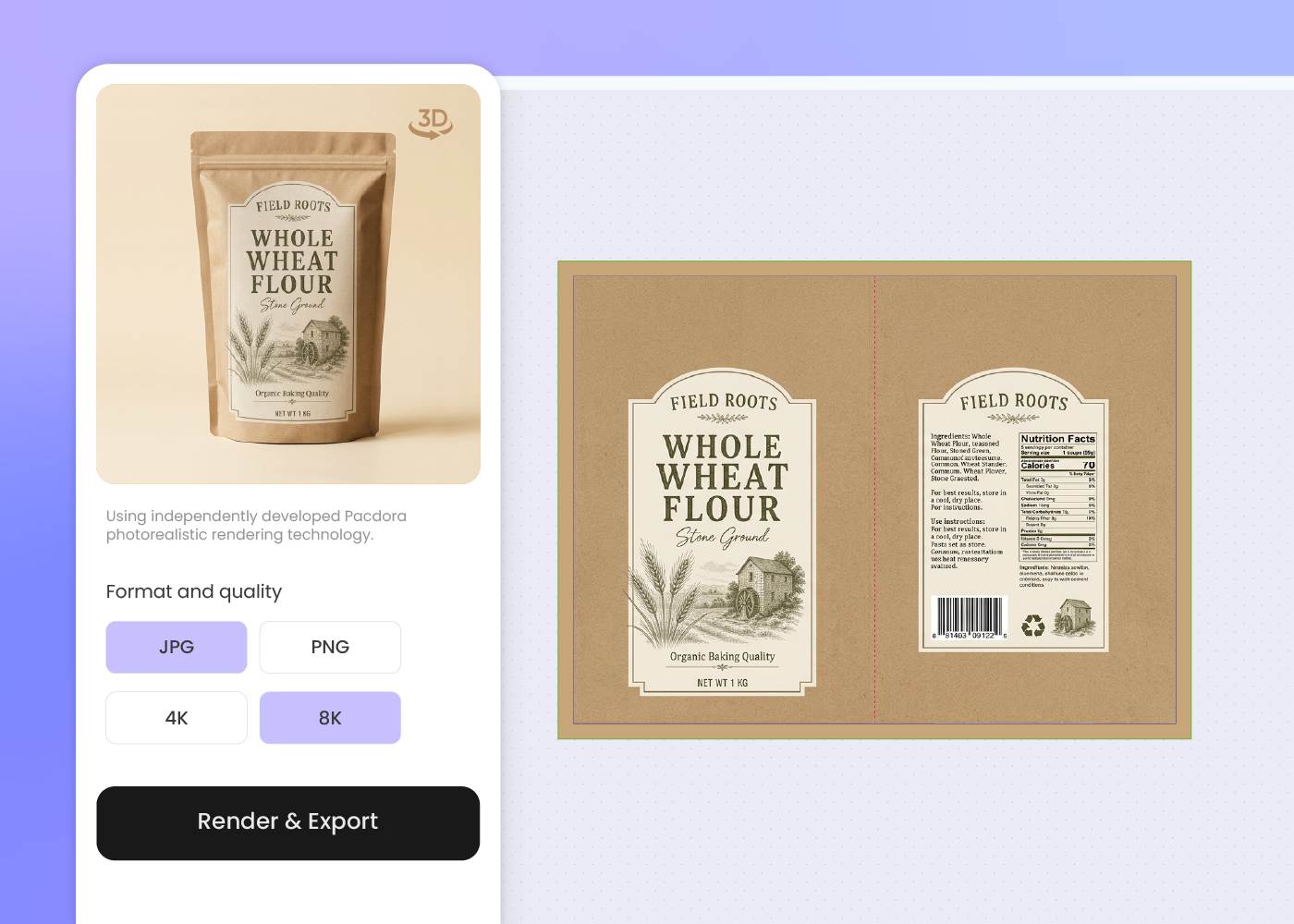
Step 3: Download the dieline and 3D mockup
Download a print-ready dieline plus a 3D bag preview — ready for your packaging printer, your Amazon listing, and your farmers-market table.
Step 1: Choose your flour bag or pouch
Pick a large stand-up pouch, a resealable kraft bag, or a multi-wall paper bag in your size — from 2 to 25 pounds — and Pacdora loads the profile and the dieline.
Step 2: Describe your flour type and brand
Enter your flour type, the mill story, and the brand world — organic, heritage stone-ground, or modern specialty — then regenerate until the bag fits the flour.
Step 3: Download the dieline and 3D mockup
Download a print-ready dieline plus a 3D bag preview — ready for your packaging printer, your Amazon listing, and your farmers-market table.
FAQ
Frequently asked questions
Which flour bag and pouch formats does Pacdora cover?
Large stand-up pouches, resealable kraft bags, and multi-wall paper bags across common 2-, 5-, 10-, and 25-pound sizes, each as a print-ready dieline you can find in our pouch dielines library. New formats are added over time — if your bag isn't there yet, pick the closest one and adjust.
Can Pacdora help keep flour fresh and pest-free?
At the design level, yes. Pacdora leaves room on the bag for a resealable zip and any freshness or storage callouts, then exports the dieline so your printer can run it on a high-barrier or food-grade kraft film — keeping flour fresher and harder for weevils to reach. The barrier film and material choice stays with you and the printer.
Can I lay out the recipe, allergen, and nutrition panels?
Yes. Pacdora lays out the flour type, the wheat-and-gluten allergen line, the nutrition panel, the net weight, and a recipe block as their own zones on the dieline — so you drop in the exact wording and your recipe before it goes to your copy or compliance check.
Can I keep a whole flour lineup looking like one brand?
Yes, with a quick workflow. Generate your all-purpose bag first, then describe each follow-on — bread, 00, whole wheat, gluten-free — in a new prompt using the same brand cues and layout. You re-prompt each type rather than batch them at once, so the lineup holds together while each flour stays easy to tell apart.
How much does AI flour packaging design cost?
You can start designing for free. Credits are consumed based on how many designs you generate and download. Check your account balance before generating, or upgrade for more credits anytime. For full details on subscription plans and credit packages, see our Pricing Page.
Can I use the flour packaging design commercially?
Yes. As long as you comply with our Terms of Service, AI-generated flour packaging can be used commercially — including DTC site product images, Amazon and marketplace listings, farmers-market and wholesale sell sheets, and Instagram or TikTok content.
Explore more free tools
Discover more about Pacdora
4M+
designers trust Pacdora
Flour packaging, perfected by AI.
