

AI label and packaging design
Type your product and label style — Pacdora drafts the label and previews it wrapped on your container in 3D.
Trusted by leading companies


Your label is read wrapped, not flat
A label that looks finished on a flat artboard can roll past the seam and crowd the panel once it wraps a bottle or pouch.
Pacdora drafts your label and previews it wrapped on the container in 3D. You fix the curve and the file before a printer sees it.
Why choose Pacdora AI for your label and packaging?
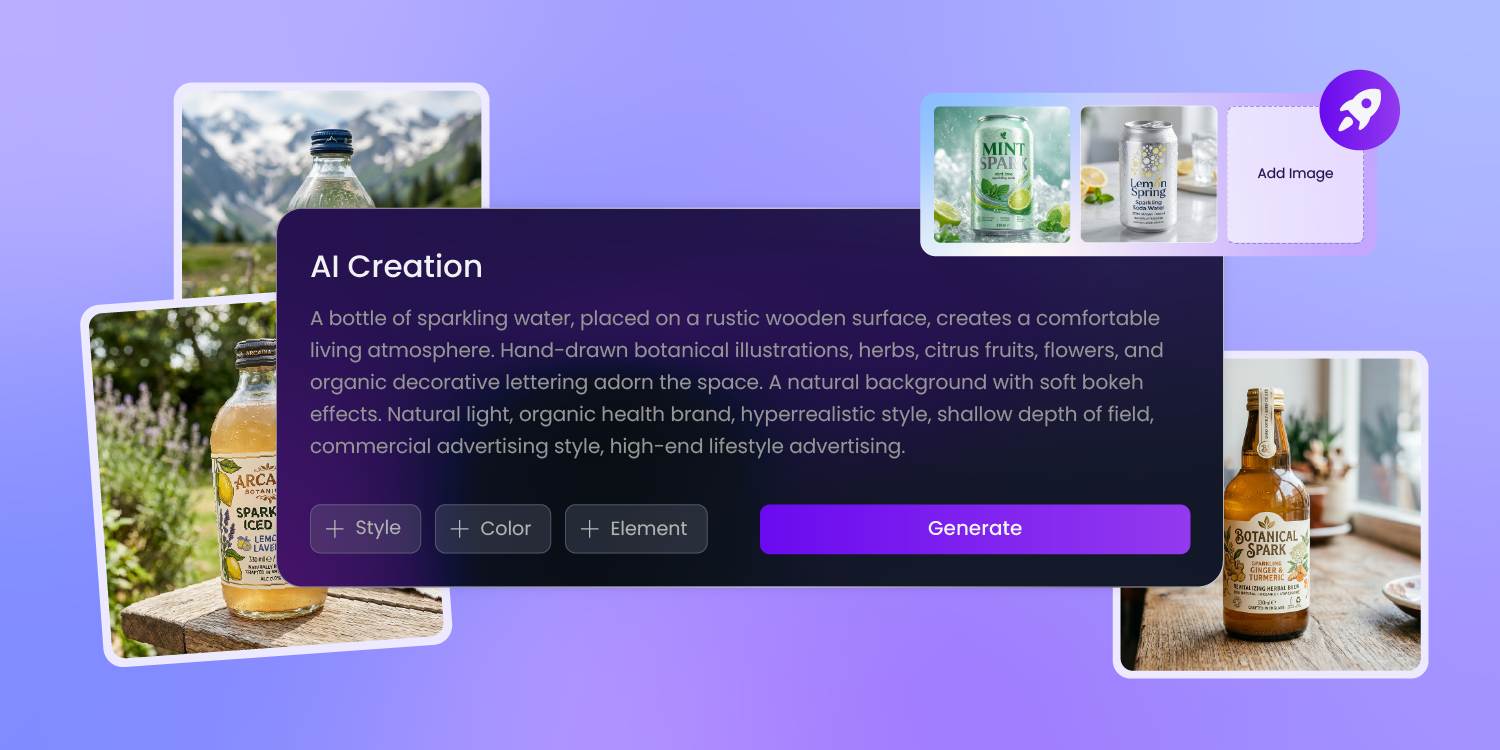
Turn a stock container into your brand
Off the shelf, a supplement bottle or a clear pouch looks like everyone else's, and the label is the only surface carrying your name.
Type your product, audience, and brand mood, and Pacdora drafts label artwork built around the way a pharmacy, beverage, or food pack is actually read.
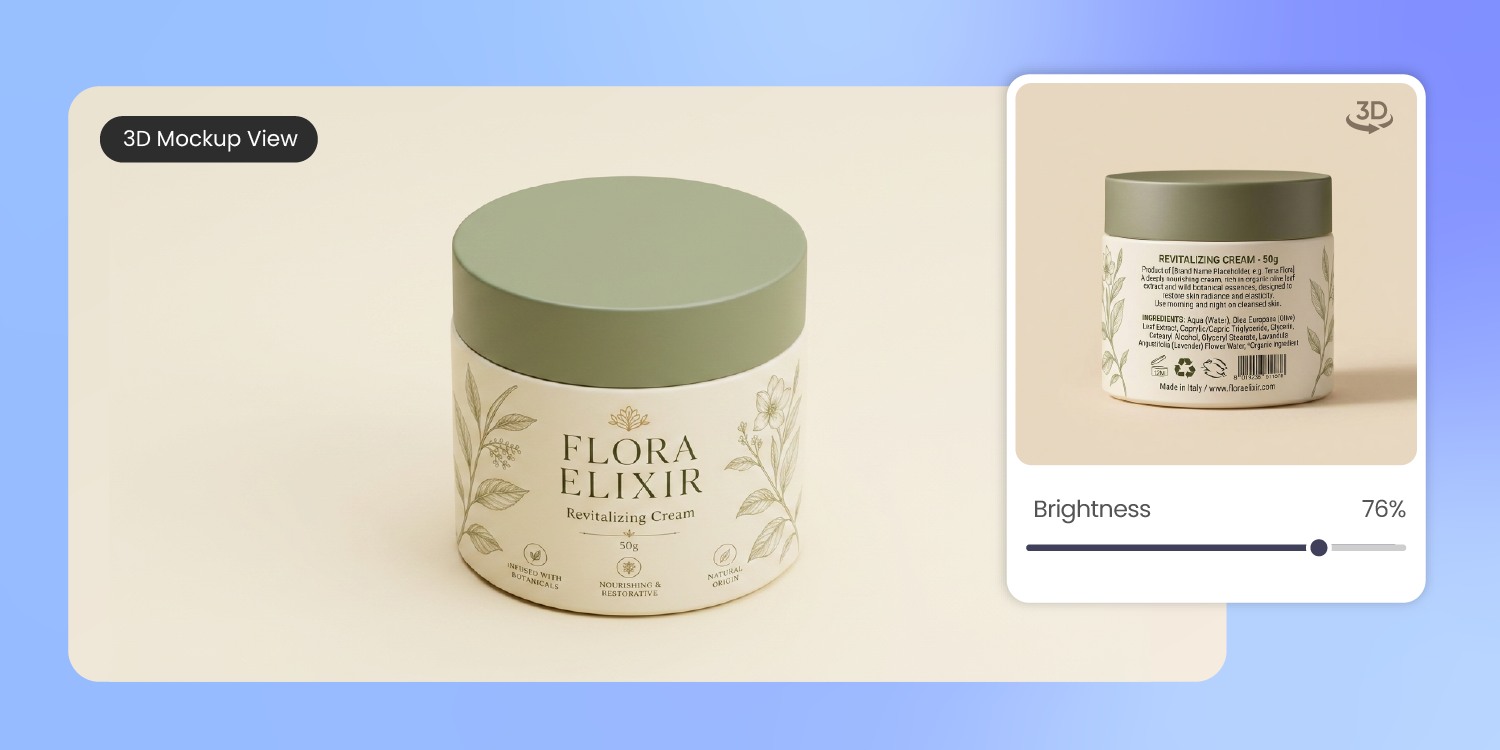
See your label wrap before printing
A flat proof hides what a curve does. A logo that sits straight on screen bows across a round bottle, and key copy rolls past the seam.
We wrap the design on the real container in 3D, so you read the front and the curve before ordering a sample.
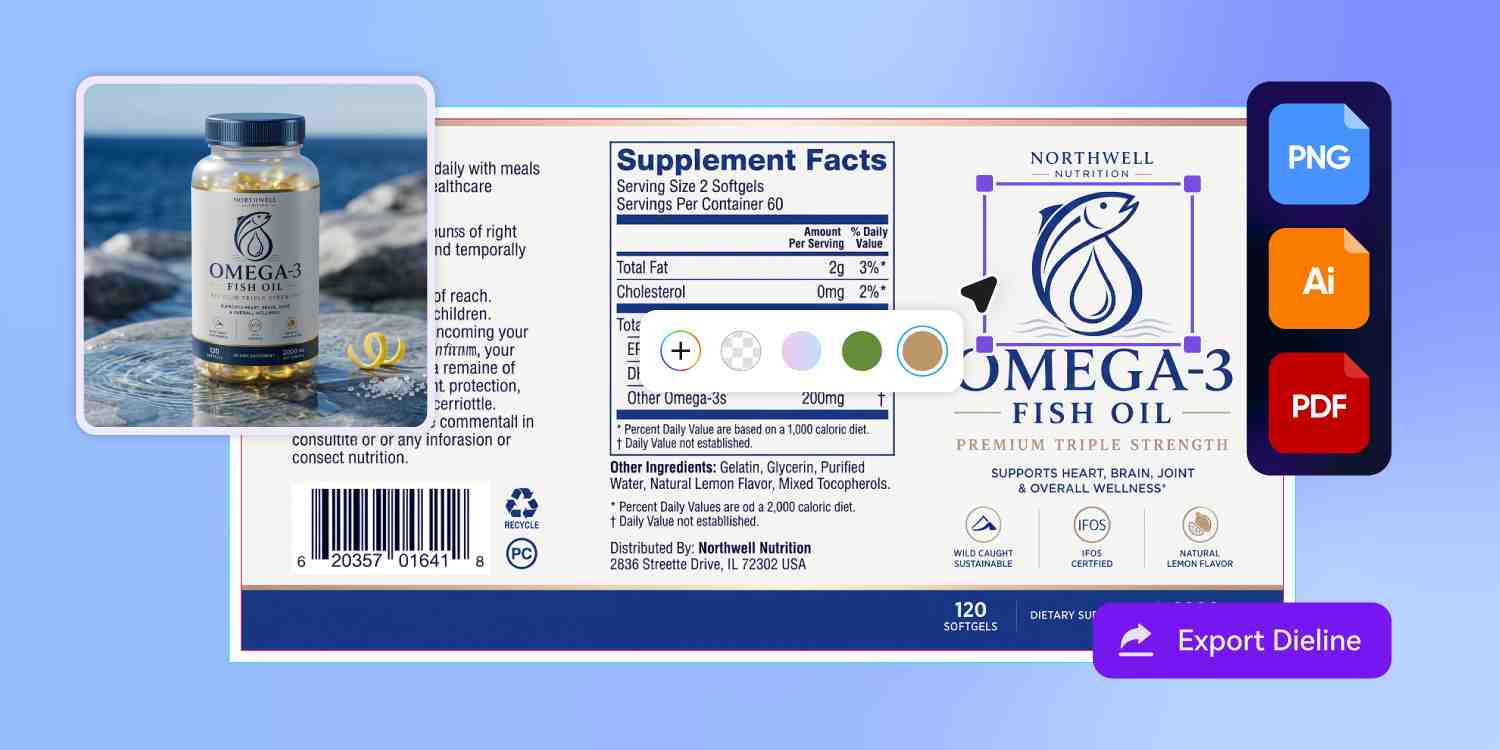
Hand the printer a clean file
Label houses bounce files for the same reasons every time — no bleed, a die line buried in the artwork, RGB color, fonts left un-outlined. Pacdora exports your label on its die-cut shape with bleed built in, ready for print review.
Your printer still confirms the material and final die-cut.
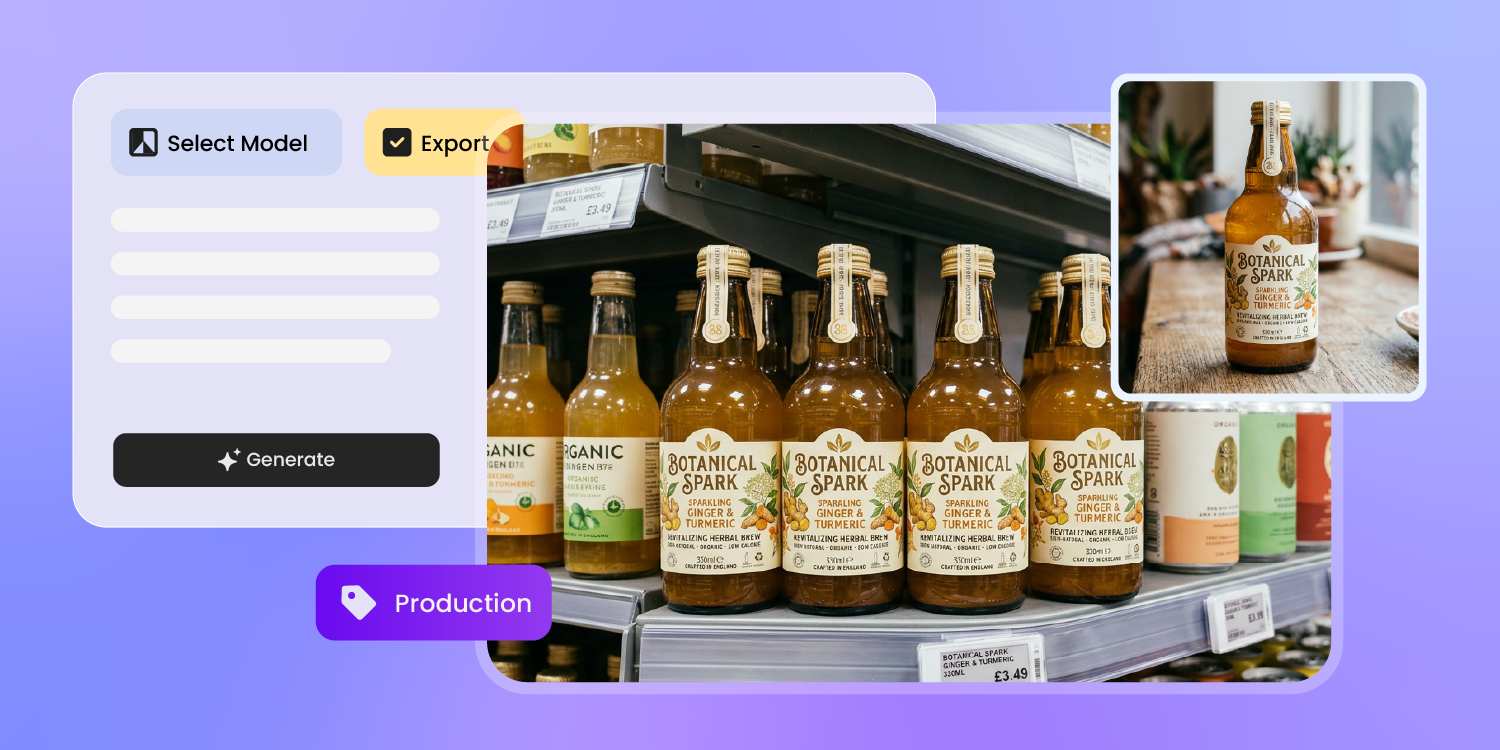
Launch before the first label prints
Your Amazon listing, pre-order page, and ad creative come due before the manufacturer has printed a thing.
Pacdora renders the labeled bottle, can, or pouch as a photoreal product shot you can drop straight into a listing or a paid ad — weeks before the first sample lands.
How to design labels and packaging with AI?
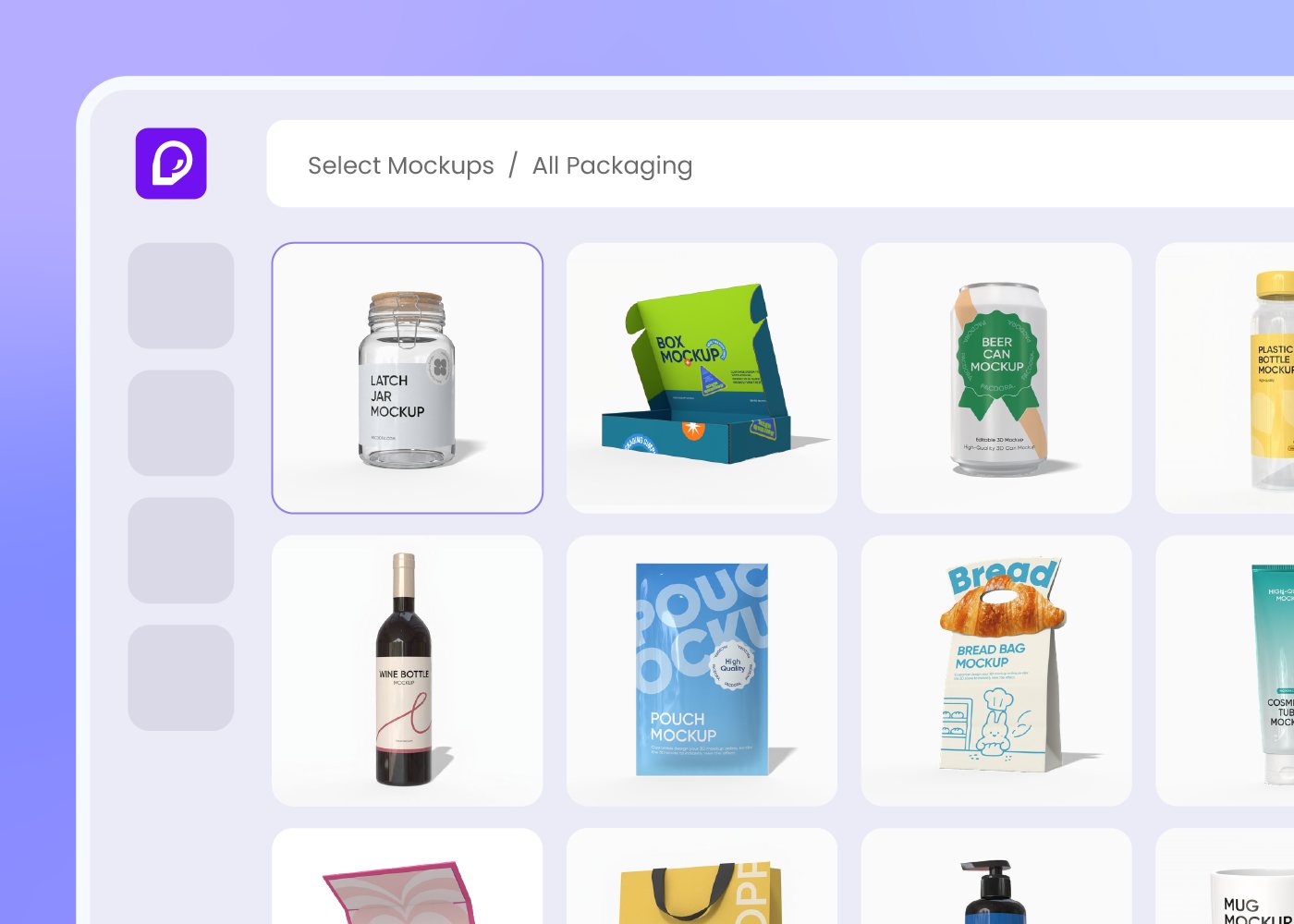
Step 1: Choose your container
Pick a bottle, jar, can, box, or stand-up pouch from Pacdora's library. The label area maps to the structure you choose.
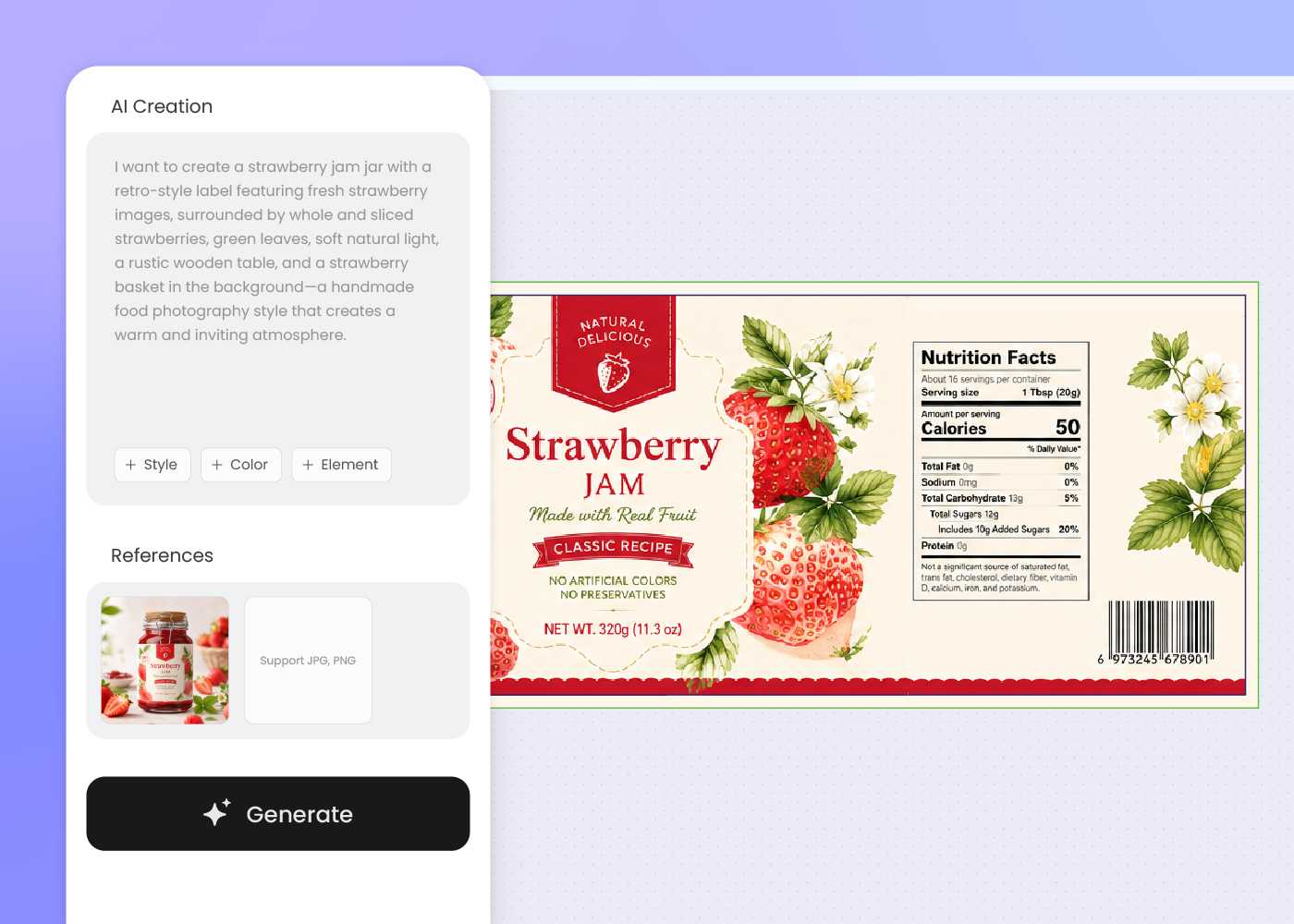
Step 2: Describe your label design
Describe your product, brand mood, on-pack copy, and visual direction. Add a reference image to follow a style, then regenerate until the label reads right.
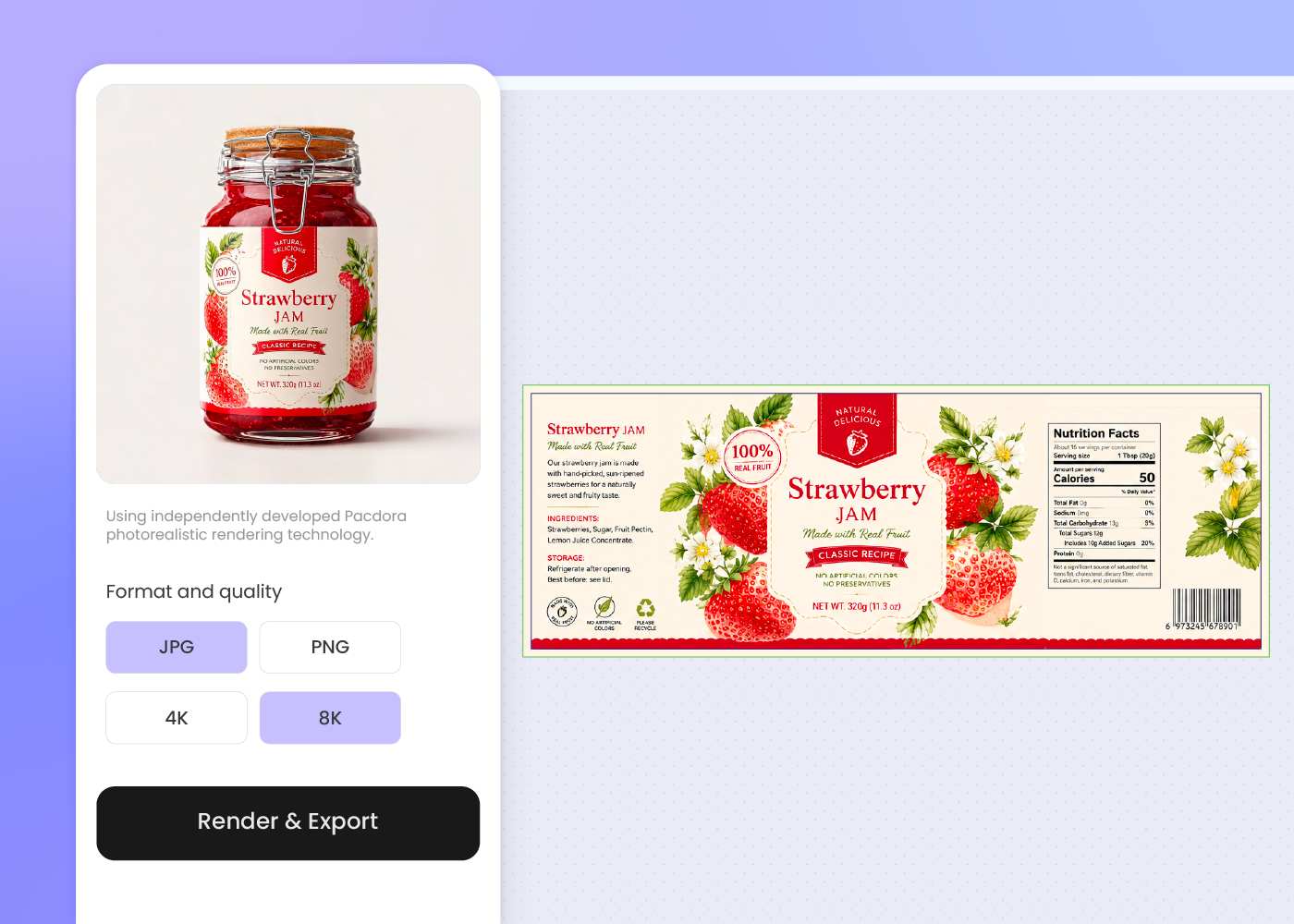
Step 3: Preview in 3D and export
Preview the label wrapped on your container in 3D, then export print-ready artwork and product mockups for your printer, Amazon listing, or pitch deck.
Step 1: Choose your container
Pick a bottle, jar, can, box, or stand-up pouch from Pacdora's library. The label area maps to the structure you choose.
Step 2: Describe your label design
Describe your product, brand mood, on-pack copy, and visual direction. Add a reference image to follow a style, then regenerate until the label reads right.
Step 3: Preview in 3D and export
Preview the label wrapped on your container in 3D, then export print-ready artwork and product mockups for your printer, Amazon listing, or pitch deck.
FAQ
Frequently asked questions
Can AI really design a product label?
Yes. Describe your product, brand, and the look you want, and Pacdora drafts label artwork on a real container structure instead of a flat poster. You guide it with prompts and a reference image, refine the type and layout, then export a print-ready file. Your printer confirms the final material and die-cut.
What packaging can I put a label on?
Pacdora covers the containers labels actually ship on — supplement and pharmacy bottles, beverage bottles and cans, jars, folding cartons, and stand-up pouches. Pick the closest structure first, then design the label to fit its panel and curve. More formats are coming soon.
Can I keep one label look across my bottle, box, and pouch?
Yes, with a consistent brief. Design your first SKU — say a beverage bottle — then start the next container, like a carton or pouch, and reuse the same brand cues, colors, and type direction in your prompt. Pacdora keeps the look consistent as you re-prompt each format; it doesn't carry elements across automatically.
Can I use a reference label or design?
Yes. Upload a reference label or moodboard and Pacdora reads the visual language — the color story, the type feel, the overall mood — and riffs in the same direction. It stays in that brand world rather than copying every detail exactly, so you still review the final type and spacing.
How much does AI label and packaging design cost?
You can start designing for free. Credits are consumed based on how many designs you generate and download. Check your account balance before generating, or upgrade for more credits anytime. For full details on subscription plans and credit packages, see our Pricing Page.
Can I use the label and packaging design commercially?
Yes. As long as you comply with our Terms of Service, AI-generated label and packaging designs can be used commercially — for ecommerce listings, retail shelves, pre-orders, and production with your printer or co-packer.
Explore more free tools
Discover more about Pacdora
4M+
designers trust Pacdora
Labels and packaging, perfected by AI.
