

Canva book mockup

Upload your image, make custom adjustments to the layout, and other elements. Instantly download PNG images for free.
Canva book mockup
Upload your image, make custom adjustments to the layout, and other elements. Instantly download PNG images for free.
Trusted by leading companies


Creating stunning book design takes just minutes with Pacdora!
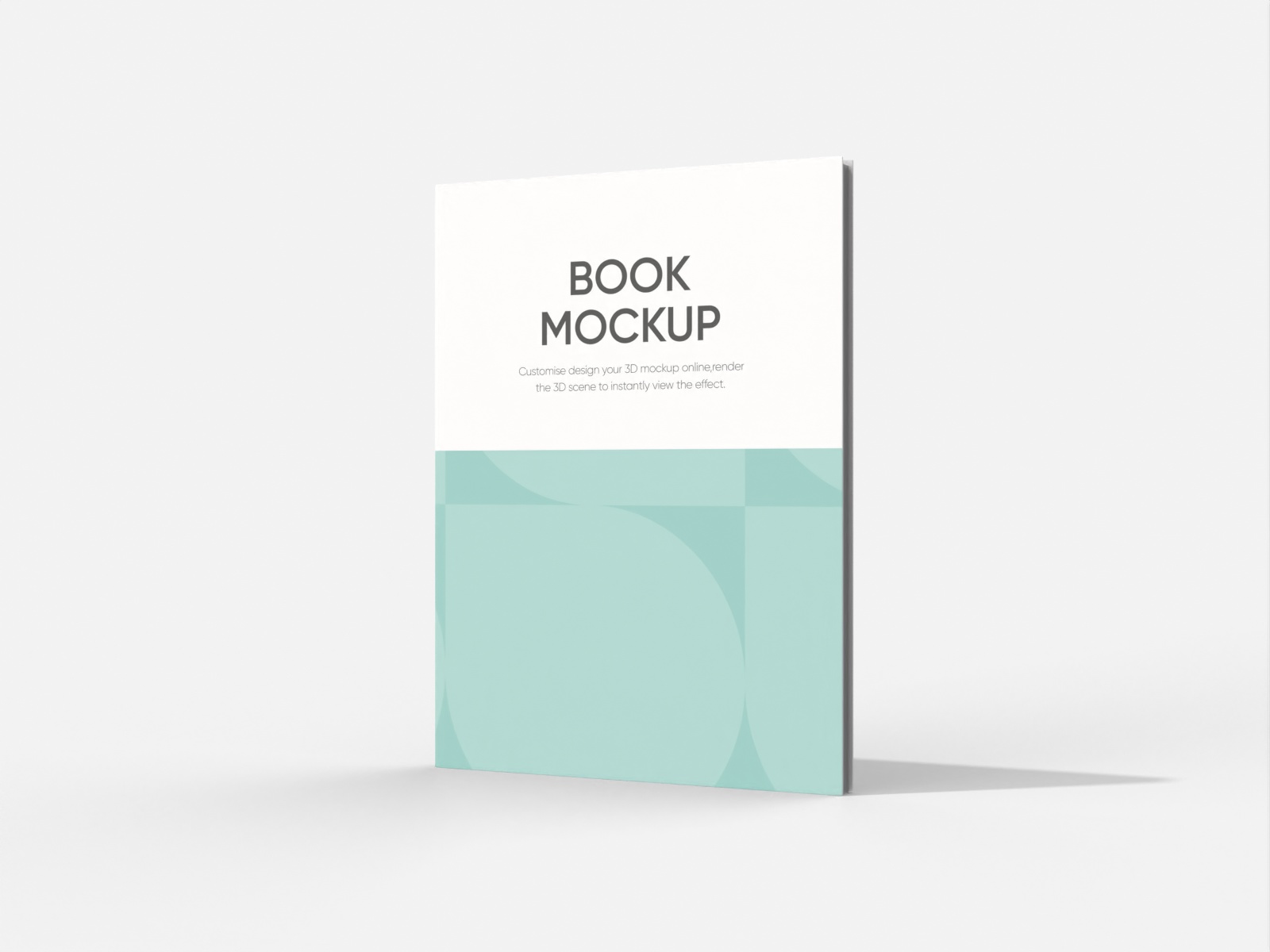
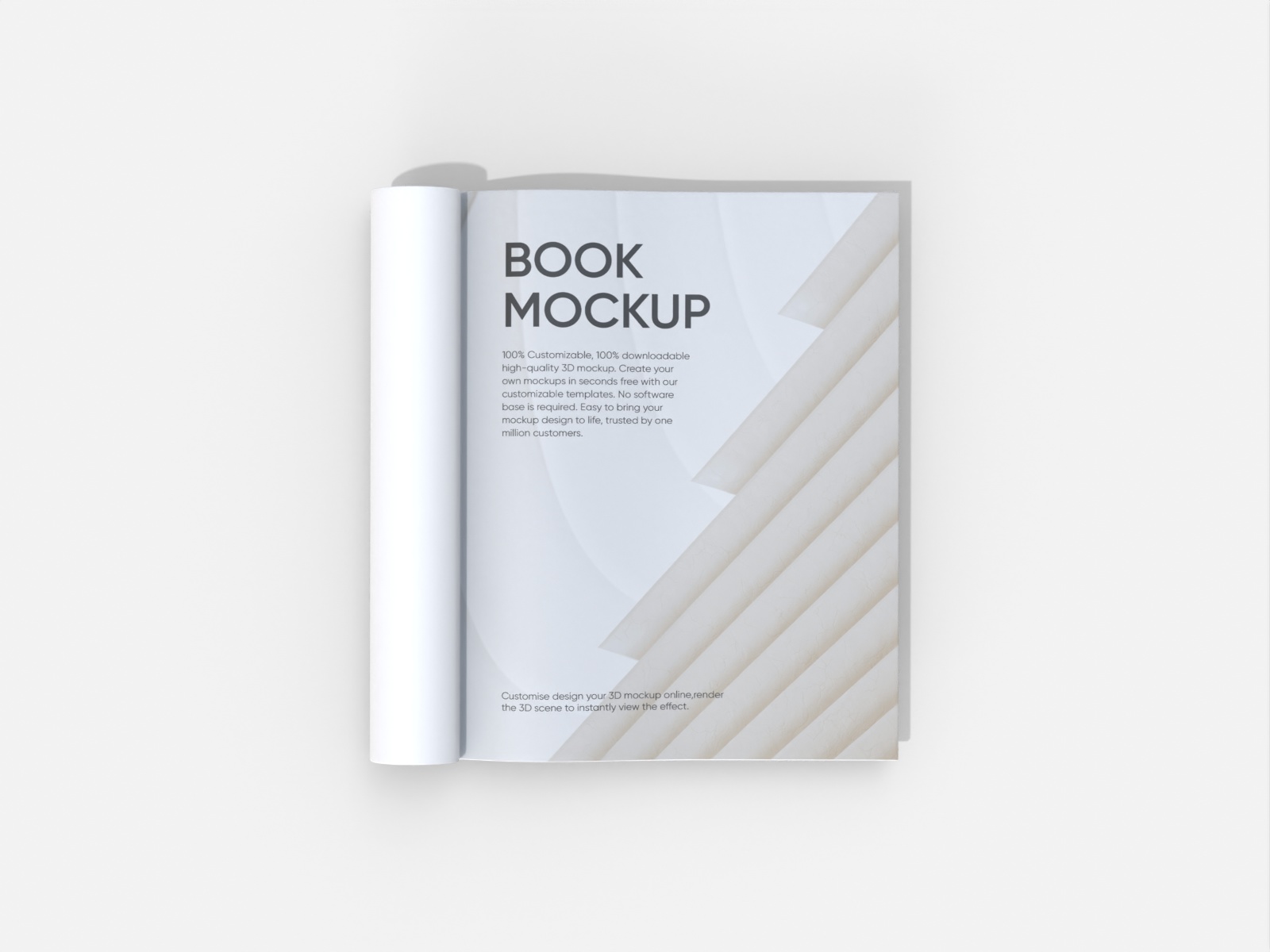
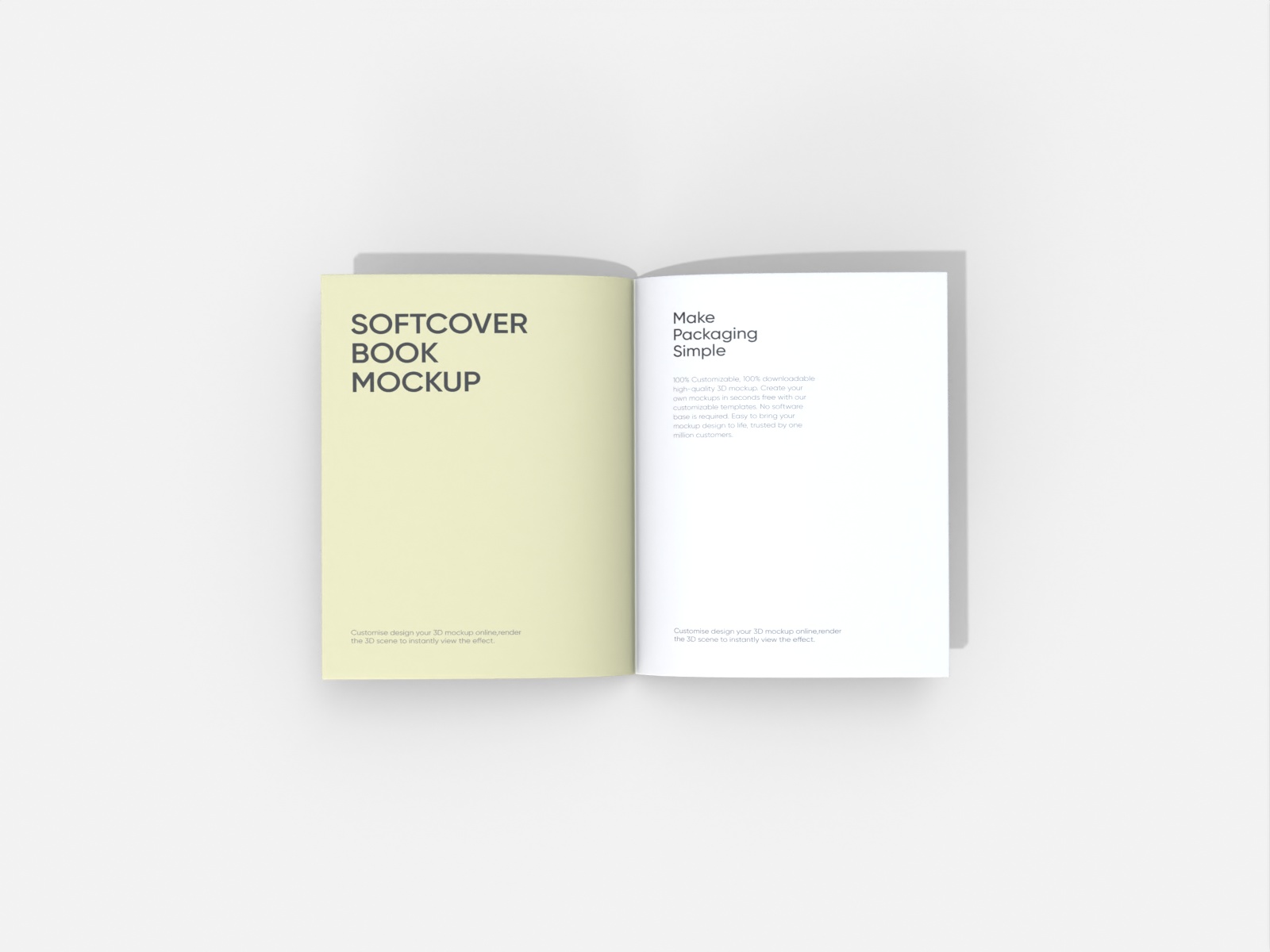
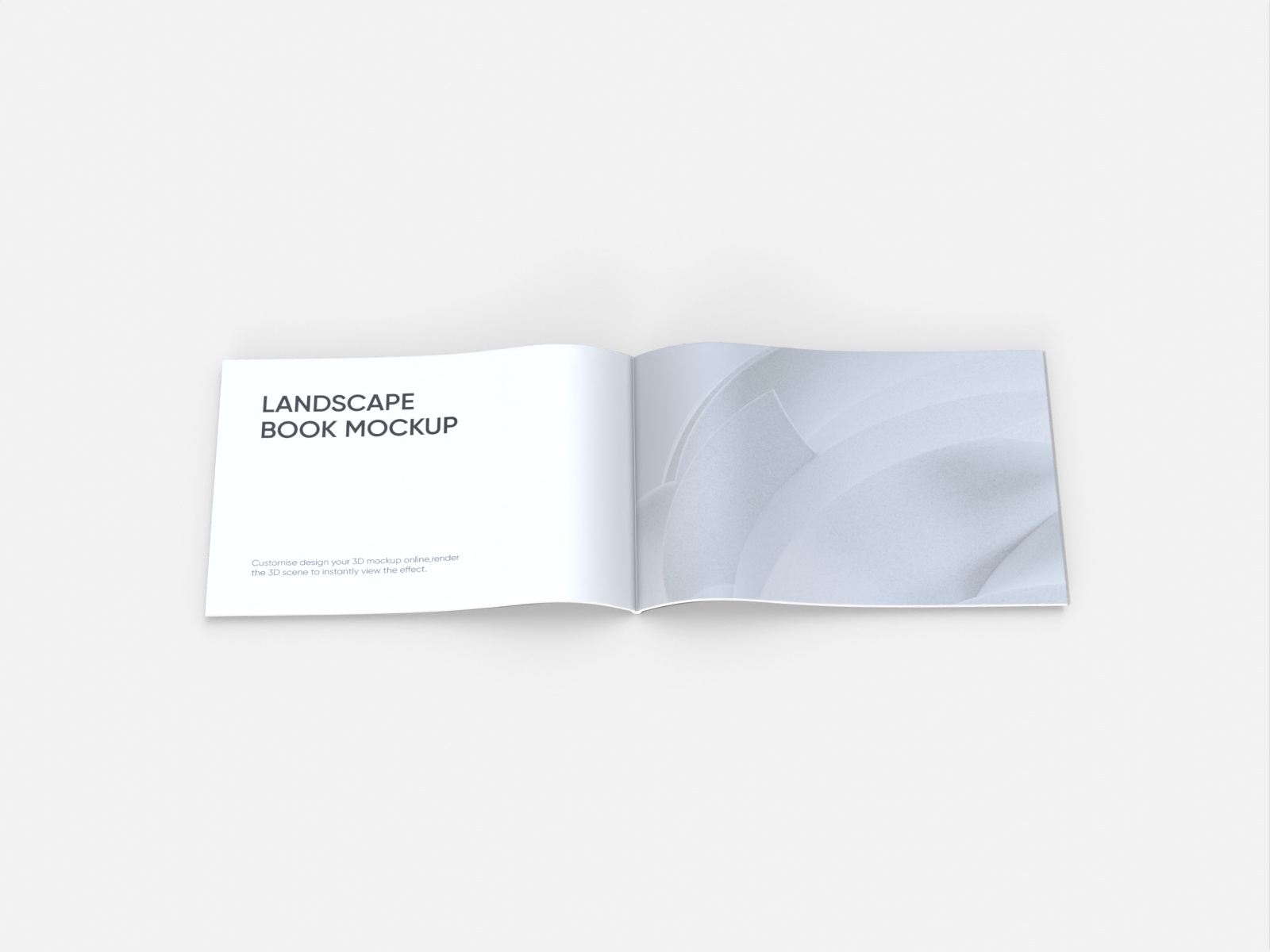
Looking to captivate your readers on Amazon KDP or Etsy with beautiful book designs? Pacdora offers the perfect book mockups for your project. Choose from open or closed, hardcover or paperback styles, and customize the front and back cover, and more with your images, colors, and fonts. Once everything is set, download and share your book design with your readers or clients as HD images or videos. Start creating yours today!


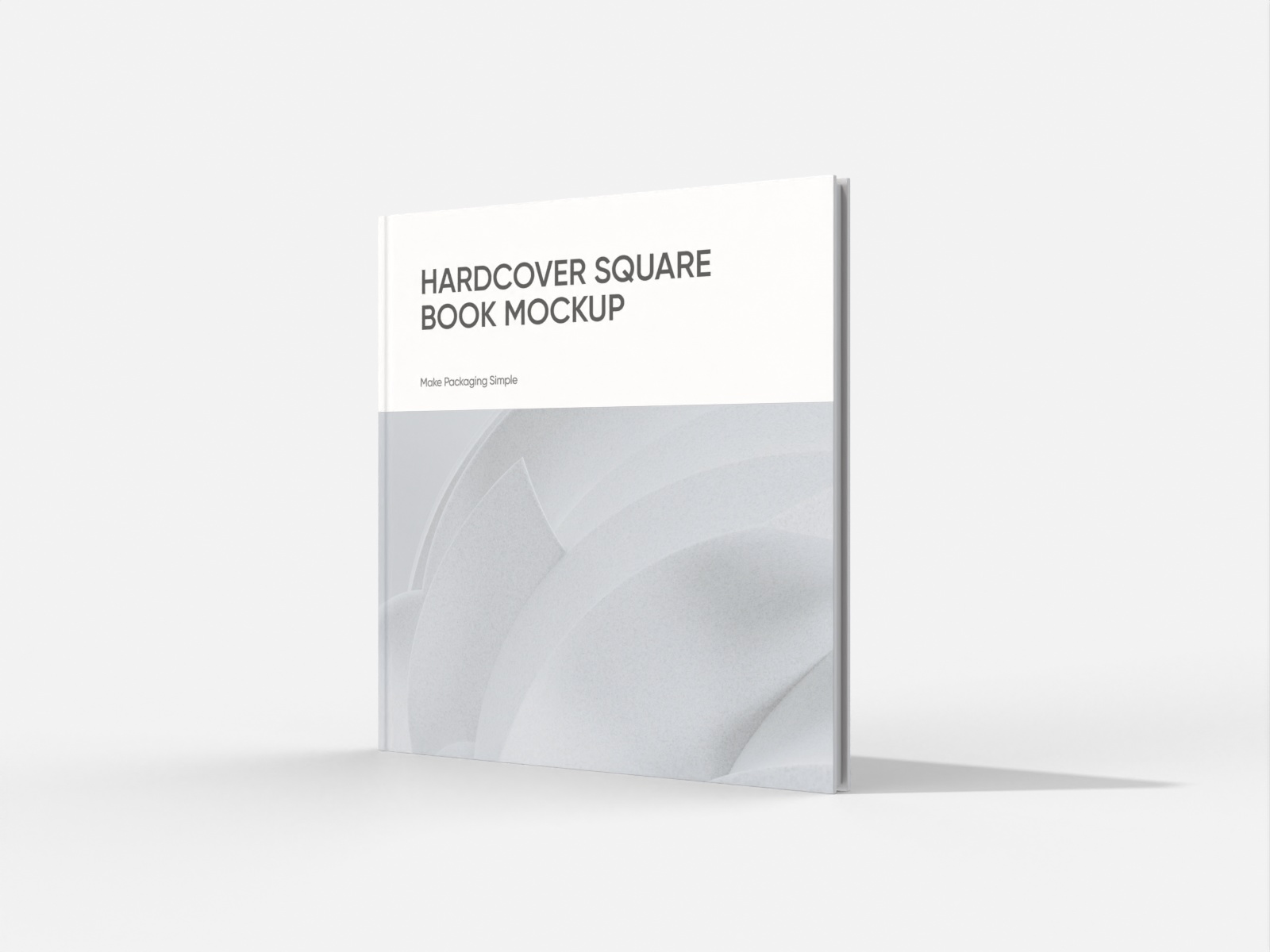
How to create Canva book designs online?
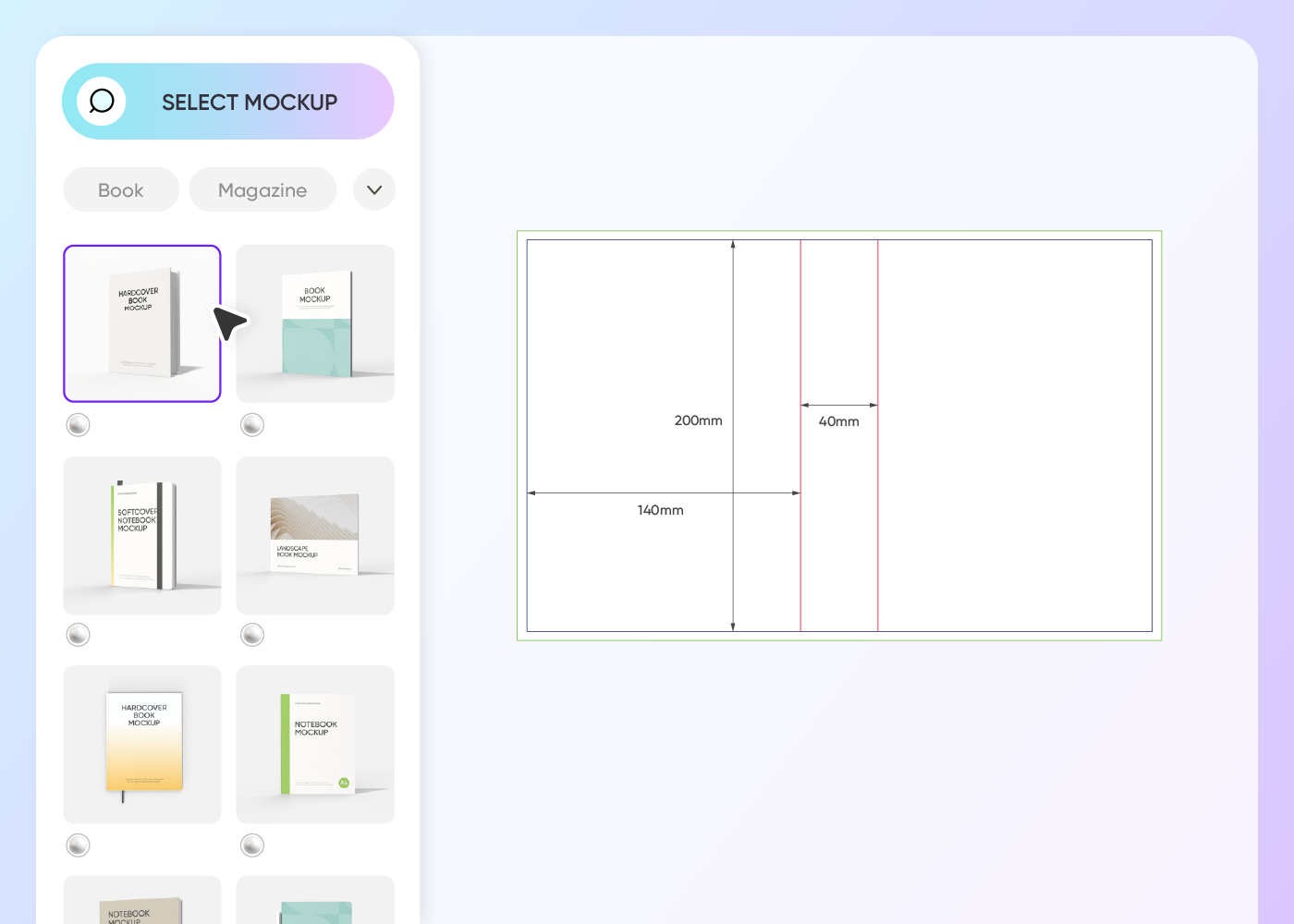
Step 1: Choose a book mockup
Choose a suitable book mockup from our hardcover and softcover styles to start making your design.
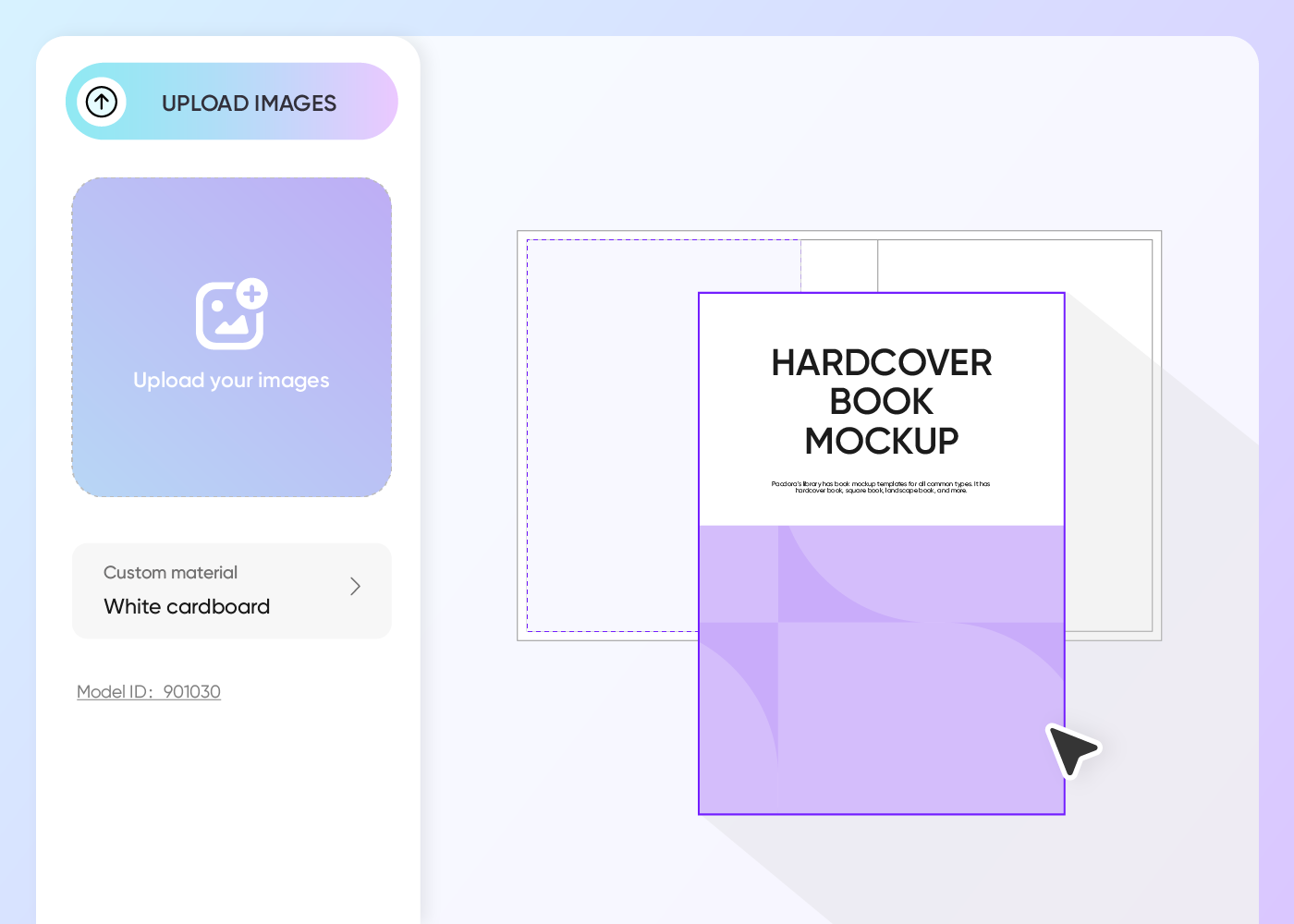
Step 2: Upload images and customize
Upload your image, change the layout, fonts, cover, background, and more to create a striking book for your readers.
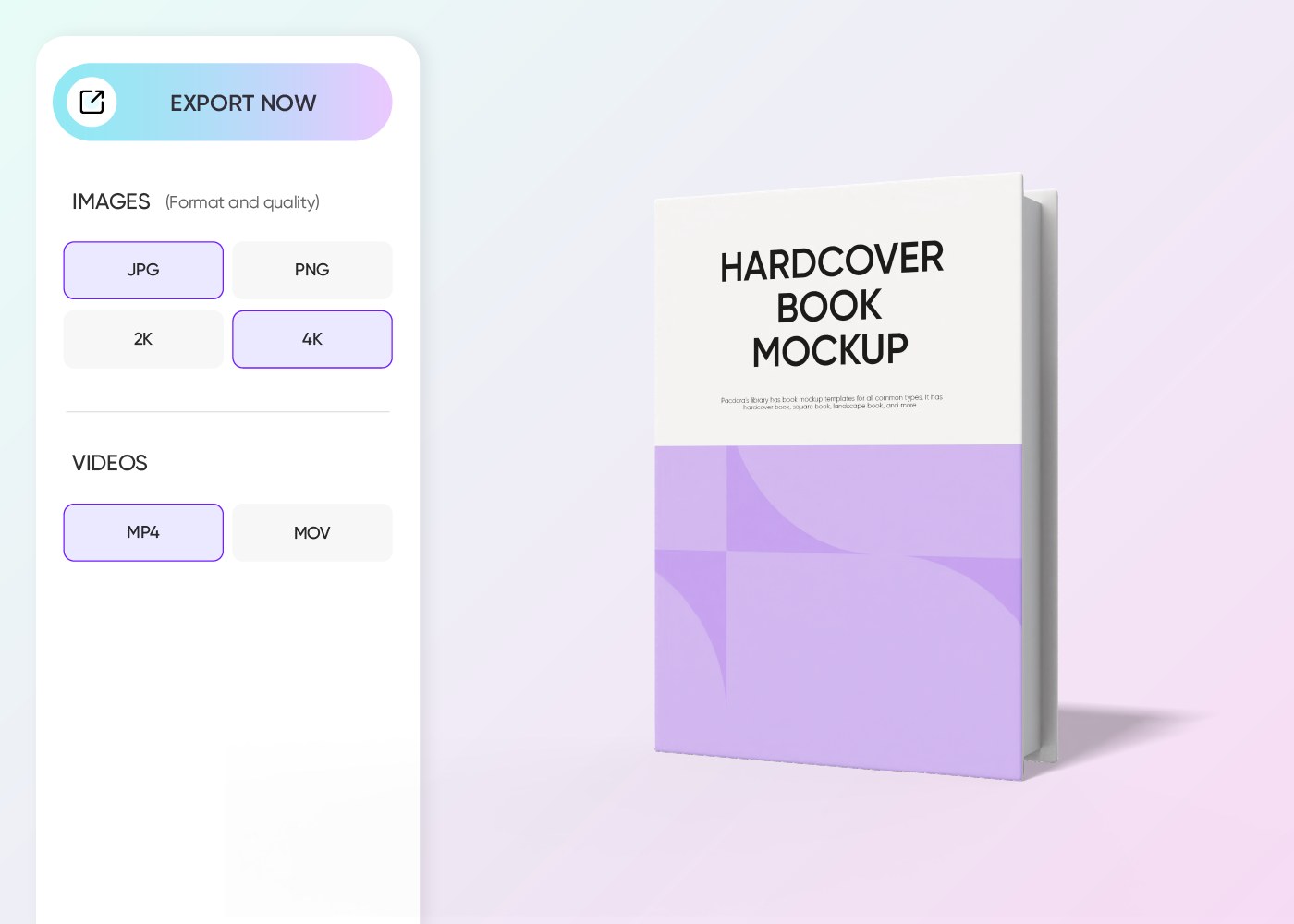
Step 3: Export your book design
Export your book design as a PNG/JPG image or video based on what works for your client or project.
Step 1: Choose a book mockup
Choose a suitable book mockup from our hardcover and softcover styles to start making your design.
Step 2: Upload images and customize
Upload your image, change the layout, fonts, cover, background, and more to create a striking book for your readers.
Step 3: Export your book design
Export your book design as a PNG/JPG image or video based on what works for your client or project.
Tips for designing books that captivate readers
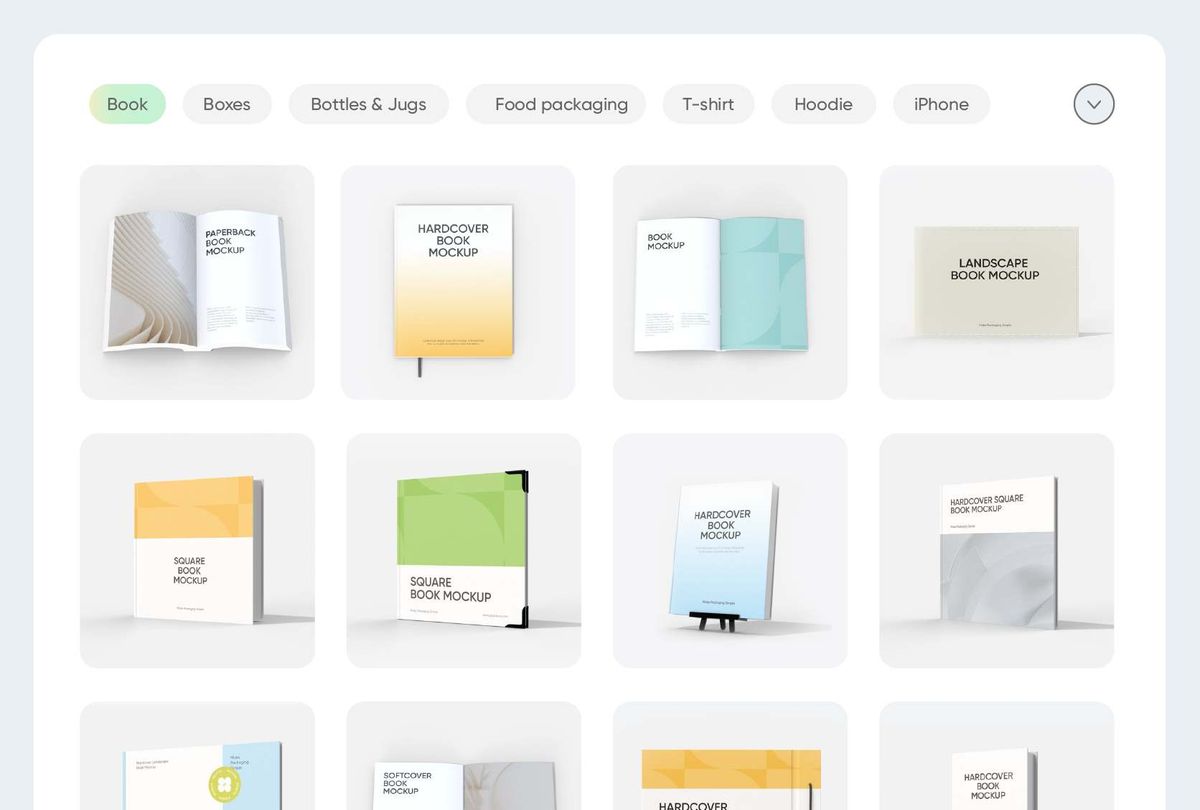
Display every book feature with lifelike 3D
Both Pacdora and Canva are excellent online platforms for creating book mockups. Pacdora offers realistic 3D book mockups to help you display the front, back, and spine design with ease.
Canva book mockups, on the other hand, lets you showcase your design in various styles, including hardcover and paperback formats.
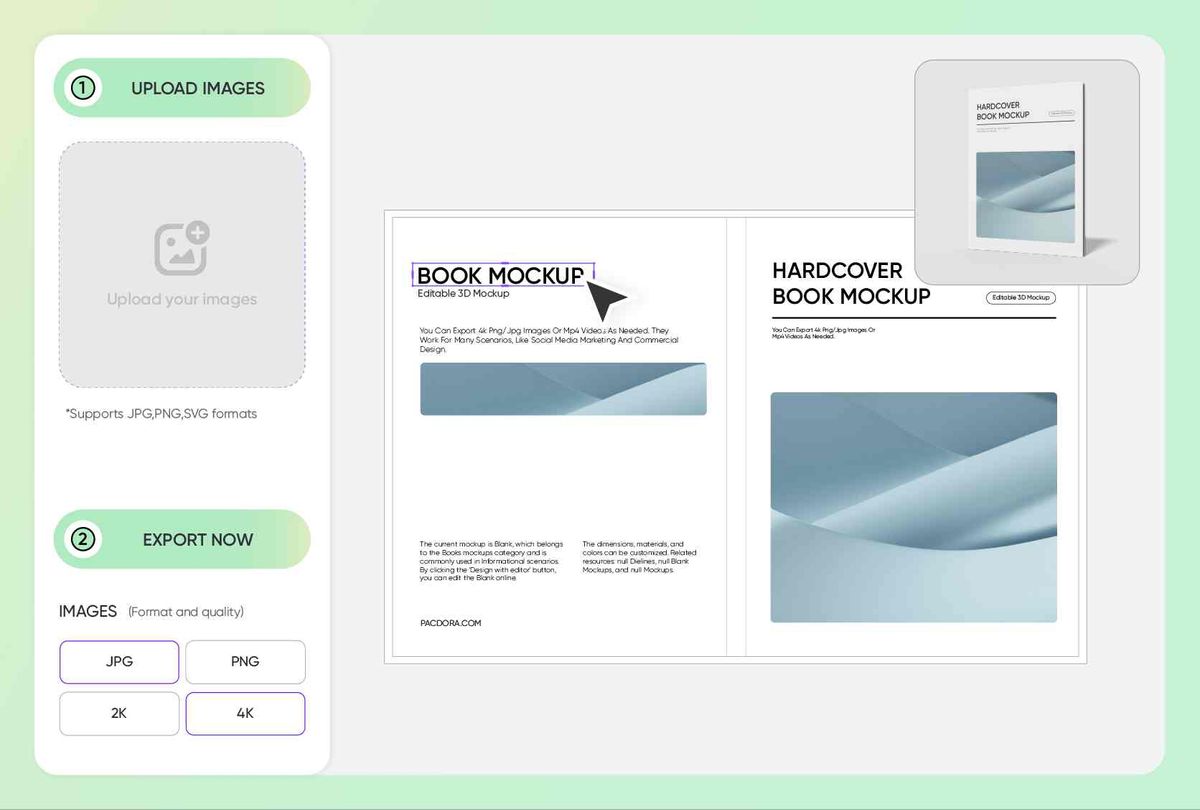
Cover design that instantly draws readers in
Make a strong first impression with a book cover that grabs readers right away. A dark, misty forest image on the cover can instantly signal the reader that it’s a mystery book.
Colors matter as well; red and black are popular choices for horror fiction, while warm colors suit romantic novels. Start your design now!
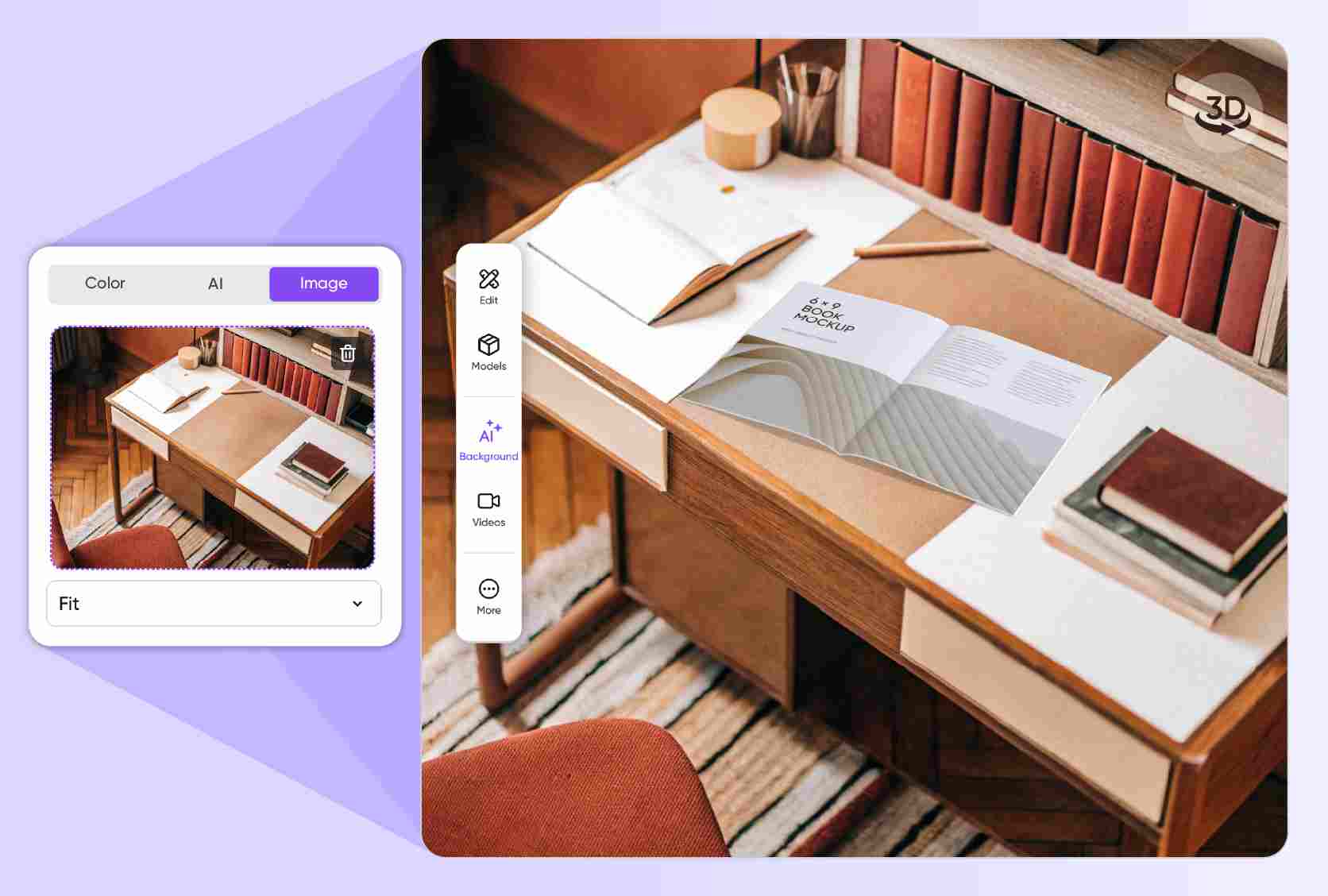
Pick backgrounds that make your book relatable
Place your hardcover book on a wooden desk with a coffee cup or small props to make it feel tangible. This setup captures attention on online stores, encouraging clicks and engagement.
Softcover books, especially fantasy or general fiction, look great outdoors, on a picnic blanket, giving a relaxed feel.

Display your book design with stunning visuals
Great designs deserve to be seen in their best light. That’s why, at Pacdora, we support multiple formats, like HD PNG/JPG for online store use, Amazon KDP display, and more.
You can also download 4K MP4 videos to showcase your book in 3D, with an engaging view of the front and back covers, and even the interior layout.
Display every book feature with lifelike 3D
Both Pacdora and Canva are excellent online platforms for creating book mockups. Pacdora offers realistic 3D book mockups to help you display the front, back, and spine design with ease.
Canva book mockups, on the other hand, lets you showcase your design in various styles, including hardcover and paperback formats.
Cover design that instantly draws readers in
Make a strong first impression with a book cover that grabs readers right away. A dark, misty forest image on the cover can instantly signal the reader that it’s a mystery book.
Colors matter as well; red and black are popular choices for horror fiction, while warm colors suit romantic novels. Start your design now!
Pick backgrounds that make your book relatable
Place your hardcover book on a wooden desk with a coffee cup or small props to make it feel tangible. This setup captures attention on online stores, encouraging clicks and engagement.
Softcover books, especially fantasy or general fiction, look great outdoors, on a picnic blanket, giving a relaxed feel.
Display your book design with stunning visuals
Great designs deserve to be seen in their best light. That’s why, at Pacdora, we support multiple formats, like HD PNG/JPG for online store use, Amazon KDP display, and more.
You can also download 4K MP4 videos to showcase your book in 3D, with an engaging view of the front and back covers, and even the interior layout.
Our customers love Pacdora’s mockup tools
Thousands before you have designed realistic mockups with Pacdora and loved it.

Great mock-ups and literally thousands of packaging designs to choose from. The 3d mock-up is so good, helps bring clarity to the client as well as the designers. Great product for packaging design professionals.


cosmiccorner
Move over, complicated design software! Pacdora is the superhero of packaging mockups. Creating 3D magic for my products is as easy as pie – no PhD in design required. It’s like the software looked at the clock and said, ‘Time to save users from design nightmares!’ It’s so user-friendly, even my coffee mug wants to try its hand at packaging design.
FAQ
What are the benefits of using a book mockup?
With Canva’s book mockup, you can conveniently visualize your book design, check for any issues, and fix them before the actual printing or publication. Pacdora takes it further with 3D mockups that allow you to preview the front, back, spine, and even interior pages, so every detail looks professional and ready for social media or online store displays.
Do I need design experience to create book mockups?
Not at all! You can easily make book mockups on Pacdora even if you’re just starting out. Our platform is user-friendly, well laid out, and includes all the features you need to make your mockup right from your device. Just pick from our ready-to-use 3D book mockups, make adjustments to your liking until everything looks perfect. Designing on Pacdora is fast, simple, and enjoyable!
What material can I choose for my book mockup?
White cardboard is the ideal material to use. It is cost-effective, sturdy, and durable. This material offers a smooth surface that makes design elements like color, text, and images stand out with an eye-catching look. Plus, it’s versatile, which means you can use it for any book theme or style and still end up with a professional, polished book mockup.
What dimensions should I use for a book mockup?
The right size really depends on the type of book you’re designing. For most paperback novels, 5.5 × 8.5 inches is the standard, while 6 × 9 inches works well for nonfiction. If you’re going hardcover, 8.5 × 11 inches is great for textbooks, and coffee tables or art books usually look best around 10 × 10 inches. So, it all comes down to what works for your project.
Can I create a book mockup for free on Pacdora?
Absolutely! Pacdora’s core features are available for free. We also offer premium services that users can subscribe to based on their design needs. For more details, check out our pricing page.
Explore more mockup tools
Discover more about Pacdora


