

Custom white boxes

Add custom artwork, brand marks, or text details to your white boxes and adjust the layout! Download high-quality PNGs for free!
Custom white boxes
Add custom artwork, brand marks, or text details to your white boxes and adjust the layout! Download high-quality PNGs for free!
Trusted by leading companies


Design professional-looking custom white boxes in seconds with Pacdora!
Pacdora lets you create white boxes in a variety of shapes and styles online. You can select from square, polygonal, rectangular, gable-top, and tuck-end designs. Upload unique graphics or branding components to give your boxes an authentic appearance. Tweak colors, add backgrounds, and adjust the box dimensions at no cost. Download your custom white boxes as high-resolution PNG/JPG images, MP4 videos, or dieline files. Try now!
Browse more white boxes now

Tuck end cereal box mockup
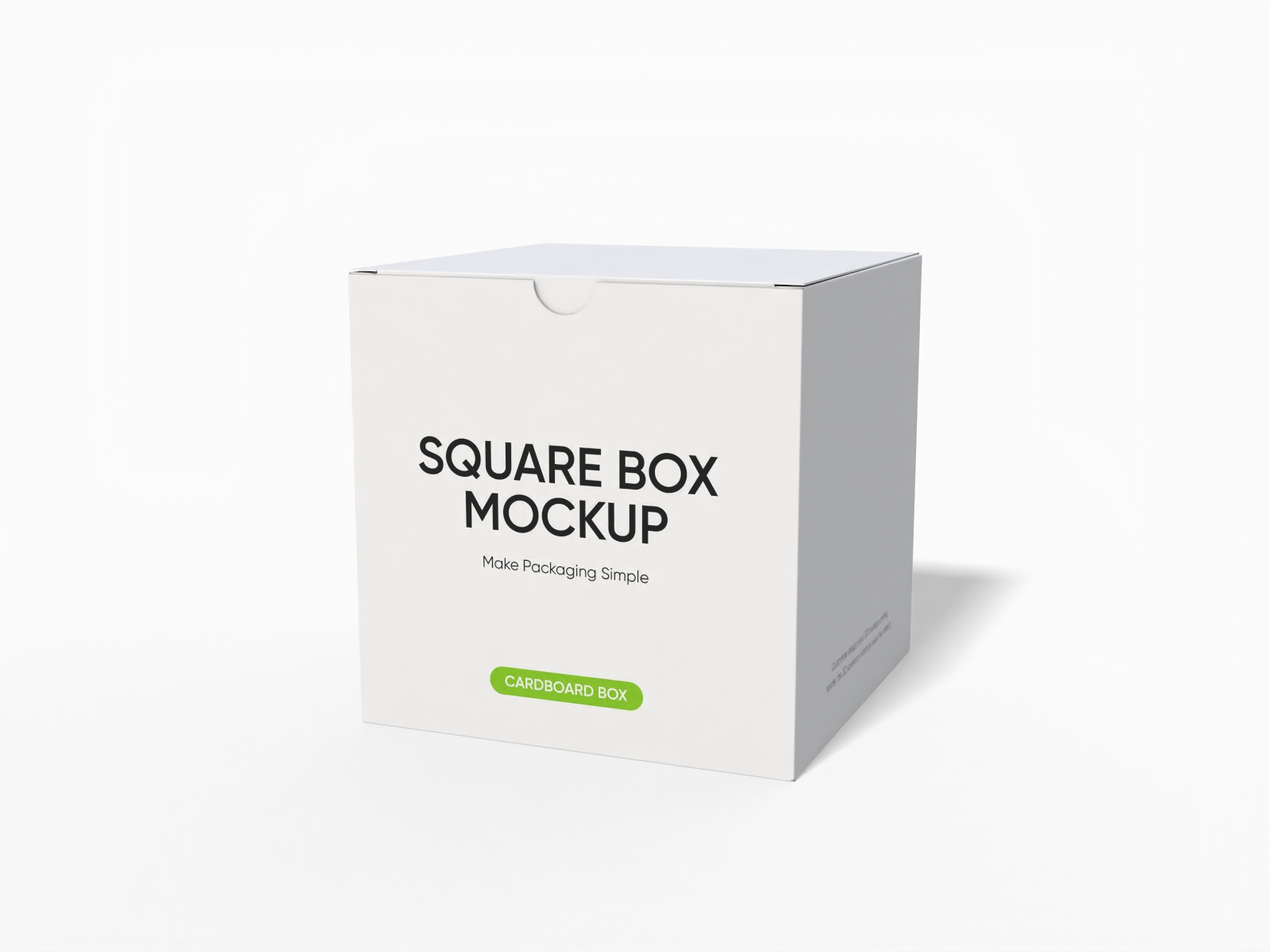
Tuck end open square box mockup

Flip top magnetic gift box mockup
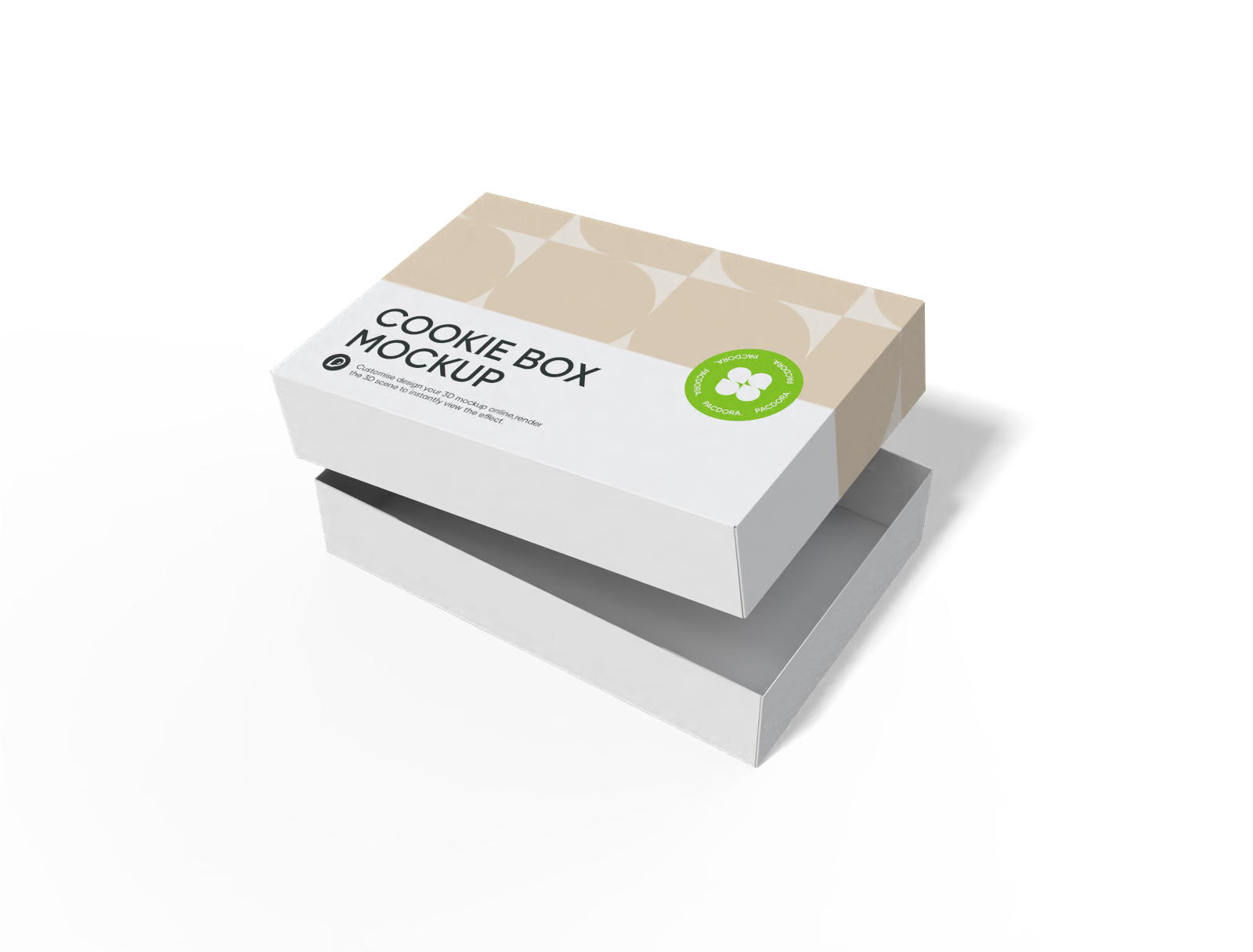
FEFCO 0300 shoe box with lid mockup
Tuck end boxes back open mockup
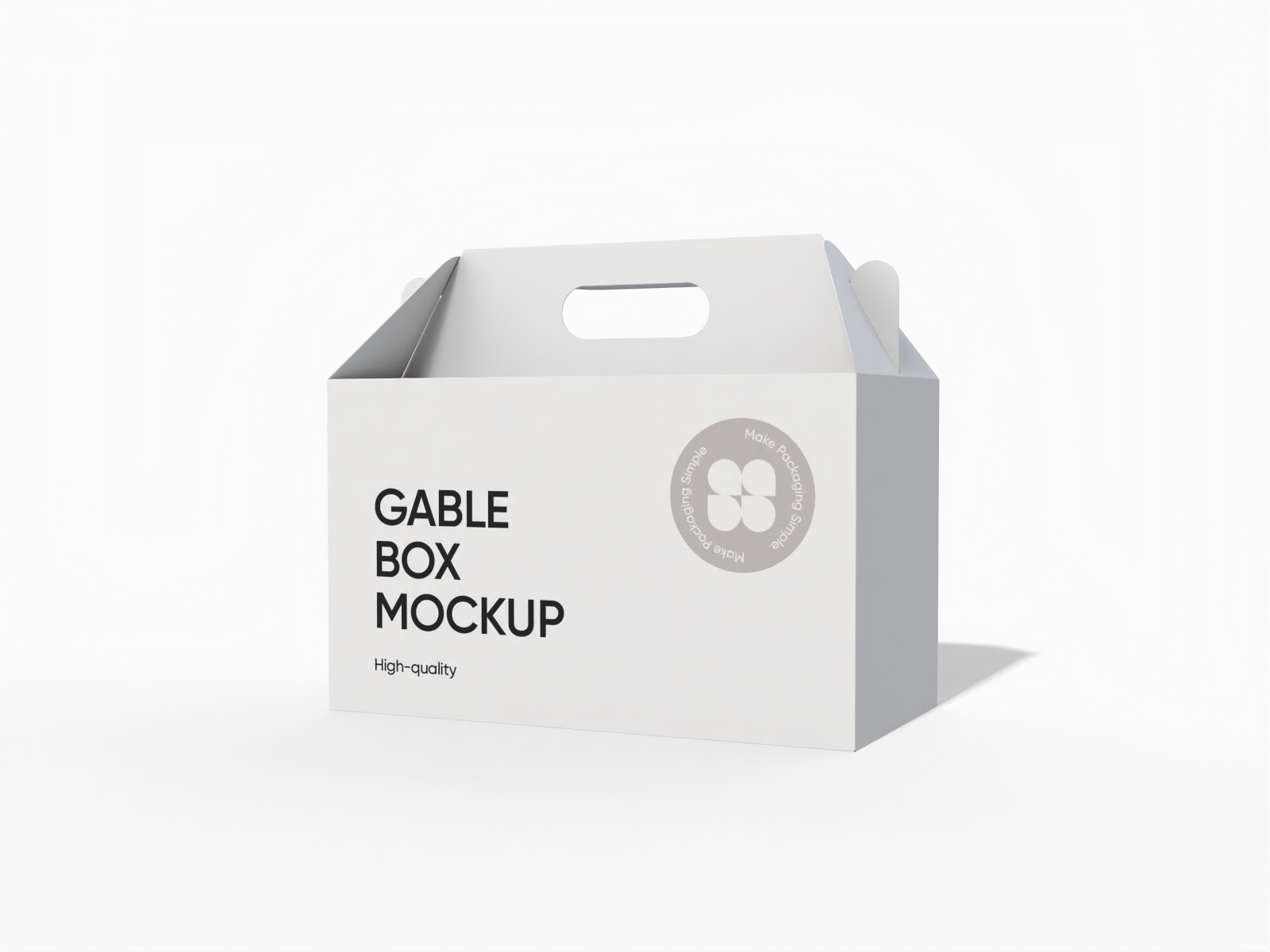
FEFCO 0217 1-2-3 bottom with handle box mockup
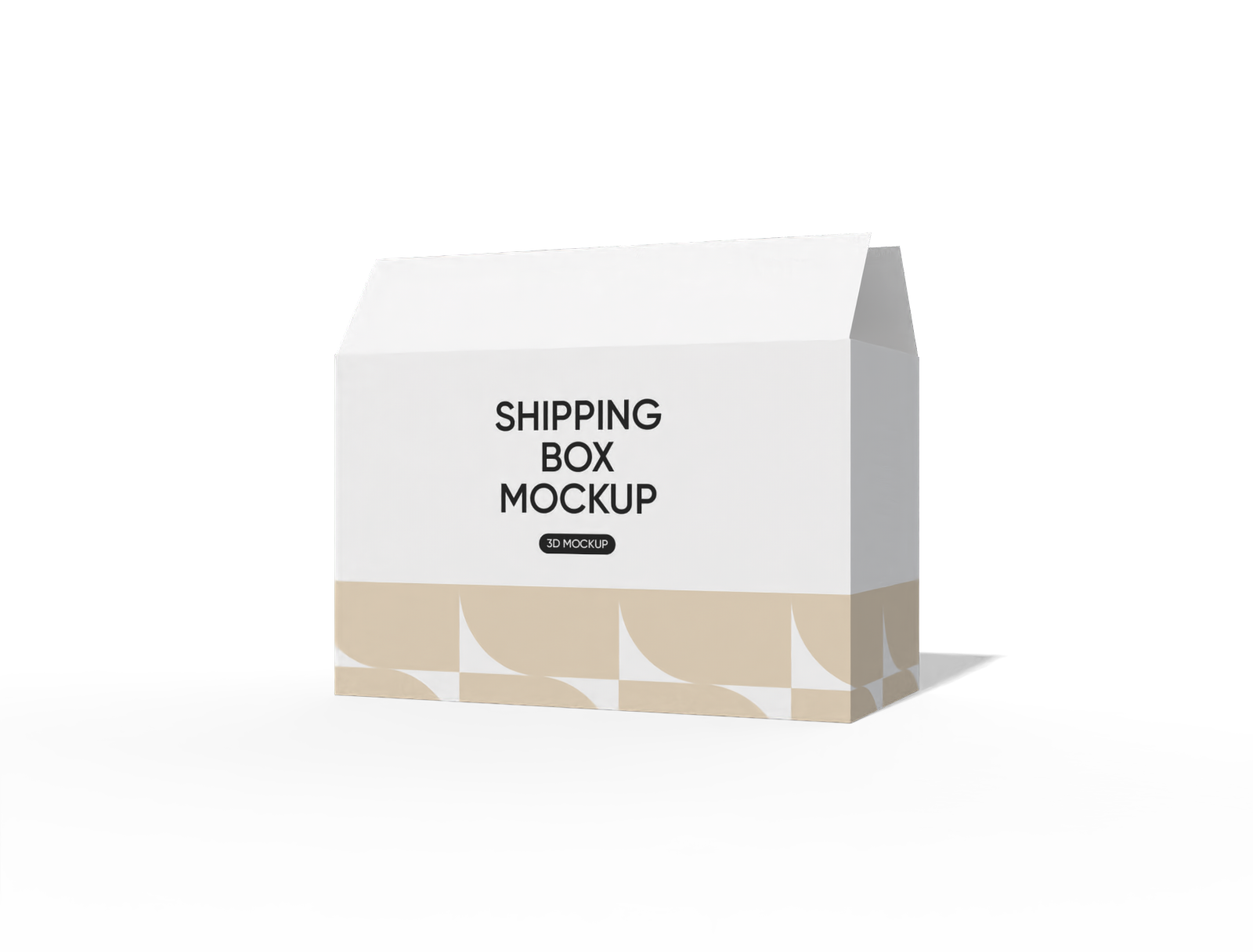
FEFCO 0201 shipping paper box mockup
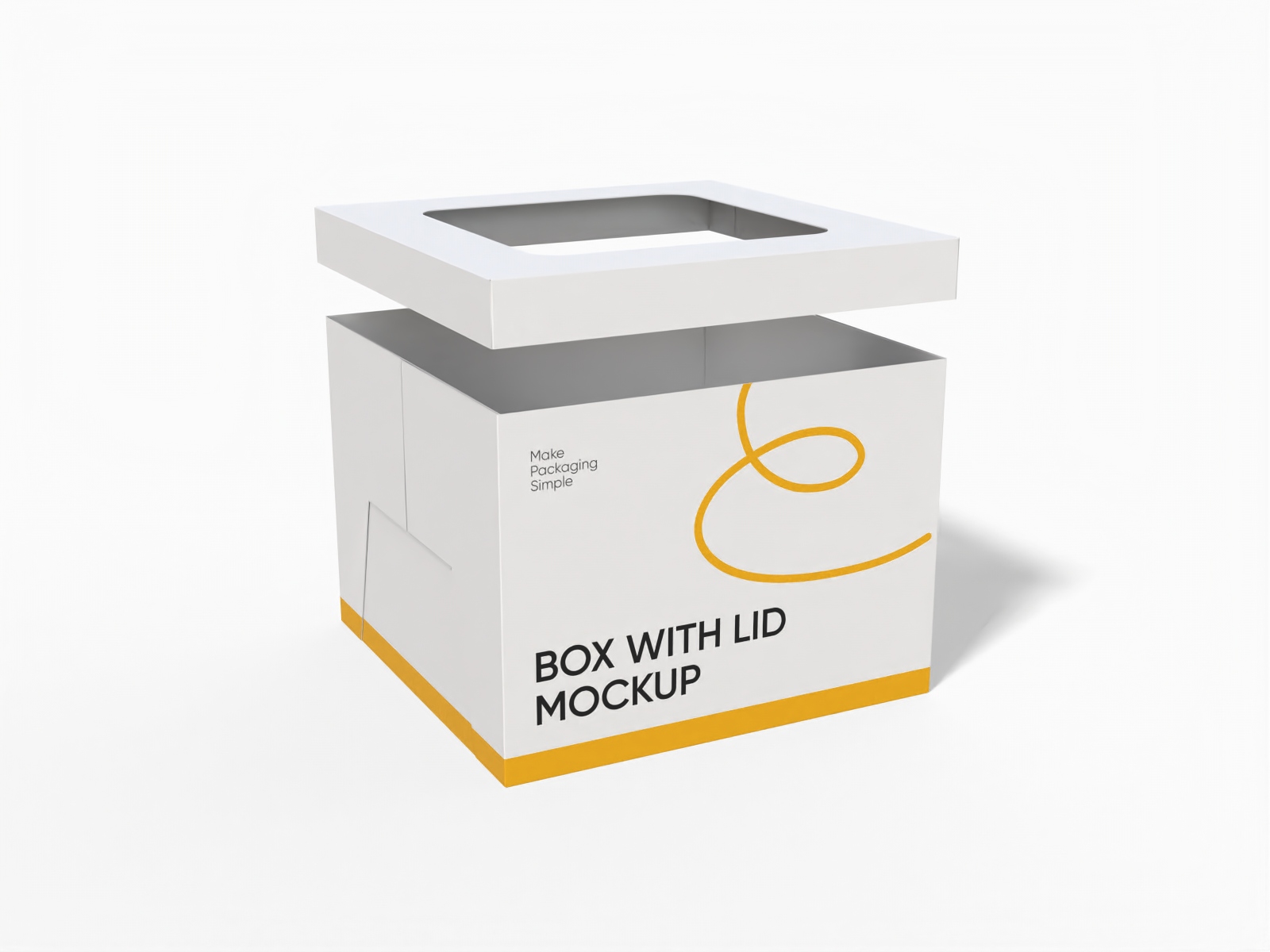
Window cake box mockup
How to design custom white boxes on Pacdora?
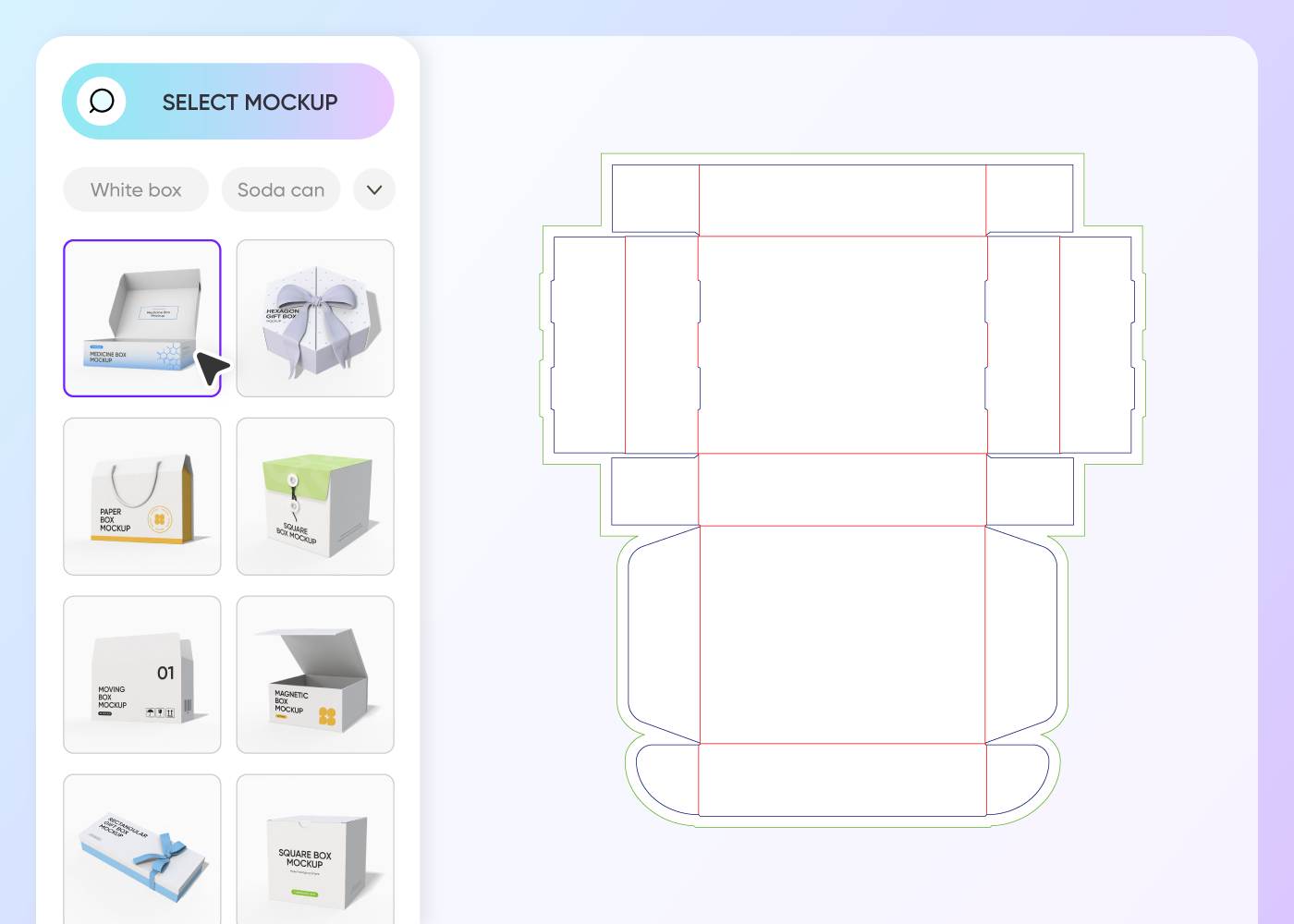
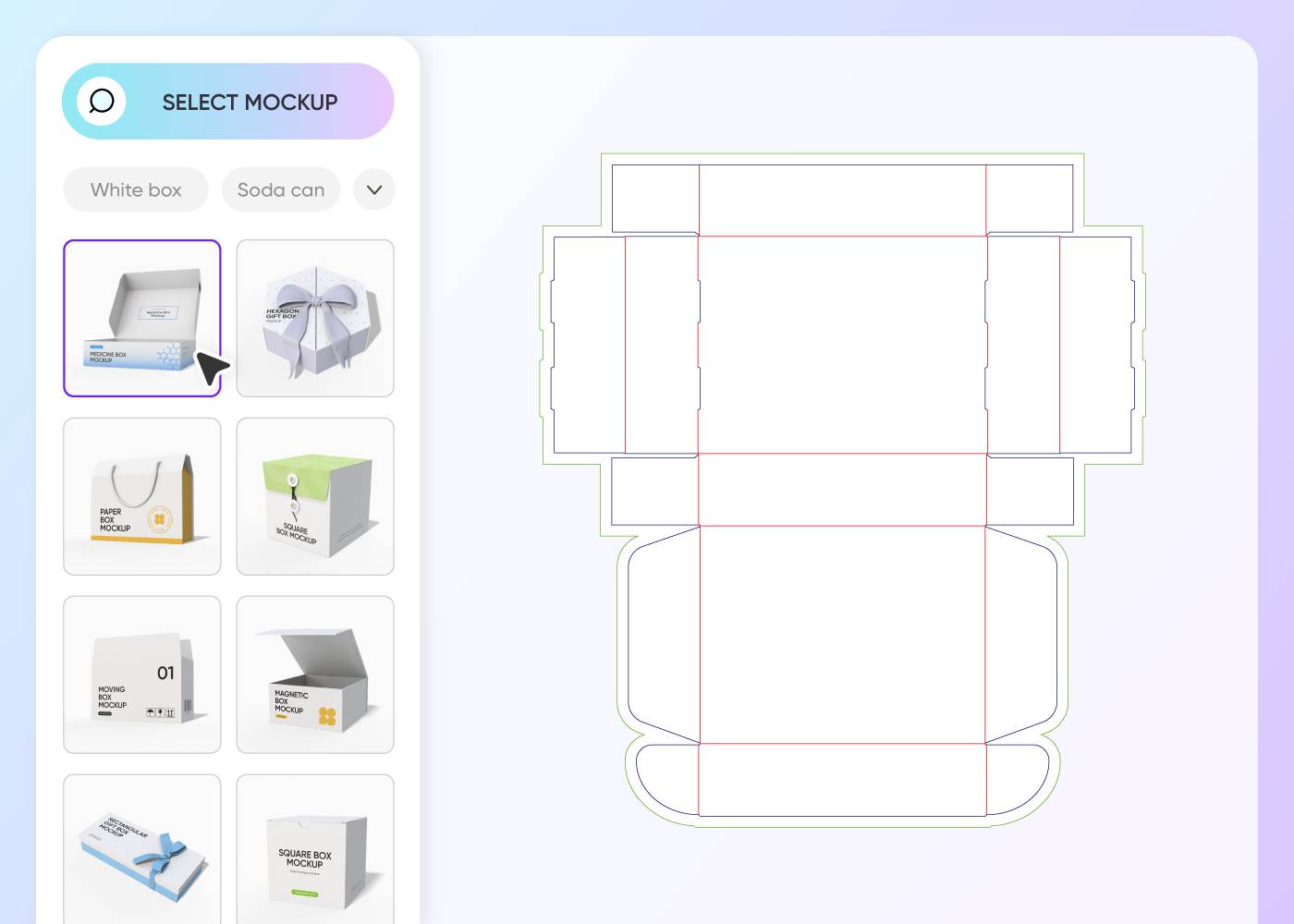
Step 1: Select a white box design
Select your go-to white box design from Pacdora’s collection, including square, rectangular, and polygonal boxes with windows or handles.
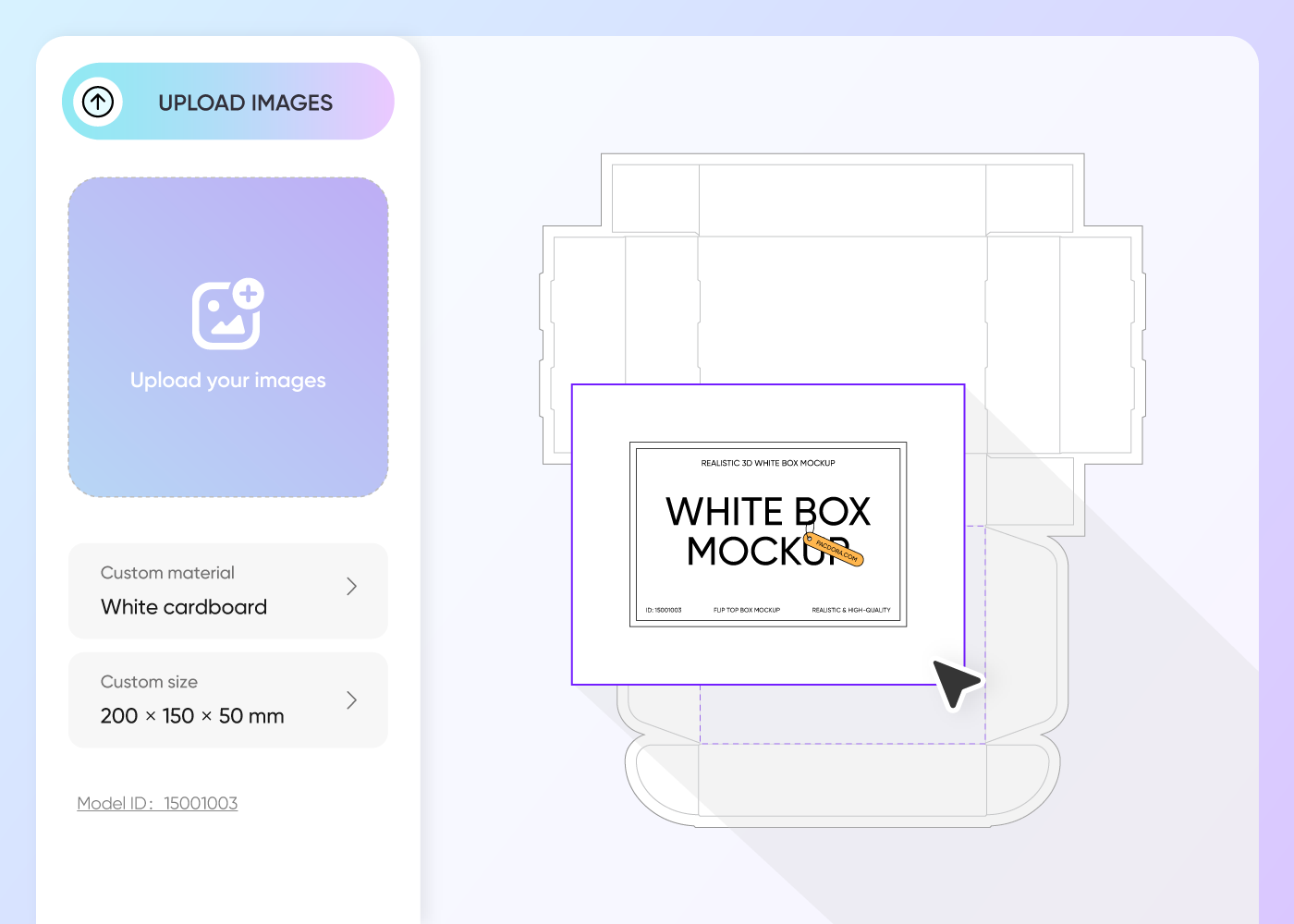
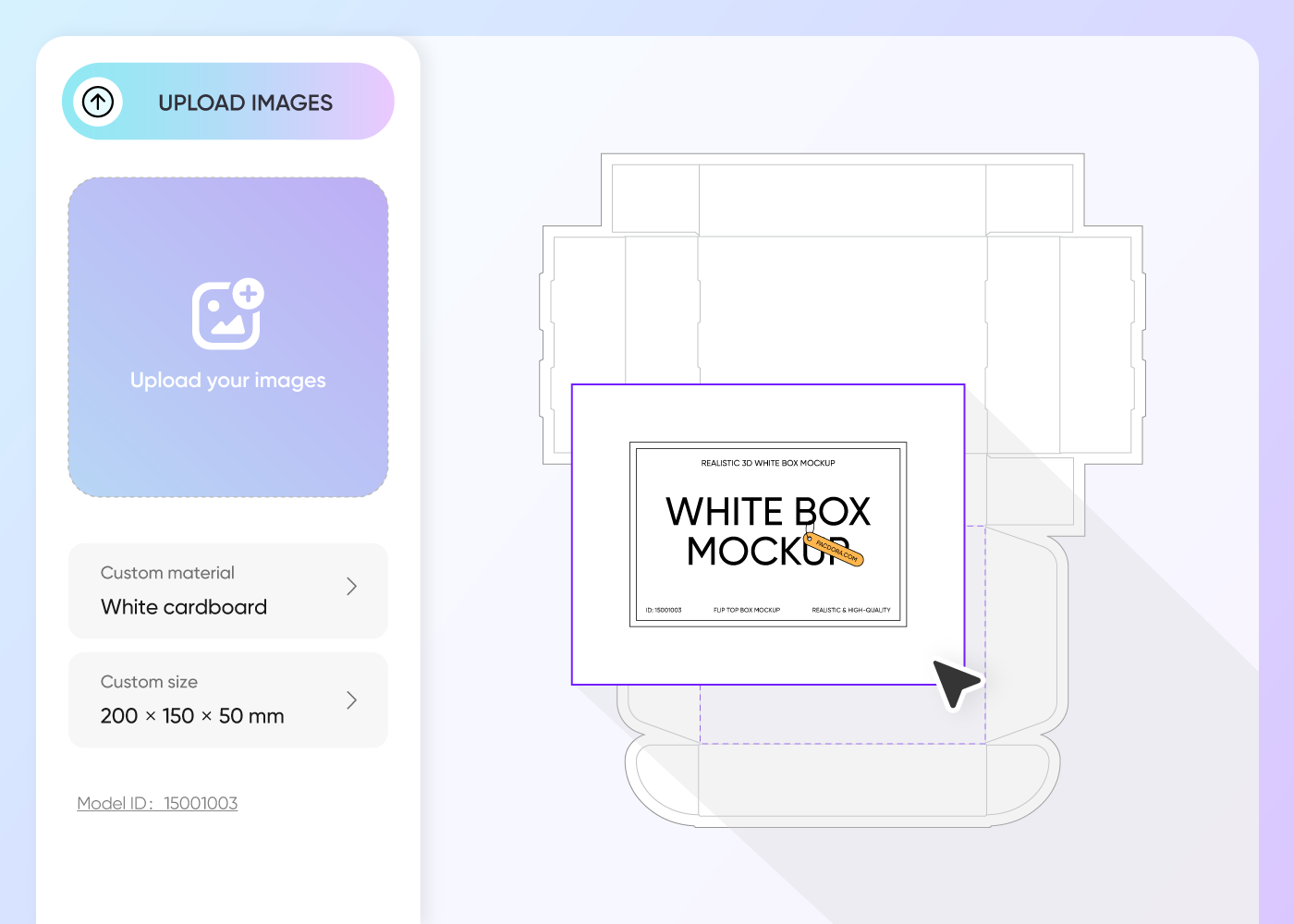
Step 2: Add images and adjust
Add images, patterns, or text to customize your white box design. Adjust colors and fix the layout online.
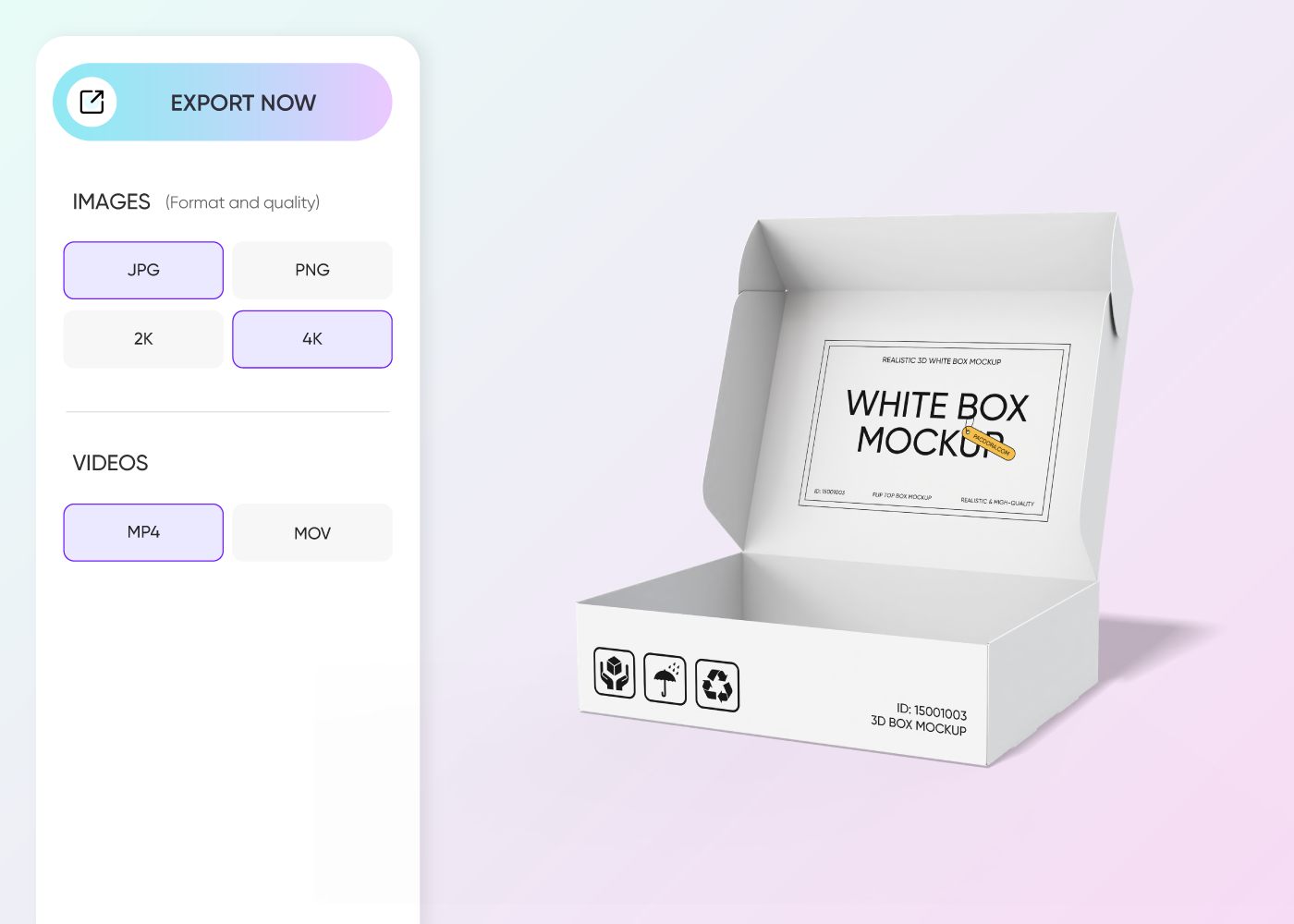
Step 3: Download your white box design
Download your white box design in the supported 4K PNG, JPG, MP4 or dieline files.
Step 1: Select a white box design
Select your go-to white box design from Pacdora’s collection, including square, rectangular, and polygonal boxes with windows or handles.
Step 2: Add images and adjust
Add images, patterns, or text to customize your white box design. Adjust colors and fix the layout online.
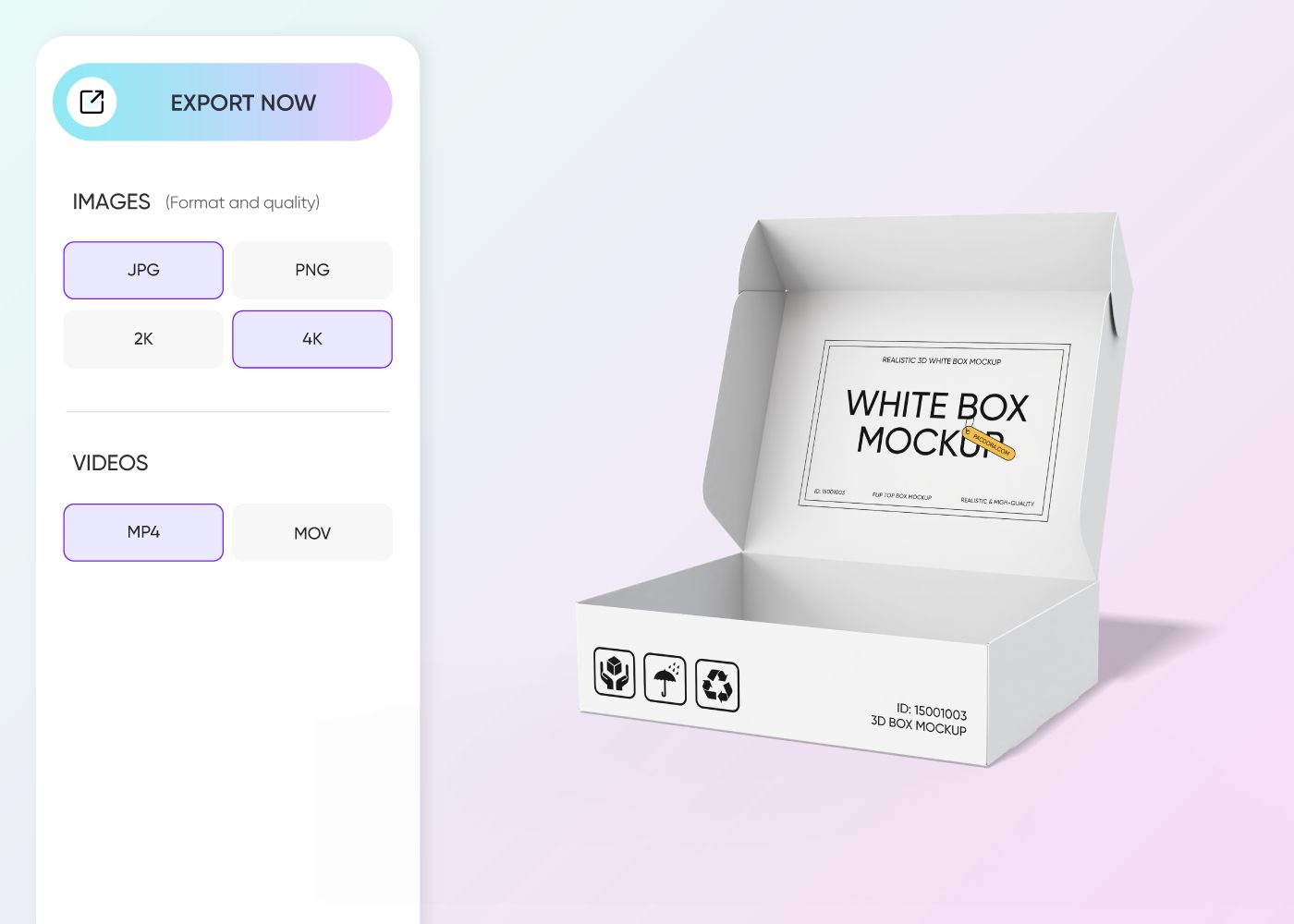
Step 3: Download your white box design
Download your white box design in the supported 4K PNG, JPG, MP4 or dieline files.
Why are online platforms useful for designing white boxes?
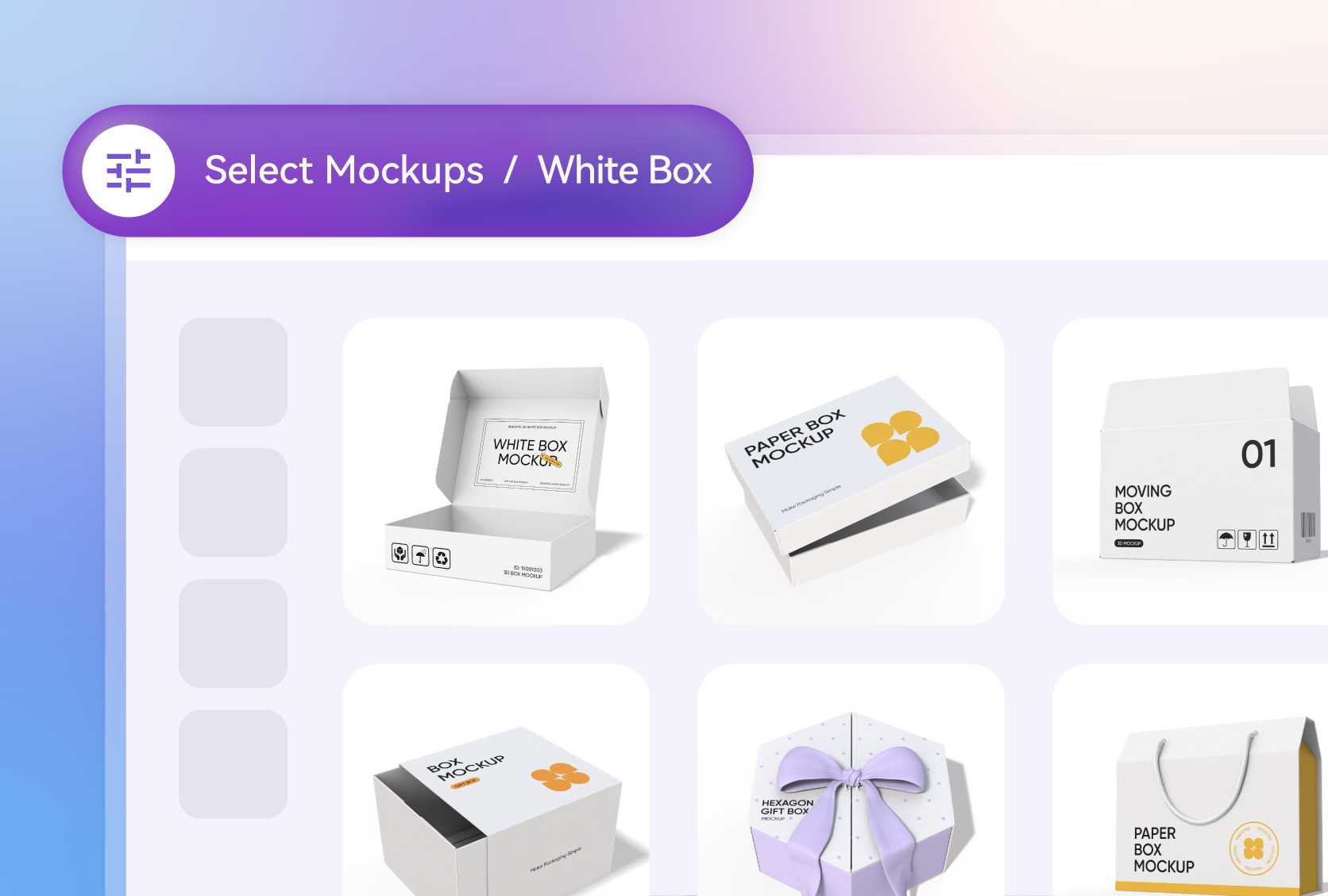
Various shapes suited to all product ranges
Different box shapes allow users to create packaging that supports their branding style.
A white courier box with a zipper lock prevents accidental openings, making it ideal for packing cosmetics or electronic gadgets. Alternatively, a white double-layer sleeve box has a top sleeve sliding over the base, perfect for jewelry or premium stationery.
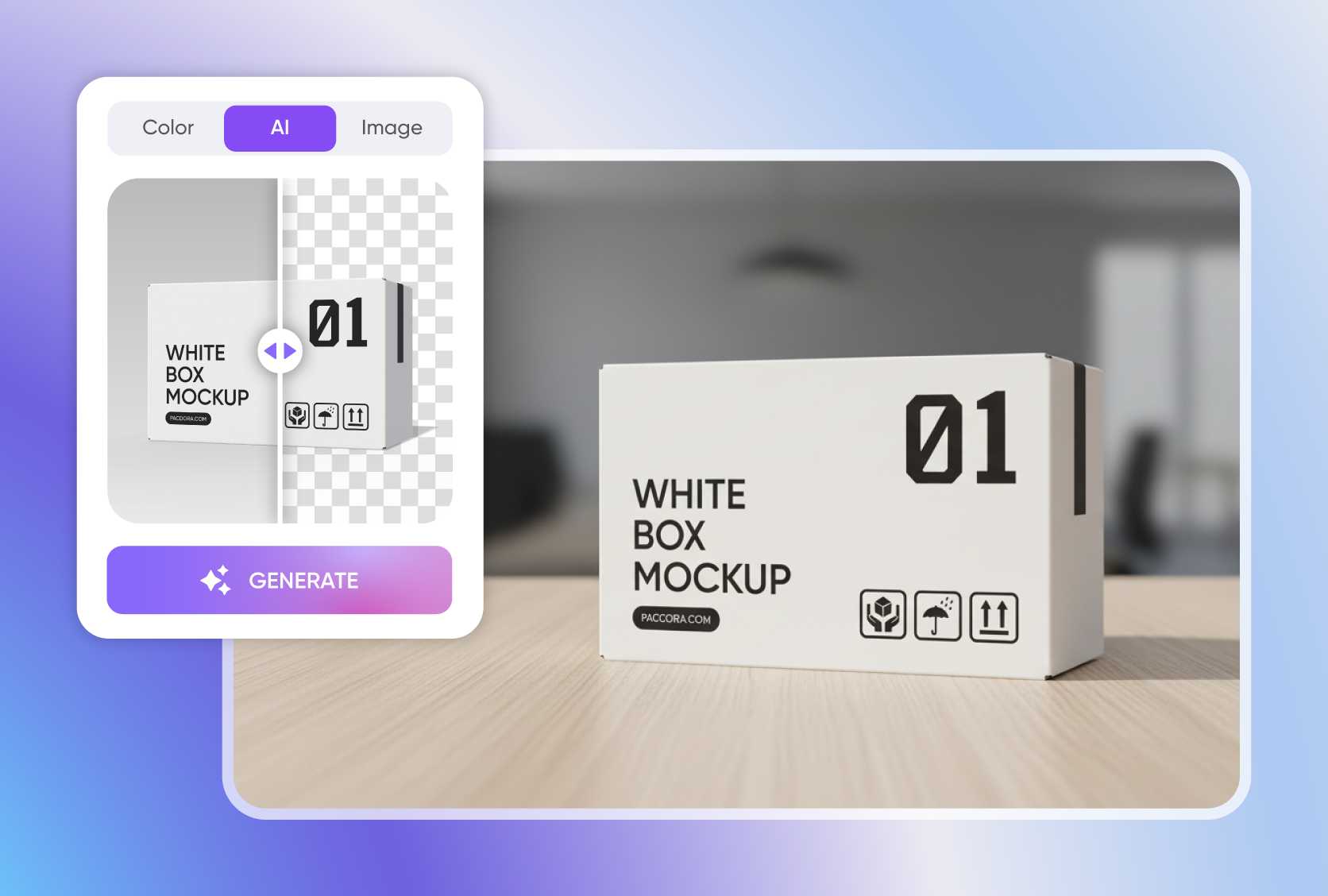
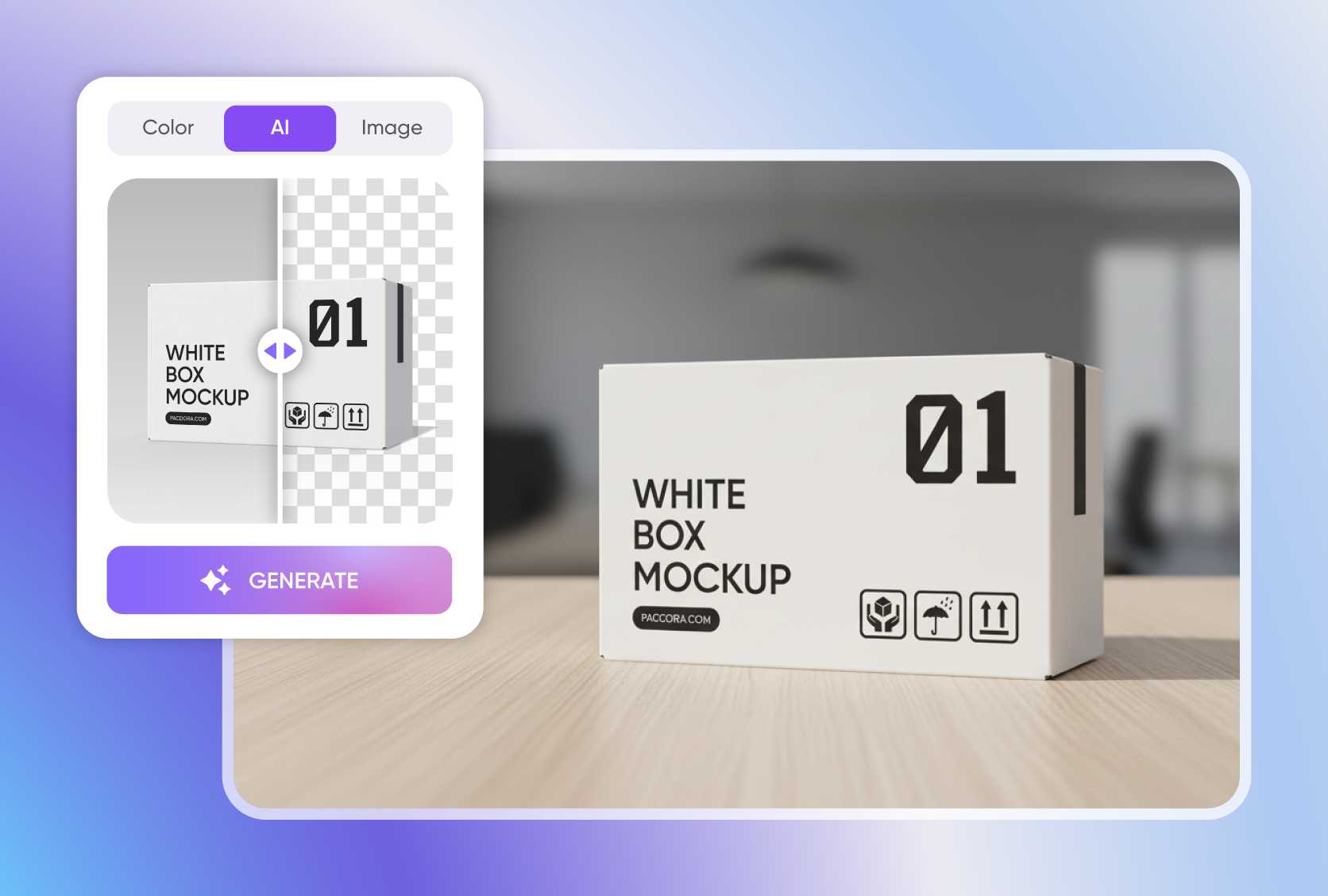
Background customization for a catchy look
A relevant backdrop adds context and gives the products an authentic appearance.
Kitchen counters or retail shelves make strong backgrounds for white box mockups because they show the packaging in a realistic product setting. Pacdora’s AI background generator can also help create custom backgrounds for your white boxes. Try Pacdora today!
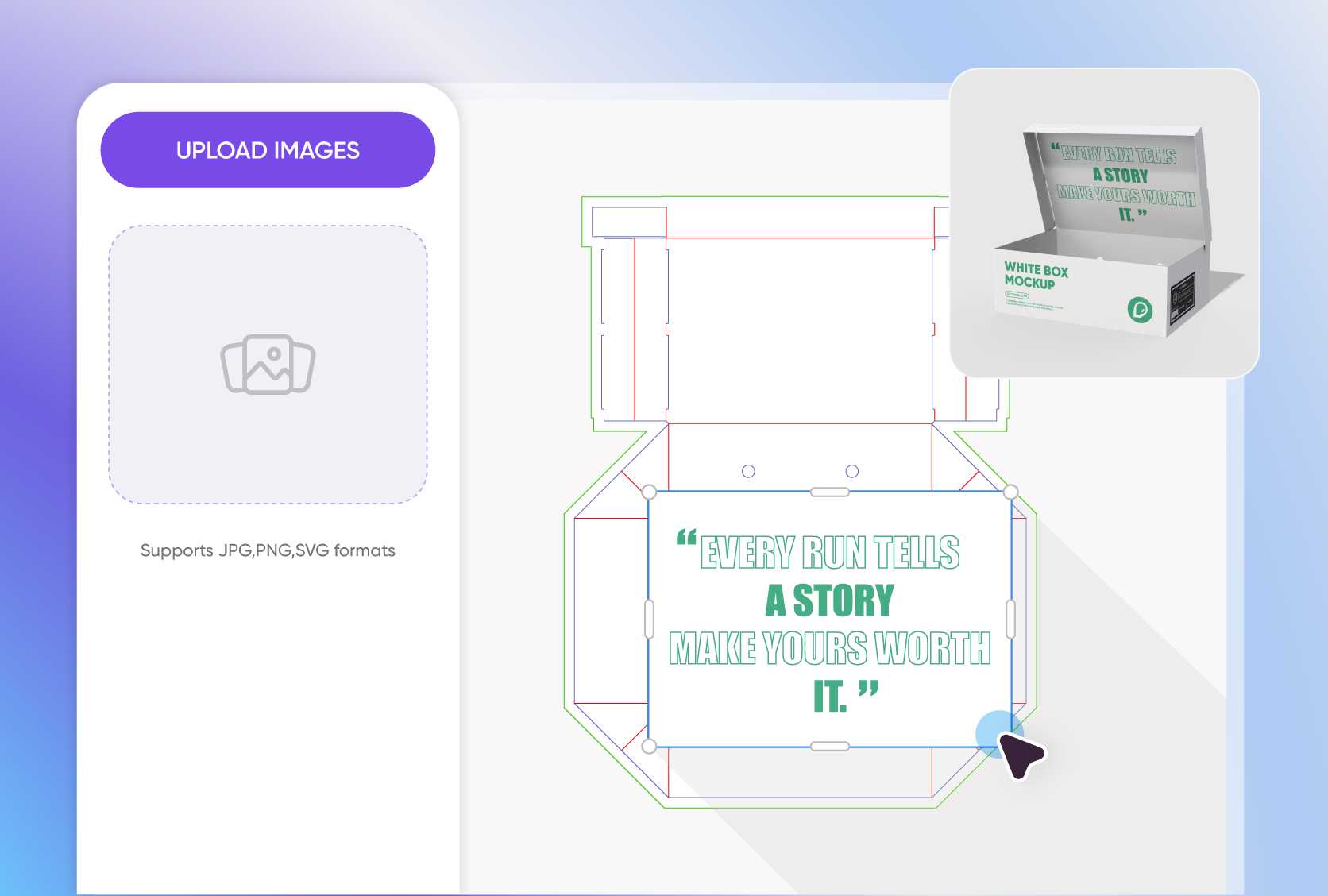
Custom placement options for unique layouts
The flexibility to position custom design components allows brands to test multiple arrangements and find a perfect one for their packaging.
Placing short text labels like “Keep Dry” or “Open Gently” guides handlers and ensures the product's safety. Similarly, featuring a racing-themed illustration on a white toy car box makes it more engaging for kids.
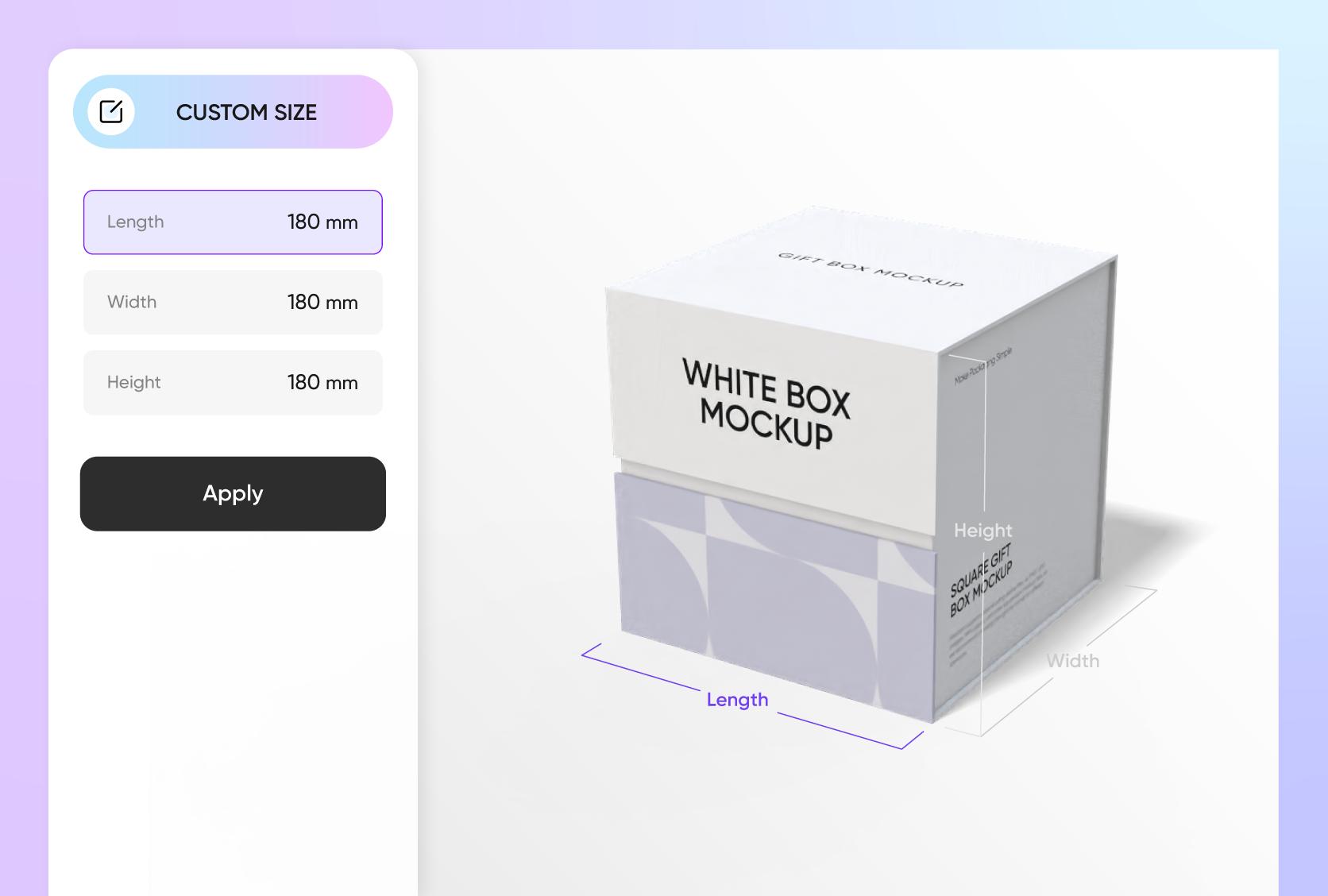
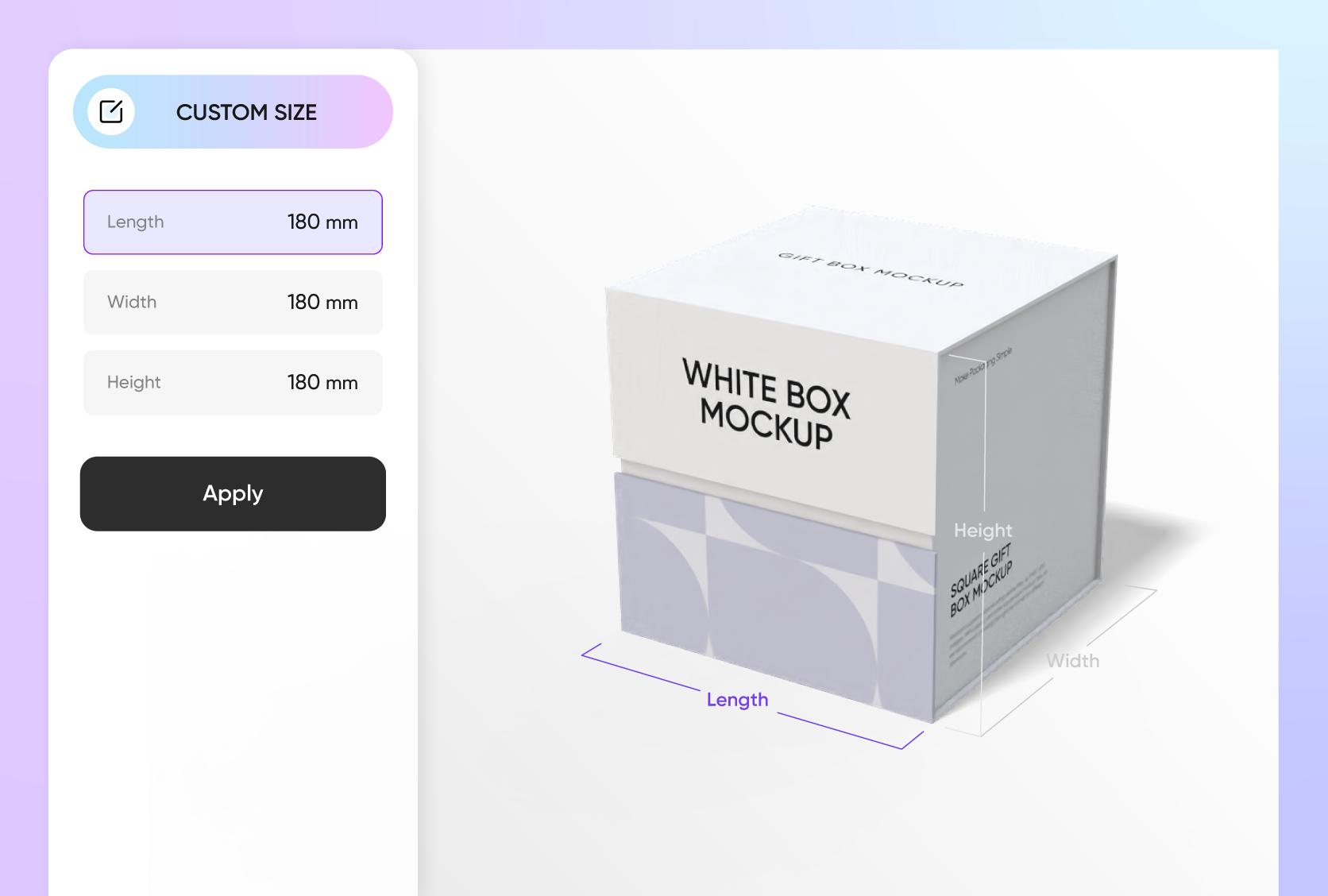
Adjustable size formats for product collections
Varying box sizes allows brands to accommodate products of all shapes and capacities.
A 5 × 4 × 2 inches white box is suitable for packing small items like chocolates, keychains, or USB drives. A 12 × 8 × 6 inches white box is great for larger products such as snack packs, board games, or gift bundles.
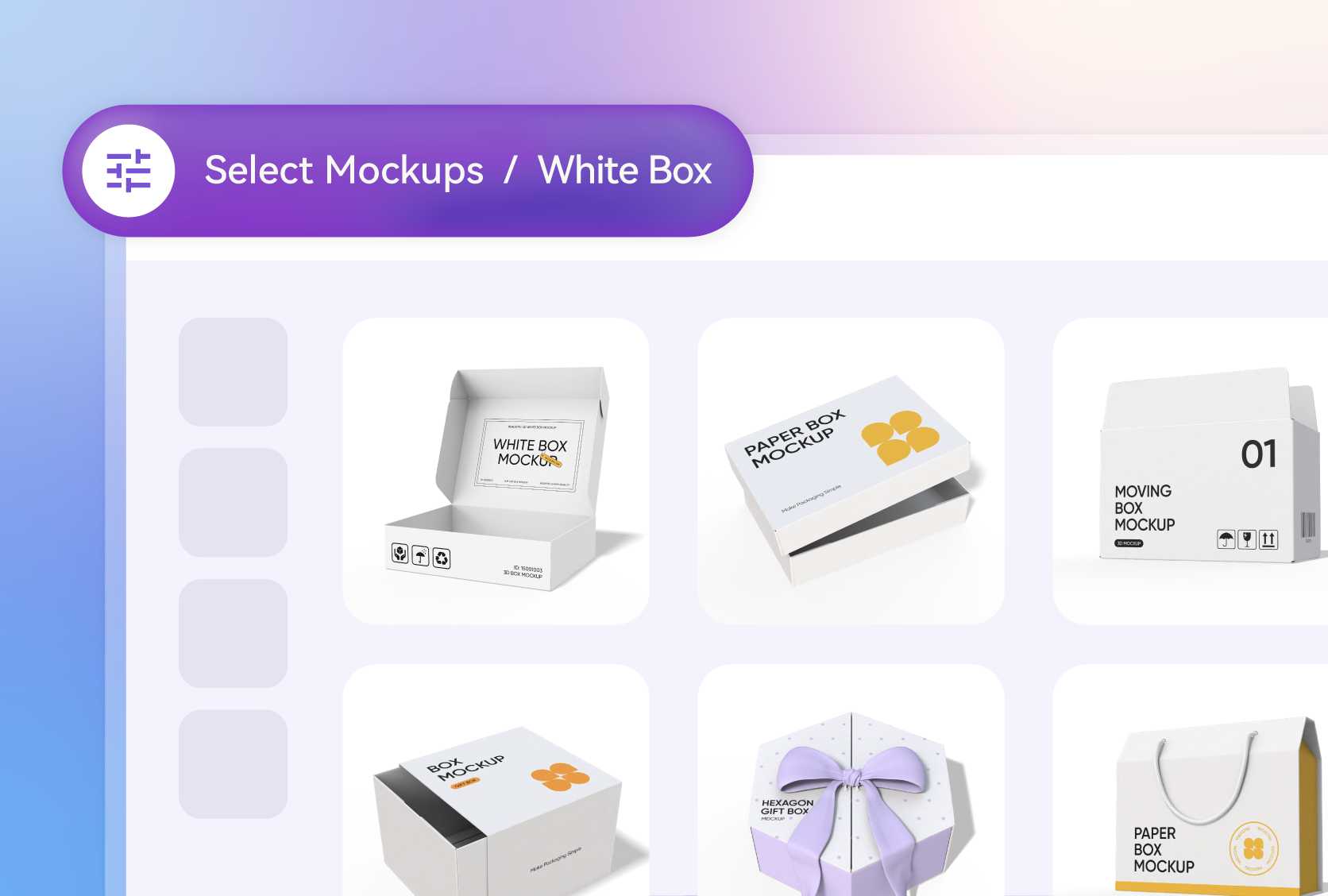
Various shapes suited to all product ranges
Different box shapes allow users to create packaging that supports their branding style.
A white courier box with a zipper lock prevents accidental openings, making it ideal for packing cosmetics or electronic gadgets. Alternatively, a white double-layer sleeve box has a top sleeve sliding over the base, perfect for jewelry or premium stationery.
Background customization for a catchy look
A relevant backdrop adds context and gives the products an authentic appearance.
Kitchen counters or retail shelves make strong backgrounds for white box mockups because they show the packaging in a realistic product setting. Pacdora’s AI background generator can also help create custom backgrounds for your white boxes. Try Pacdora today!
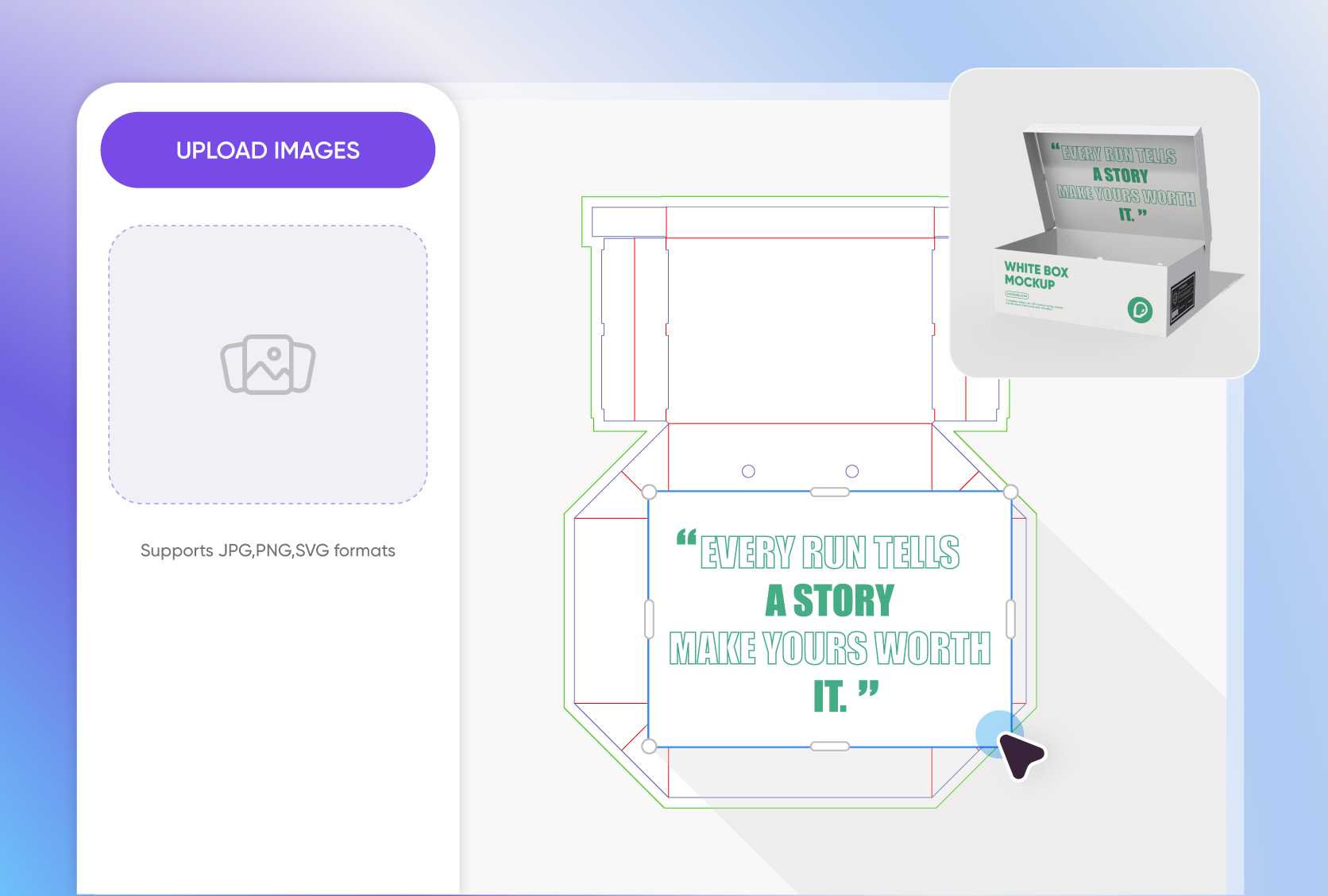
Custom placement options for unique layouts
The flexibility to position custom design components allows brands to test multiple arrangements and find a perfect one for their packaging.
Placing short text labels like “Keep Dry” or “Open Gently” guides handlers and ensures the product's safety. Similarly, featuring a racing-themed illustration on a white toy car box makes it more engaging for kids.
Adjustable size formats for product collections
Varying box sizes allows brands to accommodate products of all shapes and capacities.
A 5 × 4 × 2 inches white box is suitable for packing small items like chocolates, keychains, or USB drives. A 12 × 8 × 6 inches white box is great for larger products such as snack packs, board games, or gift bundles.
Our customers love Pacdora’s mockup tools
Thousands before you have designed realistic mockups with Pacdora and loved it.

Great mock-ups and literally thousands of packaging designs to choose from. The 3d mock-up is so good, helps bring clarity to the client as well as the designers. Great product for packaging design professionals.


cosmiccorner
Move over, complicated design software! Pacdora is the superhero of packaging mockups. Creating 3D magic for my products is as easy as pie – no PhD in design required. It’s like the software looked at the clock and said, ‘Time to save users from design nightmares!’ It’s so user-friendly, even my coffee mug wants to try its hand at packaging design.
FAQ
What is the best layout for a custom white box design?
The layout of a white box design should be clear and legible. Place the product name, brand logo, and the main tagline on the front panel. Above all, you must make sure to add proper spacing between text, logos, and images. It will help avoid fluff in the layout.
Can I save my custom white box designs in DXF format?
Yes, you can export your custom white box designs in DXF format. This file provides precise cut and fold lines to make your box assemble accurately. DXF export is useful for manufacturers or designers who need exact dielines for cutting and folding machines.
How is white cardboard the best material for making packaging boxes?
White cardboard has a smooth surface, due to which the printed photos and colors look appealing on the boxes. The ink does not smudge on the box surface. White cardboard is also durable and prevents bending or crushing.
Why should I use Pacdora for designing custom white boxes?
Pacdora is a user-friendly platform that you can use to create custom white boxes online. Use our drag-and-drop tools to add logos or text, apply colors, and adjust the box dimensions. Our platform also provides a preview feature. You can use it to check the placement of design elements and fix the discrepancies.
Can I create white boxes free of cost using Pacdora?
Yes, you can create multiple varieties of custom white boxes for free using Pacdora. Our platform also features some premium options that you can check on our pricing page.
Explore more mockup tools
Discover more about Pacdora


