

Gift box mockup generator

Upload your design, text information, tweak the layout, then download a free PNG image of your gift box mockup.
Gift box mockup generator
Upload your design, text information, tweak the layout, then download a free PNG image of your gift box mockup.
Trusted by leading companies


Your perfect gift box mockup generator is right here on Pacdora!
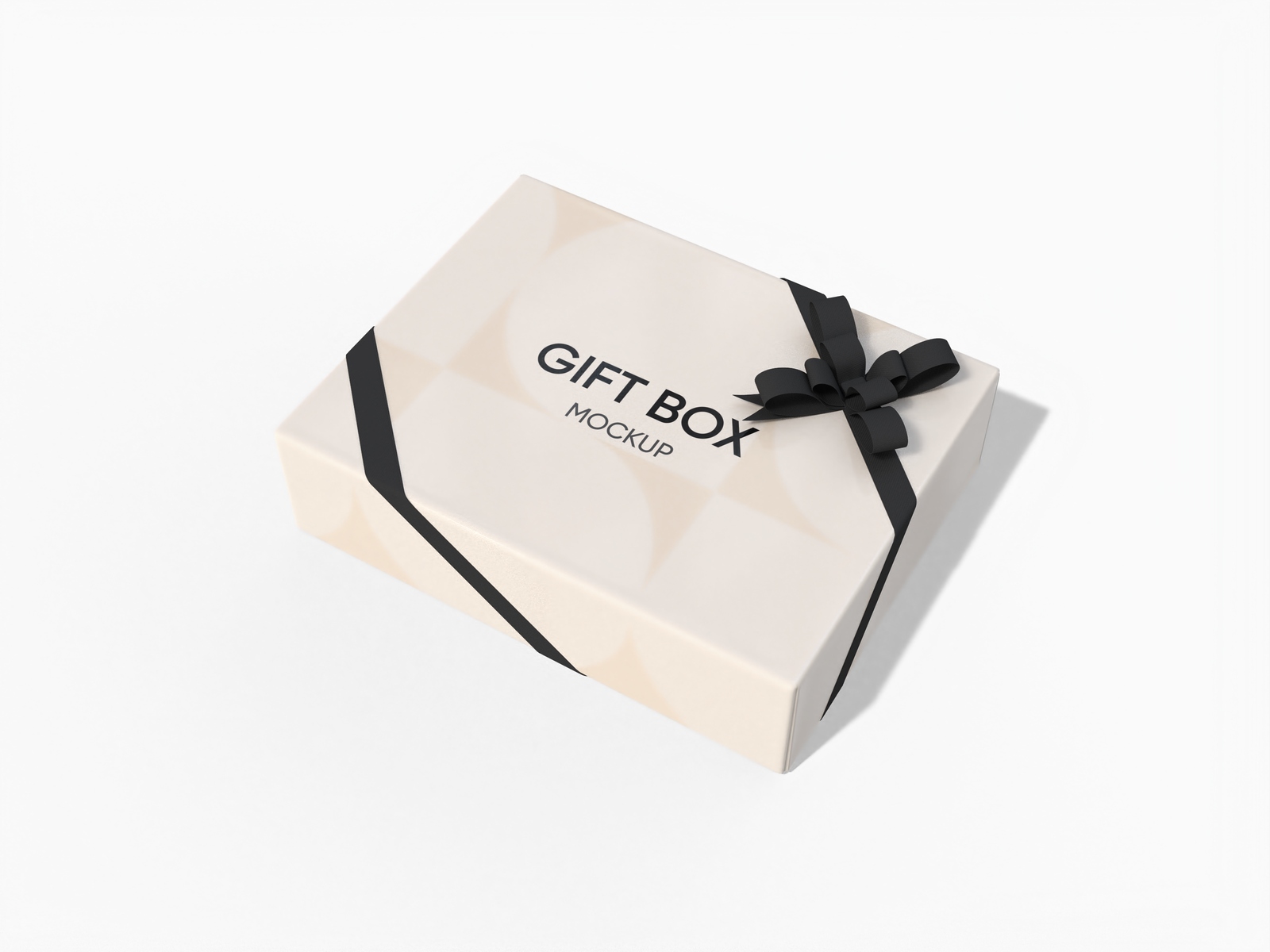
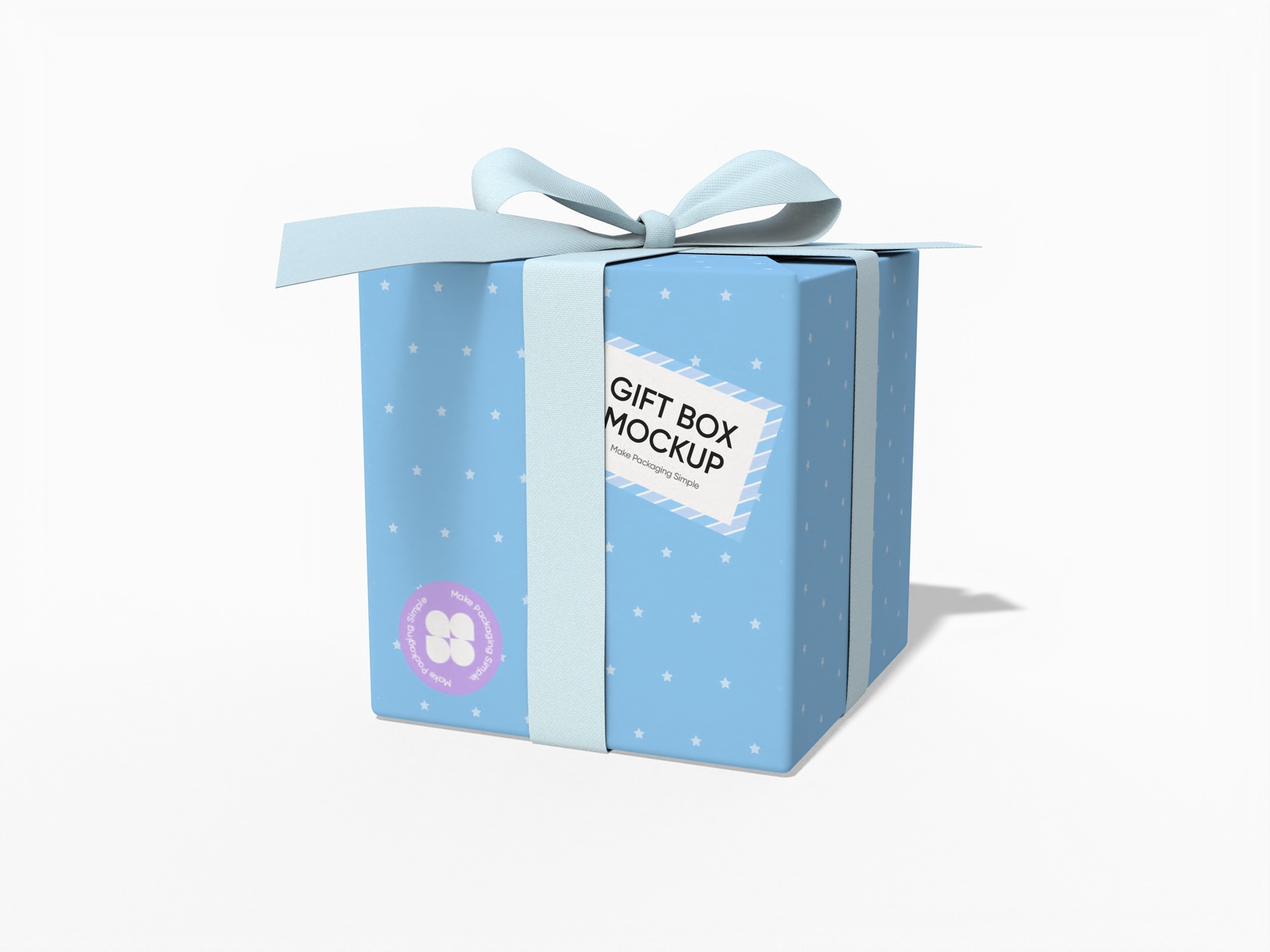
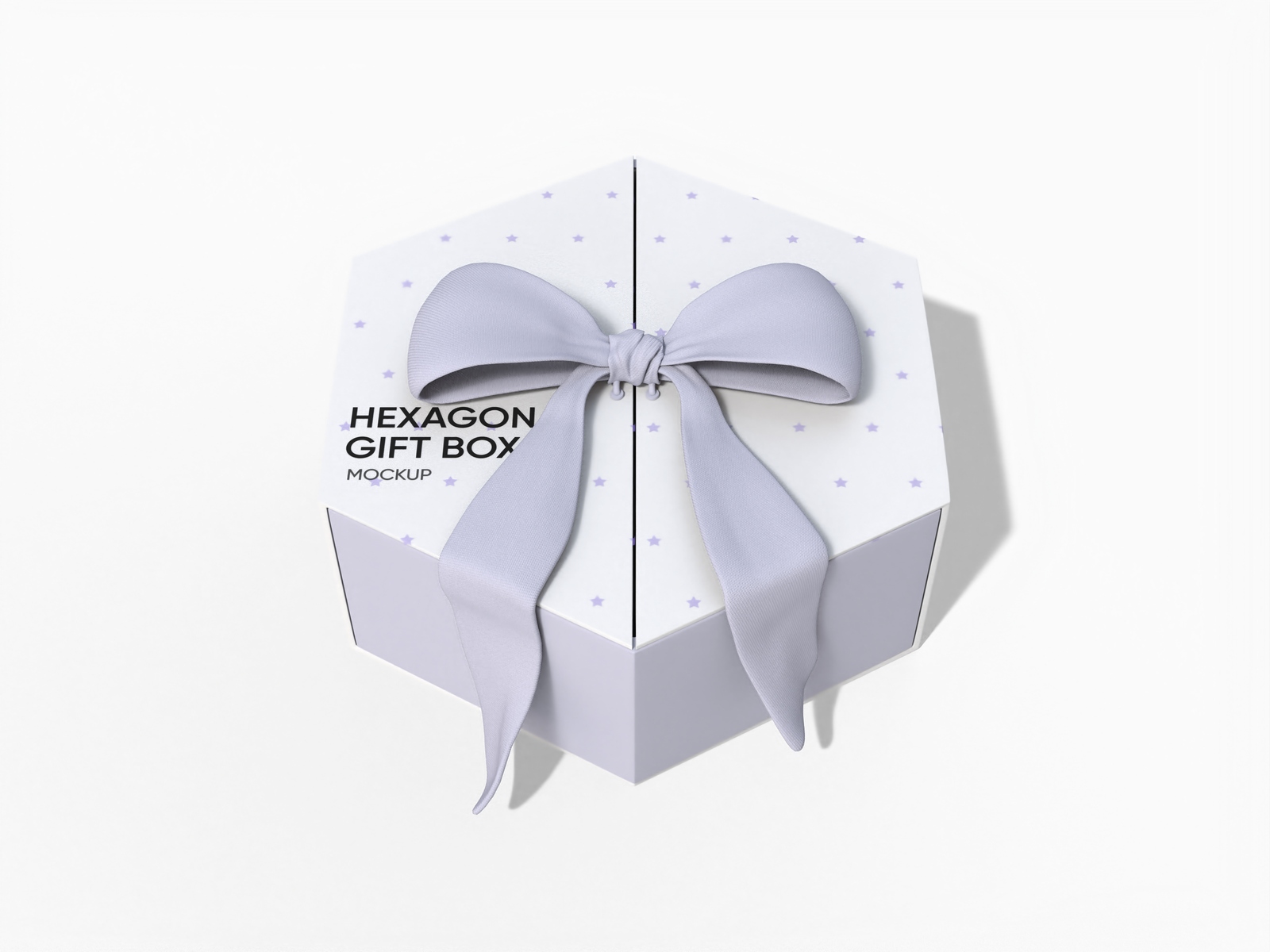
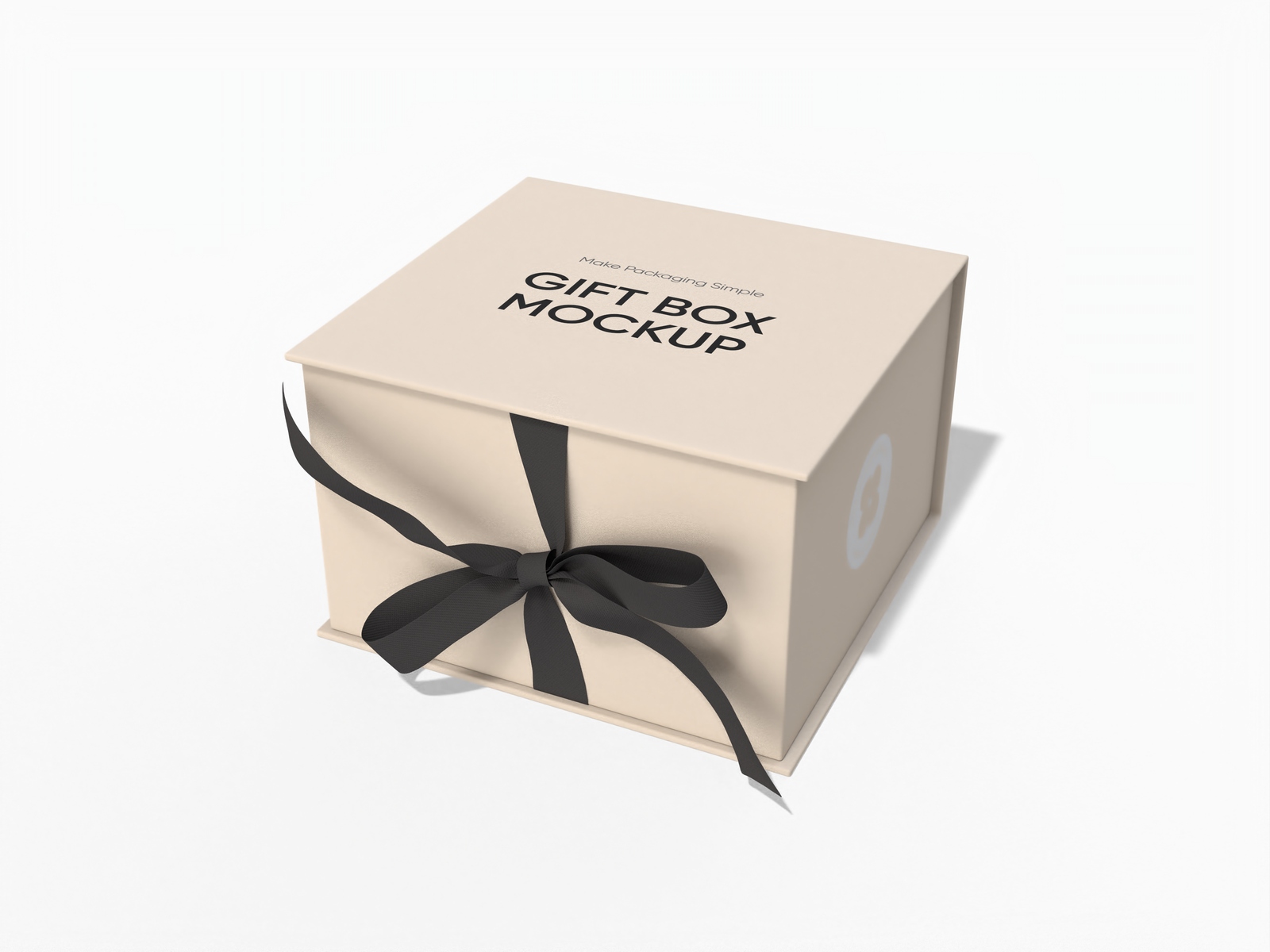
Designing professional gift box mockups shouldn't mean expensive tools or hours of frustration. Pacdora's gift box mockup generator makes it simple for anyone. Whether you need a magnetic box mockup for premium packaging, or a box with ribbon mockup for a special occasion — we've got every style ready. Upload your artwork, customize materials and backgrounds, then download a high-res PNG or printable dieline. Start creating for free today!

How to design a gift box mockup online?
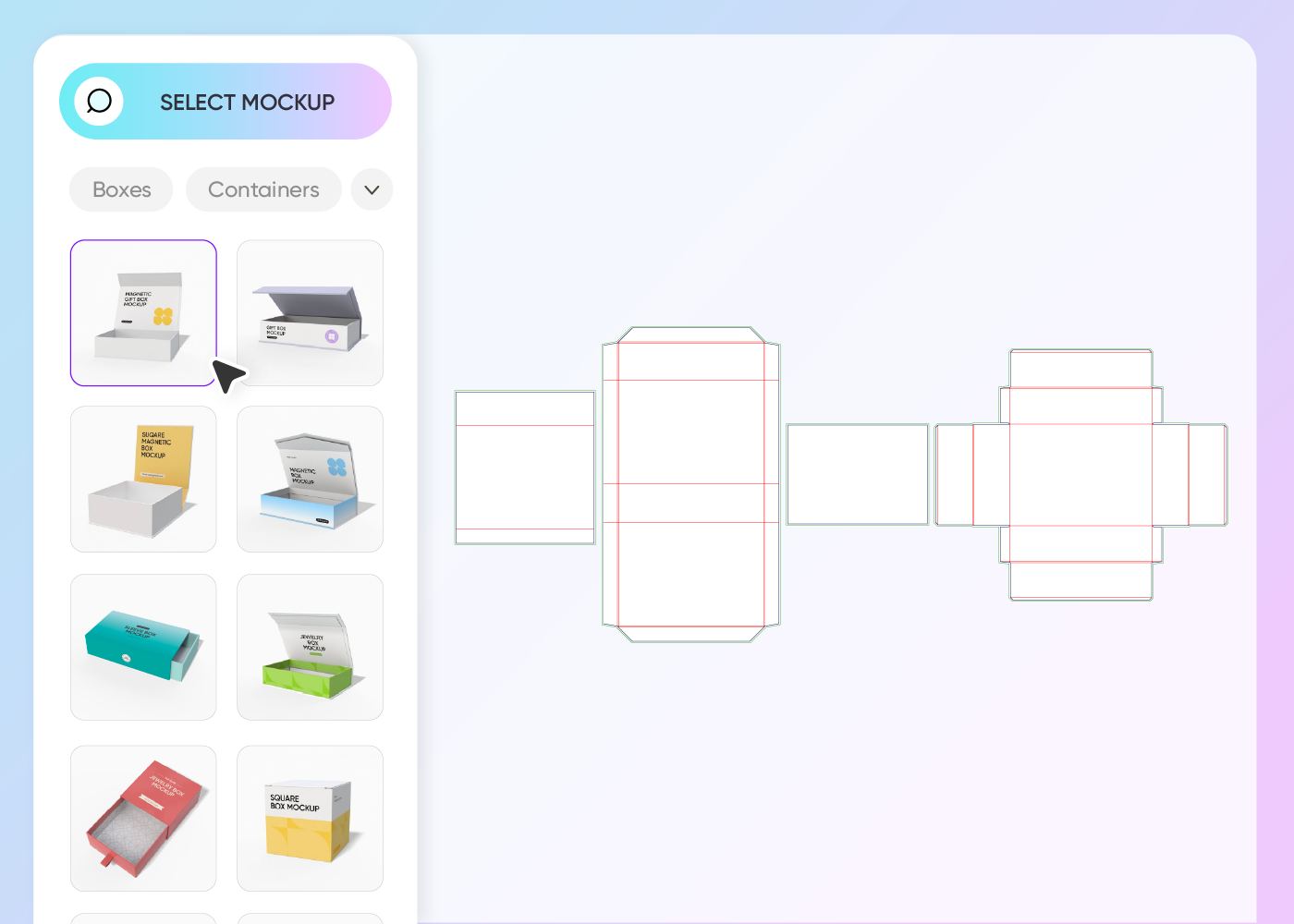
Step 1: Select a gift box style
Select from a wide range of gift box mockup styles — from classic ribbon boxes to luxury magnetic closures, there's a style for every occasion.
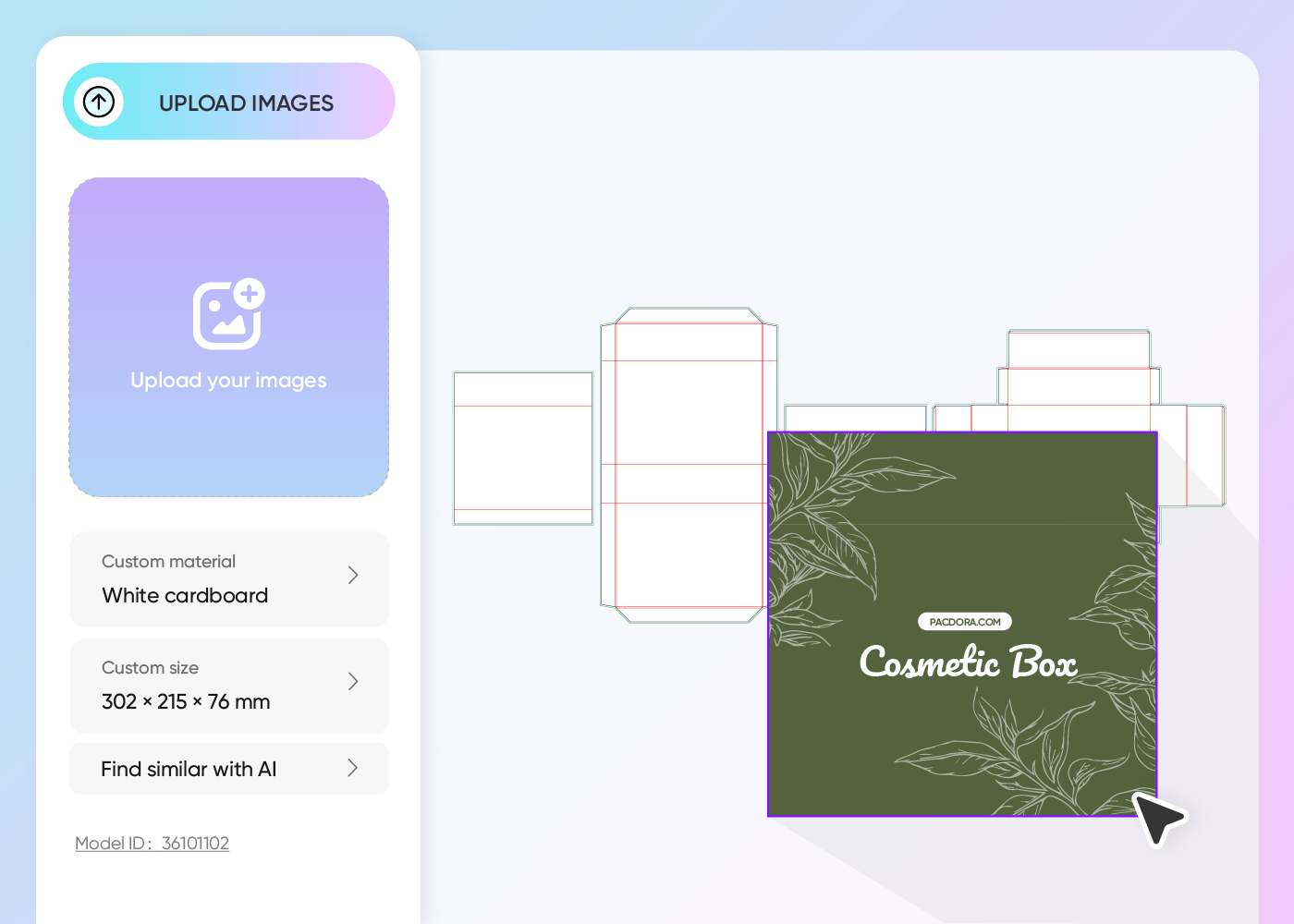
Step 2: Upload your design and adjust
Upload your logo, artwork, or seasonal pattern, then adjust colors, materials, and backgrounds until your gift box looks perfect.
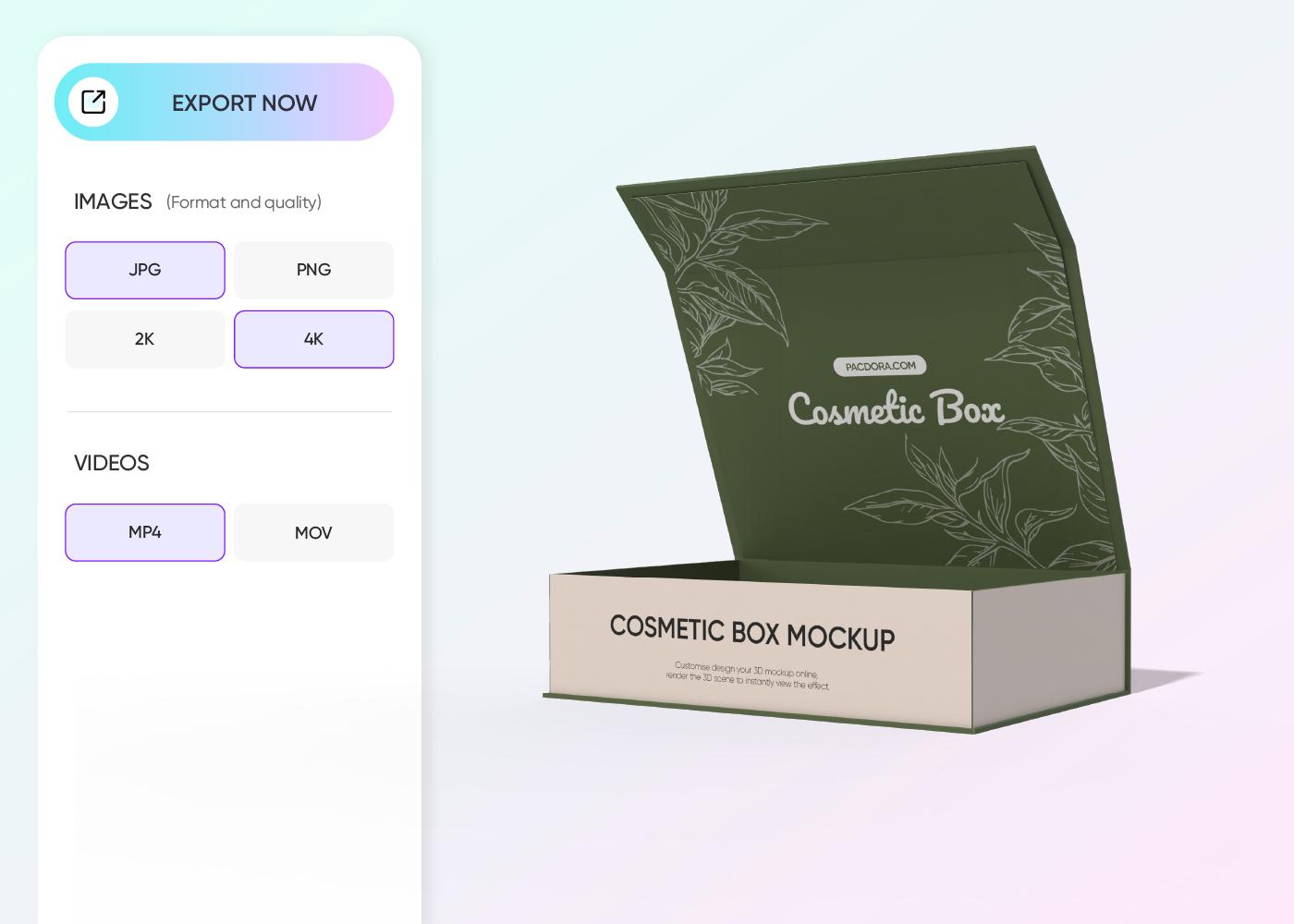
Step 3: Download your gift box mockup
Download your finished mockup as a 4K/8K PNG, JPG, or printable dieline — or export an MP4 video for social media campaigns.
Step 1: Select a gift box style
Select from a wide range of gift box mockup styles — from classic ribbon boxes to luxury magnetic closures, there's a style for every occasion.
Step 2: Upload your design and adjust
Upload your logo, artwork, or seasonal pattern, then adjust colors, materials, and backgrounds until your gift box looks perfect.
Step 3: Download your gift box mockup
Download your finished mockup as a 4K/8K PNG, JPG, or printable dieline — or export an MP4 video for social media campaigns.
Why use online gift box mockup generator
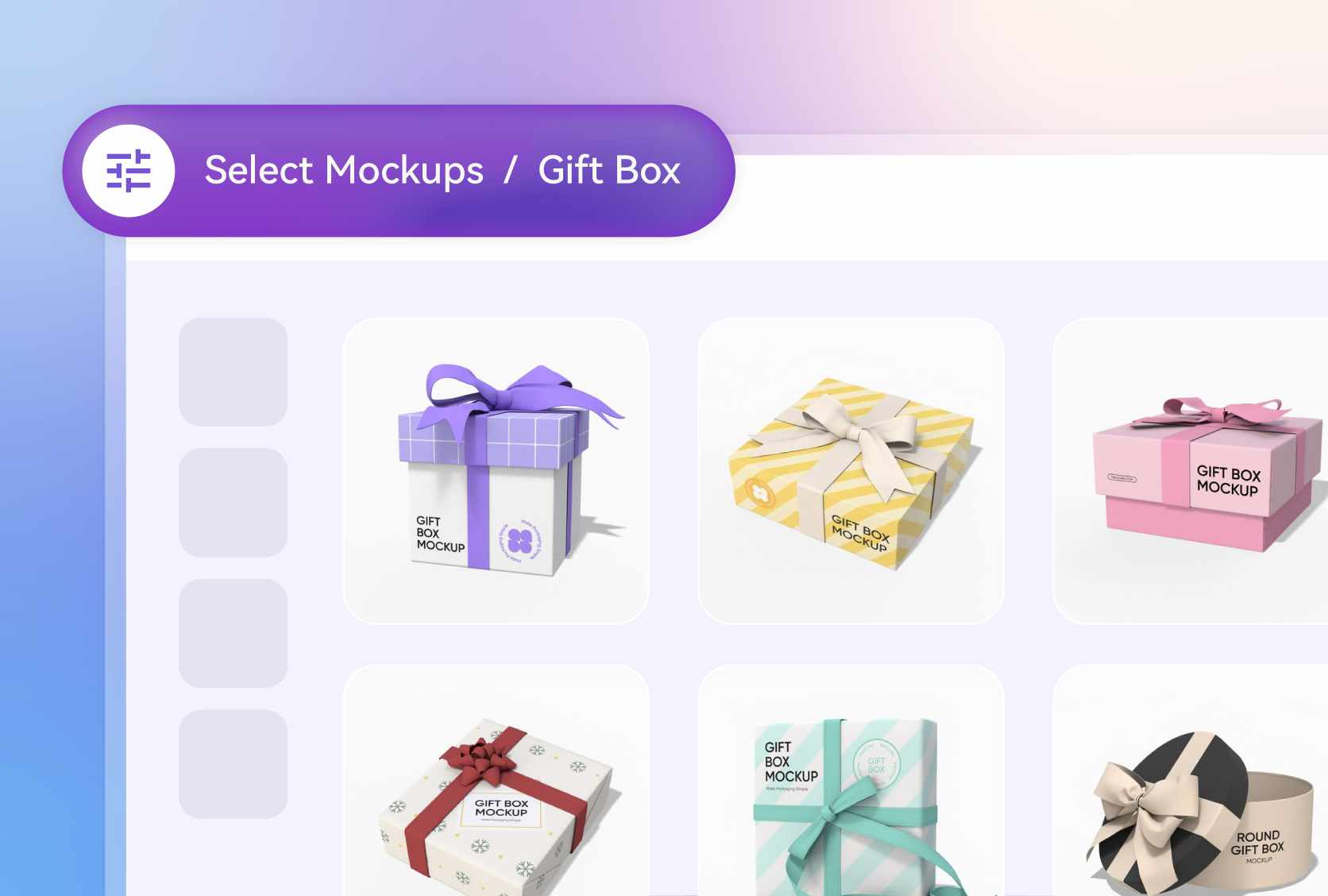
A wide variety of gift box mockup styles
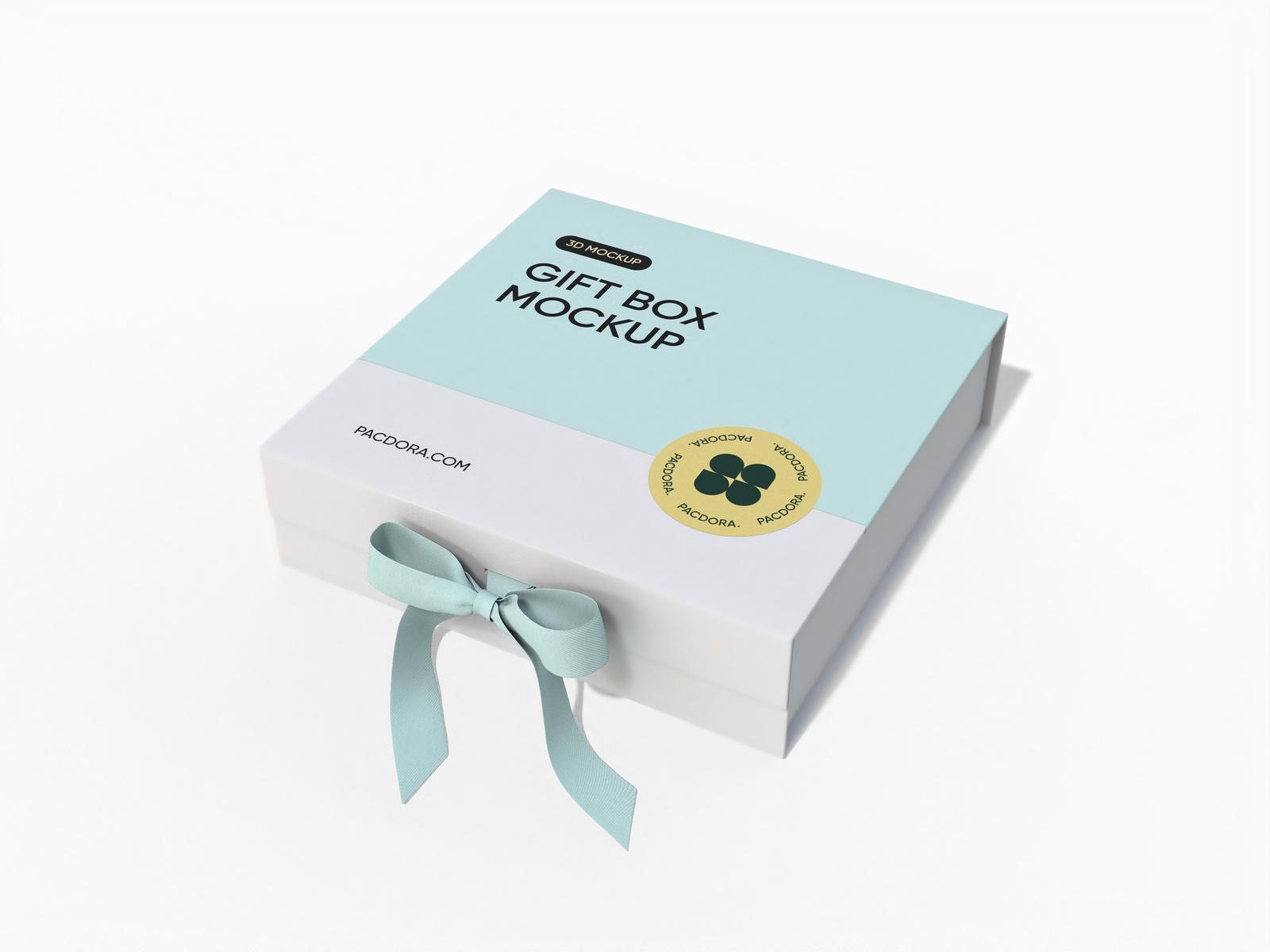
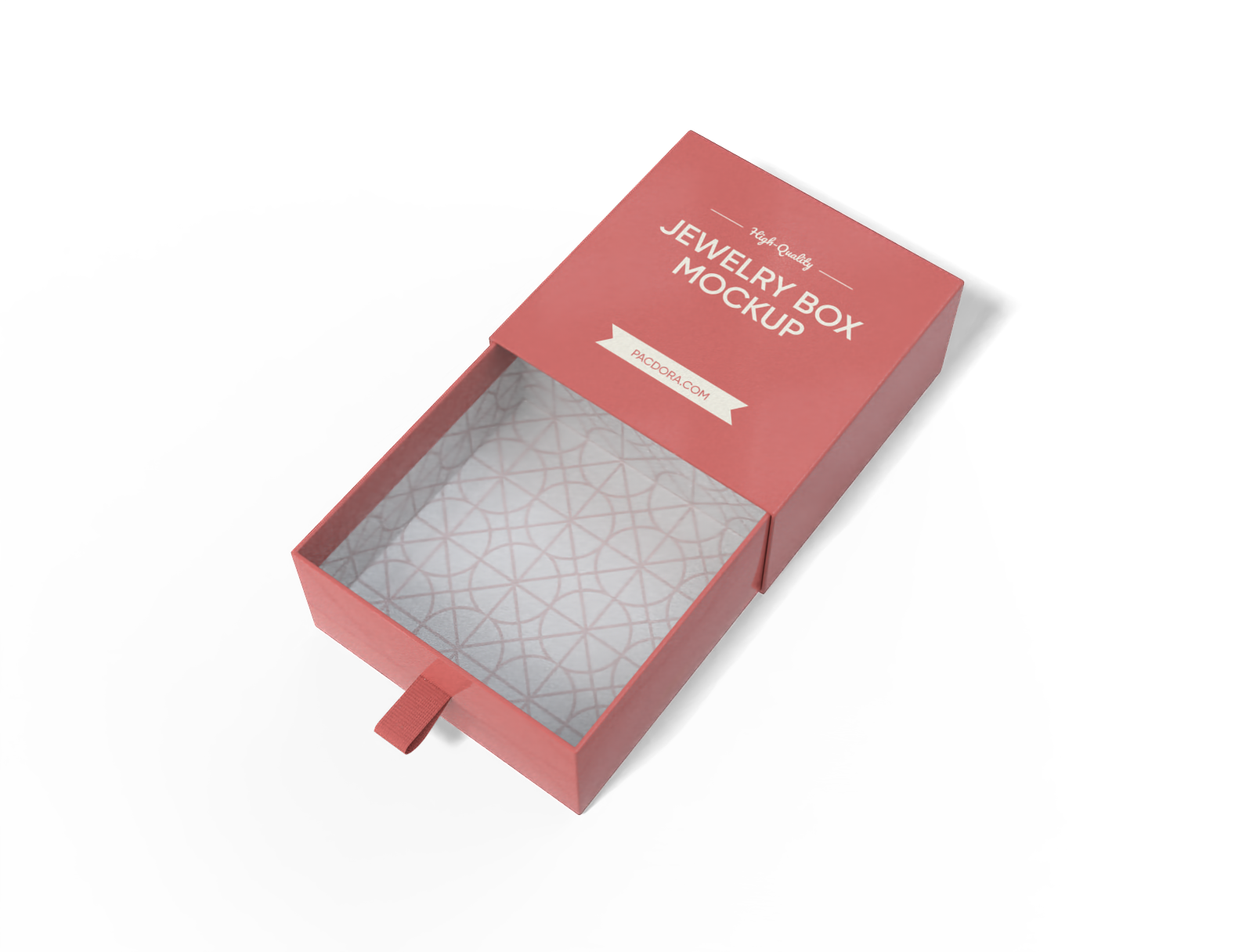
Pacdora's gift box mockup generator covers a rich variety of styles. Looking for a jewelry box mockup to showcase rings or necklaces beautifully?
Or a magnetic box mockup that gives your premium packaging that satisfying snap-close feel? We also offer box with ribbon mockups for a timeless gifting look. Every style is crafted to look realistic, and polished.
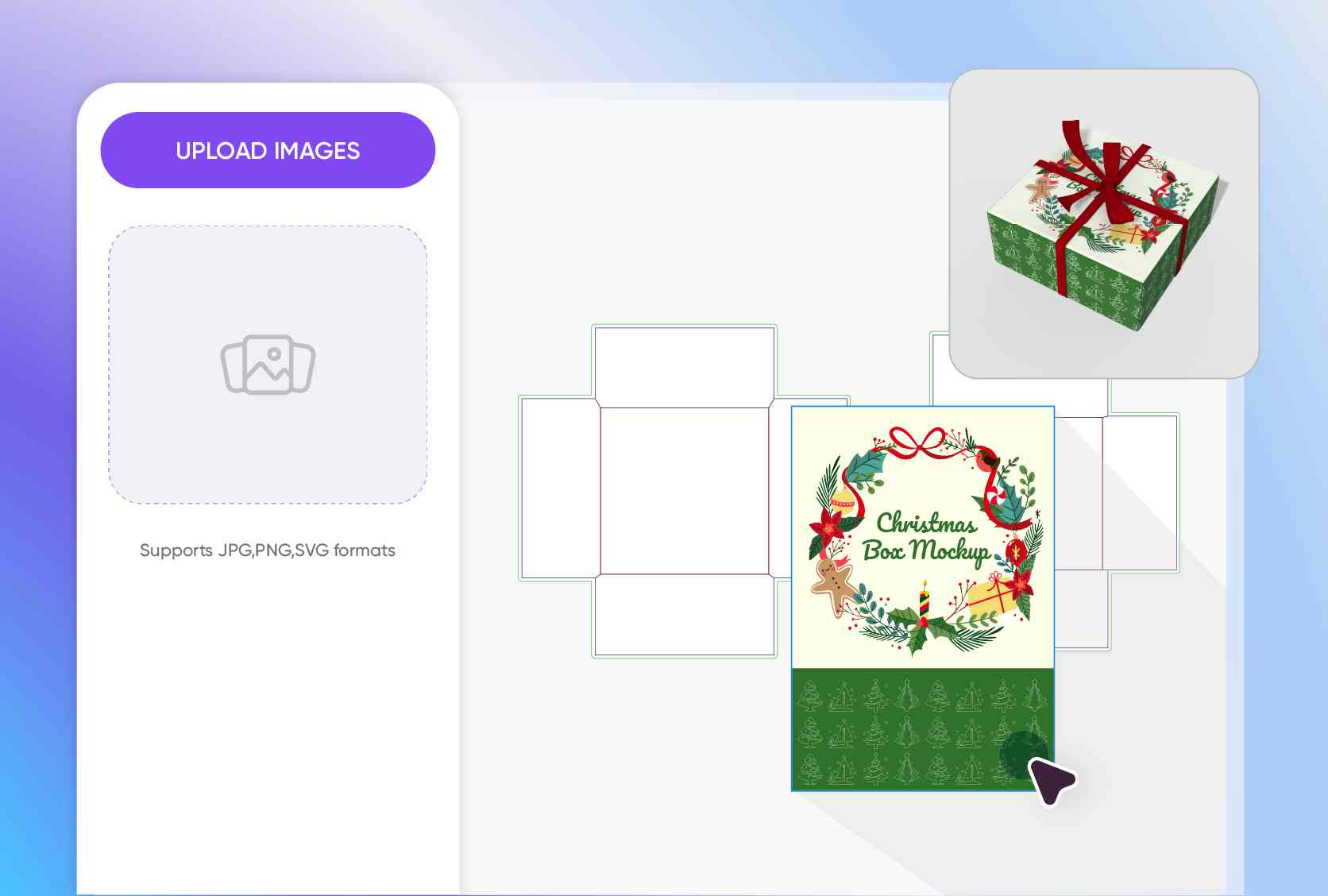
Upload artwork to any gift box mockup
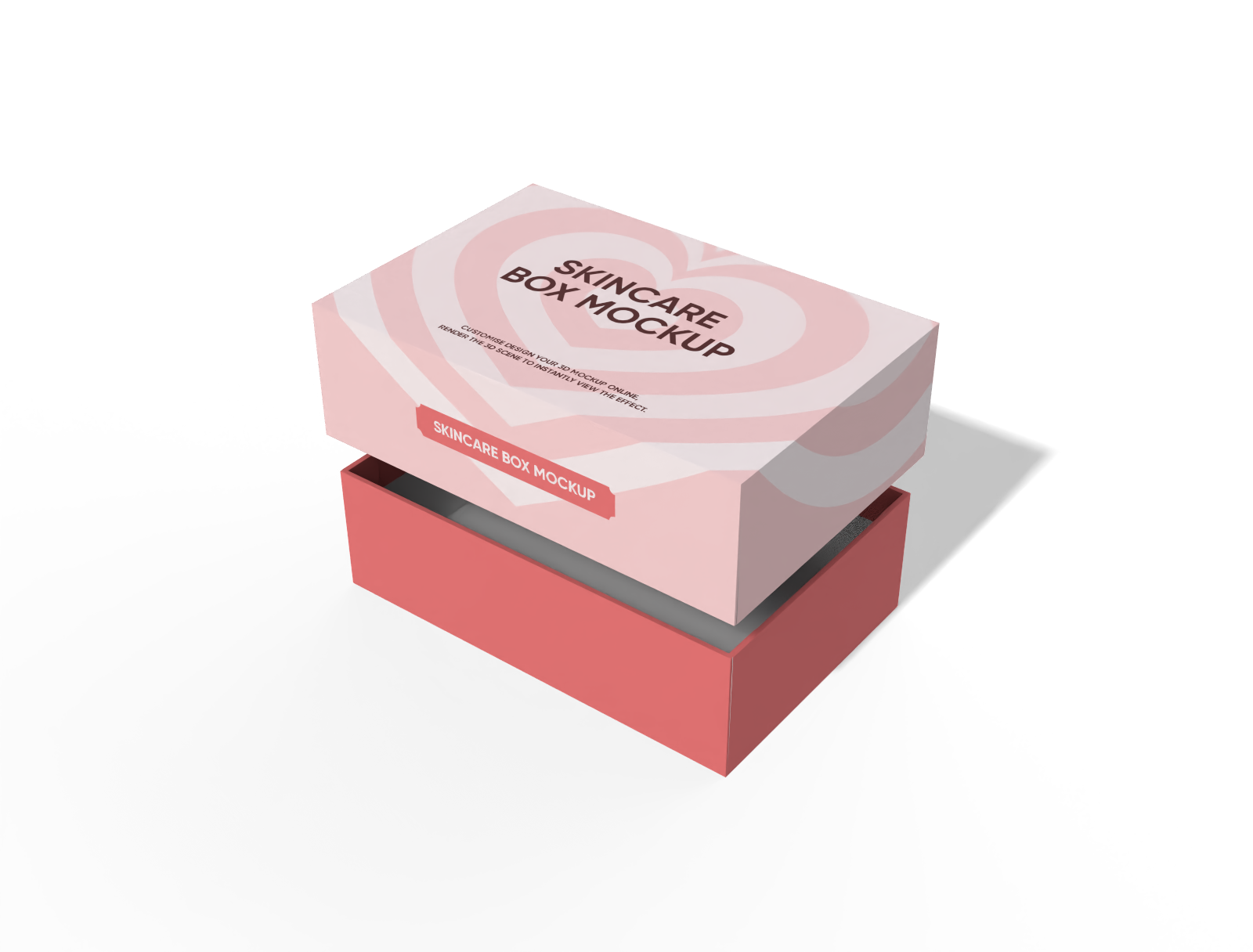
Your logos, seasonal illustrations, monograms, and product photography are what transform a plain box into a heartfelt brand experience.
Jewelry brands can upload clean, minimalist logos. Retailers can drop in holiday graphics for festive gift packaging that stands out. Wedding businesses can add custom monograms or floral artwork for a personalized touch.
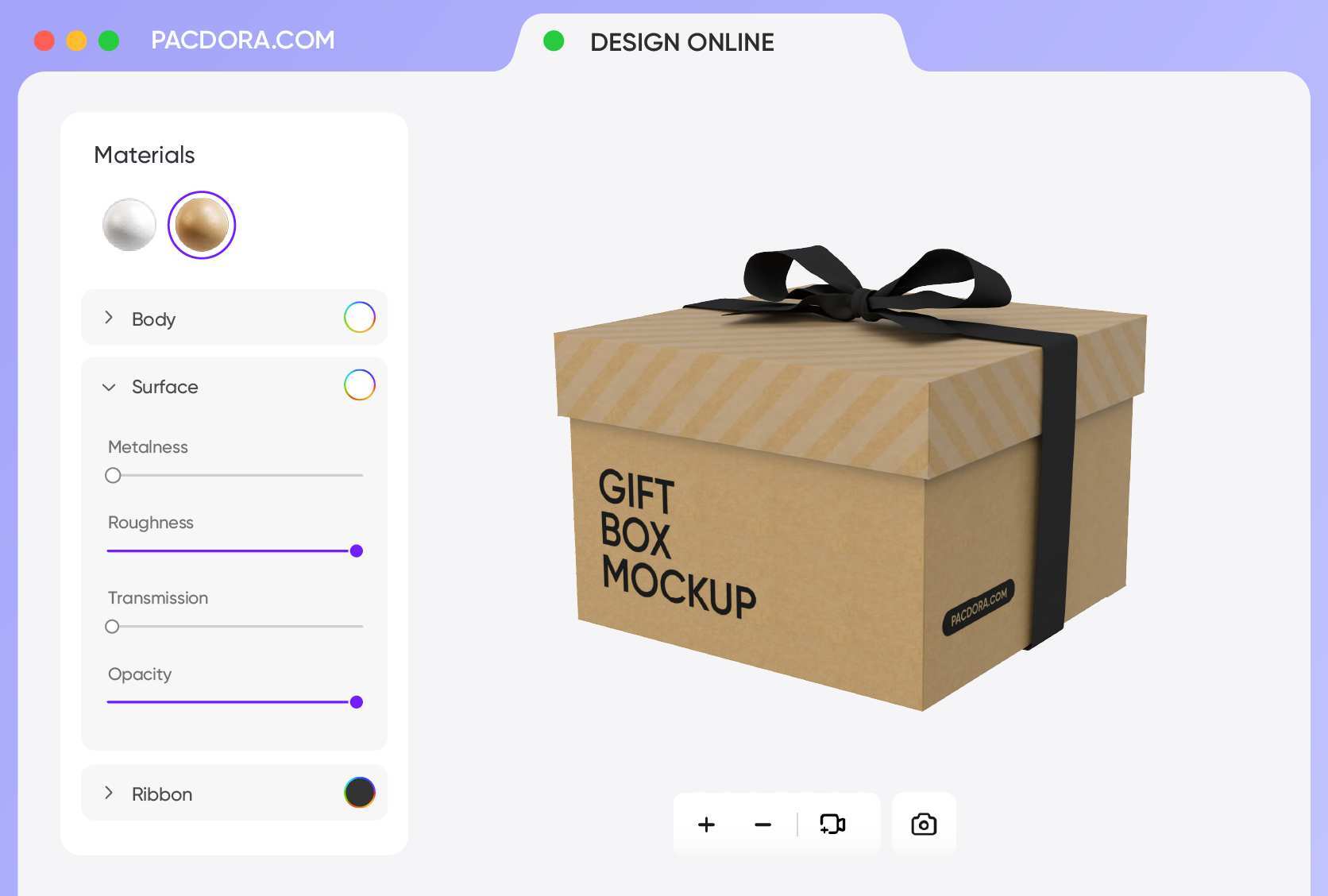
Select the perfect material for gift box mockup
Material is what separates a forgettable box from a memorable unboxing moment. White cardboard is the top choice for clean gift boxes — smooth, sturdy, and ideal for showcasing logos and artwork. It's perfect for cosmetics, or retail gifts.
For eco-conscious brands, kraft paper brings a warm, natural texture that communicates sustainability and authenticity.
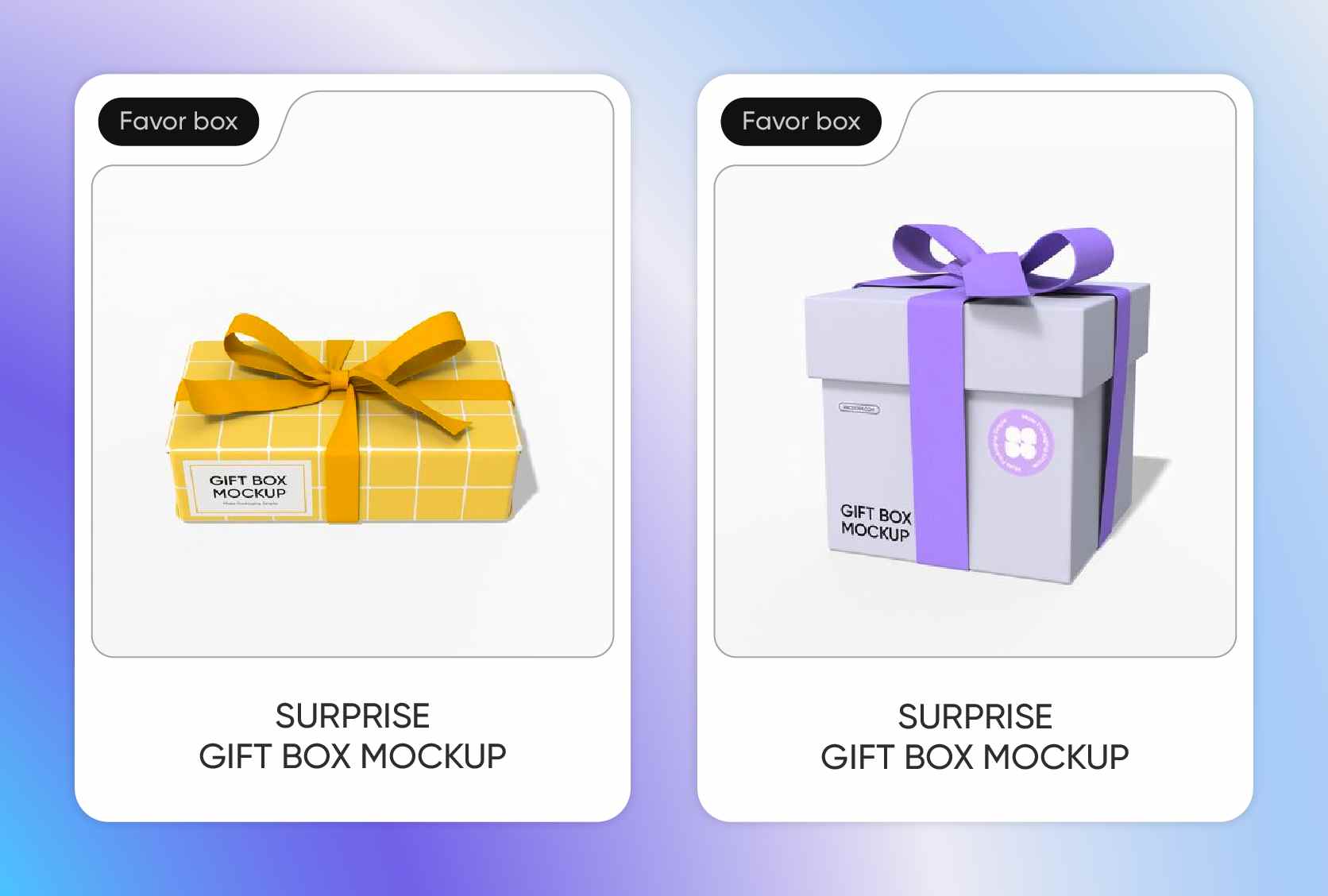
Adjust your gift box mockup to ideal size
Pacdora’s mockup generator lets you freely adjust the dimensions to fit any product or display need.
For example, a small cosmetic box (6 × 4 × 2 inches), or a larger shipping box (14 × 10 × 4 inches). You can experiment with width, height, and depth to see how different sizes affect the presentation, ensuring your design looks balanced and realistic.
A wide variety of gift box mockup styles
Pacdora's gift box mockup generator covers a rich variety of styles. Looking for a jewelry box mockup to showcase rings or necklaces beautifully?
Or a magnetic box mockup that gives your premium packaging that satisfying snap-close feel? We also offer box with ribbon mockups for a timeless gifting look. Every style is crafted to look realistic, and polished.
Upload artwork to any gift box mockup
Your logos, seasonal illustrations, monograms, and product photography are what transform a plain box into a heartfelt brand experience.
Jewelry brands can upload clean, minimalist logos. Retailers can drop in holiday graphics for festive gift packaging that stands out. Wedding businesses can add custom monograms or floral artwork for a personalized touch.
Select the perfect material for gift box mockup
Material is what separates a forgettable box from a memorable unboxing moment. White cardboard is the top choice for clean gift boxes — smooth, sturdy, and ideal for showcasing logos and artwork. It's perfect for cosmetics, or retail gifts.
For eco-conscious brands, kraft paper brings a warm, natural texture that communicates sustainability and authenticity.
Adjust your gift box mockup to ideal size
Pacdora’s mockup generator lets you freely adjust the dimensions to fit any product or display need.
For example, a small cosmetic box (6 × 4 × 2 inches), or a larger shipping box (14 × 10 × 4 inches). You can experiment with width, height, and depth to see how different sizes affect the presentation, ensuring your design looks balanced and realistic.
Our customers love Pacdora’s mockup tools
Thousands before you have designed realistic mockups with Pacdora and loved it.

Great mock-ups and literally thousands of packaging designs to choose from. The 3d mock-up is so good, helps bring clarity to the client as well as the designers. Great product for packaging design professionals.


cosmiccorner
Move over, complicated design software! Pacdora is the superhero of packaging mockups. Creating 3D magic for my products is as easy as pie – no PhD in design required. It’s like the software looked at the clock and said, ‘Time to save users from design nightmares!’ It’s so user-friendly, even my coffee mug wants to try its hand at packaging design.
FAQ
What occasions are best for using our gift box mockup generator?
Our gift box mockup generator is perfect for any special event or product launch you can dream up. Whether you’re creating festive packaging for the holidays, elegant boxes for weddings, or custom corporate gifts, we’ve got you covered. Just pick a gift box mockup, add your themed artwork, and you’ll have a stunning 3D presentation ready to show off in minutes!
Can I add backgrounds using Pacdora's gift box mockup generator?
Yes. Pacdora lets you add and fully customize backgrounds for your gift box mockup. You can choose from plain colors, gradients, or pre-made scenes.
For even more personalization, Pacdora’s AI background generator allows you to create custom backdrops by typing a simple description, such as a minimalist studio, rustic wooden shelf, or outdoor lifestyle scene. This makes it easy to match the background to your brand style or marketing concept, helping your box design look realistic and visually appealing.
How do I make my gift box mockup look realistic?
To make your gift box mockup look realistic, focus on textures, lighting, shadows, and perspective. Adjust the material to reflect how it would feel in real life — for example, white cardboard for a clean, bright look or kraft paper for a natural, textured feel.
Experiment with angles, background scenes, and proportions to highlight the box’s shape and details. Properly combining these elements will give your mockup a professional, lifelike appearance.
Do I need design skills to use Pacdora's gift box mockup generator?
No. Pacdora is designed for users of all levels, so you don’t need any design experience. You can simply choose a gift box style, upload your artwork, adjust the size, colors, materials, and backgrounds, and instantly create a professional-looking mockup. It makes visualizing your packaging ideas quick, easy, and stress-free.
Can I use Pacdora's gift box mockup generator for free?
Yes! Pacdora's gift box mockup generator offers free features that let you design gift box mockups at no cost. If you want access to advanced and exclusive options, please visit our pricing page to find the right plan for you.
Explore more mockup tools
Discover more about Pacdora


