

Jewellery box packaging
Select round or square jewellery box designs in flannelette or leather, and add graphics or text to customize them for free! Download them as high-quality PNGs or videos.


Flip top magnetic gift box mockup
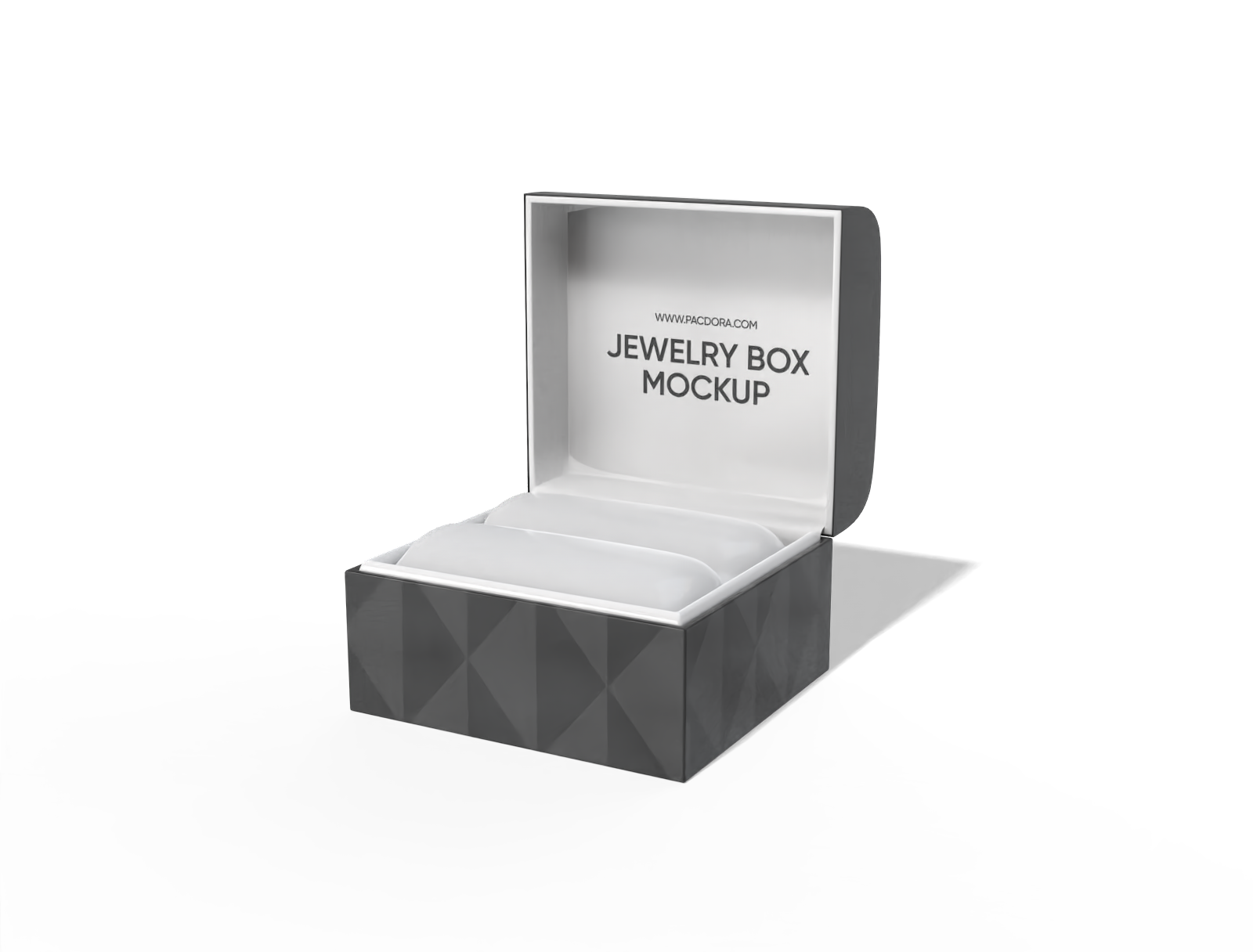
Jewelry box mockup
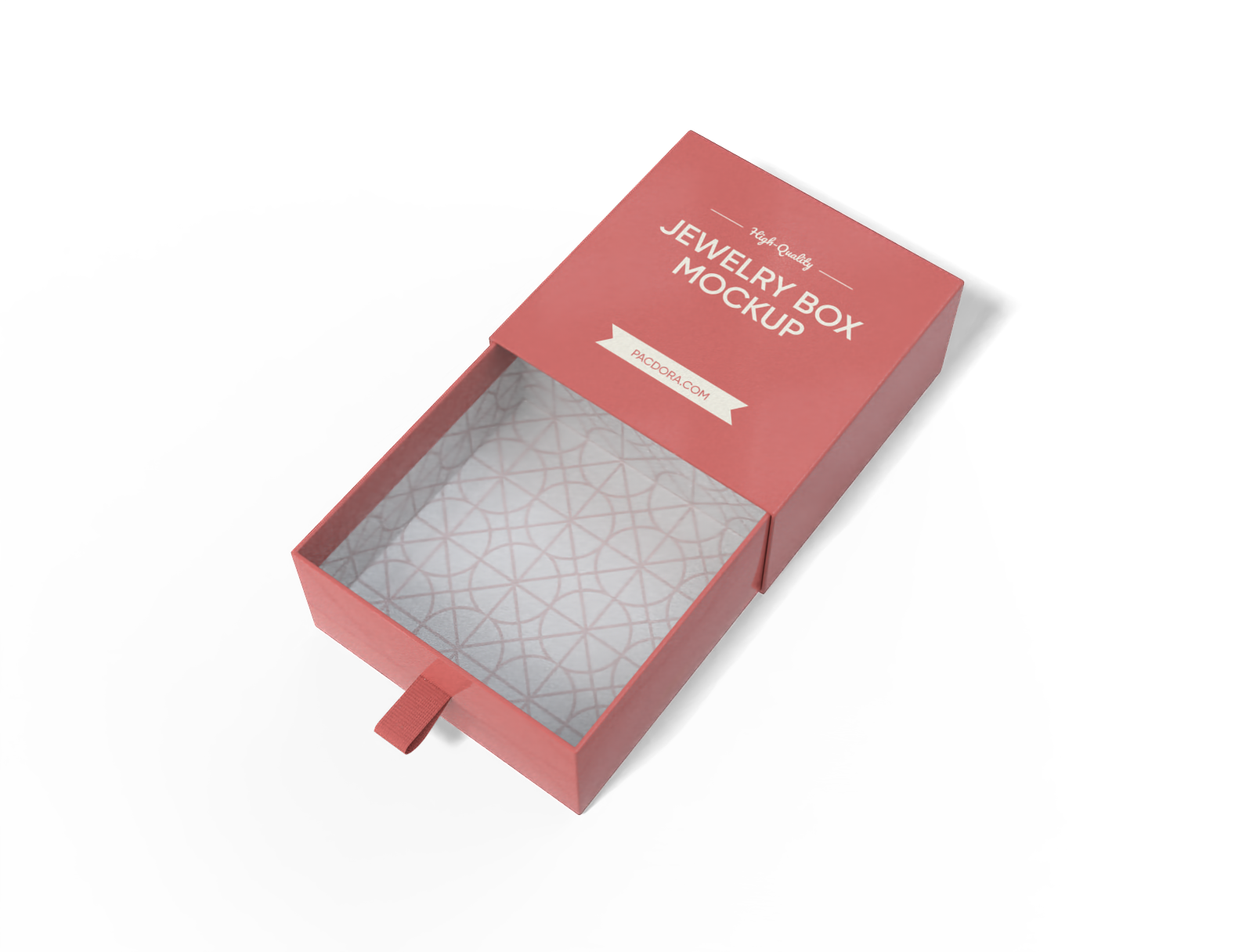
Sleeve and tray jewelry box mockup
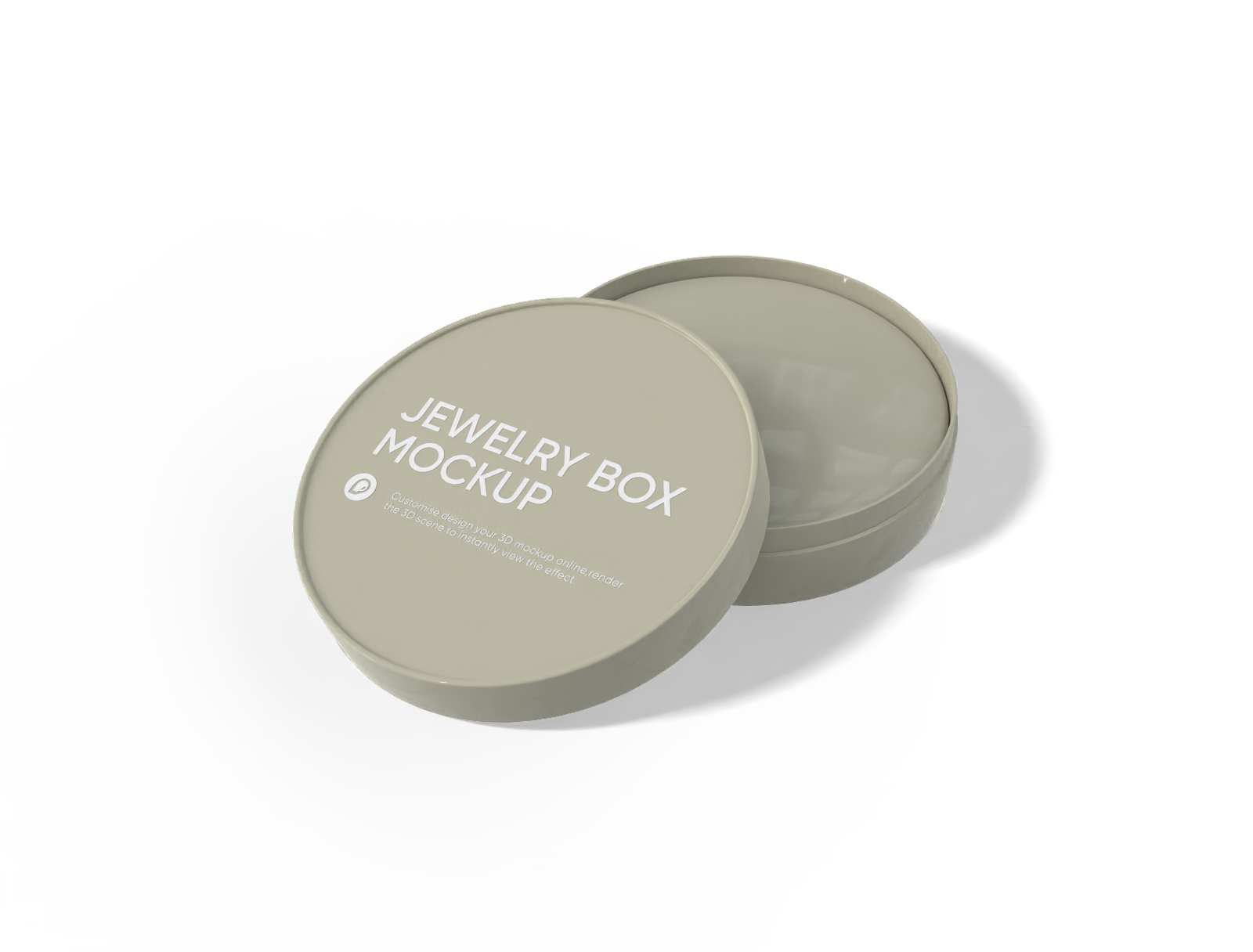
Round jewelry box mockup
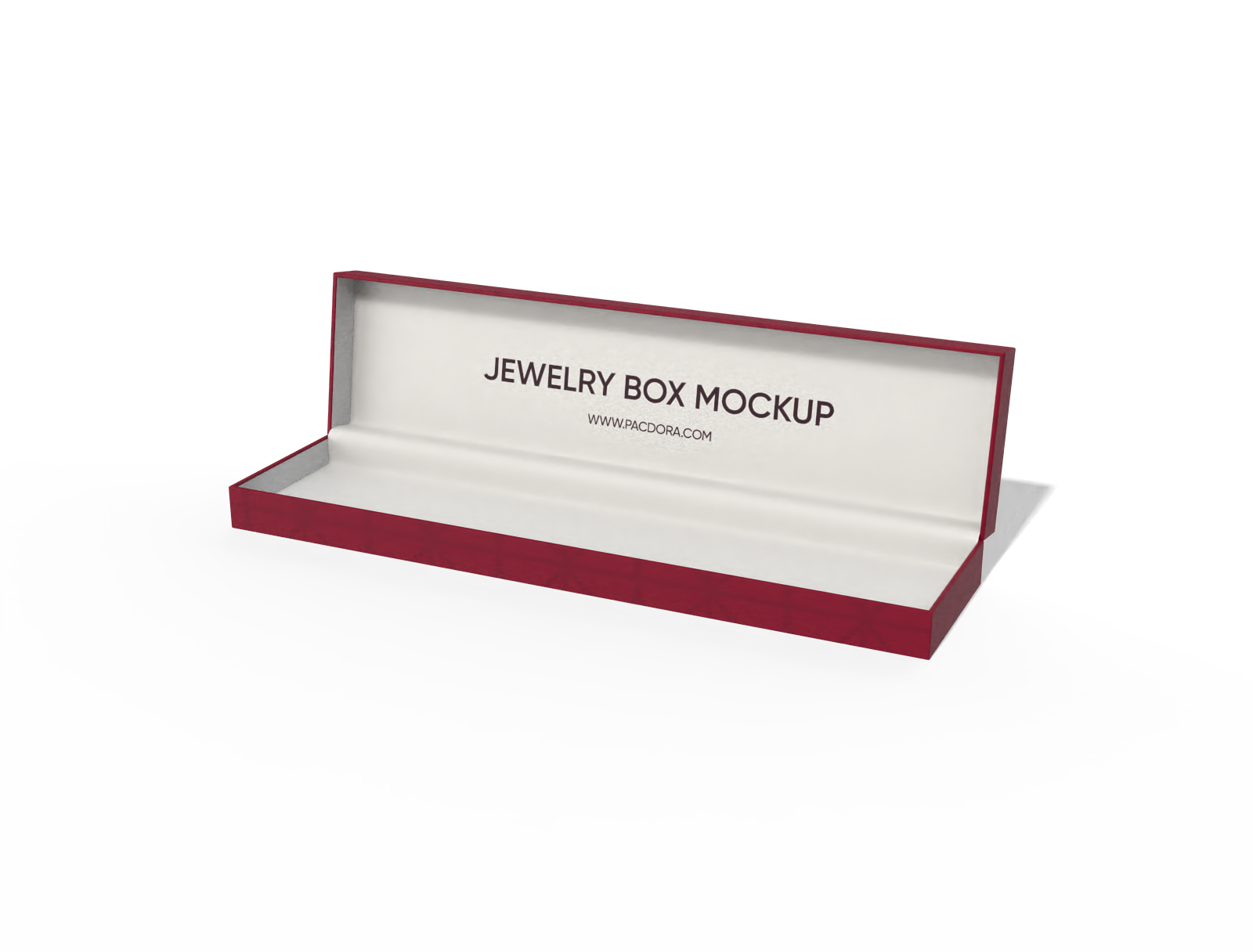
Jewelry box mockup
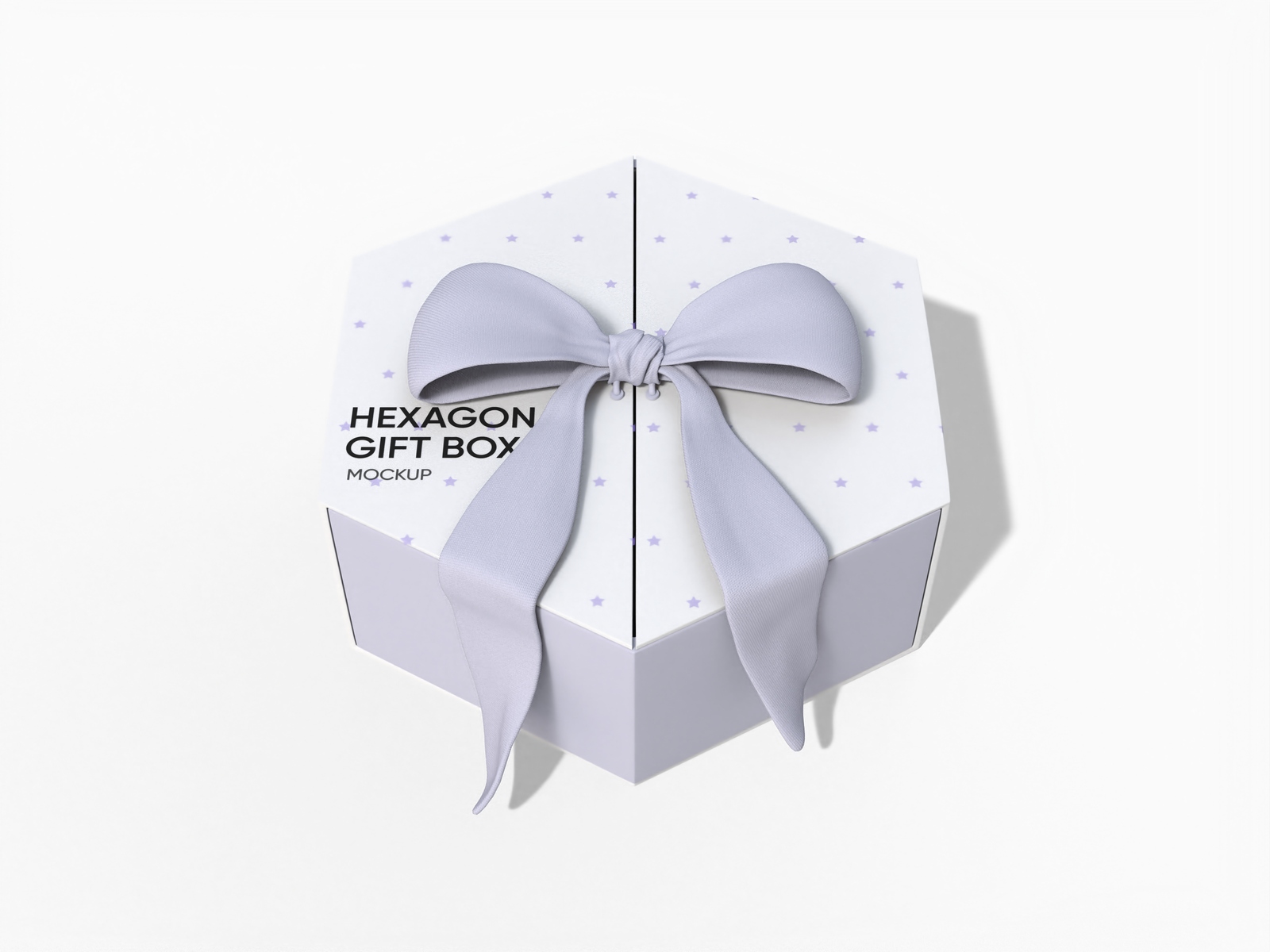
Hexagon gift box with ribbon mockup
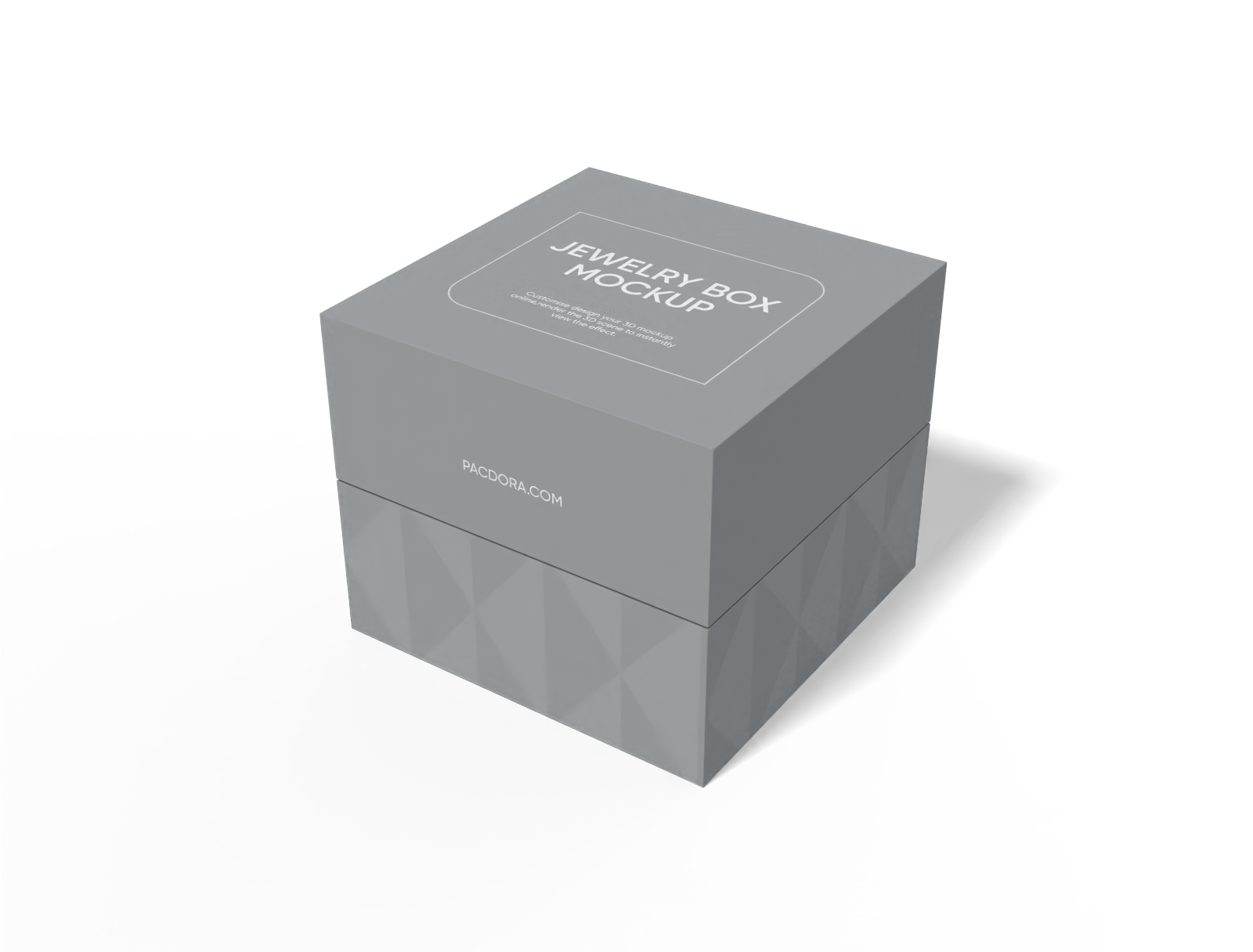
Square jewelry box mockup
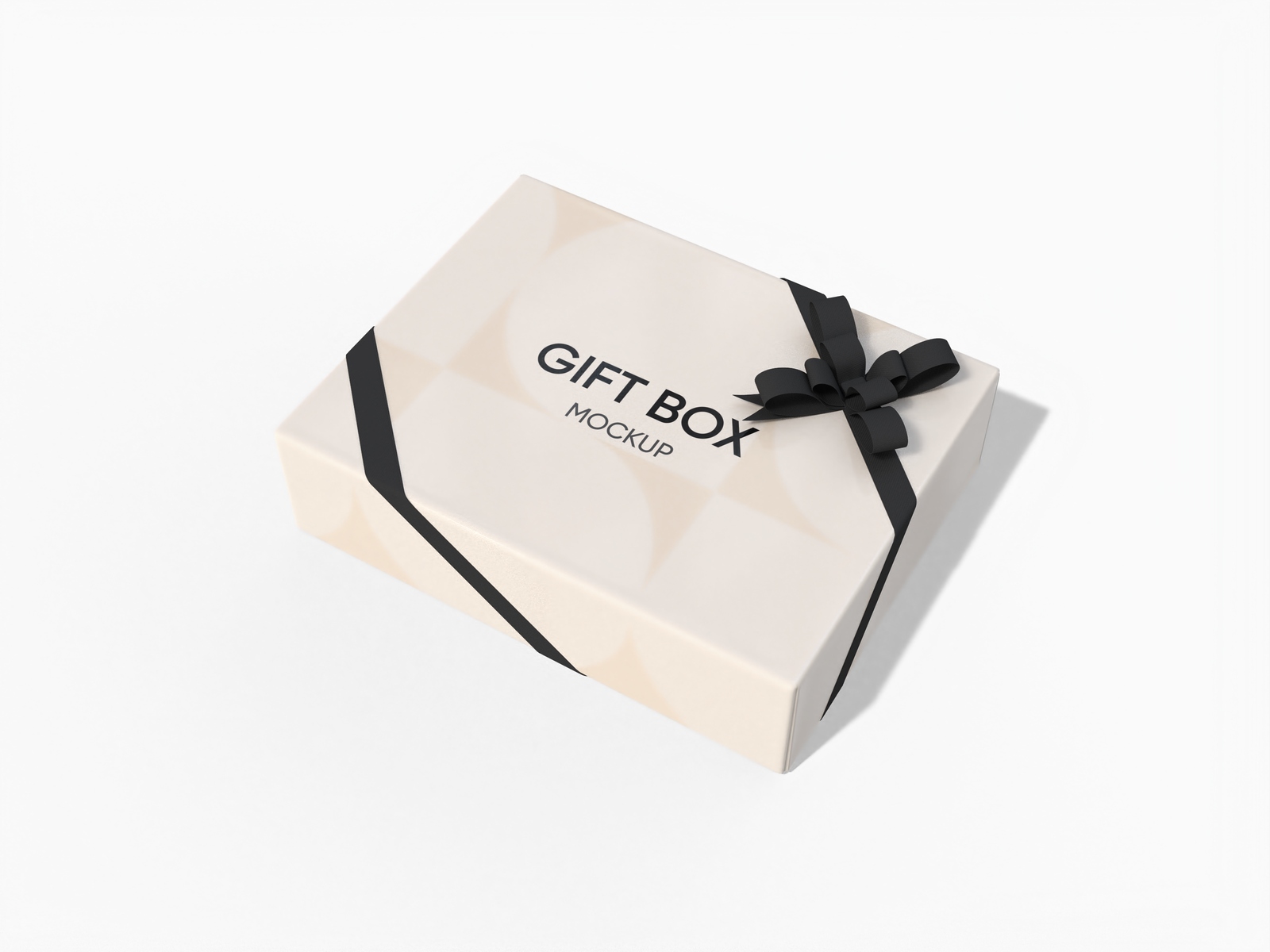
Jewelry gift box mockup
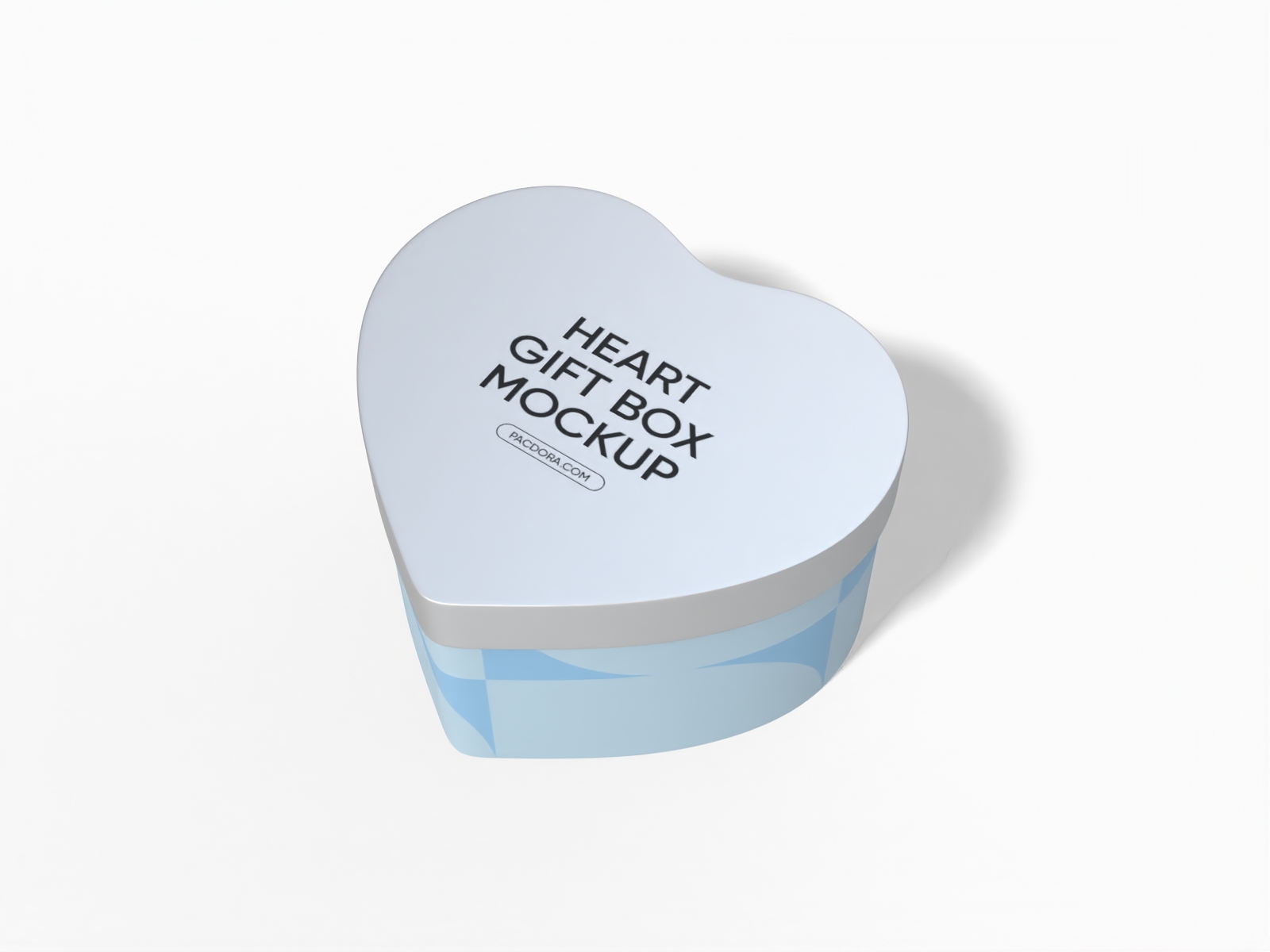
Heart shaped gift box mockup
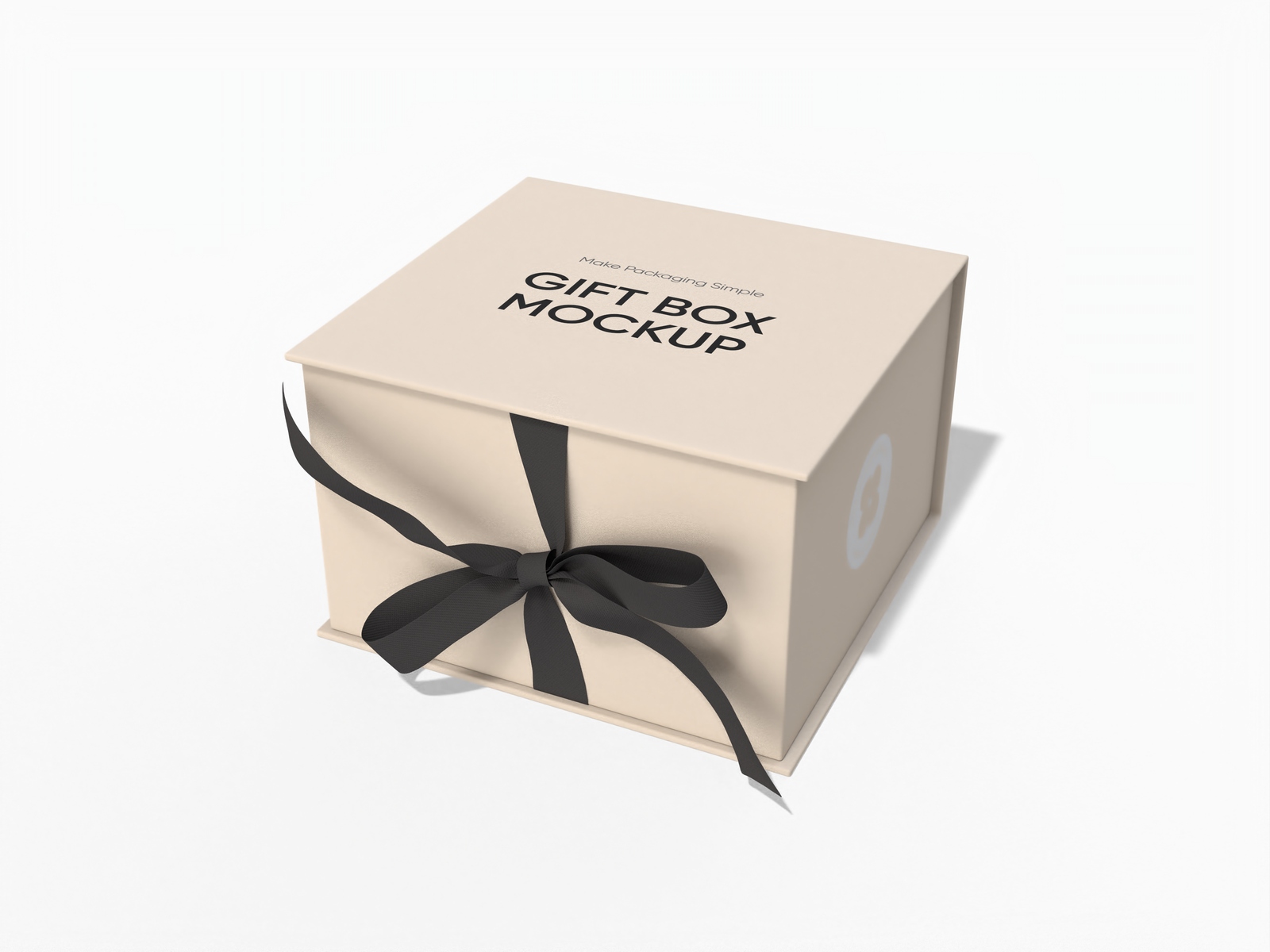
Small gift box mockup
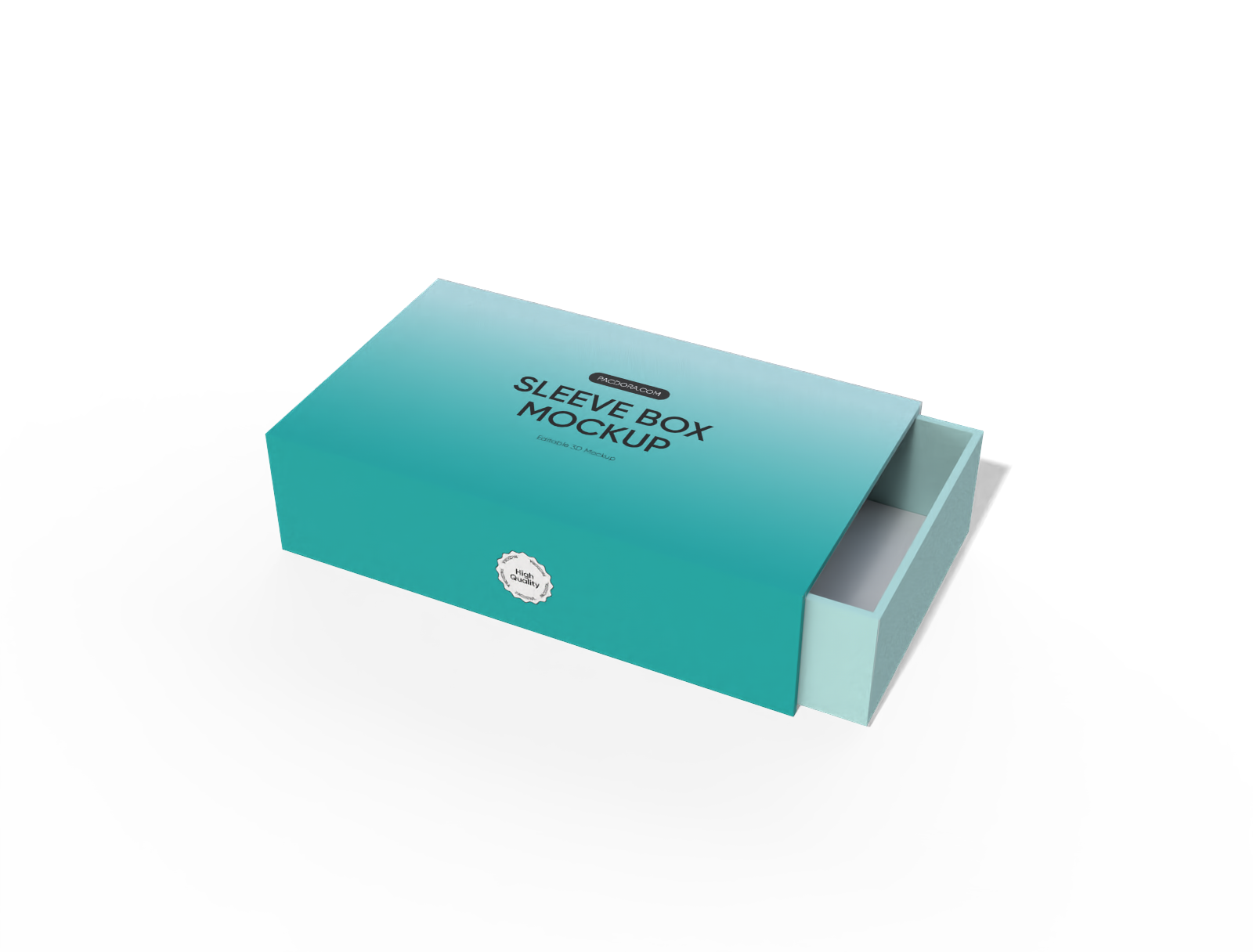
Sleeve drawer perfume box mockup
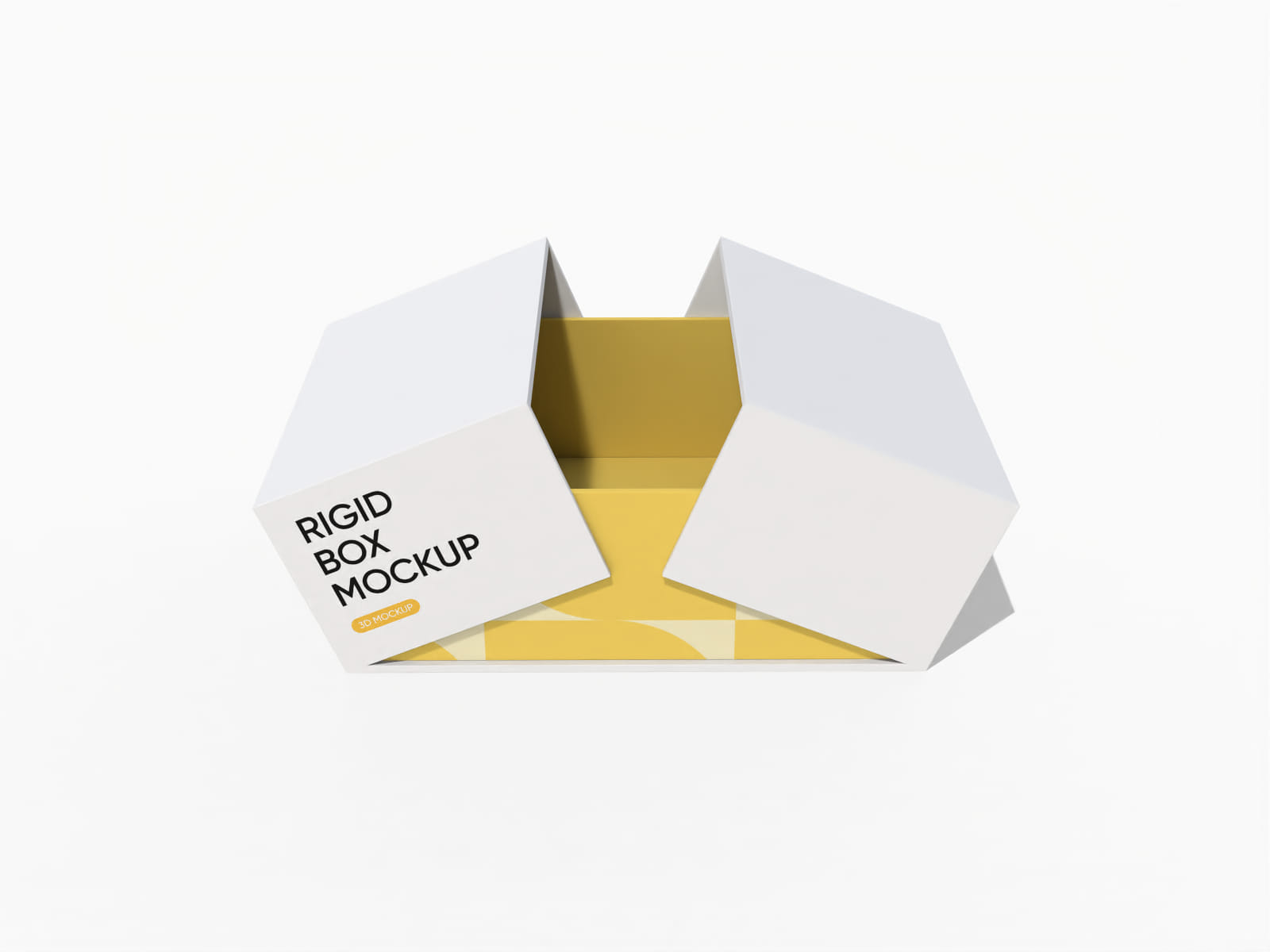
Double door rigid gift box mockup
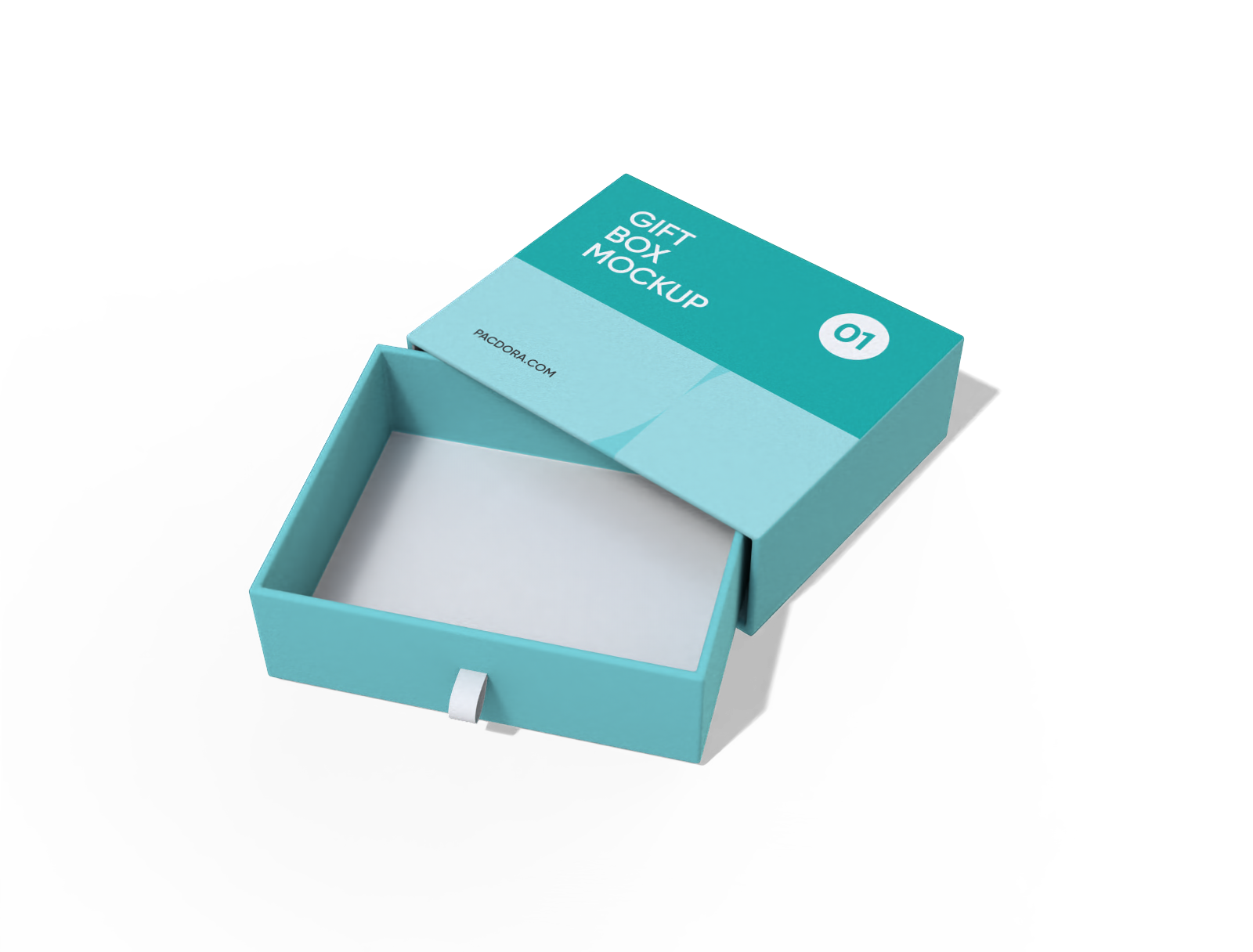
Slide gift box mockup

Double door gift box mockup
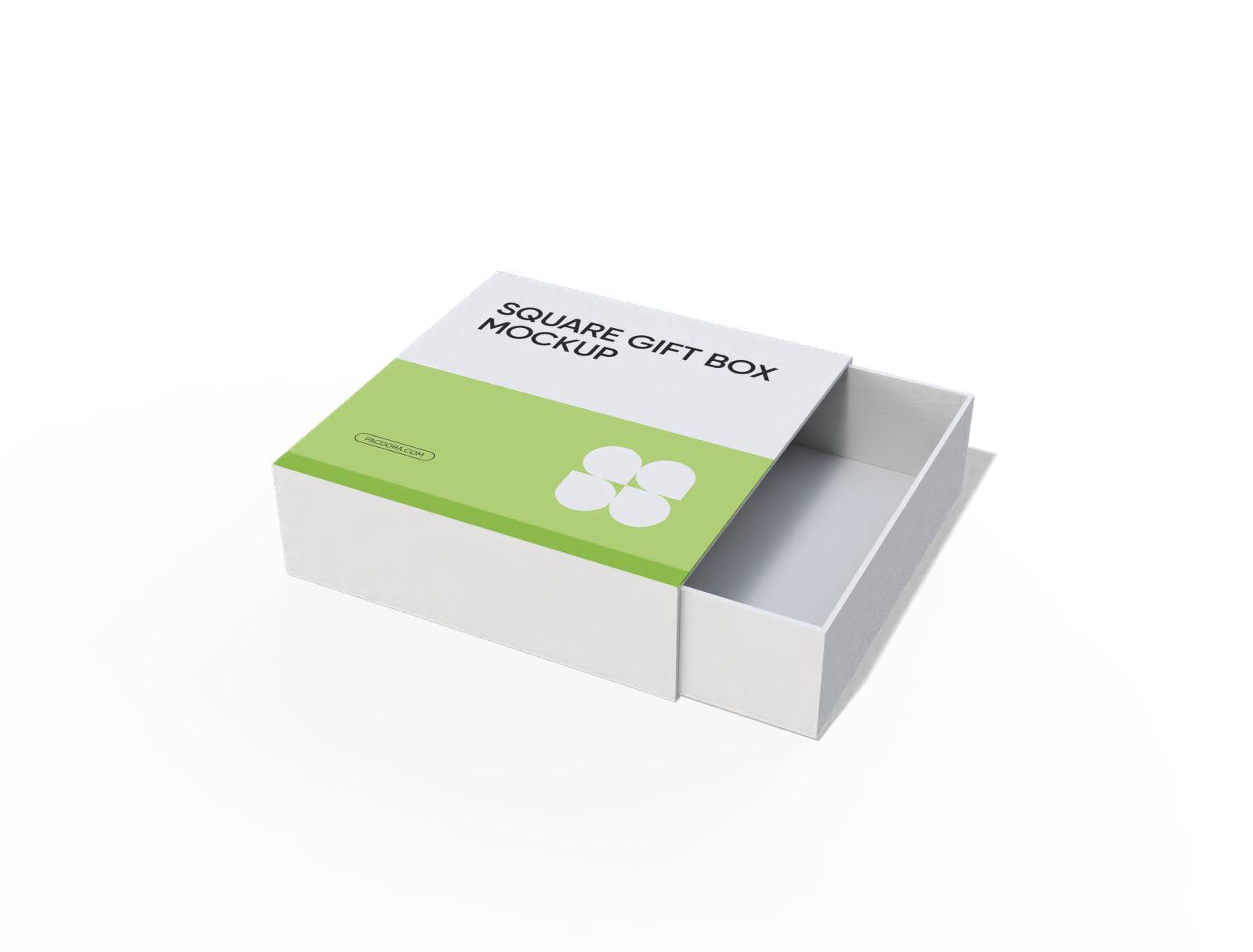
Square drawer gift box mockup
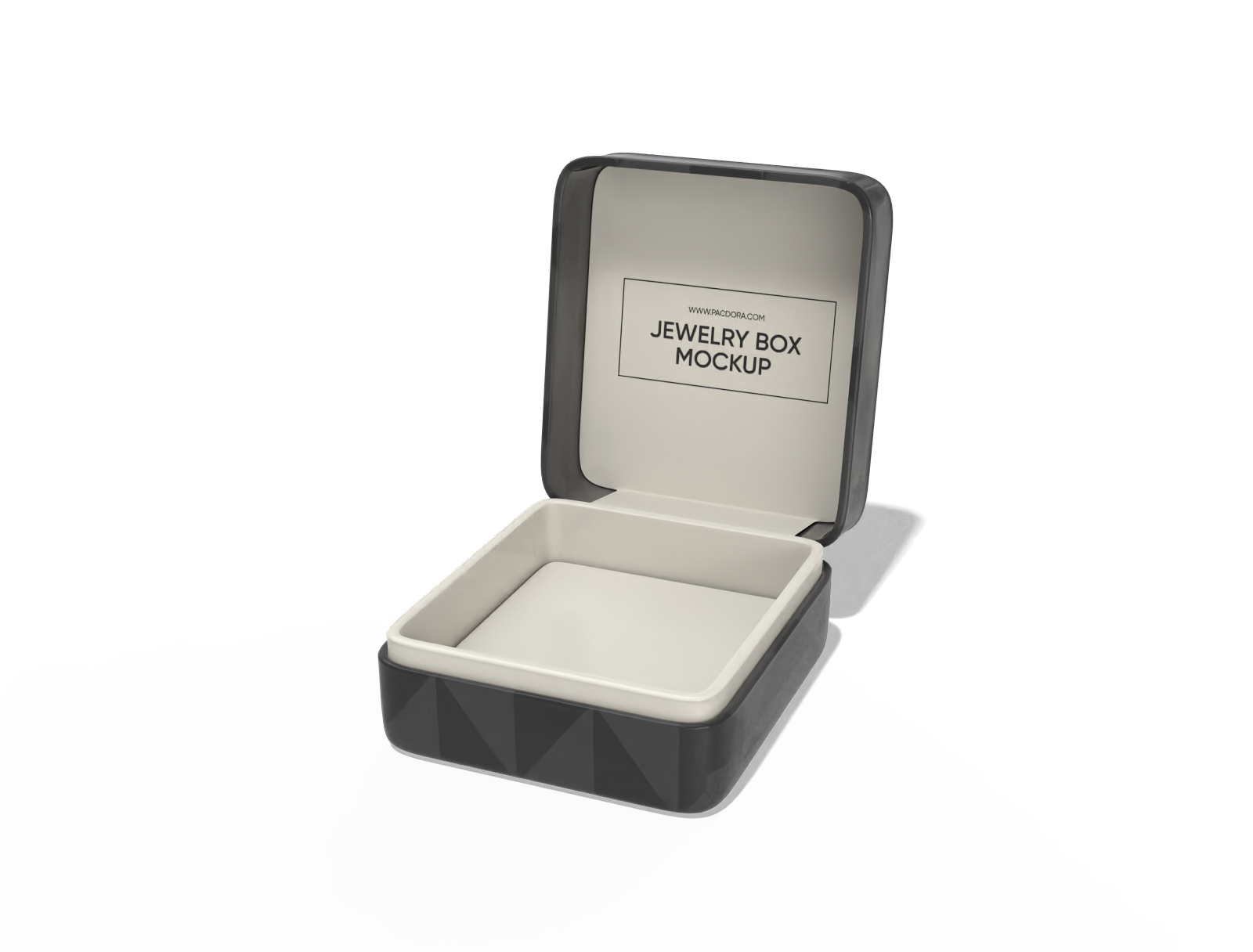
Jewelry box mockup

Gift box with lid mockup
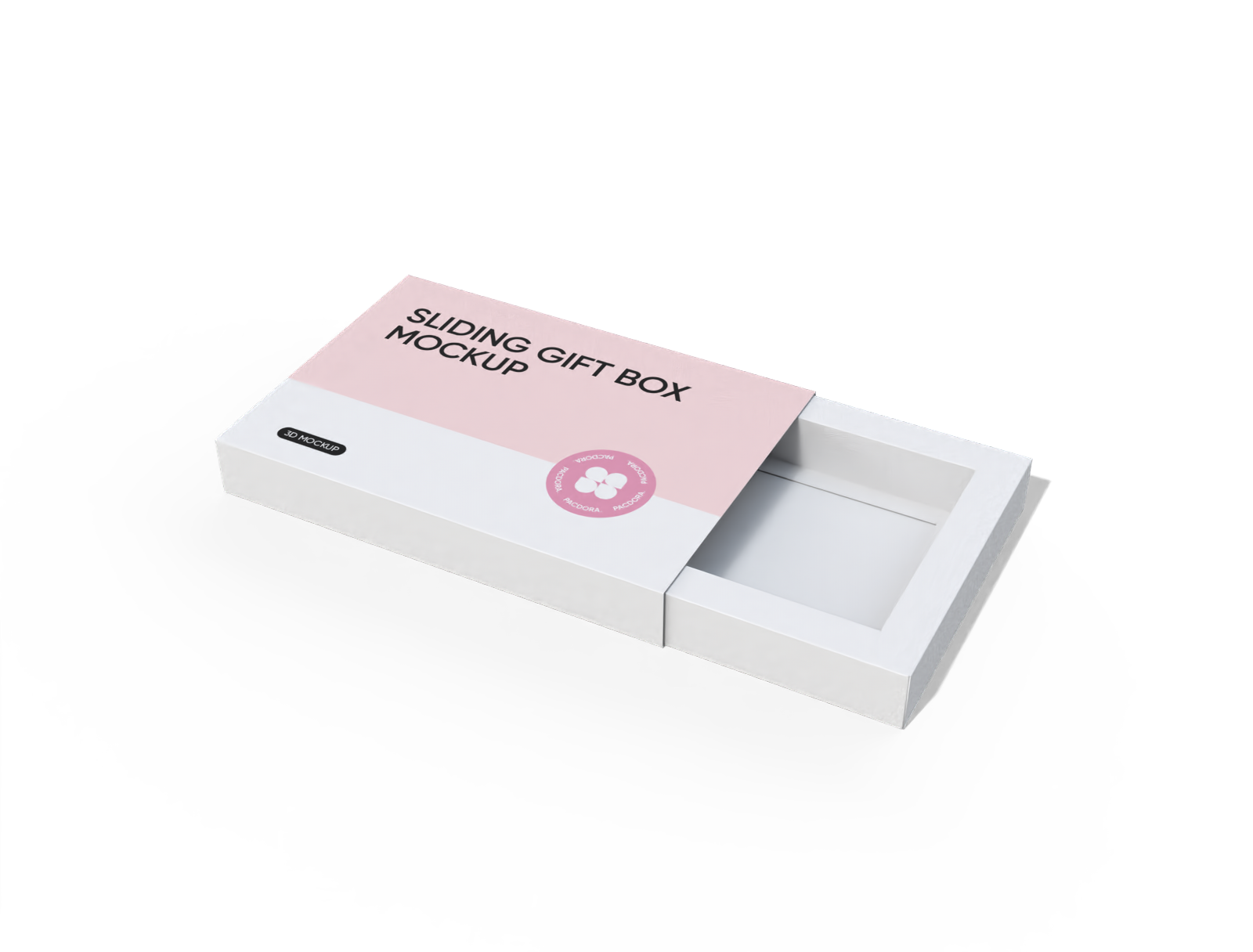
Sliding surprise gift box mockup
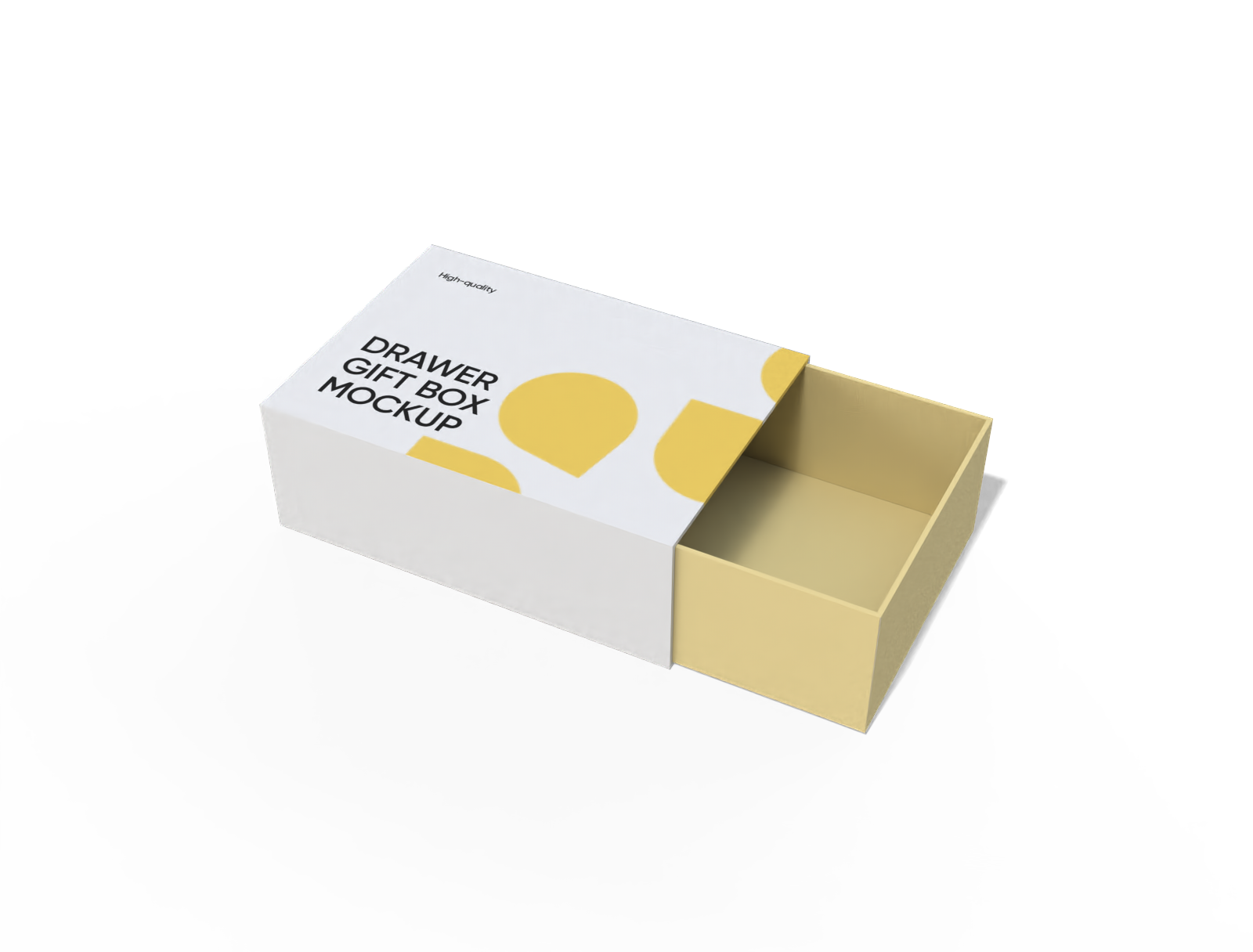
Drawer gift box mockup

Flip top magnetic gift box mockup
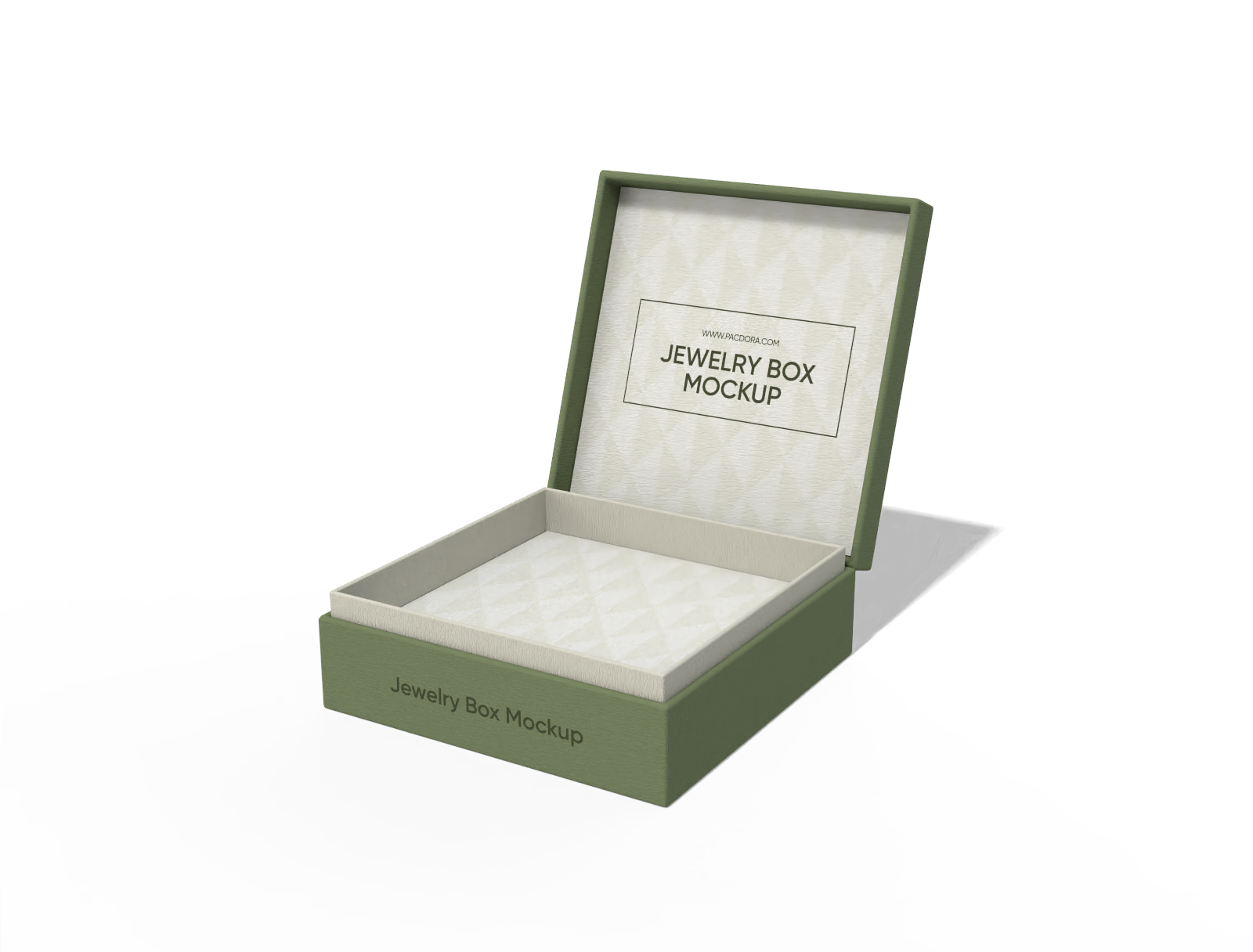
Square jewelry box mockup
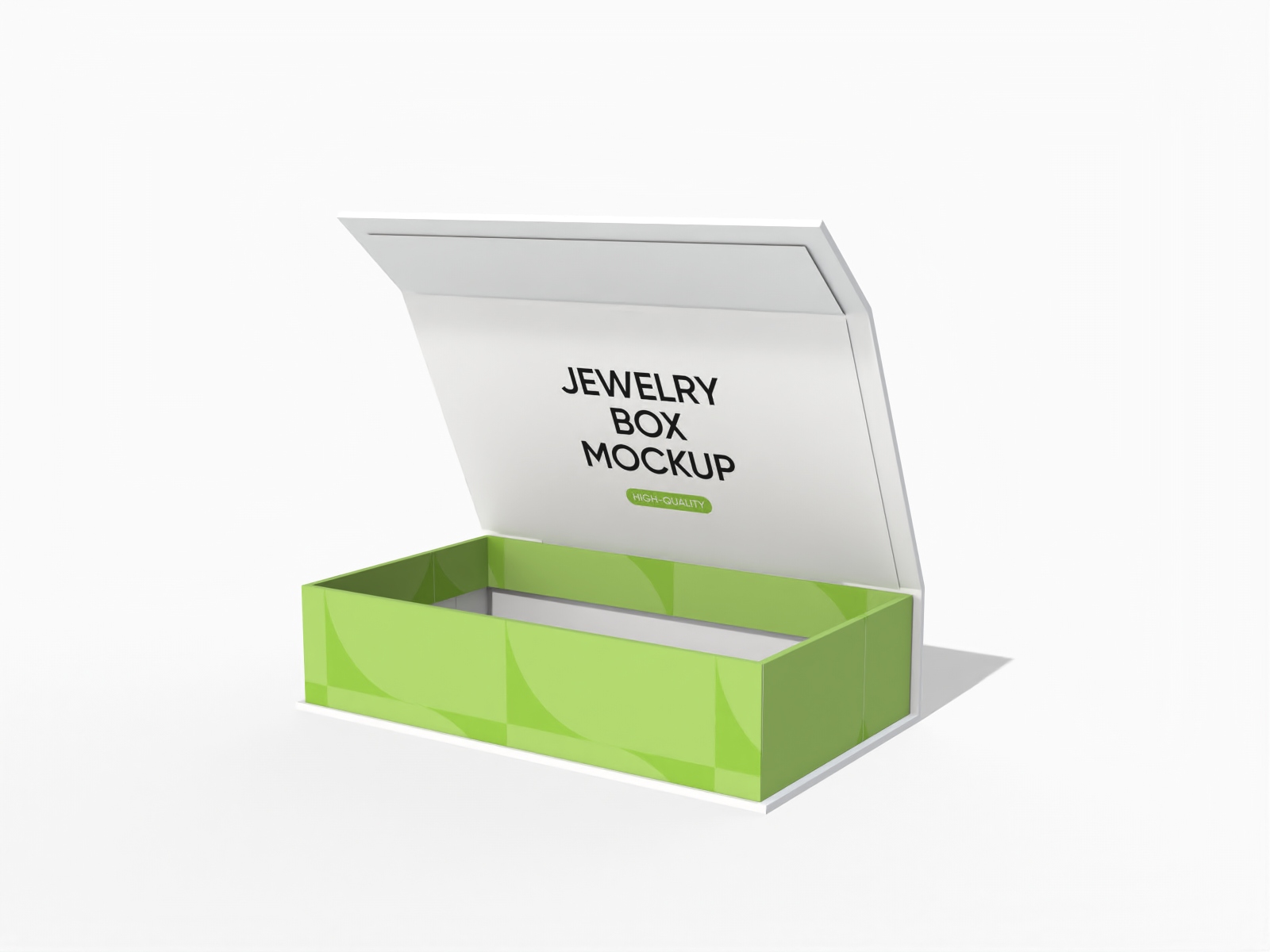
Flip top jewelry box mockup

Square gift sleeve box mockup
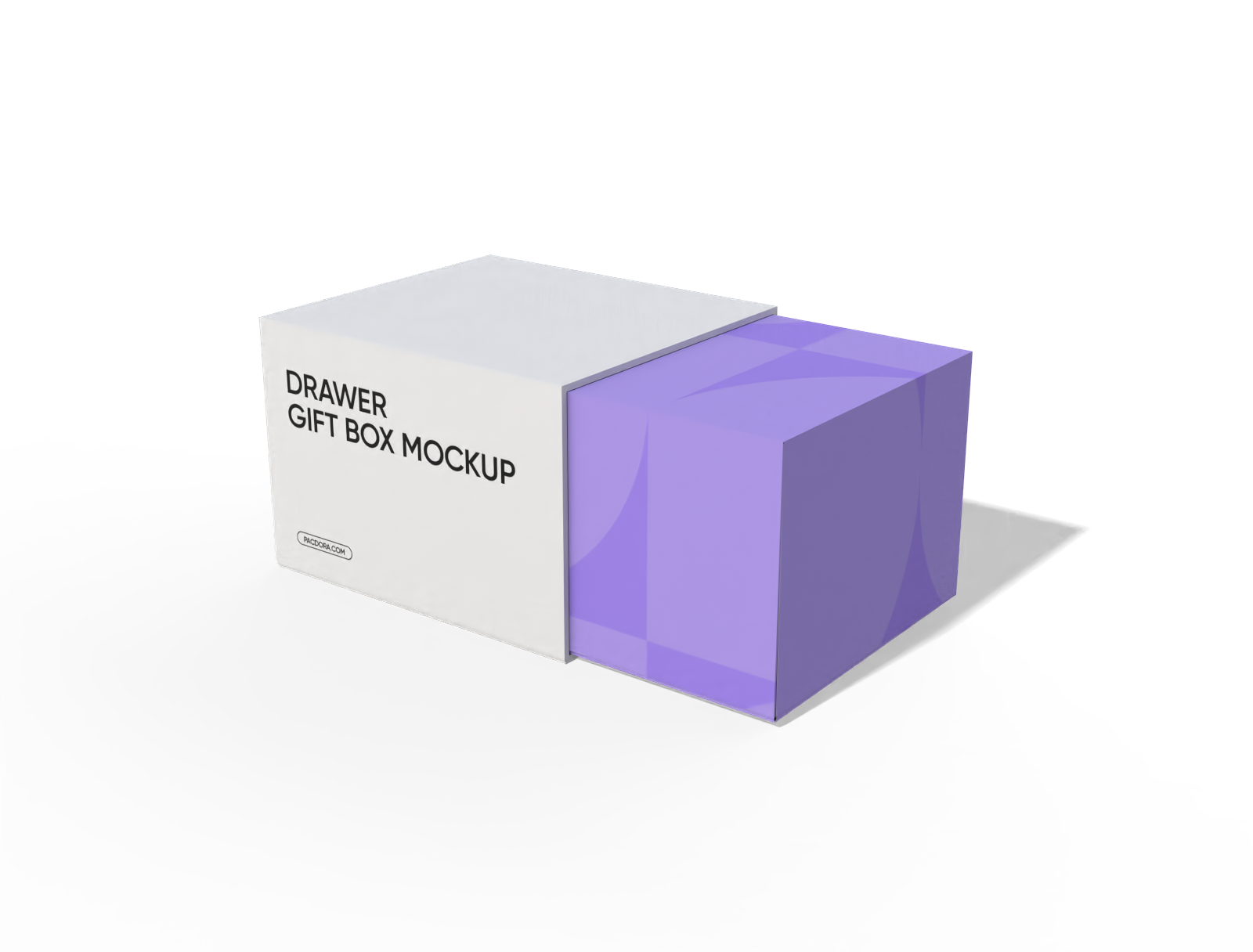
Drawer gift box mockup
Trusted by leading companies


Designing elegant jewellery box packaging is now easier with Pacdora!
Want to make premium-quality jewellery box packaging online? Pacdora lets you design boxes in flannelette, leather, and cardboard materials. You can design different shapes of jewellery boxes in flip-open or sleeve styles. Select a suitable material, adjust the box size, and upload your logo or images for free. Customize the backgrounds and download your packaging as 8K PNG/JPG images or MP4 videos. Start designing today!
Why use an online platform for making jewellery boxes?
Multiple box styles for jewellery collections
Many style options allow brands to create attention-grabbing packaging that suits their product range.
A sleeve-and-tray jewellery box keeps each piece organized and secure, best for packing rings, earrings, or bracelets. Similarly, a square jewellery box with a magnetic lid provides a premium look, suitable for keeping necklaces or delicate sets.
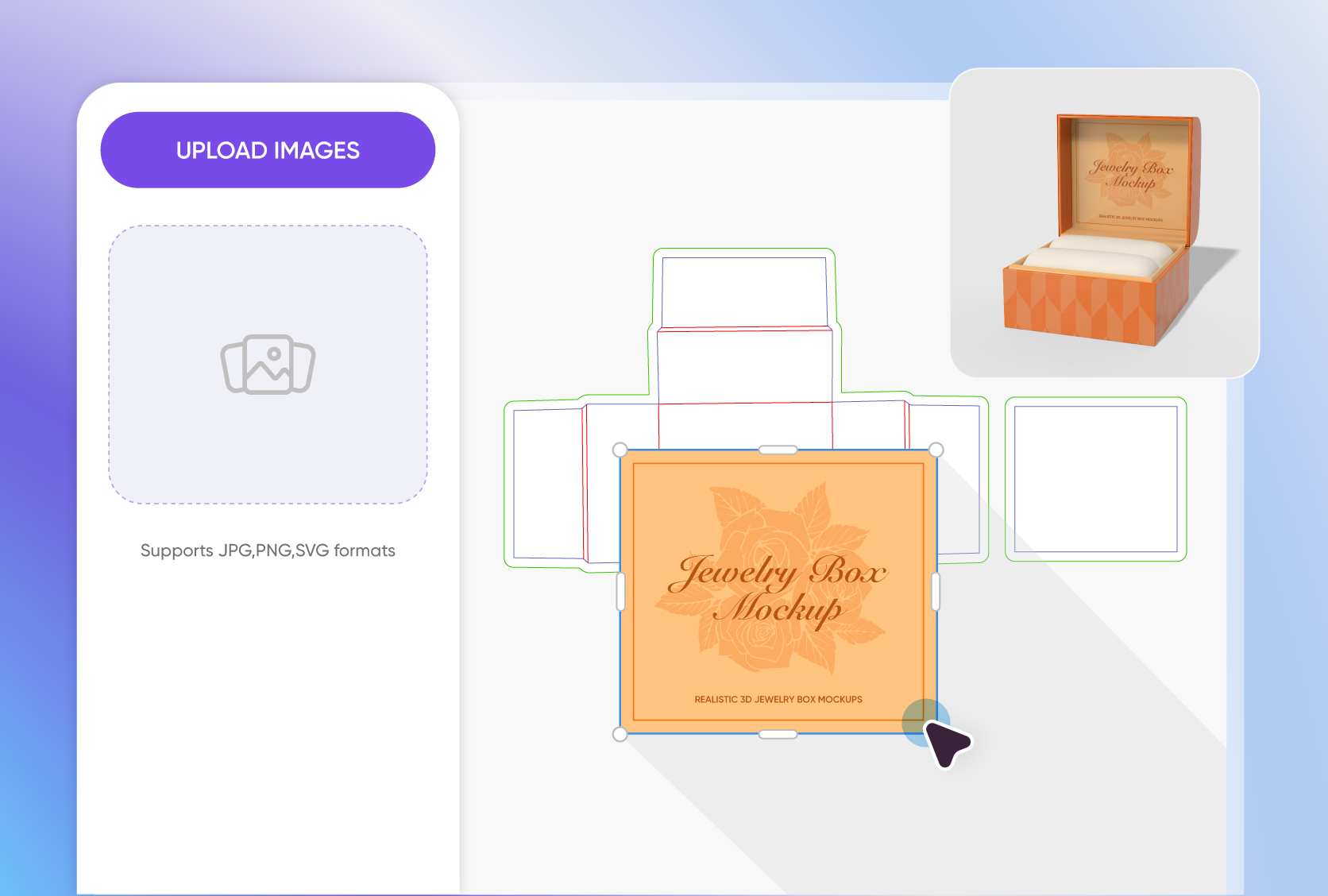
Personal design elements for branded packaging
Adding personalized design components makes the packaging attractive, which builds trust and demonstrates quality to customers.
Placing a brand emblem or logo on the lid or front panel gives the packaging a premium feel. Likewise, custom phrases like “Shine Bright” and “Treasure Forever” add a personal touch, perfect for gifting purposes.
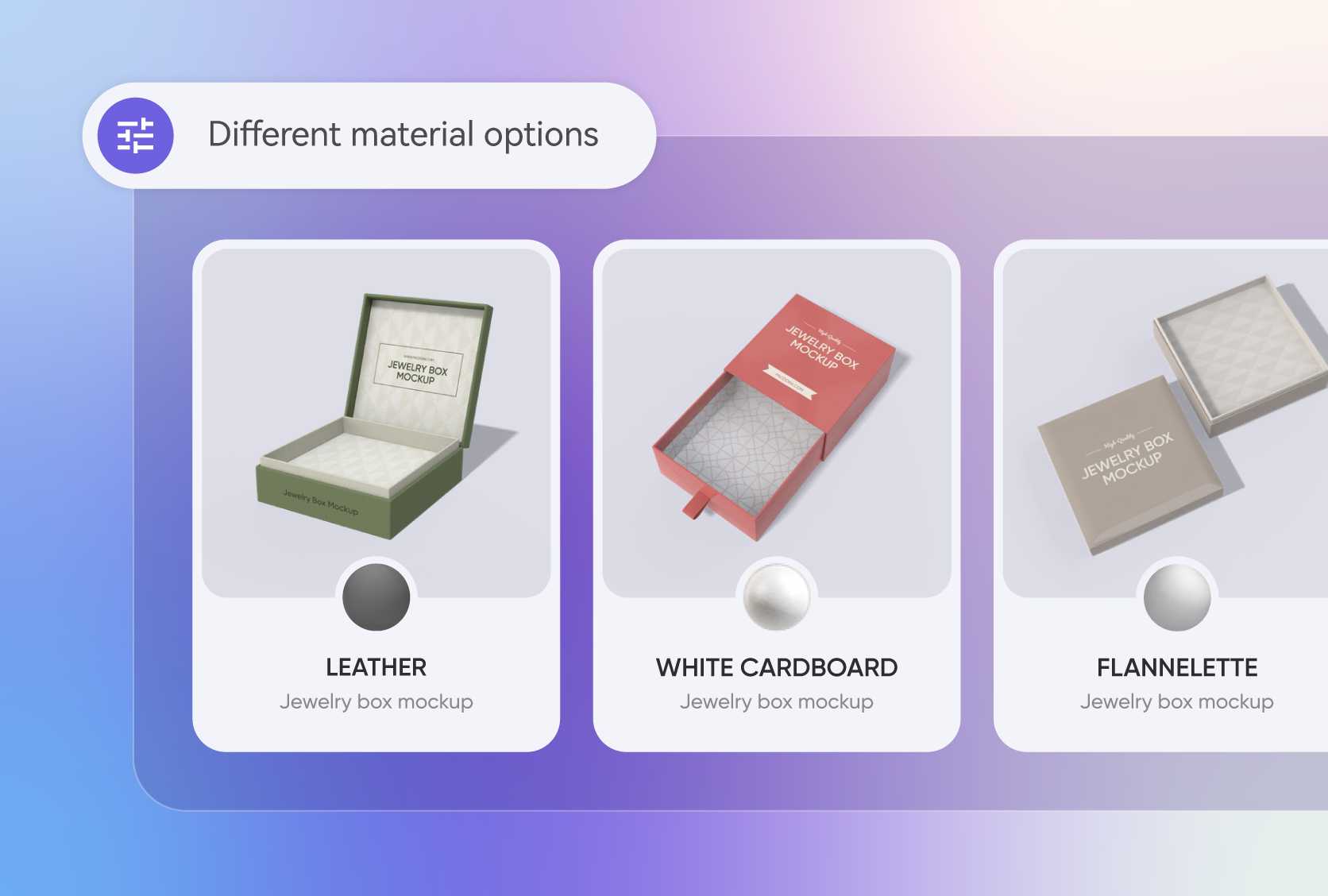
Reliable box materials for long-lasting storage
Selecting a perfect material is important to shield jewellery from scratches and pressure during transport.
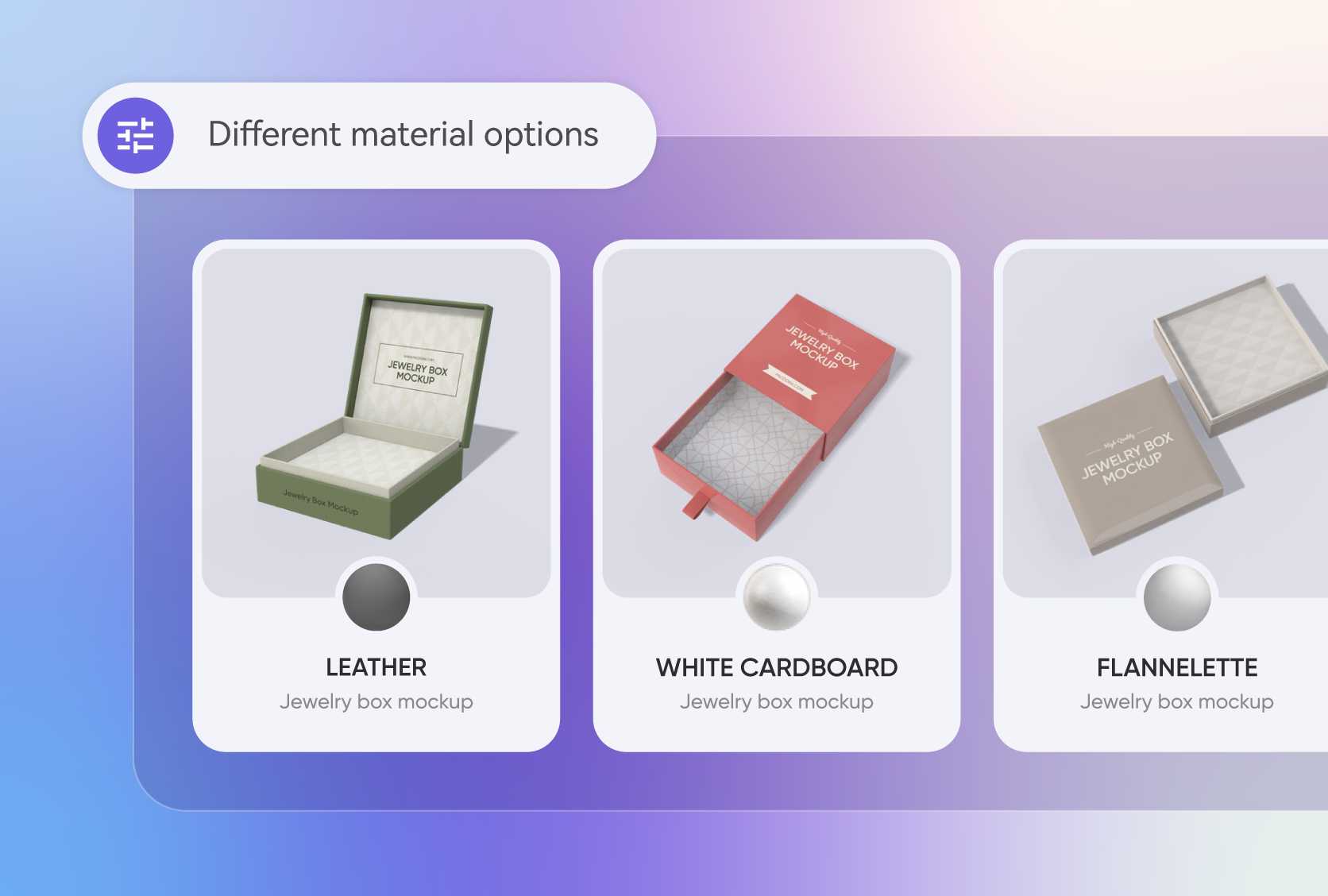
Leather boxes provide a luxurious and sturdy feel, great for imported necklaces or watches. Similarly, flannelette boxes offer a soft, elegant texture, perfect for delicate rings or bracelets.
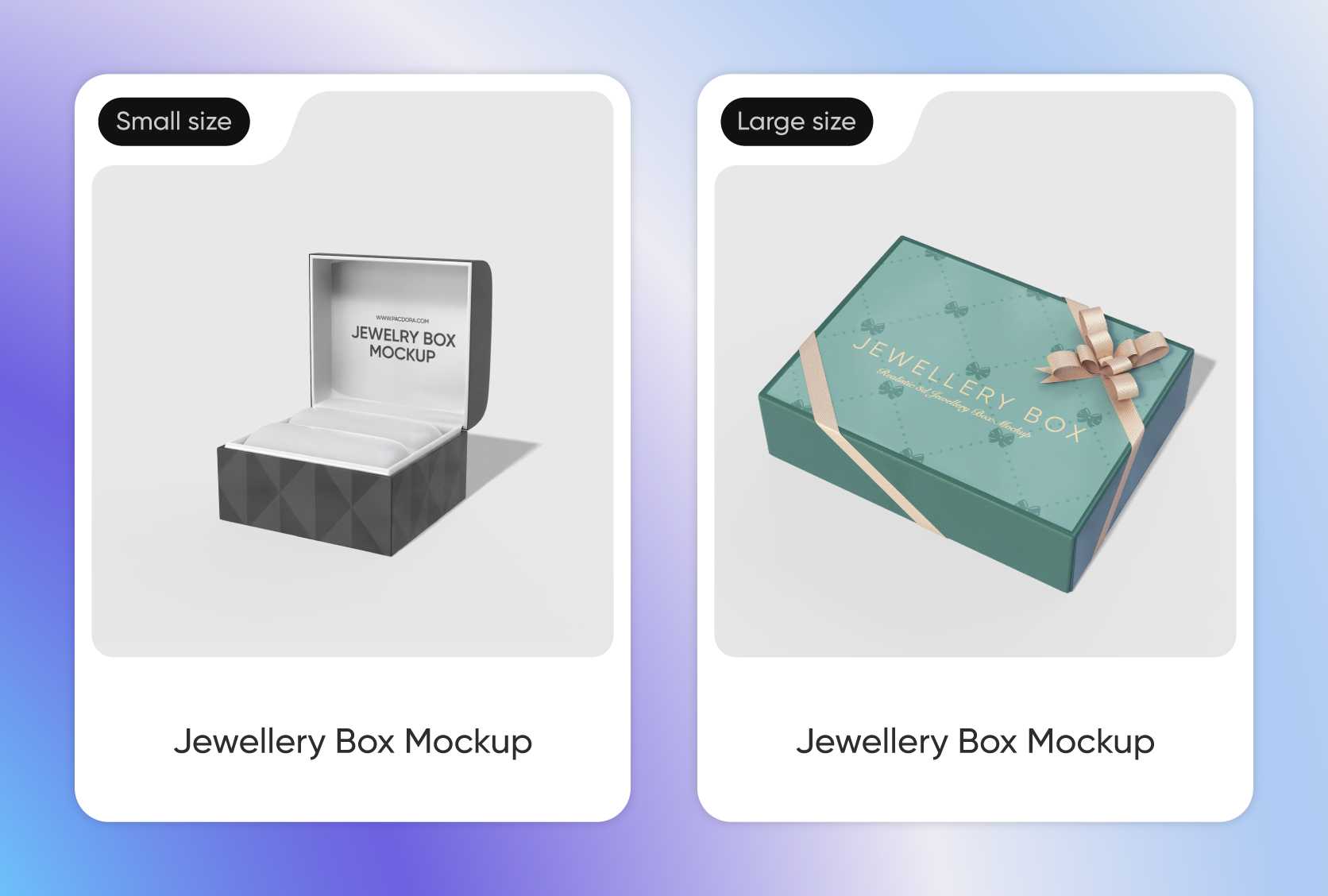
Adjustable sizes to suit all jewellery pieces
Flexible packaging sizes make shipping and display more convenient for various products.
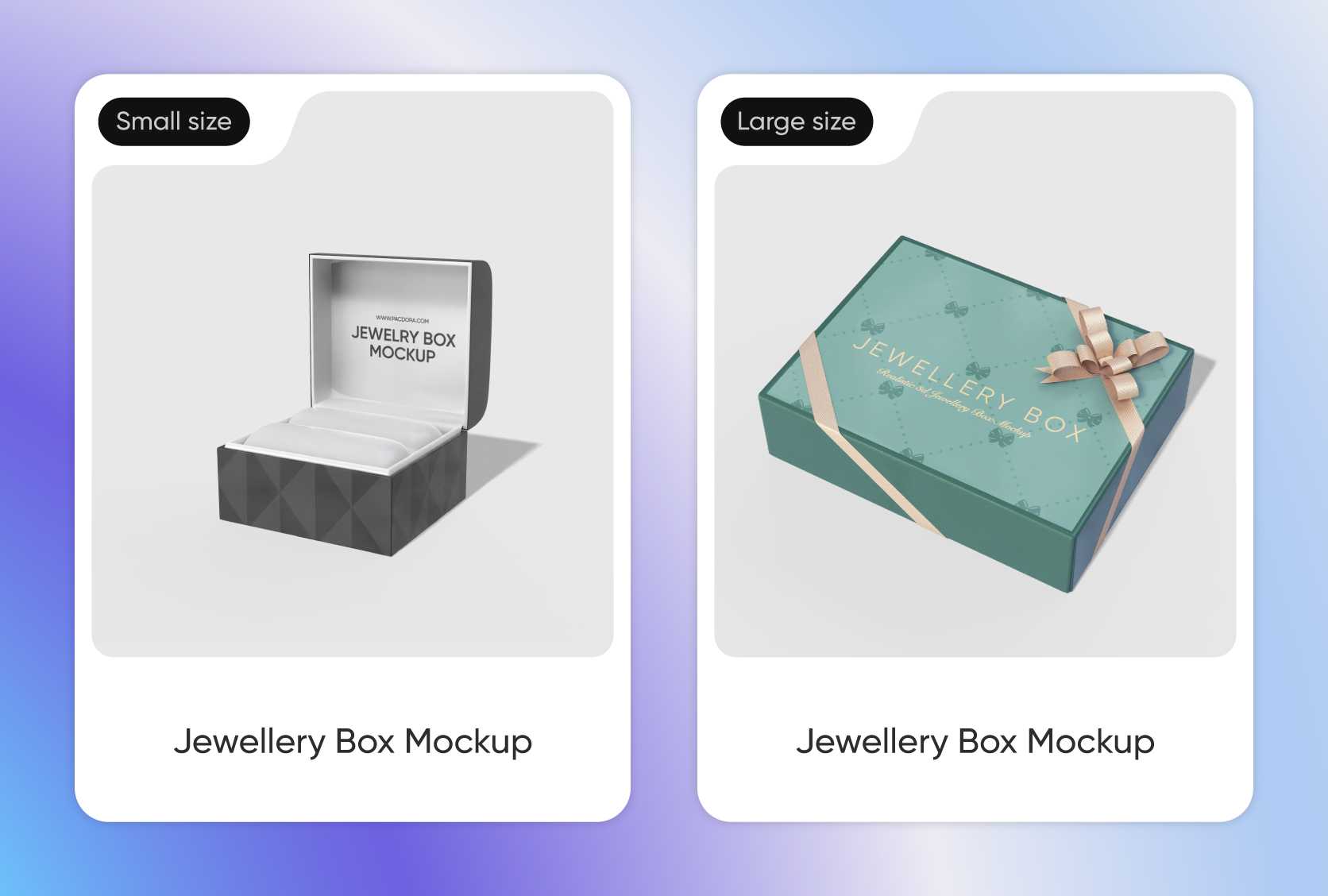
A 3 × 3 × 2 inches box has a compact size, great for packing rings, earrings, or small pendants. Alternatively, an 8 × 6 × 4 inches box is suitable for packaging necklaces or watch sets.
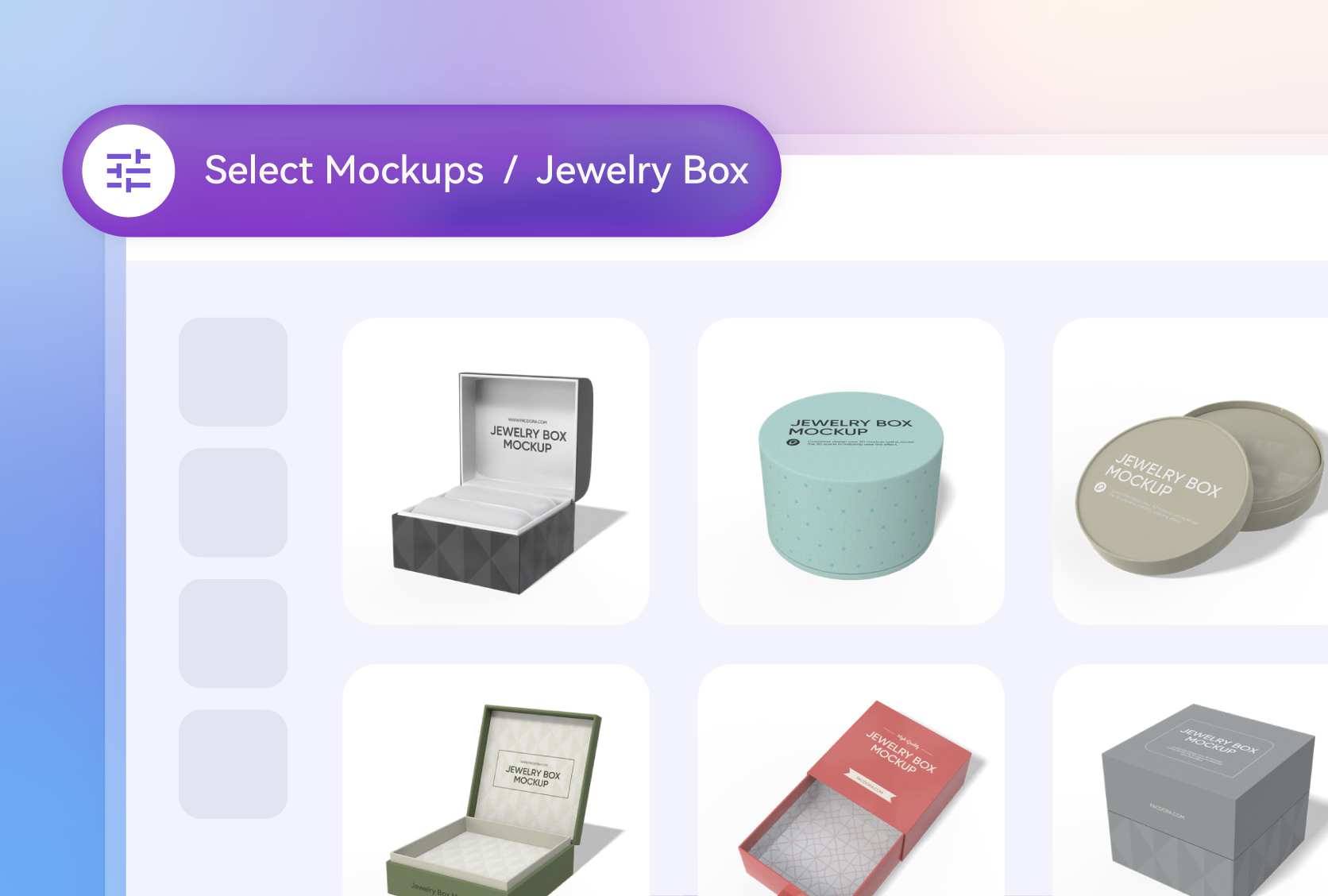
Multiple box styles for jewellery collections
Many style options allow brands to create attention-grabbing packaging that suits their product range.
A sleeve-and-tray jewellery box keeps each piece organized and secure, best for packing rings, earrings, or bracelets. Similarly, a square jewellery box with a magnetic lid provides a premium look, suitable for keeping necklaces or delicate sets.
Personal design elements for branded packaging
Adding personalized design components makes the packaging attractive, which builds trust and demonstrates quality to customers.
Placing a brand emblem or logo on the lid or front panel gives the packaging a premium feel. Likewise, custom phrases like “Shine Bright” and “Treasure Forever” add a personal touch, perfect for gifting purposes.
Reliable box materials for long-lasting storage
Selecting a perfect material is important to shield jewellery from scratches and pressure during transport.
Leather boxes provide a luxurious and sturdy feel, great for imported necklaces or watches. Similarly, flannelette boxes offer a soft, elegant texture, perfect for delicate rings or bracelets.
Adjustable sizes to suit all jewellery pieces
Flexible packaging sizes make shipping and display more convenient for various products.
A 3 × 3 × 2 inches box has a compact size, great for packing rings, earrings, or small pendants. Alternatively, an 8 × 6 × 4 inches box is suitable for packaging necklaces or watch sets.
How to design jewellery box packaging using Pacdora?
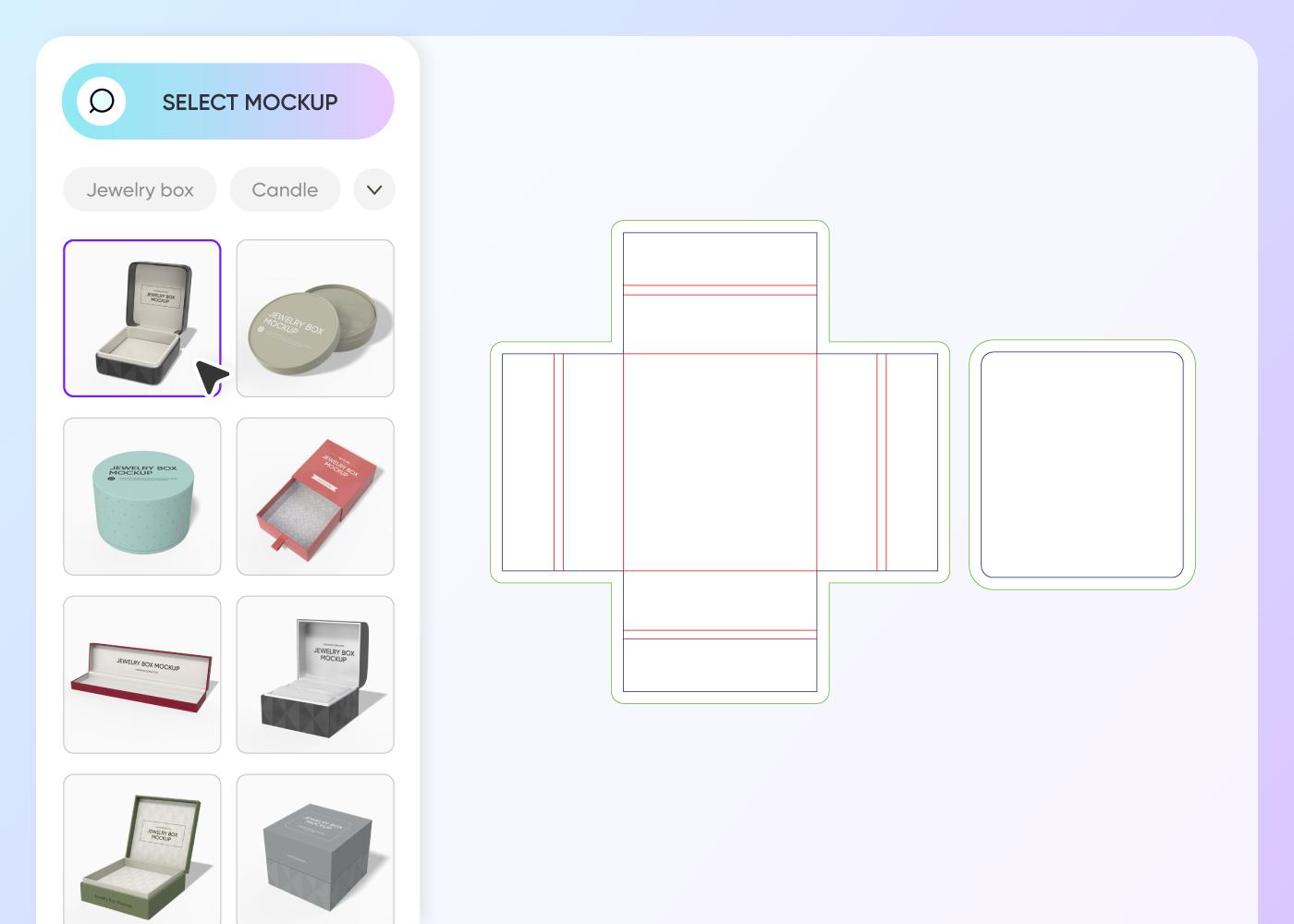
Step 1: Select jewellery box packaging
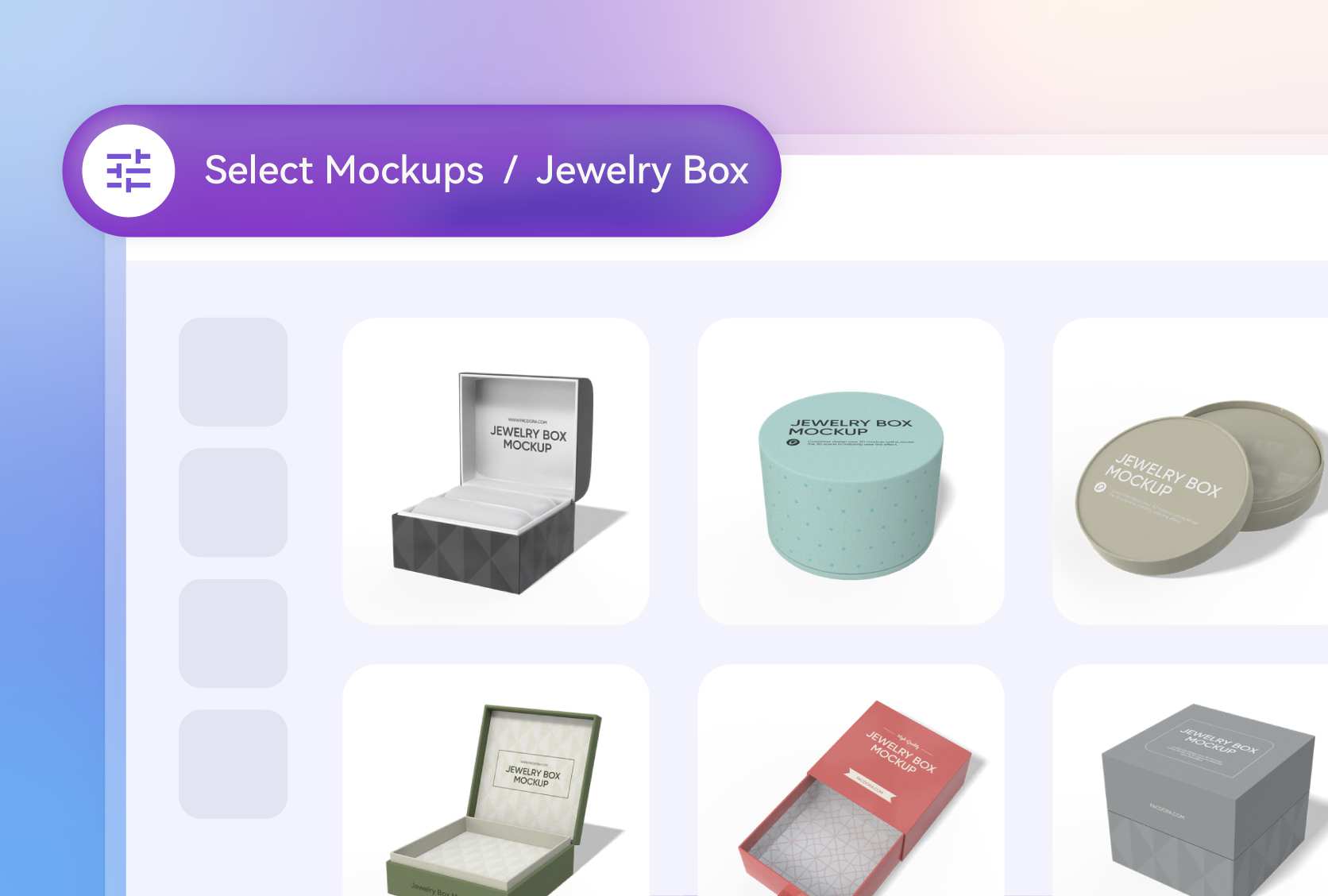
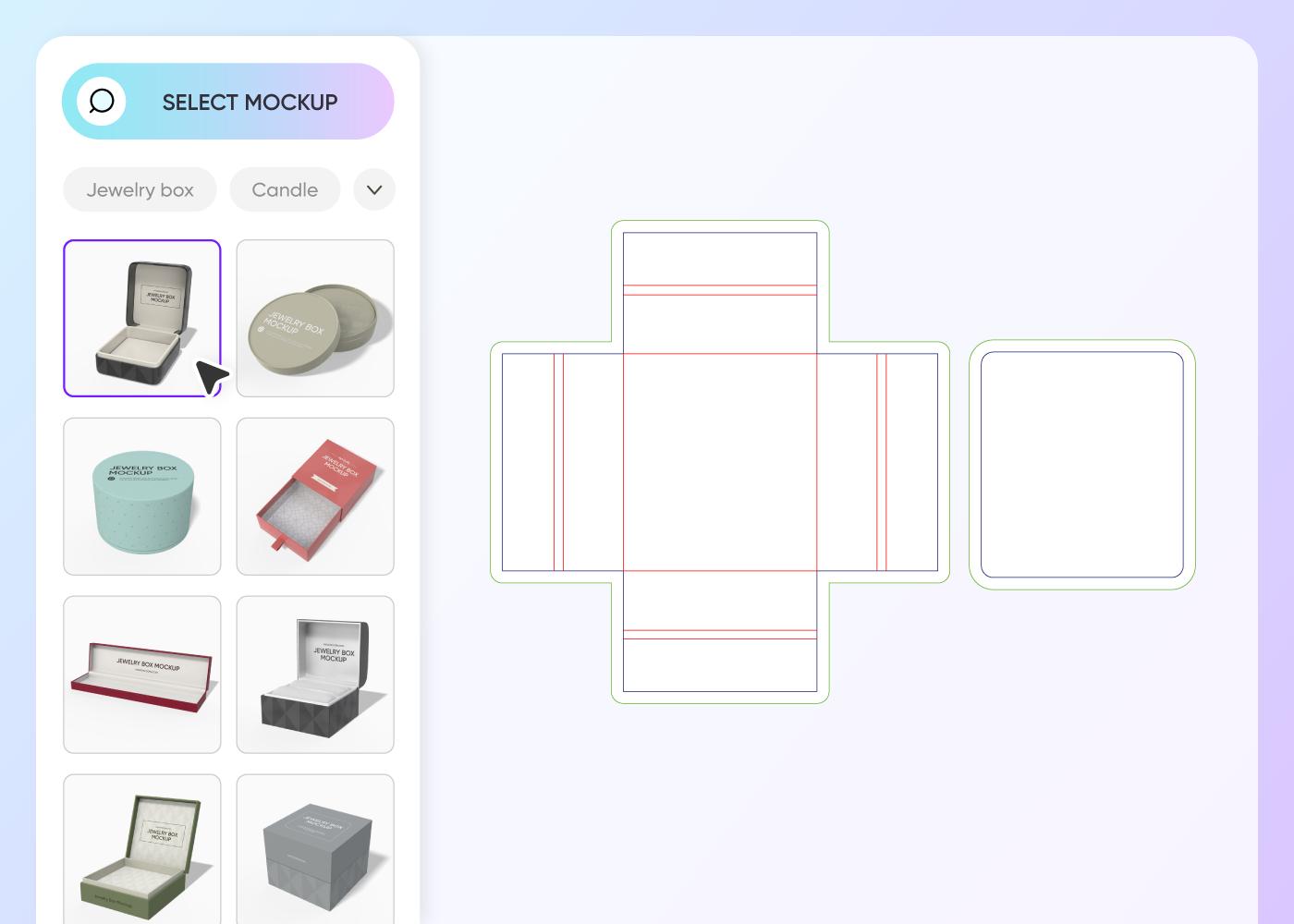
Select a go-to jewellery box design from Pacdora’s extensive library of mockups, which includes round and tray-style jewellery boxes.
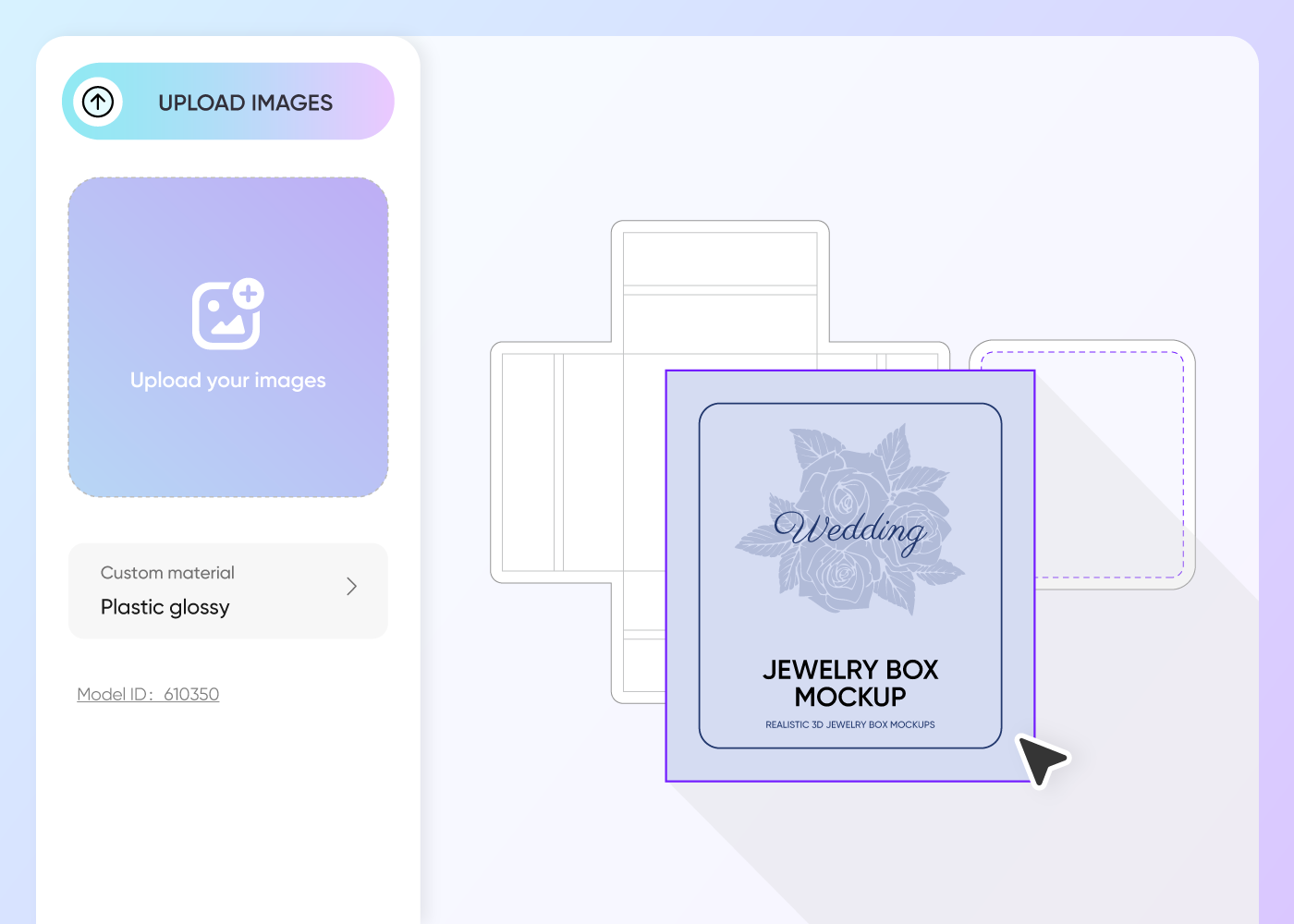
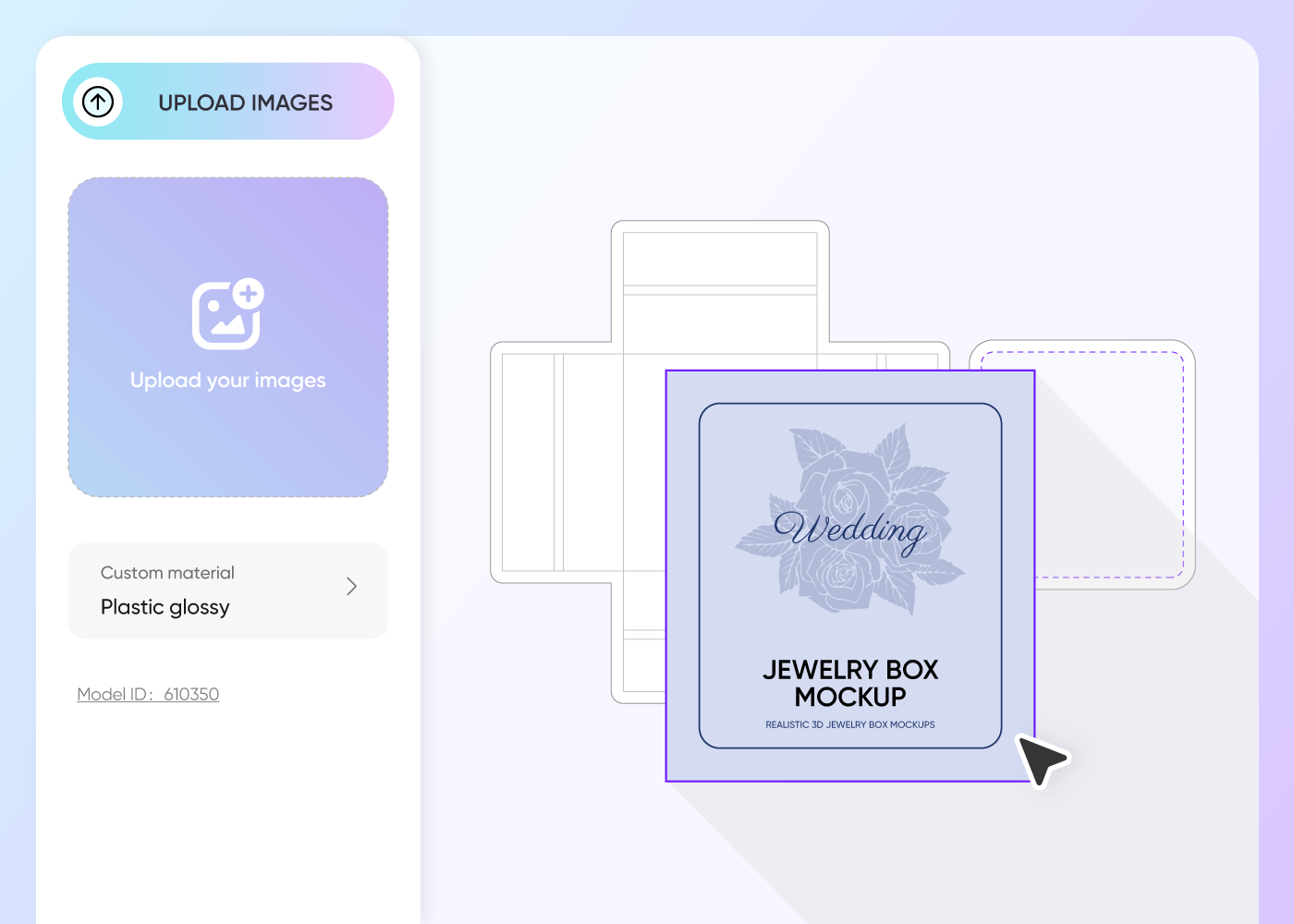
Step 2: Add images and adjust
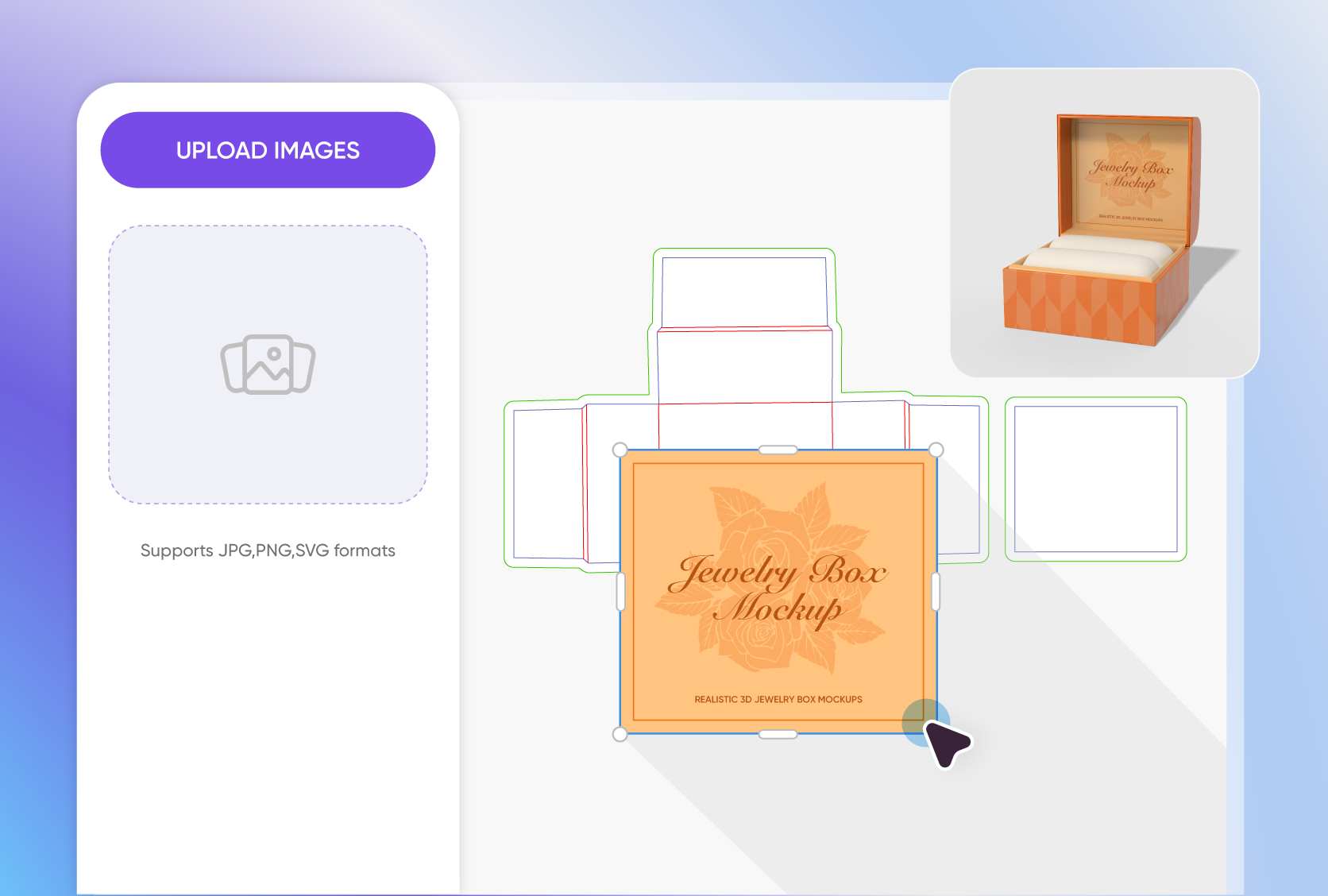
Add images, patterns, or text to create personalized jewellery box packaging. Adjust the box dimensions and fix the layout.
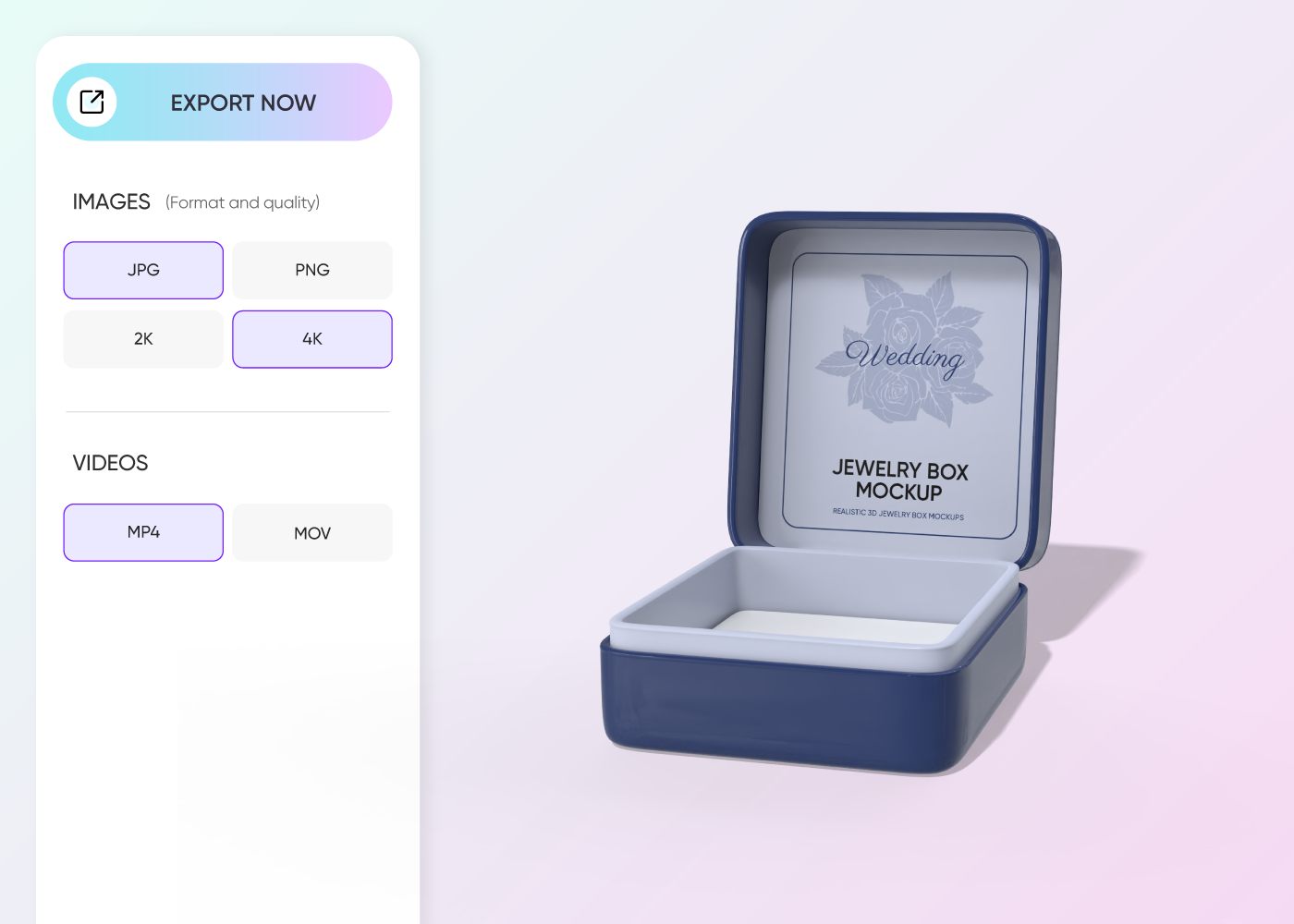
Step 3: Save your jewellery box packaging
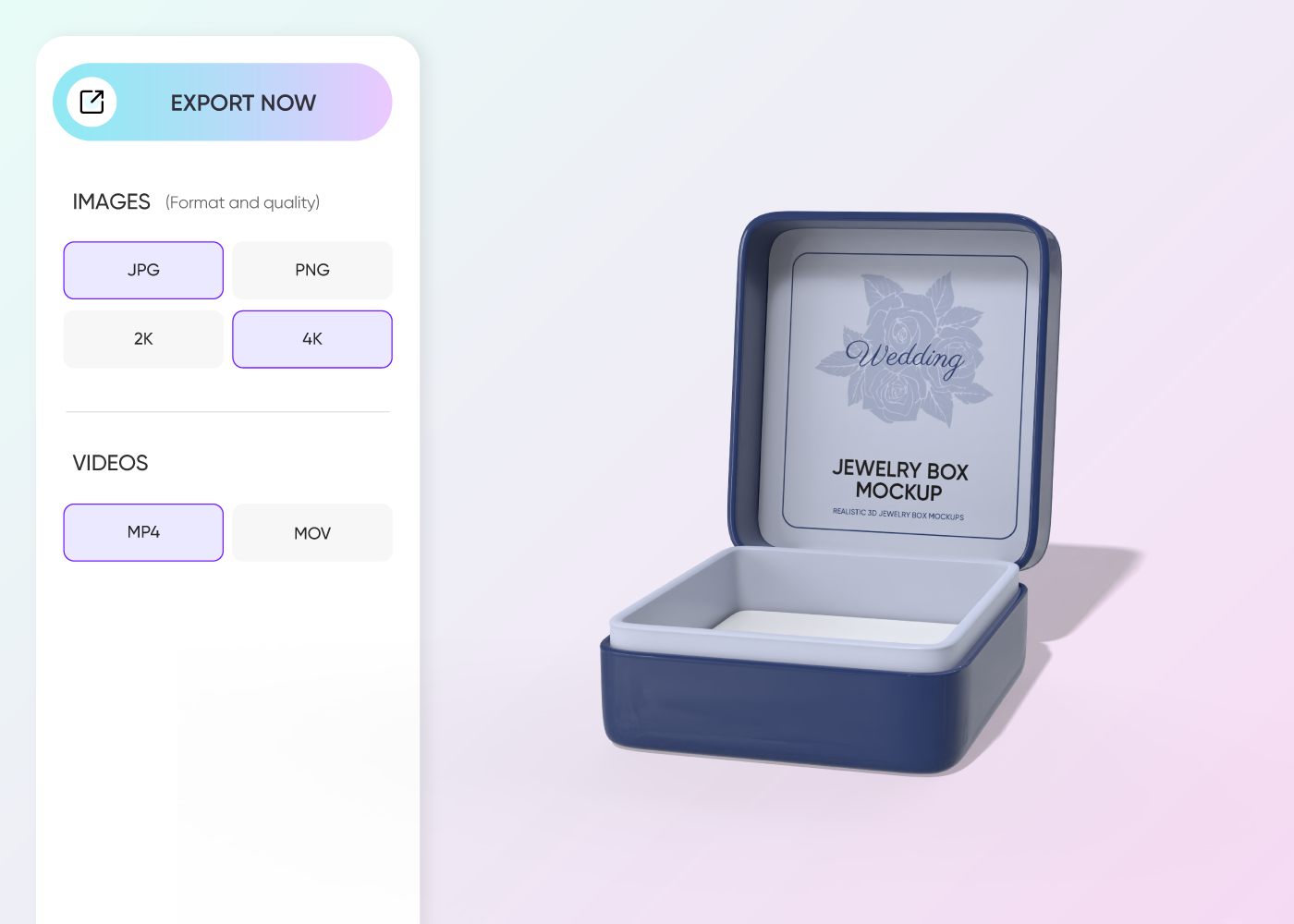
Save your jewellery box packaging as high-resolution PNG, JPG, MP4, or PDF files.
Step 1: Select jewellery box packaging
Select a go-to jewellery box design from Pacdora’s extensive library of mockups, which includes round and tray-style jewellery boxes.
Step 2: Add images and adjust
Add images, patterns, or text to create personalized jewellery box packaging. Adjust the box dimensions and fix the layout.
Step 3: Save your jewellery box packaging
Save your jewellery box packaging as high-resolution PNG, JPG, MP4, or PDF files.
Our customers love Pacdora’s mockups
Thousands before you have designed realistic mockups with Pacdora and loved it.

Great mock-ups and literally thousands of packaging designs to choose from. The 3d mock-up is so good, helps bring clarity to the client as well as the designers. Great product for packaging design professionals.


cosmiccorner
Move over, complicated design software! Pacdora is the superhero of packaging mockups. Creating 3D magic for my products is as easy as pie – no PhD in design required. It’s like the software looked at the clock and said, ‘Time to save users from design nightmares!’ It’s so user-friendly, even my coffee mug wants to try its hand at packaging design.
FAQ
Can I download my jewellery box packaging in PDF format?
Yes, Pacdora lets you export your jewelry box packaging in a printable PDF format. This file helps printers set up the layout correctly and keeps your artwork in the right place during production. You can also save the dieline file in DXF format if your printer prefers that option.
Can I add a background to my jewellery box packaging using Pacdora?
Pacdora helps you set your preferred background for the jewellery box packaging. You can apply different gradients or upload custom images. Add simple fabric textures, studio-style scenes, or minimal patterns to give the packaging a distinct appearance. You can also generate your desired backdrops using Pacdora’s AI background generator.
What formats can I choose to place images on my jewellery box packaging?
You can upload images to your jewellery box packaging in formats that suit your layout. SVG is a better option for placing vector graphics, icons, and simple illustrations. PNG is suitable for including brand logos with soft edges. Conversely, JPG is best for including detailed photos that include gradients and rich colors.
Can a beginner use Pacdora to create jewellery box packaging?
Yes. Pacdora is an online platform that allows beginners to make various shapes and sizes of jewellery box packaging. You don’t need extra software or large PSD downloads. Select a box design from Pacdora’s collection and customize with our easy drag-and-drop controls.
Can I design jewellery box packaging for free on Pacdora?
Yes, you can design many kinds of jewellery box packaging free of cost using Pacdora! Visit our pricing page to check out our advanced features.
Explore more mockups
Discover more about Pacdora

Kickstart your exciting journey of designing jewellery box packaging online
Create jewellery box packaging
